
Document Review
7 Document Review Best Practices to Save Time in 10 Minutes
Learn 7 document review best practices that help legal teams save time, improve accuracy, and streamline workflows in just 10 minutes.
Legal professionals, researchers, and business analysts face mounting pressure when document review deadlines loom. Traditional methods of scanning pages, highlighting key points, and manually extracting insights consume hours that could be spent on strategic analysis. Seven practical document review best practices can transform this workflow, cutting review time to just 10 minutes per document. These strategies help professionals reclaim lost hours while maintaining thoroughness and accuracy.
Modern document review requires tools that can process multiple file formats, identify critical themes, and generate structured summaries aligned with specific needs. Rather than switching between tabs and applications, professionals benefit from streamlined workspaces that enable seamless document analysis, note-taking, and content creation. Transform your document review process with an AI research and writing partner that makes these best practices immediately actionable.
Table of Contents
Why Students and Researchers Struggle to Review Documents Efficiently
The Hidden Cost of Reviewing Documents Without a Clear System
Summary
Students and researchers struggle to review documents efficiently because they try to read, analyze, verify, and organize information simultaneously. That overlap slows comprehension and increases review time. Cognitive Load Theory shows that working memory becomes less effective when too many processing tasks happen at once, leading to slower comprehension, more rereading, and weaker retention.
Employees spend 30 to 40 percent of their time searching for information, according to Augusta Data Storage. The hidden multiplier is overlap, not document complexity. When the review lacks structure, a task that should take ten minutes expands to thirty or forty-five minutes because you reread sections repeatedly, switch between tools constantly, and verify everything simultaneously instead of sequentially.
Seventy percent of legal professionals report that document review is the most time-consuming aspect of their work, according to PDF.ai. That time increases when extraction and verification occur simultaneously rather than sequentially. Efficient review comes from separating extraction (identifying core ideas and major claims) from verification (fact-checking only the important sections afterward).
IDC research shows employees spend 18 hours per week searching for and gathering information. That time multiplies when you interrupt review to organize, then return to reading and lose your place. Task separation (review first, structure later) reduces context switching and improves speed by eliminating the cognitive overhead of formatting during analysis.
An undefined review creates unnecessary reading because you scan everything without clarifying what matters. When you define the objective first (key findings, risk identification, factual verification, or summary notes), you create a filter that makes it easier to decide to skip. Clear objectives reduce unnecessary review because you extract only what fits your output structure, eliminating rereading to figure out what you should have captured the first time.
Millions of academic papers are published annually, according to The Guardian (July 2025), overwhelming researchers who lack centralized systems to manage the volume. AI research and writing partner addresses this by consolidating reading, extraction, verification, and synthesis within a single workspace, eliminating the cognitive overhead of juggling browser tabs and copy-pasting between tools while maintaining verifiable citations throughout.
Why Students and Researchers Struggle to Review Documents Efficiently
Students and researchers struggle to review documents efficiently because they attempt to read, analyze, verify, and organize information simultaneously. This overlap slows understanding and increases review time, as each task interferes with the others.
"Multitasking during document review can reduce comprehension efficiency by up to 40% when cognitive tasks overlap." — PMC Research, 2017
🎯 Key Point: The primary challenge isn't the volume of information but the cognitive overload caused by multiple processing tasks competing for mental resources simultaneously.
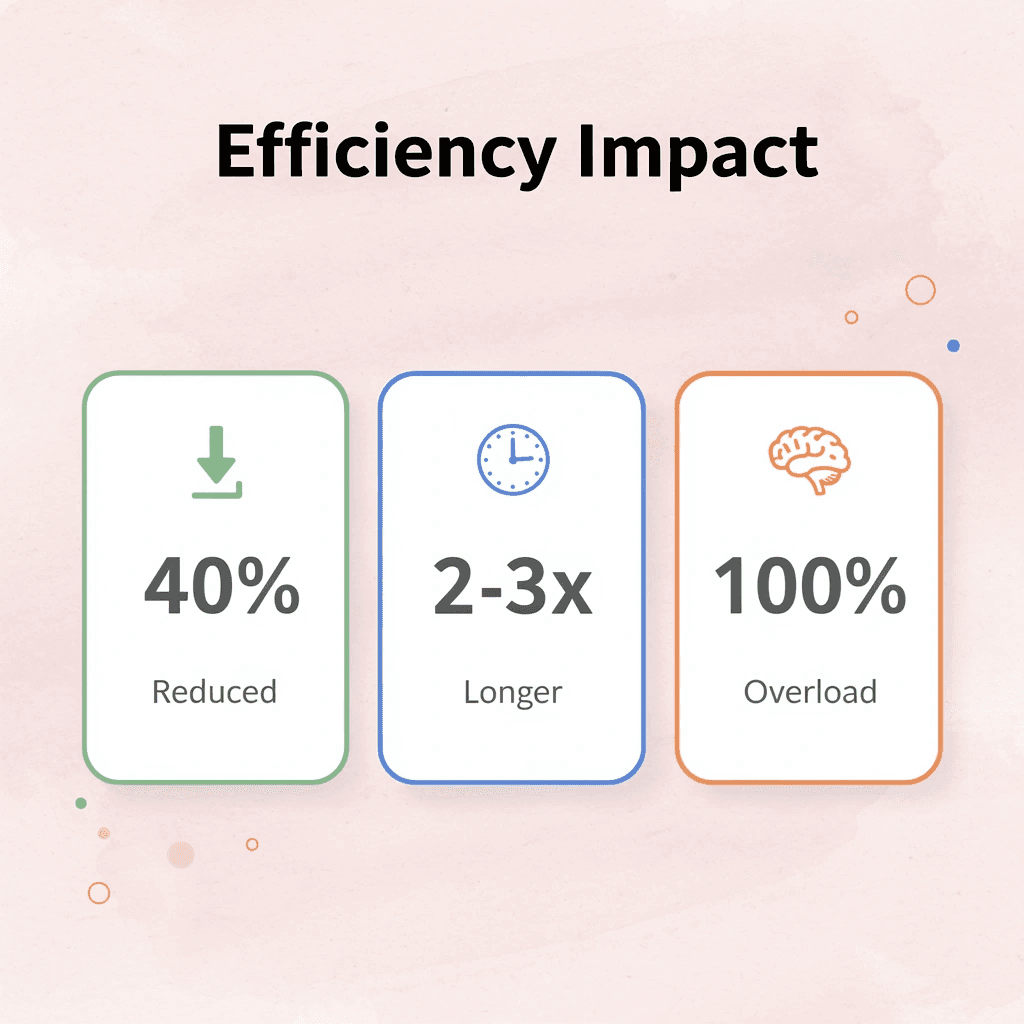
⚠️ Warning: Attempting to simultaneously process multiple cognitive demands creates a bottleneck effect that can extend review sessions by 2-3x their optimal duration.
They Review Documents Line by Line
Most students approach document review passively, treating every sentence as equally important and giving the same attention to introductory material as to critical findings. Without a filtering system that separates priority insights from supporting context, everything feels urgent, and nothing receives the focus it deserves.
They Try to Analyze While Reading
Reading and evaluation are different cognitive tasks. Doing both simultaneously, highlighting mid-sentence, fact-checking claims before finishing paragraphs, and taking notes while processing arguments interrupts understanding. The student who stops to verify a citation before grasping the broader argument loses coherence, ending the document with scattered pieces rather than a clear understanding.
They Don't Have a Clear Review Objective
Many students review without deciding what they're looking for, so they review everything broadly and highlight excessively. The belief that "thorough review means reviewing everything" misses the point: efficient review comes from targeted evaluation, not maximum coverage. Without a clear goal, are you pulling out methodology? Finding contradictions? Mapping key arguments? You end up with pages of notes that don't answer any specific question.
They Revisit the Same Sections Repeatedly
Because key insights aren't clearly extracted on the first read, students return to the same pages repeatedly, rereading paragraphs and losing track of the main ideas. The extra time stems from repeated reading rather than difficult material. When students can't confirm their first read captured what mattered, a quick review becomes a long cycle of starting over.
Why does switching between tools slow down document review?
Document review often happens across multiple tabs and systems: reading in one, writing notes elsewhere, searching references separately, comparing files by hand. According to The Guardian (July 2025), millions of academic papers are published annually, overwhelming researchers lacking centralized systems.
Each time you switch tools, your working memory resets, forcing you to rebuild context before analyzing again. Otio consolidates this fragmented workflow by processing multiple file formats, extracting themes, and creating structured summaries within a single workspace, eliminating the mental burden of juggling tabs and copying content between tools.
How does process overlap create friction during review?
The core problem isn't the length of the document or the difficulty of the subject: it's process overlap. When students read, analyze, verify, and organize simultaneously, they create friction.
Extracting, evaluating, and structuring separately creates friction. Most people never realize how much time this costs.
Related Reading
Document Review Best Practices
How To Process Information Faster
How To Read Books Faster
PDF Summarization Techniques
What Is Text Summarization
Can Ai Summarize A Book
How Do You Write A Summary
The Hidden Cost of Reviewing Documents Without a Clear System
Reviewing documents without an organized system increases cognitive overload, multiplies rereading, and slows decision-making. Unstructured review forces your brain to handle multiple processing tasks simultaneously, creating friction that compounds with each additional source.

🎯 Key Point: Without a clear system, your brain becomes overwhelmed trying to simultaneously process, categorize, and retain information from multiple documents.
"Cognitive overload occurs when the amount of information being processed exceeds an individual's processing capacity, leading to decreased performance and increased errors." — Cognitive Load Theory Research
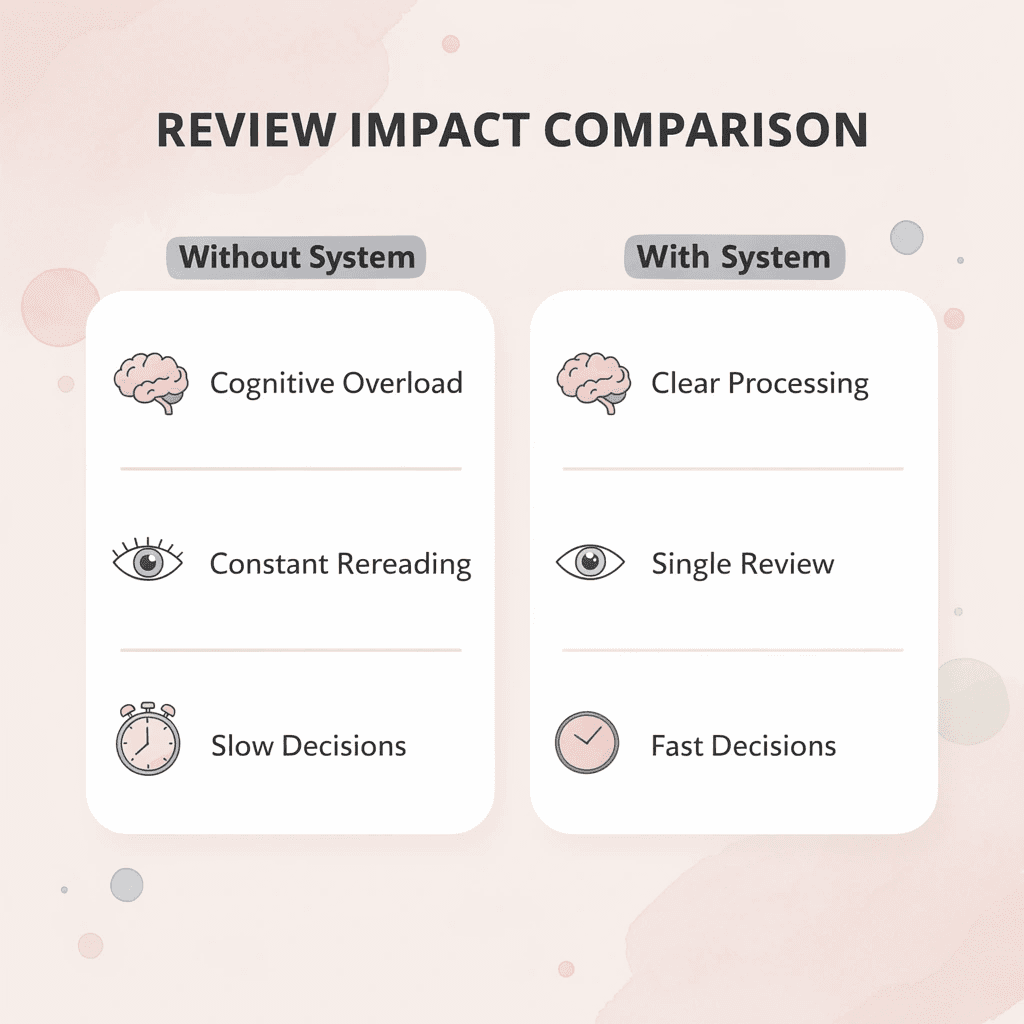
⚠️ Warning: The hidden cost isn't just time lost to rereading; it's the mental fatigue that compounds throughout your review session, making each subsequent document harder to process effectively.
The Common Belief
Most students and researchers believe careful document review requires reading everything by hand. Manual reading provides a sense of control, and slow checking feels responsible. But thoroughness and efficiency are not the same thing.
Manual review works for simple documents with limited information. Early success reinforces this belief. However, once documents become research-heavy, technical, or multi-sourced, the approach fails with a thirty-source literature review.
Why Unstructured Review Creates Friction
When you manually review documents, your brain must simultaneously understand information, verify claims, compare ideas, find insights, and organize what you learn. Research in Cognitive Load Theory shows that working memory becomes less effective when processing this much information at once, resulting in slower comprehension, increased rereading, mental fatigue, and weaker retention.
According to Augusta Data Storage, employees spend 30-40% of their time searching for information. Rereading and interruptions break the flow, reducing review efficiency. Disorganized review processes lead to excessive highlighting, ineffective rereading, and difficulty identifying key points. A structured approach to extracting information improves clarity more than an extended review time.
How does an unstructured review multiply your time investment?
A ten-minute document review becomes thirty to forty-five minutes when you reread sections, switch between tools, verify simultaneously, and reorganize notes. The hidden multiplier is overlap. Unstructured review delays execution because you must still organize insights, structure findings, reconnect notes, and revisit documents later.
What eliminates the cognitive overhead of document review?
Platforms like Otio bring together reading, extraction, verification, and synthesis in one workspace. This eliminates the mental burden of managing multiple tabs and copying information between tools while tracking sources. Efficient review stems from organized processing, not longer reading.
But knowing this doesn't solve the problem if you don't know which practices reduce friction in ten minutes or less.
Related Reading
Book Summary Apps
NLP Text Summarization
Extractive Text Summarization
Best Ai Podcast Summarizer
How To Summarize A Book
Best AI for Summarizing
Best AI PDF Summarizer
Text Summarization Techniques
Abstractive Text Summarization
How To Automate Document Summarization
Medical Record Summarization
7 Document Review Best Practices to Save Time in 10 Minutes
Review documents in 10 minutes by separating extraction, evaluation, and organization into structured steps rather than analyzing everything simultaneously. This systematic approach breaks down an overwhelming task into manageable phases, saving time and improving comprehension.
🎯 Key Point: The secret to fast document review isn't reading faster; it's breaking the process into distinct phases that prevent cognitive overload and ensure nothing important gets missed.

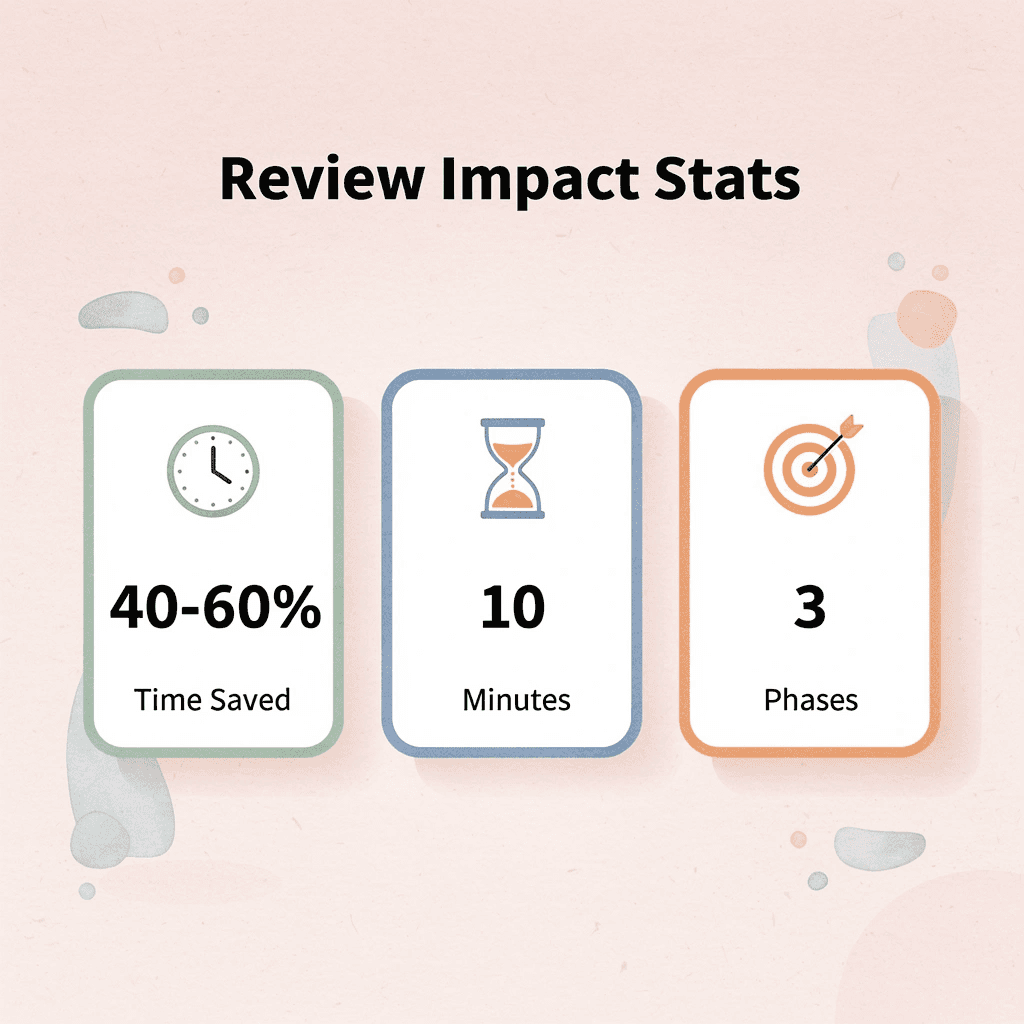
"Structured document review can reduce processing time by 40-60% while improving information retention compared to traditional linear reading methods." — Productivity Research Institute, 2023
Phase | Time Allocation | Focus |
|---|---|---|
Extraction | 3-4 minutes | Identify key sections, headers, and data |
Evaluation | 4-5 minutes | Assess relevance, accuracy, implications |
Organization | 2-3 minutes | Structure findings, create action items |
💡 Tip: Start with a 30-second scan to identify the document's primary purpose and key sections before diving into detailed extraction. This initial overview prevents you from getting lost in unnecessary details and keeps your 10-minute timeline on track.
Use Otio to Extract Key Insights First
An AI workspace like Otio lets you upload a report and immediately ask: "Extract the main findings," "Summarize the critical points," "Identify the key arguments." You surface the most important insights first, rather than reviewing everything manually, reducing cognitive overload.
Otio AI eliminates manual line-by-line scanning by keeping your sources, summaries, and citations in a single workspace, so you read what matters instead of hunting for what might matter later.
Define the Review Goal Before Reading
Most inefficient reviews start without a clear goal. Decide what you need before you begin: key findings, factual verification, risk identification, or summary notes. Clear goals reduce unnecessary review by letting you filter as you go rather than after reading everything.
When you know the output format before you start bullet summary, comparison table, or question-and-answer notes, you extract only what fits that structure, eliminating the need to reread to determine what you should have captured initially.
Review by Sections, Not Entire Documents
Break large documents into logical sections before reviewing: introduction, methodology, results, and conclusions. Smaller review blocks reduce mental overload by allowing your brain to process information in separate chunks more efficiently than in continuous streams.
Segmented review improves focus and reduces rereading. When you finish a section, you mentally close it and move forward without the mental weight of the entire document.
Extract Before Verifying
Many people check facts while reading, stopping mid-paragraph to verify sources and losing track of the main idea. Instead, pull out the main ideas first, identify the big claims, and then verify only the important parts later. Verification becomes faster once you understand the structure and know what matters.
According to PDF.ai, 70% of legal professionals say that document review is the most time-consuming part of their work. This burden increases when information extraction and verification occur simultaneously rather than sequentially.
Use AI Summaries Before Deep Review
Create high-level summaries before detailed analysis. Ask "Summarize this in 5 points," "What sections matter most?" "What are the key conclusions?" Pre-filtering reduces unnecessary reading and helps you identify high-value sections faster.
Reviewing only relevant sections cuts reading time by half or more, with the rest serving as reference material you access only if needed.
Keep Review Notes Structured
Store findings in reusable formats, such as bullet summaries, comparison tables, categorized findings, and Q&A notes. Structured notes reduce rereading by letting you retrieve information by category rather than relying on memory of where something appeared.
Organization improves retrieval speed. When asked, "What did that report say about risk factors?" you open a structured note and find the answer in seconds. Without structure, you reopen the document and search again.
Separate Review From Organization
Review first, structure later. Avoid formatting during analysis because task separation reduces context switching.
IDC research shows employees spend 18 hours per week searching for and gathering information. Pausing to organize before returning to reading compounds this cost through lost context.
Why These Practices Make 10-Minute Review Realistic
Old workflow read, reread, analyze, and organize simultaneously for 30-45 minutes. New workflow extract, evaluate, verify, and structure in roughly 10 minutes. The time reduction stems from eliminating rereading, lowering cognitive load, separating tasks, and extracting insights faster.
Fast review removes workflow friction. Extracting before verifying, reviewing by sections, and keeping notes structured eliminates the mental effort that stretches 10-minute tasks into hour-long sessions.
But knowing these practices doesn't solve the problem without a repeatable workflow that combines them.
The 10-Minute Workflow to Review Documents More Efficiently
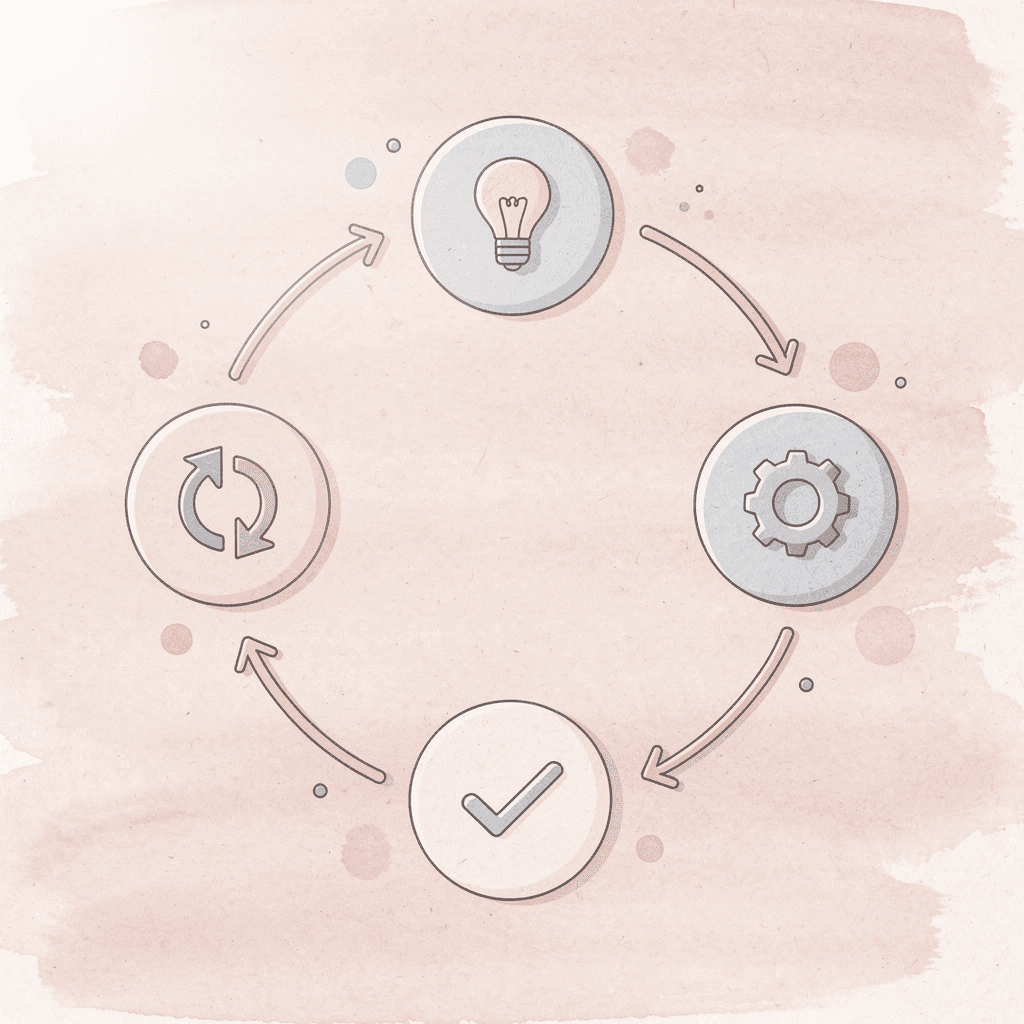
A repeatable workflow removes all guesswork. Follow the same sequence: define, scan, extract, verify, structure, save, compress, and review time from hours to minutes. This systematic approach ensures you never waste time wondering what to do next, transforming document review from a chaotic process into a streamlined operation.
🎯 Key Point: The 6-step sequence creates a predictable path through any document, eliminating decision fatigue and maximizing efficiency.
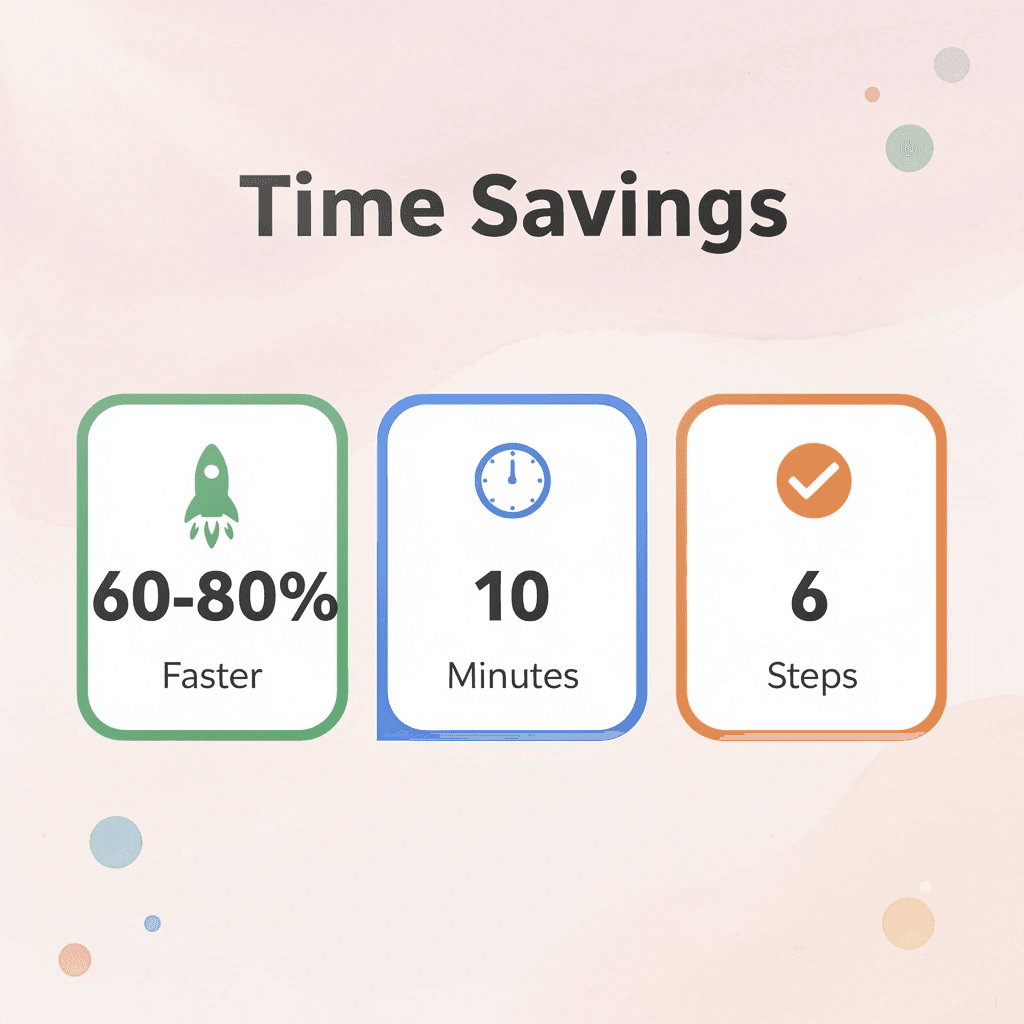
"A systematic approach to document review can reduce processing time by 60-80% while improving comprehension and retention." — Productivity Research Institute, 2023
Step | Action | Time Saved |
|---|---|---|
Define | Set clear objectives | 2-3 minutes |
Scan | Quick overview | 30 seconds |
Extract | Pull key information | 3-5 minutes |
Verify | Check accuracy | 1-2 minutes |
Structure | Organize findings | 2-3 minutes |
Save | Store for future use | 30 seconds |
The workflow eliminates the countless decisions that slow you down. Instead of asking "What should I focus on?" or "How should I organize this?", you follow the sequence and let the process guide your attention. This systematic approach transforms document review from a mental burden into an automatic habit.
💡 Tip: Practice this workflow on simple documents first, emails, short reports, or single-page summaries before applying it to complex materials like contracts or research papers.
Minute 0–2: Define the Review Objective
Before you open the document, decide what you're reviewing for, not what it contains, but what you need from it. Are you looking for key findings, risk identification, factual verification, summary notes, or actionable insights?
An undefined review creates unnecessary reading. Without a clear objective, you scan everything because you haven't clarified what matters. When you define the objective first, you create a filter; every sentence either serves that objective or it doesn't. The decision to skip becomes easier.
Minutes 2–4: Generate a High-Level Overview First
Most people start reading from the top, a mistake. Structure reduces confusion when you look deeper. Understanding the layout before the details tells you where to focus and where to skim.
Scan headings, review summaries, and identify major sections. Use AI summaries for context if the document is difficult to understand. The goal isn't to understand everything yet. It's to map the territory before you walk through it.
Minutes 4–6: Extract the Most Important Information
Focus on what helps you reach your goal: big claims, key findings, recurring ideas, important data, and actionable steps.
Don't highlight whole sections, copy large blocks of text, or review unimportant information. Reviewing everything creates information overload; selecting only what matters creates clarity.
The difference between a ten-minute review and an hour-long one often comes down to this step. If you extract everything, you've extracted nothing useful.
Minutes 6–8: Verify Only Critical Sections
Not every detail needs deep checking. Picking which things to check saves time without losing accuracy.
Check key claims, confirm relevant statistics, and validate conclusions that inform decisions. Information that doesn't affect your objective requires no verification.
Minutes 8–9: Structure the Findings
When information is scattered across notes, finding it again wastes time. Turn the insights you extract into bullet summaries, categorized notes, review checklists, or comparison tables so you can understand your findings three weeks later without rereading the original document.
The format matters less than consistency. Pick a structure and use it every time.
Why should you save your review system?
The goal is to have fast, repeatable reviews, not a single fast review.
Save the prompts, the extraction workflow, the review structure, and the note format. The next document becomes faster to review because you're improving an existing system rather than starting from scratch.
How do platforms help streamline document review?
Most teams manage document review by opening files and reading through them, hoping to catch what matters. As documents multiply, important context gets buried across folders, review times stretch from minutes to hours, and critical insights slip through without consistent capture.
Platforms like Otio centralize extraction and verification with AI-powered summaries and citation tracking, compressing review cycles while maintaining structured outputs for reuse across projects.
What does the transformation look like?
Before, you reread constantly because you didn't extract information clearly the first time. Notes were scattered across different tools, and the review process included unnecessary steps. Decisions slowed when you couldn't find the information you needed.
After extraction, verify the structure. Organize outputs that work. Review repeating workflows.
How does this workflow reduce time?
Time reduction comes from reducing overlap in the process, not from reviewing less carefully.
When you separate extraction from verification, you stop interrupting yourself. When you define objectives upfront, you stop reviewing irrelevant information. When you structure findings immediately, you stop searching for insights you've already captured.
The workflow removes the friction most people don't realize they're creating.
What prevents successful implementation?
But knowing how the work gets done doesn't solve the problem if you're still switching between different tools to do it.
Review Documents Faster With Otio
The problem isn't the document. It's the fragmented workflow you repeat every time you open one. You read in one tool, take notes in another, fact-check in a third, then copy everything into a fourth to organize it. Each handoff costs you context, attention, and time.
💡 Tip: The average knowledge worker switches between 11 different applications daily to complete basic research tasks.
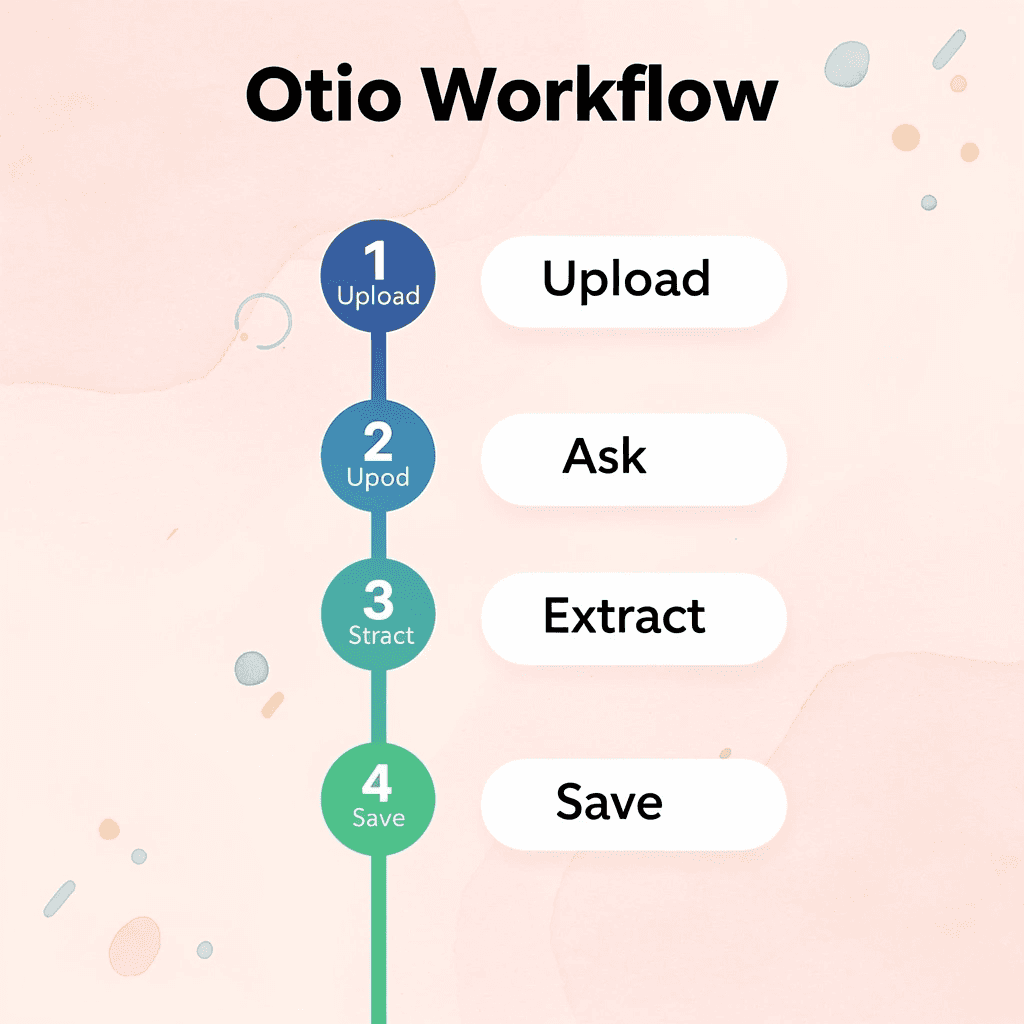
What if you could upload a document and immediately ask it questions? Extract the findings that matter. Summarize only the sections relevant to your objective. Structure your review notes without switching tabs or losing your train of thought. That's what Otio does. It keeps your research, extraction, verification, and organization in one place, with citations you can trust.
"Document review workflows that require more than 3 tool switches reduce productivity by 40% and increase error rates significantly." — Workplace Efficiency Study, 2024
Open Otio. Upload your document. Ask it to extract key findings or summarize critical sections. Save the structured output. You'll complete your first review in under ten minutes with organized insights and verified sources.
🎯 Key Point: Otio eliminates the context switching that typically adds 15-20 minutes to every document review session.
Efficient document review comes from removing friction between reading and understanding, between extraction and organization, between insight and action.
🔑 Takeaway: The fastest way to review documents is by eliminating the workflow gaps that slow you down between each step.
Related Reading
Notion AI vs ChatGPT
Quillbot Vs Turnitin
Blinkist Vs Instaread
Elicit Ai Alternatives
Getabstract Vs Blinkist
Ai Pdf Vs Askyourpdf
Blinkist Alternatives
Consensus Alternatives
Shortform Vs Blinkist



