
Summarization
7 LLM Tools to Summarize Long Documents in 10 Minutes
Compare 7 LLM text summarization tools that turn long documents into clear summaries in minutes for faster research and review.

Professionals facing stacks of lengthy documents often feel overwhelmed by the sheer volume of information they must process. LLM text summarization tools have revolutionized this challenge, transforming hours of reading into minutes of focused analysis. Seven powerful applications now leverage large language models to extract key insights from research papers, reports, and articles with remarkable speed and accuracy.
These tools excel at identifying critical information while maintaining context and nuance across different document types. Whether managing academic research, industry reports, or professional reading materials, the right summarization technology can dramatically improve productivity and comprehension. For those seeking a comprehensive solution that processes multiple documents simultaneously and intelligently organizes insights, Otio serves as an AI research and writing partner, transforming overwhelming workflows into manageable processes.
Table of Contents
Why Students and Researchers Struggle to Summarize Long Documents Efficiently
The 10-Minute Workflow to Summarize Long Documents Using LLMs
Summary
Manual summarization creates cognitive overload because you're reading, filtering, extracting, and rewriting simultaneously. This task interference forces your working memory to juggle four distinct operations at once, which is why a 10-minute reading task often expands into a 40-minute loop. According to Zendy's 2025 survey of 1,500+ students and researchers, the majority of academic professionals report spending more time managing information than analyzing it.
The compression illusion makes manual summarization feel productive while actually creating work. When you transcribe content into slightly different words instead of synthesizing meaning, you produce summaries nearly as long as the original document. These notes still require additional processing later, turning quick-reference tasks into multi-hour archeology sessions due to fragmented information.
LLM-based summarization tools reduce time by separating extraction, compression, and structuring into distinct automated steps. Instead of processing the full document yourself in a sequential workflow, you extract key insights first and expand only where needed. This parallel approach eliminates recursive loops that return to paragraphs when extraction fails the first time.
Verification matters more than full validation when using AI summarization. A 2024 Stanford AI Lab study found that LLM-generated summaries contain factual errors in roughly 8-12% of outputs when processing technical or data-heavy documents. That error rate drops significantly when users verify only high-stakes claims like statistics, conclusions, and definitions rather than attempting to reread entire documents.
The 10-minute workflow becomes sustainable through reusability, not speed alone. Defining your output format before touching the document, extracting broadly before narrowing, and saving the prompts that worked means your fifth document takes eight minutes because you've eliminated trial and error. The time savings come from separating reading, filtering, organizing, and verifying into distinct phases that don't interfere with each other.
AI research and writing partner like otio address this by centralizing upload, extraction, and structured output in a single workspace, removing the friction of managing multiple interfaces and helping users typically abandon the process halfway through.
Why Students and Researchers Struggle to Summarize Long Documents Efficiently
Students and researchers struggle to summarize long documents because they read, understand, filter, and rewrite information simultaneously. This process overlap slows comprehension and increases mental fatigue.

🎯 Key Point: The human brain isn't designed to handle multiple cognitive tasks simultaneously when processing complex information. When students attempt to summarize while reading, they create a cognitive bottleneck that reduces both reading speed and comprehension quality.
"Multitasking during information processing can reduce comprehension efficiency by up to 40% and significantly increase mental fatigue." — National Center for Biotechnology Information, 2023

⚠️ Warning: This inefficient approach leads to incomplete summaries, missed key points, and extended study sessions that produce diminishing returns. Most students spend 2-3 times longer on document analysis than necessary due to this cognitive overload.
What happens when your brain tries to process everything at once?
When you read a 50-page research paper, your brain performs four simultaneous tasks: understanding sentences, identifying what matters, extracting main ideas, and condensing them into shorter form. Reading requires pattern recognition and comprehension. Filtering demands judgment about relevance. Extraction requires memory and organization. Rewriting demands synthesis and creative use of language.
Why does simultaneous processing create mental bottlenecks?
Doing all four simultaneously creates "task interference." Your working memory cannot hold all the information you're reading while you decide what matters and how to say it.
According to research from Zendy's 2025 survey of 1,500+ students and researchers, most academic professionals spend more time managing information than analyzing it. The problem isn't reading speed but the cognitive cost of switching between understanding and writing modes dozens of times per document.
The Re-Reading Loop
Without a clear extraction system, you keep returning to the same paragraphs. You read a section, move forward, then realize you missed the main idea. You scroll back, reread, check, and lose your place in the broader argument. A 10-minute reading task becomes 40 minutes because you're processing the same content repeatedly instead of extracting it correctly once.
This pattern appears everywhere: technical documentation requiring constant checking, research papers where key findings blur together, and contracts demanding repeated review for important details. Time expands through repetition, not difficulty.
Why do AI tools sometimes create more work than they save?
Many people turn to AI summarization tools seeking relief, only to discover the editing tax: the AI generates a summary you cannot trust without verification. Please read the output, compare it with the original, fix any hallucinated details, correct the phrasing, and restore any missing context. The verification loop takes longer than summarizing yourself would have.
Teams often abandon these tools within 30 days because the friction of verification exceeds the value of generation. You're still doing simultaneous processing (reading, filtering, verifying, and correcting) with an additional quality-control layer. The tool promised compression but delivered accumulation.
What's the hidden cost of getting stuck in verification loops?
But what if the real cost isn't just the time you spend summarizing—it's everything that doesn't happen while you're stuck in that loop?
Related Reading
How To Process Information Faster
Document Review Best Practices
What Is Text Summarization
How Do You Write A Summary
PDF Summarization Techniques
Can Ai Summarize A Book
How To Read Books Faster
The Hidden Cost of Summarizing Documents Manually
Manual summarization feels productive because you're actively engaging with the material. But that sense of progress masks a growing problem: you're simultaneously filtering, compressing, rewriting, and organizing while your working memory handles all four tasks. You don't notice the cognitive load until you've spent 45 minutes on a document that should have taken 15 minutes.

🎯 Key Point: Your brain isn't designed to handle multiple cognitive tasks simultaneously - it's like trying to juggle while solving math problems.
"Manual summarization creates a hidden cognitive bottleneck that can triple your processing time without delivering proportional value."

⚠️ Warning: The feeling of productivity from manual work often masks inefficient time allocation that could be better spent on active learning and retention practice.
The Effort Trap
Short documents create false confidence. Writing notes by hand works for five-page reports on familiar topics, and early wins reinforce the belief that this method scales. But once documents exceed 20 pages, introduce dense technical language, or cover unfamiliar territory, the process breaks down in ways that aren't immediately obvious.
Where Time Actually Disappears
The hidden multiplier isn't reading difficulty. It's a process overlap. While you're manually summarizing, you're deciding what matters as you compress and rewrite. Each decision point creates friction, rereading to verify details, pausing mid-paragraph to restructure, and toggling between the source and the summary to check consistency. What should be linear becomes recursive, and every loop costs time you don't consciously track.
The Compression Illusion
Writing something down doesn't guarantee you understand it. Many people create summaries nearly as long as the original because they copy information rather than synthesizing it. Compression occurs when you extract meaning and eliminate repetition, not when you rewrite content with slightly different words.
What Gets Delayed
The real cost emerges after the summarization ends. You still need to organize notes, structure insights for output, and revisit documents when memory fades. Manual summarization delays everything downstream because your notes lack the clarity and structure needed for immediate action.
Teams working with research-heavy material find that manual methods create bottlenecks that ripple through entire project timelines, turning quick-reference tasks into multi-hour archeology sessions due to fragmented notes.
But the tools promising to solve this often create a different kind of friction, one that's harder to spot until you're caught in it.
7 LLM Tools to Summarize Long Documents in 10 Minutes
LLM tools summarize long documents in 10 minutes by automating extraction, compression, and structuring, not by manually rewriting. The shift removes friction points where time seems to disappear, rather than helping you read faster.

🎯 Key Point: The real advantage isn't speed, it's eliminating time wasted through automated processing rather than manual effort.
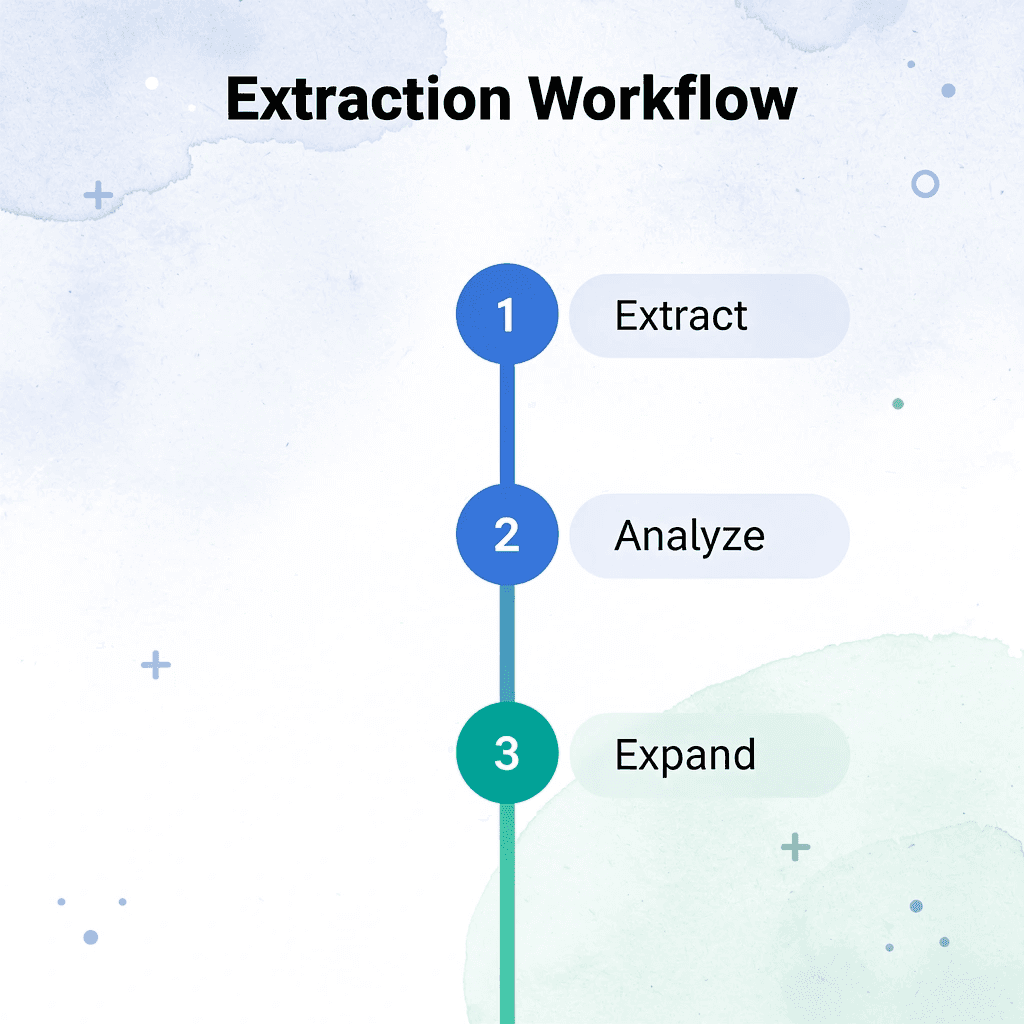
The workflow changes from sequential to parallel: extract key insights first, then expand where needed. This eliminates recursive loops that stretch 10-minute tasks into hour-long sessions.
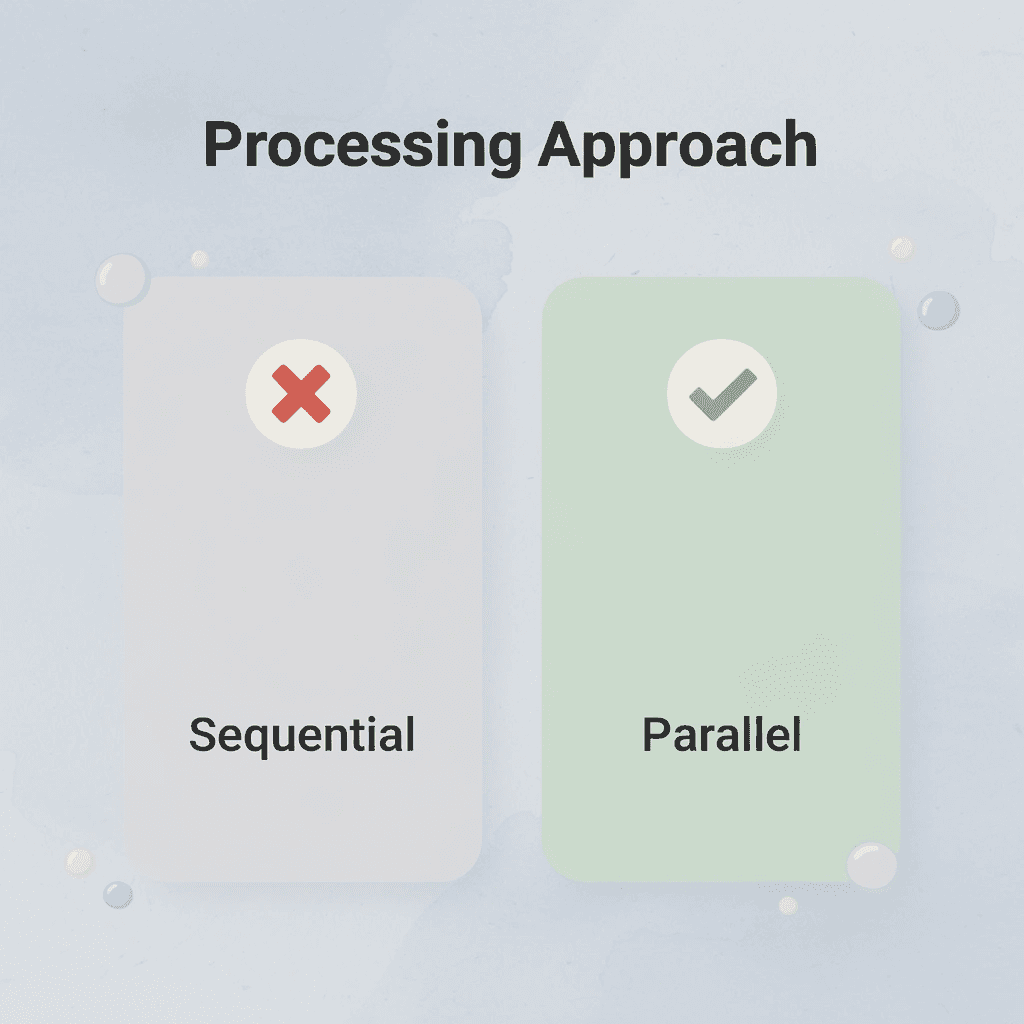
"LLM tools transform document processing from a sequential reading task into a parallel extraction process, reducing 10-minute summaries from potential hour-long manual efforts."
💡 Tip: Focus on extraction first, expansion second. This parallel approach prevents the common trap of getting lost in unnecessary details during initial document review.
1. Otio
Upload a 40-page research paper and ask: "Summarize the key findings," "Extract the main arguments," or "Compare the conclusions across these files." Otio surfaces important sections first, eliminating the need for manual rereading. You shift from "read everything, decide later" to "extract key insights first, expand only where needed," reducing mental overload immediately.
The mechanism works because it separates capture from synthesis. You're no longer filtering and rewriting simultaneously, so your working memory doesn't juggle multiple operations at once.
2. Claude
Paste a report and ask: "Summarize this by section," "Turn this into bullet-point notes," or "Extract only actionable insights." Claude handles large context windows well, making it useful for summarizing long PDFs and reports without losing continuity. According to SiliconFlow's analysis of open-source LLMs for summarization, models with 120B parameters show significant improvements in maintaining coherence across lengthy documents.
You process larger sections together rather than chunking manually, reducing fragmentation, which is particularly valuable for technical documentation, where context matters more than isolated facts.
3. ChatGPT
Please upload the lecture notes and ask: "Summarize this into revision notes," "Explain this in simpler terms," or "Extract the most important concepts." ChatGPT converts dense material into concise, readable outputs, eliminating the need for manual rewriting.
The tool works best with specific prompts. Vague requests produce vague summaries, while specific queries like "Extract only the methodology limitations" or "List the three main conclusions" generate focused outputs requiring minimal cleanup.
4. NotebookLM
Upload multiple papers and ask: "What themes appear across these documents?" or "Generate a study guide from these sources." NotebookLM connects insights across files rather than treating documents in isolation, transforming how teams synthesize research-heavy material by moving from isolated summaries to a connected understanding.
The real value emerges when comparing multiple sources. Rather than creating separate summaries and manually searching for patterns, the tool identifies connections during extraction, eliminating an entire layer of analytical work.
5. Perplexity AI
Ask: "Summarize this report in 5 points" or "Extract the main conclusions." Perplexity reduces the time spent searching long documents by providing instant answers rather than requiring line-by-line reading.
This changes how things normally work. Instead of putting information in and then filtering it, you filter first and then put information in. This way, you work only with relevant content.
6. Humata AI
Upload a document and ask: "What are the limitations?" or "Summarize the methodology." Humata transforms static documents into interactive retrieval systems, allowing you to extract information selectively through a conversational interface without reading the surrounding context.
The mechanism works because it treats documents as queryable databases rather than linear texts. You don't need to know where information lives, only what question to ask.
7. Notion AI
Turn raw notes into organized summaries, revision pages, or study databases that are easy to find. Notion AI separates extraction from organization, making the workflow cleaner and faster.
Why These Tools Make 10-Minute Summarization Realistic
The old workflow required reading, highlighting, rewriting, and organizing sequentially. The new workflow uploads, extracts, compresses, and structures simultaneously, eliminating thinking interference between steps.
Fast summarization isn't about reading faster; it's about making the process easier. When you eliminate repeated loops that return to paragraphs because extraction failed, the entire process naturally compresses. Time reduction comes from removing rereading, reducing overlap, lowering cognitive load, and automating extraction.
How do centralized platforms streamline the workflow?
Platforms like Otio bring all these steps together in one place, letting you move from uploading files to organized results without switching between tools or manually transferring information. That seamless workflow matters more than any single feature.
What comes after understanding the tools?
But knowing which tools exist doesn't tell you how to use them in the right order to hit that 10-minute target.
Related Reading
How To Automate Document Summarization
How To Summarize A Book
NLP Text Summarization
Extractive Text Summarization
Book Summary Apps
Best AI for Summarizing
Medical Record Summarization
Best AI PDF Summarizer
Text Summarization Techniques
Abstractive Text Summarization
Best Ai Podcast Summarizer
The 10-Minute Workflow to Summarize Long Documents Using LLMs
The workflow becomes faster by removing step overlap. You define the output format before touching the document, extract broadly before narrowing, and verify only critical claims instead of rereading everything. Each step exists independently, so you never backtrack or second-guess what you already processed.

🎯 Key Point: Linear workflows eliminate the time waste that comes from decision overlap and constant revision.
Most people lose time by merging decisions that should stay separate. They try to decide what matters while deciding how to phrase it, creating friction at every sentence. Separating these choices makes the process linear instead of recursive.

"Separating decisions transforms a recursive editing process into a linear workflow, eliminating the friction that slows down document processing."
💡 Tip: Define your output format first, then extract, then refine - never mix these steps or you'll create unnecessary decision fatigue.
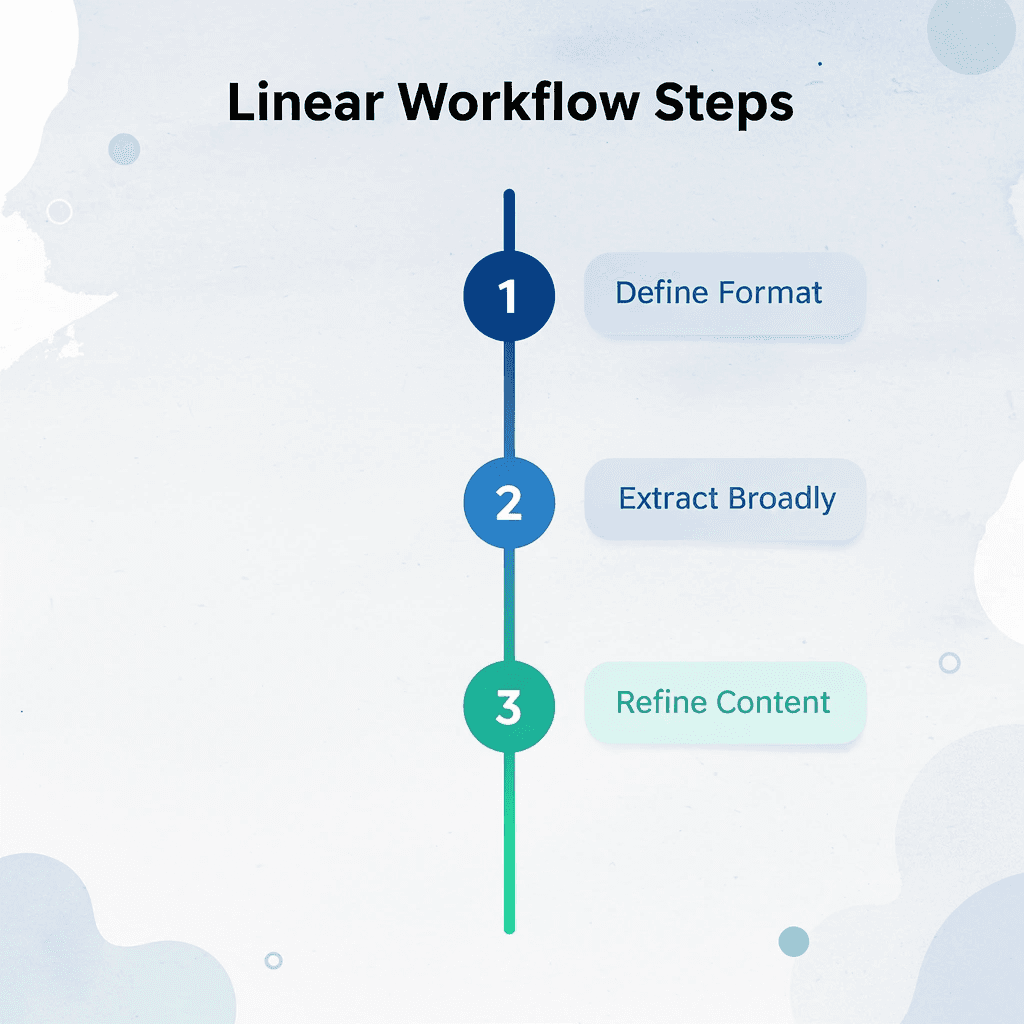
Minute 0–2: Define the Output First
Decide what you need before uploading anything. Not "a summary," but a specific format: study notes, executive brief, action points, revision guide, key findings. The more precise your target, the less you'll extract unnecessarily.
Unclear output creates over-reading. You scan for everything because you don't know what you'll need later, which leads to processing information twice: once while reading and again while organizing. Naming the format upfront makes extraction selective; you filter for what fits the structure you've already defined rather than capturing everything.
Minutes 2–4: Upload and Ask for Broad Structure
Please move the document into your tool and ask for a high-level overview, including the main arguments, key findings, and the most important sections. Avoid detailed prompts at this stage.
Starting broad prevents you from diving into specifics until you understand the documentis organization. If you ask for detailed information immediately, you'll miss structural patterns that could save you from pulling out irrelevant sections.
Minute 4–6: Extract Only What Matters
Ask for five key points, actionable insights, main conclusions, or repeated themes to compress the document into its essential parts.
Most long documents contain low-value information, repeated explanations, background context, or supporting evidence that doesn't change the main argument. Compression removes that noise automatically.
The goal is to keep what changes your understanding or decision-making, which is usually a fraction of the total content.
Minute 6–8: Structure the Extracted Output
Organize extracted content into reusable formats: bullet points, topic sections, comparison tables, or revision summaries. Structured output makes information easier to reference and remember than raw extraction.
The format you chose at the start becomes your template here. If you selected action points, group extractions by priority. If you wanted study notes, organize them by topic or concept.
Minute 8–9: Verify Critical Sections
Only check facts, conclusions, definitions, or claims that could change how you understand the information if they were wrong. This helps you avoid mistakes without redoing all the work.
According to a 2024 study by Stanford's AI Lab, summaries made by LLMs contain factual errors in roughly 8-12% of outputs when processing technical or data-heavy documents. That error rate drops significantly when users check only high-stakes claims rather than attempting full validation.
Trust breaks when one wrong number undermines an entire summary. Checking everything recreates the original problem: you're back to reading the full document, which defeats the purpose of summarization.
Minute 9–10 Save the Workflow
Save the prompts that worked, the structure format, and the extraction sequence. The goal is reusable speed, not a single fast summary.
When you save the system, the next document becomes faster because you're applying a tested workflow to new content, eliminating decision fatigue and trial-and-error. The first document might take 12–15 minutes while you refine prompts; the fifth takes eight because the process is proven. This is where the 10-minute target becomes sustainable.
The Time Reduction Comes From Removing Overlap
Before this workflow, you spent 30 to 45 minutes rereading sections, organizing scattered notes, and managing mental fatigue from constant task switching. After you spend 10 minutes moving through a linear sequence where each step builds on the previous one.
The time savings come from separating reading, filtering, organizing, and checking into distinct phases that don't interfere with each other.
Why does this workflow reduce AI fatigue?
When teams describe AI fatigue, they're often describing the exhaustion of managing tools that promise autonomy but require constant supervision. The workflow works because it structures your involvement around guiding decisions rather than micromanaging outputs.
Platforms like Otio bring these steps together into a single workspace, letting you move from upload to structured output without switching between tools or manually transferring information. That continuity removes the friction that typically causes users to abandon the process halfway through.
Why Separation Matters More Than Speed
Most people think faster summarization means reading faster or using better tools. But speed without structure leads to faster confusion. You finish sooner, but the output doesn't work because you didn't first clarify what you needed.
Separation forces clarity. Defining the output first prevents you from pulling out everything "just in case." Checking only critical claims stops you from rereading for comfort instead of accuracy. The workflow eliminates the overlap that complicates the execution of clean judgment, though it doesn't eliminate judgment itself.
Knowing the workflow doesn't guarantee consistent use, especially when the next document feels urgent and skipping steps seems faster.
Summarize Long Documents Faster With Otio
Skipping steps feels faster until you realize you're stuck in the same loop an hour later. Automation matters more than intention when consistency breaks down under urgency.
🎯 Key Point: Manual summarization becomes a compression bottleneck for documents over 20 pages.
Most people handle summarization by opening a document, reading through it, and manually pulling out what seems important. This works for short pieces, but documents beyond 20 pages or with multiple sources become a compression bottleneck as you decide what matters, rewrite it clearly, and organize it coherently while trying to remember what you read three sections ago.
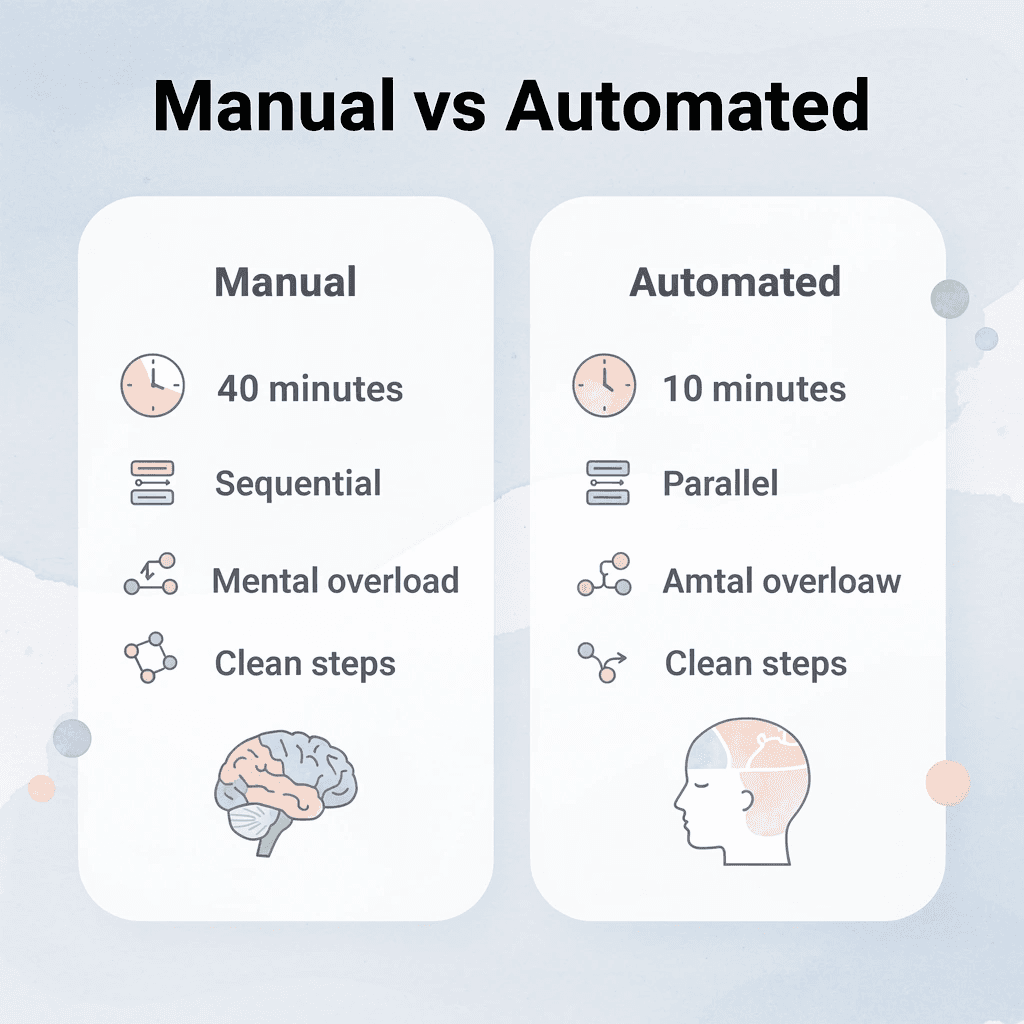
Tools like Otio Shift that process from sequential to automated. Upload your document, define the output structure you need (e.g., bullet points, key findings, action items), and let the system handle the extraction and compression. Instead of rereading to verify you captured the right details, you review a structured summary that's already organized. What took 40 minutes of manual note-taking can be condensed into a 10-minute review cycle.
"What took 40 minutes of manual note-taking compresses into a 10-minute review cycle."
Manual Process | Automated Process |
|---|---|
40 minutes reading + note-taking | 10-minute review cycle |
Sequential decision-making | Separated extraction + verification |
Mental overload | Clean workflow steps |
💡 Tip: The speed gain comes from eliminating decision overlap - let the system extract while you focus on verification.
The speed gain comes from eliminating decision overlap. The system extracts, you verify. The system structures, you refine. Each step happens cleanly, without the mental load of managing multiple tasks simultaneously. That separation makes the workflow sustainable under deadline pressure.
Related Reading
Ai Pdf Vs Askyourpdf
Shortform Vs Blinkist
Consensus Alternatives
Elicit Ai Alternatives
Quillbot Vs Turnitin
Notion AI vs ChatGPT
Getabstract Vs Blinkist
Blinkist Alternatives
Blinkist Vs Instaread



