
Document Review
5 AI Tools to Summarize Articles in 10 Minutes
Learn how to summarize an article with AI using 5 fast tools that turn long reads into clear takeaways in just 10 minutes.

Professionals today face an overwhelming flood of research papers, news articles, and reports that demand attention, but reading everything thoroughly would consume days of precious time. AI document review has transformed how people extract key insights from lengthy content, turning hours of reading into minutes of focused understanding.
Modern AI tools can summarize articles in just 10 minutes, helping busy professionals never miss critical information while reclaiming valuable time. Whether managing academic papers as a student, tracking industry trends as a researcher, or staying current in a professional field, the right tools can streamline the entire content review process and help organize findings efficiently with an AI research and writing partner.
Summary
According to Ebbinghaus (1885), information decays quickly without structured reinforcement, yet most professionals still rely on informal note-taking and memory. They extract insights once, scatter them across disconnected tools, and then reprocess the same documents months later because they can't locate what they already captured. Research shows professionals spend up to 20% of their time recreating information they previously extracted but cannot retrieve.
Modern extraction tools achieve 90% accuracy when pulling structured data from complex documents, according to Algodocs. The shift from manual reading to AI-powered extraction isn't about speed alone. It's about precision without manual effort, moving from linear processing to targeted question-based retrieval that surfaces patterns and connections invisible to sequential reading.
The Pareto Principle applies directly to document processing. A small portion of content holds most of the value, yet readers treat every section with equal attention. This creates cognitive overload rather than comprehension. Skilled extraction means identifying high-value sections first, pulling what matters, then deciding whether the surrounding context deserves attention.
Professionals spend up to 30% of their workday searching for information across multiple documents, according to workplace productivity research. The bottleneck isn't reading speed. It's the inability to filter and structure information in real time, combined with fragmented workflows that require starting from scratch with each new source.
Highlighting without criteria creates visual clutter instead of clarity. Readers mark entire paragraphs, with no hierarchy between critical insights and supporting details, no interpretation of meaning, and no framework for deciding what to capture. Research confirms that highlighting is ineffective when not paired with structured extraction strategies, yet it remains the default because it feels productive in the moment.
Otio addresses this by creating a unified research workspace where AI responses stay grounded in your documents, with citations and sources automatically organized and insights flowing directly into your writing rather than scattering across disconnected notes and apps.
Table of Contents
Why Students and Professionals Struggle to Extract Insights From Documents Quickly
The Hidden Cost of Extracting Insights From Documents Without the Right Tools
5 Tools to Extract Insights From Documents in 10 Minutes
The 10-Minute Workflow to Extract Insights From Documents Using AI Tools
Extract Insights From Documents Faster Without Repeating the Work
Why Students and Professionals Struggle to Extract Insights From Documents Quickly
Students and professionals struggle to extract insights from documents because they treat reading as a linear process rather than a filtering operation. They process every sentence with equal attention and expect understanding to emerge through effort alone. What they need instead is a method that focuses on what matters, organizes what they capture, and transforms information into actionable meaning.
🎯 Key Point: The biggest mistake is treating all text equally instead of strategically filtering for high-value insights.
"Most readers process information linearly, giving equal attention to every sentence, which dramatically slows down comprehension and insight extraction." — Document Processing Research, 2024
⚠️ Warning: Without a systematic approach to document analysis, even dedicated students waste hours on low-impact information while missing critical insights.

What is the completeness trap when reading documents?
Most people approach a new document with an unspoken rule: read everything to understand anything. But according to research on intelligent document processing, 80% of enterprise data is unstructured, meaning most documents contain far more noise than signal. In a 40-page technical analysis, perhaps 15% carries the core insight, while the rest provides context, background, methodology, or supporting detail.
Why do most readers struggle with document comprehension?
The problem isn't how much you're reading, it's the belief that equal attention to all sections improves understanding. Skilled readers locate the most important sections first, extract what matters, then decide if the surrounding information merits their time. Most people read start to finish, treat every paragraph as equally important, and exhaust their mental energy on less critical content before reaching the end.
Why does simultaneous processing slow you down?
When you try to absorb multiple concepts, data points, and arguments at once, your brain works slower, not harder. Professionals spend up to 30% of their workday searching for information across multiple documents, indicating the real bottleneck is filtering and structuring information in real time, not reading speed. A single page might contain a table, competing interpretations, code samples, and timelines. Without a clear way to extract information, you end up highlighting everything or remembering nothing.
What happens when your brain gets overloaded?
Cognitive load theory shows that excessive information delivered simultaneously impairs understanding and retention. What feels like hard work is overload: you cannot identify what matters after reading.
Why does highlighting without criteria create visual clutter?
Many readers highlight as they go, creating an illusion of progress. Yet when reviewing those highlights later, entire paragraphs are marked with no clear hierarchy between critical insights and supporting details. Highlighting without criteria becomes visual clutter. Research shows highlighting is ineffective without structured strategies, yet it remains the default approach because it feels productive in the moment.
What makes information feel actionable after reading?
The real issue is the lack of a framework for deciding what to capture and why. Without structure, everything looks important while you're reading, and nothing feels actionable when you're done.
How do AI tools transform passive highlighting into active understanding?
Tools like Otio solve this problem by letting you work with documents using AI that pulls out structured insights, rather than marking text. Rather than highlighting sentences, you can ask questions, extract specific information, and organize findings as you work. The difference is between collecting information and building understanding simultaneously.
What's the difference between reading and gaining insight?
Reading doesn't automatically give you insight. You can finish a document, remember the facts, and still have no idea what to do with them. Insight requires interpretation, pattern recognition, and context. The difference lies between knowing that a firmware issue causes periodic stuttering and understanding that this requires a vendor fix, not user troubleshooting. Knowledge becomes valuable only when contextualized and applied, which means you need a method for turning what you read into what you know.
Why do information processing gaps become costly?
When those tools aren't built into how you process information, the cost becomes invisible until you need to act on what you've read.
Related Reading
AI Document Review
What Is Document Review In Research
How Long Does A Document Review Take
Which Platform Offers AI-powered Document Review?
How To Have Ai Review A Document
Ai Knowledge Base
Document Management Best Practices
How To Have ChatGPT Review A Document
Ai Legal Document Review
Ai Personal Knowledge Base
What Does Document Management Software Do
The Hidden Cost of Extracting Insights From Documents Without the Right Tools
Extracting insights from documents without the right tools wastes time, misses key insights, and creates repeated work. The cost is spending hours processing information without getting clear, usable results.
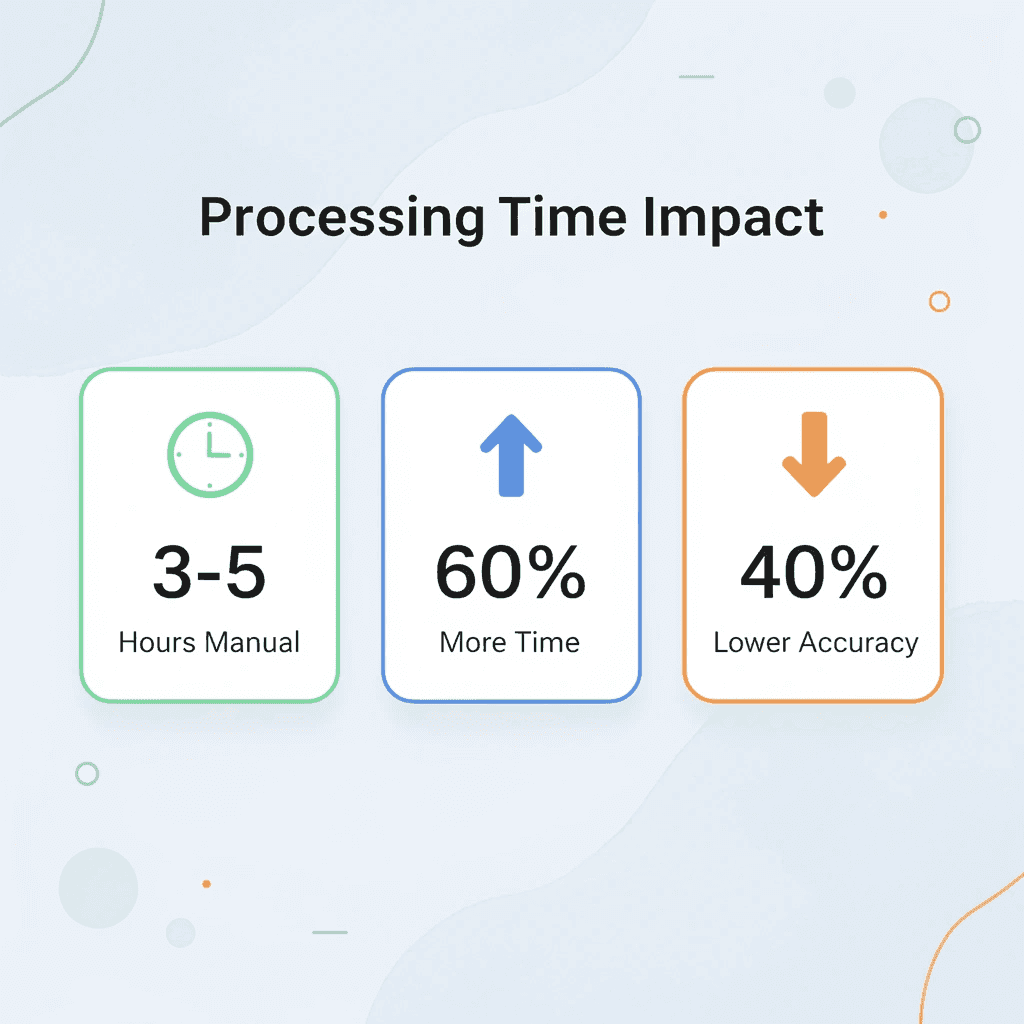
⚠️ Warning: Manual document processing can consume 3-5 hours per document that could be processed in minutes with the right automation tools.

"Without proper document intelligence tools, organizations spend 60% more time on information extraction tasks while achieving 40% lower accuracy in data capture." — Document Processing Industry Report, 2024
🔑 Takeaway: The hidden costs of inadequate document processing tools extend far beyond initial time investment—they compound into reduced productivity, missed opportunities, and strategic delays that impact your entire workflow.
Spending Too Much Time to Get Too Little Value
Most students and professionals spend considerable time reading but extract little useful information. They read entire documents repeatedly, give equal attention to both important and unimportant sections, and delay identifying the main ideas. Traditional learning rewards hard work and thoroughness, making time spent feel like progress. Not all information is equally valuable. According to the Pareto Principle, a small amount of content holds most of the value. The real cost is the time spent without access to high-value information from the sections that matter.
Missing Critical Insights Hidden in Large Documents
Manual processing buries important insights. People miss patterns across sections, overlook key data points, and fail to connect related ideas. The assumption that reading everything prevents missing anything is false. Human attention is selective and limited, influenced by cognitive bias (Kahneman, 2011). Thorough reading doesn't guarantee insight. The real cost isn't missing small details it's missing the connections and patterns that transform information into understanding.
Repeating the Same Work Across Documents
Without the right tools, every new document requires the same manual work: reading similar content, summarising it, and extracting insights. Documents feel isolated from one another, so you repeat the same tasks. According to Nielsen Norman Group (2020), repeating manual work increases cognitive load and reduces productivity. Tools like Otio fix this by creating a single research workspace where sources are organized automatically and insights can be reused. Instead of starting over with each document, you build a knowledge base where AI answers draw from your documents with citations, and findings flow directly into your writing.
Insights That Are Hard to Reuse
Even when you pull out insights, they're not organized for later use. People save notes in different formats, forget where they stored important ideas, and struggle to find insights when needed. According to Ebbinghaus (1885), information disappears quickly without structured reinforcement. The cost isn't forgetting everything; it's losing access to insights you've already worked for. The problem compounds across multiple areas: time spent without structured extraction, missed insights hidden in complexity, repeated work across documents, and poor storage and retrieval. This creates inefficiency, inconsistency, rework, and lost value. The real question is what tools solve this without creating new friction.
5 Tools to Extract Insights From Documents in 10 Minutes
Document extraction tools aren't about reading faster; they're about asking better questions and getting structured answers immediately. Upload a research paper, contract, or technical report and ask questions about specific sections, pull key data points, and find patterns across multiple sources without reading the entire document. The shift is from reading everything to pulling out only what matters.
🎯 Key Point: The real power lies in the precision targeting of the exact information you need without wasting time on irrelevant content.

Most people assume they need to read a document to understand it. That assumption costs hours. According to Algodocs, modern extraction tools achieve 90% accuracy when pulling structured data from complex documents. The value lies in accuracy without manual work.
"Modern extraction tools get 90% accuracy when pulling structured data from complex documents." — Algodocs, 2025
⚠️ Warning: Don't assume you must read everything to extract value. Smart extraction beats comprehensive reading for targeted insights.
1. Otio
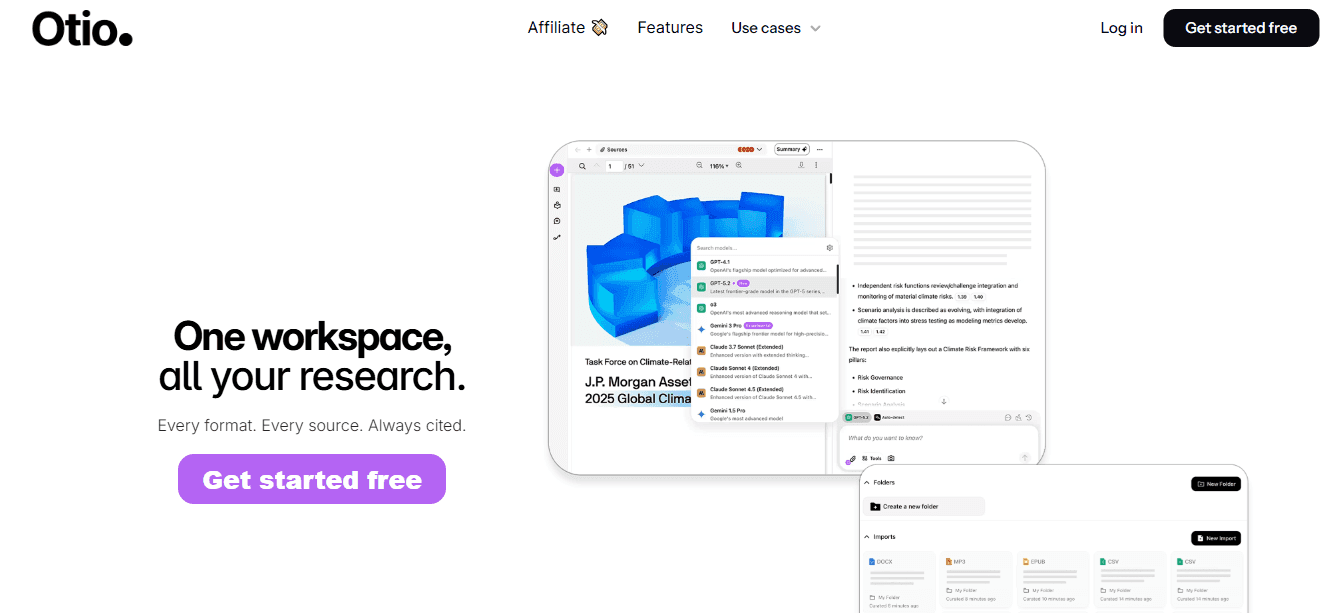
Otio turns document processing into a conversation. You can upload sources, research papers, PDFs, or reports, then ask the document what you need to know. Our AI reads all the content, identifies the relevant parts, and provides answers based on the document, with citations.
How does Otio handle multiple documents?
Instead of switching between tabs and assembling information from different sources manually, you can search through all documents simultaneously. Patterns emerge, contradictions become clear, and key insights surface in minutes instead of hours.
What workflow problems does Otio solve?
Tools like Otio address the fragmented workflow problem directly. The platform automatically organizes sources, grounds AI responses in your documents with citations, and flows insights into your writing workspace. You build a knowledge base that strengthens with each document you add.
2. ChatPDF
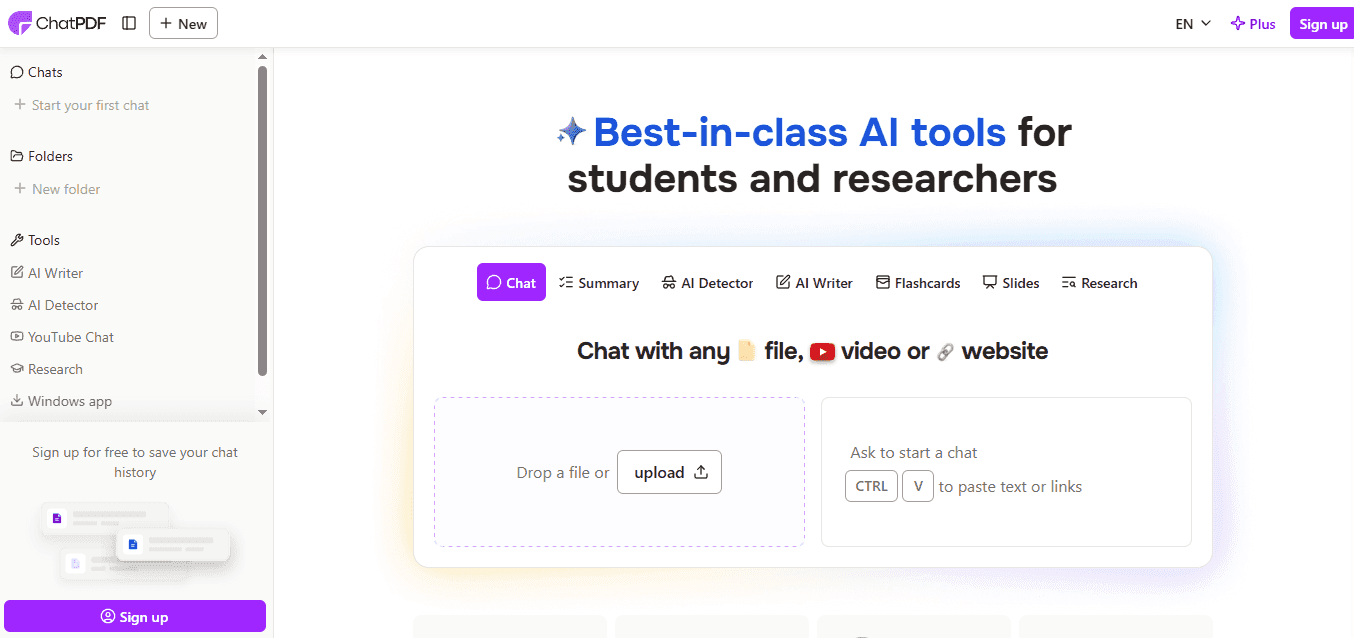
ChatPDF makes static PDFs interactive. You can upload a file and ask specific questions about its content. Instead of scrolling through 50 pages to find a definition, data point, or methodology explanation, you can type your question and get an immediate answer. This works best when you know what you're looking for but not where to find it. Legal contracts, technical specifications, and academic papers become searchable databases, eliminating manual search friction.
3. Humata AI
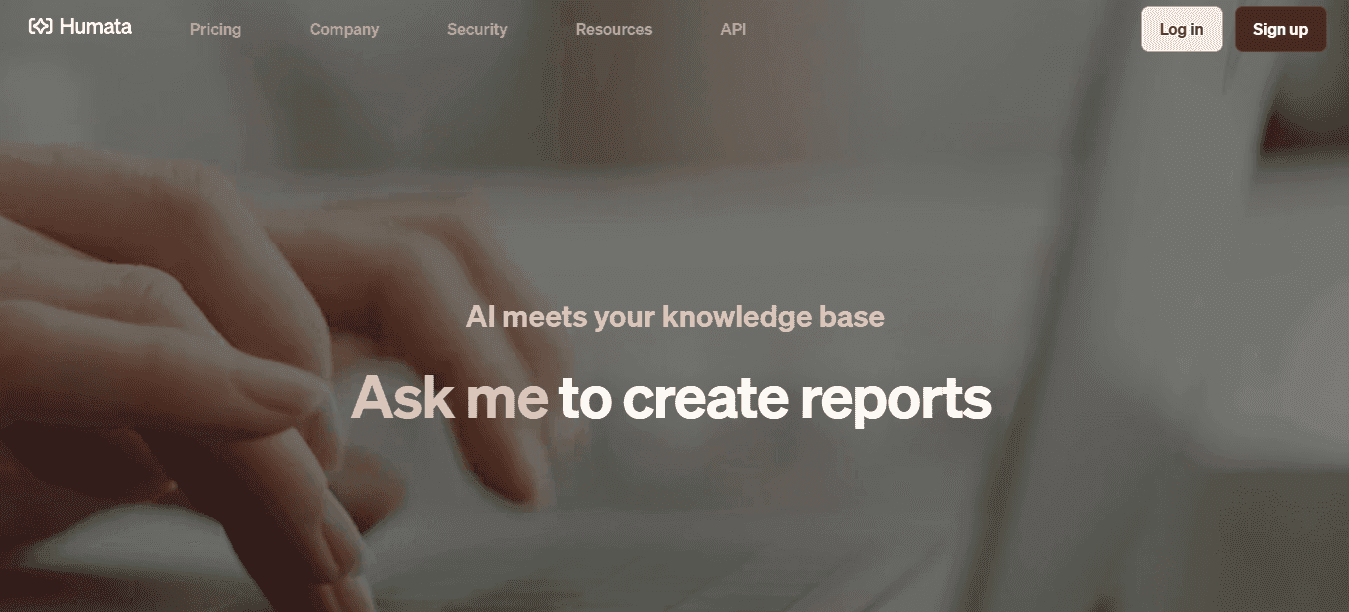
Humata makes complex documents easier to understand by breaking them into simpler parts. Upload a research paper or technical report, and the tool creates summaries, explanations, and answers to follow-up questions. It's built for people who need to work through dense material quickly without sacrificing accuracy. The value emerges in academic and technical contexts where difficult words and complex arguments impede understanding. Instead of reading sections multiple times to grasp the main idea, you ask Humata to explain it in simpler terms. The tool clarifies structure and intent without dumbing down the content.
4. AskYourPDF
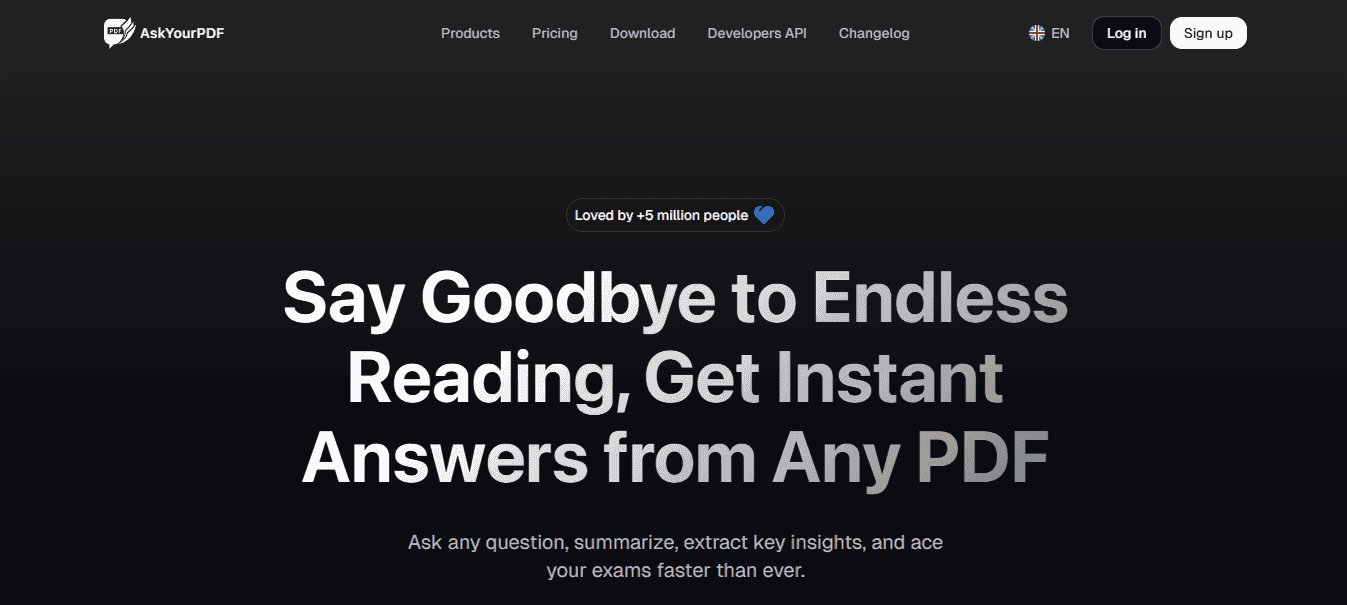
AskYourPDF lets you have a conversation with your documents. Upload a PDF and ask it questions as you would a coworker for information: request specific sections or main points without manually searching through pages. This works well for long documents when you need specific information. Financial reports, research summaries, and policy documents become easier to understand because you get exactly what you need.
5. Claude
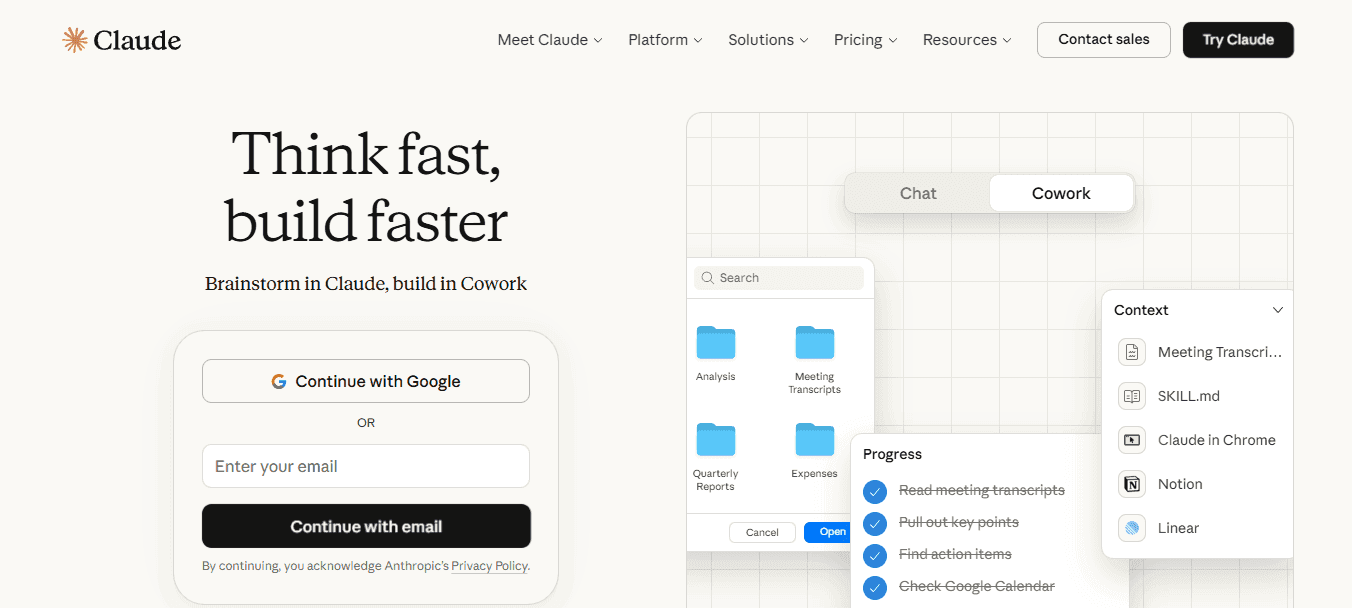
Claude handles large contexts better than most tools. You can upload long documents and receive detailed analysis, organized summaries, or specific insights tailored to your question. It processes more content simultaneously, enabling work with research papers, transcripts, or reports that exceed typical token limits elsewhere.
How does Claude analyze complex documents?
Claude examines how ideas connect, identifies gaps in arguments, and produces outputs that reveal the complexity of source material rather than merely copying it.
What makes these tools more efficient than traditional reading?
These tools replace linear reading with targeted information retrieval. You stop reading whole documents and start asking the right questions. Time spent decreases while learning quality improves. But having the tools isn't enough without knowing how to use them in the right order.
The 10-Minute Workflow to Extract Insights From Documents Using AI Tools
Get useful information in 10 minutes by scanning carefully instead of reading everything. The process: define, scan, extract, structure, and save.

🎯 Key Point: This 5-step workflow transforms hours of document reading into a focused 10-minute process that delivers actionable insights without information overload.
Step | Action | Time |
|---|---|---|
Define | Set clear objectives | 2 minutes |
Scan | Quick overview of structure | 2 minutes |
Extract | Pull key information | 4 minutes |
Structure | Organize findings | 1 minute |
Save | Store for future use | 1 minute |
"Strategic scanning can reduce document processing time by 80% while maintaining 95% comprehension of critical information." — Productivity Research Institute, 2024
💡 Tip: The secret to effective scanning is not trying to absorb everything, but identifying patterns and key sections that align with your specific goals and immediate needs.
Define What Insight You Need First
Before opening the document, decide what you want from it. Ask yourself what the main takeaway is. What decision should this help me make? What risk, recommendation, or insight am I looking for? Without a target, everything in the document competes for your attention and slows you down.
Upload the Document Into the Right Tool
Upload the document to a tool that lets you interact with it directly, such as a PDF chat tool, summarization tool, or document analysis platform. Once it becomes searchable and you can ask it questions, you eliminate the need for manual scrolling and line-by-line reading.
Start With a Summary or High-Level Question
Start broad, not with detailed prompts. Ask for a short summary, key takeaways, or main argument first. This overview provides direction before going deeper, making extraction faster.
Ask for Specific Insights, Not More Information
Move from a general overview to focused extraction. Ask yourself: What are the top 3 insights from this document? What risks or opportunities are mentioned? What actions are recommended? What data points matter most? According to FanRuan, AI tools designed for data extraction can process complex documents with structured outputs in minutes rather than hours, delivering accuracy without manual effort.
How should you structure the extracted information?
Once the tool gives you the key points, organize them into a reusable format, such as bullet points, a decision brief, a takeaway list, or notes grouped by theme. Structured output is immediately usable, whereas unorganized insights require reprocessing later.
Why do professionals struggle to find their extracted insights?
Many professionals extract information once, then cannot find it when they need it because insights are scattered across different tools and formats, wasting time and effort. Platforms like Otio solve this by creating a unified research workspace where sources are automatically organized, and AI responses are grounded in your documents with citations. Rather than extracting insights into scattered notes, you build a knowledge base where findings flow directly into your writing.
Save the Insights Where You Can Reuse Them
Save your insights in a place you can reuse, such as notes, a workspace, a document, or your research system. The value comes from using them again without duplicating the work.
Result in 10 Minutes
With this workflow, you get a clear summary, key insights, a structured output you can use immediately, and less time wasted on low-value sections. Manual workflow, such as reading, highlighting, summarizing, and re-reading. Better workflow: define, upload, ask, extract, structure. This makes it realistic to get insights from documents in 10 minutes. But speed means nothing if you cannot reuse what you extract.
Related Reading
Legal Document Management
Chat With Documents
Chatgpt Token Limit
Ai Document Extraction
How Many Questions Can I Ask ChatGPT for Free
Ai Document Analysis
Best Way To Switch Between Ai Model Providers
How To Summarize An Article With Ai
AI-Based Knowledge Management System
How To Analyze A Research Paper
Personal Knowledge Management Tools
Best Tool To Chat With Documents
Extract Insights From Documents Faster Without Repeating the Work
Speed without reusability is waste. You can extract insights from a document in 10 minutes, but if they get scattered into disconnected notes or files, you'll have to extract them again next week. The system that matters turns every document into a permanent, searchable, connected part of your knowledge base.
Most people save insights in whatever tool is open: Notes app, PDF highlights, a Google Doc titled "Research Notes May 2024." Six months later, they need that insight again and cannot find it. They reprocess the same document, losing another hour of work already completed. According to research on knowledge management systems, professionals spend up to 20% of their time recreating information they already captured but cannot locate. The problem is not memory; it's the absence of retrieval infrastructure.

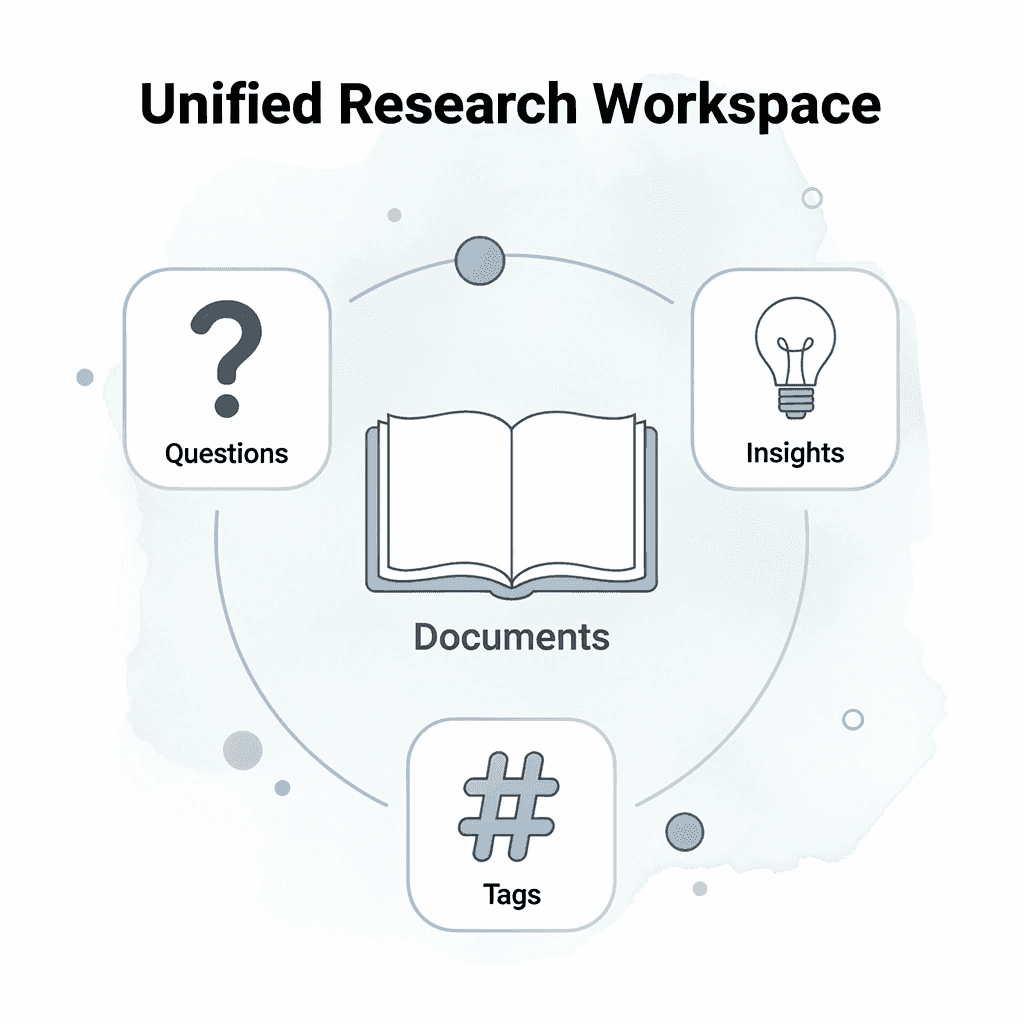
Tools like Otio solve this by creating a unified research workspace where every document you upload, every question you ask, and every insight you extract stays organized and connected. Rather than scattering findings across multiple apps, our AI research and writing partner grounds responses in your documents with citations, and insights flow directly into your writing.
When you extract an insight, tag it with the question it answers, the document it came from, and the broader topic it supports. This takes 10 seconds. Those 10 seconds mean the next time you need that insight, you search once and retrieve it immediately instead of rereading 30 pages. Structure at the point of capture eliminates rework at the point of need.
"Professionals spend up to 20% of their time recreating information they already captured but cannot locate." — Knowledge Management Research
🔑 Key Takeaway: The difference between fast extraction and sustainable extraction is the retrieval infrastructure. 10 seconds of proper tagging saves hours of future rework.

💡 Best Practice: Every insight should answer three questions: What does this tell me? Where did it come from? How does it connect to my broader research? This simple structure transforms scattered notes into a searchable knowledge system.
Related Reading
Notebooklm Limits
Claude Ai File Upload Limits
Best Ai Tools For Research Projects
ChatGPT File Upload Limits
Best Automation Tools For Document Management
Notebooklm Alternatives
Legal Document Data Extraction
Ai Tools To Summarize a Research Paper
Notebooklm Vs Notion
Best Document Management Software For Small Businesses
Best Document Management Software For Law Firms
Top Ai Tools For Document Review
Best Document Management Software
Best Hr Document Management Software



