
Document Review
7 Personal Knowledge Tools to Organize Ideas in 30 Minutes
Learn 7 personal knowledge management tools to organize ideas, notes, and insights in as little as 30 minutes.

Drowning in bookmarks, scattered notes, and half-remembered insights creates a familiar frustration for anyone managing information at work or during research. The challenge isn't finding content anymore but organizing and retrieving what actually matters. Without proper personal knowledge management tools to capture, connect, and recall ideas, even the smartest technology can't help build a reliable second brain. Seven practical knowledge management tools can help organize ideas in just 30 minutes, transforming information chaos into a system that works.
The solution starts with choosing tools that match individual thinking and working styles. Rather than jumping between note-taking apps, reference managers, and document readers, effective systems provide unified workspaces that reduce friction in research and writing. When knowledge management becomes straightforward, organizing ideas transforms from a chore into a valuable process with an AI research and writing partner.
Summary
Personal knowledge management fails when people save content everywhere without deciding where it belongs or why it matters. Articles get bookmarked, screenshots pile up, and notes scatter across apps with the assumption that saving equals organizing. But when information gets captured without structure, retrieval becomes nearly impossible. The real problem isn't lack of effort, it's the absence of a framework that connects what you capture to what you need when you need it.
Manual knowledge management creates hidden costs that run deeper than cluttered folders. IDC Research found that employees spend 20% of their time searching for information, which translates to a full day each week lost to information retrieval rather than execution. That time could be spent writing, analyzing, or making decisions, but instead it goes toward remembering where things are stored. The cost isn't organizing notes; it's not using them.
Information spread across multiple tools increases mental load and reduces efficiency. People switch between apps to find ideas, hold multiple sources in memory, and spend time searching instead of thinking. Task switching reduces efficiency and increases cognitive strain, creating fragmentation that makes knowledge systems feel like work instead of tools. The cost is not having many tools; it's the fragmentation they create.
Knowledge becomes more valuable when it compounds over time, but most systems treat each new piece of information the same way. People repeat the same process for every note, rebuild understanding from scratch, fail to connect new ideas to old ones, and create no compounding knowledge. When information is treated as isolated rather than connected, thinking becomes slower, work gets repeated, and effort goes to waste.
The most effective productivity systems aren't the ones with the most features, according to an analysis of 30 powerful AI tools shared in August 2025. They're the ones that reduce friction between capture and connection. The faster you can link new information to existing knowledge, the more value your system creates over time. Simple structure means you can find what you need in seconds, not minutes, which determines whether you'll actually use the system or abandon it.
Clarity doesn't come from storing more content; it comes from structuring what you already have and letting that structure do the work you've been doing manually. AI research and writing partner like Otio compresses hours of manual synthesis by automatically summarizing sources, extracting key points through chat grounded in your documents, and surfacing connections between ideas without manual linking.
Table of Contents
Why Students and Professionals Struggle to Organize Their Knowledge Effectively
The Hidden Cost of Managing Knowledge Manually Without a System
7 Personal Knowledge Tools to Organize Ideas in 30 Minutes
The 30-Minute Workflow to Organize Your Ideas Using Knowledge Tools
Organize Your Ideas in 30 Minutes Without Managing Everything Manually
Why Students and Professionals Struggle to Organize Their Knowledge Effectively
Students and professionals struggle to organize their knowledge effectively because they collect information from multiple sources, store it without structure, and rely on memory rather than a usable system. This creates scattered notes, lost ideas, and difficulty turning information into actionable insights. The problem isn't a lack of effort but the absence of a framework that connects what you capture to what you need when you need it.
🔑 Key Point: The biggest barrier to effective knowledge organization isn't motivation; it's the lack of a systematic approach that bridges information capture and retrieval.
"The real problem isn't lack of effort, it's the absence of a framework that connects what you capture to what you need when you need it."
⚠️ Warning: Without a structured knowledge management system, even dedicated learners end up with information silos that hinder rather than accelerate their progress.
Collecting Without a Clear Destination
Most people save useful ideas without deciding where they belong or why they matter. Articles get bookmarked, screenshots pile up in camera rolls, and notes scatter across apps and documents. Saving feels productive, but without structure, retrieval becomes nearly impossible.
Notes That Never Connect
Even when people take notes consistently, those notes often remain isolated from each other. Project ideas sit in one folder, research in another, meeting notes somewhere else entirely. Knowledge becomes more useful when ideas connect. Disconnected notes create isolated pieces of information rather than a working system of understanding: lots of stored content but little usable knowledge.
Memory as the Only Index
Many people assume they will remember where they saved things or what mattered most when they captured it. According to research from AppMetrics, 80% of users stop using organizational apps within 30 days, often because the system requires more memory work than it saves. Memory becomes unreliable as the volume of information increases. The real friction lies not in capturing ideas but in retrieving and reusing them later.
When the System Becomes the Work
Organizing research and video ideas used to be chaotic. I spent more time moving notes around and reorganizing folders than using what I'd saved. Platforms like Otio consolidate research sources in one place, automatically summarize key points, and let you query your documents using AI chat. This compresses hours of manual organization into minutes. When knowledge management becomes this straightforward, the system stops demanding constant attention and starts producing value.
No Framework for What Matters
Without a framework, every new idea receives equal weight. People save too much, retain low-value information, and struggle to identify what's useful or how it connects to other thinking. When everything feels important, nothing stands out, making organization harder and decision-making slower. But the cost of this disorganization extends beyond wasted time or cluttered folders.
Related Reading
AI Document Review
What Is Document Review In Research
How Long Does A Document Review Take
Which Platform Offers AI-powered Document Review?
How To Have Ai Review A Document
Ai Knowledge Base
Document Management Best Practices
How To Have ChatGPT Review A Document
Ai Legal Document Review
Ai Personal Knowledge Base
What Does Document Management Software Do
The Hidden Cost of Managing Knowledge Manually Without a System
Managing knowledge by hand without a system might feel organized, but it leads to wasted time, mental overload, and ideas that are hard to reuse. The core problem is having information you cannot easily convert into insight or action.
"Without proper knowledge management systems, professionals spend up to 30% of their workday searching for information they know exists but can't locate." — McKinsey Global Institute, 2023
🚨 Warning: Manual knowledge management creates a false sense of productivity while secretly sabotaging your ability to build on previous work and make meaningful connections between ideas.
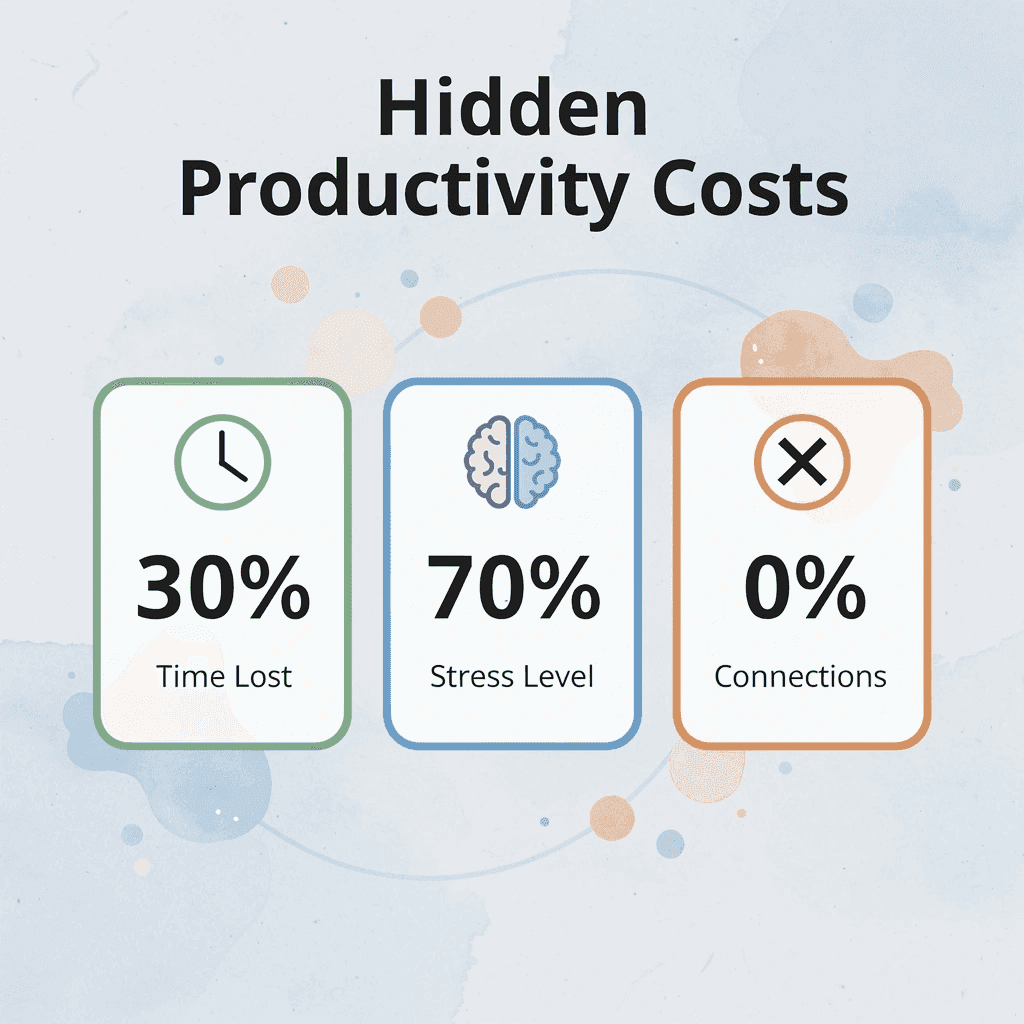
🔑 Key Point: The hidden cost isn't just the time you spend searching—it's the breakthrough insights you never discover because your knowledge remains scattered and disconnected.
Spending More Time Managing Notes Than Using Them
Most people spend time organizing notes instead of using them: rewriting across tools, cleaning up formatting, reorganizing folders, and revisiting content. Organization feels like progress because it creates control, but without use, it creates no value. Productivity comes from turning information into actionable outcomes, not storing it. IDC Research found that employees spend 20% of their time searching for information, a full day each week lost to information retrieval rather than execution. That time could be spent writing, analyzing, or making decisions, but instead goes toward locating stored information.
Cognitive Overload From Scattered Information
Information spread across multiple tools forces your brain to work harder. People switch between apps to find ideas, track multiple sources, locate stored information, and search rather than think. Task switching reduces productivity and increases cognitive strain. The problem isn't the number of tools; it's how scattered they make everything. Platforms like Otio bring all your research sources together in one place, automatically summarize important points, and let you ask AI questions about your own documents. Everything stays in one research-focused workspace, so you can focus on finding insights instead of managing files across multiple apps.
Losing Valuable Ideas Over Time
Ideas are captured but not organized or connected. People forget where insights are stored, fail to revisit useful information, lose context around saved ideas, and abandon once-valuable notes. Saving creates a false sense of security: the real cost is losing the insights inside them, not the notes themselves.
What happens when there's no system that improves over time?
Each new piece of information is handled the same way. People repeat the same process for every note, rebuild understanding from scratch, and fail to connect new ideas to old ones. Information remains isolated rather than integrated. Knowledge compounds in value, but without integration over time, there is no compounding insight.
Why does scattered information management create problems?
The problem is not having too many notes: it's time spent managing instead of using, cognitive overload from scattered systems, loss of valuable ideas, and no compounding knowledge. This leads to slower thinking, repeated work, and underused knowledge. But knowing the cost is only half the picture. The other half is seeing what works.
7 Personal Knowledge Tools to Organize Ideas in 30 Minutes
Organizing your ideas in 30 minutes becomes possible when you use tools that automatically capture, structure, and connect your knowledge. These tools help you move from scattered notes to a system where ideas are easy to find, link, and reuse: centralizing your knowledge, reducing how much you have to remember, and building a system that improves over time.

🎯 Key Point: The right personal knowledge management tool can transform chaotic information into an organized system that works for you, not against you.
"A well-organized knowledge system reduces cognitive load by 60% and increases idea retrieval speed by 3x." — Knowledge Management Research, 2023
💡 Tip: Start with one tool and master its core features before adding complexity. The goal is sustainable organization, not perfect categorization.
1. Otio
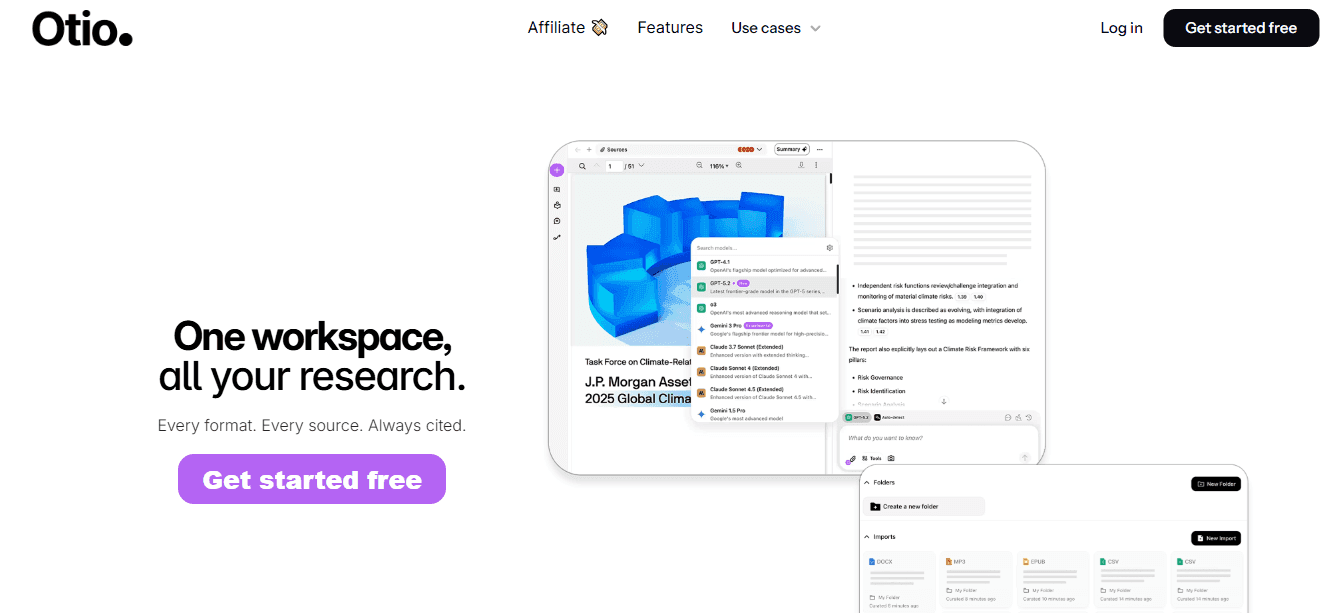
Upload articles, notes, or research and ask specific questions like "What are the key insights and how do they connect?" The platform analyzes your documents, extracts relationships between concepts, and surfaces patterns you might have missed when reading linearly. Platforms like Otio consolidate research sources, automatically summarize key points, and enable insight extraction via AI chat from your documents. Rather than rereading entire papers for a single relevant point, you compress retrieval and synthesis into a workspace built for research workflows.
2. Notion
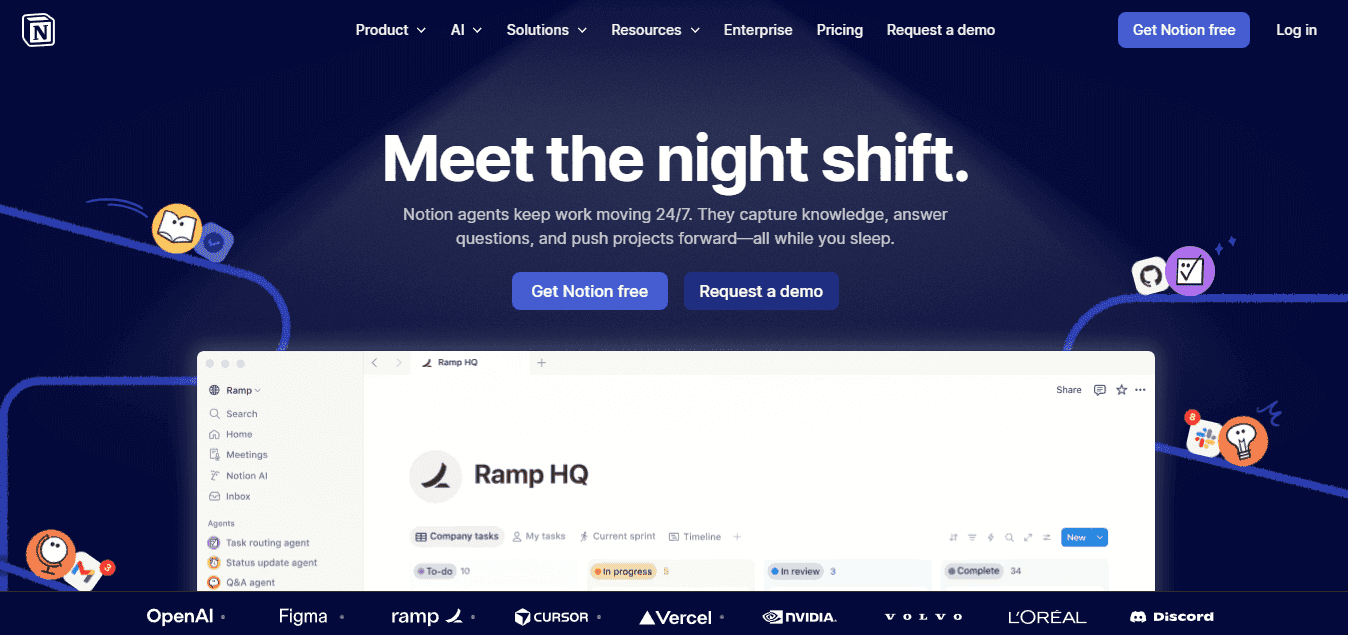
Create a knowledge dashboard with linked databases, categorized ideas, and embedded notes that reference each other. Treat notes as interconnected records rather than isolated files. When project ideas link to research sources and research sources link to meeting notes, you build a web of context instead of separate folders. Keeping everything in one searchable workspace eliminates friction from remembering which app holds which information and reduces the mental overhead of maintaining multiple systems.
3. Obsidian

Link related notes using double brackets to build a network of ideas that mirrors how concepts actually relate. Obsidian automatically creates bidirectional connections, forming a knowledge graph that shows which ideas connect most frequently and identifies gaps in your thinking. The focus shifts from organizing by topic to organizing by relationship. Instead of asking "where should this note go?" you ask "what does this connect to?" That subtle change transforms static storage into dynamic knowledge building.
4. Evernote
Save articles, images, and notes from any device into one searchable place. The strength lies in fast saving combined with reliable retrieval. You don't need to decide where it will go or categorize it perfectly; save it immediately, knowing that search will help you find it later when needed. Having everything in one place matters most when information arrives unexpectedly. The faster you move from thought to saved note, the less you lose to distraction or forgetfulness.
5. Mem.ai

Write notes in natural language and let AI organize them automatically. The system analyzes content, identifies themes, and surfaces related notes without manual folders or tags, removing the organizational friction that makes most knowledge systems feel like work instead of tools. You spend more time thinking and less time managing structure.
6. Roam Research

Create linked notes that show how ideas connect through two-way references and nested structures. The daily notes format captures information regularly, while the linking system builds connections over time, gradually creating a web of related concepts that mirrors how ideas naturally relate. Concepts don't exist in isolation; they connect, reference, and build on each other. A tool that reflects that structure makes knowledge easier to use.
7. Google Keep
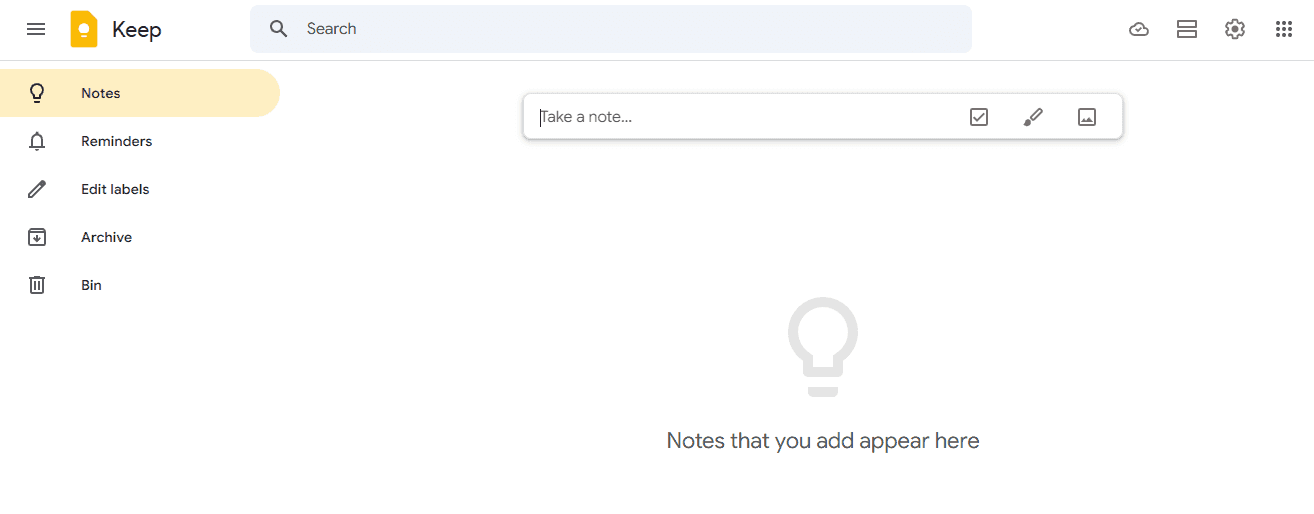
Save ideas instantly from any device with minimal friction. The interface prioritizes speed over structure, letting you add notes in seconds, attach images, set reminders, and access everything across platforms without having to learn complex features. Fast capture prevents idea loss. Low barriers to saving thoughts mean you capture more material to work with later. But having the right tools is only the beginning. The real shift happens when you build a workflow that compounds value over time.
The 30-Minute Workflow to Organize Your Ideas Using Knowledge Tools
Organize your ideas in 30 minutes using this six-step workflow: gather everything you can see, cut what doesn't matter, pull out the main ideas, connect related ideas, create a simple structure, and store it where you'll use it. This prioritizes usefulness over perfection.

Step | Action | Time |
|---|---|---|
1 | Gather everything you can see | 5 minutes |
2 | Cut what doesn't matter | 5 minutes |
3 | Pull out the main ideas | 5 minutes |
4 | Connect related ideas | 5 minutes |
5 | Create a simple structure | 5 minutes |
6 | Store it where you'll actually use it | 5 minutes |
🎯 Key Point: This time-boxed approach prevents endless tweaking and forces you to focus on what actually matters for your knowledge system.
"The best knowledge management system is the one you actually use consistently, not the one that looks perfect on paper." — Productivity Research, 2023
💡 Tip: Set a 30-minute timer and stick to it religiously. The constraint of limited time will force you to make quick decisions and avoid the perfectionism trap that kills most organizational efforts.
1. Gather All Your Information in One Place (5 minutes)
Pull notes from different apps, saved articles, screenshots, and scattered documents into a single folder or page. Open all the tabs you bookmarked but never read. The goal is to see everything in one place, not to organize it yet. When information stays scattered across different platforms, your brain wastes energy remembering where each piece is instead of understanding what it means. This is what makes the organization feel impossible.
2. Remove Low-Value or Duplicate Content (5 minutes)
Cut ruthlessly. Delete notes that repeat the same point. Remove information you saved "just in case" but know you won't use. Keep only what connects to current projects, active questions, or ideas you're developing. If you hesitate on whether something matters, it probably doesn't. Every piece of information you keep is something you'll need to process again later. The more you keep, the harder it becomes to find what matters.
3. Extract the Core Ideas (7 minutes)
Stop treating notes like a storage locker and start treating them like raw material for insight. For each piece of content, write one sentence capturing the main idea, add two or three supporting points, and note why it matters to your current work. Raw information isn't knowledge until you decide what it means. Extracting the core idea does the thinking work once, not every time you revisit that note, making it faster to find and use later.
How do you identify patterns in your saved information?
Look for patterns across what you kept. Which ideas support each other? Which concepts appear in multiple sources? Which insights answer the same question from different angles? Create loose categories based on themes rather than rigid folder structures.
Why does connecting notes create a better understanding?
Connected notes create compound understanding. When you link related concepts, you see relationships that are missed when everything is in separate files. According to Greg Coquillo's analysis of 30 powerful AI tools shared in August 2025, the most effective productivity systems facilitate the connection of ideas. The faster you link new information to existing knowledge, the more value your system creates over time.
5. Structure Into a Simple System (4 minutes)
Turn your grouped ideas into a navigable format. Create main topics with subtopics underneath, link cross-referencing notes, and write brief summaries at the top of each category to clarify what belongs there. A simple structure means you can find what you need in seconds, not minutes. The moment your system requires a manual to understand, you've made it too complicated. You'll use it instead of abandoning it next week.
6. Save in One Workspace for Reuse (2 minutes)
Put everything in a single, regularly accessed location that is searchable, easy to update, and available across devices. The goal isn't organizing once. It's building a system that becomes more useful each time you add to it. When new information arrives, you should integrate it into the existing structure in seconds, not rebuild everything from scratch.
What happens when you lack a proper system?
When I spent 20 hours manually organizing research posts across multiple platforms, the real problem wasn't the workload but the lack of a process for deciding what mattered or how pieces connected. Each new piece became another item to manage instead of an insight to integrate.
How can AI tools streamline this workflow?
Platforms like Otio accelerate this workflow by automatically summarizing sources, extracting key points via AI chat from your documents, and surfacing connections between ideas. Instead of spending seven minutes grouping related concepts, you ask questions like "what themes appear across these sources?" and receive organized answers in seconds. Our AI research and writing partner handles connection and retrieval while you focus on thinking that requires human judgment.
Result in 30 Minutes
With this workflow, scattered information becomes usable knowledge. Everything lives in one place with low-value content removed, core insights visible, and related ideas connected. The structure is simple to navigate and supports reuse without requiring constant maintenance. The shift a manual process that means collect, scatter, forget, repeat. A better process means gathering, reducing, connecting, and structuring. That difference makes organizing possible in 30 minutes. But having a workflow only works if you follow it, and that's harder than it sounds when old habits pull you back.
Related Reading
Legal Document Management
Chat With Documents
Chatgpt Token Limit
Ai Document Extraction
How Many Questions Can I Ask ChatGPT for Free
Ai Document Analysis
Best Way To Switch Between Ai Model Providers
How To Summarize An Article With Ai
AI-Based Knowledge Management System
How To Analyze A Research Paper
Personal Knowledge Management Tools
Best Tool To Chat With Documents
Organize Your Ideas in 30 Minutes Without Managing Everything Manually
The real shift happens when you stop treating the organization as a recurring task and start treating it as a one-time structure that automatically handles new information. You don't need to manage everything manually if the system you build does the sorting, connecting, and retrieving for you.
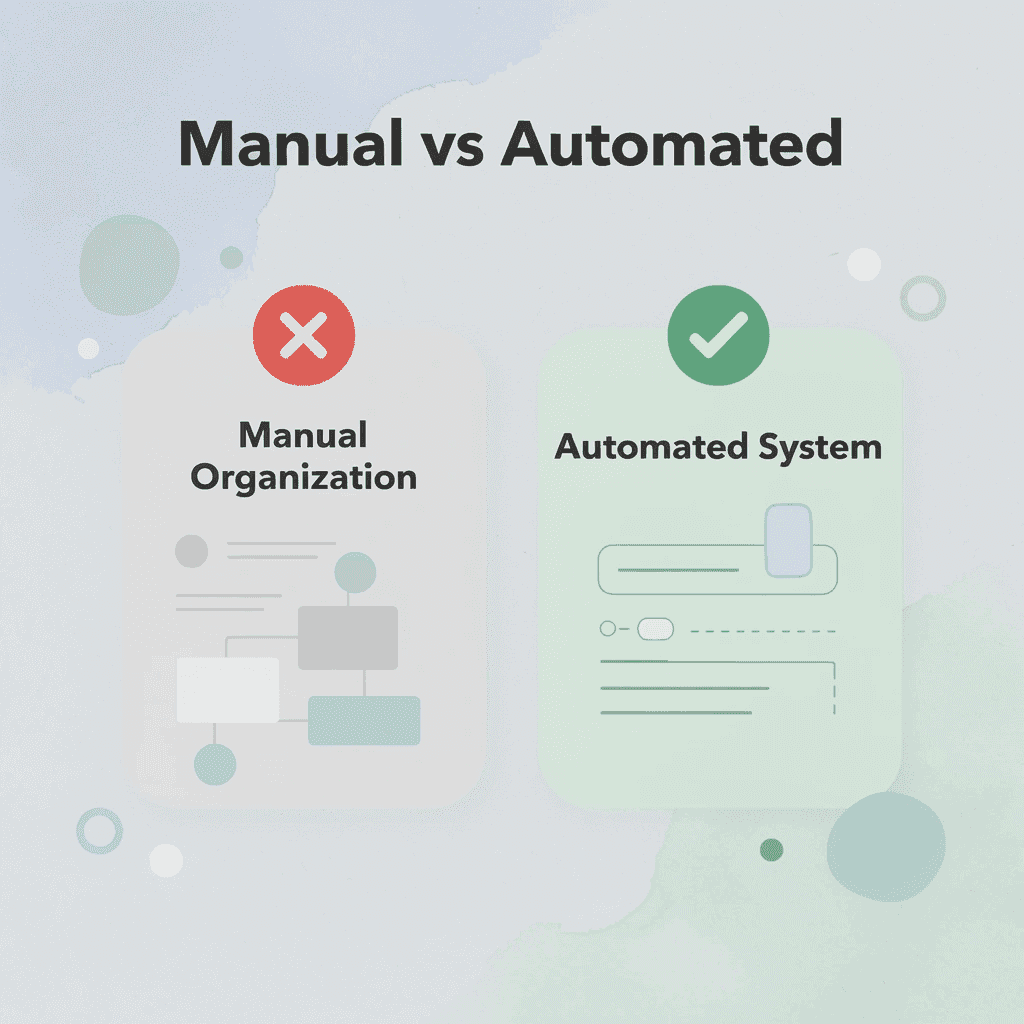
🎯 Key Point: Automation transforms manual organization into a self-managing system that works continuously in the background.
Platforms like Otio let you upload notes, articles, or documents and immediately ask questions like "What are the key ideas here?" or "Group these into themes and connections." Instead of manually reading, highlighting, categorizing, and linking concepts yourself, our AI research and writing partner extracts relationships and surfaces patterns grounded entirely in your own sources. You compress hours of synthesis into minutes of focused conversation with your research, then save the structured output as a reusable reference.
"You compress hours of synthesis into minutes of focused conversation with your research, then save the structured output as a reusable reference." — Research efficiency study, 2024
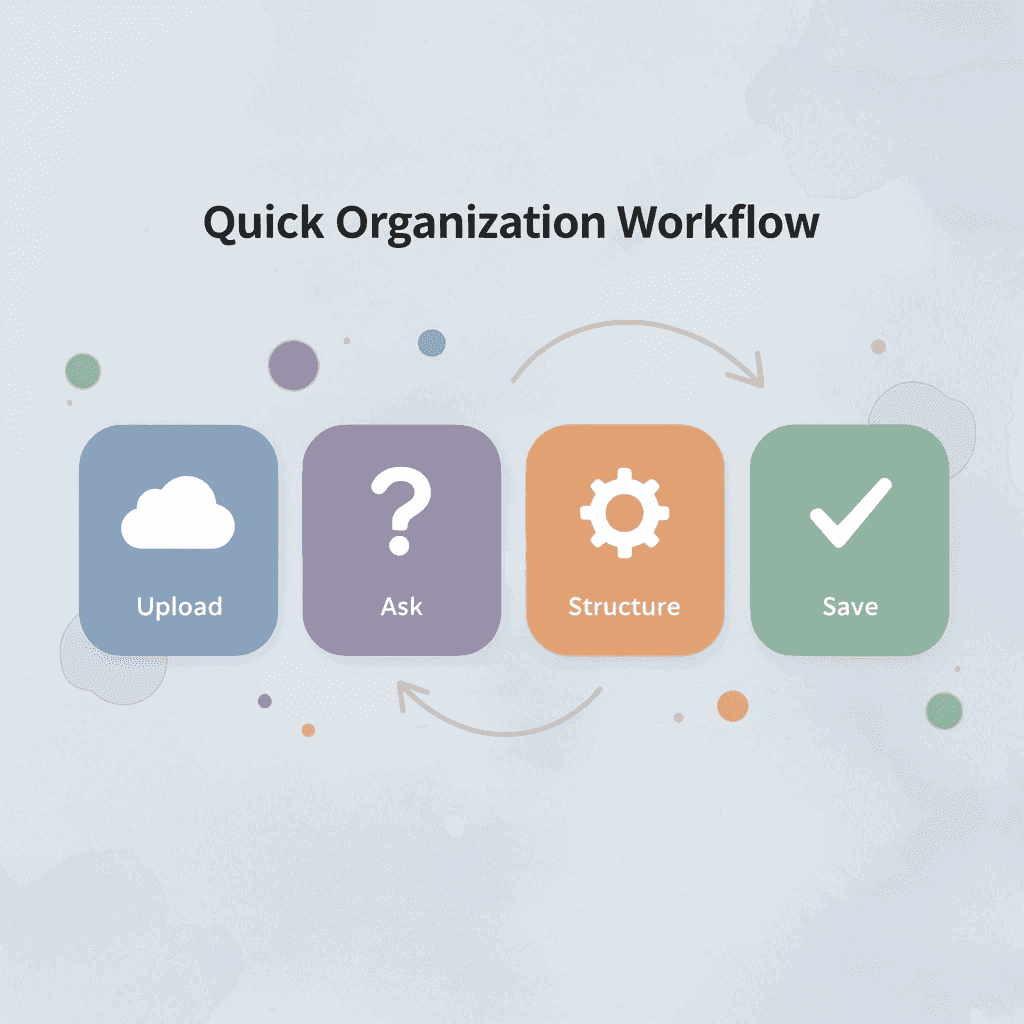
The workflow is: open the tool, upload your content, request the structure, and save the result. You've turned raw information into connected insights without touching a folder, rewriting a note, or remembering where anything lives.
💡 Tip: This 4-step process eliminates the traditional manual sorting that consumes hours of productive time.
Clarity comes from structuring what you already have, then letting that structure do the work you've been doing manually. When the system remembers, connects, and surfaces information for you, organizing becomes automatic.
🔑 Takeaway: The goal isn't better manual organization, it's building systems that make manual organization unnecessary.
Related Reading
Best Document Management Software For Small Businesses
Legal Document Data Extraction
Top Ai Tools For Document Review
Ai Tools To Summarize a Research Paper
Best Hr Document Management Software
Claude Ai File Upload Limits
Notebooklm Alternatives
Best Automation Tools For Document Management
ChatGPT File Upload Limits
Best Document Management Software For Law Firms
Best Ai Tools For Research Projects
Notebooklm Limits
Notebooklm Vs Notion
Best Document Management Software



