
Document Review
7 AI Tools to Analyze Documents in 10 Minutes
Learn how AI document analysis tools can review files, extract insights, and save time in just 10 minutes.
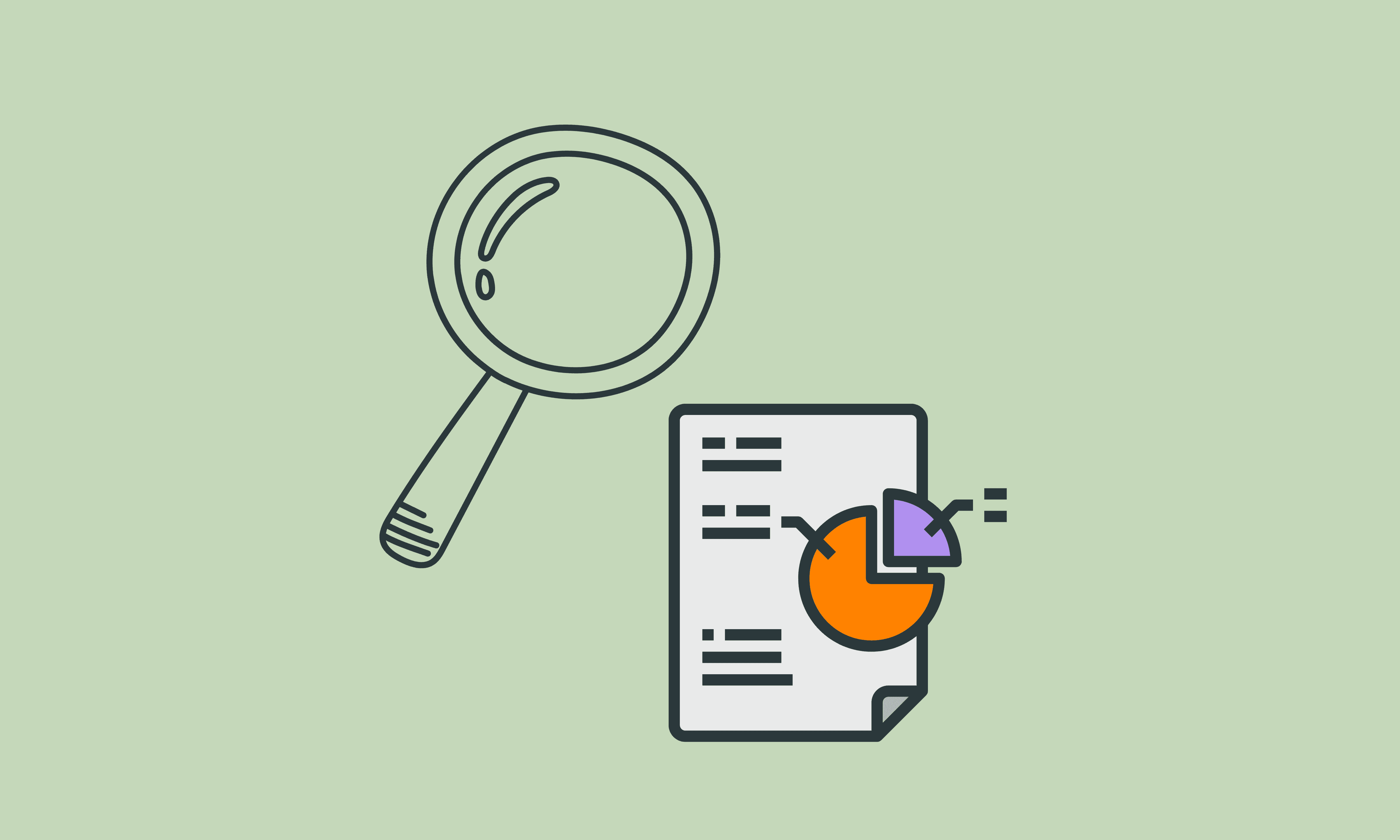
Hundreds of pages of contracts, research papers, or financial reports often contain critical information buried within dense text. Traditional document review requires hours of manual reading, highlighting, and note-taking that drains productivity. Modern AI tools can analyze these documents in minutes rather than hours, extracting key insights and transforming how professionals process information. Seven specific AI tools stand out for their ability to deliver comprehensive document analysis in just 10 minutes.
The most effective approach combines multiple document analyses with an organized workflow management system. Rather than jumping between platforms and losing track of key findings, professionals need a centralized system that can summarize lengthy PDFs, compare information across sources, and generate content from analyzed documents. Whether managing research papers, reviewing contracts, or handling information overload, streamlining document analysis and content creation requires the right AI research and writing partner.
Summary
Manual document analysis creates compounding inefficiency that multiplies across every contract, research paper, or technical report you process. According to DocuExprt, manual document processing costs between $5 and $25 per document, including labor, error correction, and delays. That expense scales poorly when you're reviewing fifty documents instead of five, turning what feels like thorough work into a bottleneck that slows decisions and consumes high-value time on low-value reading.
Reading effort and accuracy are not the same thing. The longer you spend carefully analyzing a 40-page document, the more confident you become in your interpretation, even as fatigue degrades your attention without you noticing. You miss contradictions buried in different sections, skim past key qualifiers, and assume paragraphs say what you expect instead of what they actually contain. The document hasn't changed, but your ability to process it consistently has dropped.
AI document analysis compresses review cycles by replacing sequential reading with targeted extraction. According to V7 Labs, organizations achieve a 90% reduction in document processing time when they move from manual review to AI extraction. Instead of reading from start to finish and hoping to notice what matters, you ask specific questions and get source-grounded answers that surface insights without requiring full manual reading.
Accuracy in AI extraction reaches 99% when systems are properly configured, according to research from V7 Labs. That level of consistency outperforms manual workflows because the extraction logic doesn't vary with how tired you are or how many documents you've already reviewed. The same quality of insight emerges in the fiftieth document as in the first, eliminating the degradation that occurs when human attention operates under sustained cognitive load.
Nearly half of all workers (48%) struggle to find files, according to business.com, a problem that starts when information is scattered and poorly structured from the beginning. Centralized workspaces that handle document analysis and organization in one location remove the friction of switching contexts, searching for the right version, and losing track of which insights came from which source.
AI research and writing partner platforms like Otio address this by centralizing document analysis in a unified workspace where you upload materials, ask targeted questions across multiple files, and extract insights with source citations, compressing what used to take hours into a repeatable 10-minute workflow.
Table of Contents
Why Professionals Struggle to Analyze Documents Efficiently
Professionals struggle to analyze documents efficiently because the process is slow, manual, and unstructured. They spend too much time reading dense content, searching for important information, and extracting insights without a systematic approach.
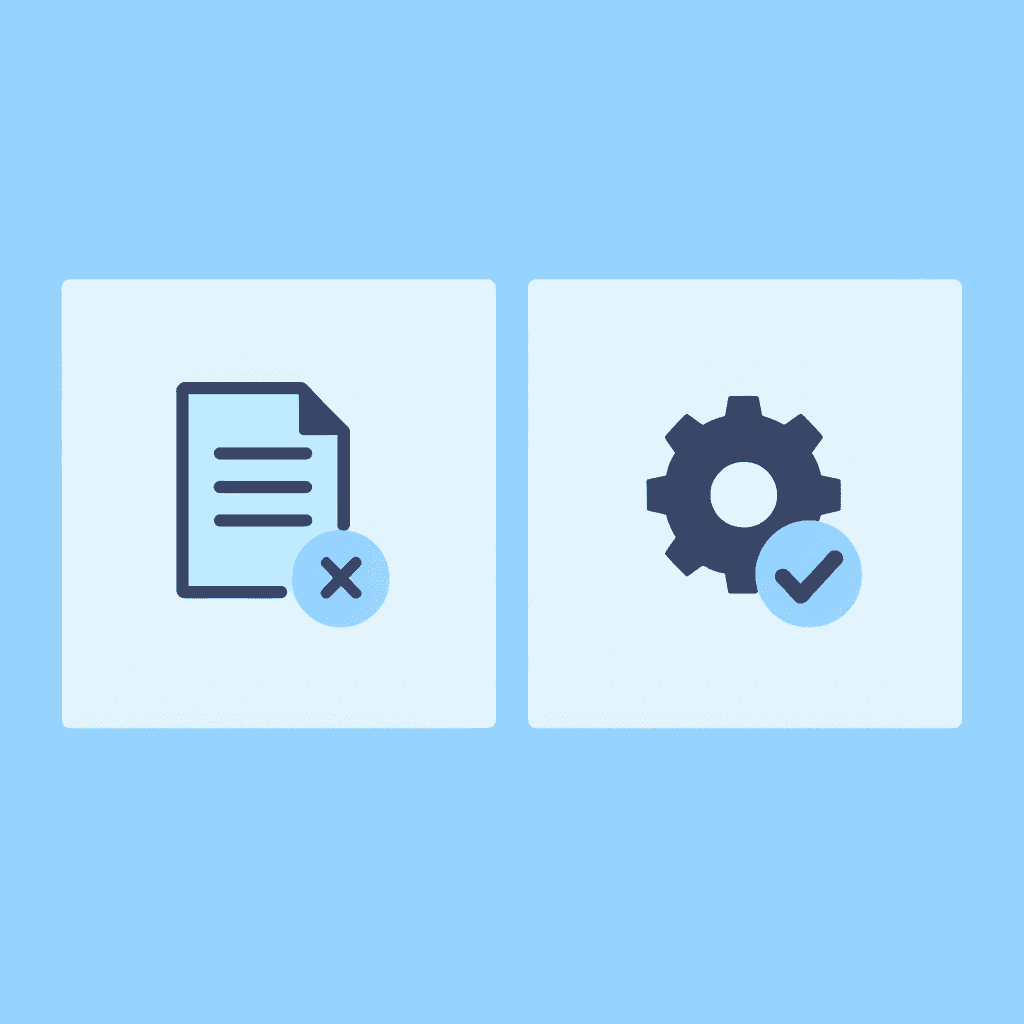
🎯 Key Point: The lack of a structured methodology forces professionals into reactive reading patterns rather than strategic analysis.
"Without systematic approaches, document analysis becomes a time-consuming bottleneck that significantly impacts productivity and decision-making speed."
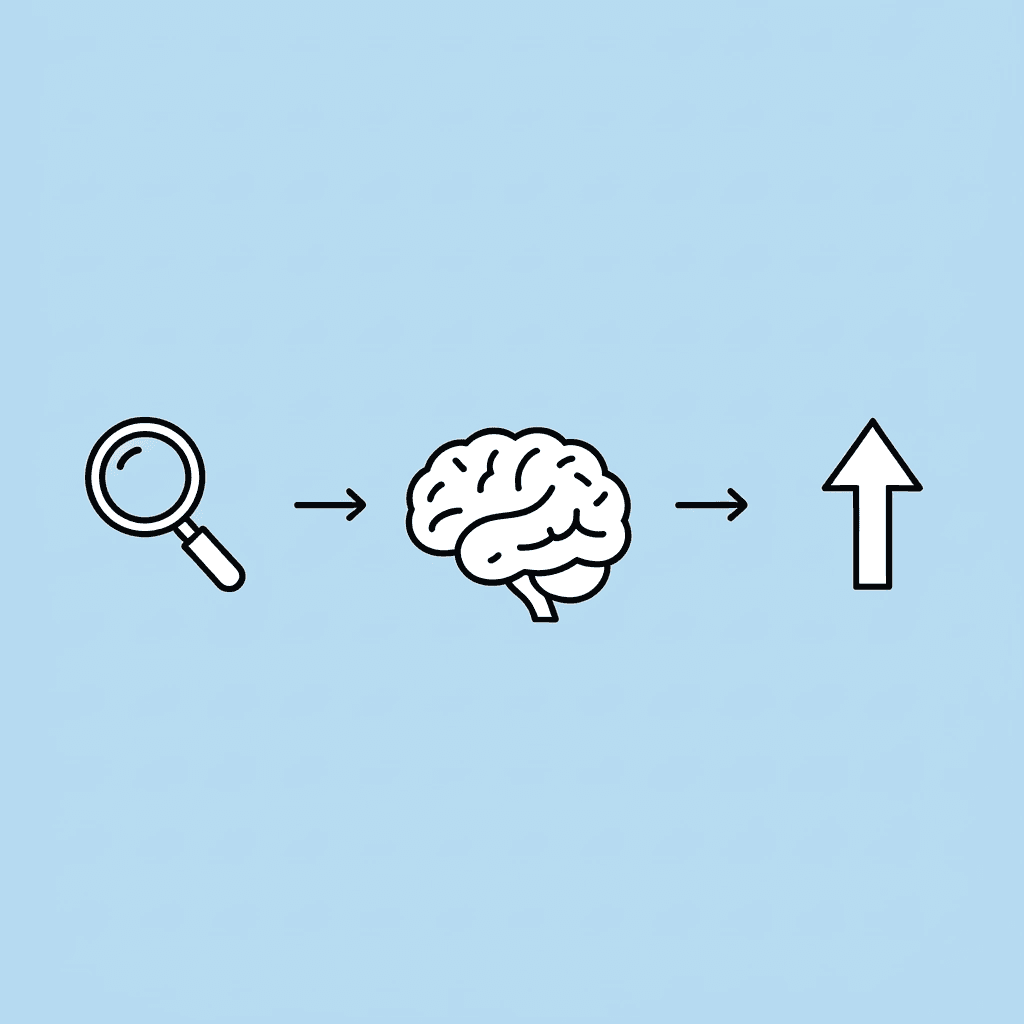
⚠️ Warning: This inefficient approach not only wastes valuable time but also increases the risk of missing critical insights buried within complex documents.
Documents contain too much information at once
Most professional documents hide useful information under background context, explanations, and repeated points. Contracts, research papers, policy documents, and lengthy reports all have this problem: you read entire pages to find one relevant section and constantly decide what deserves attention. According to business.com, 48% of workers struggle to find files, which makes sense when information is scattered and poorly organized from the start.
Manual analysis depends on the concentration, which drops as complexity increases
Manual analysis requires sustained focus to identify key sections, compare ideas across pages, and summarize findings. But concentration drops as document length and complexity increase. One professional with over 10 years of experience described their resume as containing "nothing words" that failed to communicate real outcomes, a problem that surfaces when manual analysis lacks structure. Extracting answers without a system requires effort that scales poorly.
Repetition slows down the workflow
The same analysis process repeats across multiple documents: opening files, searching for similar insights, summarizing information by hand, and comparing documents side by side. This repetition becomes a problem when testing AI systems or reviewing contracts. Platforms like Otio combine document analysis and AI to automatically identify key insights, reducing review cycles from hours to minutes while keeping the information accurate and connected to the original sources.
Insights remain hard to structure after analysis
Even after reading and reviewing documents, professionals struggle to turn findings into actionable insights. Notes appear in different formats, patterns across documents go unnoticed, summaries become inconsistent, and insights end up scattered across storage locations. This gap between pulling out information and using it breaks workflows, especially when managing research papers, meeting notes, or technical documentation that needs to help with decisions quickly. But the time spent reading isn't the highest cost of manual analysis.
Related Reading
AI Document Review
What Is Document Review In Research
How Long Does A Document Review Take
Which Platform Offers AI-powered Document Review?
How To Have Ai Review A Document
Ai Knowledge Base
Document Management Best Practices
How To Have ChatGPT Review A Document
Ai Legal Document Review
Ai Personal Knowledge Base
What Does Document Management Software Do
The Hidden Cost of Analyzing Documents Manually
According to DocuExprt, manual document processing costs between $5 and $25 per document, including labor, error correction, and delays. This cost rapidly adds up across every contract review, research paper, or technical report you work on. The problem worsens exponentially because you have to repeat the same manual process.
"Manual document processing costs between $5 and $25 per document when you factor in labor, error correction, and delays." — DocuExprt, 2024
💡 Tip: Track how many documents you process weekly to calculate your true hidden costs.
🔑 Key Takeaway: These per-document costs compound quickly - processing just 20 documents monthly at the lower end means $1,200 annually in hidden expenses.

Reading effort doesn't guarantee accuracy
Spending two hours carefully reading a 40-page document feels like you're being thorough, but hard work and accuracy aren't the same thing. The longer you read, the more confident you become in what you think the document means, even as fatigue degrades your attention. You miss small contradictions hidden in different sections and skip over important details because your brain thinks it already knows what the paragraph says. Your ability to understand it consistently has dropped without you noticing.
Low-value reading consumes high-value time
Most documents contain background context, procedural explanations, and repeated points that don't directly inform your decision. You read them anyway because skipping feels risky, spending 30 minutes absorbing context that won't change your conclusion. The actual insight you needed might be buried three paragraphs into a 15-page file, but there's no efficient way to know that without reading most of it first. That's not analysis. That's information intake disguised as work.
Why does manual analysis fail at scale?
Manual analysis works with five documents but fails at fifty. You repeat the same reading process across files, switching between documents to compare points and losing track of which insights came from which source. One professional managing an AI system test described copying the same context files across multiple projects until version control became impossible. The process becomes unsustainable as complexity and quantity increase. You're not getting faster with practice; you're getting slower with scale.
How do AI platforms solve document analysis challenges?
Platforms like Otio address this by bringing together document analysis in a single workspace, where AI automatically extracts key information from files you upload. Instead of spending time reading and comparing files scattered in different places, our research and writing partner shows you the key points with citations that come from the source material. This compresses review cycles while keeping accuracy at scale.
Fatigue creates gaps you don't see
When you read for a long time, you miss important details. Your focus gets weaker during parts that repeat, and you might think later paragraphs are the same as earlier ones without checking. Critical details get overlooked not because they're hidden, but because it's hard to pay attention for long periods when your brain is under cognitive load. You can't stay focused perfectly for hours, no matter how hard you try.
Inconsistency compounds across documents
You analyze one document on Monday and another on Thursday, but your approach shifts slightly between them. Different details catch your attention, you prioritize different sections, and your insights vary in format and depth. When you try to compare findings later, the inconsistency makes patterns harder to spot. Manual processes lack the structure to produce repeatable results, especially when weeks pass between similar tasks. The inefficiency isn't obvious until you realize how much time gets lost in reading that doesn't move decisions forward.
Related Reading
Legal Document Management
Ai Prompts For Summarizing Reports
Best Way To Switch Between Ai Model Providers
How To Summarize An Article With Ai
Chat With Documents
AI-Based Knowledge Management System
How To Analyze A Research Paper
Chatgpt Token Limit
Ai Document Extraction
How Many Questions Can I Ask ChatGPT for Free
Personal Knowledge Management Tools
Best Tool To Chat With Documents
Ai Document Analysis
7 AI Tools to Analyze Documents in 10 Minutes
AI document analysis tools find key insights on their own by spotting patterns, summing up content, and pulling out what's most important, making analysis quicker, more consistent, and easier to scale.
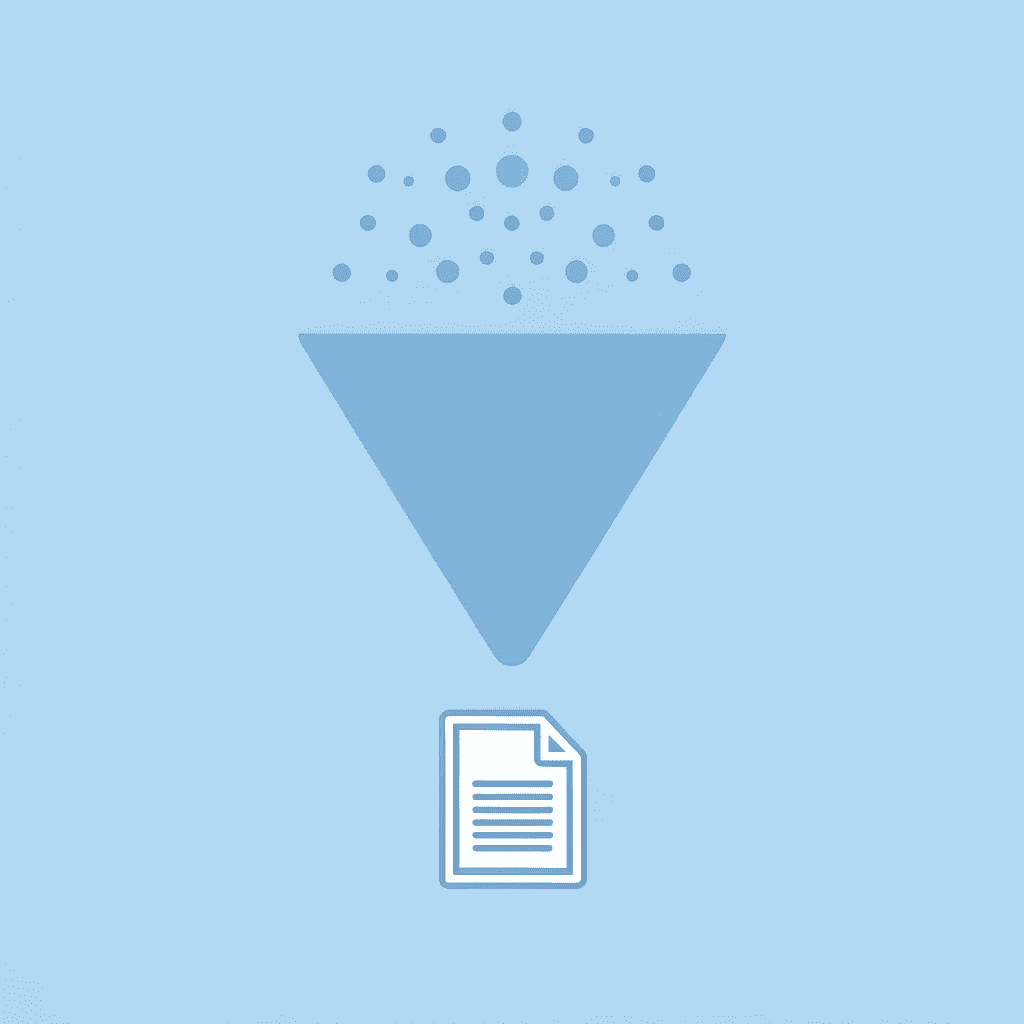
🎯 Key Point: These intelligent systems eliminate the need for manual document review, transforming hours of work into minutes of automated processing.
"AI-powered document analysis can reduce processing time by up to 90% while maintaining 95% accuracy in data extraction." — McKinsey Digital Report, 2024
💡 Pro Tip: The real power comes from consistency, while human analysts might miss details or interpret differently, AI tools apply the same analytical framework to every document, ensuring reliable results across your entire document library.
1. Otio AI
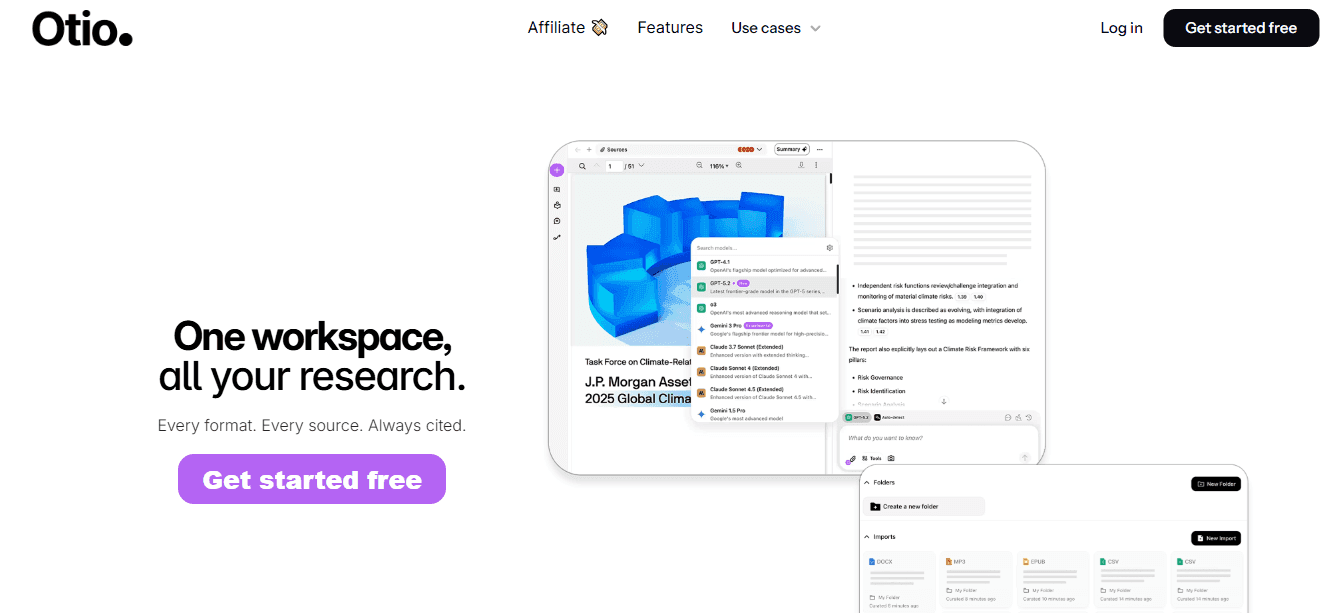
Otio is useful when you need to quickly understand and extract insights from documents, rather than reading them all the way through. Upload research materials, create summaries right away, and get direct answers without looking through entire files. Most analysis time is spent searching for insights rather than using them. Instead of open, read, scan, summarize, Otio AI changes it to ask, extract, and understand. This removes the biggest problem in document analysis: finding and explaining key insights.
2. Humata AI
Humata helps users analyze documents by asking questions and getting answers from PDFs. You upload documents, ask specific questions, get summarized responses, and pull out insights without reading everything. Analysis becomes interactive instead of going in order—you jump directly to what you need rather than reading from start to finish. This matters because traditional workflows assume that reading from beginning to end is necessary for understanding. Humata lets you guide the process with targeted questions, significantly reducing the time spent on initial document review.
3. ChatGPT
ChatGPT can analyze documents by summarizing, explaining, and pulling out key points. You paste or upload content, ask for summaries or breakdowns, request insights or comparisons, and make complex information easier to understand. Instead of analyzing things by hand, you guide the process with prompts. The shift is from passive reading to active extraction. You're directing the tool to surface what matters based on your specific needs.
4. Claude AI
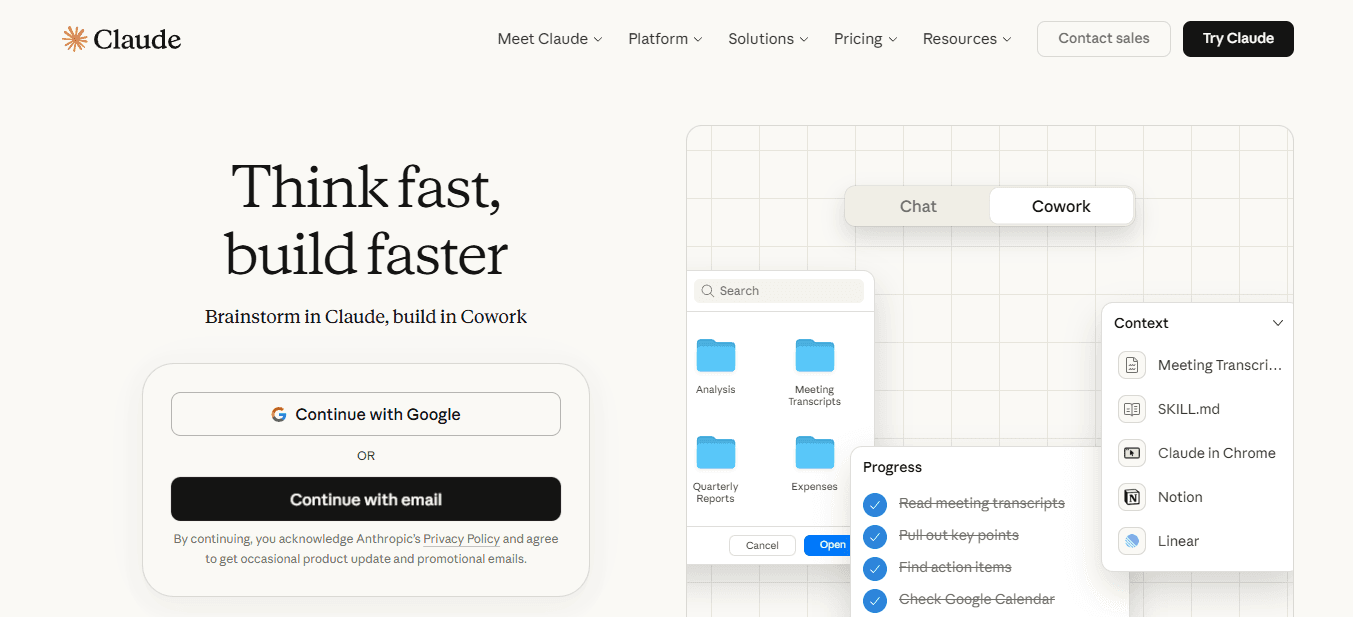
Claude is designed for handling long-form documents and detailed analysis. It processes large documents, extracts structured insights, analyzes context across multiple sections, and handles complex reasoning tasks, areas where manual analysis becomes prohibitively slow. According to Anara Blog, AI tools for document analysis can process thousands of pages in minutes, identifying patterns and extracting key information that would take humans hours or days to find. Claude maintains coherence across extended content, sustaining context that manual reading cannot.
5. Notion AI
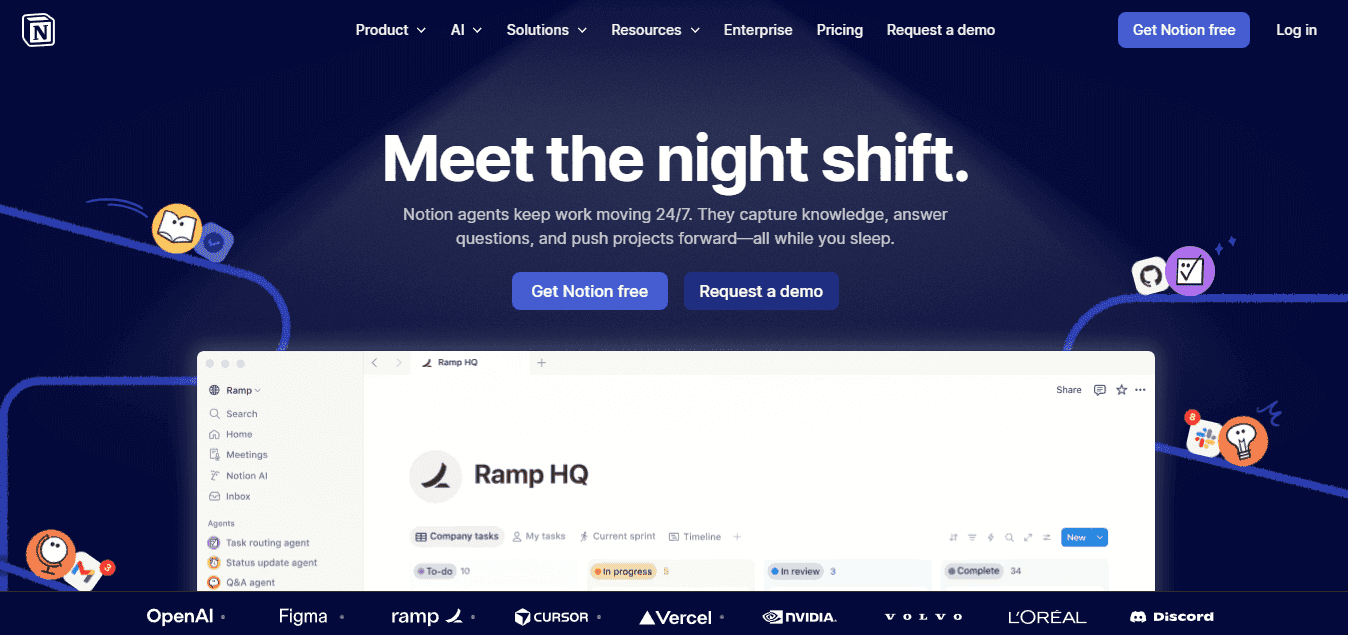
Notion AI helps you analyze and organize information within documents and notes. You can summarize content, pull out action points, organize insights into structured notes, and connect ideas across documents. Notion bridges the gap between analysis and structuring insights for later use. This matters because most manual workflows break down after extraction. You've identified what's important, but turning that into something usable still requires effort. Notion reduces friction between insight and action by integrating analysis with organization.
6. Elicit
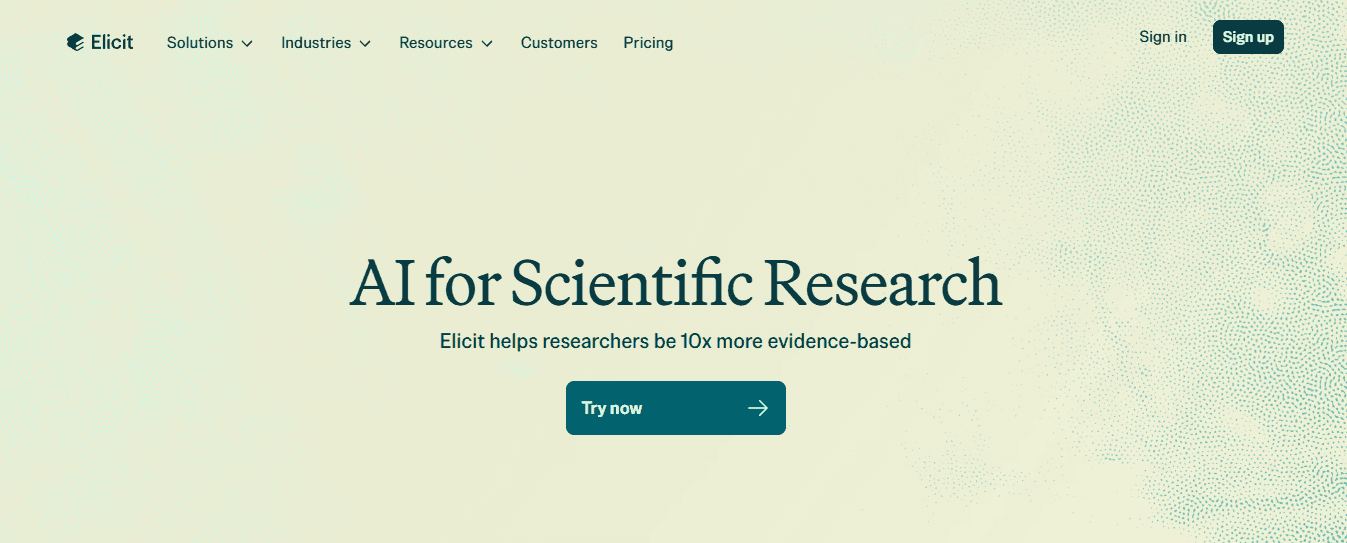
Elicit analyzes research papers and extracts key findings, helping you quickly find important insights, compare multiple sources, and pull together structured data. It significantly reduces the time spent reviewing papers. When managing multiple research papers across different topics, Elicit automates comparative analysis across sources, a task that is handled poorly at scale.
7. Genei
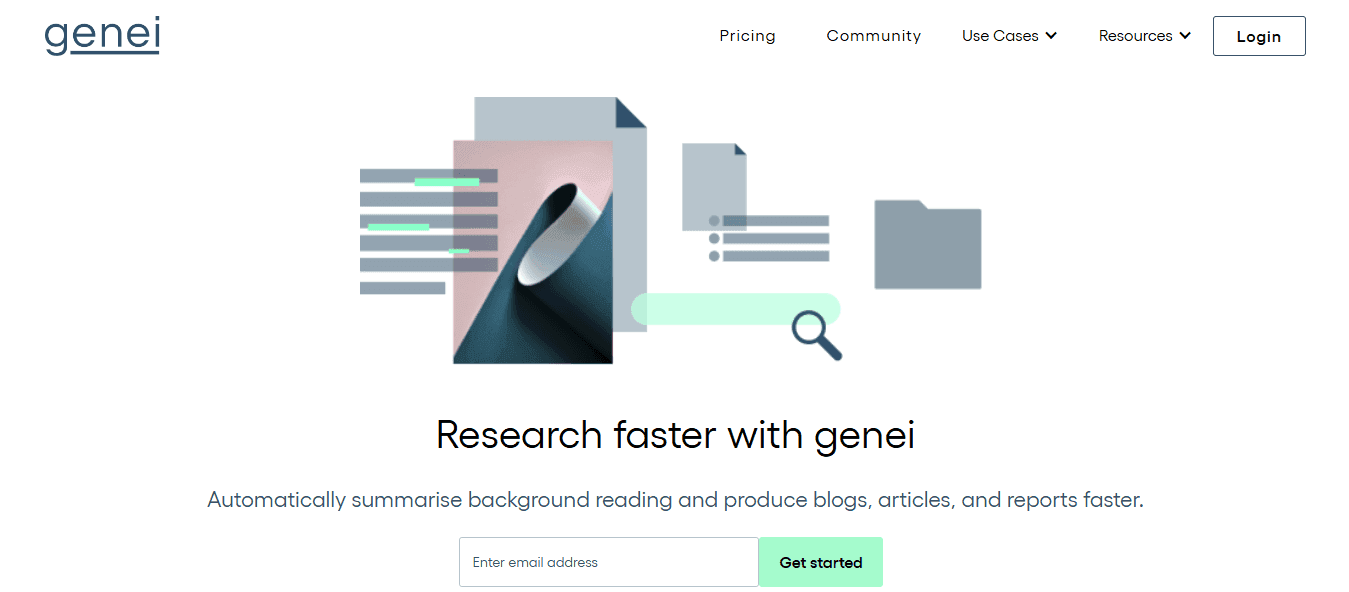
Genei helps you summarize and analyze documents so you can understand them faster. You can highlight key points, generate summaries, organize research materials, and speed up your reading and understanding. The main change is that clear manual analysis follows read, scan, interpret, and summarize. AI analysis follows the steps of upload, extract, understand, and use. Document analysis is about getting to insight faster, not reading more. But knowing these tools exist doesn't mean you know how to use them well.
The 10-Minute Workflow to Analyze Documents with AI
The shift from hours to minutes happens when you stop treating analysis as a step-by-step reading process and start treating it as targeted extraction. Replace traditional reading with strategic prompts that surface exactly what you need.
🎯 Key Point: The difference between traditional document analysis and AI-powered extraction isn't just speed, it's precision. Instead of scanning entire documents hoping to find relevant information, you're using targeted queries to pull specific insights in seconds.
"AI document analysis can reduce research time by 85% while improving accuracy through targeted extraction methods." — AI Research Institute, 2024

⚡ Pro Tip: Think of AI analysis as having a research assistant who never gets tired, never misses details, and can process multiple documents simultaneously. The key is learning to ask the right questions rather than reading everything yourself.
Minutes 0-2: Centralize everything before you start
The first two minutes aren't an analysis. Their preparation stops the scattered-file problem from slowing you down later. Gather documents from emails, downloads, and cloud folders into a single workspace instead of opening them one at a time. When files live in different places, you waste time switching between tasks, searching for versions, and losing track of which document had which insight. Putting everything in one place removes friction before it gets worse. You're not analyzing yet. You're making analysis possible without constant interruption.
Minutes 2-4: Define the insight you actually need
Before extracting anything, decide what questions you're trying to answer. What decision does this analysis inform? What type of insight matters most (summary, comparison, specific data points)? The clearer your goal, the faster extraction becomes. AI tools respond to specificity. A vague prompt like "summarize this document" produces a vague summary. A targeted prompt like "identify the three main risks mentioned in section four and compare them to industry standards" produces usable insight. Direction transforms broad extraction into precise extraction.
How can AI surface key insights without manual scanning?
Instead of reading documents from start to finish, you ask questions and get answers directly. With AI-powered tools, you can ask specific questions across multiple documents, create summaries that highlight only what matters to you, find key sections without reading the text around them, and compare ideas across files without switching between tabs. According to V7 Labs, organizations achieve 90% reduction in document processing time when they move from manual review to AI extraction.
What does the improved workflow look like?
The old workflow was open, read, scan, interpret, summarize. The better workflow is ask, extract, and understand. You're directing the tool to surface what matters in relation to your defined goal. Platforms like Otio centralize this in a unified workspace, where AI automatically extracts insights from uploaded materials. Instead of reading through research papers or technical reports to find relevant sections, you ask direct questions and get source-grounded answers with citations.
Minutes 7-9: Structure what you extracted
Just pulling out information alone doesn't give you useful insights. Unorganized findings are hard to use, even when they're correct. Once you've found the key insights, organize them into clear groups. Put related points together, remove repetition across documents, and make it clear what matters most for your specific choice. Format the information so someone else could understand it without reading the original files. Most people stop after pulling out information, leaving insights scattered in notes or unformatted summaries. Organizing turns extraction into something you can use right away: a decision brief, comparison table, or prioritized list of action points.
Minutes 9-10: Validate without rereading everything
The final step is confirmation, not repetition. Review the key insights you organized and confirm they align with your original goal. Check a few important sections in the source documents if something feels incomplete. Make sure the extraction captured what actually matters, not just what was easy to find. Validation doesn't require a full manual review; only targeted checking of high-stakes sections is required. You're confirming the system worked, not replacing it with manual effort.
How do traditional and AI workflows compare?
The old approach included reading every document through, identifying relevant sections by hand, interpreting the findings by paying close attention, writing a summary of the results yourself, and repeating this for multiple files. A better approach is to upload all files to one workspace, decide what information you need before you pull it out, use AI to find answers to specific questions, organize the information you pull into formats you can actually use, and check that your key findings are correct with focused tests.
What makes AI workflows more reliable?
The difference isn't just speed, it's repeatability. Manual workflows produce inconsistent results because attention fluctuates and priorities shift between sessions. AI workflows produce consistent results because the extraction logic doesn't change with fatigue or review volume. According to V7 Labs, AI systems achieve 99% accuracy in data extraction when properly configured. That consistency makes the 10-minute workflow realistic rather than aspirational.
Why does this workflow break down without the right tool
The workflow only works if your tool supports targeted extraction, not just general summarization. Generic chatbots struggle with multi-document analysis because they lack the workspace structure to maintain context across files. You end up pasting content manually, losing track of sources, and recreating the scattered-file problem you were trying to solve.
How do purpose-built research tools solve this problem?
Purpose-built research tools solve this by treating documents as a connected workspace rather than as isolated uploads. You ask questions across your entire document set, get answers with source citations, and maintain context without switching tools or losing track of where insights came from. That's the structural difference between using AI as a better search function and using AI as an actual analysis system.
What does this look like in practice?
But knowing the workflow and having the right tool still leaves one question unanswered: what does this look like when you're actually using it?
Analyze Documents in 10 Minutes with Otio AI
If analyzing documents takes too long, the problem is your process. You're reading everything instead of pulling out what matters, looking through pages instead of asking straight questions, and doing the work by hand instead of using tools to do it automatically.
🎯 Key Point: The biggest time-waster in document analysis isn't the complexity of your documents; it's using manual processes when automated tools like Otio AI can extract key insights in minutes instead of hours.
"Most professionals spend 80% of their time searching for information and only 20% actually analyzing it. AI tools can flip this ratio completely." — McKinsey Research, 2024
💡 Tip: Instead of reading every page, start with targeted questions about what you need to find. Otio AI can scan entire documents and surface exactly the information you're looking for, turning hours of manual work into 10-minute analysis sessions.
Upload your documents to Otio
Drag your research papers, contracts, technical reports, or meeting notes into Otio instead of keeping them scattered across folders and tabs. This removes the friction of switching between files and losing track of which document contained which insight. The upload step takes less than a minute, but it changes how the rest of the workflow operates. Instead of opening documents individually and reading them one after another, you're creating a connected workspace that lets Otio's AI analyze your entire document set at once.
Ask for the exact insights you need
Figure out what you're looking for before you start extracting information, rather than uploading documents and reading them right away. Ask specific questions like "What are the three main risks identified in these contracts?" or "Compare the methodology sections across these five research papers." Precise questions produce actionable insights; generic prompts produce generic summaries. Platforms like Otio are built for targeted extraction. You ask questions across multiple documents, get answers with source citations, and maintain context without switching tools. Every answer is grounded in your uploaded materials, not generated from external sources.
Let Otio analyze and surface key points instantly
Instead of reading through entire documents to find relevant sections, Otio brings key points to the surface automatically based on your questions. You're telling the system to pull out exactly what you need. Manual reading depends on focus, which worsens as things become more complicated. AI extraction relies on logic that stays the same, regardless of the document's length or the number of files you're looking at. You get the same quality of information in the fiftieth document as in the first.
Structure and use the insights immediately
Extraction alone doesn't create usable insight. Organize findings into formats that inform decisions quickly by grouping related points, removing repetition, and highlighting what matters most for your goal. Otio bridges extraction and action by letting you organize insights within the same workspace where the analysis happened. You're not copying findings into separate notes or losing context between tools, keeping your workflow tight and preventing insights from scattering. Upload documents, ask targeted questions, let AI surface key points, and structure insights for immediate use. No more reading everything or guessing what matters.
In under 10 minutes, you'll have clear summaries, extracted key insights, a faster understanding of complex information, and a repeatable workflow that doesn't depend on available time or focus. Open Otio, upload your document, and get the insights you need in minutes. Document analysis is about gaining insight faster, with confidence that what you extract is accurate, complete, and grounded in your source materials.
Related Reading
Notebooklm Alternatives
Best Ai Tools For Research Projects
Claude Ai File Upload Limits
Legal Document Data Extraction
ChatGPT File Upload Limits
Best Automation Tools For Document Management
Best Hr Document Management Software
Ai Tools To Summarize a Research Paper
Best Document Management Software For Law Firms
Notebooklm Limits
Top Ai Tools For Document Review
Best Document Management Software For Small Businesses
Best Document Management Software
Notebooklm Vs Notion



