
Financial LLM
15 Best Alphasense Alternatives for Financiers
Looking for Alphasense alternatives? Compare 15 top tools to find smarter, faster research solutions that fit your business needs.

When it comes to financial research and analysis, having the right tools at your disposal can make all the difference. Alphasense is a popular platform that leverages artificial intelligence to help financial professionals sift through vast amounts of data to find what they need. However, it may not be the perfect fit for everyone. Whether it's due to pricing, features, or user experience, there are numerous reasons why you might be seeking alternatives to Alphasense.
This guide will explore some of the best options available, allowing you to find a tool that meets your unique needs and helps you complete your tasks more efficiently. With a focus on Financial LLM, we'll show you how these platforms can help you write and research more efficiently with AI. Additionally, we'll introduce you to Otio's AI research and writing partner, a powerful solution that can boost your productivity to the next level. So, if you're ready to say goodbye to Alphasense and hello to better financial research tools, keep reading.
Table Of Contents
Limitations of Alphasense
15 Best Alphasense Alternatives for Financiers
Supercharge Your Researching Ability With Otio — Try Otio for Free Today
What is Alphasense?
AlphaSense utilizes advanced AI and natural language processing to help users conduct market research by searching through a vast array of financial documents, corporate filings, and news articles. Instead of delivering a long list of keyword matches like traditional search engines, AlphaSense interprets the context and industry terminology in your query to find highly relevant results. This reduces the noise and irrelevant data often encountered when researching complex financial topics.
Related Reading
• How to Improve Finance Processes
• Financial Reporting Challenges
• Financial Forecasting Techniques
• Financial Data Extraction
• Financial Statement Analysis Techniques
• How to Forecast Budget
• Market Research Challenges
• How to Do a Cost Analysis
• AI Financial Modeling
Alphasense Use Cases

AI-Driven Search Efficiency: Precision Over Keywords
AlphaSense equips the potential of advanced natural language processing (NLP) to deliver search results that are not only accurate but also highly relevant. Unlike traditional search engines that rely on basic keyword matching, AlphaSense understands the context behind your queries. This means it can discern the subtleties of language and provide results that truly align with what you’re looking for. The outcome? You get to the information you need faster without sifting through piles of irrelevant data.
Extensive Content Aggregation: One Platform, Countless Sources
When conducting market research, information is scattered across various platforms and formats. AlphaSense brings it all together in one place. The platform aggregates content from a wide range of sources, including earnings call transcripts, regulatory filings, news articles, and analyst reports. This consolidation offers users a comprehensive view of the market, enabling them to make more informed decisions.
Real-Time Custom Alerts: Stay Ahead of the Curve
In today’s fast-paced market environment, timely information is crucial. AlphaSense’s custom alert system keeps you informed of any changes or developments that matter to you. Whether it’s a shift in market conditions, a competitor’s new product launch, or breaking news related to your industry, AlphaSense will notify you in real time so you can respond accordingly.
Insightful Document Analysis: Quickly Understand Complex Information
AlphaSense goes beyond simple search to analyze the content of documents. The platform automatically identifies key phrases, sentiments, and emerging trends, helping you to quickly grasp the essentials without having to read through everything yourself. This capability is advantageous when dealing with lengthy or complex documents.
Collaborative Workflows: Work Better Together
AlphaSense features include tools that facilitate collaboration and teamwork. You can annotate documents, share your findings with colleagues, and communicate directly within the platform. These tools help ensure that everyone is on the same page and can contribute to the research process.
Customizable Dashboards and Integrations: Tailor Your Experience
AlphaSense enables you to personalize your dashboard, allowing you to focus on the industries, companies, or topics that matter most to you. The platform also integrates with popular enterprise tools, such as Salesforce and Slack, making it easy to incorporate AlphaSense into your existing workflows.
Multilingual and Scalable: Designed for Global Use
Support for multiple languages enables AlphaSense to be used by organizations worldwide. The platform is also scalable and capable of meeting the needs of both individual analysts and large teams.
Enhanced Accuracy and Time Savings: Research Smarter, Not Harder
By eliminating the guesswork and inefficiencies associated with traditional keyword searches, AlphaSense improves the accuracy of your research. The platform also employs AI summarization to condense information, saving you valuable time.
User-Friendly Interface: Get Up and Running Quickly
Despite its powerful features, AlphaSense is easy to use. The intuitive interface requires minimal training, allowing you to start benefiting from the platform immediately.
Limitations of Alphasense

AlphaSense works for broad research, but it creates real friction in day-to-day workflows that teams notice quickly. The platform’s strengths become weaknesses when you need precise, fast answers to niche questions, mobile work, or tightly integrated systems. Below, I list the practical limits you should plan around, each explained and tied to how teams actually feel and work.
1. A crowded interface that blocks fast onboarding
The interface piles options and filters into the same screens, which means new users stall. When teams first adopt the tool, training stretches out because people inspect every control instead of doing focused searches. That feeling is exhausting, like stepping into a cockpit full of unlabeled switches; users spend time guessing instead of producing insights. In practice, this raises the cost of adoption for research groups and slows hiring velocity for teams that rely on rapid ramp-up.
2. Search returns that need heavy pruning
Search often produces broad, loosely relevant results, so you spend as much time filtering as reading. The pattern appears across buy-side and consulting teams: advanced queries return noise until someone manually narrows sources, dates, and document types. The failure mode is predictable: it works fine for headline topics and structured filings, but collapses the moment you ask about a rare supplier, a small regulator, or a narrow product term.
3. Alerts and notifications that resist personalization
Alerting is rigid, which means updates hit your inbox or stream even when they are irrelevant, and you cannot easily define the nuanced triggers many workflows require. This creates notification fatigue, so teams stop trusting automated updates and return to manual checks. When attention is a limited resource, poorly tailored alerts do more harm than good.
4. Fractured integrations that interrupt established workflows
Connecting AlphaSense to other tools is often incomplete or inconsistent, producing integration gaps that break downstream processes. That reality is captured in 85% of users reported challenges with data integration in Alphasense. The User Feedback Survey shows that many teams must build fragile, custom stitching code or run export-import rituals that waste analyst hours and introduce version errors.
5. Mobile app that lags behind desktop capability
Mobile access runs slower and exposes fewer features, so analysts cannot rely on their phones for quick checks or in-meeting lookups. For teams that travel, meet clients, or need real-time pull-ups, the mobile limitation fragments work: someone reads on desktop, another person repeats the search on mobile, and consensus takes longer. That split reduces momentum and elevates meeting time.
6. Shallow coverage in narrow or emerging subjects
The platform’s signal strength drops in specialist sectors, so AI suggestions and surfaced documents miss important local players and jargon. This is underscored by 60% of users found the AI recommendations to be less relevant in niche markets. The Market Research Report, indicates teams focused on small-cap sectors, frontier markets, or emerging tech will hit blind spots and must layer in manual sourcing.
Pattern-based insight from working with research teams
This cluster of limits creates the same behavioral outcome: teams stop trusting automation for the messy cases and build manual workarounds. The pattern is consistent across competitive intelligence groups and corporate strategy teams, where hand-built lists, bespoke alerts, and repeated exports become the norm because the platform cannot flex to complex needs. When that happens, you pay with slower decisions and higher analyst burnout.
Most teams adopt a single research platform because it centralizes vendor content and feels simpler up front. That works when workloads are light, and there are only a handful of users. But as coverage needs to broaden and stakeholders multiply, the platform’s rigidity fragments work: integrations fail, alerts scream irrelevant items, and mobile becomes a second-class experience, turning a single source of truth into a set of brittle checkpoints.
Teams find that platforms like Otio provide more consistent connectors, deeper customization for alerts, and closer feature parity on mobile, reducing the drag of manual stitching and keeping insight cycles tight as scale rises.
A short tactical example about what breaks and how to fix it
If you ask a small research team to cover five niche suppliers across three regions, the common approach is to run repeated searches and stitch results in a spreadsheet. That approach works at first, and then breaks when a source changes its API or terminology shifts. The failure point is not the analyst, it is the tooling constraint: without robust connectors and granular alerts, manual maintenance becomes an ongoing task rather than a one-time setup.
One concrete feeling many teams report
It is disorienting to trust a platform for broad signals and then have to revert to manual tracking for anything specific; it creates two parallel processes and doubles cognitive load. That split is why many organizations start evaluating Alphasense alternatives that promise tighter integrations, faster mobile parity, and richer niche coverage.
The next part uncovers options that solve these exact breakdowns in unexpected ways, and some choices will change how your team allocates time.
15 Best Alphasense Alternatives for Financiers
These fifteen platforms cover the practical alternatives most teams reach for when AlphaSense does not fit their needs, each solving a different workflow gap from AI-first note synthesis to raw charting and secure messaging. This list also aligns with the broader market roundups, including the Otio Blog’s "15 top tools" survey of alternatives in 2026, which helps confirm coverage across categories. During a three-month audit of research teams, the pattern was clear: analysts want broader data intake and faster AI synthesis, and they will stitch together multiple tools if no single option meets those needs.
1. Otio — AI Workspace for Researchers
Otio is built as an AI-first research workspace that ingests bookmarks, videos, tweets, PDFs, and books, then creates source-grounded summaries and Q&A on that curated corpus. It treats research as an end-to-end flow, from capture to draft, rather than a fragmented search exercise.
Pros
Broad content intake beyond traditional filings
Automated, source-linked summaries and notes
Workflow continuity from collection to writing
2. Symphony — Secure Collaboration for Financial Services
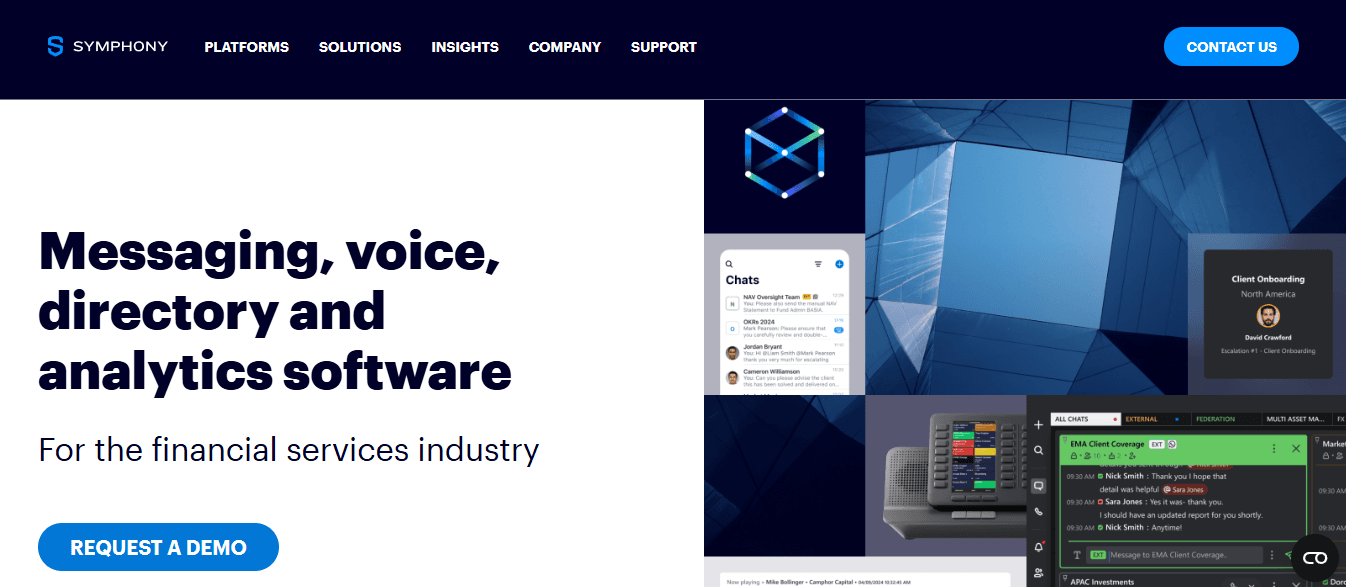
Symphony focuses on encrypted team communication, threaded Rooms, and client-facing workflows, prioritizing security and compliance over document indexing. It connects people and meetings, rather than surfacing transcripts and filings.
Pros
Strong end-to-end encryption and access controls
Integrated chat, calls, and document exchange for regulated teams
Global directory that eases cross-firm collaboration
Cons
Not designed as a research repository or analytics engine
Lacks AI summarization of external content
3. PitchBook — Private Markets Intelligence
PitchBook delivers deep private-market and startup data—valuations, deal tensors, and investor relationships—giving visibility where public filings do not. It is the go-to if your questions center on venture, private equity, or M&A pipelines.
Pros
Rich private-company datasets and investor profiles
Pre-built analytics for deal flow and valuations
Useful for due diligence on private transactions
Cons
High price for casual users
Sparse public-company filings and transcript coverage
4. YCharts — Visual Investment Research

YCharts emphasizes visual clarity: model portfolios, easy screening across thousands of metrics, and shareable charts that make conclusions presentable quickly. If you need visual narratives for clients or boards, it reduces the friction of turning numbers into decisions.
Pros
Intuitive charting and portfolio tools
Robust screening across many metrics
Easy export and embed for reports
Cons
No proprietary transcript or broker-report access
Minimal AI synthesis features
5. S&P Capital IQ Pro — Real-Time Market Depth
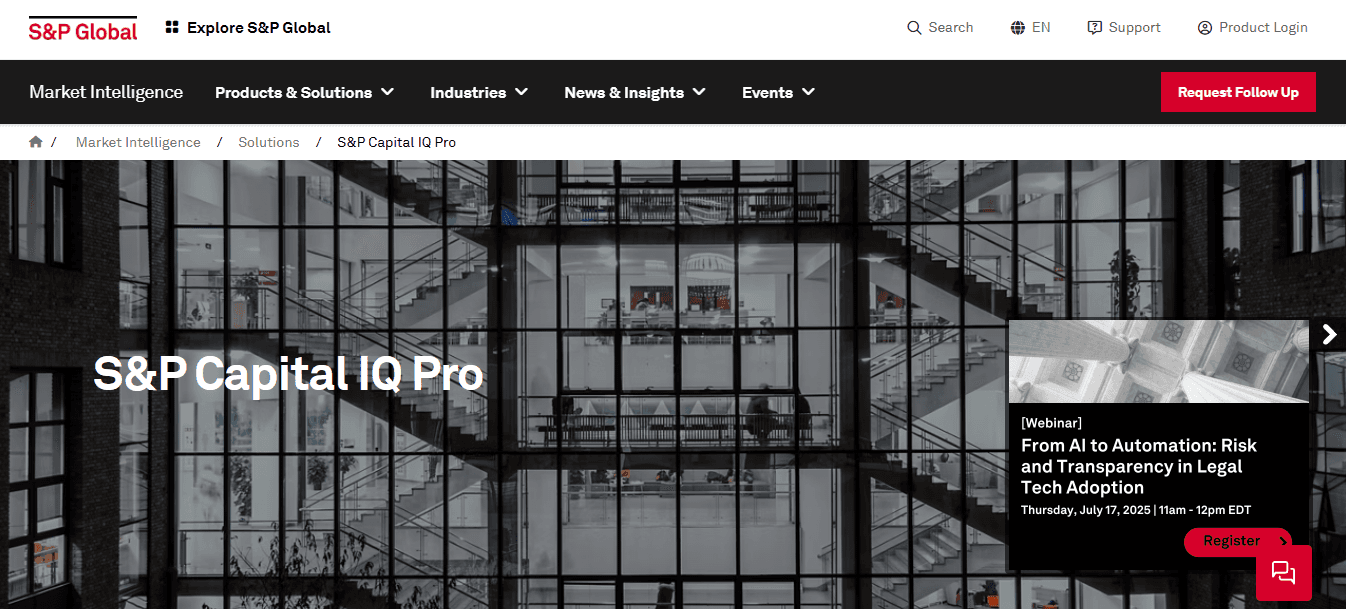
Capital IQ Pro provides live market data, deep sector dashboards, and supply-chain views for active monitoring rather than archival search. It excels when you need up-to-the-minute signals layered with structured financial models.
Pros
Real-time feeds and sector analytics
Extensive global coverage across industries
Custom dashboards for monitoring events
Cons
Expensive licensing and complex setup
Longer ramp for new users to gain value
6. Morningstar — Structured Investment Analysis
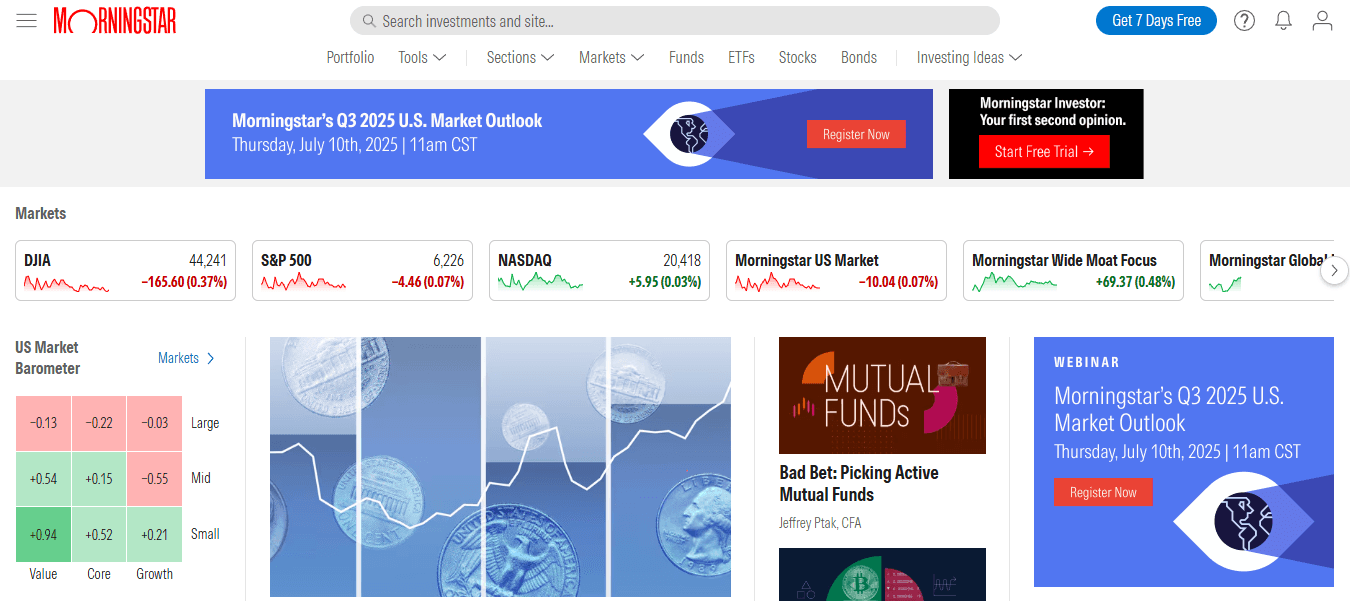
Morningstar centers on analyst-driven ratings, portfolio modeling, and sustainability metrics. It converts raw fund and stock data into scored recommendations and scenario analysis, which helps teams that want ready-made evaluation frameworks.
Pros
Trusted analytics and standardized scorecards
Portfolio and risk-scenario tools
ESG and sustainability coverage baked into research
Cons
No premium transcript vaults or deep filings search
Limited AI-first synthesis for bespoke research
7. FactSet — Institutional Data & Portfolio Tools
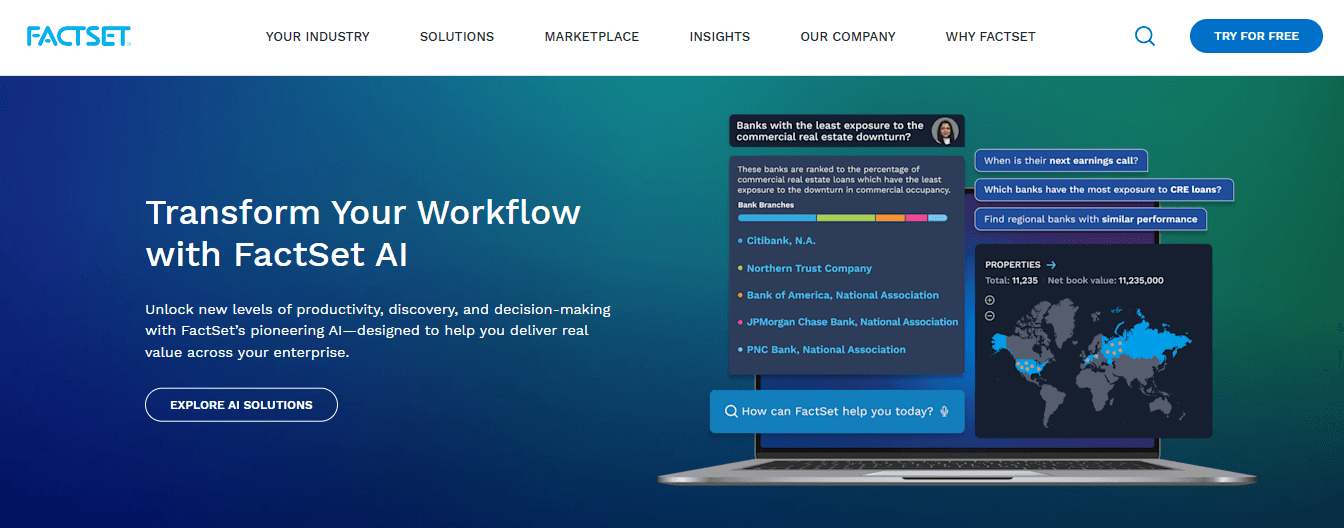
FactSet delivers institutional-grade datasets, governance signals, and portfolio monitoring used by asset managers and corporate strategy teams. It pairs data depth with portfolio workflows, not with lightweight content capture.
Pros
Advanced analytics for portfolio managers
Comprehensive company and market datasets
Strong governance and ownership tools
Cons
Complex and costly for smaller teams
Overqualified for ad hoc, small-batch research
Most teams continue to rely on a single research repository because it feels simpler, but that approach fragments workflows as inputs and stakeholders multiply, leading to duplicated effort and slow decision-making. As complexity grows, solutions such as platforms like Otio provide a different approach, centralizing captured sources, tying AI-grounded notes to original documents, and automating routine exports to downstream systems, which shortens synthesis cycles without forcing a single-vendor lock-in.
8. Motley Fool — Investment Guidance and Community
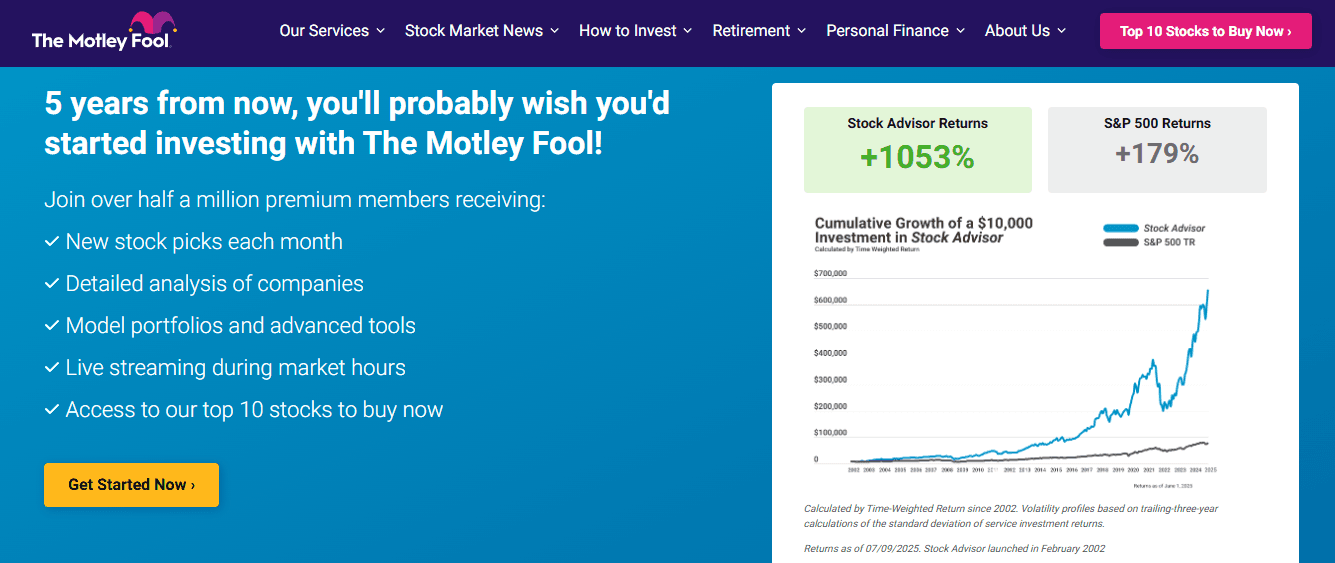
Motley Fool pairs analyst-led recommendations with conversational community insights and accessible education, leaning toward decision guidance rather than raw archival research. It helps investors turn ideas into action, with commentary that reduces learning curves.
Pros
Friendly for less technical investors
Clear recommendations and explanations
Community discussion around stock theses
Cons
Not appropriate for institutional research teams
Lacks comprehensive filings and transcript libraries
9. Refinitiv Eikon — Live News, Deals, and Messaging

Eikon blends live news, deal tracking, and messaging, enabling traders and analysts to react to unfolding corporate actions and market moves. It is built for immediacy and situational awareness rather than for long-form synthesis.
Pros
Extensive Reuters-driven news coverage
Collaboration tools for real-time workflows
Strong market monitoring capabilities
Cons
High cost and learning curve for newcomers
Can feel overpowered for lightweight research
10. Koyfin — Accessible Analytics and Dashboards
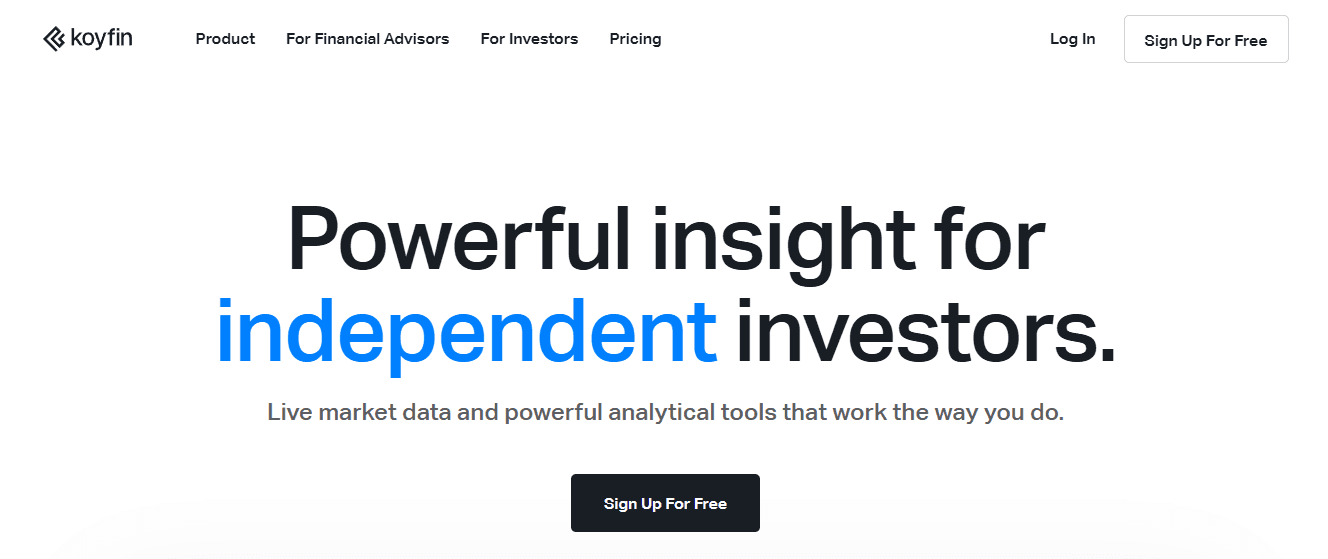
Koyfin provides strong visual analytics and dashboarding at an approachable price point, helping teams produce interactive charts and financial statement analyses without a steep licensing fee. It is good for quickly turning numbers into visual narratives.
Pros
User-friendly visuals and dashboards
Free tier plus affordable upgrades
Bridges casual and professional use cases
Cons
Limited proprietary filings and transcript depth
Fewer AI-driven synthesis tools
11. Dow Jones Factiva — Comprehensive News Aggregation
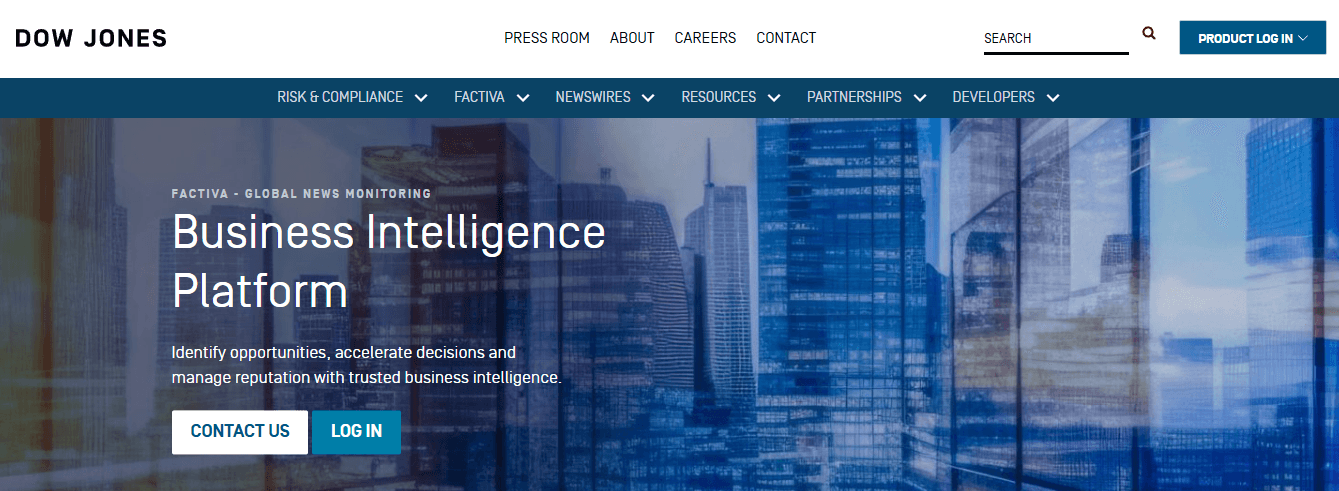
Description: Factiva is built to collect and filter a wide range of news and corporate announcements, tuned for due diligence, regulatory tracking, and event-driven research. It pulls from global sources and adds filters that matter for compliance and intelligence.
Pros
Broad news coverage with industry filters
Useful for compliance and event monitoring
Cons
Minimal AI summarization built in
Not a full research workspace for drafting
12. Yahoo Finance — Free Market Snapshot

Yahoo Finance offers immediate, no-cost access to quotes, charts, and basic portfolio tracking, serving retail investors who need fast context rather than forensic analysis. It is pragmatic for quick checks and alerts.
Pros
Free and widely accessible
Straightforward portfolio tools and news
Cons
Limited global depth and advanced analytics
Not suitable for professional-grade research
13. EDGAR — Direct Access to SEC Filings

EDGAR provides raw filings, an indispensable free reference for official corporate documents, but it lacks consolidated search, AI summarization, and user-friendly synthesis. It is the canonical source for original documents when precision is required.
Pros
Free access to official SEC filings and disclosures
Covers all required regulatory documents
Cons
Manual search and heavy reading are required
No AI-assisted synthesis or dashboards
14. Google Finance — Simple Market Tools with Ecosystem Integration
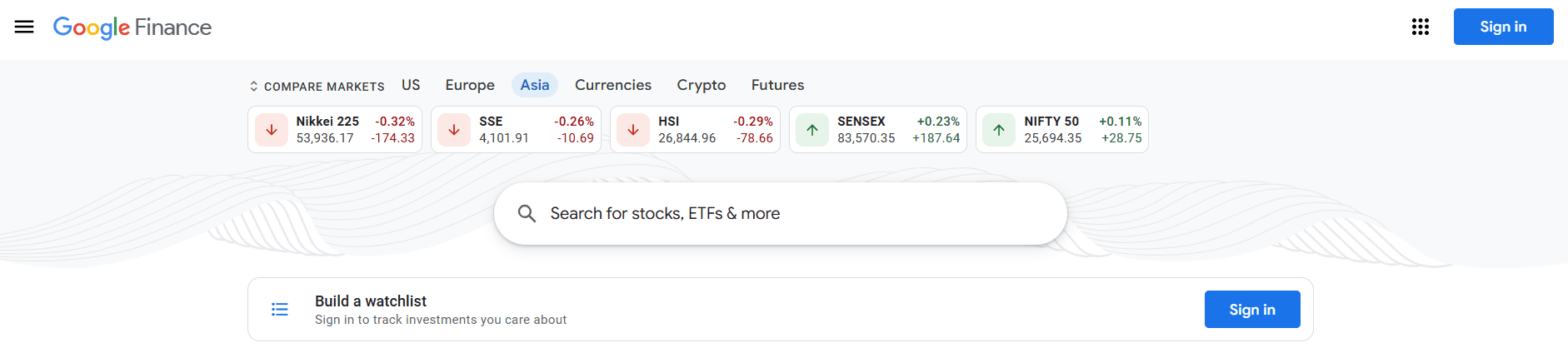
Description: Google Finance gives quick charts, news integration, and portfolio tracking, with the advantage of connecting to a broader Google toolset for notes and sharing. It suits users who prioritize simplicity and ease of use within the ecosystem.
Pros
Easy to use and free
Integrates with Google Workspace for light workflows
Cons
Not built for deep analytics or proprietary content
Lacks advanced screener and synthesis features
15. TradingView — Technical Charts and Social Insight
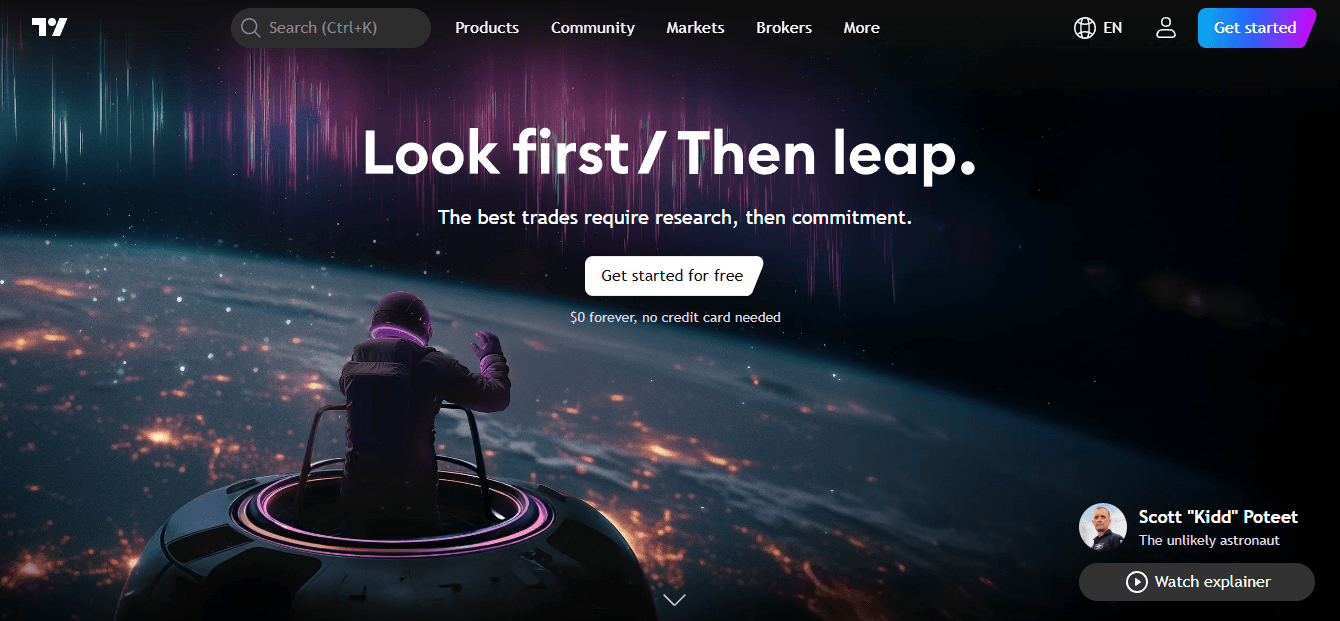
Description: TradingView specializes in charting, custom indicators, and a social layer where traders publish setups, making it ideal for active traders focused on price action and pattern recognition rather than document search.
Pros
Rich charting engine and scripting language
Real-time market data and community ideas
Cons
Weak on fundamental research and transcripts
Not a substitute for corporate filing databases
Some vendors emphasize raw throughput as a differentiator; for example, [Hudson Labs offers a 30% faster data processing speed compared to AlphaSense. That 2025 claim signals how a few providers prioritize high-volume ingestion and query speed for teams running heavy automated workflows, but speed alone rarely addresses synthesis quality or source grounding.
A practical note on choosing: match tool strengths to the specific bottleneck you face. If you are losing time collecting scattered sources, prioritize platforms that capture diverse content and produce source-linked notes. If you need private market signals, pick specialist datasets. If collaboration or compliance is the limiter, choose encrypted messaging or audit-ready systems. That tradeoff-focused decision avoids buying features you will not use.
Picking combinations usually wins. One platform rarely covers capture, private-market depth, real-time feeds, and advanced charting equally well, so assemble a primary workspace and two supporting tools—for example, an AI-native capture tool, a private-market provider, and a charting platform—so each gap is filled without excessive overlap.
There is a hidden emotional cost many teams feel but do not name: the exhaustion of switching contexts across five different apps when deadlines loom. That fatigue drives people to choose an imperfect one-stop solution. When teams accept that compromise, they should at least pick tools that integrate easily, export reliably, and do not demand constant manual stitching.
Related Reading
• How to Improve Finance Processes
• Financial Reporting Challenges
• Financial Forecasting Techniques
• Financial Data Extraction
• Financial Statement Analysis Techniques
• How to Forecast Budget
• Market Research Challenges
• How to Do a Cost Analysis
• AI Financial Modeling
Supercharge Your Researching Ability With Otio — Try Otio for Free Today
Knowledge Workers, Researchers, and Students today are facing a serious issue: content overload. With the explosion of information available online, trying to find, organize, and make sense of relevant content for your research can be overwhelming. Many people resort to using multiple tools, such as bookmarking apps, read-it-later services, and note-taking apps, to manage their research. However, these tools are often fragmented and require manual integration, resulting in an inefficient research process. This is where Otio comes in.
Related Reading
• Financial Modeling Tools
• AI Budgeting Tools
• Crunchbase vs Pitchbook
• Pitchbook Competitors
• Cb Insights vs Pitchbook
• Grata vs Sourcescrub
• Ibm Watson vs Chatgpt
• Microsoft Dynamics 365 Alternatives



