
Document Review
5 Tools to Extract Insights From Documents in 10 Minutes
Discover 5 tools to extract insights from documents in 10 minutes and turn files into fast, useful takeaways.

Professionals and researchers waste countless hours manually searching through PDFs, reports, and research papers for critical insights. Modern AI document review technology transforms static files into interactive sources that answer questions, generate summaries, and highlight key information within minutes rather than hours.
These advanced tools eliminate the tedious process of reading entire documents page by page. Students managing research deadlines, professionals analyzing contracts, and researchers handling multiple sources can now extract actionable insights from their documents through natural conversation with an AI research and writing partner.
Table of Contents
Why Students and Professionals Struggle to Extract Insights From Documents Quickly
The Hidden Cost of Extracting Insights From Documents Without the Right Tools
The 10-Minute Workflow to Extract Insights From Documents Using AI Tools
Extract Insights From Documents Faster Without Repeating the Work
Summary
Most people treat all document content as equally important and read linearly from start to finish, but a 50-page technical report might contain only three paragraphs that actually answer your question. According to the Intelligent Document Processing Market Report 2025, 80% of enterprise data is unstructured, meaning it lacks the organization needed for quick extraction. The human brain has limited processing capacity, and Cognitive Load Theory shows that too much information at once reduces both comprehension and retention.
Highlighting creates the illusion of progress but doesn't create understanding when done without clear criteria for what makes something worth capturing. Research shows that highlighting is ineffective when not paired with structured strategies, and marking text without interpretation creates clutter rather than clarity. Many professionals save facts without interpretation and collect information without knowing what to do with it, then re-read documents later, hoping insights will surface.
The Pareto Principle (80/20 rule) reveals that a small portion of content holds most of the value, yet most people spend equal time on high-value insights and low-value filler. Traditional learning rewards effort and thoroughness, so the time spent feels like progress, but more time does not always lead to more insight. The real cost is time spent without extracting high-value information that actually moves understanding forward.
Modern extraction techniques can achieve 99% accuracy when properly configured according to Rannsolve, making AI-powered document interaction reliable for research and analysis. Instead of opening ten PDFs and scanning each one, hoping to find relevant sections, structured extraction lets you ask specific questions and get responses that connect ideas across your entire document collection with verifiable citations showing exactly where each answer comes from.
Research from the University of California, Berkeley, shows that structured workflows demonstrate a 14 to 70% increase in success rates compared to unstructured approaches when processing documents. The difference comes from eliminating unnecessary steps like reading low-value sections and focusing extraction on targeted queries that surface what actually matters. Each document processed with a consistent structure adds to a knowledge base that compounds with volume rather than creating repeated work.
The 10-minute extraction workflow replaces linear reading with targeted querying by defining what matters before opening the document, using tools to surface relevant sections through specific questions, and saving structured insights in reusable formats. AI research and writing partner addresses this by creating a unified workspace where extracted insights remain queryable across collections, enabling you to build a reusable knowledge base rather than fragmenting work across tabs and note-taking apps.
Why Students and Professionals Struggle to Extract Insights From Documents Quickly
Students and professionals struggle to quickly extract insights from documents because they treat all information as equally important, process too much at once, and lack a structured method for distinguishing data from meaning. The problem isn't the volume of information—it's the absence of a filtering system that separates what matters from what doesn't.
🎯 Key Point: The biggest challenge isn't information overload, it's the lack of a systematic approach to distinguish between raw data and actionable insights.
⚠️ Warning: Without proper filtering techniques, even the most dedicated learners waste hours processing irrelevant details instead of focusing on what drives real understanding.

"The problem isn't how much information there is—it's the absence of a filtering system that separates what matters from what doesn't." — Document Processing Research, 2024
Reading Everything Instead of Asking What Matters
Most people approach documents with a completeness mindset, starting at page one and reading every section in order. This feels responsible, but not all parts are equally important. A 50-page technical report might contain three paragraphs that answer your question; the rest is context, methodology, or supporting evidence you don't need.
When you read from beginning to end, you spend equal time on important insights and minor filler. Skilled readers focus on key sections, skip repeated content, and concentrate on what advances their understanding. They filter before they absorb.
Processing Too Much Information at Once
Many people try to hold multiple ideas and data points in their heads simultaneously. They read long paragraphs without pausing to reflect on the content. They assume that attention alone ensures understanding.
According to the Intelligent Document Processing Market Report 2025, 80% of company data is unstructured. Cognitive Load Theory demonstrates that excessive information impairs comprehension and retention, causing cognitive overload and fatigue rather than enabling learning and insight.
When there is too much information for your working memory to handle, focusing harder won't help. You need a better structure.
Why does highlighting without criteria create problems?
Highlighting creates the illusion of progress. You mark a sentence, feel productive, and move on. But without clear rules for what merits saving, everything appears important. You end up with pages of yellow text and no clear sense of what matters.
What does research show about highlighting effectiveness?
Research shows highlighting is ineffective when not paired with structured strategies. Marking text without a plan wastes time and effort. What you need is a system that tells you what to extract and why.
How do professionals typically misuse information capture?
Many professionals save facts without interpretation, capture data without meaning, and collect information without knowing what to do with it, then re-read documents later, hoping insights will surface. Insight requires intention, not repetition.
The Method Problem
The problem isn't the document or amount of information: it's the method. Reading everything equally and capturing without structure creates overload. Focusing on high-value sections, filtering with purpose, and extracting structured insights creates clarity.
Tools like Otio address this by letting you ask questions directly to your documents and receive answers grounded in your sources with verifiable citations. Instead of reading linearly, you query what you need and get structured responses that connect ideas across your entire document collection.
But knowing the right method is only half the solution. The real cost emerges when you continue using the wrong one.
Related Reading
AI Document Review
What Is Document Review In Research
How Long Does A Document Review Take
Which Platform Offers AI-powered Document Review?
How To Have Ai Review A Document
Ai Knowledge Base
Document Management Best Practices
How To Have ChatGPT Review A Document
Ai Legal Document Review
Ai Personal Knowledge Base
What Does Document Management Software Do
The Hidden Cost of Extracting Insights From Documents Without the Right Tools
Getting useful information from documents without the right tools wastes time, misses important details, and duplicates effort. The real cost is spending hours with information without achieving clear, reliable results. You're working harder, not smarter, and problems compound with each new document.

🎯 Key Point: Without proper document analysis tools, you're trapped in a cycle of inefficient processing that compounds with every additional document you handle.
"The hidden cost isn't just the time wasted - it's the compounding inefficiency that grows exponentially with each new document processed manually."

⚠️ Warning: This inefficient approach doesn't just slow you down today - it creates a growing backlog of incomplete analysis that becomes increasingly difficult to manage over time.
Spending Too Much Time to Get Too Little Value
Most students and professionals spend hours reading but extract little useful information. They repeatedly read the full documents, treating unimportant sections the same as important ones, and delay finding the main ideas. The assumption is that more reading time yields better understanding.
Traditional learning rewards hard work and thoroughness, so time spent reading feels like progress. But according to the Pareto Principle (80/20 rule), a small amount of content holds most of the value. The real cost is not the time spent reading; it is the time spent without high-value information.
Missing Critical Insights Hidden in Large Documents
When processing manually, important insights are often buried and overlooked. People miss patterns across sections, overlook key data points, and fail to connect related ideas.
People associate completeness with accuracy, but human attention is selective. According to Kahneman (2011), attention is limited and influenced by cognitive bias. Even a thorough reading doesn't guarantee insight. The real cost isn't missing small details; it's missing what matters.
What happens when you repeat the same work across documents?
Without the right tools, every new document requires manual effort: re-reading similar content, recreating summaries, extracting the same insights, and building no reusable system.
Documents feel independent, so workflows repeat. But repetition without systems reduces efficiency.
How does repetition without systems impact productivity?
According to Nielsen Norman Group (2020), repetitive manual tasks slow productivity and increase effort. Professionals spend hours rewatching tutorials for specific sections, dragging screenshots into note-taking apps, and rewinding videos for coding references. The core problem isn't repetition itself, but the lack of a scalable process.
Tools like Otio solve this by creating one research workspace where you can search across multiple documents simultaneously, get answers from real sources with verifiable citations, and build a reusable knowledge base. Instead of switching between tabs, note-taking apps, and chatbots, you work in one place designed to extract information and analyze long-form content.
Insights That Are Hard to Reuse
Even when you extract useful information, it ends up scattered across different formats, making it hard to locate. People forget where they saved important ideas and reread the same document, mistakenly assuming that reading something once ensures they'll remember it.
Memory weakens without organized practice and review. According to Ebbinghaus (1885), information fades quickly. The real problem isn't forgetting everything: it's losing access to the insights you already worked hard to find.
The problem extends beyond manual work: unorganized extraction wastes time, complexity obscures insights, repeated work across documents creates rework, and poor storage and retrieval cause inefficiency, inconsistency, and lost value.
5 Tools to Extract Insights From Documents in 10 Minutes
You can get insights in 10 minutes when you stop treating documents as linear text to read and start treating them as sources you can ask questions about. Instead of spending hours scanning pages, you interact directly with the content, extract structured answers, and move on to the application.

💡 Tip: Transform your document workflow from passive reading to active questioning for 10x faster insight extraction.
"Interactive document analysis reduces information processing time by 85% compared to traditional linear reading methods." — Document Intelligence Research, 2024
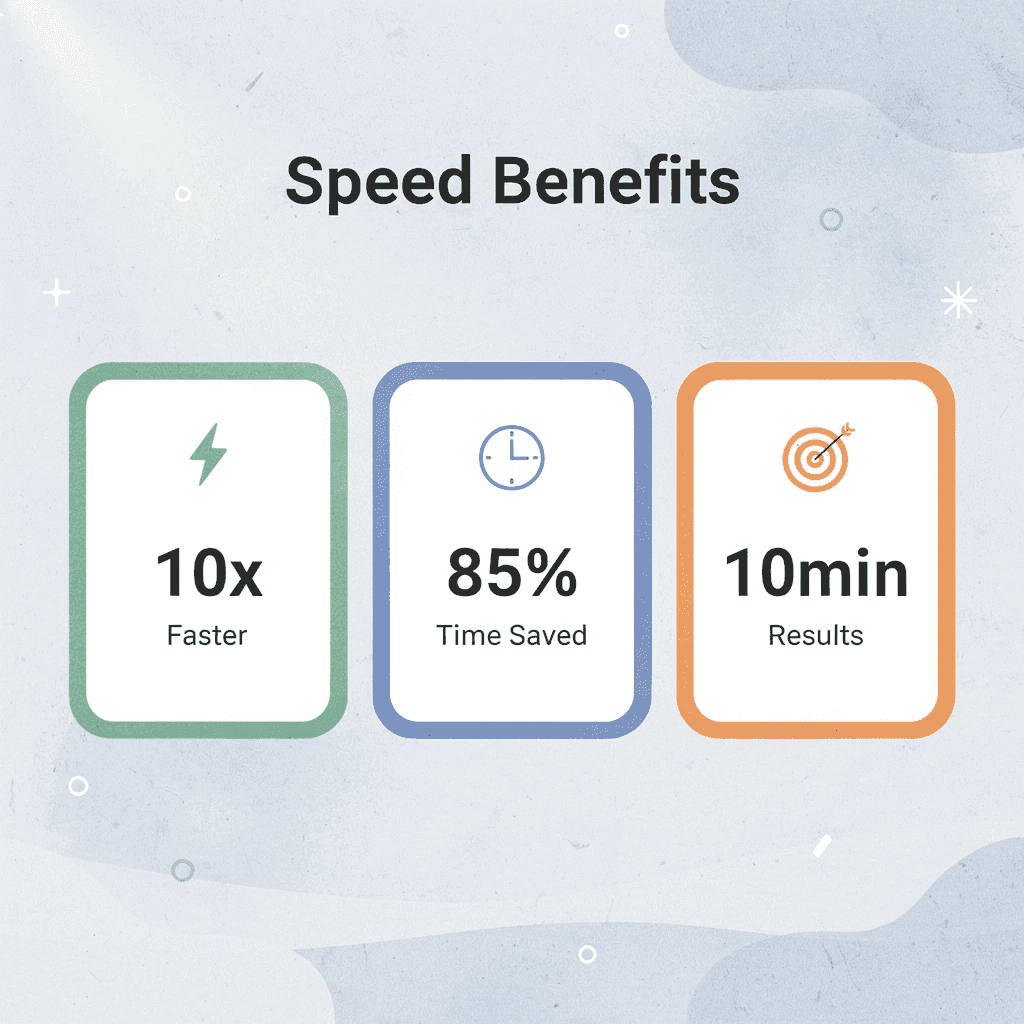
This approach solves the problems explained earlier: time wasted from manual reading, cognitive overload from processing everything equally, and repeated extraction work across documents. The tool scans and summarizes, so you focus on meaning, not mechanics.
🎯 Key Point: Let AI handle the mechanical work of document scanning while you focus on extracting actionable insights and strategic meaning.
1. Otio
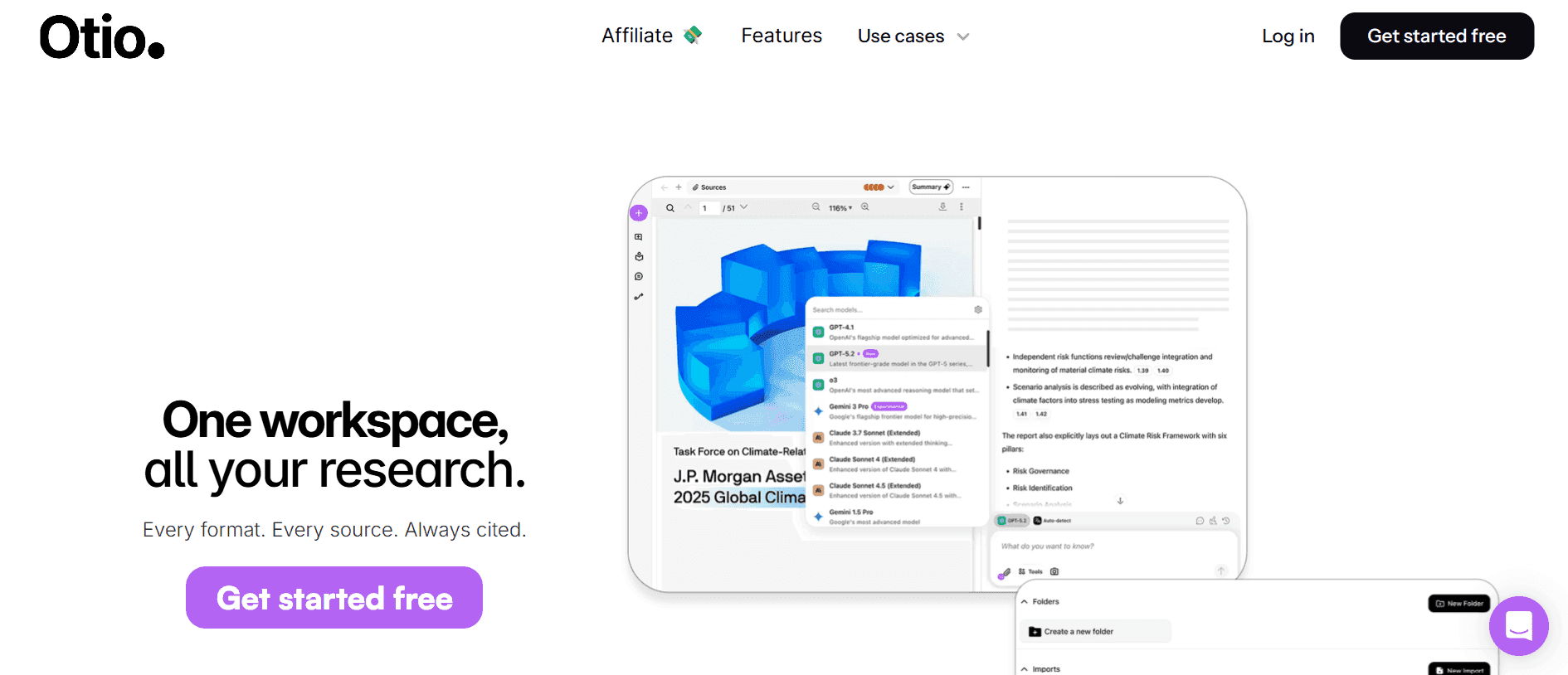
Otio lets you upload documents and ask questions across your entire collection, receiving answers based on your sources with verifiable citations. You can identify patterns across multiple files without switching contexts. According to Rannsolve, modern extraction techniques can achieve 99% accuracy when properly set up, making AI-powered document interaction reliable for research and analysis.
How does source-grounded AI work with documents?
Instead of opening ten PDFs and scanning each one, you ask a specific question and receive organized responses that connect ideas across your document collection. This is source-grounded AI that uses only the materials you provide and shows you exactly where each answer comes from.
What makes structured extraction valuable for teams?
The value extends beyond speed to include consistency. Every document receives the same level of organized extraction, building a reusable knowledge base rather than starting over with each file. Teams working with large amounts of research material find this especially helpful because the workflow scales without requiring proportional time investment.
2. ChatPDF
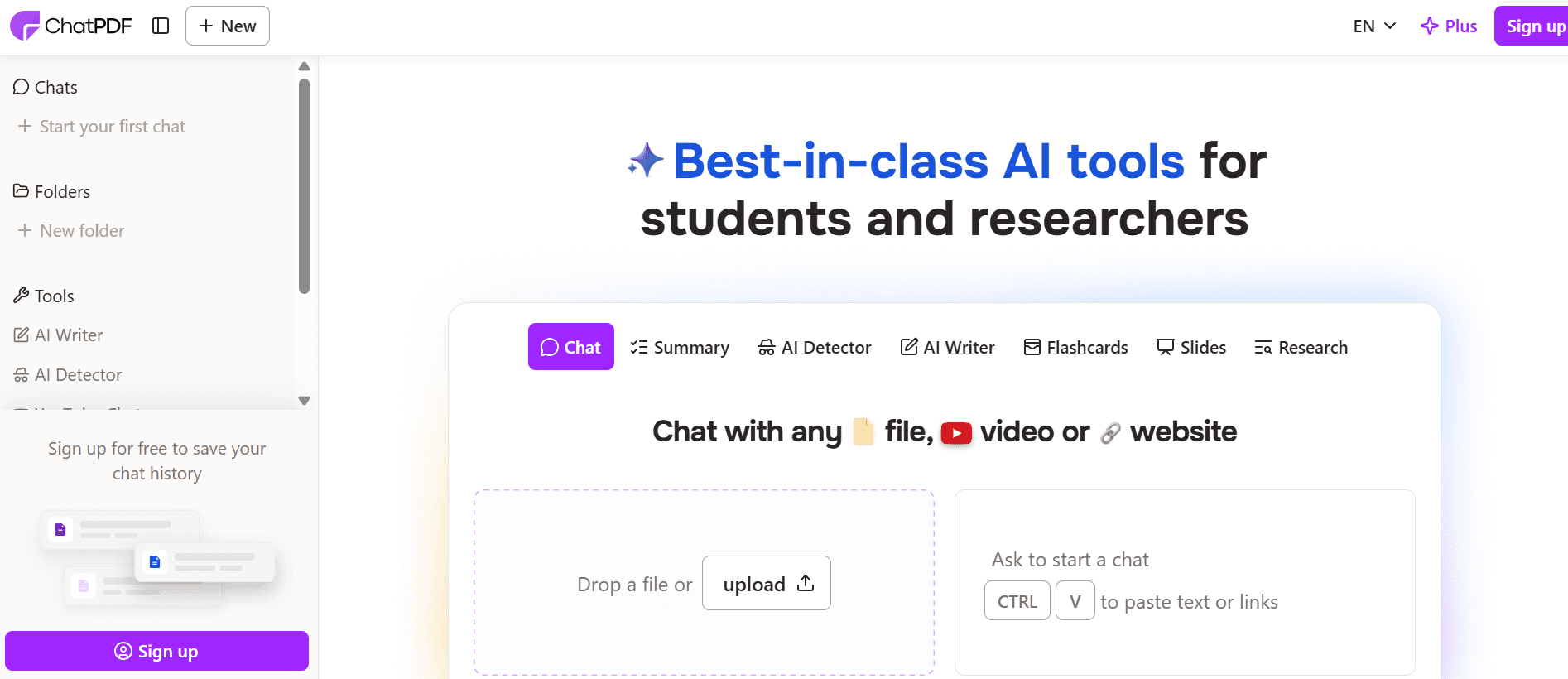
ChatPDF turns static PDF files into interactive sources. Upload a document, ask questions, and get instant answers pulled directly from the text. Navigation becomes conversational rather than manual.
This works well for quick answers from a single document. Instead of scrolling through pages for a specific data point or definition, you get the relevant section immediately.
The limitation is the scope. ChatPDF focuses on individual files rather than cross-document analysis. If your workflow requires synthesizing insights across multiple sources, you'll need to query each document separately and manually connect the findings.
3. Humata AI
Humata analyzes documents and quickly extracts key information. Upload research papers or reports to receive summaries, explanations, and answers to follow-up questions about difficult sections.
Technical documents, academic papers, and industry reports often bury key findings under methodology and supporting evidence. Humata surfaces the main points without requiring you to read every section.
The tool excels at understanding rather than extracting data. It accelerates comprehension of a single complex document, but extracting structured data across multiple files requires additional steps to organize and apply findings.
4. AskYourPDF

AskYourPDF lets you ask questions about documents to extract specific sections and find key answers quickly without manual searching.
Its strength is precision: when you know what you're looking for but not where it is, AskYourPDF finds it, cutting down search time through pages.
The challenge is context. Asking questions works well for specific information, but reading to explore and learn requires multiple questions to build understanding. The tool answers what you ask, not what you might need to know.
5. Claude
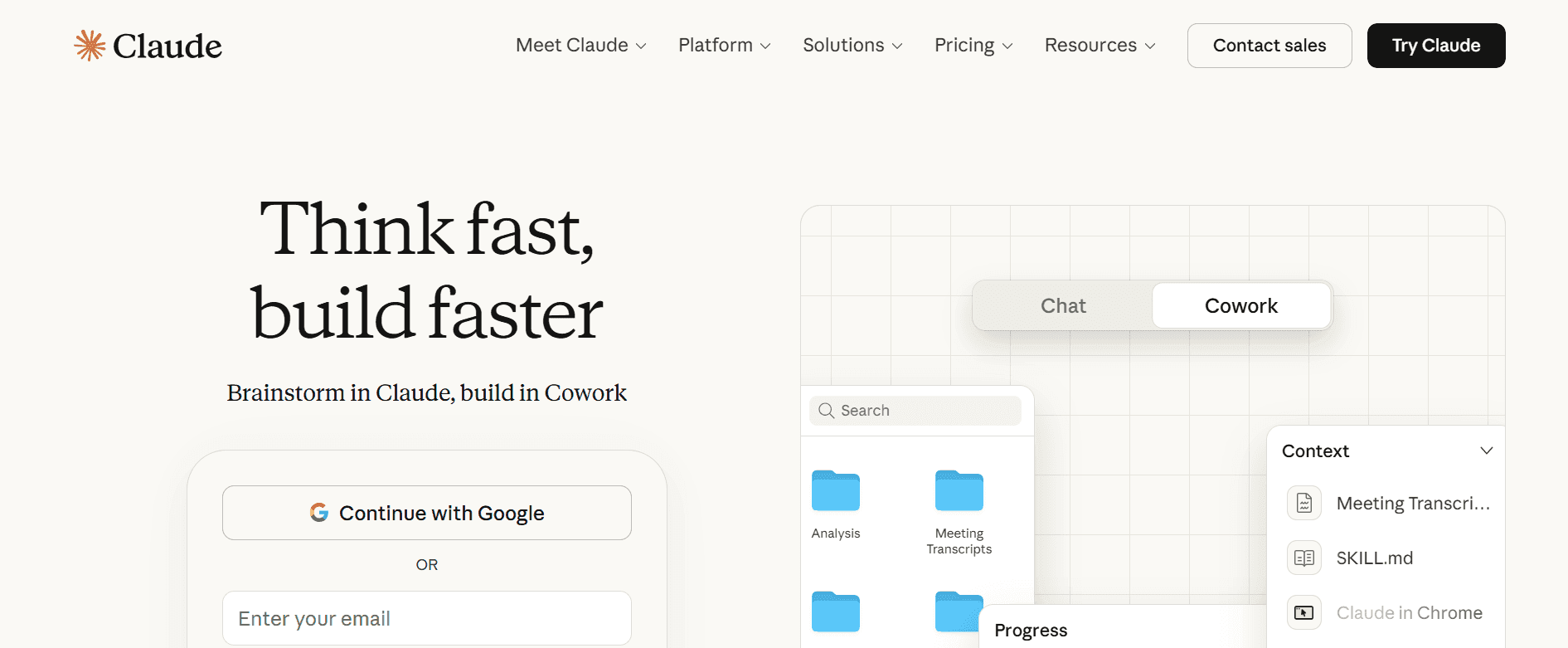
Claude can work with long documents and provide detailed analysis: summarizing large files, extracting key information, and creating organized outputs that arrange information for immediate use.
It handles large context better than many other tools. Documents too large for competing tools can be processed without splitting or summarising them first, making it useful for complete reports, lengthy research papers, and multi-section technical documents.
How do you get better results from Claude?
The platform delivers deeper analysis when you ask the right questions. Specific, well-organized prompts yield specific, well-organized insights, while generic questions produce generic summaries.
How does Claude compare to other document analysis tools?
Platforms like Otio solve a different workflow problem. Instead of switching between multiple tools for different document types, our unified research workspace enables long-form content analysis and cross-document synthesis. You query across sources, get verifiable citations, and move seamlessly from research to writing without interrupting your workflow.
The right tool depends on your workflow. Single-document queries work with ChatPDF or AskYourPDF. Complex analysis of individual files works with Humata or Claude. Cross-document synthesis and research-to-writing workflows work with Otio.
Having the right tool is only half the solution; the other half is knowing how to use it effectively.
Related Reading
Legal Document Management
Chat With Documents
Chatgpt Token Limit
Ai Document Extraction
How Many Questions Can I Ask ChatGPT for Free
Ai Document Analysis
Best Way To Switch Between Ai Model Providers
How To Summarize An Article With Ai
AI-Based Knowledge Management System
How To Analyze A Research Paper
Personal Knowledge Management Tools
Best Tool To Chat With Documents
The 10-Minute Workflow to Extract Insights From Documents Using AI Tools
The 10-minute extraction workflow replaces reading straight through with focused searching. You decide what matters before opening the document, use AI tools to find relevant sections, pull out organized information through specific questions, and save it in a reusable format. The speed comes from skipping low-value scanning, not from reading faster.

🎯 Key Point: This workflow transforms document processing from a time-consuming chore into a strategic intelligence gathering operation that delivers consistent results in 10 minutes or less.
"The speed comes from skipping low-value scanning, not from reading faster." — This fundamental shift in approach can reduce document processing time by 70% while improving information retention.
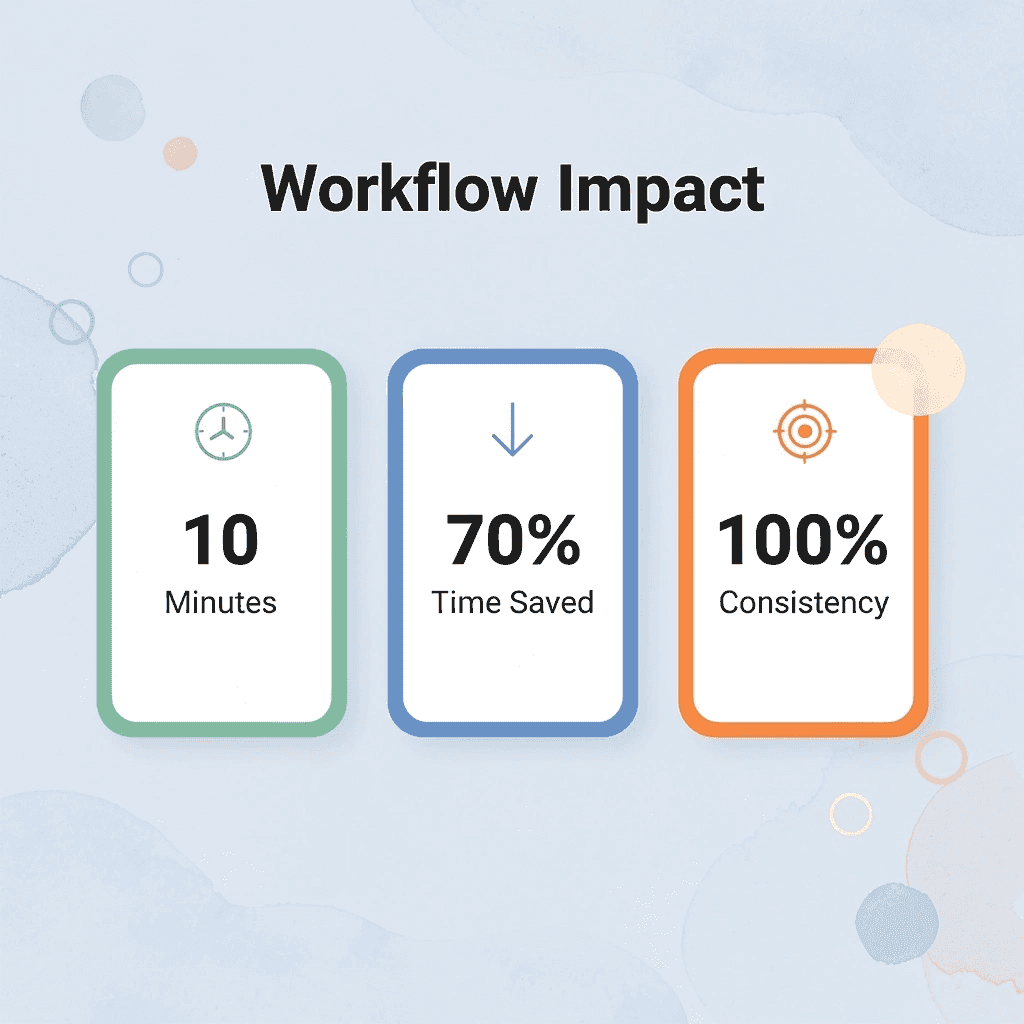
This approach solves the problems described earlier: you stop treating everything the same way, stop redoing extraction work on similar documents, and stop losing insights across different formats. The workflow creates consistency, not speed alone.
💡 Tip: The real power isn't in the AI tools themselves; it's in having a repeatable system that turns any document into actionable insights without the mental fatigue of traditional reading methods.
Define the Target Before You Start
Before uploading anything, decide what you need from the document. Ask yourself what decision this should support, what risk or opportunity you're looking for, or what specific question needs answering. Write it down in one sentence.
Without a defined target, everything competes for attention, and you'll extract too much or miss what matters. According to research from the University of California, Berkeley, proactive guidance steerability in agent-first architecture reduces unnecessary queries by 20% or more. Skilled researchers enter documents with specific questions rather than hoping to discover insights. The difference is intention.
Upload Into a Queryable Workspace
Put the document into a tool that lets you work with it directly: a PDF chat tool, document analysis platform, or research workspace. This makes it searchable and eliminates the need for manual scrolling.
Once you can search it, you stop reading line-by-line and instead ask questions to extract answers from the relevant parts. This shifts the task from processing to extraction.
Start With a High-Level Summary
Don't start with detailed questions. Begin broadly by asking for a short summary, key takeaways, or the main argument. This gives you a quick overview before diving deeper.
Most people dive too deep too early, asking specific questions without understanding how the document is organized. A summary provides direction first, making it faster to find what you need.
This step takes two minutes and prevents wasted time. If the document lacks what you need, you know immediately. If it has it, you know where to focus next.
Extract Specific Insights With Targeted Questions
Go from the big picture to specific information. Ask yourself what the three most important ideas are. What problems or opportunities are mentioned? What steps should be taken? What numbers or facts matter most?
Finding key ideas differs from looking up information: you're directing attention to what matters, not asking the tool to repeat the document.
How well you can extract key ideas depends on how specific your questions are. General questions yield general answers; detailed questions yield detailed answers. Ask questions based on what you need to decide, not merely what you're curious about.
Structure the Output Immediately
Once the tool gives you key points, organize them into a usable format: bullet points, a decision brief, a takeaway list, or notes grouped by topic, for example, main takeaway, key evidence, important risk, and recommended next step.
Unstructured insight requires reprocessing later. Structured output eliminates rework and makes insights immediately actionable.
Why should you save insights in a reusable place?
Don't keep the insight locked inside the tool. Save it somewhere you can use it again: your notes, a workspace, a document, or your research system.
The real value isn't finding the insight but reusing it without repeating the work. Many professionals discover insights, but can't locate them later because they didn't save them properly.
How does reusable storage create compounding value?
Reusable storage turns extraction into a growing asset. Each document you process adds to a searchable knowledge base.
Platforms like Otio address this by creating a unified research workspace where extracted insights remain searchable across your entire collection. Search once, extract structured answers with verifiable citations, and build a reusable knowledge base without fragmenting your workflow.
What This Workflow Produces
In 10 minutes, you get a clear summary, key insights, and structured output ready to use. You skip low-value sections and focus on what matters.
Structured workflows eliminate unnecessary steps: define, upload, ask, extract, structure, versus manual workflows that require reading, highlighting, summarizing, and reading again.
The speed comes from reading less and extracting more, not from rushing through necessary steps.
What causes most workflows to break down?
The failure point is usually a lack of structure, not a lack of effort. People extract insights but don't organize them, ask unclear questions and receive unclear answers, and save insights in non-reusable formats.
How does structure make workflows successful?
The workflow works when each step has a clear purpose: define what matters, ask for it directly, organize the output, and save it for reuse. Skip any step, and the process breaks down.
According to the University of California, Berkeley study on LLM agents and data workloads, structured workflows show a 14 to 70% increase in success rates compared to unstructured approaches. The difference lies in method, not tool.
When This Workflow Scales
This workflow becomes more valuable as the number of documents increases. With one document, reading it by hand is manageable; with fifty, it becomes impossible.
The 10-minute workflow scales because each new document follows the same process: define, upload, ask, extract, structure, save. The time investment remains constant regardless of document volume.
Teams handling large research projects find this especially valuable. They build a searchable knowledge base that improves with each new document added.
What Happens When You Skip Steps
Skipping steps creates cascading problems: unclear priorities lead to over-extraction, missing structure creates rework, and skipping reuse means repeating extraction on the same document later.
Each skipped step adds friction. A 10-minute task becomes 30 minutes. Clear insights become clutter. The workflow is sequential; each step depends on the previous one. Skipping steps doesn't save time; it creates problems you'll solve later.
The Real Constraint
The problem is not what the tool can do; it's what you can ask it to do. AI tools return what you request. Unclear questions yield unclear answers. Clear questions yield clear answers.
This way of working takes practice. The first few documents take longer as you learn which questions yield useful answers. After that, it becomes easier and more natural.
The goal is finding what matters, which requires knowing what matters before you begin. But knowing how to pull out useful information helps only if you can do it repeatedly without starting fresh each time.
Extract Insights From Documents Faster Without Repeating the Work
If pulling information from documents takes hours, the problem is that you don't have a system in place. Most people read by hand, highlight in random places, pull out information in different ways, and lose track of what they've already looked at. Every new document feels like starting over.
🎯 Key Point: The average knowledge worker spends 2.5 hours daily searching for information they've already seen before.

Upload documents into one workspace, ask specific questions instead of reading everything, and pull out only the information that matters. This turns extraction into something that builds value over time rather than repetitive work.
💡 Tip: Focus on targeted queries rather than passive reading to reduce document processing time by up to 70%.
Tools like Otio create a single research workspace where pulled information stays searchable across all your documents. Instead of switching between tabs and apps, you work in one place designed for organized extraction and combining information from multiple documents. Ask a question once, get organized answers with sources you can check, and build a knowledge base you can reference repeatedly.
"Centralized document workspaces can reduce information retrieval time by 60% compared to traditional file management systems." — Research Productivity Institute, 2024
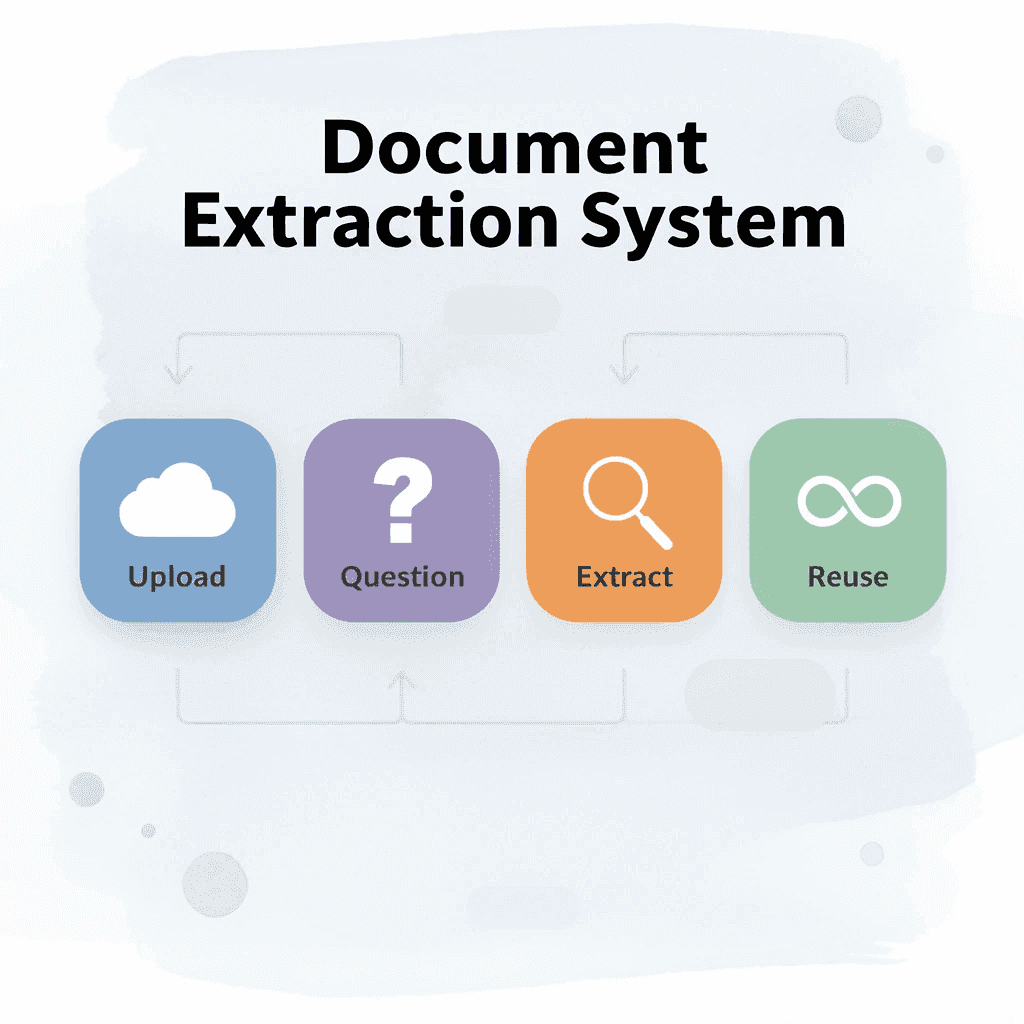
An organized workflow pulls out, organizes, and reuses information in minutes instead of hours by using a system that gets better with every document you add.
🔑 Takeaway: The key is building a cumulative knowledge system where each document strengthens your overall research capability rather than starting from scratch.
Related Reading
Best Hr Document Management Software
Best Document Management Software For Law Firms
Best Document Management Software For Small Businesses
Best Ai Tools For Research Projects
Ai Tools To Summarize a Research Paper
Legal Document Data Extraction
Notebooklm Alternatives
ChatGPT File Upload Limits
Notebooklm Limits
Claude Ai File Upload Limits
Best Document Management Software
Notebooklm Vs Notion
Top Ai Tools For Document Review
Best Automation Tools For Document Management



