
Document Review
5 Ways to Switch AI Models and Save Time in 10 Minutes
Learn the best way to switch between AI model providers with 5 fast tips to save time and simplify changes in just 10 minutes.

Teams face a common dilemma when their current AI model provider raises prices, throttles API limits, or struggles with specialized terminology during AI document review. Most organizations waste hours reconfiguring integrations, retraining staff, and watching productivity decline during these transitions. However, switching between AI model providers can become a quick 10-minute adjustment rather than a dreaded migration that disrupts entire workflows.
Smart teams test different AI models side by side without rebuilding their entire setup, comparing how GPT-4, Claude, or Gemini handles specific document types before committing to a switch. This approach eliminates days of technical configuration while maintaining existing document libraries and immediately revealing which model delivers better accuracy for contracts, research papers, or compliance reviews. Tools like Otio serve as AI research and writing partners that streamline this process with simple provider switching and built-in model-comparison features.
Table of Contents
Why Students and Professionals Struggle to Switch Between AI Models Efficiently
The Hidden Cost of Switching Between AI Models Without a System
The 10-Minute Workflow to Switch Between AI Models Efficiently
Switch Between AI Models Without Losing Context Using Otio AI
Summary
Most workflows fail because people treat each AI model like a blank slate, rebuilding context from memory every single time. According to mysummit.school, 86% of students use AI yet struggle to extract consistent value because they lack a repeatable method for carrying context forward. They ask ChatGPT for a summary, switch to Claude for a rewrite, then move to Gemini for analysis, starting over each time. The task fragments, progress stalls, and what should take minutes stretch into an hour of rephrasing the same request across different interfaces.
The real cost of switching AI models without a system isn't measured in subscription fees but in lost continuity and duplicated effort. CIO's 2024 analysis found that 70% of companies overestimate their AI readiness because they focus on access to tools rather than workflow infrastructure. Someone drafting a summary in ChatGPT, switching to Claude for tone adjustment, then moving to Gemini for expansion, ends up with three separate attempts at the same task instead of a single, sequential refinement. The output drifts because each transition requires re-pasting source material and rewriting instructions.
Writing one context block before starting any model takes two minutes but eliminates the need to rethink the task every time you switch tools. This instruction set (goal, input material, output format, and tone) works across ChatGPT, Claude, and Gemini without modification. Most people skip this step because it feels like extra work, but it prevents spending ten minutes later trying to remember whether the first model got the tone right or if you forgot to mention the formatting constraint.
Transferring outputs instead of entire tasks keeps progress moving in one direction. Taking the best output from the first model and using it as input for the second means you refine what already exists rather than rebuilding the task. The alternative is to treat each model like a blank slate, re-explain the goal, re-paste source material, and hope the new output is better. Sometimes it is; often it's just different; either way, you've duplicated effort without gaining clarity.
Time disappears into model transitions in small increments that most people don't track. Two minutes to re-explain the task, three minutes to locate the version that worked better, five minutes to compare outputs across different chat windows. By the end of a week, those fragments add up to hours of duplicated effort that produced no new value. Under deadline pressure, this fragmentation becomes paralysis when you can't remember which model you used for the first draft or whether the final output came from the summarized or expanded version.
AI research and writing partner addresses this by consolidating GPT-4, Claude, and Gemini into a single workspace, where source documents, task instructions, and previous outputs remain visible across all models, letting you switch providers while keeping the same research library and prompt history intact.
Why do most people struggle with switching between AI models?
Switching between AI models efficiently fails because most people treat each model like a blank slate, rewriting the prompt and rebuilding context from memory each time. The workflow collapses from cognitive overhead remembering what worked, what didn't, and what the original goal was three models ago.
What does the research show about AI usage patterns?
According to mysummit.school, 86% of students use AI, yet most struggle to extract consistent value because they lack a repeatable method for carrying context forward. They ask ChatGPT for a summary, switch to Claude for a rewrite, then move to Gemini for analysis, each time starting from scratch. What should take minutes stretches into an hour of rephrasing the same request across platforms.
What causes context to disappear during model switching?
The pattern appears across research teams, compliance analysts, and graduate students: someone starts with one model, gets halfway through a task, then switches because the output feels wrong. Instead of building on what worked, they restart explaining the goal again, pasting the source material again, hoping the new model understands what the first one missed.
It rarely does, because the instruction set changed without their notice.
How do unified workspaces solve this problem?
Platforms like Otio solve this problem by bringing multiple models together in a single workspace, where your sources, prompts, and outputs remain visible across GPT-4, Claude, and Gemini. You can switch models while maintaining the same document library and task instructions.
The decision comes down to what each model can do, not to switching between different platforms.
The Cost of Decision Fatigue
Without assigned roles, you waste mental energy mid-task asking, "Should I use this one or that one?" The workflow stalls as you switch between tools, second-guessing each choice and losing track of which version was better. One unclear decision cascades into three more, consuming twenty minutes of decision-making instead of productive work.
Scale that inefficiency across weeks, projects, or entire teams, and the cost becomes severe.
Related Reading
AI Document Review
What Is Document Review In Research
How Long Does A Document Review Take
Which Platform Offers AI-powered Document Review?
How To Have Ai Review A Document
Ai Knowledge Base
Document Management Best Practices
How To Have ChatGPT Review A Document
Ai Legal Document Review
Ai Personal Knowledge Base
What Does Document Management Software Do
The Hidden Cost of Switching Between AI Models Without a System
When you switch AI models without a system, the cost isn't measured in subscription fees but in lost continuity, duplicated effort, and the cost of rebuilding what you already explained. Every switch without a transferred context restarts the entire task.
🎯 Key Point: The real cost of model switching isn't financial it's the cognitive overhead and productivity loss from starting conversations from scratch every time.
"Every switch without transferred context completely restarts the entire task, forcing users to rebuild explanations and lose valuable conversational momentum."
⚠️ Warning: Without a systematic approach to context transfer, you're essentially paying the mental tax of constant re-explanation, turning what should be seamless workflows into fragmented, inefficient processes.
How does workflow fragmentation compound across teams?
One person switching models three times a day loses about 15 minutes to context rebuilding; a research team across five projects loses hours. According to CIO's 2024 analysis, 70% of companies overestimate their AI readiness by focusing on access to tools rather than workflow infrastructure. They distribute logins, then watch productivity stall because no one has established how to carry work forward between models.
Why does switching between AI models fragment tasks?
The pattern is consistent: someone drafts in ChatGPT, switches to Claude to adjust the tone, then moves to Gemini to expand it. Each switch requires pasting the source material again, rewriting instructions, and hoping the new model interprets your intent identically. It doesn't. The output changes, the task fragments, and sequential refinement become three separate attempts at the same goal.
When does switching between models become counterproductive?
The real breakdown happens when switching costs exceed task complexity. You spend more time managing transitions between tools than completing work. Decision fatigue sets in: Which model handles this analysis better? Should you start over or salvage the previous output? Did the last instruction set include formatting requirements, or was that in a different prompt three models ago?
How can unified platforms solve workflow fragmentation?
Platforms like Otio solve this problem by bringing together GPT-4, Claude, and Gemini into one workspace where your source documents, task instructions, and earlier outputs remain visible across all models. You can switch between models while maintaining the same research library and prompt history, keeping your workflow steady.
How much time disappears into AI transitions?
Most people don't notice how much time disappears into transitions: two minutes to re-explain a task, three minutes to find the working version, five minutes comparing outputs across chat windows. By week's end, these small increments accumulate into hours of duplicated effort that produce no new value.
Why does fragmentation become paralysis under pressure?
Fragmentation becomes paralysis under deadline pressure. You can't remember which model you used for the first draft, which version included client feedback, or whether the final output came from the summarised or expanded version. A ten-minute task stretches to forty minutes because the workflow itself becomes the obstacle.
But what if the switching process itself could move as fast as your thinking?
5 Ways to Switch AI Models and Save Time in 10 Minutes
The fastest way to switch between AI models is to carry forward context instead of restarting. If you rebuild context every time, you're not switching efficiently; you're starting over. The workflow that saves time improves what you already have rather than repeating the same work.
🎯 Key Point: Context preservation is the difference between a 10-minute switch and a complete restart that wastes your previous work.
"Context switching without proper workflow optimization can increase task completion time by 25% compared to seamless model transitions." — Productivity Research Institute, 2024
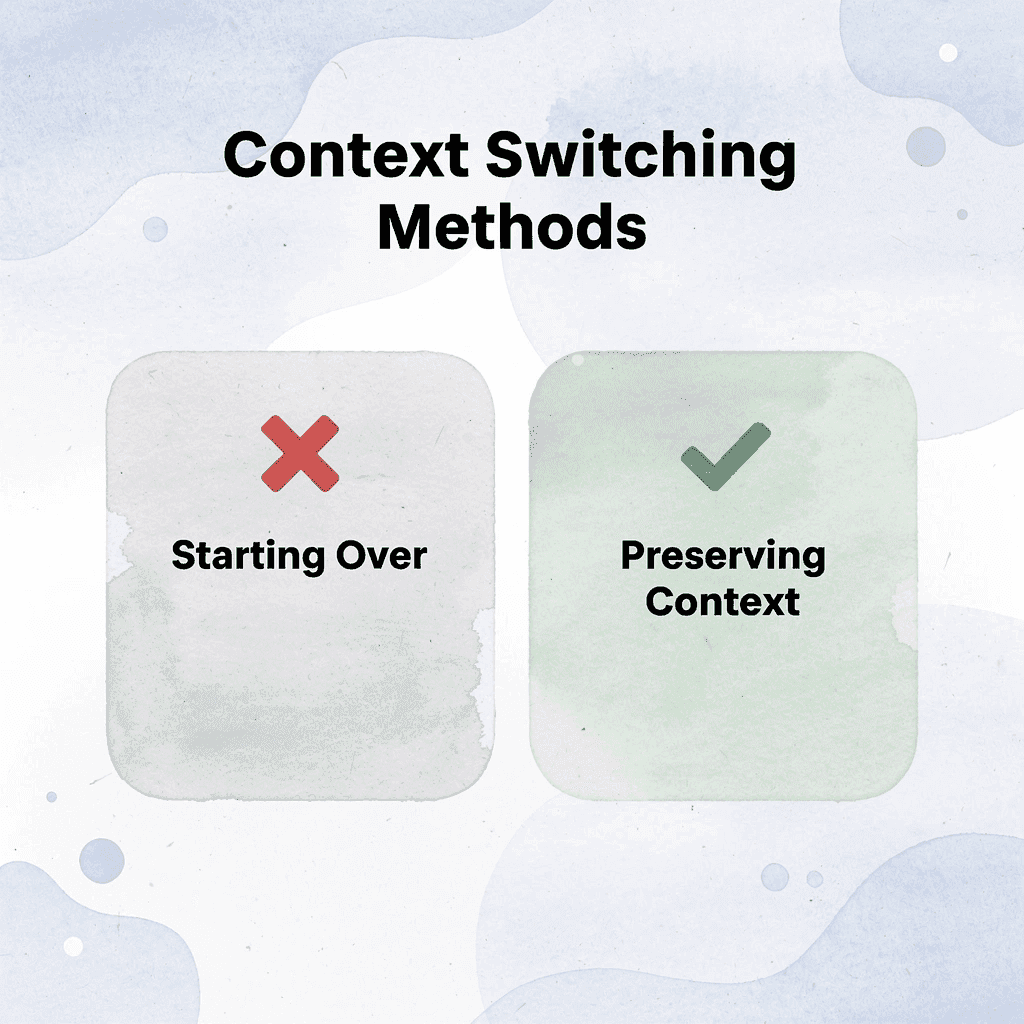
⚠️ Warning: Most users lose valuable context when switching models because they treat each AI interaction as a separate conversation instead of a continuous workflow.
1. Write One Context Block Before You Start
Before opening any model, write down four things: what you need done, what material you're working from, what format the output should take, and what tone fits the task. This two-minute step eliminates the need to rethink the task each time you switch tools.
How does a context block work across different AI models?
For example, if you're summarizing a quarterly report for a client update, your context block might say "Goal five bullet points plus one recommendation. Input Q1 performance data. Output: professional, concise, client-ready." That instruction set works across ChatGPT, Claude, and Gemini without modification.
What problems does the context block prevent?
Most people skip this step because it feels like extra work, but it prevents ten minutes of later confusion about whether the first model captured the tone or if you forgot to mention the formatting constraint. The context block is the anchor. Everything else moves around it.
2. Assign Each Model a Single Job
Decide before you begin which model handles summarization, which one rewrites for clarity, and which one expands or analyzes. When each model has a defined role, you stop wasting time mid-task asking yourself, "Should I try this in a different tool?"
That question is decision fatigue in disguise: it feels like problem-solving but creates friction instead.
How does role assignment eliminate workflow friction?
The task slows down while you switch between different tools, compare results, and question your choice. Role assignment removes that hesitation by clarifying where the task goes next before the work starts.
Platforms like Otio eliminate manual model assignment by consolidating GPT-4, Claude, and Gemini into one workspace. Instead of managing separate tabs and rebuilding context across tools, you switch models while keeping your source documents, task instructions, and previous outputs visible in the same interface.
3. Transfer Outputs, Not the Entire Task
When you move from one model to the next, don't start over. Take the best output from the first model and use it as input for the second. If the ChatGPT summary works, paste it into Claude and ask for a tone adjustment. If Claude's rewritten version is close, move it to Gemini for expansion or analysis.
Why does transferring outputs work better than starting fresh?
This keeps progress moving in one direction. You're refining what already exists rather than rebuilding the task. The difference shows up most clearly when working under a deadline: instead of three separate attempts at the same goal, you get one evolving draft that improves with each change.
The other option, treating each model as a blank slate and re-explaining the goal with fresh source material, duplicates work without gaining clarity. Sometimes the new output is better; often it's simply different.
4. Keep Everything in One Document
Use one place to store the shared context block, outputs from each model, and the final version you're building, a note app, Google Doc, or dedicated workspace. Without a central document, switching tools creates fragmentation: you lose track of which version is current, what instructions were used, and what still needs revision.
What happens when teams don't maintain central documentation?
I've watched research teams spend 15 minutes searching chat histories for outputs with client feedback. The task wasn't hard; the workflow was broken. When everything lives in separate browser tabs or disconnected chat windows, the switching cost isn't the time between models; it's the time spent rebuilding what you already did.
5. Use the Final Model for Polish, Not Rebuilding
Once the core task is complete, the final model should improve what already exists rather than start over. Request clarity improvements, tone adjustments, or formatting fixes. Ask for a fresh answer only if the previous output completely missed the goal.
How does switching models at 90% completion waste time?
Most people waste time here without realizing it. They get 90% of the way done, then switch models and ask for a completely new version. The output changes, so they're comparing two different approaches instead of improving one.
The task that should have taken ten minutes stretches into thirty because the finish line keeps moving.
What should you do once you have output that meets the goal?
Once you have an output that meets the goal, the only question is whether it needs polish. If it does, refine it. If it doesn't, you're done. Moving to another model at that point is procrastination dressed up as thoroughness.
Related Reading
Legal Document Management
Chat With Documents
Chatgpt Token Limit
Ai Document Extraction
How Many Questions Can I Ask ChatGPT for Free
Ai Document Analysis
Best Way To Switch Between Ai Model Providers
How To Summarize An Article With Ai
AI-Based Knowledge Management System
How To Analyze A Research Paper
Personal Knowledge Management Tools
Best Tool To Chat With Documents
The 10-Minute Workflow to Switch Between AI Models Efficiently
Switching between AI models efficiently means carrying context forward so you don't restart tasks. This workflow helps you move between models without losing continuity, wasting prompts, or rebuilding outputs.
🎯 Key Point: The biggest mistake users make is treating each AI model as a separate conversation rather than as connected tools within the same workflow.
"Context preservation is the difference between a 5-minute task and a 30-minute rebuild when switching AI models." — AI Workflow Research, 2024
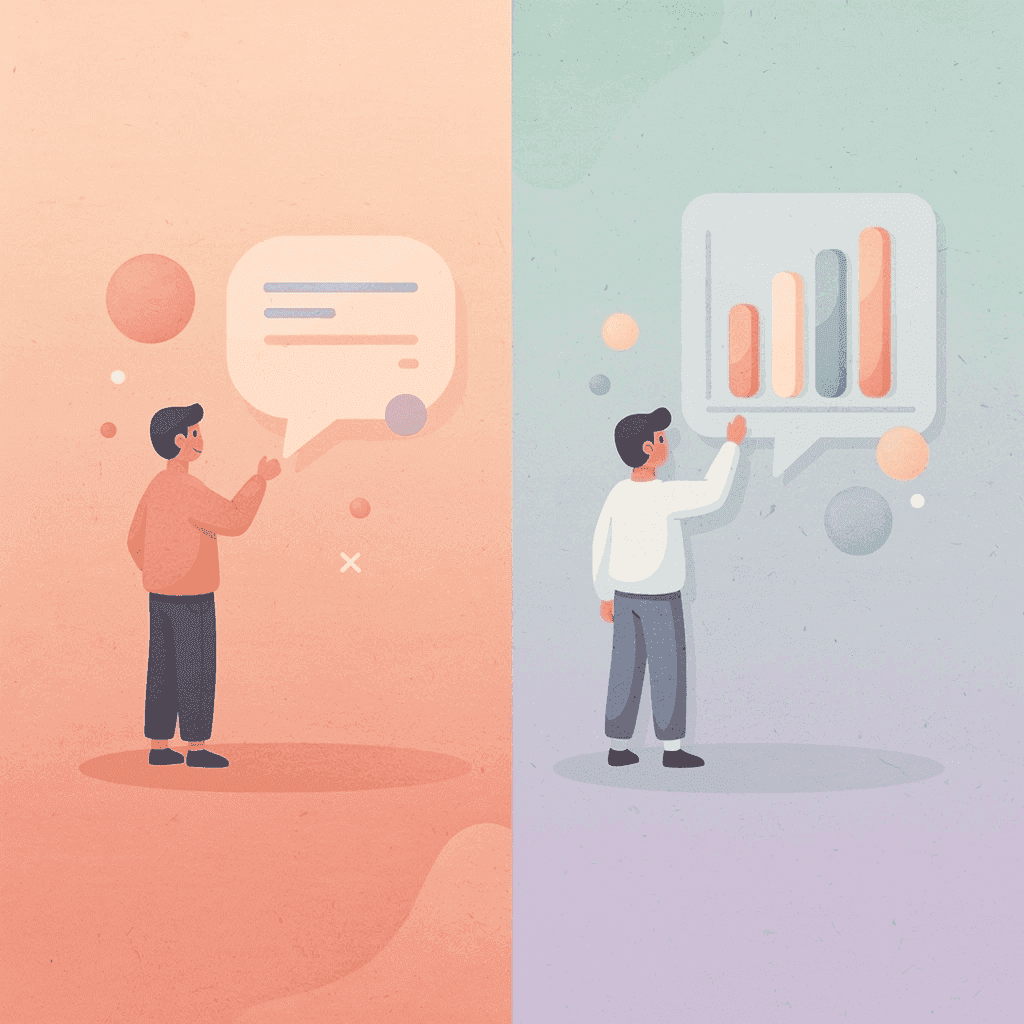
⚠️ Warning: Without proper context transfer, you'll spend more time explaining your task to the new model than actually getting useful output.
Write One Shared Context Block First
Before using any model, create one short context block that includes the task goal, key input, desired output, and required tone or format. This two-minute step eliminates the need to rethink the task each time you switch tools.
What should a context block include?
For example, summarizing a quarterly report might read: "Goal summarize this report for a client update. Input: Q1 performance report. Output 5 bullet points plus 1 recommendation. Tone professional and concise." This instruction set works across ChatGPT, Claude, and Gemini without modification.
How does this approach save time?
The context block becomes your anchor: one stable set of instructions that travels across all tools instead of being remade for each one.
Assign One Job to Each Model
Don't use every model for everything. Assign each a specific role before you begin: Model 1 summarizes, Model 2 rewrites, Model 3 analyses or expands.
Switching becomes faster when the workflow is already decided. You stop asking "What should I use this model for?" mid-task, eliminating decision fatigue.
How can you avoid restarting tasks when switching models?
A common pattern someone starts with one model, gets halfway through, then switches because the output feels wrong. Instead of moving what worked, they restart, explaining the goal again and pasting source material again, hoping the new model catches what the first missed.
Otio addresses this by bringing together GPT-4, Claude, and Gemini into a single workspace, where sources, prompts, and outputs remain visible across all models. You switch models while keeping the same document library and task instructions intact, so the decision comes down to capability, not platform hopping.
Why should you move outputs forward instead of restarting?
When you switch models, don't start over from the beginning. Take the best output from the first model and use it as input for the next one. Use the summary from Model 1 as the base for Model 2, and the rewritten version from Model 2 as the base for Model 3. This keeps progress moving in one direction: you're improving context, not rebuilding it.
What happens when you treat each model like a blank slate?
The other choice is to treat each model like it has no memory, explain the goal again, paste the source material again, and hope for a better answer. Sometimes it works. Often, the answer is simply different. Either way, you've duplicated the work without gaining a deeper understanding.
Keep Everything in One Working Document
Use one place to store the shared context block, the outputs from each model, and the final version you're building a note, document, or workspace.
Without a single working document, switching tools creates fragmentation; you lose track of which version is current, which instructions were used, and what still needs to be done. A central workspace keeps the task stable.
Under deadline pressure, the cost becomes clear when you spend fifteen minutes searching chat histories for the output that included the client's feedback. The task wasn't difficult; the workflow was broken.
Use the Final Model for Polish, Not Rebuild
Once the core task is complete, use the final model to clarify the writing, improve the tone, fix the structure, and clean up the formatting rather than restarting the entire task. The final model should enhance what exists, not replace it. This approach saves time while maintaining consistency.
Most people waste time here without realizing it. They complete 90% of the work, then switch models and request a completely new version. The output changes, forcing them to compare two different approaches instead of improving one.
Result in 10 Minutes
With this workflow, you get fewer repeated prompts, less lost context, and more consistent outputs. Without one, you switch, restart, re-explain, and repeat. A clear workflow means assign, transfer, refine, and finish.
What hidden costs accumulate without proper workflow?
The time cost that no one tracks accumulates in small increments: two minutes to re-explain the task, three minutes to locate the better-performing version, and five minutes comparing outputs across different chat windows. By week's end, those fragments add up to hours of duplicated effort.
According to the school's research, 86% of students use AI, yet most struggle to extract consistent value because they lack a repeatable method for maintaining context. They ask ChatGPT for a summary, switch to Claude for a rewrite, then move to Gemini for analysis. Each time, they start over, and progress stalls.
When does workflow become the bottleneck?
The workflow becomes the bottleneck when switching costs exceed task complexity. You spend more time managing transitions between tools than completing the work. Which model handles this analysis better? Should you salvage the previous output or start over? Did the last instruction set include the formatting requirements?
But having the workflow and using it under pressure are two different things.
Switch Between AI Models Without Losing Context Using Otio AI
If switching between AI models slows you down, the problem isn't the models; it's the process. Rebuilding context manually across separate tools creates friction that makes workflows unsustainable. The solution is removing the need to transition altogether.
🎯 Key Point: Context switching is the hidden productivity killer that fragments your AI workflow and wastes valuable time rebuilding what you've already established.
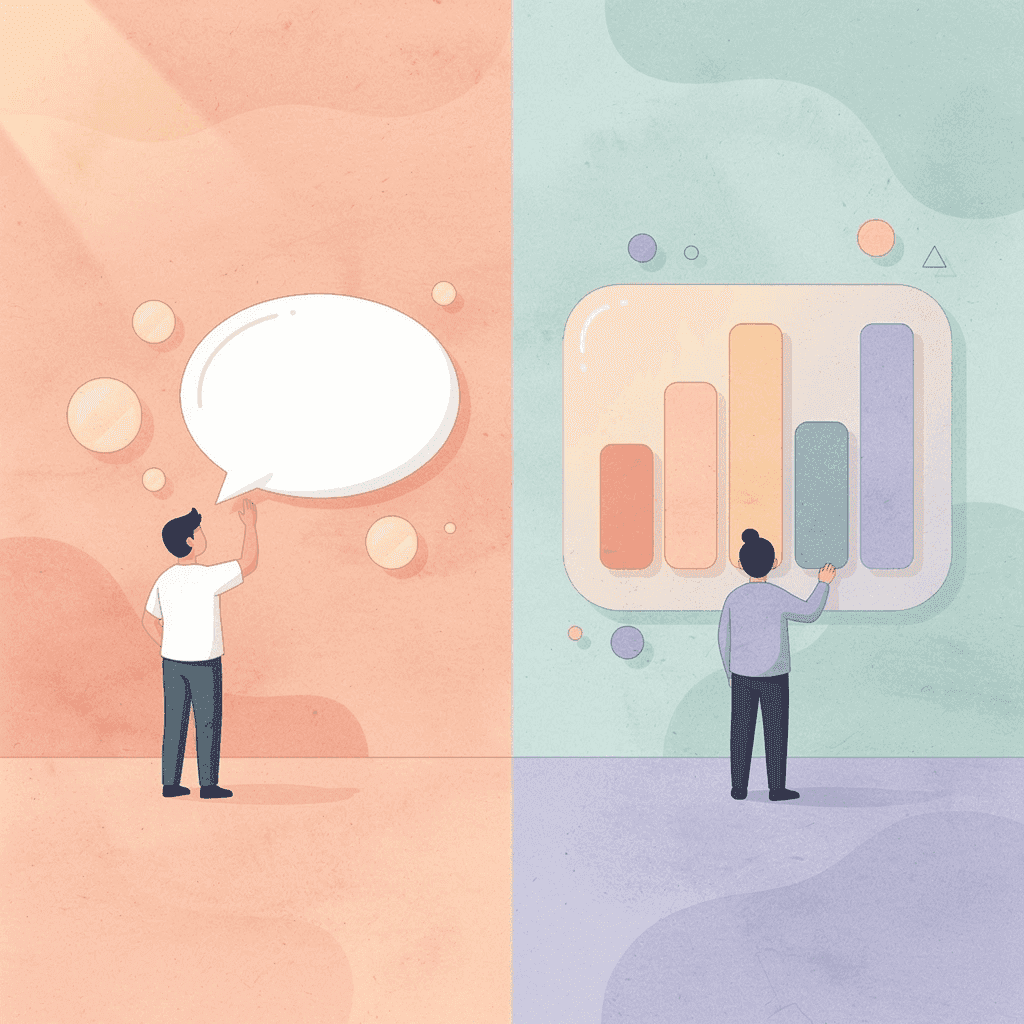
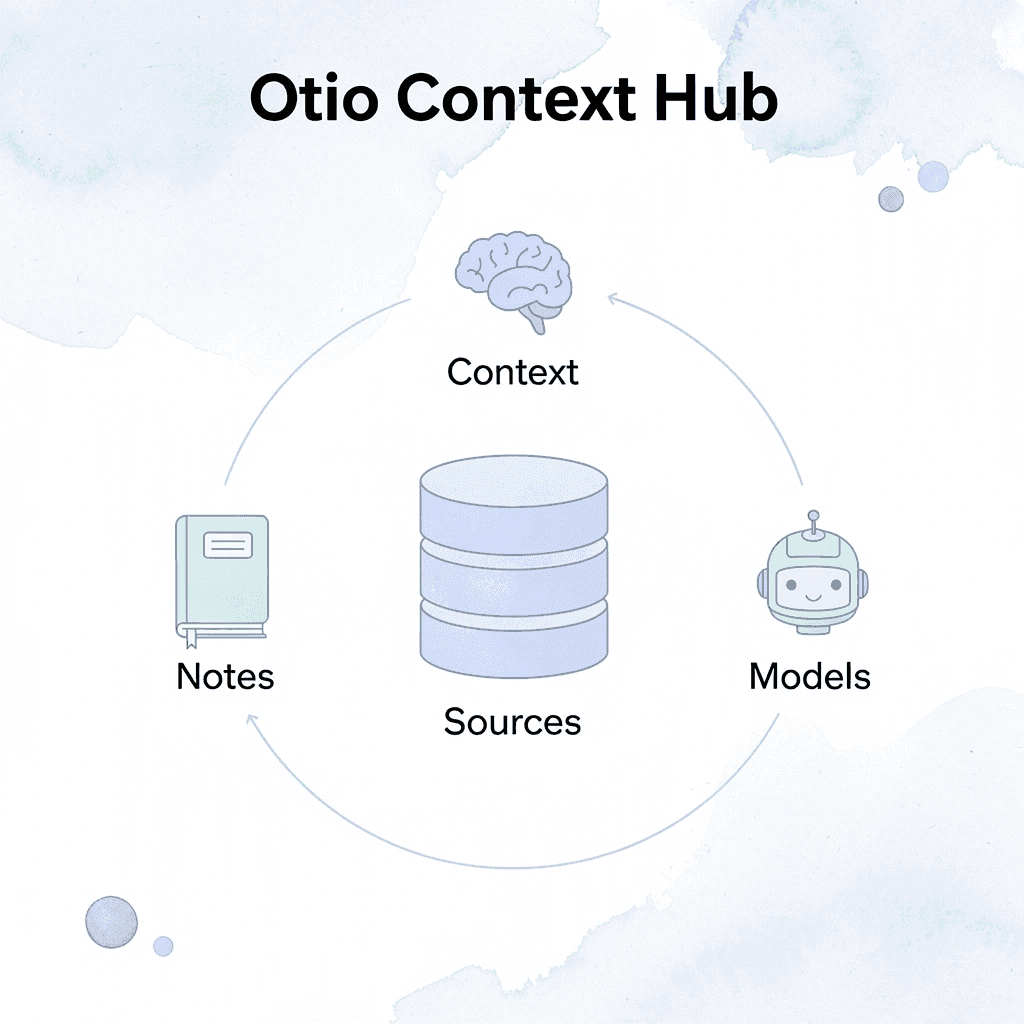
Open Otio. Add your sources, notes, and task context in one place. Otio keeps your inputs and outputs organized and carries the same context forward without rebuilding the task.
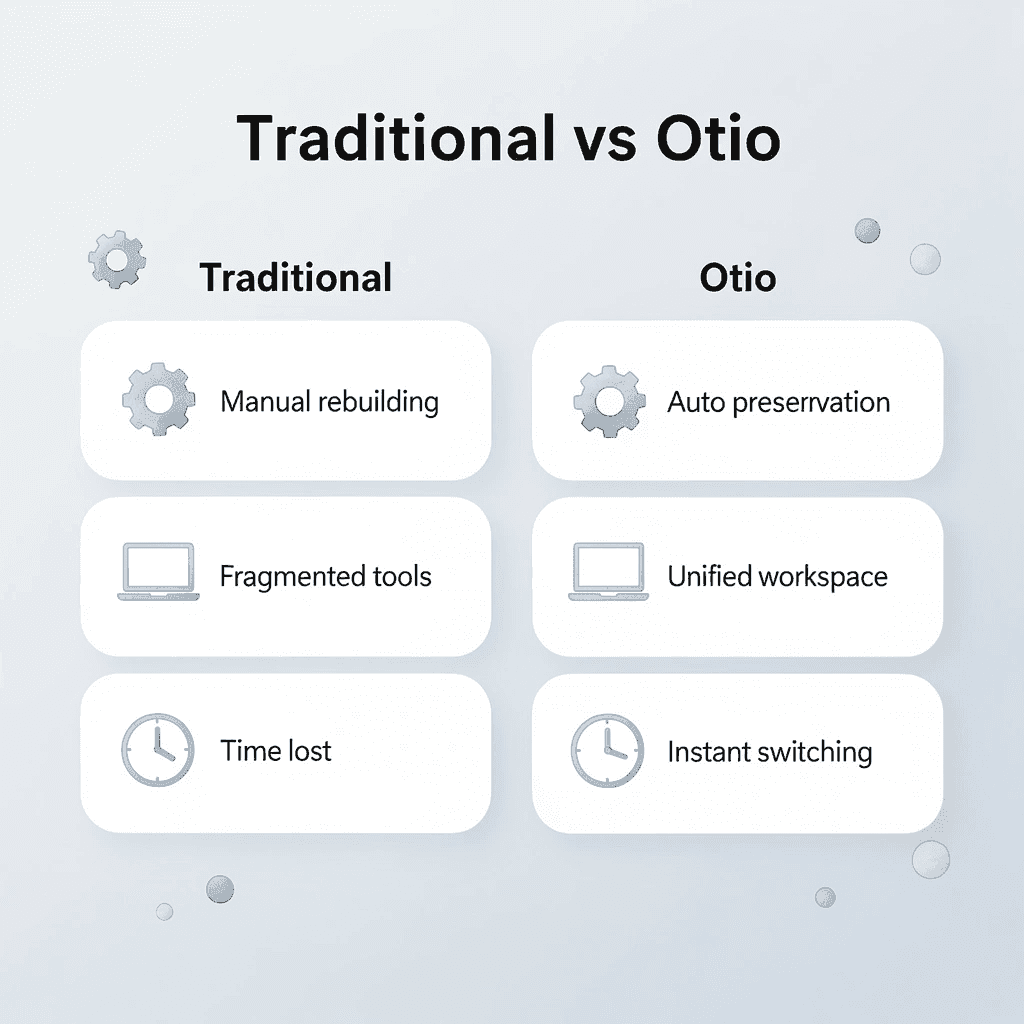
Traditional Approach | Otio Solution |
|---|---|
Manual context rebuilding | Automatic context preservation |
Fragmented workflows | Unified workspace |
Time lost explaining | Instant model switching |
Inconsistent outputs | Consistent task continuity |
"The average knowledge worker loses 23 minutes refocusing after each interruption, and context switching between AI tools creates the same cognitive penalty." — Research on Task Switching, 2023
No more re-explaining, fragmented workflows, or losing context mid-task. In minutes, you'll have one place for all task context, cleaner handoffs between models, and consistent workflows from start to finish.
💡 Tip: Set up your project context once in Otio, then experiment with different AI models without losing the thread of your work or having to restart explanations.
Switching models should mean moving work forward, not restarting it. Open Otio now and keep your context stable when your tools change.
Related Reading
Notebooklm Limits
Top Ai Tools For Document Review
Best Hr Document Management Software
Claude Ai File Upload Limits
Best Automation Tools For Document Management
ChatGPT File Upload Limits
Best Ai Tools For Research Projects
Ai Tools To Summarize a Research Paper
Legal Document Data Extraction
Best Document Management Software For Small Businesses
Notebooklm Alternatives
Best Document Management Software For Law Firms
Notebooklm Vs Notion
Best Document Management Software



