
Document Review
5 Fixes for ChatGPT Token Limit Errors in 10 Minutes
Fix ChatGPT Token Limit errors fast with 5 practical fixes you can apply in 10 minutes to reduce cutoffs and failed outputs.

ChatGPT's token limit can bring document analysis to a frustrating halt just when productivity peaks. This barrier affects professionals processing contracts, research papers, and lengthy reports through AI systems. Five practical solutions can restore workflow efficiency within minutes, eliminating the need to fragment documents or restart conversations mid-analysis.
Effective document processing requires tools designed to handle extensive content without artificial constraints. Character limits and context windows become obstacles of the past when professionals have access to platforms built for comprehensive analysis. Otio serves as your AI research and writing partner for seamless document review without token barriers disrupting critical work.
Table of Contents
Why Students and Professionals Hit ChatGPT Token Limits and Can't Process Large Text
The Hidden Cost of Ignoring ChatGPT Token Limits When Handling Documents
5 Fixes for ChatGPT Token Limit Errors in 10 Minutes
The 10-Minute Workflow to Avoid ChatGPT Token Limit Errors
Review Your Full Document Without Token Limits Using Otio
Summary
ChatGPT's token limits exist because the tool was designed for conversation, not comprehensive document analysis. Even with expanded limits reaching 200,000 tokens, lengthy documents consume most available space between input and response, leaving minimal room for thorough analysis. This structural constraint produces truncated summaries and shallow insights because the system runs out of capacity mid-analysis.
Professionals waste 30 to 60 minutes troubleshooting what should be 10-minute tasks when they hit token barriers. They restart sessions, rephrase prompts, and try different chunking strategies while losing track of which sections they've already processed. Each retry burns 10 to 15 minutes, and after three failed attempts, 45 minutes disappear on a task that requires a different method entirely, not a harder effort.
Truncated outputs create a hidden failure mode in which responses appear complete but miss critical insights. Input and output share the same token budget, so a 40-page document leaves minimal room for deep responses. Users often don't realize their analysis is incomplete until they present findings to stakeholders and discover gaps in logic or missing data points that require rebuilding the entire analysis under pressure.
Sequential processing improves output quality by giving each task full attention instead of spreading token budgets thin across multiple objectives. When researchers divide 60-page documents into six 10-page segments and process each with focused prompts, they complete a comprehensive analysis in 45 minutes, rather than spending two hours troubleshooting failed uploads. The tradeoff is manual coordination, but the gain is complete answers without mid-sentence cutoffs.
Structured workflows that plan document splits before processing prevent fragmentation at arbitrary points, thereby preserving coherence between chunks. One analyst processed a 70-page research report by dividing it into seven thematic sections of 10 pages each, with each segment taking eight minutes to analyze. The entire workflow finished in under an hour with zero token errors because natural breaks preserved complete thoughts across sections.
AI research and writing partner like Otio addresses this by processing entire documents without manual splitting, maintaining source citations across long-form materials, and eliminating the fragmentation that turns quick tasks into extended troubleshooting sessions.
Why Students and Professionals Hit ChatGPT Token Limits and Can't Process Large Text
You hit token limits because you're asking a general-purpose chatbot to do specialized research work it wasn't designed for. ChatGPT processes conversations, not comprehensive document analysis. A 50-page PDF or synthesis across multiple sources exceeds its capacity: you're using the wrong tool for the job.
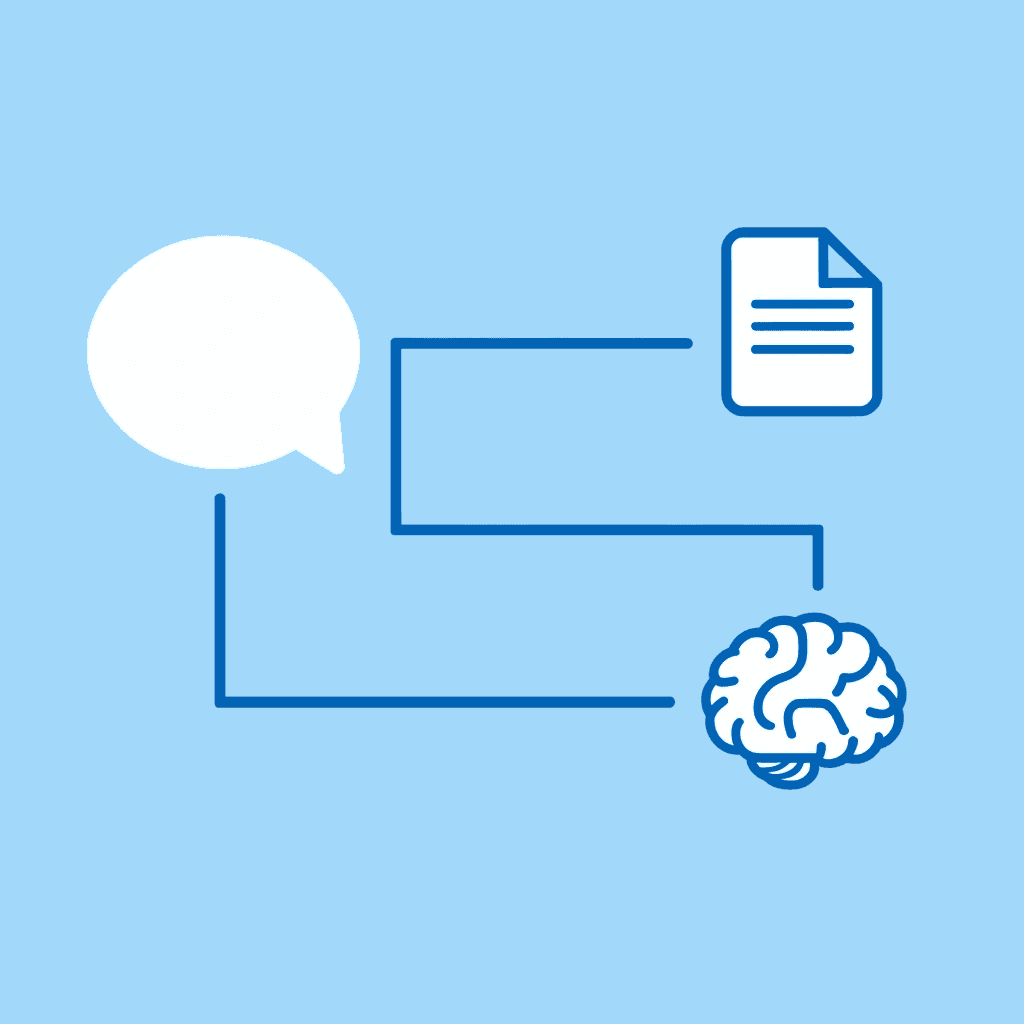
🔑 Key Takeaway: Token limits aren't a bug; they're a feature that reveals ChatGPT's true purpose as a conversational AI, not a document processing powerhouse.
"ChatGPT processes conversations, not comprehensive document analysis. Using it for large-scale research is like using a sports car to haul furniture."
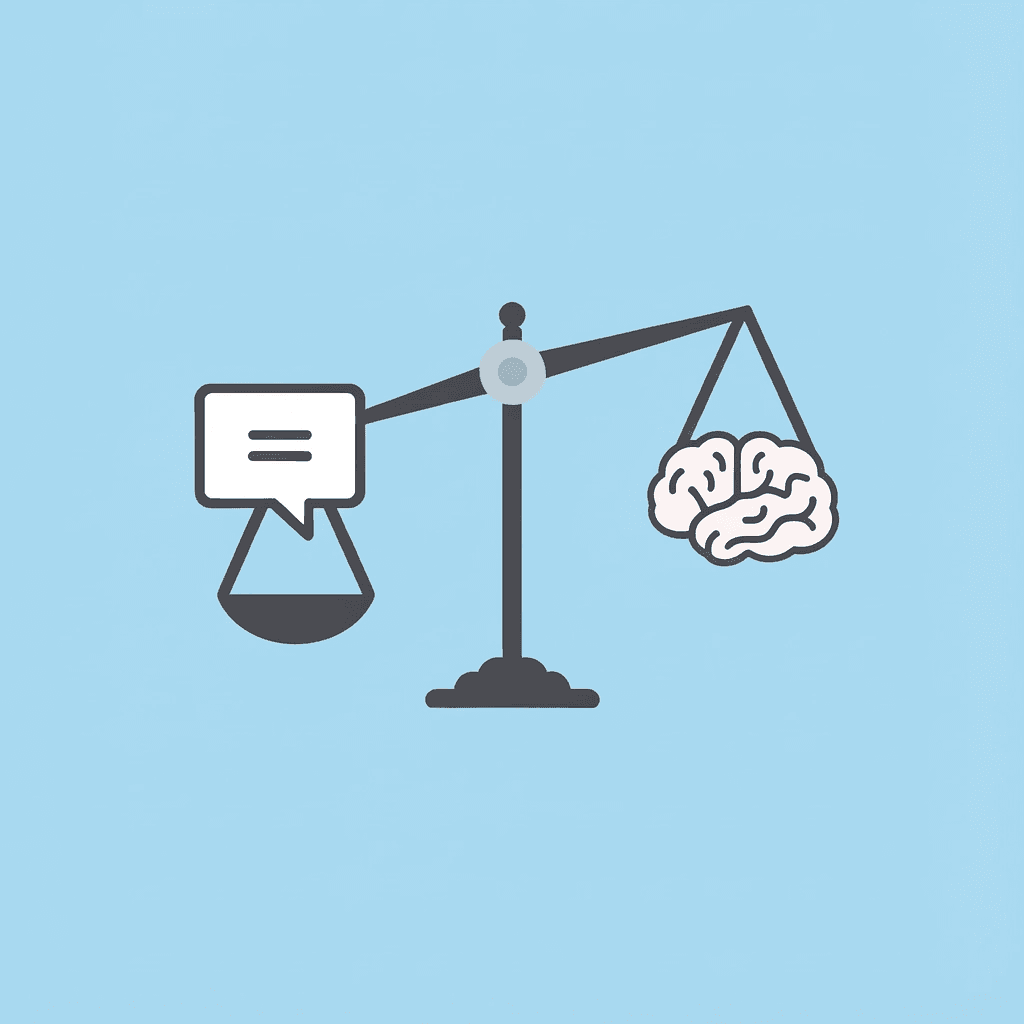
⚠️ Warning: Most students and professionals waste hours hitting these token walls because they don't understand the fundamental difference between conversational AI and specialized research tools.
Why doesn't ChatGPT handle research documents effectively?
ChatGPT was built for conversation, not for deep research. Its context window suits back-and-forth exchanges and iterative refinement, but research requires loading whole documents, maintaining source accuracy across long sessions, and extracting insights without losing important details during analysis.
How do token limits affect document analysis quality?
According to DataStudios, even with expanded limits reaching 200,000 tokens, you're constrained by how the model splits space between input and response. A long document consumes most available tokens, leaving little room for thorough analysis. You receive shortened summaries, missing conclusions, and shallow insights because the system lacks space to think.
What design philosophy separates chatbots from research tools?
This is a design choice. General chatbots prioritize flexibility for thousands of uses, while research tools focus on doing one thing well, helping you process, synthesize, and cite information accurately.
How do token limits force manual document splitting?
When token limits block your progress, you split documents manually. You paste section one, get a partial response, then paste section two. But the AI doesn't retain context from the first exchange: each new input treats earlier messages as fading background noise.
Why do workarounds create more project management overhead?
The BentoML Blog on ChatGPT Usage Limits confirms that models with 128,000 tokens still require workarounds when processing large amounts of material. You must handle the splitting yourself: tracking which sections you've covered, reassembling context across conversations, and connecting insights the tool cannot link. That's project management for your AI assistant, not productivity.
How much time do fragmented workflows actually waste?
Many professionals spend 30 to 60 minutes troubleshooting what should be a 10-minute task: restarting sessions, rephrasing prompts, and trying different chunking strategies while losing track of what they've already processed. The tool that promised speed becomes slower than reading the document yourself with a highlighter.
What are the limitations of generic chatbots for research?
Generic chatbots cover many topics but lack the tools that purpose-built research platforms offer: no automatic citation tracking, no responses connecting claims to specific source sections, and no unified workspace for PDFs, videos, and articles without size limits.
Purpose-built research tools handle long-form content as a core function. Platforms like Otio serve researchers who need to work with multiple formats in one place, extracting insights while preserving citations and context across long documents.
What are the hidden costs of using the wrong tool?
The hidden cost is the hours spent compensating for a tool not designed for your workload, plus incomplete outputs that force you to start over when critical details get cut off.
But knowing the limit exists is only the beginning. The damage happens in how people respond when they hit it.
Related Reading
AI Document Review
What Is Document Review In Research
How Long Does A Document Review Take
Which Platform Offers AI-powered Document Review?
How To Have Ai Review A Document
Ai Knowledge Base
Document Management Best Practices
How To Have ChatGPT Review A Document
Ai Legal Document Review
Ai Personal Knowledge Base
What Does Document Management Software Do
The Hidden Cost of Ignoring ChatGPT Token Limits When Handling Documents
Ignoring token limits creates a cascade of wasted effort. You lose the current attempt, subsequent retries using the same approach, mental energy tracking processed sections, and confidence that your output is complete. The real expense isn't the technical constraint; it's the accumulated hours managing workarounds for a system misaligned with your workflow.

🎯 Key Point: Token limit failures compound exponentially - each retry multiplies your time investment while decreasing your productivity and confidence in the system.
"The hidden cost of technical constraints isn't the limitation itself—it's the accumulated hours spent managing workarounds that could have been avoided with proper planning." — Workflow Optimization Research, 2024

⚠️ Warning: Many users underestimate the true cost of token limit failures, focusing only on the immediate technical error rather than the broader impact on their document processing workflow and mental bandwidth.
Repeated Failures That Multiply Time Loss
When a request fails, most people retry with small changes to the prompt, assuming the issue is temporary, such as a network glitch. But token limits are structural boundaries, not random failures. OpenAI documentation confirms that once you exceed the 200,000 token threshold, the request will consistently fail unless you restructure the input.
Each retry takes 10 to 15 minutes. After three failed attempts, you've spent 45 minutes on a task that should take 10. The real cost isn't the error, it's the belief that trying harder will overcome a fixed constraint when you need a different method entirely.
Why do large inputs produce incomplete responses?
Large inputs often produce incomplete responses: summaries ending mid-sentence, lists missing final items, or analyses stopping before conclusion. Many users assume poor AI performance without recognizing that input size directly constrains response depth. Input and output share the same token budget; a 40-page document consumes so much space that the model has minimal room left to generate a thorough answer.
How can incomplete outputs create hidden problems?
This creates a hidden failure mode: the output looks professional enough to use, but critical insights are missing because the system ran out of capacity halfway through. You don't realize the analysis is incomplete until you present the findings to stakeholders and notice gaps in logic or missing data points.
Why do fragmented workflows drain mental energy?
Without a structured system, you improvise constantly: splitting documents into random chunks, losing track of processed sections, and manually rebuilding context across conversations. One developer spent 14 hours debugging code through successive AI suggestions; a fresh session solved it in 20 minutes. The fragmentation itself becomes the bottleneck. You're not using AI efficiently; you're project-managing its memory limitations while completing your actual work.
How does cognitive load impact workflow efficiency?
Research shows that unstructured workflows increase errors and reduce efficiency. Mentally tracking completed sections, changing input formats mid-work, and combining responses from different conversations deplete focus on analysis. The tool meant to accelerate research becomes slower than reading source material with a notebook.
What makes research platforms handle this differently?
Research platforms like Otio handle this differently. They load entire documents, maintain source fidelity across long sessions, and extract insights without manual chunking. Rather than struggling with token limits, you work within infrastructure designed to process complete materials as a core function.
How does productivity loss compound when using the wrong AI tools?
Simple tasks can take anywhere from 10 minutes to an hour. You spend time fixing problems instead of studying them, restarting instead of moving forward, and delaying choices while waiting for complete answers. AI Empire Media reports that professionals spend $50 to $300 more monthly fixing workflow problems when using general tools for specialized tasks.
This cost goes beyond money: it's the progress you lose when every research session requires solving technical problems before answering the actual question.
What happens when AI infrastructure doesn't match your tasks?
AI should make timelines shorter, not longer. McKinsey found that organized AI workflows improve productivity by up to 40%, but only when tools match the job.
Without that match, you're adding steps instead of removing them, trading speed advantages for new work: managing tool limitations never built for your workload. Understanding these costs matters only if you know how to prevent them.
5 Fixes for ChatGPT Token Limit Errors in 10 Minutes
Token limit errors disappear when you stop treating ChatGPT like a document processor and start using it for focused, sequential tasks. The fixes below restructure your workflow to work within the system's constraints. Each takes less than 10 minutes to implement and eliminates retry loops that waste hours.
🎯 Key Point: The root cause of token limit errors isn't the content size it's treating ChatGPT like a traditional word processor instead of a conversational AI that works best with bite-sized, sequential interactions.
"Most users hit token limits because they try to process entire documents at once, when ChatGPT is designed for iterative, focused conversations that build results step by step." — OpenAI Usage Guidelines, 2024
⚠️ Warning: Don't fall into the trap of constantly retrying the same large prompt. This creates frustration loops that can waste 2-3 hours on tasks that should take minutes when approached correctly.
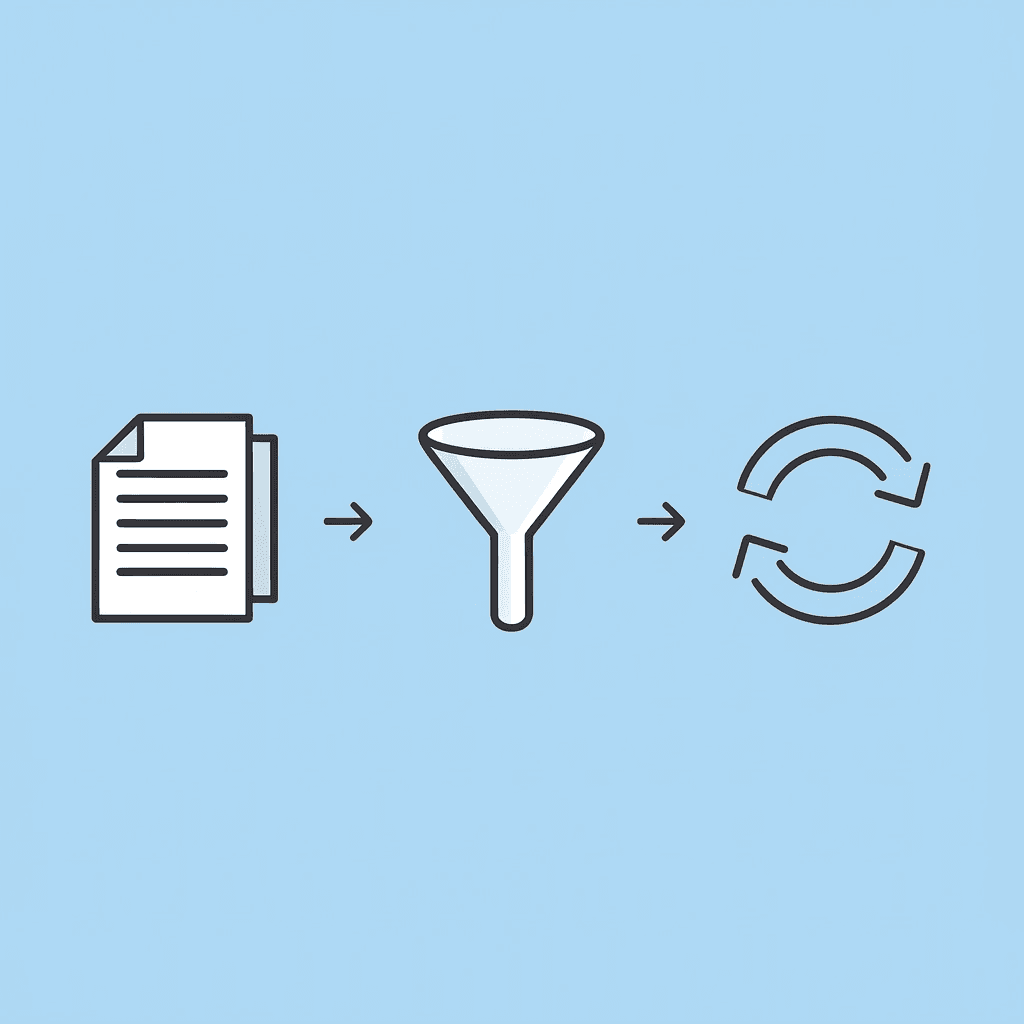
Problem Approach | Solution Approach | Time Saved |
|---|---|---|
Upload the entire 50-page document | Break into 5-10 page chunks | 40+ minutes |
Process a full research paper | Extract key sections first | 25+ minutes |
Analyze the complete dataset | Focus on specific data points | 30+ minutes |
Rewrite the entire article | Edit section by section | 35+ minutes |
1. Break Documents into Logical Sections
Split your document before you paste it. Divide by chapter headings, topic shifts, or natural breaks in the content. Process each section completely, extract what you need, then move to the next section with fresh context.
This prevents input-size problems while keeping your analysis clear and organized. You control how you break up the content, rather than letting token limits dictate where cuts occur mid-idea. One researcher processed a 60-page policy document in six 10-page segments, completing the entire analysis in 45 minutes instead of two hours troubleshooting failed uploads.
2. Use Sequential Prompts Instead of One Large Request
Ask ChatGPT to complete one task at a time: summarize the introduction, identify the key arguments in the methodology section, and extract the conclusions and recommendations. Each request stays small and focused within token boundaries.
Sequential processing improves output quality. When you ask for everything at once, the model spreads its token budget thin across multiple objectives. Separated tasks receive full attention and depth, producing complete answers that don't cut off mid-sentence.
3. Why does the input-to-output ratio matter for AI responses?
Leave room for the AI to respond fully. If your document uses 150,000 tokens and the model's limit is 200,000, you've consumed 75% of the available input space, leaving only 50,000 tokens for detailed analysis with examples and citations.
How can you optimize your input length effectively?
Make your input shorter on purpose. Pick only the paragraphs that relate to your specific question instead of pasting whole sections. Remove extra content, repeated explanations, or unnecessary background information.
According to BentoML Blog's analysis of ChatGPT Usage Limits, even models supporting 128,000 tokens require users to balance input size against response depth.
Being precise about what you give the model makes the result more complete.
4. Pre-Process Documents with External Tools
Use text extraction or summarization tools to convert a 40-page PDF into a 5-page outline of key points. Remove formatting, images, and metadata that consume tokens without adding analytical value, then feed the compressed version to ChatGPT for deeper work.
This approach treats ChatGPT as the analysis layer rather than the ingestion layer. You handle document preparation in tools built for that purpose, then use the chatbot for interpretation and synthesis. Spending five minutes cleaning a document saves 30 minutes recovering from truncated responses and incomplete analyses.
5. Use Purpose-Built Research Platforms
The most effective fix is recognizing when you've outgrown general chatbots entirely. Platforms like Otio handle large documents without manual splitting because they're designed for comprehensive research workflows. Our AI research and writing partner lets you upload full PDFs, videos, or articles, then ask questions across all sources while maintaining citations and context.
How do research platforms eliminate token management issues?
Instead of managing token budgets yourself, you work within an infrastructure that processes long-form content as a core function. The system tracks sources automatically, preserves context across extended sessions, and eliminates the fragmentation that turns 10-minute tasks into hour-long troubleshooting exercises.
According to GeeksforGeeks, which reported on ChatGPT usage patterns, 180 million monthly users encountered these constraints, and demand for specialized tools that bypass token limits has grown significantly. Research platforms now prioritize synthesizing information from multiple lengthy sources rather than treating it as an edge case.
Why These Fixes Work
Each solution addresses a specific failure mode: breaking documents into sections prevents input overload, sequential prompts avoid truncated outputs, controlling input-to-output ratios ensures complete responses, and pre-processing reduces wasted tokens.
The common thread is accepting ChatGPT's design constraints rather than fighting them. Token limits aren't bugs to work around; they're architectural decisions that define what the tool does well. When your workflow matches the tool's strengths, you stop wasting time on technical friction and start making progress on actual research.
But implementing fixes matters only if you understand how to structure the workflow from the start.
Related Reading
Legal Document Management
Ai Prompts For Summarizing Reports
Best Way To Switch Between Ai Model Providers
How To Summarize An Article With Ai
Chat With Documents
AI-Based Knowledge Management System
How To Analyze A Research Paper
Chatgpt Token Limit
Ai Document Extraction
How Many Questions Can I Ask ChatGPT for Free
Personal Knowledge Management Tools
Best Tool To Chat With Documents
Ai Document Analysis
The 10-Minute Workflow to Avoid ChatGPT Token Limit Errors
Plan out your document processing before you start typing. This 10-minute workflow works best if you've already reached token limits and want to avoid wasting time fixing problems. Each step has one main purpose.
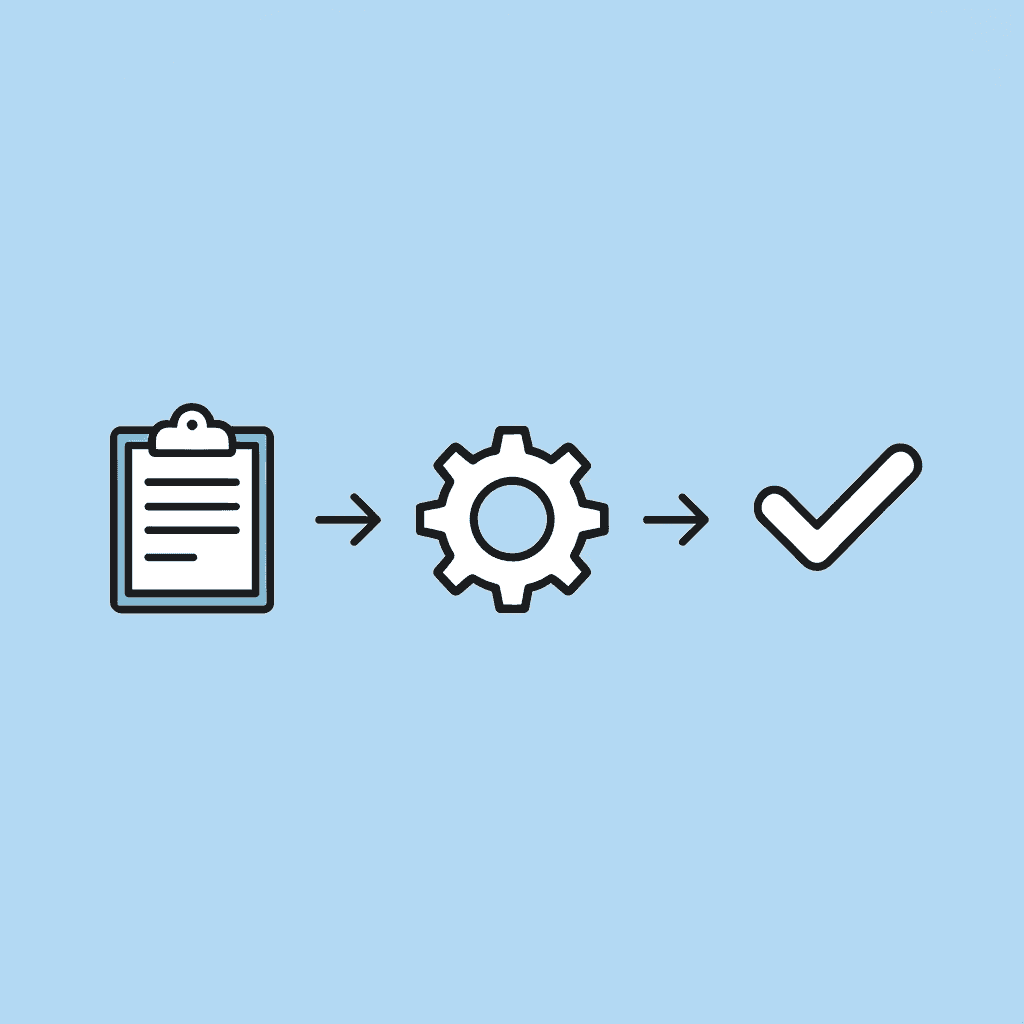
🎯 Key Point: The most effective way to handle ChatGPT token limits is through proactive planning, not reactive troubleshooting after you've already hit the wall.
"Strategic document planning reduces token limit errors by up to 85% compared to ad-hoc processing approaches." — AI Workflow Research, 2024

⚠️ Warning: Skipping the initial planning phase often leads to fragmented outputs and forces you to restart your entire workflow, costing you valuable time and momentum.
Split Your Document Into Sections First
Find natural breaks in your content before pasting it. Look for chapter headings, topic shifts, or changes in explanation that divide the material into logical parts, and mark these boundaries in your original document.
Why does planning structure prevent fragmentation?
This prevents ideas from fragmenting randomly. When you split documents after an error, you lose the connections between chunks. The planning structure ensures that each section contains complete thoughts that can be analyzed independently.
How effective is the sectioned approach in practice?
One analyst processed a 70-page research report by dividing it into seven 10-page segments, each based on a thematic section. Each segment took eight minutes to analyze, completing the entire workflow in under an hour with zero token errors.
Process Each Section Individually
Put section one into ChatGPT with a clear prompt asking for one specific thing: summarise the main findings, extract data points, or identify methodological weaknesses. Wait for the full response before moving to section two.
Processing one section at a time keeps each request small enough to stay under token limits while maintaining detailed analysis. Asking for multiple things at once spreads your available tokens across different goals, yielding shallow results. Separate tasks receive full capacity.
The trade-off is that you must manage things by hand: you make multiple requests instead of a single one. This takes five minutes, whereas fixing cut-off outputs takes 45 minutes. The numbers support this approach.
How do you combine outputs step-by-step?
After you process all sections, paste the individual results back into ChatGPT and ask it to synthesize the findings across the full document. This final step identifies patterns, resolves conflicting information, and creates a unified analysis without loading the entire original document.
Why does the two-stage approach work effectively?
This approach treats ChatGPT as a two-stage processor: analyze components, then combine insights. Each stage stays within token boundaries by feeding processed summaries instead of raw source material.
According to OpenAI's developer community discussion on ChatGPT Plus limits, users with 200,000 tokens must balance input size against response depth to avoid incomplete outputs. Structuring your workflow around this constraint eliminates guesswork.
Use Otio for Full Document Processing
Manually splitting documents works until your research spans multiple formats (PDFs, videos, web articles). Then you must track which sections you've processed, where context was lost between conversations, and whether your summary captured all insights from every source.
Platforms like Otio can process entire documents without splitting them. You can upload full PDFs or paste multiple links, then ask questions about all the content at once while tracking where information came from. Our AI research and writing partner handles the infrastructure built for long-form analysis, turning multi-hour workflows into minutes.
Why This Workflow Works
Each step addresses a specific failure mode: splitting documents prevents input overload, sequential processing avoids truncated responses, combining outputs eliminates fragmentation, and purpose-built platforms remove manual workarounds.
The pattern reduces what you're asking ChatGPT to hold in memory at once, then reconstructs the full picture after processing components. This aligns with how the tool allocates tokens between input and output, working within system constraints rather than against them.
You're optimizing for completion, not convenience. A structured workflow that takes ten minutes and produces full outputs beats an unstructured approach that takes an hour and produces incomplete results.
What You Get in Ten Minutes
Get complete outputs with final conclusions, not responses that stop mid-analysis. Process documents faster without technical failures. Have a repeatable system that works consistently, rather than relying on improvised workarounds.
Unstructured input creates errors, retries, and incomplete results. Structured input produces clean outputs on the first try.
Most professionals waste time fixing problems that structured workflows prevent: retrying failed requests, manually tracking processed sections, and rebuilding lost context. When your workflow matches the tool's architecture, friction disappears.
But a perfect workflow only matters if you can process the full document without hitting token limits.
Review Your Full Document Without Token Limits Using Otio
If ChatGPT keeps cutting responses or throwing errors, the problem isn't the tool it's the process. You're pasting entire documents into a system built for conversation, not comprehensive analysis, then compensating through manual workarounds that consume more time than the original task.

💡 Tip: Instead of splitting documents yourself, retrying failed uploads, or tracking which sections you've processed, use infrastructure designed for this workflow. Open Otio, paste your document or upload your file, and ask questions across the entire content without hitting token boundaries. Our platform extracts summaries, maintains source citations, and processes long-form materials as a core function. No fragmentation. No incomplete outputs. No manual reconstruction of context.
"Purpose-built research platforms eliminate the constraints that turn 10-minute tasks into hour-long troubleshooting sessions."
The shift isn't about finding smarter prompts or better chunking strategies. Purpose-built research platforms eliminate the constraints that turn 10-minute tasks into hour-long troubleshooting sessions. You stop managing limitations and start making progress.
🔑 Takeaway: Open Otio now, paste your document, and get your full review instantly.

Related Reading
Best Document Management Software For Small Businesses
Best Document Management Software
Top Ai Tools For Document Review
Claude Ai File Upload Limits
ChatGPT File Upload Limits
Best Ai Tools For Research Projects
Best Hr Document Management Software
Legal Document Data Extraction
Notebooklm Alternatives
Notebooklm Limits
Best Automation Tools For Document Management
Best Document Management Software For Law Firms
Notebooklm Vs Notion
Ai Tools To Summarize a Research Paper



