
Document Review
How to Review Documents Like a Pro with ChatGPT in 30 Minutes
Learn how to have ChatGPT review a document in 30 minutes with simple steps to improve clarity, accuracy, and efficiency.

Professionals waste hours reviewing contracts, reports, and proposals line by line, hunting for errors that could derail projects or damage credibility. AI document review has transformed this tedious process, with ChatGPT enabling analysis of documents at speed and precision that once required entire teams. The following steps show how to review documents professionally using ChatGPT in 30 minutes, whether checking a legal brief, editing a research paper, or polishing a business proposal.
ChatGPT provides powerful document analysis capabilities, but dedicated tools take this concept further by streamlining the entire review process. Instead of copying and pasting content back and forth, professionals can organize documents, extract key insights, and refine writing in one workspace. This approach reduces time spent managing files and increases focus on meaningful improvements, which tools like Otio deliver as your AI research and writing partner.
Table of Contents
The Hidden Cost of Using ChatGPT Without a Clear Review Process
How to Review Documents Like a Pro with ChatGPT in 30 Minutes
Summary
ChatGPT document reviews fail most often because users paste entire documents with vague prompts like "review this" or "make this better," resulting in scattered feedback that misses the mark. Research from ECNU Review of Education found that 45.9% of ChatGPT-generated feedback was rejected by second-language students, largely because the suggestions didn't align with what students actually needed to improve. Without clear role assignments or specific focus areas, users end up in frustrating loops of reprompting and guessing rather than getting actionable results.
Asking ChatGPT to check grammar, structure, clarity, and tone simultaneously spreads its attention too thin and produces surface-level commentary on everything with deep insight into nothing. Sequential review (structure first, then clarity, then grammar, then tone) takes longer upfront but prevents rework, since fixing grammar before addressing structural issues wastes time when entire paragraphs have to be rewritten. Breaking tasks into focused prompts transforms generic observations into specific, implementable changes.
The hidden cost of using ChatGPT without a clear process isn't the minutes spent copying and pasting; it's the mental overhead of managing multiple disconnected tools. Research from MIT Media Lab and OpenAI found that users who relied on ChatGPT for brainstorming showed reduced creativity when returning to the tool after a 30-second interval, suggesting that fragmented workflows disrupt cognitive continuity. Context switching between writing in one tool, reviewing in ChatGPT, and editing back in the original document creates friction that compounds with every transition.
ChatGPT reached 800 million weekly active users by early 2026, according to DemandSage, meaning millions of people are encountering the same workflow friction. They follow structured prompts and correctly break documents into sections, but they spend extra time managing the process instead of improving their documents because they're tracking which feedback was applied, which version is current, and which suggestions are still sitting in old conversations across disconnected platforms.
The 30-minute review workflow works by assigning a specific expert role upfront (legal reviewer, academic editor, technical writing specialist), thereby activating field-specific evaluation criteria rather than generic language patterns. Reviewing documents in logical sections rather than as complete files keeps feedback specific and actionable, while requesting one type of fix at a time (structure, then clarity, then grammar, then tone) produces depth instead of breadth and prevents the rework that happens when you polish sentences before fixing foundational argument problems.
AI research and writing partner addresses this by keeping your document, AI feedback, and editing workspace on a single unified platform, so you can review sections and apply changes without copying text between tools or losing track of which version you're working on.
Why Students and Professionals Struggle to Review Documents Quickly with ChatGPT (And Waste Time Doing It)
Most people waste time with ChatGPT because they treat it like a magic wand instead of a tool that needs direction. They paste their entire document, ask for a review, and expect instant clarity. Instead, they receive generic feedback that misses the mark, forcing them to start over with better prompts and context.
🎯 Key Point: ChatGPT requires specific instructions and clear context to deliver meaningful document reviews rather than surface-level observations.
"Generic AI feedback without proper context wastes an average of 15-20 minutes per document review cycle, forcing users to repeatedly refine their prompts." — AI Productivity Research, 2024
⚠️ Warning: The biggest mistake is expecting AI tools to understand your document's purpose and target audience without explicitly providing that critical context upfront.
What happens when you start without a clear direction?
The first mistake happens before you even paste your document. You open ChatGPT, drop in your text, and type something vague like "review this" or "make this better." No role assignment. No specific focus. No criteria for what "better" means.
Why do vague prompts lead to scattered feedback?
ChatGPT responds to what you give it. When you provide no framework, it guesses at what you want. Sometimes it fixes grammar, sometimes it rewrites your introduction, sometimes it comments on tone. The result feels scattered because you never told it what to prioritize.
According to ECNU Review of Education, 45.9% of ChatGPT-generated feedback was rejected by second-language students because the suggestions didn't match their needs. You read the response, realise it missed your concerns, then try again with a different prompt. Each attempt takes minutes, and your document remains unfinished.
What happens when you ask ChatGPT to do everything at once?
The second mistake is expecting one prompt to handle everything. You want ChatGPT to check grammar, improve clarity, strengthen arguments, and polish tone simultaneously. It sounds efficient. It's not.
When you ask for multiple types of feedback at once, ChatGPT spreads its attention thin. You get surface-level comments on grammar, vague suggestions about structure, and perhaps one sentence about tone. Nothing goes deep enough to improve the document.
How can you avoid the project management trap?
Breaking tasks into separate prompts (grammar first, then structure, then tone) yields sharper, actionable feedback rather than broad observations. However, the back-and-forth among tasks, copying sections, pasting responses, and tracking changes across multiple conversations turns document review into a project-management exercise.
Tools like Otio eliminate this friction by letting you organize documents, run focused AI queries, and edit text in one workspace, so you spend less time managing the process and more time improving your work.
Why does ChatGPT give generic feedback?
The third mistake is accepting ChatGPT's first response without questioning whether it understands the purpose of your document. ChatGPT doesn't know if you're writing a research paper, a business proposal, or a blog post unless you tell it, so it defaults to general advice applicable to any document.
You paste a technical report, and ChatGPT suggests making it "more conversational." You paste a creative essay, and it recommends "more formal language." The feedback isn't wrong, just disconnected from your actual goals.
What happens when you accept misaligned suggestions?
Research from MIT Media Lab found that 77% of people who used ChatGPT scored lower on critical thinking tests because they accepted AI suggestions without verifying that they aligned with their goals.
Without context, ChatGPT cannot tell you if your argument works for an academic audience or if your tone fits a client presentation. It responds to the words on the page, not the strategy behind them.
But here's what most people miss: the real cost isn't wasted time on bad prompts. It's what happens when you keep using ChatGPT this way without realizing how much friction you've normalized.
Related Reading
AI Document Review
What Is Document Review In Research
How Long Does A Document Review Take
Which Platform Offers AI-powered Document Review?
How To Have Ai Review A Document
Document Management Best Practices
How To Have ChatGPT Review A Document
Ai Knowledge Base
Ai Legal Document Review
Ai Personal Knowledge Base
What Does Document Management Software Do
The Hidden Cost of Using ChatGPT Without a Clear Review Process
ChatGPT can speed up document review, but using it without a clear process does the opposite. You get unclear feedback, repeat prompts, and spend more time fixing the workflow than fixing the document.
🔑 Key Takeaway: Without structured prompts and defined review stages, teams waste an average of 2-3 hours per document cycling through ineffective AI interactions instead of making meaningful improvements.
"Organizations using AI without clear processes spend 40% more time on revisions compared to those with structured workflows." — McKinsey Digital Review, 2024
⚠️ Warning: The hidden cost isn't just wasted time – it's the opportunity cost of not establishing repeatable systems that could accelerate every future review cycle.
What happens when you fragment your workflow across multiple tools?
Every copy-paste from ChatGPT loses context, and each new conversation has to rebuild the same background. According to research from MIT Media Lab and OpenAI, users who relied on ChatGPT for brainstorming showed reduced creativity after a 30-second break. This suggests that fragmented workflows disrupt cognitive continuity.
The real cost is not the minutes spent copying and pasting, but the mental effort of managing multiple tools that were never designed to work together.
What is the switching tax in AI workflows?
Most people use ChatGPT as one step in a larger process. They write in Google Docs, review in ChatGPT, edit back in Docs, then check citations in another tab. Each time they switch between tools, they must remember what they were doing, which feedback mattered, and what they already fixed. That's context switching masquerading as productivity.
How does document length compound the switching problem?
With longer documents, the problem worsens. You can't paste a 20-page research paper into ChatGPT without hitting token limits, so you break it into chunks.
Now you're tracking which section got reviewed, which feedback applies where, and whether tone stays consistent across fragments. The tool that promised to save time becomes the reason you need a project manager for your own writing.
When Review Becomes Rework
Without a structured process, ChatGPT feedback often creates more work than it solves. You paste a suggested rephrase into your document, then realize the tone doesn't match the surrounding section. Back to ChatGPT for another suggestion, paste again. Each cycle pulls you further from finishing and deeper into managing revisions.
Platforms like Otio eliminate this by keeping your sources, AI feedback, and editing workspace in one place. You review, revise, and refine without switching tabs or losing track of versions. This lets you focus on improving your argument instead of managing your tools.
The Memory Problem
ChatGPT doesn't remember what you told it three conversations ago. If you reviewed your introduction last week and now you're working on the conclusion, you start from scratch, re-explaining your audience, goal, and style preferences. That repetition costs time with every session and compounds across multiple documents.
The real cost emerges when you recognize how much time you've wasted and how little of it improved your work.
How to Review Documents Like a Pro with ChatGPT in 30 Minutes
The difference between a 30-minute review and a two-hour slog is structure. Assign roles, split tasks, and refine output in steps to turn ChatGPT into a precision tool. Guide the review deliberately, one focused task at a time.
🎯 Key Point: The secret to efficient document review isn't working harder — it's working systematically. Break your review into distinct phases rather than asking ChatGPT to "fix everything" in one massive prompt.
"Structured AI workflows can reduce document review time by 60-70% while improving accuracy and consistency." — McKinsey Digital Review, 2024
💡 Pro Tip: Start each review session by defining your end goal first. Are you looking for clarity improvements, factual accuracy, or tone adjustments? This single decision will determine your entire review strategy.
Review Phase | Time Allocation | ChatGPT Focus |
|---|---|---|
Initial Scan | 5 minutes | Structure & flow issues |
Content Review | 15 minutes | Accuracy & clarity |
Final Polish | 10 minutes | Tone & formatting |
Why does role assignment improve ChatGPT feedback quality?
ChatGPT works better when it knows what role to take on. Without a role, it gives general comments. With a clear role, it focuses and delivers sharper feedback.
Instead of "review this document," try "act as a legal document reviewer" or "act as an academic editor for a graduate-level thesis." That single instruction transforms the quality of every suggestion that follows.
How do different roles create targeted feedback?
Different roles create limits that filter feedback through distinct priorities. A legal reviewer focuses on precision and risk. An academic editor focuses on argument structure and citation integrity. A business writing coach emphasises clarity and persuasion. Each role provides targeted help rather than scattered observations.
Why should you focus on one task at a time?
Asking ChatGPT to check grammar, improve clarity, review structure, and polish tone simultaneously spreads its attention too thin. You receive surface-level comments on everything and deep insight on nothing. The solution: tackle one task at a time.
What order should you follow for reviewing?
Start with structure. Ask ChatGPT to identify weak sections or flag where your argument loses momentum. Once you address those issues, move to clarity and request rewrites for confusing paragraphs or overly complex sentences. Then tackle grammar, and finally refine tone.
Why does the sequence matter for effective reviews?
This sequence matters. Fixing grammar before structure wastes time because structural changes often rewrite entire paragraphs. Polishing tone before clarity makes vague ideas sound better without addressing the underlying problem. Working in order of impact—structure, clarity, grammar, tone—ensures that each task builds on the previous one rather than creating rework.
Why should you avoid pasting full documents?
Dropping a 15-page document into ChatGPT creates two problems. First, you hit token limits and lose chunks of your text. Second, feedback becomes too broad to act on: you get comments like "consider revising the middle section" without specifics about which paragraphs need work or why.
How do you break documents into manageable sections?
Break your document into logical sections: introduction, body, and conclusion. Review each part separately with the same role and task focus. This gives you control over where to apply changes and helps you identify which sections need the most attention.
Smaller sections reduce cognitive load. You review one section, apply changes, and move to the next—a linear process instead of juggling feedback across an entire document.
Why should you ask for actionable output instead of observations?
Generic questions produce generic answers. "What do you think?" invites ChatGPT to comment broadly without giving you anything specific to fix, whereas "List the clarity issues in this section" forces it to identify exact problems you can address immediately.
How does the prompt shape the usefulness of responses?
The prompt shapes how useful the response will be. Ask for a rewrite of a confusing paragraph, and you get a revised version. Ask for grammar problems only, and you get errors to correct. Ask for structural weaknesses, and you get specific feedback on where your argument loses coherence.
What makes this shift from observation to action productive?
This shift from watching to doing makes the review useful: you're getting a list of improvements you can implement immediately.
Why should you refine results instead of restarting?
When ChatGPT's first response is close but not quite right, refine the output with follow-up instructions instead of starting over. This preserves your progress.
If a rewritten paragraph is too formal, ask ChatGPT to make it more conversational. If a suggestion is too vague, request specific examples. If the tone feels off, tell it to adjust the voice while keeping the meaning intact. Each refinement builds on the previous one.
How does refining save time and improve results?
This approach saves time because you're editing the AI's work rather than starting from scratch. You're also training the model to understand your preferences within the conversation, which improves each subsequent response.
Many professionals copy revised paragraphs between their editor, citation tools, and source-checking tabs, a fragmented process that slows productivity. Platforms like Otio consolidate your sources, AI feedback, and editing workspace in one place, eliminating the need to copy text between tools or lose track of versions. You spend your time improving the document, not managing the workflow.
Why should you prioritize high-impact problems first?
Not every issue deserves equal attention. A document with weak structure and strong grammar still fails, while one with strong structure and weak grammar can be fixed quickly. Start with problems that matter most.
What order should you follow when fixing document problems?
Start with structure. If your argument doesn't flow logically or sections feel disconnected, no amount of sentence-level polish will save the document. Ask ChatGPT to evaluate how well each section supports your main point and whether transitions between ideas make sense.
Next, focus on clarity and identify sentences that confuse readers or paragraphs that bury the main idea. Then address grammar and mechanics, and finally refine tone to match your audience and purpose.
How does this approach prevent wasted effort?
This order prevents wasted effort. Fixing small errors before addressing big problems requires rewriting entire sections, which can lose that grammar work. Working from structure down to polish builds each improvement on a solid foundation.
How should you position ChatGPT in your review process?
ChatGPT finds problems faster than manual review, catching grammar mistakes and suggesting alternative phrasings you might not have considered. However, it doesn't understand your readers the way you do. It doesn't know which arguments will resonate with them or which tone will work best.
What should you use ChatGPT for versus keeping for yourself?
Use ChatGPT to check your writing mechanically: identify weak spots, generate alternatives, and identify inconsistencies. Keep the final judgment for yourself. Decide which suggestions strengthen your document and which ones don't work. Evaluate whether a rewrite preserves your voice or makes it sound flat.
The AI does the tedious work of scanning for problems. You do the strategic work of deciding which problems matter and how to fix them without losing what makes the document yours.
Related Reading
Ai Document Extraction
Legal Document Management
Ai Prompts For Summarizing Reports
Best Way To Switch Between Ai Model Providers
Chat With Documents
How Many Questions Can I Ask ChatGPT for Free
AI-Based Knowledge Management System
How To Summarize An Article With Ai
Ai Document Analysis
Best Tool To Chat With Documents
Chatgpt Token Limit
How To Analyze A Research Paper
Personal Knowledge Management Tools
The 30-Minute ChatGPT Document Review Workflow
The 30-minute workflow removes parts that don't add value. By organizing the review into stages, each with a single purpose, ChatGPT delivers focused feedback you can use immediately. Treat each minute block as a focused task, not as a vague hope that something useful will emerge.
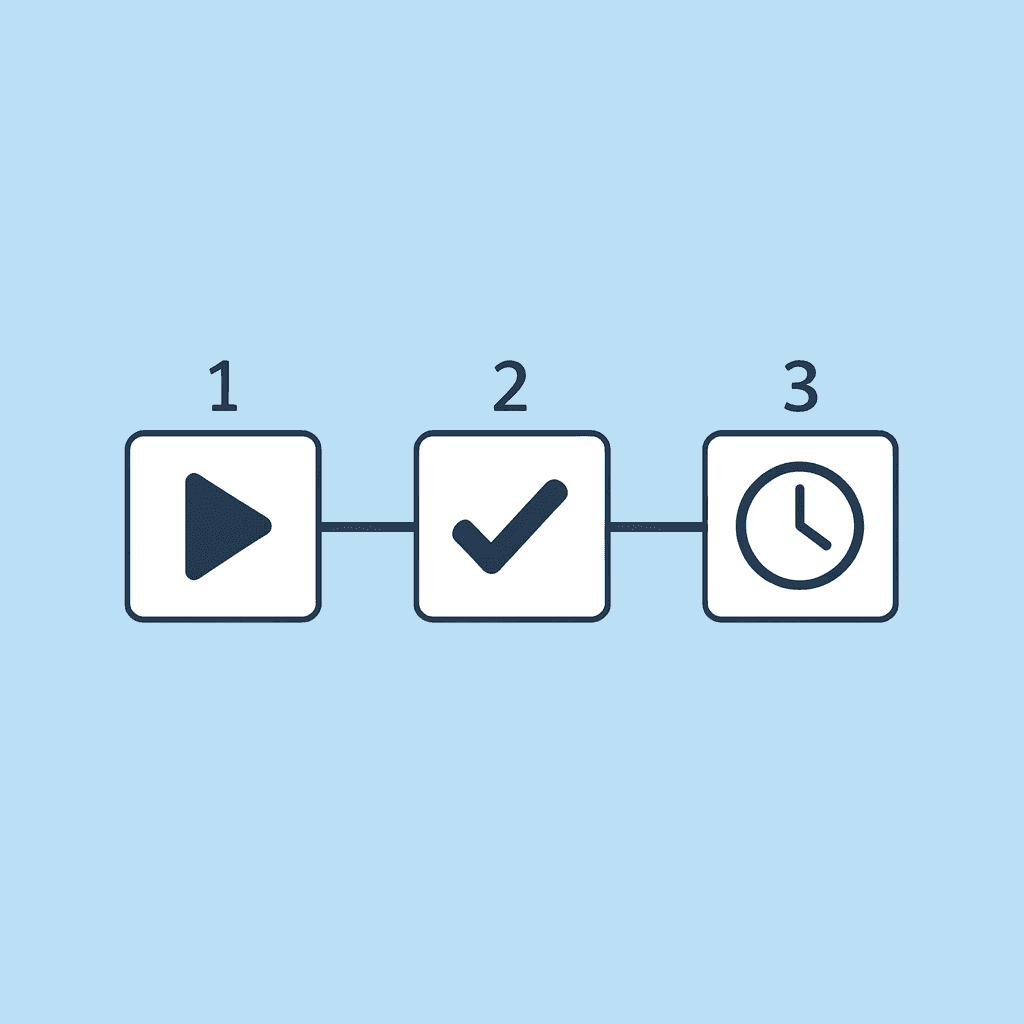
🎯 Key Point: Structure your ChatGPT review into time-boxed stages rather than one long, unfocused session. Each stage should have a clear objective and deliverable outcome.
"Focused feedback delivered in structured stages produces actionable results that can be implemented immediately, rather than overwhelming general suggestions." — Document Review Best Practices, 2024

💡 Tip: Set a timer for each stage of your review process. This creates urgency and prevents you from getting stuck in endless revision loops that don't improve your document's core effectiveness.
Minutes 0 to 3: Define the Reviewer's Lens
Before pasting a single word, tell ChatGPT what kind of expert it should become. Don't say "review this," but instead say "act as a legal contract reviewer" or "act as a technical writing editor for software documentation." That instruction sets the evaluation criteria for everything that follows.
Why does specificity matter when setting reviewer roles?
The specificity matters because ChatGPT doesn't default to your field's standards; it defaults to general language patterns. When you assign a role, you activate a specific set of priorities.
A legal reviewer scans for unclear writing and risk. A grant proposal editor checks whether the writing matches the funding organisation's requirements. An academic reviewer assesses the strength of the argument and the quality of the evidence. Each role filters feedback through different priorities, providing targeted suggestions rather than scattered observations.
How do you set up the reviewer role efficiently?
This takes 90 seconds. Type the role and add one sentence about what you need checked first: structure, clarity, compliance, or tone. That's the setup.
Minutes 3 to 10: Upload in Logical Sections
Break your document into useful sections: Introduction, Methodology, Analysis, and Conclusion. Review each section separately using the same role you assigned earlier.
Why does uploading the full document create problems?
Pasting the full document creates two problems. First, you hit token limits and lose chunks of text without knowing which parts got cut. Second, ChatGPT's feedback becomes too broad to act on: comments like "the middle section could be stronger" lack specifics about which paragraphs need work or why they need work.
How does a section-by-section review improve your workflow?
Looking at your writing section by section helps you give feedback strategically: spend more time on weak sections (usually the argument or analysis) and less on parts that already work (often the introduction). You also avoid becoming overwhelmed by trying to remember 15 pages of suggestions while determining what to fix first.
This stage takes seven minutes because you copy and paste and query the AI four or five times. The feedback you receive is ready to use immediately.
Minutes 10 to 18 Request One Type of Fix at a Time
Most people ask ChatGPT to check everything at once—grammar, clarity, structure, and tone—and wonder why the output feels shallow. When you request multiple evaluations simultaneously, the model spreads attention across all of them without going deep on any single one.
How should you sequence your editing requests?
Instead, work step by step. Start with structure: ask ChatGPT to find weak transitions, unclear section purposes, or places where the argument loses momentum. Then move to clarity and request rewrites for confusing sentences. Next, tackle grammar. Finally, refine tone to match your audience.
Why does this sequential approach prevent rework?
This order prevents you from redoing work. If you fix grammar before organizing content, you'll end up rewriting whole paragraphs and lose progress. If you improve tone before clarifying ideas, you make unclear concepts sound better without addressing the underlying problem. Working from structure to polish ensures each layer builds on a strong foundation.
Each focused task takes two minutes to prompt and review. Four tasks in this block provide eight minutes of targeted feedback, rather than a single round of surface-level commentary.
Minutes 18 to 25: Apply High-Impact Changes Only
You now have a list of suggested fixes. Do not apply all of them; that's how a 30-minute review becomes a 90-minute rewrite.
Focus on high-impact changes: unclear paragraphs that confuse your main argument, weak transitions that disconnect sections, structural problems that bury important information, and grammar errors that undermine your credibility.
How do you avoid getting stuck on minor edits?
Ignore suggestions that make already clear sentences marginally better or change minor word choices. These edits consume time without meaningfully improving the document's readability.
This stage is about sorting what's important. Decide which feedback matters most, apply those changes, and move on. Seven minutes is enough time to fix problems that affect how well your document works.
Minutes 25 to 30: Run the Final Consistency Check
Use ChatGPT one last time to check for consistency issues: tone across sections, repeated ideas, and unclear passages after your edits.
ChatGPT finds problems quickly because it approaches the whole document fresh, without the bias of having written it. Look for inconsistent terminology, contradictions with earlier points, or sections that no longer fit after restructuring.
What should you do during your final read-through?
Then do one quick read-through to confirm the document holds together, and your changes improved it. If something feels off, adjust it in two minutes. If everything reads cleanly, you're done.
This final block takes five minutes because you're confirming, not rebuilding. The document is stronger without spending an hour seeking useful feedback.
Why This Workflow Compresses Time
The difference between 30 minutes and 60 minutes isn't about speed: it's about eliminating waste. Pasting full documents with unclear questions wastes 10 minutes on unusable feedback. Requesting multiple types of reviews simultaneously produces shallow comments that require follow-up. Applying every suggestion turns editing into a second full project.
This workflow removes inefficiencies: assign a role once to focus every response, review in sections for specific feedback, request one task at a time for depth, apply high-impact changes only to prevent scope creep, and run one final check to catch what you missed.
That structure makes 30 minutes realistic. But structure alone doesn't solve the deeper problem most people face when reviewing documents with ChatGPT.
Why is tracking feedback across tools so difficult?
This process works when you can remember which section you reviewed, which feedback you applied, and which version of each paragraph you're working on. Keeping track of this across different tools, however, proves difficult.
You paste section two into ChatGPT, get three suggestions, copy revisions back to your editor, and then move to section three. By section five, you've lost track of whether you applied the tone adjustment from section two or whether that suggestion still sits in an old ChatGPT conversation.
How do disconnected tools create workflow friction?
Your document lives in one place. Your AI feedback lives in another. Your revisions happen in a third. Each tool switch risks losing context, forgetting changes, or duplicating work.
According to DemandSage, ChatGPT reached 800 million weekly active users by early 2026, so millions of people face this problem. They craft effective prompts but spend excessive time managing the process rather than improving their documents because the tools lack integration.
Platforms like Otio solve this by keeping your document, AI feedback, and editing workspace in one place. You review a section, apply changes, and move forward without switching tabs or losing your place.
The 30-minute structure works only if your tools support it.
Review Your Document in Less Than 30 Minutes with Otio AI
The waste occurs when you hand off work between tools. You finish reviewing your document with ChatGPT, copy the feedback into your editor, then switch back to check for anything you might have missed. The review itself takes 30 minutes, and managing the results takes another 20 minutes.
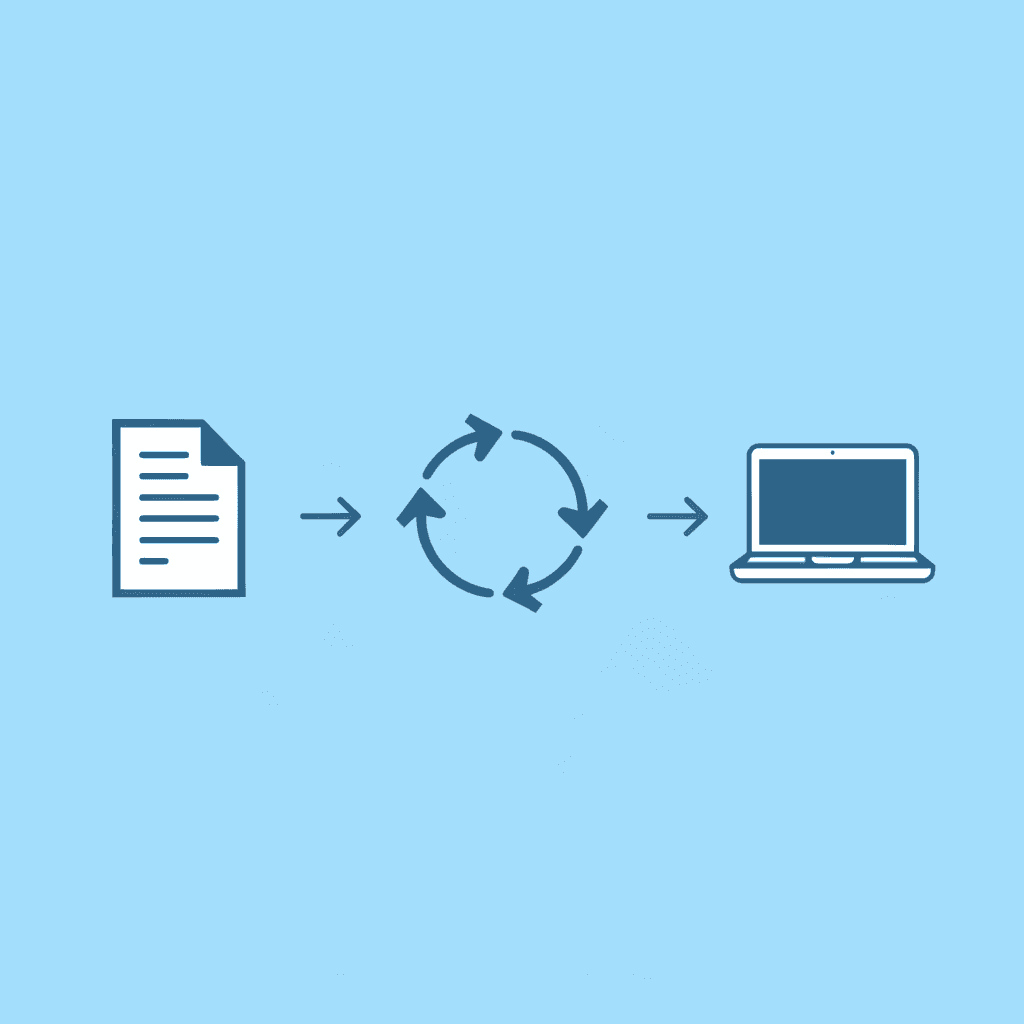
🎯 Key Point: The real time sink isn't the review—it's the constant switching between tools and managing feedback across multiple platforms.
"The 30-minute workflow stays 30 minutes because you're not spending half that time managing the tools."

Most people solve this by opening more tabs, taking more notes, and building systems to track where feedback comes from. Tools like Otio eliminate the handoff entirely by keeping your document, AI feedback, and editing workspace on a single unified platform. You review a section, see suggested changes alongside your text, and apply edits without copying or switching contexts. The 30-minute workflow stays 30 minutes because you're not spending half that time managing the tools.
💡 Tip: Look for tools that integrate review and editing in the same interface—this single change can cut your document workflow time in half.

Related Reading
Best Document Management Software
Best Automation Tools For Document Management
Best Document Management Software For Small Businesses
Notebooklm Vs Notion
Top Ai Tools For Document Review
Best Document Management Software For Law Firms
Notebooklm Alternatives
Notebooklm Limits
Claude Ai File Upload Limits
Best Ai Tools For Research Projects
ChatGPT File Upload Limits
Best Hr Document Management Software
Ai Tools To Summarize a Research Paper
Legal Document Data Extraction



