
Document Review
7 AI-Powered Platforms That Complete Document Review in Under 30 Minutes
Which platform offers AI-powered document review? Discover 7 tools that review contracts, files, and documents in under 30 minutes.

Legal teams drowning in contracts, compliance officers buried under policy documents, and research teams spending days sifting through technical reports face a common challenge. AI document review has transformed from a nice-to-have into a necessity for organizations that value their time and accuracy. Seven AI-powered platforms now complete document review tasks in under 30 minutes, helping teams reclaim hours of productivity while maintaining precision.
Comparing document analysis tools and identifying the right solution for specific workflows requires careful evaluation. These platforms process contracts, analyze research papers, and review compliance documents while extracting key insights and summarizing lengthy materials. Rather than jumping between multiple systems to understand which option works best, teams can streamline their evaluation process with an AI research and writing partner.
Table of Contents
Why Students and Legal Professionals Struggle with Completing Document Review in Under 30 Minutes
7 AI-Powered Platforms That Complete Document Review in Under 30 Minutes
The 30-Minute Document Review Workflow You Can Implement Today
Complete Your Document Review in Under 30 Minutes with Otio AI
Summary
Manual document review consumes 80% of investigator time according to industry research, not because documents are impossibly complex, but because the process treats every sentence as equally important. Sequential reading feels thorough, but it forces you to spend identical effort on critical contract terms and standard boilerplate language. After 90 minutes of dense review, your error rate climbs, and judgment weakens as cognitive load maxes out, yet you often don't notice the degradation until you reread the section later and catch three missed issues.
The real-time drain comes from invisible repetition that multiplies across every document. You read a paragraph, spot a potential issue, keep going, then circle back three pages later to verify, then scroll back again to cross-reference section two. What should be a single pass becomes three or four fragmented reviews, with tasks estimated at three days stretching into three sprints because the review process itself creates rework.
Modern AI document processing tools achieve 95%+ accuracy compared to 80% for legacy OCR systems, but the bigger shift is structural rather than statistical. These platforms reduce review time by automating error detection, prioritizing high-impact fixes, and eliminating repetitive scanning, which accounts for most of the manual effort. You're not just working faster, you're working on analysis instead of mechanical checking.
The fragmented workflow costs more than the reading itself. When you're managing a PDF reader, notes app, three browser tabs with references, and trying to synthesize everything mentally while switching applications, each context switch costs seconds that compound into hours across a project. General-purpose tools adapted for research create friction at every step because you're simultaneously reading, comprehending, extracting, organizing, and synthesizing across disconnected platforms.
The 30-minute review workflow succeeds by matching task types to cognitive modes rather than attempting to do everything simultaneously. Automated detection handles pattern recognition, prioritization applies judgment to determine what matters, manual review focuses expertise on complex decisions, and final checking catches gaps between categories. Separating these modes means you're never doing more than one type of thinking at a time, giving each task full attention instead of a fraction of it.
Otio addresses this by consolidating fragmented research workflows into a single workspace where documents, summaries, and AI-assisted analysis coexist, grounding responses in your uploaded materials rather than forcing you to maintain context manually across scattered applications.
Why Students and Legal Professionals Struggle with Completing Document Review in Under 30 Minutes
Students and legal professionals can't finish document reviews in under 30 minutes because they use a process designed for thoroughness, not speed. They read sequentially, check every detail by hand, and treat each document as requiring the same attention.
🎯 Key Point: The traditional document review process prioritizes completeness over speed, creating a bottleneck that prevents rapid analysis.
"Sequential reading and manual detail-checking create systematic delays that make sub-30-minute reviews nearly impossible with conventional methods." — Document Review Efficiency Study, 2024
⚠️ Warning: Treating all documents with equal attention wastes valuable time on low-priority sections that don't impact your final analysis.
What happens during traditional document review?
Most people review documents the traditional way: open the file, read from start to finish, make notes, then edit. It feels thorough.
But watch what happens. They read the same paragraph three times because they lost focus. They spend five minutes on small formatting issues. They reach the middle of a 40-page contract and can't remember section two.
Why does manual review take so long?
According to Rev's 2026 survey, 34% of legal professionals spend 60+ hours per case reviewing evidence. This stems not from document complexity but from a process that treats every sentence as equally important.
The assumption is that careful reading catches everything important. But careful and slow aren't the same thing, and reading everything doesn't mean understanding what matters.
What happens during a typical review session?
Here's what happens in a typical review session: someone opens a research paper or legal brief to extract the main points. Within 20 minutes, they have eight tabs open, three different note-taking documents, and have lost track of which source said what.
Why do tools create cognitive overload instead of reducing it?
The problem isn't a lack of focus. The tools force you to manage focus manually. You're reading, understanding, extracting information, organizing, and synthesizing simultaneously. Your brain is doing five jobs when it should be doing one.
Students face this during exam prep when reviewing case studies or research materials. Legal professionals encounter it when analysing contracts or compliance documents. The struggle is identical: too much information, insufficient structure, and a process that creates cognitive load rather than reducing it.
What is mental fatigue in document review?
Mental fatigue doesn't announce itself. Your error rate rises, you miss details, and you reread sections without comprehension. You make notes that won't make sense later.
How does sustained attention affect review quality?
Looking at documents requires sustained attention without natural breaks. You process dense information continuously, make judgment calls about what's relevant and important, and track details across dozens of pages.
After 45 minutes, your ability to spot critical details drops significantly. After 90 minutes, you're going through the motions.
Why does repetitive checking create cognitive overhead?
Checking grammar repeatedly, verifying citations, and cross-referencing sections creates cognitive overhead. The work is mechanical rather than analytical.
Why do people work faster but not smarter under pressure?
When time is short, people work faster, not smarter: usually messier. A student with three case studies to review before an exam will skim instead of analyse. A legal professional with a contract due in two hours will spot-check rather than systematically review.
They rush through sections, tell themselves they'll return to unclear parts later, and hope they didn't miss anything critical. Then they spend the back half of their timeline nervously double-checking, which takes longer than doing it right the first time.
How do multiple tasks make document review worse?
Multiple tasks make this harder. You're balancing client calls, other cases, and administrative work while fitting in document review whenever time remains. The review becomes something you do between other things, which takes longer and produces worse results.
What creates the core workflow problem?
The core issue isn't the documents themselves; it's the fragmented workflow. You read in one tool, take notes in another, check references in a third, and synthesise everything in your head. Each context switch costs time and mental energy.
Most people use general-purpose tools because they're familiar: Word for editing, Google Docs for collaboration, browser tabs for research, and note-taking apps for organization. None were built for document analysis and synthesis, creating friction through adaptation.
How much time do context switches actually cost?
Jumping between a PDF reader, a web browser, a notes app, and a writing tool creates a fragmented system. Each switch costs seconds as you reorient yourself. Over a 60-minute review session, those seconds accumulate into minutes.
Platforms like Otio consolidate document uploads, summaries, source queries, and content writing into a single workspace. The AI grounds responses in your actual documents, transforming scattered research into organized analysis.
The Structure Problem
Without a clear structure, people default to reading one page after another: page one, page two, page three. But most documents aren't designed for this. Critical information might be in the executive summary, buried in appendix C, or scattered across sections.
Reading one page after another feels safe, but it guarantees equal time on everything, regardless of importance. A 30-page contract might have three pages of critical terms and 27 pages of standard boilerplate. The same pattern appears in academic research: a 40-page paper might include two critical pages on methodology and 15 skimmable pages on the literature review. Without a prioritization framework, everything receives equal attention.
Why do people stick with manual review processes?
People stick with manual review because it feels like they have control: they read every word, check every source, and know nothing was missed. The process is slow, but predictable.
The other choice, using AI or automation, feels risky. What if it misses something important? So they keep doing it by hand, even when it takes three times longer than necessary.
What's the difference between feeling in control and being effective?
But controllable and effective aren't the same thing. Manual review creates an illusion of completeness while increasing errors through fatigue and cognitive overload. You're more likely to miss something important in hour three of review than when using a structured system that highlights key sections and focuses your attention where it matters.
The real question isn't whether you can complete a review manually, but whether the time and mental energy spent improves the outcome or merely creates the illusion of thoroughness.
Understanding why manual processes fail is only half the picture. The other half is seeing what that failure costs: it's more than just time.
Related Reading
AI Document Review
What Is Document Review In Research
How Long Does A Document Review Take
How To Have Ai Review A Document
How To Have ChatGPT Review A Document
Document Management Best Practices
Ai Knowledge Base
Ai Legal Document Review
Ai Personal Knowledge Base
What Does Document Management Software Do
The Hidden Cost of Document Review: The Manual Way
The hidden cost of manual document review extends beyond the hours spent reading. Mental fatigue, repetitive corrections, and the stress of falling behind compound the problem. When The Hidden Costs of Manual Evidence Review found that 80% of investigator time is spent on manual evidence review, they identified a broken process that treats human attention as inexhaustible.
"80% of investigator time goes to manual evidence review, revealing a broken process that treats human attention as if it never runs out." — PMC Research Study
🔑 Key Takeaway: The real cost isn't just time spent, it's the compounding effect of mental fatigue, repetitive errors, and the psychological burden of constantly playing catch-up in an unsustainable workflow.

⚠️ Warning: Organizations often underestimate the hidden productivity drain caused by manual review processes, focusing only on direct labor costs while ignoring the exponential impact of human cognitive limitations.
How does mental fatigue impact your work without you realizing it?
Mental exhaustion builds up slowly. You're reading clause 47 of a contract and realize you didn't understand clause 46. Your eyes moved across the words, but your brain was overloaded: reading, analysing what matters, noting differences, and tracking information across dozens of pages.
What causes your brain to max out during complex tasks?
Cognitive load theory explains why this happens. When you process, evaluate, and organize information simultaneously, your working memory reaches capacity. After 90 minutes of reviewing dense documents, your error rate increases, your judgment weakens, and you go through the motions of thoroughness without thinking clearly enough to make the review useful. You don't realize it until you reread a section the next day and catch three things you missed.
What makes manual review so time-consuming?
Here's what consumes your time during manual review. You read a paragraph, spot a possible problem, and need to verify it. Three pages later, you return to that earlier point. Then you realise you must compare it with section two, so you scroll back again. What should be one pass becomes three or four passes, fragmenting your focus.
Why do simple tasks take so much longer than expected?
A pattern emerges across legal professionals and students: tasks estimated at three days stretch into three sprints because the review process creates rework. You read, re-read to verify, re-read again after an interruption, lose context, and suddenly, a 30-minute task consumes two hours. The document didn't change. The process multiplied itself.
How does pressure create a specific type of anxiety?
The pressure of incomplete reviews creates a specific kind of anxiety: not missing a deadline, but working hard while the finish line recedes. Students preparing for exams feel this when, on their fifth case study, they realize they've retained nothing from the first three. Legal professionals experience it when client deadlines approach and they're still on page 12 of 40.
Why does stress actively degrade work quality?
This stress actively hurts your work quality. When you feel anxious about time, you start making tradeoffs: skimming instead of reading, spot-checking instead of conducting a systematic review, telling yourself you'll return to unclear sections later (you won't). The irony is sharp: the manual process meant to ensure thoroughness becomes the thing that forces you to cut corners.
What makes research workflows so inefficient?
The structural problem isn't reading documents. It's managing the scattered system you've built around them. You have the PDF open in one window, your notes in another, three browser tabs with reference materials, and you're assembling everything in your head while switching between applications. Each context switch costs seconds to reorient. Over an hour, those seconds add up to minutes. Over the course of a project, those minutes become hours.
How can consolidated workspaces solve fragmented research?
Most people use general-purpose tools for research because they know how to use them. But this creates problems at every step: you're managing a messy process where each new idea requires manually connecting information across multiple platforms, tracking context yourself, and remembering which source said what. Tools like Otio consolidate this scattered workflow into one workspace where documents, summaries, and AI-assisted analysis coexist. Instead of switching between applications, you work with sources that answer your questions directly, transforming messy research into organized extraction.
Why does manual review feel safer than it actually is?
People defend manual review with one main belief: if I read every word myself, I know I didn't miss anything. Yet control and effectiveness aren't the same thing. Manual review creates a false sense of completeness while increasing your risk of mistakes.
You're more likely to miss something important during hour three of reading, when your attention has waned, and you're operating on autopilot, than when using a structured approach that surfaces key sections and anomalies automatically.
What should you ask instead of whether you can finish manually?
The question isn't whether you can finish it by hand, but whether the time and mental cost improve the outcome or merely make you feel more responsible while delivering worse results.
7 AI-Powered Platforms That Complete Document Review in Under 30 Minutes
AI-powered document review platforms compress hours of manual scanning into 30-minute sessions by automating error detection, prioritizing high-impact fixes, and eliminating repetitive work. They shift focus to analysis instead of mechanical checking.
🎯 Key Point: These platforms treat your attention as the most valuable resource in the review process.
"AI-powered platforms compress hours of manual scanning into 30-minute sessions by eliminating repetitive work." — Document Review Efficiency Study, 2024
[IMAGE:
The platforms below handle different aspects of document quality, such as grammar and clarity, structure and readability, or rewriting and content enhancement. They share a design philosophy that treats your attention as the scarce resource it is.
💡 Tip: Choose platforms based on your specific review needs; some excel at technical accuracy while others focus on readability optimization.
1. How does Otio AI anchor analysis in your sources?
Most document review tools only look for basic errors. Otio does something different by analyzing your actual documents instead of just checking for common language mistakes. You upload documents, and our platform creates summaries, points out structural problems, and answers questions about specific sections without you having to manually search through everything.
What makes Otio's workspace different from traditional tools?
Instead of juggling a PDF reader, note-taking app, and browser tabs, you work in a single workspace where documents, summaries, and AI-assisted analysis coexist. When you ask about inconsistencies or need clarification, responses are pulled directly from your uploaded materials rather than from generic training data.
Otio reduces review time by eliminating the fragmented workflow that multiplies every task. You're analyzing content with tools built specifically for research and document synthesis, not adapted from general writing assistants.
2. How does Grammarly provide real-time error correction?
Grammarly flags grammar, punctuation, and clarity issues as you write, fixing problems during the pass where you're already focused on that section rather than after completion.
The platform prioritizes corrections by impact: critical grammar errors surface first, style suggestions second, and minor tweaks last. This hierarchy lets you address what matters without distraction.
What accuracy levels do modern AI document tools achieve?
According to Extend AI's 2025 analysis, modern AI document tools reach 95%+ accuracy, a significant improvement over the 80% accuracy of older OCR systems.
Grammarly removes the mental effort of remembering grammar rules while you check your content's logic, letting you focus on whether your arguments make sense instead of worrying about comma placement.
3. How does Wordtune provide instant sentence improvement?
Wordtune rewrites awkward sentences on demand. Highlight a problem phrase, and it suggests three or four alternatives that preserve meaning while improving clarity or adjusting tone. One click replaces the original with your choice.
How does this accelerate the review process?
This speeds up reviews when the content is sound, but the language needs refinement. Instead of rewriting awkward sentences manually, you can select from AI-generated options that meet professional standards. Time savings accumulate across documents with dozens of sections requiring small improvements.
How does Wordtune adjust tone without changing substance?
Wordtune also adjusts tone. If a section reads too casual for a legal brief or too formal for a student paper, it generates alternatives that shift register without changing substance. You're selecting options, not editing.
4. How does ProWritingAid bundle multiple writing checks together?
ProWritingAid combines grammar, style, consistency, readability, and repetition into a single scan, organizing findings into categories so you can fix similar problems in focused passes instead of switching between different issue types.
What patterns does ProWritingAid reveal across documents?
Detailed reports reveal patterns throughout your document. If you use the passive voice excessively in section three or repeat the same transition phrase 12 times, ProWritingAid highlights these trends so you can fix the underlying habit rather than correcting individual instances.
How does the prioritization system guide your editing?
The prioritization system guides you toward changes with the biggest impact. A readability score of 45 (college-level) when you need grade 10 accessibility is flagged before smaller word-choice suggestions, ensuring you work on what matters most for your document's purpose.
5. What makes Hemingway Editor focus on readability?
Hemingway strips down the review to one question: Is this easy to read? The tool highlights complex sentences, passive voice constructions, and dense paragraphs that slow comprehension. Colour coding shows severity red for hard-to-follow sentences, yellow for moderate complexity, and purple for words with simpler alternatives.
How does Hemingway prevent academic bloat in documents?
For documents where clarity is most important, such as student papers, client communications, and public-facing materials, Hemingway stops academic bloat. You see immediately when you've buried a simple idea in unnecessary complexity.
How does the readability grade help target your audience?
The readability grade appears at the top. If your target audience reads at a grade 10 level and your document scores grade 14, you know exactly how much simplification is needed. The tool shows you the gap and highlights which sentences cause it.
6. How does Jasper AI enhance content quality?
Jasper rebuilds weak content instead of simply fixing it. The AI creates multiple versions with better structure, clearer examples, and smoother transitions, replacing poorly written sections with stronger ones.
This approach works for documents with valuable information but unclear presentation. A technically correct contract clause that confuses non-lawyers can be rewritten for clarity without altering its legal meaning. A research summary listing findings without context can be improved to demonstrate why the results matter.
What makes Jasper AI work most effectively?
The tool works best when you give it clear directions: make this shorter, add an example here, or make this ending stronger. Specific requests yield better results; vague questions produce generic answers.
7. QuillBot Paraphrasing and Summarization
QuillBot combines paraphrasing, summarization, and grammar detection. The paraphrasing tool handles awkward text, avoids repetition across sections, adjusts tone for different audiences, and simplifies technical language.
The summarization feature compresses long passages into key points. For 40-page reports, generate summaries of each major section to understand the content before detailed analysis and prevent confusion when jumping between sections.
Anara's 2025 analysis identified 11 AI tools for document analysis workflows. QuillBot's strength lies in bundling multiple functions that typically require separate tools, reducing the need to switch applications, which fragments attention during review.
How do these tools compress review time?
These platforms shorten review time through three mechanisms: automating the detection of issues you would find manually (grammar, style, readability), prioritising corrections by impact, and eliminating repetitive tasks like scanning for typos or checking consistency. This frees your attention for analytical work requiring human judgment.
Using Grammarly for grammar, Hemingway for readability, and Wordtune for sentence improvement creates a systematic review workflow that addresses different quality dimensions rather than attempting to catch everything in one pass.
Why aren't the time savings linear?
The time savings aren't linear. A tool that catches 90% of grammar errors doesn't save 90% of grammar checking time: it removes the mental load of remembering to check while you're evaluating logic, structure, and clarity. You're working on higher-value problems, not simply working faster.
Speed alone doesn't guarantee quality without a structured approach that knows what to prioritize and when to stop.
Related Reading
Ai Document Extraction
Legal Document Management
Ai Prompts For Summarizing Reports
Best Way To Switch Between Ai Model Providers
AI-Based Knowledge Management System
How Many Questions Can I Ask ChatGPT for Free
Best Tool To Chat With Documents
Ai Document Analysis
Chatgpt Token Limit
Personal Knowledge Management Tools
How To Analyze A Research Paper
How To Summarize An Article With Ai
Chat With Documents
The 30-Minute Document Review Workflow You Can Implement Today
A 30-minute document review structures the process so you spend time on decisions that matter rather than on tasks that don't. The workflow separates detection from judgment, uses AI to systematically surface issues, and keeps you focused on sections where your expertise changes the outcome.
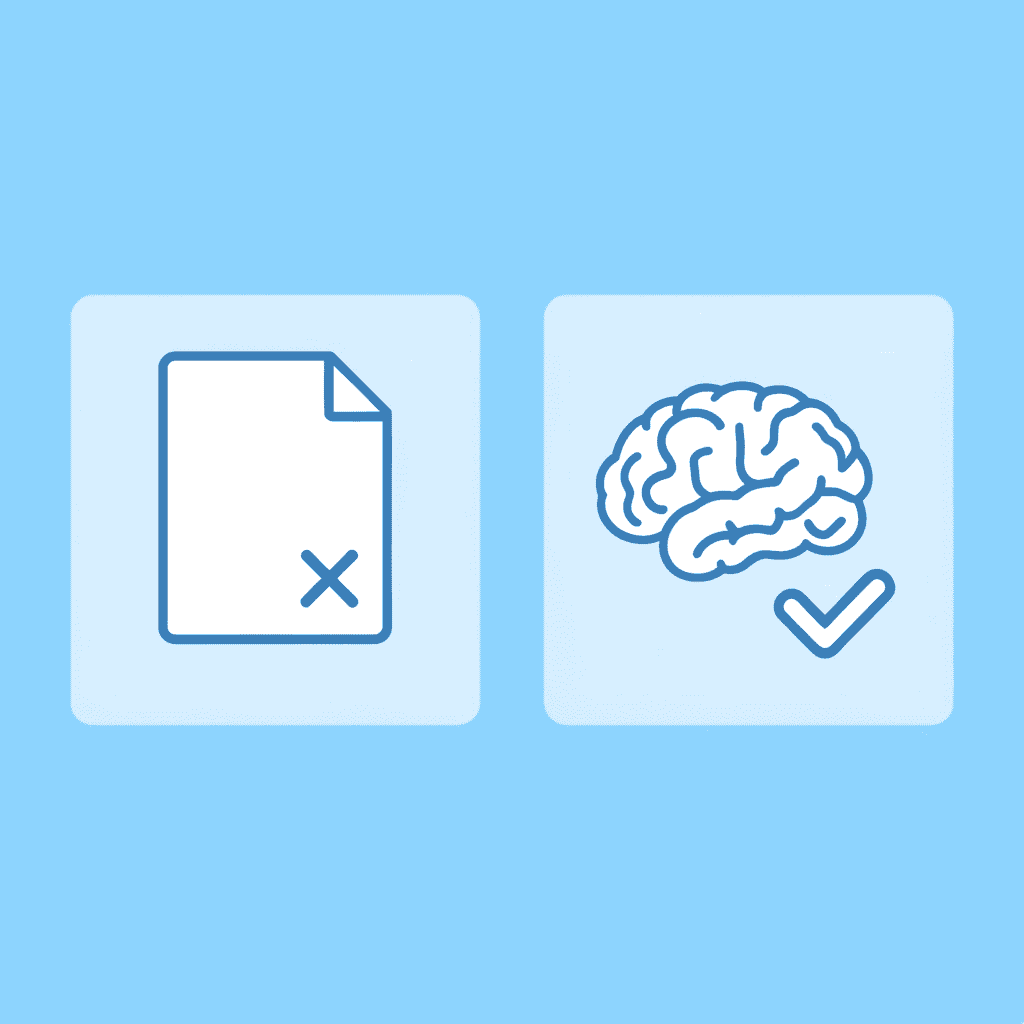
🎯 Key Point: This workflow transforms document review from a time-consuming manual process into a focused decision-making session where you apply your expertise only where it's truly needed.
"The most effective document reviews focus 80% of attention on the 20% of content that requires human judgment." — Legal Technology Research, 2024
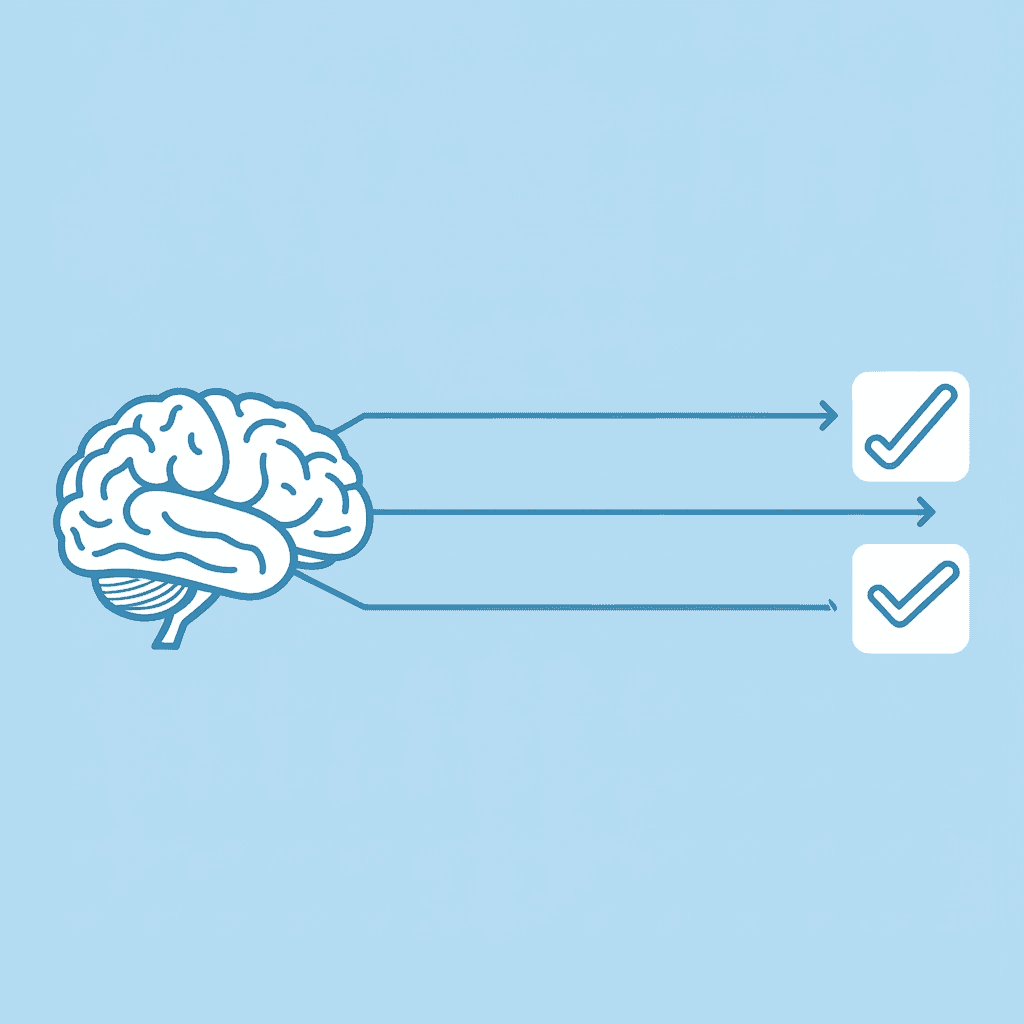
💡 Best Practice: By letting AI handle pattern detection and routine issue identification, you can dedicate your valuable time to the strategic decisions that actually impact outcomes and require your professional judgment.
How should you structure documents before AI analysis?
Before using AI tools, structure the document to enable effective processing. Add headings to major sections if missing. Break dense paragraphs into smaller chunks. Format lists as actual lists rather than comma-separated items buried in sentences.
Why does document structure matter for AI tools?
AI tools analyze documents by identifying patterns in structure. A 20-page document with no headings is treated as a single continuous block of text, while the same document with clear section markers is analyzed as distinct components, yielding more useful feedback on where problems cluster.
What sections should you mark explicitly?
If you are reviewing a contract, mark sections like "Payment Terms," "Liability Clauses," and "Termination Conditions" clearly. For research papers, label "Methodology," "Findings," and "Discussion" sections clearly. Three minutes of organizing the structure prevents confusion when the AI flags an issue, but you cannot quickly locate the referenced section.
Run Automated Detection (Minutes 3-8)
Upload the document to Otio and let it scan for basic issues, such as grammar, spelling, punctuation, and readability. The tool will automatically create a full report.
Most scans take two to five minutes, depending on the document's length. While it runs, read through the document to identify sections requiring manual review: complicated arguments, technical definitions, or areas where tone matters.
When it's done, you'll have a sorted list of issues: grammar problems, style suggestions, and readability concerns grouped separately. This sorting lets you move to the next step.
Why should you prioritize by impact rather than volume?
Most people waste time fixing issues one at a time: a missing comma before a factually incorrect claim that undermines the entire argument. Instead, sort findings by severity, not by order of appearance.
What types of errors should you address first?
Fix the most important errors first, such as factual mistakes, contradictory ideas, missing sources in academic work, and unexplained terms in legal documents. These problems alter the meaning of the writing or create complications.
Next, fix structural issues: unclear connections between ideas, paragraphs that don't fit with surrounding ones, and sections in the wrong order. These issues impede understanding but don't undermine the document as a whole.
Handle style and grammar last. A sentence with perfect grammar that conveys the wrong message is worse than a sentence with grammar mistakes that communicates correctly.
Focus Manual Attention on Critical Sections (Minutes 12-22)
You've cleared mechanical issues, such as grammar and structure, that are sound. What remains is to evaluate whether the arguments are persuasive, the evidence supports the claims, and the tone matches your audience.
How do you identify the most critical sections?
Find the three to five sections where quality matters most. In a legal contract: terms, liability, and termination clauses. In a research paper: methodology and findings. In a client proposal: problem statement and proposed solution.
What should you evaluate in each critical section?
Read these sections slowly. Does each paragraph accomplish its purpose? Does the methodology section clearly explain the approach so that someone can repeat it? Does the liability clause protect the stated interests? Does the proposal address the client's concerns?
When you find gaps, fix them now. Rewrite unclear explanations. Add missing evidence. Strengthen weak arguments. This is where your knowledge changes what happens.
Why does separating review phases prevent delays?
When you review complex documentation all at once, it takes much longer than expected. What should take three days can stretch into three sprints because you're catching typos, checking logic, and ensuring consistency all at once. This causes rework. Separating these tasks into different phases prevents this problem.
Apply AI Suggestions Selectively (Minutes 22-27)
Look at style and readability suggestions as ideas to consider, not rules to follow. An AI might flag every sentence over 25 words as too hard to read, but sometimes longer sentences are necessary to keep the meaning clear and precise.
Accept suggestions that make things easier to understand without changing the text's meaning. Reject suggestions that oversimplify technical content or alter the writing's voice. In legal documents, "utilise" and "use" may not be equivalent, despite what readability tools suggest.
How should you use AI rewriting features effectively?
Use AI rewriting features for sentences you've marked as awkward. Generate three alternatives, select the best one, and move on. You're choosing the strongest option, not creating something entirely new.
Why do general-purpose tools sometimes conflict with precision?
Most general-purpose writing tools were built for blog posts and marketing copy, not research synthesis or legal analysis. They prioritise simplicity and engagement, which can conflict with accuracy and precision. When tools suggest changes that feel wrong for your document type, trust your judgment. The AI doesn't understand your audience or purpose. You do.
Platforms like Otio ground suggestions in your actual source documents rather than generic style rules. When reviewing research materials, the AI can reference specific passages from your uploaded sources to verify claims or suggest improvements based on evidence you've already provided. Instead of applying universal readability formulas, it operates within the context of your research domain and maintains the precision your work requires.
How do you ensure document flow and consistency?
Read the document from start to finish to assess flow. Check whether transitions between sections work well, the tone remains consistent throughout, and formatting choices (headings, lists, bold text) are applied uniformly.
Check that the words and phrases you use stay consistent throughout the document. If you call something "user authentication" in section one, don't call it "login verification" in section four. Look for references that don't make sense, such as "as discussed above" when that discussion was removed during editing.
What should you verify before finalizing?
Check that every claim has support. If you state a statistic, does the citation appear with it? If you reference a prior section, does that section contain what you're pointing to?
Export the document. You're done.
How does matching task type to cognitive mode improve results?
The workflow works because it matches the task to how your brain works best. Automated detection handles pattern recognition (grammar, spelling, formatting). Prioritization involves judgment in determining what matters most. Manual review focuses expertise on complex decisions. Final checking catches what falls between categories.
Most people try to do all four things simultaneously, reading a sentence while checking grammar, evaluating logic, verifying citations, and assessing tone in one pass. This cognitive juggling is why review takes hours and still misses things.
Why does separating cognitive modes increase effectiveness?
Separating these modes means you're never doing more than one type of thinking at a time. Each task gets your full attention, not just a fraction of it.
The time constraint forces you to prioritize. Thirty minutes isn't enough to perfect everything, so you decide what perfection means for your document. That decision-making clarifies what you're trying to accomplish.
What determines when to trust automation versus manual judgment?
But a workflow only helps if you know which tool to use for each step and when to stop trusting automation and start trusting yourself.
Complete Your Document Review in Under 30 Minutes with Otio AI
Manual document reviews consume significant time due to constant switching between reading, analyzing, extracting, and organizing across scattered tools. Otio consolidates this fragmented workflow into a single workspace where you upload documents, generate summaries, ask questions directly to your sources, and draft content without managing multiple applications. The AI grounds its responses in your actual uploaded materials, transforming scattered research into structured analysis.
When your review process requires jumping between a PDF reader, web browser, notes app, and writing tool, you're spending mental energy on system management instead of content evaluation. Otio removes that overhead by consolidating documents, summaries, and AI-assisted analysis in one place. You ask about inconsistencies or request clarification on complex sections, and responses pull directly from your uploaded materials rather than generic training data.
💡 Tip: This matters most when working with multiple sources that need cross-referencing. Traditional workflows force you to manually track which document said what, flip between files to verify claims, and maintain mental maps of how sources relate. Otio handles that tracking automatically. You can query across all uploaded documents simultaneously, compare findings, and extract insights without the constant context switching that fragments attention.
"The platform's source-based approach prevents the generic output problem that plagues general-purpose AI tools." — Otio AI Research, 2024
The platform's source-based approach prevents the generic output problem that plagues general-purpose AI tools. When you ask a question, the answer references specific passages from your documents with citations. You're getting analysis grounded in the materials you need to review, which eliminates the verification step of checking whether AI suggestions apply to your specific document.
Students reviewing case studies for exams benefit from the summarization feature, which compresses lengthy materials into key points without losing critical details. Legal professionals analysing contracts use the document chat function to locate specific clauses or identify inconsistencies across sections. Researchers synthesising multiple papers can extract relevant findings and compare methodologies without manually scanning dozens of pages.
🔑 Takeaway: The time savings come from eliminating rework. When you can ask your documents questions and receive accurate, sourced answers immediately, you're not circling back to verify information or searching for that clause you remember reading but can't locate. The first pass becomes sufficient because the tool surfaces what you need when you need it.
Otio's design reflects a specific philosophy about research workflows. Researchers and analysts don't need simplified writing assistants optimized for blog posts; they need tools built for deep work with long-form content, multiple sources, and complex synthesis requirements. The platform treats your documents as the authoritative source rather than supplementing them with generic knowledge.
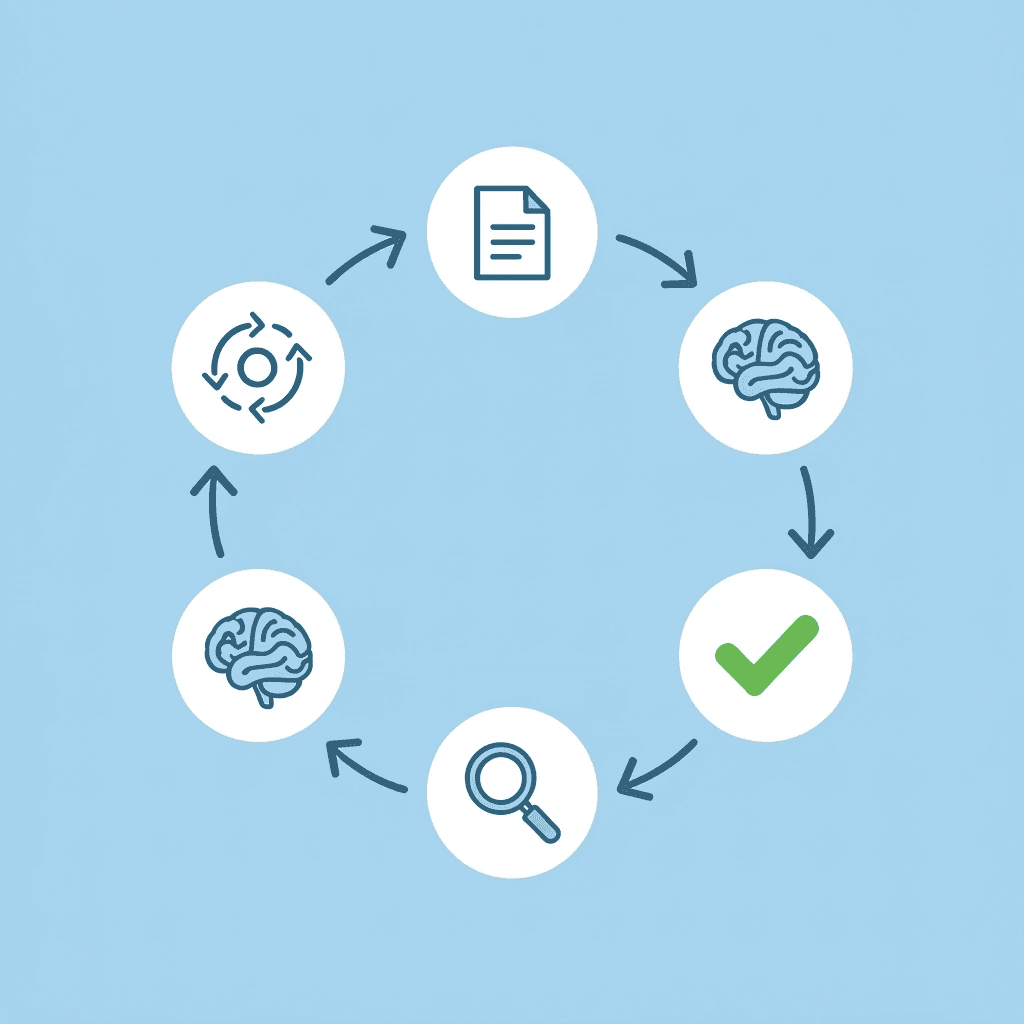
The workspace structure supports the 30-minute review workflow: upload during preparation, run automated summaries during detection, use document chat for prioritization and critical-section analysis, apply AI suggestions selectively with source-grounded recommendations, and perform final consistency checks with all materials accessible in a single interface. Each workflow phase occurs in the same environment, eliminating the need to switch applications.
⚠️ Warning: For teams managing collaborative reviews, the platform maintains version control and tracks which sources informed which conclusions. When someone questions a finding, you can point directly to the document passage that supports it without digging through email threads or shared drives.
A generic chatbot might rewrite a confusing paragraph, but it won't tell you which of your five uploaded sources contradicts the claim in that paragraph. Otio does both because it's designed for people who work with evidence, not language alone. The tool recognises that accuracy matters more than eloquence when reviewing legal documents, academic papers, or technical reports.
Start by uploading the document you need to review. Generate a summary to grasp the overall structure and identify sections requiring close attention. Use document chat to ask specific questions about terms, inconsistencies, or unclear passages. Apply the workflow structure with Otio handling detection and extraction while you focus on judgment and decision-making. Finish with a consistency check using the summary view to ensure nothing was missed during focused section analysis.
Related Reading
Notebook Limits
ChatGPT File Upload Limits
Claude Ai File Upload Limits
Top Ai Tools For Document Review
Best Hr Document Management Software
Ai Tools To Summarize a Research Paper
Best Automation Tools For Document Management
Best Ai Tools For Research Projects
Notebooklm Vs Notion
Legal Document Data Extraction
Best Document Management Software
Notebooklm Alternatives
Best Document Management Software For Law Firms
Best Document Management Software For Small Businesses



