
Document Review
7 AI Tools to Review Documents and Catch Errors in 30 Minutes
Save hours with 7 AI tools that review documents in 30 minutes. Check out our list of the best software for automating document templates now.

You've spent hours writing a crucial report, only to discover embarrassing typos during the final review. Or worse, you missed critical errors that reached your client. This scenario plays out daily in offices worldwide, and finding the best AI for report writing tools has become essential for professionals who need accuracy without sacrificing speed. This article reveals 7 AI tools that can review your documents and catch errors in just 30 minutes, transforming your quality control process from tedious to efficient.
While exploring these AI document review solutions, you'll want a way to test and compare them effectively. Otio serves as your AI research and writing partner, letting you experiment with different document review approaches in one place. Think of it as your workspace, where you can upload reports, test various error-detection methods, and see which tools catch what you need.
Summary
Manual document review fails most often on long, complex files where attention deteriorates predictably as reviewers move deeper into the content. Research shows 88% of spreadsheets contain errors, reflecting what happens when verification relies entirely on human focus across hundreds of data points.
Small errors trigger expensive revision cycles that consume far more time than the original mistake. When a contract contains the wrong client name or a financial report shows mismatched totals, the corrected document requires redistribution, repeated approvals, and explanations to stakeholders who now question the entire document's accuracy.
Time pressure forces teams to choose between speed and thoroughness, creating a dangerous gap where errors hide in granular details. Reviewers under deadline constraints focus on high-level messaging while ignoring cross-referenced section numbers, repeated metrics across pages, and copied content from previous templates.
AI document review tools break down overwhelming tasks into manageable steps by scanning for specific error types, rather than forcing reviewers to catch everything at once. Specialized systems now handle summarizing long PDFs, detecting logical gaps across sections, and verifying consistency without the cognitive load of holding dozens of details in working memory.
Effective document review follows a layered workflow that prioritizes structure over consistency, with details last. Catching a missing section in the first five minutes prevents teams from polishing content that shouldn't exist, yet most organizations review everything at once and catch surface errors while missing structural problems.
AI research and writing partner addresses this by grounding the review in uploaded source documents rather than generating generic responses, allowing teams to verify consistency across multiple files and catch contradictions without manually cross-referencing each section.
Table of Contents
Why Teams Miss Errors When Reviewing Documents Manually

Document review happens constantly across every department. Contracts are checked before signing, reports are proofread before submission, and policies are validated before distribution. Most teams treat manual review as reliable because they've always done it this way. But manual processes miss errors more often than people expect, even when reviewers are experienced and careful.
Documents Demand More Attention Than Most Reviewers Can Sustain
Long documents drain mental energy fast. Dense paragraphs, technical language, repeated terms, tables full of numbers, and complex clauses all require sustained focus. When attention drops even slightly during a 30-page contract review or a detailed financial report, small errors slip through unnoticed. The brain can only maintain peak vigilance for so long before it starts scanning instead of reading. According to research on the challenges of manual spreadsheet review, 88% of spreadsheets contain errors. That number reflects what happens when verification relies entirely on human attention across hundreds of cells, formulas, and cross-references. The same pattern appears in document review: the longer and more complex the content, the more likely it is that something gets missed.
Reviewers Read for Meaning, Not Mistakes
When people review documents, they focus on understanding what the text says rather than catching what's wrong with it. The brain fills in missing words, assumes sentences are correct, and overlooks small inconsistencies because it prioritizes comprehension over error detection. This means reviewers might understand the entire message while missing duplication:
Words
Inconsistent phrasing
Missing clauses
Small errors that change meaning
Copy-pasted sections create another common problem. Many documents reuse content from previous templates, and those familiar sections carry forward outdated dates, wrong names, incorrect policy references, or clauses that no longer apply. Because the content looks familiar, reviewers skim it rather than check it carefully. Old errors become permanent errors.
Numbers and Cross-References are Nearly Impossible to Verify Manually
Financial tables, calculations, section references, appendices, and repeated metrics across pages all require verification that numbers match throughout the document. Doing this manually means checking each instance individually and holding multiple values in working memory while scanning back and forth. Most reviewers confirm a few sections but miss inconsistencies elsewhere because the cognitive load is too high. Time pressure makes everything worse. Contracts needed today, reports due in one hour, proposals required before a meeting. Under these conditions, reviewers skim and focus on major points rather than detailed consistency. That's when errors slip through, not because the reviewer lacks skill, but because the deadline forces speed over thoroughness.
Related Reading
What Is Document Review In Research
What Is Document Review In Law
How Long Does A Document Review Take
How To Have Ai Review A Document
How To Have ChatGPT Review A Document
Document Management Best Practices
Which Platform Offers AI-powered Document Review?
Ai Knowledge Base
Ai Legal Document Review
Ai Personal Knowledge Base
What Does Document Management Software Do
The Hidden Cost of Manual Document Review

When teams discover a contract went out with the wrong client name or a financial report contained mismatched totals, the immediate response focuses on fixing the mistake. But the real expense isn't the correction itself. It's the chain reaction that follows:
Revised documents
Repeated approvals
Delayed decisions
Damaged credibility
The hours spent explaining what went wrong
These downstream costs multiply quickly, yet most organizations still treat manual review as acceptable because they've always done it this way.
Small Errors Create Expensive Revision Cycles
A misplaced decimal in a pricing table doesn't just require a quick fix. The corrected document needs redistribution. Stakeholders who already reviewed the original version now question what else might be wrong. Approval workflows restart from the beginning. According to Forbes Business Council, employees spend up to 40% of their time on repetitive manual tasks, and document revision loops consume a disproportionate share of that time. What started as a small oversight became hours of rework because the error traveled too far before anyone caught it.
The Pattern Repeats Across Document Types
Outdated policy language in employee handbooks creates compliance exposure. Wrong dates in contracts trigger renegotiation. Inconsistent terminology across sections confuses readers and delays decisions. Each mistake carries a hidden tax. The time required to rebuild trust in the document's accuracy after the first version failed.
Review Fatigue Increases Risk as Documents Get Longer
Manual review relies on sustained attention, but attention deteriorates predictably as documents grow longer or more technical. A reviewer checking page five of a contract applies different scrutiny than they do on page thirty-five. Dense financial tables, repeated clauses, and technical specifications all drain cognitive resources faster than narrative text. By the time they reach the critical sections near the end, accuracy drops because mental energy is already depleted.
This creates a dangerous pattern
High-risk content often appears deep within documents:
Liability clauses buried in legal agreements
Compliance statements in appendices
Financial assumptions in footnotes
These sections demand the most careful review but receive the least because they arrive when attention is lowest. Teams assume more review time equals better accuracy, but fatigue works against that assumption. The brain starts pattern-matching instead of analyzing, skimming instead of reading, and assuming correctness instead of verifying it.
Time Pressure Forces Speed Over Thoroughness
Deadlines compress the review into whatever time remains before the document is due. A proposal that needs to be submitted in two hours gets skimmed for obvious problems rather than checked for subtle inconsistencies. A report due before a board meeting receives a quick read-through instead of detailed verification. Reviewers focus on high-level messaging and ignore the granular details where errors typically hide:
Cross-referenced section numbers
Repeated metrics across pages
Version-specific dates
Or copied content from previous templates
Research platforms like Otio address this by grounding AI review in the user's actual source documents rather than generating generic responses, allowing teams to verify consistency across multiple files without the cognitive load of manual cross-checking. This shift from scanning to automated detection reduces the pressure to choose between speed and accuracy when deadlines tighten.
The Compounding Cost of Missed Compliance Issues
Some errors don't just create rework. They create legal exposure. A contract clause that contradicts another section might go unnoticed during manual review but surface during a dispute. Missing compliance language in regulatory filings can trigger audits. Inconsistent financial disclosures raise questions about the integrity of the documents. These aren't typos. There are risks that manual processes consistently miss because they require comparing distant sections, tracking regulatory changes, or verifying that copied content still applies to current circumstances.
7 AI Tools to Review Documents and Catch Errors in 30 Minutes

Manual review forces you to do everything at once:
Read for meaning
Proofread for errors
Check consistency
Verify numbers
Track references
AI tools break this overwhelming task into manageable steps by quickly scanning documents and flagging issues that human reviewers typically miss. The speed gain isn't just about processing faster. It's about catching what attention fatigue hides. According to Anara's 2025 analysis of AI document tools, specialized AI systems now handle everything from summarizing long PDFs to detecting logical gaps across sections. These tools don't replace judgment, but they eliminate the cognitive load of holding dozens of details in working memory while trying to spot inconsistencies.
1. Otio AI
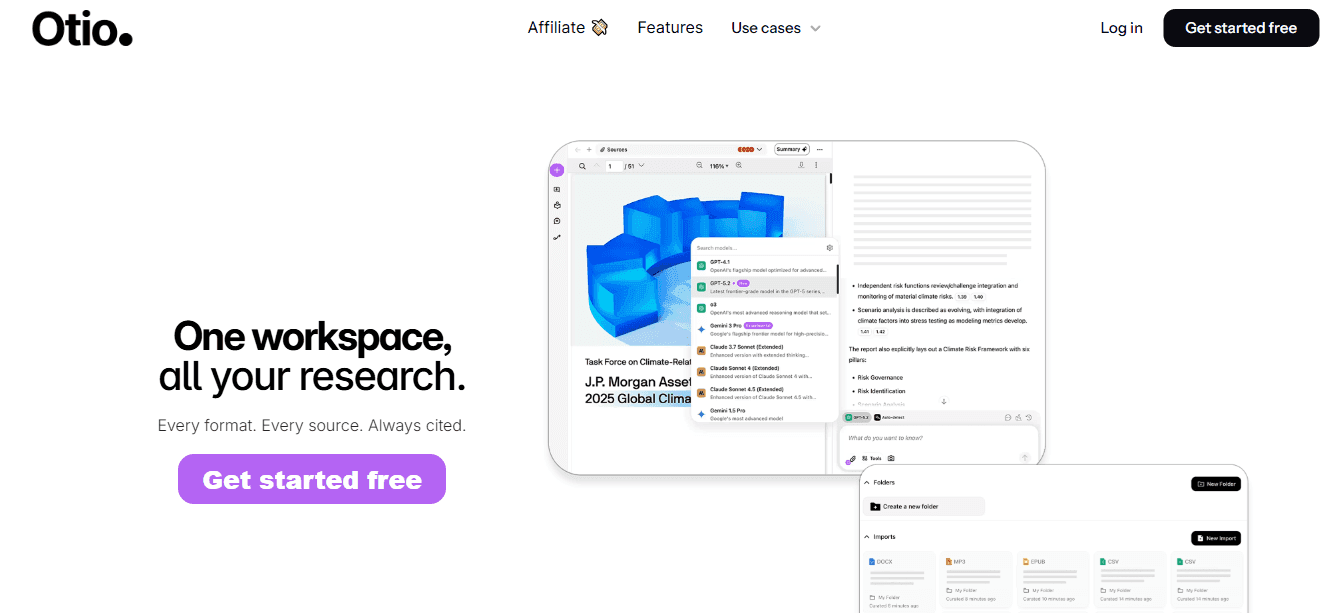
When your document review involves multiple sources, such as:
PDFs
Research notes
Web links
Otio helps you quickly extract key sections and compare content across files without opening a dozen tabs. It summarizes long documents, answers questions based on uploaded content, and surfaces relevant information from your own sources rather than generating generic responses. This matters most for research reports, policy documents, and source-heavy writing where accuracy depends on verifying what your materials actually say, not what an AI assumes they might contain. Teams working with citation-heavy content find that Otio keeps everything in one workspace, grounding AI responses in their actual documents. This eliminates the back-and-forth of checking sources manually while maintaining verification speed.
2. ChatGPT
ChatGPT reviews drafts for clarity, structure, grammar, and readability. It catches missing points and inconsistent phrasing that slip past tired eyes. The tool excels at rewriting unclear sections and creating cleaner executive-style wording when dense paragraphs need simplification. Use it when you need a second pass on messaging but lack the time for another human reviewer.
3. Grammarly
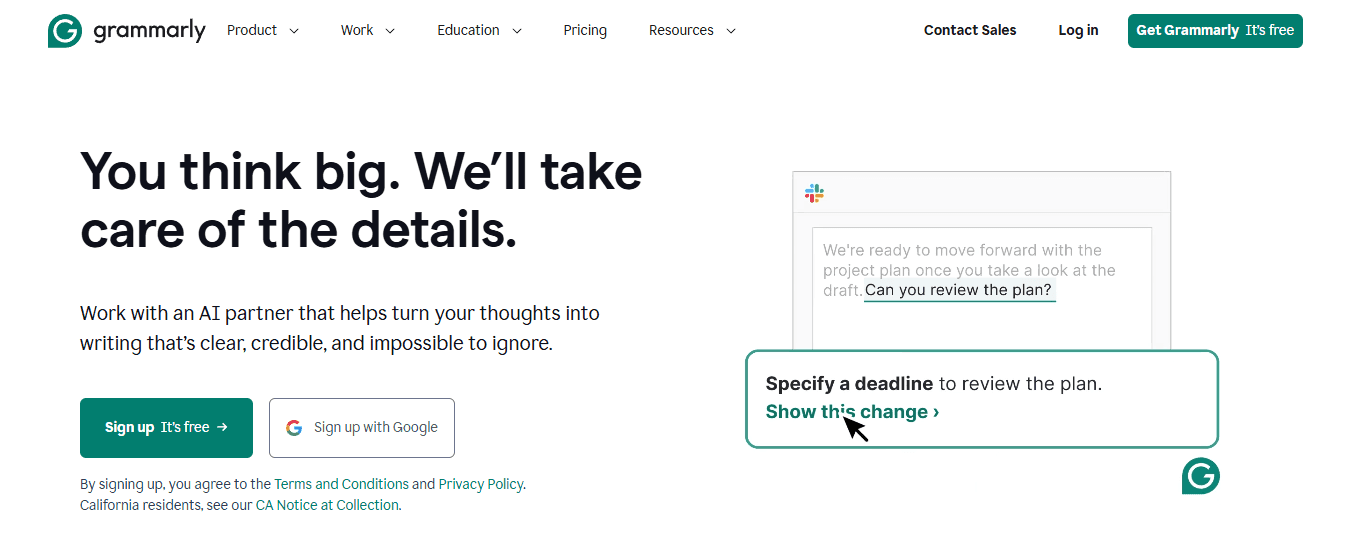
Grammarly focuses narrowly on grammar errors, spelling mistakes, tone consistency, and readability improvements. It's built for professional writing review and quick proofreading, not deep content analysis. The tool works best as a final check before documents go out, catching surface-level issues that damage credibility even when the underlying content is solid.
4. Microsoft Editor
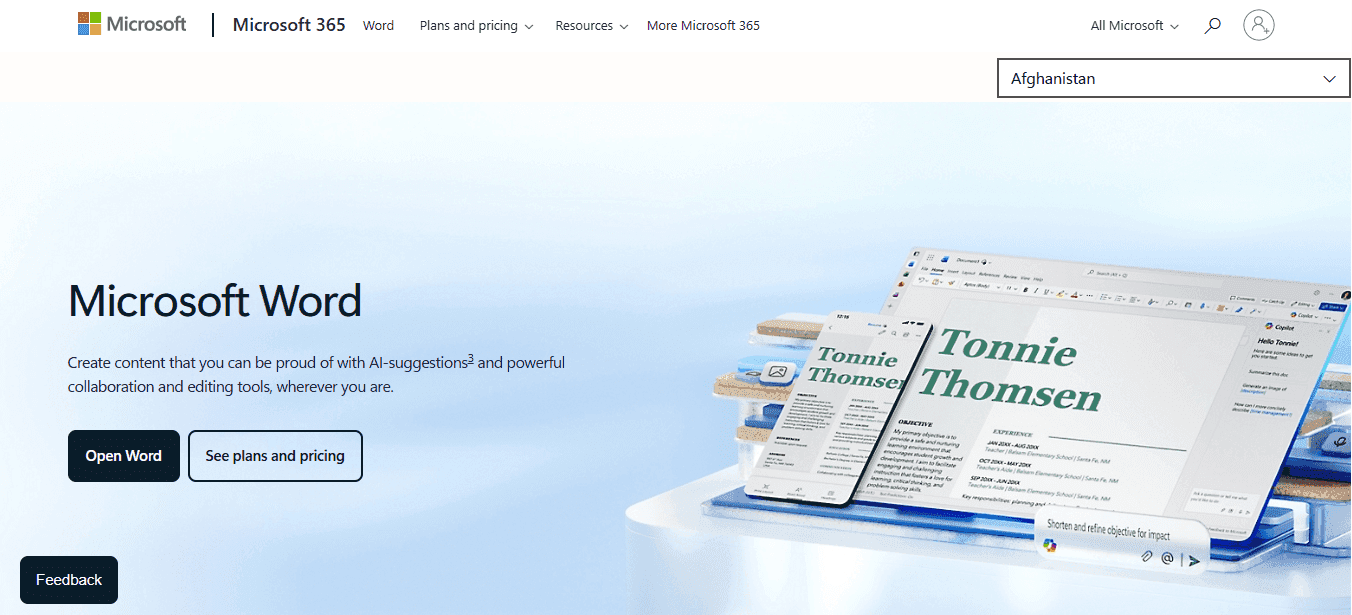
Microsoft Editor provides review assistance directly inside Word and Outlook, offering spelling, grammar, style, and clarity suggestions without switching platforms. Teams already using Microsoft 365 benefit from integrated consistency improvements that don't require uploading documents to external tools. Convenience matters when the review happens within existing workflows rather than as a separate step.
5. LanguageTool
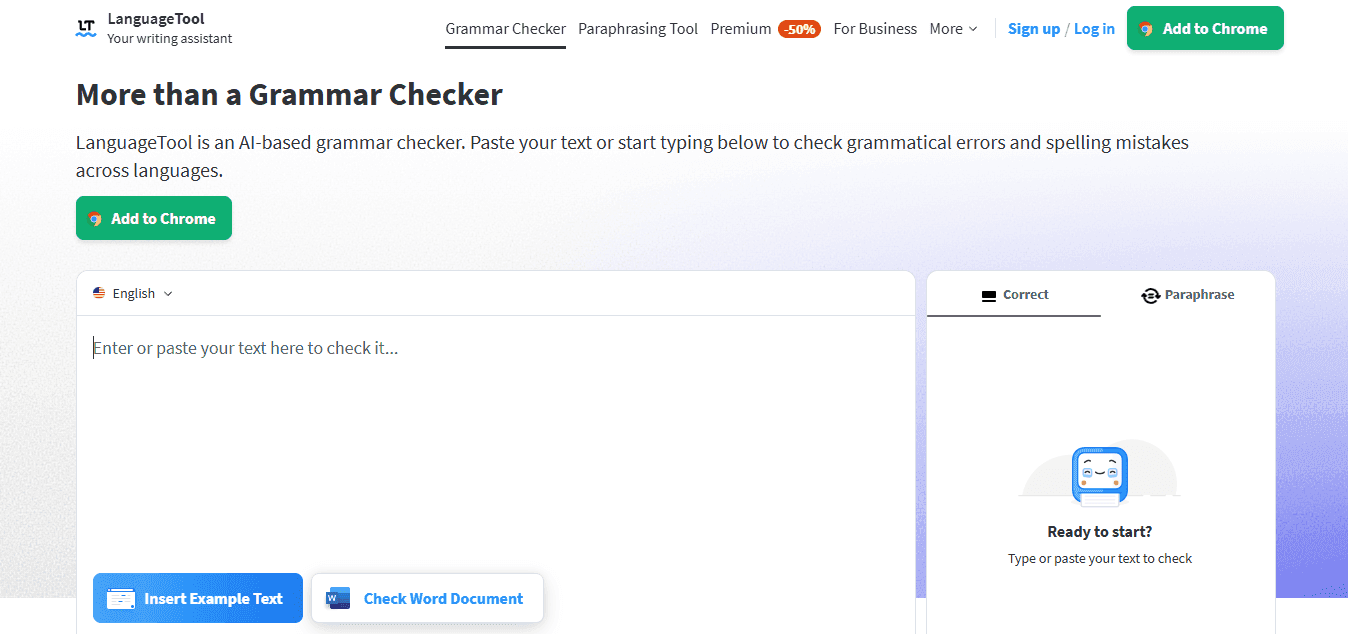
LanguageTool handles grammar, spelling, and style improvements across multiple languages, making it useful for teams managing documents in different regions. It functions as a Grammarly alternative with stronger multilingual support. When your review process involves translating content or verifying consistency across language versions, this tool reduces the manual effort of checking each variation separately.
6. Adobe Acrobat AI Assistant

For PDF-heavy workflows, Acrobat's AI assistant summarizes documents, extracts key clauses, and finds inconsistencies faster than manual scrolling. This becomes critical when:
Reviewing signed documents
Scanned files
Reports in which content is stored in non-editable formats
The tool shortens the time spent hunting for specific sections in long PDFs that are hard to search.
7. Claude
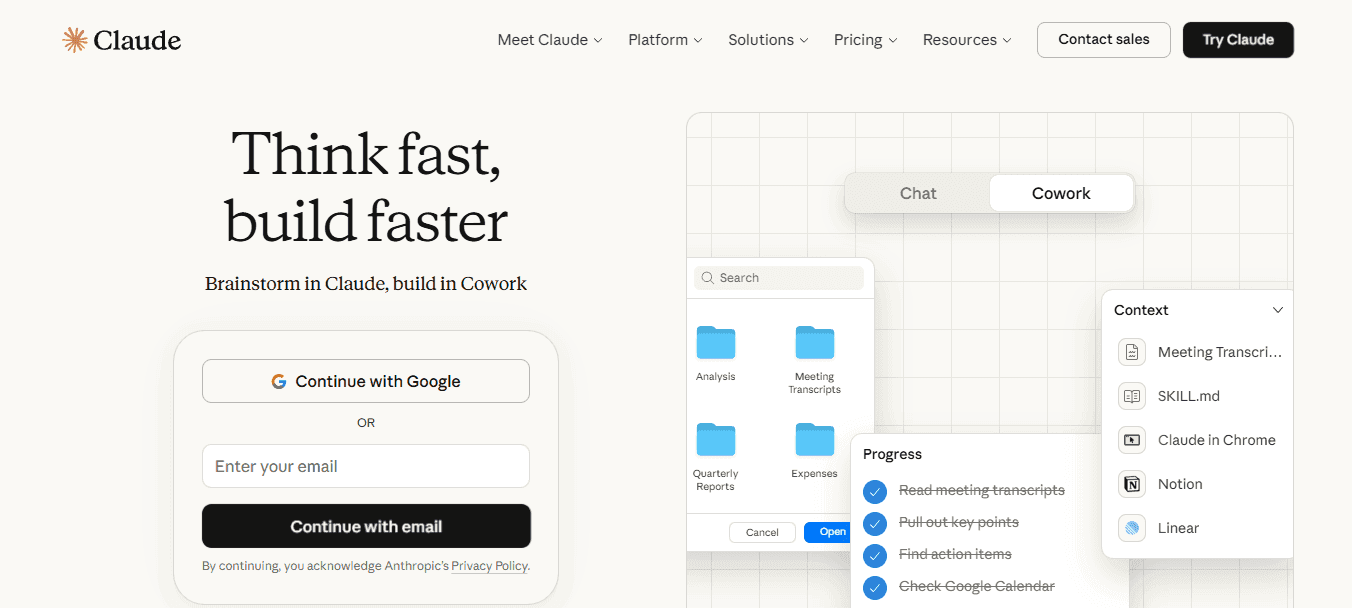
Claude handles long document review by:
Summarizing drafts
Detecting logical gaps
Identifying missing sections
Restructuring content for clarity
It's commonly used for reviewing lengthy reports and research documents where maintaining coherence across dozens of pages strains human attention. The tool catches structural problems that emerge only when you can see the entire document at once, something manual review rarely achieves under time pressure.
The 30-Minute Document Review Workflow

Review in layers. Structure first, consistency next, details last. This sequence matters because catching a missing section in minute five saves you from polishing content that shouldn't exist in minute twenty-five. Most teams review everything at once, which means they catch surface errors while missing structural problems that make those errors irrelevant anyway.
Minute 0-3: Identify Risk Level Before You Read
Ask what failure looks like for this specific document. A contract with wrong liability clauses creates legal exposure. A financial report with mismatched totals triggers compliance questions. A policy document missing required language fails audit. Different document types carry different consequences, so you review for different things. When teams skip this step, they apply generic proofreading to everything. That catches typos but misses the clause that contradicts itself three sections later or the compliance statement that references an outdated regulation. Know what matters most before you start looking.
Minute 3-8: Run an AI Summary Scan
Generate a summary and section outline using any AI tool that handles document uploads. Compare what the AI extracted to what the document is supposed to accomplish. Missing sections surface immediately. Unclear structure becomes obvious when you see the outline stripped of formatting and dense paragraphs. This step catches the problems that manual review misses because readers get absorbed in the content and lose sight of the architecture. You're not reading for meaning yet. You're verifying the skeleton holds together before you check whether the details make sense.
Minute 8-15: Check Consistency Across Sections
Ask AI to list all names, dates, and repeated numbers mentioned throughout the document. Then scan for inconsistencies:
The client's name is spelled two different ways
The project date shifts between sections
The budget figure doesn't match the summary table
These errors go undetected during manual review because your brain autocorrects familiar content.
The Risk of Inconsistent Clause References and the Value of AI Grounded Review
For documents pulling from templates or previous versions, flag section references and defined terms. Copy-pasted clauses often reference sections that no longer exist or use terminology that the current document has redefined. Platforms like Otio handle this by grounding AI review in your actual source files, so when you're checking a contract against three previous versions and two policy documents, the tool verifies consistency across all of them without you manually cross-referencing each one.
Minute 15-22: Scan for Clarity Issues and Unsupported Claims
Identify vague statements, unclear wording, and assertions without evidence. Ask AI to flag paragraphs that lack specificity or rewrite sections that confuse the main point. This layer matters most for documents that drive decisions, because ambiguity can lead to disputes later when stakeholders interpret the same sentence differently. Focus on high-risk sections:
Executive summaries that misrepresent the findings
Contract clauses with undefined terms
Financial assumptions buried in footnotes
These sections demand precision, but they're often written last under time pressure and reviewed least carefully because they arrive when attention is depleted.
Minute 22-30: Final Language Check and Verification
Run grammar and style tools for spelling, punctuation, and tone consistency. Then complete the final verification checklist:
Key sections present
Names and dates correct
Numbers matching across pages
No broken references
Summary aligned with the document's purpose
This step catches surface errors that undermine credibility, even when the content is solid.
Related Reading
Ai Document Extraction
Legal Document Management
Ai Prompts For Summarizing Reports
Best Way To Switch Between Ai Model Providers
Financial Report Writing
Business Report Writing
How to Create Effective Document Templates
Top Tools For Generating Equity Research Reports
Ai Tools For Research Paper Summary
Best AI for Document Generation
Best Cloud-based Document Generation Platforms
Good Documentation Practices In Clinical Research
Ux Research Report
Automate Document Generation
Ai Tools For Summarizing Research Reports
Ai Tools For Systematic Literature Review
Using AI for How To Do A Competitive Analysis
Catch Document Errors Faster With Otio
If document review keeps taking hours because you're scanning long pages to find:
Inconsistencies
Missing sections
Repeated errors
You need a faster way to surface what matters. Upload your document into Otio and ask it to generate a short summary, the key sections and main claims, and a list of names, dates, and important terms. Then ask one more question. Flag any inconsistencies, missing details, or contradictions.
The Efficiency of Source-Based Cross-Referencing and Automated Document Consistency
Otio grounds its responses in your uploaded sources rather than generating generic advice, so when you ask about inconsistencies, it's checking your actual document against your actual references. This matters when you're working with citation-heavy reports, policy documents, or contracts that pull from multiple templates. The AI isn't guessing what might be wrong. It's comparing what you wrote against what your sources say and what your previous sections claimed.
Related Reading
• How To Format A White Paper
• How To Write A Research Summary
• Best Report Writing Software
• How To Write Competitive Analysis
• Best Software For Automating Document Templates
• How To Write A White Paper
• Document Generation Tools
• How To Write An Executive Summary For A Research Paper
• How To Use Ai For Literature Review
• How To Write A Literature Review
• Best AI for Literature Review
• How To Write A Market Research Report
• How To Write A Case Study



