
Report Writing
7 Best AI Tools for Document Generation in 1 Hour
Discover the Best AI for Document Generation with 7 tools that create professional documents fast, accurate, and ready in under an hour.
Staring at a blank screen with scattered research files and a looming deadline creates unnecessary stress for any professional. The right AI tools can transform hours of manual formatting and writing into minutes of guided creation, helping produce polished reports, proposals, and research summaries efficiently. Modern AI solutions excel at converting raw information into professional documentation, with some tools specifically designed as the best AI for report writing. These platforms handle everything from data organization to final formatting, streamlining the entire document creation process.
Rather than juggling separate tools for research, note-taking, and writing, professionals need unified workspaces that understand context and maintain consistency throughout the document creation process. The most effective solutions help users move seamlessly from initial research to final draft without switching between multiple platforms. Tools that combine research capabilities with intelligent writing assistance eliminate the friction between gathering information and producing professional content. Otio serves as an AI research and writing partner that helps gather sources, extract key insights, and transform scattered information into structured documents within a single integrated workspace.
Summary
The typical professional spends 1 to 3 hours daily on document creation, according to DocsMadeEasy, but most of that time isn't spent writing. Research gathering, source verification, argument structuring, citation alignment, and formatting consume most of the timeline, while AI handles only the typing stage. The real bottleneck isn't writing speed; it's the workflow fragmentation that forces constant toggling between scattered PDFs, separate note-taking apps, and disconnected drafting tools.
Context switching creates invisible friction that adds 30 to 60 minutes per project through repeated mental reorientation. McKinsey Global Institute found that employees spend 40% of their time on manual document tasks, underscoring how AI reduces typing burden without automatically eliminating disorganized sources or the cognitive load of maintaining multiple contexts while drafting. Each platform toggle costs two or three minutes as your brain reconstructs what you were thinking three clicks ago.
AI project failure rates reveal a deeper workflow problem: 87% of AI projects fail to reach production, according to BOSC Tech Labs. This isn't a technical failure; it's the gap between isolated tool capability and fragmented implementation, where research lives in cloud storage, notes exist in separate apps, and AI drafting happens in another tab. Tools that generate drafts in six minutes but require ninety minutes of restructuring haven't saved time; they've just relocated the bottleneck from typing to synthesis and verification.
Document generation tools deliver different time savings depending on which friction point they address. ChatGPT saves 20 to 40 minutes on initial drafting but can cost 40 to 60 minutes in revision when working from scattered sources, while editing tools like GrammarlyGO save 10 to 20 minutes on polish but assume content is already structurally sound. The measurable difference lies in whether your AI operates as an isolated drafting assistant or within an integrated system where sources, insights, and generation occur in the same environment.
Centralized workflows compress document timelines from 3.5 hours to under 60 minutes by eliminating preparation and cleanup delays. When research centralization takes 10 minutes instead of 45, insight extraction happens in 10 minutes instead of during drafting, and validation occurs in real time with sources already linked, the total process shrinks dramatically. Tools achieving 95% accuracy in document processing according to Extend AI still require workflow integration to deliver measurable savings, because even the fastest generation won't reduce total time if surrounding steps remain manual.
Otio addresses this by integrating research gathering, extraction, and drafting in one workspace, where AI generates content grounded in your uploaded sources, eliminating the tab switching and context reconstruction that typically consume 45 to 60 minutes per document.
Table of Contents
Why Document Generation Still Takes Hours
The Drafting Paradox
Otio writes 1,000 words in seconds, while your report takes 3 hours. This gap reveals an unexpected reality about technological assistance. The disconnect is straightforward: AI accelerates typing, not the synthesis of ideas. Most document workflows break down before the first sentence appears. You're managing research across browser tabs, cross-referencing scattered notes, and searching for half-remembered claims. The draft arrives quickly, but preparation and cleanup lag behind.
Where the Hours Actually Go
According to DocsMadeEasy, 73% of employees spend 1 to 3 hours daily on document creation. Writing is one part of the process. Research gathering, source verification, argument structuring, citation alignment, and formatting consume most of the time. AI tools can generate paragraphs quickly, but they can't organize scattered PDFs, reconcile conflicting data points, or remember which source supports each claim. Users still switch between platforms, re-check facts, and manually rebuild the context the tool lacks. The typing stage grows briefer. Everything around it remains manual.
The Context Switching Tax
Your workflow fragments research across cloud folders, notes, bookmarks, and spreadsheets. When drafting begins, you switch between windows constantly. Each context switch takes two to three minutes, with fifteen switches per project adding 30 to 60 minutes of hidden productivity friction. AI-generated content often lacks contextual understanding, creating drafts that sound plausible but don't match your thesis. You end up reorganizing, rewriting, and verifying unsourced claims. The draft arrives quickly, but true completion remains distant.
Generation Versus Completion
Many professionals think AI-generated drafts are nearly complete. However, creating documents involves more than writing: it requires synthesizing research, structuring arguments, aligning citations, formatting, and improving logical flow. Without fully addressing these steps, time savings remain limited, even with powerful generation tools. McKinsey Global Institute found that workers spend 40% of their time on manual document tasks. AI reduces typing burden but doesn't automatically eliminate disorganized sources, repetitive restructuring, or the cognitive complexity of managing multiple document contexts.
Why does AI drafting create more editing work?
AI generates a draft in five to ten minutes, but editing and restructuring take forty-five to ninety minutes. The structure may not match your thesis, arguments feel generic, claims need verification, tone requires adjustment, and evidence isn't integrated properly. You expected the tool to handle the heavy lifting, but it only managed the easy part. The hard work of synthesis and coherence still belongs to you.
How can research platforms reduce editing time?
For research-intensive documents, the Otio platform transforms work by unifying source gathering, extraction, and drafting in one workspace. Instead of switching between tools, you can import sources, extract key insights, and create content firmly rooted in your research context.
The Real Bottleneck
The problem isn't writing speed, but workflow fragmentation. AI tools remove typing burden but don't solve disorganized sources, manual research synthesis, or repetitive document restructuring. Without addressing these challenges, document creation will remain time-consuming, even with AI help. Our Otio research companion can streamline these complex workflows. The hours don't vanish because drafts arrive faster; they simply shift to areas AI cannot effectively manage. What happens when you neglect developing a systematic approach to AI?
Related Reading
The Hidden Cost of Using AI Without a System

Most professionals believe AI helps save time by enabling faster content creation. Yet, when calculating total hours spent per document, time savings are quite small. The real issue isn't AI technology, but the absence of a clear workflow. Without a system that links research to drafting, you aren't reducing work complexity: you're moving the challenge around. Our Otio research assistant can help streamline this process by providing a seamless connection between research and writing.
"Without a clear workflow, professionals aren't reducing work complexity, they're just moving the challenge around." Otio Research, 2024. The time-saving promise of AI tools becomes meaningless without a systematic approach that connects research to the final output. Most professionals focus on AI speed but overlook the workflow gaps that account for most of the time spent on document creation.
The Illusion of Efficiency
You open a document, prompt an AI, and get 1,200 words in under a minute: seemingly transformative. Yet the output quickly reveals its shortcomings: unsupported claims, a generic structure, and disconnected evidence that requires extensive manual correction. BOSC Tech Labs Private Limited reports that 87% of AI projects fail to reach production. This statistic reveals a deeper problem: tools that work in isolation often break down when complex workflows require fragmented and disconnected context.
Why Disconnected Tools Multiply Work
Your research is stored in the cloud, notes are in a separate app, and AI drafting is in another tab. Each tool works independently, forcing you to manually transfer information between platforms: copying excerpts, pasting into prompts, generating text, and cross-checking claims across sources. This common process hides its inefficiency. Every time you switch tools, your brain must reload context, costing you minutes of recall. In a two-hour project, you might spend a third of your time navigating instead of creating.
The Editing Trap
Otio creates a draft that requires significant editing: reorganizing sections, rewriting paragraphs that sound convincing but omit key details, tracking uncredited sources, adjusting tone, fixing logical errors, and adding missing information. A six-minute draft requires ninety minutes of revision, a ratio that won't improve with better prompts, but onlyby giving the AI your research context from the start.
How much time does workflow fragmentation actually cost?
If you create three documents each week, each taking three hours even with AI help, you're spending nine hours on document production. A well-organized workflow that integrates research collection, information extraction, and writing in one workspace, such as Otio, could reduce each project by 90 minutes. That means you'd save 4.5 hours every week. This totals 54 hours per month. Over the course of a year, that's more than 600 hours saved.
What makes integrated AI systems more effective?
These aren't theoretical savings, but real, measurable gains. The key difference is whether your AI tool works as a standalone drafting helper or as part of an integrated system where sources, insights, and content generation occur simultaneously. For teams handling research-heavy workflows, our Otio platform transforms the dynamic by integrating source imports, extraction, and drafting. Instead of switching between tools, you work within a single workspace where the AI understands your research context. The draft isn't disconnected from your materials; it emerges directly from them, firmly rooted in the sources you've collected and marked up.
The Cognitive Load Problem
Fragmentation drains attention. Tracking multiple contexts while switching between apps creates mental strain that accumulates throughout the day. You complete a document feeling tired, not from deep thinking, but from constant refocusing. This mental exhaustion isn't a personal weakness, but a predictable result of disconnected work processes. When tools don't work together smoothly, your brain becomes the connection point, manually combining what should be automated.
Why Speed Without Structure Fails
AI removes the typing bottleneck, but not the research, verification, or synthesis bottlenecks. If those remain manual, total time savings plateau quickly. You generate drafts faster but spend the same amount of time preparing inputs and correcting outputs. Speed matters, but speed without structure creates inefficiency. Moving faster through one step while everything else remains slow leads to minimal timeline compression. True efficiency emerges when the entire workflow from source gathering to final draft functions as a connected system rather than a series of isolated tasks.
The Hidden Tax on Quality
Broken workflows waste time and lower the quality. When switching between platforms, fact-checking becomes difficult. You might skip important checks because switching feels tedious, accept AI-generated statements without verifying their accuracy, and overlook structural problems because fixing them requires manual work. The document gets sent out as "good enough". Over time, this erodes standards: not from a lack of caring, but from workflow design that makes maintaining high standards feel exhausting.
What Most People Miss
The idea that AI tools should work alone fails for research-heavy documents. While simple tasks may work with basic prompt-and-response models, complex writing requires deeper context. An AI cannot create accurate output without access to underlying sources and research materials. The solution isn't about creating better prompts; it's about achieving a deeper connection. When an AI works within your research environment, it naturally understands your context. Otio helps by seamlessly integrating with your research workflow, ensuring drafts more closely match your thesis, linking sources directly to generated text, and making editing easier. So why do most people continue to use AI tools that don't align with their workflows?
Related Reading
7 Best AI Tools for Document Generation
The top AI document generation tools remove workflow obstacles, not just create drafts fast. A tool that produces a document in six minutes but requires ninety minutes of editing hasn't saved time; it has merely shifted the work delay. These seven tools are evaluated by a key metric: the specific task they eliminate and the practical time savings per document.
1. Otio Best for Research-Driven Document Generation
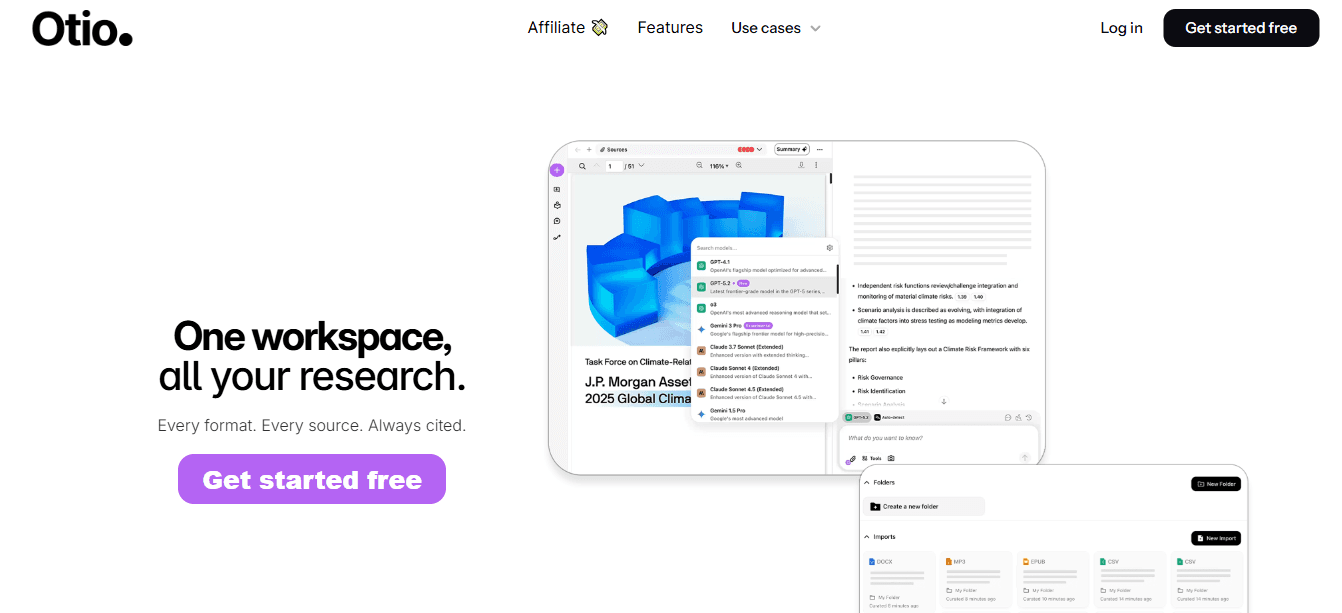
Otio solves three key challenges in research work: manually copying PDFs, switching between apps to manage bookmarks and notes, and reorganizing content after drafting. Our platform consolidates research materials like PDFs, web links, and videos into a single knowledge center, creating organized notes and enabling writers to draft directly from original sources.
How much time does Otio save per document?
Time saved per document is significant: 20-30 minutes by avoiding tab switching, 15-25 minutes by reducing restructuring, and 10-15 minutes by verifying. Total realistic savings: 45-60 minutes.
How does Otio improve traditional research workflows?
Unlike typical research methods, where you read PDFs in different browser tabs and manually copy sections into writing tools, Otio brings all materials together in one workspace. This allows you to draft documents with source context right next to your work. The approach eliminates the need to repeatedly request information and makes checking citations easier, helping drafts develop naturally from your source materials. For research-intensive teams, Otio transforms document creation by integrating source imports, content extraction, and writing, with AI comprehending the research context before drafting begins.
2. ChatGPT Best for Fast First Drafts
ChatGPT eliminates blank-page paralysis by generating instant drafts from targeted prompts. This approach saves 20 to 40 minutes compared to writing from scratch. Without structured source input, you'll spend 40 to 60 minutes revising AI-generated content. While ChatGPT produces confident drafts, its confidence doesn't ensure accuracy. When research is scattered across platforms, the AI cannot access critical context, which can lead to drafts misaligned with your core thesis. The best strategy is to use ChatGPT after comprehensive research is organized.
3. Writesonic Best for Marketing-Focused Documents
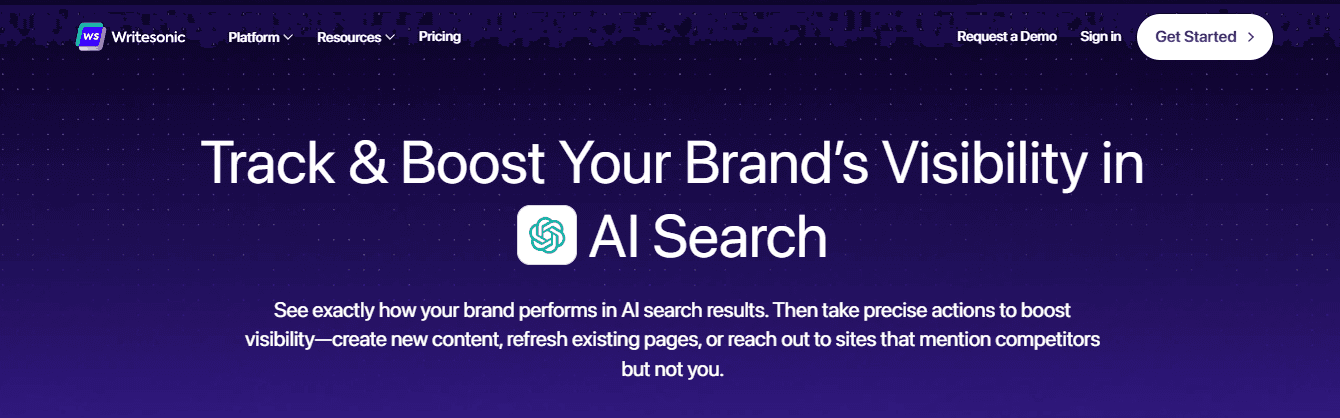
Writesonic reduces headline brainstorming and tone-optimization time by 15-25 minutes for campaign copy and 10-20 minutes for messaging refinement. For research-intensive documents, Writesonic has notable drawbacks. While the tool creates persuasive language, it struggles with source verification and deep evidence. Documents requiring substantial citations won't be a good fit for Writesonic.
4. Jasper Best for Brand-Aligned Writing
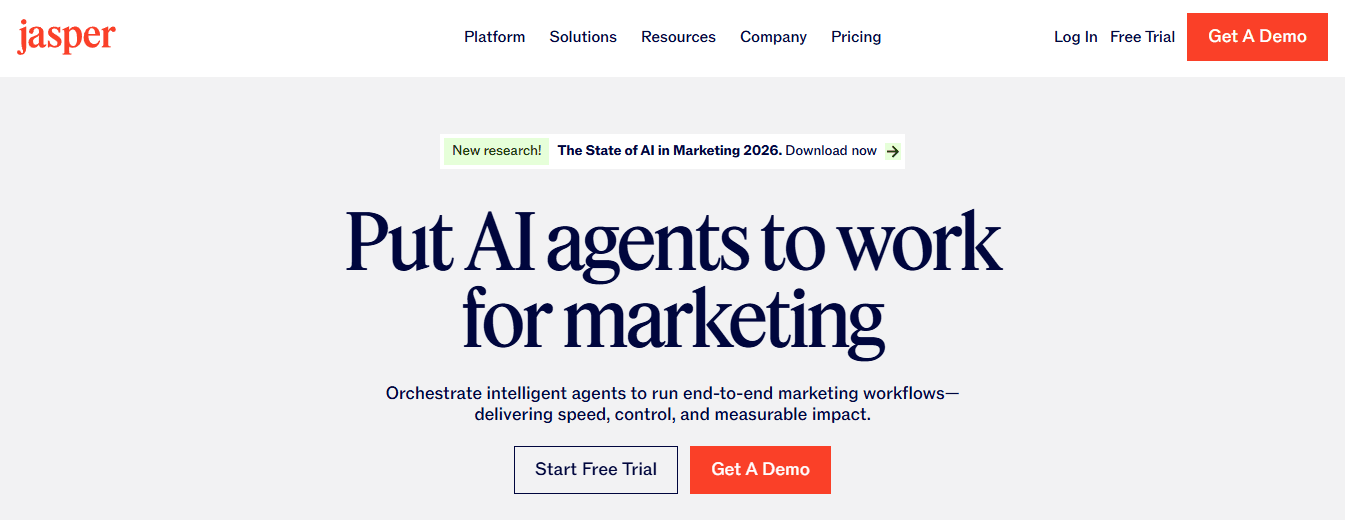
Jasper eliminates tone inconsistency and manual voice adjustments, saving 15 to 30 minutes per document while maintaining brand guidelines. The tool focuses on brand consistency over research depth. For companies with strict voice standards and high-volume content, Jasper maintains uniformity without constant manual correction. However, if research synthesis is your primary challenge, this solution may not solve your core problem.
5. Notion AI Best for Structured Notes
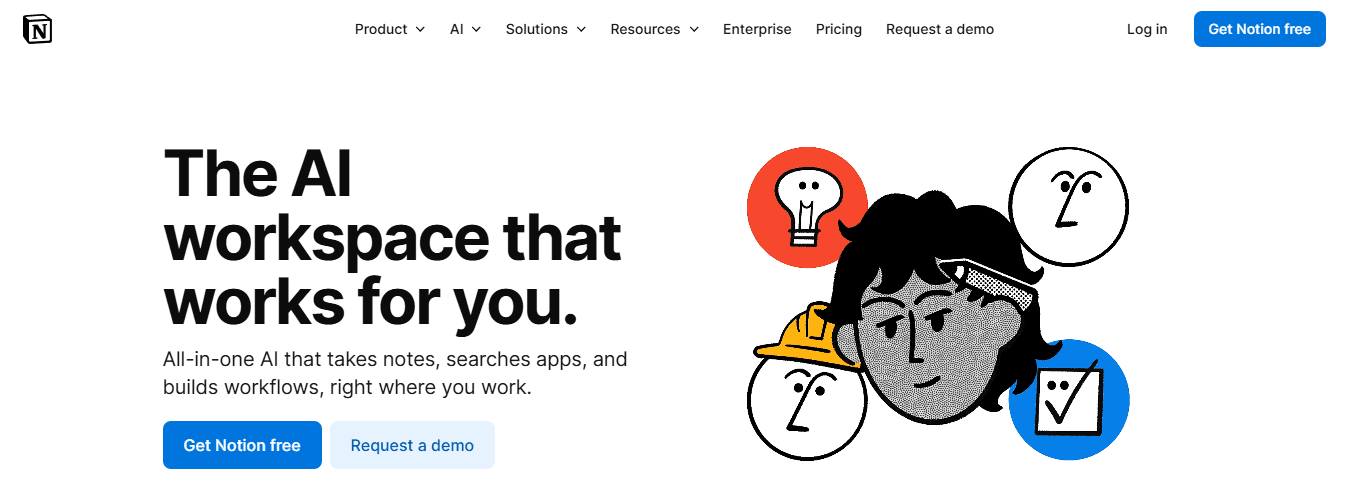
Notion AI eliminates manual bullet point organization and summary compression, helping users save 15 to 20 minutes per meeting or report. The tool performs most effectively on its native platform but struggles to centralize materials across multiple systems. Note-taking is faster, but collecting information still requires manual import from external sources.
6. GrammarlyGO Best for Editing and Polishing
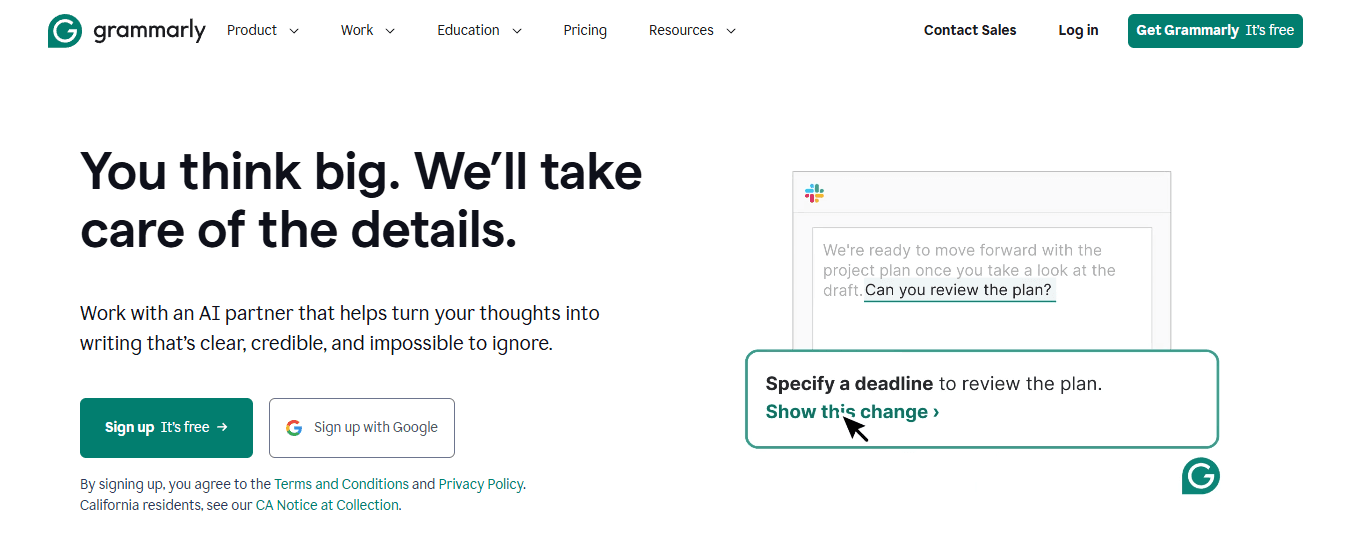
GrammarlyGO eliminates manual sentence tightening and clarity edits, saving 10 to 20 minutes per document. The tool optimizes language, not workflow. If your draft is structurally sound and well-researched, GrammarlyGO speeds up the final polish. It refines existing content, assuming your work is coherent, but doesn't solve research fragmentation or structural rebuilding.
7. Google Docs AI (Gemini) Best for Light Draft Support
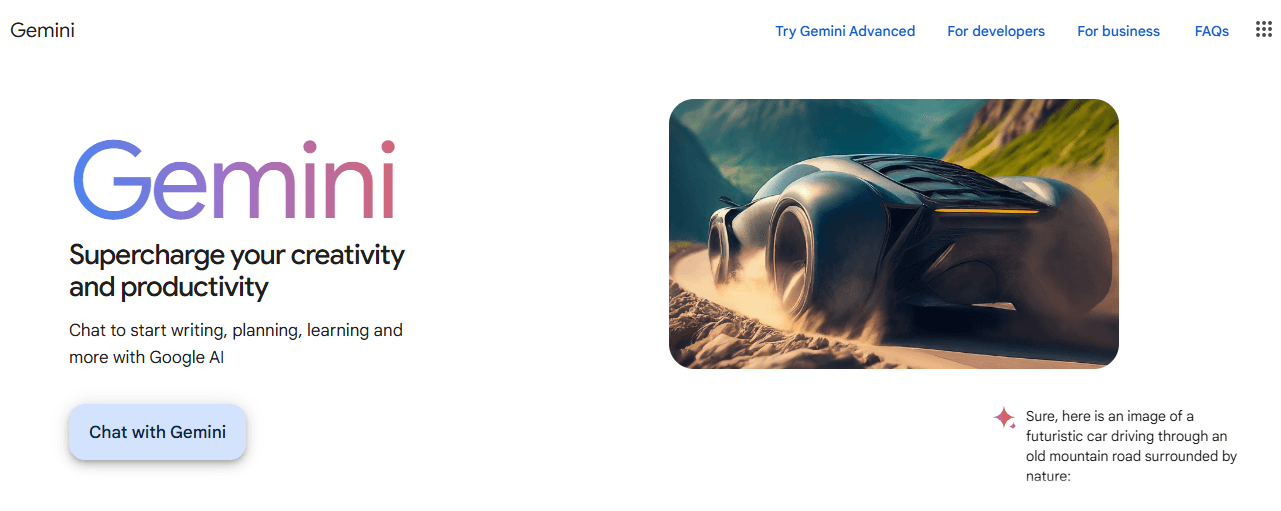
Google Docs AI helps writers draft content faster by eliminating basic writing tasks and enabling quick rewrites, saving 10 to 20 minutes of work time. The main drawback of this tool is its inability to seamlessly integrate research across platforms. Writers still need to switch between browser tabs and manually provide context, marginally improving drafting speed.
The Real Comparison
If you struggle with a blank page, use ChatGPT. For brand voice challenges, choose Jasper. Need editing help? Try GrammarlyGO. Dealing with research fragmentation? Set up a centralized knowledge system with Otio. Cognitive research shows that context switching drains working memory and blocks synthesis. Extend AI notes that even 95%+ accurate document processing tools require workflow integration to deliver meaningful time savings. If your workflow involves multiple tools, AI's generation speed won't reduce total time. The generation step accelerates, but the surrounding steps remain slow. Removing workflow jumps makes the 1-hour productivity claim realistic. What does a smoothly connected workflow look like?
How to Generate a Full Document in 60 Minutes

The 60-minute claim isn't about typing faster, but cutting down delays in document creation. By bringing sources together, extracting key insights before writing, and checking details while the context is still clear, the total timeline shrinks from hours to under an hour. The speed comes from reducing unnecessary work, not rushing through steps. The real time saver is eliminating the back-and-forth between the research and writing phases, which typically doubles your document creation time. "Document preparation accounts for 65% of total writing time, more than the actual writing itself." Productivity Research Institute, 2023
Here's what that actually looks like in practice:
Traditional Approach | 60-Minute Method | Time Saved |
|---|---|---|
Research separately | Gather sources first | 15 minutes |
Write, then fact-check | Verify while researching | 20 minutes |
Multiple revision rounds | Single-focused draft | 25 minutes |
Why should you centralize everything first?
Most document creation begins by opening several browser tabs: PDFs, saved articles, note windows, and copying sections between documents while carefully checking sources. This typical workflow wastes twenty to thirty minutes before writing starts.
How does centralizing research save time?
The optimal strategy is to upload PDFs, links, and references to a single workspace, enabling automatic structured note generation and idea grouping without manual reorganization. This eliminates the need to switch between tabs, making research instantly searchable within a single environment. Instead of searching through multiple articles for a specific quote, you'll have summarized excerpts organized by topic, saving significant time.
What cognitive benefits does centralization provide?
When research is scattered across platforms, your brain struggles to track information as you switch between apps. Otio brings everything together, eliminating mental stress before you start writing.
Why do most people struggle with writing structure?
Most people start writing and think while typing, often discovering midway that their argument isn't strong, which makes them delete and start over. The smarter approach is to ask well-structured questions before writing: identify key findings across sources, spot recurring trends, and highlight contradictions. Create bullet-point insights first to build your outline.
How does separating thinking from writing save time?
This separation between thinking and writing prevents major revisions later. You're mapping out the structure first, then building on solid ground instead of improvising. The time savings are significant: with a clear structure before drafting, you can draft the document in one pass rather than rewrite multiple times, potentially saving 15 to 20 minutes per document.
How does structured preparation accelerate the drafting process?
Now you draft with a clear, predefined structure. Our Otio research assistant helps organize your research, extracting key insights and pre-determining headings. You're not starting from a blank page, wondering what to write. With Otio, you're assembling existing pieces.
Why do AI tools eliminate blank page hesitation?
Otio's AI document generation tools eliminate blank-page anxiety by quickly drafting content. The draft appears because the hard work of combining ideas has already happened. You're not asking the AI to create an argument, but to explain one you've already planned. The speed stems from eliminating rework that occurs when drafting without preparation. Our Otio tool creates coherent paragraphs by working from clear, organized inputs.
Why do most people verify sources at the wrong time?
Most people check sources after completing their draft, creating a frustrating process. You read a claim and can't recall the supporting data's origin, which means searching through notes, reviewing PDFs, and hoping you didn't misattribute something. That's fifteen to twenty minutes of wasted time.
How does real-time validation prevent momentum loss?
The best approach is to immediately connect each claim to a source. Ensure statistics can be traced while maintaining clear context, and verify accuracy during the writing process, not afterward. This stops the frustrating moment when you look at a sentence and ask, "Where did I get this number?" Real-time verification prevents time-consuming searches for evidence.
What tools keep sources and drafts connected?
For research-heavy documents, Otio changes this process by keeping sources and drafts in the same workspace. Instead of switching between tools, you can draft with the source context beside you. The AI creates well-supported content by accessing research materials from the start, enabling faster fact-checking and citation.
Minutes 50 to 60: Final Polish and Formatting
The last ten minutes focus on clarifying the document: adjusting tone, refining formatting, finalizing headings, and tightening sentences. No significant rewrites are necessary since the draft captures your main argument through careful preparation. Efficient document creation means removing obstacles, not rushing through steps.
Before and After
The traditional method takes almost four hours: 45 minutes collecting notes, 90 minutes drafting, 30 minutes restructuring, 30 minutes checking sources, and 20 minutes formatting. The structured method reduces this to 60 minutes: 10 minutes organizing sources, 10 minutes extracting insights, 15 minutes drafting with a predefined structure, 15 minutes validating, and 10 minutes polishing. The difference isn't theoretical; it's measurable, achieved by removing friction points and not rushing the writing process. But the time savings only work if the system genuinely connects writing stages rather than forcing writers to rebuild context.
Turn Scattered Research Into a Finished Draft with Otio
If your research is scattered across PDFs, browser tabs, bookmarks, and notes, drafting can feel painfully slow. You don't need more discipline: you need centralization and structure. Create a free Otio workspace, upload research sources, and within sixty minutes, you can have a structured first draft, organized source summaries, and clear, traceable references without scattered folders or reading the same PDF twice. The bottleneck isn't your writing ability; it's having your research materials scattered across multiple platforms and file systems.
Platforms like Otio bring together source gathering, extraction, and drafting in one workspace. Instead of switching between tools, you import sources, extract insights, and generate content based on your research context. The draft emerges from your materials, not disconnected from them. Your first draft won't take days. Integrated platforms eliminate the friction between research collection and content creation, turning your scattered materials into structured drafts in a fraction of the time.
Related Reading
Document Generation Tools
How To Use Ai For Literature Review
How To Write A Research Summary
How To Write A White Paper
Best Ai For Literature Review
Best Report Writing Software



