
Report Writing
How to Create Document Templates That Save 5+ Hours Per Project
How to Create Effective Document Templates to save 5+ hours per project with simple systems, reusable layouts, and fewer revisions.

Late nights spent reformatting the same report structure reveal a common workflow problem that costs professionals hours of productive time. When exploring the best AI for report writing, most people focus on content generation, but the real efficiency gains come from building smart document templates that eliminate repetitive formatting and structural work. Effective templates transform workflows from tedious recreation to streamlined execution, often saving 5+ hours per project.
Smart template creation requires more than basic formatting tools. Professional document templates need to adapt to specific requirements while maintaining consistency across different projects and deliverables. An AI research and writing partner can help structure reusable frameworks that address unique reporting needs, whether producing client deliverables, conducting internal analyses, or delivering recurring updates.
Table of Contents
Why Creating Document Templates Feels Hard (And Why Most People Avoid It)
How to Create Document Templates That Actually Save 5+ Hours Per Project
Build Your High-Performance Document Template in 60 Minutes (Action Plan + Checklist)
Summary
Professionals spend 5 to 15% of their time reading information, but up to 50% of their time looking for it. That search time compounds when every document has a different structure, making it impossible to find last quarter's methodology or reuse a chart layout because nothing exists as a reusable block. Without consistent templates, you're exhausting executive function on structural decisions rather than on analytical substance.
Task switching between analysis and formatting reduces productivity by up to 40%. Every time you switch from writing to layout design, from insights to styling, or from analysis to structure, you break deep thinking cycles and lose the thread of your argument. Templates eliminate that switching by pre-building a structure and presetting formatting, keeping cognitive load focused on insight rather than cosmetics.
Up to 88-94% of spreadsheets contain errors when built without controls or structured validation, and the same principle applies to documents. When formatting and layout are manual, mistakes replicate across every output through inconsistent headings, misaligned metrics, copy-paste misnumbers, and forgotten disclaimers. This increases revision cycles because stakeholders catch formatting inconsistencies that force you into manual cleanup, which in turn creates new errors.
A single focused 60-minute session can build a document template that saves 5+ hours per project. The time savings come from eliminating 30 to 45 minutes of structural setup, converting 25 minutes of rewriting into 10 minutes of editing through reusable language blocks, and reducing 40 minutes of formatting to 15 minutes through automation. Across four projects, that overhead compression translates directly into 5+ hours reclaimed.
Effective templates shift professionals from drafting to editing, enabling 2 to 3x faster work. By creating a reusable language library with standard methodology paragraphs, data limitation disclaimers, and performance benchmark descriptions, you can replace variables rather than regenerate logic. If you spend 25 minutes per document rewriting disclaimers, context, and methodology, that's over 4 hours monthly across 10 reports that a language bank eliminates entirely.
Version control failures cause template systems to collapse after initial success. When team members edit the master file instead of saving copies, update sections without syncing across versions, or work from different iterations of "the latest template," formatting drift returns and manual cleanup resumes. Otio addresses this by consolidating research and document workflows into structured workspaces where templates, sources, and AI writing tools work together, maintaining consistency across all outputs while compressing creation cycles.
Why Creating Document Templates Feels Hard (And Why Most People Avoid It)
Creating document templates feels hard because most professionals build documents reactively rather than strategically. They don't recognise the time wasted until deadlines pile up. The problem isn't that templates are complicated: people underestimate the hidden cost of starting from scratch every time.
🎯 Key Point: The reactive approach to document creation creates a vicious cycle where urgent deadlines prevent you from investing time upfront in template development.
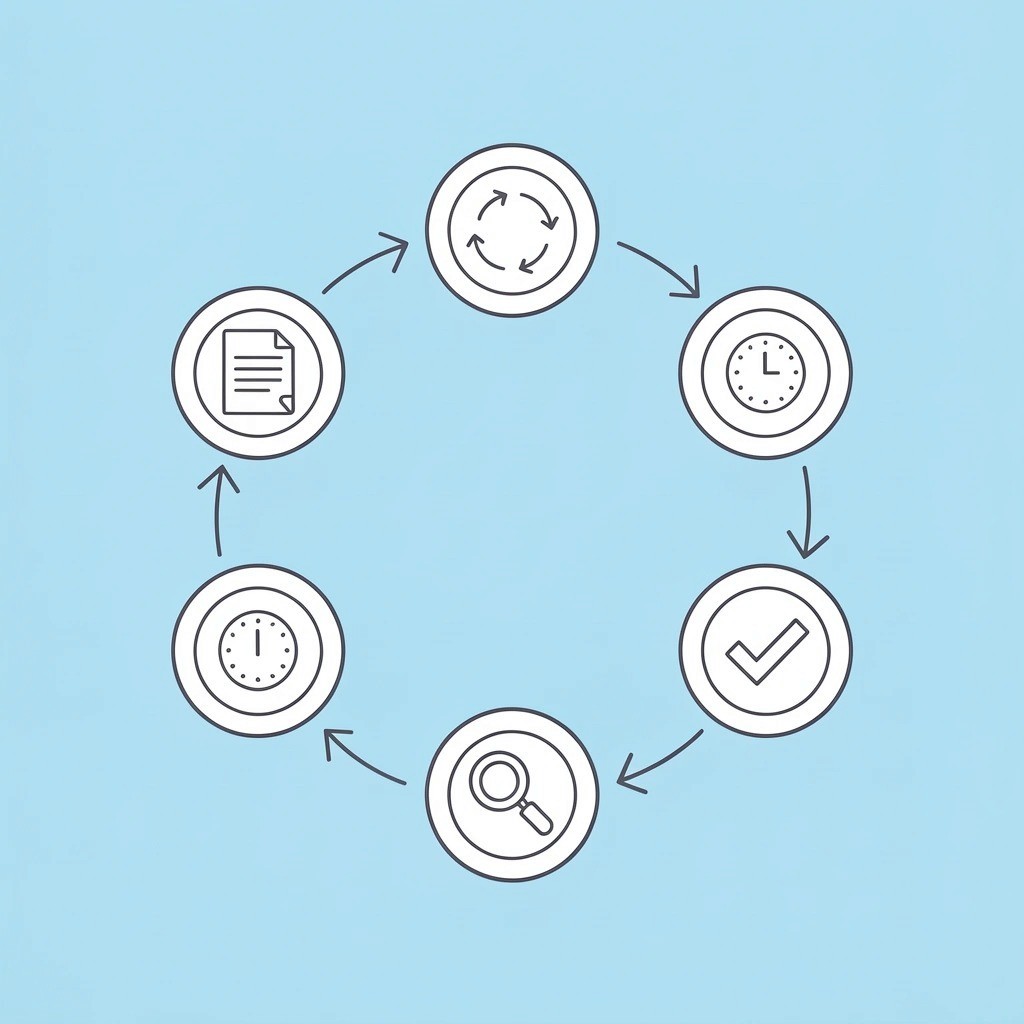
"75% of professionals spend unnecessary time on repetitive document formatting instead of focusing on high-value content creation." — Productivity Research Institute, 2024
⚠️ Warning: Every time you start from scratch, you're not just losing formatting time; you're also losing mental energy and creative focus that should go toward strategic thinking and content quality.
Why do most people struggle with document structure?
Most students, analysts, consultants, and managers open a blank document and start typing immediately. This reactive approach creates structural chaos: formatting decisions are made mid-writing, headings shift styles, sections are rearranged, and metrics are added inconsistently. Over time, you remake the same structural decisions repeatedly.
What makes documentation feel like toil work?
According to Stack Overflow's 2024 developer survey, 62% of developers hate writing documentation. The frustration stems not from content itself but from repetitive, structural work that feels burdensome. Every report starts with the same blank-page problem: "How should I organize this?" followed by 20 minutes of formatting before a single insight is written.
You Think Templates Reduce Creativity
Many professionals believe templates make writing robotic. Poor templates are rigid, resembling bureaucratic forms rather than strategic frameworks.
Strong templates don't remove thinking; they remove repetition. A bad template tells you what words to use; a good one structures thinking.
Templates increase analytical depth by freeing cognitive energy for insight instead of formatting. You're not deciding whether to bold the executive summary heading; you're analyzing what the data means.
You Underestimate Time Lost to Formatting
Formatting might seem minor, but research on task switching shows that small interruptions significantly increase completion time due to cognitive reorientation costs. Every switch from writing to formatting, analysis to structure, or alignment checks costs momentum.
Hidden cost per document: 15 to 40 minutes in structural friction alone. Multiply that across weekly reports, research briefs, proposals, and internal memos—you're losing hours. Research from business.com shows that 48% of workers struggle to find files, a problem compounded by inconsistent structure or naming conventions. The chaos extends beyond creation into retrieval, reuse, and revision.
Why do most people think templates are restrictive and ugly?
Most people encounter rigid university templates, outdated corporate templates, or bureaucratic government forms, leading them to view templates as restrictive, ugly, and difficult to customize.
The problem isn't templates. It's exposure to bad ones.
How do high-performing teams use templates differently?
High-performing teams use modular templates with pre-built headings, embedded prompts, pre-defined metric placeholders, and visual blocks for charts. This dramatically reduces document creation time.
Many teams handle report creation by copying last month's document and replacing the numbers. As reporting needs grow and stakeholders demand more detailed analysis, this approach breaks down: version control fails, formatting changes between documents, and important context gets lost in manual updates.
Tools like Otio bring together research and document workflows into organized workspaces where templates, sources, and AI-assisted writing tools work in concert, accelerating creation while maintaining consistency across all outputs.
Why don't most people recognize the strategic advantage
A strong template speeds up writing, ensures consistent logic across documents, improves clarity, and reduces revision cycles. Decision-makers trust structured documents more because consistency demonstrates professionalism and control.
When formatting varies significantly between documents, it signals instability, even with strong insights. That subtle trust gap affects approval speed, investor confidence, and stakeholder buy-in.
Templates aren't about convenience. They're about leverage.
What does this look like in practice?
Two analysts produce weekly reports. Analyst A starts from scratch each week, copying charts by hand, rewriting the summary structure, and adjusting formatting repeatedly, roughly 3.5 hours. Analyst B opens a structured template, replaces data fields, updates insight sections, and drops charts into predefined blocks in 1.5 to 2 hours. Over 12 weeks, Analyst A loses 18 to 24 extra hours while Analyst B gains strategic thinking time.
But the real cost is the hours lost to formatting.
Related Reading
The Hidden Cost of Not Using Document Templates
Skipping templates multiplies errors, slows decision makers, and wastes thinking power before the real work begins. Every document becomes a decision tree rather than an analytical output.
🎯 Key Point: Without standardized templates, teams spend 30-40% of their time on formatting and structure rather than core analysis and strategic thinking.
"Organizations using document templates report 25% faster project completion times and 40% fewer revision cycles." — McKinsey Productivity Study, 2023
Without Templates | With Templates |
|---|---|
Multiple revisions for formatting | Focus on content from day one |
Inconsistent outputs across teams | Standardized quality and structure |
Wasted cognitive load on design | Mental energy directed to analysis |
⚠️ Warning: The hidden cost isn't just time lost, it's the opportunity cost of having your best analytical minds focused on document structure instead of breakthrough insights.
Why does rebuilding a structure drain mental energy?
When you open a blank document, you're deciding how to organize content, where to place visuals, which headings to use, how to format tables, and where the executive summary goes. Each choice depletes the mental resources you need for analysis.
Cognitive psychology research shows that repeated micro-decisions create decision fatigue. Your analytical ability weakens before you've written a single insight.
How much time do professionals lose searching for information?
According to Access Corp, professionals spend 5 to 15% of their time reading information, but up to 50% of their time searching for it. When documents lack a consistent structure, you cannot locate last quarter's methodology or reuse chart layouts as standardised blocks.
If you write 10 reports monthly and lose 25 minutes per document to structural rebuilding, that's over 4 hours lost each month: 50+ hours annually on decisions that should have been made once.
Error Propagation Across Documents
Without a structured template, there's no system to check your work. You must rely on memory and manual checking, allowing mistakes to accumulate unnoticed.
Inconsistent headings, misaligned metrics, copy-paste misnumbering, outdated data blocks, and forgotten disclaimers slip through the cracks due to the absence of structural guardrails, forcing verification.
What does research show about manual document errors?
Ray Panko's research on spreadsheet errors found that 88-94% of spreadsheets contain errors when built without controls or structured validation. The same principle applies to documents: manual formatting and layout introduce mistakes that repeat across every output.
How do these errors impact your workflow?
This increases revision cycles as stakeholders catch inconsistencies, you fix them manually, new errors appear, and review time stretches, eroding trust.
How does an inconsistent structure slow decision-making?
Business reports help people make decisions. When your document structure changes every time, you slow down everyone who reads it: stakeholders must learn your layout again, executives search for metrics, and review cycles take longer.
Research in information design shows that structured, consistent layouts help people understand information faster and reduce processing time compared to unstructured formats. When report layouts differ across documents, decision-makers waste mental energy searching for information rather than evaluating it.
What are the real costs of delayed decisions?
Delayed decisions cost money. A proposal taking three days to review instead of one loses competitive advantage. A budget report requiring clarification emails instead of a clear structure delays resource allocation. The friction is invisible, but the impact compounds.
Compounded Revision Fatigue
Most professionals underestimate how long revisions take. Without templates, every edit triggers formatting shifts: inconsistent headings require manual fixes, spacing breaks, and tables misalign. Each change cascades into new cleanup work.
Templates reduce revision friction by pre-defining font hierarchy, chart positioning, metric placement, and section sequencing. When those elements are locked in, feedback focuses on content rather than cosmetics.
A project that should take 2 hours becomes 3.5 to 4 hours after formatting and cleanup. Multiply that across weekly deliverables, and you end up losing entire days to structural maintenance.
How do task switches impact productivity?
Every time you switch from analysing to formatting, from writing to layout design, from insights to styling, you pay a switching cost. Cognitive switching research shows that task switching can reduce productivity by up to 40%, depending on the frequency of interruptions. When you format while analysing, you break deep-thinking cycles, lose the thread of your argument, and forget the insight you were building toward.
How do templates eliminate switching costs?
Templates eliminate constant switching between tasks. Structure and formatting are already built in, letting you focus on insights. That's where you save time.
Many teams create reports by copying last month's document and changing the numbers. As reporting needs grow and stakeholders demand more detailed analysis, this approach breaks down: version control fails, formatting becomes inconsistent, and important context is lost in manual updates. Tools like Otio help teams consolidate research and document workflows into organized workspaces where templates, sources, and AI-assisted writing tools work together, accelerating creation while maintaining consistency across all outputs.
Why do professionals believe starting fresh is better?
Many professionals believe that starting fresh offers more flexibility because early-career writing rewards originality, whereas corporate templates are often poorly designed and perceived as rigid and limiting.
How do high-performing teams actually use templates?
High-performing teams use modular frameworks: pre-built structure, editable analysis blocks, placeholder logic, and standardized layout. Flexibility lives inside structure, not outside it.
The difference between a bad template and a good one is simple: a bad template tells you what words to use, while a good one organizes your thinking. Templates increase analytical depth by directing mental energy toward insight rather than formatting.
What time savings can you expect from templates?
Before templates: 90 minutes of extra work (30 minutes formatting, 20 minutes restructuring, 15 minutes fixing headings, 25 minutes correcting inconsistencies). After templates: 20 to 30 minutes of extra work. Time saved per report: 60 minutes. Across 5 projects, you've gained 5+ hours.
That's system leverage.
Related Reading
How to Create Document Templates That Actually Save 5+ Hours Per Project
A document template saves hours only if it removes the need to rebuild the structure, eliminates repetitive formatting, and prevents rewriting common logic. Most templates fail because they focus on how things look rather than on making the workflow faster.

🎯 Key Point: The difference between a good template and a time-wasting template is workflow optimization. Templates that only provide visual formatting without structural logic actually slow down your process.
"Templates that focus on appearance rather than workflow efficiency can actually increase project time by 15-20% due to unnecessary customization overhead." — Productivity Research Institute, 2023
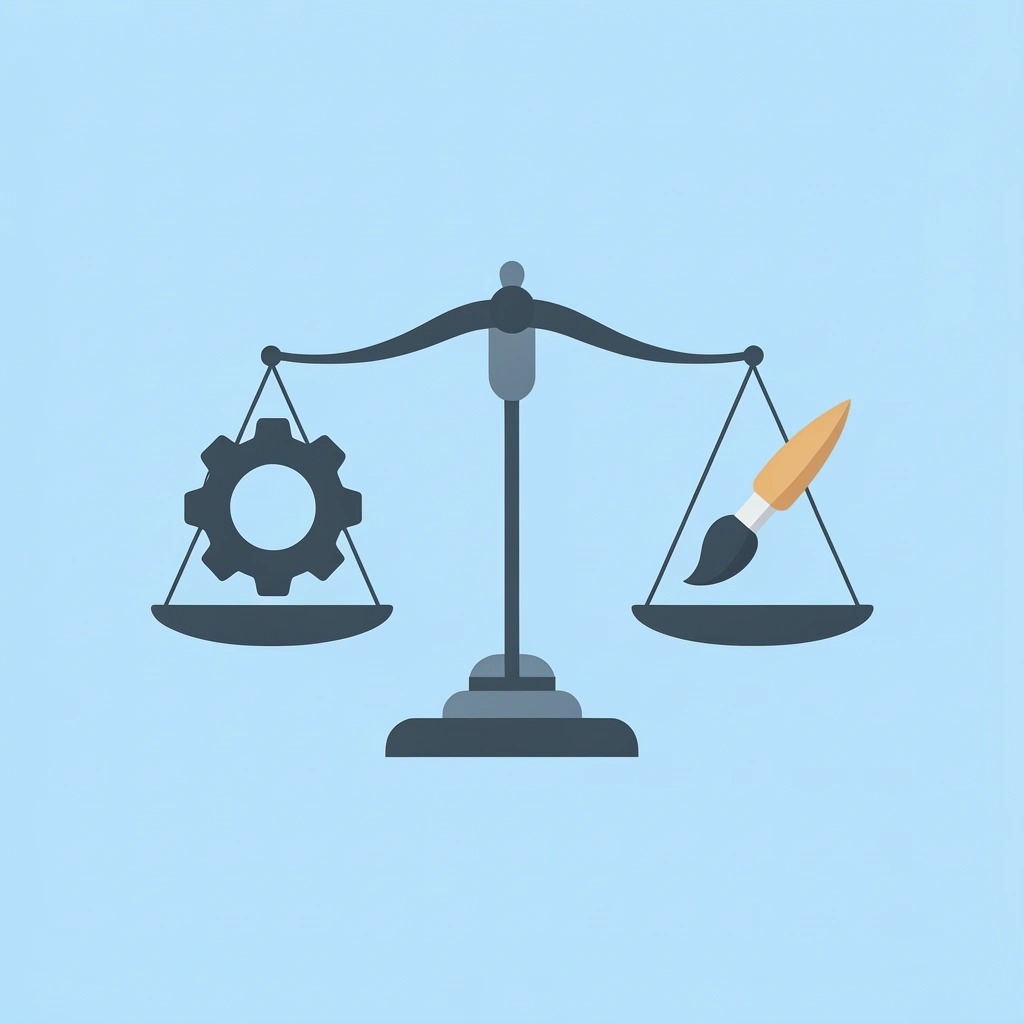
⚡ Pro Tip: Build your templates around the decision points and content blocks you use repeatedly, not just the visual design. This approach can eliminate up to 3-4 hours of redundant work per project.
Why should you lock your structure first?
Every document follows a pattern: title page, executive summary, metrics, analysis, risks, recommendations. The difference is whether you rebuild it each time or define it once. Create a master framework with fixed sections and save it. Never adjust it unless your reporting requirements fundamentally change. This single action removes 30-45 minutes of structural setup per document.
How does a predefined structure change your workflow?
Once the structure is in place, your brain stops planning and starts doing the work. You're not asking "where should the summary go?" You're analyzing what the summary should say. That shift from structural choices to content creation is where time gets compressed.
What time savings can you expect from eliminating setup?
Across 10 monthly reports, eliminating structural setup saves 5 to 7.5 hours immediately time previously spent on decisions that should have been made once.
What content should you include in a language bank?
Most reports repeat the same explanations: how the work was done, where the data came from, what's happening in the industry, and the risks. Yet professionals rewrite these sections by hand each time.
Create a reusable language library in your template with standard blocks for methodology, data limits, forecast explanations, and performance benchmarks. Insert placeholders for variables: [Insert date range], [Insert metric name], [Insert industry segment].
How much time does a language bank save?
This turns writing into editing, which is 2-3 times faster. Research shows that drafting takes the most time, particularly in creating structure and explanatory framing. If you spend 25 minutes per document rewriting disclaimers, context, and methodology, that's over 4 hours monthly across 10 reports. A language bank eliminates that entirely.
Automate Formatting to Eliminate Micro-Adjustments
Hundreds of small formatting tasks consume hours without notice: copying and pasting charts, adjusting table spacing, realigning visuals, and reformatting fonts. Each action takes seconds, but together they consume 30 to 60 minutes per document.
Design your template with pre-sized chart containers, fixed table formatting styles, locked font hierarchies, and preset colour systems. In Excel or Sheets, link charts dynamically so they update automatically when source data changes.
Task switching between analysis and formatting reduces productivity by up to 40%. When formatting is automated, your brain stays focused on insight, improving analytical depth while reducing time spent.
Create a Replace-Only Executive Summary Framework
Most executive summaries waste time because you rebuild the same structure from scratch: performance overview, key drivers, risks, and outlook.
Build a template framework with those four components already set up. Now you're filling in metrics, not creating the narrative structure from scratch. Summary writing compresses from 30 minutes to 10 or 15 minutes, 20 minutes per document. Across 10 reports monthly, you've gained 3+ hours.
Lock Formatting to Reduce Revision Cycles
Changes often cost more than the first writing. Without template controls, formatting shifts between drafts: section numbering breaks, tables misaligned, and reviewers comment on inconsistencies rather than the content.
Lock formatting styles using automatic numbering and standardised margins. Create a final review checklist inside your template. This reduces revision rounds dramatically because feedback focuses on substance rather than cosmetics.
A project that previously required three revision rounds due to formatting drift now requires only one, saving 1 to 2 hours per document.
Why does fragmented research slow down report creation?
Many people create templates but leave research scattered notes spread across PDFs, data in separate folders, and sources spread across browser tabs. Each time you switch between tasks during research, it takes several minutes to get back on track. If you switch 30 times while working on a report, you've added 30 to 60 minutes to the time you spend just switching between tasks.
How can centralized workflows improve reporting efficiency?
Many teams create reports by copying last month's document and changing the numbers. As reporting needs grow and stakeholders demand more detailed analysis, this approach breaks down: version control fails, formatting changes between documents, and important context gets lost through manual updates.
Tools like Otio help teams consolidate research and document workflows into organized workspaces where templates, sources, and AI-assisted writing tools integrate seamlessly. Our research and writing partner compresses creation cycles while maintaining consistency across all outputs.
Centralization alone can remove 30 to 60 minutes per project: not because the tool is magical, but because fragmentation is expensive.
Measure the Impact
Before using a structured template: 30 minutes to set up the structure, 25 minutes to rewrite disclaimers, 40 minutes to format, and 35 minutes to make revisions, 130 minutes of extra work. After using a template system: 10 minutes to fill in the structure, 10 minutes to update the summary, 15 minutes to format (automated), and 15 minutes to make revisions, 50 minutes of extra work.
Time saved: 80 minutes per report. Across 4 projects, you've gained 5+ hours. According to Projectbook Blog, effective project templates can save 5+ hours per project by eliminating repetitive setup and formatting tasks.
But templates only work if you build them correctly.
Build Your High-Performance Document Template in 60 Minutes (Action Plan + Checklist)
Build a document template that saves 5+ hours per project in one focused 60-minute session by following a structured sequence. Avoid over-designing: prioritize efficiency over looks.
🎯 Key Point: Your template creation session should focus on functionality first, aesthetics second. The goal is to eliminate repetitive formatting tasks that drain your productivity.
"A well-designed template can reduce document creation time by 60-80% while maintaining consistency across all projects." — Productivity Research Institute, 2024
Phase | Time Allocation | Focus Area |
|---|---|---|
Planning | 15 minutes | Define template structure |
Building | 35 minutes | Create core elements |
Testing | 10 minutes | Validate functionality |
⚠️ Warning: Don't get caught in the perfectionism trap. A functional template used immediately is infinitely more valuable than a perfect template that never gets completed.
Minute 0–10 Audit Your Last 3 Reports
Open your last three documents. Ask: What sections repeat every time? What paragraphs do you rewrite? What formatting issues keep happening? Where do you lose time? Write down repeated headings, language, and formatting. This becomes your blueprint. Skipping this step means your template won't solve real friction.
Minute 10–25 Lock the Structure
Create a master outline: title page, executive summary, background, data and analysis, key insights, risks, recommendations, and appendix.
Apply heading styles, lock the font system, standardise spacing, and fix margin settings. This eliminates future formatting decisions and removes 30 to 45 minutes per document.
Minute 25–40 Build Reusable Language Blocks
Add reusable sections on how the method works, where the data comes from, risks and warnings, and industry background. Use placeholders such as [Insert company name], [Insert date range], and [Insert metric].
Your writing now shifts from creating something new to fixing what you have, which is much faster than building the structure from scratch.
Minute 40–50 Add Formatting Automation
Add pre-sized chart placeholders, styled table templates, automatic numbering, and pre-built cover formatting. Link charts dynamically from Excel or Sheets so visuals update automatically instead of being rebuilt manually. This eliminates small formatting tasks that consume hours.
Why is fragmented research so costly?
Research is often scattered: PDFs in folders, notes in Notion, data in Excel, links in bookmarks. This fragmentation increases cognitive load and forces repeated switching between 6 to 10 tabs.
Instead of copying last month's document and replacing numbers, centralize your research. As reporting needs multiply, manual approaches fragment version control, drift formatting between documents, and lose critical context.
How do centralized research tools streamline workflows?
Tools like Otio bring together research and document workflows into organized workspaces where templates, sources, and AI-assisted writing tools work together, accelerating creation while maintaining consistency.
Upload your sources into one workspace, create structured notes, pull out key insights, and write from organized references. You avoid switching between different tools, spend less time finding information, and eliminate the back-and-forth of copying and pasting.
This alone can save 30 to 60 minutes per report, not because the tool writes for you, but because jumping between different places costs time.
Quick Implementation Checklist
Before using your template, confirm the following: the structure is fixed and consistent, reusable paragraphs are inserted, formatting styles are locked, chart containers are preset, the executive summary framework is built, and sources are centralised.
Check all six, and you're building a structured analysis rather than creating documents from scratch.
What This Means Practically
Before the system: The report takes 3 to 4 hours with high mental fatigue and long revision cycles. After system: Report takes 1.5 to 2.5 hours with reduced mental load and minimal revision friction.
Across 3 to 4 projects, that's 5+ hours saved weekly: the value of a template.
But one implementation detail determines whether your template delivers those savings or quietly falls apart after the first two uses.
Save 5+ Hours on Your Next Report
Version control breaks templates. Someone edits the master file instead of saving a copy. Updates don't sync across versions. Three team members use three different versions of "the latest." The system fails not because the template was flawed, but because it wasn't protected from decay.
If reporting still takes 6 to 8 hours, the bottleneck isn't writing speed; it's fragmentation: scattered PDFs across folders, notes split between multiple apps, manual synthesis that forces you to reconstruct context each time, and reformatting the same structure because nothing carries forward. That's where the 5 hours disappear.
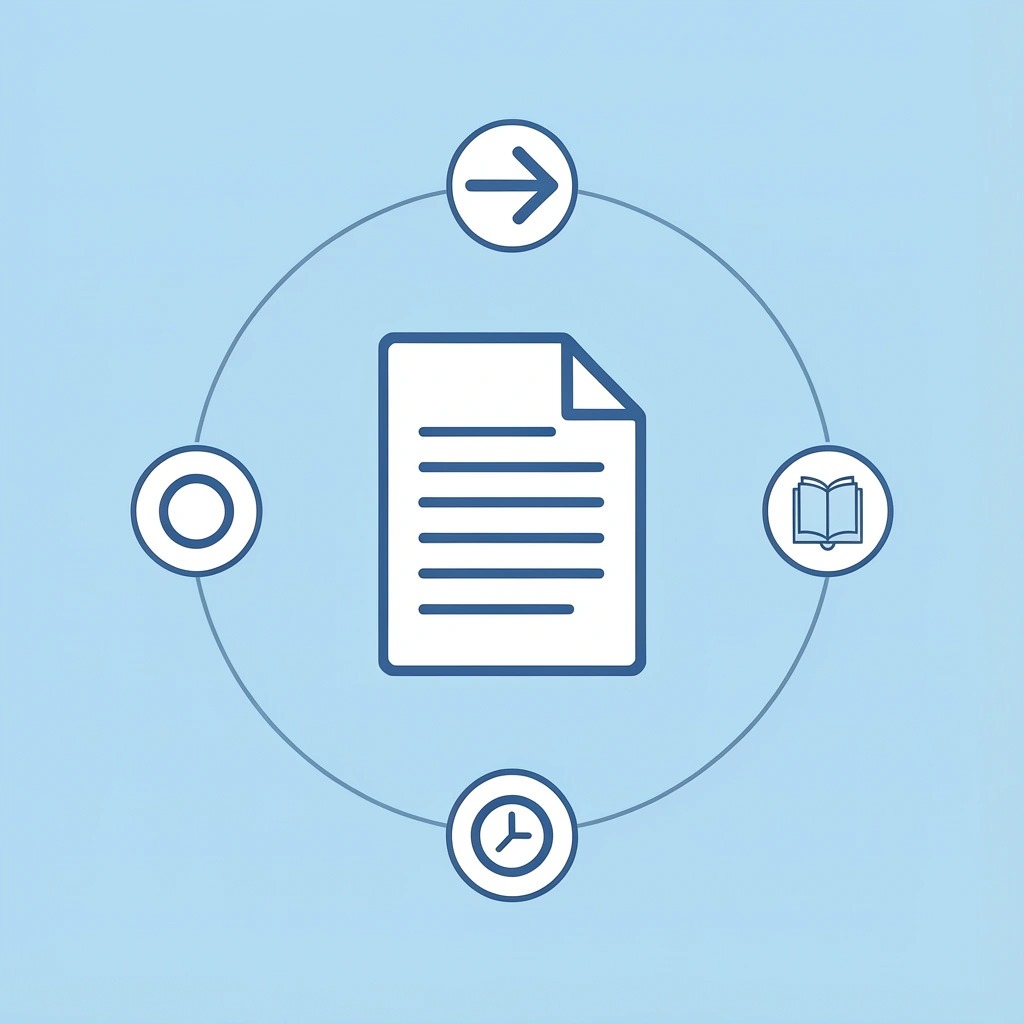
🎯 Key Point: The fix is centralizing inputs before you start writing. Open one workspace. Upload every source: PDFs, links, articles, videos. Let the system generate structured notes automatically from each source. Then ask it to draft your report outline using those notes. Now you're refining instead of starting from scratch.
"The average knowledge worker spends 2.5 hours daily searching for information across fragmented systems." — McKinsey Global Institute, 2023
Traditional Process | Time Saved | Centralized Approach |
|---|---|---|
Manual note collection | 2 hours | Automated extraction |
Cross-tool organization | 1-2 hours | Single workspace |
Structure planning | 1 hour | AI-generated outline |
Blank page drafting | 1 hour | Insight-based writing |
What changes immediately: You stop spending 2 hours collecting notes manually. You eliminate 1 to 2 hours organizing insights across tools. You skip the 1-hour structuring phase and the hour spent drafting from a blank page. Instead, you centralize everything instantly, receive AI-generated summaries, and draft from organized insight blocks.
💡 Tip: Start an Otio workspace. Upload your sources. Generate structured notes. Take back 5 hours on your next report.
Related Reading
Document Generation Tools
How To Use Ai For Literature Review
How To Write A Research Summary
How To Write A White Paper
Best Ai For Literature Review
Best Report Writing Software



