
Report Writing
12 Best AI for Report Writing
Best AI for Report Writing: Save hours with Otio's streamlined research and drafting tools. Discover top AI platforms that cut report times and boost accuracy

Deadlines approach as reports multiply, making it a challenge to transform extensive data into authoritative documents without excessive manual effort. Advanced tools streamline the process by converting raw information into organized, polished content. Utilizing the best AI for report writing can help professionals reclaim valuable time while maintaining quality.
Integrating research, drafting, and fact-checking into a unified workflow boosts efficiency and frees up time for deeper analysis. Automation minimizes repetitive tasks, allowing for a focus on strategy and critical insights. Otio offers an AI research and writing partner that streamlines workflow and enhances productivity.
Summary
Manual report writing consumes 10 to 20 hours of focused work for a 3,000 to 5,000-word document, while AI-assisted drafting compresses that timeline to 1 to 3 hours for a solid first draft. This represents a 70-85% reduction in time investment. The difference extends beyond speed, as human writing quality deteriorates after 2 to 3 hours of continuous work due to cognitive fatigue, while AI maintains a consistent structure and tone regardless of duration.
Human error rates from manual data entry can reach 40% or higher, according to The Poirier Group, undermining every downstream decision built on that foundation. The 1-10-100 cost rule reveals the compounding impact of these mistakes. An error at the entry stage costs $1 to fix, $10 to clean up after it propagates through your system, and $100 once it contaminates reports that drive incorrect business decisions.
Over 40% of workers dedicate at least a quarter of their week to repetitive reporting tasks. That translates to ten hours every week spent on low-value work that drains morale and increases turnover. People don't leave jobs because they hate analysis; they leave because they're stuck reformatting spreadsheets and chasing down inconsistent data, rather than generating insights that matter.
The cost advantage of AI tools extends beyond subscription fees to opportunity costs. When your senior analyst spends 12 hours formatting a report instead of interpreting the data it contains, you're paying expert-level compensation for administrative work. Annual AI subscriptions cost under $100 on many platforms, compared to hundreds of dollars per project for hiring skilled content writers, fundamentally changing the economics of report production for smaller teams.
Most report writers juggle fragmented workflows by opening dozens of browser tabs, switching between note-taking apps and ChatGPT, copying snippets into documents, and hoping they remember where each piece of information originated. As source volume increases and deadlines compress, this approach creates bottlenecks in which context is lost across platforms, and citations become vague approximations rather than precise references.
AI research and writing partner addresses this by consolidating research and drafting into a single workspace where you extract insights from multiple documents, generate source-grounded summaries, and maintain citation trails without switching contexts.
Table of Contents
The Reality Behind Manual Report Writing
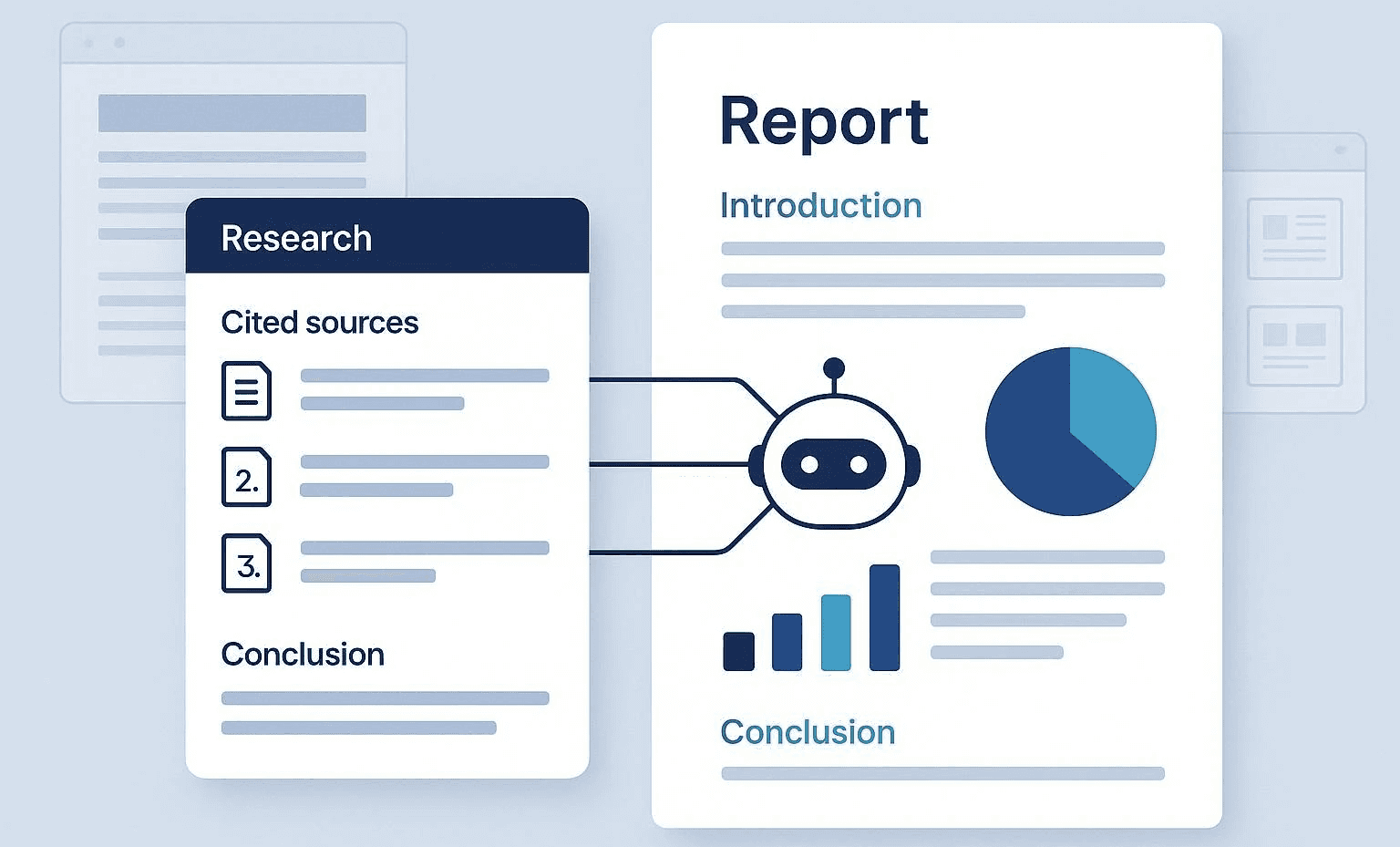
Writing reports by hand feels safe because it's something we're familiar with. You get to control every word, citation, and transition. There is a certain comfort in having that freedom. However, feeling comfortable and being efficient usually don’t go together, and the hidden costs of doing everything manually show up slowly at first, then all at once. Writing a report of 3,000 to 5,000 words by hand takes about 10 to 20 hours of focused work. With AI help, you can get that time down to just 1 to 3 hours for a good first draft, cutting the time needed by 70 to 85%. This change is not just about being faster; the quality of human writing starts to drop after 2 to 3 hours of continuous work due to mental fatigue.
This means your brain starts to repeat phrases, miss logical gaps, and lose the structure of what you are writing. On the other hand, AI keeps a steady structure and tone no matter how long it works since it doesn’t get tired like a human does. Consider leveraging our AI research and writing partner to enhance your efficiency. The idea that manual work equals accuracy falls apart when you look closely. Research from The Poirier Group shows that human errors in manually entering data can reach 40%, a significant problem that puts every decision based on that information at risk. Mistakes in formatting, repetition, missed citations, and unconscious bias often sneak into hand-written reports more than we realize. While it’s easy to think we are being careful, tiredness and time pressure can create blind spots that only show up when someone else points them out.
How does manual data entry impact efficiency?
Manual entry takes about 3 minutes per document, according to The Poirier Group. This sounds doable until you are processing many sources for one complete report. Automation can perform the same tasks in about 20 seconds and manage several documents simultaneously. The difference in time is significant. It's the difference between spending your afternoon copying data and spending that time analyzing what the data really means.
Over 40% of workers spend at least a quarter of their week on repetitive reporting tasks. This amounts to 10 hours per week wasted on low-value work, which lowers morale and increases employee turnover. Workers don’t leave their jobs because they dislike analysis; they leave because they are stuck reformatting spreadsheets and chasing after inconsistent data instead of producing valuable insights. Considering this, having an efficient AI research and writing partner can significantly enhance productivity and focus on outcomes.
What are the financial consequences of poor manual reporting?
Poor manual reporting creates financial consequences that go beyond just wasting time. Organizations lose millions of dollars annually due to data quality issues caused by manual processes. Human errors can enable fraud, costing up to 5% of revenue. The 1-10-100 cost rule shows this: an error at the entry stage costs $1 to fix, $10 to clean up after it spreads through your system, and $100 once it contaminates reports that lead to wrong business decisions. These risks are not just theoretical. When a quarterly report contains incorrect figures due to someone mixing up numbers during manual entry, fixing it involves several departments. This leads to delayed decisions and damaged credibility with stakeholders who depended on that data.
How does manual input affect report consistency?
Manual workflows lead to different ways of entering and formatting data because people understand structure and style in their own ways. For example, one analyst might use bullet points, while another might write long paragraphs. Also, citation formats can differ, and section headings might not match. The final product often looks like it was assembled by committee, and that's because it was. Readers can notice these inconsistencies, even if they don't realize it. The lack of standardization signals a lack of process maturity. Reports rarely come from one source. Instead, information comes from spreadsheets, internal systems, external databases, email threads, and meeting notes. Manual collection of these inputs is slow and can lead to format mismatches that may ruin the entire report. Hours may go into reconciling conflicting data points, checking the current version, and reformatting everything into a clear structure.
What issues arise from fragmented workflows?
Most people handle scattered workflows by opening lots of browser tabs, switching between note-taking apps and ChatGPT, and copying snippets into documents. They rely on hoping to remember where each piece of information came from. As tasks become more complex and deadlines approach, this method creates bottlenecks. Context gets lost between platforms, and references become vague. The mental load of using many tools at once drains the cognitive energy needed for real analysis. Tools like Otio help solve this problem by offering a single workspace for research and writing. In this space, users can pull insights from multiple documents, create summaries from sources, and write reports without switching contexts. Rather than managing scattered workflows, users can work in a single environment that automatically tracks citations and links between sources. This integration speeds up the research and writing processes, reducing the time from days to hours.
How does mental fatigue affect report quality?
Report writers face a huge amount of information that might be useful. Choosing what is important, what is just noise, and what should be highlighted takes good judgment. This becomes harder when writers are tired from spending hours on manual data entry. This fatigue often makes them include too much content because cutting it out seems risky. It can also lead to leaving out important context because they don't have enough time to think through the information properly. Meeting deadlines without giving up quality can feel like a zero-sum game. Writers can be thorough or timely, but they rarely manage to do both while working manually.
What challenges arise from unclear objectives?
Many writers find it hard to set clear goals before they begin writing. Because of this, their reports often wander, since the main idea wasn't defined at the start. Putting together different pieces of information into a clear story requires a level of mental clarity that can be tough to maintain over 10 to 20 hours of continuous work. Sharing insights that are both clear and compelling requires energy that most people find hard to keep up with by the 15th hour of writing by hand.
What are the risks of common formatting errors?
The result is reports that contain accurate information but lack a persuasive structure. Readers may finish them feeling informed but not convinced, which defeats the purpose if your goal is to drive decisions or change behavior. Academic and formal reports demand specific formatting conventions, including heading hierarchies, citation styles, an objective tone, and proper use of figures and tables. Manual processes increase the likelihood of breaking these rules, especially when time is tight and deadlines are close. A misplaced citation or inconsistent heading level may seem minor, but it can undermine credibility with readers who expect precision. These errors accumulate over time. Individually, they're forgivable, but together, they signal carelessness. This can make readers question whether they can trust your analysis if you cannot manage basic formatting.
What is the impact of recognizing these challenges?
Understanding these challenges doesn't immediately explain why AI provides a better path forward or what changes when it is included in the workflow.
Related Reading
Why Use AI for Report Writing

AI reduces the time needed to create reports from days to hours while keeping a structural consistency that manual methods can't achieve at scale. The change isn't about taking away human judgment; it's about reclaiming cognitive energy for analysis instead of wasting it on formatting, citation management, and data gathering. According to Harvard Business Review, 40% of ChatGPT usage is for writing and content creation. This shows how widely AI is used for text-heavy tasks. The benefits are clear: a job that used to take 15 hours of manual writing now takes only 2 to 3 hours with AI assistance. That’s not just a small improvement; it’s the difference between finishing a quarterly report on Friday afternoon and spending all weekend on it. AI can draft complete documents in just minutes, pulling information from multiple sources simultaneously while maintaining a consistent tone and structure. You won’t be stuck looking at a blank page, wondering how to begin; instead, you'll review, improve, and guide a framework that is already in place.
How does AI improve the writing process?
Cognitive load decreases immediately because you're editing rather than creating from scratch. Human writing quality often deteriorates after a few hours of hard work. Writers might start using the same phrases repeatedly without knowing it. This can weaken transitions, and logical gaps can appear that only others can see. On the other hand, AI doesn't get tired. It uses the same structure for paragraph 50 as it did for paragraph 1, keeping everything connected in long documents that would tire most writers. Formatting and citation styles stay the same. Heading levels don’t get mixed up halfway through the report because you've forgotten which level you used three sections ago. These details might seem small until you've spent an hour fixing different references due to citation format changes.
Can AI adapt to audience needs?
AI adjusts language for different markets or groups without needing separate manual drafts. For example, a technical version may be needed for internal stakeholders, while a simplified version might work better for external partners. Instead of rewriting the whole report twice, AI creates both versions from the same source material, changing complexity and terminology based on audience parameters defined at the start. This ability is important when making recurring reports that support multiple departments. Each department has different needs; for example, finance focuses on different details than operations. Also, executive summaries need more concise language than detailed appendices. AI handles these differences simultaneously, keeping facts consistent while changing how they are presented.
What is the cost-effectiveness of using AI?
Hiring skilled content writers can cost hundreds of dollars per project, with rates rising based on expertise and the urgency of the work. Annual AI subscriptions usually cost under $100 for many platforms. This cost structure changes how report production is managed. For smaller teams or startups that regularly produce reports, this difference can determine whether they can create detailed documentation or if it gets set aside due to limited resources. By leveraging an AI research and writing partner, organizations can maximize their budgets and improve efficiency. The cost-benefit goes beyond subscription fees; it also involves opportunity costs. When a senior analyst spends twelve hours formatting a report instead of analyzing the data, the organization pays expert-level wages for administrative tasks. By using AI, that time can be focused on analysis, where expertise really adds value.
How does AI enhance keyword optimization?
AI scans thousands of documents to find keyword patterns and search optimization chances that manual writers often miss. It suggests keyword clusters based on real search behavior, helping reports show up in relevant queries. This is important for public-facing research, white papers, or any content where being found matters. The benefits of AI go beyond just inserting keywords. It looks at how the best content organizes those keywords in headings, subheadings, and body text, and then uses similar patterns to improve search performance. Instead of guessing which terms are important, you base your work on data about what really drives visibility.
What challenges can AI help overcome?
Starting a report from a blank document can create paralysis, especially when you're under deadline pressure and working on topics you aren't familiar with. AI generates initial outlines, suggests section structures, and produces rough drafts that give you something real to work with. This means you're not struggling to find the first sentence; instead, you're evaluating whether the suggested framework makes sense and adjusting from there. This change from creating to organizing reduces the psychological friction that can delay projects. You no longer wait for inspiration or perfect wording; instead, you decide what works and what doesn’t. This takes judgment but does not require the same creative energy as creating everything from the beginning.
How can AI streamline the workflow?
Most people still handle this process with different tools. They copy snippets between ChatGPT, note-taking apps, and word processors. This often makes it hard to keep track of which sources supported which claims. Platforms like Otio bring together research and drafting in one place. You can get insights from various documents, create summaries based on sources, and keep track of citations without changing contexts. This easier way of working reduces the extra work that comes with using many separate systems. AI doesn't create perfect first drafts; it gives you structured starting points that get better through revision. You can review the work, identify gaps, strengthen arguments, and regenerate sections with more effective prompts. This process becomes a team effort rather than something you do alone. The AI keeps everything consistent while you focus on analytical depth and narrative coherence.
What drives the quality of AI output?
The quality ceiling depends on how well you guide the tool. Vague prompts produce generic output. However, specific instructions on tone, audience, evidence requirements, and structure lead to drafts that require less revision. The skill grows from writing every sentence to directing a smart system that speeds up the process. Understanding these benefits is important, but it doesn’t explain which tools actually provide them. Also, choosing between platforms that promise similar capabilities can be tough, since they may work very differently in practice.
12 Best AI for Report Writing
Choosing the right AI tool depends on specific needs, like academic citation rigor, web-scale synthesis, automated marketing dashboards, or workflow orchestration. No one platform is the best for every purpose. For example, the best tool for systematic literature reviews is very different from the best choice for recurring client reports or competitive intelligence briefs. Next, we have a list of 12 platforms grouped by their main strength: academic research, web synthesis, report generation, or workflow automation. Each entry highlights its strengths and weaknesses, as well as the target audience that benefits most from its specific features.
1. Otio
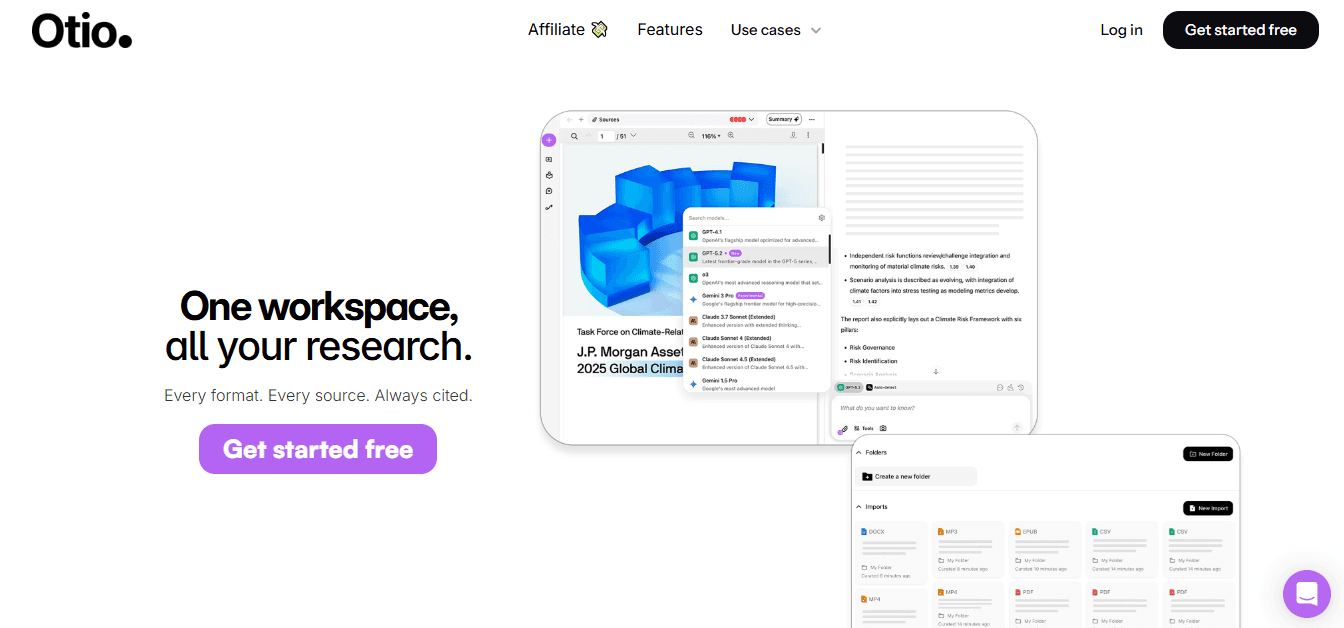
Otio brings together research and writing in one place for people who are tired of switching between browser tabs, note-taking apps, and ChatGPT. Instead of dealing with separate workflows that can lead to lost ideas and unclear citations, users work in a single environment that maintains automatic source connections. The platform supports different types of content all in one spot. Users can gather articles, PDFs, research papers, books, YouTube videos, and tweets without changing tools. Everything is in a central workspace, which helps generate insights, create source-based summaries, and write reports while keeping citation paths clear throughout.
Otio's AI chat feature lets users ask questions about their collected sources directly. Rather than looking through documents for important parts, you can ask questions and get answers pulled from your research materials, including inline citations that show where each claim comes from. This method speeds up the time it takes to collect information and understand its importance. The AI writing assistant produces drafts based on users' sources, making sure the text is not generic or disconnected from the research. Users no longer have to start with a blank page, trying to recall which document backed each argument. The system automatically references collected materials, maintains links between sources, and writes clearly.
2. Elicit

Elicit specializes in systematic literature reviews. It has workflows for screening, extraction, and synthesis. The platform performs semantic search across a large collection of academic papers, helping researchers find relevant studies without relying solely on keyword matching. The screening workflow supports semi-automated review processes. Users can set inclusion criteria, and Elicit helps filter papers based on those rules. This speeds up the initial sorting process, which usually takes weeks of manual work. The data extraction features extract specific information from papers and organize it into tables, making it easier to compare findings acrossstudies.
Citation transparency is very important. Elicit connects the extraction results to certain sentences in papers. This lets users check exactly where a claim originated, rather than just relying on a summary. This sentence-level grounding reduces the risk of misrepresentation, a problem with less careful AI tools. The platform can export results to CSV for further analysis and create preliminary reports to help get started. For research questions that require a tabular summary of evidence across many papers, Elicit offers the organization that manual processes struggle to maintain at scale. The right AI research and writing partner can significantly enhance your efficiency.
3. Scite
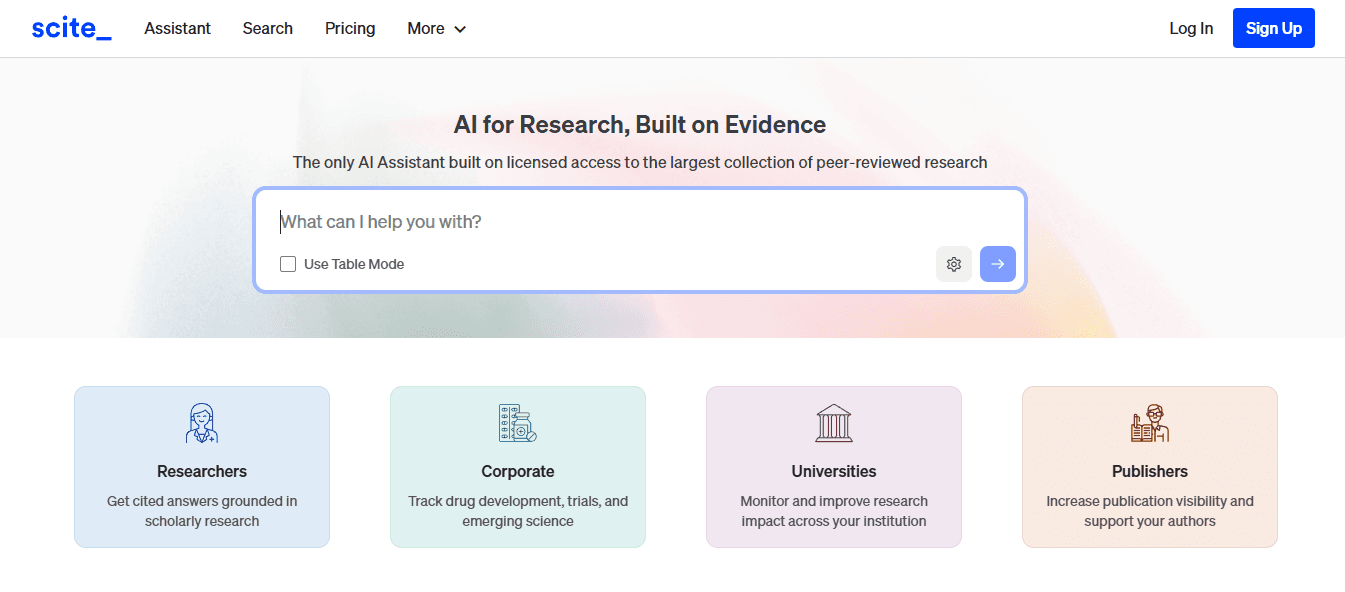
Scite checks how papers are cited by dividing the citation context into three categories: supporting, contrasting, or just mentioning. This helps reveal whether later research supported or questioned a finding, something that plain citation counts don't show. Most citation databases tell users how many times a paper was cited, but don't say whether those citations agree with its conclusions. Scite fixes this by looking at the text around the citations to find out the intent. A paper cited 100 times might seem authoritative until someone sees that 60 of those citations dispute its methodology.
The platform provides browser extensions and API access for automated analysis, allowing users to add citation context to larger research tasks. When checking the reliability of sources and understanding how certain findings have influenced others, Scite offers depth that regular metrics often overlook. While its classification accuracy improves over time, it can still miss subtle points in complex arguments where support and criticism appear in the same citation. The free version limits heavy use, prompting serious researchers to consider paid options. This tool works best as a helper to traditional literature reviews rather than as a replacement for reading the papers directly.
4. Consensus
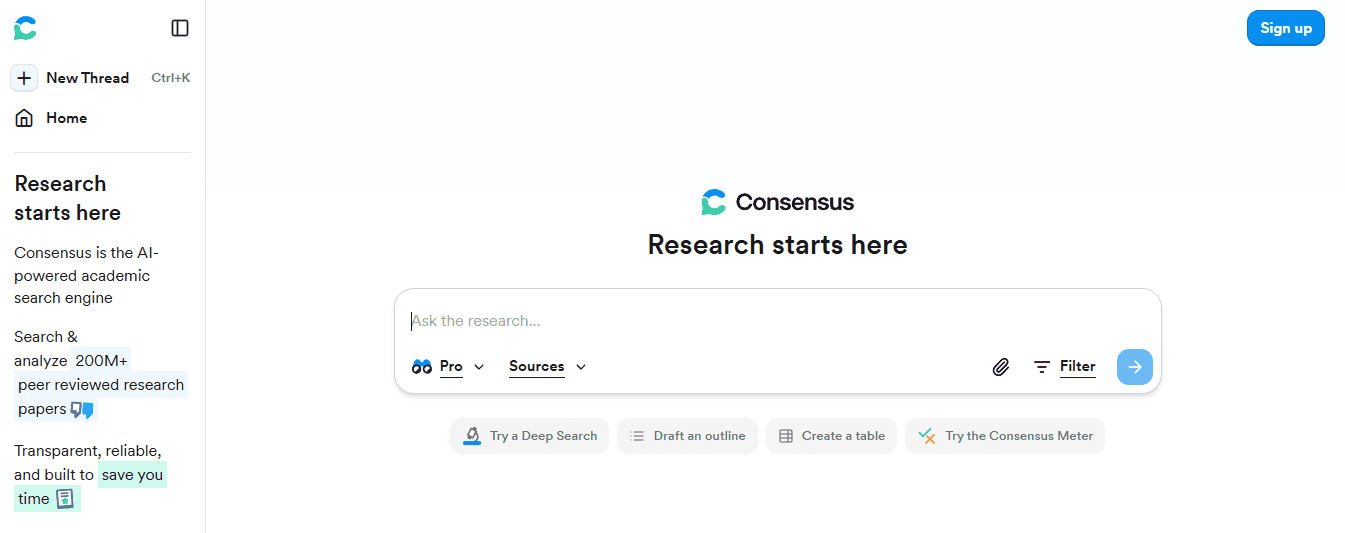
Consensus answers research questions by pulling together peer-reviewed literature into structured responses that include citations. You ask a question, the platform finds relevant papers, organizes them, and provides an answer based on those studies. The Consensus Meter feature provides quick overviews of yes/no claims and displays the overall balance of evidence across studies. Pro Analyses provide a more in-depth look at complex questions that cannot be answered with just yes or no. Hybrid retrieval and re-ranking improve the relevance of results compared to basic keyword searches.
The platform makes it faster to understand unfamiliar research topics. Instead of spending hours reading abstracts to grasp what is known, you get a summarized answer with clear links to the original studies. This compression of information is important when looking into new subjects under tight deadlines. Consensus does not replace expert reviews. Sometimes, classification errors may occur, and full-text limits mean that some relevant papers might not appear if they are behind paywalls or not included in the indexed collection. The tool is most effective for initial exploration rather than final evidence assessment in important decisions.
5. OpenAI Deep Research
Deep Research works as an autonomous agent inside ChatGPT. It plans multi-step web research and gathers organized findings with citations. Users submit a research question, and the agent reviews sources, combines information, and creates a report with a list of sources. The July 2025 update added a visual browser mode that shows the agent's navigation in real time. This makes the research process clearer. The added visibility helps users see which sources led to specific conclusions, reducing the feeling of a black box that can make it hard to trust AI-generated research.
The tool is great for exploring new markets, competitor landscapes, and topics driven by news, where recent information is very important. For questions that require gathering current web content rather than academic literature, Deep Research significantly shortens timelines. Verification is key. Like any web research agent, Deep Research can misinterpret sources or draw overly general conclusions. Quotas vary by subscription tier, limiting the number of research sessions users can run each month. The tool works best for research that needs to be done quickly, where users plan to check important claims on their own.
6. Google NotebookLM
NotebookLM functions as a source-grounded assistant for personal materials. Users can upload PDFs, Google Docs, URLs, and YouTube videos. The platform then performs a deep semantic search across these sources to generate summaries, study guides, flashcards, and briefings. Every output includes inline citations linking back to the uploaded materials. This feature ensures users can trace claims to their origins. Such grounding significantly reduces the risk of hallucinations compared to generic chatbots that generate text without reference materials. The platform excels in handling internal knowledge bases and course materials where users control the source corpus.
NotebookLM produces structured study sets and mind maps that help to organize complex information efficiently. For teams working within Google's ecosystem, integration with Workspace tools makes collaboration easy. However, permissions and sharing must be carefully configured to avoid unintended access to sensitive materials. The platform works best when research materials are already in digital formats that fit with Google's infrastructure. For organizations outside of Google Workspace or those needing advanced collaboration features, NotebookLM's effectiveness may be less. The tool is designed for source-grounded analysis rather than for open-ended web research.
7. Perplexity AI
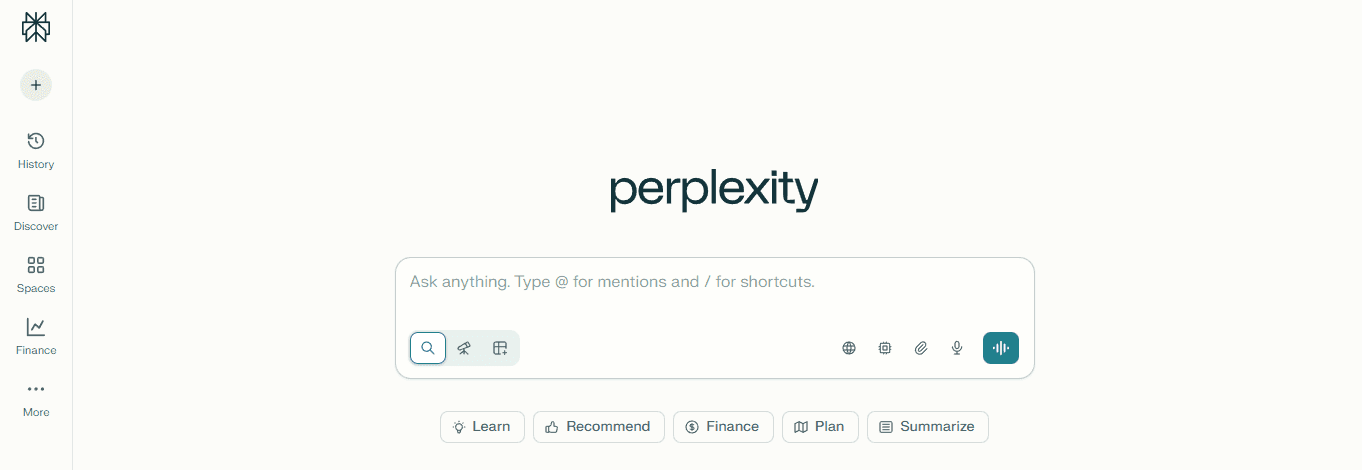
Perplexity provides live web answers with citations, multi-model access, and collaborative Spaces for shared research. Pro Search and Research Mode offers deeper analysis than standard queries. The 'Best' setting automatically selects the most capable model for each question. The tool's file upload capabilities let users analyze documents along with web research. This means you can integrate your personal materials with current information. Spaces help teams work together on research projects. They enable sharing queries and sources within a unified workspace. For exploratory competitive research and quick orientation to new topics, Perplexity significantly shortens discovery timelines. Daily limits and model access vary by tier. Pro offers moderate usage at $20/month, while Max raises quotas to $200/month. Export features keep getting better, but they are still basic compared to dedicated research platforms. Overall, the tool works best for quick, citation-rich answers when users need current information more than extensive archival research.
8. Whatagraph
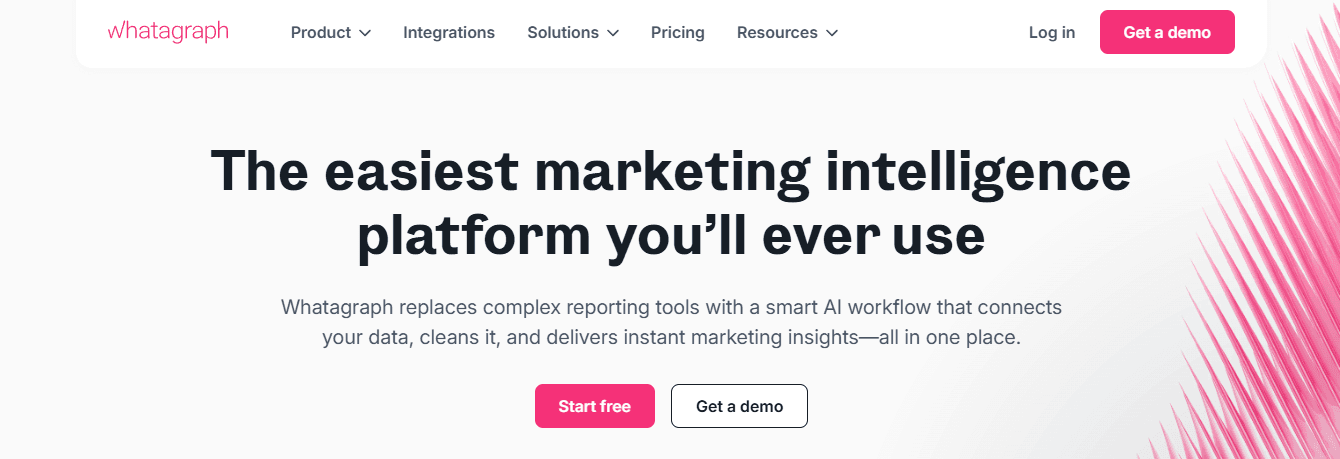
Whatagraph specializes in marketing reporting with over 55 direct integrations and automated delivery. The platform easily combines data from multiple marketing platforms, generates AI summaries with Whatagraph IQ, and sends live links or PDFs on a set schedule. For agencies handling many client campaigns, Whatagraph removes the need for manual data gathering. Users can connect data sources once, set up report templates, and schedule automated delivery. This way, recipients get updated reports without the trouble of manual exports or formatting.
The AI summary feature provides natural language explanations of performance trends, making reports easier to understand for non-technical stakeholders. With BigQuery and Google Sheets connectors, integration options go beyond the 55 native platforms, ensuring coverage for most marketing technology systems.
Even though credit-based pricing per data source can raise costs as more integrations are added, filtering options and customization vary by plan. Advanced features are available only for higher tiers. This platform is especially useful for regular campaign reporting, where the benefits of automation justify the cost based on data sources.
9. Skywork AI
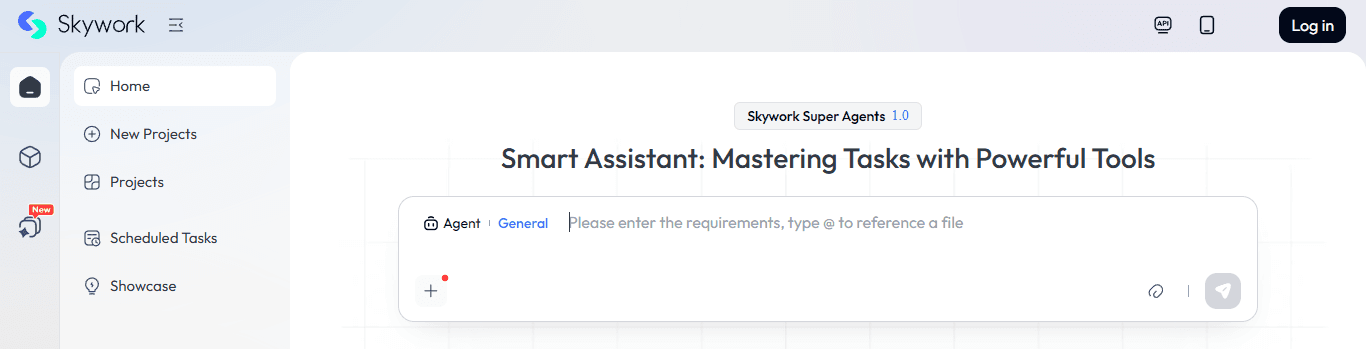
Skywork AI transforms prompts into structured documents, slides, and sheets, complete with research-backed summaries and citations. The platform supports multimodal outputs. This means users can move from first drafts to polished deliverables across different formats without switching tools. Research agents quickly scan sources to produce summaries suitable for academic-grade work. For teams that need fast, structured outputs with citations and deliverables in various formats, Skywork significantly reduces production time.
The ability to create documents, presentations, and spreadsheets from a single prompt reduces the need for format conversion. Independent performance benchmarks are still limited. This makes it hard to compare output quality with established alternatives. The platform works best when used alongside a verification step for sensitive topics where accuracy matters more than speed. For routine reporting, where structure is more important than new insights, Skywork provides solid acceleration.
10. Gumloop
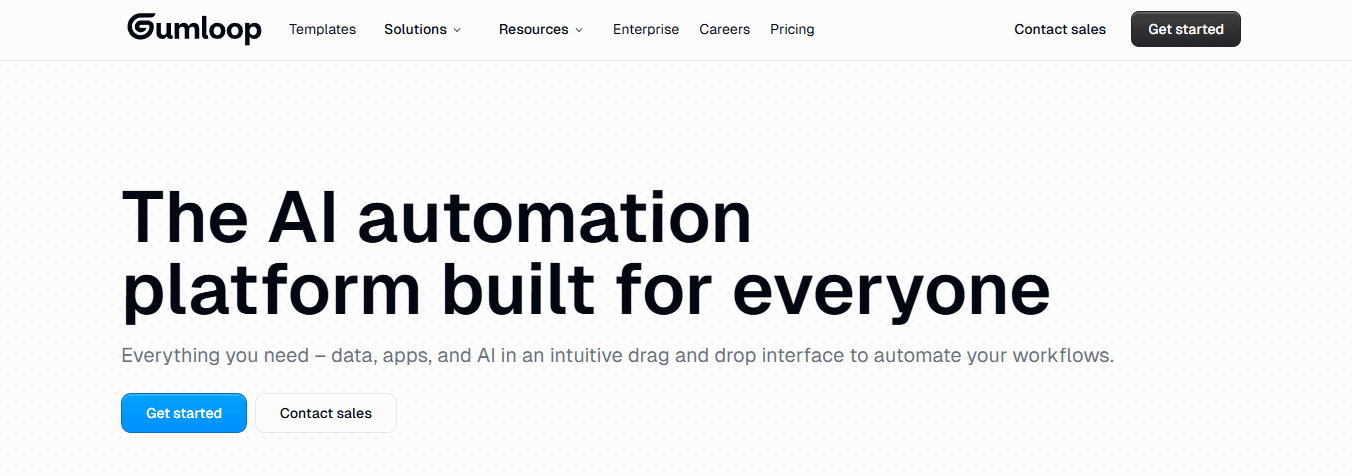
Gumloop enables no-code workflows for scraping, extraction, and report pipelines. Users can record browser flows using a Chrome extension. They can easily extract data from pages and PDFs, then send the results to LLMs and connected apps like Gmail, Drive, Slack, Notion, and Airtable. The platform effectively connects messy web data with organized report inputs. For teams that need to monitor competitor websites, track regulatory updates, or gather information from multiple online sources, Gumloop automates collection and initial processing.
Templates and team workspaces help standardize pipelines across organizations, ensuring consistent data handling. Also, the tool is user-friendly for non-developers, making automation easier than with traditional scraping scripts. Pricing is based on a credit system that changes over time, making it harder to predict costs for high-volume use. Advanced scraping might not work well when target sites change their structure, so ongoing monitoring and adjustments are needed. The platform is best suited for structured, repeatable data collection rather than one-time research projects.
11. Lindy
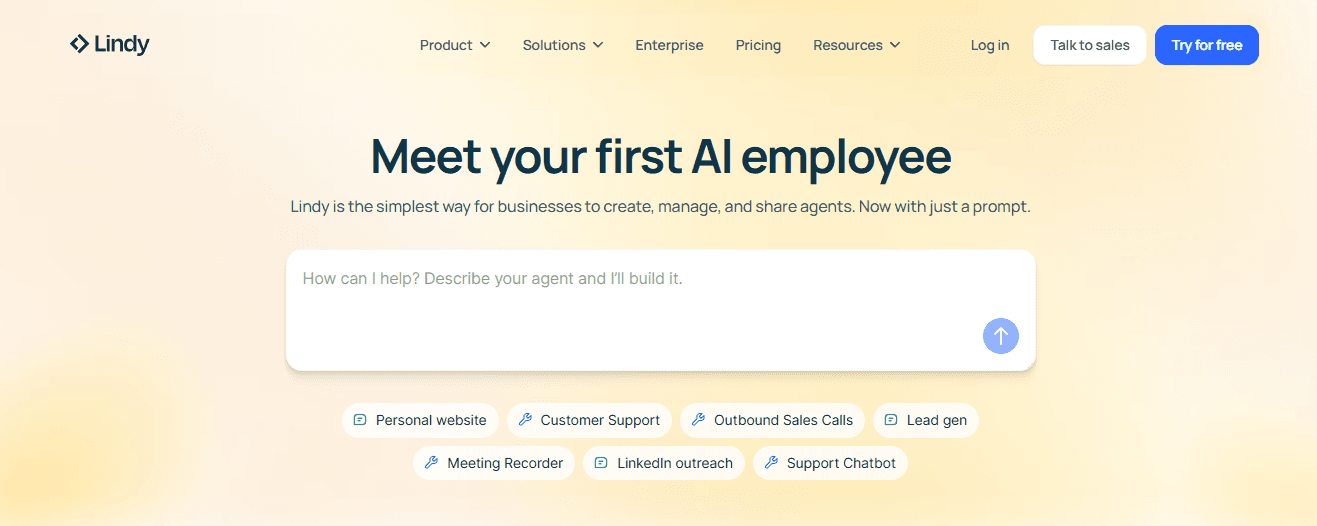
Lindy builds task-oriented AI agents that carry out multi-step workflows across email, calendar, CRM, and more than 50 integrations. The goal-first agent builder lets users define outcomes rather than program specific steps. These agents work well together to handle complex operations. For teams that manage regular reporting tasks, including communication, scheduling, and data collection, Lindy helps automate the work involved.
Users tell the system what needs to happen, while agents do the workflow and let users know when they need to step in. Credit-based execution can often seem unclear, making it hard to predict costs for new workflows. Also, the integration options are fewer than those of general automation platforms like Zapier or Make. This limitation makes it harder to connect with niche tools. Lindy works especially well for operational and reporting tasks within the apps it supports.
12. Make.com
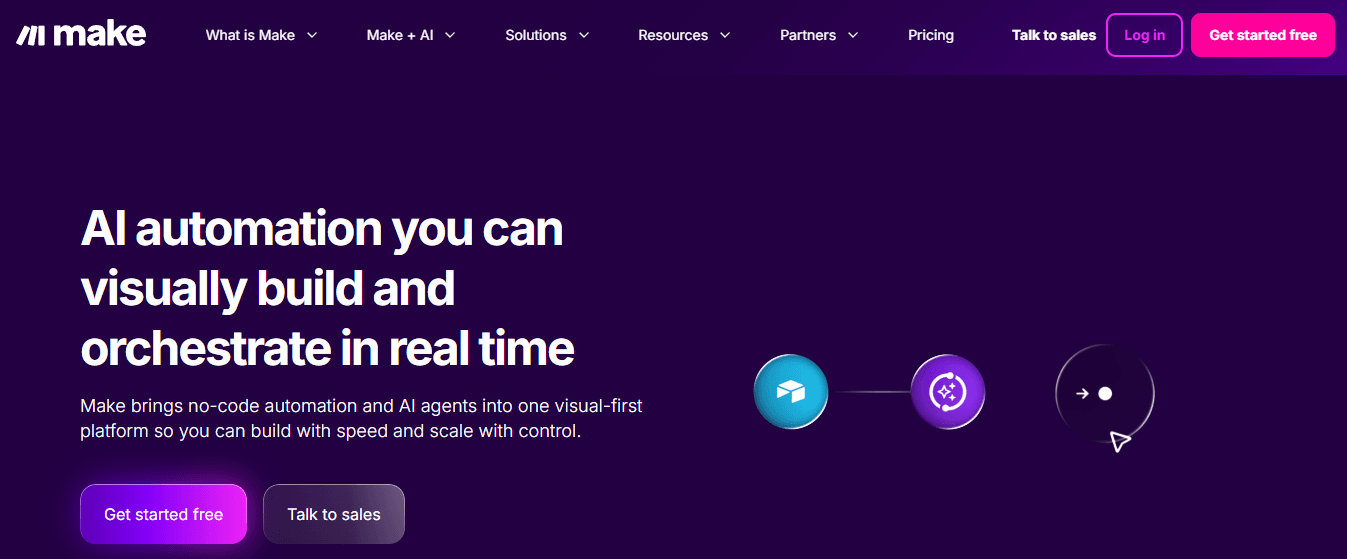
Make.com organizes multi-app workflows that collect data, perform AI analysis, and share results in Google Docs or Slides. The visual builder uses routers, filters, and scheduling to create complex automation without needing any code. Reporting automation templates are great starting points for common workflows, like weekly performance summaries or monthly client reports. The platform demonstrates its maturity through robust error handling and monitoring that spot problems before they escalate. In 2025, the change to credit-based billing replaced the old operations model, making cost predictions more complicated. Careful tracking of complex flows is important to prevent unexpected credit use. For regular weekly or monthly reporting, when workflows stay consistent, Make offers reliable orchestration that outperforms manual methods.
How to evaluate the best report writing tools?
Knowing which tools exist is just the beginning; it does not help you evaluate them against your specific needs. Understanding the criteria that matter becomes vital, especially when the stakes are high.
Related Reading
How to Choose the Best AI for Report Writing

The right AI tool for report writing depends on your specific needs. Those putting together academic literature with citation accuracy require different features than those automating weekly marketing dashboards or collecting competitive intelligence from online sources. A common mistake is to focus solely on features rather than aligning the tool’s design with workflow needs. Start by outlining your actual process. Do you collect data from several, separate systems? Is real-time web gathering or historical document review important? Are you creating one-time research briefs or regular reports with consistent formats? The answers to these questions will help you understand which features are important and which might just be distractions.
Can the AI tool access all your information?
The first question is whether the tool can actually access your information. Can it pull data from CRMs, ERPs, cloud storage, databases, and third-party APIs without needing manual exports? Tools that make users download CSVs, reformat files, and upload them one by one create bottlenecks that undo the benefits of automation. Look for platforms that can handle both structured and unstructured inputs. Your report might need sales figures from Salesforce, customer feedback from support tickets, market research from PDFs, and competitive analysis from websites. If the tool only works well with one format, you will have to manually combine the data again.
What matters more, integration depth or count?
Integration depth matters more than integration count. A platform with 100 connectors may look impressive; however, half of them might require custom setup, while the other half just sync data without context. The important question is not how many sources connect, but whether those connections keep metadata, relationships, and timestamps that make the data understandable.
How advanced is the reporting capability?
Basic reporting tools create charts and tables. In contrast, advanced platforms use machine learning to identify patterns that users may not have explicitly asked about. This difference is especially important during unusual events. A simple dashboard can show a spike, but an intelligent system will highlight it, compare it to past patterns, identify possible causes, and suggest investigative paths.
Can the tool forecast trends and adjust predictions?
Forecasting separates reactive reporting from strategic planning. Can the tool project trends based on historical data? Does it adjust predictions when new information arrives? According to the Skywork AI Blog, the 12 best AI tools for automated research emphasize research-backed summaries and citation accuracy. However, fewer platforms combine predictive analytics with document synthesis. You need both of these capabilities if your reports are meant to support forward-looking decisions rather than just record what has already happened. An AI research and writing partner can be invaluable in this regard.
Does the tool offer anomaly detection?
Anomaly detection helps prevent the embarrassing scenario in which quarterly reports miss important changes in performance amid seasonal patterns. Automated alerts identify these unusual cases while reports are being prepared, ensuring stakeholders are aware of them before they see the final version and ask why the obvious discontinuity wasn't addressed. Having an AI research and writing partner can enhance your ability to detect and respond to these anomalies swiftly.
How does role-based access work?
Reports contain sensitive information. Role-based access ensures that finance teams see the full cost breakdowns, while department heads only see their specific budget allocations. This targeted access helps keep data management secure. Collaboration features let multiple contributors add context, flag errors, and suggest changes without the trouble of emailing Word documents back and forth. This often causes problems with version control.
What collaboration features enhance report writing?
How do threads attached to specific sections preserve context more effectively than separate email discussions? When someone questions a data point three weeks after publication, inline comments show exactly what was debated and why decisions were made. This audit trail is important for industries with many rules, as it helps demonstrate the review processes.
How secure are the sharing options?
Secure sharing options determine who can view, modify, or export reports. Public links with expiration dates work well for outside stakeholders. Restricted access, along with authentication requirements, keeps proprietary analysis safe. The ability to change permissions for each report means that users do not have to choose between completely locking everything down or exposing sensitive data.
How does speed influence tool choice?
Speed matters differently depending on the report cadence. For example, if summaries are generated monthly, a tool that takes 30 minutes to process the data is okay. However, if real-time dashboards need to be updated every 15 minutes, that same 30-minute processing time creates unacceptable lag.
How does dataset growth affect performance?
Dataset growth tests platform architecture. A tool that manages 10,000 rows easily might struggle at 10 million. It's important to determine whether performance slows gradually with more data or if there are sudden drops, leading to sharp increases in processing time. The Type.ai Blog's 2025 Buyer's Guide mentions that 200,000 tokens is an important context window for AI writing tools. This limit determines whether the system can handle detailed source materials or needs to break them up, which can make analysis harder.
How does on-demand generation benefit users?
On-demand generation divides static reporting from dynamic analysis. Stakeholders can ask for custom date ranges, filter criteria, or comparison periods without waiting for reports to be manually set up again. These self-service features greatly reduce delays because each report type does not require analyst assistance.
Is the tool user-friendly for non-technical users?
Non-technical users often leave tools that need scripting knowledge or complex setups. The interface should clearly show common tasks and also make advanced features easy to find. This way, users won't struggle with a tough learning curve.
How important is onboarding quality?
Onboarding quality significantly affects adoption rates. Platforms that offer interactive tutorials, contextual help, and example templates help users become productive faster. On the other hand, those that throw users into empty workspaces with little guidance make the onboarding experience harder. It's important to see whether support includes live assistance or relies solely on documentation, and whether the documentation requires technical skills users might not have.
How does cross-departmental usability affect implementation?
Cross-departmental usability determines whether a tool becomes standard infrastructure or remains within a single team. If finance can use it but operations cannot, separate systems are maintained rather than combining workflows. The best tools work well for different skill levels, ensuring that the capabilities of advanced users are not lost.
What common mistakes do people make in tool selection?
Many people choose tools by looking at feature checklists. They often forget that how well the tools are used matters more than the features alone. Knowing the evaluation criteria is important, but it doesn't fully prepare someone for when the selection process goes wrong.
Still Writing Reports Manually? That’s Where Errors, Delays, and Burnout Start.
Writing reports by hand takes time you can never get back and can lead to mistakes that compound with every decision afterward. The comfort of controlling every word comes at a cost that many people don’t see until deadlines push them to realize how weak the process really is. You aren’t just writing more slowly; you’re making it easier for mistakes to hide until someone else finds them.
Switching to AI-assisted workflows isn’t about trusting machines more than people; it’s about understanding where human judgment adds value and where it creates friction. Moving data between systems, changing citation formats, and maintaining consistency across 50 pages drain mental energy without giving you insights. When you spend 12 hours on a report, how many of those hours are spent on actual analysis rather than busywork?
Most people create reports by opening many browser tabs, switching between note-taking apps and ChatGPT, copying bits into documents, and hoping to remember where each piece of information came from. As the number of sources grows and deadlines get tighter, this scattered method creates slowdowns. Context gets lost between tools, and citations become vague instead of precise. The mental strain of managing many different tools takes away the focus needed to understand and combine information.
Tools like Otio bring research and writing together in one workspace. With this platform, users can pull insights from various documents, create summaries based on sources, and keep track of citations without changing setups. Instead of juggling scattered tasks, you can work in one place that automatically maintains connections between sources. This method shortens research and writing time from days to hours, while also reducing mistakes caused by disorganized processes.
The question is no longer whether to use AI for report writing; that change has already happened. The important choice now is whether to use tools specifically made for research tasks or to keep trying to adapt general chatbots that weren't designed for source-based analysis. Speed is important, but trust is even more crucial. Reports that lack reliable citations or include made-up references can hurt credibility faster than a slow turnaround ever could. Your next report doesn’t have to take 15 hours. It shouldn't have formatting mistakes or citation errors. The tools are available to speed up work and enhance its quality. What’s lacking isn’t ability; it’s the readiness to let go of old methods that no longer benefit you.
Related Reading
How To Use Ai For Literature Review
How To Write A Research Summary
Best Report Writing Software
How To Format A White Paper
How To Write Competitive Analysis
How To Write A Case Study
Document Generation Tools
How To Write A Market Research Report
How To Write A White Paper
How To Write A Literature Review
Best Ai For Literature Review



