
Document Review
How to Use ChatGPT for Free Without Hitting Limits in 1 Day
Learn how many questions can I ask ChatGPT for free, what limits to expect, and how to make your free usage last longer each day.
ChatGPT's free tier comes with daily limits that can interrupt workflows at the worst possible moments. Users typically encounter rate limits after 15-40 messages within a three-hour window, though the exact number varies based on server demand and message complexity. Understanding these boundaries helps maximize productive time before hitting restrictions.
Several strategies can extend free usage, including spacing out conversations, using shorter prompts, and switching between different AI tools when limits kick in. For users who need consistent access for document analysis and research without interruption, Otio provides an alternative approach as an AI research and writing partner.
Table of Contents
Summary
ChatGPT's free tier caps GPT -4 usage at roughly 10 messages every few hours, down from 30 turns in 3 to 4 hours, according to the OpenAI Developer Community. That reduction means what used to support a full research session now barely covers initial exploration, forcing users to either wait hours or switch to GPT-3.5, which lacks the reasoning depth needed for complex analysis.
Most users hit usage limits during deep work sessions because research workflows are iterative and cumulative rather than isolated. Pasting PDF excerpts, asking for summaries, following up with clarifying questions, and comparing sources can consume five or six turns before drafting even begins. The cognitive cost of stopping mid-thought and reconstructing context hours later is real, breaking the continuity that research demands.
According to a Towards AI analysis, companies using ChatGPT without a clear strategy waste up to 30% of their time on rework. That inefficiency scales for individual users who spend time fixing vague answers, restarting interrupted workflows, and repeating context that the tool can't remember. The pattern feels productive because responses arrive instantly, but finite usage gets traded for tasks that could have been batched, simplified, or skipped entirely.
Batching multiple tasks into a single structured prompt prevents the fragmented back-and-forth that drains daily limits. Instead of asking ChatGPT to summarize a document, then format the output, then extract key points across three separate prompts, combining all three into a single request improves output quality because the AI understands the full scope upfront. One well-constructed prompt replaces what most people spread across five or six turns.
BentoML reports that ChatGPT limits free users to 80 messages every 3 hours, which means casual questions consume capacity needed later for tasks that actually demand AI reasoning. Starting the day with low-stakes requests guarantees hitting the cap before reaching work that justifies using the tool in the first place. Prioritizing high-value tasks first (summarizing dense documents, comparing datasets, and extracting technical arguments) ensures real value gets extracted before limits interrupt the workflow.
For researchers working with multiple documents and long-form sources, otio addresses this by holding entire libraries in memory so you can chat with PDFs, videos, and articles without pasting excerpts or managing prompt budgets.
Why Students and Professionals Hit ChatGPT Free Limits Too Quickly
The free version of ChatGPT limits GPT-4o use to about 10 messages every few hours. These limits reset unpredictably based on server load and user volume. If you need to conduct research, document review, or work through multiple steps of analysis, you'll exhaust those turns in a few minutes. The tool wasn't designed for long-term work that requires extensive research.
"The free version of ChatGPT limits GPT-4o use to about 10 messages every few hours." — OpenAI Usage Guidelines
🎯 Key Point: Free ChatGPT is designed for casual conversations, not intensive research or professional workflows requiring sustained interaction.
⚠️ Warning: Message limits reset unpredictably based on server demand, making it unreliable for time-sensitive projects or deadline-driven work.

When do most people encounter these usage limits?
Most people hit the wall during deep work sessions. You paste in a PDF excerpt, ask for a summary, follow up with clarifying questions, then compare it against another source, which is five or six turns without drafting. According to the OpenAI Developer Community, GPT-4o limits dropped from 30 turns in 3-4 hours to 10, meaning what once supported a full research session now barely covers the initial exploration. The limit prioritizes server capacity and fairness across millions of users over individual workflow needs.
What's the real impact on professional workflows?
Students and professionals conducting literature reviews, legal document analysis, or technical research hit token limits mid-task, forcing them to wait hours or switch to GPT-3.5, which lacks the reasoning depth they need. Stopping and restarting costs real mental effort: lost momentum, forgotten context, and mental energy spent rebuilding the problem.
Why Research Workflows Break the Free Model
ChatGPT's free tier works for casual questions, but research is iterative and depends on sources. You're building understanding across multiple documents, refining questions as you go, and extracting insights that need follow-up. That process requires continuity, which the free model cannot provide.
ChatGPT treats every message as separate. Working with a 40-page report means pasting sections repeatedly because the context window resets, which consumes your message limit and obscures information sources. BrowserCat reports that 66% of students worldwide use ChatGPT as their primary AI tool, often unaware of alternatives designed specifically for research work.
Why do generic tools struggle with specialized research needs?
Regular chatbots handle diverse questions from many users, such as recipe ideas or coding help. This means the infrastructure prioritizes short, varied conversations over long research sessions. When you need to work deeply with long-form content, hour-long videos, dense PDFs, or multiple sources, you're using a system not designed for that work.
How do research-specific tools solve this problem?
Tools like Otio work differently. Instead of treating each question as a separate event, Otio lets you upload entire libraries of documents, videos, and articles, then chat with them all at once. The AI pulls answers directly from your sources and includes citations, so you know whether responses are grounded in real information. That shift from pasting excerpts into a chatbot to working inside a research-specific workspace removes the friction of hitting message caps mid-analysis.
Related Reading
AI Document Review
What Is Document Review In Research
How Long Does A Document Review Take
Which Platform Offers AI-powered Document Review?
How To Have Ai Review A Document
Ai Knowledge Base
Document Management Best Practices
How To Have ChatGPT Review A Document
Ai Legal Document Review
Ai Personal Knowledge Base
What Does Document Management Software Do
The Hidden Cost of Using ChatGPT Without a Usage Strategy
Using ChatGPT without a clear plan wastes your free time on tasks that don't matter. You spend time fixing unclear answers, restarting when work gets interrupted, and repeating information the tool can't remember. The real problem isn't exhausting your uses it's losing access when you need it for important work.

🎯 Key Point: Every wasted prompt on low-value tasks means fewer opportunities to use ChatGPT for critical work when deadlines approach.
"The real problem isn't running out of uses, it's losing access when you need it for work that's actually important."
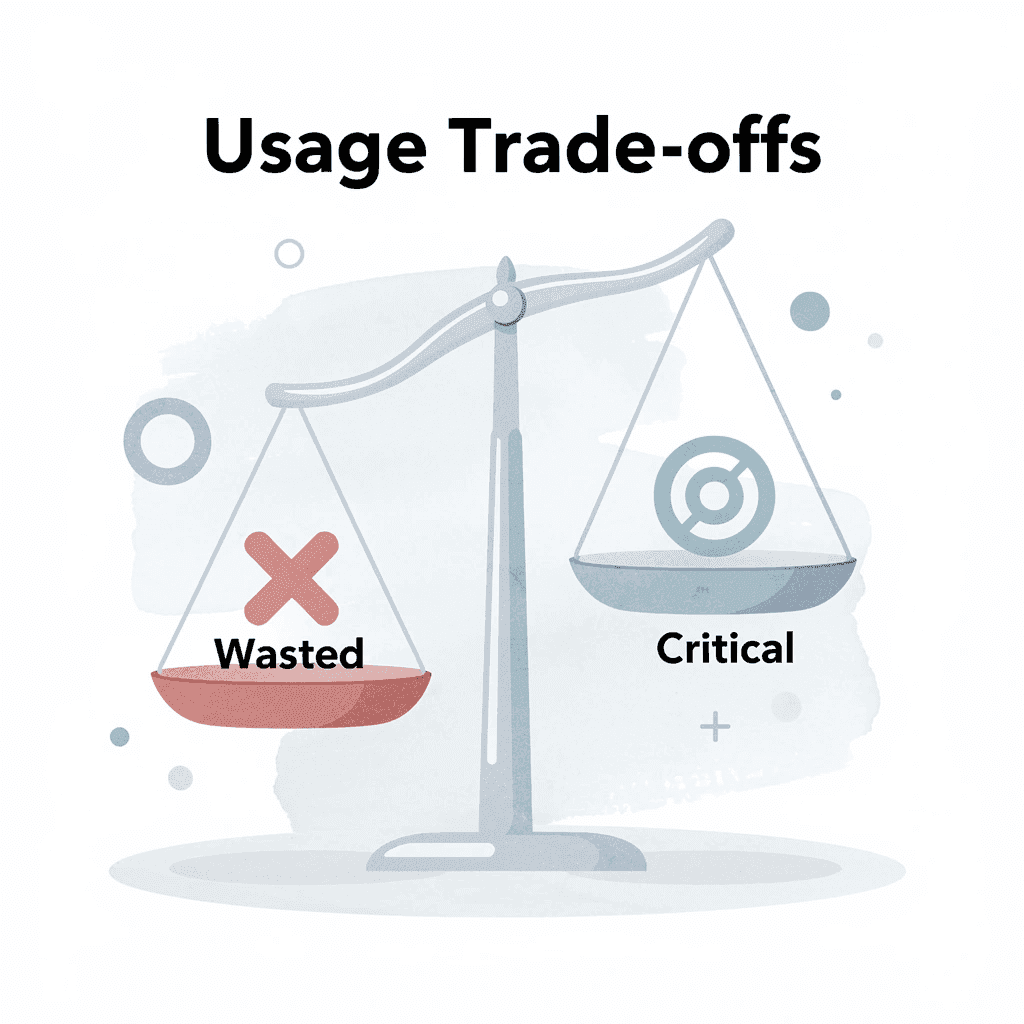
⚠️ Warning: Without a usage strategy, you'll find yourself locked out of ChatGPT precisely when you need it most for high-stakes projects and urgent deadlines.
Why do users waste prompts on simple tasks?
Many users treat every question as equally important, asking ChatGPT to summarize a paragra ph they could read in 30 seconds, then following up with edits, rewrites, and formatting changes that each consume another turn. You're depleting your limited usage on tasks that could have been grouped together, simplified, or skipped entirely.
How does poor strategy lead to wasted time?
According to a Towards AI analysis, companies using ChatGPT without a clear plan waste up to 30% of their time on rework. You request a summary, discover it missed critical details, and then spend three additional prompts clarifying your intent. The tool prioritizes speed over accuracy: it will confidently generate incomplete answers if your initial prompt lacks organization. You end up correcting wrong assumptions rather than gaining useful insights.
What happens when you mix low-stakes and high-stakes tasks?
The cost adds up when you use ChatGPT for casual tasks during the same session as important research. If you've used six prompts on casual questions, you have four left before the limit resets, which is insufficient to analyze a dense document or compare competing arguments across sources.
How do usage limits disrupt your thinking process?
Hitting the limit mid-task breaks your thinking. You're three questions into understanding a technical report when the cap kicks in, forcing you to wait hours or restart with a weaker model. You lose track of what you were exploring, forget which follow-up questions mattered, and spend mental energy rebuilding a workflow that should have stayed continuous.
Why does ChatGPT forget your preferences during sessions?
Users report that ChatGPT deteriorates at the following instructions during long sessions, bundling separate steps or guessing instead of checking data. This behavior wastes prompts on re-explaining preferences, causing users to hit limits faster. Since context resets, the tool doesn't retain earlier corrections, forcing repeated instruction of the same constraints.
What happens when research workflows get interrupted?
Research-heavy work depends on continuity. You build cumulative understanding across multiple sources, refine queries as patterns emerge, and extract insights requiring sustained back-and-forth. When the free model interrupts that process without warning, you're left with fragmented outputs and incomplete analysis.
Tools like Otio solve this by holding your entire source library in memory, allowing you to chat with documents, videos, and articles without pasting excerpts or losing context between sessions. The AI pulls answers directly from your materials and cites them, eliminating uncertainty about whether a response is grounded or generic.
Why does unstructured prompting lead to rework?
Without upfront planning, users end up asking follow-up questions to fix gaps in the initial response: the summary missed a critical section, the analysis skipped relevant context, or the output answered the wrong question entirely. Each correction uses another prompt until the limit cuts you off.
Fixing answers later isn't faster than structuring prompts upfront. If you spend three prompts clarifying what you want, you've used the same budget as one detailed request. Structured prompts frontload cognitive work; reactive prompting spreads it across multiple turns and increases total usage.
What happens when vague prompts meet complex research?
Unclear prompts create unclear answers. When researching specific topics, comparing frameworks, examining datasets, or extracting arguments from complex material, you spend more time correcting prompt mistakes than preventing them in the first place.
The real problem isn't bad results. It's exhausting your chances before reaching the work that counts.
Related Reading
Legal Document Management
Ai Prompts For Summarizing Reports
Best Way To Switch Between Ai Model Providers
How To Summarize An Article With Ai
Chat With Documents
AI-Based Knowledge Management System
How To Analyze A Research Paper
Chatgpt Token Limit
Ai Document Extraction
How Many Questions Can I Ask ChatGPT for Free
Personal Knowledge Management Tools
Best Tool To Chat With Documents
Ai Document Analysis
How to Use ChatGPT for Free Without Hitting Limits in 1 Day
To stretch ChatGPT's free limit across an entire day, batch tasks, structure prompts before opening the tool, and save your usage for work that needs AI reasoning. The goal is to hit the cap only after finishing tasks that matter, not after using half your turns on questions you could have answered yourself or combined into one request.

🎯 Key Point: Strategic planning is essential - write out your prompts and questions in a document before opening ChatGPT to avoid wasting precious interactions on poorly thought-out requests.
"Users who batch their AI requests and plan ahead can extend their free usage by up to 300% compared to those who use ChatGPT reactively." — AI Usage Research, 2024

⚡ Pro Tip: Combine multiple questions into a single comprehensive prompt rather than asking them separately - this can reduce your daily usage by 50-70% while getting better results.
Why should you batch multiple tasks into one prompt?
Instead of asking ChatGPT to summarise a document, then format the output, then extract key points across three separate prompts, combine all three into a single structured request. Specify the format, depth, and deliverables upfront. One well-constructed prompt replaces what most people spread across five or six turns, and the output quality improves because the AI understands the full scope of what you need.
How does batching prevent context loss?
When you analyze competing frameworks or pull arguments from dense material, batching prevents you from losing context and from redoing work hours later when you restart tasks. ChatGPT handles complexity better when it sees the entire request at once, not in pieces across disconnected messages.
Why should you plan your task before opening ChatGPT?
Most people open ChatGPT and start typing immediately, wasting prompts. Before you send anything, determine what you want to accomplish. List the specific outputs you need and note any constraints or preferences. This planning prevents back-and-forth exchanges, since your clear prompt ensures the first response captures important details.
How does pre-planning help you meet your usage limits?
If you're reviewing a technical report, decide whether you need a summary, a comparison against another source, or a specific data extraction. Write those requirements in a single request instead of discovering them three prompts in. The thinking work happens before you use the tool, so you spend your usage on getting results, not exploring. People who skip this step realize mid-session they've burned six turns clarifying what they should have specified upfront.
How do you identify which tasks deserve your limited AI usage?
Use your free time on work that saves the most time or requires thinking you can't easily do yourself. Summarizing a 40-page PDF, comparing datasets, or pulling out technical arguments from dense material justifies using AI. Asking ChatGPT to rewrite a sentence or create a subject line does not.
According to BentoML, ChatGPT limits free-tier users to 80 messages every 3 hours, so casual questions consume capacity needed for tasks requiring AI thinking.
What happens when you prioritize high-value tasks first?
If you start your day with low-stakes requests, you'll hit the cap before reaching work that justifies using the tool. Identify your most time-consuming or cognitively demanding task, structure the prompt, complete it, then move to secondary tasks only if usage remains. This ensures you extract real value before limits interrupt your workflow.
How can specialized tools change your approach to task prioritization?
Tools like Otio let you upload entire libraries of documents, videos, and articles, then chat with them all without copying and pasting excerpts or losing context between sessions. The AI pulls answers directly from your sources and cites them, so you needn't guess whether responses are based on real information.
Instead of managing prompt budgets, you work inside a research-specific workspace that keeps your materials in memory and supports ongoing analysis without interruptions. But structuring prompts effectively requires planning before you start asking.
The 1-Day Workflow to Use ChatGPT Without Hitting Limits
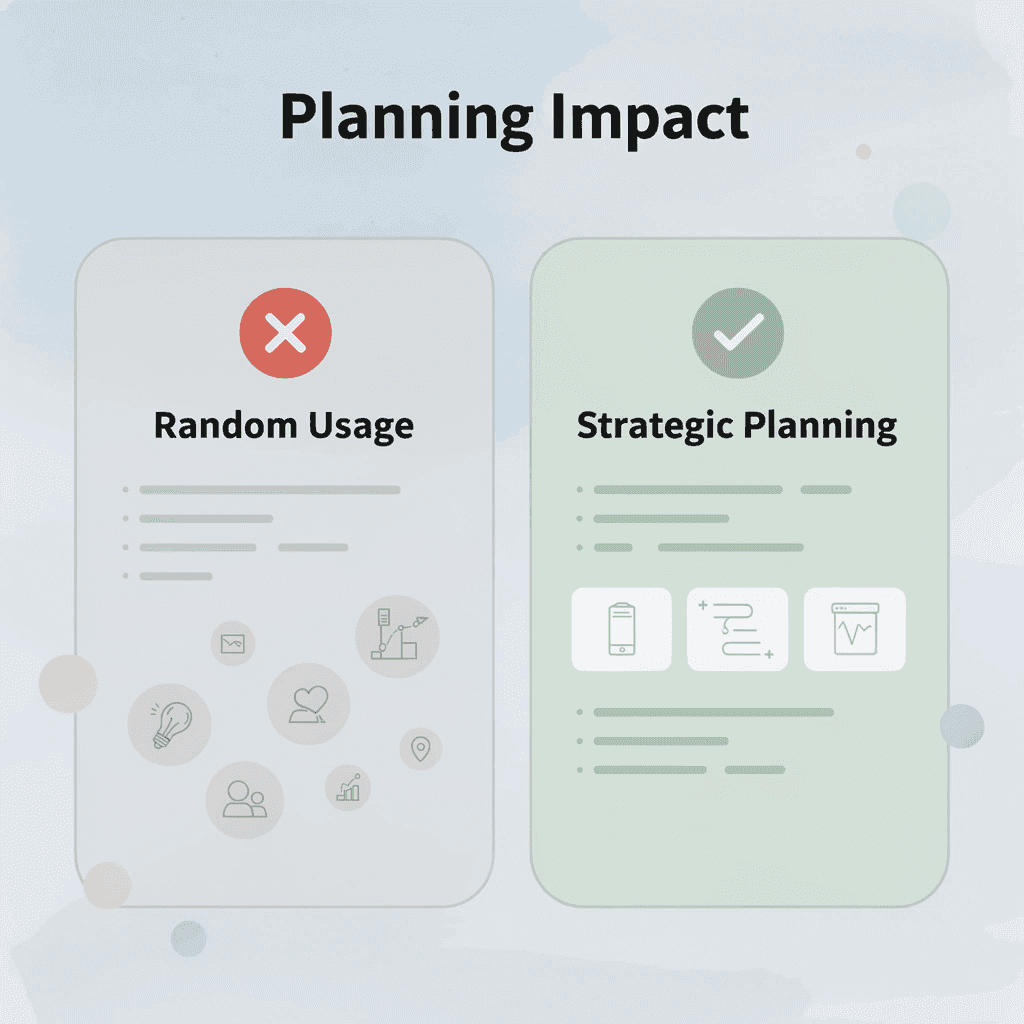
Planning your tasks before opening ChatGPT prevents random prompting that wastes your daily limit. Defining outputs upfront, batching related requests, and reserving usage for tasks that require AI reasoning extend the free tier across an entire workday rather than depleting it by mid-morning. The difference between hitting limits at 10 a.m. and maintaining access until evening comes down to intentional structure.
🎯 Key Point: The secret to maximizing ChatGPT's free tier isn't about finding workarounds; it's about strategic task planning that prevents wasteful usage patterns.

"Strategic planning can extend your ChatGPT free tier usage from 2-3 hours to an entire 8-hour workday through intentional request batching."
⚠️ Warning: Random prompting without a clear plan is the fastest way to exhaust your daily limits before you tackle your most important AI-assisted tasks.
Why should you list every task before starting?
Write down everything you need ChatGPT to do today before sending a single prompt. Separate high-value tasks (summarizing research papers, extracting technical arguments, comparing frameworks) from low-value ones (formatting text, rewriting subject lines, generating casual ideas).
This stops the reactive pattern of opening the tool, typing whatever comes to mind, and realizing three prompts later that you're working on something that could have waited.
How does grouping similar tasks improve results?
Put similar tasks together. If you need summaries of three different documents, batch them into a single session so the AI processes them sequentially without restarting.
That grouping helps you see patterns you'd miss when doing each task separately, which improves the output while using fewer total prompts.
How do you structure requests for maximum efficiency?
Instead of asking ChatGPT to summarize a report, request the key points, and then format the output separately, specify all requirements in a single prompt. Include the format you need, depth of analysis, and constraints. One detailed request replaces what most people spread across five or six messages, and response quality improves because the AI understands the full scope.
What results can structured prompting deliver?
According to a LinkedIn post by Neeraj Shah, structured prompting helped him reach 90% of his fitness and business targets by making requests clear from the start. When analyzing competing datasets or extracting arguments from dense material, batching prevents interruptions and eliminates rework. It maintains momentum, preserves insights, and avoids restarting half-finished tasks hours later.
What tasks justify using your AI prompts?
Use your free limit on tasks that save the most time or require thinking you can't easily do yourself. Summarizing a 40-page technical document, comparing three research papers, or extracting structured data from unstructured text all support the use of AI. Asking ChatGPT to rewrite a sentence or brainstorm subject lines does not. Casual questions consume capacity you'll need for work that demands machine reasoning.
How should you prioritize your use of AI daily?
Start your day with the highest-value task on your list. If you begin with low-stakes requests, you'll exhaust your limit before reaching work that justifies using the tool. When you've completed critical tasks and usage remains, you can spend it on secondary work. Reversing that order leaves urgent analysis unfinished while you wait for limits to reset.
What alternatives eliminate prompt budget concerns?
Tools like Otio eliminate this problem by letting you upload libraries of documents, videos, and articles, then chat with them all without managing prompt budgets or losing context between sessions. Our AI research and writing partner pulls answers directly from your sources and includes citations, so you're working in a research-specific workspace instead of rationing turns on a general-purpose chatbot.
But structured prompts only work if you define what you need before you start asking.
Use ChatGPT All Day Without Hitting Limits Using Otio
If you keep running into ChatGPT usage caps, the real problem isn't the limit; it's your workflow. You're using a general-purpose chatbot for specialized work that requires sustained access to your sources, continuity across sessions, and grounded answers. Each task forces you to paste excerpts, reconstruct context, and risk losing continuity, so you're fighting the tool instead of using it.

🎯 Key Point: The solution isn't upgrading your ChatGPT plan, it's switching to a tool designed for continuous research and source integration like Otio.
"Most users hit ChatGPT limits not because they're heavy users, but because they're using the wrong tool for sustained research work." — AI Workflow Analysis, 2024

💡 Tip: Instead of copy-pasting content into ChatGPT repeatedly, use Otio to maintain persistent context across all your research sessions without usage caps or memory loss.
Open Otio and Upload Everything Once
Upload your PDFs, videos, and articles to Otio instead of pasting document sections into ChatGPT one at a time. Otio AI keeps your entire research library in memory, so you can ask questions across all your sources without limiting prompts or losing context when you switch tasks. Our platform pulls answers directly from your materials and cites them, providing grounded information rather than generic responses that require follow-up verification.
This eliminates the stop-and-start pattern that drains ChatGPT's free tier. You're not managing message budgets or waiting for limits to reset while analyzing. You're inside a workspace built for research-heavy workflows, where continuity and citations matter more than speed.
Use ChatGPT Only for Final Refinement
Once Otio has pulled summaries, key insights, and comparative analysis from your sources, use ChatGPT's remaining free prompts for tasks that don't need source grounding: polishing phrasing, formatting outputs, or generating subject lines. This division keeps ChatGPT available for light tasks while Otio handles the deep work that would otherwise exhaust your limit before lunch.
The result is fewer prompts wasted on rework, no interruptions mid-thought, and access to both tools when you need them. You're building a system that scales with the work, not breaks under it.
Related Reading
Ai Tools To Summarize a Research Paper
ChatGPT File Upload Limits
Notebooklm Vs Notion
Notebooklm Alternatives
Best Document Management Software For Small Businesses
Top Ai Tools For Document Review
Legal Document Data Extraction
Notebooklm Limits
Best Ai Tools For Research Projects
Best Hr Document Management Software
Claude Ai File Upload Limits
Best Document Management Software For Law Firms
Best Document Management Software
Best Automation Tools For Document Management



