
Note-taking
18 Best Note-Taking Apps for PhD Students & Researchers
Compare Obsidian, Notion, Zotero, and 15 other note-taking tools ranked by research workflow: literature review, synthesis, and daily logging.
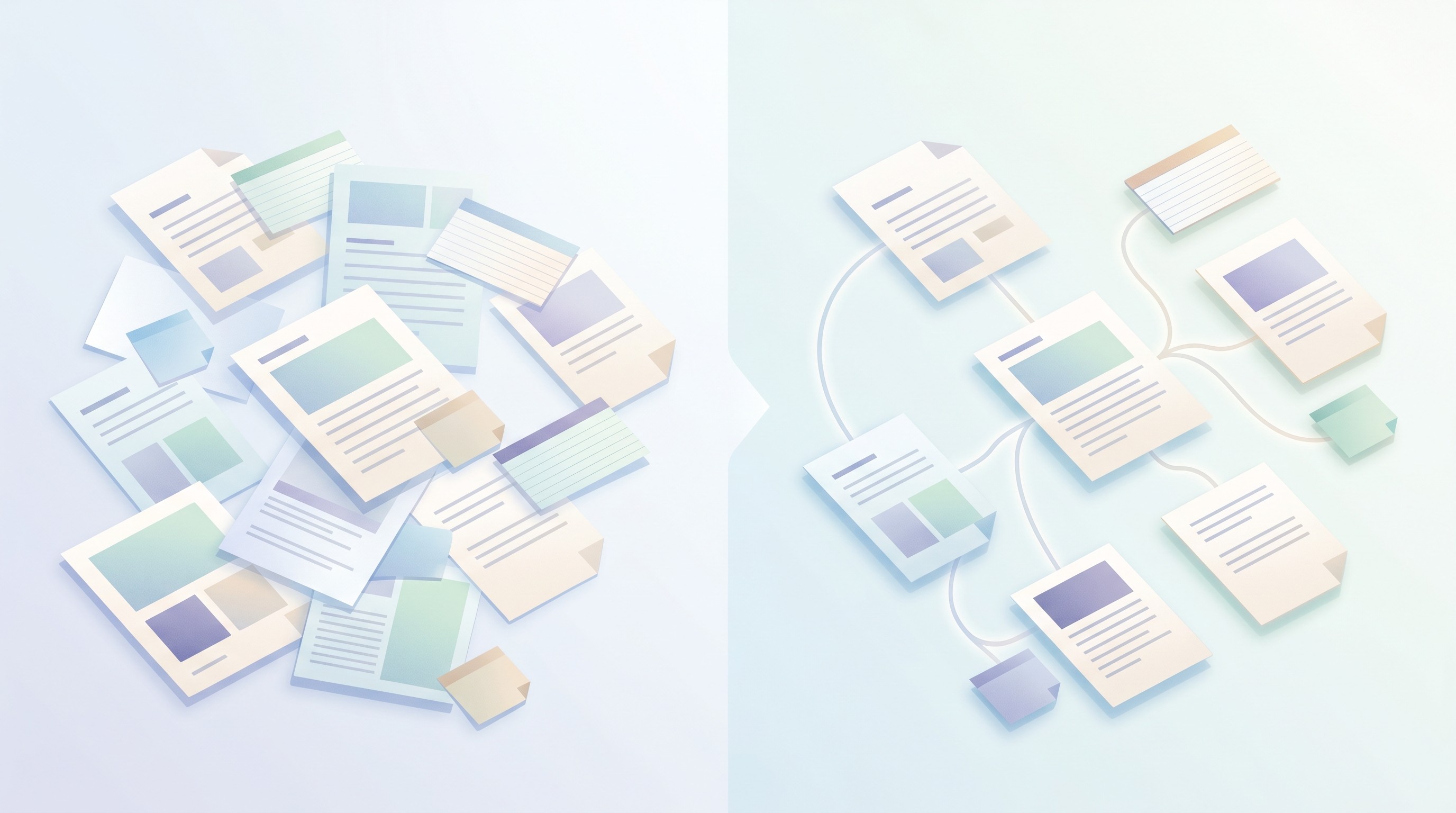
You've got PDFs in Zotero, highlights in a PDF reader, stray thoughts in Apple Notes, and a chapter draft that no longer matches your source list. The best setup for most PhD students is boring on purpose: Zotero for citations, Obsidian or Logseq for durable synthesis, and Otio as an AI research workspace when you need to screen many papers or compare sources fast.
No single note-taking app should run your entire doctorate. The winners are the tools that survive the ugly parts: 300-paper literature reviews, advisor comments, offline writing days, half-finished ideas from two years ago.
Table of contents
Who this list is for
This list is for PhD candidates managing 50+ papers across multiple projects at once. If one folder is “dissertation,” another is “side paper,” and a third is “conference version that somehow became its own thing,” you’re the reader.
It’s also for postdocs and early-career researchers who need a personal knowledge system that survives a job change. University Google Drive access disappears. Your notes shouldn’t.
Thesis writers have a slightly different problem: they don’t need prettier notes. They need scattered annotations to become paragraphs with citations attached. If that’s the bottleneck, a beautiful graph view won’t save you by itself.
The scale of doctoral work is easy to underestimate. The NSF’s Survey of Earned Doctorates tracks U.S. doctorate production each year, and behind every completed dissertation is a private mess of drafts, datasets, PDFs, committee feedback, and dead-end reading trails.
And yes, some of this is about survival. A PMC-indexed review on PhD attrition and unhealthy research environments is a reminder that the system around doctoral work can be punishing; tooling won’t fix supervision or funding, but it can reduce the avoidable chaos.
How we ranked these 18 picks
We ranked tools by research workflow, not by feature count. A PhD note-taking app earns its keep when it helps with one of four jobs: capturing sources, preserving citations, connecting ideas, or turning notes into draftable material.
The inputs were practical. We looked at researcher discussions across PhD and academic communities, cross-checked patterns from research libraries used in Otio, and compared those signals against published researcher workflows from academic and technical circles. Forum posts weren’t treated as evidence; they were treated as smoke from real workflow fires.
The scoring categories were:
Citation management: Can the tool preserve DOI, BibTeX, page numbers, and source links without babysitting?
Cross-linking: Does it connect claims, concepts, papers, and drafts in a way that still makes sense six months later?
Offline access: Can you work on a train, in the field, or during campus Wi-Fi nonsense?
AI integration: Can it summarize, compare, or query papers while showing sources?
Bulk import: Can it absorb an existing Zotero, Mendeley, Drive, or Markdown setup without wasting a week?
AI got its own score because it has changed the screening stage. The arXiv paper on Personalized Deep Research describes how LLM-driven research agents can automate parts of scholarly discovery, from query planning to iterative web exploration, while still struggling when they don’t adapt to a researcher’s prior knowledge.
That’s a useful lens. Generic summaries are cheap. Source-aware synthesis is the bar.
We excluded generic note apps as primary research systems if they lacked citation support, open export, or a credible path into a thesis workflow. A few still appear in the daily logging section because capture is different from synthesis. Apple Notes can be fine for field notes; it shouldn’t be your dissertation database.
If your main pain is…
Start with…
Add when needed
Too many PDFs
Zotero
Otio or Obsidian
Weak synthesis
Obsidian or Logseq
Roam if you like outliners
Advisor collaboration
Notion
OneNote for Microsoft-heavy labs
Privacy and local files
Joplin or Obsidian
Standard Notes for sensitive logs
Visual mapping
Scapple or MindMeister
Marginnote on iPad
For a wider tool stack beyond notes, Otio’s guide to research workflow solutions covers adjacent tools for search, writing, and source management.
Best for literature review & paper screening
This is where most systems break first. A literature review starts as discovery, then becomes triage, then becomes a citation-controlled argument. If the app only handles one of those phases, you’ll be back to copy-pasting by week three.
The AI Research Reviews workflow matrix makes the same split: discovery tools, paper search tools, source-reading tools, synthesis tools, drafting tools, and reference managers do different jobs. Collapsing them too early creates a junk drawer.
1. Obsidian
Best for: building a linked research graph that stays under your control.
Obsidian is local-first, Markdown-based, and absurdly extensible. The Dataview plugin can turn notes into queryable tables; Zotero Integration can pull citation metadata into paper notes; community PDF workflows can connect highlights to permanent notes.
The cost is discipline. Obsidian won’t force clean structure. If you create five naming conventions in two months, the graph becomes decorative spaghetti.
Use it if you care about long-term ownership and want your notes in plain files. If you’re comparing similar tools, Otio’s breakdown of Obsidian alternatives is a useful companion.
2. Zotero
Best for: your citation backbone.
Zotero is free, open-source, and still the safest default for academic references. It captures metadata from DOIs and library pages, stores PDFs, supports tags and collections, and inserts citations into Word, Google Docs, and LibreOffice.
Don’t ask Zotero to be your thinking space. Its notes are useful, but it’s built around references. Treat it as the source of truth for citation data, then connect it to Obsidian, Logseq, or an AI reader.
3. Notion
Best for: collaborative literature matrices.
Notion works well when a lab needs shared tables: paper, method, population, measure, finding, limitation. Database views let you filter by project, reviewer, or theme. Advisors understand it quickly, which helps.
The weak spot is scale. Large databases can feel slow, and bulk import takes planning. If your literature matrix has 500 papers and several custom fields, test performance before you rebuild your life inside it.
For people who want a matrix-first setup, Otio’s guide to literature matrix generator tools covers more specialized options.
4. Otio
Best for: AI-assisted screening across many papers.
Otio’s multi-window split view lets you compare chats side by side, so you can ask different questions of the same paper set without losing your place. For example: one window for methods quality, one for findings, another for limitations, and another for “does this contradict Smith 2023?”
The stronger use case is batch reading. Upload PDFs, connect Zotero or Mendeley, then ask source-grounded questions with inline citations. It’s built for the moment when your browser has 18 tabs and none of them is the paragraph you need.
There’s a tradeoff. AI screening is fast, but it can make weak papers look cleaner than they are. Always check methods and tables yourself before a source enters your argument.
5. Mendeley
Best for: researchers whose institution already uses it.
Mendeley combines reference management with PDF reading and annotation. It can work well if your university library setup already points toward Elsevier tools, or if co-authors share Mendeley libraries.
Its ceiling is lower than Zotero’s for open workflows. Export and migration are possible, but Zotero has the stronger community around academic portability.
6. Papers / ReadCube
Best for: reading-focused paper management.
Papers is polished for reading, annotating, syncing, and getting recommendations. If you live inside PDFs and want a smoother reading layer than Zotero’s default experience, it’s worth testing.
The subscription model is the catch. Citation export is fine for many users, but power users often still keep Zotero nearby as insurance.
Best for note synthesis & knowledge mapping
Synthesis is where note apps stop being storage and start becoming argument machines. A good system lets you see that three papers use the same construct with different names, or that your “background” chapter is really two debates stitched together badly.
This category overlaps with the second brain note-taking crowd, but PhD work adds citation pressure. A note without a source link is a liability. Pretty, maybe. Still a liability.
7. Roam Research
Best for: block-level thinking and bidirectional links.
Roam popularized the daily-note-plus-backlinks style. Its block references are powerful: a single paragraph about “measurement validity” can appear inside multiple arguments without being copied.
The price is hard to ignore at $15/month, especially for students. It also demands a tolerance for outliners. Some people think in blocks; others feel like they’re writing inside a filing cabinet.
8. Logseq
Best for: a free, local-first Roam alternative.
Logseq gives you backlinks, daily notes, an outliner interface, and Markdown-ish files without a monthly bill. It’s a strong fit for researchers who want local files and don’t mind learning a slightly unusual workflow.
The interface can lag on large graphs. Plugins exist, but the community is smaller than Obsidian’s. If you want to compare the broader field, see Otio’s list of Logseq alternatives.
9. Athens Research
Best for: visual knowledge graphs and collaborative linking.
Athens Research is closer to Roam in spirit: networked notes, backlinks, and graph-oriented thinking. It appeals to researchers who want the graph to be visible rather than hidden in files.
The risk is maturity. Smaller tools can be exciting, but a dissertation is a bad place to bet everything on an early-stage product. Export before trust.
10. TiddlyWiki
Best for: self-hosted, ultra-lightweight knowledge bases.
TiddlyWiki is a single-file wiki. No backend. No subscription. No corporate roadmap eating your archive. For technical researchers, that’s lovely.
It asks more from the user, though. Customization lives in wikitext, plugins, and self-hosting choices. Non-technical students may spend more time tuning the machine than thinking with it.
11. Dendron
Best for: hierarchical notes at research-lab scale.
Dendron runs inside VS Code and treats notes as structured files with schemas. It’s good for people who want hierarchy, naming rules, and repeatable note templates.
The audience is narrow. If you already write code or use VS Code daily, Dendron may feel natural. If not, onboarding can feel like being handed a cockpit manual.
12. Foam
Best for: GitHub-backed, version-controlled research notes.
Foam is Markdown plus wikilinks, built around VS Code and Git. It’s a good option for researchers who want commits, version history, and a repo-based knowledge base.
Git literacy is the price of admission. That’s fine for computational fields; less fine if the word “merge conflict” makes you want to leave campus.
A useful pattern appears in open academic knowledge bases too: one Markdown note per paper, bibliographic metadata, and rebuildable CSV or BibTeX indexes. The management research notes repository on GitHub is a concrete example of that file-based, Zettelkasten-style approach.
Best for daily research logging & collaboration
Daily notes are where research actually happens. Not the clean version you present later. The messy one: “Advisor says cut section 2,” “run model again with exclusion,” “paper from seminar might solve intro problem.”
The best daily logging app is the one you’ll open when you’re tired. That may be less impressive than your synthesis system. Good.
13. Evernote
Best for: quick capture and OCR.
Evernote still has one of the better web clippers and can search scanned or handwritten material. It’s useful for saving webpages, meeting notes, images of whiteboards, and quick mobile captures.
Its research weakness is linking. You can keep a log there, but building a literature argument in Evernote gets clumsy fast. If you’re considering it mainly out of habit, compare it against modern Evernote alternatives.
14. OneNote
Best for: Microsoft-heavy labs and freeform notebooks.
OneNote works offline, syncs through OneDrive, and behaves like a digital binder. If your lab lives in Microsoft 365, OneNote can reduce friction with supervisors and co-authors.
Search is uneven. Citation workflows are weak. Use it for lab meetings, supervision notes, and project logs rather than final literature synthesis.
15. Notion AI
Best for: collaborative writing support inside structured databases.
Notion AI can summarize notes, rewrite rough sections, and help draft from database material. If your team already uses Notion for project tracking, this can be convenient.
Large workspaces can bog down. AI features also sit behind paid tiers, so don’t design a workflow that breaks if funding disappears.
For students comparing AI-supported systems more broadly, Otio’s guide to note-taking AI for students is a good next stop.
16. Apple Notes
Best for: fast capture on Mac, iPhone, and iPad.
Apple Notes is quick. It handles images, links, handwriting, scanned documents, and checklists with almost no setup. That makes it great for field capture or stray ideas.
It’s a poor final home for PhD research. Export is awkward, citations don’t belong there, and cross-linking is thin. Use it as an inbox, then move serious material elsewhere.
17. Joplin
Best for: open-source encrypted notes.
Joplin supports Markdown, local storage, sync options, and end-to-end encryption. It’s a sensible choice for researchers who want privacy without giving up normal note-taking features.
The mobile app is serviceable rather than elegant. Plugins exist, but the universe around it is smaller than Obsidian’s.
18. Standard Notes
Best for: privacy-first research logs.
Standard Notes is minimal and encrypted by default. If you keep sensitive interview reflections, field notes, or personal research logs, its restraint is part of the appeal.
It’s not built for collaborative literature review. Formatting is limited unless you pay, and the community is small. Think of it as a secure notebook, not a research operating system.
Specialized tools for specific research disciplines
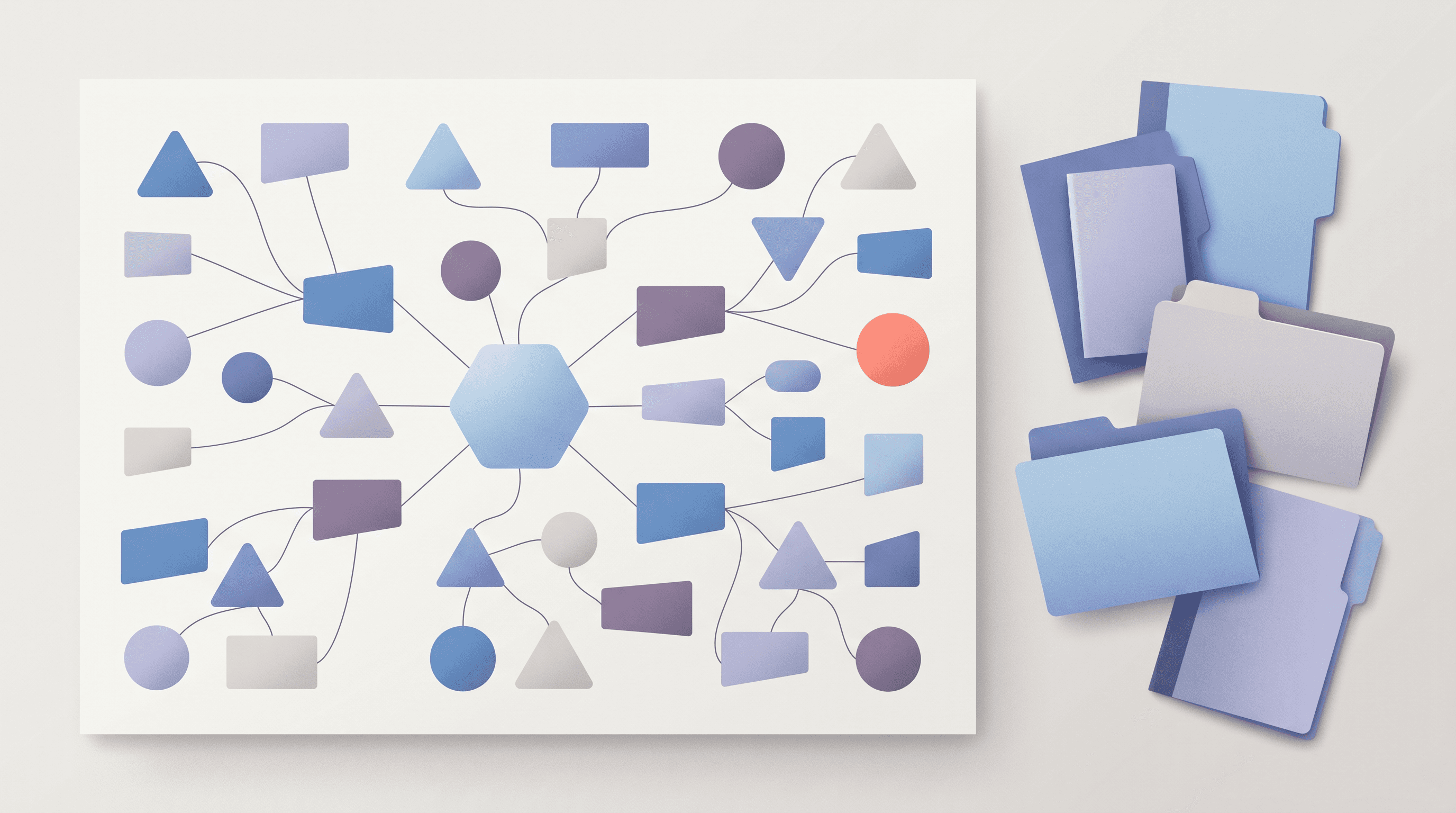
Some tools don’t belong in the top 18 because they aren’t general-purpose PhD note systems. They still solve real problems. Visual thinkers, humanities scholars, design researchers, and iPad-heavy readers may prefer these for specific stages.
The iLovePhD guide to AI tools for research usefully separates writing assistants, literature review tools, visualization tools, citation tools, and domain-specific AI. That separation is the sane way to think about specialized apps.
Scapple
Best for: freeform mind maps.
Scapple comes from Literature & Latte, the makers of Scrivener. It’s simple: drop ideas on a canvas, connect them, move them around. For planning a chapter argument, that can beat a complicated graph database.
It’s Mac-first and not built for live collaboration. Use it for thinking, then move stable claims into your citation-aware system.
MindMeister
Best for: collaborative mind maps.
MindMeister is better when several people need to shape a structure together. It supports real-time editing and works well for workshops, lab planning, or early project scoping.
It’s less useful as a permanent research archive. Mind maps are good at showing structure; they’re bad at preserving source-level detail.
Zettelkasten
Best for: a method, not an app.
Zettelkasten means writing atomic notes that link to other notes, usually with a strong distinction between fleeting notes, literature notes, and permanent notes. Obsidian, Roam, Logseq, TiddlyWiki, and paper cards can all support it.
The method fails when people turn it into stationery shopping. If you don’t rewrite ideas in your own words and connect them to arguments, you’ve built a prettier clipping folder.
Hypothesis
Best for: collaborative web annotation.
Hypothesis lets groups annotate webpages and online readings. It’s especially useful in seminars, reading groups, and public scholarship projects.
Its limitation is scope. It’s web-first. For PDF-heavy doctoral work, pair it with a citation manager and a synthesis layer.
Marginnote
Best for: iPad-based reading, highlights, and concept maps.
Marginnote is built for people who read deeply on iPad. It turns highlights into cards and maps, which can be useful for exam prep or dense theoretical reading.
The desktop workflow is weaker. If your serious writing happens on a laptop, test export before committing.
How to choose the right note-taking app for your PhD workflow
Start with the bottleneck, not the brand. A student drowning in PDFs needs a different setup from a student who already has notes but can’t synthesize them into chapters.
If the bottleneck is paper intake, choose Zotero plus an AI reader or screening workspace. If it’s conceptual synthesis, choose Obsidian, Logseq, or Roam. If it’s advisor collaboration, choose Notion or OneNote and accept the tradeoffs.
Test the citation workflow before anything else. Import 10 existing papers. Check whether the app preserves title, authors, year, DOI, PDF link, tags, and BibTeX export. Then try citing one source in a draft.
Offline access deserves more respect than it gets. Local-first tools like Obsidian, Logseq, and Joplin are safer for fieldwork, travel, and long writing days. Cloud-only setups can be fine in a lab; they’re annoying in airports and archives.
Learning curve has to match your PhD timeline. Obsidian and Roam often take weeks before they feel natural. Notion and OneNote feel easy sooner, but they plateau when you want deeper linking or cleaner exports.
Plan for export from day one. Markdown, BibTeX, CSV, JSON, and PDF are safer than proprietary formats. Your notes need to outlive your current app, your institution, and possibly your laptop.
Use this quick decision table:
Workflow
Better fit
Avoid if
Systematic literature review
Zotero + Otio or Notion matrix
You won’t maintain metadata
Theory-heavy dissertation
Obsidian, Roam, or Logseq
You hate linking notes manually
Lab collaboration
Notion or OneNote
You need perfect citation handling
Private field notes
Joplin or Standard Notes
You need rich collaboration
Visual project planning
Scapple or MindMeister
You need source-level traceability
A small warning from experience: people overbuild the system before they’ve written the first synthesis memo. The tell is when you can explain your tags for 15 minutes but can’t name the three papers that changed your argument.
How to migrate your existing research stack into a new app
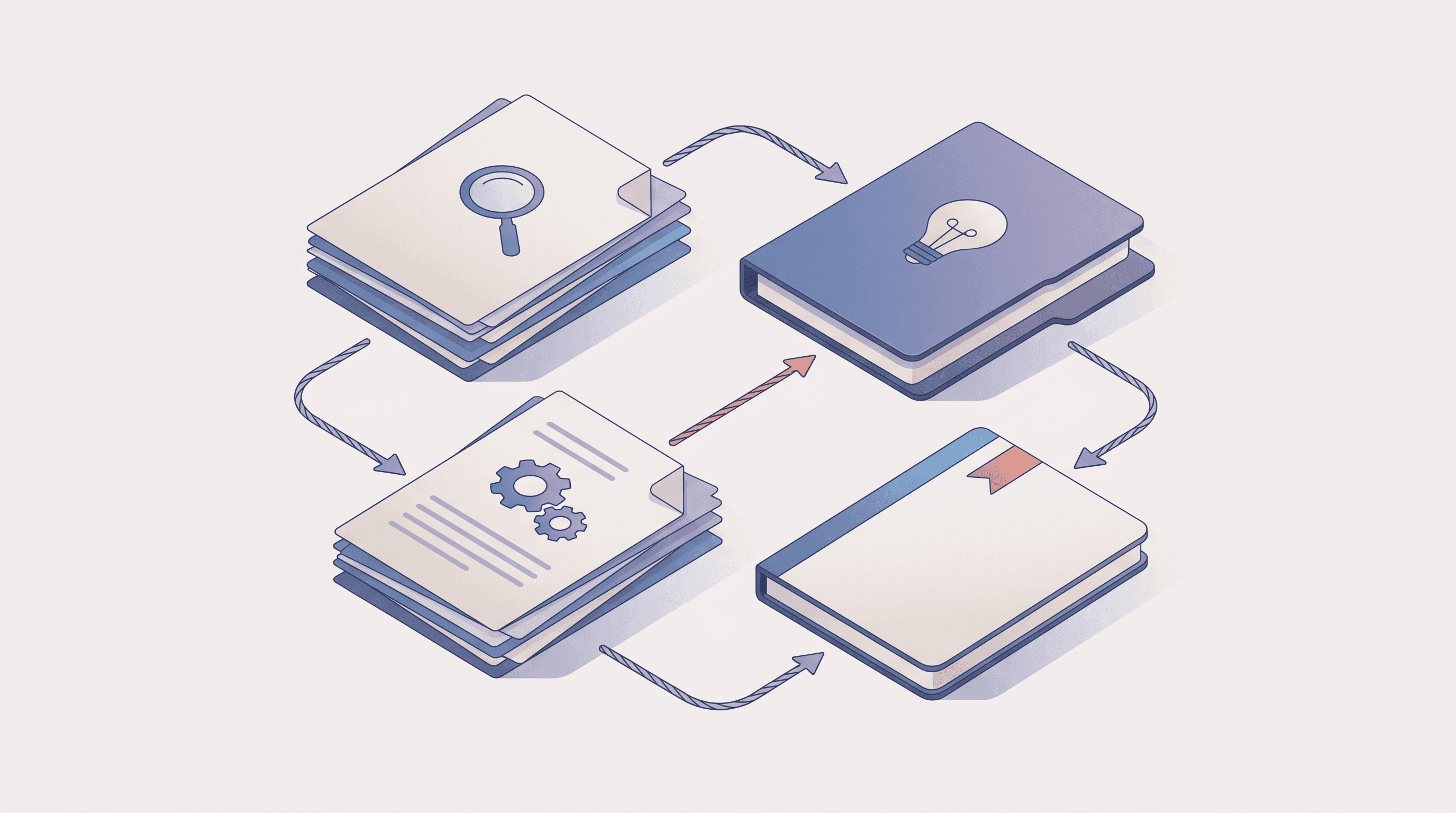
Migration should take weeks, not a semester. The trap is trying to clean every old note before moving. Don’t. Move enough to work, then clean as you touch things.
Week 1: Audit your current setup
List every place your research lives: Zotero, Mendeley, Google Drive, Dropbox, Notion, Apple Notes, browser bookmarks, local PDF folders, email attachments. Ugly lists count.
Export what you can. BibTeX from citation managers, CSV from databases, Markdown where possible, ZIP archives for folders. Keep the raw exports in a dated folder so rollback is possible.
Week 2: Test imports with real material
Pick your top three candidate apps. Import 50 papers and 100 notes into each. Not sample notes. Real ones, including the cursed paper with bad metadata and the scanned chapter from 1998.
Check five things: PDF presence, citation metadata, folder structure, tags, and links back to source files. If the tool loses page numbers or breaks citation keys, it’s telling you something.
Week 3: Bulk migrate without hand entry
Use built-in importers first. If they fail, try Zapier, Make, or a small Python script. Manual re-entry of 500 papers is penance, not workflow design.
This is where API-driven research tools can help. The Foundry Research GitHub project describes an academic research agent that supports 20+ academic and web source providers, tracks structured sources, and deeply reads a subset of full-text PDFs; even if you don’t use it, the architecture points to the same lesson: source management has to be structured before synthesis can be trusted.
Week 4: Run hybrid mode
Keep the old system read-only for two to four weeks. New papers go into the new system. Old papers stay accessible until you’re sure the migration didn’t break anything.
Spot-check 20 random papers before you commit. Open the PDF. Verify metadata. Confirm the citation key. Search for one old annotation you know should exist.
If Zotero or Mendeley is already your source of truth, don’t replace it casually. Use Otio’s Zotero and Mendeley connectors to pull your library into a workspace while keeping the reference manager intact.
Next steps: Building your PhD research workspace
Pick one tool from each layer. Citation manager: Zotero or Mendeley. Synthesis layer: Obsidian, Logseq, Roam, or a similar Markdown-friendly system. Daily log: whatever you’ll actually open after a bad meeting.
Set up three active projects first. Add 10–20 key papers to each. Write one short synthesis note per project before importing your whole archive. The system has to prove it can support thinking, not only storage.
Automate the boring parts. Use browser capture, Zotero translators, cloud import, and templates for paper notes. If you’re using AI, require citations and force the output into a table or memo you can inspect.
Revisit the setup after 12 weeks. If you’re using 20% of a tool and fighting the rest, switch early. Sunk-cost fallacy has ruined enough dissertations already.
For a research workspace that combines PDFs, notes, citations, and source-grounded AI chat, try Otio on your next literature review.
FAQ
Q: Should I use Obsidian or Notion for my PhD research?
A: Use Obsidian if you want local Markdown files, backlinks, and a personal knowledge graph. Use Notion if collaboration, databases, and advisor visibility matter more than offline ownership.
Q: Can I use Zotero and Obsidian together?
A: Yes. The common workflow is Zotero for references and PDFs, then Obsidian for literature notes, permanent notes, and synthesis using a Zotero integration plugin.
Q: What's the best free note-taking app for PhD students?
A: Zotero plus Obsidian is the strongest free default for most PhD students. Logseq and Joplin are also good free options if you prefer outliners or encrypted notes.
Q: How do I export my notes if I switch apps later?
A: Favor tools that export to Markdown, BibTeX, CSV, JSON, or plain PDFs. Avoid making proprietary app formats the only copy of your research record.
Q: Can I use AI to summarize my research papers?
A: Yes, but don’t treat summaries as evidence. Use AI for first-pass screening and comparison, then verify methods, tables, and citations against the original paper.



