
OneDrive AI: Research Across Every Model, Beyond the Microsoft Ecosystem
Your OneDrive Files, Every AI Model
Connect Otio to OneDrive and choose the AI model that interprets your documents best. Claude, GPT, Gemini, DeepSeek, Grok, Kimi, Llama, not locked to Copilot's model choices.
Last Updated June 19, 2026
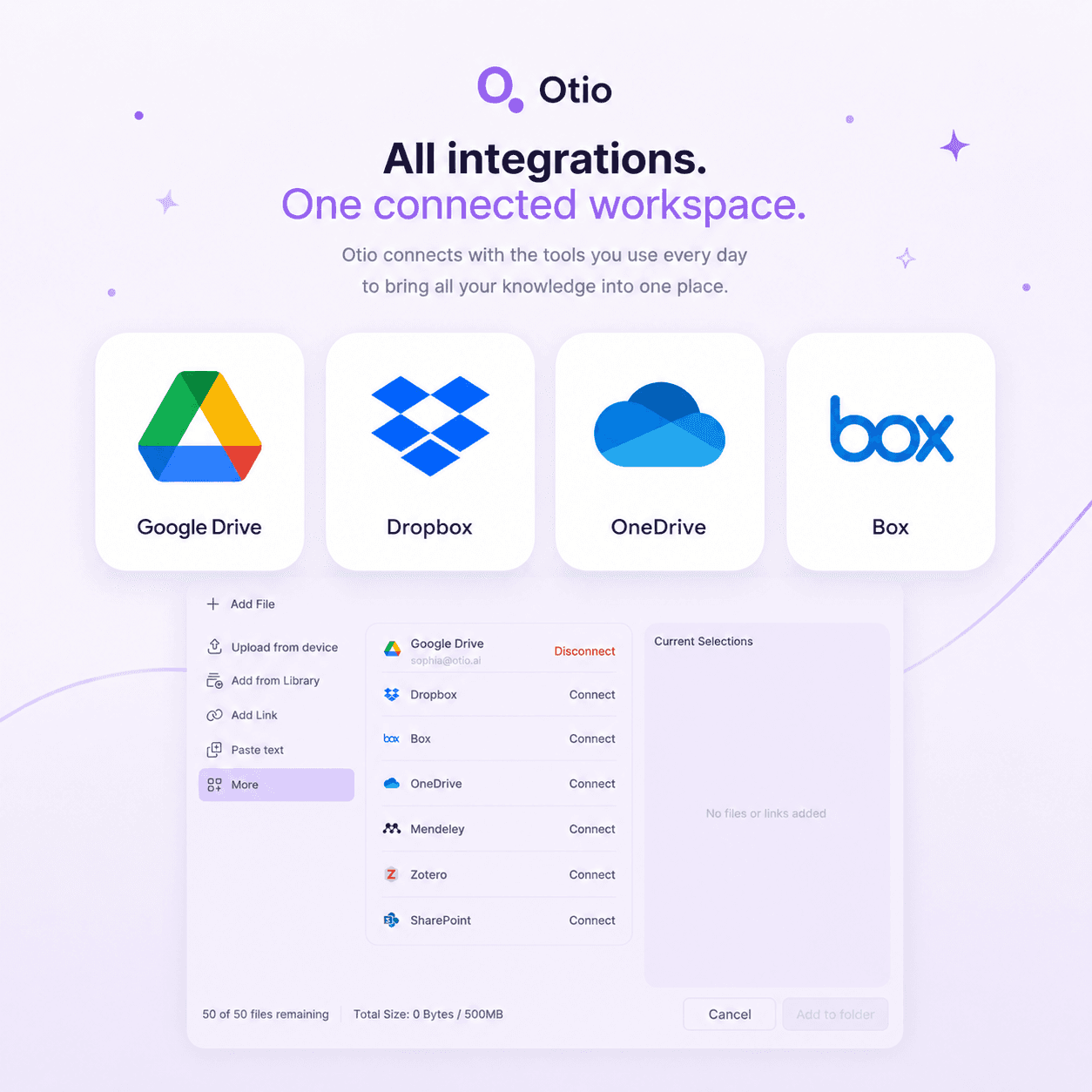
Connect OneDrive to Otio, Start Free
Trusted by 200,000+ professionals across 74 languages



Research That Starts in OneDrive but Extends Beyond Microsoft
Heading: Connect OneDrive to Otio in Three Steps
Step 1: Connect Your OneDrive Account
Authorize Otio to access your OneDrive library through a secure OAuth connection. Select the folders or files you want to import into your research workspace.
The connection is read-only. Otio imports copies of your selected files for research purposes and does not modify or delete anything in your OneDrive account.
Step 2: Import Files Into Your Otio Library
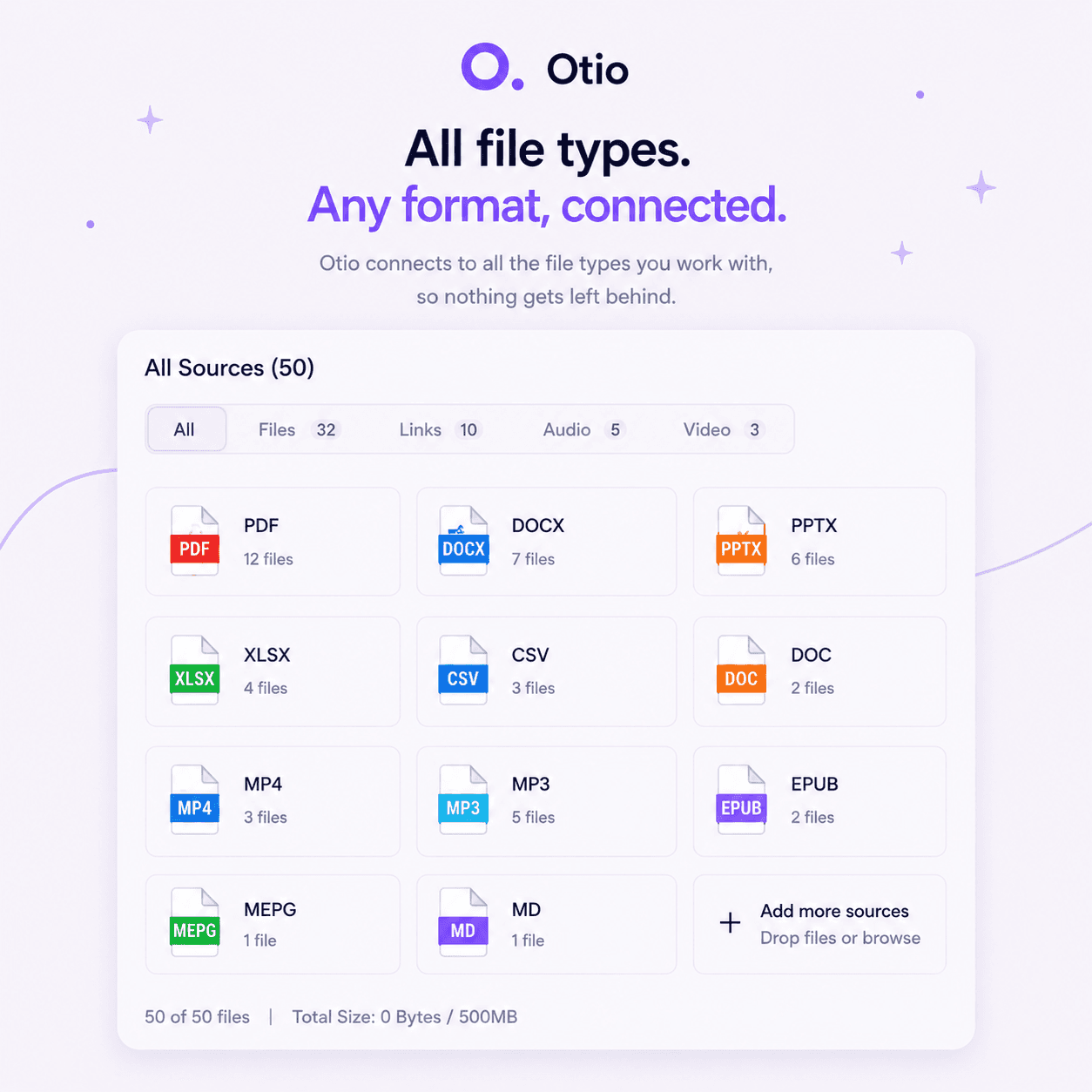
Choose which OneDrive documents to add to your Otio workspace. PDFs, Word docs, PowerPoint slides, Excel files, all supported formats import directly.
No download-upload cycle. Files move from OneDrive to Otio in one click and are immediately available for cross-document querying.
Step 3: Query Across Your OneDrive Files and Any Other Sources
Ask questions across your imported OneDrive library, web articles, YouTube videos, podcasts, and any other sources in the same workspace. Every answer cites the exact page, passage, or timestamp.
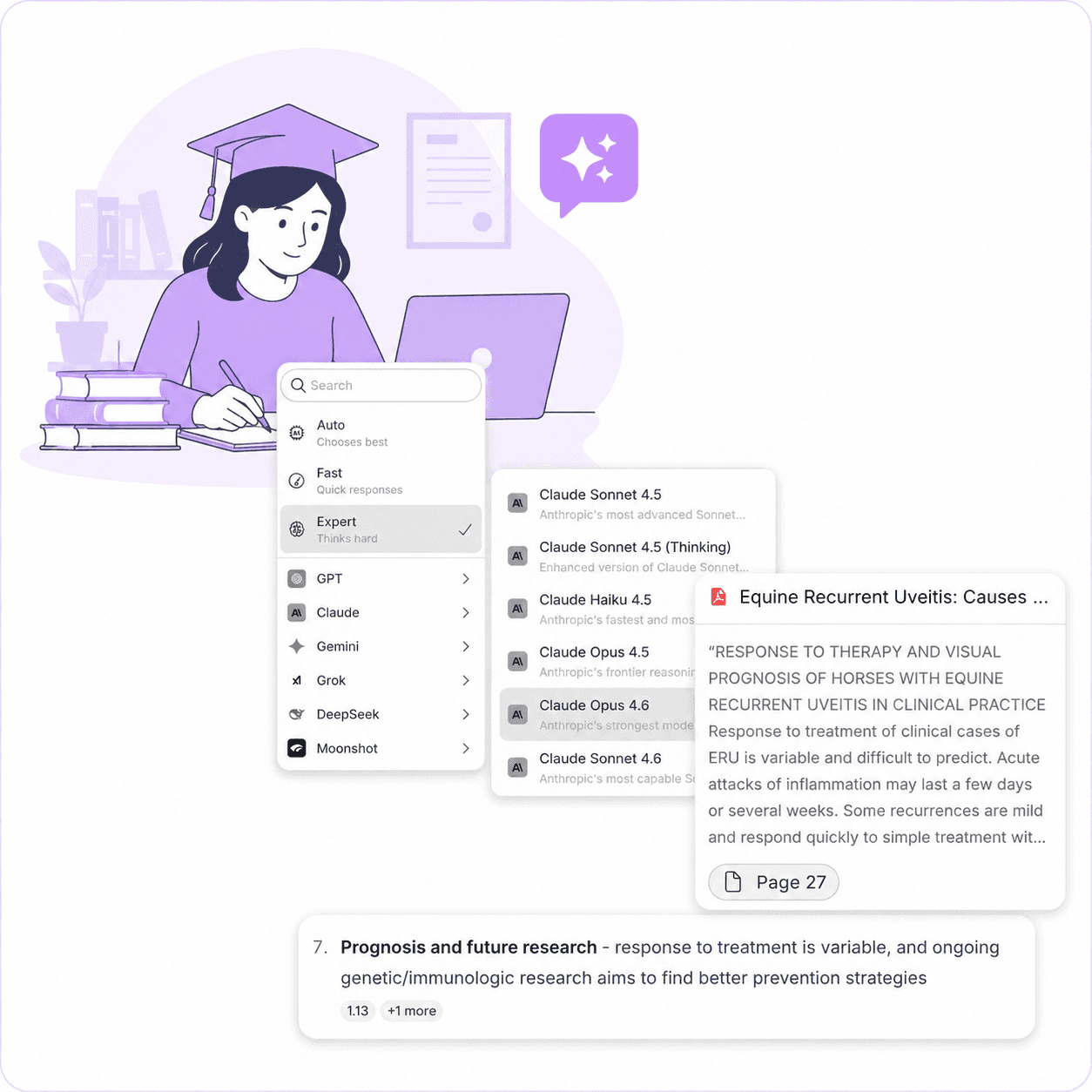
Switch AI models mid-session if one handles your documents better. Claude for nuanced synthesis, GPT for structured summaries, Gemini for multimodal content, choose what works best for each query.
Your OneDrive Files Stay Secure
Documents imported from OneDrive are used only for research within your workspace. They are not used for AI model training, and they are not shared with other users.
Otio's security practices align with enterprise standards. Your research stays private, your sources stay cited, and your OneDrive connection remains under your control.
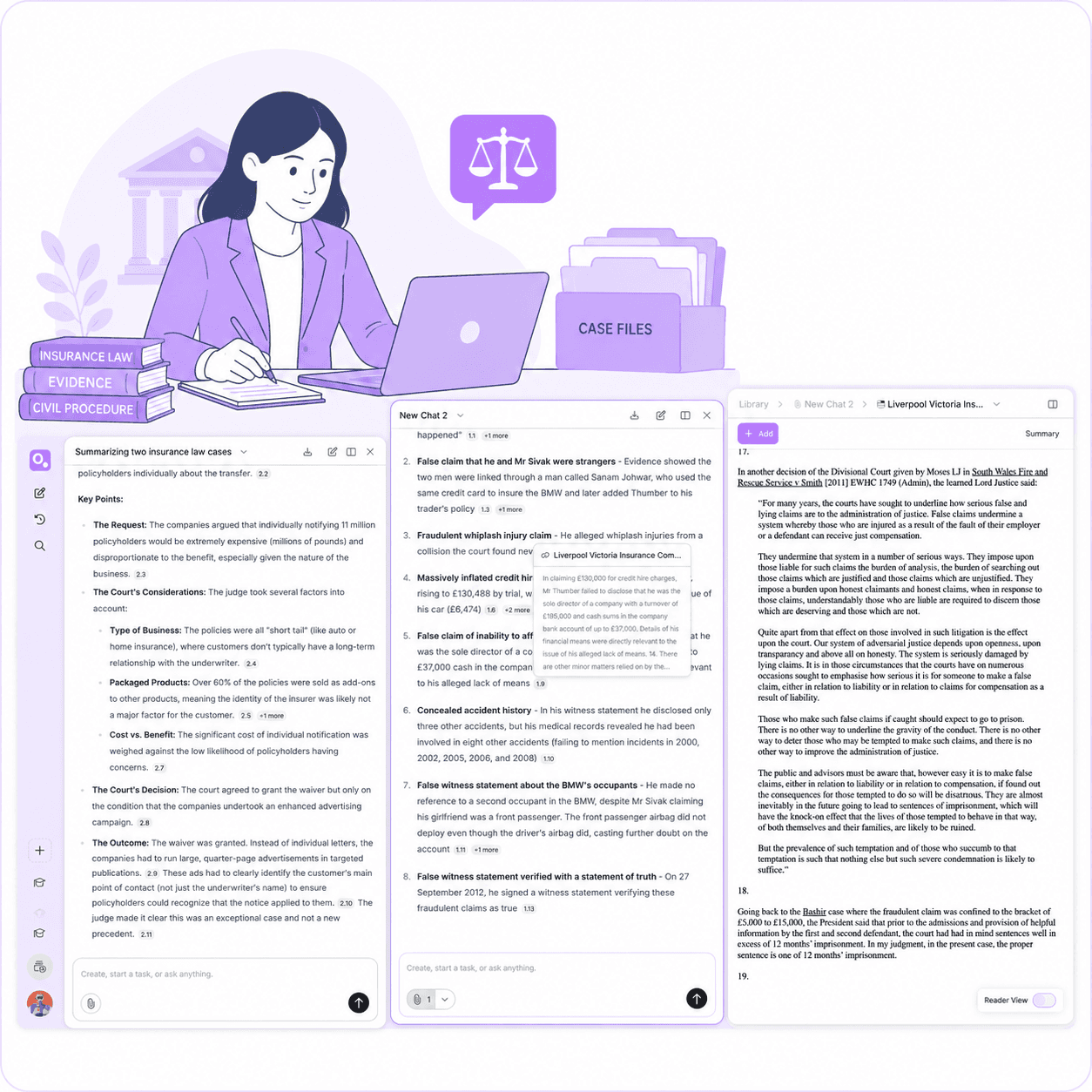
See How Otio Keeps Charts and Context Together
Choose the Model That Interprets Your Documents Best
1
Claude for Nuanced Synthesis and Long-Context Documents
Claude excels at synthesizing themes across lengthy documents and handling complex, multi-layered arguments. Use it when your OneDrive files contain dense research, legal briefs, or policy documents that require careful interpretation.
Claude's extended context window handles entire document sets simultaneously, making it ideal for literature reviews or cross-document analysis where context matters more than speed.
2
Not Locked to Copilot's Model Choices
Copilot uses Microsoft's AI models exclusively. Otio gives OneDrive users access to every major model in one workspace, with the ability to compare outputs and choose the best interpretation for each query.
Model flexibility matters when research quality depends on nuanced understanding, multilingual support, or specialized domain knowledge that a single model can't cover.
3
DeepSeek, Grok, Kimi, and Llama for Specialized Tasks
DeepSeek for technical and scientific documents, Grok for real-time data integration, Kimi for multilingual research, Llama for open-source flexibility. Each model brings strengths that matter for specific document types or research goals.
Switch models mid-session based on what you're querying. Start with Claude for synthesis, switch to GPT for structured output, and use Gemini when you hit a visual-heavy section. Otio makes model choice easy.
4
Gemini for Multimodal Content and Visual Analysis
Gemini handles documents that combine text, images, charts, and diagrams. Use it when your OneDrive files include data visualizations, infographics, or technical diagrams that require visual interpretation.
For research that spans multiple formats, PDFs with embedded charts, PowerPoint decks with visual data, Excel files with complex tables, Gemini connects the visual and textual layers.
5
GPT for Structured Summaries and Actionable Outputs
GPT delivers clear, structured summaries and works well for extracting key points, creating outlines, or generating actionable insights from meeting transcripts and client briefs.
When your OneDrive files need to become deliverables, reports, presentations, or executive summaries, GPT's formatting and clarity make it the go-to choice.
OneDrive Files Alongside Every Other Source Type
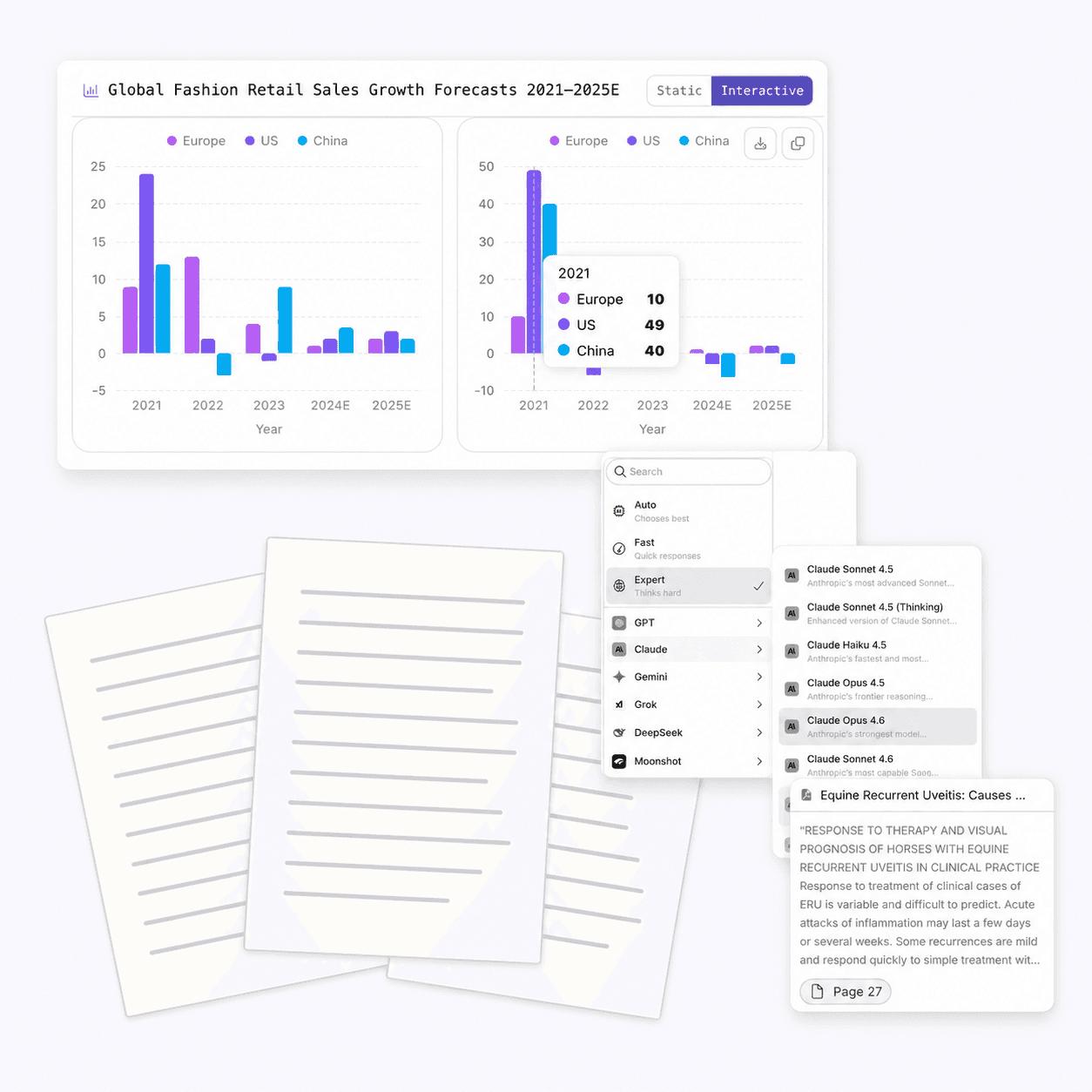
Based on Otio's onboarding data from the past 90 days, 522 of 1,750 users (30%) select 'Data & CSV analysis' as a primary use case, making chart generation one of the top 12 reasons people sign up for Otio.
CSVs, Data Files, and Visualizations
Upload data files and CSVs alongside your OneDrive documents. Extract specific figures, create visualizations, and query across quantitative and qualitative sources in one session.
When research involves both narrative documents and raw data, Otio connects them. Ask questions that span both layers and get answers that cite the exact row, column, or passage.
OneDrive Documents Plus Web Articles and Research Papers
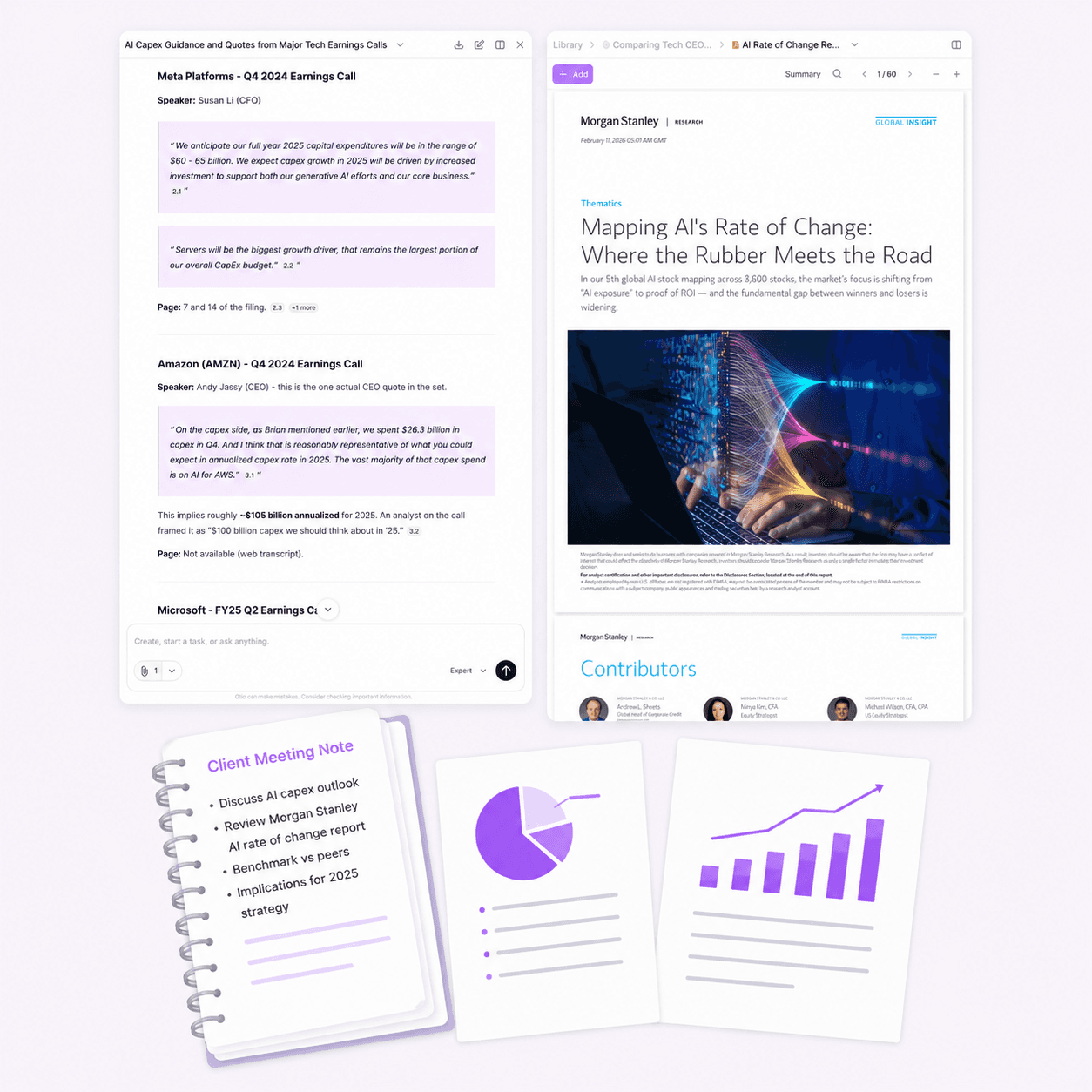
Import OneDrive files alongside web articles, academic papers from PubMed or arXiv, and PDFs from other platforms. Query across all of them simultaneously, and every answer cites the exact source.
Research projects rarely live in one platform. Otio connects your OneDrive library with every other source type, so you're not switching tools or losing context mid-session.
YouTube Videos and Podcast Transcripts
Add YouTube videos and podcast episodes to the same workspace as your OneDrive files. Otio transcribes the audio, indexes the content, and lets you query across video, audio, and text sources together.
Extract key arguments from a 2-hour interview, cross-reference them with your OneDrive briefs, and get cited answers that trace back to the exact timestamp or page.
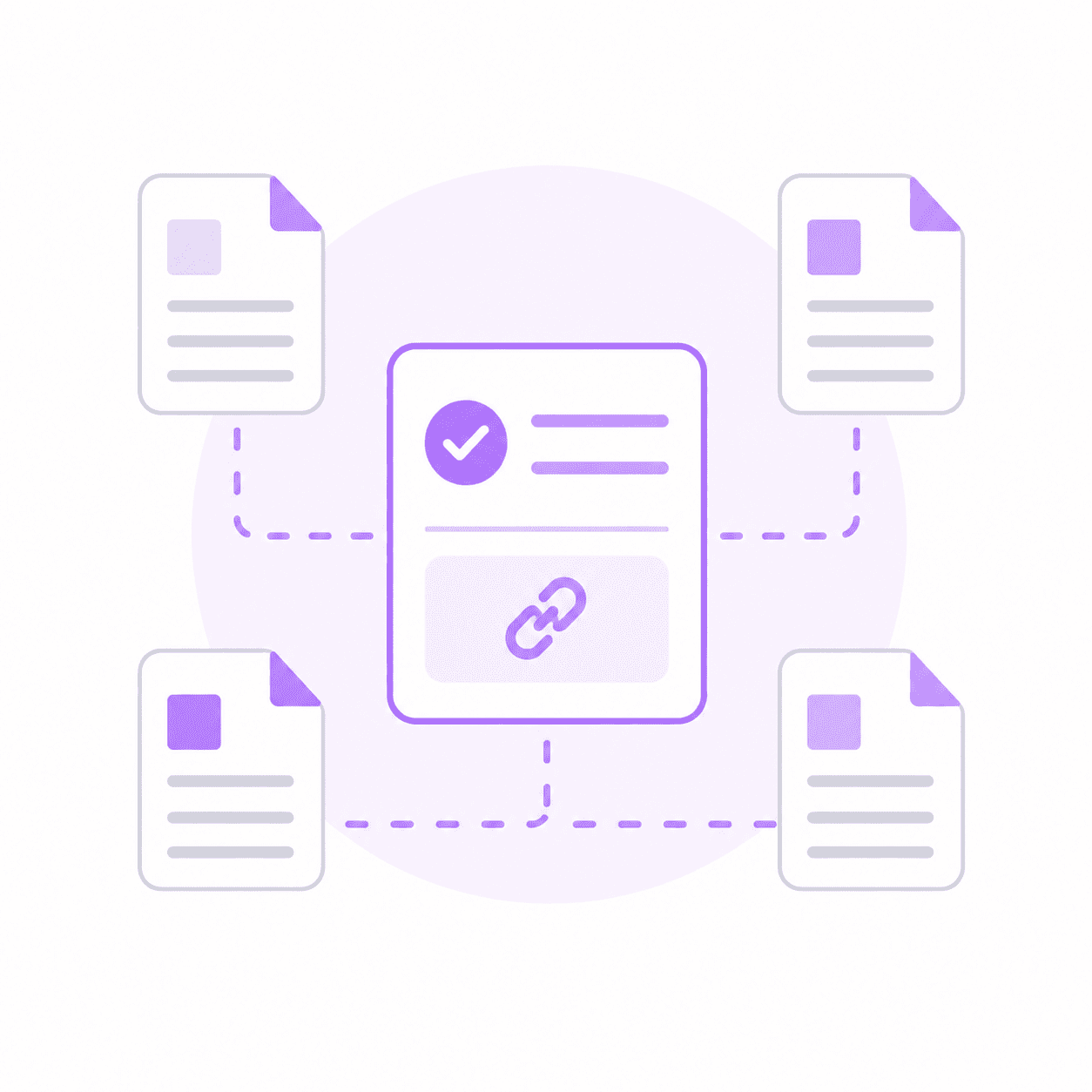
One Question Across Everything, Every Answer Cited
Ask a single question across your OneDrive files, web articles, YouTube videos, podcasts, CSVs, and academic papers. Otio synthesizes answers from all sources and cites each claim back to the exact page, timestamp, or data point.
Cross-source synthesis is where Otio diverges from Copilot. Copilot handles Microsoft content; Otio handles research that crosses every platform boundary.
Google Drive, Zotero, Mendeley, Dropbox, and Box
Connect OneDrive alongside Google Drive, Zotero, Mendeley, Dropbox, and Box. Import files from multiple cloud storage platforms into one Otio workspace and query across all of them.
Research doesn't respect platform boundaries. Otio connects every major storage and reference management system, so your sources live in one queryable library regardless of where they're stored.
Query Across Your Entire OneDrive Library Simultaneously
One Question, Every Document, Cited Answers from Each
Import 60 OneDrive files into your Otio workspace and ask one question across all of them. Otio pulls key findings, quotes, and themes from every document and cites each claim back to the exact page and passage.
Cross-library synthesis turns document piles into structured starting points. Instead of reading 60 papers individually, you start from a synthesis that shows you where the key arguments live.
Literature Reviews in a Fraction of the Time
Upload your OneDrive research library, papers, reports, briefs, and ask Otio to pull themes, contradictions, and consensus points across everything. Every answer cites the exact source, so you can verify before you write.
Literature reviews that used to take weekends now take hours. The synthesis is structured, the citations are exact, and you're building from a foundation instead of a blank page.
Client Briefs, Meeting Transcripts, and Deliverable Prep
Upload 30 client documents from OneDrive, meeting transcripts, reports, briefs, and ask Otio to pull key points and themes across everything. Get a structured summary you can build your deliverable on, in a fraction of the time.
Consultants and analysts use Otio to turn document piles into actionable insights. The synthesis is cited, the themes are grouped, and the deliverable starts from structure instead of scattered notes.
Discovery Piles, Case Files, and Compliance Docs
Upload case files, depositions, and compliance documents from OneDrive. Ask Otio to pull key facts, themes, and contradictions across documents. Every answer traced back to the exact source; verify everything before it leaves your desk.
Legal professionals rely on Otio for discovery work that demands cited accuracy. The synthesis is fast, the citations are exact, and the verification is one click away.
Join 200,000+ Researchers and Analysts
Research That Crosses Beyond the Microsoft Ecosystem
Copilot integrates with Office, SharePoint, Teams, and OneDrive. For tasks within that ecosystem, drafting emails, summarizing meetings, formatting documents, it's a strong solution.
The boundary appears when research extends beyond Microsoft: web articles, YouTube videos, academic papers from non-Microsoft repositories, PDFs from other platforms. Copilot can't connect these sources.
Copilot Stays Within the Microsoft Ecosystem
Copilot uses Microsoft's AI models. Otio gives OneDrive users access to Claude, GPT, Gemini, DeepSeek, Grok, Kimi, and Llama, every major model in one workspace.
Choose the model that interprets your documents best. Switch models mid-session if one handles technical language better or provides clearer synthesis. Not locked to a single provider's approach.
Model Choice That Copilot Doesn't Provide
Copilot for Microsoft-native tasks: drafting emails in Outlook, summarizing Teams meetings, formatting documents in Word. Otio for cross-platform research that spans beyond those boundaries.
They're complementary tools. Copilot handles Microsoft-ecosystem work; Otio handles research that requires model flexibility, cross-source synthesis, and cited answers from non-Microsoft content.
Use Both for Different Workflows
OneDrive documents sit alongside web articles, YouTube videos, podcasts, CSVs, and academic papers in one Otio workspace. One question across all of them, every answer cited back to the exact source.
Research that starts in OneDrive rarely stays there. Otio bridges the gap between your Microsoft file library and every other source type your research requires.
Otio Connects OneDrive Files with Every Other Source Type
Copilot summarizes Microsoft content. Otio synthesizes across OneDrive files, web articles, YouTube videos, podcasts, and academic papers, and cites every claim back to the exact page, timestamp, or passage.
When research quality depends on cited accuracy and cross-source synthesis, Otio provides what Copilot doesn't: verifiable answers that trace back to the exact source, regardless of platform.
Cited Synthesis Across Non-Microsoft Content
Trusted by 200,000+ professionals across 74 languages
Researchers, Consultants, Lawyers, Analysts, and Journalists Rely on Otio
Master's Students and PhD Researchers
"As a master's student, Otio has been a game-changer for my thesis work. It's like having a personal research assistant available 24/7. Chatting with research articles and whole folders of content has saved me countless hours of reading and digging through papers."
"I took a 2-hour YouTube video and had the AI in Otio summarize it. I then asked follow-up questions about the highlighted pieces that got my attention. All told, I was able to collect key takeaways in less than 10 minutes. Amazing."
Pharmaceutical Researchers and Neuroscience PhDs
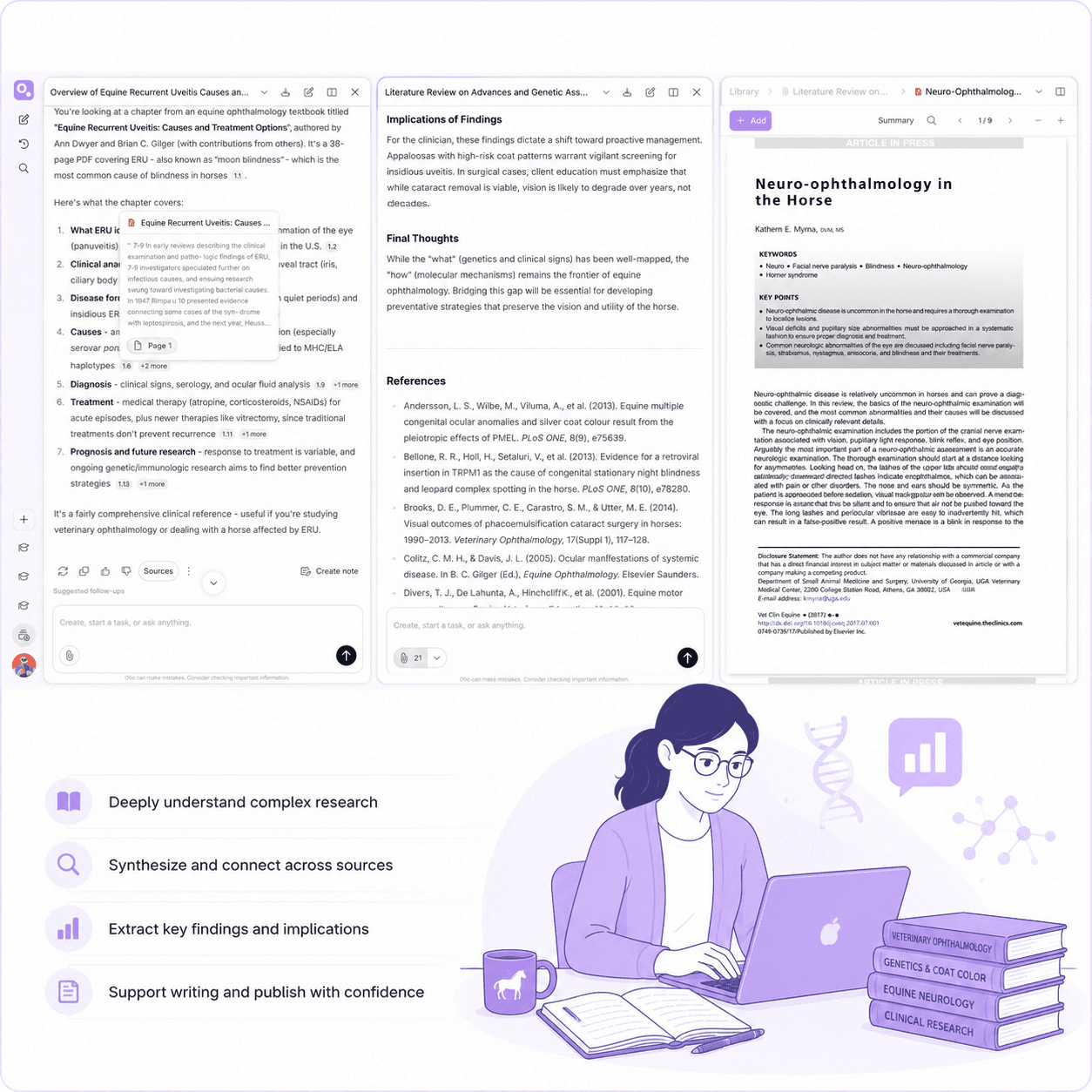
"Otio is really an excellent tool for understanding my papers. It is just like my personal librarian for the internet." (Neuroscience PhD)
"I've been using Otio for a while now and I must say how much I like it. It's incredibly helpful for summarizing key takeaways from research papers and long videos or podcasts, knowing from the start if the research is what I'm looking for and then allowing me to revisit important points precisely when I need them." (Pharmaceutical Researcher)
Post-Doc Researchers and ESG Analysts
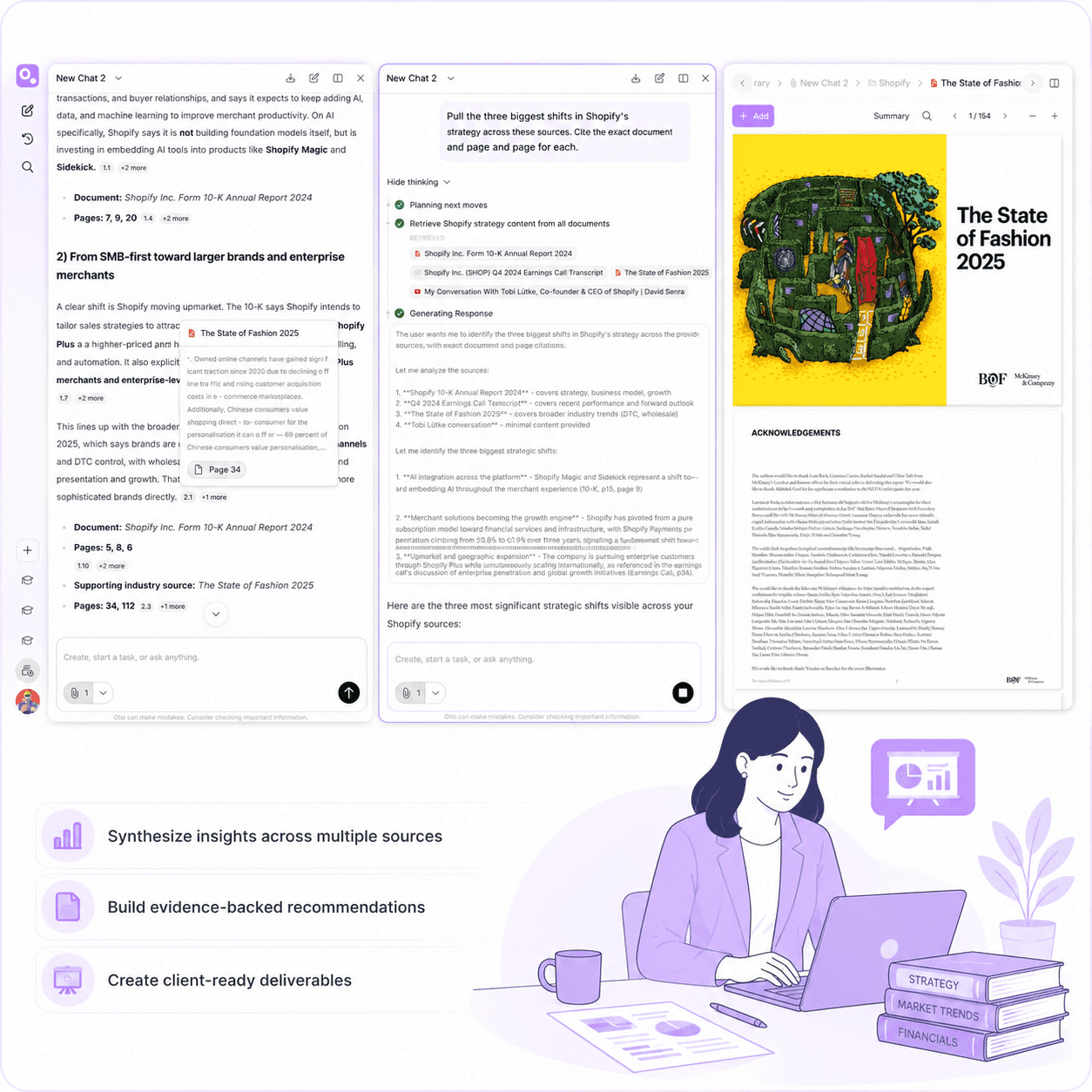
"I don't know how you do it but the gap in summary and answer quality to ChatGPT is big. And having real text citations is a game changer." (ESG Reporting Analyst)
"This update is fire. I have a research lab meeting later today, and we're going to be discussing the implications of AI/tech. I used Otio to generate a summary and ask a follow-up question and it absolutely delivered. The workflow was much more user-friendly than trying to accomplish the same thing in Bard." (Post-doc researcher)
Professionals Managing Information Overload
"This is the exact tool I've been looking for. I've gathered an overwhelming collection of over 700 bookmarks and 190 open web browser tabs. These resources are my roadmap to research, but navigating through them has become increasingly challenging. This has been the beacon I need in this sea of information."
"Truly loved interface: it's very straightforward and intuitive vs other AIs. Especially vs having 100 tabs open and copy and pasting back and forth from ChatGPT."
Your OneDrive Files Stay Secure and Private
Otio is built for researchers, analysts, and students who need to visualize research data as one step inside a broader research project. It's not a replacement for Tableau, Power BI, ThoughtSpot, or Domo. If you need live data connections, multi-user ['dashboards, or enterprise reporting, those tools are the right choice.
Read-Only Access to Your OneDrive Account
Otio connects to OneDrive through a secure OAuth connection with read-only permissions. The integration imports copies of your selected files for research purposes and does not modify or delete anything in your OneDrive account.
Your OneDrive library remains under your control. Disconnect the integration at any time, and Otio's access is immediately revoked.
Your Documents Are Not Used for Model Training
Documents imported from OneDrive are used only for research within your workspace. They are not used for AI model training, and they are not shared with other users or third parties.
Your research stays private. Your sources stay cited. Your OneDrive connection remains secure and under your control.
Private Workspaces for Individual and Team Research
Each Otio workspace is private by default. Your imported OneDrive files, queries, and synthesis outputs are visible only to you unless you explicitly share them with team members.
For teams, Otio supports shared workspaces with role-based access controls. Invite collaborators, set permissions, and maintain control over who sees which documents and research outputs.
Enterprise-Grade Security Practices
Otio's security practices align with enterprise standards. Data encryption in transit and at rest, secure OAuth integrations, and compliance with industry best practices for data handling and privacy.
Your OneDrive files are treated with the same security standards as any other source in Otio. Private, cited, and under your control.
Start for Free, Connect OneDrive Securely
Testimonials
What professionals say about Otio




I've been using Otio for a while now and I must say how much I like it! It’s incredibly helpful for summarizing key takeaways from research papers and long videos or podcasts, knowing from the start if the research is what I’m looking for and then allowing me to revisit important points precisely when I need them.
Dana S.
Economist
Truly loved interface: it’s very straight forward and intuitive vs other ai's. Especially vs having 100 tabs open and copy & pasting back and forth from ChatGPT

Natalya Z
Pharmaceutical Researcher
This is the exact tool I've been looking for…I've gathered an overwhelming collection of over 700 bookmarks and 190 open web browser tabs. These resources are my roadmap to research, but navigating through them has become increasingly challenging.
This has been the beacon I need in this sea of information.

Tracy
Founder
Love what you guys are doing and when I tried Otio out it really had me like *WOAH*.

Cosmo
Researcher



How is Otio different from Microsoft Copilot for OneDrive?
Copilot is built for Microsoft-ecosystem workflows using Microsoft's AI models. It integrates deeply with Office, SharePoint, and Teams, and it's excellent for tasks within that ecosystem. Otio gives OneDrive users access to every AI model (Claude, GPT, Gemini, DeepSeek, Grok, Kimi, Llama) and connects OneDrive files with any other research source type in one workspace. For research that goes beyond the Microsoft ecosystem, web articles, YouTube videos, academic papers, podcasts, Otio provides cross-platform synthesis with cited answers. Otio is for researchers, analysts, and students who need to generate charts from CSV data inside a research workspace, where the visualization stays connected to the documents that give it context.
Can I use both Copilot and Otio?
How does the OneDrive-Otio integration work?
Does Otio use my OneDrive files for model training?
Can I combine OneDrive files with other research sources in one Otio session?
Which AI models can I use with my OneDrive files?
Are there file limits or model restrictions?
What file formats does Otio support from OneDrive?
What to do next
🚀 Try Otio free
Create your first workspace and chat across your sources
⭐ Upgrade to Otio Lite - $7/mo
Unlimited sources, all AI models, citations to exact page
All features. All AI models. Free to start.
Try Otio free