
Trusted by 200,000+ professionals across 74 languages
Last Updated June 19, 2026
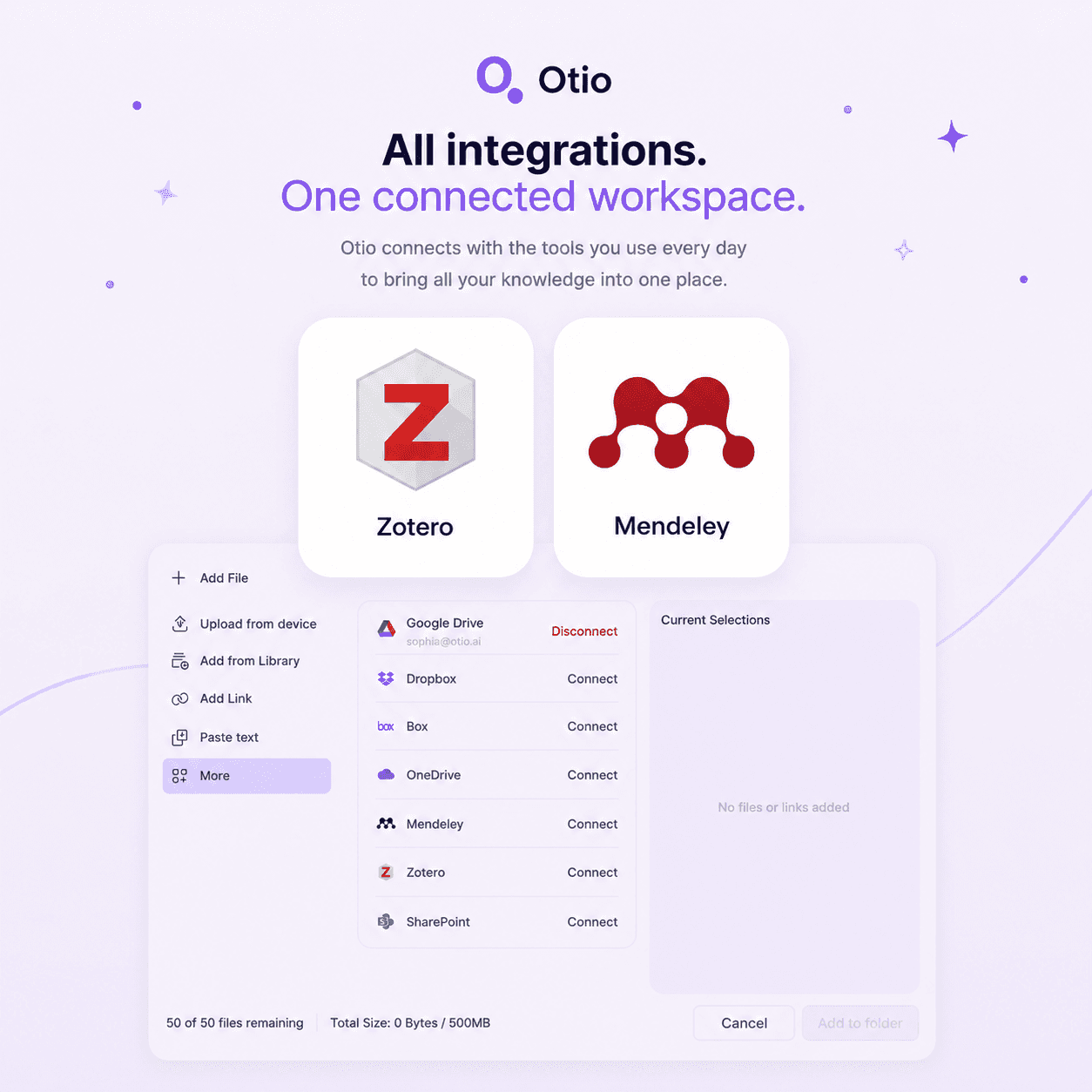



Your Zotero Library Took Years to Build. Research Across All of It in Minutes.
Connect Otio to Zotero and turn your curated paper collection into a researchable, AI-interrogatable workspace. Every reference you've organized, every PDF you've collected, becomes queryable across Claude, GPT, Gemini, and DeepSeek.
No re-uploading. No starting from scratch. The library you built stays exactly where it is, and Otio brings every AI model to it.
Page-Level Citations from the Papers You Curated
Every answer cites the exact paper, page, and passage from your Zotero collection. The citation rigor you expect from academic work, built into every AI response.
Check the source in one click. Verify before you write. The precision academic research requires, applied to AI-generated answers.
Trusted by 200,000+ Researchers Across 74 Languages
PhD students, post-docs, and academic researchers use Otio to research across their reference libraries without losing the organization they've built. Master's students cite it as a tool that changes how thesis work gets done.
Start free today and connect your Zotero library today.
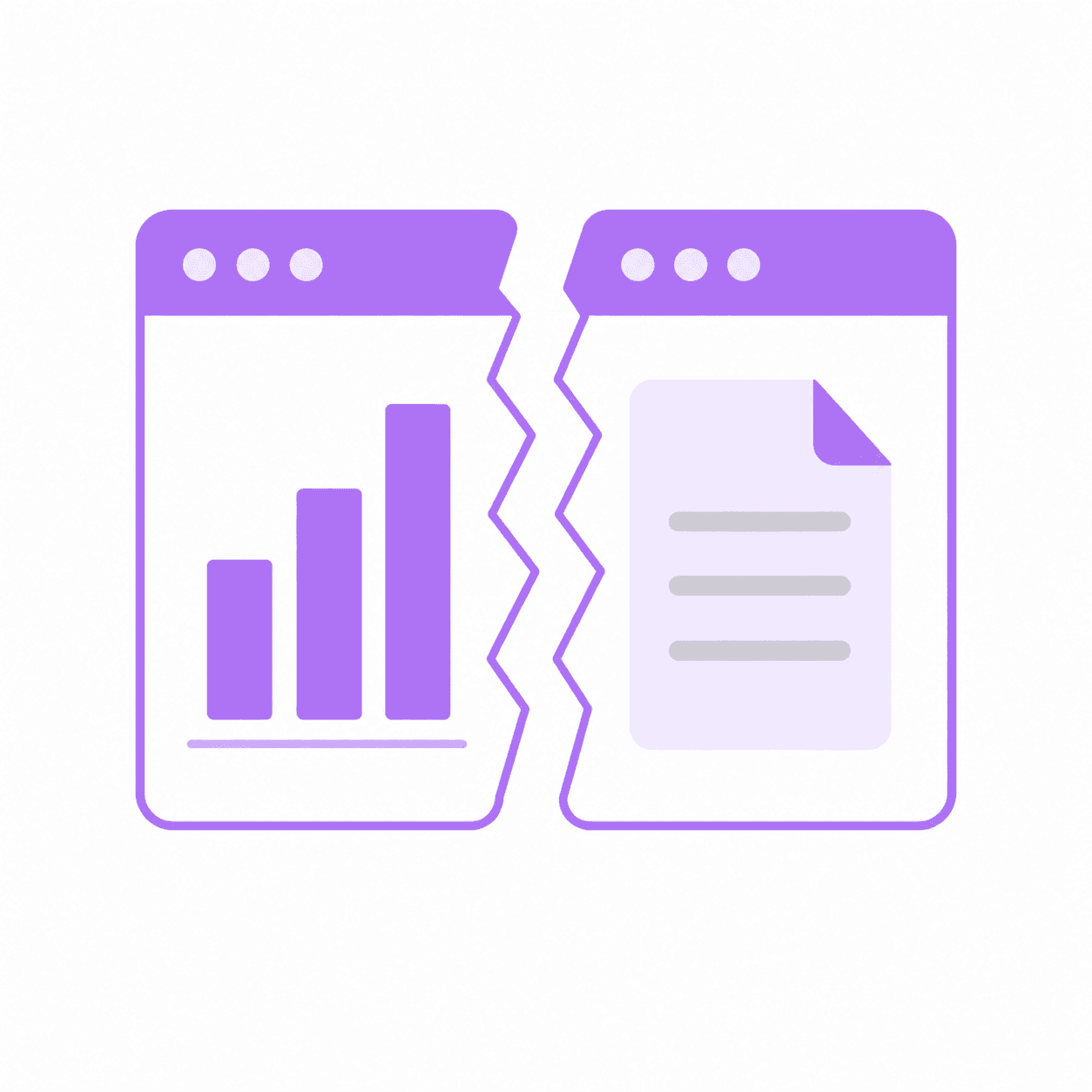
Zotero Manages Thousands of Papers. AI Tools Ignore Them.
Academic AI tools like Elicit and Paperguide search external databases, not your personal Zotero collection. The papers you specifically curated, annotated, and organized for your research area sit unused while you search databases for papers you may have already collected.
ChatGPT and Claude require manual uploads. For a library of 500 papers, that means 500 individual upload sessions, defeating the purpose of having an organized reference manager in the first place.
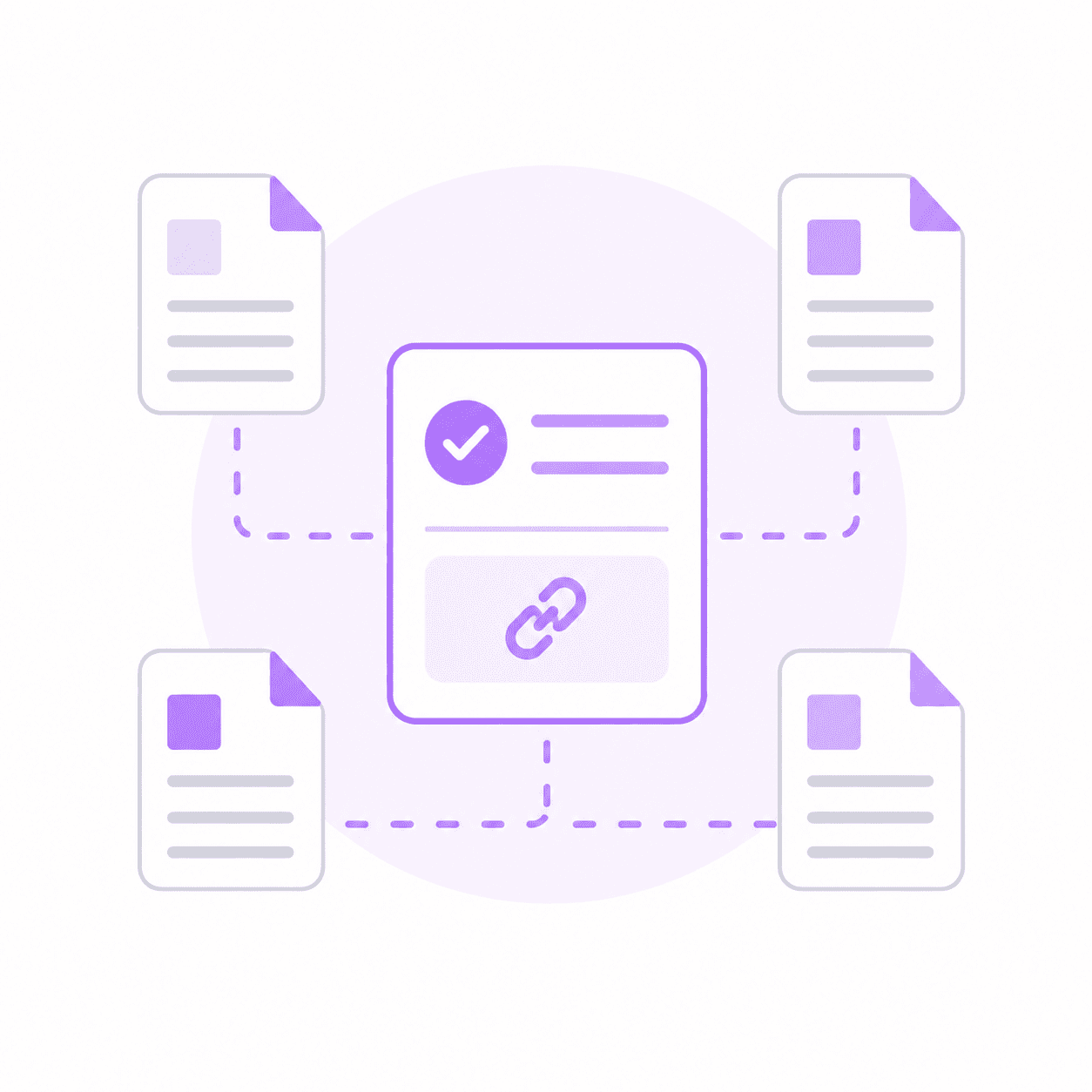
Otio Connects to Your Zotero Library Directly
Import your entire Zotero collection or select the subset relevant to your current project. Papers become immediately queryable across every AI model without leaving Otio or re-uploading a single file.
Ask questions that span your entire collection. Pull key findings and quotes across 60 papers at once. Start your literature review from a structured synthesis, not a blank page.
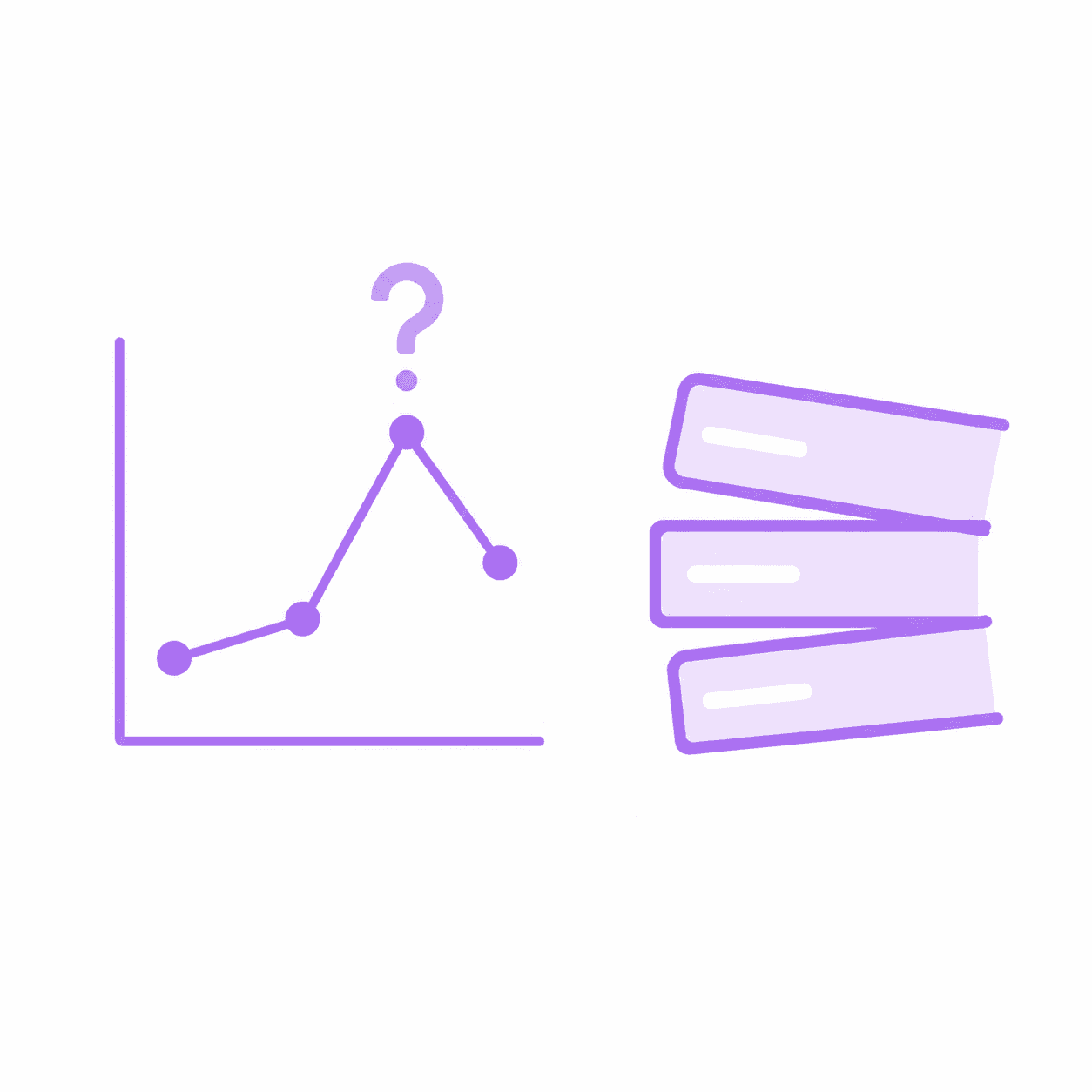
Research Your Collection, Not Just a Database
External tools search for papers that match keywords. Otio researches the papers you already decided were relevant, the ones you've read, annotated, and organized into collections for your specific research question.
The difference is curation. Generic database searches return everything that matches a term. Otio researches the subset you've already determined matters for your work.
Every AI Model Interprets Your Papers
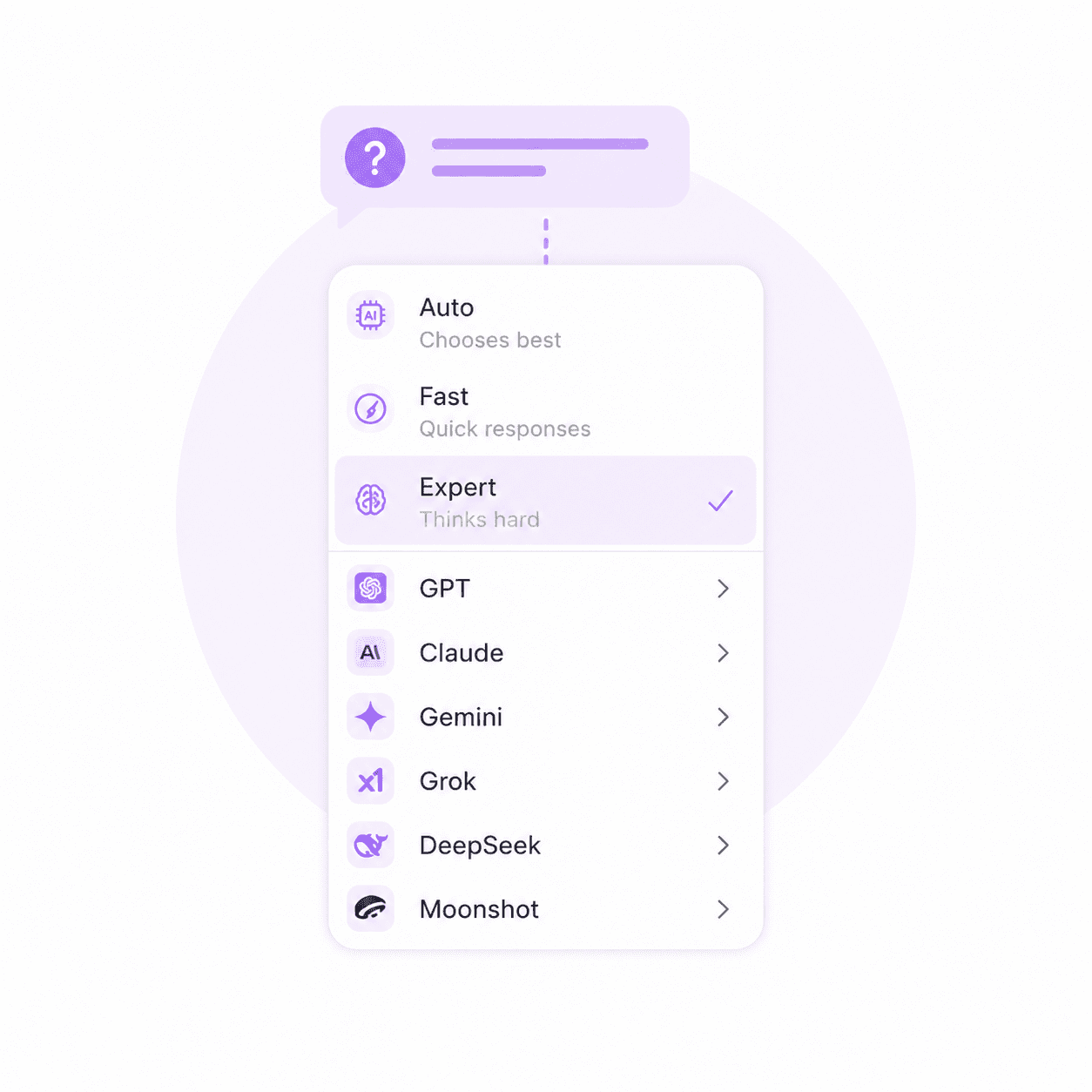
Claude, GPT, Gemini, DeepSeek. Choose which model analyzes your Zotero collection. Switch to compare interpretations. No restrictions, no model lock-in.
Different models excel at different tasks. Claude for nuanced synthesis, GPT for structured summaries, Gemini for cross-referencing. Otio gives you all of them in one workspace.a
Every Answer Cites the Source
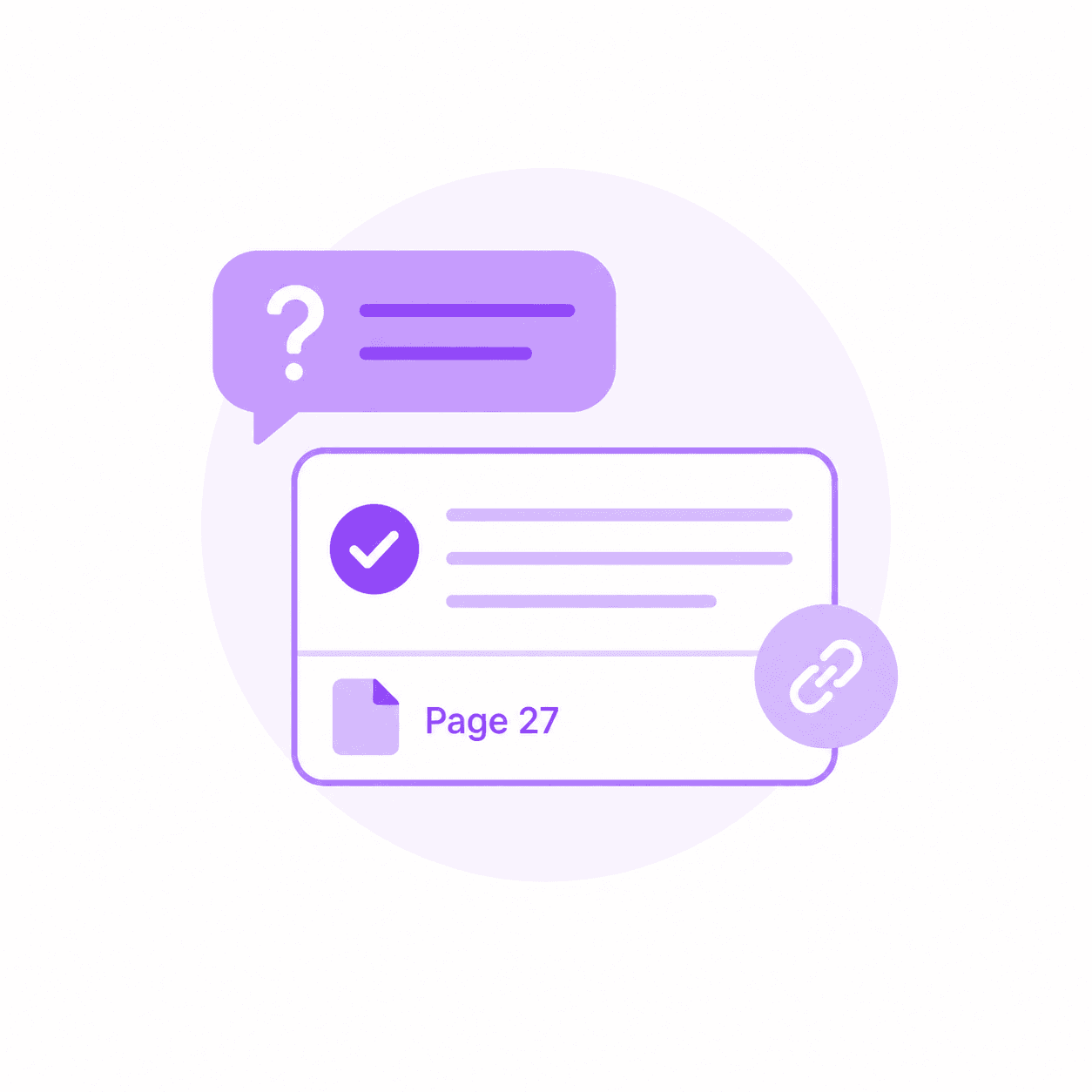
Otio generates answers only from the material you've uploaded and cites every claim back to the exact paper, page, and passage. Check the source in one click. Verify before you write.
When something isn't in your collection, Otio tells you rather than inventing an answer to fill the gap. No hallucinated references, no fake journals, no page numbers that don't match.
Page-Level, Passage-Level Attribution
Citations include the paper title, author, page number, and the exact passage from the text. The same granularity you'd use for manual citation practice, applied to AI-generated answers.
Trace every answer back to the exact source. The citation rigor you expect from a reference manager, built into every AI response.
Built for Researchers Who Care About Attribution
Academic researchers use Zotero specifically because they care about proper attribution and citation accuracy. Otio respects that standard and applies it to AI research output.
The gap in citation quality between Otio and ChatGPT is significant. Real text citations, not invented references. Researchers notice the difference immediately.
Verify Everything Before It Leaves Your Desk
Click any citation to jump to the exact passage in the source document. Read the context. Confirm the interpretation. Academic work requires verification, and Otio makes it instant.
Upload case files, depositions, and compliance docs. Ask Otio to pull key facts, themes, and contradictions across documents. Every answer traced back to the exact source.
See How It Works
1
Step 1: Connect Your Zotero Account
Authorize Otio to access your Zotero library through a secure OAuth connection. No manual file exports, no CSV uploads, no copy-pasting metadata.
The connection takes less than a minute. Once authorized, your Zotero collections appear in Otio's import interface.
2
Step 2: Import Your Papers (All or Selected)
Import your entire Zotero library or select specific collections relevant to your current project. A researcher with 5,000 references can import just the 80 papers relevant to their dissertation chapter.
Otio imports the full PDF text, not just citation metadata. Your annotated PDFs from Zotero become queryable across every AI model.
3
Step 3: Ask Questions Across Your Collection
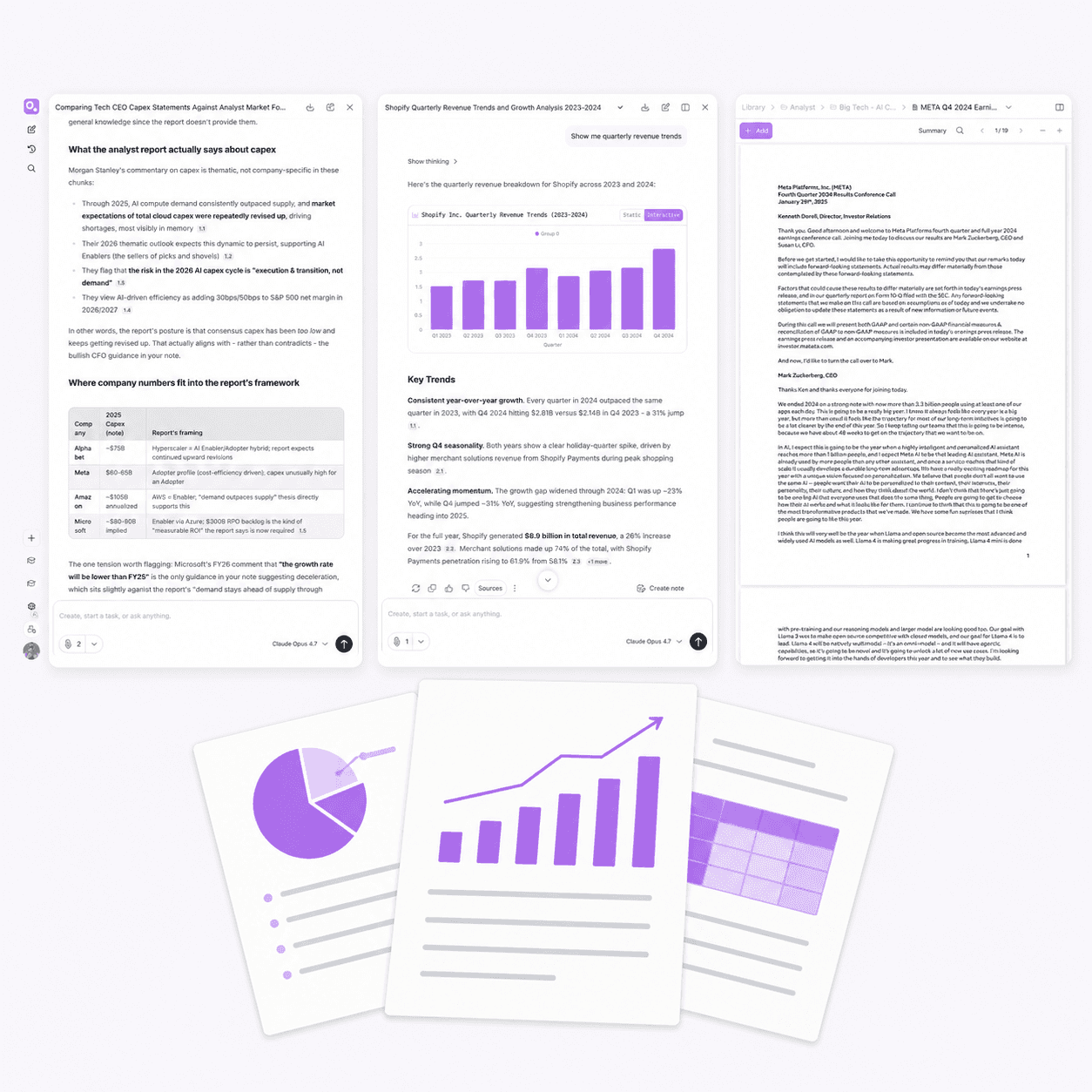
Papers become immediately queryable. Ask Otio to pull key findings across all 60 papers in your literature review. Extract themes, contradictions, and methodological patterns across your entire collection.
Every answer cites the exact page and passage. Check the source in one click. Start your literature review from a structured synthesis, not a blank page.
3
Step 4: Switch Models, Compare Interpretations
Claude for nuanced synthesis. GPT for structured summaries. Gemini for cross-referencing. Choose the model that interprets your papers best, or switch to compare.
Different models excel at different tasks. Otio gives you all of them in one workspace, analyzing the same Zotero collection.
Based on Otio's onboarding data from the past 90 days, 522 of 1,750 users (30%) select 'Data & CSV analysis' as a primary use case, making chart generation one of the top 12 reasons people sign up for Otio.
Research Projects Cross Source Boundaries
A literature review includes academic papers from Zotero, but also web articles, YouTube lectures, podcast interviews with researchers, and institutional reports. Zotero manages the papers. Otio researches across all of it.
Upload 50+ sources in any format. Ask Otio to pull arguments across everything, grouped by theme. Start writing from a structured synthesis instead of a swamp of tabs and half-read bookmarks.
One Workspace for Every Source Type
Zotero PDFs and academic papers in the same Otio session as web articles, YouTube videos, podcasts, meeting transcripts, and CSV data files. One question across all of them, every answer cited to the exact source.
Connect Google Drive, Dropbox, OneDrive, or Box alongside your Zotero library. Institutional documents and personal research files in one workspace.
Cited Synthesis Across Source Types
Ask Otio to compare findings from your Zotero papers with arguments from web articles and YouTube lectures. Every answer cites the exact source, whether it's a page number from a PDF or a timestamp from a video.
The citation precision you expect from academic work, applied to every source type. No guessing where an idea came from.a
Revolutionary Podcast and Video Summarizationa
Take a 2-hour YouTube lecture and have Otio summarize it in minutes. Ask follow-up questions about the highlighted pieces that got your attention. Collect key takeaways in less than 10 minutes.
Podcast summarization is revolutionary for researchers who have hundreds of podcasts and videos to watch but either are too busy or don't have enough time.
Get Started Free
More than a third of the sources researchers added to Otio in the last 30 days were audio or video - interviews, podcasts, lectures. Spoken content is now a major research input class, and Otio treats it as a first-class source alongside written material.
Literature Review: 60 Papers, One Structured Synthesis
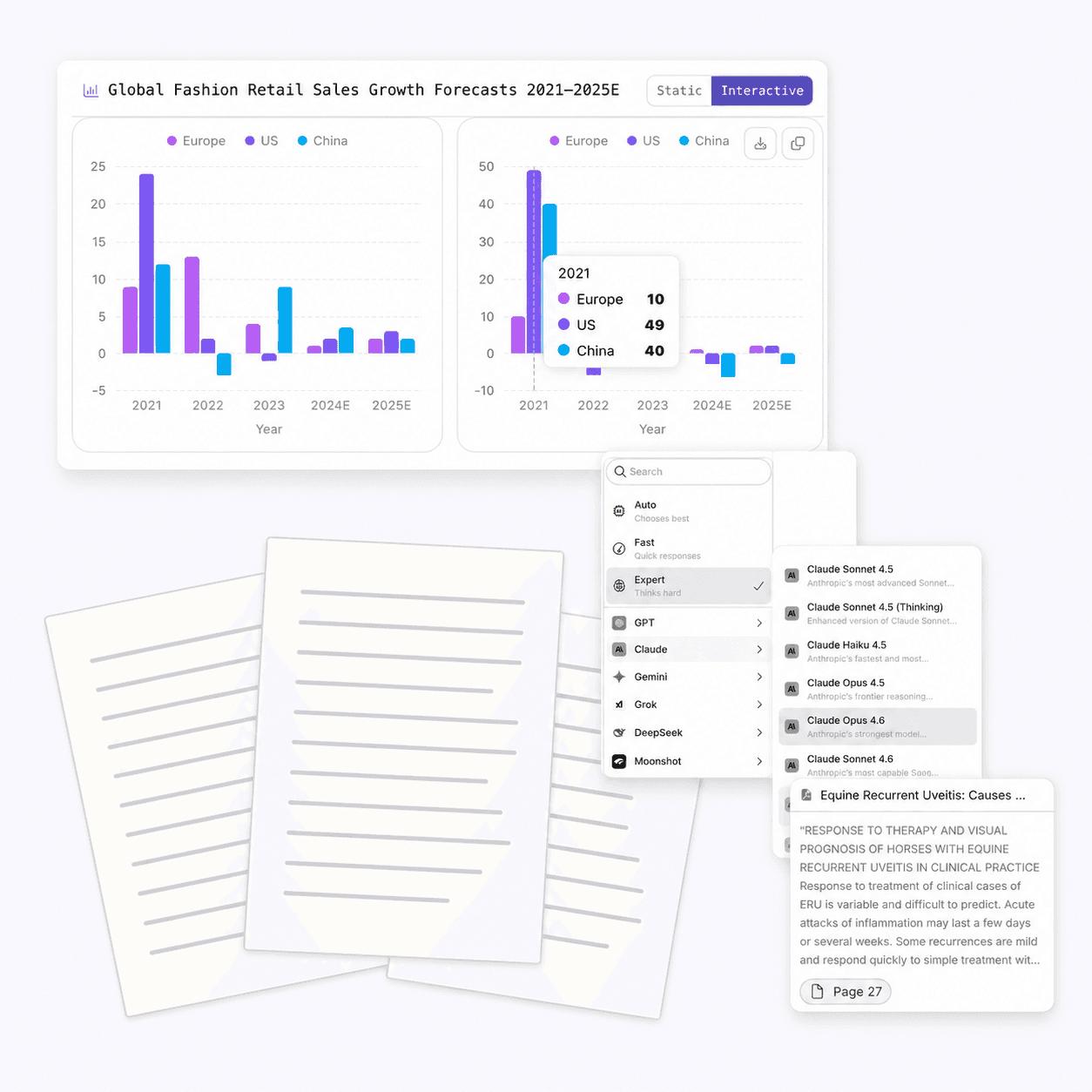
Upload your papers from Zotero and pull key findings and quotes across all 60 at once. Ask Otio to identify themes, contradictions, and methodological patterns across your entire collection.
Start your literature review from a structured synthesis, not a blank page. Every answer cites the exact page and passage. Check it in one click.
Thesis Work: Your Personal Research Assistant, 24/7
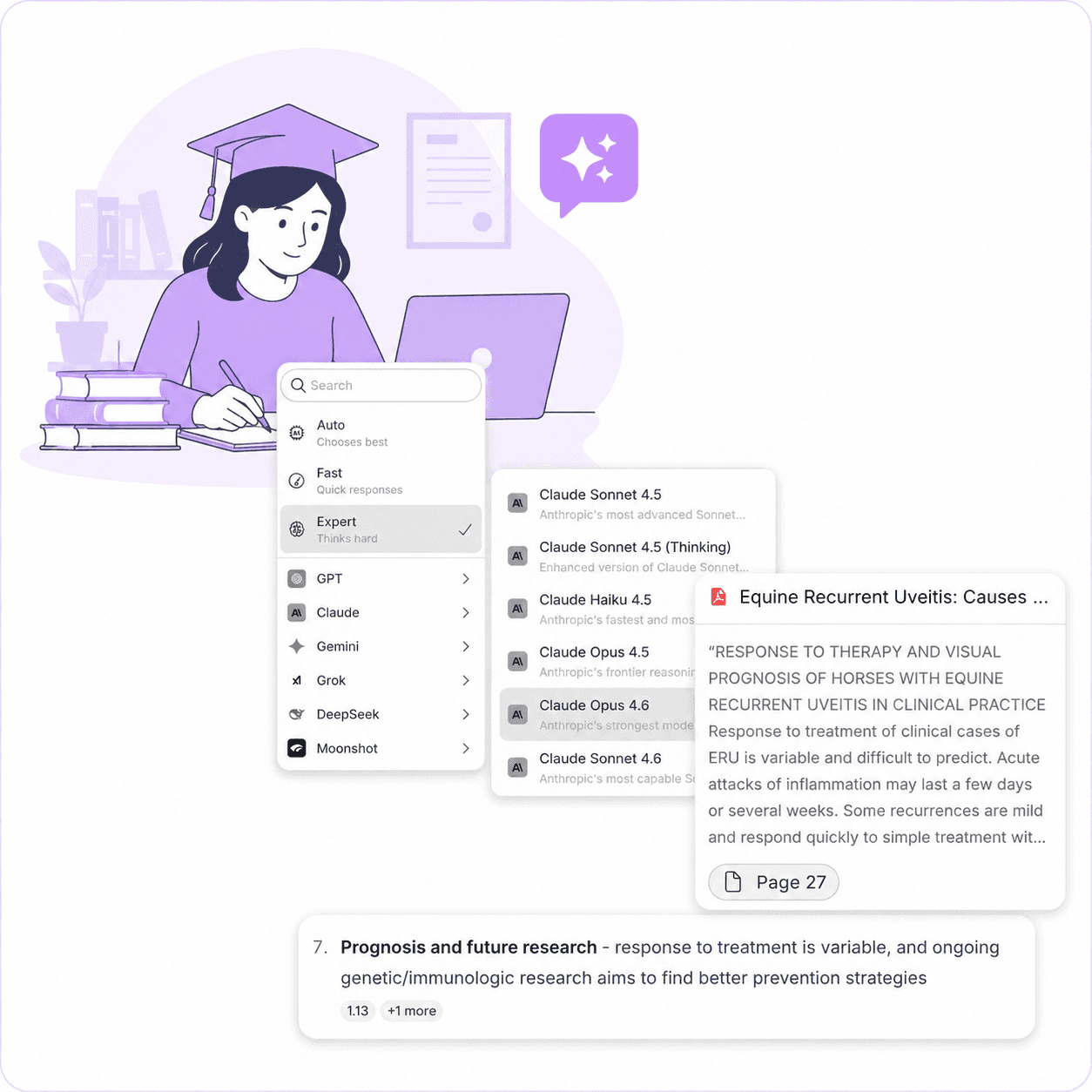
As a master's student, Otio has been a tool that changes how thesis work gets done. Chatting with research articles and whole folders of content saves countless hours of reading and digging through papers.
Connect your Zotero library and ask questions across your entire reference collection. The papers you curated for your thesis become a researchable workspace.
Systematic Review: Cross-Referencing Across Studies
Ask Otio to compare methodologies, sample sizes, and findings across 40 studies in your Zotero collection. Extract specific figures without reading every page yourself.
Identify which studies support or contradict each hypothesis. Every answer traced back to the exact source for verification.
Cross-Disciplinary Research: Connecting Disparate Sources
Research projects that cross disciplinary boundaries require synthesizing papers from neuroscience, psychology, and computer science. Otio researches across all of them simultaneously, citing each source precisely.
Ask questions that span your entire Zotero collection, regardless of field. The AI models interpret the content, and Otio cites the exact passage from each paper.
As a master's student, Otio has been a tool that changes how I approach my thesis work. It's like having a personal research assistant available 24/7. Chatting with research articles and whole folders of content has saved me countless hours of reading and digging through papers.
The ability to ask questions across my entire Zotero collection and get cited answers immediately changed how I approach literature review.
Master's Student: Changes How Thesis Work Gets Done
This is the exact tool I've been looking for. I've gathered an overwhelming collection of over 700 bookmarks and 190 open web browser tabs. These resources are my roadmap to research, but navigating through them has become increasingly challenging..
This has been the beacon I need in this sea of information. Otio turns chaos into a structured, researchable workspace.
Pharmaceutical Researcher: Beacon in a Sea of Information
I don't know how you do it but the gap in summary and answer quality to ChatGPT is big. And having real text citations is a tool that changes everything.
The precision of the citations and the ability to verify every answer before it leaves my desk make Otio the only tool I trust for research synthesis.
Post-Doc Researcher: Citation Quality Gap Is Significant
Otio is really an excellent tool for understanding my papers. It is just like my personal librarian for the internet.
The citation quality and the ability to research across my curated collection make it indispensable for academic work.
Neuroscience PhD: Personal Librarian for the Internet
Trusted by 200,000+ professionals across 74 languages
Zotero Alone: Citation Management, Not Research
Zotero organizes your references and manages citations. It doesn't provide AI research capabilities across your collection. Otio connects to Zotero and adds the research layer, turning your reference library into a queryable workspace.
Zotero for citation management. Otio for research across what Zotero stores. Complementary tools for different parts of the academic workflow.
ChatGPT: Hallucinated References, No Source Memory
ChatGPT invents references. Fake authors, fake journals, page numbers that don't match. Otio generates answers only from the material you've uploaded and cites every claim back to the exact source.
ChatGPT forgets your sources an hour later. Otio builds a permanent, researchable library that remembers everything you've uploaded.
Otio: Every AI Model, Your Curated Collection, Cited Answers
Claude, GPT, Gemini, DeepSeek. Choose which model analyzes your Zotero collection. Switch to compare interpretations. No restrictions, no model lock-in.
Research across your curated collection with page-level citations. The precision academic work requires, applied to AI research output.
How Does the Zotero-Otio Integration Work?
Connect your Zotero account through a secure OAuth connection. Import your entire library or select specific collections relevant to your current project. Papers become immediately queryable across every AI model without manual download or re-upload.
The integration takes less than a minute to set up. Once authorized, your Zotero collections appear in Otio's import interface.
Does Otio Work with My Annotated PDFs from Zotero, or Just the Metadata?
Otio imports the full PDF text from your Zotero library, not just citation metadata. Your annotated PDFs become queryable across every AI model, and Otio cites the exact page and passage from the actual paper text.
aAnnotations you've made in Zotero are preserved. The full content of your curated collection becomes researchable in Otio.
Can I Import Just Part of My Zotero Library, or Does It Have to Be Everything?
Import selectively. A researcher with 5,000 references can import just the 80 papers relevant to their current dissertation chapter. Choose specific collections or individual papers.
Your Zotero library stays in Zotero. Otio imports what you need for the current project without forcing you to migrate your entire reference collection.
How Does Otio Cite Answers from My Zotero Papers?
Every answer includes the paper title, author, page number, and the exact passage from the text. Click any citation to jump to the exact passage in the source document.
The same granularity you'd use for manual citation practice, applied to AI-generated answers. Page-level, passage-level precision.a
What's the Difference Between Otio and Zotero's Own AI Features?
Zotero 7 includes some PDF reading and annotation features. Otio provides AI research across your entire collection with every AI model, cited cross-document synthesis, and the ability to connect Zotero papers with other source types (web articles, videos, podcasts).
Zotero for citation management. Otio for research across what Zotero stores. Complementary tools for different parts of the academic workflow.
Does This Work with Mendeley as Well?
Yes. Otio integrates with both Zotero and Mendeley. Connect either reference manager and import your curated paper collection into Otio's research workspace.
The same citation precision and AI research capabilities apply to both Zotero and Mendeley libraries.
Can I Trust Otio to Give Me Accurate Information?
Otio is designed to work with your sources, not around them. It generates answers only from the material you've uploaded, cites every claim back to the exact source, and tells you when something isn't there, rather than inventing an answer to fill the gap.
No hallucinated references. No fake journals. No page numbers that don't match. The citation rigor you expect from academic work, built into every AI response.
Are My Zotero Files Used for AI Model Training?
No. Your Zotero library and the papers you upload to Otio are not used for AI model training. Your research stays private.
Otio processes your files to generate cited answers, but the content is not shared with AI model providers for training purposes.
Try Free, No Account Needed
Testimonials
What professionals say about Otio




I've been using Otio for a while now and I must say how much I like it! It’s incredibly helpful for summarizing key takeaways from research papers and long videos or podcasts, knowing from the start if the research is what I’m looking for and then allowing me to revisit important points precisely when I need them.
Dana S.
Economist
Truly loved interface: it’s very straight forward and intuitive vs other ai's. Especially vs having 100 tabs open and copy & pasting back and forth from ChatGPT

Natalya Z
Pharmaceutical Researcher
This is the exact tool I've been looking for…I've gathered an overwhelming collection of over 700 bookmarks and 190 open web browser tabs. These resources are my roadmap to research, but navigating through them has become increasingly challenging.
This has been the beacon I need in this sea of information.

Tracy
Founder
Love what you guys are doing and when I tried Otio out it really had me like *WOAH*.

Cosmo
Researcher



What to do next
Try Otio free
Create your first workspace and chat across your sources
Upgrade to Otio Lite - $7/mo
Unlimited sources, all AI models, citations to exact page
Get through your sources faster.
All features. All AI models. Free to start.
Try Otio free