
AI Textbook Summarizer: Ask Any Chapter, Get Cited Answers
Upload Your Textbook and Ask Specific Questions
Upload your textbook as a PDF or ePub. Ask what chapter 6 says about a specific concept, and Otio surfaces the exact passage with the page number.
Last Updated June 18, 2026
Get Started Free
Trusted by 200,000+ professionals across 74 languages



Ask Targeted Questions,
Get Cited Answers
Upload Your Textbook in PDF or ePub Format
Drag your textbook file into Otio or connect Google Drive, Dropbox, OneDrive, or Box. The textbook stays in your workspace permanently.
Many institutional textbooks are distributed as ePubs. Otio handles both formats so you can work with whatever your course provides.
Ask Chapter-Specific Questions
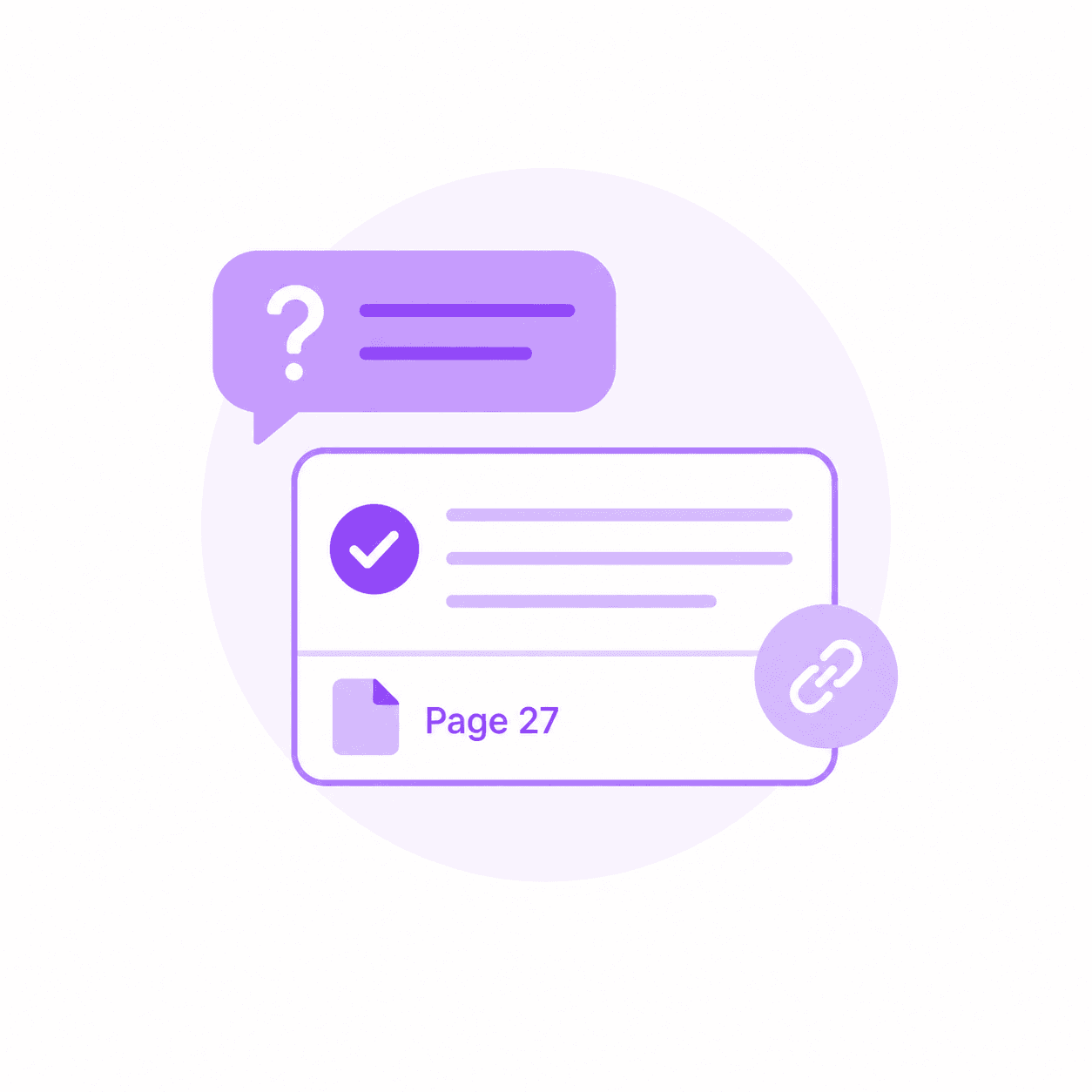
Instead of reading chapter 8 linearly, ask what it says about a specific concept. Otio surfaces the relevant passage and cites the exact page.
Before your exam, ask targeted questions about the concepts you need to review. Know exactly where to go in the textbook for deeper study.
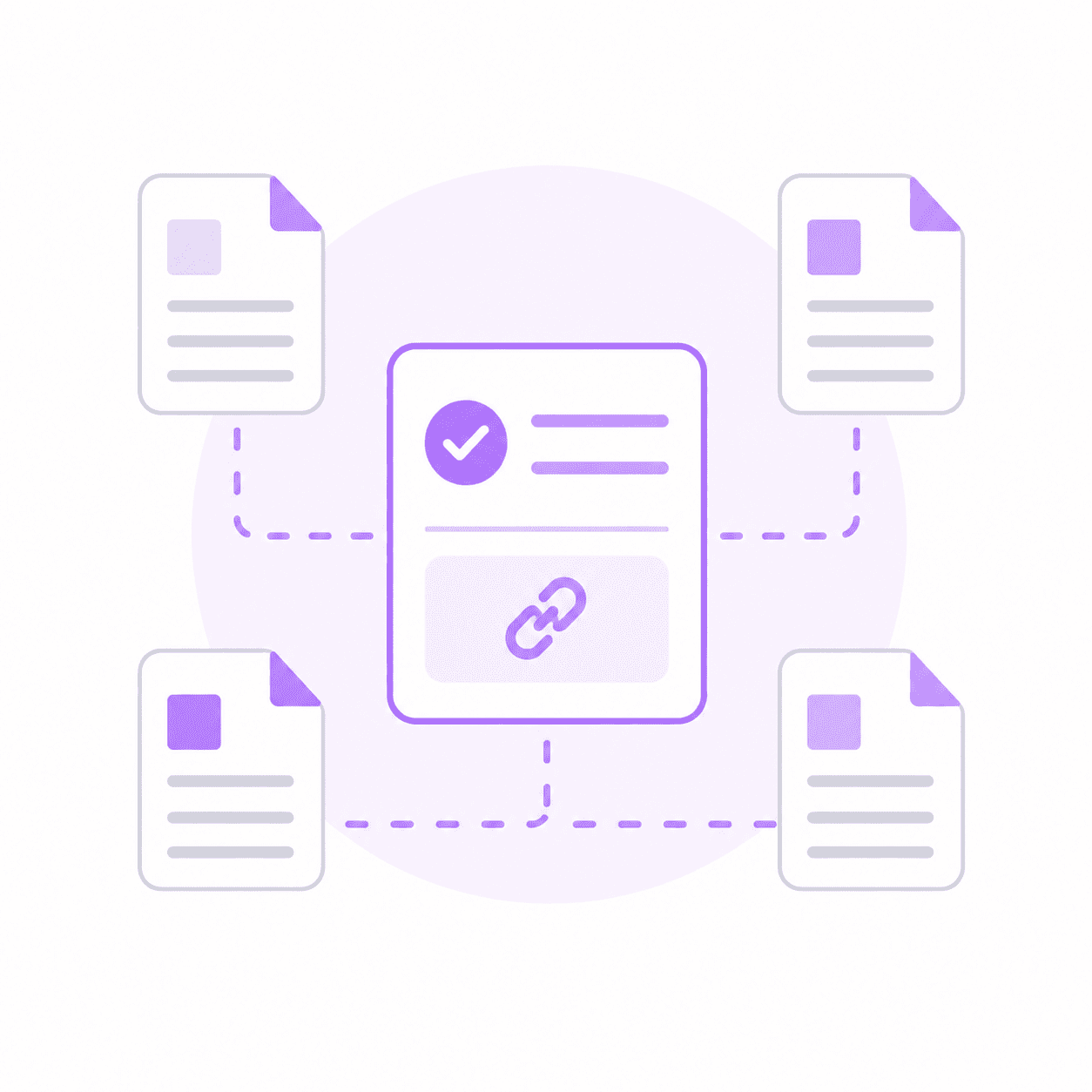
Cross-Reference With Lecture Slides and Course Papers
Add your lecture slides and supplementary readings to the same session. Ask a question that spans the textbook and the papers your professor assigned.
Otio shows you how the sources connect. Every answer cites back to the exact page or slide so you can verify and review.
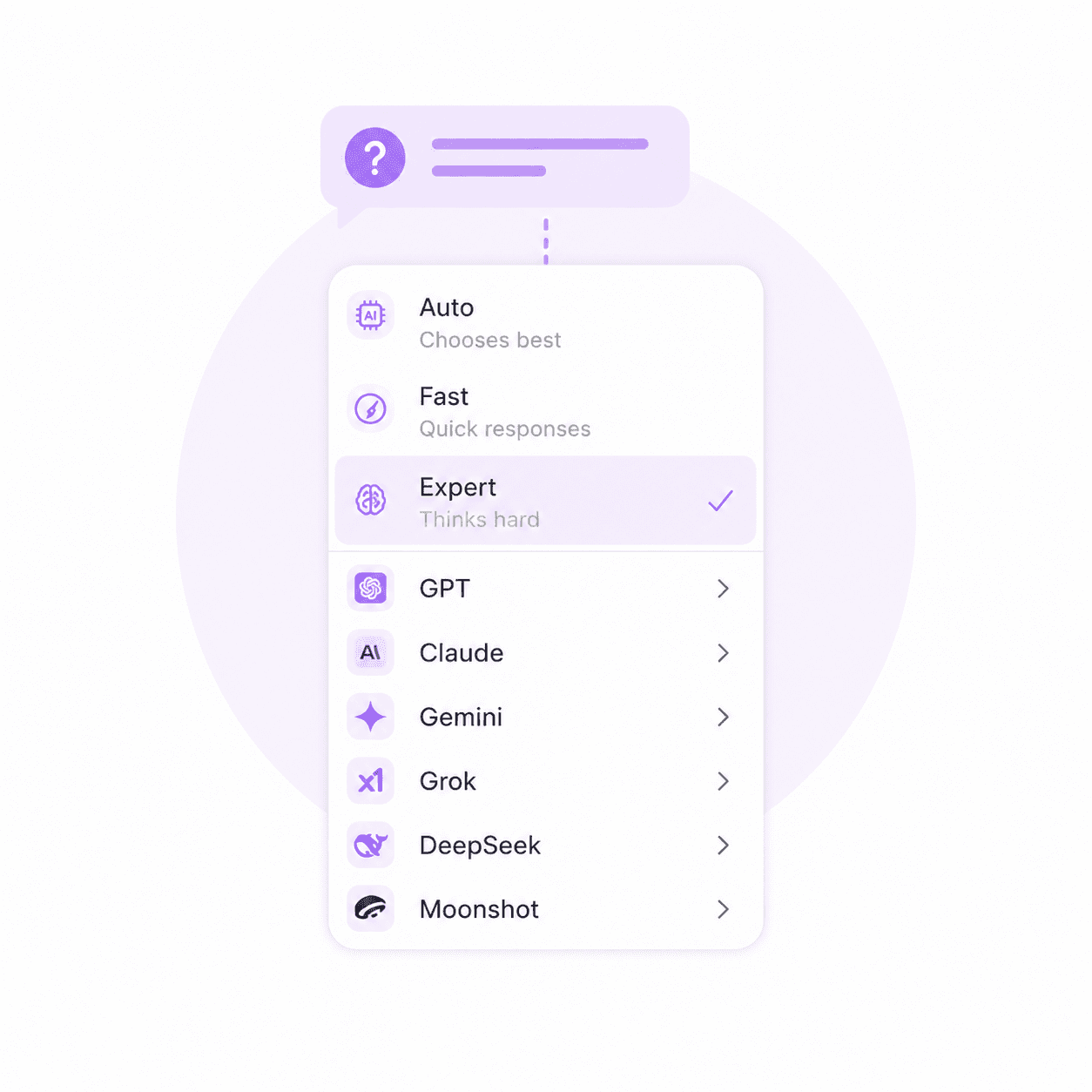
Choose the AI Model That Fits Your Discipline
Technical content benefits from model flexibility. Choose the AI model best equipped to handle medical terminology, legal reasoning, or engineering concepts.
Otio consolidates multiple AI models in one workspace. No more copying prompts between ChatGPT, Claude, and Gemini.
Start 7-Day Free Trial
Targeted Questioning, Not Static Summaries
Ask Specific Questions Instead of Reading Generic Summaries
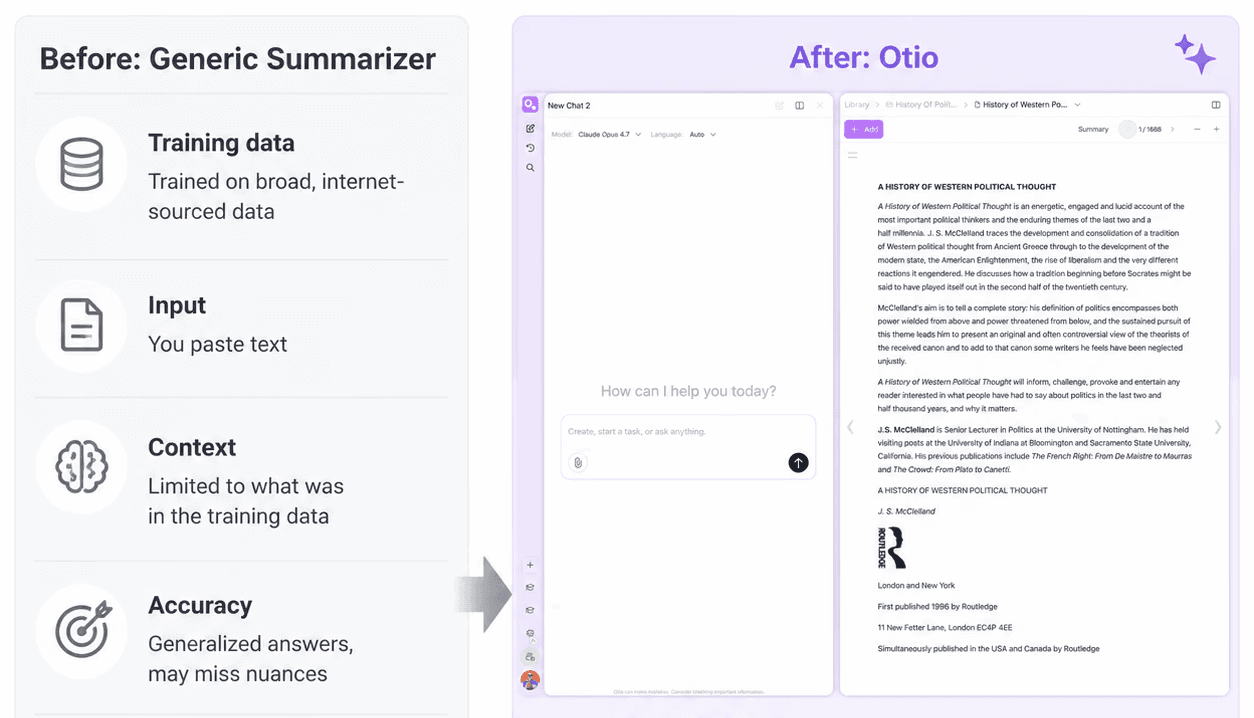
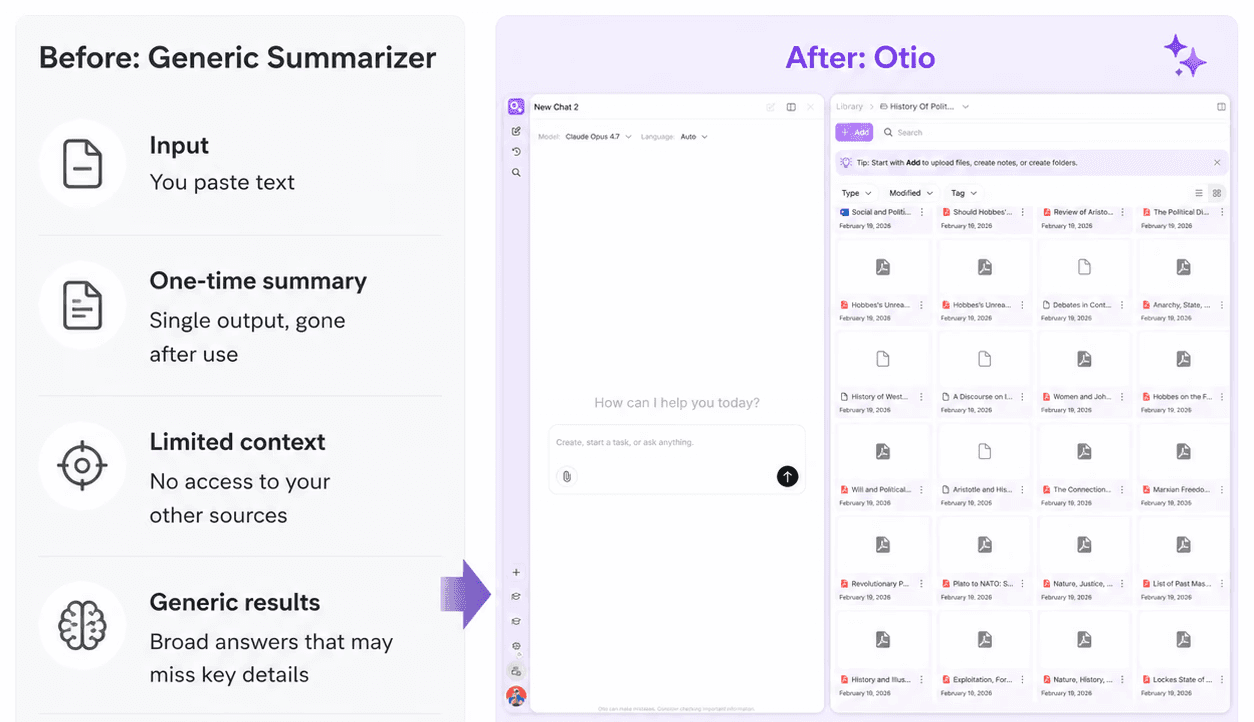
Most tools generate a static summary of each chapter. When the exam asks about a specific concept, the summary doesn't help. Otio lets you ask what chapter 6 says about X. The answer cites the exact page so you know where to review.
Permanent Workspace, Not One-Time Summaries
Upload your textbook once. Ask different questions across twelve weeks of study. Other tools treat each session as disposable. Otio keeps your textbook available all semester so your study system grows with you.
Cross-Source Capability for Multi-Material Courses
Add your textbook, lecture slides, and supplementary papers to one workspace. Ask questions that span all three. Exams test synthesis across materials. Otio makes that synthesis visible and traceable with page-level citations.
Every Answer Cites the Exact Source
Otio works from the file you uploaded, not from general training data. Every answer traces back to the exact page or passage. No hallucinated references. No invented page numbers. Verify everything in one click.
Model Flexibility for Technical Content
Choose the AI model best suited to your discipline. Medical, legal, and engineering textbooks require precision. Otio consolidates ChatGPT, Claude, Gemini, and other models in one workspace. No more copying prompts between tools.
Based on Otio's onboarding data from the past 90 days, 39% of users (687 of 1,750) select 'Literature reviews' and 37% select 'Study & exam prep' - together, these academic use cases account for the largest concentration of student and researcher activity on Otio.
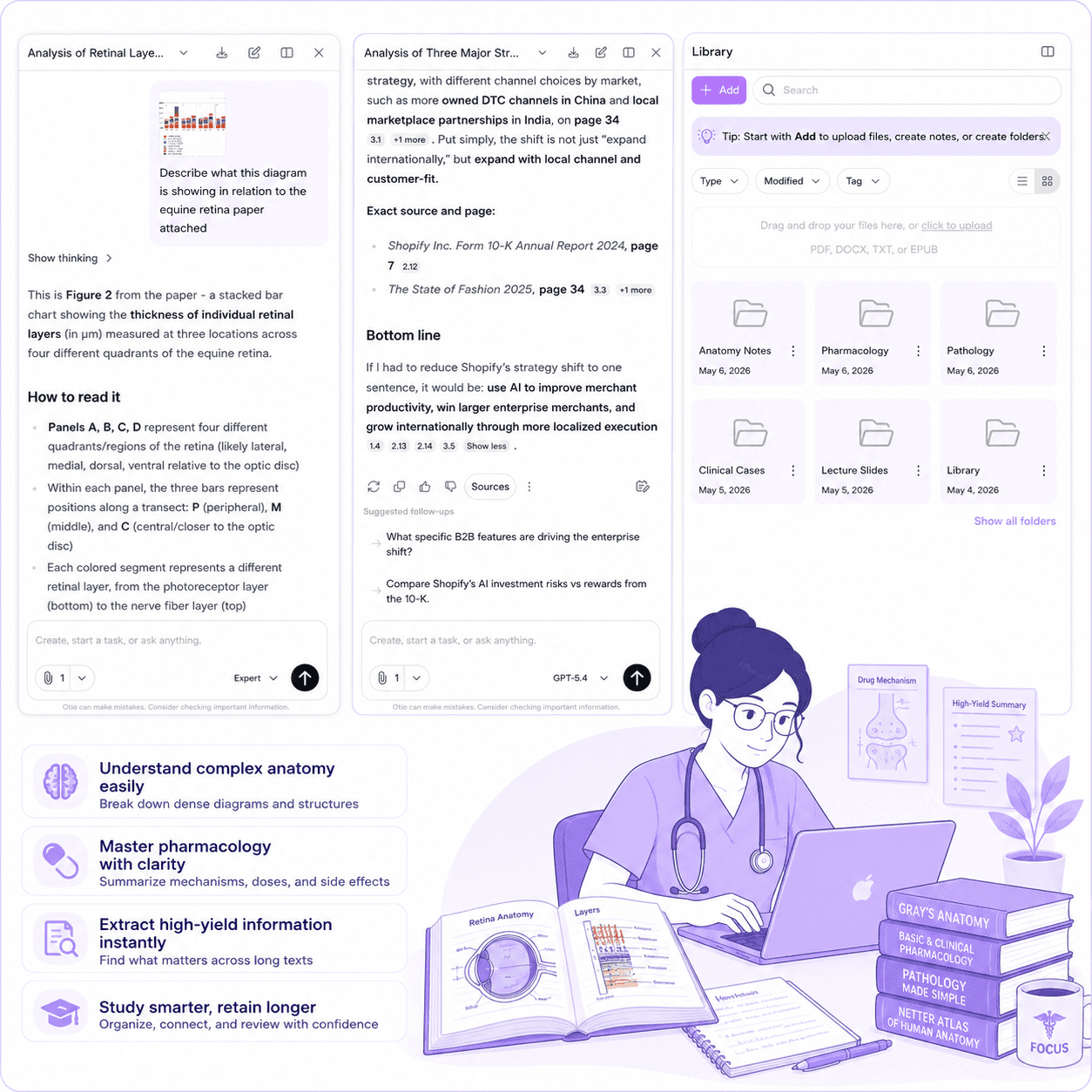
Medical Students Managing Dense Anatomy and Pharmacology Texts
Medical textbooks are hundreds of pages of technical content. Ask Otio what chapter 12 says about a specific drug mechanism and get the exact passage with the page number.
Generate practice questions from your uploaded textbook. Create mnemonics and analogies to help concepts stick.
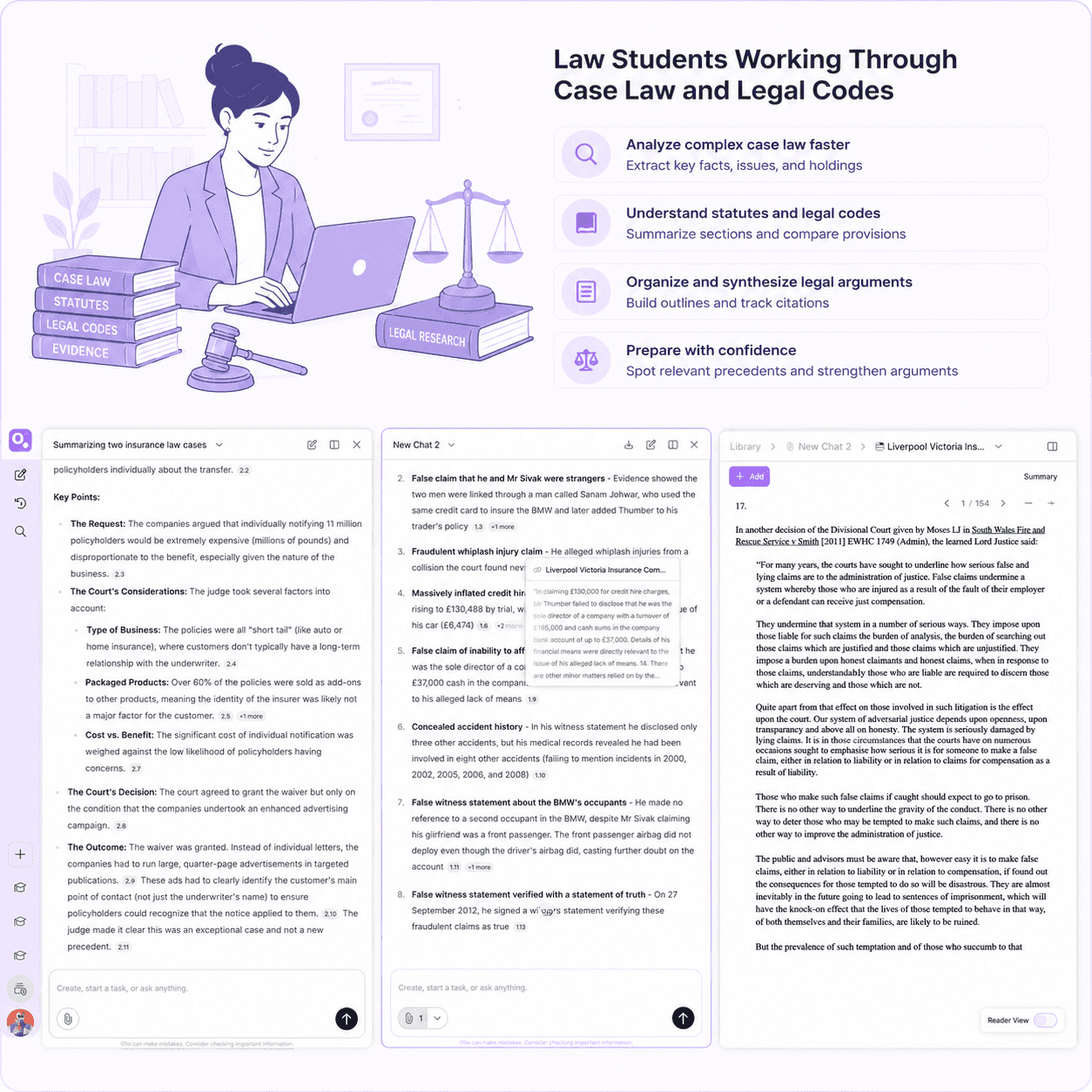
Law Students Working Through Case Law and Legal Codes
Legal textbooks and case compilations require precise extraction. Ask Otio to pull key facts, themes, and contradictions across multiple documents.
Every answer cites back to the exact source. Verify everything before it goes into your case brief or exam answer.
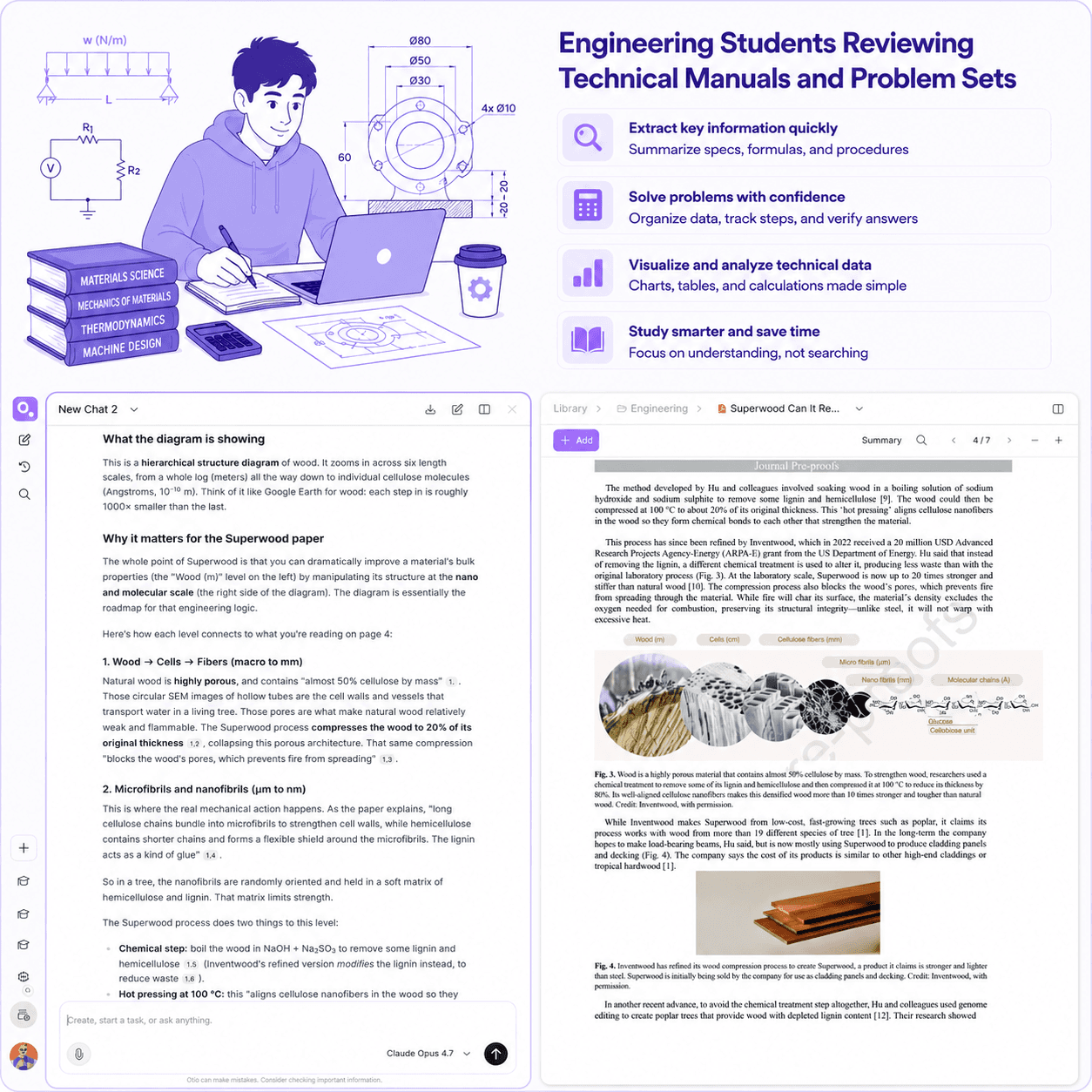
Engineering Students Reviewing Technical Manuals and Problem Sets
Engineering textbooks are dense with formulas, diagrams, and technical specifications. Ask targeted questions to extract the specific concept you need.
Cross-reference your textbook with lecture slides and problem sets. See how the theory connects to the application.
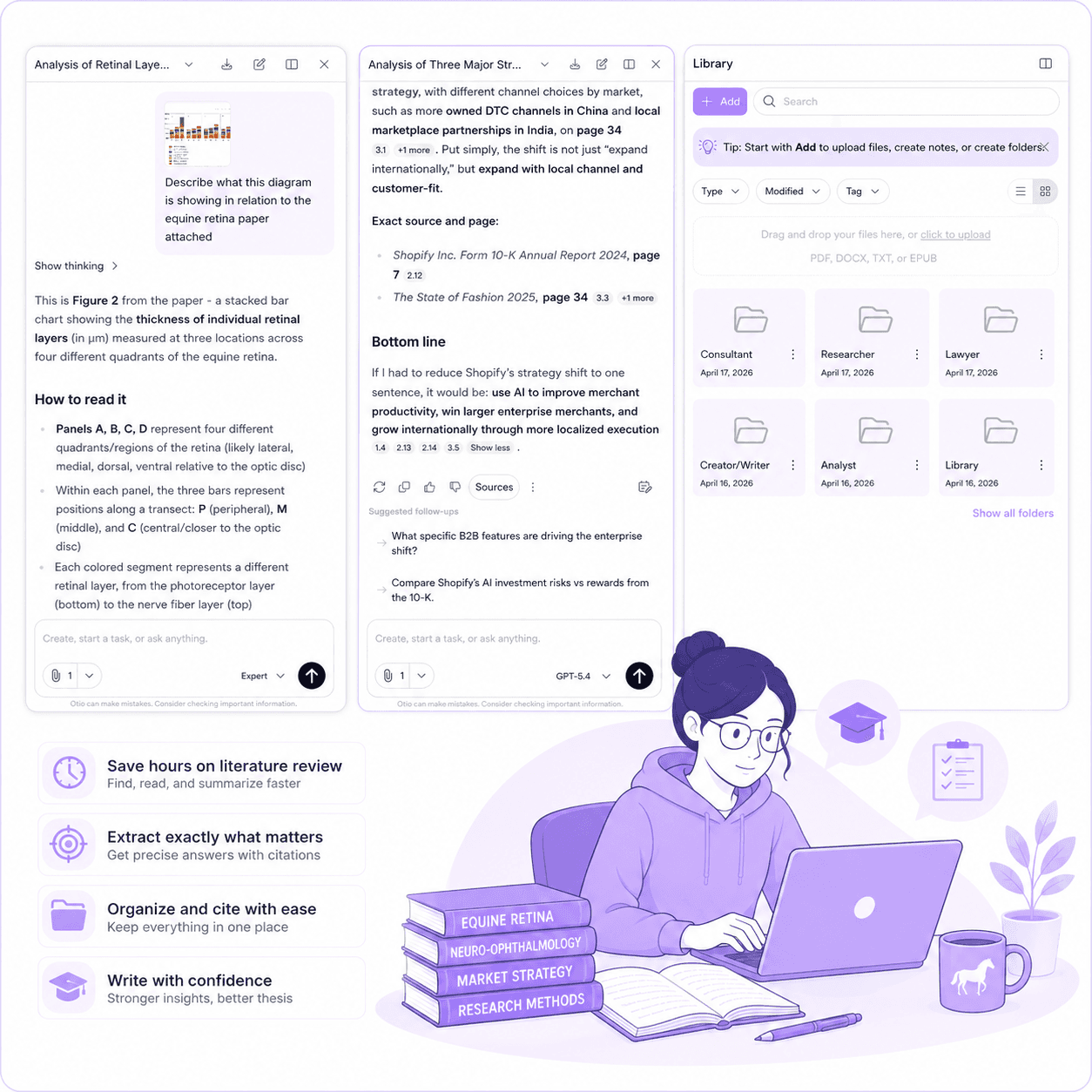
Business and Finance Students Synthesizing Case Studies and Theory
Business textbooks pair theory with case studies. Ask Otio to pull arguments across both and show how they connect.
Before exams, ask targeted questions about frameworks, models, and case applications. Know exactly where to review.
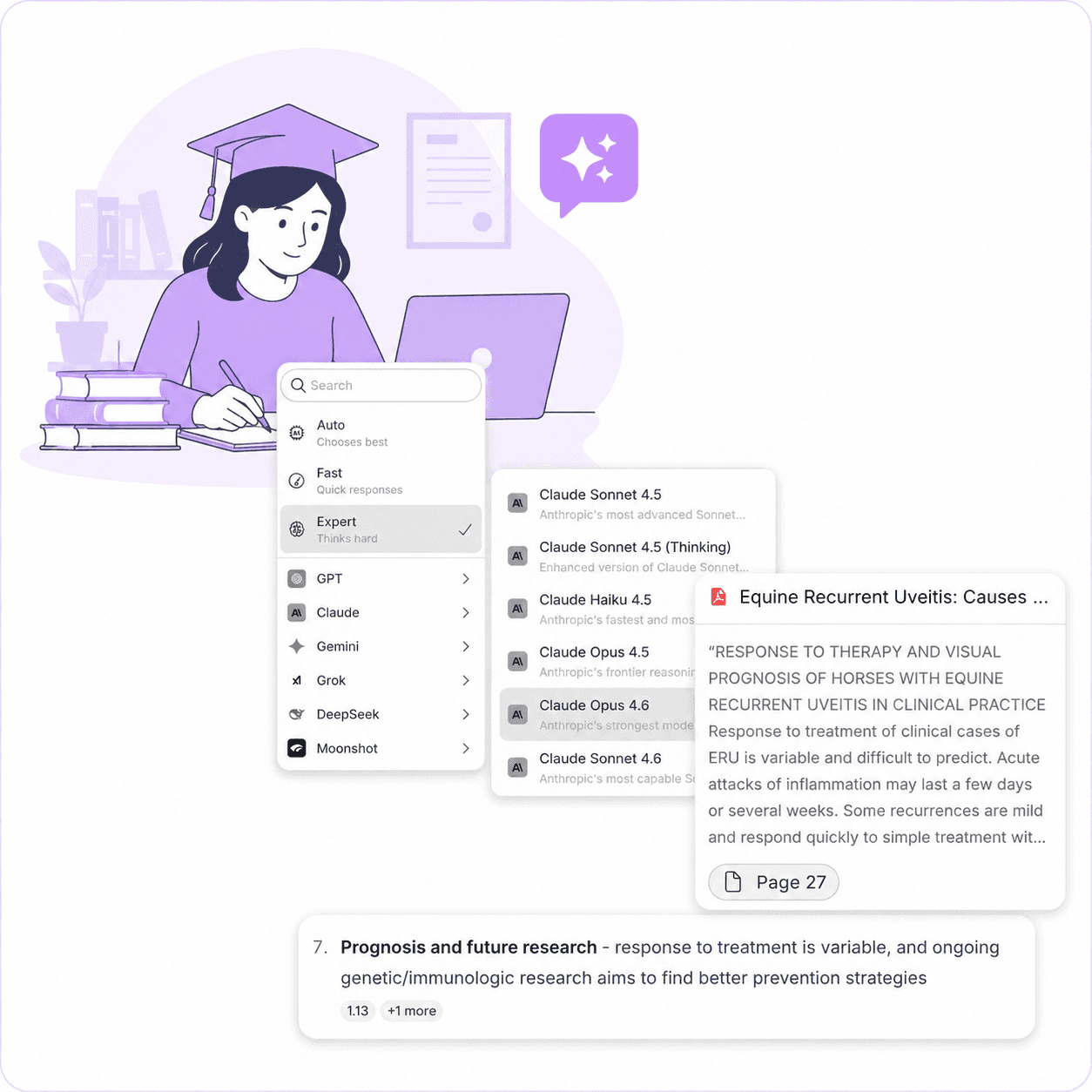
Graduate Students Managing Thesis Research and Literature Reviews
Upload your textbook alongside research papers and course materials. Ask questions that span all your sources and get cited answers.
Start your literature review from a structured synthesis, not a blank page. Every answer traces back to the exact page and passage.
See How It Works
Time, money, and trust. The cost of stitching multiple AI tools together to do what one workspace should.
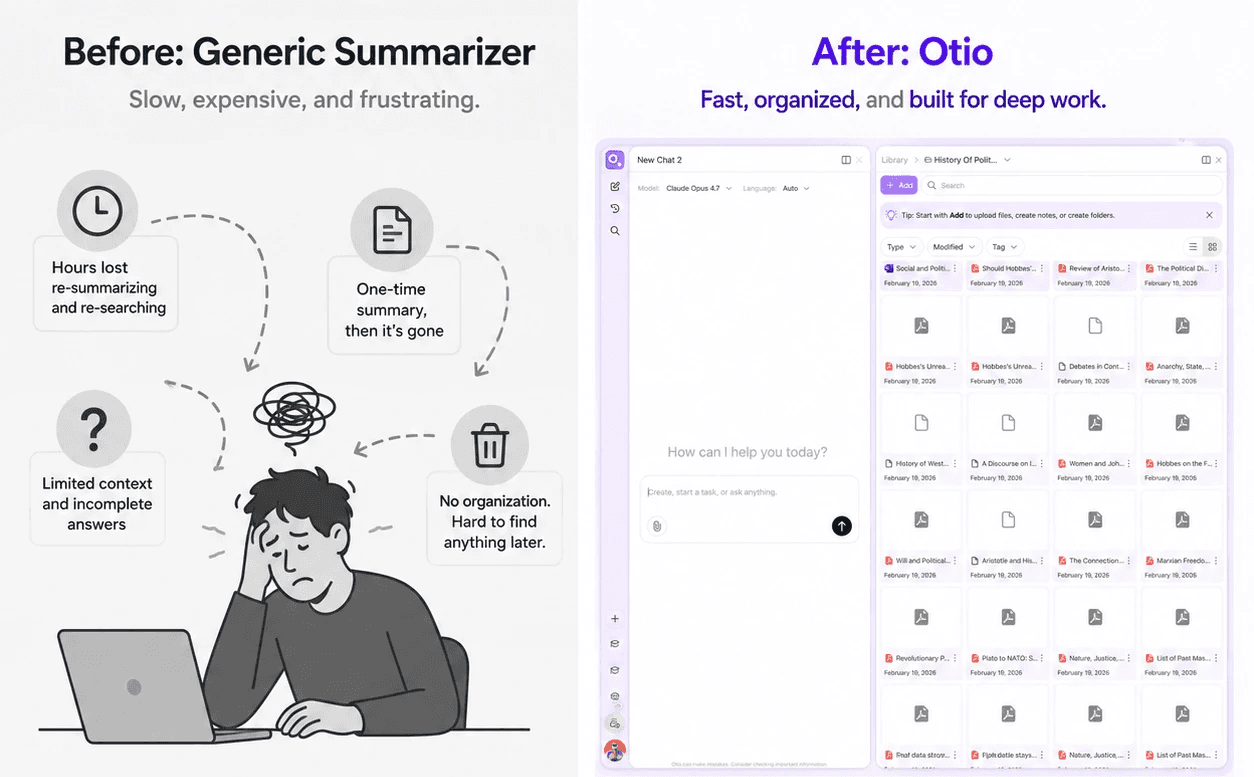
All features. All AI models. Free to start.
Try Otio free
What Students Are Saying
"As a master's student, Otio has been a game-changer for my thesis work. It's like having a personal research assistant available 24/7! Chatting with research articles and whole folders of content has saved me countless hours of reading and digging through papers."
Thesis research requires synthesizing dozens of sources. Otio makes that synthesis traceable and verifiable.
Master's Student: Saved Countless Hours on Thesis Work
"I use it for literally everything. Make practice questions, summarize lectures, give me analogies and mnemonics."
Medical students need multiple study tools. Otio consolidates them in one workspace so you can focus on learning, not tool-switching.
Medical Student: Practice Questions, Summaries, and Mnemonics
"My brain isn't a filing cabinet. It's a processor. I had to stop asking it to store everything and start building an external system."
Finance courses require synthesizing theory, case studies, and market data. Otio becomes the external system that holds it all together.
Finance Student: External System for Processing Information
"Otio is really an excellent tool for understanding my papers. It is just like my personal librarian for the internet!"
PhD-level research requires managing hundreds of papers. Otio makes them queryable and traceable across your entire research timeline.
Neuroscience PhD: Personal Librarian for Research Papers
Otio is fast to set up and immediately useful. Three steps from textbook to cited answers.
Step 1: Upload Your Textbook
Step 2: Ask Targeted Questions
Step 3: Review, Verify, and Study
Get Started Free
Does Otio Read the Actual Textbook I Upload or Generate From Training Data?
Otio works from the file you upload, not from general knowledge about popular textbooks. Every answer is generated from the material you've provided. This matters for specialized or proprietary academic texts. Otio reads your specific edition, your specific chapters, your specific content.
Can I Ask Questions About Specific Chapters or Sections?
Can I Use My Textbook Alongside My Lecture Slides and Course Papers?
Does Otio Accept ePub Files as Well as PDFs?
Does the Textbook Stay Available Across a Whole Semester or Just the Session I Upload It In?
Can Otio Generate Practice Questions From My Textbook?
Will Otio Work on Technical Textbooks, Not Just General Reading?
How Is This Different From Just Using ChatGPT?
What to do next
🚀 Try Otio free
Create your first workspace and chat across your sources
⭐ Upgrade to Otio Lite - $7/mo
Unlimited sources, all AI models, citations to exact page