
Citation Workflows
20 Best Citation Checking Tools for Academic Writers
Compare 20 citation checking tools for missing references, broken metadata, source verification, and APA, MLA, Chicago, and other style requirements. Find the right option for your final academic-writing audit.

The best citation checking tool depends on what you need to audit
The best citation checking tool is not one tool. For a final academic-paper audit, use a citation manager to catch in-text/reference-list mismatches, a style checker or generator to inspect formatting, a metadata service to verify DOIs and publication details, and a research database to confirm that the source is the one you meant to cite.
No software can prove that a citation actually supports your argument. Tools can flag a missing DOI, a broken reference, or an uncited bibliography entry; they cannot reliably decide whether page 47 supports your causal claim, whether a quotation is in context, or whether the cited source is strong enough.
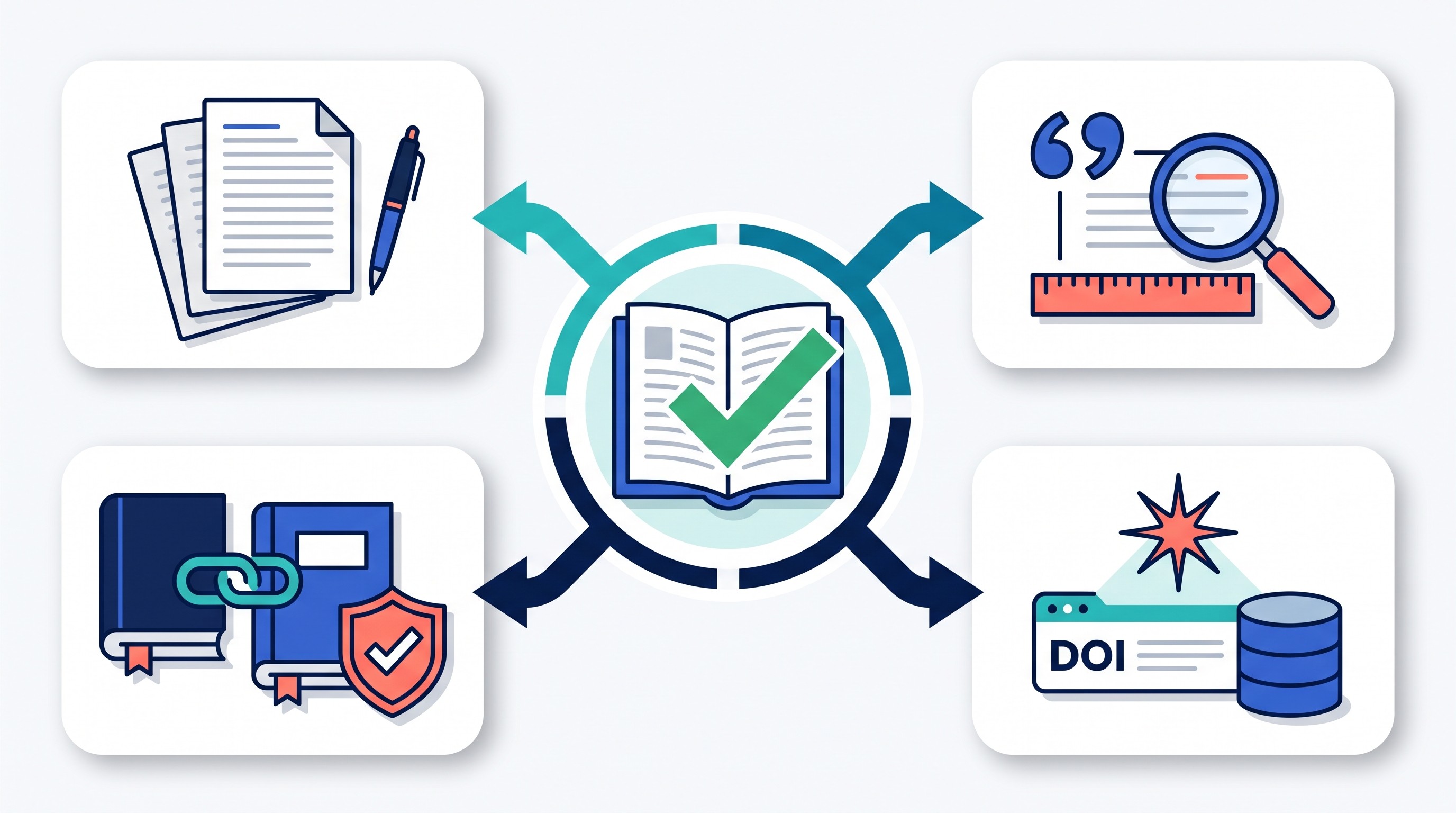
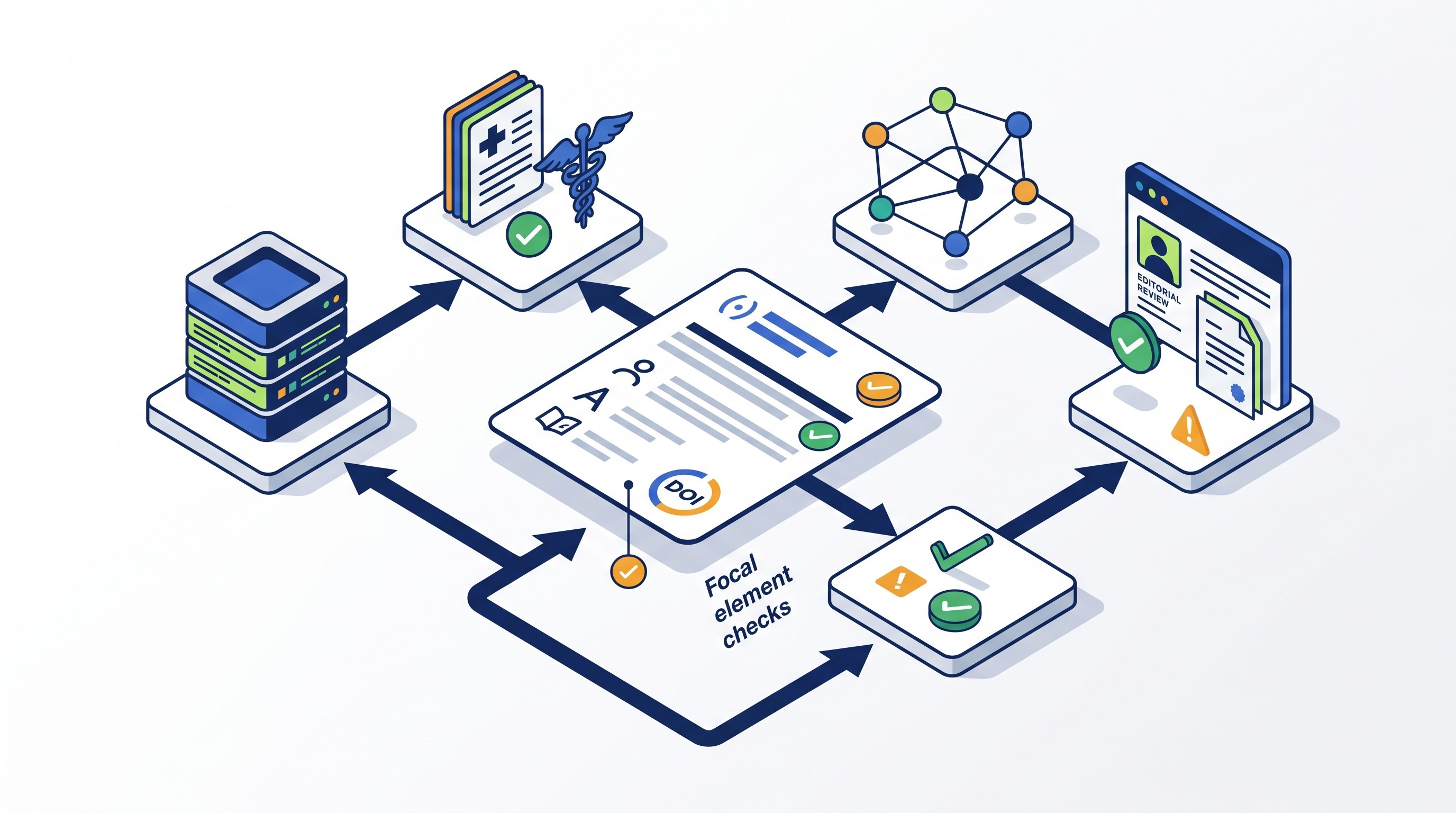
Use this workflow: document check → citation/reference reconciliation → DOI and metadata verification → manual evidence check. The tools below are grouped by that sequence.
Tool | Primary job | Best-fit user | Citation styles | Document integrations | Main limitation |
|---|---|---|---|---|---|
Zotero | Reference management and citation insertion | Students, grad researchers, faculty | Thousands via CSL-style ecosystem | Word, LibreOffice, Google Docs | Imported metadata still needs cleanup |
EndNote | Large-library reference management | Lab groups, faculty, systematic projects | Broad journal/manuscript styles | Word, manuscript workflows | Paid and more complex |
Mendeley Reference Manager | PDF library and citations | PDF-heavy academic writers | Common academic styles | Word, browser import | Metadata/import behavior needs checking |
Paperpile | Browser-first citation management | Google Docs users | Common academic styles | Google Docs, browser | Subscription and browser dependence |
RefWorks | Institution-backed citation management | University library users | Common academic styles | Word, Google Docs depending on access | Features depend on institution |
Citavi | Reference + knowledge organization | Structured thesis/dissertation projects | Common academic styles | Word | Platform/licensing constraints |
ZoteroBib | Quick bibliography creation | One-off bibliographies | Common academic styles | Export/copy | Not a long-term library |
MyBib | Free citation generation | Students with short bibliographies | APA, MLA, Chicago, Harvard and more per MyBib | Export/copy | Generated fields require review |
BibGuru | Fast citation generation | Students handling common sources | Common styles | Export/copy | Weak on unusual sources |
CiteThisForMe | Quick reference generation | Basic bibliography tasks | Common styles | Export/copy | Web-import metadata can be inconsistent |
Scribbr Citation Checker | Citation/reference problem spotting | Students polishing documents | Depends on product and plan | Upload/document workflow where supported | Plan and file limits vary |
Crossref Simple Text Query | DOI lookup from pasted references | Writers cleaning reference lists | Not a style tool | Browser | Results are candidates, not guarantees |
DOI.org | DOI resolution | Anyone checking identifiers | Not a style tool | Browser | DOI can resolve while fields remain wrong |
Crossref Metadata Search | Registered scholarly metadata lookup | Article-reference verification | Not a style tool | Browser/API | Not all sources are registered |
PubMed | Biomedical reference verification | Health/life-science writers | Not a style tool | Browser/export | Limited outside biomedical literature |
OpenAlex | Open scholarly metadata matching | Large-scale metadata checking | Not a style tool | Browser/API | Automated matches require review |
Google Scholar | Source identity discovery | Broad academic search | Auto citations available | Browser | Auto citations can be wrong |
Semantic Scholar | Paper graph and scholarly context | Literature-review writers | Citation exports | Browser/API | Coverage varies by field |
Scite | Citation-context checking | Writers checking how a paper is cited | Not mainly a style tool | Browser/database | Classifications need human review |
Web of Science / Scopus | Curated indexing and citation tracking | Institution-backed researchers | Export formats | Database/export | Subscription and field coverage limits |
A practical final-audit sequence looks like this:
Run a document-level check in Zotero, EndNote, Paperpile, RefWorks, or your chosen manager.
Reconcile in-text citations and the reference list: every in-text citation appears in the references, and every reference is cited in the text unless your style allows otherwise.
Validate identifiers and metadata with DOI.org, Crossref, PubMed, or OpenAlex.
Check source identity and context in Google Scholar, Semantic Scholar, Scite, Web of Science, or Scopus.
Manually verify evidence: page numbers, quotations, claims, scope, and source quality.
Style rules still matter. For example, Purdue OWL’s MLA guide describes MLA citation elements as ordered pieces such as author, title of source, title of container, contributors, version, number, publisher, publication date, and location, which is exactly the kind of detail automated generators can miss when metadata is incomplete (Purdue OWL).
Citation managers that catch reference-list and in-text inconsistencies
Citation managers are the right first stop when the paper has grown beyond a few sources. Their main advantage is synchronization: if you insert citations through the tool, it can update the bibliography as you draft.
They are weaker when references were pasted manually, imported from messy web pages, or edited outside the manager. A citation manager can keep a bad record consistent; it cannot make that record correct.

1. Zotero
Best for: most academic writers who want a free, flexible reference manager.
Zotero is the default recommendation for many students and researchers because it handles browser capture, PDF storage, duplicate detection, notes, tags, and citation insertion across major writing environments. It is especially useful when drafting in Word, LibreOffice, or Google Docs and needing the bibliography to stay synchronized with in-text citations.
Its biggest weakness is not the citation engine; it is the quality of what gets imported. Publisher pages, library records, PDFs, and Google Scholar exports can bring in missing capitalization, wrong page ranges, incomplete author names, or incorrect item types. Before the final audit, open each suspicious record and compare it against the publisher or database page.
If you use Zotero as the source library but want a workspace for reading and reviewing documents, Otio’s Zotero integration can pull research papers into a broader AI research library for review. Treat that as a reading and synthesis workflow, not a replacement for Zotero’s citation-management role.
2. EndNote
Best for: researchers with large libraries, journal-specific formatting needs, or institution-supported access.
EndNote is built for heavy reference-management workflows: large libraries, manuscript formatting, grouped references, shared libraries, and journal-style output. It is common in labs and departments where publishing workflows are standardized and the license is already covered.
The tradeoff is complexity. EndNote can do a lot, but new users can lose time learning library organization, field editing, style editing, and manuscript-formatting behavior. It is a better fit for repeated publishing work than a one-off student paper.
3. Mendeley Reference Manager
Best for: writers who organize research around PDFs and annotations.
Mendeley Reference Manager combines PDF storage, annotation, library organization, and citation insertion. It suits writers who collect article PDFs first and build the citation library from those files.
The final audit should include a metadata review. PDF-derived records can misread article titles, conference proceedings, author initials, or journal names. Also confirm current export and collaboration behavior before depending on it for a team project, because reference-manager workflows can change over time.
4. Paperpile
Best for: Google Docs-centered academic writing.
Paperpile is strongest when the writing workflow lives in the browser, especially Google Docs. Browser capture, cloud storage, and citation insertion feel natural for students or teams who do not want a desktop reference-manager setup.
The limitation is the same as the strength: the workflow depends on a supported browser and a subscription. If the final submission must move from Google Docs to Word or a publisher template, test the export path before the deadline.
5. RefWorks
Best for: students and faculty whose universities provide access through the library.
RefWorks remains useful in institution-backed environments because it is often tied to library discovery systems, shared folders, and campus support. That matters for first-year students, taught master’s programs, and departments where librarians help enforce citation workflows.
The catch is access. Features, storage, sharing, and availability can depend on the institution’s subscription. If using RefWorks for a thesis or multi-year project, confirm what happens after graduation or affiliation changes.
6. Citavi
Best for: structured research projects that combine references, quotations, tasks, and knowledge organization.
Citavi is more than a citation manager. It is designed for planning research, collecting quotations, assigning tasks, and organizing knowledge claims against sources. That makes it useful for dissertations, theses, and long literature reviews where the audit includes “Which note came from which source?” rather than only “Is this APA formatted?”
Its constraints are practical: platform fit, licensing, and team workflow. Before committing, check whether everyone on the project can use the same setup.
For broader tool selection beyond citations, see Otio’s guide to research tools for students and its comparison of Zotero add-ons and reference import tools.
Free and lightweight tools for checking citation formats
Lightweight citation generators are useful when the bibliography is short, the sources are common, and speed matters. They are risky when the source is unusual: translated books, archival material, datasets, legal sources, preprints, standards, chapters in edited volumes, or web pages with weak metadata.
The rule is simple: use the generator to save time, then inspect the output against the required style edition. Automated formatting is a draft, not the audit.
7. ZoteroBib
Best for: a quick bibliography without building a full reference library.
ZoteroBib lets writers create citations and bibliographies quickly from URLs, DOIs, ISBNs, titles, or manual entry. It is a good choice for a short response paper, class assignment, or one-time handout.
Do not treat the temporary bibliography as your durable source record. Save or export the final bibliography and preserve enough source details to reconstruct it later.
8. MyBib
Best for: students creating simple bibliographies in common styles.
MyBib is a straightforward citation generator for common academic source types. Its own site describes support for APA, MLA, Chicago, Harvard, and more (MyBib).
Use it when the task is “generate a workable APA or MLA bibliography fast.” Then verify edition-specific details, capitalization, italics, retrieval dates, URLs, and missing fields. MyBib also offers an APA citation generator described as updated for 2026 (MyBib APA Citation Generator).
9. BibGuru
Best for: fast citation generation across familiar source types.
BibGuru is another lightweight tool for generating citations and bibliographies without managing a full research library. It works best for common items: journal articles, books, web pages, and videos.
Its limitation is edge cases. If the source is a government report, court decision, translated edition, exhibition catalogue, dissertation, or dataset, verify every field manually.
10. CiteThisForMe
Best for: quick reference generation when the source is easy to identify.
CiteThisForMe is useful for basic bibliography creation, especially when a writer needs a fast starting point for common sources. It belongs in the same category as EasyBib and Citation Machine: helpful for formatting drafts, not sufficient for a final scholarly audit.
The risk is general web search. If the tool pulls metadata from a page that is not the canonical publisher, journal, library, or DOI record, the output can look polished while being wrong.
11. Scribbr Citation Checker
Best for: students who want citation and reference-list problems flagged during document review.
Scribbr is widely used by students for citation help, generators, proofreading, and plagiarism-related workflows. Its free citation generator states support for APA, MLA, Chicago, and Harvard (Scribbr Citation Generator).
A citation checker is different from a citation generator. The checker is for inspecting a document for citation/reference issues where the current product supports that file type, style, and plan. Confirm current limits before relying on it for a thesis-length paper.
Metadata and DOI tools for verifying whether references are complete
Metadata tools answer a narrower but important question: Does this reference point to a real, identifiable source, and are its bibliographic fields correct?
Use them when a reference has a missing DOI, suspicious title, inconsistent year, wrong journal abbreviation, incomplete page range, or author-list mismatch. They do not format your bibliography and do not judge whether the source supports your claim.
12. Crossref Simple Text Query
Best for: finding candidate DOI records from pasted bibliography entries.
Crossref Simple Text Query is useful when you have a rough reference list and want to locate possible DOI matches. Paste the reference text, inspect the returned candidates, and compare title, authors, journal, volume, issue, pages, and date.
The key word is candidate. Crossref matching can be uncertain for books, chapters, older materials, conference proceedings, and messy references. Do not paste the first returned DOI into your bibliography without checking that it is the intended work.
13. DOI.org
Best for: testing whether a DOI resolves to the expected publication.
DOI.org is the quick “does this identifier go where it should?” test. Paste the DOI into the resolver and confirm that it lands on the expected article, book chapter, dataset, or publisher page.
A resolvable DOI does not prove the whole citation is correct. Author order, title capitalization, journal issue, publication year, article number, and page range may still need correction.
14. Crossref Metadata Search
Best for: comparing reference fields against registered scholarly metadata.
Crossref Metadata Search helps verify titles, authors, journal names, dates, publishers, and identifiers for works registered with Crossref. It is especially useful when cleaning references imported from Google Scholar, PDFs, or old Word documents.
Its coverage is not universal. Some books, regional journals, older publications, dissertations, legal materials, and humanities sources may not have complete Crossref records.
15. PubMed
Best for: biomedical and life-science references.
PubMed is often the strongest verification source for biomedical references because it provides publication details, author information, journal data, and PubMed identifiers. For medicine, nursing, pharmacology, public health, and adjacent fields, it should be part of the final audit.
Its limitation is disciplinary. PubMed is not meant to cover every field. A missing PubMed record does not mean a source is invalid in history, economics, law, education, engineering, or the humanities.
16. OpenAlex
Best for: open scholarly metadata and work-level matching.
OpenAlex is useful for checking titles, authors, venues, identifiers, related works, and broader scholarly metadata without depending on a subscription database. It can help when reconciling large bibliographies or checking whether a work has multiple identifiers.
Review automated matches carefully. Similar titles, preprint/article pairs, conference/journal versions, and author-name ambiguity can lead to false confidence.
Tools for checking source identity, citation context, and scholarly support
This group helps answer a different question: What is this source, how is it situated in the literature, and how have later papers treated it?
That still is not the same as proving support. A source may be highly cited and still not support the sentence you wrote. A later paper may mention a study without endorsing it. Use these tools to guide human review.

17. Google Scholar
Best for: finding incomplete sources, alternate versions, and citation trails.
Google Scholar is often the fastest way to identify a source from partial information. It can reveal alternate versions, preprints, publisher pages, PDFs, “cited by” links, and related articles.
Its automatically generated citations should be treated as rough drafts. Google Scholar can mis-handle capitalization, author names, journal metadata, page ranges, and source types. Use it for discovery, then verify against the publisher, DOI record, library catalogue, or disciplinary database.
For better search technique, see Otio’s guide to Google Scholar search strategies for PhD students.
18. Semantic Scholar
Best for: understanding a paper’s scholarly neighborhood.
Semantic Scholar helps with paper discovery, citation graphs, related work, author pages, and metadata. It is useful when a reference is real but you need to understand whether it belongs to the topic, which later papers cite it, and what nearby work may be more relevant.
Do not treat it as a complete index. Coverage varies by discipline, and a missing or sparse record does not necessarily make a source weak.
19. Scite
Best for: inspecting citation context.
Scite’s core value is citation context: it helps show whether later papers appear to support, contrast with, or mention a cited work. That can be useful when auditing literature-review claims such as “subsequent studies have supported this finding.”
The classification is a signal, not a verdict. Read the citing sentences and the underlying papers before changing your argument.
20. Web of Science or Scopus
Best for: institution-backed citation tracking and curated indexing.
Web of Science and Scopus are strongest when the audit requires curated indexing, citation counts, journal-level discovery, and disciplinary filtering. They are especially useful for researchers whose universities already provide access.
The limitation is access and coverage. Subscription databases differ in what they index, how they count citations, and how well they cover particular fields, regions, languages, and publication types. If citation count matters for your argument, name the database and search date in your notes.
For more discovery options, see Otio’s guide to research websites and academic databases.
[[OTIO_INLINE_PROMO:%7B%22title%22%3A%22Need%20to%20verify%20what%20a%20source%20actually%20supports%3F%22%2C%22description%22%3A%22Add%20the%20paper%20and%20related%20PDFs%20or%20links%20to%20Otio%2C%20then%20ask%20focused%20questions%20about%20passages%2C%20claims%2C%20and%20citation%20context%20before%20your%20manual%20evidence%20check.%22%7D]]
How to choose the right citation checker for your final paper audit
Choose based on the failure mode, not the brand.
If the paper is still being drafted and citations keep changing, use a citation manager: Zotero, EndNote, Mendeley, Paperpile, RefWorks, or Citavi. The goal is synchronization between in-text citations and the reference list.
If the bibliography is short and mostly standard sources, use a lightweight generator: ZoteroBib, MyBib, BibGuru, CiteThisForMe, or Scribbr. The goal is fast formatting in APA, MLA, Chicago, Harvard, or the style your instructor requires. Scribbr’s generator, for example, states support for APA, MLA, Chicago, and Harvard (Scribbr); EasyBib describes bibliography formatting for MLA, APA, and Chicago/Turabian (EasyBib).
If the reference fields look wrong, use metadata and identifier tools: Crossref Simple Text Query, DOI.org, Crossref Metadata Search, PubMed, or OpenAlex. The goal is to verify that the author, title, journal, date, DOI, PMID, volume, issue, pages, or article number match the intended source.
If the question is scholarly identity or context, use research databases and citation-context tools: Google Scholar, Semantic Scholar, Scite, Web of Science, or Scopus. The goal is to see where the source sits in the literature and whether later papers support, challenge, or merely mention it.
If the problem is scattered source material before the audit, use a research workspace. Otio can collect PDFs, DOCX files, web links, notes, YouTube videos, and other research material in one library; its AI chat can answer questions with inline citations from gathered material, and its AI PDF reader can help review source passages. That is useful for source review and synthesis, but it is not a dedicated citation checker and should not replace a formal reference audit.
Final citation audit checklist
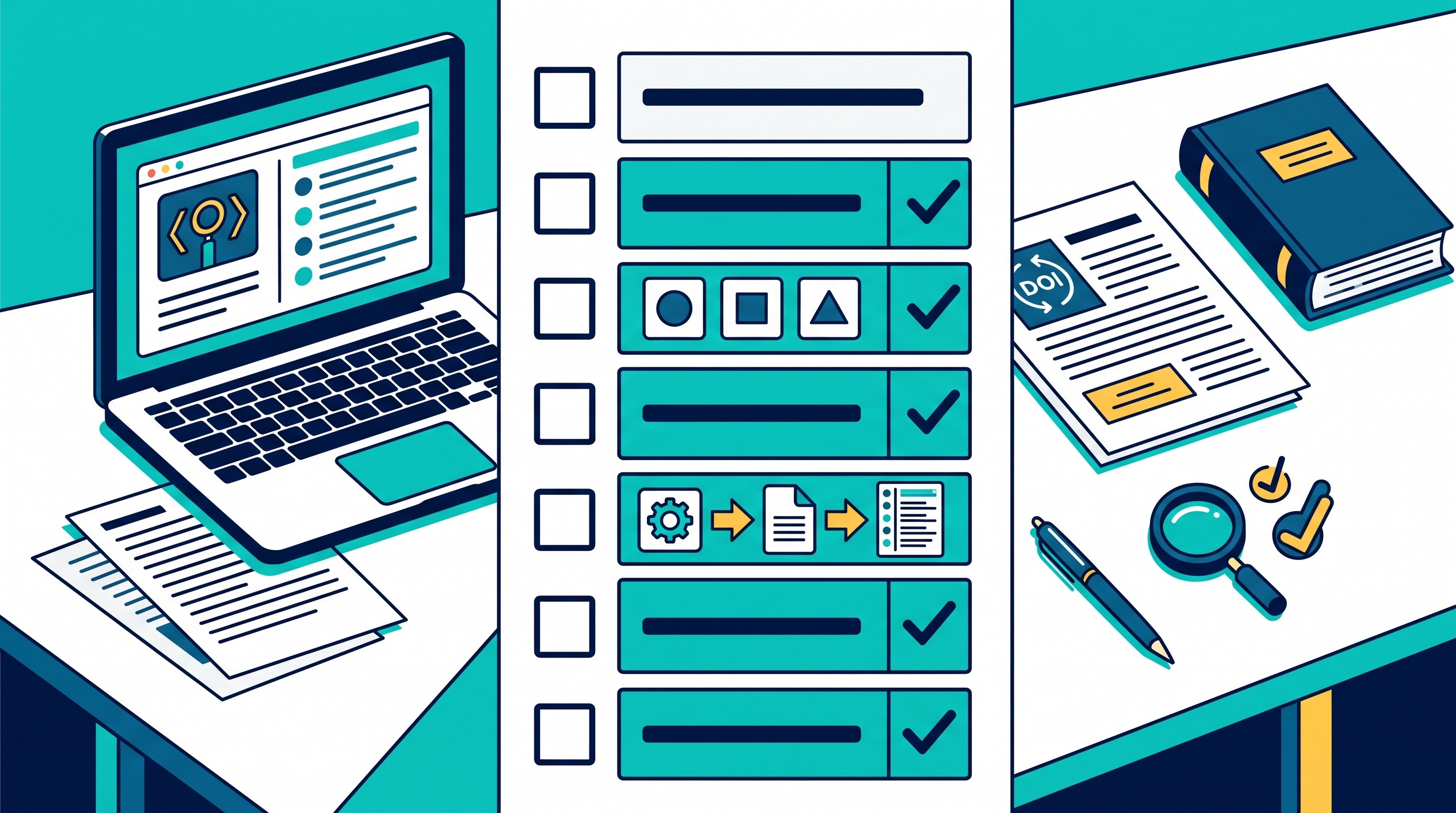
Before submitting, check every item below:
Every in-text citation appears in the reference list.
Every reference-list entry is cited in the paper, unless your required style allows uncited background sources.
Every DOI, PMID, URL, or stable identifier resolves to the intended source.
Author names, title, journal/book title, publisher, date, volume, issue, pages, and article number are complete where required.
The citation style matches the required edition, not just the general family: APA, MLA, Chicago, Harvard, Vancouver, IEEE, OSCOLA, or a journal-specific style.
Quoted material has page numbers or location details where the style and source type require them.
Paraphrases still match the source’s meaning.
Major empirical, historical, legal, or theoretical claims have appropriate evidence.
The source is strong enough for the claim, not merely related to the topic.
Manually pasted citations are checked with extra care, because they may not be connected to your citation manager.
FAQ
Q: Can a citation checker tell me whether my source actually supports my claim?
A: Usually not with certainty. Some tools show citation context or related papers, but you still need to read the source and verify that its evidence, wording, scope, and page details support your claim.
Q: What is the best tool for checking DOI and reference metadata?
A: Crossref, DOI.org, PubMed, and OpenAlex are useful starting points, depending on the discipline and source type. Compare the returned record with the publisher, journal, or book record before replacing your reference.
Q: Can citation software detect missing citations in an academic paper?
A: Citation managers can identify mismatches between in-text citations and the reference list when citations were inserted through the manager. They generally cannot determine whether an uncited claim requires a citation.
Q: Should I use a citation generator or a citation manager?
A: Use a generator for a small, simple bibliography when speed matters. Use a citation manager for a longer paper, repeated projects, collaboration, or any workflow where citations need to update throughout drafting.
[[OTIO_FOOTER_PROMO:%7B%22title%22%3A%22Apply%20the%20audit%20to%20your%20own%20source%20library%22%2C%22description%22%3A%22Collect%20your%20PDFs%2C%20DOCX%20files%2C%20web%20links%2C%20and%20notes%20in%20Otio%2C%20then%20review%20source%20passages%20with%20AI%20chat%20and%20inline%20citations%20before%20final%20submission.%22%7D]]



