
Research Tool Comparisons
ChatPDF vs Otio: Which Research Workflow Fits a Multi-Source Project?
ChatPDF is suited to quick questions about one PDF, while Otio is built for persistent, multi-source research across PDFs, web pages, video, audio, and notes. Compare the workflows, tradeoffs, citations, and best use cases.

Updated October 10, 2026.
ChatPDF vs Otio: the short answer
ChatPDF vs Otio comes down to scope: ChatPDF is the cleaner choice when the job is “ask questions about this PDF.” Otio is the better fit when the job is “build a research workspace from many PDFs, webpages, videos, audio files, spreadsheets, and notes, then keep working across sessions.”
That is a workflow distinction, not a claim that one tool replaces the other in every case. Use ChatPDF for a fast document-level interaction. Use Otio when the work continues across sources, formats, models, citations, notes, and drafted outputs.
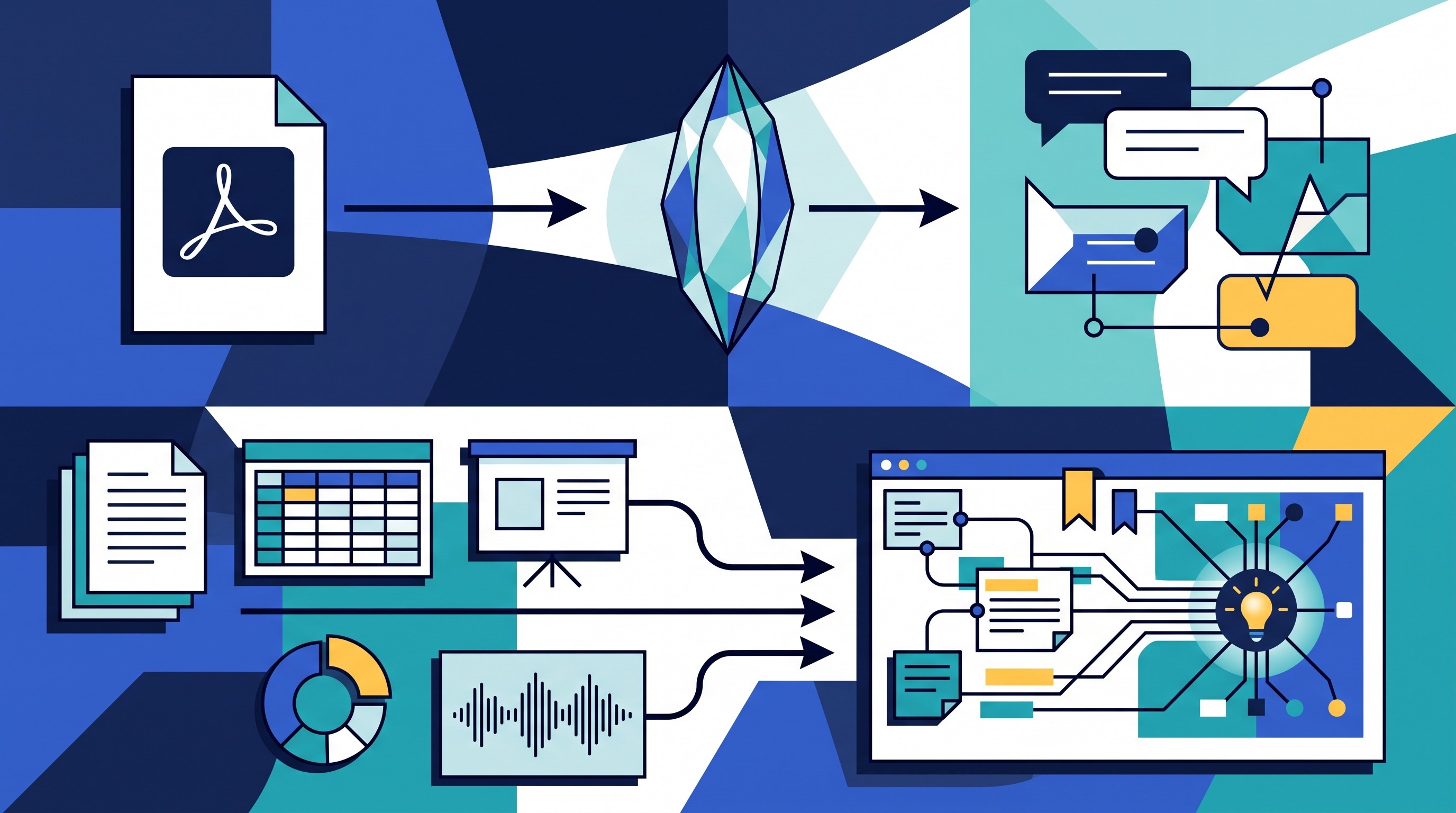
The simple rule:
Choose ChatPDF when the immediate task is one PDF, one session, and a narrow question.
Choose Otio when the project has multiple sources, recurring questions, mixed media, and evidence that must be preserved.
Use both when speed matters during triage but important sources need to move into a durable research system.
For current ChatPDF plans, upload limits, export behavior, and citation behavior, check ChatPDF’s official documentation before relying on it for a high-stakes workflow. Those details can change, and the risk is not the marketing copy. The risk is building a research process around limits you discover too late.
What ChatPDF is best at in a research workflow
ChatPDF’s useful job is narrow: open a PDF, ask targeted questions, and get oriented quickly. Its own homepage describes the product around PDF understanding: “summarize, chat, and analyze” PDFs via ChatPDF.
That can be exactly enough.
If a researcher has a 32-page paper and needs to know whether the methods section uses randomized assignment, a document chat tool is efficient. If a consultant has a client report and needs the three assumptions behind a forecast, it is efficient. If a lawyer has a single filing and wants to locate language about jurisdiction, it is efficient.
Good ChatPDF use cases include:
Checking methods: “What population, intervention, comparator, and outcome does this paper use?”
Finding a definition: “Where does the author define materiality, and how is it operationalized?”
Extracting a result: “What was the primary endpoint and what effect size was reported?”
Triage reading: “Is this source relevant to a project on renewable energy permitting delays?”
Locating passages: “Show the parts of the document that discuss enforcement discretion.”

The value is speed. A single-PDF tool reduces the cost of opening a long document and deciding whether it deserves deeper attention.
The stopping point is also clear. Once evidence is spread across several papers, agency webpages, interview transcripts, recorded hearings, spreadsheets, and your own notes, repeatedly opening one-document chats becomes a liability. Context gets stranded inside separate conversations.
That is where source-based workflows start to matter. If the work resembles a notebook of selected sources rather than a one-off PDF chat, read Otio’s guide on how to use NotebookLM for research for a related view of source-grounded AI workflows.
Before using ChatPDF for serious work, verify three operational details in the current product docs:
Upload and page limits: Can it handle the documents you actually have?
Source-linking behavior: Can answers be traced back to the passage you need to verify?
Export and retention: Can you preserve useful outputs outside the chat?
If those answers are not clear, treat the tool as a reading assistant, not the system of record.
What changes when the project has multiple sources and formats
A multi-source project fails in different ways from a single-PDF task. The problem is no longer “Can I understand this document?” It becomes “Can I preserve, compare, verify, and reuse evidence across a moving body of material?”
The common failure modes are familiar:
Scattered uploads: One PDF is in a chat tool, another is in a folder, a web source is bookmarked, and interview notes are in a document editor.
Lost context between chats: A useful answer from last Tuesday is hard to find or lacks the source passage that justified it.
Inconsistent terminology: One source says “beneficiaries,” another says “claimants,” another says “service users,” and the project needs to know whether they refer to the same group.
Weak contradiction tracking: Tools summarize toward coherence, while research often requires keeping disagreement visible.
Poor traceability: A sentence in a draft needs to point back to the exact report, webpage, hearing transcript, or dataset that supports it.
Take a policy analyst assessing a proposed housing regulation. The source set might include the bill text, agency guidance pages, a fiscal note in PDF form, local government submissions, advocacy group reports, stakeholder interviews, and a recorded committee hearing.
A single-document tool can help with each item separately. It can summarize the bill, explain the fiscal note, or pull claims from a report. But it does not by itself create the working memory of the project.
The analyst needs to ask questions such as:
“Which sources discuss compliance costs, and do they define cost the same way?”
“Where do the agency and industry submissions disagree?”
“Which claims are based on modeled estimates rather than observed outcomes?”
“What evidence is pre-enactment, and what evidence comes from comparable jurisdictions after implementation?”
“Which sources should be cited for the legal authority versus the policy rationale?”
Those are corpus questions. They require a reusable evidence base, not a fresh chat against one uploaded file.
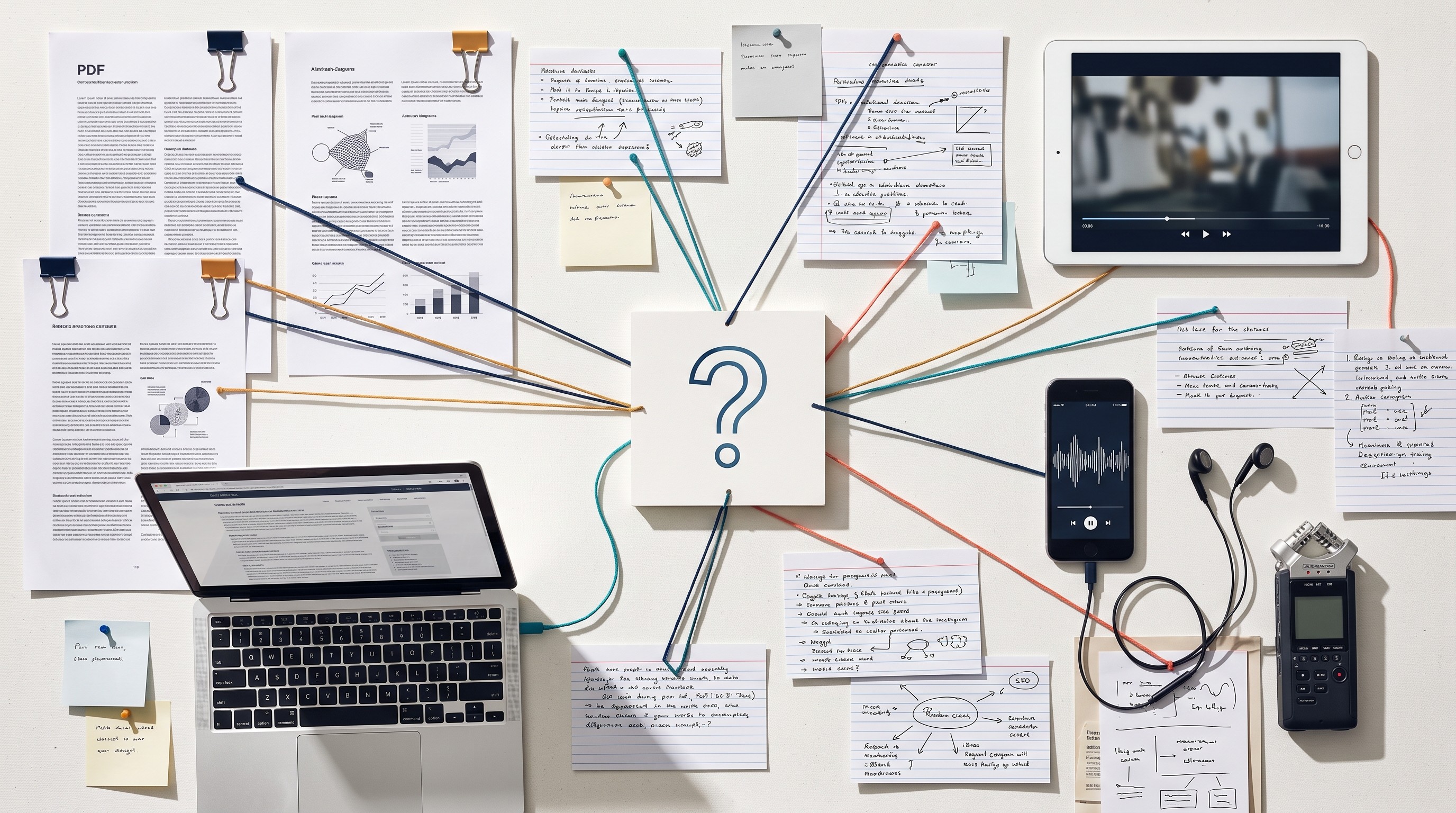
There is a real tradeoff. A persistent workspace requires setup: naming sources, grouping them, saving notes, and deciding what belongs in the project. That feels slower than dragging one PDF into a chat window.
But the overhead pays off when the same evidence is used repeatedly. You stop re-uploading the same files, re-asking the same orientation questions, and losing useful answers inside isolated sessions. The work shifts from “summarize this” to “maintain an evidence base I can interrogate over time.”
For the comparison method itself, separate from the software choice, see Otio’s guide on how to compare sources in a literature review. The same discipline applies outside academia: compare claims, methods, dates, populations, incentives, and evidentiary strength before drafting.
Why Otio fits a persistent multi-source research workspace
Otio is built around a different unit of work: not the single document, but the ongoing research project.
The relevant workflow is straightforward:
Collect sources into one library.
Group related materials in project Spaces.
Ask questions across selected items.
Save useful answers, quotes, and excerpts to notes.
Return to the same corpus later when the draft, memo, review, or analysis changes.
That matters because real research rarely stays inside PDFs. Otio’s library supports PDFs, DOCX, EPUB, TXT, Markdown, PPTX, CSV, audio files, video files, images, web links, YouTube videos, tweets, notes, and folders. For researchers who still begin with journal articles, Otio’s AI PDF reader connects document reading with source-aware chat instead of treating the PDF as a disposable upload.
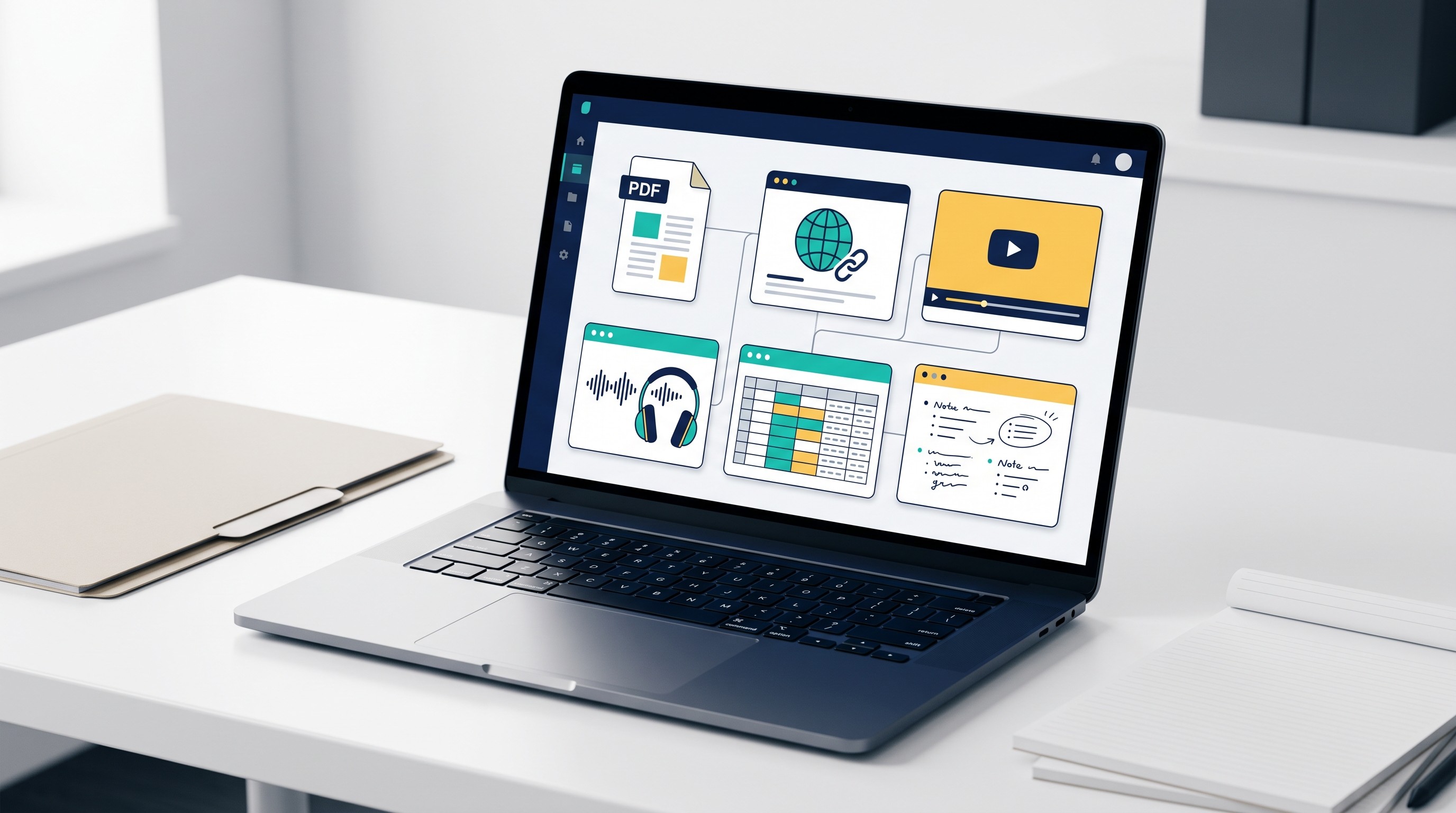
The important difference is persistence. A source that matters to the project can stay in the library, live inside a Space, and remain available when the next question appears.
That changes the kinds of questions that become practical:
“Compare the definitions of ‘high-risk supplier’ across these policy documents.”
“Find every source that mentions adverse events after the 12-month follow-up.”
“Which interviewees contradict the agency’s public rationale?”
“Summarize the evidence for this claim, but separate peer-reviewed sources from gray literature.”
“Draft a short section using only the sources in this Space, with citations.”
Otio responses can include inline citations, which helps turn AI output into something auditable. That does not remove the researcher’s responsibility. Before using a claim in a journal submission, legal argument, clinical memo, policy brief, investment note, or medical deliverable, open the cited source and verify the passage.
Citation-linked answers are a navigation layer, not a substitute for judgment.
Otio’s multi-model setup is also relevant for research work. In the web app, users can choose among models from GPT, Claude, Gemini, Grok, Llama, DeepSeek, Moonshot, and Otio Auto, with options to retry an answer using another model. That matters because not every research task rewards the same model behavior.
One model may be better for extracting structured fields from a report. Another may be stronger at long-form synthesis. Another may be cheaper or faster for routine summarization. Otio’s multiple AI models feature keeps model choice inside the same source workspace rather than forcing the researcher to move files between separate tools.
For academic users, the fit is most obvious in literature-heavy work: source ingestion, paper triage, notes, cross-paper comparison, and cited drafting. Otio’s academic research workspace page covers that use case in more product detail.
The limitation is worth saying plainly: a broader workspace is not automatically better for a small job. If all you need is “What does page 8 of this PDF say about the sampling frame?”, a persistent research library may be more structure than the task deserves.
[[OTIO_INLINE_PROMO:%7B%22title%22%3A%22Ready%20to%20move%20your%20source%20set%20into%20one%20workspace%3F%22%2C%22description%22%3A%22Collect%20your%20PDFs%2C%20webpages%2C%20videos%2C%20audio%2C%20spreadsheets%2C%20and%20notes%20in%20Otio%2C%20then%20compare%20them%20with%20cited%20answers%20and%20saved%20research%20notes.%22%7D]]
ChatPDF alternative for research: compare the workflow, not just the features
Otio is a ChatPDF alternative for research when the problem is bigger than PDF question-answering. That usually means persistent source organization, cross-source synthesis, mixed media, cited drafting, and continuing work across sessions.
The wrong comparison is “Which product has more features?” Feature-count comparisons are easy to write and often useless. The better question is: What job will the tool need to support by the end of the project?
Compare by research job:
Single-source orientation: ChatPDF is the natural fit when the object of attention is one PDF and the question is narrow. Otio can also handle PDFs, but its advantage appears when that PDF is part of a larger corpus.
Corpus building: Otio is stronger when sources must be collected, grouped, searched, and reused across a project. A one-document interaction does not give you that project memory.
Source comparison: Otio fits work that requires comparing claims, methods, dates, definitions, or evidence quality across selected sources.
Multimedia intake: Otio supports webpages, YouTube videos, audio, video, spreadsheets, images, and notes alongside PDFs. That matters for interviews, hearings, lectures, podcasts, financial data, and agency pages.
Note capture: Otio includes a rich note editor, so useful excerpts and AI-assisted summaries can become part of the research record rather than remaining transient chat output.
Model choice: Otio supports per-chat model selection and retrying answers with another model. This is useful when extraction, synthesis, and drafting behave differently across models.
Citation checking: Otio’s inline citations make it easier to inspect where an answer came from, but the cited source still needs human verification.
Final-output drafting: Otio is better suited when the draft must draw from stored, selected, cited sources rather than from a single uploaded file.
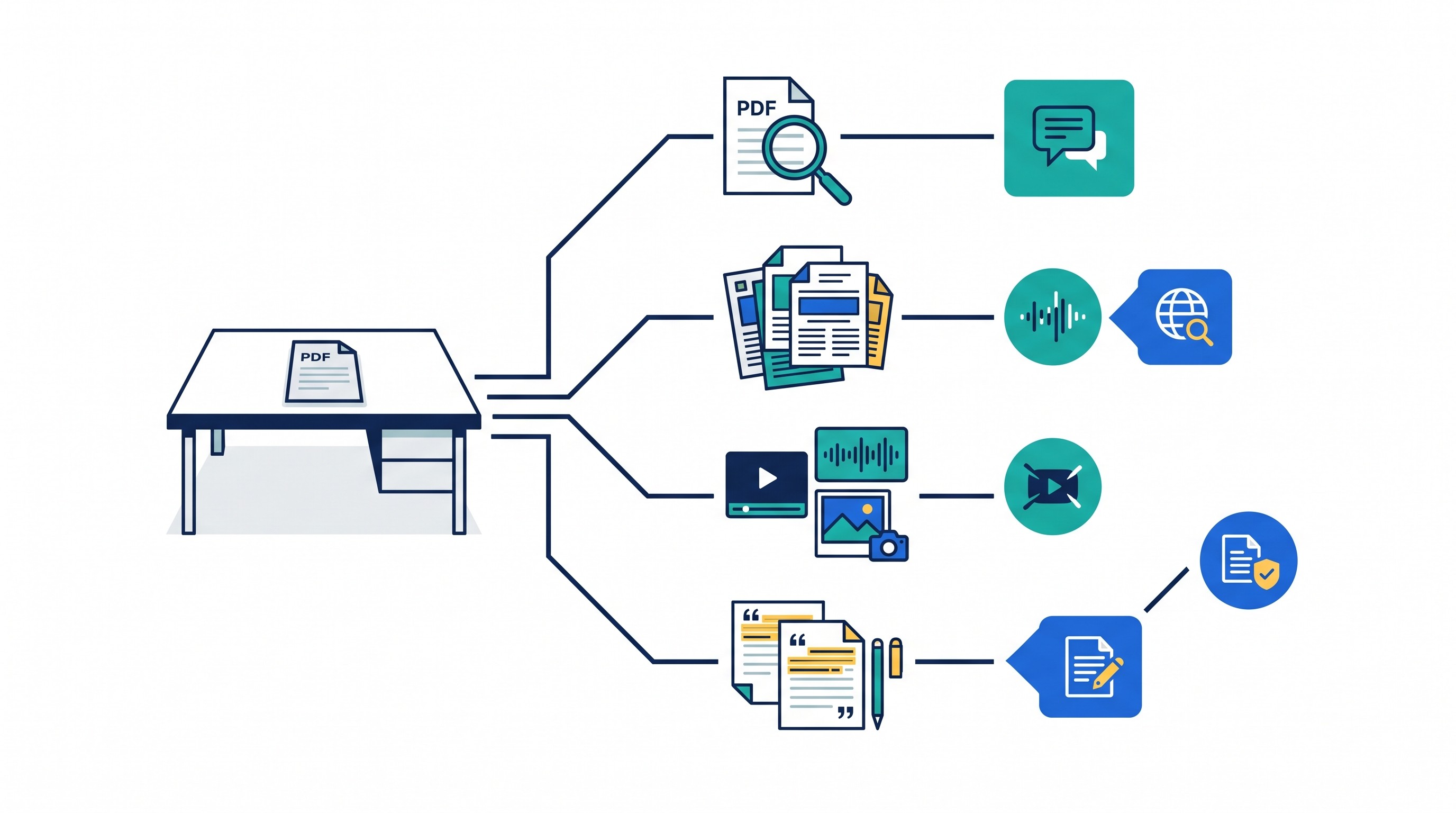
That comparison also prevents overbuying. If the project is a quick question about a single PDF, ChatPDF may be faster. There is no virtue in building a research workspace for a task that ends in five minutes.
But if the project looks like a literature review, diligence memo, policy analysis, legal issue review, clinical evidence scan, or consulting deck, the tool choice changes. The source collection will outlive the first question.
A useful test: imagine the project two weeks from now.
If you will still need to know which source supported which claim, keep the sources in a persistent workspace. If the PDF will never matter again after today, a document-level chat is enough.
For researchers building a source system around papers, notes, and citations, Otio’s guide to a research paper organizer workflow is the better companion than another generic alternatives list.
A practical workflow for using a document tool alongside Otio
The best workflow is not always either/or. A document-focused tool can be useful at the front of the process, while Otio becomes the workspace for sources that survive triage.
Step 1: Use a document tool for rapid triage
Start with the immediate question: “Is this PDF worth keeping?”
For a paper, ask about the research question, methods, sample, results, and limitations. For a report, ask about assumptions, data sources, time period, and conclusions. For a legal or policy document, ask about authority, definitions, operative language, and exceptions.
Good triage questions are narrow:
“What is the population studied?”
“What data source is used?”
“Does this document contain original analysis or only commentary?”
“What claims would be useful for a section on implementation risk?”
“Which pages discuss limitations?”
If the document is irrelevant, discard it. If it is relevant, do not leave it trapped in a one-off chat.
Step 2: Move important sources into a persistent library
Once a source matters, store it with the rest of the project evidence. That includes related papers, agency webpages, PDFs, interview transcripts, recordings, spreadsheets, slide decks, and your own notes.
This is the point where Otio starts to make more sense. A project library prevents the “where did I see that?” problem that appears after the tenth source.
For legal work, this can include cases, statutes, regulations, agency guidance, pleadings, contracts, deposition excerpts, and secondary authority. Otio’s AI for legal research page is the most relevant product context when the source set is legal rather than academic.
Step 3: Organize by project question, not file type
Folders named “PDFs” and “webpages” are rarely enough. Organize around the question the project must answer.
Examples:
“Market definition”
“Adverse event evidence”
“Implementation costs”
“Contradictory findings”
“Primary authority”
“Stakeholder positions”
“Methods and limitations”
Then ask comparative questions across selected sources, not generic “summarize everything” prompts.
Better:
“Compare how these sources define the eligible population.”
“List claims about cost, with the source type and evidence basis.”
“Which sources provide quantitative evidence, and which are opinion or commentary?”
“What disagreements should be preserved in the draft?”
Worse:
“Summarize these sources.”
“Write my literature review.”
“Tell me the answer.”
The former creates evidence. The latter often creates an overconfident synthesis that hides uncertainty.
Step 4: Inspect citations and source passages before drafting
AI tools are useful for navigating source material, but the draft should be built from verified evidence. When Otio returns a cited answer, open the cited source and check the passage.
Record four things while verifying:
Disagreements: Which sources conflict, and why?
Missing evidence: What claim is plausible but unsupported?
Date restrictions: Is the source still current?
Method limits: Is the finding based on a small sample, modeled estimate, self-report, or non-comparable population?
This prevents a common drafting failure: flattening a messy evidence base into one confident paragraph.
If AI-generated claims will affect publication, compliance, clinical judgment, legal analysis, policy recommendations, or financial decisions, use a stricter verification loop. Otio’s guide on fact-checking AI-generated information before research use covers that control step directly.
Step 5: Draft from verified notes and cited answers
The final draft should come from checked notes, not from memory of a chat answer. Use AI to help organize, compress, and phrase the argument, but keep the evidence trail visible.
A practical drafting sequence:
Write the claim.
Attach the supporting source.
Note the passage or page.
Add any limitation or contradiction.
Only then turn it into polished prose.
This is slower than asking for a finished draft in one prompt. It is also far safer for work that someone else will review, rely on, or challenge.
If plan limits, batch sizes, media uploads, connectors, or collaboration features affect the workflow, compare the current Otio pricing tiers before moving a large project into the workspace.
Which tool should you choose for your next project?
Choose ChatPDF when the work is limited to one PDF, the answer is needed quickly, and there is no reason to maintain a broader research corpus. It is the focused tool for a focused job.
Choose Otio when the project involves several sources, repeated sessions, mixed formats, cited synthesis, durable organization, or the need to switch among AI models. It is the better fit when research becomes a workspace rather than a document interaction.
Use both when discovery is fast but the important sources need to be retained. A document tool can help decide whether a PDF matters. Otio can hold the sources that do matter, compare them, preserve notes, and support cited drafting.
Before choosing, list four project requirements:
Source types: PDFs only, or PDFs plus webpages, videos, audio, spreadsheets, and notes?
Duration: One session, or repeated work over days or weeks?
Citation burden: Informal understanding, or claims that must be traced and verified?
Recurring questions: One answer, or many comparisons across the same source set?
If the requirements stay small, use the narrow document workflow. If they expand, move the project into a persistent research workspace before the evidence starts disappearing into separate chats.
FAQ
Q: Is Otio a replacement for ChatPDF?
A: Otio can be a broader alternative when research extends beyond one PDF into multiple documents, webpages, media files, notes, and cited synthesis. For a quick question about a single PDF, ChatPDF may be the simpler choice.
Q: Is ChatPDF good for literature reviews?
A: It can help with initial questions about individual papers, but a literature review also requires comparing sources, preserving citations, tracking contradictions, and returning to evidence across a corpus.
Q: Can Otio work with sources other than PDFs?
A: Yes. Otio supports web links, YouTube videos, audio, video, DOCX, EPUB, presentations, spreadsheets, images, and notes alongside PDFs.
Q: Should I verify AI answers from ChatPDF or Otio?
A: Yes. Treat answers from either tool as research assistance, not as a substitute for checking the cited passage and original source.
[[OTIO_FOOTER_PROMO:%7B%22title%22%3A%22Apply%20this%20comparison%20to%20your%20own%20source%20set%22%2C%22description%22%3A%22List%20your%20source%20types%2C%20project%20duration%2C%20citation%20needs%2C%20and%20recurring%20questions%20before%20deciding%20whether%20a%20document%20chat%20or%20persistent%20workspace%20fits.%22%7D]]



