
Named Research Tools
Otter.ai Alternatives for Research Interviews and Lecture Transcripts
Compare Otter.ai alternatives for research interviews and lecture transcripts by transcription quality, speaker separation, summaries, exports, privacy, and source-grounded notes.

Otter.ai alternatives are not a single category. For research interviews, the better choice is the tool that gives you reliable speaker labels, timestamps, editable transcripts, and clean exports; for lectures, it is the tool that handles long recordings, searchable timestamps, and notes you can verify against the source.
Otter is built around meeting capture and AI notes, with official pages describing an AI notetaker that can join meetings and record across desktop, Chrome, and mobile workflows (Otter.ai, Otter transcription page). Research work has a different failure mode: a polished summary is not enough if it mislabels a participant, drops a caveat, or separates the note from the recording.
The practical answer: test two or three candidates on the same difficult sample before committing. Choose the one that reduces correction and verification work, not the one with the nicest meeting recap.
The best Otter.ai alternative depends on your research workflow
A transcription app and a research workspace solve different problems.
A transcription app turns audio or video into text. A research workspace helps you keep that transcript beside papers, lecture slides, URLs, notes, citations, and follow-up questions. Some tools do both partially, but the distinction matters when transcripts become evidence.
Use this standard before comparing names:
Criterion | Why it matters for research |
|---|---|
Transcription accuracy | Misheard terms can change meaning, especially in technical lectures or clinical interviews. |
Speaker labeling | Interview analysis often depends on who said what. |
Timestamps | You need to verify quotations and return to the recording. |
Audio and video support | Research files often arrive as Zoom recordings, phone audio, MP4s, M4A files, or lecture videos. |
Summary quality | Useful for navigation, unsafe as evidence unless grounded in the transcript. |
Export control | You may need DOCX, TXT, SRT, VTT, CSV, PDF, or QDA-ready text. |
Collaboration | Teams need review, correction, and version discipline. |
Privacy | Sensitive interviews may require institutional approval and controlled deletion. |
Source preservation | The original file is the audit trail. Do not lose it. |
For research interviews, prioritize speaker separation, searchable timestamps, transcript editing, and export control. Summaries are secondary.
For lecture transcripts, prioritize long-file handling, terminology correction, timestamps, chapter-like navigation, and concise notes tied back to the recording.
If the real problem is broader source synthesis rather than transcription, compare academic reading tools separately. Otio’s guide to Scholarcy alternatives for academic reading and source summaries is a better fit for that decision.
What to look for in Otter.ai alternatives for researchers
Evaluate tools by the research record they produce, not by the demo summary.
A good workflow has five stages: capture or upload, transcription, speaker identification, synthesis, and export. A weak tool can look strong at one stage and fail later when you try to code interviews, cite a lecture, or share the transcript with a supervisor.
1. Capture or upload
Start with file intake. Can the tool record live, upload existing audio, import video, process cloud files, or accept a web link?
For interviews, local recording is often safer because it gives you an independent source file. For lectures, web links and video uploads may matter more, especially if the course material is stored in Google Drive, Panopto, Zoom, YouTube, or an LMS.
Check:
Supported formats: MP3, WAV, M4A, MP4, MOV, WebM.
Maximum file duration.
Maximum file size.
Whether video is preserved or only audio is extracted.
Whether the recording can be downloaded later.
Whether failed uploads can be retried without losing metadata.
If you plan to analyze transcripts later in Claude, ChatGPT, Gemini, or another model, file constraints become part of the workflow. Otio’s guide to Claude file upload limits is useful when transcripts, recordings, or lecture files need to be split before downstream analysis.
2. Transcription
Do not judge a transcript by how readable it looks. Judge it against the recording.
Readable prose can hide missing hedges, wrong numbers, and invented punctuation. That matters when a participant says “I did not agree” and the transcript drops the “not,” or when a lecturer distinguishes “correlation” from “causation” in one sentence.
Test each candidate with the same sample that includes:
Accents or non-native speech.
Specialist terminology.
Names, institutions, and acronyms.
Numbers, dates, drug names, formulas, or legal terms.
Poor microphone quality.
Room noise.
Audience questions.
Overlapping speakers.
Long stretches without clean pauses.
3. Speaker identification
Speaker diarization means separating speech by speaker. It is not the same as transcription accuracy.
A transcript can capture the words correctly and still assign them to the wrong person. For interview research, that is often worse than a rough transcript because it can corrupt comparisons across participants.
Ask four questions:
Does the tool distinguish speakers automatically?
Can you correct speaker names manually?
Do corrected labels survive export?
What happens during interruptions, crosstalk, and short backchannels such as “yeah” or “right”?
If a tool silently merges speakers during overlap, it may be fine for lecture notes and risky for qualitative interviews.
4. Synthesis
Automatic summaries, action items, and topic lists are conveniences. They are not findings.
Use AI notes to navigate the transcript: “Where did the participant discuss trust in the system?” or “Which lecture section introduced Bayes’ theorem?” Then verify the answer against the timestamped transcript and, where needed, the recording.
The non-obvious tradeoff is convenience versus auditability. A polished summary saves time, but a stable transcript with timestamps, exports, and the original source file is safer for coding, thesis work, journalism, litigation support, or publication.
5. Export into a research record
The export is where many transcription tools disappoint.
A transcript that looks good in the app may become useless if speaker labels disappear, timestamps are stripped, or formatting breaks when imported into NVivo, ATLAS.ti, MAXQDA, Dedoose, Word, Google Docs, or a reference workspace.
Check exports before buying:
Plain text for long-term portability.
DOCX or Google Docs for human correction.
SRT or VTT for caption workflows.
CSV when you need rows by timestamp or speaker.
PDF only when final review matters more than analysis.
Original audio or video download.
Transcript version history or correction status.
Privacy questions before uploading sensitive interviews
Research interviews can include personal, health, legal, workplace, financial, or politically sensitive information. Before uploading, answer these questions in writing:
Where are recordings processed?
How long are audio, video, and transcripts retained?
Can you delete files permanently?
Are uploads used for model training?
Can admins or vendors access the files?
Is there a data processing agreement?
Does the tool support your institution’s ethics or IRB requirements?
Does consent cover cloud transcription and AI processing?
For low-risk lecture notes, these questions may be simpler. For human-subjects interviews, they are part of the method.
Otter.ai alternatives for research interviews
Interview transcription has one unforgiving requirement: the transcript must preserve who said what.
That changes how you compare alternatives. Do not rank tools only by summary quality or meeting features. Rank them by the interview job.
Interview job | What to prioritize | Candidate types to test |
|---|---|---|
Live interview capture | Consent workflow, recording reliability, diarization, local backup | Meeting transcription tools, recording apps, bot-free recorders |
Uploaded-recording transcription | File format support, long-file handling, editing speed | Transcription-first tools such as Descript, Trint, Sonix, Rev, Notta |
Qualitative coding preparation | Clean speaker labels, timestamps, plain text or DOCX export | Transcription tools plus QDA software |
Team review | Comments, shared access, correction workflow, permissions | Collaborative transcript editors |
Evidence export | Stable timestamps, source retention, export fidelity | Tools with source file download and timestamped exports |
Controlled or offline workflow | Privacy, reproducibility, technical setup | Whisper-based local or self-hosted workflows |
This is not a claim that every named tool has every feature. Descript, Trint, Sonix, Rev, Notta, and Whisper-based workflows are common candidates because they sit near the transcription-first end of the market. Before choosing, check each vendor’s current documentation for speaker labeling, supported formats, privacy terms, custom vocabulary, export formats, and pricing.
A repeatable interview workflow
Use the same workflow no matter which tool wins the test.
Obtain consent. Include recording, transcription, storage, and AI processing where applicable.
Record locally when possible. Keep a source file outside the transcription platform.
Upload or transcribe. Use the same file naming convention across all interviews.
Review speaker labels first. Fix “Speaker 1” and “Speaker 2” before correcting wording.
Correct names and technical terms. Build a list of repeated corrections.
Mark important timestamps. Especially consent statements, key claims, and quotable passages.
Export the transcript. Save a portable copy, not only an in-app version.
Retain the original recording. Subject to consent and institutional rules.
Record limitations. Note inaudible sections, merged speakers, background noise, or uncertain terms.
The best tool is the one that makes steps 4 through 7 least painful.
How to judge speaker labels
Speaker labels need an adversarial test.
Create a two-minute sample where speakers interrupt each other, use short confirmations, and refer to each other by name. Then compare tools on four outcomes:
Did it separate the speakers correctly?
Did it preserve the correct labels after editing?
Did the export keep those labels?
Did the tool mark uncertainty or confidently assign ambiguous lines?
For qualitative research, do not accept “close enough” speaker assignment. If the wrong participant receives the quote, the analysis is wrong even when the words are accurate.
Otter.ai alternatives for lecture transcripts and recorded classes
Lecture transcription is a different problem. There is usually one dominant speaker, longer recordings, more terminology, and a need to convert material into revision notes.
Multi-speaker diarization still matters when there are audience questions, seminars, or panel discussions. But for a recorded class, the bigger issues are long-file handling, navigation, definitions, formulas, slide references, and source-grounded notes.
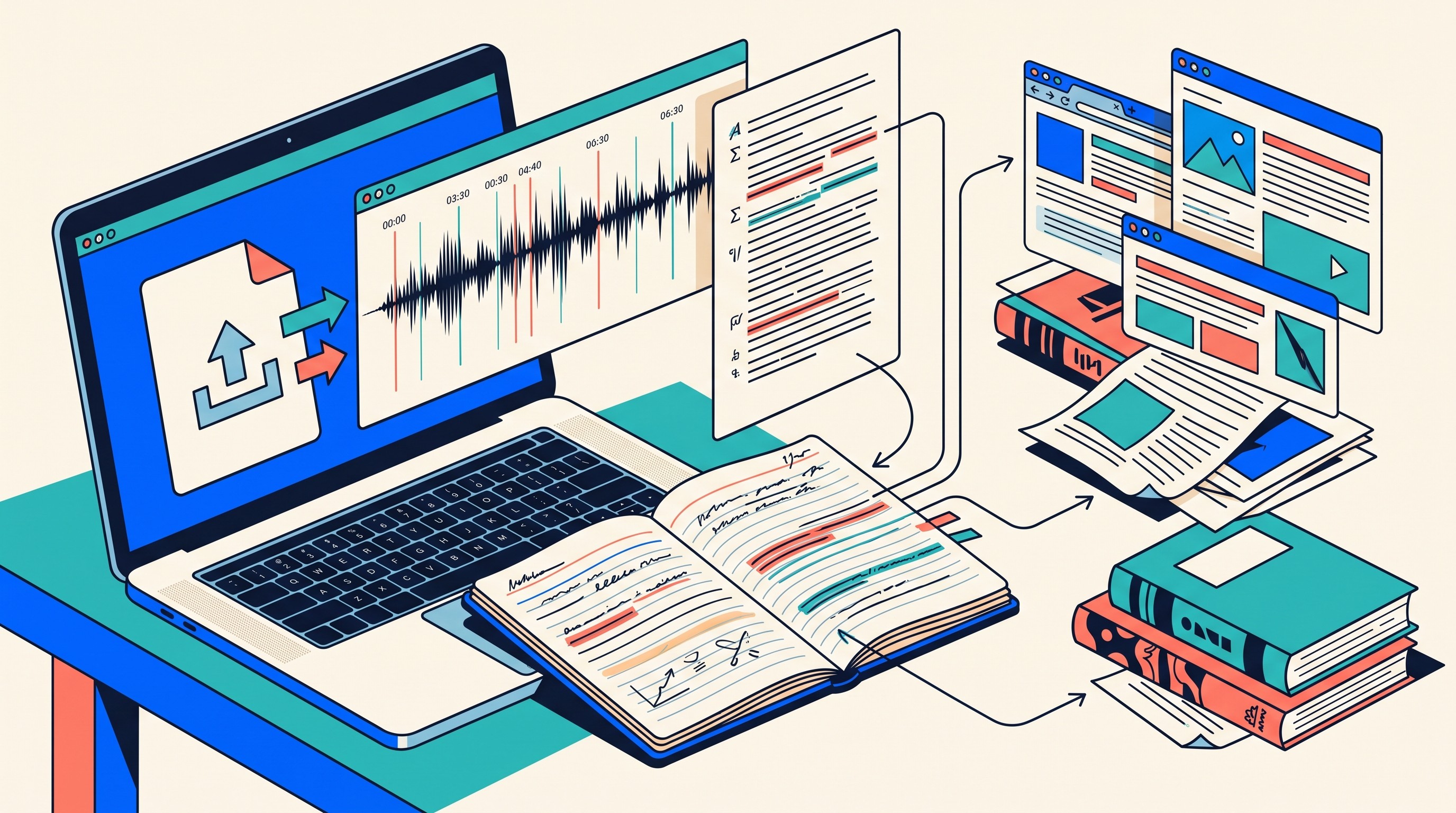
What lecture tools must handle
Compare candidates on these lecture-specific questions:
Can it process the full lecture without splitting?
Does it accept video as well as audio?
Can it import a YouTube or web link when lectures are public or unlisted?
Are timestamps searchable?
Can you jump from a note back to the transcript or recording?
Does it preserve formulas, definitions, names, and citations well enough to review?
Can summaries be edited into study notes?
Can transcripts be stored beside readings and slides?
If lectures sit in Google Drive, the workflow becomes less about generic summarization and more about keeping the media file connected to the notes. Otio’s guide to a Google Drive video summarizer research workflow covers that adjacent use case.
The summary-only failure mode
Lecture summaries often compress away the exact part a student needs.
A professor may spend five minutes explaining an exception, a derivation, or a caveat. A summary might reduce that to one clean sentence. That is convenient for review and dangerous for learning.
A better lecture note includes:
A short summary.
Key definitions.
Timestamped examples.
Formulas or named concepts.
Questions raised by students.
Unclear sections to revisit.
Links to the transcript or source recording.
If the lecture becomes part of a research journal, keep the source and reflection separate. The transcript is evidence of what was said; the research journal records what you made of it. For structure, see Otio’s guide to research journal examples.
Where Otio fits
Otio is not a like-for-like Otter replacement for every live meeting workflow. Its documented fit is the broader research workspace after, or alongside, transcription.
Otio’s Library supports PDFs, DOCX, EPUB, TXT, Markdown, PPTX, CSV, MP3/WAV/M4A, MP4/WebM, images, web links, YouTube videos, tweets, notes, and folders. Its web app also includes an audio recording bar that records in-browser and uploads as a transcribable M4A or MP3 on supported plans.
That matters when a lecture transcript is only one source in a larger project. In Otio, researchers can keep audio or video beside papers, web links, notes, and chats, then use the AI summarizer and note editor to turn verified passages into structured notes. The important constraint remains: summaries should point back to the transcript or recording.
[[OTIO_INLINE_PROMO:%7B%22title%22%3A%22Ready%20to%20compare%20the%20transcript%20with%20lecture%20sources%3F%22%2C%22description%22%3A%22Add%20the%20recording%2C%20transcript%2C%20slides%2C%20and%20readings%20to%20Otio%E2%80%99s%20Library%2C%20then%20ask%20focused%20questions%20while%20keeping%20the%20source%20material%20in%20one%20research%20workspace.%22%7D]]
How to compare transcript quality without trusting the summary
Use the same test sample across every tool.
Do not upload one clean lecture to one app and a noisy interview to another. That tells you nothing. Build a small benchmark that reflects the work you actually do.
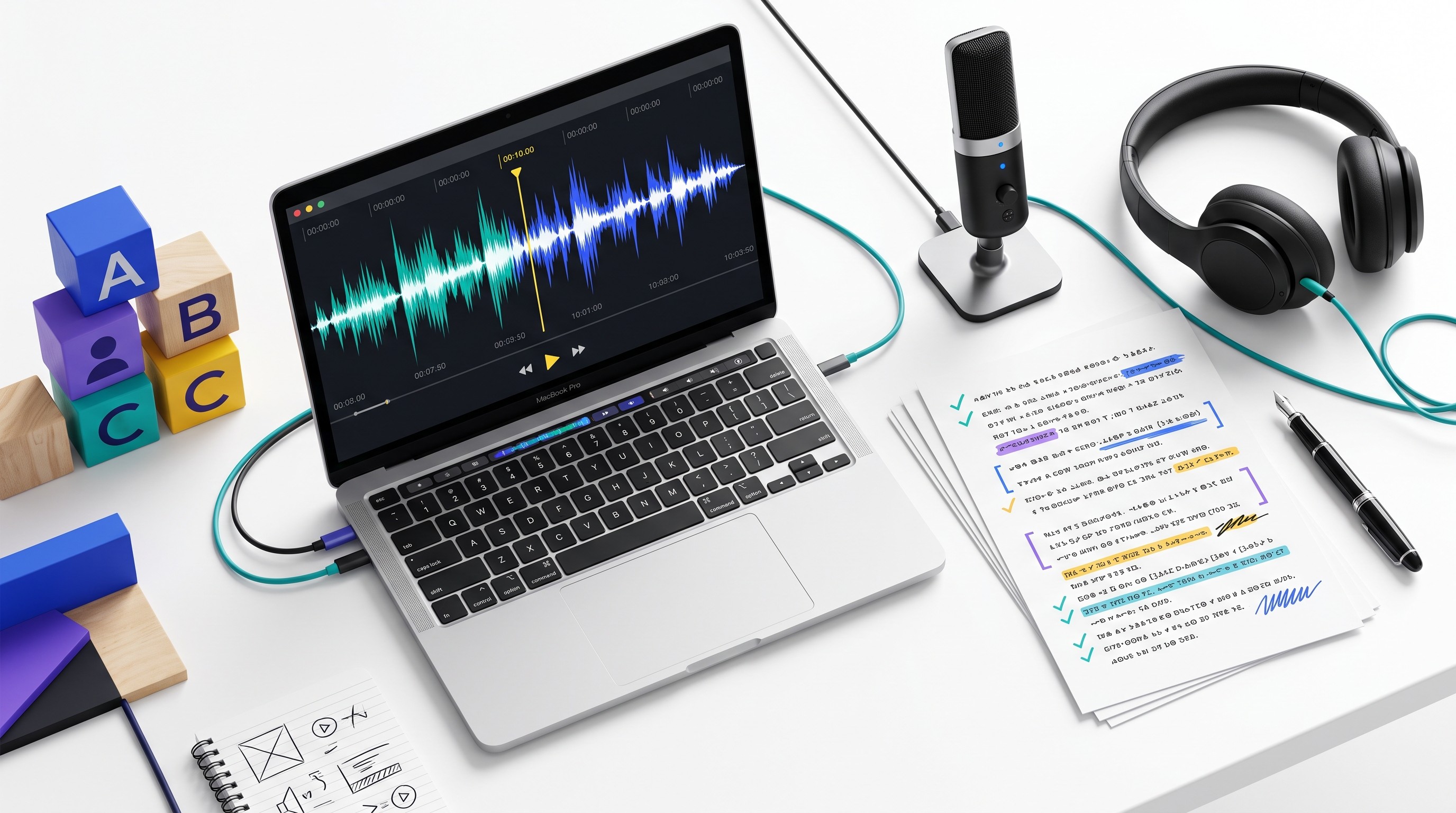
Build a 5-to-10-minute test set
Include one interview sample and one lecture sample if your work includes both.
Your interview sample should include:
At least two speakers.
One interruption.
One emotionally or analytically important quote.
One specialist term.
One proper noun.
One section of weak audio.
Your lecture sample should include:
A definition.
A numbered list or sequence.
A formula, method, or technical term.
A student question or aside.
A section where the lecturer qualifies the main claim.
Then transcribe the same files in each candidate tool.
Score what matters separately
Do not collapse everything into “accuracy.”
Use a simple scoring sheet:
Dimension | What to check |
|---|---|
Word accuracy | Are important words, terms, and numbers correct? |
Speaker-label accuracy | Are quotes assigned to the right person? |
Timestamp usefulness | Can you quickly return to the exact moment? |
Formatting | Are paragraphs, questions, and topic changes readable? |
Correction speed | How hard is it to fix names, terms, and speakers? |
Export fidelity | Do timestamps and speaker labels survive export? |
Summary grounding | Can you trace summary claims to transcript passages? |
Source retention | Is the original recording preserved or downloadable? |
A tool can produce clean prose while misattributing a quotation. Another can look rough but be easier to correct and safer to audit. For research, the second tool may be better.
Verify before quoting
Before using a quotation in a thesis, paper, article, report, or dataset, compare the transcript against the recording.
Record limitations transparently in your notes:
Terms corrected manually.
Speakers merged or uncertain.
Sections marked inaudible.
Background noise affecting accuracy.
Translation or multilingual issues.
Summary claims that required verification.
AI-generated notes are aids for retrieval and organization. They are not a substitute for checking the transcript or recording.
Turn a transcript into source-grounded research notes
A transcript becomes useful when it enters a disciplined research record.
The workflow is straightforward:
Preserve the original file. Keep audio or video with a stable filename.
Clean the transcript. Correct obvious errors without rewriting meaning.
Label speakers. Use real names, roles, or anonymized participant IDs consistently.
Highlight evidence. Mark claims, examples, definitions, and contradictions.
Separate quotations from paraphrases. Do not blur the two.
Write a short summary. Treat it as a navigation aid, not evidence.
Record open questions. Note what needs follow-up or corroboration.
Connect related sources. Link papers, slides, reports, and web sources.
Save metadata. Date, participant or course, consent status, recording conditions, version, and correction status.
The common error is copying an AI summary into notes and losing the passage that supports it. That creates a dead end. Later, when a supervisor, reviewer, editor, or coauthor asks “where did this come from?”, there is no timestamp and no quotation to inspect.
A safer note looks like this:
Claim: Participant described scheduling software as “useful but opaque.”
Source: Interview P04, 2026-09-18, 14:22–15:10.
Transcript passage: Direct quote or tightly bounded excerpt.
Interpretation: Possible theme: trust depends on explainability.
Status: Speaker labels verified; one inaudible phrase at 14:48.
Otio’s value here is not that it replaces every transcription product. It is that its Library, Spaces, audio and video viewers, notes, and chat can keep transcripts in the same project context as PDFs, web links, and research notes. The AI PDF reader is especially relevant when interview or lecture material needs to be compared with assigned readings, articles, or reports.
When a transcript raises claims that need corroboration, use academic databases, primary sources, and institutional documents rather than treating the interview or lecture as the final authority. Otio’s list of good websites for research is a useful starting point for source discovery.
The next action is simple: choose one representative interview or lecture, run the same sample through two or three Otter.ai alternatives, and score correction time, speaker accuracy, timestamps, export quality, and source traceability. Pick the tool that gives you the cleanest research record, not the flashiest recap.
FAQ
Q: Are Otter.ai alternatives accurate enough for research interviews?
A: They can reduce transcription time, but accuracy varies with audio quality, accents, terminology, overlap, and speaker changes. Verify quotations, speaker attribution, and important claims against the recording before using them as research evidence.
Q: What is more important for interview transcription: accuracy or speaker separation?
A: Both matter, but speaker separation is especially important when analyzing who made a claim or comparing participant responses. A readable transcript with incorrect speaker labels can create more serious research errors than a rough transcript that is easy to correct.
Q: Can I use a lecture transcription tool for qualitative interview research?
A: Usually, but lecture-focused tools may be weaker at overlapping speech, multiple speakers, and diarization. Test the tool on a representative interview before adopting it for a larger qualitative dataset.
Q: Should researchers keep the original audio after creating a transcript?
A: Yes. Retaining the original recording, transcript version, corrections, and timestamps improves auditability and lets you check quotations or disputed interpretations later, subject to consent, ethics, and institutional data-retention requirements.
[[OTIO_FOOTER_PROMO:%7B%22title%22%3A%22Apply%20the%20test%20to%20your%20own%20research%20sources%22%2C%22description%22%3A%22Bring%20one%20representative%20interview%20or%20lecture%2C%20its%20transcript%2C%20and%20related%20PDFs%20or%20notes%20into%20Otio%20to%20check%20claims%20and%20corrections%20against%20the%20original%20source.%22%7D]]



