
AI Model Selection
15 Best Open-Weight AI Models for Local Academic Workflows
Compare 15 open-weight AI models for private academic work by hardware needs, context length, reasoning, document handling, multilingual support, and licensing considerations.

If the goal is private academic work, start with the smallest local model that passes your own document tests. Use small models for note cleanup and classification, mid-sized models for PDF question-answering and drafting, and large reasoning models only when your hardware and evaluation set justify the cost.
“Open-weight” means the model parameters are available to download. It does not automatically mean open source, safe for confidential data, approved for commercial work, transparent about training data, or reliable with citations.
The practical shortlist below is organized by workflow tier, not hype. Before installing any checkpoint, verify the current model card for license, context length, tokenizer, quantization support, inference requirements, and permitted use.
The best local model depends on your hardware and academic task
Local academic AI has three bottlenecks: memory, document handling, and reliability. A small quantized model can clean notes or classify abstracts on a laptop. It may still fail badly at synthesizing 40 papers, reading dense tables, or keeping citations tied to sources.
Larger models can improve reasoning and writing quality, but they do not remove the need for retrieval, OCR, source checking, and human judgment. Running a model locally reduces exposure to an external API, but downloaded models, inference tools, browser extensions, logs, synced folders, and cloud-connected note apps can still leak sensitive material.
Use this table as a starting map, then check the exact checkpoint you plan to run. Public leaderboards such as Artificial Analysis and Vellum’s open LLM leaderboard are useful for comparing quality, speed, context, parameter count, and licensing signals, but they are not a substitute for testing your own papers.
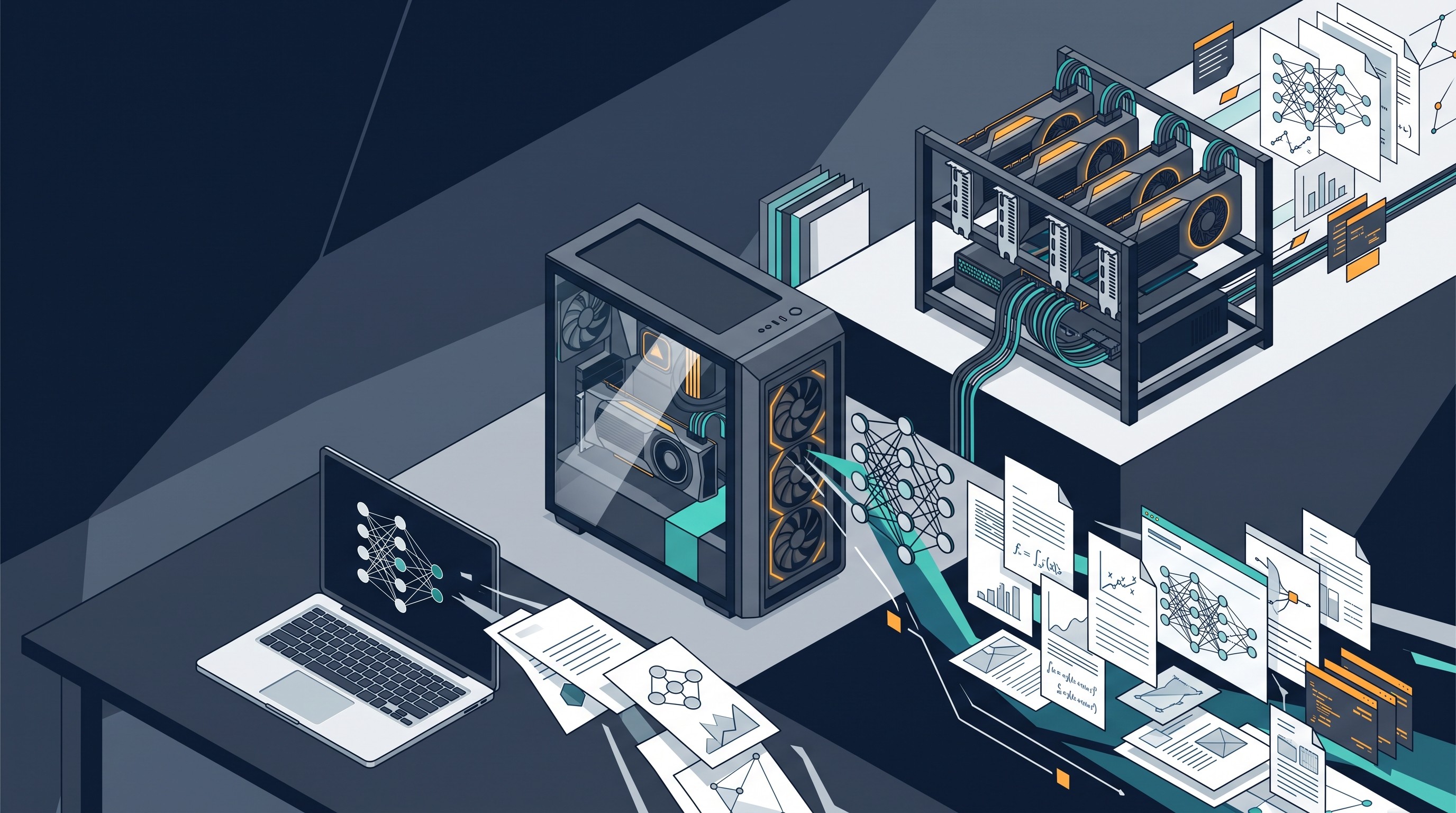
# | Model family or checkpoint to consider | Hardware tier | Strong academic fit | Context-window claim to verify | Quantization availability | Key limitation |
|---|---|---|---|---|---|---|
1 | Qwen small or mid-small instruct checkpoint | Laptop / modest workstation | Multilingual notes, extraction, coding | Exact checkpoint limit and serving-stack support | Common in community builds; verify format | Can over-answer without retrieval |
2 | Gemma small checkpoint | Laptop / modest workstation | Summaries, classification, drafting | Model-card context and license terms | Common for local runtimes | Not ideal for very long or specialist documents |
3 | Phi small checkpoint | Laptop / modest workstation | Compact reasoning, tutoring, short math explanations | Exact context and intended use | Common, but quality varies by build | Benchmark skill can exceed domain reliability |
4 | Llama small checkpoint | Laptop / workstation | Beginner-friendly local setup, broad tooling | Context differs by generation and variant | Very broad ecosystem | License and output quality vary by checkpoint |
5 | Mistral small checkpoint | Laptop / workstation | Fast chat, editing, short code tasks | Context and instruct-tuning details | Broad support | Less suitable for deep synthesis |
6 | Qwen larger checkpoint | Workstation | Multilingual literature notes, code, document Q&A | Long-context claim and degradation behavior | Common for many sizes | More memory and slower iteration |
7 | GLM checkpoint | Workstation | Multilingual reasoning and local serving experiments | Exact release, context, license | Verify per release | Naming and licensing can be confusing |
8 | Mistral or Mixtral checkpoint | Workstation | Technical writing, code, dense chat | Dense vs MoE context support | Common, but MoE behavior differs | Memory footprint can surprise users |
9 | Granite checkpoint | Workstation | Extraction, classification, document transformation | Supported languages and context | Increasing local support | Less community tooling than Llama/Qwen |
10 | OLMo checkpoint | Workstation | Reproducible research experiments | Training/eval documentation and context | Available for some builds | Transparency is not the same as task accuracy |
11 | DeepSeek reasoning checkpoint | High-end workstation / multi-GPU | Math, coding, research planning | Reasoning model context and serving limits | Distilled versions often easier locally | Long reasoning traces can still be wrong |
12 | Llama large checkpoint | High-end workstation / multi-GPU | Tooling, fine-tuning, deployment ecosystem | Context, license, hardware need | Very broad | Expensive to run well |
13 | Qwen large or reasoning checkpoint | High-end workstation / multi-GPU | Multilingual research, coding, long-document work | Exact long-context behavior | Varies by size and format | Needs disciplined retrieval testing |
14 | NVIDIA Nemotron checkpoint | Workstation / multi-GPU | Deployment-oriented research and enterprise workflows | Specific checkpoint license and hardware guidance | Verify per release | Best fit depends on NVIDIA stack |
15 | Falcon or another transparent open-weight alternative | Workstation | Reproducibility, language coverage, licensing fit | Model-card context and training notes | Varies | Often not the universal quality winner |
A note on “best”: model rankings move fast. The useful question is not “Which open model wins the internet this week?” It is “Which model answers my sources correctly, on my hardware, under my institution’s rules?”
How to choose an open-weight model for academic work
Pick models against the workflow, not the parameter count. A larger model without clean OCR, retrieval, and citation discipline will produce polished mistakes. A smaller model with a good retrieval setup can be safer for narrowly scoped source-grounded work.
Use these criteria before downloading:
Task quality: summarization, extraction, coding, math, multilingual notes, or synthesis.
Language fit: performance on the languages and scripts in your actual corpus.
Memory requirement: full precision versus quantized local runs.
Quantized checkpoint availability: GGUF, AWQ, GPTQ, MLX, or other formats your runtime supports.
Context length: both the advertised limit and observed behavior near that limit.
Document handling: performance on extracted PDF text, tables, equations, references, and scanned pages.
Speed: acceptable latency for repeated reading and note-taking.
License: research, institutional, commercial, derivative, and redistribution terms.
Reproducibility: model version, prompt template, tokenizer, inference settings, retrieval settings, and random seed where relevant.
Community support: compatibility with Ollama, llama.cpp, LM Studio, vLLM, text-generation-webui, MLX, or your lab’s serving stack.
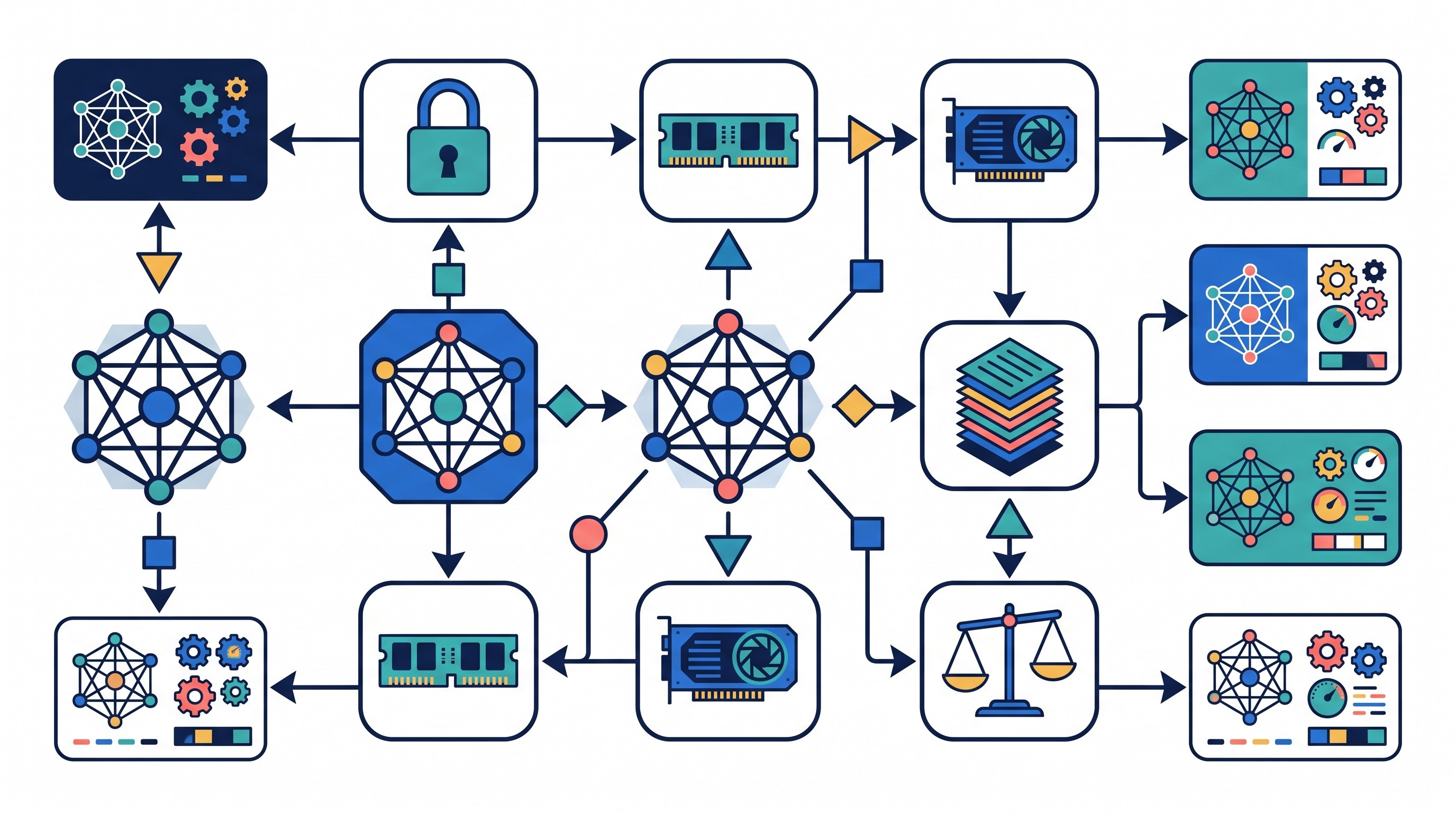
Parameter count alone misleads for four reasons.
First, quantization changes what can run on a machine. A 4-bit version may be usable where a higher-precision checkpoint is not, but quality and formatting can shift.
Second, mixture-of-experts models do not behave like dense models with the same total parameter count. They may activate only part of the model per token, but still have memory and serving complexity that matter locally.
Third, retrieval changes the job. If the question is “What does this paper say about exclusion criteria?”, a smaller model grounded in retrieved passages can beat a larger model asked to remember everything from one long prompt.
Fourth, academic work punishes confident errors. Test every candidate for citation fabrication, source confusion, mathematical slips, missing caveats, and degradation on long or scanned documents.
Best smaller open-weight models for laptops and modest workstations
1. Qwen small or mid-small checkpoint
Qwen is a strong first stop when the corpus is multilingual or mixed with code. It is worth testing for bilingual literature notes, structured extraction from abstracts, and small document Q&A tasks where the answer can be tied to a retrieved passage.
The key check is the exact checkpoint. Qwen releases span different sizes, context settings, licenses, and instruction-tuned variants. Do not assume a blog post, leaderboard entry, or older model card applies to the file you downloaded.
Best fit: multilingual notes, code snippets, table-to-JSON extraction, and short source-grounded Q&A.
Main failure mode: fluent synthesis that blends sources unless retrieval and citation constraints are strict.
2. Gemma small checkpoint
Gemma small checkpoints fit constrained hardware and routine academic language work: classify abstracts, rewrite rough notes, draft section outlines, or summarize a short reading. They are especially useful when speed matters more than deep reasoning.
Treat license review as part of setup, especially in institutional environments. Also test long-document behavior before using Gemma for whole-paper synthesis; a short clean answer on one abstract does not prove it can preserve caveats across a dissertation chapter.
Best fit: lightweight summarization, classification, simple drafting, and note cleanup.
Main failure mode: weak performance on long, specialist, or heavily cited work.
3. Phi small checkpoint
Phi-family small models are appealing for compact reasoning and local experimentation. They can be useful for tutoring-style prompts, short quantitative explanations, and converting messy notes into a study guide.
The trap is equating benchmark performance with research reliability. A model can explain a statistical concept clearly and still misread a methods section or invent a citation. Test it on the exact type of work you plan to do.
Best fit: short explanations, teaching prompts, small reasoning tasks, and local prototyping.
Main failure mode: confident domain errors hidden under clear prose.
4. Llama small checkpoint
Llama’s advantage is the ecosystem. If this is the first local model setup in a lab, Llama-family checkpoints usually have broad support across runtimes, quantized formats, prompt templates, and tutorials.
That ecosystem does not make every Llama checkpoint the best academic model. Compare output quality, context support, and license terms against newer specialist alternatives such as Qwen, Gemma, Phi, Mistral, or Granite for the same task.
Best fit: first local setup, general chat, simple document workflows, and tool compatibility.
Main failure mode: choosing it by popularity rather than fit.
5. Mistral small checkpoint
Mistral small checkpoints are useful when speed and responsiveness matter. They can handle fast local chat, editing, coding help, and short research workflows without the overhead of a large reasoning model.
Use them for iterative work: rephrase this paragraph, identify unclear claims, generate a regex, explain this function, turn notes into bullets. Move up a tier when the task requires multi-paper synthesis, complex math, or long context.
Best fit: fast editing, coding, short summaries, and lightweight research assistance.
Main failure mode: limited depth on complex synthesis.
Best mid-sized models for PDFs, literature notes, and research assistance
6. Qwen larger checkpoint
A larger Qwen checkpoint is one of the more practical mid-tier choices for multilingual academic work. It is worth testing when small models lose nuance across languages, miss structure in methods sections, or struggle with code-heavy papers.
The tradeoff is simple: better answers can cost more memory and slower iteration. If the failure is only poor retrieval or bad OCR, a larger model may not fix it. Improve document processing first.
Best fit: multilingual literature notes, structured extraction, coding, and longer document workflows.
Main failure mode: assuming long context replaces source retrieval.
7. GLM checkpoint
GLM-family open-weight releases are worth evaluating for multilingual reasoning and local-serving experiments, particularly if your institution already uses tools around that ecosystem. The exact checkpoint matters more than the brand name.
Before relying on GLM for academic documents, verify the release name, license, tokenizer behavior, supported languages, and current local-serving options. If model cards or deployment notes are unclear, treat that as a reproducibility risk.
Best fit: multilingual reasoning tests, local research assistants, and lab evaluation projects.
Main failure mode: unclear versioning or assumptions carried over from a different GLM release.
8. Mistral or Mixtral checkpoint
Dense Mistral checkpoints and Mixtral-style mixture-of-experts checkpoints solve different problems. Dense models are usually simpler to run and reason about. MoE models can offer attractive quality-speed tradeoffs, but memory use, routing behavior, and quantization effects need testing.
For academic work, test both on technical writing and code if those are central to the workflow. Also test formatting stability: extraction tasks often fail not because the model “doesn’t know,” but because it drifts from the required schema.
Best fit: technical writing, code explanation, extraction, and medium-length PDF workflows.
Main failure mode: underestimating MoE serving complexity.
9. Granite checkpoint
Granite is a serious option for structured document work: extraction, classification, transformation, and enterprise-style research workflows. It is less of a default “chat with anything” recommendation and more interesting when the desired output is controlled.
Check the model card for license, training-data notes, supported languages, and expected usage. If your task is turning methods sections into structured fields, Granite may be more useful than a flashier general model.
Best fit: structured extraction, classification, document transformation, and repeatable research pipelines.
Main failure mode: smaller community surface area than Llama or Qwen.
10. OLMo checkpoint
OLMo belongs on this list for researchers who care about transparency and reproducibility. It is often more attractive for studying models, building auditable experiments, or teaching LLM evaluation than for chasing the highest chat quality.
Separate transparency from accuracy. Publicly documented training and evaluation materials help researchers understand a model, but they do not guarantee correct answers on a clinical paper, legal memo, or statistical appendix.
Best fit: reproducible research, model evaluation, teaching, and transparent AI workflows.
Main failure mode: overvaluing documentation when the task demands higher output quality.
Best larger open-weight models for demanding reasoning and synthesis
11. DeepSeek reasoning checkpoint
DeepSeek reasoning checkpoints are candidates for multi-step reasoning, mathematics, coding, and research planning. They are most useful when the task benefits from explicit decomposition: break down the problem, inspect assumptions, generate tests, and compare alternatives.
Long reasoning traces are not proof. A model can show many steps and still cite the wrong paper, mishandle a definition, or make a silent algebra error. For academic use, pair reasoning models with retrieval and manual verification.
Best fit: math-heavy work, coding, research planning, and multi-step analysis.
Main failure mode: persuasive reasoning attached to false premises.
12. Llama large checkpoint
A large Llama checkpoint is the ecosystem choice at the high end. It is attractive when researchers need broad tooling, deployment recipes, fine-tuning resources, and compatibility with existing local AI infrastructure.
The cost is hardware and governance. Large checkpoints are harder to run reproducibly across machines, and license terms still need review. Do not adopt a large Llama model just because it is familiar; benchmark it against Qwen, DeepSeek, Nemotron, and your retrieval stack.
Best fit: local deployment, fine-tuning experiments, general research assistance, and teams that need tooling support.
Main failure mode: expensive generality.
13. Qwen large or reasoning checkpoint
Large or reasoning-oriented Qwen checkpoints are worth testing against DeepSeek and Llama on multilingual research, coding, mathematics, and long-document tasks. Use the same documents, prompts, retrieval settings, and scoring rubric for all three.
This is where many comparisons go wrong. If one model gets cleaner chunks, better OCR, or a different prompt, the result is not a model comparison. It is a pipeline comparison.
Best fit: multilingual synthesis, code-heavy literature, long-document work, and math-adjacent research.
Main failure mode: confusing retrieval quality with model quality.
14. NVIDIA Nemotron checkpoint
Nemotron checkpoints are most relevant for workstation or multi-GPU users who care about deployment guidance and ecosystem integration. They may be a better fit in labs already using NVIDIA hardware and serving infrastructure.
Verify the specific checkpoint’s license, intended use, hardware expectations, and model-card claims. “Nemotron” is not one fixed thing; the right comparison is a named checkpoint against a named workload.
Best fit: deployment-oriented research workflows and NVIDIA-centered infrastructure.
Main failure mode: choosing it for ecosystem fit when a smaller model would pass the task.
15. Falcon or another transparent open-weight alternative
Falcon and similar open-weight alternatives are useful when the differentiator is language coverage, licensing, deployability, or documentation rather than top-line chat performance. They deserve consideration when your workflow has constraints that popular models do not meet.
Do not present this slot as a universal winner. Use it as the “constraint solver” category: if Qwen, Llama, Mistral, DeepSeek, and Granite fail a governance or reproducibility requirement, evaluate a more transparent or better-licensed alternative.
Best fit: constrained institutional workflows, reproducibility projects, and language-coverage evaluation.
Main failure mode: being adequate but not strongest for general academic chat.
Match each model to a local academic workflow
A local model is only one piece of the workflow. For academic work, the surrounding pipeline often matters more than the model choice.
Privacy-preserving literature workflow
A defensible local literature workflow looks like this:
Download source files from approved databases.
Record file names, hashes, and metadata.
Extract text from PDFs.
OCR scanned pages where needed.
Chunk documents by section, not arbitrary length alone.
Retrieve relevant passages for each question.
Ask the model to answer only from retrieved passages.
Require passage IDs or page references.
Manually verify every citation and quoted claim.
Retrieval-augmented generation is often more useful than a larger model. If a model cannot see the relevant passage, it will guess. If OCR mangles a table, the model may confidently analyze garbage.
For more on the document-processing side, see Otio’s guide to PDF parsing tools and its list of citation checking tools for academic writers.
Meeting-notes workflow
For lab meetings, supervision calls, and fieldwork debriefs, keep the raw transcript beside the edited notes. If possible, transcribe locally, then ask the model to separate speakers, decisions, open questions, and action items.
The model should not be the record. It should be the formatter and consistency checker. Keep timestamps, speaker labels, and the original transcript available for disputes or follow-up.
Writing workflow
A local model is well-suited to outlining, paraphrase alternatives, section transitions, tone changes, and consistency checks. It is less suited to deciding whether a claim is true.
Use it to ask:
What claim does this paragraph make?
Which terms are used inconsistently?
Where does the argument jump?
Rewrite this for a methods section without adding facts.
Suggest three structures for this literature review.
If academic writing is the main use case, pair local drafting with strong source discipline. Otio has a separate guide on best practices for using AI in academic writing.
Coding or data workflow
For coding and data work, ask the model for reproducibility rather than confidence. It should explain a script, generate a small test case, identify assumptions, and return code that can be run.
A good local prompt asks for:
input assumptions,
minimal reproducible example,
expected output,
tests,
edge cases,
known uncertainty.
Do not accept generated analysis without running it. This applies even when the code looks clean.
[[OTIO_INLINE_PROMO:%7B%22title%22%3A%22Ready%20to%20test%20a%20model%20on%20your%20own%20papers%3F%22%2C%22description%22%3A%22Add%20a%20few%20PDFs%20and%20notes%20to%20Otio%2C%20then%20compare%20how%20available%20models%20answer%20the%20same%20source-grounded%20question.%22%7D]]
Local-model limitations researchers should test before relying on one
Build a small evaluation set before adopting any model. Include documents that represent the real work, not sanitized examples.
A useful academic evaluation set includes:
several representative papers from your discipline,
one methods-heavy paper,
one paper with tables,
one paper with equations,
one scanned or OCR-dependent document,
one multilingual passage if relevant,
several citation questions,
one task where the correct answer is “not enough information.”
Test context-window behavior at realistic document lengths. Advertised context is a capacity claim, not a guarantee of good attention across a long paper. Record omitted sections, ignored instructions, invented links between papers, and failures near the end of the prompt.
Test citation behavior directly. Ask the model to answer only from supplied sources and to flag unsupported claims. Then compare the answer with manual source checks. If it invents page numbers, merges authors, or attributes a claim to the wrong paper, document that failure.
Compare 4-bit and higher-precision quantizations on the same tasks. Look at factuality, reasoning, formatting, speed, and schema compliance. A lower-bit model may be fast enough for note cleanup but too brittle for extraction or math.
Track practical costs too:
setup time,
model download size,
local storage,
GPU memory or system memory pressure,
thermal throttling,
inference latency,
update cadence,
reproducibility across machines,
compatibility with your preferred runtime.
A local setup that only one person in the lab can reproduce is fragile. Write down the model file, hash, runtime version, prompt template, retrieval settings, and quantization.
A practical hybrid setup for local models and research tools
The safest rule is simple: keep sensitive source files and first-pass analysis local unless your institution, consent process, funder, or data-management plan allows hosted processing. Use hosted tools only for permitted tasks and only with data that can be shared under those rules.
A research workspace such as Otio’s AI PDF reader can complement local inference by organizing PDFs, EPUBs, DOCX files, web links, notes, audio, and citations. It is not a local model runtime. Its role is document management, reading, note-taking, and model-assisted research inside a unified workspace.
A practical hybrid workflow:
Use local models for sensitive extraction, first-pass classification, and private notes.
Keep source PDFs, transcripts, and notes organized by project.
Use retrieval and citation checks before any synthesis.
For non-sensitive materials, compare outputs from different hosted models when permitted.
Preserve quotations and notes beside the source, not in a detached chat transcript.
Otio’s multiple AI models feature can help when the task is model comparison rather than local inference: run the same question across available models, keep notes in the same project, and compare how each answer cites or summarizes sources. If your PDFs come from Zotero, the Zotero integration can reduce the friction of moving papers into a research workspace.
The decision rule: choose the smallest model that passes your evaluation set. Move up a tier only when the failure is material. Never outsource source verification to the model.
FAQ
Q: What is the best open-weight AI model for academic research?
A: There is no universal winner. Choose based on hardware, languages, document length, reasoning needs, privacy requirements, and license; a smaller model that passes your own document tests is often the better choice.
Q: Can open-weight AI models run on a regular laptop?
A: Many small quantized models can run on laptops, but speed and quality depend on system RAM, GPU memory, operating system, and inference software. Larger reasoning and long-context models usually need a workstation or multi-GPU setup.
Q: Are local AI models safe for confidential academic documents?
A: Local inference can reduce exposure to external APIs, but it is not automatically safe. Review licenses, disable unwanted telemetry, protect files and logs, and follow institutional research-ethics and data-management rules.
Q: Can local AI models provide accurate citations?
A: They can extract or format citations from supplied sources, but they can also invent references or misattribute claims. Use retrieval with original documents and manually verify every citation before submission or publication.
[[OTIO_FOOTER_PROMO:%7B%22title%22%3A%22Apply%20the%20shortlist%20to%20your%20own%20research%20corpus%22%2C%22description%22%3A%22Bring%20your%20papers%2C%20web%20sources%2C%20and%20notes%20into%20Otio%20to%20compare%20answers%2C%20preserve%20citations%2C%20and%20find%20the%20best%20fit%20for%20your%20actual%20tasks.%22%7D]]



