
AI Research Tool Comparisons
Otio vs NotebookLM for Research: Source Limits, Citations, and Long Projects
Compare Otio and NotebookLM for professional research: source limits, supported formats, citations, persistence, AI models, and long-project workflows.

Updated October 24, 2026.
Otio vs NotebookLM: Which fits a long research project?
otio vs notebooklm is mostly a question of project shape. NotebookLM is strong when you have a focused set of sources and want source-grounded answers inside one notebook. Otio is a better fit when the work becomes a persistent research workspace: many source types, notes, citations, folders, drafts, and follow-up questions that continue for weeks or months.
Neither tool guarantees accurate research output. Citations help trace an answer back to supplied material, but important claims, quotations, interpretations, and references still need to be checked against the original source.
The practical decision is not “which AI is smarter?” It is: where will the corpus live, how easy is it to verify answers, and what happens when the project outgrows a single source packet?
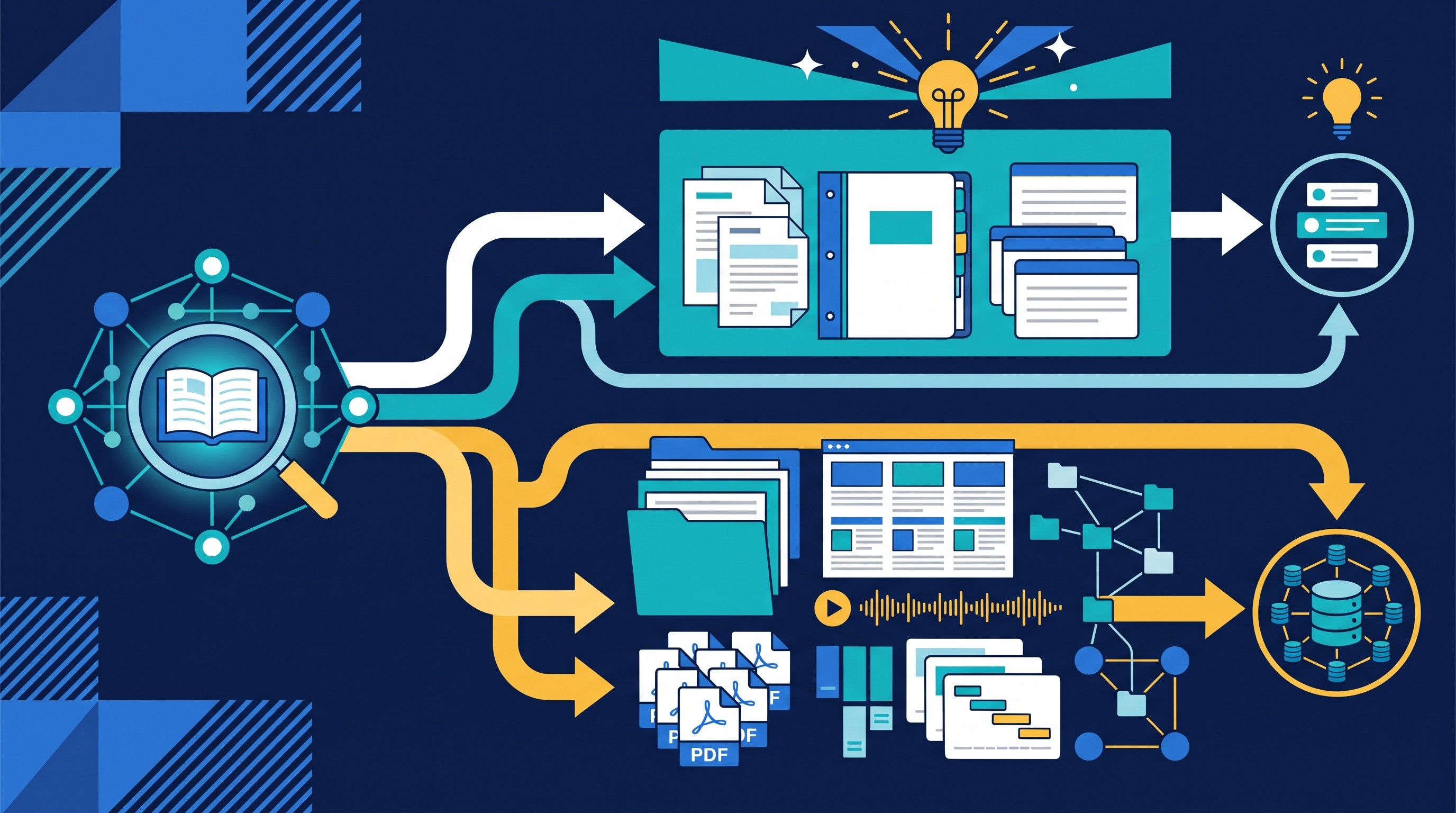
For most professional researchers, the split looks like this:
Choose NotebookLM when the task is bounded: a grant packet, a short reading list, a dossier, a class source set, or a few documents that belong together.
Choose Otio when the task is cumulative: literature review, policy analysis, medical or pharma research, legal document review, market research, or any project where sources, notes, transcripts, and drafts need to stay organized over time.
Use both when they serve different stages. NotebookLM can be useful for interrogating a defined packet. Otio can hold the broader library, source context, notes, and ongoing synthesis.
A larger source allowance, more formats, or access to multiple models does not automatically produce better research. Test the real corpus: the messy PDFs, scanned reports, web pages, spreadsheets, videos, notes, and draft questions that the project actually requires.
NotebookLM source limits and supported formats as of October 2026
As of October 2026, Google’s NotebookLM documentation says NotebookLM supports a broad set of source types: PDFs, DOCX, TXT, Markdown, CSV, PPTX, Google Docs, Google Slides, Google Sheets, images, audio, ePub files, eligible Google Play Books, web URLs, public YouTube URLs, copied text, and Gemini conversations.
Google documents these important source boundaries:
Uploaded files: up to 500,000 words or 200 MB per source.
Google Slides: up to 100 slides.
Google Sheets: up to 100,000 tokens.
Human voice recordings: up to 1 hour.
YouTube: no duration limit unless the transcript exceeds 500,000 words.
Free users: up to 50 sources per notebook.
Mobile app source adding: PDF, sites, audio, YouTube, or copied text.
Those figures come from Google’s NotebookLM source documentation, checked against Google’s own help page as of October 2026.
That list is generous enough for many focused research jobs. A policy analyst can load a set of agency PDFs and web pages. A graduate student can add a reading packet. A consultant can question a batch of reports and meeting materials.
The limit appears when a project is not merely “a source set.” A long project often has versions: the old PDF, the revised PDF, the preprint, the published paper, the supplementary appendix, the spreadsheet, the webinar, the interview transcript, the client notes, and the draft memo. One source may fit individually while the project becomes awkward to manage across notebooks, revisions, and research questions.
For current notebook, storage, query, usage, paid-plan, Workspace, pricing, and regional availability limits, check Google’s current NotebookLM Help Center before designing a workflow around a quota. Product limits change, and stale numbers are worse than no numbers when the project depends on them.
Sources, citations, and verification: how the two tools differ
NotebookLM’s core appeal is source grounding. Chat responses are grounded in the sources inside the notebook, not the open web by default. Google says NotebookLM uses direct quotes, text, and images from uploaded sources as citations.
Its citation interaction is also useful. According to Google’s chat documentation for NotebookLM, citations appear inline; hovering reveals the quoted text, selecting a citation opens the quote in context, and saved responses retain clickable inline citations.
That is a real advantage over a generic chatbot answer with no traceable source path. It lets the researcher ask, “Where did this sentence come from?” and inspect the cited passage.
But source grounding is not the same as correctness. A citation can show that the answer drew from a passage, but it does not prove that:
the source itself is authoritative;
the source is current;
the answer interpreted the passage correctly;
the cited passage supports the full claim being made;
the corpus contains all relevant contrary evidence;
the quotation, page, figure, or section reference is publication-ready.
Otio’s cited-answer workflow is organized around a persistent library rather than a single notebook. Researchers can store PDFs, web pages, notes, videos, audio, and other supported materials, then ask questions across that material with inline citations and access to the underlying source context.
The useful habit is the same in both tools: treat citations as a verification path, not a stamp of truth. Before publication, clinical use, legal advice, investment work, or policy recommendations, audit the original document. Check the wording, date, authorship, page or section, and whether the inference is actually supported.
If the immediate task is a source-linked deliverable rather than a tool comparison, see the workflow for creating a source-linked research brief. For PDF-heavy work, the related guide on summarizing multiple PDFs with citations goes deeper on source context and citation checking.
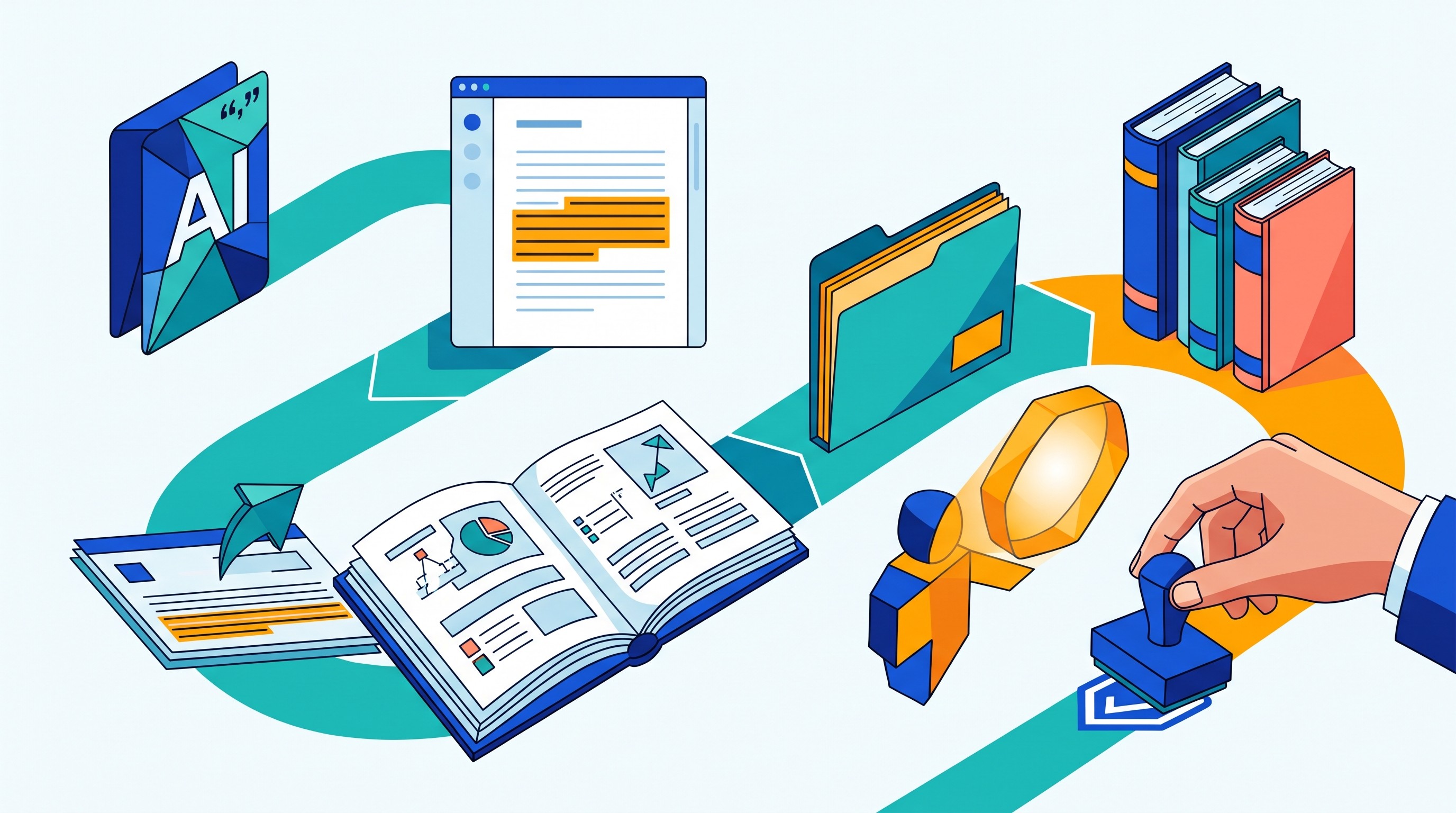
Focused notebook versus permanent research library
NotebookLM’s bounded notebook model is a strength. A notebook keeps a defined packet of material together, which reduces contamination from unrelated projects. That matters when the question is narrow: “What do these ten documents say?” or “Where do these sources disagree?”
The model becomes less convenient when the research object keeps changing. Long-running work usually requires more than repeated Q&A against one packet. It requires project memory.
That memory includes:
where each source came from;
why it was included or excluded;
which version was used;
which claims remain unresolved;
which sources contradict one another;
which notes belong to which draft or client question;
what changed since the last synthesis.
Otio is built around a unified research library for PDFs, DOCX, EPUB, TXT, Markdown, PPTX, CSV, images, audio, video, web links, YouTube videos, notes, folders, and related supported materials. Spaces, folders, tags, persistent notes, reader views, and searchable library items help preserve the project context rather than forcing every research question into a new container.
This matters after discovery. Researchers still find material in Google Scholar, PubMed, Semantic Scholar, Scopus, institutional databases, court databases, agency sites, company filings, search engines, and specialist discovery tools. Otio’s job starts when the source set needs to be organized, compared, queried, cited, and carried forward.
A typical handoff looks like this:
Find candidate sources in discovery tools or databases.
Screen for relevance and quality using the project’s inclusion rules.
Bring the working corpus into Otio.
Organize it by project, source type, theme, jurisdiction, method, population, market, or evidence grade.
Ask narrow cited questions.
Save useful notes, unresolved questions, and source-linked excerpts.
Draft a synthesis that can still be traced back to the underlying materials.
For academic teams, the advantage is continuity across literature review, reading notes, and synthesis. For medical and life-science researchers, it is the ability to keep papers, guidelines, trial materials, notes, and multimedia explanations in one workspace without treating every source packet as disposable.
[[OTIO_INLINE_PROMO:%7B%22title%22%3A%22Will%20your%20corpus%20outgrow%20one%20notebook%3F%22%2C%22description%22%3A%22Map%20your%20PDFs%2C%20links%2C%20notes%2C%20transcripts%2C%20and%20drafts%20in%20Otio%20to%20see%20whether%20a%20persistent%20library%20fits%20the%20project%20better.%22%7D]]
Format coverage matters when research is not PDF-only
Professional research is rarely PDF-only. The paper may be a PDF, but the evidence trail often includes a web page, appendix spreadsheet, slide deck, interview recording, webinar, YouTube lecture, internal note, image, scanned report, or dataset export.
NotebookLM’s documented format coverage is broad: documents, slides, sheets, images, audio, web URLs, public YouTube videos, ePub files, and copied text. For focused work, that may be enough.
Otio is aimed at the mixed-corpus problem. Its library can keep PDFs, web pages, videos, podcasts or audio, notes, spreadsheets, presentations, images, YouTube videos, and other supported formats in one place. The practical gain is not the checklist; it is the ability to move between reading, asking, citing, and note-taking without scattering the project across a PDF reader, browser tabs, a chat tool, and a notes app.
For example:
A policy project may combine legislation, agency guidance, think-tank reports, public comments, hearing videos, and analyst notes.
A market-research project may combine company pages, investor decks, earnings-call transcripts, CSV exports, and interviews.
A medical research project may combine clinical guidelines, trial papers, drug labels, conference presentations, and lecture recordings.
A legal project may combine contracts, filings, exhibits, emails, statutes, and case summaries.
Otio’s AI PDF reader is useful when the corpus is document-heavy, but the more important point is continuity: the PDF should not become detached from the web page, note, spreadsheet, or transcript that explains why it matters. For multimedia-heavy work, audio and podcasts can sit alongside written sources rather than being summarized elsewhere and pasted back as orphaned notes.
There is one edge case worth taking seriously: accepted does not mean understood. A file can upload cleanly and still produce weak evidence if the transcript is poor, OCR is incomplete, tables are mangled, slide text is missing, or metadata is wrong.
Before relying on an AI answer from either tool, inspect the parsed content. For scanned PDFs, check whether OCR captured headings, footnotes, tables, and page order. For YouTube and audio, check whether the transcript is complete enough for citation. For spreadsheets, check whether column headers and units survived the extraction.

AI models and project scale: when Otio may be the better fit
NotebookLM is attractive when the researcher wants a focused, source-grounded interaction inside one notebook. It keeps the workflow simple: add sources, ask questions, inspect citations, save useful responses.
Otio is more flexible when the project requires a persistent source library and different kinds of AI work over time. In Otio, users can select among supported AI models, retry an answer with another model, and keep the same library and project context instead of rebuilding the corpus across separate tools.
That matters because research tasks are not all the same. One model may be better for extracting structured claims. Another may produce a clearer synthesis. Another may handle long reasoning or rewriting more effectively. Otio’s multiple AI models are useful for comparison and task fit, not as a guarantee of correctness.
A sensible multi-model workflow looks like this:
Ask a narrow, evidence-seeking question against the same source set.
Save the cited answer.
Retry with another supported model when the answer is unclear, incomplete, or too speculative.
Compare the cited passages, not just the prose.
Use the difference between answers as a signal for where human review is needed.
The tradeoff is organizational overhead. A more flexible research library works best when it is maintained. That means naming sources clearly, using Spaces or folders, tagging materials, writing short provenance notes, and preserving unresolved questions.
If a researcher will not maintain the workspace, a bounded notebook may be simpler. If the project will continue over time, the extra structure pays for itself by reducing repeated setup and lost context.
For current Otio plan-specific limits, pricing, and availability, use the Otio pricing page rather than designing a workflow around assumptions.
A practical Otio and NotebookLM workflow for long research projects
The safest workflow treats both tools as assistants inside a research process, not replacements for the process itself.
1. Define the research question before uploading anything.
Write the question, inclusion boundaries, source types, date range, geography, evidence standard, and expected output. A vague corpus produces vague answers.
If the question itself is still unstable, use a research-design step first. The guide on creating a research question is useful for narrowing scope before collecting sources.
2. Discover sources elsewhere.
Use academic databases, search engines, paper-finding tools, institutional repositories, citation trails, legal databases, company filings, or professional research services. Neither NotebookLM nor Otio should be treated as a replacement for discovery engines or formal systematic-review software.
For source discovery, the guide to finding academic sources covers the upstream search work. Tools such as Semantic Scholar and Consensus can help find papers or evidence signals, but the long project still needs a place to preserve and interrogate the working corpus.
3. Put the durable corpus in Otio when the project needs memory.
If the work involves multiple formats, recurring questions, notes, versions, and drafts, organize the corpus in Otio using a Space or folders. Add short notes on provenance: where the source came from, when it was accessed, why it matters, and any limitations.
A useful naming pattern is:
author or organization;
year or date accessed;
short title;
source type;
version or status.
For example: “FDA 2026 guidance draft — accessed Oct 24 — regulatory context” is more useful than “document_final2.pdf.”
4. Use NotebookLM for bounded packets.
If a defined subset needs focused questioning, put that packet in NotebookLM. This is where NotebookLM is at its best: “What do these sources say?” “Where do these documents disagree?” “Which passages discuss the outcome measure?”
For a broader tutorial on that tool’s workflow, see how to use NotebookLM for research. If the immediate issue is file caps rather than the Otio comparison, the related article on NotebookLM file upload limits for larger research corpora covers that adjacent problem.
5. Ask narrow, evidence-seeking questions.
Bad question: “What is the answer?”
Better question: “Which sources compare intervention A and intervention B on outcome C, and what exact passage supports each finding?”
The goal is not just a fluent answer. The goal is a traceable answer.
Ask for:
the claim;
the source name;
the cited passage;
the date or version;
uncertainty;
conflicting evidence;
missing evidence.
6. Save useful excerpts, disagreements, and unresolved questions.
Long projects fail when the same context has to be reconstructed every week. Save the answer only if it preserves something reusable: an exact passage, a disagreement between sources, a limitation, a definition, a figure reference, or a question for follow-up.
This is where a persistent workspace matters. A one-off chat can answer today’s question; a research library preserves why the answer mattered.
7. Draft the synthesis, then audit every material claim.
Use AI to structure the draft, compare evidence, identify gaps, and prepare source-linked sections. Then verify every material claim against the original source.
Check:
exact wording;
scope of the claim;
whether the cited source is primary or secondary;
whether the date still matters;
page, section, figure, or timestamp;
whether the source supports the inference;
whether contradictory evidence was ignored.
For longer ChatGPT-based projects, a common failure mode is that the project container stops fitting the research job. The related guide on ChatGPT Project limits in long research projects covers that issue separately.
The decision: choose by research job, not by feature count
Choose NotebookLM when the work is focused, relatively self-contained, and best handled as a source-grounded notebook. It is especially useful when the main job is asking questions about a defined packet and checking citations back to those sources.
Choose Otio when the project needs a durable library across multiple research efforts: mixed formats, persistent notes, source organization, cited answers, and the option to compare responses across supported AI models without rebuilding the corpus.
Use both when the workflow benefits from separation. NotebookLM can handle a tightly bounded packet. Otio can hold the wider corpus, project memory, cross-format organization, and continuing synthesis.
The next step is not to compare feature lists in the abstract. Take the sources already sitting in downloads, browser tabs, Zotero, Drive, email, and notes. Put the real corpus into one organized workspace, ask cited questions, retry difficult tasks with another model when useful, and see whether the workflow becomes easier to continue after the first session.
Compare your own real research workflow in Otio: start with the sources you already use, organize them in one library, and see whether cited answers and multiple AI models make a long-running project easier to manage.
FAQ
Q: Is Otio a replacement for NotebookLM?
A: Not universally. NotebookLM is well suited to focused, source-grounded notebook work, while Otio is better positioned as a persistent multi-source research workspace; some researchers may use both for different stages.
Q: Does NotebookLM have a source limit?
A: Yes. Google’s documentation states that free users can include up to 50 sources per notebook, and each source can contain up to 500,000 words or 200 MB for uploaded files as of October 2026. Check Google’s Help Center for current paid-plan and Workspace limits.
Q: Are NotebookLM citations reliable enough for publication?
A: They help trace an answer to quoted text, images, or other material in the notebook, but they are not a substitute for checking the original source. Verify important claims, quotations, context, and page or section references before publication.
Q: Why might a researcher prefer Otio for a long project?
A: Otio keeps supported documents, web pages, multimedia, notes, and project organization in one persistent library, with cited answers and access to multiple supported AI models. That can reduce repeated setup when a project spans many sources and continues over time.
[[OTIO_FOOTER_PROMO:%7B%22title%22%3A%22How%20would%20your%20real%20corpus%20work%20in%20Otio%3F%22%2C%22description%22%3A%22Use%20the%20sources%20already%20in%20your%20downloads%2C%20browser%20tabs%2C%20Drive%2C%20and%20notes%20to%20test%20cited%20questions%20and%20ongoing%20organization%20in%20one%20workspace.%22%7D]]
Related reading
NotebookLM File Upload Limit: What to Do With a Larger Research Corpus
How to Create a Source-Linked Research Brief From Mixed Documents
How to Summarize Multiple PDFs With Citations and Source Context
ChatPDF vs Otio: Which Research Workflow Fits a Multi-Source Project?
Readwise Reader vs Otio: From Saved Articles to a Permanent Research Library



