
Research Tools
Why Semantic Scholar Wins for Systematic Reviews (Google Scholar Doesn't)
Semantic Scholar's AI-powered paper clustering and methodology tagging cut systematic review screening time in half. Here's when to use it over Google Scholar.

You've got 1,200 titles in a Zotero export, two reviewers waiting, and a PRISMA diagram that currently says nothing useful. Google Scholar will help you find more papers; Semantic Scholar is better once the job becomes screening, clustering, and tracing evidence.
Use Semantic Scholar for systematic-review screening and citation mapping, then use Google Scholar as a recall check and citation-count reference. A 2020 Research Synthesis Methods evaluation of academic search systems found that evidence synthesis depends on retrieval quality, exportability, and advanced search behavior—not merely whether a search box finds famous papers (Gusenbauer 2020, Wiley).
The mistake is treating these tools as interchangeable. They aren't. One gives you a ranked list; the other gives you structure around a research question.
The screening bottleneck that kills systematic reviews
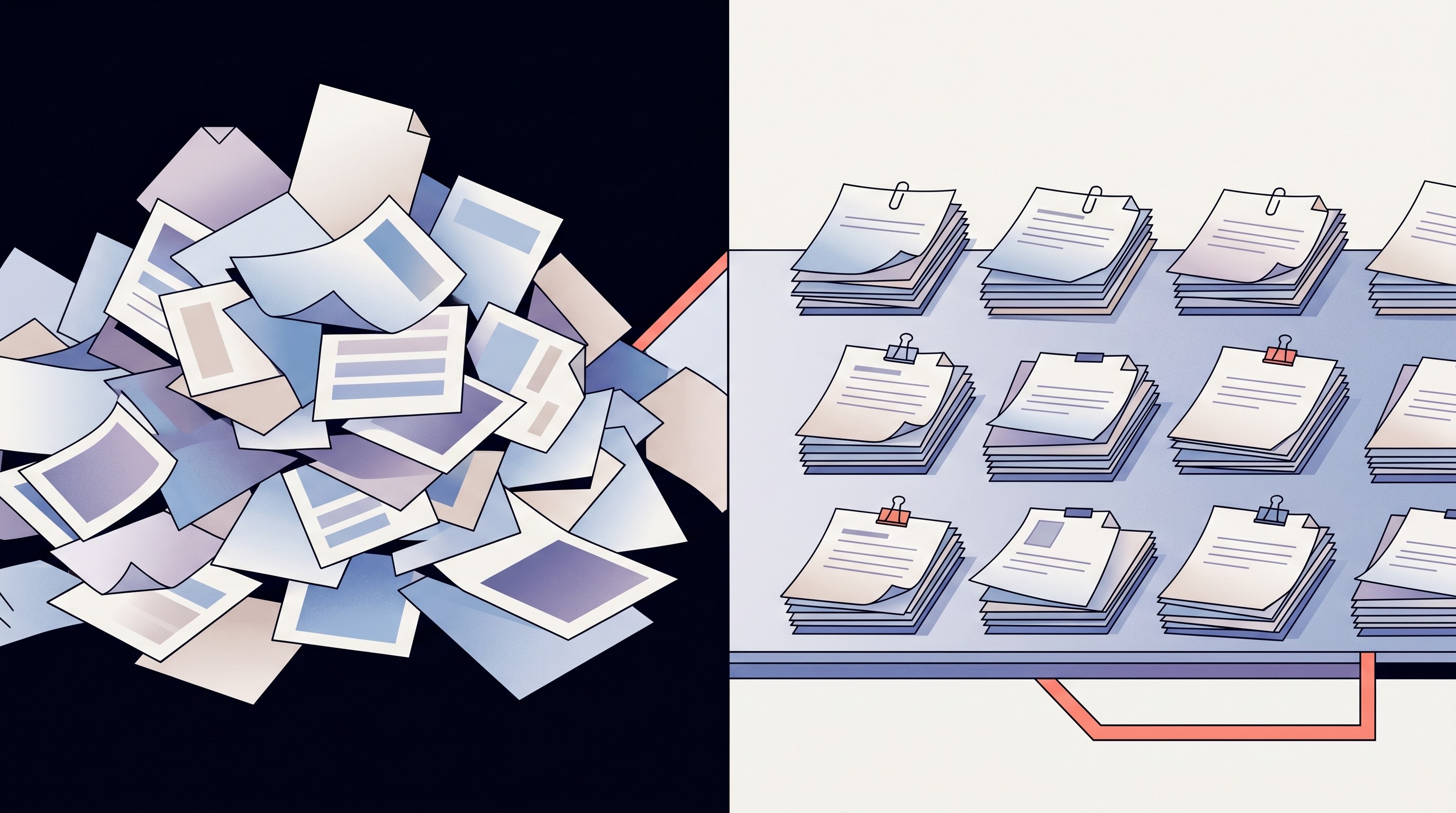
Systematic reviews die in screening, not in writing. The first hard week usually looks like this: 500 to 5,000 records, duplicate titles with tiny wording changes, abstracts that hide the study design in the last sentence, and inclusion criteria that sounded cleaner in the protocol than they do at 11:40 p.m.
Google Scholar doesn’t solve that. It returns a ranked list, heavily shaped by citation prominence and relevance signals. That’s useful when you’re trying to understand a field, but it’s clumsy when the task is deciding whether 173 near-identical intervention papers belong in the same evidence bucket.
A classic warning still holds: Google Scholar can be valuable, but relying on it alone is risky for systematic reviews. The NIH-hosted paper titled “Google Scholar is not enough to be used alone for systematic reviews” makes the blunt version of the argument.
The bottleneck has three parts.
First, you need topic-level grouping. If 50 papers all examine variations of CRISPR off-target detection, a ranked list makes you handle them as 50 separate decisions. Semantic clustering lets you process the family before you burn attention on individual titles.
Second, citation count tells you less than citation context. A paper can cite another because it supports the method, disputes the conclusion, borrows a dataset, or waves at background literature. For a systematic review, those are different signals.
Third, methodology has to surface early. If your inclusion criteria require randomized controlled trials, longitudinal cohorts, human participants, or a minimum follow-up window, opening every PDF before you can reject it is how a review loses a week.
This is why a good literature search workflow separates discovery from screening. Discovery rewards breadth. Screening rewards friction removal.
How Semantic Scholar's AI clustering beats Google Scholar's ranked list
Google Scholar gives you a queue. Semantic Scholar gives you neighborhoods.
That sounds soft until you’re staring at 80 papers that use different terms for the same construct. “Treatment adherence,” “medication compliance,” and “persistence with therapy” may land apart in a keyword-first search, even when the papers answer the same question. Semantic similarity catches some of that drift.
Semantic Scholar’s advantage comes from grouping papers by meaning and citation relationships, not only surface keywords. Citation-cluster research has tested this idea directly: an arXiv evaluation used citation-based clusters to simulate retrieval for 25 systematic reviews, showing why clustered search can help users identify relevant documents beyond simple keyword matching (arXiv, citation-cluster retrieval evaluation).
Google Scholar’s ranking can bury the paper you need. A highly cited review often sits above a newer primary study. That’s fine for orientation; it’s annoying when the review is excluded and the primary study is eligible.
Google Scholar workflow | Semantic Scholar workflow |
|---|---|
Scan a ranked list one record at a time | Inspect related papers as topic groups |
Citation count can dominate attention | Influential citations and related work add context |
Different terminology can split the trail | Similarity can reconnect papers with different wording |
“Cited by” stays mostly flat | Citation context helps explain the relationship |
There’s a catch. Semantic clustering can make weak papers look more central if the language matches the cluster. It won’t judge whether an outcome measure is valid. You still need reviewer judgment, especially in fields where terminology is unstable or political.
Still, the practical gain is real: you stop treating every abstract as a fresh puzzle. Once a cluster is clearly irrelevant, many papers can be parked quickly. Once a cluster is promising, you know where to spend the slow reading.
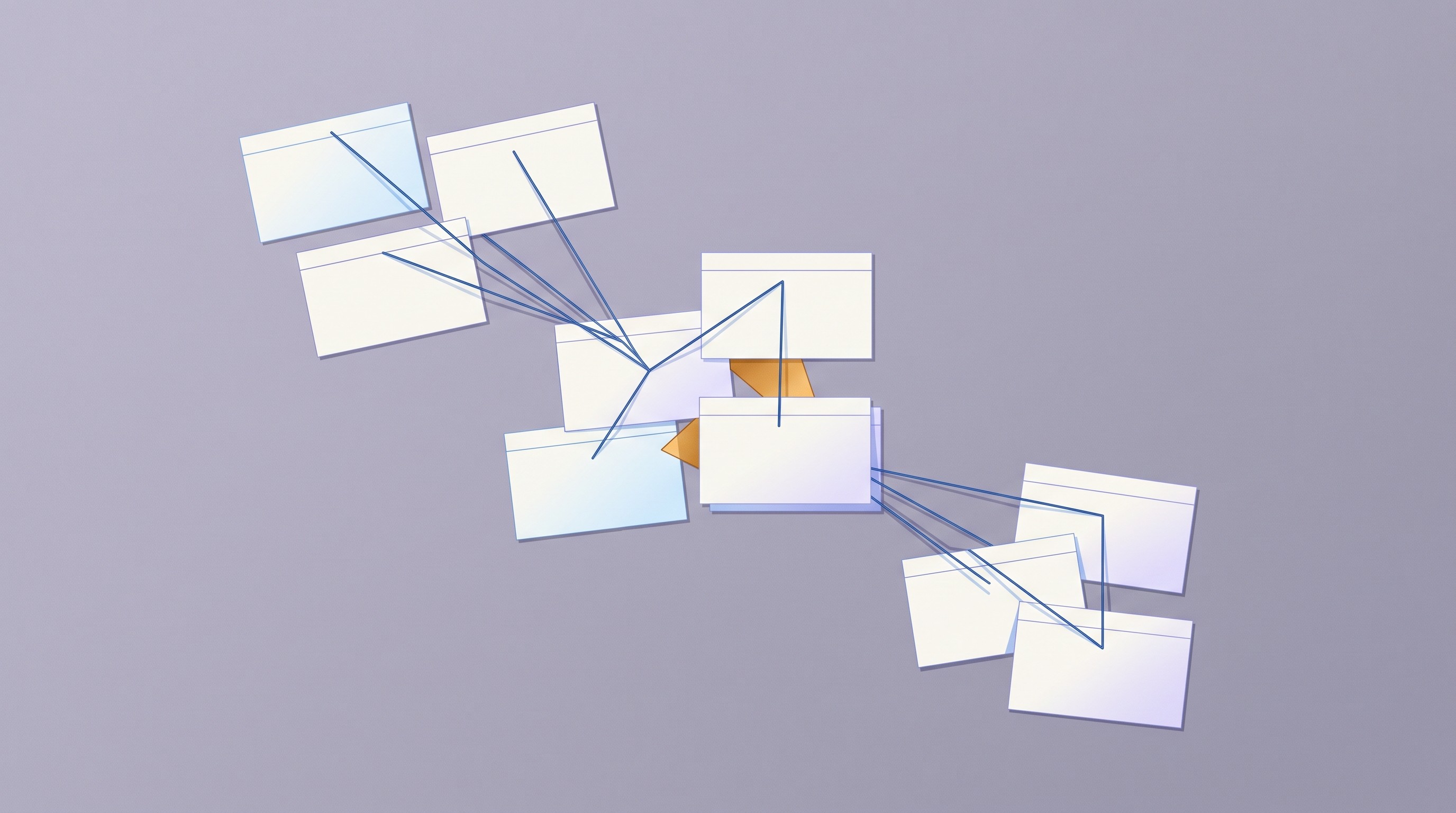
Citation context is the other half. Google Scholar tells you that Paper B cited Paper A. Semantic Scholar often gets closer to the thing you actually need to know: why the citation appeared in the paper.
In systematic reviews, “cited by” isn’t enough. You’re building an evidence chain. A contradictory citation belongs in a different note than a replication, and a methodological critique can change how you weight an entire cluster.
For broader search mechanics, we’ve covered Google Scholar search strategies for literature reviews separately. The short version here: use Google Scholar when recall matters; use Semantic Scholar when the pile is large enough that structure starts saving hours.
Methodology extraction: the feature that saves 20 hours per review
The 20-hour claim depends on volume. On a 40-paper narrative review, no tool will save a magic number. On a 700-record systematic review with strict study-design criteria, early methodology cues can easily prevent a long stretch of pointless PDF opening.
Semantic Scholar helps because its paper pages and metadata expose more screening-relevant context than a basic Google Scholar result. You get abstracts, fields of study, publication type signals where available, influential citations, related papers, and often a TLDR-style summary. The U.S. Commerce Research Library’s Semantic Scholar literature-search guide lists it as a research discovery tool built around Semantic Scholar’s paper graph and machine-learning features.
Don’t overread this. Semantic Scholar doesn’t turn every paper into a perfect Cochrane extraction sheet. Sample size, intervention details, and outcome definitions still need verification in the full text.
But early cues change reviewer behavior. If the title says “systematic review,” the abstract says “mouse model,” or the publication type points away from your eligible designs, you can reject before downloading. Google Scholar usually makes you work harder for that same answer.
The strongest workflow uses Semantic Scholar for pre-screening, then moves confirmed PDFs into a data extraction table. If you’re building one from scratch, this guide to a literature review table covers the fields worth tracking before synthesis starts.
Here’s the practical screening order I’d use for a health-sciences review:
Start with title and abstract only. Don’t open PDFs yet.
Check publication type and field tags when they’re present. Treat them as hints, not evidence.
Use related-paper clusters to identify repeated study families.
Open the PDF only after the record survives your inclusion test.
Put uncertain records in a “second reviewer” lane immediately. Don’t let them clog the first pass.
The edge case is methods ambiguity. This breaks the moment two reviewers disagree on what “intervention study” means. Fix the criteria first; no search tool can rescue a protocol with mushy eligibility language.
Automated study-type classification is moving fast, but it’s still an aid to screening. A 2025 NIH-hosted paper on LLM classification of study types for systematic reviews describes abstract screening as labor-intensive and tests whether models can classify references into categories such as randomized controlled trials or animal studies before human review. That’s the direction of travel: earlier sorting, with humans holding the line on final inclusion.
One remembered failure from real review work: a team tried to screen from exported titles alone because the topic seemed narrow. By record 120, they were reopening the same borderline abstracts because the exclusion reasons weren’t visible in the spreadsheet. The fix wasn’t glamorous—add study design, population, outcome, and exclusion reason as columns before continuing.
Not fancy. It worked.
Citation mapping for systematic reviews: Semantic Scholar's hidden edge
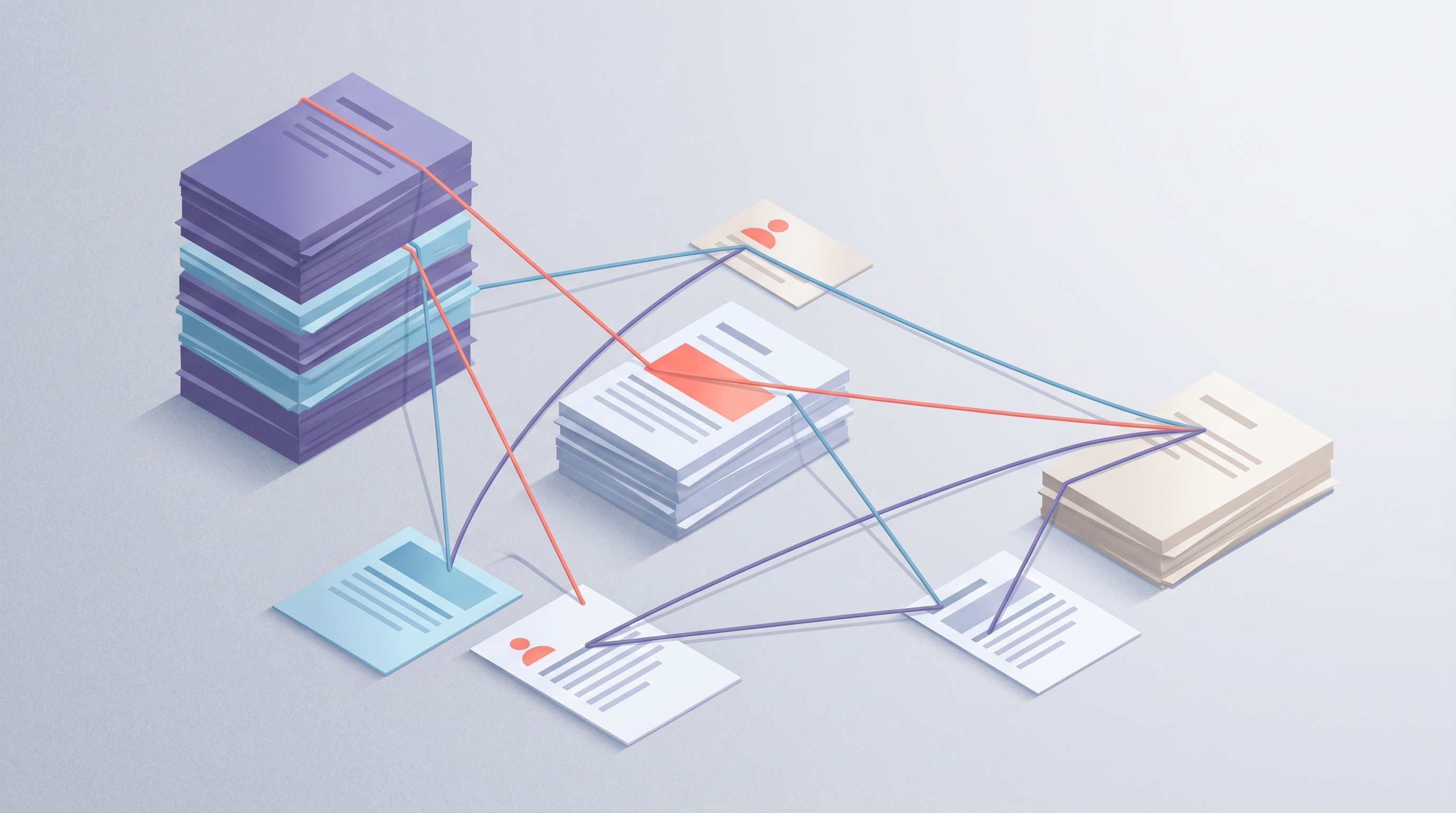
Citation mapping is where Semantic Scholar moves from “better search engine” to “review accelerator.” Systematic reviews need backward searching to find foundational papers and forward searching to see how included studies were later used. Google Scholar can do both, but the interface gives you a flat “Cited by” list and leaves the interpretation to you.
Semantic Scholar’s “Highly Influential Citations” and citation contexts help separate passing mentions from papers that shaped the next study. That matters when you’re writing the narrative portion of a review: which trial created the benchmark, which replication changed confidence, which critique exposed a measurement problem.
Take a search like “COVID-19 vaccine efficacy.” A flat citation list around the Pfizer trial will include supporting studies, later observational work, policy commentary, and methodological responses. For a systematic review, those shouldn’t sit in one mental drawer.
A citation map gives you something closer to evidence lineage. Paper A introduces a method. Paper B applies it to a larger cohort. Paper C points out a bias. Paper D becomes the meta-analysis everyone quotes. The map doesn’t write the review, but it keeps you from pretending the field is a pile of independent PDFs.
This is also where literature gaps become less vague. A gap isn’t merely “few studies exist.” Often, it’s more specific: many studies cite the same intervention paper, but none test it in older adults; several papers reuse the same dataset; everyone measures short-term response, while follow-up past six months disappears. If you’re working on that part, our guide to finding a literature gap pairs well with citation mapping.
Semantic Scholar’s edge is strongest in dense fields: medicine, computer science, biology, and fast-moving social-science subfields where terminology mutates. In sparse humanities topics, the clustering may feel thinner. That’s not a failure; it’s a data problem.
Citation mapping also protects against a common review-writing error: over-weighting famous reviews. Reviews are useful signposts, but they can launder old assumptions. When you map citations around primary studies, you’re less likely to cite the summary as if it were the evidence.
When Google Scholar still wins (and when it doesn't)
Google Scholar still belongs in the workflow. Throwing it out because Semantic Scholar is better at clustering would be a category error.
Google Scholar wins at broad discovery. It indexes a wide mix of articles, books, theses, preprints, reports, and institutional PDFs. If your question crosses into grey literature, policy work, or a niche humanities area, Google Scholar may surface material that Semantic Scholar misses.
It also remains useful for citation-count checks. When someone asks, “How widely cited is this landmark paper?” Google Scholar’s count is often the number people expect, even if it includes messier source types.
Semantic Scholar wins when the task shifts from finding to deciding. It’s better for high-volume screening, related-paper discovery, and citation-context work. A study on software engineering secondary studies examined Semantic Scholar’s coverage and identification role, which is exactly the kind of question reviewers should ask before trusting any one search system.
Use both, but don’t use them for the same job.
Google Scholar also has export friction. Anyone who has tried to move hundreds of records into a screening tool knows the pain. You can save citations one by one or route through citation managers, but bulk review workflows weren’t the design center.
Semantic Scholar is friendlier to exports and programmatic work. Its API and data products are built for structured retrieval, though you still need to check current rate limits and fields before planning a large automated pull. Don’t promise your committee a one-click PRISMA machine because an API endpoint exists.
For broader tool selection, the comparison should include databases beyond these two: PubMed, Scopus, Web of Science, OpenAlex, IEEE Xplore, PsycINFO, ERIC. We keep a larger list of research databases for students and scholars for that reason.
The simple rule: Google Scholar is a wide net. Semantic Scholar is a sorting table.
A systematic review workflow using Semantic Scholar (and where Otio fits)
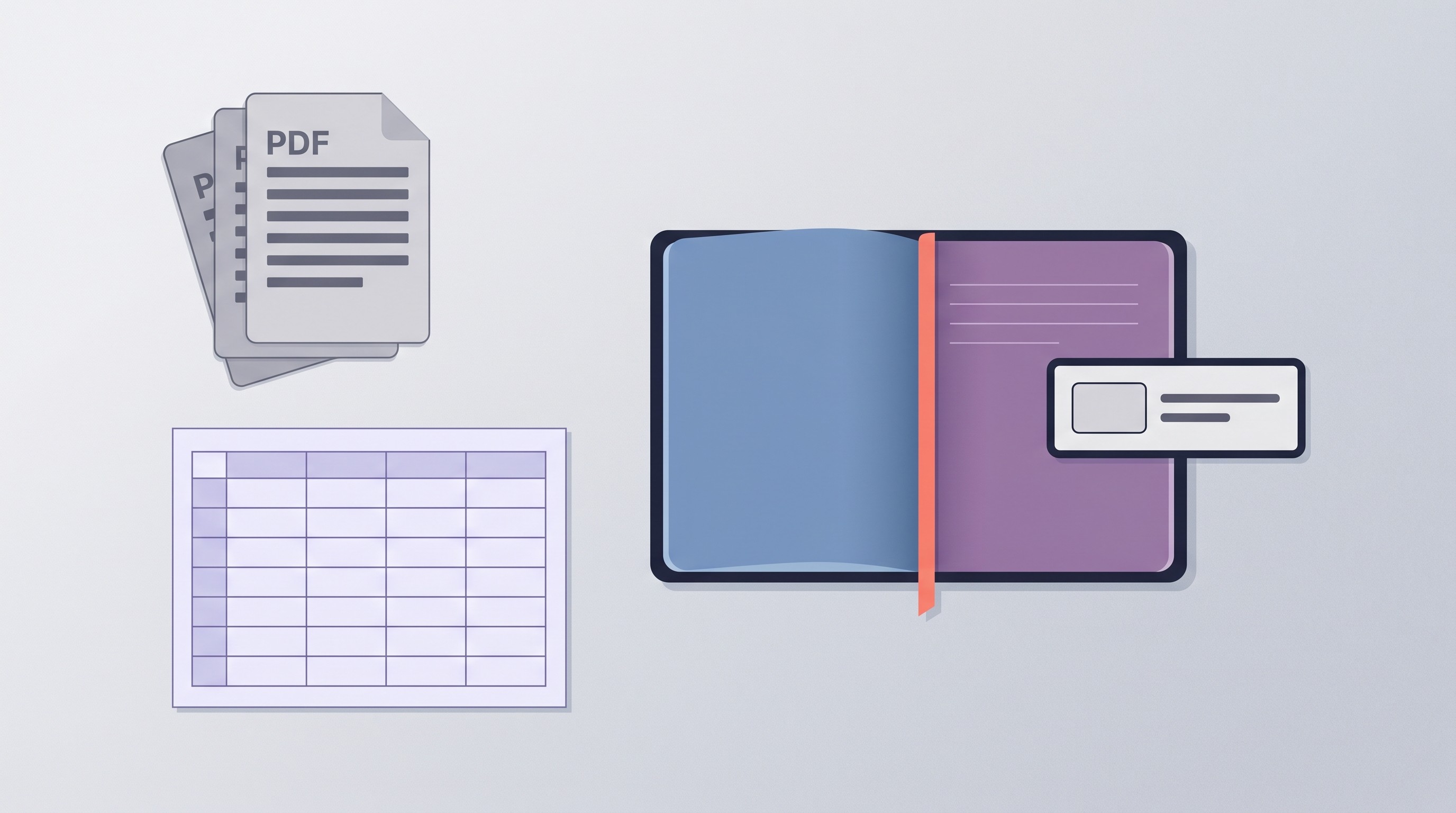
Start with the protocol, not the search box. Define population, intervention or exposure, comparator, outcomes, study designs, date range, and exclusion rules. If those fields are unsettled, Semantic Scholar will simply help you create a cleaner mess.
Step 1: run the first Semantic Scholar search with a narrow question. Use field filters, date range, publication type where available, and “has PDF” only if access will affect screening. Don’t start with the broadest possible query unless you have a librarian helping with recall.
Step 2: inspect clusters and related papers. If a cluster is clearly outside scope, reject it at the group level, then spot-check a few records to make sure you’re not losing eligible edge cases. This is faster than arguing with a ranked list.
Step 3: export records into a spreadsheet, Zotero, Covidence, Rayyan, DistillerSR, or whatever your team already uses. Keep the columns boring: citation, abstract, suspected study design, population, outcome, exclusion reason, reviewer, decision. Boring columns survive meetings.
Step 4: use citation context for backward and forward searching. Backward gets you foundational sources. Forward shows how later work treated the included studies. A 2024 MDPI article describes an AI-based search strategy using the Semantic Scholar database for scientific-paper search in a technical review context, which is a useful example of treating Semantic Scholar as part of a structured method rather than a casual lookup tool.
Step 5: move only included or maybe-included PDFs into the synthesis workspace. This is where Otio's multi-window split view earns its keep: you can compare several PDFs side by side, ask for methodology differences with citations, and keep the extraction table visible instead of bouncing between ChatGPT, a PDF reader, and Notion.
A good extraction question asks for fields, not prose. Ask for study design, sample, intervention, comparator, primary outcome, follow-up duration, limitations, and page-cited evidence. If the answer can’t cite the paper, don’t paste it into the review.
For synthesis, the move is slower and more deliberate. Group studies by outcome first, then by design quality. A literature review matrix helps because it forces comparison at the cell level instead of letting the strongest-sounding paper dominate the paragraph.
The workflow looks like this:
Stage | Primary tool | Output |
|---|---|---|
Discovery | Google Scholar plus databases | Broad candidate set |
Screening | Semantic Scholar | Clustered, reduced record list |
Citation tracing | Semantic Scholar | Evidence lineage and gap notes |
Extraction | Otio or screening spreadsheet | Cited study-level fields |
Synthesis | Matrix plus writing tool | Review-ready claims |
There’s one tradeoff people miss. Semantic Scholar can make the early stage faster, but it can also tempt you to under-search. If the review is formal, document the database strategy and run the expected disciplinary sources. PRISMA reviewers won’t accept “the graph looked complete” as a method.
Start with Semantic Scholar for your next literature review
If you’re screening fewer than 50 papers, Google Scholar plus a citation manager may be enough. The overhead of another tool might not pay back.
Once you cross 100 records, start in Semantic Scholar. Clusters, related papers, influential citations, and better export paths reduce the number of blind decisions. Google Scholar should still sit nearby for grey literature, citation counts, and sanity checks against missed terms.
For systematic reviews, the winning pattern is plain: use Google Scholar to widen the net, Semantic Scholar to sort the catch, and a synthesis workspace once PDFs deserve close reading. If you’re comparing AI options around this workflow, this guide to AI tools for systematic literature reviews covers the wider market.
Then protect the last mile. Screening faster only helps if extraction stays traceable. Try Otio for your next literature review when you’re ready to compare included PDFs without losing the citation trail.
FAQ
Q: Does Semantic Scholar replace Google Scholar for systematic reviews?
A: It replaces Google Scholar for parts of screening and citation mapping, especially once the result set is large. Google Scholar still helps with broad discovery, grey literature, and citation-count checks.
Q: Can I export Semantic Scholar results for my screening tool?
A: Yes, Semantic Scholar supports structured exports and API-based workflows, though available fields and limits should be checked before a large review. Most teams still clean the export in a spreadsheet or citation manager before formal screening.
Q: How does Semantic Scholar's citation context help with systematic reviews?
A: Citation context helps you see whether a paper is being used as background, support, extension, or critique. That makes forward and backward citation searching more useful than a flat “Cited by” list.
Q: Is Semantic Scholar free for systematic reviews?
A: Core search, related-paper discovery, citation views, and paper pages are free to use. If you plan bulk retrieval through the API, check Semantic Scholar’s current access rules before building the workflow around it.
Q: What fields does Semantic Scholar tag automatically?
A: Semantic Scholar commonly exposes fields such as title, authors, year, abstract, fields of study, publication type, citations, references, influential citations, and related papers. Study design, sample size, and outcomes still need human verification from the paper.



