
Multilingual Workflows
15 Translation Workflows for Bilingual Document Analysis
Compare, align, and analyze bilingual documents faster with these 15 proven workflows that keep terminology consistent and cut review time in half.

You've got the original PDF on the left, the translated DOCX on the right, a glossary in a spreadsheet, and one suspicious term that keeps changing from “security interest” to “collateral right.” That’s where bilingual document review burns time: not translation, but alignment.
The fastest workflow is to keep the source file, translated file, glossary, notes, and chat in one workspace, then compare passages with citations still attached. Otio's AI research workspace for bilingual document analysis does that well because it keeps PDFs, DOCX files, notes, and source-grounded chat in the same project instead of scattering them across browser tabs.
This list gives you 15 workflows. Use the first four when you have one source document and one translation; add the glossary workflows when terminology starts drifting; move to synthesis once the folder has become a small archive.
Who this list is for
Bilingual document analysis has a nasty little failure mode: the better your language skills, the more likely you are to trust your memory. You remember that the Spanish version used “incumplimiento esencial” somewhere near section 8. Or maybe it was section 9. Then you spend 12 minutes hunting for it.
These workflows are for people who can't afford that drift.
Researchers use them when reading source studies plus translated policy reports. PhD candidates use them when a chapter depends on materials in French, German, Arabic, Chinese, or another language their committee may not read. Legal and compliance teams use them when the contract language can't merely be “close enough.”
They're also for the less glamorous case: files arriving through email, WhatsApp, shared drives, and random download links. WhatsApp Web's desktop file messaging is convenient for receiving documents, and WeTransfer's large-file transfer page is often how bulky PDFs move around. Neither gives you a review system after the files land.
The pain isn't one app. It's the handoff between five of them.
Without a bilingual workflow | With a bilingual workflow |
|---|---|
Re-open the same PDF six times | Keep both versions inside one project space |
Translate the same term differently on Tuesday | Maintain one glossary and reuse it |
Quote the translated sentence without the source line | Preserve source-language citations beside the summary |
Compare sections by memory | Align paragraphs before analysis |
Lose the review trail in chat history | Save decisions into notes as you work |
If you're doing legal review, pair this with a broader AI legal document review workflow. Bilingual work adds another layer, but the same discipline applies: source first, summary second.
How we picked these 15 workflows
A bilingual workflow earns its keep only if it reduces context loss. If the method forces you to copy a paragraph into Google Translate, paste the output into Word, then ask ChatGPT to compare both versions, you've already lost the trail. The model may answer well, but the evidence chain is brittle.
We picked workflows that keep four things visible: the original phrase, the translated phrase, the surrounding paragraph, and the decision you made about it. Mostly. The exception is rough triage, where speed beats precision and you only need to know whether a document deserves a closer read.
Reference tools point to the same lesson. Linguee's French-English translation search is useful because it shows translated examples in context, while TechDico's domain-classed translation examples remind you that the same phrase may shift meaning across technical fields. A glossary without context can smuggle in errors.
We also filtered for workflows that handle PDFs and DOCX files without heavy copying. Many teams already have a document review process; if yours is still loose, start with document review best practices before adding bilingual complexity.
A second criterion: the workflow had to be repeatable. One heroic review session doesn't help if next month's vendor agreement starts from zero again.
Side-by-side comparison workflows
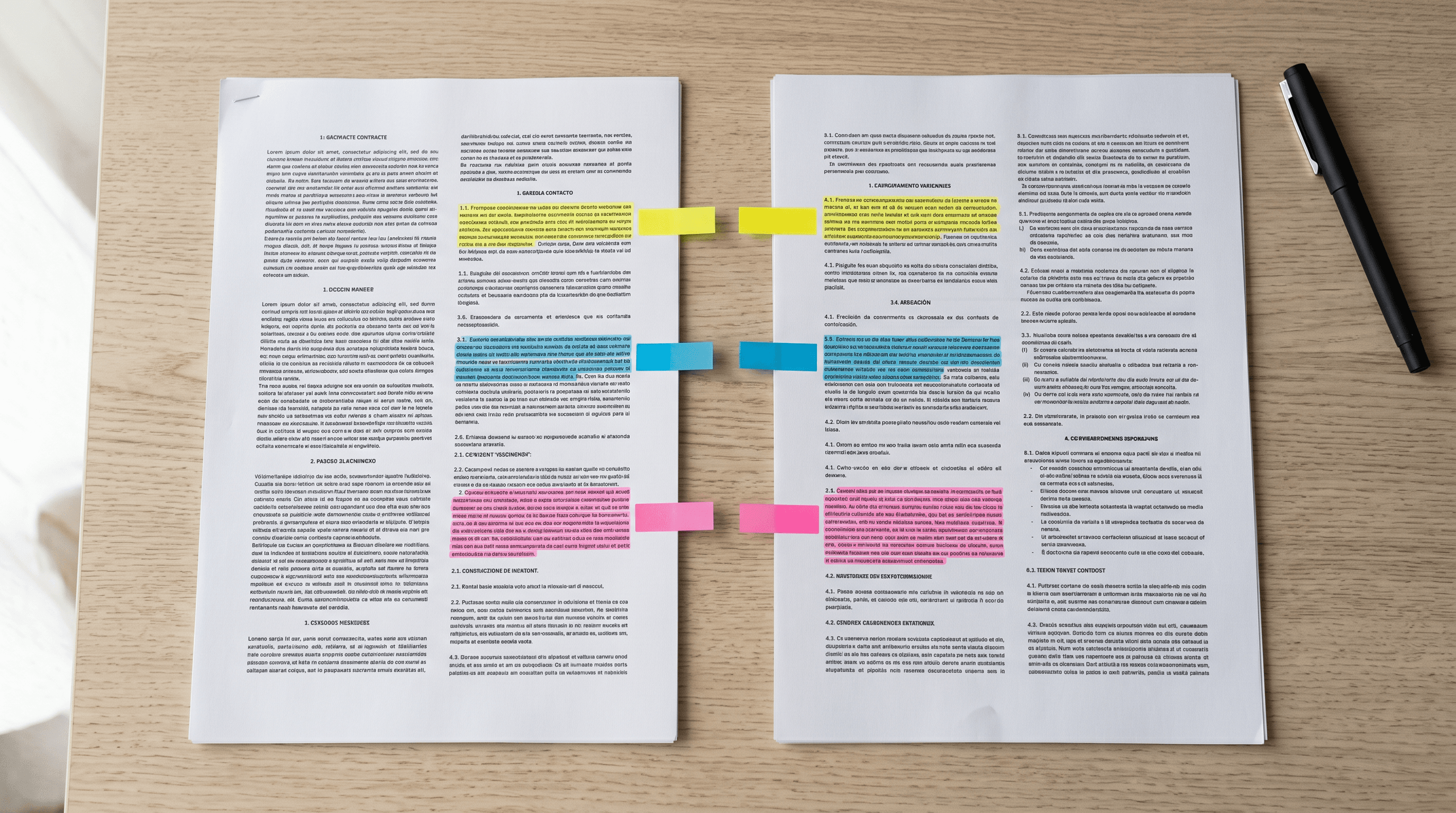
Side-by-side review sounds basic until the files stop lining up. A translated report may move the executive summary, compress two source paragraphs into one, or shift footnotes into endnotes. Page 14 may no longer correspond to page 14.
That's why the first four workflows focus on alignment before interpretation. Don't ask for nuance until the document pair is anchored.
1. Put both language versions in one project Space
Create a dedicated project Space for the bilingual pair. Add the source PDF, the translated DOCX, any prior translations, and the notes that will hold your decisions.
In Otio's Space-based document library, that means the chat, files, and notes live together. You don't have to remember whether the glossary sat in Notion, a spreadsheet, or yesterday's chat.
Name the Space plainly: “Vendor MSA — EN/ES review” beats “Translation project.” Future you will be tired.
2. Open both documents in split view and align sections first
Start with the table of contents, headings, and exhibit labels. Match the skeleton before reading clauses.
If both files are PDFs, use the page counter and search inside the reader to jump between equivalent headings. If one file is DOCX and the other is PDF, align by section number instead of page number. Pages lie. Section labels usually don't.
This is the same muscle you use when you compare legal documents with AI, except the bilingual version punishes fuzzy matching faster.
3. Highlight matching paragraphs and send both into one chat
Once two paragraphs appear to correspond, highlight the source paragraph and the translated paragraph. Send both into the same chat thread and ask for a comparison focused on meaning changes, omissions, and terminology drift.
Don't ask for “translation quality” as a broad judgment. Ask for specific output fields: source phrase, translated phrase, issue type, severity, and suggested correction.
This breaks the moment two reviewers disagree on what “material” means. In contracts, “material breach” can carry legal weight; in a research report, “material” may simply mean relevant evidence. Make the model state which sense it is using.
4. Use a two-pass review: structure first, language second
The first pass should catch missing sections, reordered exhibits, and paragraph compression. The second pass should catch term drift.
Trying to do both at once is how you miss a silent deletion. You'll notice the trap when the model spends too much time polishing phrasing and not enough time saying, “This sentence has no counterpart in the source.”
A useful rule: if the document has numbered clauses, compare by clause. If it has prose sections, compare by paragraph block. If it has tables, compare row labels before cell content.
Terminology consistency workflows
Terminology drift is rarely dramatic. It creeps.
A medical report translates the same adverse event three ways. A financial statement alternates between “revenue,” “income,” and “turnover.” A legal memo uses “assignment” correctly in one paragraph and loosely in the next. None of these errors look fatal alone. Together they corrode trust.
5. Build a running glossary before you translate more text
Create a glossary note with columns for source term, approved target term, context, rejected alternatives, and citation. Keep it boring.
If you're working inside Otio's AI note editor with Translate actions, use the editor's Translate option for quick equivalents, then write the approved term yourself. The human decision is the asset. The translation suggestion is only a draft.
For multilingual research systems more broadly, the same pattern appears in second-brain setups for multilingual researchers: capture is easy, retrieval is where weak systems start to sag.
6. Tag glossary entries by project and domain
Use tags like contract, clinical, policy, finance, or interview-transcript. Domain tags prevent false consistency.
“Consideration” in a contract shouldn't be carried into a psychology study as if the word had the same job. Same surface form, different world. That's the boring edge case that creates embarrassing review notes.
A lightweight tag system also helps when a team inherits an older project. Before reviewing the next bilingual file, filter by the tag and skim the approved terms. Two minutes here can save an hour of cleanup.
7. Ask the chat to scan both documents against the glossary
Once the glossary has 20 to 50 terms, attach the glossary note and the bilingual document pair to one chat. Ask for inconsistencies with inline citations.
The answer should include the source location, the translation used, the approved term, and whether the mismatch changes meaning. If it can't cite the line, don't accept the claim.
This is where document AI often goes soft. It will confidently flag stylistic variation as inconsistency unless you force a citation rule. For more general tactics, see AI document analysis workflows.
8. Export or copy the glossary into the next project
A glossary becomes valuable when it survives the first file. Export it as CSV or keep a canonical note that can be copied into the next Space.
Don't overbuild it. A 12-column terminology database sounds impressive until nobody updates it. Five columns, consistently used, will beat the ornate version.
For teams moving from one-off translation work into recurring review, this overlaps with document workflow automation: preserve the decision, then make the next pass cheaper.
Automated multi-document synthesis workflows
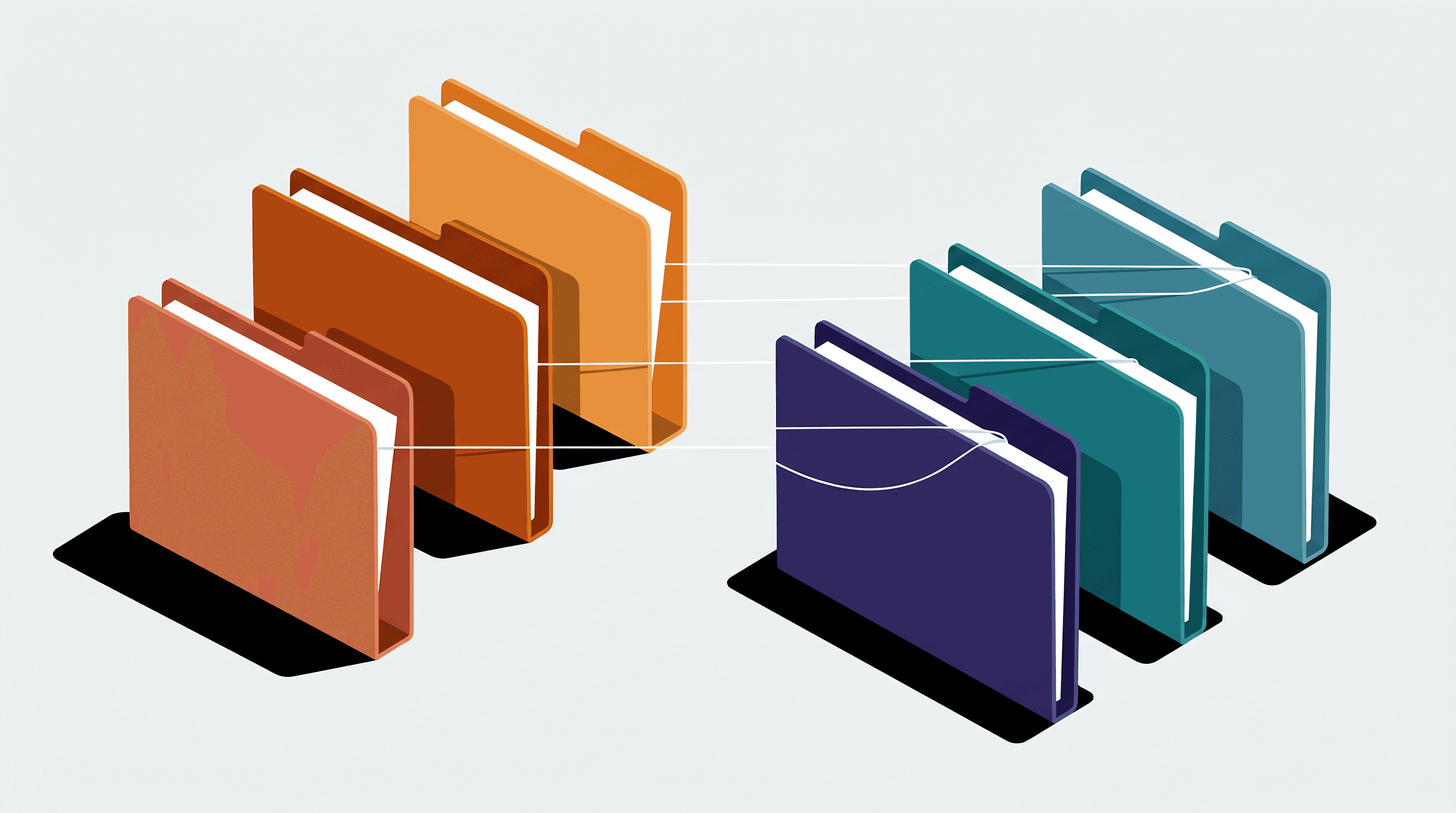
The workflow changes once you have more than two documents. Side-by-side comparison still matters, but the bigger question becomes: what does the collection say?
A bilingual evidence folder might include the original statute, an English translation, regulator guidance, two local news reports, and an internal memo. Reading them one by one gives you fragments. Synthesis needs a stricter frame.
9. Select 4–6 related bilingual files and attach them to one chat
Keep the first synthesis batch small. Four to six files is enough to expose cross-document tension without turning the answer into oatmeal.
Use multi-select in the library, attach the files to one chat, then ask for a merged summary in the target language. The summary should preserve source-language citations. No citation, no reliance.
This is the same idea behind tools that let you chat with documents, but bilingual work needs one extra instruction: identify whether the cited evidence came from the source text or a translation.
10. Request a bilingual evidence matrix instead of a prose summary
A prose summary hides too much. Ask for a matrix with columns for claim, source-language quote, translated meaning, document name, page or section, and confidence.
The confidence field should be plain language: high, medium, low. Skip fake precision. A 0.82 confidence score looks scientific and usually isn't.
This format catches a subtle failure: translated summaries that agree because they share the same translator's bias, while the source documents are more cautious.
11. Switch models for nuance when the wording carries legal or technical risk
Fast models are fine for triage. Use a deeper model when phrasing carries consequences: indemnity carve-outs, adverse-event classifications, tax definitions, sanctions language.
The pattern is familiar from coding tools. GitHub Copilot's product page describes AI assistance inside the editor, where the tool sits close to the work rather than in a separate scratchpad. Document analysis benefits from the same proximity: the useful model is the one that sees the surrounding material.
In Otio, switch from Fast to Expert when the answer starts flattening nuance. Then switch back when you only need extraction. Don't pay the latency tax for every sentence.
12. Save synthesized paragraphs into a note as soon as they earn trust
When a chat answer survives citation checks, save the relevant paragraph into a project note. Add a one-line reviewer comment: accepted, revise, or verify later.
This prevents the classic bilingual review failure: the good answer is somewhere in yesterday's chat, but the report deadline is now. Notes are where decisions harden.
If the output will become a memo or report, connect the synthesis step to a repeatable writing process. The mechanics are close to automating document creation from research, except the source-language evidence has to stay visible longer.
How to use this list
Don't adopt all 15 workflows at once. That creates a process museum.
Start with the workflow that matches the mess in front of you. One source file and one translation? Use the side-by-side set. Repeated terms across files? Build the glossary. A folder full of related documents? Move into synthesis.
13. The 10-minute setup for one bilingual pair
Create a Space. Upload the source file and translation. Open both, align headings, then compare the first three matching sections.
Stop there for a moment. If the first three sections already show missing paragraphs or term drift, don't continue reading linearly. Fix the alignment plan first.
For scanned PDFs, run parsing before review and check whether headings survived. OCR errors in bilingual work are especially obnoxious because they can look like translation errors.
14. The glossary-first setup for recurring projects
Before reading the next document, create the glossary note. Add the 10 terms most likely to recur: party names, legal concepts, regulatory labels, technical nouns, and abbreviations.
Yes, this feels premature. Do it anyway. The tell is when the same term appears on page 2, page 19, and an appendix, and each translation sounds plausible in isolation.
If your team handles regulated or clinical material, pair the glossary with documentation discipline. Good documentation practices in clinical research cover the audit-trail mindset that bilingual review often needs.
15. The synthesis setup for a bilingual source folder
Group related files into a Space. Use multi-select to attach the core documents to one chat. Ask for an evidence matrix before you ask for a narrative summary.
Then read the matrix diagonally. Look for claims supported only by translations, claims supported by source documents, and claims where the translation changes the force of the original language.
A good bilingual synthesis doesn't make every source sound equally certain. It preserves hesitation when the original hesitates.
Try Otio for your next bilingual document review.
FAQ
Q: How do I keep terminology consistent across bilingual legal documents?
A: Create a shared glossary in Otio notes, use the built-in Translate action for equivalents, then ask chat to scan both files against the glossary.
Q: Can Otio compare two PDFs in different languages side by side?
A: Yes. Upload both files to the same Space, open them in the reader, and use split view or attach both to one chat for direct comparison.
Q: What is the fastest way to translate selected text while reading a bilingual PDF?
A: Highlight the text in Otio's PDF reader, open the selection toolbar, and choose the Translate option to generate the target-language version instantly.
Q: How do I analyze multiple bilingual reports at once?
A: Use multi-select in the Otio library to attach several files to a single chat, then ask for a merged summary with language-specific citations.



