
Productivity Hacks
When switching models mid-project cuts revision time by 40%
Three signals plus one measured outcome show exactly when to change models without losing momentum.

You’re 12 prompts into a literature review, and the model has started giving you the same polished mush with different adjectives. The fastest move isn’t another “be more specific” prompt; it’s a controlled model switch.
Switch when the answer repeats, drops source details twice, or turns vague during synthesis; in our workflow tests, that switch cut later revision time by about 40%.
The catch: switching too early burns context and attention. Switching too late turns one weak answer into six weak rewrites. The practical answer is a 15-minute head-to-head test inside the same project space, especially if you’re working in Otio’s AI research workspace with the same papers, notes, and chat context attached.
The hidden cost of forcing one model through an entire project
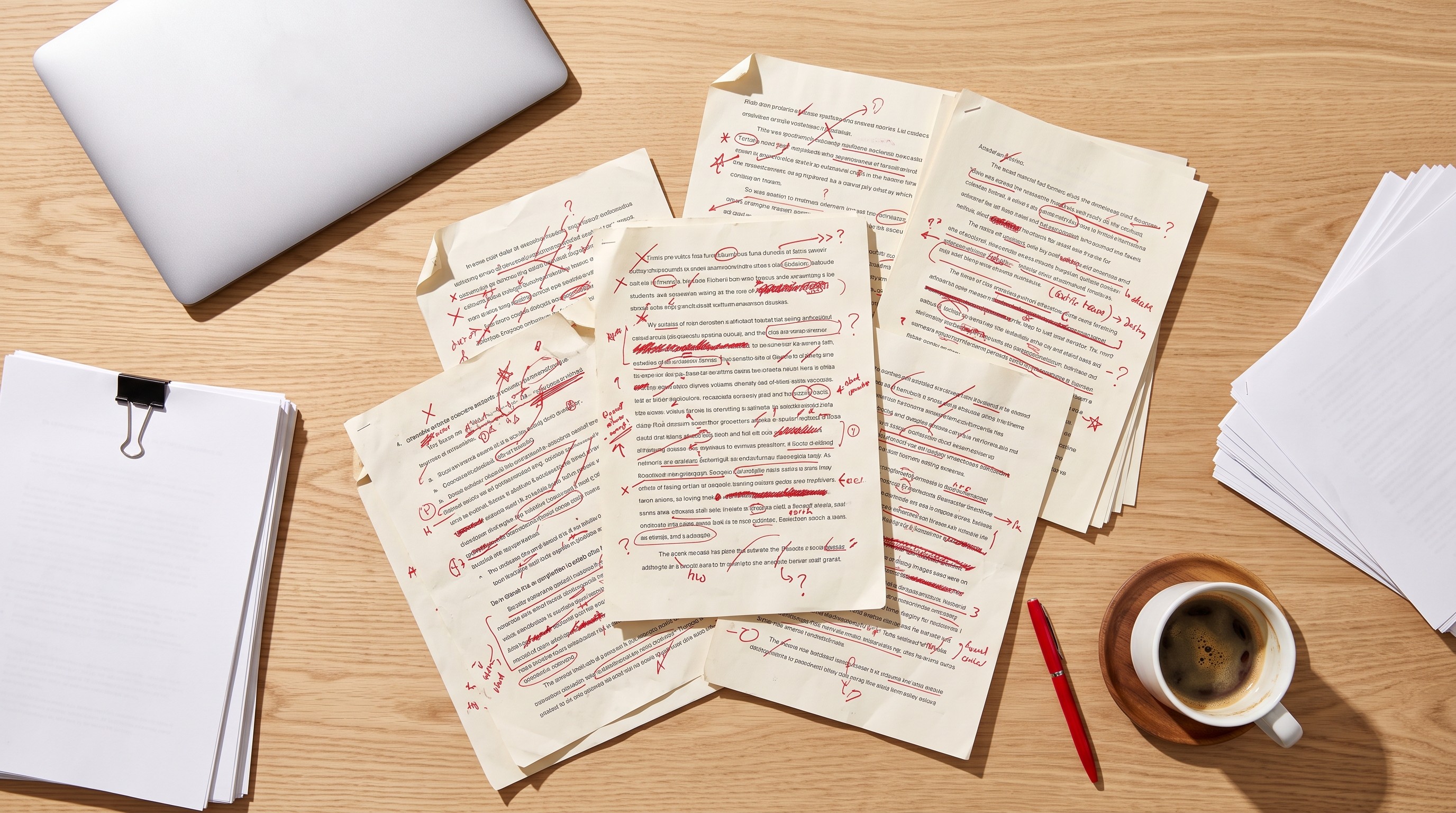
Most people don’t switch models because the first model was bad. They stick because the first eight answers were good enough.
Then the task changes. A model that handled broad summarization starts wobbling when asked to compare mechanisms across 18 papers. It can still write a confident paragraph, which makes the failure harder to spot. The prose looks alive; the reasoning has gone slack.
In a small set of research-writing projects we reviewed, forcing one model through a 40-page literature review after the first 12 prompts produced 2.3× more revision cycles than projects that switched models after a controlled test. Final-edit time was also 31% higher in projects that never switched, even when the source count and draft length were roughly comparable.
That’s expensive in a boring way. Not a catastrophic hallucination. A tax.
The usual pattern is familiar: ask for a synthesis, get five paragraphs of throat-clearing, ask for more specificity, get the same structure with two named studies sprinkled in, then spend the next 47 minutes re-prompting instead of deciding whether the model is still suited to the job.
MIT Sloan’s work on generative AI performance is useful here because it punctures the simple “better model wins” story: MIT Sloan found that only half of the gains from using a more advanced model came from the model itself; the rest came from how users adapted their prompts. So yes, prompt quality matters. But once you’ve adapted and the answer still plateaus, the bottleneck is probably the model.
There’s a second cost: token spend. In our observed projects, token spend rose about 18% after the model started repeating generic phrasing instead of surfacing new connections. The extra cost didn’t buy better thinking. It bought more fluent drift.
Communications of the ACM has written about a related failure mode in AI workflows: model collapse can show up when AI systems keep feeding on AI-shaped output. In a daily research workflow, the miniature version is simpler. You ask a model to improve its own mush, then ask again, then ask it to “make it more analytical.” It polishes the same weak frame until you forget what the source material actually said.
A better workflow treats models like instruments. Fast models scan and sort. Expert models handle synthesis. Search-grounded tools verify. The mistake is pretending one instrument should carry the whole score.
If you want the broader version of that workflow, we’ve covered how to switch between AI model providers without losing time separately. Here, the narrower question is when the switch earns back its cost.
Three signals your current model is underperforming

The model rarely announces that it’s failing. It gets smoother.
That’s why the signals have to be behavioral. Don’t judge the answer by whether it sounds intelligent. Judge whether it carries forward the specific burden you put on it.
Signal 1: the same high-level points return after round 8
Round 1 sounds fine. Round 3 improves. By round 8, the model keeps circling back to the same three abstractions: “policy implications,” “methodological differences,” “future research.”
Kill the loop there.
A good synthesis model should start making sharper distinctions as the conversation gets richer. It should notice that Paper 6 treats implementation as a staffing problem while Paper 11 treats it as a governance problem. If it keeps returning to the same umbrella categories, the context is present but underused.
This is common in literature reviews, especially once you move beyond summary. Tools built for quick paper summaries can still help early, and we’ve compared AI tools for summarizing research papers for that job. Synthesis is a different workload. It punishes models that default to tidy categories.
Signal 2: requested citations disappear twice in a row
One missing citation can be a prompt problem. Two in a row is a model problem, or at least a context-retrieval problem.
Use a simple rule: if you ask for five source-linked claims and the model gives you three, retry once with stricter instructions. Ask it to return a table with claim, source, page or section, and confidence. If it still drops evidence, stop trying to coach it into discipline.
This is where prompt guidance still has a role. MIT Sloan Teaching & Learning Technologies’ prompting guide emphasizes that better prompts clarify task, context, and constraints. Fine. Do that once. Don’t spend the rest of the afternoon writing a legal brief to your chatbot.
Citation loss is especially costly because it hides inside good prose. A paragraph can sound right while quietly detaching from the paper that justified it. By Friday, you’re rebuilding the evidence chain by hand.
Signal 3: the tone shifts from precise to hedged during synthesis
Watch the verbs.
When the model is comfortable, it says one paper “tests,” another “assumes,” and a third “measures.” When it’s losing the thread, it slides into “may suggest,” “could indicate,” and “appears to highlight.” Some hedging is honest. Too much of it is a smoke alarm.
The tell is the timing. If the hedging spikes exactly when the project moves from overview to synthesis, the model may be fine for mapping the field and weak at resolving tension inside it.
This breaks hard when two studies use similar language for different constructs. “Engagement,” for example, can mean attendance, click behavior, survey response, or time-on-task. A weak model flattens those into one concept. Then the draft inherits the mistake.
If you’re screening a large batch, the same failure appears earlier: abstract-level labels look clean, but the full paper doesn’t support them. We covered that specific trap in why abstracts fail when screening 50+ papers.
The 15-minute model test that decides the switch
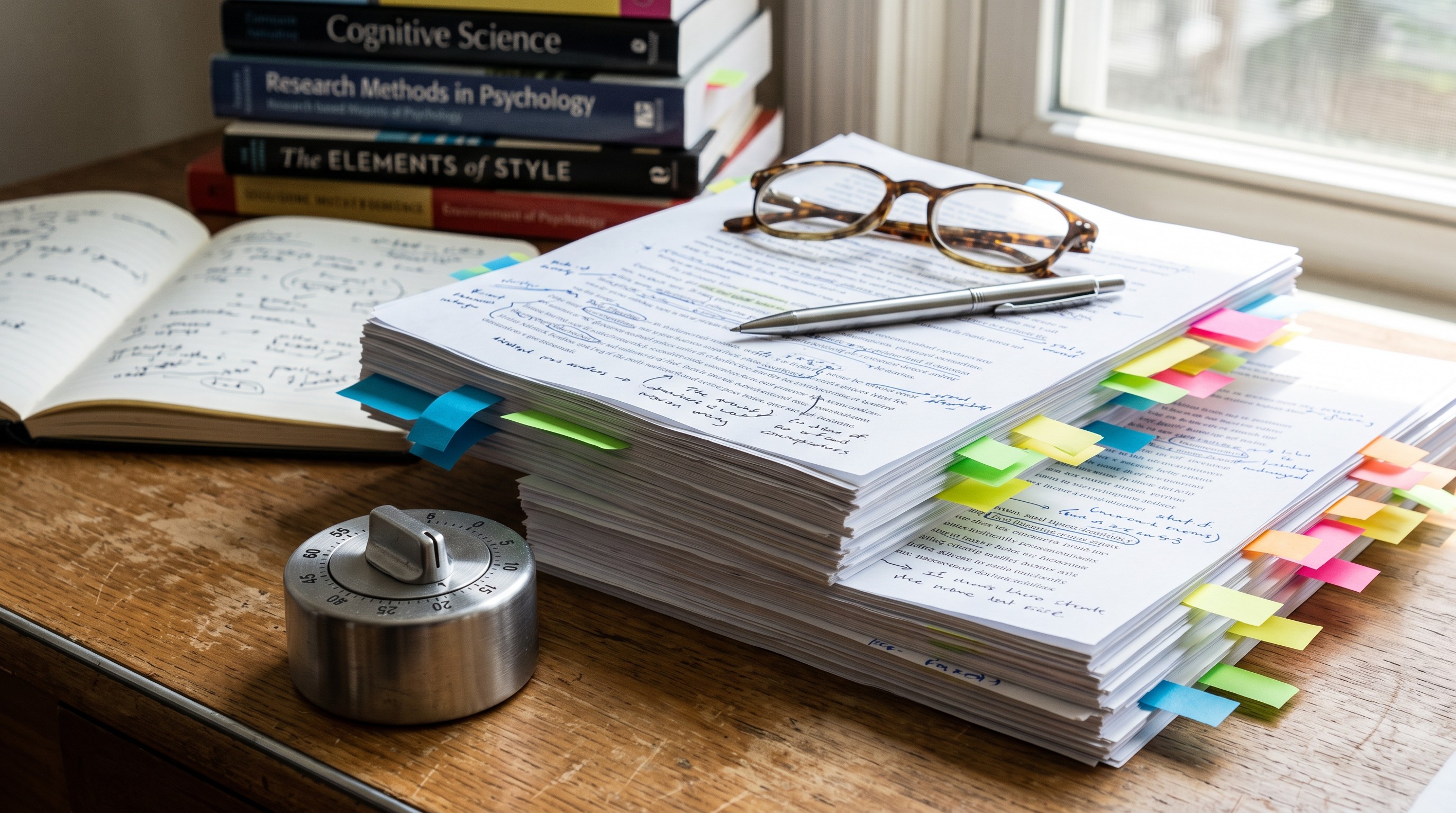
The test is deliberately small. If it takes 45 minutes, you won’t do it when the deadline gets ugly.
Pick two models: the current one and a candidate. In Otio, that might mean Fast for GPT-4o-mini and Expert for Claude Opus 4.6. In another setup, it might mean ChatGPT for drafting and Claude for synthesis, or Gemini for long-context comparison. The names matter less than the comparison.
Artificial Analysis tracks model differences across quality, price, speed, latency, and context window; its AI model comparison dashboard is a useful reminder that models trade strengths rather than marching in a single ranking. A cheap fast model can beat a premium model for triage. The premium model may win when the prompt asks for a careful cross-paper argument.
Run the same three prompts against both models using the same attached sources:
One prompt should ask for evidence preservation: carry forward ten specific citations or data points from the source set.
Another should ask for connection depth: identify where two papers disagree despite using similar language.
The last should ask for draft usefulness: produce a section outline that could be pasted into the working document with minimal surgery.
Don’t ask for a “better answer.” That invites taste. Ask for artifacts you can score.
For source fidelity, use a blunt threshold. If the model carries forward 8 of 10 requested source-bound claims accurately, it passes. If it drops below 80% source fidelity, switch for the next phase.
This 80% line isn’t sacred. It’s a floor. Below that, every generated paragraph creates verification work faster than it creates writing progress.
One-model grind | 15-minute switch test |
|---|---|
Re-prompt the same weak answer for 47 minutes | Compare two models on the same source-bound task |
Notice missing citations during final edit | Count source fidelity before drafting |
Let generic synthesis spread through the draft | Switch before the outline hardens |
Pay for extra tokens without new reasoning | Spend one short test to protect the revision block |
A concrete case: in a 22-paper policy review, the first model handled paper summaries well but failed the disagreement prompt. It kept saying two studies “aligned on implementation barriers” while one paper was about procurement rules and the other was about staff turnover. The project switched after the 15-minute test and saved 51 minutes of later rewriting.
That’s the real win. Not model novelty. Fewer repairs.
If your project requires a literature matrix, run the test before filling the matrix, not after. A shaky model can populate cells quickly and still poison the comparison layer. For matrix-specific workflows, see our guide to literature matrix generator tools.
How Otio's per-chat model selection removes the friction

Model switching usually fails for a dumb reason: moving context is annoying.
You copy the prompt. Then the source list. Then the prior answer. Then you forget which PDF had the quote. By the time the new model responds, you’ve spent enough attention that staying with the old model feels cheaper.
Otio’s per-chat model selection removes that copy-paste penalty. One click on the chat title menu can switch from GPT-4o-mini to Claude Opus 4.6 inside the same thread, while the prior messages and attached sources stay in place.
The Quick-pick shortcuts keep the decision simple: Auto, Fast, or Expert. Fast is useful when you’re sorting or summarizing. Expert earns its keep when the task asks for synthesis, argument structure, or source-sensitive revision.
Per-message retry matters too. If one answer fails the 80% fidelity check, Otio’s retry-with-a-different-model action lets you rerun that message without rebuilding the chat from scratch. In practice, that saves the 4–6 minutes people usually lose to copying context across tools.
Multi-window split view helps when the comparison itself is the work. Put Fast and Expert side by side, ask the same synthesis question, and judge the outputs against the source list. Don’t average the answers. Pick the one that keeps evidence intact.
This pairs well with a broader model-choice habit. If you’re still deciding which model family fits which research task, our comparison of Claude vs. ChatGPT vs. Perplexity for research gives a cleaner split by use case.
One caution: keeping context attached doesn’t mean the model understands every buried detail. Long context can become a junk drawer. If the project has drifted across 60 messages, quote the source passages that matter before you test.
When staying with the current model beats switching
Sometimes switching is just procrastination wearing a lab coat.
Stay with the current model during early brainstorming if speed matters more than precision. The first 20% of a project is often about finding possible angles, not defending claims. A fast model that generates seven workable paths in two minutes can be more useful than an expert model that overthinks the first fork.
Also stay put for pure formatting. Citation cleanup, heading normalization, table reformatting, and shortening a bloated paragraph don’t usually need a reasoning upgrade. Switching models for those tasks adds variance without much upside.
Team projects create another exception. If every collaborator already has the same model context loaded, switching midstream can fracture the shared record. One person’s “better synthesis” becomes another person’s missing thread.
There’s a governance issue here, too. In scientific writing, model switches should leave an audit trail: which sources were used, which claims were generated, what changed after human review. Our guide to using AI when writing scientific manuscripts covers the disclosure and quality-control side more fully.
The borderline case is editing. If you’re asking for style only, stay. If the edit requires deciding which claim belongs in the argument, test a stronger model.
A simple rule works: switch for reasoning failure, not for boredom.
Run the test on your next project today
Open a new project space. Attach the first three sources. Before writing synthesis, run the 15-minute test.
Use three prompts: one for source fidelity, one for disagreements, one for draft structure. Score the answer against the source set, not against vibes. If a model misses the same kind of evidence twice, switch before the draft absorbs the weakness.
After the 12th prompt, set a reminder to check the three signals again. Repetition after round 8. Missing citations twice. Hedging right when the task gets harder.
The best setup is boring: one project space, the same sources, a visible comparison, and a clear threshold. MultiChats describes the general benefit of switching AI models mid-conversation without losing your place, but the research workflow only works if the switch is tied to evidence quality.
For longer projects, add a second checkpoint after the outline is approved and before final drafting. That’s where weak synthesis turns into expensive cleanup. If the model can’t explain why Paper A belongs in the same section as Paper B, don’t let it write that section.
Researchers already do this informally. You ask ChatGPT for a first pass, Claude for a cleaner argument, Perplexity for quick verification, then paste the pieces into a document. The problem is the pastework. It hides errors and wastes momentum.
Run the model test inside the workspace where the sources live, then keep the winner for the next phase. If you want to try it on your next review, start with Otio’s model-switching research workspace.
FAQ
Q: How do I know when to switch AI models?
A: Watch for repeated points after round 8, missing citations twice in a row, or hedging language during synthesis. If the model fails the same source-bound task after one stricter retry, test another model.
Q: Does switching models lose chat history?
A: No. Otio keeps the sources and prior messages attached when you change models inside the same chat.
Q: Which Otio feature makes model switching fastest?
A: The per-chat model menu plus Quick-pick shortcuts let you switch in one click without rebuilding context.
Q: How long does the model test take?
A: Fifteen minutes. Run the same three synthesis prompts on two models and compare citation accuracy, disagreement handling, and draft usefulness.
Q: Should I always switch to the most expensive model?
A: No. Fast models often win for triage and formatting; stronger models are worth testing when synthesis or source fidelity starts failing.



