
Personal Knowledge Management
18 Best Heptabase Alternatives for Visual Knowledge Management in 2026
Compare 18 Heptabase alternatives by visual canvases, linked notes, databases, privacy, collaboration, and research workflows to find the right knowledge management tool.

If Heptabase works for the way you think visually, replacing it one-for-one is hard. The better move is to pick the tool that matches your main bottleneck: spatial research mapping, local Markdown ownership, structured databases, team collaboration, or source-heavy AI synthesis.
For most visual researchers, start with Scrintal or Obsidian Canvas. For teams, start with Miro or Whimsical. For structured personal knowledge management, look at Capacities, Anytype, Tana, Logseq, or Roam. For academic or professional research built around PDFs, web pages, videos, books, and citations, Otio fits better than a pure whiteboard.
Which Heptabase alternative is right for you?
Heptabase sits in a specific category: visual knowledge management for connected notes. That means a replacement should not be judged only by whether it has a canvas. It should be judged by whether it helps you turn messy inputs into retrievable, connected, useful output.
Use this shortcut:
Choose Scrintal if you want the closest card-and-board style alternative for visual research notes.
Choose Obsidian Canvas if you want local Markdown files, backlinks, plugins, and long-term ownership.
Choose Miro or Whimsical if the main job is team workshops, diagrams, and live collaboration.
Choose Milanote if you work visually with moodboards, creative briefs, screenshots, and project boards.
Choose Capacities, Anytype, or Tana if you want structured objects, databases, tags, and reusable knowledge types.
Choose Logseq or Roam if daily notes, outlines, backlinks, and networked thinking matter more than spatial layout.
Choose Notion if you need a flexible shared workspace with databases, pages, docs, and lightweight knowledge hubs.
Choose Otio if the bottleneck is collecting, reading, summarizing, and questioning research sources across formats.
Choose Napkin AI, XMind, or Whimsical if you need diagrams or mind maps more than a full knowledge base.
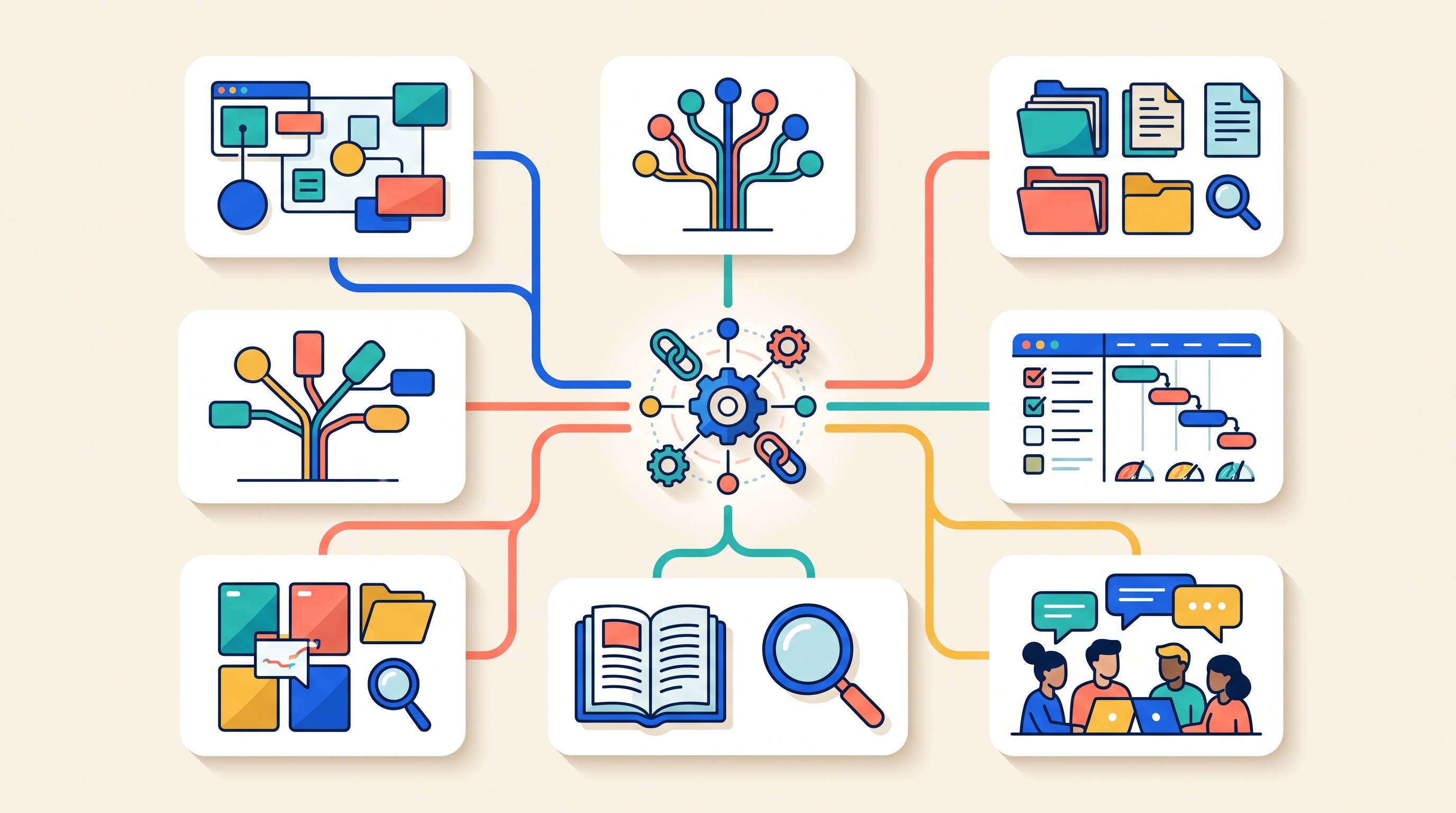
The criteria that matter are:
Canvas flexibility: Can you arrange ideas spatially, group cards, and see relationships?
Backlinks and graph structure: Does the tool preserve connections between notes?
Database support: Can notes become structured records with properties, filters, and views?
Document and web capture: Can it handle PDFs, web pages, videos, and attachments?
Search: Can you reliably find old notes and source material?
Offline access: Does it work locally, or is it mainly cloud-based?
Collaboration: Is it built for solo knowledge work, team editing, or workshops?
Export: Can you leave without losing structure?
AI features: Does AI help with retrieval and synthesis, or only text generation?
Migration effort: Will boards, links, tags, files, and layouts survive the move?
Pricing, plan limits, integrations, import/export formats, and AI features change often. Before moving a serious knowledge base, verify each tool’s official pricing and documentation.
Best visual canvas-first Heptabase alternatives
1. Scrintal
Scrintal is the most obvious Heptabase alternative if the appeal is visual cards connected on a board. It is designed around placing notes in space, linking them, and building understanding through visual proximity.
It works well for research synthesis, essay planning, thesis chapters, product strategy, and any workflow where a linear document feels premature. You can use cards as atomic notes, group related ideas, and gradually turn a messy board into an argument or project outline.
Its tradeoff is that it may not satisfy people who want a deep database layer, a fully local file system, or a highly extensible plugin ecosystem. If your Heptabase setup depends more on structured metadata than on visual arrangement, compare Scrintal carefully before moving. For a narrower head-to-head view, see Otio’s comparison of Heptabase vs Scrintal.
2. Obsidian Canvas
Obsidian Canvas is the best fit if you already like Markdown, backlinks, local folders, and a large plugin ecosystem. The canvas lets you arrange notes, files, links, and groups spatially while keeping the underlying knowledge base in plain text.
That matters for long-term ownership. A folder of Markdown files is easier to back up, sync, script, and move than a fully proprietary visual workspace. Obsidian also gives you backlinks, graph views, templates, community plugins, and enough customization to build a serious personal knowledge system.
The cost is setup. Obsidian can become elegant, but it often requires decisions about folders, tags, properties, sync, themes, plugins, and naming conventions. If you want a ready-made visual research environment, Heptabase or Scrintal may feel smoother. If control matters more, Obsidian is stronger. Otio has a separate comparison of Heptabase vs Obsidian.
3. Miro
Miro is a better Heptabase alternative for teams than for private long-term note systems. It excels at workshops, customer journey maps, research synthesis walls, retrospectives, diagrams, and collaborative planning.
The real advantage is multiplayer work. Teams can add sticky notes, cluster findings, comment, vote, present, and run sessions in real time. For UX researchers, consultants, product managers, and educators, that can matter more than backlinks.
The weakness is personal knowledge depth. Miro boards can become large and impressive, but they are not usually the best place to maintain years of interlinked notes, citations, daily logs, and reading history. Treat it as a collaborative thinking surface, not necessarily the archive.
4. Milanote
Milanote is strong for creative visual organization: moodboards, design references, brand boards, writing plans, screenshots, images, links, and lightweight notes. It feels less like a research database and more like a studio wall.
That makes it useful for designers, writers, marketers, creative directors, and students building visually rich projects. It is particularly good when the material is mixed media rather than dense text.
Its board-oriented structure can become limiting for scholarly notes, heavy backlinking, and complex source trails. If the core job is building a literature review or tracing arguments across many papers, Milanote may need to sit beside a reference manager or research workspace. For a broader creative-board shortlist, see these Milanote alternatives for note taking.
5. AFFiNE
AFFiNE is worth considering if you want documents, whiteboards, and database-like organization in one workspace. It aims at the middle ground between Notion-style pages and visual canvases.
The appeal is breadth. You can draft documents, map ideas visually, and organize structured information without immediately choosing between a note app and a whiteboard. That makes it attractive for people who dislike managing separate tools.
The risk is maturity and fit. Broad workspaces can be powerful, but they can also ask users to build their own system before value appears. Check offline behavior, collaboration, import/export, mobile support, and database depth before treating it as a full Heptabase replacement.
Best structured personal knowledge management tools
6. Capacities
Capacities is best for people who think in objects: people, books, meetings, projects, papers, organizations, places, and concepts. Instead of putting every note into folders, you define knowledge types and connect them.
That makes it useful for building a personal archive that stays structured over time. A book can have author, topic, status, highlights, notes, and related projects. A person can connect to meetings, articles, tasks, and organizations.
It is less of a pure spatial-thinking tool than Heptabase. The strength is structure and retrieval, not a large canvas for laying ideas out visually. If Heptabase feels too board-centric, Capacities may be a better personal knowledge management system. Otio also covers Capacities note-taking alternatives.
7. Anytype
Anytype is for users who care about ownership, privacy posture, offline work, and flexible object-based organization. It lets you build a personal system around types, relations, sets, and templates.
The upside is control. Anytype can feel closer to a private operating system for knowledge than a single-purpose note app. It suits people who want their personal knowledge base to be less dependent on a conventional cloud workspace.
The tradeoff is learning curve. Flexible object systems require naming rules, type decisions, and maintenance. If you want to open a board and start mapping ideas immediately, Anytype may feel heavier than Heptabase.
8. Tana
Tana is strongest when notes should become structured data. Its outline-first workflow and supertags let you turn rough notes into reusable information types: meetings, decisions, people, claims, sources, experiments, tasks, and more.
This is powerful for knowledge workers who want capture and structure in the same place. A meeting note can become a set of tasks. A research note can become a source record. A daily note can feed dashboards and queries.
It is not primarily a visual canvas tool. Tana’s strength is structured outlining, not spatial synthesis. Before adopting it, check current collaboration, mobile, export, and pricing constraints, especially if portability matters.
9. Logseq
Logseq is an outline-first, block-based tool built around daily journals, backlinks, and linked ideas. It works well for people who capture thoughts continuously and connect them later.
Compared with Heptabase, Logseq is less visual by default. It is better for daily notes, meeting logs, reading notes, Zettelkasten-style links, and block-level references. The graph and backlink model can become powerful over time.
The drawback is customization. To mimic a polished visual research board, you may need plugins, conventions, or a second tool. Logseq is a strong knowledge base, but not the closest visual Heptabase clone.
10. Roam Research
Roam Research helped popularize daily notes, bidirectional links, block references, and networked note-taking for associative thinking. It remains a good fit for users who want to write first and structure later.
The workflow is simple: capture ideas in daily notes, link concepts with pages, reference blocks, and let the graph emerge. For thinkers who prefer an organic knowledge network, that is still compelling.
Roam is weaker if you need modern visual boards, polished databases, a robust file library, or a research-source workflow around PDFs and citations. It is a networked writing environment more than a visual research studio.
Best flexible workspaces for notes, databases, and knowledge hubs
11. Notion
Notion is the broadest Heptabase alternative for people who want notes, documents, databases, templates, wikis, and collaboration in one place. It is especially useful when personal knowledge management overlaps with team operating systems.
Its databases are the main draw. You can build reading lists, project hubs, content calendars, CRM-style records, research trackers, and dashboards. Pages can contain nested pages, tables, embeds, and structured views.
The limitation is that Notion does not replicate Heptabase’s visual research environment. You can create structured knowledge hubs, but spatial synthesis is not the center of the product. The more powerful your setup becomes, the more setup overhead you inherit.
12. TheBrain
TheBrain is for people who want a persistent visual graph of ideas, projects, files, and relationships. It has been around long enough to appeal to users who see knowledge management as a long-term map rather than a stack of notes.
The model is different from a temporary whiteboard. Items become “thoughts” connected through parent, child, and related links. This can work well for complex domains, personal archives, research programs, and project portfolios.
The main question is fit with modern workflows. Check platform support, web capture, media handling, export, collaboration, and pricing before committing. TheBrain can be powerful, but it is a particular mental model.
13. Mem
Mem is a fit for users who want fast capture and AI-assisted retrieval with less manual organization. Instead of spending time building elaborate folders and tags, you capture notes and rely more on search and AI to resurface what matters.
This can work well for lightweight personal notes, meeting notes, ideas, and professional memory. If the pain is “I wrote this down somewhere,” Mem’s approach is appealing.
The tradeoff is trust. For a knowledge system that depends on AI retrieval, you need confidence in search quality, privacy terms, export controls, and long-term product direction. Verify these before moving critical notes.
14. Reflect
Reflect is a focused personal note-taking app with backlinks, calendar-oriented capture, fast writing, and a clean daily workflow. It is useful if you want less system design than Obsidian and less workspace sprawl than Notion.
It fits journaling, meeting notes, personal CRM, reading notes, and writing drafts. The interface encourages capture and connection without making you build a full database.
It is not a visual synthesis tool in the Heptabase sense. If your best thinking happens by arranging cards on a board, Reflect may feel too linear. If your main need is fast, connected writing, it is a cleaner option.
Best research, AI, and visual thinking alternatives
15. Otio
Otio is not a Heptabase clone. It is a source-first AI research workspace for people whose knowledge work starts with documents, web pages, books, videos, audio, notes, and citations.
That distinction matters. Heptabase is strongest when you want to visually map ideas. Otio is strongest when you need to collect sources, read them, ask questions across them, generate cited summaries, and organize work by project in Spaces.
A typical workflow looks like this: add PDFs, web links, YouTube videos, EPUBs, audio, CSVs, or notes to a unified Library; open items in the reader; highlight text; use the Ask Otio selection toolbar; save useful passages into notes; then chat across multiple sources with inline citations. For literature reviews, legal research, consulting decks, medical study, or policy analysis, that source-to-answer path can be more useful than a canvas.
Otio also supports connectors such as Zotero, Mendeley, Google Drive, Dropbox, Box, and OneDrive on eligible plans. If your academic library already lives in Zotero, the Zotero integration is more relevant than another blank board. If you compare model outputs for hard questions, Otio’s multiple AI models let you switch among GPT, Claude, Gemini, Grok, Llama, DeepSeek, Moonshot, and Otio Auto.
The limitation is visual mapping. Otio is better for research intake, reading, summarization, source-grounded chat, and drafting notes than for manually arranging a large spatial concept map. Many researchers will pair it with Obsidian Canvas, Scrintal, Miro, or Whimsical when they need a visual synthesis layer. For adjacent research-tool comparisons, see Otio’s guide to Elicit alternatives for literature reviews.
16. Napkin AI
Napkin AI is useful when the output you need is a diagram, not a knowledge base. It can turn written ideas into visual explanations, concept diagrams, process maps, and presentation-friendly visuals.
That makes it a good companion for writers, educators, founders, consultants, and researchers who need to explain ideas clearly. Draft the argument first, then use Napkin AI to create a visual representation.
It does not replace a persistent connected note system. Generated visuals are outputs. A knowledge base needs durable notes, sources, links, retrieval, and revision history.
17. Whimsical
Whimsical sits between diagramming and collaborative whiteboarding. It is good for mind maps, flowcharts, wireframes, org charts, process diagrams, and structured visual thinking.
Its advantage over heavier whiteboards is focus. The tool is not trying to be every possible canvas. It gives teams a fast way to turn ideas into clean diagrams and shared maps.
The limitation is long-term source management. Whimsical is not where most researchers would store years of PDFs, backlinks, citations, and reading notes. Use it for thinking and communication, not as the sole archive.
18. XMind
XMind is the simplest option on this list: a focused mind-mapping tool for outlines, brainstorming, planning, and hierarchical idea exploration. It is useful when a freeform knowledge base is more than you need.
For students and professionals, XMind can help structure a paper, plan a course, outline a book chapter, map a product strategy, or prepare a presentation. It is fast because it does not ask you to design a whole knowledge system.
That simplicity is also the constraint. XMind is not a full PKM system. It does not replace linked notes, source libraries, databases, or AI retrieval. It works best as a visual planning layer beside another note or research tool.

[[OTIO_INLINE_PROMO:%7B%22title%22%3A%22Working%20with%20PDFs%2C%20web%20pages%2C%20and%20videos%3F%22%2C%22description%22%3A%22Add%20your%20sources%20and%20notes%20to%20an%20Otio%20Space%2C%20then%20ask%20source-grounded%20questions%20with%20citations%20before%20choosing%20a%20visual%20knowledge%20tool.%22%7D]]
How to choose and migrate from Heptabase
Do not try to recreate every Heptabase feature in another application. Choose the smallest stack that matches the real job.
Use this rule:
If the job is spatial synthesis, choose Scrintal, Obsidian Canvas, Miro, Milanote, AFFiNE, Whimsical, or XMind.
If the job is networked writing, choose Obsidian, Logseq, Roam, Reflect, or Tana.
If the job is structured records, choose Capacities, Anytype, Tana, or Notion.
If the job is team workshops, choose Miro or Whimsical.
If the job is source-heavy research, choose Otio, then pair it with a canvas tool if needed.
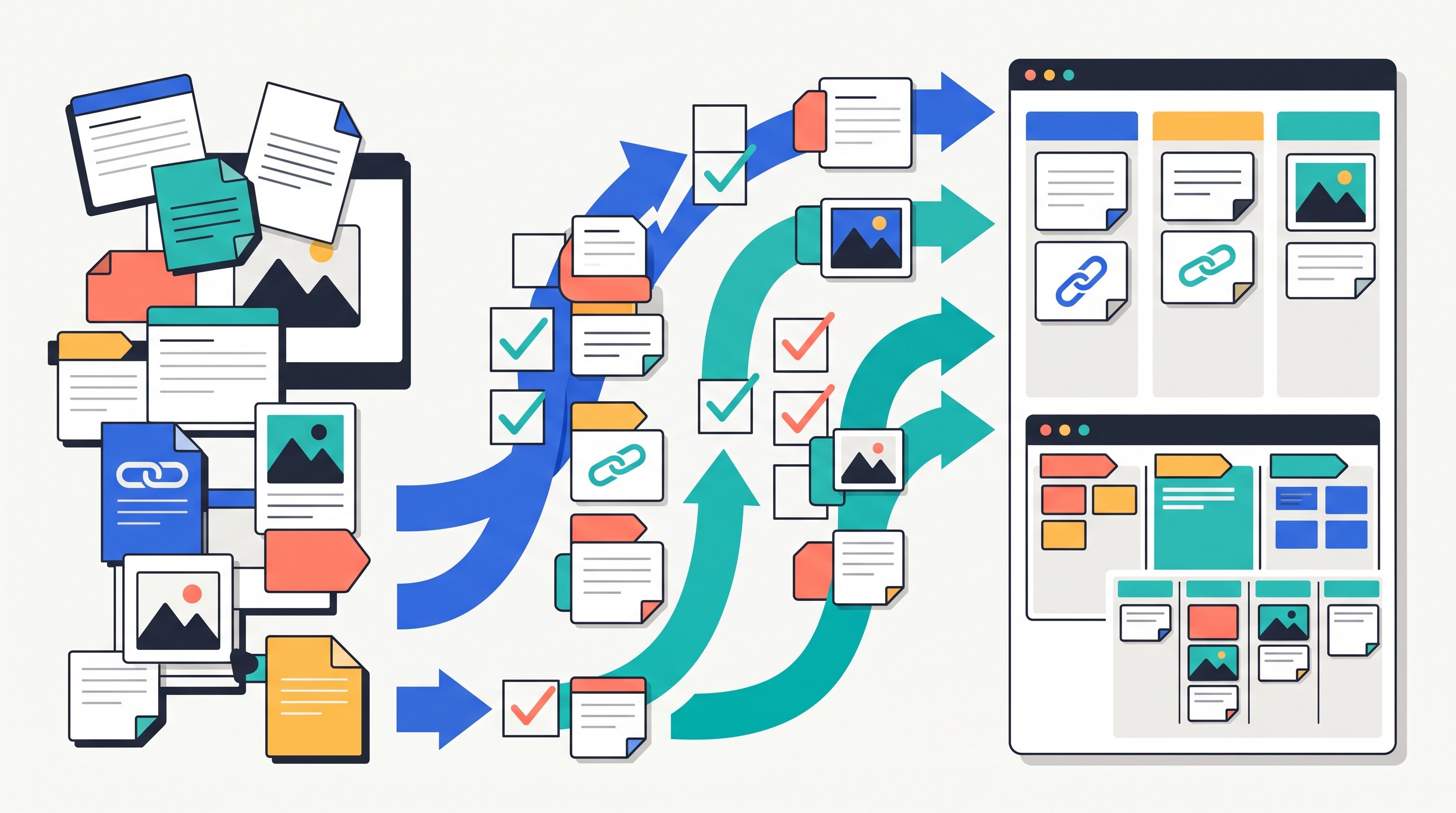
A good migration test uses one representative project, not your entire knowledge base. Pick a project with source files, linked notes, tags, attachments, a visual map, and one finished output. Export it, import it into the candidate tool, then check what survived.
Your migration checklist:
Export formats: Markdown, PDF, HTML, CSV, JSON, or proprietary files.
Attachments: PDFs, images, audio, video, embedded files, and web captures.
Backlinks: Whether internal links remain clickable after import.
Tags and metadata: Whether labels, properties, dates, and custom fields survive.
Board positions: Whether spatial layouts transfer or need manual rebuilding.
Searchability: Whether imported files and notes are indexed.
Account portability: Whether the tool supports full export if you leave later.
Collaboration: Whether shared boards, permissions, and comments migrate.
Pricing: Whether the target plan supports your file volume, collaborators, and integrations.
Tool | Best for | Main strength | Key limitation | Collaboration | Offline / local-first posture | Migration difficulty | Pricing to verify |
|---|---|---|---|---|---|---|---|
Scrintal | Visual research boards | Card-based spatial notes | Less database-heavy | Some collaboration features | Primarily app-based; verify offline | Medium | Free/paid plan details |
Obsidian Canvas | Local visual PKM | Markdown, backlinks, plugins | Setup burden | Collaboration depends on setup | Strong local-file model | Medium | App free/paid sync/publish options |
Miro | Team whiteboarding | Real-time workshops | Weak personal archive | Strong | Cloud-first | Medium | Free/team/enterprise plans |
Milanote | Creative boards | Mixed media and moodboards | Limited dense research structure | Good for small teams | Cloud-first | Easy to medium | Free/paid limits |
AFFiNE | Docs plus whiteboards | Broad workspace model | Maturity and fit vary | Verify current support | Verify offline/local behavior | Medium | Current plan tiers |
Capacities | Structured personal PKM | Object-based notes | Less spatial | Limited/team features vary | Verify offline support | Medium | Free/paid tiers |
Anytype | Private object-based PKM | Ownership and flexible types | Learning curve | Verify team features | Strong local-first orientation | Medium to hard | Current plan model |
Tana | Structured outlines | Supertags and queries | Not a visual canvas | Verify current limits | Cloud-oriented; verify offline | Hard | Current access/pricing |
Logseq | Daily notes and backlinks | Block references | Visual mapping needs setup | Limited by setup | Local-first-friendly | Medium | Free/paid sync options |
Roam Research | Networked thought | Daily notes and links | Weak visual boards | Limited/team use varies | Cloud-first | Medium | Current subscription |
Notion | Databases and team hubs | Flexible pages and databases | Can become overbuilt | Strong | Mostly cloud-first | Medium | Free/paid/team plans |
TheBrain | Persistent knowledge graph | Visual relationship mapping | Specific mental model | Verify | Verify current platform behavior | Medium to hard | Current license/subscription |
Mem | Fast AI-assisted notes | Low-friction retrieval | Trust depends on search/export | Verify | Cloud-oriented | Easy to medium | Current AI/paid plans |
Reflect | Fast personal notes | Backlinks and daily workflow | Limited visual synthesis | Limited | Verify offline behavior | Easy | Current subscription |
Otio | Source-heavy research | Unified library, AI chat, citations | Not a canvas clone | Team Spaces available | Web/desktop; local browsing on desktop | Easy to medium | Free/Lite/Go/Pro limits |
Napkin AI | Generated diagrams | Turns text into visuals | Not a knowledge base | Verify sharing | Cloud-oriented | Easy | Current plan limits |
Whimsical | Diagrams and team maps | Mind maps, flowcharts, boards | Weak source archive | Strong | Cloud-first | Easy | Free/paid/team plans |
XMind | Focused mind maps | Simple hierarchical planning | Not full PKM | Limited compared with whiteboards | Desktop/mobile options; verify sync | Easy | Free/paid license |
The hardest part of leaving Heptabase is usually not moving text. It is preserving context. Board positions, visual clusters, implicit relationships, and “why this card was near that card” often do not transfer cleanly.
That is why the best migration sequence is:
Export one project.
Import it into two candidate tools.
Rebuild one important board manually.
Search for five known items.
Open five attachments.
Follow five internal links.
Produce one real output from the migrated project.
If that test feels painful, a full migration will be worse. If it feels acceptable, move the rest in batches.
For source-heavy work, try Otio with one project before committing: add the key PDFs, web pages, videos, and notes; group them in a Space; ask source-grounded questions; then export or draft the final synthesis elsewhere if you still want a visual board.
FAQ
Q: What is the closest Heptabase alternative for visual research boards?
A: Scrintal and Obsidian Canvas are the strongest starting points. Miro and Milanote are better when collaboration, presentation, or creative boards matter more than linked research notes.
Q: Is Obsidian Canvas better than Heptabase for knowledge management?
A: Obsidian Canvas is better if you want local Markdown files, backlinks, plugins, and customization. Heptabase is easier if you want a purpose-built visual research workflow with less setup.
Q: Which Heptabase alternative is best for academic research?
A: Choose based on the bottleneck: Otio for collecting and questioning sources, Obsidian or Logseq for linked notes, and Scrintal for spatial synthesis. Check citation handling, PDF support, export, privacy, and collaboration before migrating.
Q: Can I migrate my Heptabase boards and notes to another app?
A: Text, files, and links usually move more easily than exact board layouts, positions, and proprietary metadata. Test one complete project before moving your entire system.
[[OTIO_FOOTER_PROMO:%7B%22title%22%3A%22Test%20the%20workflow%20on%20your%20own%20sources%22%2C%22description%22%3A%22Import%20one%20project%E2%80%99s%20PDFs%2C%20links%2C%20videos%2C%20and%20notes%20into%20Otio%20to%20search%2C%20summarize%2C%20and%20synthesize%20the%20material%20before%20migrating%20everything.%22%7D]]



