
Productivity Systems
21 Best Weekly Review Templates for Knowledge Workers
Choose from 21 weekly review templates for planning, source triage, project tracking, and next actions. Each template includes its best use case, core fields, and tradeoffs.

The right weekly review template is rarely one giant checklist. Most knowledge workers need a small stack: one template for commitments, one for fragmented sources, one for project status, and one for next actions.
A useful weekly review should leave behind four outputs: active priorities, captured follow-ups, clarified risks, and scheduled next actions. If a template does not change one of those, cut it.
The best weekly review template depends on the work you need to recover
Weekly reviews fail when they try to solve every productivity problem at once. A consultant reviewing client promises has a different problem from a researcher drowning in PDFs, and both differ from a manager waiting on five people before anything can move.
The basic workflow is stable:
Collect loose inputs from calendars, notes, task inboxes, email, saved links, meetings, and active projects.
Clarify what changed, what is still unresolved, and what no longer matters.
Decide what deserves attention next week.
Act by scheduling work, assigning follow-ups, deleting stale commitments, or writing the next physical action.
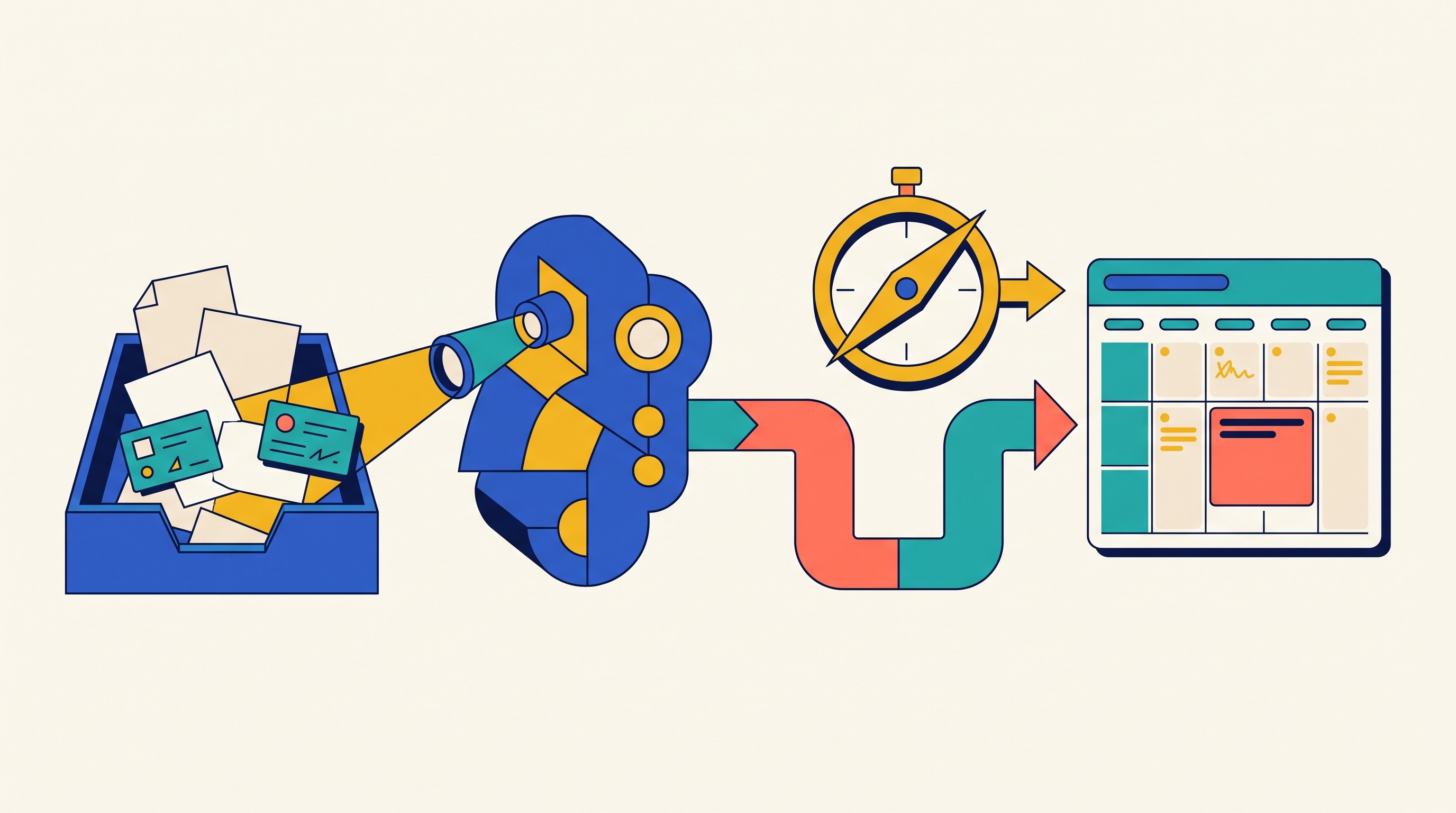
The Getting Things Done version of the weekly review is often summarized as a way to get “your head empty again,” and GTD-style workflows commonly move through capture, clarify, organize, reflect, and engage steps, as described in Asian Efficiency’s GTD weekly review guide. Todoist makes the same practical point: borrow from GTD, but include items specific to your workflow and goals, rather than treating any checklist as universal (Todoist weekly review guide).
Use the list below as a menu, not a mandate. Pick one template for two or three weeks. Add another only when the same gap keeps appearing: missed follow-ups, unread sources, unclear project risk, or tasks that migrate forever.
Planning and priority weekly review templates
These templates answer one question: what deserves protected attention next week? They are best when the problem is overload, calendar drift, or unclear priorities.

1. Weekly dashboard template
Best for: generalist knowledge workers who need one page to restore control.
Core fields:
Wins from last week
Open loops
Calendar review
Top priorities
Risks or constraints
Follow-ups to send
First scheduled work block
How to use it: Start with a single page. Review last week’s calendar, current task list, notes, and upcoming deadlines. Then write three to five priorities for the coming week.
Tradeoff: This becomes crowded fast. If the dashboard starts holding every task, source, decision, and project note, split it into specialized templates.
2. Getting Things Done weekly review template
Best for: people with many commitments across work, personal projects, delegated items, and inboxes.
Core fields:
Inbox items processed
Projects reviewed
Waiting-for list checked
Calendar reviewed
Someday/maybe items scanned
Next actions chosen
How to use it: Empty or process the places where commitments accumulate: email, notes, task inboxes, voice memos, meeting notes, and messages. Then review active projects and make sure each has at least one clear next action.
Tradeoff: It only works if there is a trusted task system outside the review. The template can identify next actions, but it should not become the place where all execution lives.
3. Time-blocking review template
Best for: consultants, analysts, managers, and independent professionals whose calendars fragment deep work.
Core fields:
Planned time last week
Actual time spent
Meetings that overran
Recurring interruptions
Deep-work blocks needed
Admin blocks needed
Protected time scheduled
How to use it: Compare planned work against the calendar that actually happened. Look for patterns: recurring status meetings, late-day context switching, client requests, or avoidable handoffs.
Then block time for the most important work before adding smaller tasks around it.
Tradeoff: It fits poorly when the role is highly reactive. If the calendar is mostly controlled by on-call needs or service queues, use the template to reserve recovery and admin time, not to script every hour.
4. Three-outcomes template
Best for: reducing overload when everything feels important.
Core fields:
Three outcomes that would make next week successful
Supporting tasks for each outcome
Constraints
Non-goals
First action for each outcome
How to use it: Write outcomes, not activities. “Send draft to legal by Thursday” is stronger than “work on contract.” “Finish interview synthesis for client readout” is stronger than “analyze notes.”
Tradeoff: It is less suitable for roles with many equally urgent service requests. In those roles, three outcomes may need to sit above a separate queue-management system.
5. Energy-and-capacity template
Best for: sustainable planning when the issue is not motivation but load.
Core fields:
Meeting load
Deep-work capacity
Energy patterns
Recovery needs
Travel or caregiving constraints
Commitments to reduce
Commitments to protect
How to use it: Before choosing priorities, check the week’s capacity. A 15-meeting week should not be planned like a 5-meeting week. A post-travel Monday should not be treated like a normal deep-work day.
Tradeoff: Energy ratings are subjective. Use them as decision aids, not fake precision. The question is not “was Tuesday a 6 or a 7?” It is “should I plan demanding work after four hours of meetings?”
Source triage and knowledge management review templates
These templates answer: what information should be kept, processed, connected, or discarded? They are useful when saved links, PDFs, videos, and meeting notes pile up faster than they become usable.
Source triage should be ruthless. A saved source is not knowledge. It is a potential input that still needs a decision.
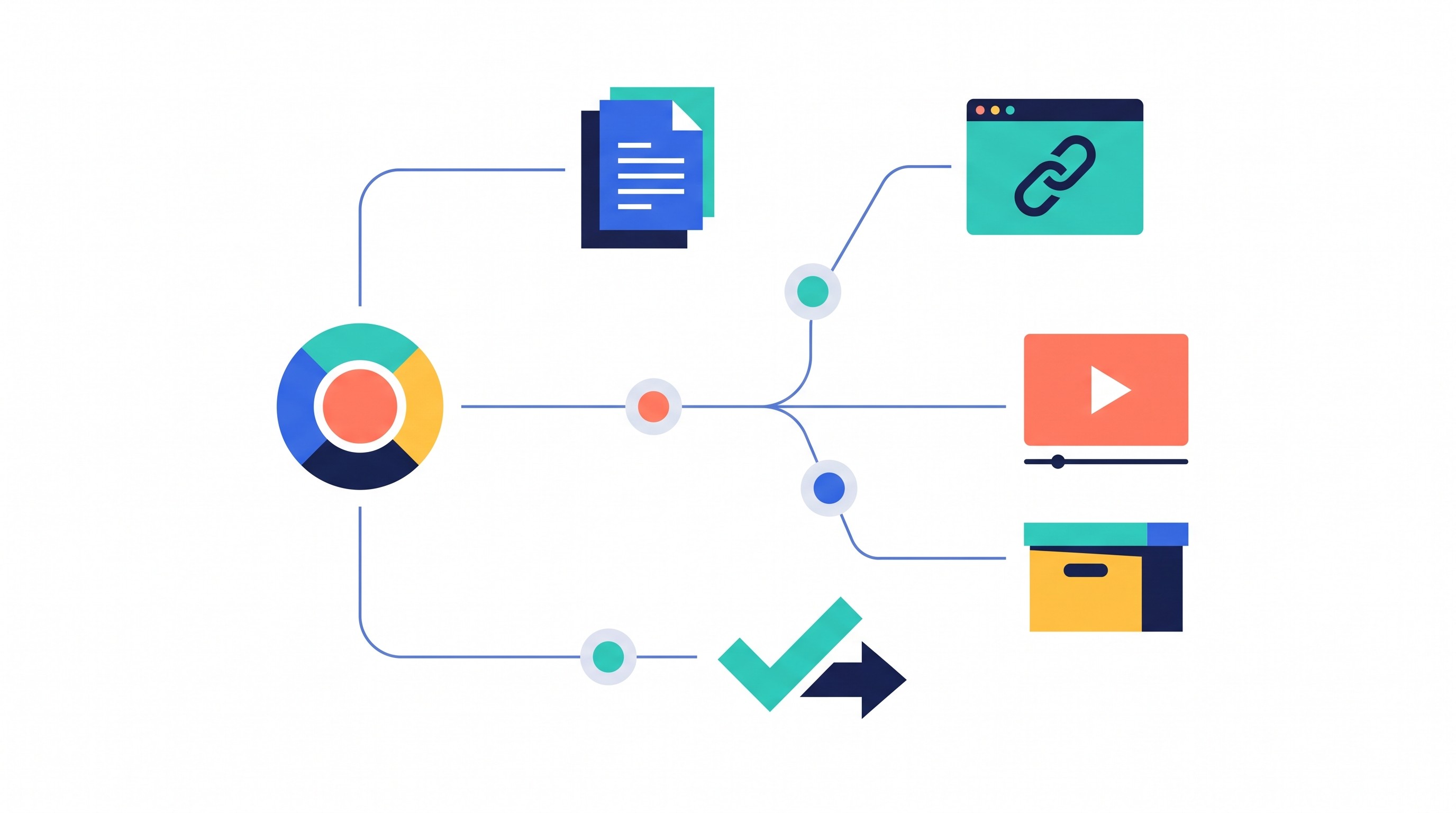
6. Read-later triage template
Best for: reducing a backlog of saved articles, PDFs, videos, newsletters, and links.
Core fields:
Source title
Source type
Why saved
Decision: read, reference, delegate, archive, delete
Deadline if relevant
Project or topic
How to use it: Review the newest and oldest saved items first. For each source, ask: “What decision or output could this improve?” If the answer is vague, archive or delete it.
Tradeoff: This template can become an excuse to retain everything. The default should be deletion unless the source supports a real project, decision, or durable interest.
7. Research source review template
Best for: analysts, researchers, graduate students, and writers evaluating evidence.
Core fields:
Source question
Key finding
Evidence location
Relevance
Confidence
Method or source type
Follow-up
Quote or citation location
How to use it: Capture the question the source helps answer. Then extract only the finding, evidence location, and follow-up that matter for your current work.
A simple source tracker is common in research training because it preserves the audit trail: what was found, where it came from, and how it was used. SAGE’s student resources include a source tracker template for exactly that purpose.
Tradeoff: It takes longer than a summary. Use it for sources that may influence a claim, decision, literature review, client recommendation, or publication.
8. Literature review pipeline template
Best for: structured research projects with many papers.
Core fields:
Citation
Database or discovery route
Status: discovered, screened, read, extracted, cited, excluded
Inclusion or exclusion reason
Theme
Notes extracted
Gap identified
How to use it: Move each source through stages. Do not mix “found,” “read,” and “used” in the same bucket. That is how literature reviews become untraceable.
This pairs well with a literature matrix or source synthesis workflow. If that is the bottleneck, see Otio’s guide to literature review tools or the more focused comparison of Elicit alternatives for literature reviews.
Tradeoff: It is excessive for casual reading. Use it when you need coverage, defensibility, or a reproducible search trail.
9. Meeting-and-conversation capture template
Best for: consultants, managers, operators, and anyone whose work moves through conversations.
Core fields:
Meeting or conversation
Date
Participants
Decisions
Promises made
Promises received
Unresolved questions
Follow-up owner
Source note link
How to use it: Review the week’s meetings and messages. Pull out decisions and promises before they disappear into prose notes.
Tradeoff: It depends on source context. “Follow up with Priya” is weak. “Ask Priya whether procurement approved the revised SOW by Wednesday” is usable.
10. Second-brain retrieval template
Best for: building reusable knowledge without turning every saved item into a permanent note.
Core fields:
Recently saved material
Durable insight
Source
Topic
Future-use context
Linked note
Project connection
How to use it: Review recent saves and convert only durable insights into linked notes. A durable insight is something likely to be useful outside the original source: a model, distinction, quote, method, example, or decision rule.
For source-heavy reviews, a unified research library reduces the switching cost between browser tabs, PDF readers, transcripts, and notes. Otio’s AI summarizer can keep PDFs, web links, videos, audio, notes, and other research inputs in one library, then use summaries and reader selection tools to help decide what deserves a durable note.
Tradeoff: A second brain should not replace project notes. If the insight only matters to one deliverable, keep it with that project.
For a deeper note structure, compare this with Zettelkasten and atomic note templates.
[[OTIO_INLINE_PROMO:%7B%22title%22%3A%22Which%20sources%20deserve%20a%20durable%20note%3F%22%2C%22description%22%3A%22Keep%20PDFs%2C%20links%2C%20videos%2C%20audio%2C%20and%20notes%20in%20one%20library%2C%20then%20use%20summaries%20and%20reader%20selections%20to%20decide%20what%20belongs%20in%20your%20review.%22%7D]]
Project and client work review templates
These templates answer: what changed in the work that other people depend on? They are most useful when projects have owners, risks, milestones, clients, or deliverables.
Project reviews need specificity. The Project Management Institute defines a project as a temporary effort that creates a unique product, service, or result (PMI). That “temporary” part matters: every weekly project review should move the project closer to a milestone, decision, or closure.
11. Project health-check template
Best for: keeping active projects visible without merging them into one unreadable master list.
Core fields:
Project objective
Current status
Completed work
Next milestone
Blockers
Risks
Owner
Next action
How to use it: Create one review entry per active project. Mark each project green, yellow, or red only after writing the reason.
Tradeoff: It needs one review per active project. A single master page with 15 projects usually hides the projects that need attention most.
12. Client account review template
Best for: consultants, agencies, advisors, and account managers.
Core fields:
Client requests
Delivered value
Open decisions
Relationship risks
Upcoming deadlines
Renewal or expansion signals
Follow-ups
Sensitive notes location
How to use it: Review client-facing work separately from internal tasks. Ask: What did the client ask for? What did we deliver? What is stuck because of an unanswered decision?
Tradeoff: Sensitive information needs appropriate access controls. Do not put private commercial, legal, medical, or personnel details in a broadly shared review page.
13. Research project review template
Best for: academic, policy, market, legal, or technical research projects.
Core fields:
Research question
Sources processed
Emerging themes
Evidence gaps
Methodological decisions
Contradictory findings
Next investigation
Output affected
How to use it: Separate evidence from interpretation. A source processed is not a theme. A theme is not yet a conclusion. A conclusion needs support.
Tradeoff: It should not substitute for a formal research protocol when one is required. Use it as a weekly operating layer.
14. Deliverables pipeline template
Best for: writers, analysts, designers, consultants, and researchers managing parallel outputs.
Core fields:
Deliverable
Audience
Stage
Due date
Dependencies
Review status
Definition of done
Next handoff
How to use it: Track flow, not effort. “In review with data team” is more useful than “70% done” if the next step depends on someone else.
Tradeoff: It focuses on execution flow rather than strategic priority. Pair it with a planning template if the pipeline is full of low-value work.
15. Decision log review template
Best for: preventing repeated debates and preserving rationale.
Core fields:
Decision
Date
Rationale
Evidence
Assumptions
Owner
Revisit date
Impacted projects
How to use it: At the end of the week, capture decisions that would be costly to relitigate. Include the evidence and assumption that mattered most.
Tradeoff: Not every choice deserves a permanent entry. Use it for decisions with cost, risk, dependencies, or reversibility concerns.
16. Risk-and-blocker review template
Best for: complex collaborative work where dependencies create hidden delays.
Core fields:
Risk or blocker
Impact
Probability or urgency
External dependency
Mitigation step
Escalation point
Owner
Follow-up date
How to use it: Identify stalled work and write the action that could reduce uncertainty. “Waiting on legal” is not enough. “Ask legal to confirm whether clause 12 blocks signature by Tuesday” is enough.
Tradeoff: It can feel disproportionate for small independent projects. If the mitigation is obvious and low-risk, just schedule the action.
Next-action and follow-through weekly review templates
These templates answer: what must happen next so the work does not die in review? They are best when reviews produce insight but not movement.
17. Open-loops template
Best for: mental clarity and closing unresolved commitments.
Core fields:
Open loop
Source
Next physical action
Owner
Due date
Close, defer, delegate, or do
Where it now lives
How to use it: List unresolved promises, questions, tasks, and decisions. Then rewrite each vague item as an observable next action.
“Budget issue” becomes “Send Ana the revised budget assumptions and ask whether the travel line can be reduced by Friday.”
Tradeoff: Vague items must be rewritten. If the next action is not visible, the loop is still open.
18. Waiting-for template
Best for: collaborative roles where progress depends on other people.
Core fields:
Delegated item
Person responsible
Date requested
Expected response
Follow-up date
Consequence if delayed
Next escalation
How to use it: Review waiting items against the calendar. If the follow-up date has arrived, send the follow-up or renegotiate the deadline.
Tradeoff: It only works when reviewed on schedule. A waiting-for list that is not tied to dates becomes a graveyard.
19. Follow-up email template
Best for: reducing communication lag after meetings, calls, and informal decisions.
Core fields:
Recipient
Purpose
Requested action
Deadline
Context
Draft message
Attachments or source links
Send date
How to use it: Convert meeting notes into drafted follow-ups. Prioritize high-consequence messages: approvals, blockers, commitments, and decisions.
Tradeoff: Do not turn every minor conversation into an email. The template is for follow-through, not performative communication.
20. Habit-and-maintenance template
Best for: recurring professional and personal maintenance work that prevents later chaos.
Core fields:
Recurring task
Missed routine
Reason missed
Smallest adjustment
Next scheduled occurrence
Remove, reduce, or continue
Review trigger
How to use it: Review routines that keep work stable: inbox processing, file cleanup, billing, relationship check-ins, exercise, reading, or admin. Focus on the smallest adjustment that would make the routine easier next week.
Tradeoff: Avoid turning every aspiration into a tracked habit. Maintenance templates work because they are boring and limited.
21. Stop-start-continue template
Best for: continuous improvement after a messy or revealing week.
Core fields:
Stop
Start
Continue
Evidence from the week
Owner
Next action
Review date
How to use it: Base each decision on evidence. “Stop accepting Friday afternoon review requests” is stronger than “protect focus.” “Continue sending client recap notes within 24 hours” is stronger than “communicate well.”
Tradeoff: It produces little value without concrete follow-through. Every stop, start, or continue item needs an owner and next action.
A compact starting stack for most knowledge workers is:
Weekly dashboard for priorities and risks
Read-later or research source triage for fragmented inputs
Open-loops template for unresolved commitments
Add project health checks when active projects start disappearing from view. Add waiting-for tracking when delegated work becomes the bottleneck.
For source-heavy reviews, keep notes, links, PDFs, transcripts, and project materials together by project. In Otio, Spaces can group related chats, notes, folders, and links; library search, folders, tags, and saved chat outputs then make the context easier to retrieve during the next review. If PDFs are the recurring bottleneck, an AI PDF reader can help inspect, summarize, and question documents without separating the source from the note.
How to run a weekly review without turning it into another project
The weekly review should be a control loop, not a second job. The easiest way to keep it small is to set the review window before choosing the template.
A basic review can fit into 20 to 30 minutes if the goal is priority recovery. Source-heavy reviews, client reviews, and multi-project reviews take longer, but they should still end with decisions rather than documentation.
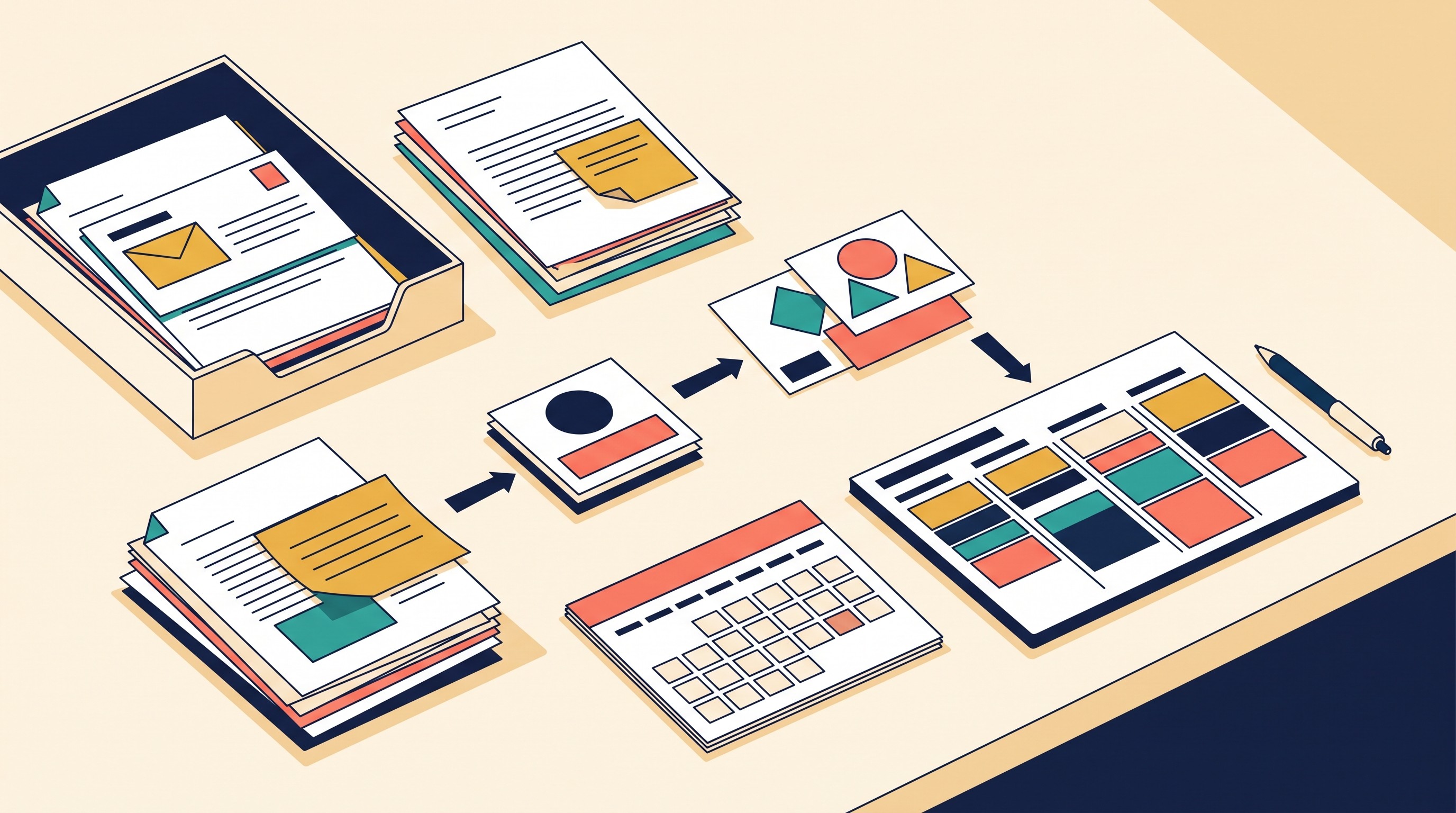
Use this operating sequence:
Set a fixed review window. Pick the same day and time when possible. Friday afternoon works for closure; Monday morning works for planning; Sunday works only if it does not turn into unpaid anxiety.
Start with collection. Pull from calendar, task inbox, recent notes, active projects, saved sources, conversations, and waiting-for items before prioritizing.
Review in the same order each week. Consistency reduces the energy cost. Calendar, inbox, projects, sources, waiting-for, priorities is a workable sequence.
Use the smallest template that answers the current problem. If a field does not change a decision after three or four reviews, remove it.
End with scheduled work and assigned follow-ups. A review is not done when the page looks complete. It is done when important work is scheduled, delegated items have owners, stale commitments are deleted, and each priority has a visible next action.
The most common failure mode is copying last week’s uncertainty into next week’s page. Do not carry vague tasks forward unchanged. Rewrite them, schedule them, delegate them, renegotiate them, or delete them.
A good weekly review is not comprehensive. It is selective in the right places.
FAQ
Q: How long should a weekly review take?
A: A basic review may take 20 to 30 minutes, while a source-heavy or multi-project review can take longer. Set a time limit first and capture unresolved items for a separate work session.
Q: Should I use one weekly review template or several?
A: Start with one general template, then add specialized templates only for recurring problems such as source backlog, project risk, or delegated work. A small connected set is usually easier to maintain than one exhaustive page.
Q: What should I do with tasks that keep moving from week to week?
A: Rewrite the task as a concrete next action, schedule it, delegate it, renegotiate its deadline, or delete it. Repeatedly copying an unclear commitment into the next review does not create progress.
[[OTIO_FOOTER_PROMO:%7B%22title%22%3A%22Apply%20this%20review%20to%20your%20own%20sources%22%2C%22description%22%3A%22Group%20your%20project%20materials%20in%20Otio%20Spaces%2C%20search%20your%20library%2C%20and%20finish%20the%20week%20with%20selected%20sources%2C%20notes%2C%20and%20follow-ups%20in%20one%20place.%22%7D]]



