Document Review
7 HR Tools to Organize Employee Files in 30 Minutes
Learn how the best HR document management software helps organize employee files in 30 minutes with smarter, faster workflows.

HR teams waste countless hours searching through scattered employee contracts, performance reviews, and compliance forms across email threads, shared drives, and filing cabinets. Modern HR document management software transforms this chaos into organized, searchable systems that automatically categorize and flag important information. Seven powerful tools can help organize employee files in just 30 minutes, freeing up time to focus on people rather than paperwork.
Evaluating multiple HR platforms typically requires days of research across feature comparisons, user reviews, and implementation guides. Rather than spending valuable time comparing employee file management systems and digital storage solutions across dozens of websites, teams can streamline their decision-making process with an AI research and writing partner that quickly summarizes and analyzes the information needed to choose the right solution today.
Table of Contents
Why HR Teams Struggle to Organize Employee Files Efficiently
Why HR Teams Struggle to Organize Employee Files Efficiently
The Hidden Cost of Managing HR Documents Without a System
7 HR Tools to Organize Employee Files in 30 Minutes
7 HR Tools to Organize Employee Files in 30 Minutes
The 30-Minute Workflow to Organize Employee Files Using HR Tools
The 30-Minute Workflow to Organize Employee Files Using HR Tools
Organize Employee Files in 30 Minutes Using Otio
Summary
HR professionals spend up to 14 hours per week searching for documents when employee data is scattered across cloud drives, HR software, email attachments, and shared folders. The problem isn't volume; it's the lack of a single system. Each search becomes a hunt across multiple disconnected platforms, fragmenting focus and delaying actual work.
73% of HR professionals waste time switching between multiple systems, according to Paycom's research. Without version control, teams make decisions based on outdated information, such as referencing salary figures that are months old because updated spreadsheets live in email attachments rather than in shared folders. The cost isn't just inefficiency; it's incorrect decisions with real consequences for employees and organizations.
Companies waste up to 30% of their HR budget on manual administrative tasks, but the bigger risk is compliance exposure. Files stored in unsecured locations with inconsistent access permissions and missing audit trails create vulnerabilities that only surface during audits or legal reviews. When you cannot demonstrate proper data handling protocols, compliance violations become likely rather than possible.
Manual processes that work for twenty employees break completely at two hundred. Growth doesn't just add volume; it multiplies points of failure. What felt manageable with a small team becomes unworkable at scale, and retroactively implementing structure is harder than building it from the start. Standardized systems prevent this breakdown before headcount makes it inevitable.
Most HR document systems solve storage, but miss the deeper challenge of turning stored documents into usable knowledge. When you need to analyze compensation trends across departments or extract insights from employment contracts, traditional storage falls short. The shift from retrieval to research requires tools that let you query document collections conversationally rather than open files one by one.
AI research and writing partner addresses this by letting HR teams ask questions across entire document collections, identifying patterns in contracts or performance reviews without manual spreadsheet work.
Why HR Teams Struggle to Organize Employee Files Efficiently
HR teams struggle to organize employee files efficiently because employee data is sensitive, constantly changing, and stored across multiple systems. This creates scattered records, duplicate files, and wasted time locating or updating critical information.

🎯 Key Point: The biggest challenge isn't just file organization – it's managing data integrity across disconnected platforms while maintaining compliance standards.
"Poor document management costs organizations an average of $20,000 per employee annually due to time spent searching for information and recreating lost documents." — IDC Research, 2023
⚠️ Warning: When employee records are scattered across email, shared drives, and legacy systems, HR teams spend up to 30% of their time just searching for the right version of documents instead of focusing on strategic initiatives.
Employee Data Lives in Too Many Places
HR teams manage employee records across cloud drives, HR software, email attachments, shared folders, and local storage. This fragmentation slows document retrieval and reduces reliability. According to caso.com, HR professionals spend up to 14 hours per week searching for documents, making each search a scavenger hunt across disconnected platforms.
Files Get Saved Without Consistent Rules
Employee files are saved inconsistently across teams: different file names, missing details, varying folder structures, and unclear versioning. Without a consistent naming system, files become harder to identify.
When you need to find an employment contract, you open multiple files to locate the right one, mixing old documents with current versions. The problem isn't the number of files; it's the lack of agreed-upon labeling and storage standards.
Employee Records Change Constantly, Creating Version Chaos
Employee data changes constantly. HR teams update contracts, personal information, performance records, payroll details, and compliance documents. Without a structured system, old versions remain in the system while new versions are saved separately, creating confusion about which record is current. Teams accidentally used outdated salary information for payroll adjustments when three versions of the same file were in different folders, with no clear authority.
Compliance Requirements Turn Organization Into a High-Stakes Problem
HR documents are regulated records requiring proper access control, accurate record-keeping, change tracking, and secure storage. File management directly affects compliance, privacy, and accountability.
When employee records lack proper structure, HR professionals face real consequences. Teams managing sensitive data across global organizations must meet complex compliance requirements. Without standardized systems for tracking data access, HR cannot demonstrate that they followed proper protocols, a critical weakness in disciplinary proceedings.
The cost of this chaos extends beyond time lost searching for files.
Related Reading
The Hidden Cost of Managing HR Documents Without a System
The real cost of managing HR documents without a system emerges in time spent searching for files, compliance risks from outdated records, and repeated administrative work that fails to scale as organizations grow. These costs accumulate until they become structural problems.
🎯 Key Point: Manual document management creates a hidden drain on productivity that compounds over time, turning simple file retrieval into time-consuming searches across multiple systems.
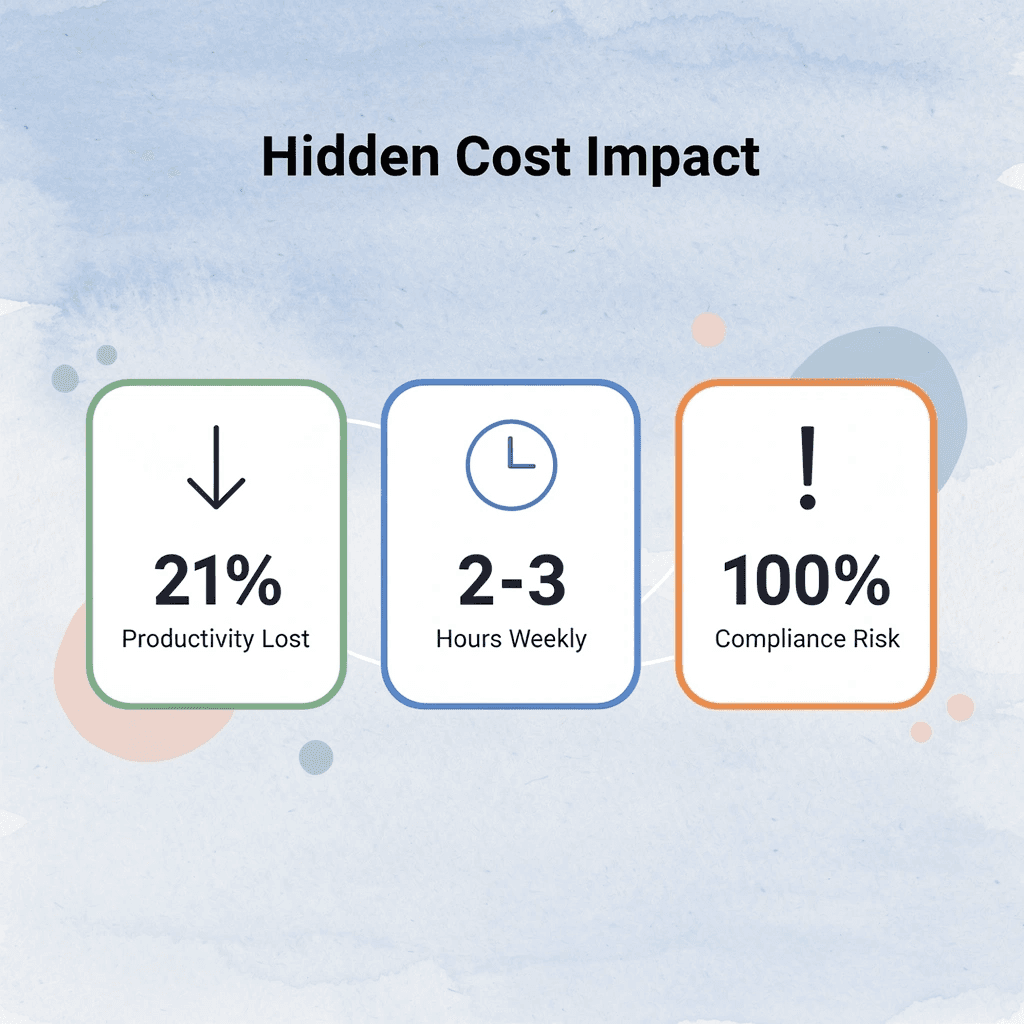
"Poor document management can cost organizations up to 21% of productivity due to time spent searching for information." — McKinsey Global Institute

Hidden Cost | Impact | Long-term Effect |
|---|---|---|
File Search Time | 2-3 hours weekly per employee | Reduced productivity |
Compliance Risks | Audit failures | Legal penalties |
Duplicate Work | Repeated data entry | Operational inefficiency |
⚠️ Warning: Without a centralized system, these seemingly small inefficiencies multiply across your entire HR team, creating bottlenecks that slow down critical hiring and employee management processes.
How much time do HR teams lose searching for information?
According to Paycom, 73% of HR professionals waste time switching between multiple systems. You check the shared drive, email, and the HR platform, then ask a coworker where they saved the updated contract. Five minutes becomes fifteen when these searches happen dozens of times per week across the team.
Why does searching interrupt actual work productivity?
The problem is the pattern of interrupted work. You stop analyzing compensation data to find a performance review. You pause onboarding preparation to check which employment contract template is current. Each search fragment focuses on and delays the actual work that matters. HR teams spend more time hunting than executing.
What happens when decisions rely on outdated information?
Having multiple versions of employee files creates costly problems. Without version control, you cannot ensure that the file you opened is the latest version. You might use an outdated salary number for budget planning, rely on last quarter's performance data for promotion discussions, or send a candidate an old contract template missing new compliance language.
How do disconnected systems compromise accuracy?
When updates happen across disconnected systems, accuracy becomes a guess rather than a guarantee. I've watched teams make compensation decisions using three-month-old salary data because the updated spreadsheet was in someone's email attachment instead of the shared folder everyone accessed. The cost isn't embarrassment; it's incorrect decisions with real consequences for employees and the organization.
What compliance risks do manual HR processes create?
QuickHCM reports that companies waste up to 30% of their HR budget on manual administrative tasks. The greater risk lies in compliance: HR documents contain sensitive information that must be stored, accessed, and tracked in accordance with strict regulations.
Without the right controls, you lose visibility into who accessed what, when changes were made, and whether data is properly secured.
How do compliance gaps become visible during audits?
Files kept in unsafe places, inconsistent access permissions, and missing audit trails create problems that surface during audits or legal reviews. Without proper data-handling protocols, compliance violations are likely.
Platforms like Otio help teams manage document workflows with built-in tracking and access controls that automate compliance safeguards.
Why do manual processes fail as teams grow?
Manual processes that work for twenty employees break at two hundred. As organizations grow, HR teams face more documents, updates, access requests, and complexity. Without a system, you repeat the same work for every new hire: recreating folder structures, manually renaming files, and rebuilding processes that should be standardized.
What happens when you wait to fix scaling problems?
The belief that "we'll fix it when it becomes a problem" misses the point. By the time the problem is obvious, the system is already broken. Growth multiplies points of failure. What felt manageable with a small team becomes unworkable at scale, and fixing things after the fact is harder than building them from the start.
But knowing the costs doesn't solve them. Generic advice about "getting organized" misses what works.
Related Reading
How To Summarize An Article With Ai
AI-Based Knowledge Management System
How To Analyze A Research Paper
Personal Knowledge Management Tools
Best Tool To Chat With Documents
7 HR Tools to Organize Employee Files in 30 Minutes
Organizing employee records shifts from a storage problem to one of finding information and extracting useful insights. Effy.ai reports that HR teams can organize employee files in 30 minutes using systems designed for centralized access, consistent structure, and automated workflows. The difference lies in the infrastructure, not the workload.
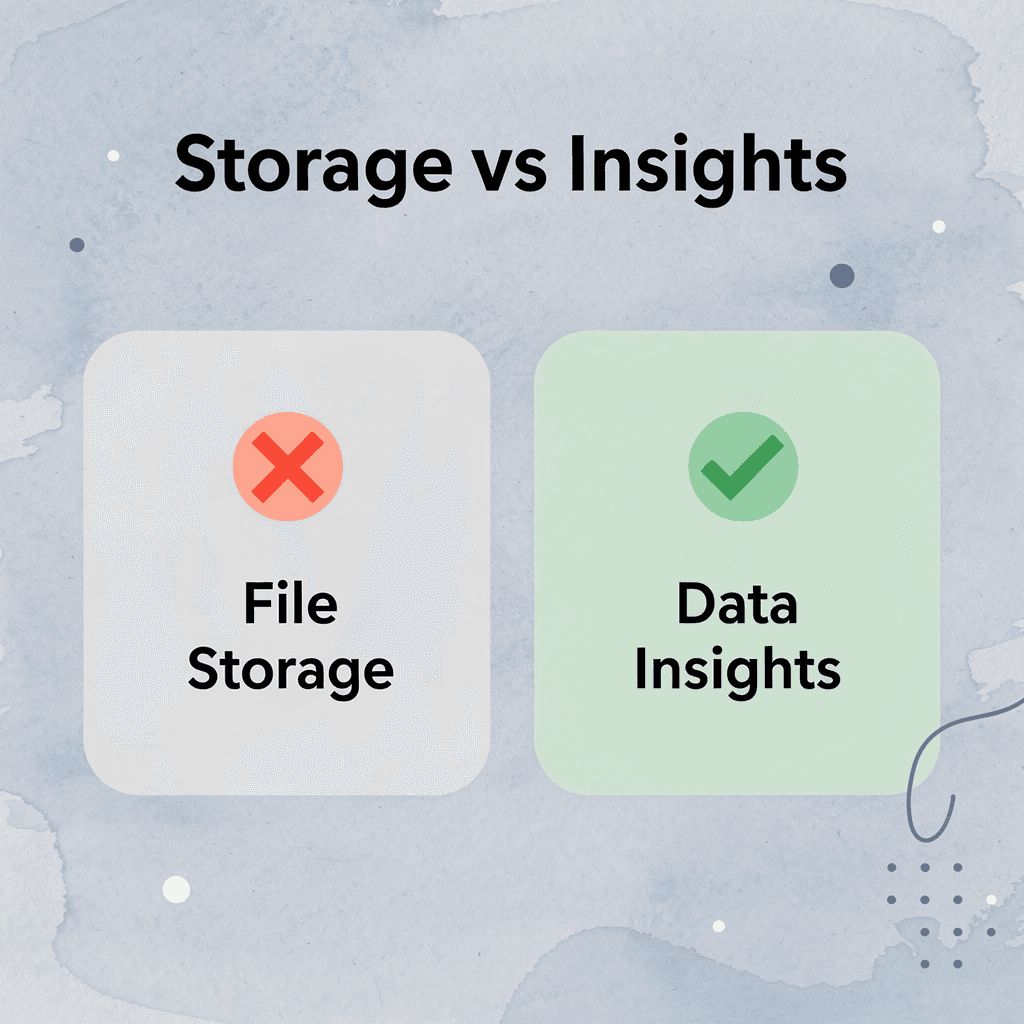
🎯 Key Point: The secret to rapid file organization isn't working harder—it's implementing the right digital infrastructure that transforms chaos into searchable, actionable data.
"HR teams can organize employee files in 30 minutes using systems designed for centralized access and automated workflows." — Effy.ai, 2024

💡 Tip: Focus on systems over storage. The goal isn't just to store employee files, but to create a searchable database that delivers instant insights when you need them most.
1. BambooHR
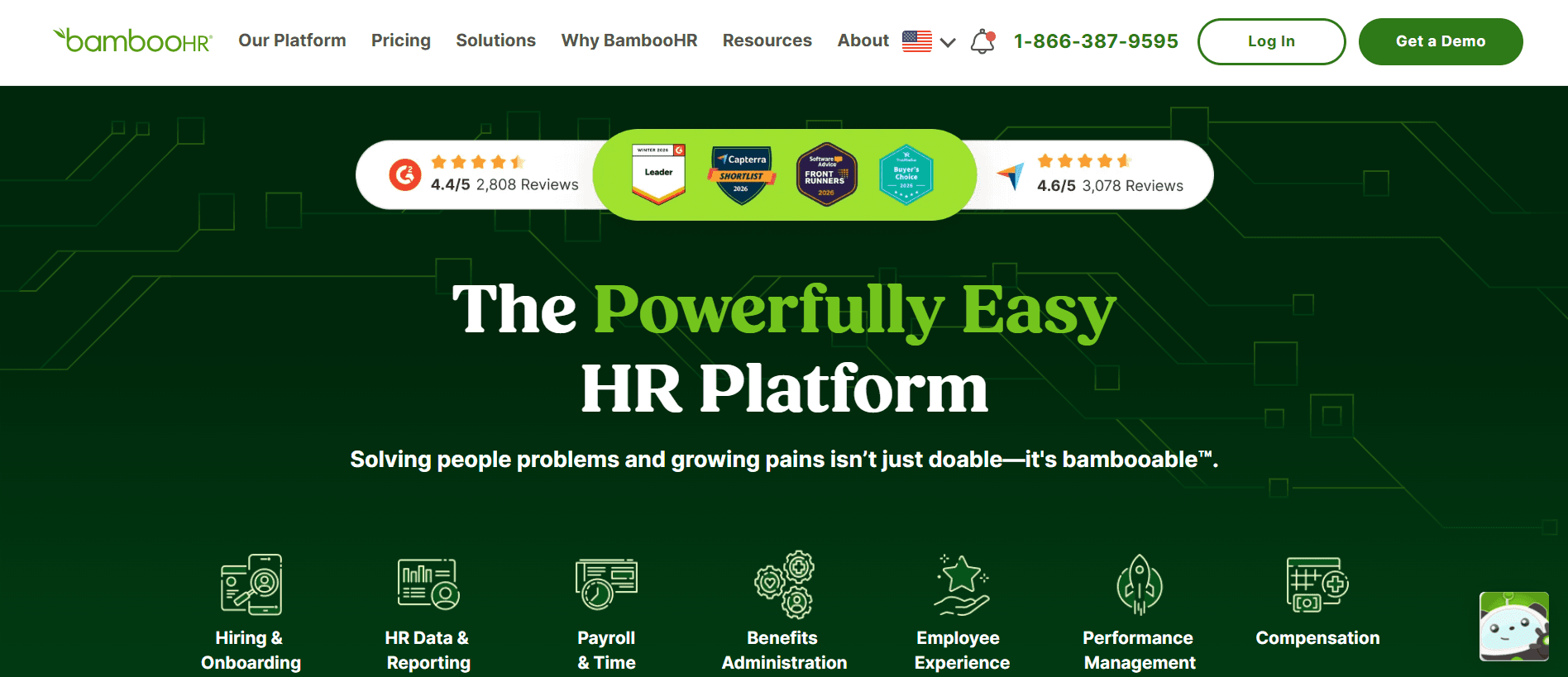
BambooHR organizes employee records around individual employee profiles rather than generic folder hierarchies. Contracts, performance reviews, and personal details attach directly to each employee's record, eliminating confusion about file locations.
When you need a document, search by employee name instead of guessing folder structures. Teams managing hundreds of employees report that retrieval times drop from minutes to seconds because the system enforces a single organizational logic automatically.
2. Zoho People
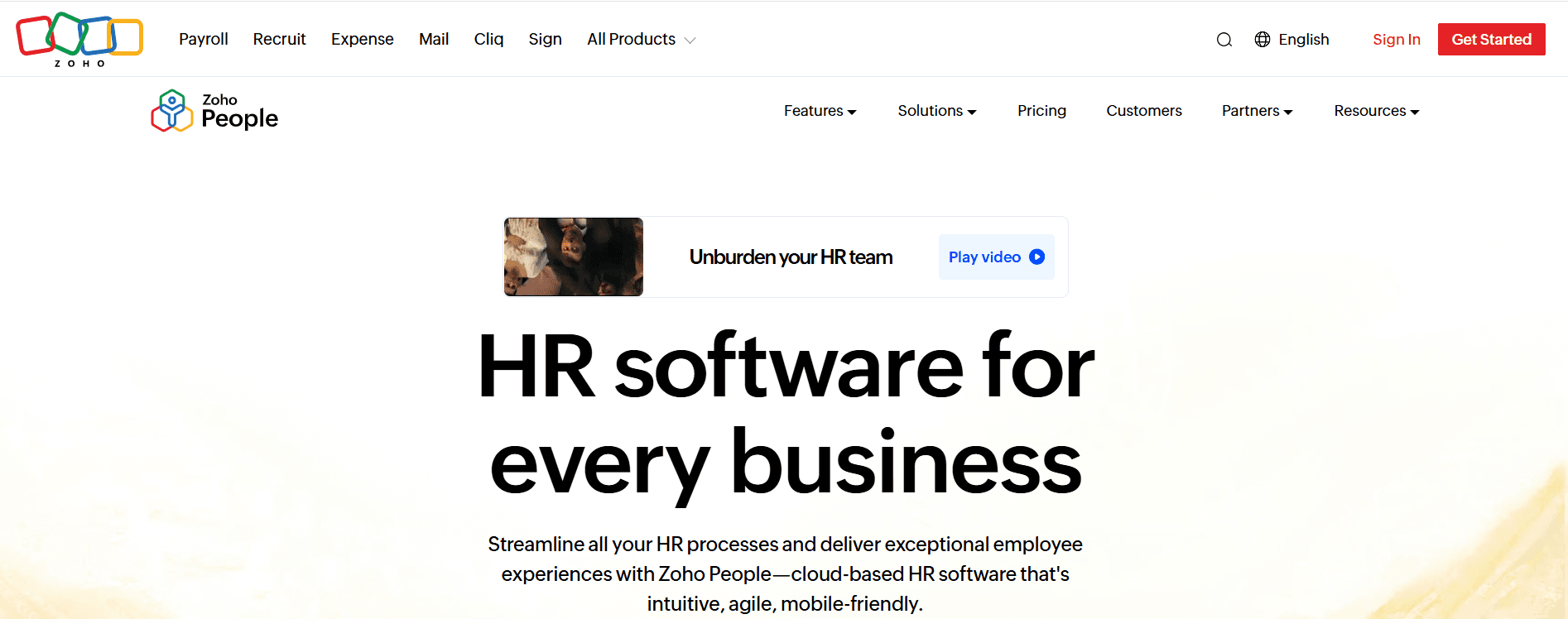
Zoho People integrates employee data management and document storage by connecting HR records directly to workflows, including onboarding, performance reviews, and compliance tracking. Files become embedded in processes that require specific documents at specific stages.
This connection matters when you need to verify that every new hire has completed their tax forms or that performance reviews are up to date across departments. The system tracks what exists, what's missing, and what needs updating, eliminating the need for manual spreadsheet checks against folders.
3. Gusto
Gusto links document management to payroll and benefits administration. Tax forms, contracts, and onboarding documents are stored alongside the workflows that use them. When you process payroll, the system identifies which employees submitted updated W-4s and which need follow-up.
This connection reduces duplication. You upload a contract once, and it becomes accessible to payroll, benefits, and compliance processes without re-entering data or searching multiple systems.
4. Google Drive
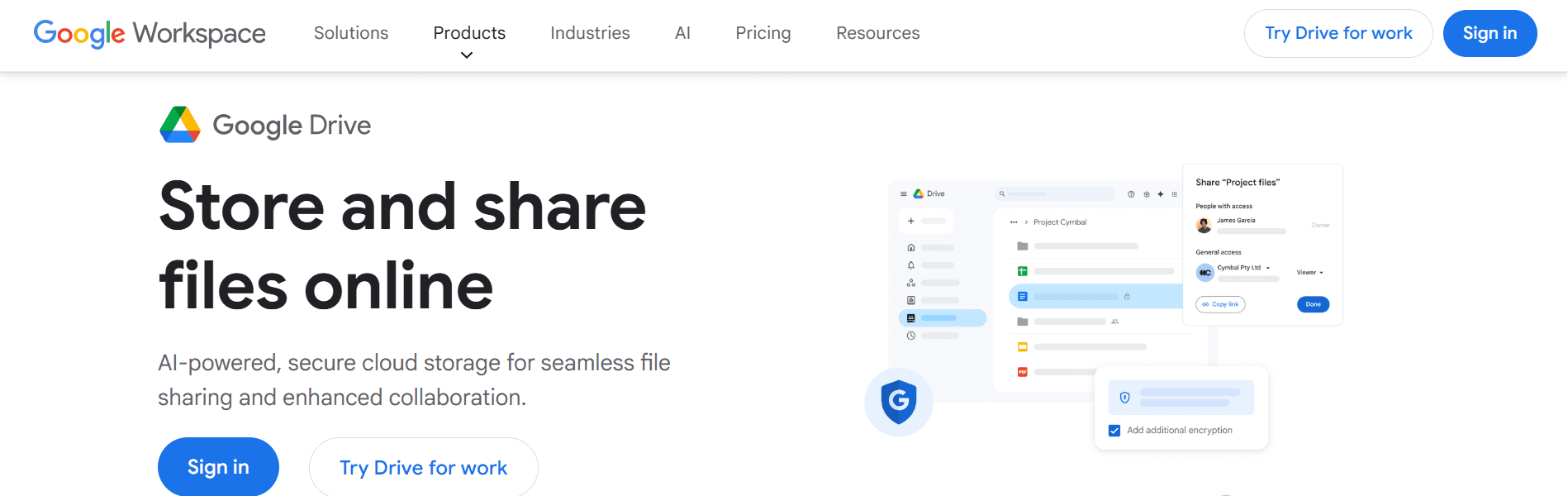
Google Drive offers straightforward cloud storage with folder structures you control. Create a folder for each employee, organize subfolders by document type, and store files in a single accessible location. Its simplicity is both its strength and limitation.
Without enforced structure, consistency depends on discipline. Teams that establish naming conventions early succeed; those that don't end up with the same fragmentation they were trying to escape, only in the cloud. The tool enables organization, but doesn't enforce it.
5. Dropbox
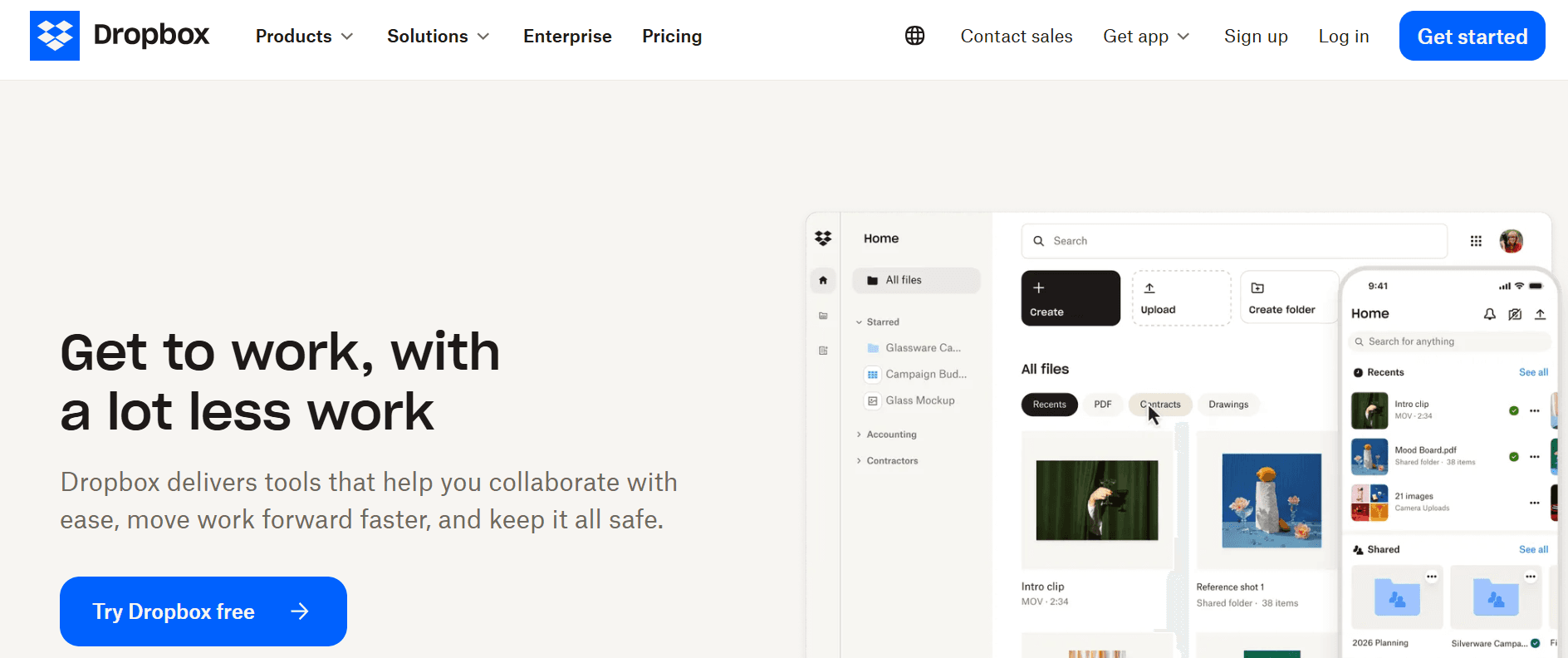
Dropbox keeps files synced across devices and accessible from anywhere, enabling remote access. Files update automatically, eliminating confusion about which version is current when people share files through email or downloaded copies.
The platform works best with clear folder rules and access permissions. Without structure, Dropbox becomes storage rather than a system for organizing content.
6. Box
Box focuses on secure document management with detailed access controls and audit trails. You define who can view, edit, or share specific files, and the system tracks every interaction. For HR teams managing sensitive employee data across compliance requirements, this visibility is essential.
The audit trail becomes critical during reviews or investigations to demonstrate proper data handling. The box shows who accessed salary information, when performance reviews were updated, and whether confidential documents were shared outside authorized personnel. Compliance shifts from manual documentation to automated tracking.
7. DocuWare
DocuWare combines document storage with workflow automation, routing files through approval processes without manual handoffs. Upload an employee contract, and the system automatically moves it through HR review, manager approval, and final storage.
The automation eliminates manual tracking: no more emailing files or managing approvals in spreadsheets. You focus on decisions, not logistics.
How do traditional HR systems fall short of knowledge extraction?
Most HR document systems solve storage, but not knowledge extraction. Traditional systems struggle to analyze compensation trends across departments, compare performance review patterns, or extract insights from employment contracts.
How do AI platforms transform document interaction?
Platforms like Otio shift from retrieval to research. Instead of storing employee files, Otio lets you interact with them conversationally. Ask about salary ranges across roles, and the system analyzes contracts and compensation documents to answer. Upload performance reviews, and it identifies patterns without manual spreadsheet work.
Why does AI-assisted analysis matter for HR synthesis?
This matters when HR work requires assembling information from hundreds of documents. AI-assisted analysis transforms document collections into searchable knowledge bases, where insights emerge from targeted questions rather than from hours of reading and comparison.
How do different tools address specific workflow needs?
Each tool solves a specific part of document management. BambooHR and Zoho People organize files around employee profiles. Gusto connects documents to payroll workflows. Google Drive and Dropbox provide accessible storage. Box adds security and compliance tracking. DocuWare automates routing and approvals.
How do you match tools to your specific failure points?
The choice depends on what breaks first in your current system. If you cannot find files quickly, centralized storage around employee profiles helps. If compliance tracking creates manual work, audit trails, and access controls matter. If document approvals create bottlenecks, workflow automation reduces friction. The tool should match the specific failure point, not the general need to be "more organized."
Choosing the right tool works only if you implement structure, not merely install software.
The 30-Minute Workflow to Organize Employee Files Using HR Tools
You can organize employee files in 30 minutes by treating them as structured records instead of loose files. The goal is to create a single, clear system for storing, updating, and quickly finding employee files.

🎯 Key Point: The difference between organized and chaotic employee files comes down to having a consistent structure that every HR team member can follow without confusion.
"Companies with organized employee file systems reduce HR administrative time by 40% and improve compliance audit success rates by 65%." — HR Technology Report, 2024
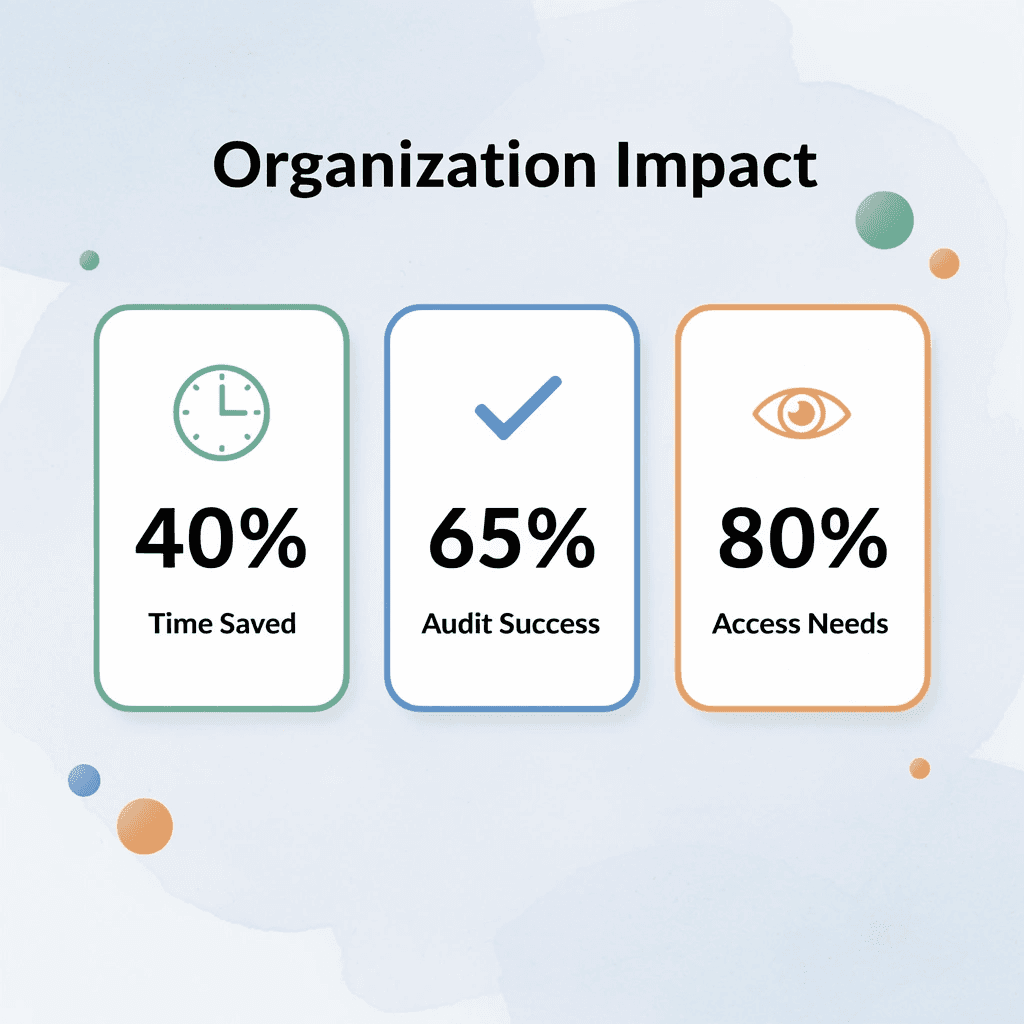
💡 Tip: Start with your most active files first - new hires, recent performance reviews, and current onboarding documents. These represent 80% of your daily file access needs and will give you immediate productivity gains.
Gather All Employee Files Into One Place (5 minutes)
Start by gathering employee documents from all locations where they currently exist, including email attachments, cloud folders, desktop files, shared drives, and existing HR platforms. Focus on contracts, ID documents, onboarding forms, payroll records, performance files, and compliance documents.
Putting all files in one central location first removes confusion and reveals how scattered your current system is. This visibility is essential for the next steps.
Remove Duplicates and Outdated Versions (5 minutes)
Delete duplicate files, archive outdated versions, and keep only the most current record. Flag files requiring verification.
Multiple versions of the same employee file waste HR time and create confusion. In one case, 25% of employees had incomplete or outdated I-9 documents because duplicate versions obscured which record was authoritative. Disorganized systems slow information retrieval and undermine confidence in the accuracy of records.
Create a Simple Employee File Structure (7 minutes)
Build the structure before moving files around. Organize by employee name, ID, department, or document type. Within each employee folder, create clear categories: personal details, contracts, payroll, performance, compliance, and leave records.
A clear structure eliminates the need for daily decisions about file placement. Without it, maintenance becomes chaotic within months. The structure you build now determines whether the system stays simple or breaks down.
Move Files Into the Right HR Tool or System (5 minutes)
Upload or move the cleaned files into your chosen HR platform, document management system, or secure cloud workspace. This ensures files are stored centrally, access is controlled, records are easy to find, and future updates occur in one place.
An organization's value comes from having one reliable system. When files live in multiple systems, you recreate the fragmentation you eliminated.
Rename Files Clearly and Consistently (5 minutes)
Rename files using a consistent format like EmployeeName_DocumentType_Date or EmployeeID_FileType_Year. Examples: AdaOkafor_Contract_Jan2026, E102_Payroll_March2026, JohnMensah_PerformanceReview_2025. This reduces search time, eliminates the risk of opening wrong or outdated files, and makes file retrieval predictable.
Set a Rule for Future Updates (3 minutes)
Once files are organized, set simple rules for future updates: where new documents go, who uploads them, file naming conventions, version archiving, and folder access permissions.
A clean system stays clean only with clear update processes. Rules need to exist and be followed.
How does traditional file organization fall short for HR analysis?
Most teams treat file organization as the end goal: gather, clean, structure, store, rename. But organized files don't guarantee usability. When you need to analyze compensation trends across departments, identify patterns in performance reviews, or extract specific clauses from employment contracts, traditional storage falls short.
What makes document management platforms more effective for research?
Platforms like Otio transform document management from file retrieval to research. Instead of searching through files individually, you ask questions across your entire collection. Upload fifty employment contracts, and the system identifies common clauses, compensation ranges, and missing terms without manual review.
Files become searchable knowledge, not stored records: critical when HR work requires assembling information across hundreds of documents, where manual analysis is slow and error-prone.
Result in 30 Minutes
With this workflow, you get all employee files in one place, fewer duplicates and outdated records, a clear folder structure, faster file access, and easier system maintenance.
The shift: the manual process is save, scatter, search, repeat. A better process is to gather, clean, structure, store, and maintain. This enables the organization of employee files in 30 minutes.
The real test of any system is how it stands up to daily use.
Organize Employee Files in 30 Minutes Using Otio
Managing employee files means switching between tools, folders, and document versions. You search across drives, open multiple files to find the right version, and rebuild your organizational system for each new hire. Otio centralizes everything in one place and lets AI handle the structure.

🎯 Key Point: Upload your employee documents to Otio and ask it to extract and group files by employee and document type. Our platform analyzes your collection, identifies patterns, and creates structure without manual sorting. You get organized files, key information extracted and summarized, and a reusable system across your entire HR workflow.
"Better HR systems come from better structure, and structure comes from tools that understand what your documents contain, not just where they're stored." — HR Efficiency Best Practices
💡 Tip: Better HR systems come from better structure, and structure comes from tools that understand what your documents contain, not just where they're stored.

Related Reading
Notebooklm Vs Notion
Best Document Management Software For Small Businesses
Notebooklm Limits
Top Ai Tools For Document Review
Best Hr Document Management Software
Ai Tools To Summarize a Research Paper
Best Automation Tools For Document Management
Best Document Management Software
Legal Document Data Extraction
Best Ai Tools For Research Projects
ChatGPT File Upload Limits