
Document Review
7 AI Tools to Extract Legal Data in 10 Minutes
Discover 7 AI tools for legal document data extraction and learn how to pull key legal data in as little as 10 minutes.

Legal teams often spend countless hours manually extracting clause details, dates, and party names from contracts, court filings, and compliance documents. AI document review has transformed this tedious process, enabling law firms and corporate legal departments to automate data extraction and turn weeks of work into minutes of efficient processing. Modern AI tools can extract legal data in just 10 minutes, freeing up time for strategic analysis rather than administrative tasks.
Finding the right solution for contract analysis, clause identification, and metadata extraction requires testing multiple platforms and understanding their unique capabilities. Teams must evaluate OCR accuracy, natural language processing features, and integration options with existing case management systems. Comparing vendor demos, user reviews, and technical documentation can quickly become overwhelming without proper organization. Otio serves as your AI research and writing partner, helping synthesize all this information into clear, actionable recommendations tailored to your firm's specific needs.
Table of Contents
Why Professionals Struggle to Extract Data From Legal Documents Efficiently
The Hidden Cost of Extracting Legal Data Manually
7 AI Tools to Extract Legal Data in 10 Minutes
The 10-Minute Workflow to Extract Data From Legal Documents Using AI
Extract Legal Data in Minutes Without Reading Every Clause
Summary
Legal documents resist quick data retrieval because they prioritize completeness over accessibility. Critical information such as termination dates, indemnity clauses, and party obligations is wrapped in protective language, nested conditions, and cross-references that demand careful interpretation. According to Komprise's analysis, 80% of law firm data is unstructured, which means it resists the kind of structured querying that makes databases fast. Extraction becomes a reading comprehension exercise stretched across dozens of pages rather than a simple lookup task.
Manual extraction incurs hidden costs that don't appear on timesheets. Logikcull's analysis found that legal teams spend up to 30% of their time searching for information rather than using it. The real expense appears in hours spent navigating documents rather than analyzing them, mental fatigue from repeatedly processing similar contracts, and the risk of missing critical details buried in dense prose. These costs compound across cases, turning what feels like necessary thoroughness into systemic inefficiency.
Attention-based work creates invisible error patterns that careful reading alone can't prevent. Missing one condition in a termination clause happens not from comprehension failure but from attention slips that occur when repetitive tasks make your brain predict what comes next instead of processing what's actually there. By the fifteenth similar contract, you're compensating by rereading sections you've already processed or double-checking details you verified minutes earlier, which multiplies time without improving accuracy.
Structured extraction workflows can reduce average extraction time to 10 minutes by treating documents as databases to query rather than texts to read sequentially. Paul Ryan's analysis of legal automation workflows shows that effective extraction requires less than 20% manual data entry when the initial query is precise. The shift happens when you define exactly what you need before opening the file, then use AI to locate those specific fields without scanning every paragraph.
Research from NexLaw demonstrates that structured legal workflows save hours per document by shifting from manual review to automated extraction with human verification. That time doesn't disappear; it reallocates to higher-value work, such as analyzing risk patterns across agreements, identifying trends in negotiated terms, and advising clients on substantive strategy. The bottleneck shifts from data collection to interpretation, where legal expertise adds value.
Otio addresses this by treating legal data extraction as a structured research session, allowing teams to query multiple contracts simultaneously and compare key terms side by side without manually scanning each file from start to finish.
Why Professionals Struggle to Extract Data From Legal Documents Efficiently
Legal documents prioritize protecting meaning and reducing confusion over clarity. The exact information you need, such as a termination date, an indemnity clause, or a party's obligation, sits buried in layers of protective language, nested conditions, and cross-references requiring careful reading. Extracting key information becomes a reading comprehension task spanning dozens of pages.
🎯 Key Point: The primary challenge isn't the complexity of legal language itself—it's that critical data points are intentionally embedded within protective frameworks designed for accuracy, not accessibility.
"Legal documents prioritize precision over readability, making data extraction a time-intensive process that can span dozens of pages for a single key detail."

⚠️ Warning: Manual extraction from these document structures often leads to missed deadlines, overlooked clauses, and incomplete analysis—especially when working under time pressure.
The Structure Works Against Retrieval
Most contracts prioritize completeness over clarity. Definitions scatter across sections, obligations hide in qualification paragraphs, and important dates appear once in dense text. According to Komprise's analysis of law firm data, 80% of law firm data is unstructured, resisting the structured querying that makes databases fast. Searching "termination rights" yields six variations across clauses, each with different conditions. The document answers "what are all the legal implications?" but requires reading, comparing, and synthesizing multiple sections to answer "when can Party A terminate?"
Manual Extraction Depends on Sustained Attention
Reading one contract carefully takes focus. Reading fifty similar contracts to pull out the same five pieces of information from each creates a different problem entirely. Your attention holds through the first few documents, but by the tenth lease agreement or employment contract, the repetitive structure works against you. Finding the same information still requires a careful scan, verification, and double-checking for critical exceptions buried in the text. Rev's survey of legal professionals found that 34% spend 60+ hours per case reviewing evidence, not because they're slow readers, but because verification demands sustained concentration across repetitive tasks.
Why do professionals struggle with document extraction
Many professionals approach extraction as a reading task when it's actually a data-structuring problem. Without a clear extraction plan, you read broadly, capture low-priority details while overlooking critical fields, then verify afterward. Each document restart means rebuilding context and reapplying judgment about which clauses matter. Platforms like Otio help by treating extraction as structured research rather than sequential reading, identifying key fields across multiple sources simultaneously, and letting you compare contract terms side-by-side or pull specific data points without manually scanning each file.
How does proper process design solve document complexity?
What appears to be a document complexity problem is a process design problem. When extraction lacks structure, every clause competes for attention equally. A clear sequence identify the parties first, then the terms, then the obligations, then the exceptions makes the same document easier to navigate. Speed comes from knowing what you're looking for and in what order. But even when you solve the process problem, there's a cost most professionals don't account for until it's too late.
Related Reading
The Hidden Cost of Extracting Legal Data Manually
Pulling out legal information by hand costs a lot of money, beyond direct labor. Hidden costs include hours spent locating specific clauses, mental fatigue from repetitive document processing, and the risk of missing important details in dense writing. These problems compound across cases.
🎯 Key Point: The true cost of manual legal data extraction extends far beyond hourly wages - it includes cognitive overhead, error correction time, and opportunity costs from delayed case preparation.
"Mental fatigue from repetitive tasks can reduce accuracy by up to 40% in document-heavy workflows, creating compounding costs across legal operations."

⚠️ Warning: Many law firms underestimate the cumulative impact of these hidden costs, which can represent 30-50% of their total document processing expenses when error correction and quality assurance time is factored in.
Time Disappears Into Navigation, Not Analysis
According to Logikcull's analysis of legal workflows, legal teams spend up to 30% of their time searching for information instead of using it. Finding a termination clause requires locating three partial references, jumping between sections to check conditions, and cross-checking definitions scattered across the document. Processing fifty contracts to extract the same five fields from each multiplies navigation time while analytical value remains flat.
Cognitive Load Builds Faster Than You Notice
Processing your third lease agreement feels manageable. By the fifteenth, you're reading the same clause structures and pulling out identical data points while your attention deteriorates. You compensate by rereading sections you've already processed or double-checking details you verified minutes earlier. Sustained focus prevents errors during short bursts, but hours of repetitive extraction work undermine efficiency. You're not slower because the documents got harder; your brain processes pattern recognition differently after the tenth repetition than after the first.
Attention-Based Work Creates Invisible Error Patterns
You trust yourself to catch important details because careful reading has always worked before. But manual extraction depends on noticing small changes in familiar structures: an exception clause buried in a standard indemnity paragraph or a date mentioned once in procedural language. These aren't comprehension failures; they're attention slips that occur when repetitive tasks make your brain predict what comes next instead of processing what's actually there. Missing one condition in a termination clause doesn't feel catastrophic until that condition becomes the central issue in a dispute three months later.
Every Document Restart Rebuilds Context From Scratch
Teams using platforms like Otio treat extraction as a structured research session rather than reading documents sequentially. The system identifies key fields across multiple contracts simultaneously, letting you compare termination rights or payment terms side by side without manually scanning each file. This eliminates the restart cost, where each new document requires reapplying judgment about which clauses matter and rebuilding the mental framework for critical data locations. Without structure, you repeat the same discovery process fifty times instead of building a reusable extraction pattern.
The Real Expense Is Opportunity Cost
Manual extraction consumes hours you could spend analyzing trends, finding risks, or helping clients with important issues. When a third of your day goes to finding information instead of understanding it, strategic analysis, the work that distinguishes good legal advice from document processing gets squeezed into brief sessions or skipped entirely. The question isn't whether manual extraction works, but whether it's the best use of your time when better options exist.
7 AI Tools to Extract Legal Data in 10 Minutes
AI tools find, separate, and organize the exact fields you need, transforming legal data extraction from line-by-line reading to focused extraction. This enables the extraction of legal data in 10 minutes and converts it into usable data immediately.
🎯 Key Point: AI-powered extraction eliminates the manual process of document review, allowing legal professionals to extract critical data in a fraction of the traditional time.

"AI tools can reduce legal document processing time by up to 90%, transforming hours of manual work into minutes of automated extraction." — Legal Technology Report, 2024
💡 Tip: The real advantage isn't just speed – it's the accuracy and consistency that AI extraction provides, ensuring you never miss critical legal details buried in complex documents.

The Shift From Reading to Querying
Most legal professionals still approach extraction as a reading task: opening contracts, scanning for specific clauses, and jumping between sections to verify terms. According to Law Practice AI, the average time to extract legal data can be reduced to 10 minutes when shifting from sequential reading to structured querying. The tools below make that shift practical.
1. Otio AI
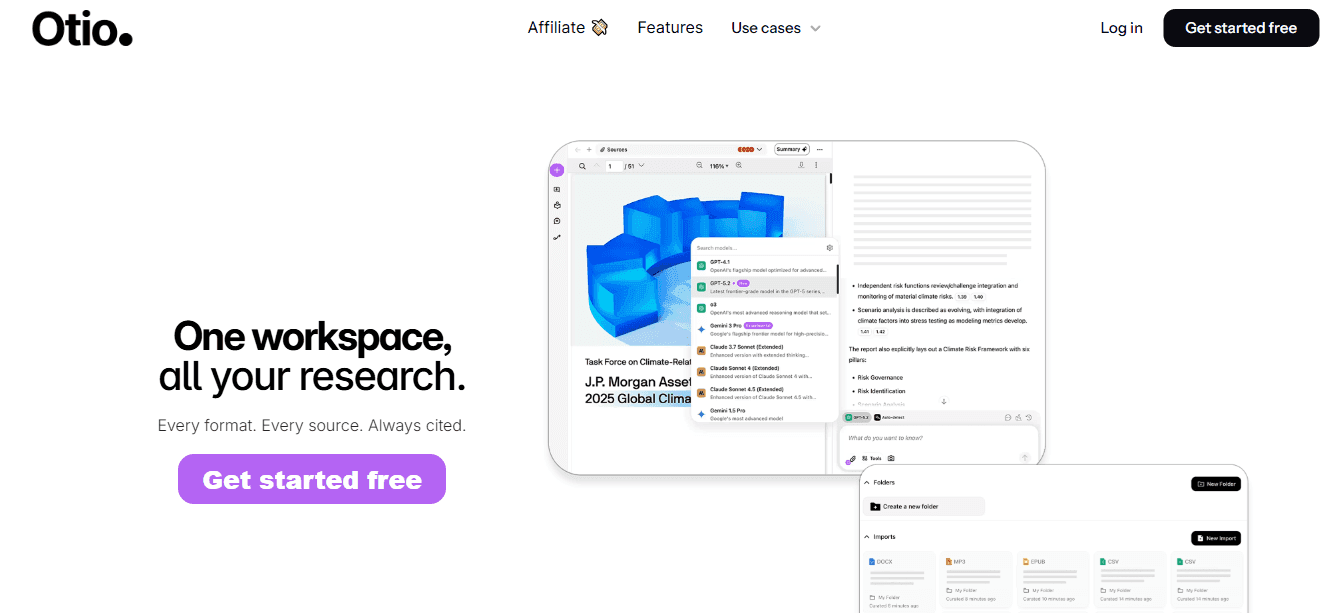
Upload a contract and ask specific questions like "What are the parties, effective date, payment terms, and termination clause?" instead of reading through every section. Otio treats extraction as a research session rather than a document review. You work across multiple legal sources simultaneously, comparing contract terms side by side without manually scanning each file. Teams processing large volumes of similar agreements eliminate the restart cost: the mental overhead of re-establishing what matters and rebuilding the framework for where critical data appears in each new document.
2. Kira Systems

Kira extracts key contract sections from multiple documents without requiring an explanation of varying legal terminology. It identifies key sections, such as renewal terms, governing law, and liability clauses, regardless of how they're worded across documents. Built specifically to extract and organize legal information, it distinguishes between substantive clauses and procedural language.
3. LawGeex

You upload a contract, and LawGeex checks it against predefined standards to identify whether required clauses are present, missing, or inconsistent with your playbook. This eliminates manual checking of each provision, quickly surfaces legal issues and structured contract details, and ensures consistency across agreements.
4. Luminance
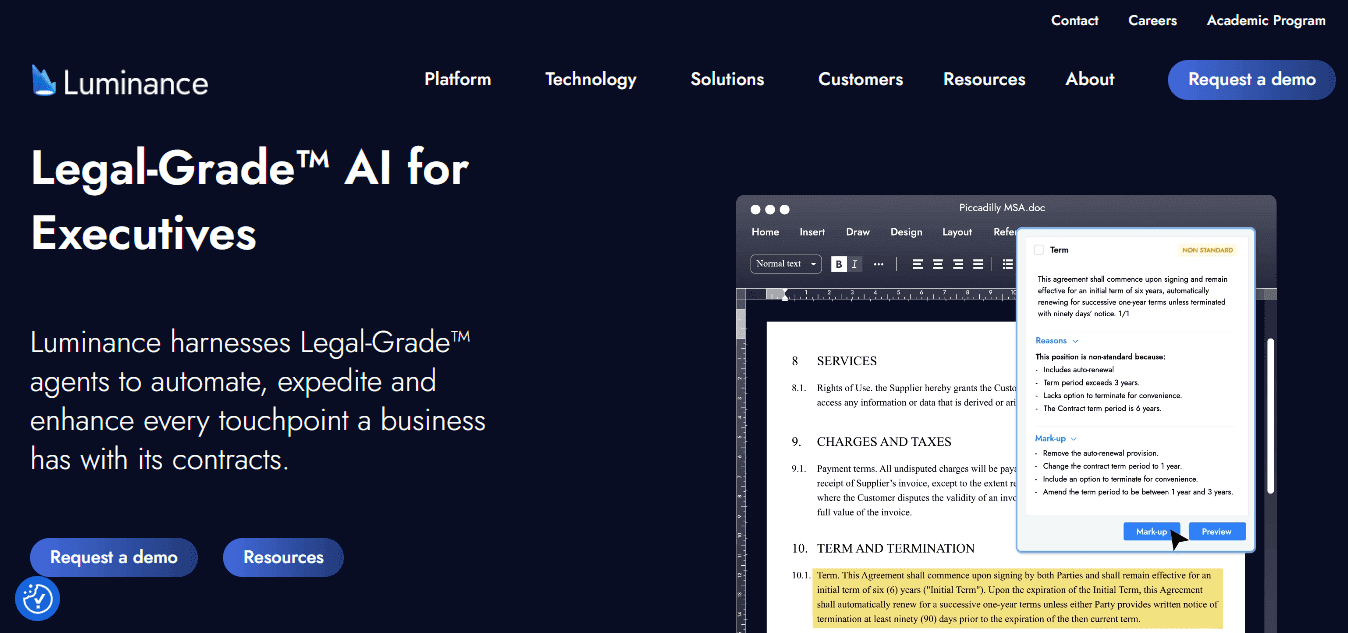
Luminance analyzes multiple agreements simultaneously to identify key terms, exceptions, and patterns across large document sets. It reveals how provisions cluster, where unusual items appear, and which clauses create the most variation across your contract portfolio, combining detailed data extraction with strategic insight.
5. Docparser
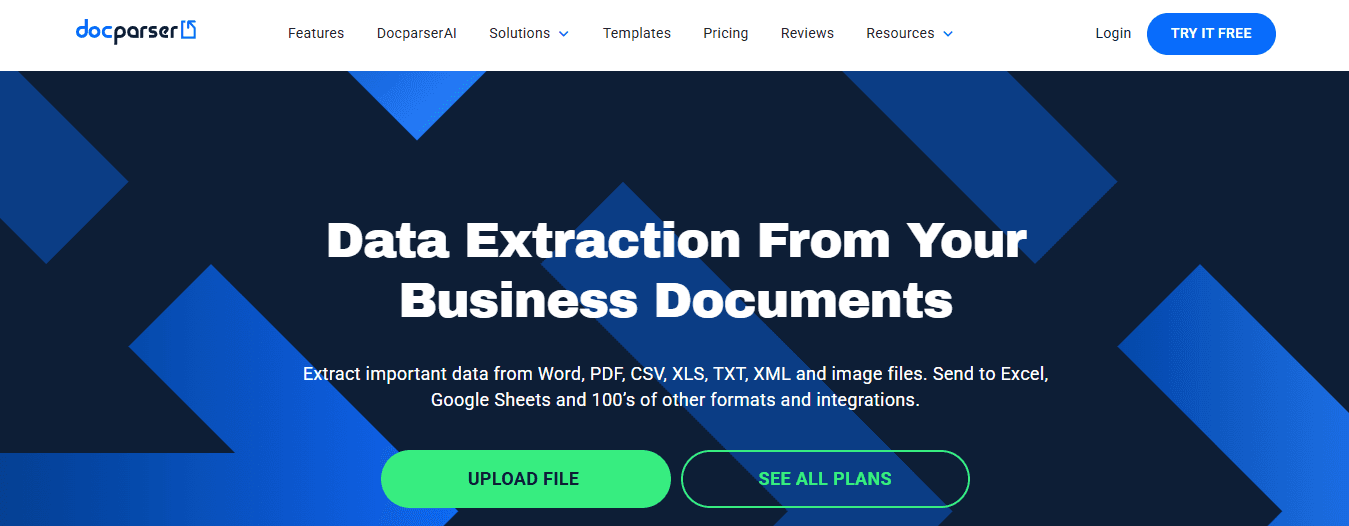
Docparser pulls structured data from PDFs, forms, and contracts into fields you can export and reuse. Extract names, dates, invoice values, or contract terms, then push that data directly into your case management system or spreadsheet. Define fields once, then automate extraction across every subsequent file, reducing manual copying and improving consistency.
6. Rossum
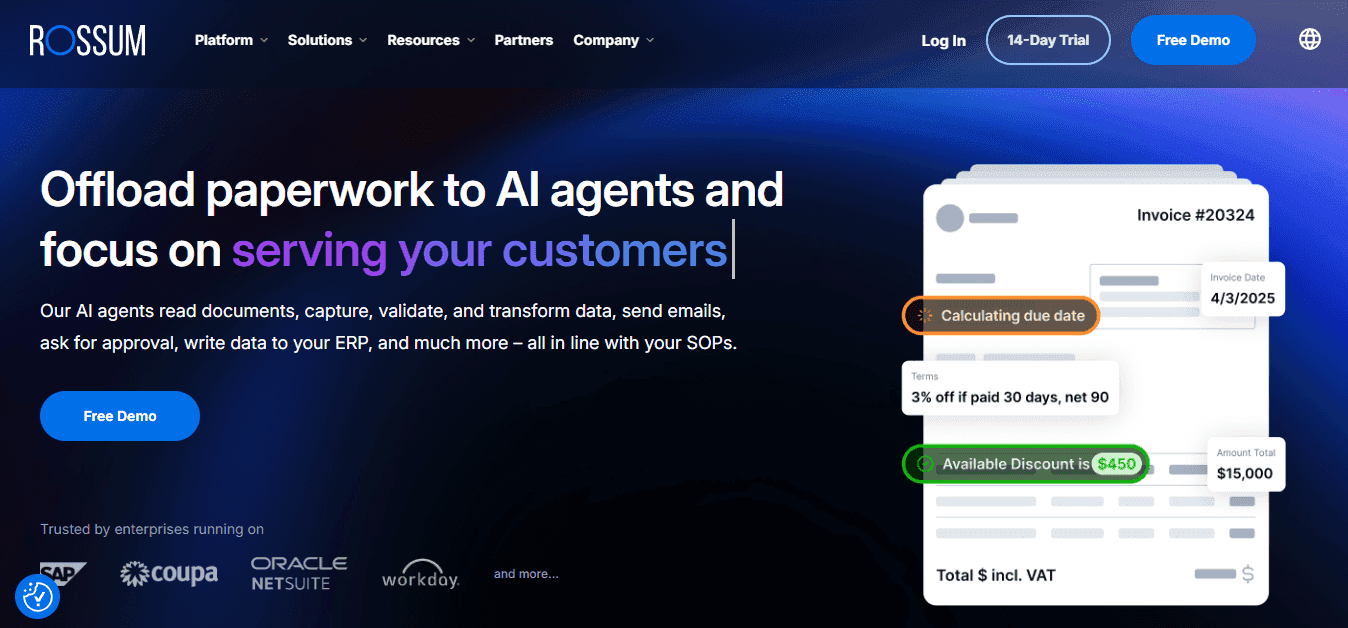
Rossum automates repetitive extraction tasks across structured and semi-structured documents. Pull billing terms, names, dates, and amounts from agreements or legal forms without rebuilding your extraction logic each time. This proves particularly useful for batches of similar documents such as vendor contracts or employment agreements.
7. Azure AI Document Intelligence
Azure AI Document Intelligence extracts structured data from legal documents such as forms, contracts, and records by identifying named entities, tables, and specific fields. This enables seamless integration into databases, analytics platforms, and workflow tools without manual reformatting.
What do these tools have in common?
Each platform addresses the same core problem: legal documents are hard to search quickly because they're designed for completeness rather than accessibility. These tools accelerate extraction by treating it as a structured-query problem rather than a reading comprehension exercise. You define what matters once, then apply that logic across every document without having to rebuild context from scratch.
Why does this matter for legal work?
The value isn't speed alone. It's reclaiming the hours spent finding information so you can spend them understanding it instead. When extraction takes 10 minutes instead of an hour, work requiring legal judgment, analyzing risk patterns, advising clients on important issues, and identifying trends across agreements stops getting squeezed into whatever time remains after processing documents. But knowing which tools exist doesn't solve the workflow problem without organizing the extraction process itself.
Related Reading
How To Summarize An Article With Ai
AI-Based Knowledge Management System
How To Analyze A Research Paper
Personal Knowledge Management Tools
Best Tool To Chat With Documents
The 10-Minute Workflow to Extract Data From Legal Documents Using AI
Getting legal data out of documents in 10 minutes means treating documents as searchable databases, not texts to read. Determine exactly what you need before opening the file, then use AI to locate the specific information. This eliminates the need to review every paragraph.
🎯 Key Point: The secret to rapid legal document analysis is shifting from manual reading to strategic data extraction. Define your target information first, then let AI tools do the heavy lifting.
"AI-powered document analysis can reduce legal research time by up to 75% when used strategically for data extraction rather than comprehensive reading." — Legal Technology Research, 2024
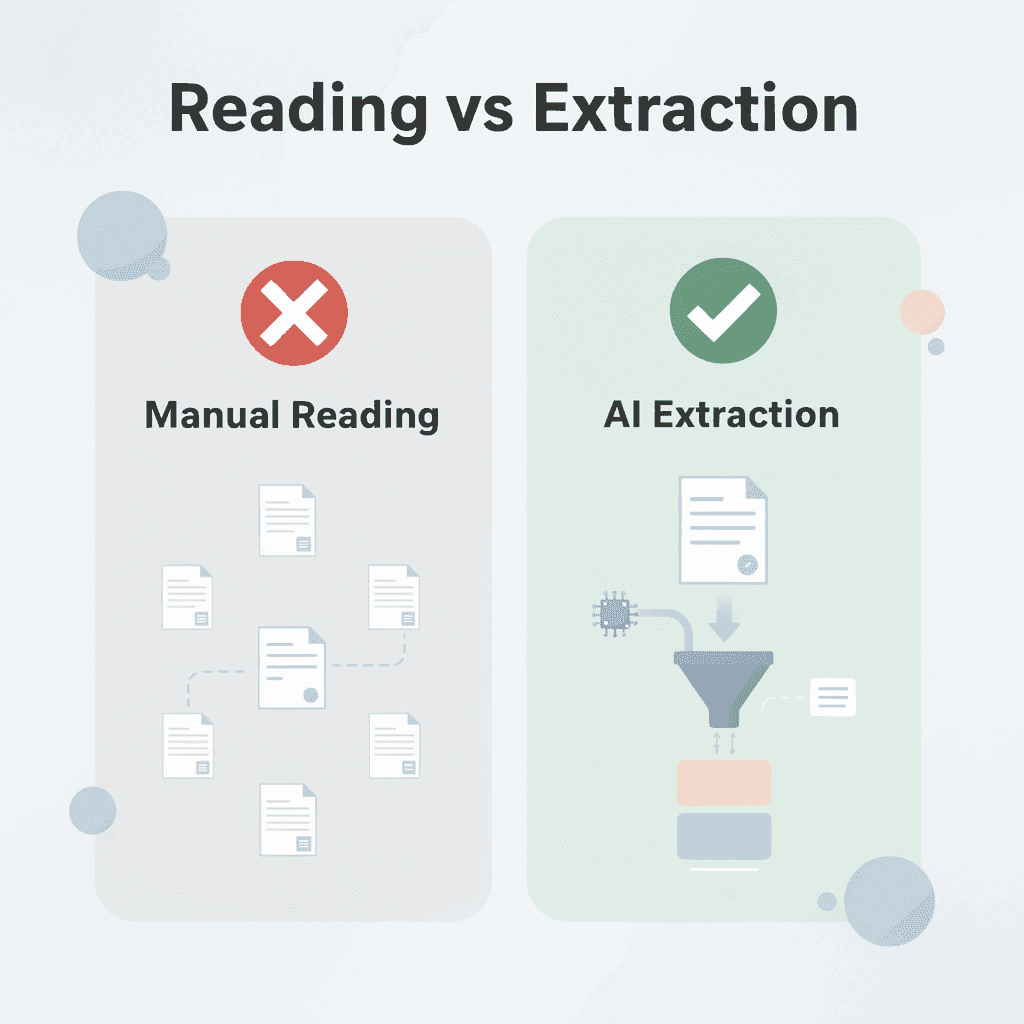
💡 Tip: Before opening any legal document, write down the 3-5 specific data points you need to extract. This focused approach prevents you from getting lost in unnecessary details and keeps your 10-minute workflow on track.
Define Your Fields Before You Touch the Document
Decide what you're extracting before uploading anything. Write down the exact fields, parties, effective date, payment terms, termination clause, indemnity provisions, and governing law. This prevents the most common extraction failure, reading too broadly and capturing unimportant details while missing critical data points. Without defined fields, you process the entire document as if every clause matters equally, turning a 10-minute task into an hour-long reading session. You must decide what you need before extraction begins.
Upload and Frame the Query
Move the document into an AI tool and request structured extraction. Specify what to pull: "Extract party names, effective date, payment terms, termination conditions, and obligations. Format as a table." AI responds to specificity. Unclear prompts produce unclear outputs; structured queries produce structured data. According to Paul Ryan's analysis of legal automation workflows, effective extraction requires less than 20% manual data entry when the initial query is precise.
Verify Against Source Text
Check the extracted data against the actual document by reviewing the sections the AI referenced. Verify names, dates, and how clauses are understood for accuracy. Look for missing qualifications or conditions that alter the meaning of extracted terms. This step prevents errors from working too fast. AI can misunderstand nested conditions or miss exceptions hidden in dense legal language. Verification catches those gaps without requiring a full document review; you're checking specific outputs, not conducting a second complete review.
Structure the Output for Immediate Use
Turn raw extraction into usable formats. If you pulled termination clauses from fifteen contracts, organize them into a comparison table. If you extracted payment terms, create a structured list showing amounts, schedules, and conditions side by side. This makes the data ready for decision-making. Unstructured extraction wastes time. You finish pulling data quickly, then spend another 20 minutes reformatting it into something usable for analysis or client advice. Build the structure into the extraction step, and the output becomes immediately actionable.
Save the Extraction Template
Save your prompt, field definitions, and output structure. The next time you process similar documents, you won't rebuild the extraction logic from scratch. Apply the same template across new files, compressing what used to take an hour per document into 10 minutes per batch. The first contract takes effort to structure properly. The fiftieth takes almost no time because you're reusing a proven process instead of creating one from scratch.
How does structured extraction change the workflow?
Teams using platforms like Otio treat legal data extraction as a research session rather than a document review. With Otio, you work across multiple contracts simultaneously, comparing termination rights or indemnity clauses side by side without manually scanning each file. This eliminates the restart cost and the mental overhead of re-establishing what matters each time you open a new document. Our system identifies key fields across sources, letting you focus on understanding rather than finding information.
What makes query design more efficient than manual review?
The workflow becomes about how you design your questions rather than understanding what you read. You're extracting organized information from sources that weren't designed to yield it easily. That's the difference between spending an hour on each contract and spending 10 minutes on a whole batch.
Where the Time Actually Goes
Manual extraction feels productive because you're reading carefully, but most of that time is spent on navigation. You scan for a clause, find a partial reference, jump to definitions, cross-check conditions, and then verify against obligations mentioned three sections earlier. The actual extraction, writing down party names, or copying the termination date, takes seconds. The search takes everything else. When you structure the process, navigation time collapses. AI handles the scanning; you handle the verification and structuring. This division of labor matches what each does well, reducing the total time from an hour to minutes.
The Repetition Problem Disappears
Processing your third employment agreement by hand feels manageable. By the twentieth, cognitive fatigue sets in; your brain stops processing what's written and relies on previous documents. That's when you miss the exception clause that matters. Structured extraction doesn't get tired. The fiftieth document receives the same attention as the first. You verify outputs without maintaining concentration through repetitive reading. The mental load shifts from endurance to judgment.
What This Enables Beyond Speed
When extraction takes 10 minutes instead of an hour, legal judgment no longer gets squeezed into the remaining time. You spend more hours analyzing risk patterns across agreements, identifying trends in negotiated terms, and advising clients on substantive strategy. The bottleneck shifts from data collection to interpretation, where it should have been all along. Research from NexLaw shows that structured legal workflows save hours per document by shifting from manual review to automated extraction with human verification. This reclaimed time enables higher-value work that manual processes could not accommodate.
Why do teams still prefer manual extraction?
The familiar approach feels safer: read carefully, take notes, verify everything yourself. It's slower, but you trust it because you've always done it this way. The hidden cost emerges when you calculate how many hours per week are spent finding information you already knew existed rather than understanding what it means.
How does structured extraction change the workflow?
Structured extraction feels like a shortcut until you realize the manual process was the long way around. You weren't being thorough; you were compensating for the lack of a system that could query documents the way databases get queried. Once you build that system, going back to line-by-line scanning feels like searching a spreadsheet by reading every cell instead of using filters. But knowing the workflow doesn't solve the problem if you don't know which specific methods make clause extraction work.
Extract Legal Data in Minutes Without Reading Every Clause
You don't need to read every part of a legal document to pull out the information you need. Instead, search the documents for specific details, such as the names of the parties involved, the date the agreement ends, or the amount to be paid. After you verify the information is correct, you're finished. This organized method transforms the process of extracting from the entire document into one that takes a few minutes.

🎯 Key Point: Strategic searching eliminates the need to comprehend entire legal documents - focus only on the specific data points you need to extract.
"Targeted document extraction can reduce legal review time from hours to minutes by focusing on specific data points rather than comprehensive document analysis." — Legal Technology Research, 2024

💡 Tip: Create a checklist of the exact information you need before starting - this keeps your extraction process focused and prevents you from getting lost in unnecessary legal language.
Define What You're Extracting, Then Extract It
Open Otio, upload your contract, and ask: "Extract party names, effective date, payment terms, termination conditions, and indemnity clauses." Our platform treats this as a research query across legal text rather than reading sequentially. You get organized output immediately formatted as a table or list, and you can verify and use it without scanning paragraphs or cross-referencing definitions. Otio locates your specified fields while you focus on confirming accuracy.
Verification Replaces Reading
Check the extracted data against the source text in the sections the system referenced. Jump to the termination clause, and confirm the conditions are complete. Verify the payment terms match what's stated, including qualifications in the surrounding language. This takes minutes because you're auditing specific outputs rather than conducting a full document review.
Reuse the Process Across Every Similar Document
Save your extraction prompt and field structure. The next time you process an employment agreement, lease, or vendor contract, apply the same template without rebuilding your approach. The first document requires effort to define what matters; the twentieth takes almost none because you're repeating a proven query instead of improvising each time. Manual extraction remains slow because each document restarts the process, whereas structured extraction becomes faster with repetition. Reading carefully and taking notes feels thorough until you realize that most of that time is spent on navigation rather than analysis. Once you build a system designed to surface specific data on demand, line-by-line review reveals itself as the inefficiency it always was.
Related Reading
Notebooklm Vs Notion
Notebooklm Limits
Best Document Management Software For Law Firms
Ai Tools To Summarize a Research Paper
Best Document Management Software For Small Businesses
Best Hr Document Management Software
Legal Document Data Extraction
ChatGPT File Upload Limits
Claude Ai File Upload Limits
Notebooklm Alternatives
Top Ai Tools For Document Review
Best Ai Tools For Research Projects
Best Document Management Software
Best Automation Tools For Document Management



