
Video Summarization
10 Best Notta AI Summarizer Alternatives
Explore 10 top alternatives to Notta AI Summarizer with better pricing, accuracy, or features for your transcription needs.
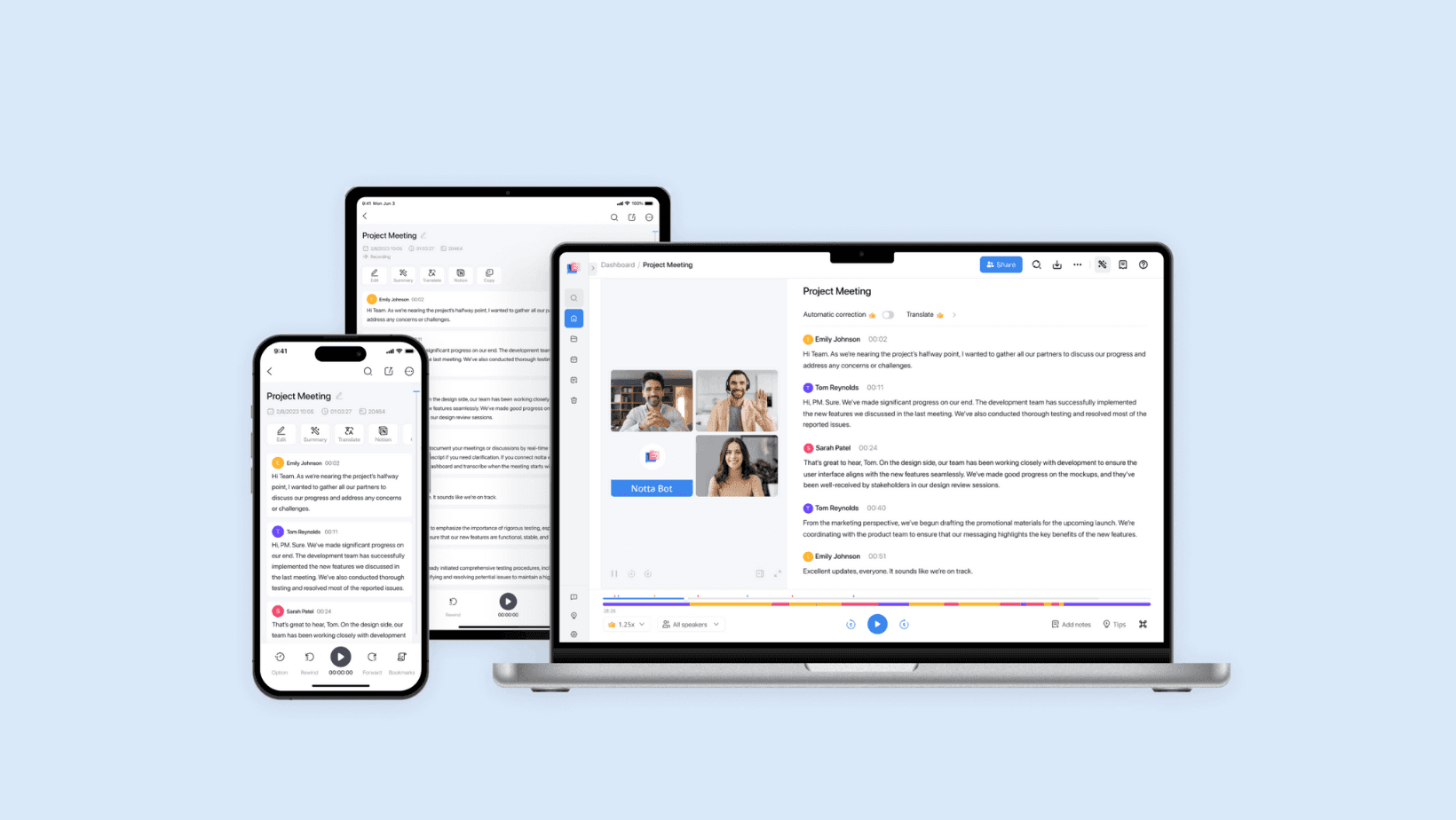
Long video meetings and recorded interviews accumulate faster than we can read them, and extracting key points often means replaying entire files line by line. Notta AI Summarizer turns hours of video and audio into clean transcripts, uses speech recognition and highlight extraction, and produces short video summaries and searchable notes that save time and maintain accuracy for research and writing. If you ever replay a call for "Video Summarization" or need quick meeting notes, the tool makes those answers searchable and gives you clean summary snippets for reports and drafts. Read on and learn specific tips to use transcription, keyword extraction, and summary generator features so you can write and research fast with AI.
To cut through the noise, Otio's AI research and writing partner turns those summaries and transcripts into outlines, drafts, and cited notes so you can move from recording to report in minutes.
Summary
Manual summarization is a significant time sink; over 70% of professionals report spending more than 2 hours per day on manual summarization tasks, creating backlog and delayed follow-ups.
Human summaries frequently drop or distort key facts, with manual summarization linked to up to 30% loss of critical information, which compounds into strategic blind spots when those notes are reused.
AI-generated summaries can dramatically cut review time, with tools reported to reduce reading time by up to 70%, turning hours of audio or long transcripts into decision-ready highlights in minutes.
For teams that process large volumes of text, AI summarizers can substantially increase productivity, with studies showing a 40% increase for professionals handling heavy document loads.
Automation still has accuracy limits: summarization accuracy on complex documents is around 70%. In comparison, transcription error rates for domain-specific jargon can be roughly 30%, so a human verification step remains important for high-stakes material.
Operational frictions persist at scale. For example, free tiers often cap transcription at 120 minutes per month, and separate import or connectivity steps add overhead, even though integrated workflows can reduce transcription review time by up to 50% when available.
This is where Otio's AI research and writing partner fits in, by ingesting long-form videos and documents, preserving source-linked highlights and timestamps, and synthesizing those extracts into outlines and draft sections for research-driven writing workflows.
Table of Contents
Problems With Manual Summarization
Benefits of Using AI Summarizer Tools
How to Use Notta AI Summarizer
Limitations of Notta AI Summarizer
10 Best Notta AI Summarizer Alternatives
Supercharge Your YouTube Research With Otio — Try It Free Today
Problems With Manual Summarization
Manual summarization fails when clarity, speed, and repeatability matter: it relies on individual judgment, burns hours, and leaves teams chasing facts instead of making decisions. Below, I break down the core failure modes, why they matter for real workflows, and what typically breaks first when you rely on hand-crafted summaries.
1. How does bias shape what gets captured?
Subjectivity shows up as selective emphasis, not neutral omission. Different note-takers prioritize different speakers, data points, and framing, so one summary can read like a product roadmap while another reads like a customer complaint file. This matters because decisions follow the version you read, not the version you did not. The pattern appears across research interviews and cross-functional meetings: when priorities conflict, the failure point is not evil intent; it is the lack of clear criteria for what counts as essential. That produces inconsistent signals for leadership, and it is exhausting when every stakeholder believes their perspective was lost.
2. Why does manual summarization consume so much time?
Research documents the scale of the drain; for example, Semantic Scholar (2023) reports that over 70% of professionals spend more than 2 hours per day on manual summarization tasks. The practical effect is predictable, such as meetings multiply, note queues back up, and actionable follow-ups are delayed. In fast-moving teams that need near-real-time context, this lag becomes a bottleneck; instead of shaping work, summaries become backlog, and knowledge decays while people wait.
3. What kinds of mistakes do humans make when summarizing?
Humans miss, misattribute, and compress in ways that change the meaning of a conversation, and that loss is not trivial. Research from Semantic Scholar (2023) finds that manual summarization can result in up to a 30% loss of critical information. In practice, the standard failure modes are overlapping speech, domain jargon, and assumptions about shared context, which lead to dropped facts or incorrect conclusions—those errors compound when summaries are reused as source material, turning minor omissions into strategic blind spots.
Most teams handle note-taking the familiar way, assigning someone to capture highlights because it is simple and requires no new tools. That works until projects scale and multiple stakeholders need the same context; threads scatter, action items vanish, and reconciliation eats time. Platforms like Notta provide automated transcription and accuracy-first summarization that centralize the record, surface speaker-attributed highlights, and keep multilingual, searchable transcripts so teams can compress review cycles without losing auditability.
4. Can manual processes keep up when volume increases?
Scalability breaks down fast. Single meetings are manageable, but when you have dozens of hours of interviews, demos, or support calls, manual summaries become a maintenance burden: reconciling versions, enforcing tags, and hunting for the original excerpt. The constraint is not just effort; it is cognitive load, teams diverting skilled people to low-value editing work. At scale, the tradeoff is clear: either accept slower decisions or invest heavily in an editorial machine that never quite keeps pace.
5. Why do summaries from different people never line up?
Consistency suffers across three fronts, including style, tone, and scope. One writer prioritizes verbatim quotes, another prefers synthesized recommendations. That variability makes downstream use difficult: you cannot programmatically extract metrics, nor can you run reliable searches. The emotional impact is real; people say it feels like replaying the same meeting to get everyone on the same page. Tools branded as Notta AI Summarizer and AI-powered transcription platforms reduce this friction by enforcing templates, speaker attribution, and exportable highlights, creating a single source of truth teams can trust.
It’s painful when you realize the work of translation, validation, and correction has become the job, not the insight, and that is where the real decision cost lives. That simple gap between capture and clarity is not the end of the story; it is the hinge for what comes next.
Benefits of Using AI Summarizer Tools
AI summarizers turn spoken or written noise into short, actionable snapshots you can use immediately, and they do it at scale without adding editorial overhead. Below are six concrete benefits, each explained with real work patterns, practical outcomes, and how summaries change what teams actually deliver.
1. Saving time
What happens when you need a decision-ready recap fast?
AI-generated summaries collapse hours of audio or long threads into targeted highlights, so you spend minutes instead of digging through recordings. That speed is measurable: according to Text Summarizer (2025), AI summarizers can reduce reading time by up to 70%, freeing up blocks of focus for higher-value work. In practice, this means fewer interrupted deep-work sessions, faster handoffs between meetings, and less triage when catching up after travel or time off.
2. Reducing information overload
How do summaries clear cognitive clutter?
Summaries filter the essentials, removing greeting noise, repeated confirmations, and off-topic tangents so your attention goes to the ideas that matter. This pattern appears across product- and client-facing teams: people want to read the decision and next steps, not replay small talk. The result is clearer mental bandwidth, less decision fatigue, and faster movement from context to action.
3. Improving decision-making
Why do shorter notes produce better outcomes?
Concise summaries surface the most relevant facts, trade-offs, and action items, so leaders and contributors can base their decisions on the same distilled evidence. Using these distilled views reduces time to resolution and increases the signal-to-noise ratio in meetings, thereby improving the accuracy of follow-up work. For teams handling heavy text loads, this translates into real productivity gains, with research showing that AI summarization tools can increase productivity by 40% for professionals handling large volumes of text. This metric matters when backlog creeps into real deadlines.
4. Streamlining collaboration
What changes when everyone reads the same short version?
Shared summaries create a single, searchable reference that prevents fractured interpretations and reduces “he said, she said” exchanges. When collaborators can jump to the same highlights, meetings shrink, and asynchronous work becomes reliable. It feels less like reconciling memories and more like aligning on facts, which cuts down on repeated clarifications and speeds project momentum.
5. Retaining knowledge
How do summaries make information stick?
Compact, well-structured summaries act like memory anchors: they are easier to scan, to store, and to recall later. That matters for onboarding, handoffs, and cross-team learning, because short summaries are more likely to be reviewed and cited than long transcripts. The practical outcome is a higher rate of applied knowledge, where teams actually use previously discussed insights instead of rediscovering them.
6. Integrating support
Where do summaries live inside the tools you already use?
Many organizations rely on multiple apps for work, and summaries that anchor to those tools eliminate context-switching. This is the moment the status quo breaks: most teams manage knowledge by forwarding links and copying notes because it is familiar, which works early on. As meetings and stakeholders multiply, context fragments and response times stretch, creating hidden delays. Platforms like Notta, which offer accuracy-first transcription, real-time summarization, multilingual support, and searchable transcripts, provide the bridge teams need, giving everyone a centralized, auditable summary that plugs into existing workflows and shortens review cycles without forcing a new habit.
A few practical notes on limits and expectations
If your meetings are full of unresolved debate, summaries will expose ambiguity rather than invent clarity, and that can feel uncomfortable at first. This pattern appears consistently when teams conflate summary brevity with closure; the fix is to pair summaries with explicit attribution and clear follow-up items, so ambiguity becomes action rather than noise. Also, highly technical jargon or low-quality audio still require validation steps; automated summaries are powerful, but they are at their best when paired with lightweight human-in-the-loop verification.
An analogy to make this tangible
Think of summaries like a good map: they point out the route and the hazards, they do not replace the driver, but they keep the team moving in the same direction without everyone having to study the landscape. That shift in how summaries are used is the quiet hinge and it changes what teams expect from their tools.
Related Reading
How to Use Notta AI Summarizer
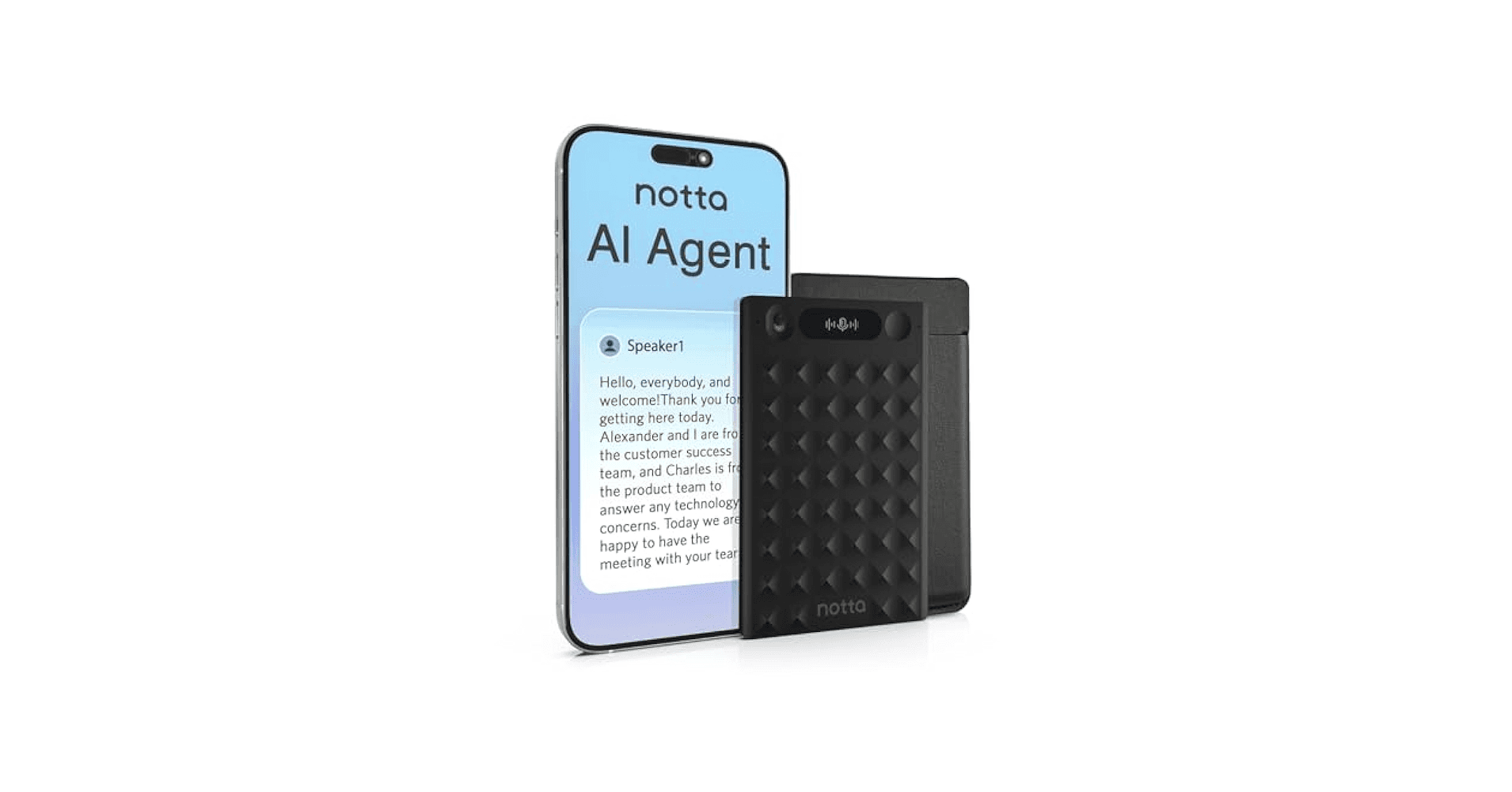
Notta is a straightforward sign-up, feed it audio or record live, wait for an automated transcript, then tap the AI summary tool to get an editable, timestamped recap you can share. Follow the numbered steps below for each stage, with tips for accuracy, collaboration, and exports.
1. Create an Account and Log In
Why does starting clean matter?
Create your profile using your email, Google, or Apple account, then verify your account.
Open the dashboard in a browser, or install the desktop or mobile app to work from wherever you are.
Set language and audio preferences up front to improve transcription quality for the first files you add.
2. Choose How You Want to Add Content
What are my options for getting audio or video into Notta?
Option A: Upload an existing file
Use Upload and Transcribe when you already have recordings.
Supported formats include MP3, WAV, MP4, and M4A.
Drop the file, confirm the source language, then let Notta create the transcript. Wait until transcription is complete before requesting a summary to avoid partial outputs.
Option B: Import a YouTube video
Paste a YouTube link and let Notta automatically extract the audio.
This is the best route for long-form lectures, podcasts, and recorded demos because it pulls the entire audio track, not just clips.
Confirm any timestamps or chapters you want preserved before summarizing.
Option C: Record live audio
Click Record to capture meetings, interviews, or field interviews in real time.
Choose system audio, the microphone, or both to capture presentations and participant voices.
Because transcription is live, you can watch the transcript populate and spot-check for speaker labels or noisy segments.
Option D: Connect meetings (advanced)
Link calendar and meeting platforms such as Zoom or Google Meet so Notta can automatically join and capture sessions.
At the end of the call, the platform saves the audio and transcript, removing the need to upload files manually.
This is useful when you want consistent, hands-off capture across recurring meetings.
3. Generate the AI Summary
How do I turn the transcript into a decision-ready summary?
Open the completed transcript and select AI Summary or Summarize. Notta reads the entire transcript and distills the main points automatically.
If the transcript is long, request a summary first, then ask for expanded sections by time range or speaker.
For better results on technical subjects, add a short prompt or tag indicating tone and focus before generating, for example, "action items only" or "customer concerns first."
4. Choose or Edit Summary Style
What formats can I expect, and how flexible are they?
The tool can produce bullet lists, key takeaways, action items, meeting minutes, or a concise abstract, depending on the template you pick.
Edit text directly, highlight essential moments, and attach notes or comments for teammates.
You can also split summaries by speaker or by time segments when you need separate recaps for different stakeholders.
5. Use Smart Features to Make Summaries Work Harder
What features save the most time and surface context?
Keywords are auto-highlighted, so you can click a term to jump to that point in the recording.
Speaker identification matches statements to participants, which simplifies attribution during follow-up.
Timestamps tie each summary point to the exact moment in audio or video, so verification is one click away.
These features scale review efficiency; for example, Notta AI Summarizer can reduce transcription review time by up to 50%.
6. Export or Share the Summary
How do I get the summary into the rest of my workflow?
Export options include TXT, DOCX, and PDF, and you can download both the summary and the full transcript.
Copy or push content directly into Notion, Google Docs, or email, or share a live link with teammates for collaborative editing.
When handing summaries to stakeholders, include timestamps linked to the source so they can confirm or listen to the source quickly.
A quick credibility note, since adoption matters when you hand a tool to a team. Over 10,000 users have successfully used Notta AI Summarizer. Most teams handle capture with ad hoc uploads or a single person doing manual edits, and that works at first. As projects and stakeholders multiply, those handoffs fragment, follow-ups slow, and critical excerpts get buried. Platforms like Notta provide automated transcription, speaker attribution, and timestamped summaries, giving teams a repeatable capture process that keeps context intact as volume grows. Think of Notta like a skilled indexer inside your meeting, labeling who said what and where, so you never hunt for the moment that mattered, you go straight to it. That next part raises a question you will want answered.
Limitations of Notta AI Summarizer
Notta’s AI summarizer is fast and practical for routine meetings. Still, it has several concrete limits that affect real workflows: plan caps and gated features, connectivity and workflow friction, language depth, and accuracy gaps on technical content. Below, I list the constraints precisely so you can determine where human verification or alternative tooling is required.
1. Limited free tier and paid-only summary features
When we piloted Notta with a small project team, they exhausted the 120 minutes monthly allowance inside a couple of weeks because every interview and ad hoc call counted toward the cap. The free plan limits transcription to 120 minutes per month, and the AI Summary Generator is reserved for paid accounts, forcing teams to choose between constant editing and upgrading. That creates a real cost for teams that need frequent capture, because they must either ration recordings, stitch together manual notes, or absorb subscription fees just to keep summaries flowing.
2. Dependence on a stable internet connection
If you record or edit in places with flaky Wi-Fi, the web app interrupts the flow, transcripts stall, and you lose the immediacy that makes summaries useful. Field interviews, commuter recordings, and conference rooms with weak signals are common failure points, leading to extra upload steps, dropped segments, or corrupted timestamps. When we tried capturing several client interviews while traveling, the delays turned a 30-minute recording into an hour of troubleshooting and re-uploads, which erodes the time savings Notta promises.
3. Workflow friction for YouTube content
Notta does not summarize directly inside the YouTube environment, so you must copy the video link into Notta’s site to extract audio and generate a recap. That extra step disrupts rapid-review habits for creators and researchers who want to skim content in their feeds, and it adds friction when you need a quick highlight for social sharing or internal briefings. The familiar workaround is pasting links and waiting for processing, which works at low volume but becomes tedious when you monitor many long-format sources.
4. Broad language coverage, uneven translation depth
Notta supports 58 languages, which helps global teams get basic transcripts, but language coverage is not the same as consistent translation quality across domains. For multilingual programs that require precise translation, nuanced phrase-level meaning, or cultural localization, some competitors offer deeper translation features or better post-editing tools. If your work depends on legal, regulatory, or marketing nuance, you will still want a native reviewer or a translation workflow layered on top.
5. Summaries on complex documents still need human review
Independent analysis finds that Notta AI Summarizer has a 70% accuracy rate in summarizing complex documents, which means that for dense or high-stakes material, you should treat the output as a draft, not a final record. In practice, that 70 percent figure translates to missing qualifications, flattened arguments, or condensed tradeoffs that lose critical nuance; teams handling research syntheses, contract points, or executive briefings will need an editor to restore context and check implications.
6. High error rate on domain-specific jargon
Practical tests show That Users report a 30% error rate in Notta AI's transcription of technical jargon (VoiceToNotes.ai Blog, 2025), so engineering reviews, scientific interviews, and specialized sales demos frequently require manual correction. It is frustrating when a single mis-transcribed term changes the meaning of an action item, and that failure mode increases verification work rather than cutting it. For technical sessions, capture hygiene helps: use high-quality mics, ask speakers to spell unusual terms, and plan a short human pass to correct the transcript before summary generation.
A practical status quo moment
Most teams deal with these frictions by tacking on manual steps, like offline recording, separate translation vendors, or a dedicated person to gate summaries. That approach keeps things moving early on, but as meeting volume grows, those extra steps become steady costs, causing reviews to slip and context to fragment. Platforms like Notta address the core problem by centralizing capture, providing timestamped transcripts, and offering multilingual and real-time options. Yet, they still require human-in-the-loop checks and workflow design to maintain quality as scale and complexity increase.
If you rely on Notta, use these mitigations: batch non-critical recordings to stay within the free cap, prefer the desktop or mobile app for unstable networks, pre-process YouTube content in a brief queue, route technical sessions through a specialist reviewer, and add an explicit verification step for translated summaries so meaning is preserved. That limitation reveals something bigger you will want to see next.
Related Reading
Best YouTube Summarizer
10 Best Notta AI Summarizer Alternatives
1. Otio
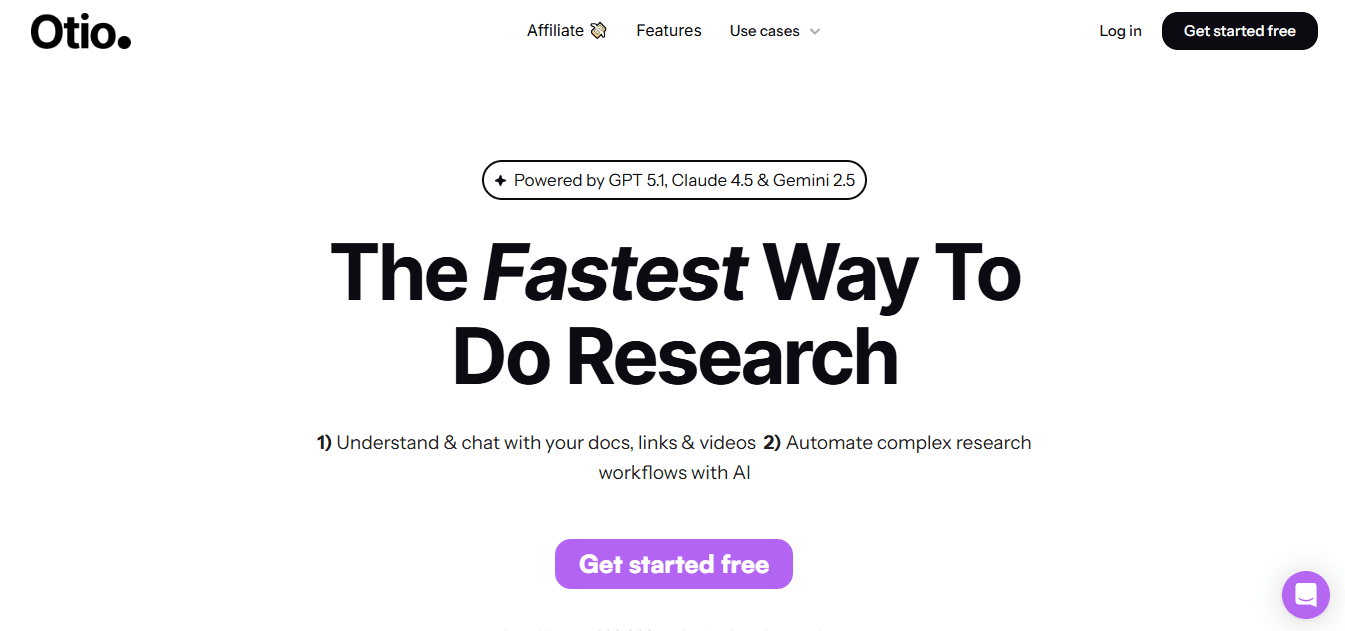
Otio is built for deep research and synthesis, not just transcription. You get a workspace that pulls together videos, articles, PDFs, and social posts so you can extract, annotate, and turn evidence into written drafts.
Core purpose
Otio combines content capture with writing tools to help researchers, analysts, and students turn raw sources into structured outputs.
What it does best
You can ingest long-form video and documents, tag passages, and ask the system to produce outlines, literature-style syntheses, or draft sections ready for editing. It keeps source links and timestamps so attribution is traceable.
Pricing and fit
Positioned for knowledge work and teams that convert research into drafts, Otio is worth evaluating when your output is analysis or publication-ready writing rather than quick meeting notes.
2. Descript
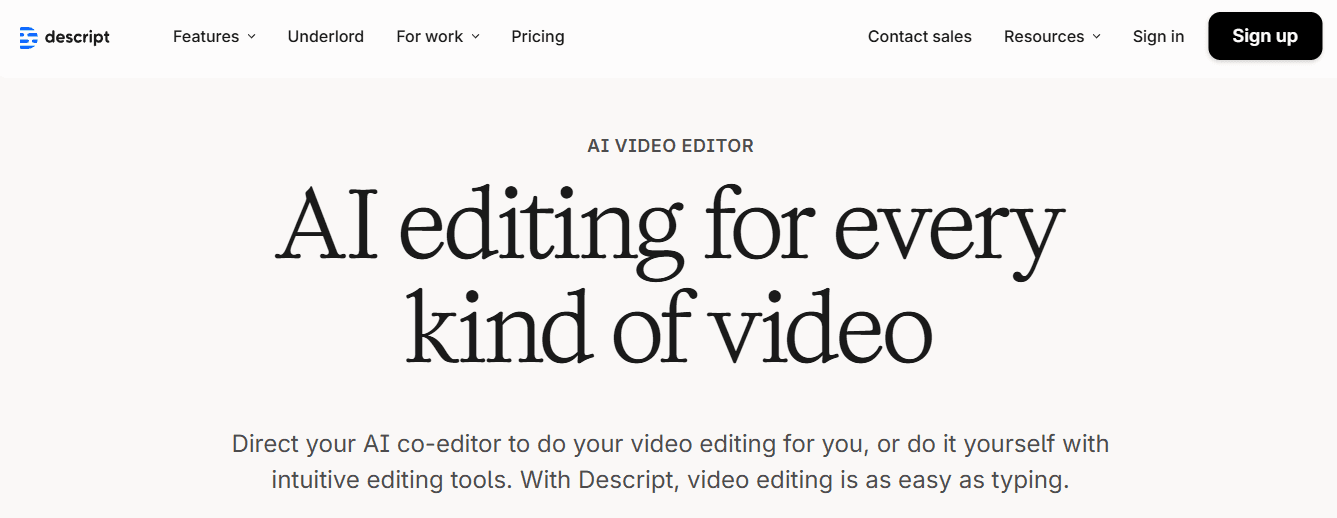
Descript treats audio and video like text you can edit, which makes it feel like working on a document instead of a multimedia file.
Core purpose
It is a creative editing environment where transcript edits replace audio cuts, so removing a sentence also removes its audio.
What it does best
You can clone voices with Overdub, regenerate audio without re-recording, remove filler automatically, and polish background noise, all inside a collaborative editor that supports exports like SRT and VTT.
Limitations
The editing approach has a learning curve; producers who expect simple click-and-export workflows will need time to master the sequencing and overdub controls.
Pricing and fit
Descript suits podcasters and content creators who need both accurate transcripts and comprehensive audio/video repair tools in one place.
3. Otter.ai
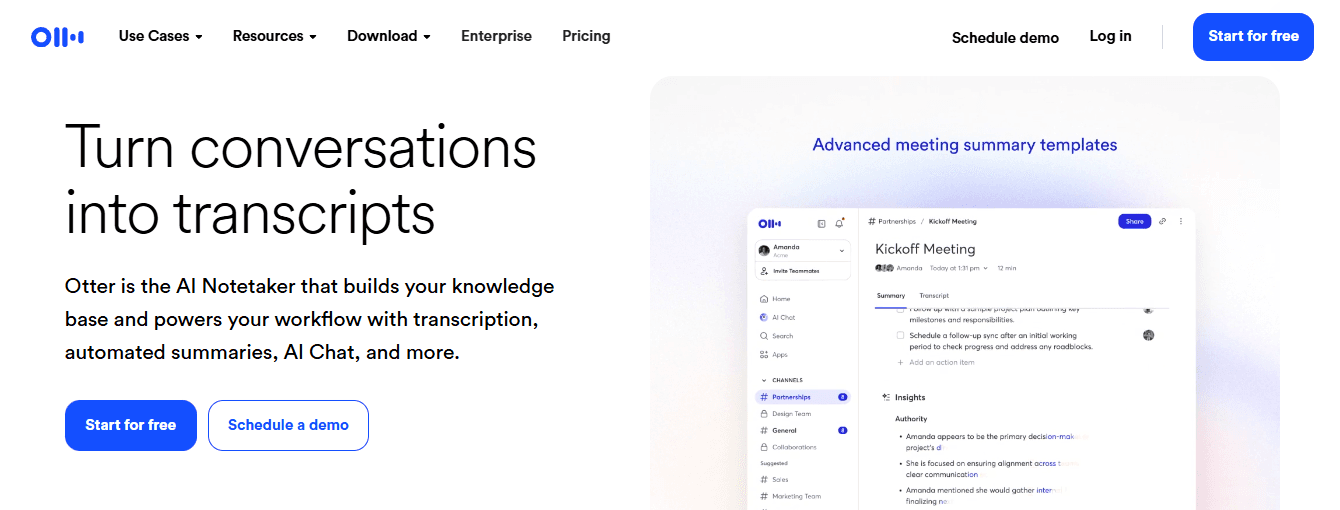
Otter.ai focuses on meeting capture and searchable meeting notes, with real-time captions and a custom vocabulary for domain-specific terms.
Core purpose
It converts live conversations into editable transcripts and highlights, then surfaces short meeting minutes to share quickly.
What it does best
Otter’s custom word lists boost recognition for technical terms and proper names, and playback controls plus speaker-labeled summaries make follow-up easier.
Limitations
The free tier is limited in recording length, and heavy editors may find the inline editing flow less fluid than purpose-built transcript editors.
Pricing and fit
Best for teams and individuals who need reliable live-captioning and quick meeting recaps without complex post-production demands.
4. Fireflies.ai
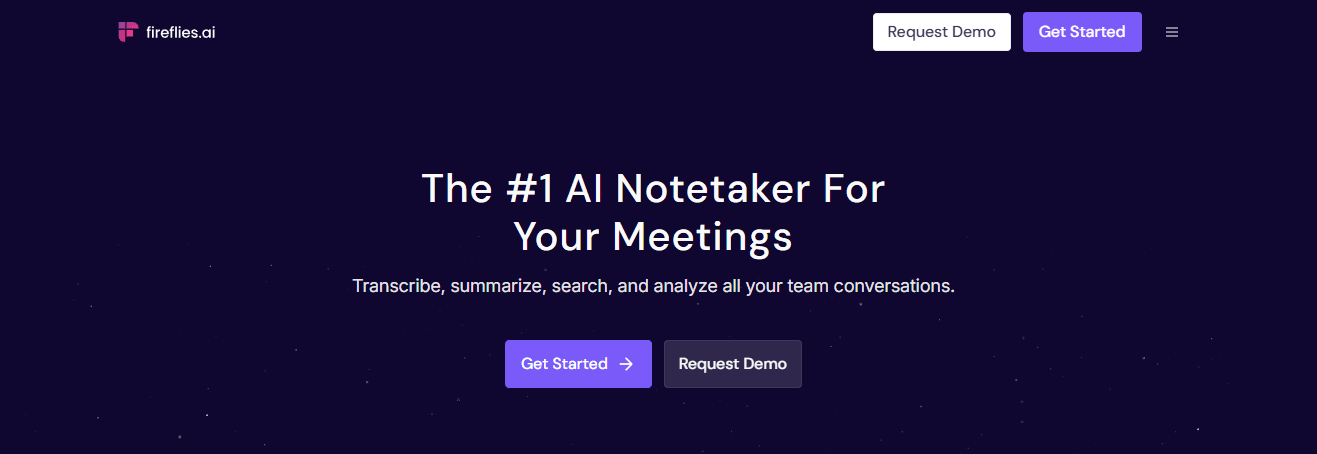
Fireflies.ai automates note-taking and tags discussion points in real time, enabling structured follow-up and searchable archives.
Core purpose
It joins calls, transcribes conversations, and applies tags so teams can jump to budget decisions, timelines, or feature discussions.
What it does best
Automated tagging and search speed discovery across several meetings, and collaborative comments let teams add context to specific transcript segments.
Limitations
Speaker attribution can be imperfect, and some users say the dashboard feels cluttered when many meetings accumulate.
Pricing and fit
A practical pick for teams who want lightweight conversation intelligence layered over existing conferencing tools.
5. Fellow
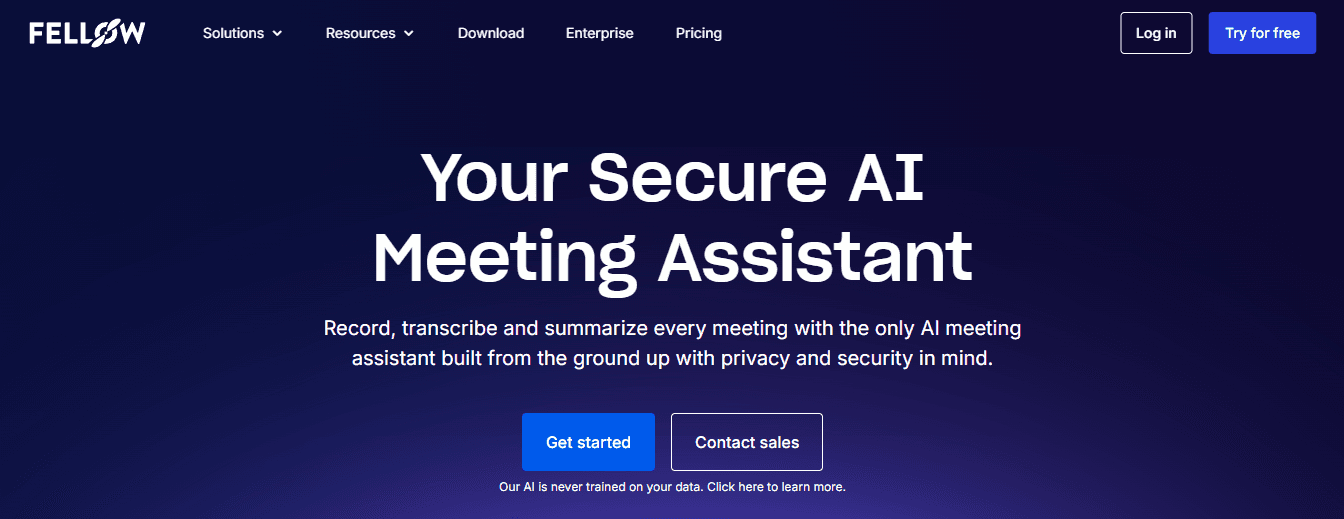
Fellow organizes meetings around outcomes, turning conversation threads into action items tracked against decisions and agendas.
Core purpose
It merges meeting docs, agendas, and notes with task tracking so meetings create assigned next steps automatically.
What it does best
With templates and integrations into calendars and project tools, Fellow reduces friction between what was decided in a meeting and who owns the follow-up.
Limitations
Action item sorting and some saved-note behaviors can feel limited for complex project workflows.
Pricing and fit
Ideal for managers and teams who want meeting outputs to translate directly into tracked work without separate ticketing steps.
6. Rev
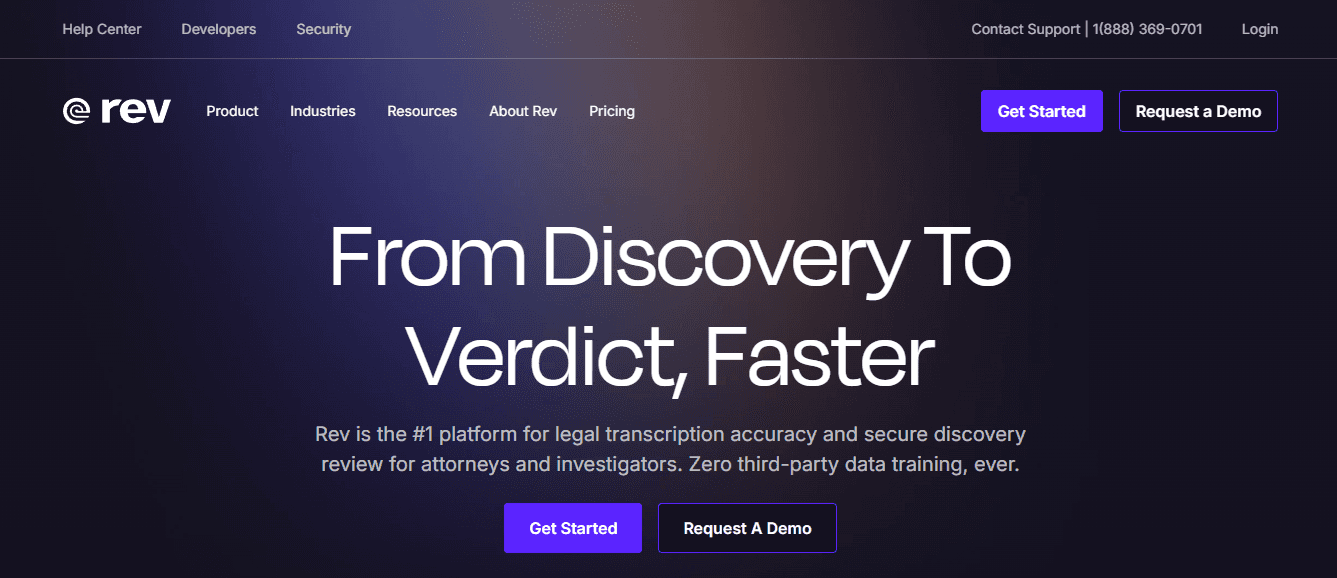
Rev combines automated transcription with human reviewers to push accuracy toward near-perfect levels for sensitive work.
Core purpose
It provides hybrid speech-to-text services where AI produces the draft and humans clean it up for final delivery.
What it does best
For legal, medical, and research use cases where a single transcription error incurs outsized costs, Rev’s human review and API scaling capabilities are valuable.
Limitations
Recognizing accents and assigning speaker names can still be tricky; expect some manual tagging for complex calls.
Pricing and fit
Choose Rev when auditability and near-100 percent verbatim accuracy matter, and you can budget for the human review premium.
7. Sonix
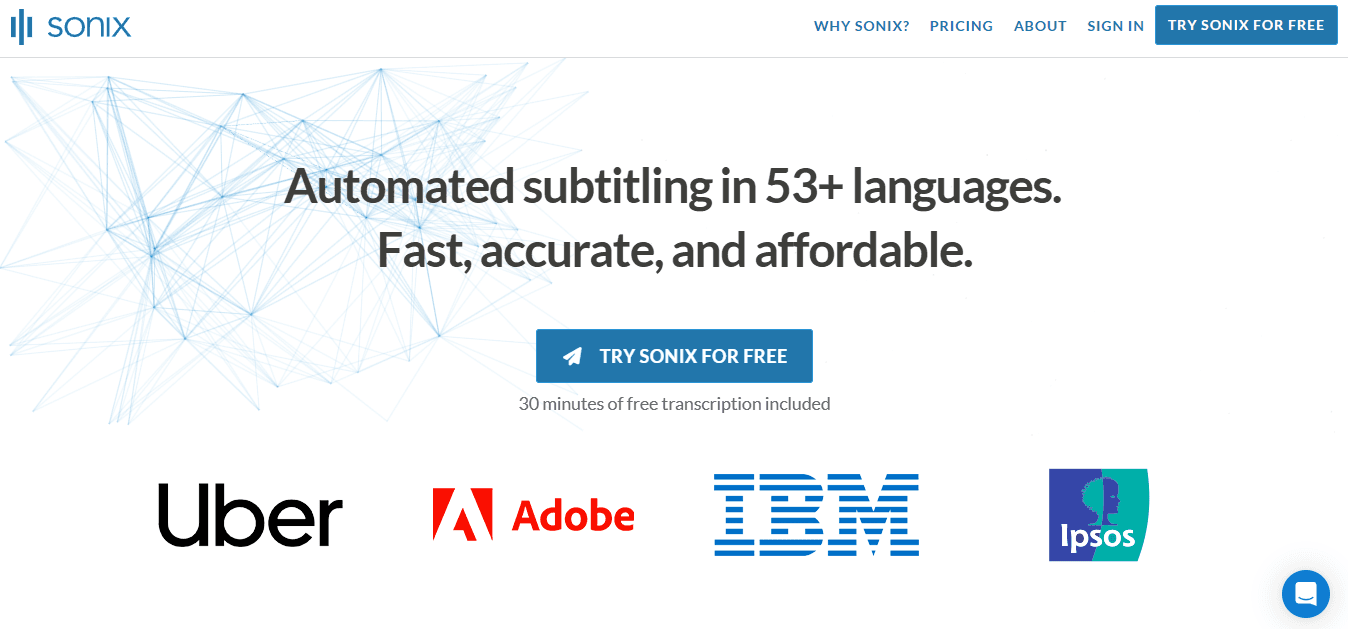
Sonix specializes in multilingual transcription and handles files where language shifts or nonstandard characters appear.
Core purpose
It transcribes across dozens of languages and preserves correct punctuation and character sets so international teams can search and edit reliably.
What it does best
Automatic chaptering, topic detection, and an embeddable media player make it easy to share snippets and collaborate around parts of a transcript.
Limitations
Sonix lacks a mobile app, and its in-browser editor is lighter than some competitors, which can limit on-the-go fixes.
Pricing and fit
A strong option for distributed teams and media groups that need robust multi-language detection without complex configuration.
40–60% bridge paragraph, status quo disruption
Most teams stitch research across half a dozen apps because each tool solves one part of the job, and that familiarity works when volume is low. As projects grow, handoffs add hidden costs: duplicate uploads, broken links, and time wasted reconciling versions across platforms. Teams find that platforms such as Otio centralize sources, automate tagging and citation, and compress what used to be several manual steps into a repeatable workflow, reducing the time from raw capture to draft by consolidating search, note-taking, and first-draft generation.
8. Trint
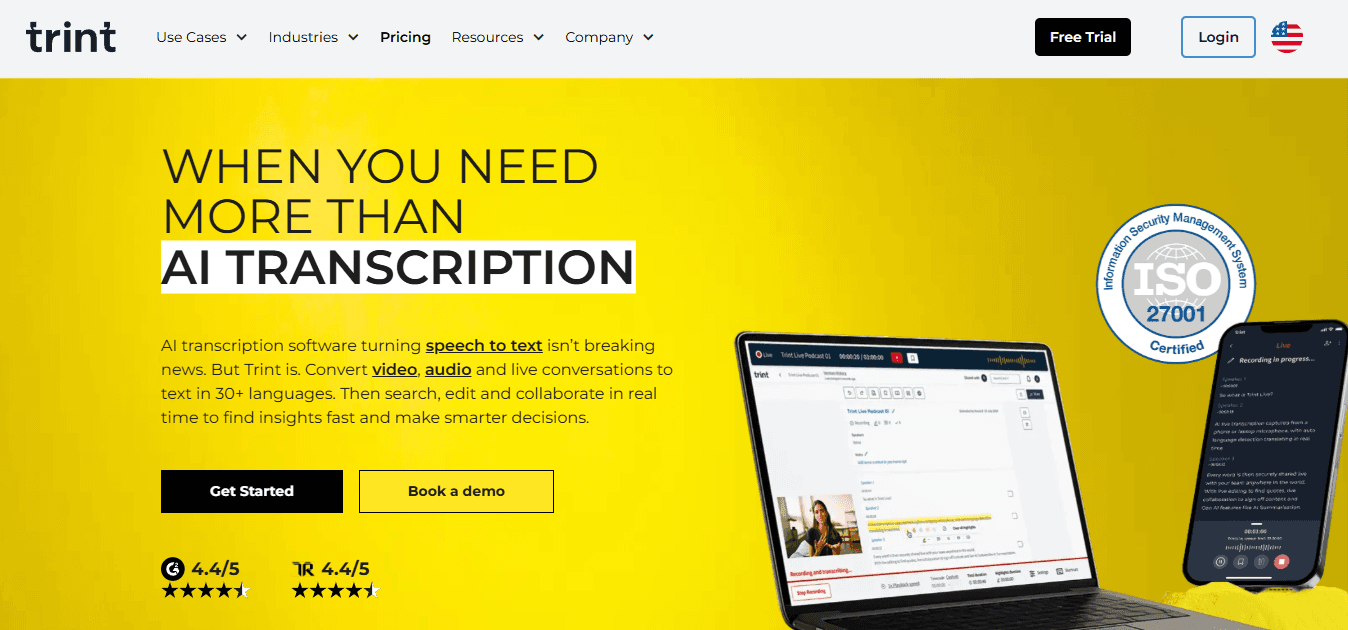
Trint is built for reporters and editors who need searchable transcripts and collaborative editing across large volumes of material.
Core purpose
It turns interviews and broadcasts into tagged, searchable text that editors can annotate and export to publishing formats.
What it does best
Shared vocabularies, real-time collaboration, and quick search make it efficient for newsrooms and documentary teams handling continuous content inflow.
Limitations
Transcription speed can lag on long files, and speaker separation is not always precise, so editorial passes are standard.
Pricing and fit
Use Trint when your workflow emphasizes editorial review and rapid publishing of audio-derived content.
9. Fathom
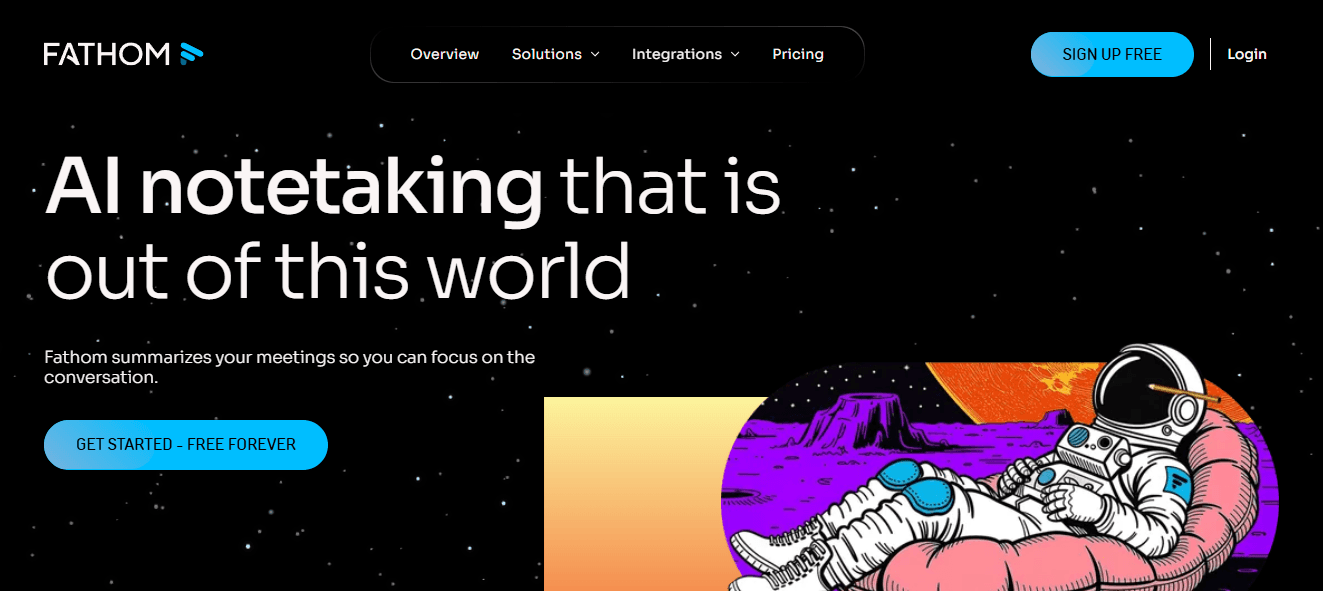
Fathom’s free plan is unusually generous, giving unlimited recordings and transcriptions, which attracts freelancers and small teams.
Core purpose
It captures, transcribes, and stores meeting records so you can retrieve and share highlights without worrying about quota.
What it does best
CRM syncs and instant access to recordings enable sales and support professionals to surface clips and notes for follow-up quickly.
Limitations
Summaries are non-editable, and the conversational Q&A assistant is limited to one recording at a time, which limits longitudinal analysis.
Pricing and fit
Fathom fits solo operators and small firms that value unlimited capture and tight CRM integration without heavy analytics needs.
10. Avoma
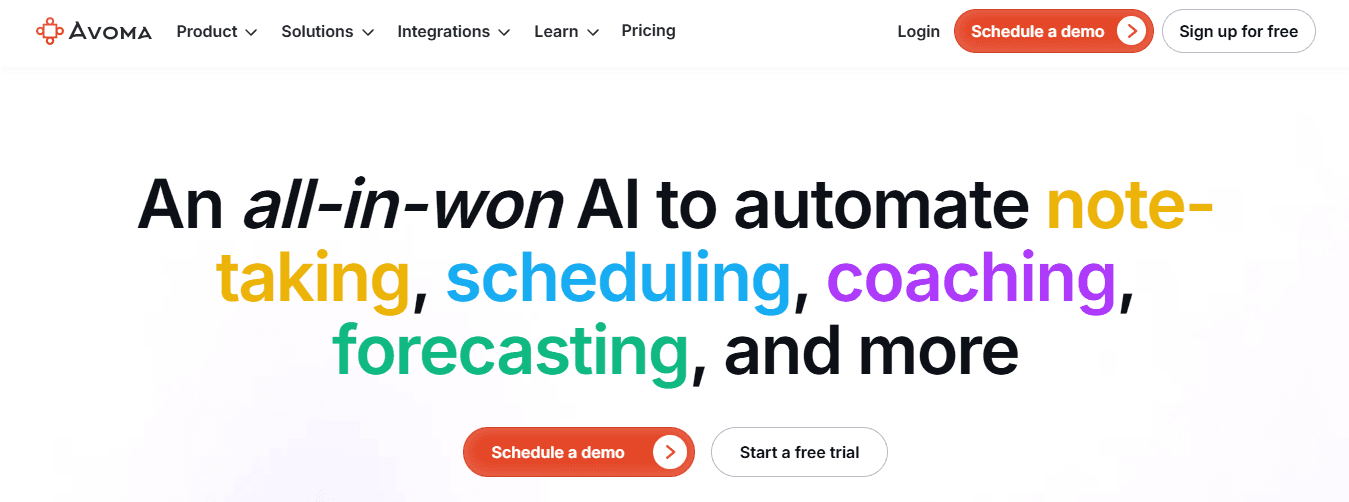
Avoma focuses on conversation intelligence for sales and customer-facing teams, applying analytics to transcripts to reveal pipeline signals.
Core purpose
It flags buying signals, tracks objections, and converts conversational patterns into deal-level insights you can act on.
What it does best
Deal Intelligence and scorecards surface trends across calls so revenue teams can spot recurring blockers or compelling pitches.
Limitations
Analytics customization is limited, and the UI can feel sluggish with large datasets.
Pricing and fit
Pick Avoma when you need call-level analysis tied directly to CRM outcomes and automated follow-up generation.
User sentiment context
Across this set of alternatives, the reviewer roundup scores very highly, with 4.9 out of 5 reflecting the average user satisfaction reported on that review page, and that tally is built from a substantial sample of feedback represented by 16,817 ratings, AggregateRating, 2025-01-01, which indicates the number of user votes contributing to the aggregate. Both figures suggest the category is mature and people are actively engaging with these tools.
A quick analogy to make priorities clear
Think of these products as different shop tools: some are precision planes for finishing work, others are heavy-duty saws for bulk cutting, and a few combine the bench, lamp, and drawer so you can do the whole job without moving between rooms.
Curiosity loop
What happens when those stitched summaries are no longer enough, and you need a single process that turns meeting snippets into publishable essays?
Supercharge Your YouTube Research With Otio — Try It Free Today
When your content keeps piling up, and one-file summaries stop translating into decisions, you need a workflow that turns scattered transcripts and notes into connected research you can actually write from. If you rely on Notta AI Summarizer for accurate transcription and quick recaps, consider Otio as an AI research and writing partner that ingests videos, PDFs, articles, and books, extracts source-linked highlights with timestamps, and helps you synthesize them into outlines and draft sections, free to try.



