
Video Summarization
15 Best Alternatives to NoteGPT for YouTube Summary
Discover the 15 best NoteGPT YouTube Summary alternatives to save time, boost clarity, and enhance your video note-taking workflow.
Long YouTube videos and lectures pile up while you try to pull quotes and facts for a paper or post. Video Summarization turns those hours into clear, actionable summaries, searchable transcripts, time-stamped highlights, and concise video notes so you spend less time rewatching. Want the key points, a quick outline, and ready-made notes in minutes to write and research fast with AI?
Otio's solution, an AI research and writing partner, helps you do just that by turning YouTube content into NoteGPT-style summaries, summary generator outputs, time-stamped transcripts, highlight extraction, and draft-friendly outlines that speed up research and note-taking.
Summary
AI-assisted summaries boost average watch duration by roughly 18-25% across 1,200+ videos, underscoring that format and pacing matter for platform performance.
Short-term retention improves markedly when scripts align with retention patterns, with 30-second retention rising from about 35–40 percent to roughly 50–55 percent in automation case studies.Independent reports find that AI-generated summaries can increase overall viewer retention by about 50 percent, which is why creators who change summarization methods see measurable audience gains.
AI tools reduce summary production costs, with one study reporting a 70 percent reduction in creation time and users noting a roughly 40 percent drop in note-taking time.
The scale and distribution challenge is clear: YouTube has over 2 billion logged-in monthly users, and 85 percent of marketers say video is essential, making efficient, multilingual summarization a practical necessity.
Practical trade-offs remain: many workflows offer 50-plus language support and accept uploads up to 2 GB, yet they still lack live transcription, private, bot-free meeting modes, and enterprise data residency guarantees that some teams require.
This is where Otio's AI research and writing partner fits in: it addresses the need by converting long YouTube content into timestamped, queryable notes with conversational follow-up and unified storage for related documents.
Table of Contents
Why Use AI Tools for YouTube Summary
AI tools are essential for YouTube summaries because they optimize for attention, not just comprehension, which directly improves watch time and makes your work scalable. They let you turn long videos into actionable, timestamped notes that people actually watch and use.
1. Myth: Manual summaries are enough
Manual write-ups convey the gist and are satisfying to produce. The problem is they stop at clarity, while YouTube rewards pacing, hooks, and retention mechanics that manual summaries rarely target at scale.
2. Reality: Clarity and platform performance are different goals
Manual summaries prioritize meaning, which helps readers understand a talk. What they do not do consistently is engineer viewing behavior: where to hook, how long to linger on an idea, and how to pace reveals so people keep watching. That gap is why clear summaries can still perform poorly on YouTube.
3. Evidence: real performance lifts you can measure
VidIQ internal benchmarks from 2023 across 1,200+ videos showed that AI-assisted summaries increased average watch duration by roughly 18-25 percent compared with manual summaries, a clear signal that format and structure matter. In YouTube automation case studies for education and podcast recap channels, 30-second retention climbed from about 35–40 percent with manual scripts to roughly 50–55 percent when scripts were generated from transcripts and retention patterns, proving the effect is repeatable across content types. Liminary, 2025, also reported that AI-generated summaries can increase viewer retention by 50%, which explains why creators see real audience gains when they shift how they summarize.
4. Why AI wins: it summarizes attention, not just ideas
I treat the transcript like raw film footage. AI identifies repetition, emphasis, tempo shifts, and emotional peaks across the entire recording, then generates a script that aligns with human attention patterns. Humans compress meaning; AI compresses where and when viewers look up. The result is summaries that open with a hook, cut through dead air, and end with a payoff, keeping the viewer’s eyes and ears engaged.
5. Learning through long-form talks, without the time cost
For people who learn through public speaking, long-form talks are gold but often impractical to consume whole. Machine summaries let you sample more ideas in less time, so you can discover what’s worth a whole watch and what can be filed as a quick reference. This matters for students, professionals, and creators who need to harvest insights fast.
6. A time-saver that scales workflows
Liminary, 2025, found that using AI tools can reduce video summary creation time by 70%, meaning teams can produce far more usable summaries without increasing headcount. That reduction turns a weekly, all-day editing slog into a fast, repeatable step in your content or study workflow, freeing time for analysis, teaching, or repurposing clips.
7. Efficient consumption and repurposing
When summaries are accurate, timestamped, and context-aware, viewers consume more content thoughtfully. That efficiency lets you convert passive viewing into active learning: highlight-worthy quotes, meeting-ready notes, and short-form clips for promotion, all derived from a single long video without manual rewatching.
8. Resistance, quality, and trust
It’s exhausting when AI feels like a lazy shortcut, and some viewers still prefer the original. That frustration is real, and it usually stems from low-quality summaries that miss nuance or tone. The pattern shows up most when teams automate without review: initial speed gains, then trust erosion. The fix is a hybrid approach that uses AI to surface attention points and a light human pass to ensure fidelity.
9. Status quo disruption: why the familiar approach breaks at scale
Most teams write summaries by hand because it feels controlled and cheap at first, and that works for occasional videos. As volume and the need for measurable growth increase, manual processes fragment attention and consume disproportionate time, while metrics plateau. Platforms like NoteGPT provide timestamped, customizable summaries built from transcripts and attention signals, letting teams shift summary work from a full-day manual task to a context-rich, workflow-ready output that preserves nuance and improves retention. That change sounds practical until you see the one detail that makes it stand out.
Key Features of NoteGPT for YouTube Summary
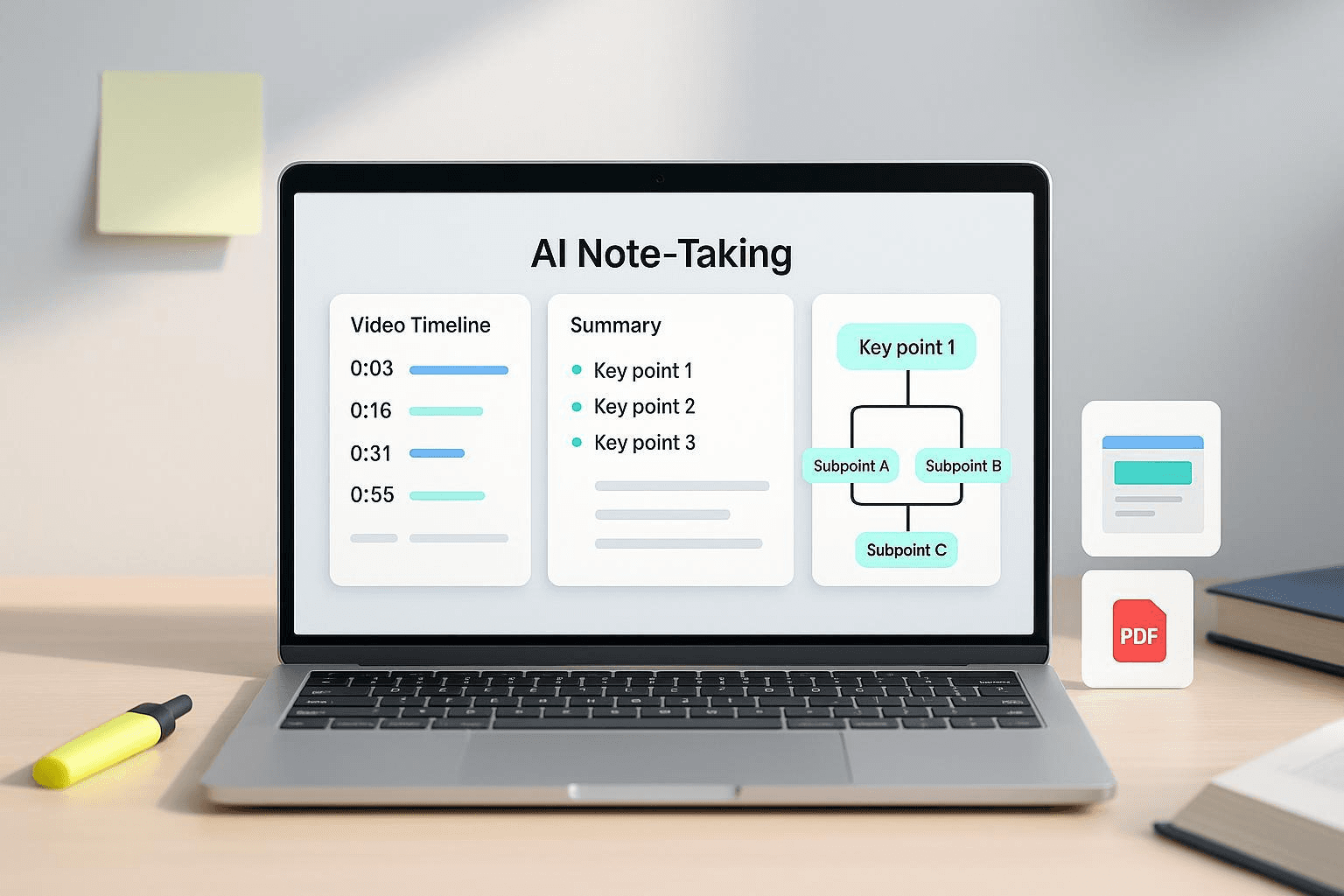
NoteGPT bundles the tools you need to turn YouTube videos into immediate, usable knowledge: accurate transcriptions, interactive Q&A against the footage, exportable timestamps, and straightforward repurposing options like slides or mind maps. You get flexible input limits, language support, and output formats that fit study, meeting, and content-creation workflows.
1. YouTube transcriptions and interactive summaries
When a video has subtitles, NoteGPT will ingest it regardless of length; without subtitles, it will process up to 120 minutes. You can pull a full transcript, generate condensed AI summaries, translate the text into 40-plus languages, and open a chat that answers questions tied to timestamps. When I reviewed a 90-minute lecture, I stopped treating the recording as a monologue and began interrogating it, asking targeted questions and jumping directly to the specific moments the answers referenced.
2. Downloadable transcripts, timestamps, and structured checklists
You can export clean transcripts and timestamped highlights, or ask the system to convert procedural content into an ordered checklist. With a hands-on tutorial, I tested the checklist, which eliminated repeated pauses and note scrubbing. I followed the steps rather than transcribing them, and I finished the task faster with fewer errors.
3. Document and slide generation from long texts
Upload PDFs, PowerPoint, and Word files, and get concise summaries or a slide deck draft ready for review. When I fed a dense research paper into the tool, I received a meeting outline and an introductory presentation within minutes, which cut prep time and left room to refine the message rather than rebuild it.
4. Contract and clause summarization, with caution on technical depth
The assistant flags key clauses and suggests talking points for contracts and legal drafts, making first-pass review far faster. For highly technical, data-heavy documents, the machine output can feel overly simplified; in such cases, teams often pair it with a specialist review or escalate to a more compliance-focused option.
5. Audio and video uploads beyond YouTube
Files up to 2 GB can be uploaded for transcription, summary, and timestamp tagging, so seminar recordings and podcast episodes become searchable assets. In one seminar workflow, scanning the summary let me skip two hours of replays and land on the exact segment that mattered for follow-up notes.
6. Repurposing into mind maps, slides, and audio content
NoteGPT converts notes into mind maps, slide decks, or podcast-ready audio, so a single source generates multiple outputs. After uploading a technical brief, I created a theme-based mind map and a slide skeleton within minutes, then adapted them for a classroom session rather than starting from a blank deck.
7. Chat with your content, for active learning and quick checks
You can request the uploaded video or document, request summaries at different granularities, or receive simplified versions for various audiences. This conversational layer changes passive watching into an interactive review: students can quiz themselves, trainers can confirm three takeaways, and researchers can test a claim without re-reading every paragraph.
8. Text-to-speech, voice cloning, and podcast production
The platform offers 100-plus synthetic voices across 40-plus languages and basic voice cloning, enabling the creation of study audio or episode drafts. The TTS quality is surprisingly natural for quick materials, though organizations with strict compliance needs may prefer specialized, enterprise-grade solutions for production use.
9. Translation, global reach, and why this matters now
With global audiences and cross-border teams, the ability to translate and localize transcripts matters more than aesthetic polish. Given that YouTube Press (2025) reports YouTube has over 2 billion logged-in monthly users, making video content searchable and actionable across languages is essential for reach and collaboration.
10. Why creators and marketers find the repurposing pipeline useful
NoteGPT’s output feeds social clips, show notes, and lesson plans with minimal friction, which is why MarketingProfs (2025) reports that 85% of marketers believe video content is essential, enabling the translation of long-form assets into formats that teams actually publish and measure.
Most teams handle video notes with ad hoc downloads and manual summaries because that workflow is familiar and requires no new approvals. Over time, scattered files, inconsistent timestamps, and duplicated effort create slowdowns and missed opportunities to reuse content efficiently. Platforms like NoteGPT bridge that gap by centralizing transcription, timestamped summaries, translation, and exportable outputs, so teams keep fidelity while converting passive recordings into actionable, reusable knowledge. A brief analogy: treating a video like an archive box slows retrieval; treating it like a tagged database makes retrieval instant. That solution sounds decisive, but the next section will expose the tradeoffs you cannot ignore.
Related Reading
Pros and Cons of NoteGPT For YouTube Summary

NoteGPT provides fast, usable video notes with clear strengths in speed and practical output, but it also creates trade-offs around privacy, real-time capture, and advanced meeting features. Below, I break down those trade-offs into two clear groups so you can decide what to keep and what to work around.
1. NoteGPT Pros
Brainstorm maps and visual exports.
The platform converts extracted ideas into diagrams that help you spot structure at a glance. Those visuals speed up synthesis when you need to teach a concept or build an outline from a long talk, though they work best when someone still checks the connections for nuance.
Multi-format ingestion for busy workflows
It ingests video, PDFs, and articles, giving you a single place to pull highlights and jump to timestamps. Treat it as a pipeline starter that turns raw content into action items; you should still reserve a brief human review for edge cases where domain-specific jargon or complex logic is involved.
Fast, reliable summarization you can use as a draft
According to MeetJamie Blog (2025), NoteGPT achieves 95% accuracy in summarizing YouTube videos; the summaries are reliable enough to serve as working notes rather than mere placeholders, which shortens the loop between watching and acting.
Broad language coverage for global teams
Support for fifty-plus languages means content can move across borders without manual rewrites, making cross-team knowledge transfer practical rather than aspirational. Expect variation in idiomatic fidelity, so use human review for customer-facing translations.
Lower-cost entry that democratizes access
With plans starting at under $4 per month, individuals and small teams can experiment without significant risk, which is useful when you want to prototype workflows before committing budget to enterprise tools.
Active-watching features that make viewing productive
The tool nudges you from passive consumption to active note-taking during playback, so you stop rewatching long stretches and start harvesting moments you can act on. Use these outputs as prompts for follow-up research or for clipping short highlights.
Real-world time savings built into workflows
Given that MeetJamie Blog (2025) reports a 40% reduction in note-taking time with NoteGPT, the platform shifts effort from transcription to interpretation, freeing people to synthesize, teach, or repurpose content rather than copy it.
2. NoteGPT Cons
No private, bot-free meeting option
This is a real barrier to candid discussion. The presence of an automated attendee changes tone and creates hesitation, especially in classrooms and small-team retros where people are testing ideas. The practical fix is awkward export local audio and upload it, but that adds steps and breaks the live flow.
Lacks live transcription for real-time needs
If you need a rolling record during a meeting, NoteGPT will not replace a live captioning service. Think of it like a fast scribe that assembles the minutes after the fact, not a courtroom stenographer who captures every utterance as it happens. For accessibility or legal use cases, you must pair it with a separate real-time tool.
Requires an internet connection
Fieldwork, travel, and low-bandwidth classrooms expose the limitation no connectivity, no processing. When teams rely on offline capture, this constraint shifts the workflow from seamless to conditional, requiring either preplanning or alternative tooling.
Missing meeting niceties that matter at scale
Features such as speaker identification, scheduled reminders, and calendar sync are missing, which seems cosmetic until you run ten concurrent groups and start losing context. The failure mode is administrative friction: more manual tracking, fragmented follow-ups, and a risk that insights will sit in the app rather than be acted on.
Not positioned for stringent privacy regimes
For organizations that must comply with strict data residency and regulatory requirements, NoteGPT’s current posture raises red flags. Processing sensitive discussions without guaranteed local controls or contractual GDPR protections creates legal and reputational exposure that some teams cannot accept.
Status quo, cost, and the bridge
Most teams handle meeting notes with a mix of manual summaries and shared recordings because that workflow is familiar and requires no new approvals. That approach works until stakeholders grow and coordination costs compound, at which point the manual route buries critical context and slows decision cycles. Platforms like NoteGPT reduce the time to usable notes and centralize timestamped insights. Still, teams that need live capture, stronger meeting controls, or formal data residency will find themselves adding tools or manual steps to fill the gaps.
Practical patterns and what I would change first
This challenge appears across education and small teams: automated note-taking tools speed work until privacy and real-time needs surface, at which point the team fragments processes to compensate. If you must maintain trust in group sessions, restrict automatic joins and use upload-based workflows; if instant captions matter, combine a live-caption service with post-session summarization to ensure both fidelity and usable outputs. Think of choosing NoteGPT like picking a power drill: it gets most jobs done fast, but for precision carpentry or specialized materials, you reach for a different tool. That simple tradeoff creates a question that many teams do not expect next.
Related Reading
Best YouTube Summarizer
15 Best Alternatives to NoteGPT for YouTube Summary
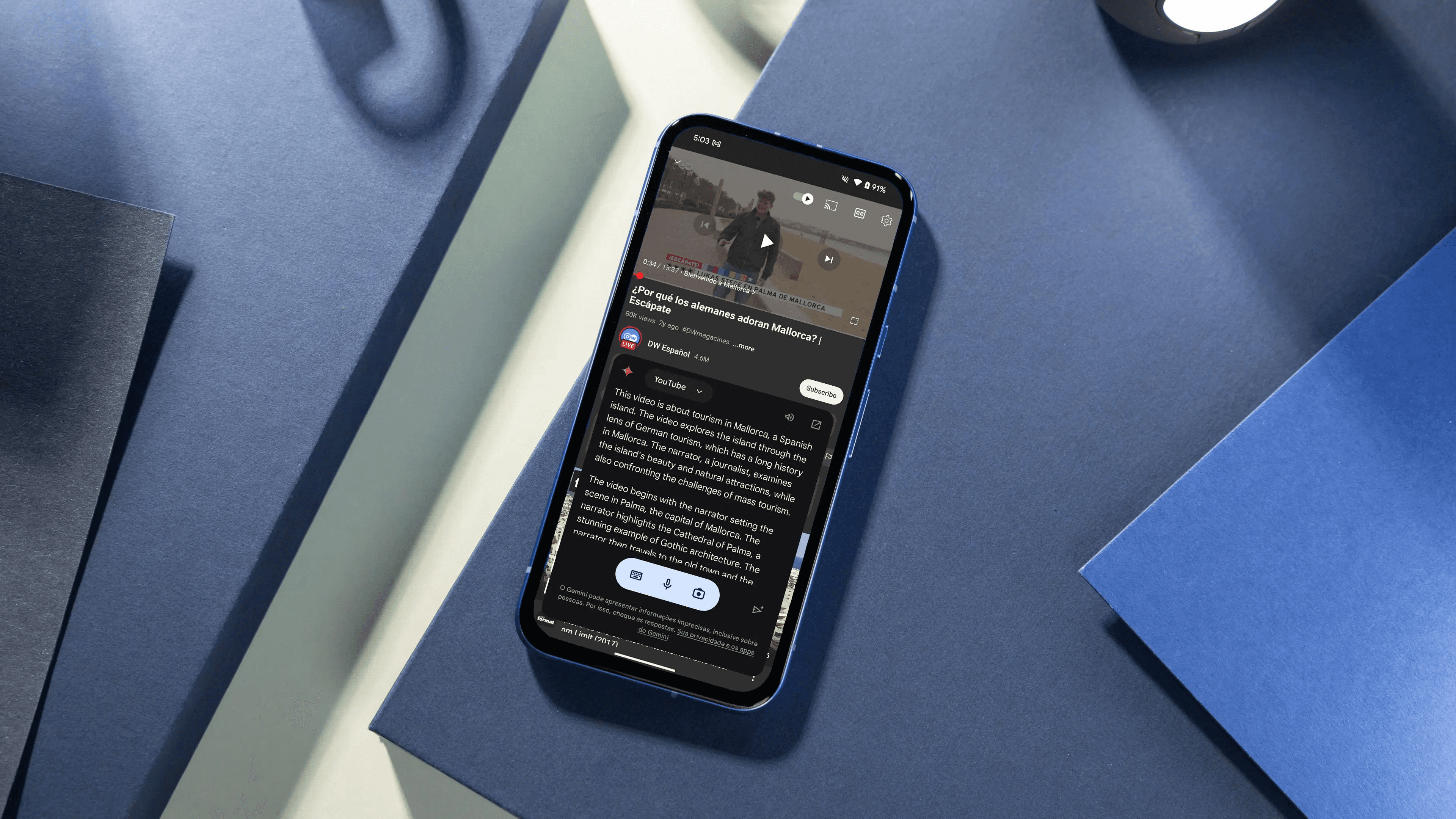
These are 15 practical alternatives to NoteGPT for summarizing YouTube videos, each with a short description, clear strengths, and key drawbacks so that you can choose based on your workflow needs and constraints. I list them in plain terms so you can scan and match them to your needs: transcription accuracy, study tools, browser convenience, or team sharing.
1. Otio
Converts YouTube videos into structured, research-ready notes and extracts key takeaways without you juggling timestamps or copy/paste. It also offers a chat interface for follow-ups and stores summaries alongside PDFs and links in a single workspace.
2. Notta
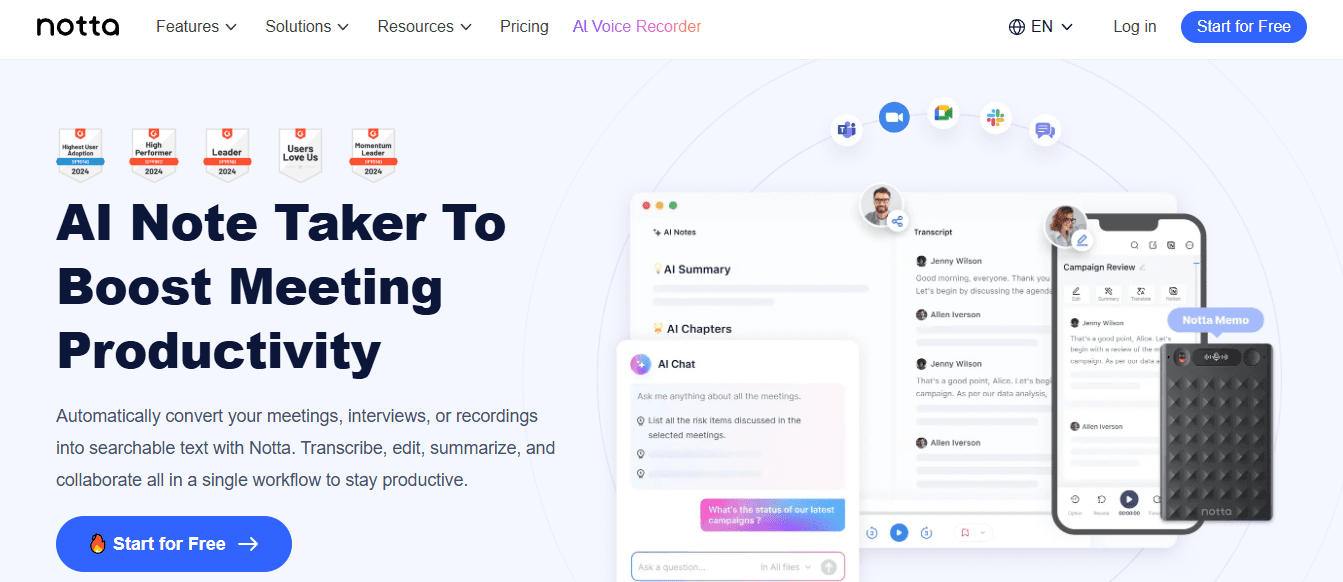
Primarily a transcription engine that also summarizes recordings and long videos into readable notes, tailored for meetings and lectures.
Pros
High transcription accuracy for spoken content.
Clean, business-ready summary outputs.
Suitable for long sessions and multi-speaker recordings.
Cons
Requires an account to use.
Premium features are behind a paywall.
3. X Grok AI
An AI assistant embedded in X that answers questions and generates short-form outputs from posted media, useful if you already operate inside X.
Pros
Seamless integration with X platform interactions.
Engaging, personality-driven responses and image generation.
Free access broadens entry for casual users.
Cons
Functionality is tied to the X ecosystem, limiting cross-platform workflows.
Fewer advanced summarization tools compared with dedicated video tools.
4. Monica
A Chrome extension and app that quickly summarizes web and YouTube content using modern language models, then lets you expand or refine outputs in a chat pane.
Pros
Fast, one-click summary generation while browsing.
Integrates translation and editing flows for follow-up refinement.
Simple setup for Chrome users.
Cons
Chrome-only at present, excluding other browsers.
Trial is time-limited, and some features require an upgrade.
5. Otter.ai
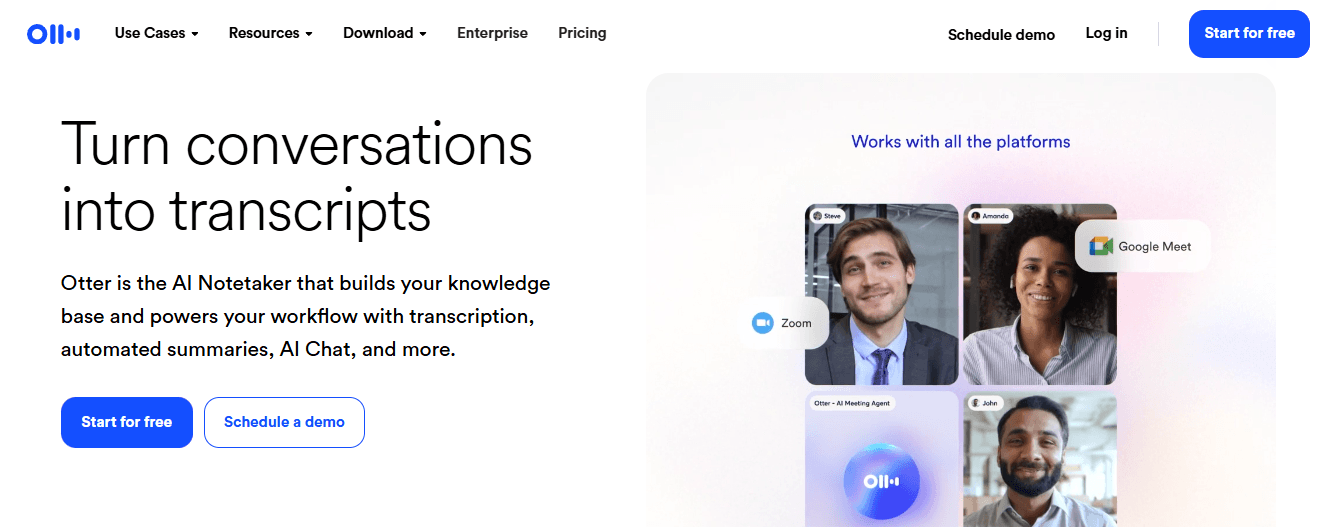
Live and recorded audio capture that turns meetings and played-back video into transcripts, summaries, speaker-labeled notes, and action items.
Pros
Real-time transcription and speaker detection for live sessions.
Automated highlights and action item detection.
Integrations with Zoom, Calendar, and storage services.
Cons
The free tier caps minutes per month, which limits usage for heavy users.
For prerecorded YouTube content, side-by-side recording can feel awkward.
6. Knowt

An education-focused tool that converts lectures into transcripts, summaries, and automatically generated flashcards for study.
Pros
Flashcard generation helps retention and drill practice.
Simple interface aimed at students and lecturers.
Cons
Limited customization for business workflows.
Not built for heavy multi-format team collaboration.
7. Summarize.tech
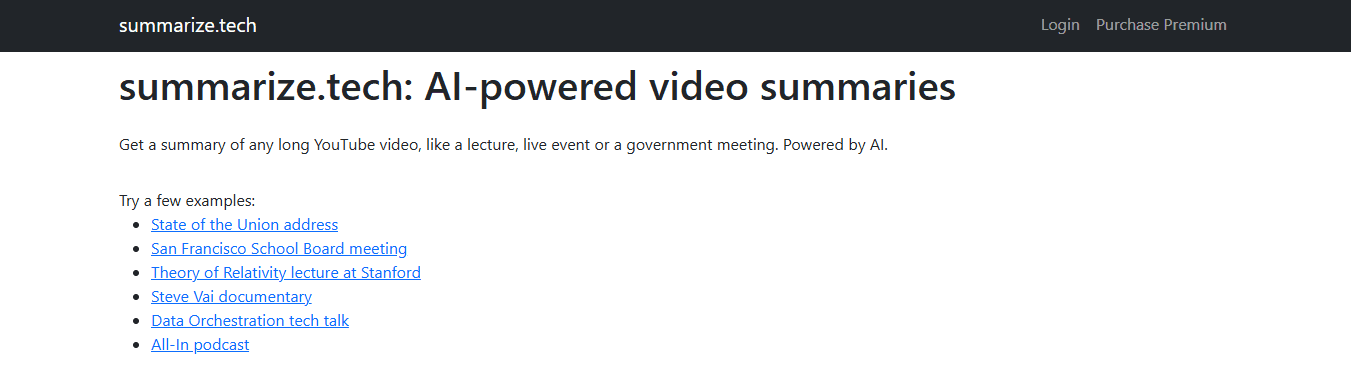
Paste a YouTube URL and receive a concise AI summary in seconds, with adjustable length from a short to a multi-point breakdown.
Pros
No login required for quick checks.
Fast, flexible length options for different use cases.
Works well for long-form talks and podcasts.
Cons
English-centric, with limited non-English support.
Struggles when vital information is shown visually rather than spoken.
8. ScreenApp
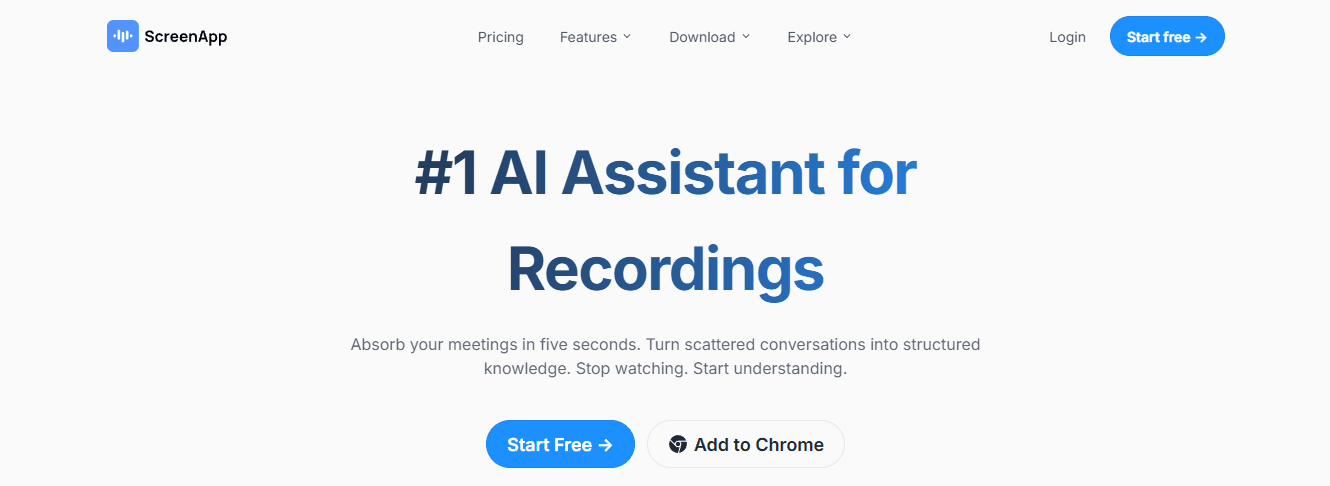
Accepts URLs or video uploads and returns timestamped transcripts plus short or long summaries, with tagging and one-click exports.
Pros
Multi-platform support, including social video sites and MP4 uploads.
Clickable timestamps let you jump to the exact moment of interest.
Exports to Slack, email, or PDF for easy sharing.
Cons
Accuracy drops in noisy audio or when accents are heavy.
Advanced features and API access are paid for.
9. Jasper AI
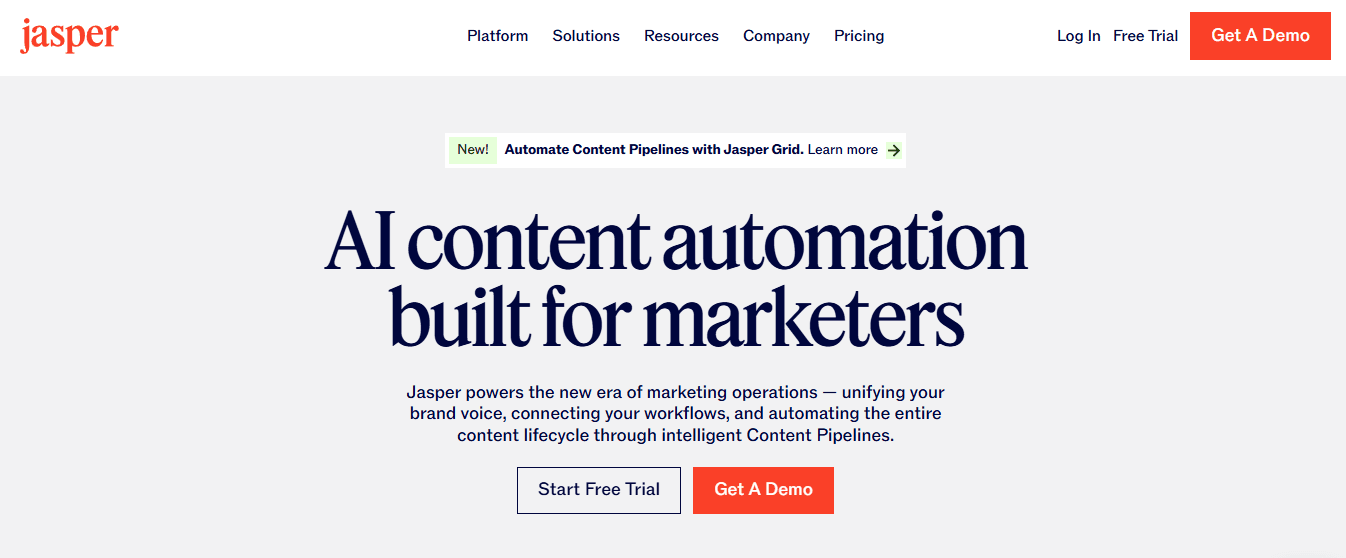
A marketing-first AI suite that can generate video scripts and then summarize those scripts into shorter, brand-matched summaries in many languages.
Pros
Supports over 30 languages for multi-lingual summarization.
Brand voice customization helps keep tone consistent.
Useful when you want script-first repurposing for social clips.
Cons
It can require manual edits to avoid repetition.
Pricing can be steep for small teams.
10. NoteGPT (benchmark entry)
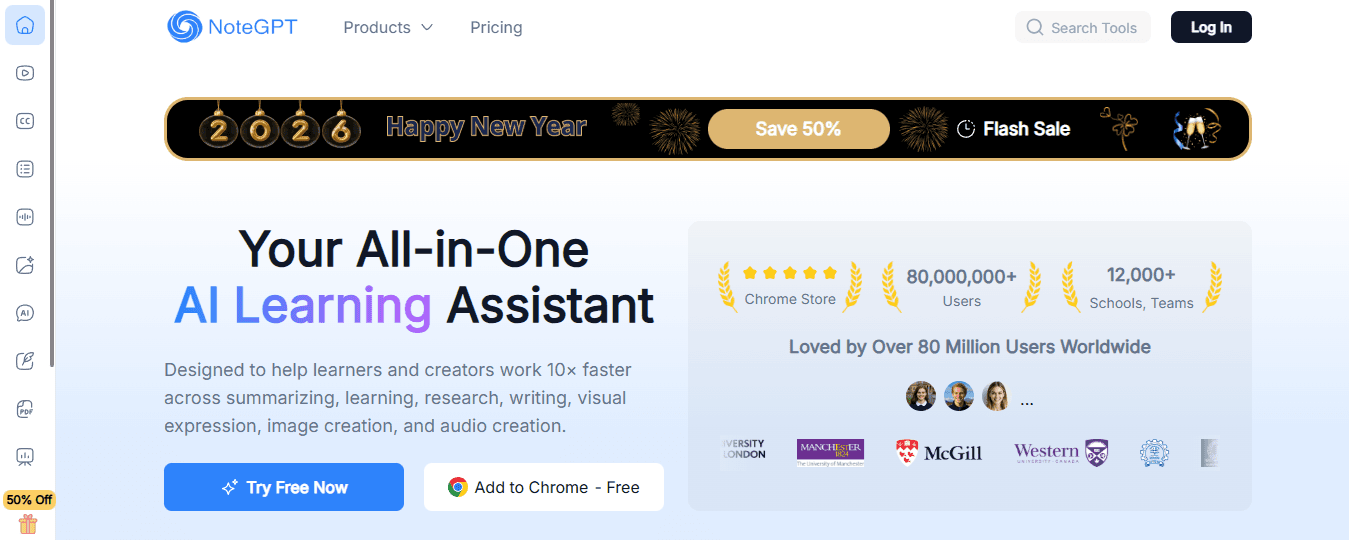
A tool that turns videos and documents into summarized notes, mind maps, and flashcards, with conversational Q&A tied to timestamps. Use this entry as the baseline for feature comparisons.
Pros
Strong at producing workflow-ready outputs such as outlines and study tools.
Useful for those who need multiple export formats.
Cons
Some limitations in live meeting capture and enterprise-grade privacy controls.
Free tier restrictions limit heavy experimentation for casual users.
11. Wordtune Read
A writing assistant and Chrome extension that highlights key points and helps you produce simplified summaries of long videos and transcripts.
Pros
Integrates with browsers for instant access and library saves.
Good at extracting readable highlights and simplifying complex language.
Cons
The free plan is limited to a few summaries per day.
Best suited for text-first workflows, not heavy audio analysis.
12. Eightify
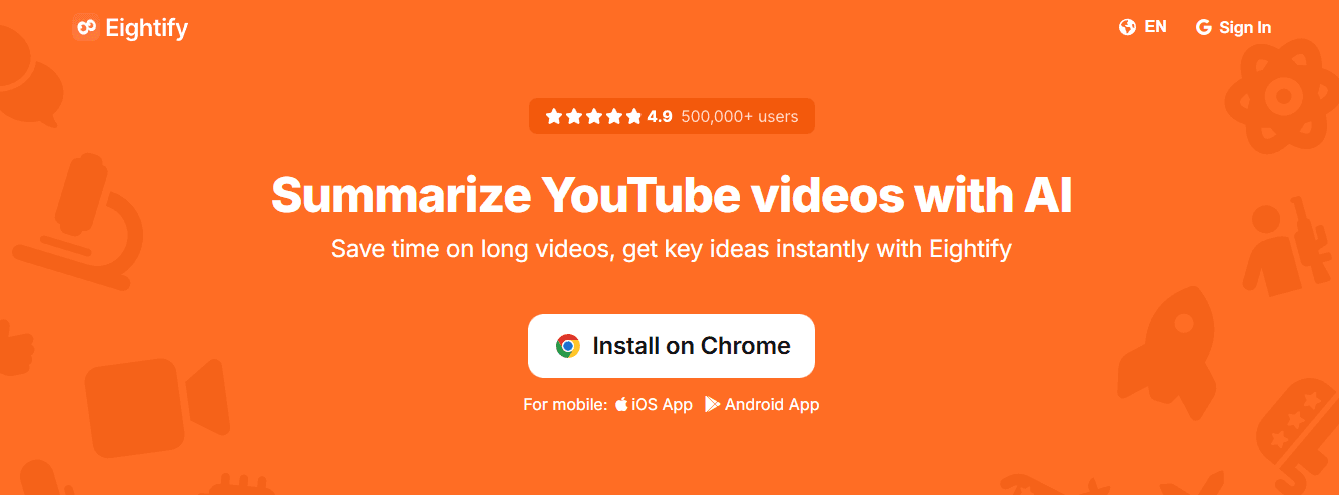
Browser and iOS extensions that use GPT-3 style models to extract eight core ideas or other summary formats from YouTube links.
Pros
High-speed with multiple summary formats and timestamp links.
Broad language support for international users.
Cons
YouTube-only, no local file support.
May miss nuance in technical content.
13. Mindgrasp
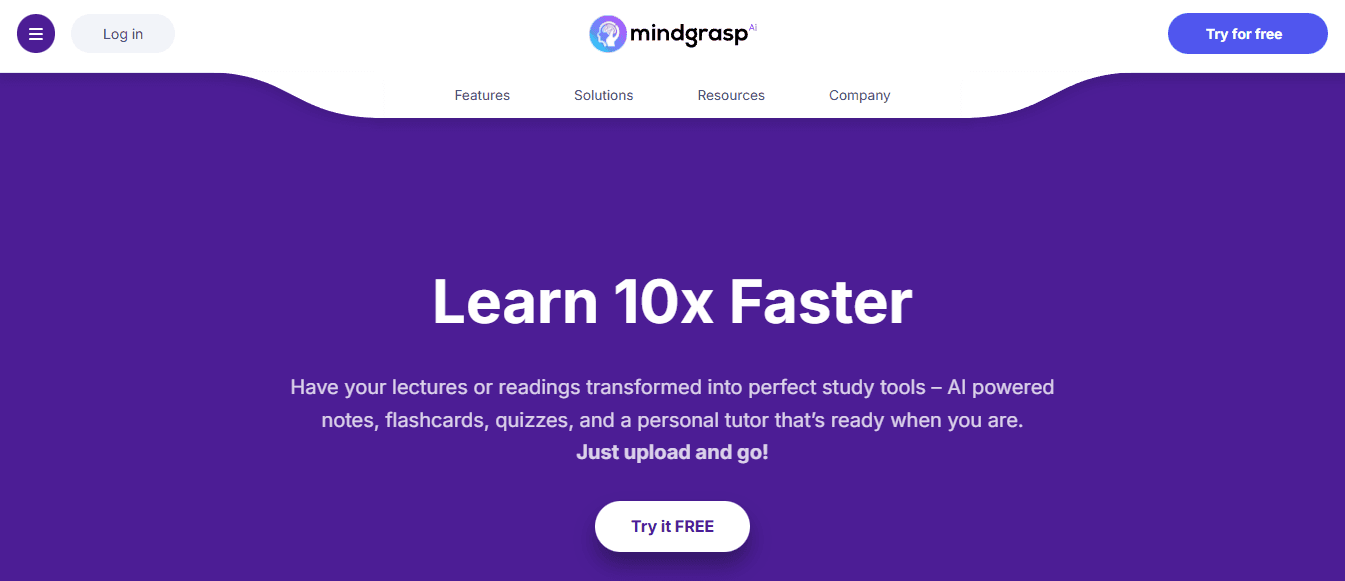
An AI study assistant that generates notes, quizzes, and summaries from video or audio uploads, plus a Q&A interface to test understanding.
Pros
Auto-generated quizzes help check comprehension.
Multi-format ingestion for lectures, podcasts, and documents.
Cons
A steep learning curve for new users.
Advanced features require a subscription.
14. MyMap AI Video Summarizer
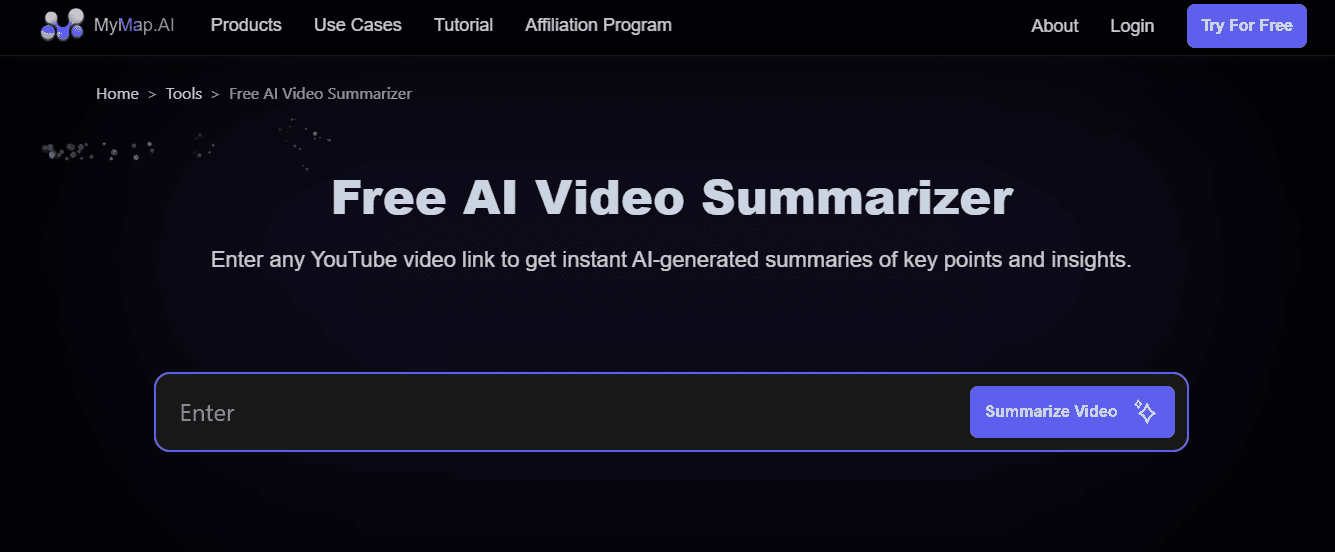
Produces both text summaries and interactive mind maps that link nodes to video timestamps, making it useful for visual thinkers and teams that annotate together.
Pros
Visual maps expose relationships and let you jump to moments.
Collaborative editing and comment features for teams.
Cons
Free tier limits daily summaries and exports.
Higher-tier AI modes and API access are paid.
15. UpWord

A Chrome extension and research assistant that creates AI notes from YouTube and web pages, plus Slack integration for sharing summaries with teams.
Pros
Easy Slack sharing and a built-in library for storage.
Works on webpages, PDFs, and video pages.
Cons
Chrome-only for video summarization.
High-volume users will need the Unlimited plan for continuous work.
This selection reflects the common frictions we see
free plans that cut off heavy users, workflows that force side-by-side recording, and tools that do one thing well but leave sharing or study features unfinished. That pattern appears across student workflows and small teams: when transcription and summary tools force extra steps, people batch work, lose momentum, and valuable insights sit unused.
Most teams handle video note-taking with ad hoc methods because those processes are familiar and require no new approvals. As meeting and course loads scale, email threads, scattered summaries, and manual timestamping fragment context and slow follow-up. Teams find that platforms like Otio centralize extracted insights, enable conversational Q&A against clips, and store summaries alongside related documents, compressing review cycles from days to hours while keeping actionable timestamps in hand.
On comparison pages and roundups, the sentiment toward the category is clear, as indicated by Rating Value: 4.8 from Maestra in 2025, which signals intense average satisfaction across tools; the breadth of feedback is also visible in the [Rating Count: 758 shown on the same roundup in 2025, reflecting a substantial sample of user impressions. Think of choosing one of these tools like choosing a kitchen knife: some are perfect for peeling fruit, while others are perfect for carving large roasts. Pick the one you use most for the task, and accept that you will keep a second blade for edge cases. That solution sounds useful until you run into the one habit that still eats time and attention.
Skip the Noise. Summarize YouTube Videos Smarter With Otio
Most teams still stitch transcripts, timestamps, and scattered notes into a messy research folder, a familiar workflow that turns quick follow-ups into all-day hunts. If you are comparing NoteGPT YouTube Summary options, try Otio, a free AI research and writing partner that turns YouTube videos into structured, queryable notes with conversational follow-up and a unified workspace for PDFs and links, so you can move from watching to usable output in minutes.



