
Video Summarization
14 Best Websites That Summarize YouTube Videos
14 Best Websites That Summarize YouTube Videos: Compare top tools like Otio for fast, clear summaries that cut watch time and boost your productivity today.
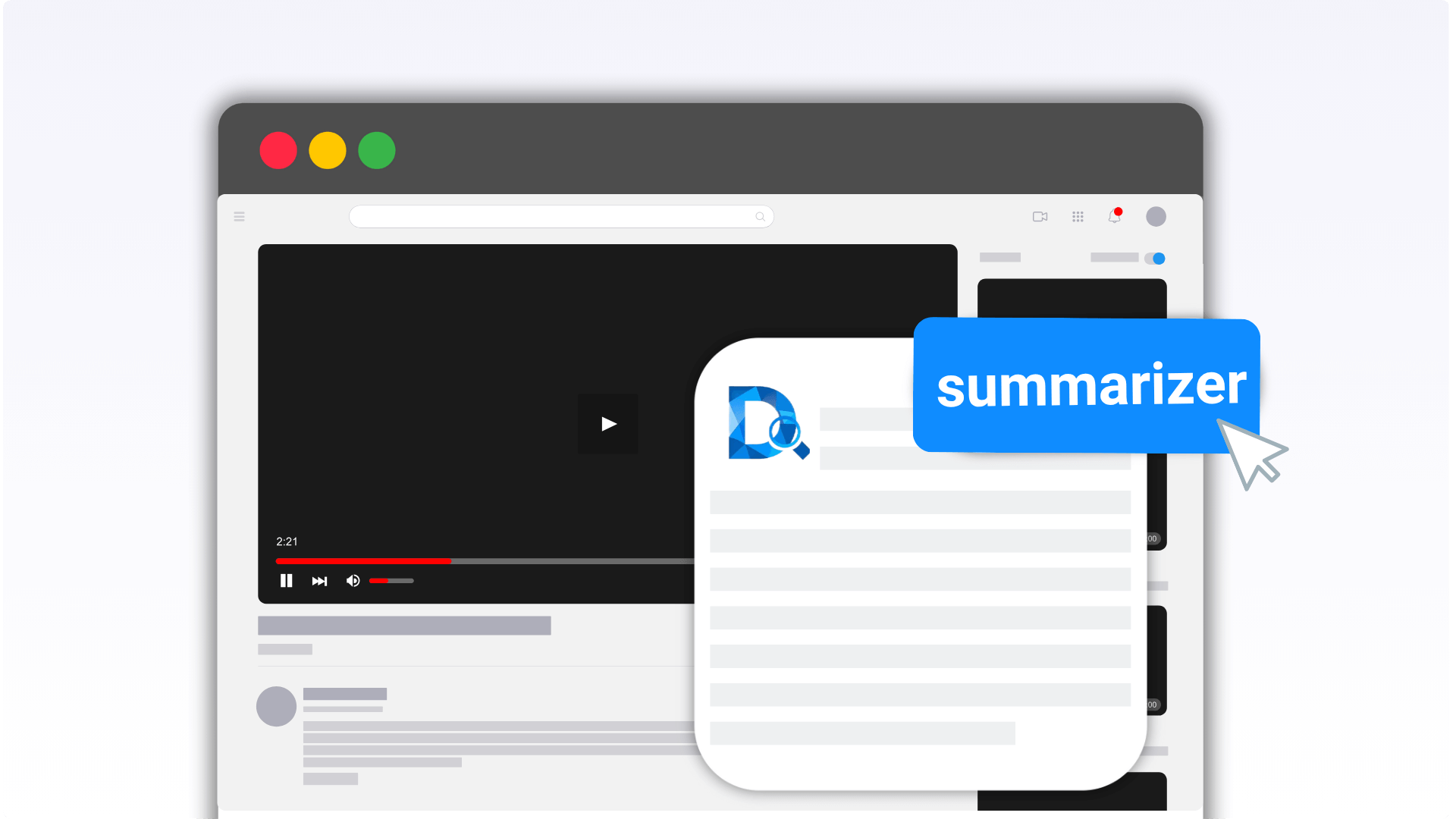
Long lectures and interviews on YouTube often demand a quick grasp of essential points without watching the entire video. Video summarization tools condense lengthy content into clear highlights, precise transcripts, and timestamped notes that facilitate faster understanding and efficient research. These methods enable users to extract key information and draft action plans without overlooking critical details.
Automated platforms streamline the process by extracting vital points and organizing them for immediate use. Otio’s solution converts video transcripts into concise drafts, extracts keywords and timestamps, and accelerates the workflow as an AI research and writing partner.
Summary
Concise video summaries boost sharing and distribution: videos with summaries are 64% more likely to be shared, and a single 90-minute episode can be repurposed into multiple 15- to 60-second clips for mobile-first promotion.
Summarization reclaims time, with an average 30-minute savings per hour of video content, which compounds across a content library to reduce the editing and review workload.
Automation is the dominant user preference, with over 70% of users preferring automated tools to summarize videos, explaining the rise of quick, low-friction summary workflows.
Using video summarizers correlates with productivity gains: users report a 50% increase in productivity, driven by lower latency and batch processing.
Factual fidelity and context preservation matter, so test tools on both a 10-minute and a 60-minute video and verify speaker separation, numeric consistency, and preserved emphasis before relying on outputs for decisions.
Choose tools that match your scale and formats, favoring services that handle at least three common input types and provide timestamped, exportable assets to avoid manual conversions and fragmented metadata.
Otio's AI research and writing partner addresses this by converting transcripts into concise, timestamped summaries and exportable notes that support searchable archives and faster review cycles.
Importance of Summarizing YouTube Videos
Summarizing YouTube videos is a force multiplier; it changes long episodes into many valuable assets. This practice improves content discoverability and shareability, and makes it easier for viewers to act on the information.
If creators want more viewers to find, watch, and recommend their work, short summaries become a smart necessity. Our AI research and writing partner can help craft concise, compelling summaries that resonate with audiences.
Why does summarizing help promotion?
Promotional fuel for social sharing is essential. Short summaries create clear entry points for mobile-first audiences and increase referral traffic from social platforms. Videos with summaries are 64% more likely to be shared, according to WordStream's 2020 research on shared technology and data. This shows that summaries boost word-of-mouth and expand reach beyond owned channels.
In practical terms, a 90-minute episode can be turned into several 15–60 second clips, caption-ready reels, and short ads, each designed for Instagram, TikTok, or YouTube Shorts. As a result, this strategy yields more impressions from the same content budget and drives additional clicks to the central platform.
How do teams improve productivity?
Searchable records of meetings and remote work are critical to team productivity. When everything is remote, how do teams stay productive? Turning long virtual meetings into short video summaries and searchable transcripts significantly reduces cognitive load and helps prevent knowledge loss.
This method makes it faster to determine who said what, when, and why, with timestamps and keyword highlights eliminating the need for manual note-taking. The result is better participation: team members stop worrying about their calendars and start contributing, trusting that the summary will capture action items and decisions.
Most teams manage promo edits and meeting follow-ups using simple workflows because they are easy to use. This method works until clips start to pile up, metadata gets lost, and editors spend days searching for that one crucial quote.
Platforms like Otio offer automated timestamping, export-ready short clips, and batch transcript exports, reducing edit cycles from hours to minutes while preserving audit trails. Additionally, having an AI research and writing partner can further streamline the content workflow.
Who benefits from summaries in education?
Who benefits from summaries in education and self-directed learning? Anyone facing long lectures, interviews, or documentary footage while short on time. According to WordStream (2020), summaries increase the likelihood that viewers will finish a video, resulting in higher retention and completion rates on your platform, as noted in NCES statistics.
Summarizers can pull out main arguments, create flash questions, and make shorter study notes, turning each lesson into a structured micro-lesson that learners can review in just five minutes. This method enhances the value of your content and positions your library as a trusted learning resource, much like our AI research and writing partner helps educators optimize their resources.
What are the advantages of summarized archives?
Building a searchable knowledge base across content is a significant advantage of summarized archives. Summaries help organizations create a living collection of insights from shows, interviews, and training sessions. By tagging and indexing these shorter versions, it becomes easy to cross-reference themes. Teams can gather topic dossiers without rewatching hours of footage.
The benefits also apply to localization: producing short, translatable summaries and transcripts is faster and cheaper than translating entire episodes. In practice, websites that summarize YouTube videos function as internal lookup tools, PR resource banks, and creator playbooks, all of which improve decision-making and reduce duplicate work.
How do shorter clips solve distribution issues?
It’s tiring when studios invest significant production hours in long videos, only to find that promoting them on social media doesn’t perform well. Shorter clips can help address these distribution problems, but manual production often struggles to scale. The old way involves cutting clips by hand, which disrupts context, wastes valuable editorial time, and can lead to vital lines being lost. Teams find that solutions like Otio automate extraction, create social-ready variants, and keep context with timestamps and highlights. This process reduces manual work while still maintaining crucial editorial control.
What does this mean for content strategy?
This may seem like a small change, but the benefits are real. Creators and staff often experience relief and greater focus when they stop searching through raw footage and begin working from short, searchable summaries.
This simple change significantly affects how teams think about their content strategy. However, the next step uncovers something that many teams miss.
How to Summarize YouTube Videos in 6 Quick Steps
You can compress a video into a tight, useful summary by breaking it down. First, take the main points and change them into bright, active language. Then, combine these parts into a short story that maintains the same tone and visual context.
Use a straightforward workflow that mixes transcript searches, careful visual captures, and a final human review. This approach keeps things accurate while saving time. For a powerful enhancement, consider leveraging an AI research and writing partner to streamline summarization.
What are the steps to summarize a video?
1. Divide the video into clear chunks
Start by marking natural boundaries, opening hook, setup, evidence or demonstration, rebuttals or examples, and closing takeaways. Use timestamps and chapter markers as you scan, noting minute ranges where a new idea or speaker appears. This simple scaffolding prevents skipping crucial moments that contain the lines worth quoting later and provides a predictable structure for editors and readers to follow.
2. Isolate the must-know elements
Scan each chunk for thesis statements, promised outcomes, unusual claims, and action steps.
Search the transcription for strong verbs, repeated phrases, named people or products, and any explicit numbers or dates, then flag those lines with timestamps. A two-pass approach is recommended: first, collect everything that looks important; second, ruthlessly prune anything that serves as contextual color rather than contributing to the main argument.
3. Use precise, active language
Turn vague descriptors into specific actions. For instance, replace the video on teamwork with a presenter demonstrating a three-step collaboration technique that shortens planning cycles.
Choose verbs that describe what happened, not what was discussed. This approach makes summaries feel like snapshots rather than abstracts, keeping readers focused on outcomes rather than background noise.
4. Stitch the pieces into a short narrative
Take the highlighted lines from your chunks and order them to tell a single, forward-moving story problem, evidence, resolution, and next steps for the audience.
Maintain the original tone, whether conversational or formal, by preserving a sentence or two of the speaker’s cadence or a memorable quote. Here, emotional fidelity matters because readers judge accuracy by how the summary feels relative to the original.
How to manage context and quotes?
Most teams handle this step by taking notes manually and using scattered clips because it's familiar and easy. This approach might work at first, but as more episodes and people get involved, it can disrupt context, obscure essential quotes, and make editors search hard for the moment when a summary shifts from helpful to misleading.
Tools like Otio bring together transcripts, create highlights with timestamps, and export clips that keep the context. As a result, teams can reduce review times from days to hours while preserving the original workflow.
What additional elements should be captured?
5. Capture visual and audio signals, not just words
Treat charts, on-screen captions, slide titles, camera cuts, applause, and silence as content, because they often show what the speaker emphasizes. When a slide shows a new term, take a screenshot and link it to the correct timestamp.
If there is a pause after a claim, mark that line as 'emphatic.' These nonverbal cues work like punctuation; if you ignore them, you might miss the speaker’s intent and misrepresent the emphasis in your summary.
6. Use transcription plus AI to speed the job
Start with a strong transcript, then run it through an AI summarizer; treat the result as draft one, not final.
Use tools for speaker separation, automatic timestamps, and exportable highlights to jump to the exact moment for review and screenshots. This workflow fits well with human review: automated extraction, targeted human correction, and a final check to ensure tone and visuals match.
What are the statistics on video summarization tools?
Over 70% of users prefer automated video summarization tools. This 2023 user survey shows that more people are choosing automation for routine summarization tasks, especially when teams need to handle a lot of video footage.
The average time saved by summarizing videos is approximately 30 minutes per hour of video content. The 2023 report explains how much time can be saved on editing and reviewing by implementing an effective summarization process across a content library.
How can we effectively think about summarization?
Think of the process like making a field guide from a forest walk: you map the trail, select the distinctive species, photograph the leaves, label each sample, and then write a short entry that helps someone quickly find the same things.
What is the difference between a usable summary and a readable one?
Many people overlook the critical difference between a usable summary and one that is actually read. A usable summary gives out important information, but a readable one engages the audience, pulling them in with clarity and interest.
Related Reading
14 Best Websites That Summarize YouTube Videos
The following are the 14 best websites and extensions recommended for turning YouTube videos into crisp, usable notes. Each listing below explains what the tool does best and highlights the specific capabilities that make it unique. Core strengths, everyday use cases, and helpful features that offer clarity will also be described.
1. Otio
Centralized video library for saving YouTube links and uploads
Instant AI summaries, takeaways, and structured notes
Natural-language Q&A using a video’s transcript and timestamps
Draft generation tools that turn video insights into written content, making it a reliable choice as your AI research and writing partner.
2. VidSummarize
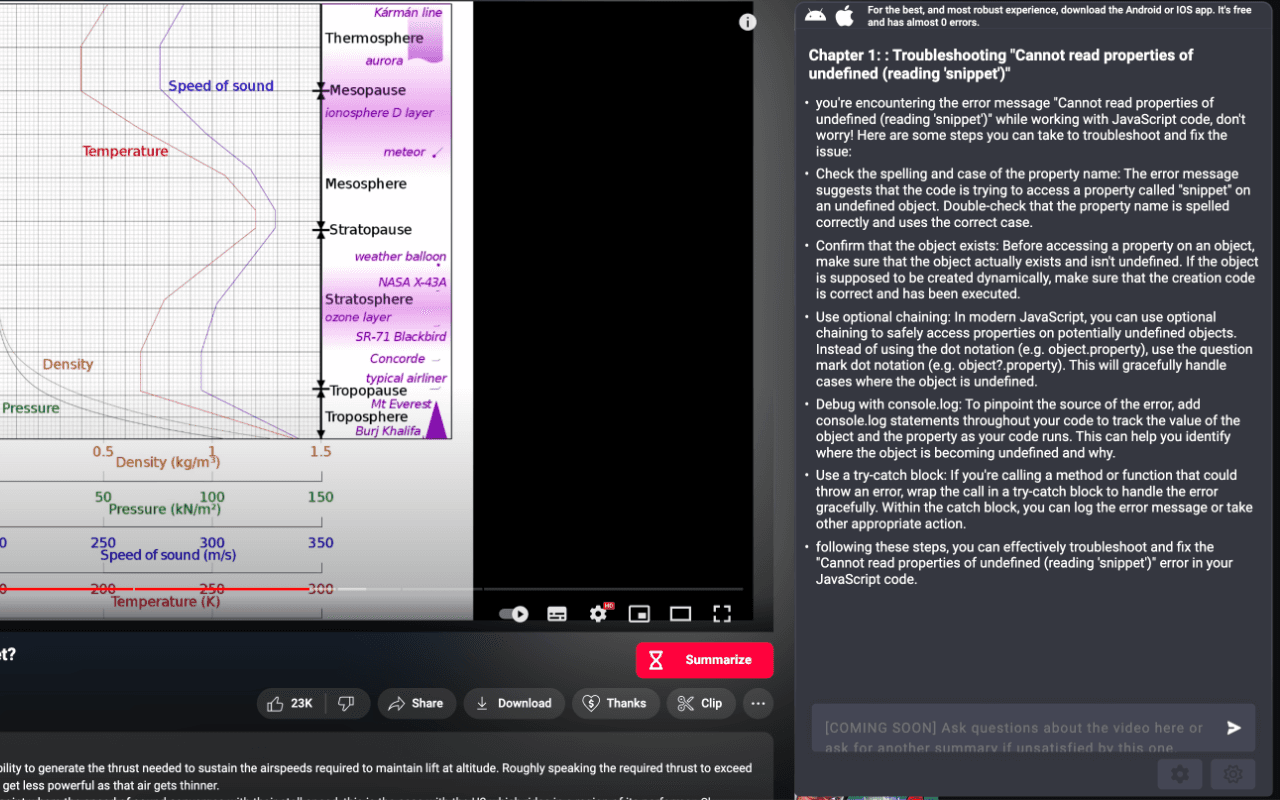
Free tier for basic summaries
Multi-language recognition for international content
Minimalist interface with a one-step paste-and-summarize flow.
3. Notta
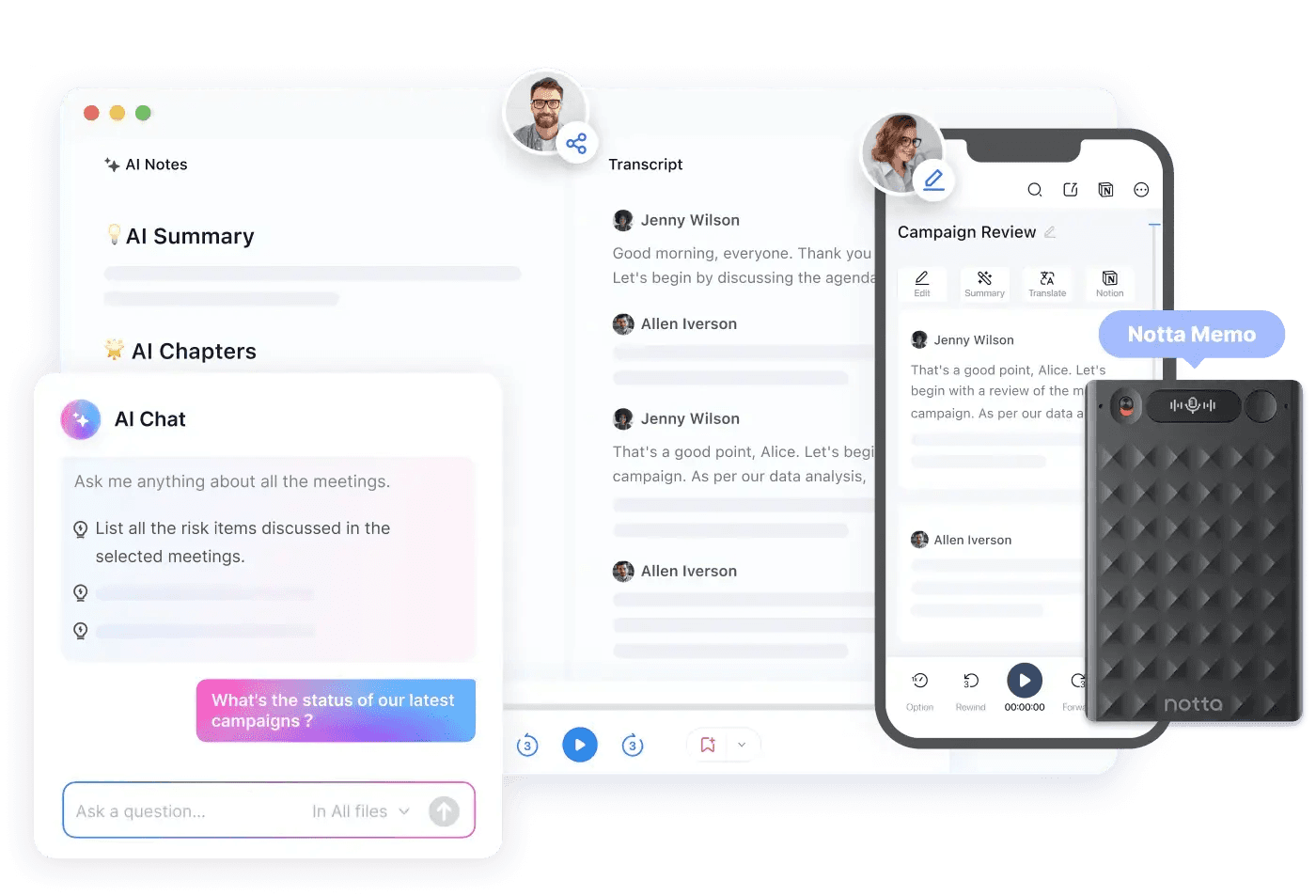
Direct YouTube URL transcription
Support for 104 languages for broad coverage
Chaptered summaries, action-item extraction, and exportable share links
Chrome extension for immediate capture from the browser
4. SummarizeBot
Compatibility with YouTube and uploaded audio/video files
Keyword extraction for quicker indexing
Support for multiple file formats to improve research workflows
5. Wordtune
Making complex language simpler into understandable summaries
A free Chrome extension that makes short summaries
A personal library for saving and finding earlier summaries
6. Clideo
Quick highlight and clip extraction tools
Mobile and desktop-friendly interface
Exports optimized for downstream editing
7. YouTube Digest
Export summaries as DOCX, PDF, or TXT
Built-in translation of summaries into multiple languages
Browser extension for one-click summarization and shareable links
8. VideoKen
AI-driven chapter segmentation and indexing
Visual highlight reels tied to key moments
Designed for courses, webinars, and corporate training content
9. Sider
Sider provides quick, one-click summaries in a small sidebar, prioritizing speed and exact extraction. It combines transcription and creative tools, such as image creation, for larger-scale research projects. Key features include:
One-click summary generation from a sidebar interface
Multi-language support for different content
Lightweight UI that stays out of the workflow until needed
10. TranscribeMe
High-accuracy transcription options, including human review
AI-generated summary options for quick understanding
Support for many audio and video formats
11. MindGrasp
Quick uploads and support for multiple formats
Help for 10 or more languages to assist learners worldwide
AI Q&A and personalized help connected to summaries.
12. NoteGPT
NoteGPT focuses on note capture and improving notes. It lets users create summaries repeatedly until the wording and focus are just right for them. The results are saved in a personal notes area for easy access.
Key features include: Quick transcript pulls from YouTube URLs; Multiple summary types with the ability to regenerate outputs; and a saved notes area and clipboard copy for easy sharing.
13. UpWord
Rapid AI-generated summaries for videos and webpages
Slack integration for sharing summaries with teams
An in-app library to organize notes, along with a Chrome extension that does not require any account sign-up.
14. ChatGPT
Transcription of speech into short text summaries
Quick turnaround for short videos
Free-tier limits like weekly caps on summaries
Why do users prefer these summarization tools?
User preferences for summarization tools often follow distinct patterns across groups such as students, product teams, and researchers. At first, users prefer low-friction capture, but as they use the tools more, the need for fidelity and searchability becomes very important. The best-performing tools usually provide a useful transcript and reliable indexing, saving users time later. However, lighter tools are preferred for quick scans.
Reviews and roundups, such as Krisp Blog's 2025 roundup of 14 Best Websites That Summarize YouTube Videos, demonstrate how reviewers distinguish between these two use cases. For a more comprehensive approach, consider Otio as your own AI research and writing partner.
What challenges do teams face with video notes?
Most teams handle video notes with ad hoc clips, manual timestamps, and shared documents because this method is familiar and does not need new systems. However, as the number of videos increases and more stakeholders become involved, problems begin to arise. This leads to repeated work, missed quotes, and wasted hours fixing different versions.
Teams find out that platforms like Otio offer centralized storage, accurate AI summaries with timestamps, and the ability to ask questions about the content. These features reduce review and reconciliation work from days to hours while keeping full traceability.
What tradeoffs should I consider?
A practical tradeoff guide can help you make decisions. If speed and single-click results are your top priorities, lightweight tools such as VidSummarize or a ChatGPT extension are well-suited. They reduce friction effectively.
However, if you need accuracy, chaptering, or enterprise exports, consider services that provide human-assisted transcription and structured outputs, such as TranscribeMe or VideoKen. If team distribution and searchable archives are essential, choose a platform that offers multiple export formats, collaboration tools such as Slack, and a persistent library, such as YouTube Digest or UpWord. Ultimately, your choice should align with your scale and governance needs and the tool’s export and integration capabilities.
How can I choose a summarizer?
A quick analogy can make the selection process feel more concrete. Choosing a summarizer is like picking a camera lens: wide-angle tools help you see the entire scene quickly, while telephoto tools focus on specific details. A zoom lens that shifts between modes is often what teams reach for as their projects evolve.
What do statistics say about summarizers?
Over 70% of users prefer summarizer tools to save time on long videos, according to a SocialKit Blog post published on July 13, 2025. This fact helps explain why even specific extensions continue to gain popularity.
What should I focus on next?
What comes next will matter more than just a feature list. The next choice regarding selection criteria often reveals hidden trade-offs you might not expect.
How to Choose the Best YouTube Video Summarizer

Choose a summarizer that demonstrates accuracy on complex inputs and delivers results quickly enough for your workflow. It should provide outputs that you can act on and share easily.
Focus on tools that can identify different speakers, keep key points clear, support various file types, and offer export options that align with your team's processes. An effective AI research and writing partner can significantly enhance your content creation strategy.
What should you test for accuracy?
Test whether the summary truly reflects the speaker’s claims, not just a cleaned transcript. Check for speaker separation, keep quotes, and clear error checks, such as maintaining consistent numbers and names. A quick way to evaluate a tool is to run the same 10-minute and 60-minute videos and compare the summary to the transcript at five random points. If the tool misrepresents numbers or alters claims in a way that changes their meaning, it is not accurate enough for decision-making or citations.
How vital is turnaround speed?
Turnaround time and latency are critical. Speed is more important than feature lists when batching reviews or getting ready for meetings. Quick replies and background processing are must-haves for tight schedules; slow builds interrupt review routines and make it harder to adopt changes. Fast summaries really improve team efficiency. For example, users report a 50% increase in productivity when using YouTube summarizers, indicating a clear link between latency and noticeable improvements in output.
What formats should the tool support?
Cross-format compatibility: If your library includes YouTube videos, MP4 uploads, recorded webinars, and screen captures, the tool should handle all these formats well without requiring manual conversions. The easy test is to import one YouTube link, one raw MP4, one Zoom export, and one screen recording. Then, check whether the timestamps, chaptering, and speaker labels remain consistent across formats.
Tools that only accept URLs or work only on short clips can slow you down as content types increase. The more formats the tool supports, the less manual work you will need to do before using it.
What should the output focus on?
Extraction of core ideas, not timelines. Ask whether the output highlights main assertions, recommended actions, and supporting evidence instead of producing a sequence of events. Good summarizers flag thesis statements, list action steps, and call out surprise claims. This helps readers find decisions rather than just scrolling.
This trend is evident across groups, including students and product teams, where structured takeaways and quick previews often influence whether people watch the full video or move on. For those seeking assistance, consider leveraging an AI research and writing partner to enhance your output.
Why is tone awareness critical?
Contextual intelligence and tone awareness are essential for effective communication. The summary should highlight changes in the speaker, sarcasm, emphasis, and transitions, as these cues shape how we interpret a statement. For example, if a presenter pauses before making a claim, or if a slide contradicts what is said, the tool needs to show that tension. It is best to choose models that highlight the speaker and show emphasis markers.
Also, reverting to human-assisted review is essential when legal issues, compliance, or high-stakes accuracy are required.
What output formats should you consider?
Shareable, editable outputs that fit your workflow are essential. Look for practical export formats like bullet-point briefs, timestamped transcripts, slide-ready snippets, mind maps, and copy-ready social captions.
The real test is whether you can easily send a summary into Slack, drop it into a project document, or export a short clip without having to redo it. Tools that let you create summaries in different lengths or tones save hours of work by eliminating the need to rewrite for each channel.
How to evaluate pricing?
Price should be evaluated based on real-world value. Match the cost to the value you receive, rather than relying on marketing levels. If a tool saves the team hours each week, then the subscription makes sense. On the other hand, if it only handles short clips or requires manual uploads, it costs more in time than it returns.
For high-volume use, it is better to choose predictable per-seat or enterprise licensing with bulk credits. For occasional use, think about per-video pricing or a small monthly plan. Also, check if the vendor offers human-review credits for edge cases, since this can be cheaper than subscribing to a higher AI tier.
What issues does the status quo create?
Current methods often fail because they rely on familiar practices, such as capturing clips and handing off transcripts. This method might seem efficient at first, but as the number of videos grows and the number of people involved increases, context breaks down. Meaningful quotes can disappear, and the time spent reassembling everything can take days.
Teams have found that platforms like Otio can effectively organize libraries, provide accurate speaker-attributed summaries, and export valuable assets. This change reduces review times from days to hours while keeping audit trails.
How to start your selection process?
A quick selection protocol is available for immediate use.
Start small by choosing two representative videos: one short and one long. Evaluate accuracy using a checklist, measure turnaround time, verify exports against your sharing needs, and sample pricing based on your expected monthly volume.
If the tool passes these checks and supports at least three of the formats you use regularly, it is worth a pilot; consider how an AI research and writing partner can enhance your workflow.
What is the importance of choosing the right tool?
Choosing a summarizer is like picking a lens for a camera. Pick the wrong one, and the story is out of focus; choose the right one, and the critical moments come into sharp relief.
This decision may seem simple at first, but a single capability can change everything. For example, having an AI research and writing partner can significantly enhance your process.
Related Reading
Supercharge Your Video Summarization Ability With Otio. Try Otio for Free Today
Spending hours searching for a specific quote or key idea in a video can be frustrating. This makes it hard to stay focused and slows down reports, papers, and projects. Otio helps with this problem by collecting YouTube links and uploads into a searchable workspace. It generates accurate AI summaries, timestamped highlights, and draft-ready notes.
With Otio, you can ask questions about videos and quickly turn insights into writing in just minutes. Try the free plan to find out how much time you can save during your week.



