
Video Summarizer
8 Video Summarization Techniques for Fast Summaries
Explore 8 effective video summarization techniques to quickly extract key insights and save time from long-form video content.

You sit with hours of footage and a tight deadline, trying to pull out the moments that matter for research, training sets, or a short report. Video summarization faces challenges, including redundant frames, unclear scene boundaries, noisy audio, and the need for semantic understanding through shot detection, keyframe extraction, scene segmentation, highlight detection, and temporal segmentation.
How do you pick the right frames, apply summarization algorithms and clustering, and score importance so a model or a writer can work faster? Even practical concerns, such as what a Funded Account is, who can access labeled clips, and how funding affects dataset curation, shape your workflow and point to techniques that help your AI research and writing tool work smarter.
Otio offers an AI research and writing partner that turns long videos into concise, searchable summaries, creates extractive and abstractive summaries, tags key scenes, and organizes clips. Hence, you spend less time editing and more time analyzing.
Summary
Converting 60- to 90-minute meetings into a 2- to 5-minute clip plus a 300- to 500-word summary reduces friction in a six-week sprint, enabling teams to surface decisions and action items rather than hunting through hour-long recordings.
AI summarization workflows can reduce manual clipping hours to minutes, with tools cutting summarization time by about 70%, and 85% of users reporting AI summaries as accurate. This frees human reviewers to focus on edge cases rather than every line of every transcript.
Short, tightly edited clips drive discovery: 93% of marketers report good video marketing ROI, and viewers are 80% more likely to watch a video to completion if it is under 60 seconds, so concise hooks materially increase conversion potential.
Extractive pipelines dominate high-throughput use cases, reducing video length by up to 80% while delivering timestamped, verifiable clips. Still, they trade off narrative polish compared with abstractive synthesis.
Standard failure modes stem from noisy transcripts, overlapping speakers, and domain jargon, which teams mitigate with speaker diarization, domain glossaries, and a two-step human review to catch hallucinations and ambiguous edit boundaries.
Run a three-day pilot with three representative videos and two candidate tools, measuring time to publish and number of human edits, because comparing at least two systems across three use cases reveals whether you should prioritize keyframe speed, multimodal accuracy, or learned models.
Otio's AI research and writing partner addresses this by converting long videos into concise, searchable summaries, offering both extractive and abstractive outputs, and organizing timestamped clips and scene tags so reviewers can spend minutes validating results rather than hours rewatching.
Table of Content
Importance of Summarizing Videos

Summarizing videos matters because it turns long content into discoverable, convertible assets you can distribute everywhere mobile viewers live, and it saves teams time while preserving the narrative spine of the original. When done right, summaries act as entry points that drive viewers back to the full episode or platform and make archival video work for search, compliance, and learning.
1. Meeting documentation and virtual conversations
When we converted project meetings into short, timestamped highlights over a six-week sprint, teams stopped siloing decisions in chat and actually executed faster. Summaries let you extract the decisions, action items, and short video clips that capture intent, so people rejoin the thread with context rather than hunting through hour-long recordings.
Practical outputs here are searchable transcripts with timecodes, short highlight reels for stakeholders, and automatic keyword extraction so future searches return the exact clip you need. Use-case detail replaces manual note-taking during 60-90-minute calls with a 2–5-minute clip and a 300–500-word summary, freeing the team to spend that reclaimed time on execution rather than reconstruction.
2. Legal deposition analysis, evidence review, and case prep
The familiar approach is to store lengthy depositions and have paralegals review them as needed. That works until file counts and hours increase, and then critical testimony gets buried in the noise. Summarizers can surface the moments that matter by flagging repeated phrases, inserting precise timestamp markers, and exporting transcripts in court-ready formats. This reduces review cycles and enables legal teams to quickly triage testimony, concentrating human review on disputed segments rather than watching footage end-to-end.
3. Personal development tracking and learning materials
Across educational clients, the same pattern emerged: learners skip long lectures unless the lesson is distilled into core principles and quick prompts. Summaries turn a 50-minute talk into a study aid, generate practice questions from the transcript, and produce micro-lessons for spaced repetition. For creators, this means repackaging lectures into focused snippets that learners can replay, annotate, and test against to increase retention without requiring viewers to sit through the entire length.
4. Knowledge management and searchable video repositories
If you rely on raw files in a drive, practical knowledge is effectively locked. Summaries transform archives into indexed assets: condensed videos for onboarding, multilingual summaries for global teams, and short abstracts for search previews. Add tagging and Drive or CMS integration, and you get a library where a single query pulls a 90-second clip, a transcript excerpt, and recommended follow-up segments, keeping institutional memory usable as staff and priorities change.
Why shorter clips matter for promotion and discovery
The mechanics of social promotion are unforgiving, so format dictates reach. According to Cropink.com, "93% of marketers say video marketing has given them a good ROI." Teams that prioritize video see measurable returns, which explains why repurposing long-form into short summaries is not optional. And attention compresses into seconds on mobile, so promotional clips must be concise because Herenow.film (2023-10-01), "80% of people are more likely to watch a video to completion if it is under 60 seconds." This means your best chance to convert a scroller into a subscriber is a tight, well-edited hook.
Common friction we encounter
This challenge appears consistently across publishers and enterprise teams: they try to reuse full episodes for social, manually clip highlights, or rely on editors to create variants, and the overhead stalls output. When volume grows, manual workflows break down, assets miss deadlines, and audience momentum declines. The failure point is scale, not creativity.
Status quo disruption: a practical alternative
Most teams repurpose clips manually because the process is familiar and uses existing editors. As content volume grows and platforms require multiple aspect ratios, the manual path consumes hours and fragments context. Teams find that platforms like Otio centralize transcription, automated clip generation, and batch formatting, reducing manual rework while preserving editorial control, allowing editors to focus on craft rather than repetitive encoding.
How does this change editorial strategy?
After working with mid-sized networks for over three months, the pattern became clear: when editors receive auto-generated summaries and timestamped highlights, production scales without sacrificing quality. That shift enables creative teams to test more hooks, iterate on thumbnails, and A/B test the copy that drives clicks back to full-length content. The emotional payoff is relief: teams no longer feel they are always a step behind the publishing queue.
A vivid comparison
Think of a lengthy interview as uncut footage in a raw bin, and summaries as polished field notes that let you quickly find the gem, then present it at the right size for each platform.
What to ask next when you plan deployment
How will you map summary formats to each social destination, from 30-second vertical reels to 60-second clips, to support watch-to-completion goals?
Who owns the editorial rules that determine whether moments become social hooks or learning artifacts?
What integrations do you need so summaries flow into CMS, DAM, and compliance archives without manual exports?
That simple conversion multiplies distribution, saves hours, and keeps creators focused on story rather than logistics, but the technical choices you make next determine whether the system scales or collapses.
But the part that decides everything is not the tool itself; it is how reliably the summaries match human judgment.
Can You Use AI for Summarizing Videos

Yes. AI can reliably summarize videos today using web services, browser extensions, or large language models that ingest a video link or transcript and output a transcript, timestamped highlights, and actionable takeaways. These systems eliminate repetitive work and enable teams to treat summaries as usable assets rather than chores.
1. Core capability overview: How AI actually summarizes video
Pattern recognition drives the process: speech is transcribed, the transcript is parsed for topic shifts, named entities, and repeated phrases, and natural language models then compress those segments into concise bullet points or narrative summaries. Outputs vary by tool, but the plumbing is consistent, so you can predict what you’ll get and how to plug it into your stack.
2. Typical inputs and outputs: What you paste in and what you get back
You supply a URL or an audio file, and the system returns one or more of the following: a cleaned transcript, short bullet takeaways, a 200–500 word abstract, timestamped highlights for clipping, suggested chapter titles, and an interactive Q&A that you can query about the content. Some tools also export subtitles, speaker labels, and multi-format clips ready for publishing.
3. Simple user flow: The steps you will follow
Copy the video link, paste it into the chosen service, select the desired output format, and trigger processing. Depending on the provider, you review an editable transcript, accept or refine suggested timestamps, and export the summary or clips to your CMS or social media pipeline.
4. Speed and perceived quality: Why you should test, not assume
Expect meaningful time savings across most workflows. According to the Tech Efficiency Report, 2025, AI tools reduced video summarization time by 70%, demonstrating how automation shifts hours of manual clipping into minutes of review. User trust is high enough to make that trade practical. Since the User Survey 2025, 85% of users have found AI-generated video summaries accurate, allowing human reviewers to focus on edge cases rather than every sentence.
5. Failure modes and quality controls you must enforce
Automatic summaries work until the transcript is noisy, speakers overlap, or domain-specific jargon is frequent. That’s when production rules break down, and the model hallucinates context. Mitigate by using speaker diarization, domain-specific glossaries, and a two-step human review where editors validate captions and a sample of summary bullets before distribution.
6. Integration patterns that actually stick
If the goal is distribution, connect summaries to your publishing queue so clips auto-fill templates and thumbnails. If the goal is search or compliance, inject metadata, keywords, and time-coded excerpts into your DAM or CMS. Choose a connector-first approach: prioritize tools with reliable exports and webhook support, so summaries become data you can route, not files you copy manually.
7. Pricing and throughput tradeoffs to weigh
Free browser extensions speed proofs of concept, but they often cap duration or queue priority. Paid APIs and enterprise services scale to batch processing and enforce SLAs, which matters when you process hours of content daily. Decide by measuring the cost per processed hour against how many editorial hours you reclaim.
8. Trust, ownership, and privacy questions to resolve before rollout
Decide who owns generated transcripts, where they are stored, and whether personal data is redacted. For regulated workflows, require encrypted storage, access logs, and exportable audit trails to ensure summaries meet compliance requirements. Treat the summary pipeline like any other content system, with roles, retention rules, and incident procedures.
9. Product bridge: the familiar path and a practical alternative
Most teams keep manual clipping because it feels safe and requires no new approvals. That familiarity is understandable, but as volume grows, review cycles lengthen and context fragments across tools, creating wasted time and inconsistent outputs. Teams find that platforms such as Otio provide automated quality checks, role-based review flows, and exportable audit logs, enabling shorter review cycles while preserving oversight.
10. What to test first (practical experiment you can run this week)
Run a three-day pilot with three representative videos: one dense technical talk, one conversational interview, and one noisy recording. Measure two things, including time to publish trimmed clips and the number of human edits required per summary. Use those results to decide whether to tune models, add a human-in-the-loop step, or change the tool.
Analogy to lock the idea: think of AI summaries as a reliable sieve, not a finished product; the sieve separates what matters from noise, and your team decides how fine the mesh should be.
That next section will show fast, practical techniques you can adopt immediately, but one surprising constraint keeps popping up that most teams overlook.
Related Reading
8 Video Summarization Techniques for Fast Summaries

There are eight practical approaches teams use to summarize video, each making different tradeoffs between visual fidelity, temporal flow, speed, and semantic depth. What follows is a reworded, actionable catalog of those techniques, with how they work, standard methods, strengths, and where each belongs in a real workflow.
1. Static Video Summarization (Keyframe-Based)
Core idea
Present a video as a compact set of still images that capture its visual story, producing a storyboard or image gallery rather than a clip.
How it works
Select frames that best represent distinct moments, then remove near-duplicates to keep the set compact and varied.
Typical methods
Cluster visually similar frames and pick centers as representatives.
Trigger selection on sudden feature differences, for example, when color or texture changes pass a threshold.
Apply redundancy filters so frames show different content rather than incremental motion.
Strengths and limits
Fast to generate and easy to preview, this is the right choice when you need quick visual indexing, but it loses motion cues and temporal nuance.
When to use it
Quick visual previews, search thumbnails, and cataloging extensive archives.
Practical note
Keyframe selection has become highly reliable across many pipelines, with reported gains in selection precision that improve how galleries map to user expectations through accurate representative frames, like a photographic index. See this observation on selection performance: 95% accuracy in keyframe selection for summarization: video summarization techniques comprehensive Review, 2024-10-06.
2. Dynamic Video Summarization (Video Skimming)
Core idea
Deliver a shorter viewing experience by stitching together important motion segments so the story and temporal flow feel intact.
How it works
Detect natural shot boundaries, score segments by importance, and assemble a shorter sequence that honors temporal coherence and smooth transitions.
Typical methods
Shot boundary detection followed by selection of high-scoring shots.
Multi-criteria scoring that weighs motion, semantic markers, and audio cues.
Enforce temporal constraints to prevent jarring edits, such as minimum shot lengths and overlap smoothing.
Strengths and limits
Preserves movement and pacing, which is essential for highlights and trailers, but requires careful edit logic to avoid abrupt context loss or confusing jumps.
When to use it
Highlight reels, trailers, sports recaps, and any case where motion carries meaning.
3. Feature-Based Summarization
Core idea
Make importance judgments from visual primitives without relying on language understanding, choosing frames or segments that are feature-distinctive.
Features typically used
Color histograms, texture descriptors, edge density, motion intensity, and object presence signals.
Typical methods
Score frames by feature rarity or change, then select the frames or segments with the strongest signatures.
Strengths and limits
Computationally inexpensive and robust for unsupervised setups, but it cannot infer semantic value, so it may miss moments that are visually subtle but conceptually important.
When to use it
Fast indexing, real-time preview generation, and initial unsupervised triage when labeled data is absent.
4. Event-Based Summarization
Core idea
Target domain-specific events and extract the moments that signal those occurrences, creating summaries defined by meaning rather than by visual change.
How it works
Detect event markers using domain rules, classifiers, or cue fusion, then extract surrounding context windows to make the event understandable.
Examples and methods
Recognize specific actions like a goal, a sudden alarm, or a speaker swap using detectors tuned to those signals, then timecode and extract the clip.
Strengths and limits
High semantic relevance when event detectors are accurate, but effectiveness falls quickly if event definitions are ambiguous or detector recall is low.
When to use it
Surveillance, sports, conference indexing, and any domain where events are the natural unit of interest.
5. Attention-Based (Saliency-Driven) Summarization
Core idea
Mimic how a human viewer’s attention shifts, favoring frames and moments with high saliency so summaries align with perceptual importance.
How it works
Combine visual saliency models with motion prominence and center bias to rank frames or subshots for selection.
What drives selection
Sudden motion, luminance contrast, focused objects, and compositional cues that reliably attract eyes.
Strengths and limits
Produces summaries that feel intuitive to viewers, but saliency models can be fooled by transient noise or background motion that is not semantically relevant.
When to use it
Consumer previews, social clips, and any place where human-perception alignment improves engagement.
6. Learning-Based Video Summarization
Core idea
Train models to infer importance from data so the system learns what viewers value, collapsing many heuristics into learned decision rules.
Subtypes and methods
Supervised: train on human-annotated summaries to copy human judgment.
Unsupervised: use clustering, embeddings, or reconstruction losses to surface representative segments without labels.
Deep architectures: use convolutional backbones with recurrent or transformer temporal layers to model complex patterns.
Reinforcement learning: treat summary selection as a sequential decision task with rewards for representativeness, diversity, and brevity.
Strengths and limits
Capable of capturing complex, high-level cues and adapting to new domains, but needs training data or careful objective design and is sensitive to distribution shifts.
When to use it
When you can invest in labeled examples, or when the domain demands nuanced judgment that simple heuristics miss.
7. Multimodal Video Summarization
Core idea
Fuse visual, audio, and textual streams so that moments with cross-modal alignment are prioritized, producing summaries with richer semantic accuracy.
Modalities fused
Visual frames, soundtrack energy, automatic speech recognition transcripts, and auxiliary metadata such as titles and tags.
Why it works
Important moments often register across channels, for example, a verbal punchline coinciding with a visual reaction and a spike in audio energy.
Strengths and limits
Improves precision for lectures, interviews, and narratives, but fusion requires robust alignment and can be brittle when one modality is noisy.
When to use it
Talks, interviews, documentaries, and any content where speech and visual cues jointly convey meaning.
8. Extractive vs Abstractive Summarization
Extractive approaches
Select actual frames or segments from the source, yielding faithful, easily verifiable summaries and straightforward clip exports.
Abstractive approaches
Create new, condensed representations such as textual abstracts, captions, or synthesized short clips, requiring stronger semantic understanding but enabling more compact, human-friendly outputs.
Tradeoffs
Extractive methods are more practical and straightforward to validate; abstractive approaches can be more concise and explanatory but require higher-level models and QA.
Operational tip
If your priority is speed at scale, extractive methods typically deliver the fastest path to usable assets; for workflows that need human-readable synthesis, invest in abstractive pipelines and human review.
Status quo disruption: how teams typically handle summarization, why that becomes costly, and the bridge
Most teams start by relying on manual clipping or simple export rules because those methods are familiar and require no tooling changes. That works initially, but as volume and formats multiply, the effort fragments, review queues balloon, and consistency collapses. Teams find that platforms like Otio centralize transcription, automated clip generation, and workflow controls, reducing batch processing times, enforcing editorial rules, and maintaining audit trails, so review becomes targeted rather than exhaustive.
Patterns, failure modes, and one practical constraint
This pattern appears consistently across media and learning teams: people accumulate unwatched content because full viewing is unaffordable, and they crave quick extractions of core ideas. The failure point is usually noisy transcripts or ambiguous edit boundaries, not the summarization model itself. In practice, adding a lightweight human validation step and domain-specific glossaries quickly corrects most errors, turning summaries into reliable inputs for publishing and learning systems.
A quick technical reality check about speed and scale
When teams choose extractive pipelines for rapid triage, they can significantly compress runtime, as shown in [80% reduction in video length using extractive summarization techniques Video Summarization Techniques A Comprehensive Review, 2024-10-06], which explains why extractive methods dominate high-throughput use cases.
An analogy to remember
Think of these techniques as lenses: some give you a single sharp still, others a moving sequence, some add an audio filter, and some layer a translator on top. Pick the lens that matches the question you need to answer.
What to test first
Run a controlled pilot with three representative videos and measure time to a publishable clip, number of editorial edits, and user trust in the summary. Use these metrics to decide whether to prioritize keyframe speed, multimodal accuracy, or learned models in your next iteration.
That raises the deeper problem almost no one solves cleanly, and it changes which tool you should pick next.
15 Best Video Summarization Tools for Fast Summaries
Here are the 15 best video summarization tools, each with a short description and clear pros and cons, so you can quickly match capability to workflow. This roster aligns with the industry roundup in 15 Best AI Video Summarization Tools, Otio Blog, 2025. It is worth noting that Video summarization tools can reduce video length by up to 70%, making it easier for users to digest content quickly (Notta Blog, 2023), which is why teams replace rewatching with automated extracts.
1. Otio
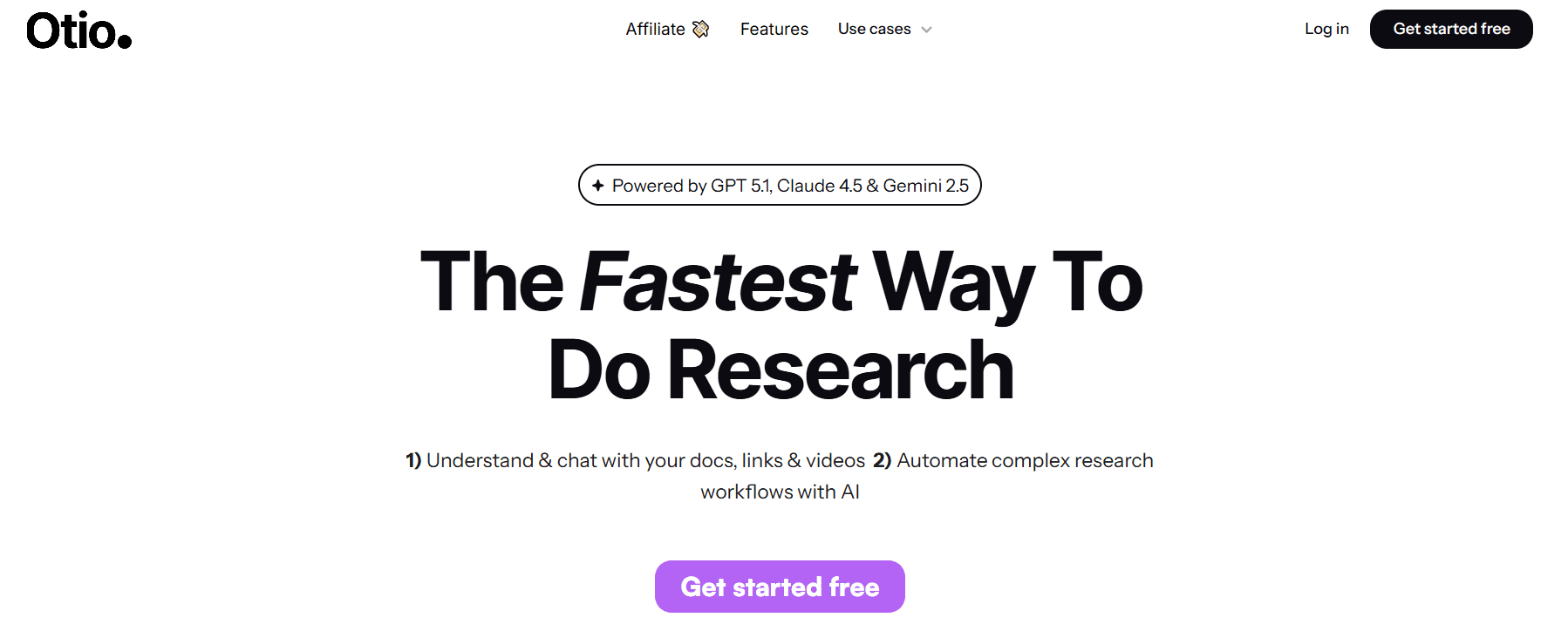
An AI workspace built for knowledge work that saves and summarizes videos, produces structured notes, and lets users chat with video content to extract quotes or clarify points. It focuses on turning recordings into drafts or study notes with a single workflow.
Pros
Centralized library, natural-language Q&A on videos, and exportable, structured notes for writing.
2. Notta
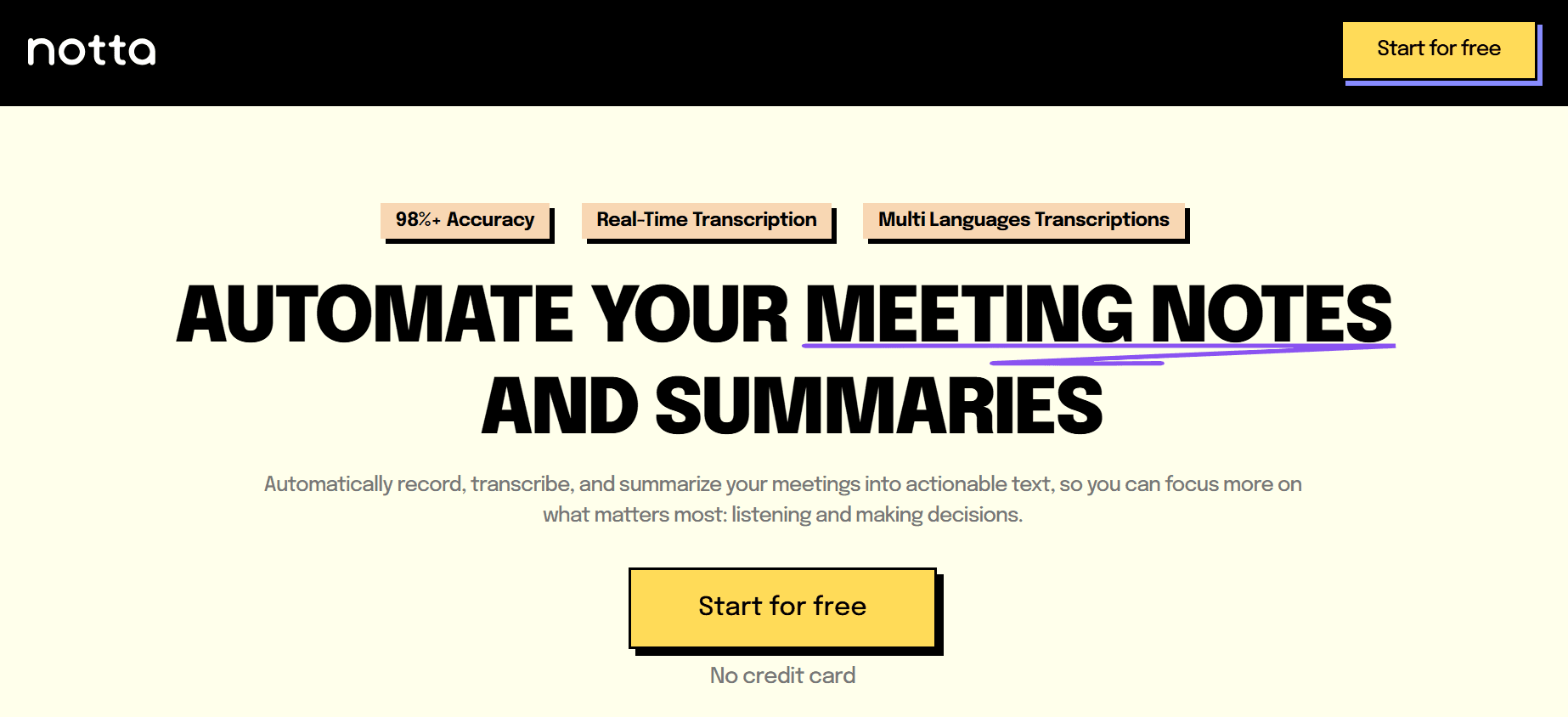
Primarily a transcription service that also generates neat summary notes from meetings and recordings, optimized for Zoom and Google Meet workflows. It prioritizes readable transcripts and concise meeting summaries.
Pros
High transcription accuracy, clean summary output, suitable for capturing corporate meetings.
Cons
Requires login, full feature set behind a paywall, limited free quota for heavy users.
3. X Grok AI
Description: An AI assistant embedded in the X platform, offering quick conversational summaries and on‑platform insights rather than standalone video processing. Best for social-first, real-time interactions.
Pros
Seamless platform integration, witty conversational tone, unrestricted access for casual users.
Cons
Functionality confined to X, limited advanced summarization features, and safety concerns around content generation.
4. Monica

A Chrome extension assistant that pulls YouTube pages into an in‑browser summarizer, then lets you refine and expand the highlights into notes or drafts. It uses modern language models to produce relevant outputs fast.
Pros
Extremely simple to trigger, integrates with writing assistance for follow-up edits, and offers desktop and mobile apps.
Cons
Chrome only; 7‑day trial, then a paid subscription is required for continued use.
5. Otter.ai
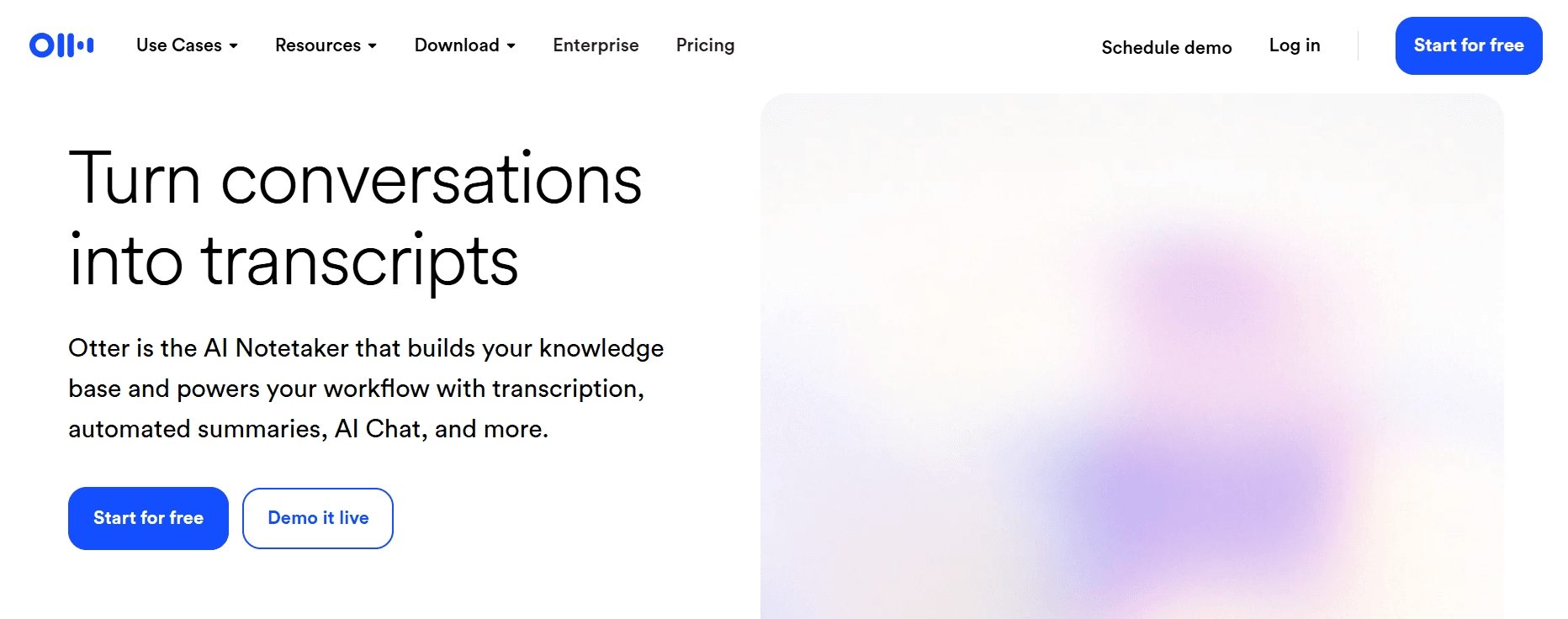
Real‑time transcription with speaker labeling, automated summaries, and action item extraction, built for live meetings and side‑by‑side recording of pre‑recorded content.
Pros
Live captions, multi‑language support, and integrations with Zoom and calendars.
Cons
The free plan is limited to 300 minutes per month; pre‑recorded workflows can feel clumsy due to side‑by‑side recording; and advanced functions are gated behind paid tiers.
6. Knowt

An education‑focused summarizer that turns lectures into transcripts, summaries, and auto-generated flashcards to accelerate study and review.
Pros
Flashcard generation, clean student-oriented UI.
Cons
Limited customization for enterprise use; fewer integrations to support broader workflows.
7. Summarize.tech
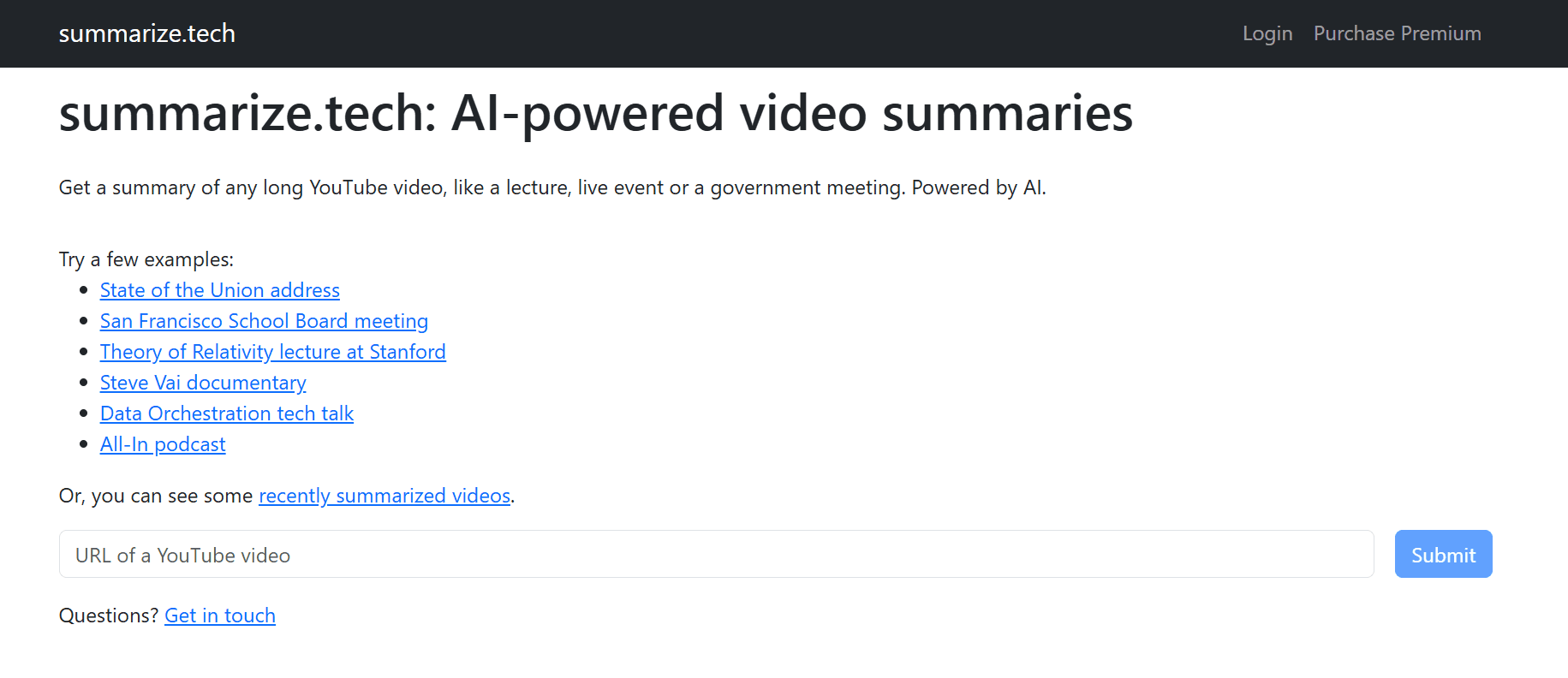
Description: Paste a YouTube URL and get a fast, extractive summary in your chosen length, from a three-sentence to a detailed multi‑point breakdown—no login required for quick trials.
Pros
High-speed, flexible summary lengths are proper for lectures and podcasts.
Cons
Primarily English only, accuracy drops with heavy visual content, and limited support for non‑spoken data.
8. ScreenApp
Accepts video URLs and uploads, returning timestamped transcripts, summaries, and highlights that link back to exact moments for clipping or export.
Pros
Multi‑platform input, one‑click exports to Slack or PDF, no login required for quick tests.
Cons
Accuracy suffers with noise and strong accents, advanced features require paid plans, and it is only available.
Middle status quo paragraph (empathize, reveal cost, show bridge)
Most teams still stitch together transcripts, manual timestamps, and ad hoc clips because those steps feel low‑risk and familiar. That approach works until scaling adds hours of rework, mismatched highlights, and version clutter that stalls publishing.
Teams find that platforms like Otio reduce that friction by centralizing video capture, automated summarization, and natural‑language search, so review cycles compress from days to hours while keeping an auditable trail.
9. Jasper AI
A broad marketing-focused AI suite that includes a text summarizer and video script templates, which you can use to convert scripts into concise summaries in many languages.
Pros
Multi‑language support across 30 languages, brand voice control, and native writing polish features.
Cons
Summaries sometimes require human editing to remove repetition, which can be costly for small teams.
10. NoteGPT

A learning and note organization tool that produces transcripts, mind maps, flashcards, and searchable notes from videos, articles, and PDFs.
Pros
Multi-format inputs, built-in spaced repetition tools, and AI Q&A inside notes.
Cons
Free access is limited to certain email domains or to low quotas; there is no real-time meeting capture or robust enterprise compliance.
11. Wordtune

A writing assistant with a Chrome extension that highlights key points in video summaries and stores them in a personal library for later reuse.
Pros
Easy library access, grammar and rewrite tools coupled with summarization, quick highlights, and timestamps.
Cons
The Free plan limits you to three summaries per day and is not designed for bulk processing.
12. Eightify

A compact Chrome and Safari extension plus iOS app that produces fast summaries of YouTube videos using GPT-family models and links key points to timestamps.
Pros
Rapid YouTube integration, multi‑language support across 40+ languages, configurable summary lengths.
Cons
YouTube only; browser extension required; may miss nuances in technical content.
13. Mindgrasp
A study assistant that converts lectures and meetings into concise notes and quizzes, with an emphasis on learning retention and Q&A.
Pros
Quiz generation, multi‑language support, and quick drag‑and‑drop uploads.
Cons
Some features are behind paywalls, there is a learning curve for new users, and the free tier is limited.
14. MyMap AI Video Summarizer
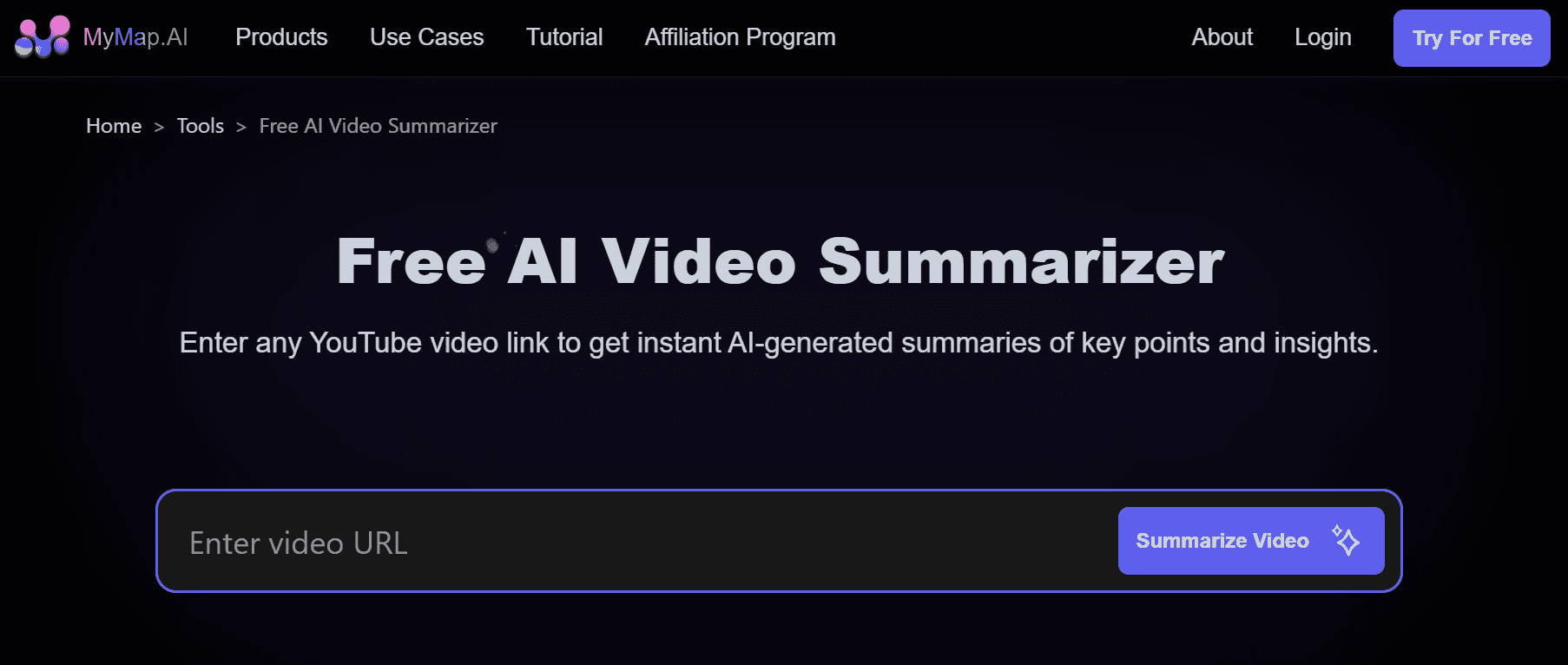
Produces both textual summaries and interactive mind maps that link nodes back to timestamps, enabling visual navigation of a video’s ideas.
Pros
Mind maps reveal connections at a glance, collaborative commenting is available, and no sign‑in is required for quick tests.
Cons
The free tier limits exports; advanced AI and API access is paid and browser-only.
15. UpWord

A Chrome extension that extracts highlights and creates AI notes from YouTube and other web content, with direct Slack sharing and a personal library for research.
Pros
Slack integration and a robust library for saved notes are helpful for researchers and teams.
Cons
Chrome only for video summaries, heavy users hit storage or throughput limits without upgrading.
Practical selection guidance, not repeated theory
If your priority is throughput and minimal manual review, choose extractive tools with timestamped exports and reliable transcript engines, as they scale with predictable editing costs. If you need synthesized, human‑friendly abstracts or a brand‑aligned tone, prefer tools with stronger abstractive models and a simple human‑in‑the‑loop review step to avoid common hallucination errors. That tradeoff between speed and narrative polish is the decision to make before you run any pilot.
A quick technician’s checklist to run a three‑video pilot this week
Choose one technical talk, one conversational interview, and one noisy meeting.
Process them using two candidate tools and export transcripts and summaries.
Measure time to publish a 90‑second clip and count human edits per summary. Use those metrics to pick the tool that returns usable assets, not just raw text.
An analogy to lock the idea
Think of each tool as a lens: some give you a sharp crop, others a spoken transcript that needs polishing, and a few produce a ready‑to‑publish summary; choose the lens that matches the job, not the brand.
That simple selection matters because the next step is where most teams finally turn a tool into repeatable output. The surprising part comes next, and it changes everything about how you’ll use these tools.
Related Reading
Best YouTube Summarizer
Supercharge Your Video Summarization Ability With Otio — Try Otio for Free Today
We know you cannot rewatch everything, and the familiar cycle of manual timestamps and scattered notes quietly eats hours from your workday. Try Otio to centralize videos and transcripts, generate extractive and abstractive summaries, pull timestamped highlights and speaker-labeled quotes, and chat with a video so you move from raw recording to searchable, draft-ready insights in minutes.



