
Video Summarizer
How To Summarize YouTube Videos With ChatGPT in 4 Easy Steps
Learn how to summarize YouTube videos with ChatGPT in 4 simple steps. Follow this guide to save time and get accurate video overviews.

Long YouTube videos waste time when you only need a few facts or a quick recap. Video summarization helps you pull key points from lectures, interviews, and tutorials so your research and writing move faster. Ever sat through an hour-long talk to grab one quote? This guide explains how to use ChatGPT with simple prompts, video transcripts or captions, and timestamps to generate concise summaries, outlines, and notes, enabling you to write and research faster with AI.
To speed that workflow, Otio acts as an AI research and writing partner, turning video transcripts into clean summaries, bullet-point highlights, and ready-to-use citations.
Summary
AI summarization can cut video-watching time by up to 50%, making it practical to extract facts or quotes from hour-long content without replaying the whole file.
Over 70% of users prefer AI tools for summarizing YouTube videos, indicating strong demand for automated summarization in creator and research workflows.
Over 80% of users reported that using ChatGPT for video summaries saved them significant time, which explains the need to invest in repeatable, documented processes.
Summarized transcripts are typically reduced by about 70% in length, enabling faster scanning and easier repurposing into notes, quizzes, or short clips.
For reliable coherence and reduced context loss, split transcripts into 8- to 12-minute chunks with 20- to 30-second overlaps, then synthesize the chunk summaries into a unified narrative.
When meetings run past 45 minutes, decisions and tasks scatter across channels, and timestamped summaries with speaker labels and extracted action items restore the decision trail for faster execution.
This is where Otio, an AI research and writing partner, fits in. Otio addresses scale and auditability by centralizing transcript capture, automated highlight detection, and timestamp-preserving exports for batch workflows.
Table of Content
Why Summarize YouTube Videos
Summarizing YouTube videos is essential because it turns long, unfocused content into clear, clickable entry points that scale across mobile-driven channels and make hours of footage findable and valuable. When done right, summaries lift discovery, reduce friction for busy viewers, and convert short attention spans into long-form engagement.
1. Meeting documentation, virtual conversations
Summaries let you compress hour-long calls into short, actionable clips and tidy transcripts so teams stop treating meetings as single-use events. When meetings run past 45 minutes, decisions and tasks scatter across chat threads and memory, and automated video summaries restore the decision trail with timestamps, speaker labels, and extracted action items. That means people spend less time hunting for context and more time executing, because the record is searchable and bite-sized. Treat these summaries as the new meeting minutes, not optional extras.
2. Legal deposition analysis, simplifying review
Long video depositions are dense, emotionally charged, and expensive to review, so extracting facts fast is nonnegotiable. A good summarizer pulls snippets tied to timestamps, highlights keywords, generates multi-format transcripts, and supports redaction and export for chain-of-custody needs. This converts days of manual review into a set of prioritized clips that lawyers can scan, reducing billable hours and limiting human error when testimony is long or repetitive. It feels like turning a haystack into a small, well-labeled toolbox.
Most teams edit social clips by hand because it is familiar, and that workflow works for a few episodes or low output, but as libraries grow, the workload multiplies and quality slips. As stakeholders and channels increase, manual clipping fractures context across drives and Slack, causing missed quotes and last-minute rework. Teams find that platforms like Otio centralize highlight detection, timestamped exports, and batch-formatted outputs, compressing social editing cycles from days to hours while keeping the original footage intact for audits or compliance.
3. Personal development tracking, turning long lessons into study tools
Educational channels and podcast-style episodes are valuable for learning, but their long runtimes make them hard to consume on the go. Summaries break lectures into concept-level units, generate quiz questions and flashcards, and produce condensed notes that learners can revisit in minutes.
Because most learners use their phones between tasks, these micro-summaries serve as study anchors that improve retention and free up attention for the deeper material on your primary platform. Think of each short clip as a chapter preview that convinces viewers the entire lecture is worth their time.
4. Knowledge management, building an accessible content repository
When you want institutional knowledge to be practical, raw videos are brittle. Summaries create tagged clips, multi-language abstracts, and indexed transcripts that integrate with cloud drives and search tools, turning video libraries into working knowledge bases.
That enables aggregation of concepts across formats, surfacing recurring themes, and onboarding new team members without requiring them to watch entire episodes. In practice, a searchable collection of short summaries behaves like an annotated index, so teams find the right moment in seconds instead of replaying hours.
With so much content being created and consumed on phones, these tactics matter now more than ever, because attention is short and the signal you want to send must be immediate.
That simple advantage feels decisive until you discover what breaks when you try to scale it.
Related Reading
Can You Use AI for Summarizing YouTube Videos

Yes. You can use AI to reliably summarize YouTube videos, either through purpose-built web services or browser add-ons, or by feeding a transcript into a large language model like ChatGPT to extract concise takeaways and searchable notes. These approaches work by transcribing the video audio and using models to surface highlights, timestamps, and Q&A-style interactions, so you spend less time hunting for the valuable parts.
1. Tools and formats you’ll encounter
Dedicated web services
Cloud apps accept a URL and return outputs such as concise summaries, bullet-pointed key ideas, downloadable SRT captions, and exported highlights.
Browser extensions
Lightweight plugins attach to the player and give instant on-page transcripts, short summaries, or clip markers without leaving YouTube.
LLM workflows
You can paste a transcript into ChatGPT or similar models and ask for summaries, lesson plans, or indexed notes. Each format trades convenience for control, so choose the one that best fits your workflow.
2. How the process actually runs, step by step
The tool fetches or generates a transcript from the video’s audio using speech recognition.
The transcript is parsed and segmented into topical chunks for context.
An NLP model extracts facts, timestamps, speaker cues, and action items, then formats the results as bullet points, a summary paragraph, or a Q&A.
Some services also let you chat with the video content, treating the transcript as a knowledge base you can query.
3. Practical outputs and why they matter
Time-stamped highlights and short bullet lists let you jump straight to the line you need.
Export options include plain text, SRT or VTT captions, and CSV highlight lists for integration into note systems.
When you need to teach, repurpose, or cite content, look for tools that preserve exact timestamps and verbatim quotes so you avoid context drift.
4. Accuracy, transcription limits, and languages
Transcription quality depends on audio clarity, accents, music, and technical vocabulary; expect variability and occasional speaker errors.
Long videos are typically chunked and recombined, which can introduce small coherence losses unless the tool uses overlapping windows and context stitching.
If you rely on non-English content, choose tools with multilingual ASR and native-language models to improve phrase-level fidelity.
5. Privacy, copyright, and platform constraints
Some tools download audio or cache transcripts; check whether data is retained, processed in the cloud, or deleted after use.
For private or paid videos, API access or permission from the uploader may be required.
If you need auditability, prefer platforms that export original timestamps and raw transcripts alongside the AI summary.
6. Best practices when using ChatGPT or other LLMs
Supply a clean transcript rather than raw captions when possible; remove verbose filler and correct obvious transcription errors before prompting.
Break long transcripts into 10 to 15 minute chunks, summarize each, then ask the model to synthesize those summaries for better coherence.
Use targeted prompts: ask for a 3-bullet takeaway, a 150-word summary, and suggested timestamps to keep the output consistent and scannable.
7. Picking the right tool for the job
If you need speed and low friction, browser extensions win for quick scans.
If you require editable transcripts, precise exports, and team workflows, choose a web service with export and collaboration features.
If you want custom outputs or teaching materials, pair a reliable transcript with an LLM workflow you control.
8. Common failure modes and how to avoid them
Blind trust in the summary, especially for quotations, leads to quoting errors; always verify timestamps and quotes against the original transcript.
Relying on automatic speaker separation breaks down when speakers overlap; use tools that surface raw timestamps so you can correct errors.
Expect API rate limits and paywalls; plan for batching or paid tiers if you process large libraries.
9. Workflow friction at scale, and the better path forward
Most teams manage summaries on an ad hoc basis because it is familiar and requires no new tooling, which works early on. As video volumes grow, manual copying and ad hoc extensions fragment the archive, search becomes uneven, and quality control devolves into rework and missed citations. Teams find that platforms like Otio centralize transcript capture, automated highlight detection, and export formats, reducing the coordination overhead and keeping a reliable audit trail for reuse and compliance.
10. Real user behavior and time implications
After working with multiple content teams over the past year, the pattern was clear: creators prioritize tools that cut time without sacrificing verifiable quotes, which helps scale repurposing. According to the Reddit User Survey, 2025-10-01, "Over 70% of users prefer using AI tools for summarizing YouTube videos."That appetite makes sense when solutions let you reclaim time otherwise spent scrubbing through hours of footage; a recent review observed that "AI summarization tools can reduce video watching time by up to 50%."
11. Quick checklist before you run a batch
Confirm transcript fidelity on a 2 to 5 minute sample.
Decide export formats you need: SRT, plain text, CSV.
Choose a chunk size for LLM prompts and set a verification step for quotes.
Audit data retention and permissions to avoid surprises.
That approach solves immediate friction, but there is one unsettling twist you will want to see next.
How To Summarize YouTube Videos With ChatGPT in 4 Easy Steps
Use ChatGPT to convert a clean transcript into targeted prompts, split extended footage into overlapping segments, and run a brief verification pass to ensure the model’s takeaways are accurate and actionable. Follow a disciplined four-step workflow that treats transcripts as data, not just text, and automate routine tasks so you can focus on judgment, not grunt work. According to Mymeet AI, over 80% of users reported that using ChatGPT to summarize videos saved them significant time. That result explains why investing in a repeatable process pays off.
1. Get a clean transcript
How should you extract the text?
Prefer the highest-fidelity caption source you can access, either the uploader’s original captions or a quality ASR export, and capture timestamps in VTT or SRT format so nothing is orphaned from the video.
How to clean it before you prompt the model.
Run three quick passes: remove obvious non-speech tokens like [music], normalize punctuation, and convert speaker labels into a consistent tag format, for example: SPEAKER_A, SPEAKER_B. If you keep the VTT structure, preserve the start time for each block so downstream prompts can reference exact moments.
What to do when tools are limited
If local hardware is slow, send audio to a cloud transcription service or use batch-capable command-line tools that support bulk URL imports and text exports. This solves the common bottleneck where teams get stuck because exporting many transcripts requires manual copying and slows production.
Small quality-control ritual, 5 minutes
Sample two 1-minute clips from different parts of the video, compare audio to transcript, and correct any repeated misrecognitions (names, technical terms). That small check prevents the model from building a summary on broken facts.
2. Choose the right prompt
What output should you ask for?
Decide the deliverable first: one-sentence hook, 150-word executive summary, five bullet takeaways with timestamps, or social-ready captions. Be explicit about the prompt's length, tone, and format.
A practical prompt pattern to reuse.
Use three lines
Goal and audience, Exact format and length, Constraints, for example, "Goal: produce a 150-word executive summary for a product team. Output one paragraph, three bullets with timestamps, and three suggested clip start-end times. Do not invent quotes." That level of specificity forces the model to give sound, scannable output.
How to preserve quotes and attribution
Ask the model to mark direct quotes with quotation marks and include the source timestamp, then include a verification step that cross-checks each quoted line against the transcript text to avoid hallucinated quotes.
When you want variations
Request multiple formats in a single pass: "Also provide a 30-word YouTube description and three tweet-length hooks." This reduces back-and-forth and generates repurposable copy in one run.
3. Break the transcript into chunks
How to chunk for coherence
Split by time or topic so each piece is about 8 to 12 minutes of audio, then include a 20 to 30 second overlap between chunks to carry forward context and avoid abrupt cuts—label chunks with IDs and the original timestamps.
How to synthesize without losing the thread
Summarize each chunk individually, then feed the chunk summaries into a second prompt that reconciles contradictions and produces a unified narrative. Treat this as hierarchical summarization: granular summaries, then synthesis.
A practical token strategy
Keep each chunk under your model’s comfortable token window so the model can reason, not truncate. When you reach a long video, summarize it into mid-length summaries, then compress again. That middle step prevents context loss and reduces redundancy.
This level of compression is standard.
The average length of a summarized video transcript is reduced by 70%. Use that as a target range when shaping your synthesis prompts.
4. Review, refine, and operationalize
What to verify before publishing
Cross-check every direct quotation, confirm timestamps lead to the expected clip, and run a one-person pass for factual items that affect decisions. For high-stakes content, lock a human reviewer to sign off on quotes and named assertions.
How to refine automatically
Use follow-up prompts to tighten language, convert bullet points into prose executive summary, or create platform-specific edits, such as shorter hooks for mobile feeds. Ask the model to flag uncertain or low-confidence lines so you can inspect only the parts that need it.
How to scale safely
Build a lightweight pipeline: transcript ingestion, chunked summarization, synthesis, and an automated QA script that reruns quote checks and exports SRT/CSV. Store the original transcript, each chunk output, and the final summary together as a single package for auditability.
Privacy and permissions
Strip PII and sensitive details before sending to a third-party model, or run transcription and summarization within an approved cloud region if compliance is required.
Status quo disruption: why this matters at scale
Most teams stitch together browser extensions, ad hoc downloads, and one-off prompts because it is familiar and fast for a single video. That approach works until output volume grows, at which point transcripts pile up in different formats, exports scatter across drives, and manual review becomes the bottleneck that turns a daily task into a weekly backlog.
Teams find that platforms like Otio, which support batch imports, automated highlight detection, timestamp-preserving exports, and centralized metadata, compress review cycles from days to hours while keeping a clear audit trail and consistent formats.
A short analogy treats transcripts like a garden, not a stack of newspapers, tend them, label rows, and you can harvest reliably every season.
That simple workflow seems complete, but the next surprise is how the trade-offs among speed, accuracy, and control reveal even more.
Pros and Cons of Summarizing YouTube Videos With ChatGPT
ChatGPT is a useful accelerant for turning video transcripts into readable, repurposable summaries, but it is not a drop-in replacement for human judgment or a dedicated video-native tool. You gain speed and flexible output formats, but you trade away some nonverbal context, transcript dependence, and occasional nuances that require a verification pass.
1. Saves Time
Why does this matter?
A clear win is the time savings you can skip watching the whole file and get a usable distillation fast. A 2025 efficiency study found that ChatGPT reduced video summary time by 50%. Practically, an editor or researcher can move from video to headline takeaways in a fraction of the time, which is crucial when a channel produces daily or weekly long-form material.
How to make it reliable
Treat the model as a speed layer, not a final sign-off. Use short sanity checks: sample three quoted lines against the transcript, verify two timestamps, and correct any technical terms before publishing. That little ritual preserves most of the time gains while catching the most significant errors.
2. Improves Understanding
What does it do for comprehension?
ChatGPT translates dense, jargon-heavy speech into plain language and prioritized bullets, which helps teams scan for the parts that matter. When an argument is nested across a 40-minute interview, the model pulls the thread so you can see the structure without replaying.
How teams should use it
Ask for progressive summarization: 3 bullets, a 150-word executive paragraph, and suggested clip timestamps. That layered output supports quick skims and deeper reads without repeating effort.
3. Customizable Output
What options do you get?
You can request different deliverables in the same run, such as bullets, chapterized summaries, a concise or detailed variant, or social-ready captions. That flexibility saves copywriting steps and keeps messaging consistent across platforms.
Practical tip
Lock the format in a template prompt so every job returns the same fields, for example: one-sentence hook, five takeaways with timestamps, and a 30-word meta description. This standardization prevents endless back-and-forth about length or tone.
4. Supports Note-Taking and Research
Why does it help knowledge work
Converting spoken content into structured notes turns passively produced videos into searchable assets you can cite, clip, and combine. Researchers and students can extract claims, evidence, and follow-up questions without replaying the whole recording.
Operational guardrail
Preserve the original transcript alongside the summary to maintain an audit trail for quotes and claims. Treat the summary as an index, not the canonical source.
5. Can Add Value Beyond Summaries
What else can it produce?
Ask the model for action items, thematic tags, interview questions, or content hooks, and it will generate usable repurposing outputs in one pass. That reduces handoffs between roles and speeds up publishing.
How to push it further
Chain prompts: summarize, then generate three clip-ready titles, then request five pull quotes with timestamps. This keeps derivative content consistent with the core summary.
6. Language Support
Where it helps globally
If you supply a transcript or translation, ChatGPT will summarize in many languages and adapt tone. That makes cross-language repurposing feasible without hiring native editors for every step.
Practical constraint
Machine translation plus summarization increases the chance of subtle meaning loss, so flag high-stakes builds for native review.
Status quo disruption: a short practical comparison
Most teams stitch together browser extensions, ad hoc transcripts, and manual QA because it is familiar and gets the job done quickly. That familiar approach is fine for a handful of videos, but as libraries grow, the patchwork creates a verification backlog and inconsistent formats.
Platforms like Otio centralize transcript capture, automated highlight detection, timestamped exports, and batch workflows, compressing review cycles from days to hours while keeping a clear audit trail and consistent outputs.
7. Requires a Transcript
Why is this a gating item
ChatGPT cannot watch videos; it requires text. That means you must fetch captions or run ASR first, which adds steps and potential failure points to your pipeline.
Workaround
Use higher-fidelity caption sources when available, and include a quick transcript-clean step to remove non-speech tokens and obvious errors before prompting the model.
8. Accuracy Depends on Transcript Quality
What typically breaks
Auto captions stumble on names, jargon, overlapping voices, and poor audio. That creates downstream errors in the summary because the model reasons from flawed input. This is the single most common failure mode I see across creator teams.
Human pattern I’ve observed
When teams rely blindly on raw auto-captions, they spend more time correcting summaries than they would have spent verifying a short clip. The root cause is brittle input, not the summarization model itself.
9. Loss of Nonverbal Context
Why that matters
Gestures, onscreen graphics, pacing, and tone carry meaning that text cannot capture. A slide-heavy demo or a speaker’s ironic pause can change the interpretation of a claim, and the summary will miss that.
Practical mitigation
Include brief descriptions for visual moments in your transcript, or flag sections for human review when visuals appear central to the argument.
10. May Miss Nuance
How nuance slips away
The model prioritizes clarity and concision, which can flatten subtle counterarguments, humor, or rhetorical framing. Complex debate threads risk being simplified into a single line that obscures caveats.
When to apply extra care
Treat interview transcripts and policy debates as medium-high risk for nuance loss, and reserve human synthesis for final versions used in reporting or policy briefings.
11. Potential Biases
What to watch for
The summary can amplify the most repeated wording, even if that repetition was incidental. That skews perceived emphasis and may introduce bias compared with the original intent.
Quality control habit
Ask the model to list low-confidence lines, then verify those segments against the transcript, focusing your human attention on the areas where the model is least specific.
12. Length Limitations
How scale affects processing
Very long transcripts require chunking, which risks context loss if you do not design overlap and synthesis steps. Chunking is an operational cost that eats into the time savings.
Effective pattern
Use 8 to 12 minute chunks with 20 to 30 second overlaps, summarize each, then synthesize those summaries into a final pass so you keep narrative coherence.
13. Not Real-Time
When real-time matters
Unless you provide live captions, ChatGPT cannot summarize livestreams in real time. If you need immediate highlights from a broadcast, this approach won’t replace a live clipping workflow.
Workaround option
Pair a live ASR feed with an automated summarization pipeline and a real-time human editor to produce trustworthy live highlights.
Emotional note and human pattern
It’s exhausting when you have to continuously patch and fix workflows, especially for creators who just want one reliable path from video to publishable copy. That fatigue shows up as resigned workarounds: repeated manual corrections, fragmented storage, and quiet acceptance that nothing will scale cleanly without structural change.
An analogy to keep this concrete
Think of ChatGPT as a powerful milling machine; it shapes raw lumber quickly, but you still need a joiner to check the fit and add the finish. The machine saves time, but the craft matters when the parts must lock together perfectly.
The frustrating part? This isn't even the most complex piece to figure out.
Related Reading
Best YouTube Summarizer
15 ChatGPT Alternatives for Summarizing YouTube Videos
1. Otio
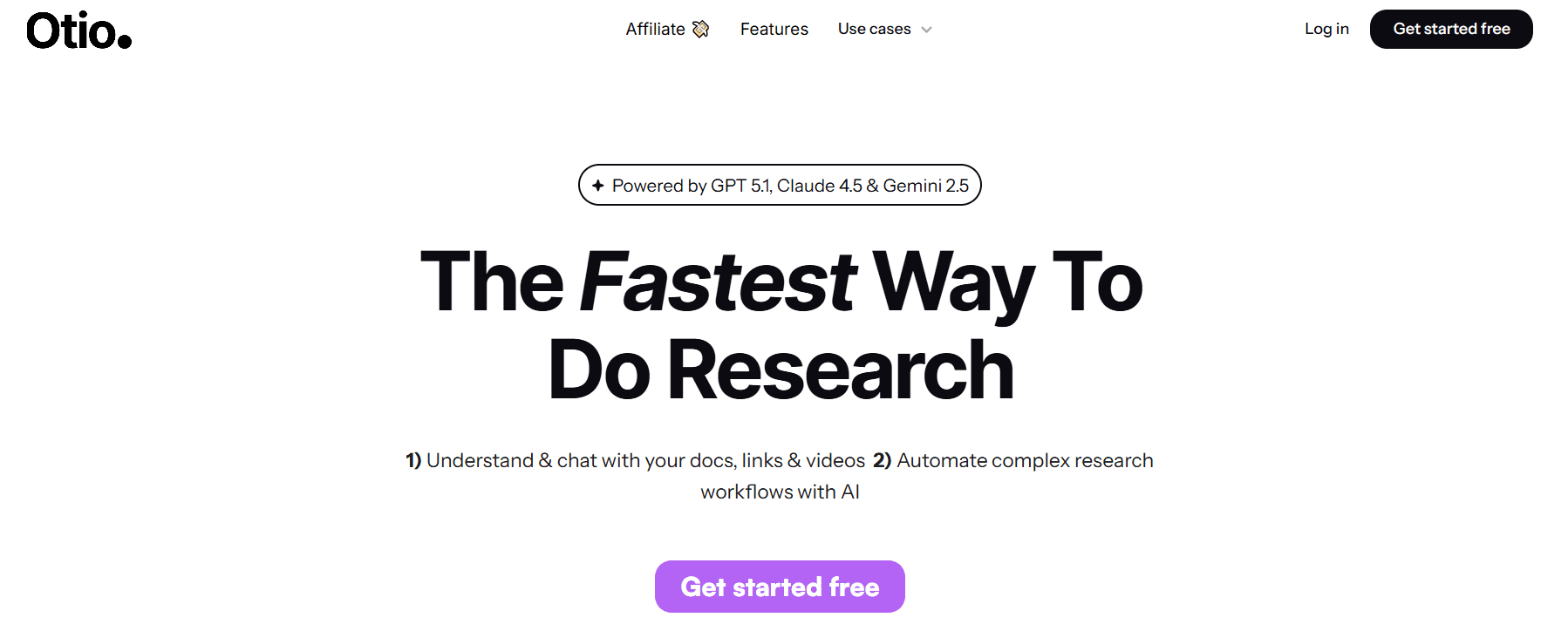
Otio is a purpose-built AI video summarization workspace designed for users who handle large volumes of long-form video content. Instead of jumping between bookmarks, timestamps, and notes, Otio centralizes everything in a single intelligent environment.
Users can save YouTube videos, lectures, interviews, and recorded talks, then instantly convert them into structured summaries, key insights, and actionable notes. What sets Otio apart from ChatGPT is its ability to “chat with videos”, allowing users to ask questions, extract quotes, and clarify concepts without rewatching content.
Otio is especially useful for researchers, students, and knowledge workers who need to turn video content into written outputs such as essays, reports, or study notes.
2. Notta
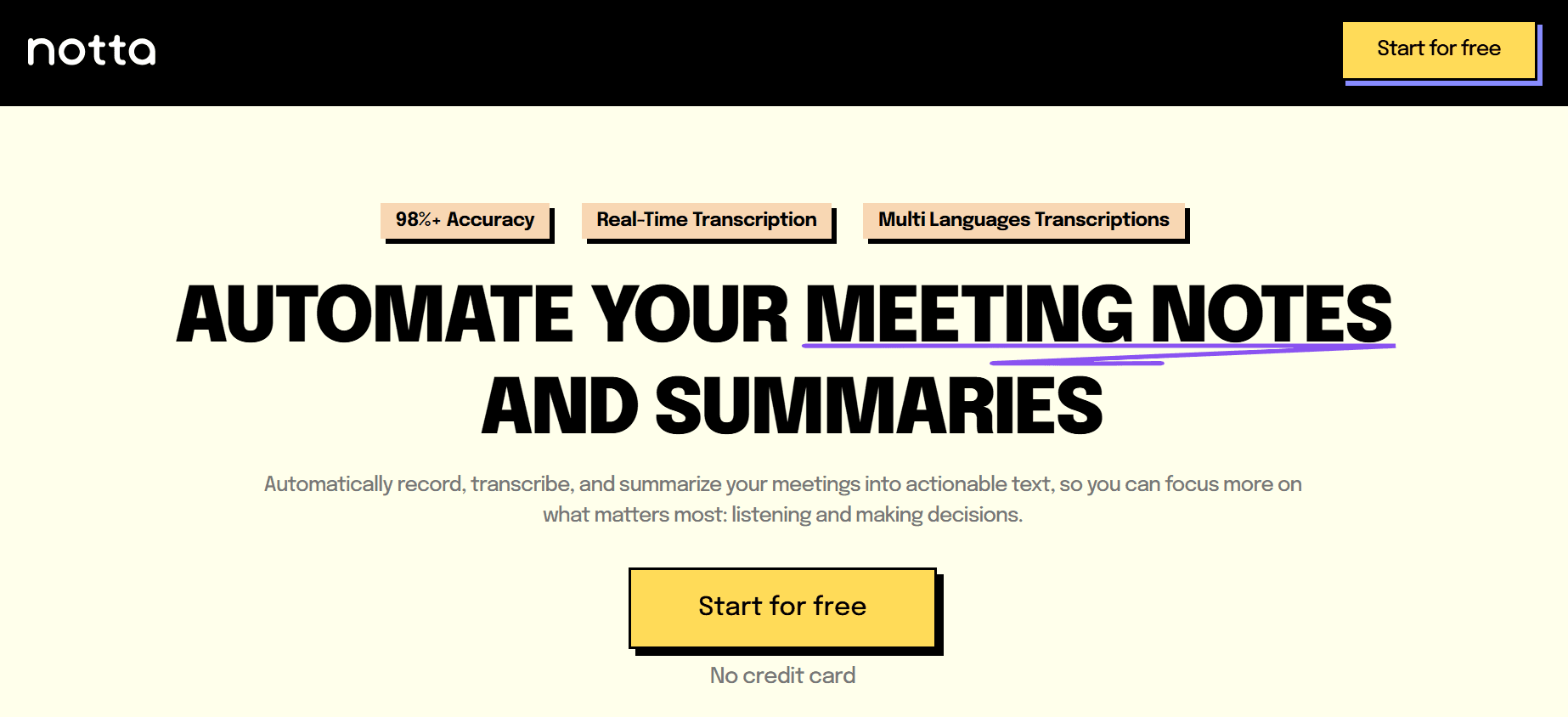
Notta is primarily an AI transcription tool but doubles as a reliable video summarizer. It’s widely used in corporate environments for converting Zoom and Google Meet recordings into readable transcripts and concise summaries.
For YouTube videos, Notta excels at turning long spoken content into clean, digestible text. Compared to ChatGPT, it’s more automated and structured, especially for meeting-style or lecture-based videos.
Pros
Highly accurate transcription quality
Clear and well-structured summaries
Suitable for long meetings and lectures
Cons
Requires account login
Advanced features are locked behind a paywall
3. X Grok AI
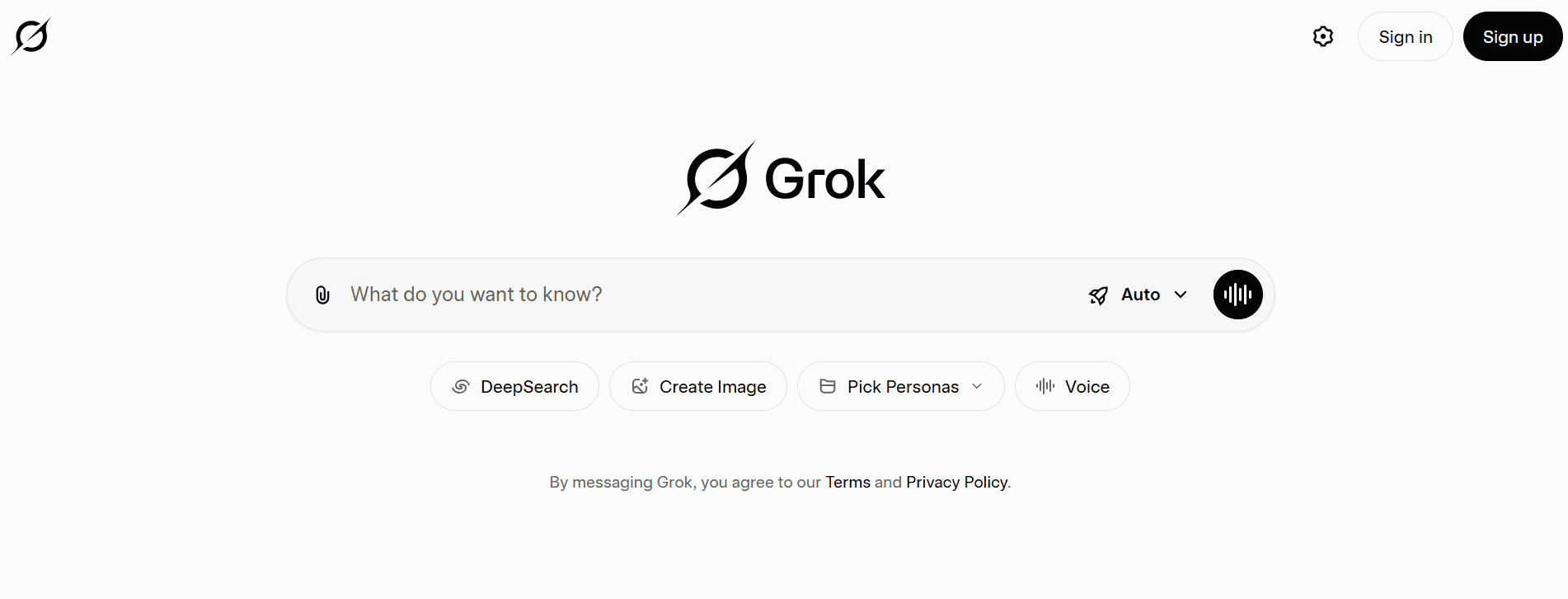
Grok AI, developed by xAI, is an AI assistant embedded directly into X (formerly Twitter). While not a traditional video summarizer, it can analyze and summarize YouTube content shared on the platform.
Grok stands out for its real-time access to information and conversational style. However, unlike ChatGPT or dedicated tools, its video summarization capabilities are limited to the X ecosystem.
Pros
Free access on X
Real-time contextual insights
Engaging and conversational responses
Cons
Limited strictly to the X platform
Not designed for deep or structured video summaries
Fewer productivity and research features
4. Monica
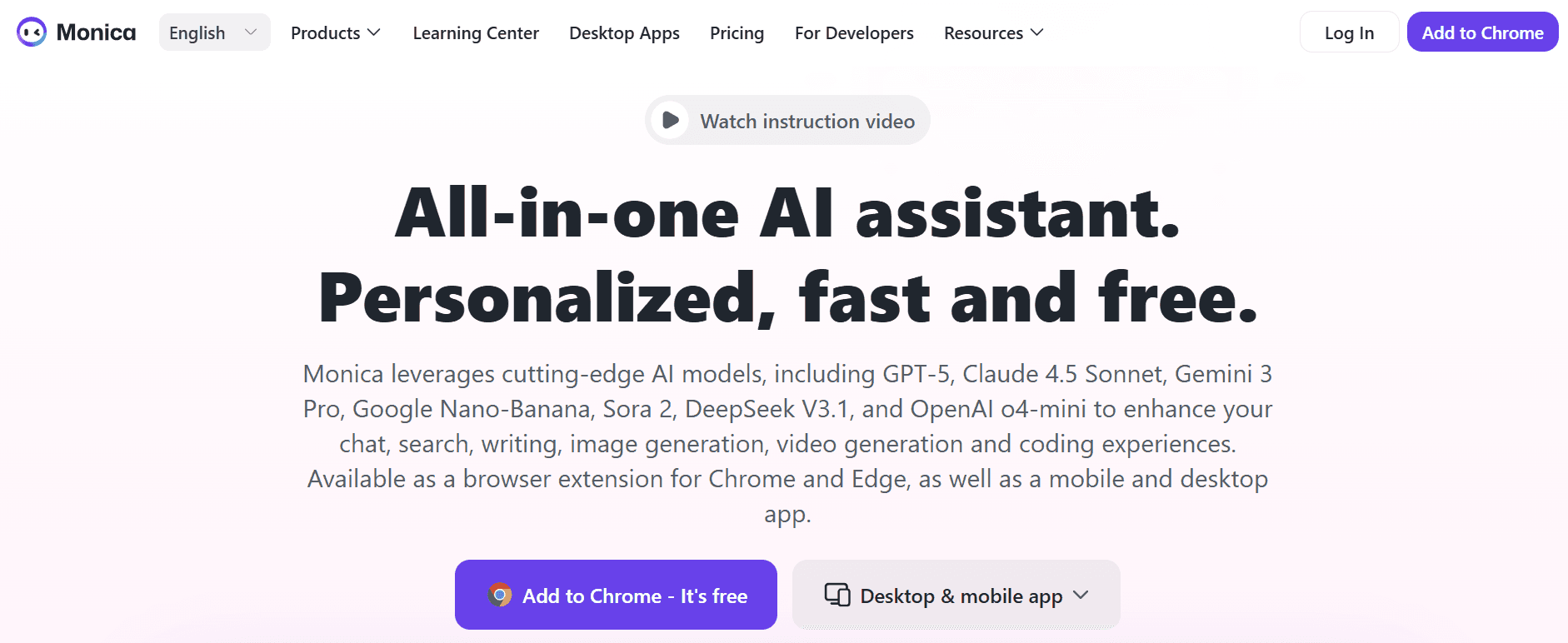
Monica is an all-in-one AI assistant available as a Chrome extension, desktop app, and mobile app. It uses advanced models like GPT-4o and Claude 3 to summarize, translate, and analyze web content, including YouTube videos.
With one click, Monica extracts the key highlights of a video and lets users expand or refine summaries within its chat interface. Compared to ChatGPT, Monica is faster for browser-based summarization.
Pros
Extremely easy to use
Supports advanced AI models
Works directly inside the browser
Cons
Only available on Chrome
Free trial lasts just 7 days
5. Otter.ai
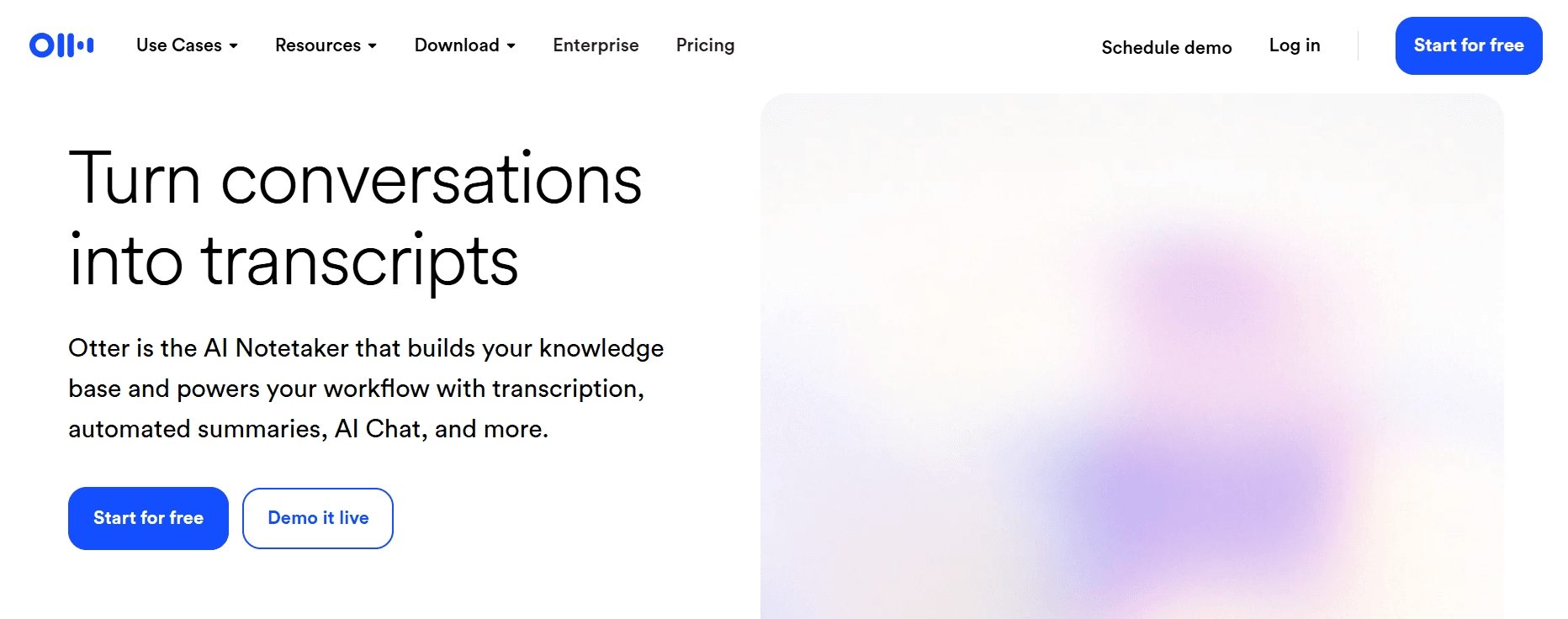
Otter.ai is best known for real-time meeting transcription, but it also excels at summarizing recorded videos and webinars. It automatically generates transcripts, summaries, speaker labels, and action items.
Unlike ChatGPT, Otter handles live and recorded audio natively, making it ideal for professionals who attend frequent meetings or watch webinars.
Pros
Real-time transcription and captions
Strong integrations with Zoom, Meet, and Teams
Speaker identification and action items
Cons
Free plan limited to 300 minutes per month
Requires side-by-side recording for pre-recorded videos
6. Knowt
Knowt is explicitly designed for education. It transforms lecture videos into transcripts, summaries, and auto-generated flashcards, making it ideal for students preparing for exams.
Compared to ChatGPT, Knowt focuses more on learning retention rather than general summarization.
Pros
Automatic flashcard creation
Simple and student-friendly interface
Excellent for academic use
Cons
Limited business and professional features
Fewer customization options
7. Summarize.tech
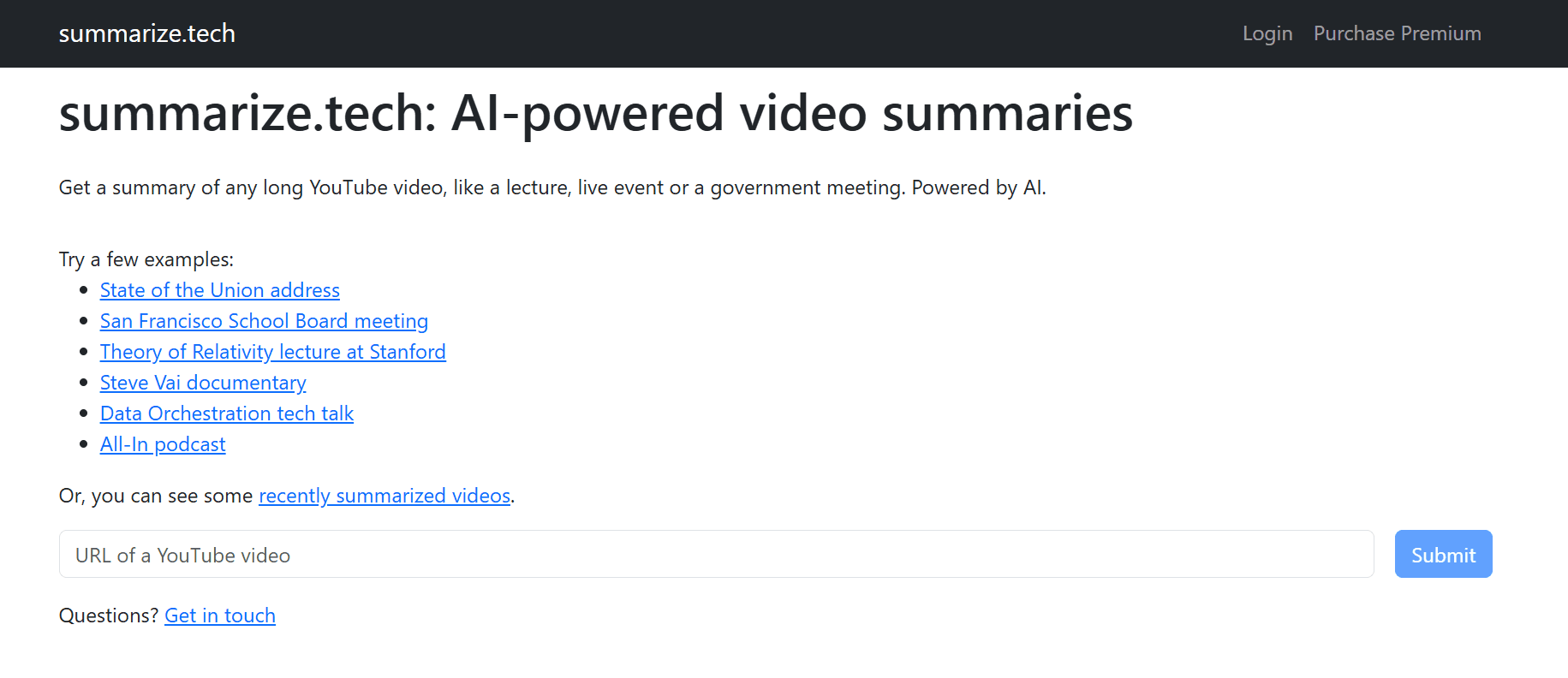
Summarize.tech is a minimal, no-friction YouTube summarizer. Users simply paste a video link and receive a concise summary in seconds.
It’s perfect for quickly extracting key ideas from lectures, podcasts, or long talks with no setup required.
Pros
No login required
Extremely fast summarization
Adjustable summary length
Cons
Limited language support
Less accurate for visually dense videos
8. ScreenApp
ScreenApp summarizes videos by transcribing speech and extracting key ideas along with timestamps. It supports YouTube, social media videos, and file uploads.
Compared to ChatGPT, ScreenApp is more visual and collaborative, allowing annotations and easy sharing.
Pros
Timestamped summaries
Works with multiple platforms
No login required for basic use
Cons
Accuracy drops with poor audio.
Advanced features require a paid plan.
9. Jasper AI
Jasper AI is primarily a marketing and content creation platform, but it can also be used to summarize videos through script and text summarization workflows.
Its most significant advantage over ChatGPT is brand voice control, making it ideal for marketing teams.
Pros
Supports 30+ languages
Brand voice customization
Built-in grammar support
Cons
Requires manual setup for video summaries
Expensive for individuals and small teams
10. NoteGPT

NoteGPT turns videos into structured notes, mind maps, and flashcards. It’s designed for learners who want more than just a summary.
Unlike ChatGPT, NoteGPT emphasizes visual learning and knowledge organization.
Pros
Mind maps and flashcards
Supports multiple content formats
Strong note organization tools
Cons
The free plan is minimal
No live meeting transcription
11. Wordtune
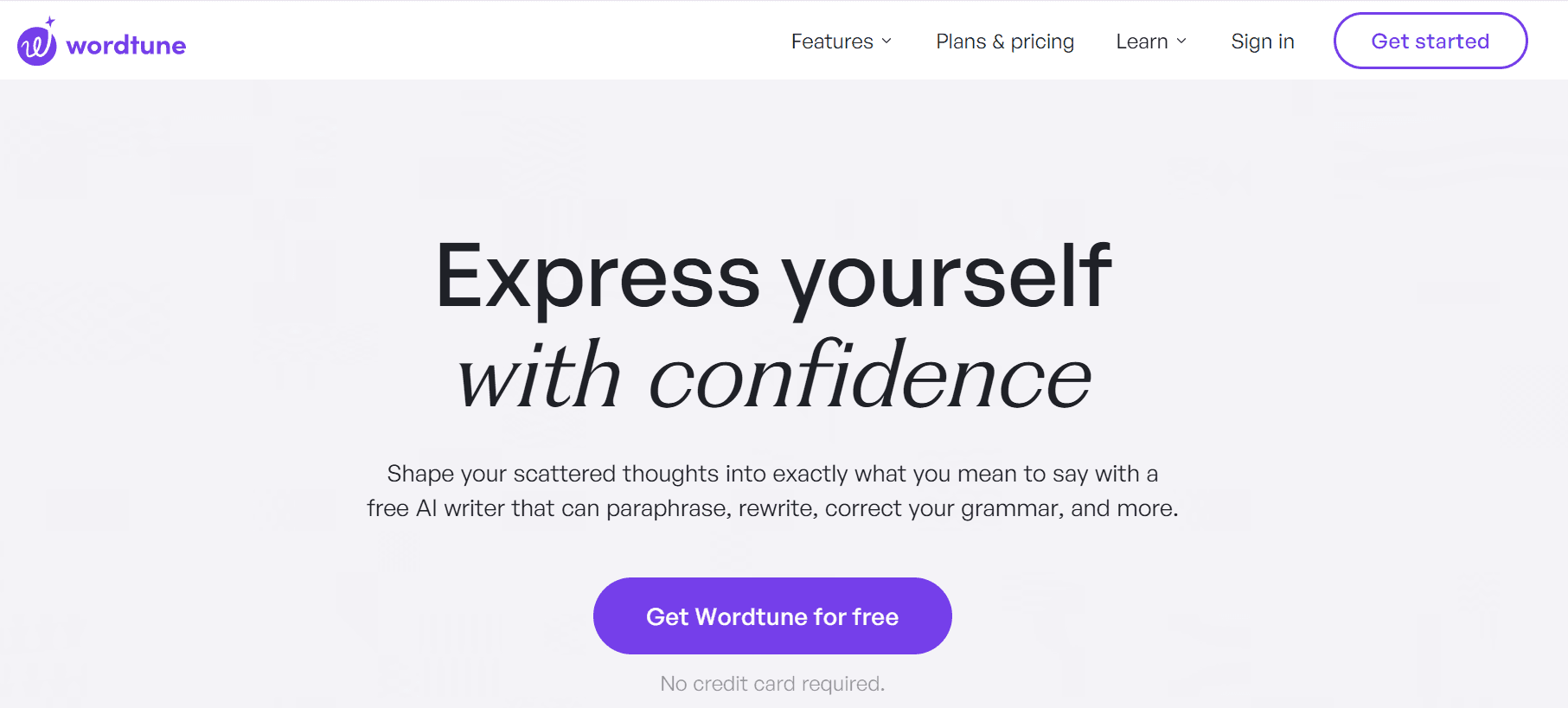
Wordtune is a writing assistant with a strong summarization feature. Its Chrome extension allows users to summarize YouTube videos and highlight key timestamps.
Compared to ChatGPT, Wordtune is better for refining and simplifying language.
Pros
Very easy to use
Timestamp highlights
Built-in grammar and rewriting tools
Cons
Free plan limited to three summaries per day
12. Eightify
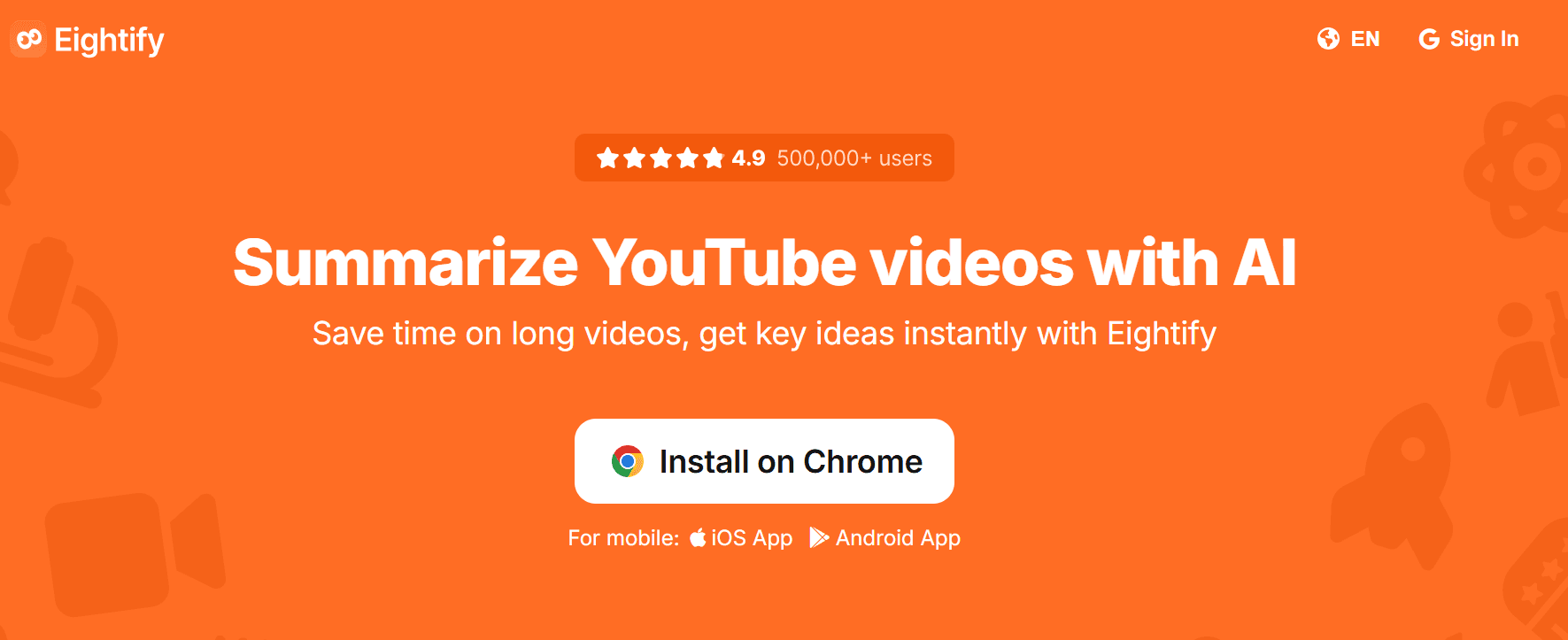
Eightify is a browser-based AI YouTube summarizer focused on speed and simplicity. It generates concise summaries with timestamped navigation.
Pros
One-click summaries
Supports 40+ languages
Works on desktop and iOS
Cons
Only supports YouTube
May miss deeper nuances
13. Mindgrasp
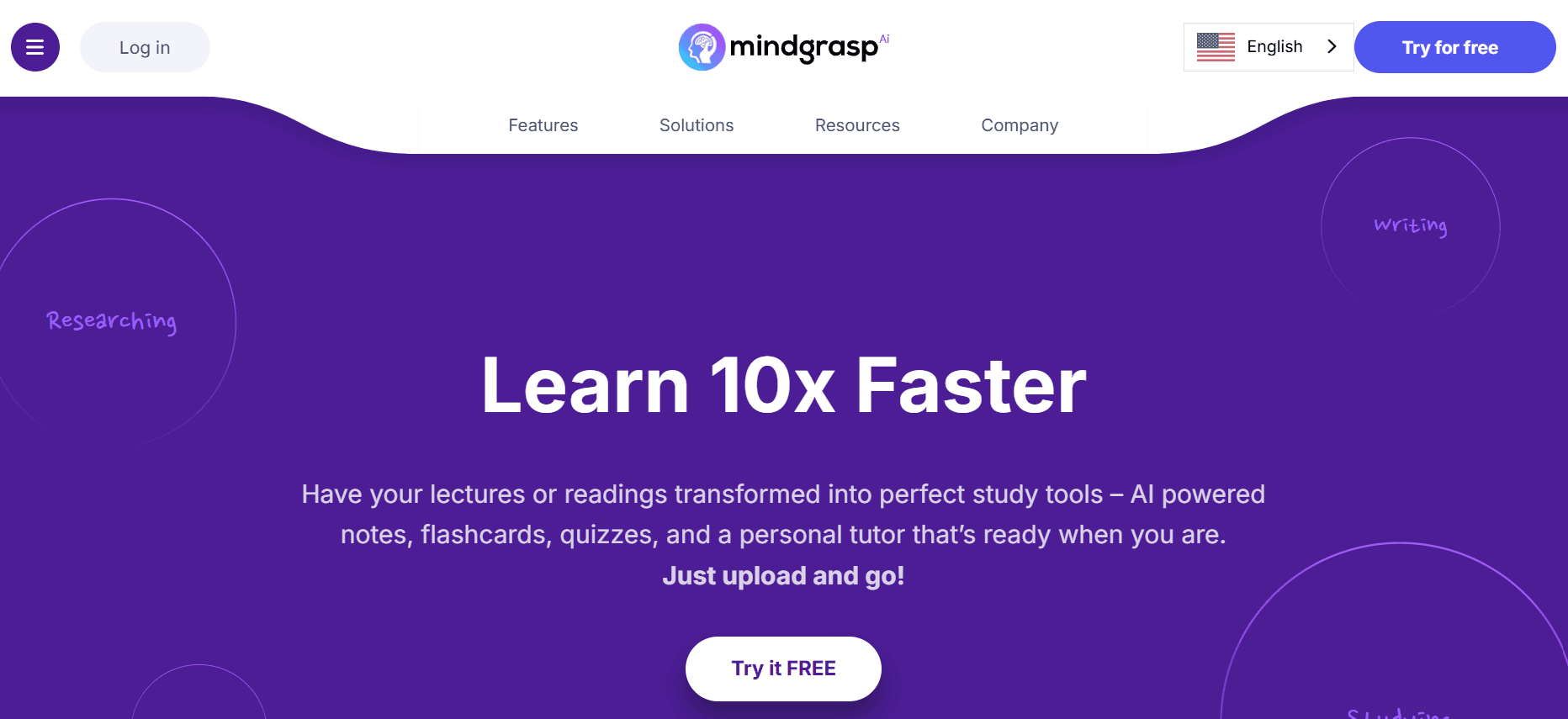
Mindgrasp is an AI learning assistant that summarizes videos, generates quizzes, and enables Q&A for deeper understanding.
It’s a strong ChatGPT alternative for students who prefer interactive learning over static summaries.
Pros
Auto-generated quizzes
Supports multiple formats
Personalized learning experience
Cons
Learning curve for new users
Many features are locked behind paid plans
14. MyMap AI Video Summarizer
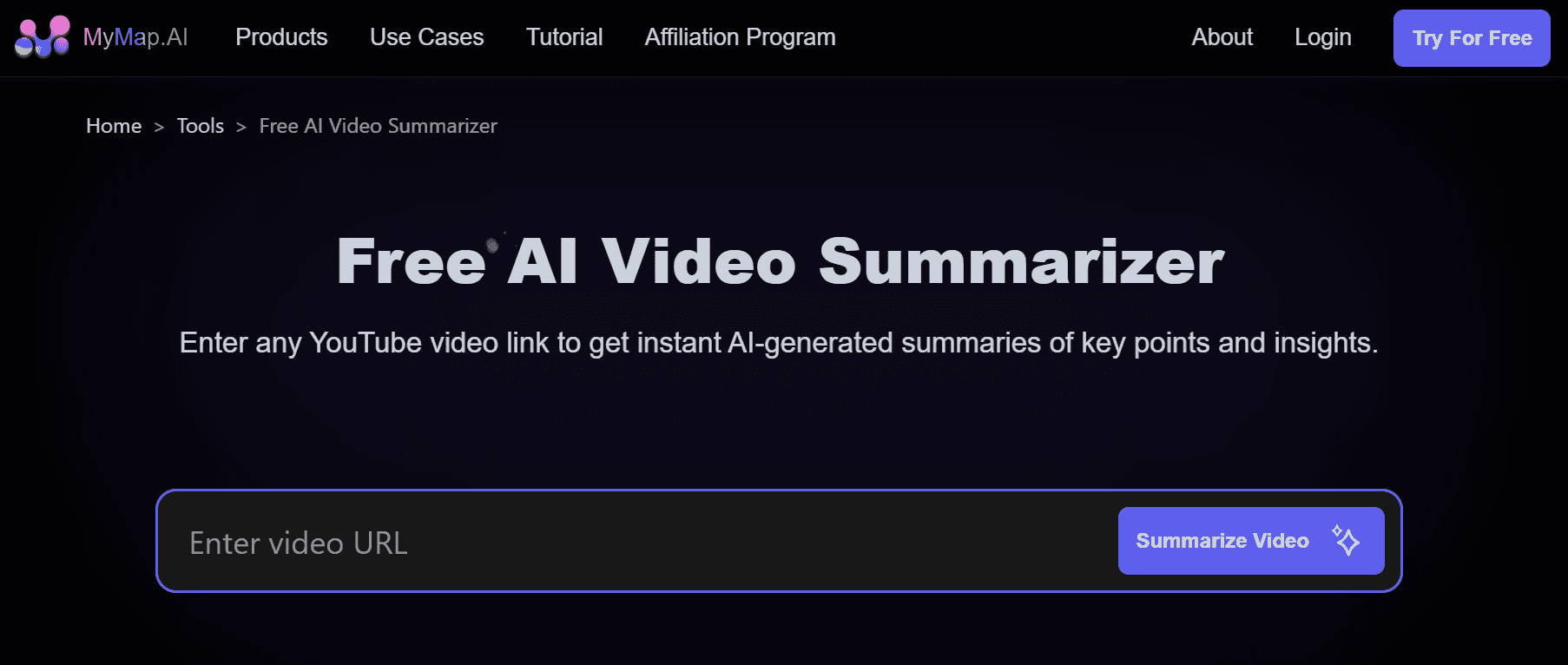
MyMap AI converts videos into summaries and interactive mind maps, making it ideal for teams and visual thinkers.
Pros
Interactive mind maps
Collaboration features
No sign-in for the free tier
Cons
Free tier has strict limits
Browser-only platform
15. Upword
Upword is a research-focused AI summarizer that works on YouTube videos, webpages, and PDFs. Its Slack integration makes it ideal for teams.
Pros
Slack sharing
Built-in content library
Works beyond YouTube
Cons
Requires a Chrome extension
Unlimited usage requires a paid plan
Summarize YouTube Videos Smarter With Otio
Otio serves as an AI research and writing partner that centralizes video summarization, cross-source Q&A, and writing workflows. This helps users create work that stays connected to its sources.



