
Video Summarization
Can AI Summarize A Video + Best Tools for Summarizing Videos
Can AI Summarize A Video? Otio converts extended footage into searchable summaries, timestamped insights, and clean transcripts to speed up research.
Extended interviews, lectures, and demos often conceal crucial insights within lengthy content. Advanced video summarization techniques extract keyframes, transcripts, and scene detections to highlight what truly matters. The common question is, can AI summarize a video effectively?
Harnessing these methods speeds up indexing, note-taking, and overall content discovery. Otio transforms extensive video material into concise summaries and searchable highlights, streamlining workflows so users can work faster with the support of its AI research and writing partner.
Summary
Long video meetings bury decisions, but a summarizer can turn a 60- to 90-minute call into a 3- to 7-minute highlights clip, a timestamped transcript, and a prioritized action list, reducing rework and speeding follow-up.
Discoverability is under pressure because about 500 hours of video are uploaded to YouTube every minute, so teams prioritize 15- to 60-second teasers that drive viewers back to long-form content.
Automated pipelines deliver speed; for example, AI can summarize a 10-minute video in roughly 1 minute, shifting effort from replaying footage to making decisions.
Trust and adoption rise with consistent outputs, as shown by a user survey in which 85 percent of users rated AI-generated video summaries as accurate, and teams generally review only 10 to 20 percent of segments flagged as low confidence.
Repurposing multiplies ROI, with AI-generated workflows able to reduce production costs by up to 50 percent and a single long-form episode producing dozens of micro-assets for promotion and reuse.
Choose and validate tools pragmatically, for example, run a two-week pilot with three representative videos and measure time-to-action across at least five reviewers, because video already accounts for roughly 82 percent of internet traffic, and manual workflows do not scale.
This is where Otio fits in, as an AI research and writing partner that converts long videos into concise summaries, searchable highlights, and draftable notes to support faster analysis and writing.
Table of Contents
Why Do You Need a Video Summarizer
Video summarizers have many valuable applications in production, legal, learning, and internal teams. They change extended footage into bite-sized clips, searchable transcripts, and highlight reels that people really watch and use. You can use them to make social media promos, get legal testimony, and turn lectures into study guides. For teams looking to refine their processes, an AI research and writing partner can significantly enhance the understanding and dissemination of this information; consider how Otio can assist.
Meeting documentation for distributed teams
Why does this help your day-to-day work?
Long video meetings can hide decisions and action items. A summarizer turns a 60–90-minute call into a 3–7-minute highlights clip, a timestamped transcript, and a list of prioritized action items. This helps teammates focus on the discussion rather than splitting their attention between the discussion and note-taking. As a result, it reduces the need to redo work when someone misses a point and makes follow-ups quicker by providing direct access to the exact moment a decision was made.
What teams actually get?
Short recap clips for Slack or email that stakeholders will watch.
Searchable transcripts with speaker labels and timestamps.
How does this support legal depositions and evidence review?
Legal deposition and evidence review: How it eases discovery and prep. Deposition tapes and trial footage are long, expensive to review, and prone to mis-indexing. Summarizers extract key statements, attach precise timestamps, and create transcripts in various formats, enabling lawyers to assemble exhibits and prepare questions without watching hours of video. Our AI research and writing partner streamlines this process, helping you focus on what matters most.
What are the practical features that matter?
Several practical features are essential for adequate legal documentation:
Keyword-driven jump links enable rapid review of key sections.
Export-ready transcripts facilitate easy integration into case files and court submissions.
Redaction-ready segments ensure sensitive data is protected in shared clips.
Why do promotional clips drive viewers back?
Promotional clips drive viewers back to your platform by creating engaging short content that encourages longer viewing. If you publish a series, documentary, interview, or show, it's essential to develop social-sized moments that attract viewers to the full episode. According to YouTube Statistics, "500 hours of video are uploaded to YouTube every minute.", The massive amount of content makes it hard to discover new videos. This is why marketers focus on short, compelling snippets that hint at a bigger story.
How does this work in practice?
The process includes auto-generated 15–60-second teasers optimized for mobile viewing. These teasers include captioned, localized clips that maintain context when viewed off-platform. Additionally, analytics-ready versions support effective A/B testing of hooks, teasers, and thumbnails. As you think about creating content, having an AI research and writing partner can streamline your workflow and enhance your output.
What helps in learning and personal development?
Learning, training, and personal development. Turning long lessons into usable study tools when you rely on long lectures, tutorials, or recorded workshops can be hard. The main problem is remembering and finding the information you need. A summarizer helps by breaking down the key ideas into short notes, making practice questions, and producing review clips that learners will want to watch again. This improves memory and reduces the time spent searching for the correct part.
What features do learners use most?
Here are some key points, along with a short video summarizing each topic.
There are quiz questions that are automatically made from the transcript.
You can play the video at different speeds, and there are chapter markers for easier learning.
Why is the status quo problematic?
Most teams rely on manual clipping and spreadsheets because these methods feel familiar and don't require new tools. While this approach may work for a few videos, as content volume grows, clips can go missing, metadata can fall out of place, and locating items becomes more difficult. This makes promotion and reusing knowledge more difficult. Solutions like Otio offer automatic scene detection, timestamped transcripts, lightweight editing, and platform-ready exports. These features reduce review and repackaging time from days to hours while maintaining a complete audit trail and export options for different channels. For teams looking to optimize their workflow, an AI research and writing partner can transform content creation.
How does building a searchable knowledge repository help?
Building a searchable knowledge repository helps organizations grow their institutional memory. Summarizers make video assets easier to search, rather than just storing them. They create tagged summaries and cross-video concept maps. This allows teams to compile a brief from dozens of sources without reviewing everything. This method is essential for obtaining quick answers from older training materials, customer interviews, or past broadcasts.
What are the operational benefits?
Key operational benefits include a centralized index that has cross-referenced clips and transcripts. There are also summaries in multiple languages, which help communication among global teams. Plus, direct integrations with cloud storage and content management systems (CMS) ensure that search results include both text and short video results.
How does creative re-use and rapid repackaging stretch production dollars?
Creative re-use and quick repackaging are essential for making the most of each production dollar. A single long episode can produce many smaller pieces, including actor moments, thematic beats, surprise reveals, and quotable lines. Summarizers help reduce the editing workload when reviewing footage. This efficiency enables marketing and social teams to create more versions without hiring additional staff. As an AI research and writing partner, our solutions streamline this process.
What are the efficiency outcomes?
Faster time-to-publish for promotional sequences;
Consistent clip quality and branding across platforms;
Insightful data on which micro-moments drive clicks, allowing future editing to focus on what works.
How can a summarizer help organize a video library?
To visualize this, think of your video library as a warehouse filled with unlabeled boxes. A summarizer acts as the scanner and index, changing pallets into searchable shelves. This way, you can guide people to the exact shelf they need, instead of making them dig through crates. Using an AI research and writing partner can significantly enhance this process, enabling more efficient organization and retrieval of content.
What are the more complex questions after summarization?
After this, the more complex questions about AI, accuracy, and trustworthiness of automated summaries become intriguing.
Can AI Summarize A Video
Yes, AI can effectively produce useful video summaries. It does this by using audio transcripts, natural language processing, and visual analysis to find the main points. The extracted information is then presented in easy-to-use formats. This overview explains how the process works, what users can expect in return, why teams choose these solutions, and why partnering with an AI research and writing partner streamlines the process.
How does AI summarize a video?
AI can summarize a video clearly. First, AI systems transcribe speech. Then, they use natural language models to find topics, organize arguments, and create a short narrative. At the same time, visual models highlight scene changes, slides, or on-screen text, ensuring that summaries match the video. The results can vary widely, including timestamped bullet lists, paragraph abstracts, highlight clips, and mind-map-style outlines. Also, these tools often include speaker labels and confidence scores, which help users see which parts need checking. Think of the system like a distiller, removing excess water and leaving only the essence.
What forms can the summary take?
Summaries are not the same for everyone. They can come in different formats, such as bullet points with exact quotes, abstractive paragraphs that explain ideas in plain language, timelines with timestamps, and multimedia packs with short videos and captions for sharing. Many platforms allow users to choose the tone, length, and level of detail they want. They can also export transcripts, SRT files, or searchable JSON, which helps the summary fit easily into knowledge bases or CMSs without additional effort.
What are the quality signals and standard failure modes?
AI is good, but not perfect. Accuracy drops in situations with noisy audio, when many people talk at once, or when specialized terms are used without a model designed for that area. To manage these risks, consider using confidence markers, conducting quick human checks on parts with low confidence, and selecting models that fit your specific field. In practice, teams often focus on summaries based on confidence levels, reviewing only the 10-20% of results marked as uncertain by the model.
How does AI save time in video review?
Most teams handle video review by watching long segments. This method is reliable and requires no new tools. While it works well with a few videos, scaling up the recordings reduces productivity. Replaying content repeatedly slows decision-making, dilutes context, and forces staff to spend hours on routine sorting instead of analysis. Platforms like Otio offer features such as automatic scene detection, timestamped transcripts, speaker separation, and exportable highlight packs. These innovations help teams accelerate their review processes without losing track of important details, making them an ideal AI research and writing partner for organizations seeking to enhance productivity.
Why does trust grow with AI video summaries?
Speed is where AI shows immediate value. Automated pipelines can turn tedious review processes into just seconds of reading or a minute of watching a video clip. For example, a Tech Review article from February 10, 2025, explains that AI can summarize a 10-minute video in just 1 minute. This capability shifts work from information retrieval to decision-making, allowing reviewers to focus on judgment rather than retrieval.
What are the patterns of trust and adoption?
Trust and adoption patterns show that as trust grows, outputs become more useful. Adoption usually follows a pattern: teams begin with summaries to sort through content, then move to indexing and repurposing as their confidence increases. This trend matches evidence that users generally accept these outputs. These results help explain why pilot projects move into production, why the tools save time, and why users begin to view summaries as first drafts rather than mere guesses.
How can we create practical workflows?
Practical workflows can be made by focusing on the results you want rather than the specific formats. For quick reviews, request one-paragraph abstracts, three bullet points, and confidence tags. To help with content reuse, request timestamped quotes and short video clips with captions. Adding a simple human review step for items with low confidence is essential, as is a basic feedback loop to correct model outputs and improve future transcriptions. Ensure summaries are stored in a searchable index with metadata so a single query can retrieve both text and linked video clips. As an AI research and writing partner, we can help you seamlessly create these workflows.
What common problems arise with video summaries?
This approach works well because the underlying problem remains the same: teams often spend significant time searching for a single insight buried in long videos. This issue shows up during research, onboarding, and program reviews. The real cost isn’t just the time spent watching the videos, but also the time and context that get lost. By using indexed summaries and selective review rather than repeatedly watching the same videos, teams can save hours and improve focus.
What checks ensure accuracy as AI scales?
An important question remains: which checks and habits ensure that summaries stay accurate and safe as they grow?
Related Reading
5 Best Practices While Summarizing Videos With AI

Good practices are essential because poorly framed workflows can turn accurate summaries into misleading artifacts. This risk increases with the explosion of video content online. Research from the SundaySky Blog shows that video content is predicted to account for 82% of all internet traffic by 2024. Here are five operational best practices for turning extended footage into trustworthy, actionable summaries.
1. What should we do first with the transcript?
Make the transcript fight-ready. When you get ready to summarize, cleaning the transcript is the first step, not the last. Think of transcription as a two-part process: first, use a machine to speed things up, then have a person or program correct it. It’s essential to use industry-specific terms, add speaker labels to indicate who is speaking, and include timestamps for key scene changes. If the audio contains excessive noise, run it through a noise-reduction tool before transcription to prevent the model from filling in the gaps with filler words. Use alignment checks, such as comparing two ASR outputs and flagging any mismatches for human review. This way, you can identify parts that require human review without rewatching the entire file.
2. How do we create effective prompts?
Use prompt templates that clearly tell the model what to create. Prompts should give clear instructions, not vague guesses. Building a short prompt library with well-defined variables, like audience, length, output format, and exclusions, can be really effective. For instance, a template might say, "Produce five action-oriented bullets for product managers, each 15-20 words, include timestamps, and one priority action." Combining this with a few-shot example that shows the ideal output can significantly reduce iteration time. Also, it's essential to control generation settings clearly. Lower randomness is helpful for factual extracts, while increasing it encourages creative paraphrasing. Locking the format with explicit tokens ensures that downstream parsing remains reliable.
3. How can we validate facts reliably?
Validate facts with automated and lightweight human checks. This is where trust is won or lost. Use named entity recognition and numeric regex checks to identify likely errors in names, dates, and measurements. Items with low confidence scores should be sent through a quick, one-minute human spot-check process rather than requiring a full rewatch. The pattern is predictable: auto-captions often miss specialized terms, and models may produce believable but incorrect details when confidence is low. Most teams solve this problem by using a two-tier review process: automated checks followed by a focused human review only in areas where systems show weaknesses.
4. How can we improve team workflows?
Understand current habits, identify hidden costs, and show how to use better tools. Most teams use platform auto-captions and manual clipping because they feel quick and don't need training. However, this method doesn't work well as more recordings and people are involved; mistakes and lost context pile up, which makes review times longer. Platforms like Otio provide features such as speaker separation, confidence markers, and fine-grained timestamps. These tools help teams find and fix mistakes faster, reducing manual review from days to hours while keeping a record of edits.
5. What is the role of repurposing in summaries?
Design repurposing as part of the summary pipeline. Think of a summary as the center of a small content factory, not as an endpoint. Tag key moments with context labels, export SRTs, and generate short derivative scripts in parallel. This process enables the creation of clips, captions, and newsletter copy in a single pass. Automate templated edits for standard outputs so a single summary can yield a mobile teaser, a transcript, and a one-page brief without manual rework. This level of efficiency has a financial impact; research from the SundaySky Blog, 2025-02-18, "AI-generated videos can reduce production costs by up to 50%," highlights its significance when scaling repackaging across programs.
What is a surprising aspect of tools for summarization?
Curiosity loop: The surprising part is which popular tools consistently deliver on their promises at scale.
15 Best Tools to Summarize a Video

These are the fifteen tools recommended for video summarization. This list lets you quickly see each product’s purpose, strengths, and potential trade-offs. The focus is on how each tool works in real situations, not on marketing language. This problem appears at universities, product teams, and in corporate communications: people often rely on manual notes and timestamps until they need to update them due to high volume. That's why choosing the right tool is more important than just following trends. When comparing tools, consider integrations, output formats, privacy, and the level of human review required in the workflow.
1. Otio
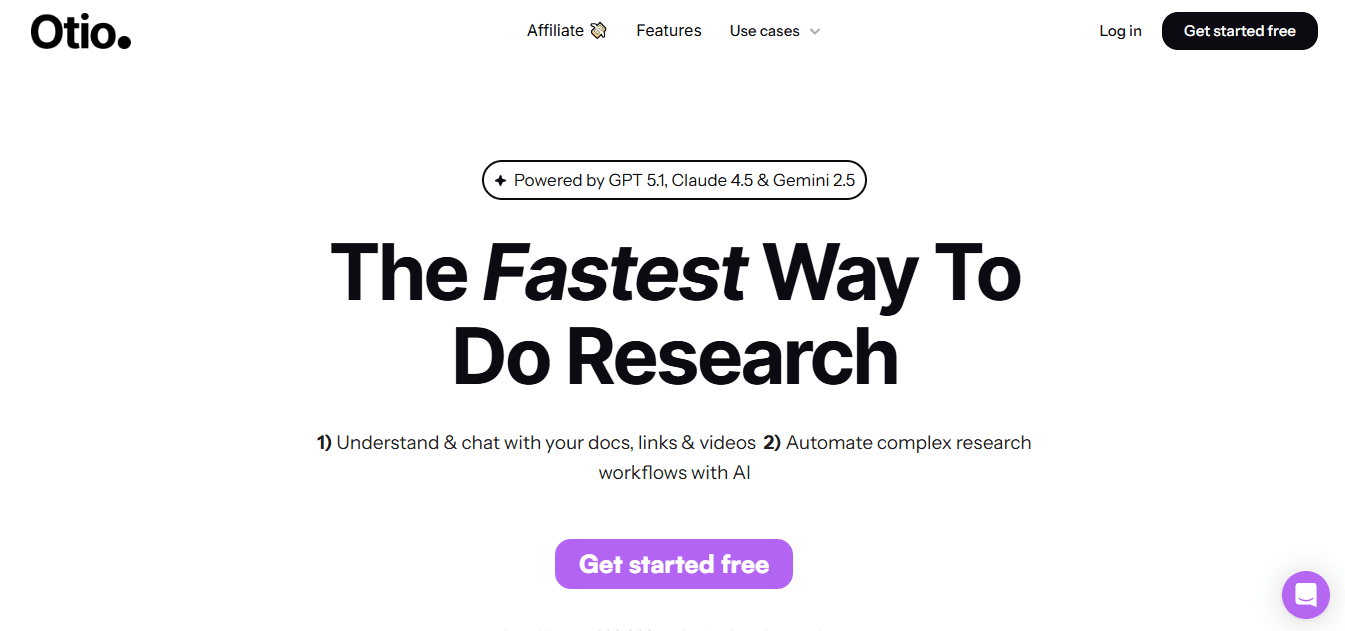
Otio is a workspace made to help you get structured insights from videos. It includes features for saving sources, creating summaries, and video chat to pull quotes or clarify ideas. It combines transcription, highlight extraction, and easy drafting tools so you can turn a lecture or interview into usable notes and drafts without leaving the app.
Pros
Strong workflow focus, from collection to export.
Chat-with-video makes follow-up questions fast.
Exports and structured notes that play well into writing or research.
2. Notta
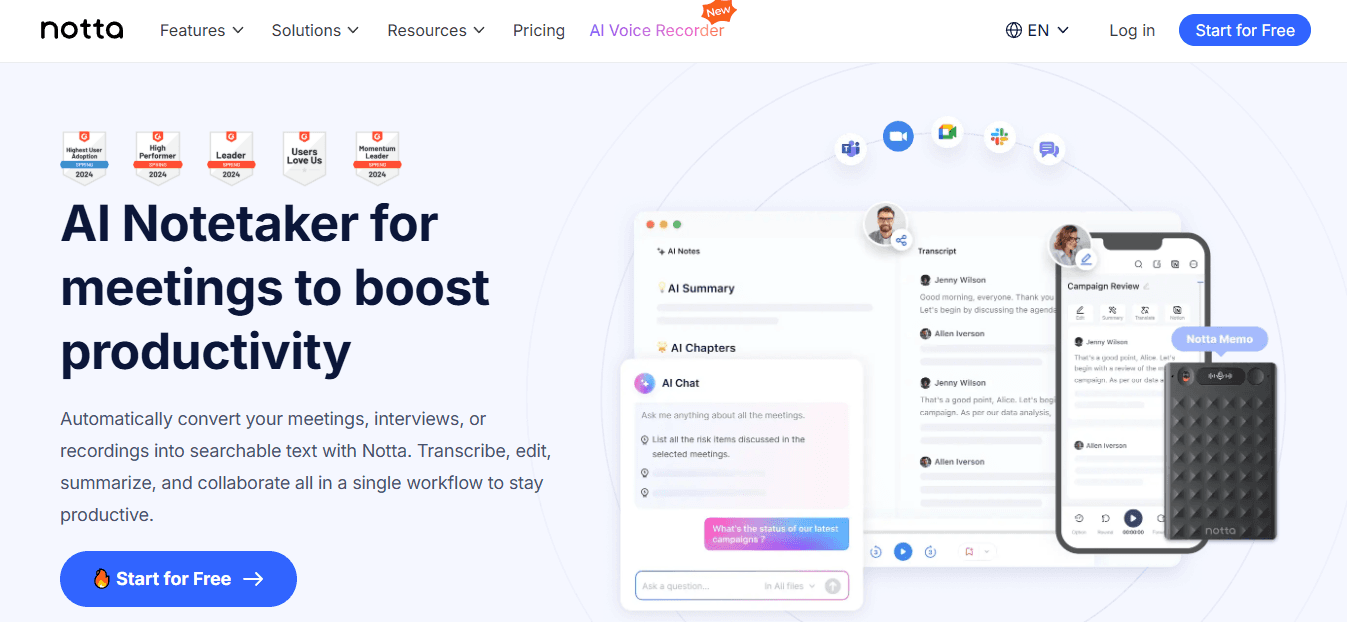
Notta started as a transcription service and later added quick summary creation. It was designed to work well with Zoom and Google Meet meeting recordings. It aims to provide reliable transcripts, fast summary notes, and speaker labels. The benefits include highly accurate transcriptions of clear audio and a straightforward meeting-to-summary workflow that helps professionals. But there are some downsides: it requires an account, with some features behind paywalls, and the summaries can be brief when detailed analysis is needed. According to the Notta AI Blog, dated January 1, 2025, "90% of businesses report increased productivity using video summarization tools." This shows that organizations often report significant productivity gains when they use meeting transcription and summarization.
3. X Grok AI
X Grok AI integrates conversational assistance within the X social platform. It can summarize short media or extract quick insights when used on the platform. This tool is designed for contextual, social-first use rather than heavy batch processing.
Seamless on-platform interactions for X users.
Functionality is limited to X, so it does not work as a cross-platform summarizer.
Safety controls and advanced features are weak.
4. Monica
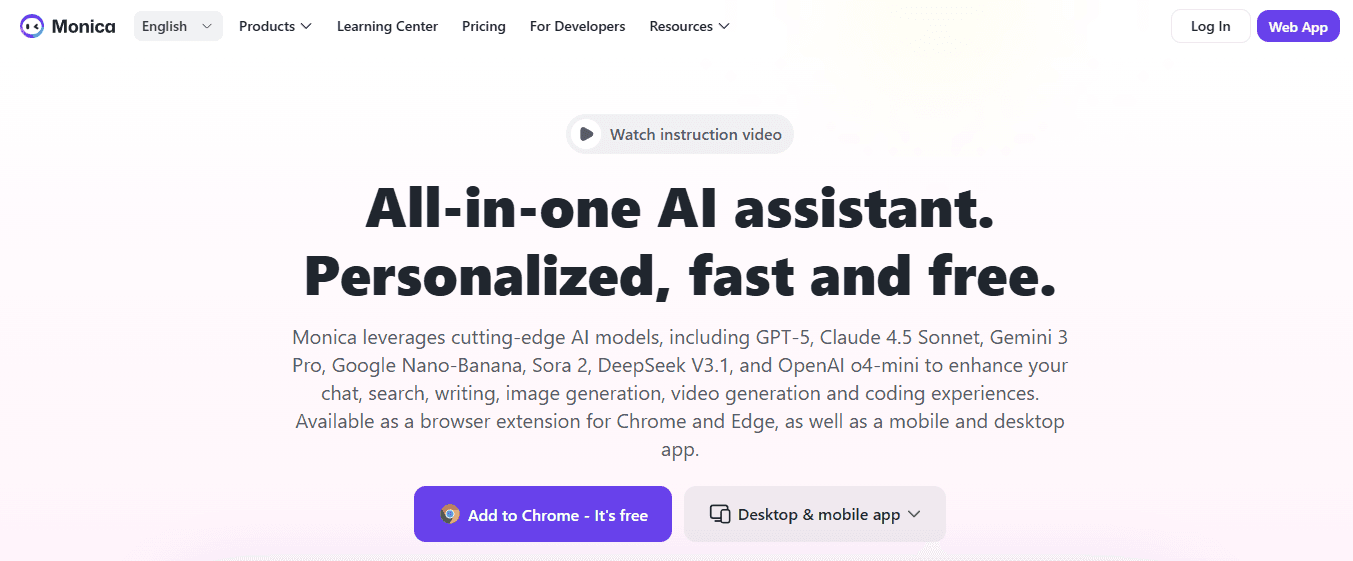
Speedy summaries right in the browser.
Only works with Chrome.
The free trial is brief, and some features need an upgrade.
5. Otter.ai
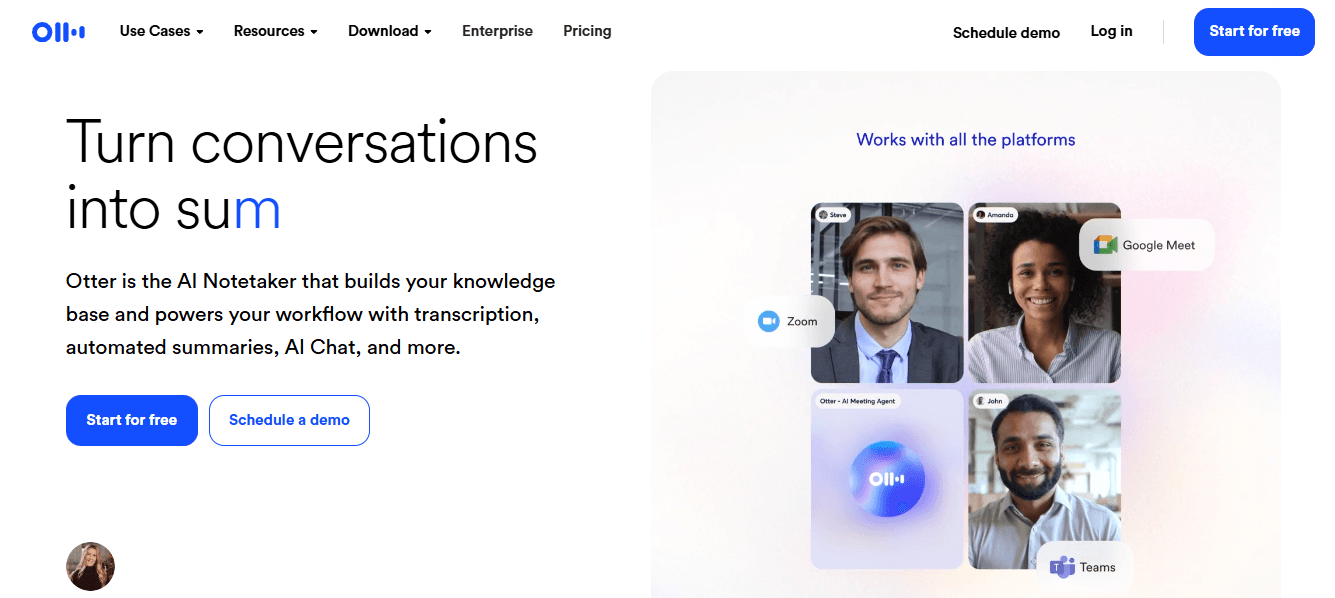
Live transcription and speaker labeling during meetings.
The free version has strict minute limits.
Recording side by side for pre-recorded videos can be awkward.
6. Knowt
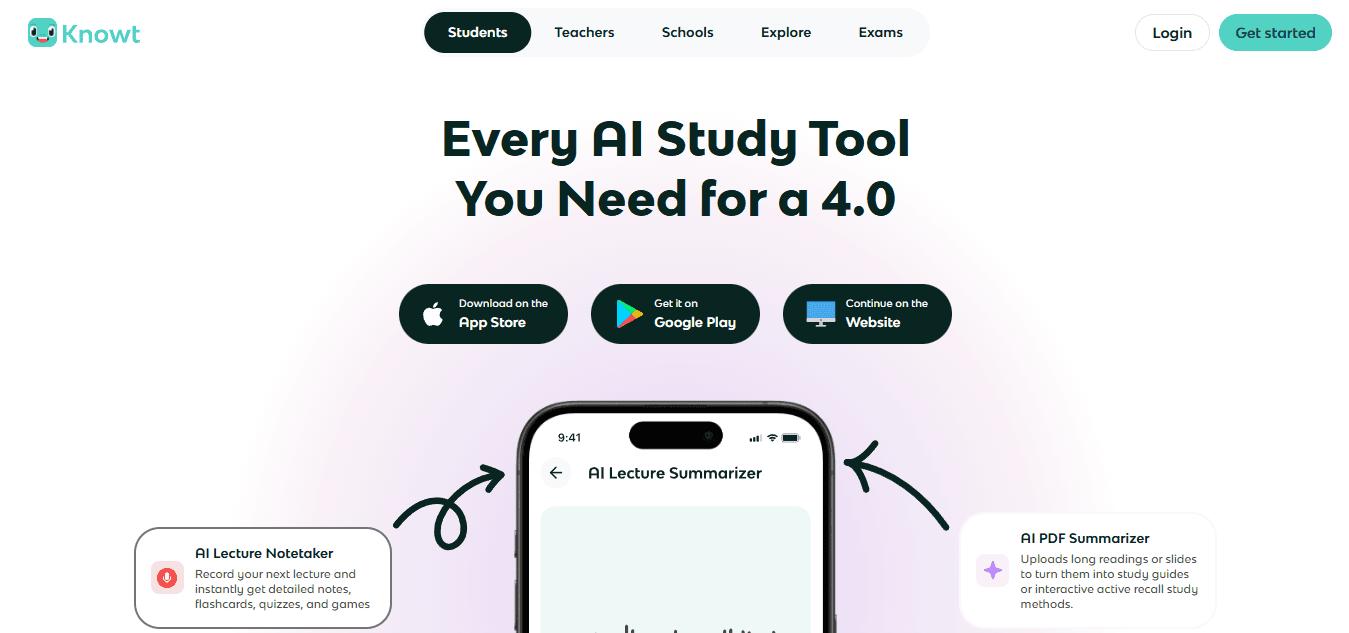
Flashcard generation supports personalized study plans.
Limited customization options for enterprise use.
Not designed for heavy team collaboration.
7. Summarize.tech
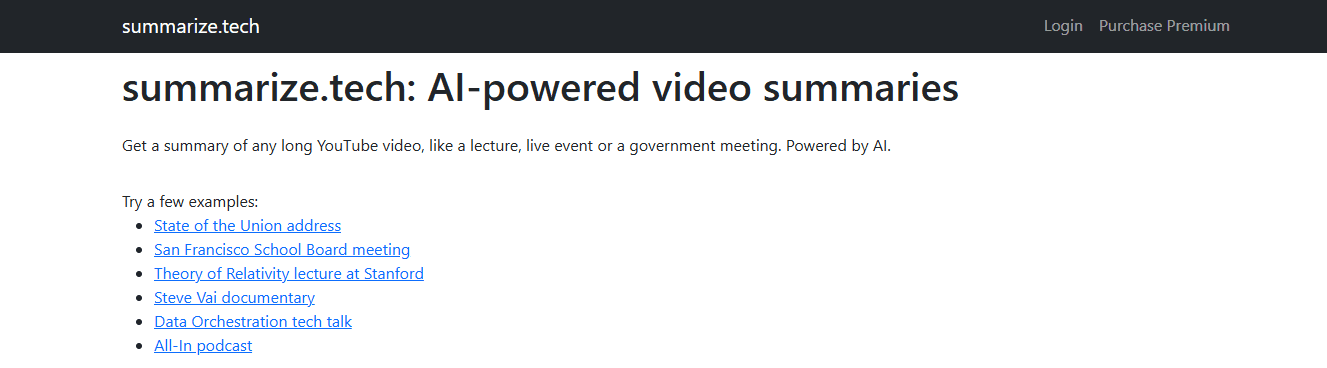
No sign-in is needed for light use.
It primarily supports English content.
Accuracy decreases when visuals have essential information.
8. ScreenApp
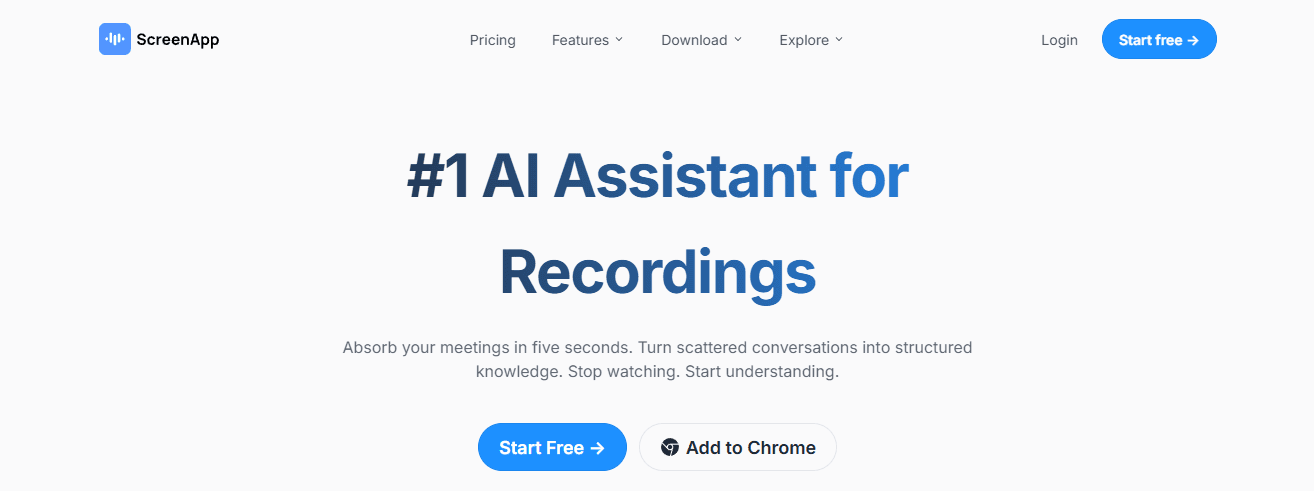
ScreenApp combines URL paste or file upload with quick transcription and timestamped highlights. It supports multiple social platforms and offers tagging and export options for team handoffs. However, it has some limitations.
Multi-platform support, which includes Instagram and Facebook.
One-click exports to Slack, email, or PDF. On the downside, it is browser-only, with no desktop client available. Additionally, advanced API features and unlimited plans are offered as paid upgrades.
9. Jasper AI
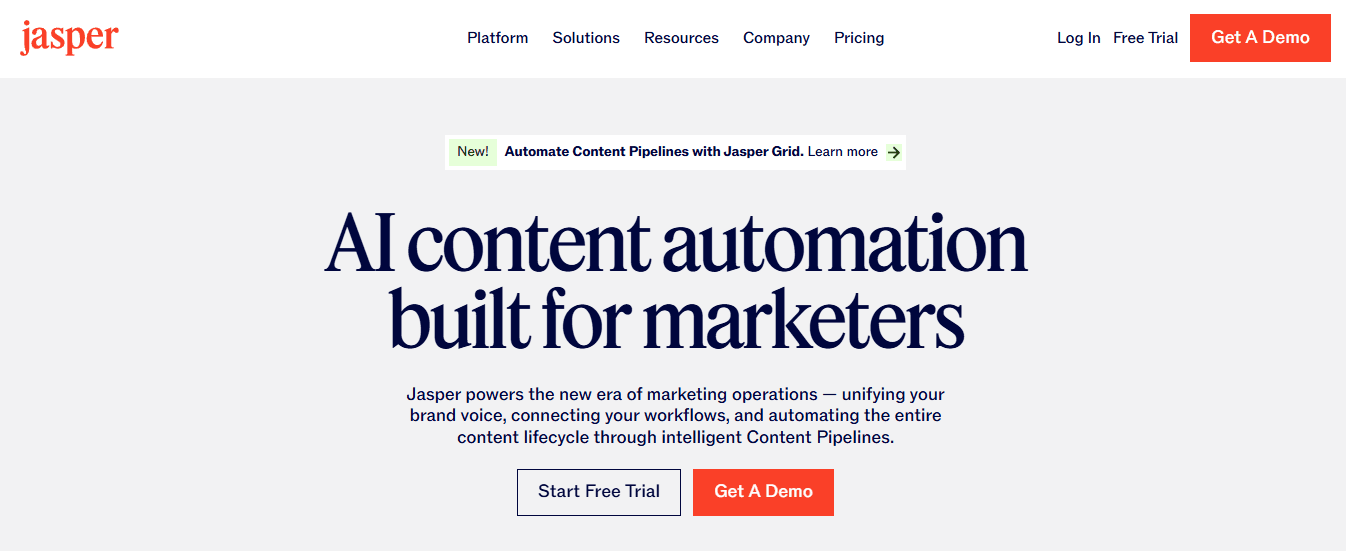
Strong brand voice and support for multiple languages.
It may need editing to remove repetition.
The cost can be high for independent creators.
10. NoteGPT
NoteGPT takes transcripts and turns them into organized notes, mind maps, flashcards, and searchable workspaces. It includes features for exporting and sharing that enhance learning and research.
Mind maps and flashcards help with deeper study.
The platform supports multiple input formats, including MP4 and PDF.
The free plan is limited to certain email domains or has low quotas.
The tool does not offer real-time meeting transcription and strong enterprise compliance.
11. Wordtune
Wordtune provides valuable tools to make content more precise and useful. Its Chrome extension and Wordtune Read feature provide quick, highlighted summaries and grammar-aware rewriting for YouTube and webpage content, with a focus on clarity and reuse.
The easy-to-use Chrome extension helps with a save-to-library flow.
It has helpful rewriting and simplification tools to cut through unnecessary noise.
Free accounts can create only a few summaries per day.
The tool is not made for extensive batch processing.
12. Eightify
Fast and lightweight, focusing on YouTube integration.
YouTube only; it does not support local files.
It may miss important details in technical content.
13. Mindgrasp
Auto quiz generation that speeds up review
Support for multiple media types to improve study workflows. However, there are some downsides to think about:
A learning curve exists for new users
Many key features require a paid plan.
14. MyMap AI Video Summarizer
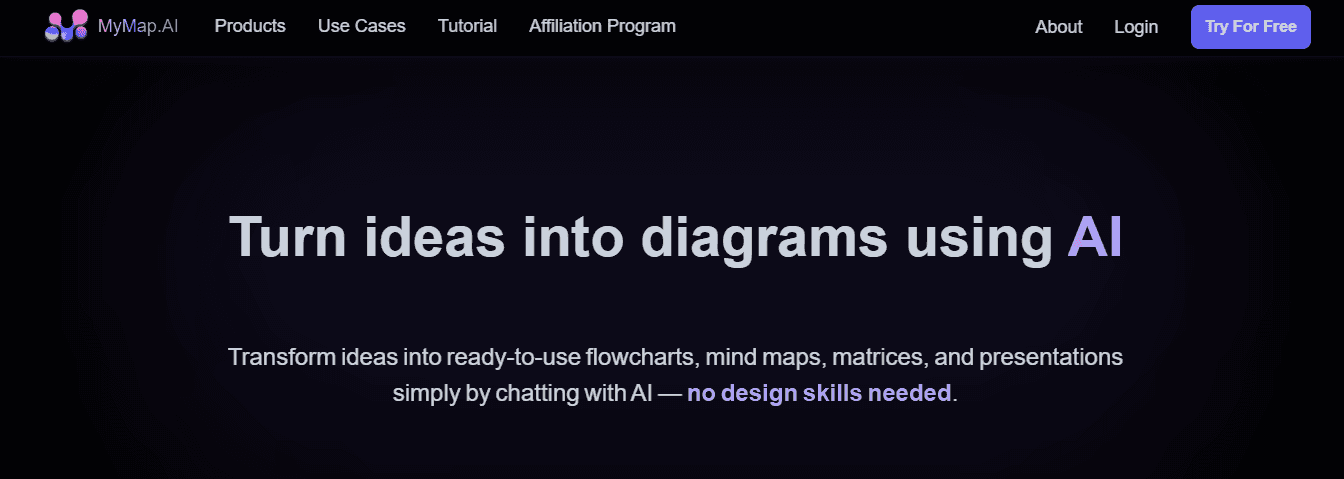
Clickable mind maps that reveal context and connections.
The free tier limits daily summaries and exports.
Right now, it is only available in a browser, with no desktop app available yet.
15. UpWord
UpWord is a Chrome extension and research assistant that extracts summaries from webpages and YouTube. It includes a built-in library and Slack integration for fast sharing.
Slack integration speeds team distribution.
Works across webpages, PDFs, and YouTube.
Chrome-only for video summarization.
Unlimited heavy use requires an expensive plan.
What cues should teams consider?
When advising teams, several practical comparison cues are essential. If you must integrate with your calendar and meeting tools, prioritize Otter.ai or Notta for their focus on meetings. If you need learning materials like flashcards and mind maps, choose NoteGPT, Mindgrasp, or MyMap. For easy browsing and quick summaries, go for Eightify, Monica, or Summarize.tech. Each option involves a trade-off between depth and speed, making that trade-off the most crucial decision at the start. These options can be enhanced by an AI research and writing partner that helps compare features and make informed choices.
How should teams select tools?
A quick analogy can make the selection process easier to understand. Pick a tool like you would choose a lens for photography: some lenses are wide and fast for general scanning, while others are tight and sharp for detailed work. You rarely use just one for every shot, so build a small kit that covers both scanning and close inspection. This simple choice matters more than a feature list. The tool you choose shapes how your team reviews, indexes, and reuses video, delivering the real productivity gains you need. The following section will explain how to choose the right tool for your team and why the obvious winner on paper often fails in practice.
How to Choose the Best Video Summarization Tool

Choose a tool that matches the job requirements. Test it with a short pilot to show it works well in real situations. Look for an interface that makes everyday tasks faster, an accuracy track record you can verify, and responsive support when problems arise. Consider whether it includes language and real-time features suited to your audience. Lastly, ensure it allows meaningful customization so the outputs integrate smoothly into your workflow.
What features should the tool have?
1. Intuitive interface and easy workflows.
The UI should make things simpler, not harder. Focus on drag-and-drop uploads, clear progress indicators, one-click exports, and inline editing so non-technical teammates can create usable summaries without needing training. Test this by asking a new user to upload a 20-minute file and make a three-bullet executive summary in under five minutes. If they struggle, the product will slow the rate at which people want to use it. Look for contextual help, keyboard shortcuts, and export formats your team actually uses, like SRT, JSON, and MP4 clips.
2. Accurate measurements and clear confidence signals
Look for objective accuracy measures rather than just marketing claims. Request a short blind test: provide five example videos with noisy audio, overlapping speakers, and industry-specific jargon. Then compare the machine outputs with a human transcript and score word error rates and factual errors. Prefer tools that provide confidence scores for each segment and allow you to filter out low-confidence segments for quick human review. Models can behave inconsistently across accents, technical terms, and fast speech.
3. Reliable support and promises for service
Choose vendors that offer more than just an FAQ. Confirm the support channels, average response times, and how they handle issues before making a purchase. For large deals, require a service-level agreement (SLA) or a written support agreement that includes guaranteed response times, a named technical contact, and onboarding sessions. In guiding teams, the difference between a stalled rollout and a quick one often hinged on a vendor that responded within an hour and provided a troubleshooting guide for common audio issues.
4. Emotional and sentiment analysis that adds helpful context
Look beyond basic transcripts and see if the tool can understand tone, sentiment, and emphasis. This is important when detail is needed, such as distinguishing strong statements from cautious suggestions. Test by using a role-played meeting in which a speaker shows frustration and later adopts a calming tone, then check whether the summary highlights the change and notes the sentiment. Tools that include emotion tagging help identify clips that need follow-up or can turn highlighted parts into task lists.
5. Output customization and strict control over formatting
You should choose how the summary looks. The right tool offers options for templates, length, level of detail, required fields, and tone. Create a short template test by asking for a 100-word summary for executives, along with three action items, each with a timestamp and owner placeholder. If the output requires manual reformatting, that expense reduces the time saved. Also, check for API or webhook options to ensure summaries can flow into your CMS, ticketing system, or knowledge base without requiring copy-and-paste.
6. Language support, localization, and strong transcription
If your content is international, check which languages are supported and how dialects are handled, including automatic language detection and subtitle creation. Request sample outputs in your top three languages and test accuracy using industry-specific names and abbreviations. If you rely on platform captions, check how the tool uses existing transcripts and if it aligns them to timestamps. Integrations with platform captions can provide a practical shortcut to accuracy that many teams expect.
7. Real-time processing, live transcription, and meeting support
Decide if you need summaries after the meeting or during the conversation. Tools that offer live transcription and instant highlight creation change behavior, helping teams capture decisions as they happen. Conduct a live trial: hold a 30-minute meeting and see how long it takes to create a one-page brief and action list after the call ends. For some organizations, that real-time feature alone makes a significant difference in responsiveness and follow-up.
How do you prioritize tool capabilities?
A practical selection pattern, not a feature list. The key decision is to prioritize the single capability that addresses the most recurring bottleneck. If missed action items from meetings are the most significant pain point, accuracy and live transcription should be prioritized.
On the other hand, if quick social clips are needed, focus on clipping and export templates. In reality, teams rarely find a single perfect product, so they should plan a small toolkit, assign roles to each tool, and accept trade-offs rather than chasing a mythical all-in-one solution. A quick reality check from adoption patterns. When advising teams, a clear pattern emerged: groups usually start with one easy tool and then add a second for exceptional cases. This happens because no single product can handle both deep extractive summaries and quick social-ready clips equally well.
Such behavior often appears within the first 30 to 60 days of a pilot, as increasing volume and variety show existing gaps. This insight should be considered in procurement decisions: buy for the main use case, budget for a companion tool, and set integration requirements upfront to ensure that outputs remain searchable and auditable.
What are the risks of sticking with old methods?
Many teams currently rely on platform captions and manual clipping because it seems faster and doesn't require new vendors, which makes sense. However, as content increases and more people get involved, this familiar process breaks up context. It leads to rewatching content, turning minutes into hours, and inconsistent results.
Tools like Otio offer scene detection, timestamped transcripts, separating speakers, and easy editing. These features help teams review more efficiently while keeping a record of changes and export options. It's essential to understand why this change is needed. The Otio Blog, 2025-12-21, "Over 70% of users prefer tools that offer AI-driven video summarization," shows that many people want solutions that use AI in their workflow. Additionally, the same blog states that video summarization tools can reduce video review time by up to 50%, underscoring the significant benefits for teams that select the right tools. These facts make a strong case for a short, measured pilot to see how much time can be saved, the error rate, and user adoption.
What should you check before making a decision?
A final practical checklist to check before deciding includes several essential steps. Ask for a two-week pilot that involves three sample videos, requires editable outputs and an API key, confirms support SLAs, and measures time-to-action for at least five reviewers. If onboarding requires more than two sessions, or if everyday users cannot produce a usable summary in one attempt, the tool will cost more in human time than it saves. Think of this like picking a kitchen knife set: a single good chef’s knife and a paring knife can handle most tasks, but you will add a serrated blade if you bake. Choose the kit that fits your daily work, not the one with the fanciest box. This choice often seems final until one missed feature changes everything.
Related Reading
Best YouTube Summarizer
Supercharge Your Video Summarization Ability With Otio. Try Otio for Free Today
Yes, AI can summarize a video effectively. Combining that ability with a workspace focused on research saves hours of rewatching and note-parsing. Otio is suggested as an AI research and writing partner. It changes video into searchable summaries, clean transcripts, timestamped highlights, and draftable key takeaways. This lets users ask questions about the footage, pull quotes, and go directly to the analysis. Try it for free and see how much time you can save.



