
Video Summarization
How to Get YouTube Summary With ChatGPT & Claude Chrome Extension
Turn YouTube videos into clear, actionable insights with Otio's guide on Chrome extension setup—streamline your research without extra hassle.

Extracting key insights from lengthy YouTube content can be a major hurdle when deadlines are tight. Tools like the YouTube Summary With ChatGPT & Claude Chrome Extension transform extended videos into concise, actionable notes, making report preparation and research more efficient. This approach Video Summarization eliminates the need to watch entire presentations while still capturing essential information.
Integrating video summaries into a cohesive workflow saves time and minimizes the strain of juggling multiple tools. Consolidating these insights with other research elements streamlines the overall process and enhances productivity. By unifying video extraction with organized research, Otio offers an AI research and writing partner that accelerates every stage of content creation.
Summary
AI video summarization compresses hours of content into actionable insights in under two minutes, with tools extracting core arguments from 30-minute educational videos into 90-second summaries. According to iWeaver's 2025 analysis, 500 hours of video are uploaded to YouTube every minute, making selective consumption a survival skill rather than a preference. This time compression matters most when building knowledge foundations or conducting market research, where teams previously spent entire mornings watching competitor webinars to extract three usable insights.
Visual content becomes completely invisible to transcript-based AI summarizers. Coding tutorials that show terminal commands on screen, design walkthroughs that demonstrate layer management, and analytics videos that highlight dashboard configurations all lose critical information during summarization. Charts and data visualizations collapse into single sentences, eliminating the spatial comprehension that makes trends immediately obvious. Research from Rev AI shows that technical content suffers word error rates of 15-20% in optimal conditions, rising to 25-35% for speakers with strong accents or complex domain vocabulary.
Context compression erases the nuance that prevents misapplication of advice. Conditional guidance like "this works if your dataset is clean" becomes "this works" in summaries, dropping the qualifier that determines whether the approach fits your situation. A finance video explaining eight investment strategies with specific risk profiles and market conditions might summarize only five strategies, omitting the risk disclaimers and contextual caveats, potentially leading someone to apply a high-risk approach in the wrong market conditions.
ChatGPT serves over 800 million monthly users, while Claude reaches approximately 19 million users, according to Electro IQ's 2025 research, creating expectations for capability that the underlying technology doesn't always meet. These tools repeat what they process without verification layers, so if a video contains outdated information, exaggerated claims, or outright errors, the summary presents them as fact. Misinformation spreads through summaries faster than through full videos because people trust condensed information more readily, assuming it was verified during summarization.
Token limits fragment long content unevenly, forcing AI models to compress aggressively or split content manually. When summaries span capacity constraints, models often prioritize the beginning and end while compressing middle sections more heavily, meaning critical information buried in the second hour of a three-hour workshop gets reduced to single sentences or dropped entirely based on position rather than importance.
Batch processing capabilities transform research velocity for systematic work. Tools like NoteGPT handle videos up to 150 minutes and can process 20 links simultaneously, letting graduate students drop 15 dissertation-relevant talks into the system overnight and wake up to structured summaries that compress three days of watching into three hours of reading. Translation support across 60+ languages opens research access that would otherwise require bilingual skills or expensive translation services.
AI research and writing partner addresses the workflow fragmentation that occurs when summarization, organization, and drafting are spread across separate tools by consolidating video summaries in the same workspace where PDFs, articles, and writing drafts already live.
Table of Content
How to Get YouTube Summary With ChatGPT & Claude Chrome Extension
7 Best Alternatives of ChatGPT and Claude for YouTube Summary
Supercharge Your YouTube Research With Otio, Turn Videos Into Actionable Summaries Instantly
Benefits of Getting YouTube Summaries With AI Tools
AI video summarization compresses hours of content into actionable insights in under two minutes. Users can gather what matters without giving up their afternoon to a 40-minute tutorial or a three‑hour podcast interview.
This technology does not replace deep learning, but it removes the hassle between wanting to learn and actually learning. Our AI research and writing partner simplifies the process of extracting valuable information.
The math here isn't hard to grasp. According to iWeaver's 2025 analysis, 500 hours of video are uploaded to YouTube every minute.
That amount makes selective watching a necessary skill, not just a choice. A 30-minute educational video can turn into a 90-second summary while keeping the main points intact. You still get the framework, the proof, and the conclusion.
This is especially important when building knowledge bases or doing market research. Many teams spend entire mornings watching competitor webinars just to find three useful insights. The alternative takes less time than making coffee.
You can quickly review the summary, spot what needs deeper attention, and decide whether the full video is worth your time. That's not laziness; it's strategic filtering in a world that aims to overwhelm.
What is the real value of AI video summaries?
The real value isn't speed; it's structure. AI tools extract core arguments, identify recurring patterns, and highlight key takeaways. They also filter out tangents and filler. This means you remember what matters because the noise never gets to you.
Long interviews and opinion-heavy videos become easier to understand when we reduce them to their logical skeleton.
This change affects how people process podcasts and explainer content. Instead of just trying to remember the critical moment from minute 37, users can look at a structured breakdown that shows it right away.
As a result, cognitive load decreases, and retention improves because users deal with organized information rather than a confusing stream of thoughts. Having a reliable AI research and writing partner can further enhance this experience, ensuring that information is not only structured but also engaging.
How do creators benefit from AI summaries?
Creators have a particular problem: turning one piece of content into five different formats without needing to start over each time. AI summaries help with this by giving important material for blog outlines, tweet threads, LinkedIn posts, and short video scripts.
This way, you don’t have to watch the video again and again to find good quotes; instead, you can use a structured document that already points them out. Leveraging an AI research and writing partner can significantly enhance your efficiency in this process.
Why is the separation of consumption and creation important?
Marketers, students, and researchers depend on this workflow because it clearly separates consumption from creation. First, they gather insights that can later be shaped for a specific context. This separation not only speeds up the work but also makes the output more focused. People can concentrate on understanding the material without the added pressure of trying to reframe it for a different audience at the same time.
What are the challenges of current research workflows?
Many research workflows become broken up across different browser tabs, standalone note apps, and separate AI chat windows. Users often find themselves copying transcripts into ChatGPT, pasting summaries into Google Docs, and switching back to find missed timestamps. While this struggle may not seem significant, it builds up over time.
Tools like AI research and writing partner bring everything together by letting users summarize videos, organize insights, and create drafts all in one workspace. Summarization happens where research is already available, so users don't have to rebuild context each time they switch tools.
Do AI summaries encourage shallow thinking?
There's a belief that AI summaries make people think less deeply. But really, the opposite happens when they are used correctly. Summaries don't replace deep engagement; instead, they help by removing low-value content before it takes up attention. This lets people focus on what actually deserves their time, rather than everything that pops up on their screens. As an AI research and writing partner, we understand the importance of focusing on meaningful information.
How does summarizing first change your approach?
The distinction matters. Watching every video to the end means treating all content equally. Summarizing first applies judgment before commitment.
You're not avoiding effort; you're directing it toward higher-leverage learning. This shows the difference between being busy and being effective.
Understanding that summaries are useful is one thing, but actually including them in your workflow brings a whole new set of challenges.
Related Reading
How to Get YouTube Summary With ChatGPT & Claude Chrome Extension
Installing a Chrome extension and pasting a URL gives you structured summaries in under 30 seconds. This process does not require you to learn a new way to research; instead, it adds a layer of automation to tasks you already do: watching videos, taking notes, and deciding what deserves more attention.
The mechanics are simple, but how you set up and use these tools decides whether you get real benefits or just have more unread text files piling up. If you’re looking for an intelligent solution, consider our AI research and writing partner to enhance your experience.
To start, open the Chrome Web Store and search for either "ChatGPT for YouTube" or "Claude Chrome Extension for YouTube." Both extensions pull transcripts instead of video frames, so they only work when captions are available. Auto-generated captions cover most English content with 85-95% accuracy. Uploaded transcripts provide better accuracy, especially for technical or niche topics.
Before you click "Add to Chrome," check the ratings and number of users. Some fake extensions pretend to be summarization tools but actually inject ads or track your browsing behavior.
Real extensions, on the other hand, have consistent positive reviews and clear information about the developers. After you install it, the extension icon will appear in your toolbar, and you can use it whenever you want a summary instead of watching the full video.
What should you verify before summarizing videos?
To summarize a video effectively, first open the YouTube video you want summarized. Check that captions are available by clicking the "CC" button in the video player. If captions are missing, the AI has nothing to process.
In such cases, you will need to either download the audio and transcribe it manually or skip the video entirely. Videos with uploaded transcripts produce the most accurate summaries since they avoid the small errors introduced by auto-generated captions.
This step may seem obvious, but it is very important when processing multiple videos. Bookmark or queue videos with captions before you start your summarization workflow. By filtering out the videos that won't work upfront, you will save time and avoid finding problems while you are working.
How do you generate a summary using the extension?
Click the extension icon in your Chrome toolbar while you are watching the video. Select "Summarize This Video" or a similar option based on the extension you installed. The tool gets the transcript and sends it to ChatGPT or Claude's API. Within seconds, a structured summary shows up in a sidebar or pop-up window.
ChatGPT usually provides concise bullet points and outlinesarranged in a hierarchy. On the other hand, Claude tends to provide longer explanations, giving more context to each point. Choose the one that suits your way of processing information.
If you want quick highlights, ChatGPT’s format is better. If you need a deeper understanding or are writing from the summary, Claude's narrative style gives you more connective tissue between ideas.
How to enhance the AI summary output?
Generic 'summarize this video' prompts lead to generic results. The AI doesn't understand your specific situation, so it makes guesses about what is important. You can achieve better results by giving specific instructions tailored to your needs.
Here are some different ways to phrase your prompts:
"Summarize this video for a beginner in five bullet points."
"Extract all actionable steps and tools mentioned."
"Summarize with chapter-wise headings for study notes."
"Highlight all numbers, stats, or references mentioned."
"Identify the core thesis and supporting arguments."
What should you check after receiving the AI summary?
Customization matters because AI models lose important details when left as they are. They might miss key steps, mix opinion with fact, or leave out warnings that change how you interpret the content. A well-made prompt acts like a filter, showing what to focus on and what to skip.
Read the output closely, especially if the video has important information for your decisions or research. Compare the summary to the transcript. AI summaries can misunderstand context, especially in videos that use sarcasm, metaphors, or references to earlier content that the model can't access.
Make small edits to fix misunderstood words, add missing steps, or clarify points where the AI simplified too much. This review step helps distinguish useful summaries from misleading ones.
Even a quick look of about 90 seconds can catch most mistakes. You're not checking every sentence, just making sure that the main idea is correct.
How to effectively store and use summaries?
Copy the summary text into your note-taking system. Tools like Notion, Evernote, and Google Docs are great for long-term storage. When making content, paste summaries directly into your script or outline tool. Some extensions allow direct exports to note apps, but manual copy-pasting gives you more control over formatting.
For content creators, this step helps with fast repurposing. Take the summary, pick out the most quotable moments, and use those as hooks for short videos or social posts. Tools like Crayo let users turn summaries into narrated clips by pairing selected text with stock footage. This way, you don't have to keep watching the video to find the right 15 seconds; you work from a clear document that shows the most important moments.
How can you streamline your research workflow?
Most research workflows scatter across browser tabs, chat windows, and note apps that don't connect with each other. Users often copy transcripts into ChatGPT and paste summaries into Google Docs. Then, they switch back to find the timestamp they forgot to mark. While this hassle isn't huge, it adds up when looking at many videos.
Tools like Otio bring everything together by letting users summarize videos, organize insights, and create drafts all in one place. The summarization happens where the research already is, so users don't have to reconstruct context every time they switch tools.
What should you do with long videos?
Videos longer than two hours often exceed the token limits of AI models. If you try to summarize a three-hour workshop all at once, the AI might cut important parts or lose details in the middle.
It's better to split long videos into smaller parts, organized by chapters or timestamps. You can summarize each part separately, then combine the outputs by hand or ask the AI to merge them into a single summary.
This method works well for video series or playlists, too. Review each video individually, then use a second request to identify patterns across all the summaries. By doing this, you create a meta-summary that captures recurring themes, contradictions, or evolving arguments across different sources.
What are the key considerations for summarization?
Use manual transcripts when possible; they eliminate transcription errors and improve summary precision. Avoid videos with heavy visual content, such as slides, graphs, or code demos. AI cannot fully understand those parts, so the summary might miss important information. If you need to summarize visual-heavy content, mix the AI summary with manual notes about what was shown on screen.
Prompt the AI to focus on key takeaways instead of detailed recaps. Summaries filled with unnecessary details defeat the purpose.
The goal is to provide insights in a compact way. Use ChatGPT for quick, structured summaries when speed is important, while Claude works best for longer, narrative-heavy content where context and explanation help with understanding.
Even with perfect prompts and clean transcripts, these tools have limits that many users do not see until they get frustrated.
Limitations of Claude and ChatGPT for YouTube Summary
These tools process transcripts, not videos. This difference removes whole types of content before starting. On-screen demonstrations, visual clues, charts, timing emphasis, and any notes or edits that add meaning are completely gone. Users are left with a text version of spoken words, without the visual context that usually holds much of the information.
According to Electro IQ's 2025 research, ChatGPT has over 800 million monthly users, while Claude has about 19 million. This size creates expectations about what these tools can do that the technology does not always fulfill. Many people think these tools understand videos like humans do, but they do not. They summarize what is said, not what is shown.
What are the implications of missing visual content?
A coding tutorial shows terminal commands while the instructor types them on the screen. The AI summary captures the explanation but misses important details, such as the exact syntax, the flag order, and the directory structure shown in the file tree.
Because of this, you understand the idea but don't get all the details needed to repeat the work. This same issue occurs in cooking videos that demonstrate knife techniques, design tutorials that showcase layer management, and analytics walkthroughs that focus on dashboard setups.
Charts and data visuals can become unclear. When a presenter says, "as you can see here," the AI does not know what "here" means. A graph showing quarterly revenue trends turns into just a sentence about growth.
This change makes the visual comparison, which made the point clear, into a vague description. As a result, you miss the quick understanding that comes from seeing data laid out visually.
How does transcription quality impact summary accuracy?
Auto-generated captions can introduce errors that spread through every summary. Clear English in quiet places might achieve 90% accuracy. However, when you add background noise, technical terms, or non-native accents, that accuracy drops to 75% or lower.
Misheard words can change the meaning a lot; for instance, "cache invalidation" becomes "cash and validation," and "Kubernetes clusters" turns into "communities clusters." The AI summarizes what it hears, not what was actually said.
Numbers often get messed up in transcripts. A statistic like "15% growth" might get written as "50% growth" if the audio quality dips at just the wrong time. The summary will state this wrong figure as fact because the AI cannot check numerical accuracy against context. So, users are trusting not just the summarization algorithm, but also the transcription process that feeds it.
Research from Rev AI shows that technical content has word error rates of 15-20%, even under the best conditions. For speakers with strong accents or complicated vocabulary, that rate can rise to 25-35%.
Every mistake in transcription becomes a mistake in summarization. This chain effect means summaries of poorly captioned videos can completely misrepresent core arguments.
What challenges arise from the AI summarization structure?
AI models change spoken content into a simpler form. They take sarcasm seriously. Conditional advice is turned into a universal truth.
For example, the phrase "This works if your dataset is clean" becomes "This works" in the summary. The important part that helps avoid mistakes disappears when it's simplified.
Step-by-step guides are often shortened to just the main points. A process with 12 steps, dependencies, and optional parts might be summarized into a 4-point list that omits important ordering details.
As a result, people know what to do but may not understand when to do it, which prerequisites are important, or which steps they can skip based on their own situation. The summary sacrifices completeness for brevity, without indicating which details have been omitted.
Think of a finance video that talks about different investment strategies. It might discuss eight approaches, each with specific risks and market conditions. However, the AI summary includes only five strategies, omitting important risk warnings and contextual details. Because of this, someone acting on that summary might unknowingly choose a risky strategy in the wrong market conditions since those important warnings were lost during the compression layer.
How can outdated information affect AI summaries?
AI tools repeat whatever information they process. If a video contains outdated information, exaggerated claims, or clear mistakes, the summary presents these statements as facts.
For example, a presenter might say, "this method increases conversions by 400%!" The AI summary shares that number without checking if it's realistic, accurate in measurement, or applicable outside a specific case.
Misinformation spreads through summaries faster than it does through full videos because people usually trust short information more. They think someone or something checked the content when it was summarized, but that verification never happens.
The AI focuses on making text clearer rather than validating facts. So, users get a well-structured version of claims, not checked facts.
What are the consequences of multi-hour video summarization?
Multi-hour videos push against model capacity limits. ChatGPT handles 8,000 to 32,000 tokens, depending on the version. Claude goes further but is still limited to about 75,000 words of transcript. A three-hour workshop creates over 25,000 words of transcript. Processing that in one go forces the AI to compress a lot or split the content manually.
When summaries exceed token limits, the AI usually focuses on the beginning and end, compressing the middle sections more heavily. This can cause important information in the second hour to be cut down to single sentences or missed completely. The result is uneven coverage: some topics get a detailed discussion, while others are only briefly mentioned, not because they aren't important, but because they appear later in the transcript.
Teams working with long educational content often find that the most valuable part, the 20-minute deep explanation that really teaches the methodology, gets shortened to just two bullet points because it was in the middle third of a two-hour video. Even though the summary structure seems complete, the knowledge transfer ultimately fails, defeating the goal of the summarization. For a more comprehensive approach to summarization, consider how our AI research and writing partner can enhance the quality of your content.
Why do generic prompts lead to poor summarization?
Generic "summarize this video" requests lead to generic output. The AI has to guess what is important, which means it doesn't really understand your specific needs. Because of this, the summary is written for a considered average reader and not aimed at your exact research question, learning goal, or content-creation need.
Better prompts involve knowing how these models understand instructions. For example, saying "Extract actionable steps with specific tool names and settings" yields different results than saying "summarize key concepts."
Many people don’t realize that the quality of the summary really depends on how specific the prompts are until they have used it on many videos that gave average results.
How does user knowledge affect summarization outcomes?
The gap between casual users and those familiar with prompt patterns creates uneven experiences. People who understand prompt engineering can gain detailed, structured insights. On the other hand, those who don't have this skill often get vague overviews that overlook important details. Because of this, the tool's value is limited by meta-knowledge about how to use it effectively.
What issues arise from fragmented research workflows?
Most research workflows are scattered across extensions, chat windows, and disconnected note apps. A user creates a summary in the Chrome sidebar, copies it into a document, then switches back to find the timestamp for reference. This fragmentation makes it difficult to reconstruct context.
Platforms like AI research and writing partner bring video summarization into one place, working well with existing research sources. Because of this, the summary is linked directly to notes, other documents, and writing drafts. This eliminates the copy-paste hassle that breaks concentration.
What are the limitations of AI-generated summaries?
AI-generated summaries provide structured text only. They do not include a visual timeline showing where key moments occur or a highlight reel of the most important 90 seconds.
There are no marked chapters to jump to in the original video. Because of this, the summary stands apart from the source material, missing a way to quickly navigate back to specific moments when more detail is needed.
This separation is important, especially when checking claims, understanding context, or teaching others. While the summary shares information, it lacks an easy way to show the exact moment when the presenter explained a key idea. Users have to search for the video by guessing keywords, hoping to find the part mentioned in the summary.
Content creators face this issue when making clips from summaries. The text points out the valuable moment but does not offer a direct way to capture it. Creators still must go through the video, find the timestamp, use different editing software to clip it, and then export and process it somewhere else. Although the summary speeds up discovery, it does not make execution easier.
What alternatives exist to address these limitations?
Understanding these limitations is crucial. But it is also important to consider alternative approaches that may address them more effectively.
7 Best Alternatives of ChatGPT and Claude for YouTube Summary
Seven tools tackle the YouTube summarization problem in different ways. Some work directly in your browser for instant access, while others process whole playlists overnight.
A few of these tools focus on research workflows, letting video content work alongside PDFs and web articles in one system. The best choice depends on whether you need quick summaries, organized knowledge building, or a mix of both.
1. Eightify – Quick Summaries Inside YouTube
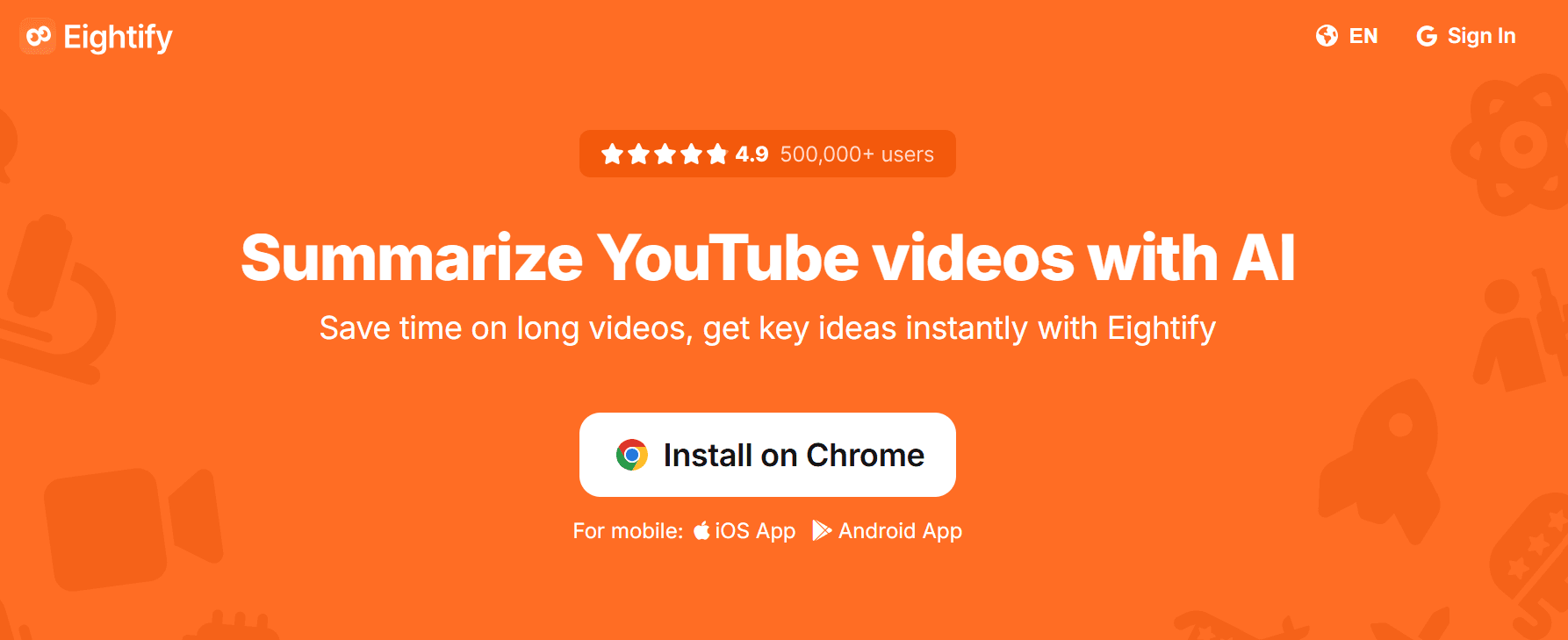
Eightify is a Chrome extension that creates timestamped summaries without leaving the YouTube interface. With one click, users get bullet points organized by video section, letting them quickly scan for the information they need.
The tool works best with clear transcripts, making it especially useful for tutorials, conference talks, and explainer content with high-quality audio.
This speed removes obstacles. Users don't need to copy URLs, switch tabs, or wait for outside tools to process content.
For example, while watching a competitor's product demo, users can click the extension icon and get a structured summary in seconds. That quickness is important when comparing five similar tools and deciding which ones deserve more attention.
Limitations arise quickly with messy transcripts or content that relies heavily on visual examples. While the tool summarizes spoken words, it doesn’t consider what is shown on screen. For example, a coding tutorial that displays terminal commands becomes less helpful if the summary captures only the explanation and omits the exact commands. Users understand the idea but miss the specific execution details.
Pricing works on a freemium model with limits on daily summaries. Free users often reach their limits during busy research sessions. Paid plans remove these limits but add regular costs. The tool is good for casual learners and professionals who need occasional summaries rather than a full knowledge management solution.
2. Notta – Versatile Transcription for Meetings and Lectures
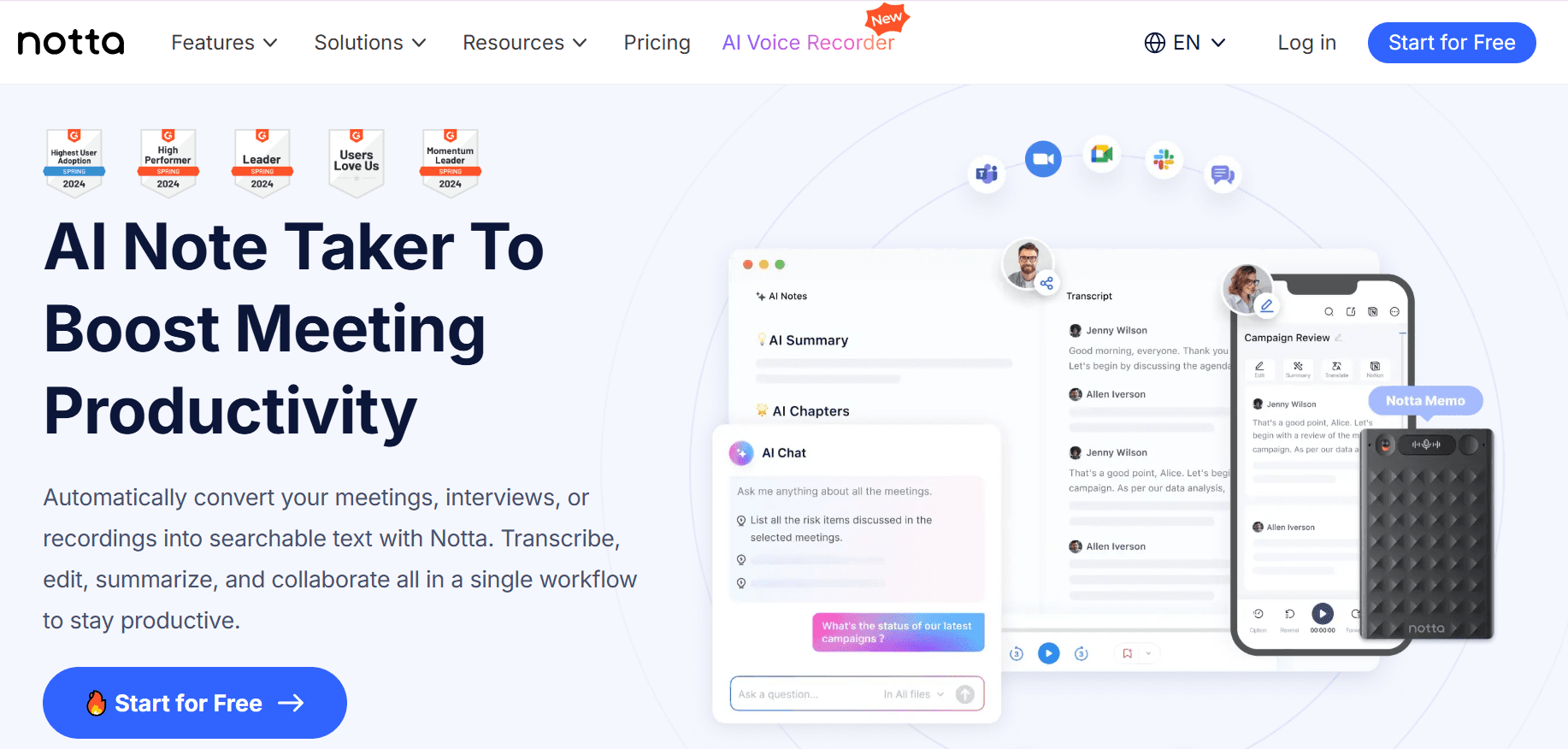
Notta started as a meeting transcription platform and has grown to include YouTube summarization. Users can easily paste a video URL or use their Chrome extension to create transcripts, summaries, and action items. The platform supports over 50 languages, making it useful for international content or for multilingual teams doing global market research.
The platform's strength is its flexibility. For instance, a consultant might use Notta to transcribe client calls, summarize industry webinars, and document internal strategy sessions all in one workspace. This consolidation helps reduce tool overload, especially when work includes different content types. The interface is built for business workflows, featuring action item extraction and speaker identification, which are especially helpful for meetings rather than for individual learning.
Students who follow the lecture series gain from the chapter-based summaries and annotation features. They can paste 6 lecture links, create summaries with timestamps, and annotate them to organize study materials by topic rather than just by video. This method encourages systematic learning more effectively than one-time summarization tools that often lack a clear structure.
However, the free tiers have limits on the number of videos and features available. Those wanting full capabilities have to buy paid subscriptions. While the pricing is fair for teams already using meeting transcription, it might seem high for those who only need YouTube summarization. Notta really shines when video summarization is part of a broader documentation workflow.
3. NoteGPT – Batch Processing for Long Content
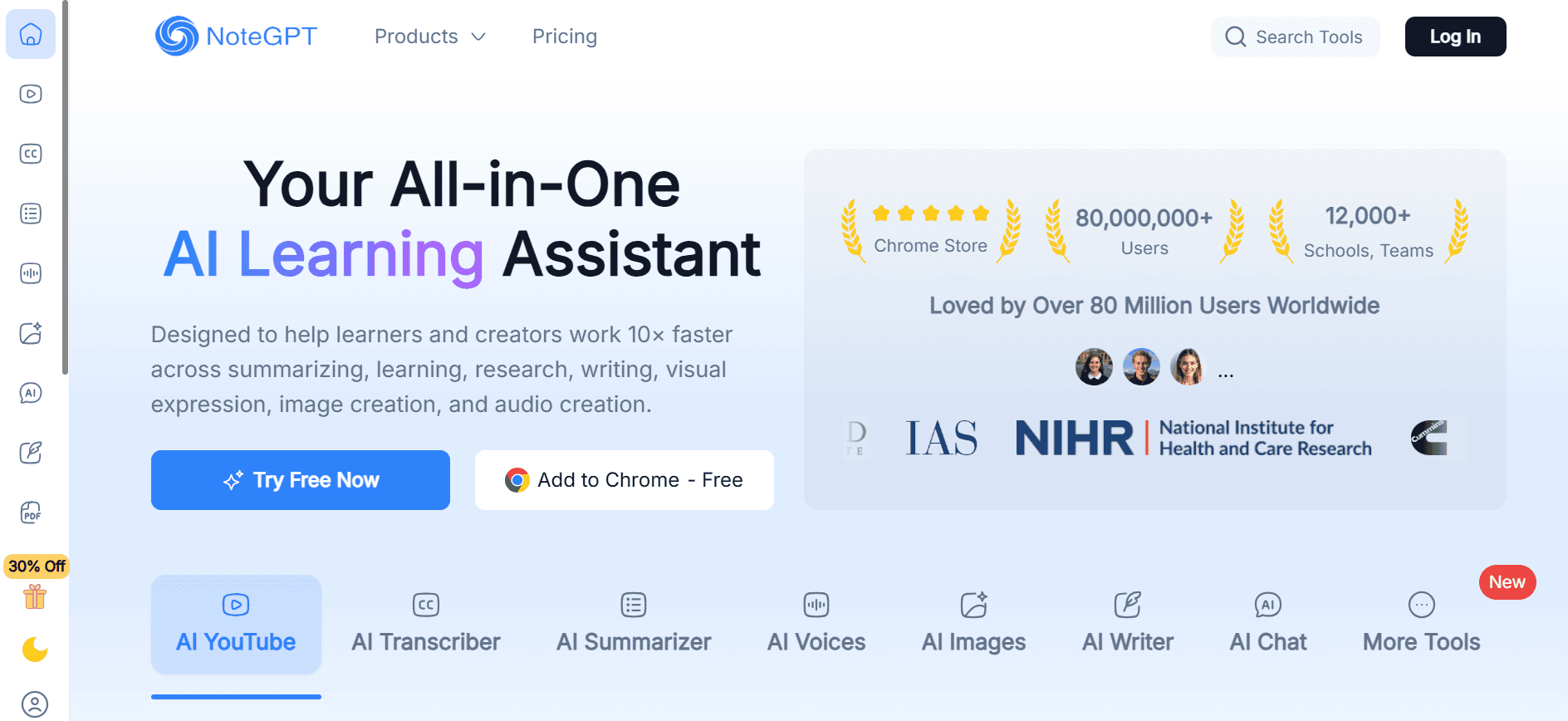
NoteGPT handles videos up to 150 minutes and can batch-summarize 20 links simultaneously. This ability is important when processing long conference playlists, course recordings, or research interviews, which may exceed the length of regular YouTube videos. The platform works well even without subtitles, using audio processing to create transcripts before summarizing.
Batch mode changes how quickly research can be done. A graduate student could enter 15 talks related to their dissertation into NoteGPT overnight and wake up to organized summaries for each one. This saves time by turning three days of watching into just three hours of reading and taking notes. The time savings are even more pronounced when research includes many sources.
Translation support covers 60+ languages in both transcripts and summaries. You can watch a Japanese conference talk and get an English summary, or vice versa. This ability to work across languages enables access to research that would typically require bilingual skills or costly translation services.
The interface focuses on utility over polish. Users won’t find complicated knowledge management features or a fancy design. Instead, they will experience dependable processing of long, challenging content that other tools might cut short or reject. This tool is designed for researchers and students who care more about functionality than looks and prefer systematic processing over quick summaries.
4. YouTube Summary with ChatGPT & Claude – Browser-Based LLM Integration
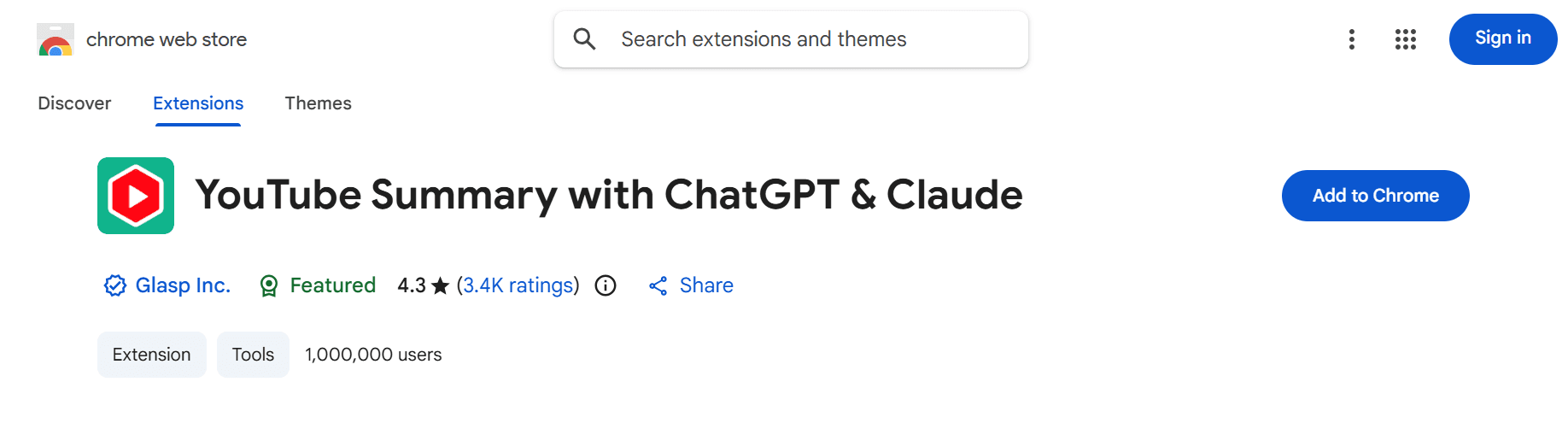
This Chrome extension adds a summary panel to YouTube pages and connects to many AI backends, including ChatGPT, Claude, Gemini, and Mistral. Users can get transcripts with one click and send them to their preferred model.
This flexibility lets them process information based on the video type: ChatGPT is great for short bullet points, Claude provides narrative explanations, and specialized models can handle technical content.
The lightweight design adds very little extra weight, as users don't need to switch platforms or learn new interfaces. The extension acts as a link between YouTube and the AI tools that users already use. This simplicity helps teams quickly adapt when they are already committed to specific LLM ecosystems.
The quality of the summaries depends on the connected model and how well the user crafts their prompts. Basic prompts yield basic output, but more clever prompts require understanding how different models interpret instructions.
The tool gives access to the models; it does not have intelligence itself. Users provide the strategic thinking that turns transcripts into useful insights.
The extension is flexible, working not just with YouTube, but also summarizing web articles and PDFs through the same interface.
This extended capability helps knowledge workers who need to summarize various content types, rather than just features specific to YouTube. Users are replacing specialized video tools with general text-processing tools that effectively manage video transcripts.
5. Krisp – Fast URL-Based Summaries
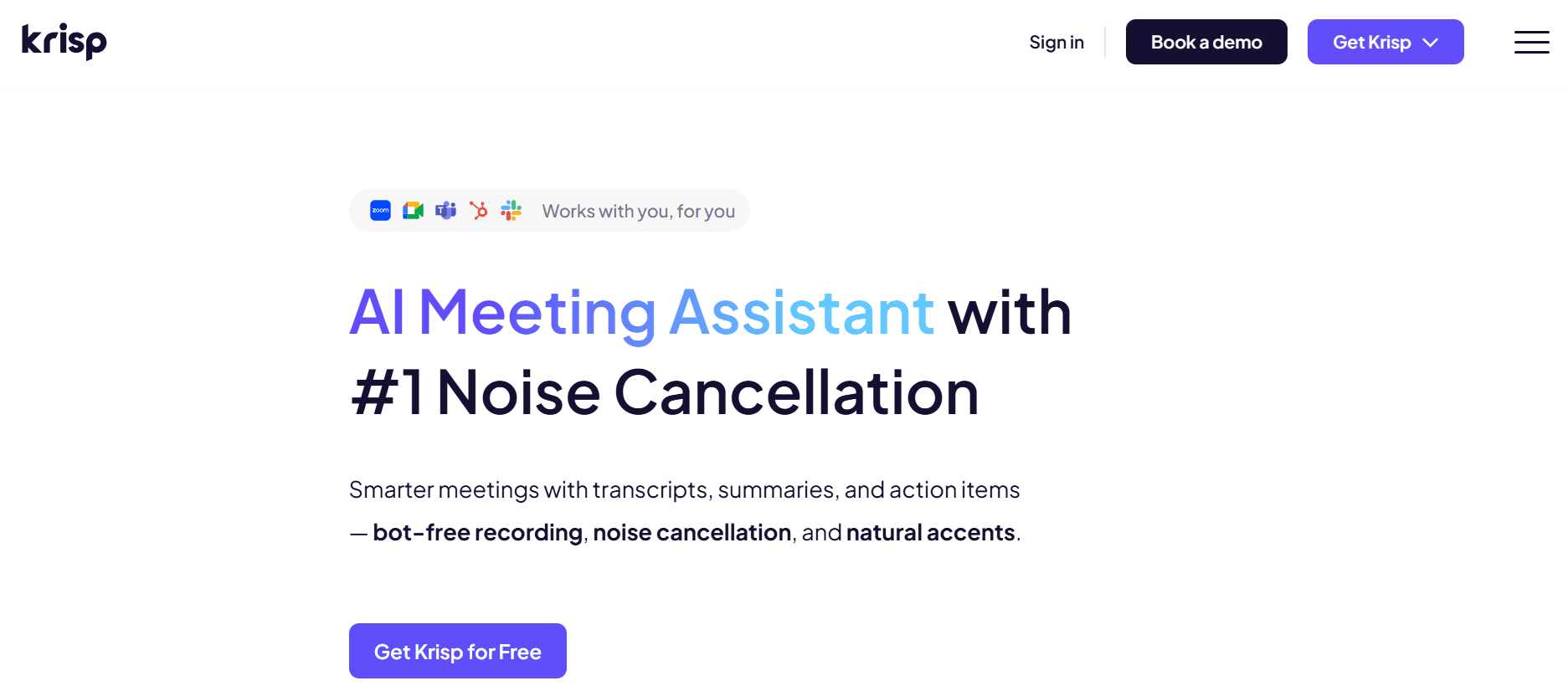
Krisp built its reputation on noise-canceling technology for calls and then expanded into free YouTube summarization. Users can paste a link, click summarize, and get a text output that can be downloaded as a .txt file.
No account is needed, nor is a credit card or email verification. The friction approaches zero.
This simplicity helps during quick research moments when users need the gist before a meeting or want to see if a video is worth their time.
For example, a product manager pastes a competitor roadmap presentation, scans the summary in 90 seconds, and goes into the client call prepared. The tool effectively solves a specific problem without needing workflow changes or subscription commitments.
Limitations become clear when users need more than basic summarization. Krisp lacks organizational features, integration with note-taking systems, and advanced customization options. The tool is great at one function, but doesn’t go beyond that. This focus is useful for ad-hoc use but can be limiting when video summarization becomes part of regular research workflows.
Most people use Krisp occasionally instead of regularly. It fills gaps between more advanced tools, addressing situations when quick insights are needed and when setup time costs more than the information being sought.
6. Liminary – Knowledge Companion for Deep Research
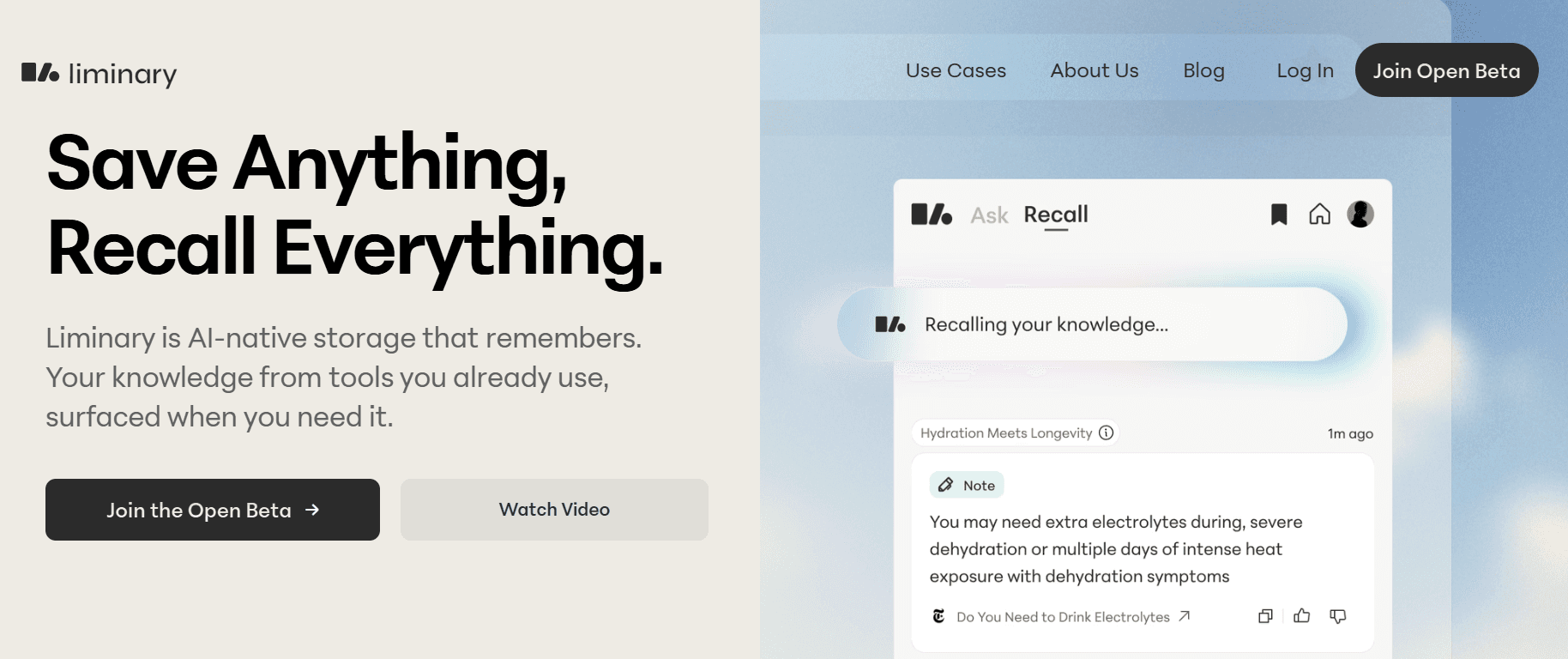
Liminary positions itself as a knowledge companion instead of just a summarization tool. Users can save YouTube videos alongside PDFs, articles, and web pages in a single library. The platform summarizes each source as it is saved and then builds a knowledge graph that connects related ideas across everything collected.
The real value of Liminary comes out over time. For instance, a researcher looking into AI video tools saves many product reviews, demo videos, and technical papers. Liminary summarizes each piece and highlights connections, like which tools solve similar problems, where claims disagree, and what patterns appear across sources. When the researcher starts writing, the platform suggests relevant sources and helps in drafting sections based on the collected knowledge.
This approach is especially useful for people conducting long-term investigations rather than one-time research tasks. Users are creating a personal knowledge base that grows in value over time. The summaries serve as starting points for a larger system rather than standalone outputs filed away and forgotten.
According to Scripsy's review analysis, the platform has accumulated 45,403 reviews, indicating significant user adoption despite its early development. The tool is currently in open beta with fluctuating prices, making it available to users who want to invest in long-term knowledge resources rather than seek quick wins.
How does Otio improve research workflows?
The learning curve for Otio is steeper than that of simpler tools. Users are not just summarizing videos; they are putting together a knowledge system that needs to be organized and maintained over time. This effort is worthwhile for researchers, consultants, and knowledge workers whose jobs depend on gathering information from many sources over the long term.
Most research workflows are spread across browser extensions, separate chat windows, and disconnected note-taking apps. A user might create a summary in one place, copy it into a document elsewhere, and then switch back to find the timestamp they forgot to mark. This fragmentation disrupts focus and makes users reconstruct context repeatedly.
Platforms like Otio bring video summarization into the same workspace where other research sources are already located. The Chrome extension pulls YouTube content directly into your knowledge library. Summaries link to related documents automatically, and the AI thought partner highlights relevant sources during drafting, all without the copy-paste hassle that makes research feel like administrative work.
Otio sees YouTube summarization as just one part of a complete research environment. You can save videos, PDFs, articles, tweets, and bookmarks into a single workspace. The platform summarizes each source as you add it and lets you interact with individual items or your entire knowledge base through an AI interface built from your collected materials.
The content creation features of Otio set it apart from simple summarization tools. After gathering sources, you can write essays, research papers, or reports directly within the platform. The AI helps by suggesting relevant passages from saved videos and documents, creating outlines based on your research, and assisting in structuring arguments using evidence you have already collected. This process lets users transform information into original work without switching between research and writing tools.
7. Otio – AI Research Workspace for Knowledge Workers
Web scraping can do more than just look at traditional academic sources. You can pull insights from tweets, blog posts, and other kinds of content that typical research tools often overlook.
For instance, a market analyst studying consumer sentiment might combine YouTube product reviews, Twitter chats, and blog comments. This lets them analyze all three sources in one place, keeping their focus from getting divided among different platforms.
The interactive knowledge base works like ChatGPT, but it provides answers based on saved sources rather than relying solely on general training data. You can ask questions and get answers with citations that link to specific videos, articles, or documents. This connection to sources builds trust in AI responses, letting you check claims against the original materials right away.
Students using the platform's course materials benefit from its comprehensive collection offeatures. You can bring lecture recordings, extra readings, and reference videos into a single workspace.
The platform summarizes everything, helping you find connections between sources and supporting you with essay drafts that properly cite your collected materials. This smooth workflow cuts down on research time by eliminating the need to switch between tabs and copy-paste, which usually breaks up study sessions.
The platform is especially useful for those who need to turn research into written work often. If you mainly consume content for personal learning without creating documents, simpler tools might work better for you. However, if your job requires combining sources into reports, articles, or presentations, Otio's integration of research and writing greatly reduces the usual hassles between those tasks.
With Otio, you have a powerful AI research and writing partner that streamlines the process, making your work more efficient.
How to choose the right tool for your needs?
The effectiveness of tools depends on the ability to choose among them based on actual workflows rather than marketing promises.
Related Reading
Best YouTube Summarizer
Supercharge Your YouTube Research With Otio, Turn Videos Into Actionable Summaries Instantly
If you're overwhelmed with hours of YouTube videos just to get a few insights, Otio offers a better solution. Instead of splitting your work across various browser extensions, ChatGPT windows, and scattered notes, you can work in a single research space where video summaries link directly to your other sources, drafts, and ideas. The Chrome extension quickly pulls YouTube content into your knowledge base, while the AI generates organized summaries from real transcripts. When you're ready to write, everything you've gathered is easy to access, so you don't have to piece together context from different tools.
The hassle that most people find normal, copying transcripts, pasting them into ChatGPT, copying summaries, pasting them into notes, losing track, and starting over, vanishes when summarization happens right where your research is. You save a video, Otio automatically processes it, and the summary is added to your PDFs, articles, and other materials in one library. When you ask questions later, the AI pulls from everything you've saved, not just from general training data. This grounding in sources lets you check each claim, trace every insight back to the original video timestamp, and trust the output enough to build arguments on it.
Being efficient is very important when combining information from many videos and different types of documents. For example, a content strategist researching competitor positioning might save 10 product demo videos, 5 analyst reports, and 20 blog posts into Otio.
The platform summarizes each piece, automatically shows connections between sources, and helps draft competitive analyses without making the writer switch between summarization tools, note apps, and writing software. Research and writing happen in the same environment, saving the mental effort of remembering which insight came from which tool and where it was saved three days ago.
Students going through a lecture series also find great benefits from Otio. They can bring in six recorded lectures, supplementary readings, and reference videos into one workspace.
Otio summarizes everything with chapter breakdowns, allows direct notes on summaries, and helps with essay drafts that properly cite the materials collected. This process turns three days of video watching into three hours of active learning, as users read organized summaries instead of scrolling through footage, trying to find important explanations they may only half-remember from Tuesday.
The interactive knowledge base works differently from standalone summarization tools. Users can ask questions and get answers with citations that link back to specific videos, articles, or documents in their library. This connection builds trust in AI responses because users aren’t relying on a hidden system.
Instead, they are working with an assistant who shows the process, making it possible to verify each claim with original sources. This distinction is important when making decisions, building arguments, or creating content where accuracy is crucial to credibility.
Try Otio for free and see how much quicker research can be when summarization, organization, and writing are all in one place, rather than spread across tools that weren't made to work together.



