
Video Summarization
10 Best YouTube Summarizer Extensions
Discover the 10 best YouTube Summarizer Extension tools to save time and quickly grasp video content without watching the full video.
You have a stack of long YouTube lectures, interviews, and tutorials to get through before a deadline, and every minute counts. Video Summarization turns those hours into short summaries, timestamps, and clear takeaways so you can find facts and quotes without replaying the whole clip. Want to research and write fast with AI while keeping accuracy and sources intact? This guide points you to the best YouTube summarizer extensions, shows how to use transcripts and auto-summaries, and helps you speed up note-taking and content extraction.
To cut that busy work, Otio acts as an AI research and writing partner that pulls video summaries, builds outlines, and surfaces citations so you can finish drafts faster and stay focused on the ideas that matter.
Summary
YouTube's scale makes concise summaries essential; over 500 hours of video are uploaded every minute in 2025, so manual review cannot keep pace.
Well-structured summaries deliver a 5x to 10x time advantage, letting you grasp a 20-minute talk in 2 to 4 minutes and reclaim calendar time for analysis.
Transcript quality and verifiable anchors matter; use a pass/fail rubric that requires timestamps or clear anchors for at least 80 percent of action items to preserve trust.
Mobile-first consumption shapes learning: in 2025, 70% of YouTube watch time comes from mobile devices, so short, testable summaries improve retention for on-the-go viewers.
Automation scales the workflow, reducing summarizing time by up to 50%. With over 500,000 videos summarized daily, throughput is essential.
Treat tool selection like hiring: run short pilots (start with five high-value videos), break content into chunks, and add a 60- to 90-second human QA step for any high-stakes output.
This is where Otio fits in: an AI research and writing partner that helps teams combine automated, timestamped summaries with brief human review and exportable records to maintain accuracy and traceability.
Table of Contents
Why Summarize YouTube Videos
How to Make Summarizing YouTube Videos Easy
How to Choose the Best YouTube Summarizer
10 Best YouTube Summarizer Extensions
Supercharge Your YouTube Research With Otio — Try It Free Today
Why Summarize YouTube Videos
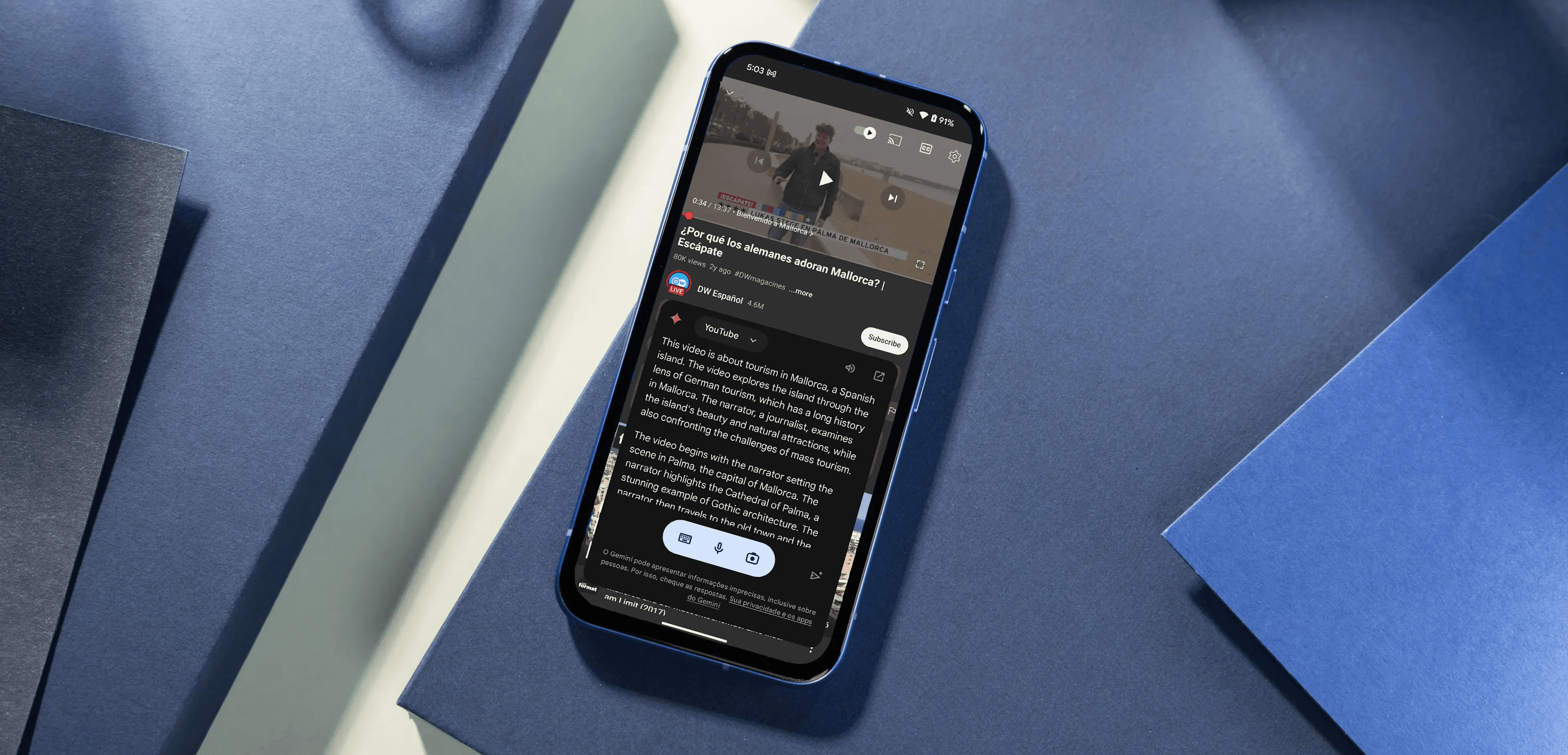
Summarizing YouTube videos matters because it turns long-form content into precise, clickable entry points that increase reach, save viewers time, and make your catalog searchable and reusable. Good summaries act as traffic builders, learning aids, legal aids, and internal knowledge bites all at once, reshaping how content earns attention and value. According to Teleprompter.com, "Over 500 hours of video are uploaded to YouTube every minute." In 2025, that flood of material makes targeted, condensed previews essential for discovery and curation.
1. Meeting records, compressed and actionable
Teams struggle to capture decisions from long calls, and summarizers turn recorded meetings into short highlights plus searchable text. They convert a one-hour session into a 3–5 minute highlight reel, extract timestamps for action items, and produce a keyword-indexed transcript so anyone can jump to the exact moment a decision was made. This reduces rework, lets people focus on the conversation rather than note-taking, and replaces manual clip-hunting with precise retrieval.
2. Legal and evidentiary review made efficient
Video depositions and recorded testimony are time-consuming to review; summarizers speed the process by extracting named entities, central claims, and timestamps for cross-reference. Tools that export multiple transcript formats and highlight key phrases turn days of watching into hours of targeted analysis, and timestamped excerpts make it easier to assemble exhibits. For compliance and defensibility, an auditable summary with exact time anchors is far more valuable than spotty manual notes.
Most teams manage repurposing and reviews manually because that workflow is familiar and requires no new tools. As libraries grow past a few dozen items, manual clipping fragments work across inboxes and spreadsheets, and the hidden cost shows up as missed clips, duplicated effort, and longer review cycles. Platforms like Otio provide automated clipping, timestamped summaries, and bulk export so teams can compress review from days to hours while keeping a complete audit trail.
3. Learning and personal development are easier to consume on the move
Educational series, interviews, and long tutorials are prime candidates for short, study-ready summaries that surface the main ideas and testable takeaways. That matters especially because Teleprompter.com, "70% of YouTube watch time comes from mobile devices," in 2025, so learners often watch in short bursts and need concise hooks that lead to the whole lesson. Summaries that generate quiz questions or outline steps improve retention and make serial learning practical for busy viewers.
4. Knowledge repositories that actually work
Organizations assembling internal libraries need condensed video entries that can be searched, tagged, and linked across documents. Summarizers provide multilingual captions, automated metadata, and foldered exports that integrate with Google Drive or DAM systems. This reduces friction during content migration, enables cross-team search across hundreds of hours, and addresses the common problem of valuable footage going unused because no one knows where to start.
A cautionary note, and a human pattern to respect
This pattern appears across broadcasters and independent creators: people default to consuming summaries when pressed for time, which can lead to superficial understanding and premature judgments about a story or argument. That tension is real and exhausting for creators who care about nuance; the best approach is to use concise summaries as invitations to the complete work, not substitutes for it, and to design summaries that make the depth visible rather than invisible.
An analogy to hold in mind
Think of a summary like a museum label, not the painting; it should point readers toward the whole experience while providing just enough context, provenance, and hooks so they choose to engage more deeply. That simple tradeoff between reach and depth hides the next, more complex design decision.
How to Make Summarizing YouTube Videos Easy

Good tools and a repeatable workflow make YouTube summarization fast and reliable, turning long videos into searchable, actionable snippets you can trust. With the right mix of automatic transcription, chunking, model-driven summaries, and quick human checks, you can cut viewing time dramatically while preserving nuance.
Why do people assume summaries are worthless?
1. Myth, reframed
Most creators and researchers assume a compressed version flattens nuance, hides caveats, and leaves viewers misinformed, so they default to watching entire videos. That belief is understandable because low-quality auto-summaries do precisely that, but the argument confuses bad execution with the value of the method itself.
When does a summary actually make sense?
2. Reality check
This is not about replacing deep study; it is about triage. Viewers juggle long watch lists and tight calendars; they need clear previews and decision points, not theatrical fidelity. The practical truth is that people often need only the main idea, the sensible step, or the timestamped moment that proves relevance, and summaries provide that without pretending to be the whole experience.
What do the platform numbers mean for you?
3. Data on scale and attention
Platform scale magnifies the problem, and that shapes how we should operate, according to Vatis Tech: "YouTube has over 2 billion logged-in monthly users" in 2025. Raw volume and varied intent make focused discovery essential. According to Vatis Tech, "Over 500 hours of video are uploaded to YouTube every minute" in 2025, and manual review cannot keep pace. Those numbers explain why automation is not optional; it is a throughput requirement.
How exactly do summaries improve real work?
4) Why summarization improves productivity
Time saved, measured: When summaries are well structured, they dramatically reduce processing time; condensed outputs often let you grasp a 20-minute talk in two to four minutes, converting a 5x to 10x time advantage into calendar space you can use. That is not handwaving, it is the operational difference between finishing research and letting it pile up.
Memory and recall are strengthened: Summaries force idea extraction, which aids memory. Short, labeled notes and bullet highlights create retrieval cues that raw watch time rarely produces. When you generate a one-paragraph synthesis plus two action bullets, you make the video’s signal easier to store and return to.
Use cases where teams trust summaries first: Analysts scanning dozens of interviews, students reviewing lecture series before exams, and product teams triaging creator research all prefer a reliable summary as a first pass, and they only escalate to full viewing for contested claims or deep learning.
How to set up a fast, reliable toolchain
5. Step-by-step workflow to make YouTube summarization easy with tools
Which first move works every time?: Capture a clean transcript first. Use a high-quality automatic transcription engine or the video’s captions, then normalize punctuation and speaker labels so that downstream models have structured input.
How should you break the video into digestible parts?: Chunk the transcript into logical segments, such as topic boundaries, speaker turns, or equal-duration slices. Smaller chunks reduce the risk of hallucination in summarizers and make timestamps more meaningful.
Which summarization method yields the best trade-off?”: Run a two-stage summarization: a loud summary, then a focused extraction. First, ask a model for a single-paragraph executive summary. Second, extract three to five timestamped claims or steps with supporting quotes. That preserves nuance while giving you the short form.
When should humans step in?: Add a brief human review for anything labeled high importance, controversial, or action-oriented. A 60- to 90-second read-through by an editor catches errors and restores tone without increasing the original watch time.
How do you store and retrieve summaries?: Save summaries as searchable records in your knowledge base with standardized tags and timestamps so teammates can jump directly to the exact video moment rather than hunt through hours of footage.
What tool types to combine
6. Recommended tool mix
A browser extension or extension+API that attaches to YouTube for one-click capture, transcript import, and quick export.
A dependable transcription service that handles noisy audio and speaker separation.
A summarization engine that supports prompts for extractive and abstractive outputs, plus timestamped extraction.
A lightweight human-in-the-loop step for quality gating, ideally via a commentable UI.
A knowledge store or notes app with tagging and timestamp linking for long-term retrieval.
A status quo story and the alternative
7. Most teams handle this by stitching together
Manual notes and browser tabs, which feel familiar and quick at first. As libraries grow and watch lists multiply, context fragments across tools, decision points get buried, and the time to find a single claim stretches from minutes to hours. Teams find that platforms like Otio centralize capture, auto-chaptering, timestamped action extraction, and bulk export, compressing review cycles from days to hours while preserving an auditable trail of sources.
What breaks and how to defend against it
8. Common failure modes and safeguards
When you rely purely on abstractive output, you lose verifiable quotes and timestamps, which erodes trust. When you rely only on extractive summaries, you keep accuracy but lose synthesis. The defense is a hybrid output that pairs a short synthesis with verbatim anchors, plus a one-step human check for high-stakes items.
A quick analogy to remember
9. How to think about a good summary
Treat a high-quality summary as a labeled bookmark with a sticky note, not as a replacement for the book. It tells you where to dive and what to expect.
A practical pattern for adoption
10. Rollout plan in three sprints
Sprint one, pilot five high-value videos and verify accuracy. Sprint two, automate capture and tagging for a focused channel or playlist. Sprint three, scale to team-wide access with templates, permissions, and a light QA workflow. This approach preserves nuance while turning overwhelming video volume into actionable insights. That shortcut works until you face the single choice that actually separates useful summaries from misleading ones.
Related Reading
How to Choose the Best YouTube Summarizer

Choose a summarizer by treating it like a hiring process, give the tool real tasks, score the outputs against transcripts and practical needs, then pick the one that passes accuracy, format flexibility, speed, transcript fidelity, and workflow fit. Use short pilots with representative videos, then escalate to longer content only after a tool has proven reliable in the basics.
1. Accuracy and contextual understanding you can verify
What to test, precisely. Run the tool on a 10 to 15-minute instructional clip, then compare its output line by line with the transcript and a short checklist of expected claims or steps. Mark whether the summary captures outcomes, recommendations, and the speaker’s explicit caveats. How to judge quality. A trustworthy summary will supply the main steps or conclusions, quote or closely paraphrase key phrases, and surface the details you would rely on to act. If the output only echoes the title, repeats vague filler, or omits central claims, score it low as a practical metric. Use a simple pass/fail rubric:
All central claims present,
At least one verbatim anchor quote,
Timestamps or clear anchors for 80 percent of action items.
2. Handling long files, formats, and multiple speakers
What to try. Give the tool a 60- to 90-minute lecture and a 40-minute panel discussion with overlapping speakers. Verify whether it preserves thread-level context across the session and assigns speakers correctly. Failure modes to watch. Tools that collapse long arguments into one-sentence blurbs or that lose who said what will mislead you when you need source attribution or to follow an argument thread over time. Test language and accent robustness by using a non-native speaker clip or a poor-quality recording.
3. Output styles and how flexible they are
Which formats should be available? The ideal tool offers short bullets, executive paragraphs, keyword lists, timestamped claims, and audio summaries. Test each format on the same video to assess how consistent the meaning remains across styles and user-preference signals. Users strongly favor dual-format results, so check whether the tool can produce both spoken and text summaries; 80% of users prefer AI tools that offer both text and audio summaries. Why customization matters: if a tool only produces a single rigid output, it will work for casual skimming but fail when you need study notes, clips for repurposing, or exportable action items.
4. Speed and reliability under load
What to measure. Time the summarizer on a 30-minute video and on a 90-minute file. Note the average completion time, whether it stalls, and whether the browser or app consumes excessive CPU or crashes—operational thresholds. Expect seconds for a short clip and a few minutes for long-form content; anything that repeatedly times out or forces manual refreshes is unacceptable for a production workflow.
5. Transcript quality and integration with sources
Why this matters. The summary’s accuracy depends on a clean transcript. Test whether the tool produces automatic captions with correct punctuation, speaker labels, and entity rendering, and whether you can upload or replace the transcript manually. What to check. Feed the tool a noisy audio file, then a cleaned transcript of the same file. If the summary quality jumps with the cleaned transcript, the tool is transcript-limited rather than comprehension-limited. That indicates whether to invest in a higher-quality transcription step or to choose a different summarizer.
6. Underlying language model and follow-up intelligence
How to probe model depth. Ask the summarizer to produce a short executive summary, then follow with three targeted clarifying prompts: request counterarguments, the source of a claim, and a one-sentence actionable next step. A strong LLM will sustain context and answer consistently. Pattern to expect. In a two-week pilot using technical lecture material, tools that enabled iterative questioning produced far more usable outputs than those that provided a single static paragraph, because the follow-up process quickly exposed misunderstandings.
7. Ease of use and day-to-day experience
What to demand. URL pasting, one-click summarization, obvious export buttons, and a clean result view matter more than a dozen niche features tucked away in menus. Try onboarding with no manual: if someone on your team can’t figure out the basic flow in under two minutes, the UX fails. Emotional cost. It is exhausting when a tool promises speed but requires five steps to get a single summary; prioritize tools that reduce cognitive friction.
Most teams manage summarization with browser bookmarks and ad hoc scripts because those methods are familiar and require no new approvals. That choice works early, but as video volume grows, it scatters context and increases manual clean-up. Teams find that solutions like Otio centralize capture, automatic chaptering, and export with role-based controls, moving review from a fragmented effort to a consistent, searchable library while preserving source anchors for verification.
8. Export options and how they fit your workflow
What to verify. Can you export summaries to plain text, PDF, Notion, Google Docs, or your internal notes system? Does the tool provide an API or bulk export for libraries of summaries? Try saving 10 summaries and importing them into your knowledge base to test the long-term concern about metadata fidelity. If exports drop timestamps or speaker labels, the summary loses traceability, creating friction when people need to verify claims later.
9. Extra features that change the work equation
Which bonuses matter? Keyword highlighting, batch summarization, topic clustering, prompt templates, translation, and audio playback each change how you use summaries. Test the batch process on a playlist to see whether topic clusters actually group by theme or only by metadata. User motivation. Teams that prioritize depth over speed value tools that retain context across sessions and support manual note add-ins, because that preserves nuance while still saving time.
10. Pricing, limits, and real market pressure
What to weigh. Free tiers apply to trials, but check length caps, monthly quotas, batch limits, and whether premium plans unlock export and API access. Evaluate the cost against the time saved in your typical workflow, not against the feature list or market context. At scale, the tool landscape is crowded and noisy, as evidenced by the fact that over 500,000 YouTube videos are summarized daily using AI tools, according to a TechCrunch report (2023-09-25). This explains why quality features and reliable exports become differentiators, a pragmatic rule. Pay when the subscription time saved per week exceeds the human cost of fixing bad summaries, and keep a small human QA step for any high-stakes content.
Analogy to hold think of a summarizer like a skilled editor, not a compressor; a good editor keeps quotes, preserves voice, and points you where to read deeper, while a poor compressor just squeezes words until they break. Keep testing with short pilots, insist on verifiable anchors, and add a lightweight human gate for anything critical. That works for now, but the real test comes when you compare actual tools head-to-head, and that’s where things get interesting.
10 Best YouTube Summarizer Extensions
These are the ten best YouTube summarizer extensions I recommend, each rewritten with a clear description, three standout features, practical pros and cons, pricing notes, and a short verdict so you can pick by need and workflow.
1. Otio
Designed for heavy research work, Otio gathers YouTube videos, PDFs, articles, tweets, and bookmarks into a single AI-native workspace so you can treat clips as research evidence rather than isolated files.
Top features
Centralized import from many sources; source-grounded AI notes and Q&A; exportable writing drafts (essays, reports).
Verdict
Pick Otio if you need a research hub that turns video snippets into citable, editable outputs.
2. Eightify AI
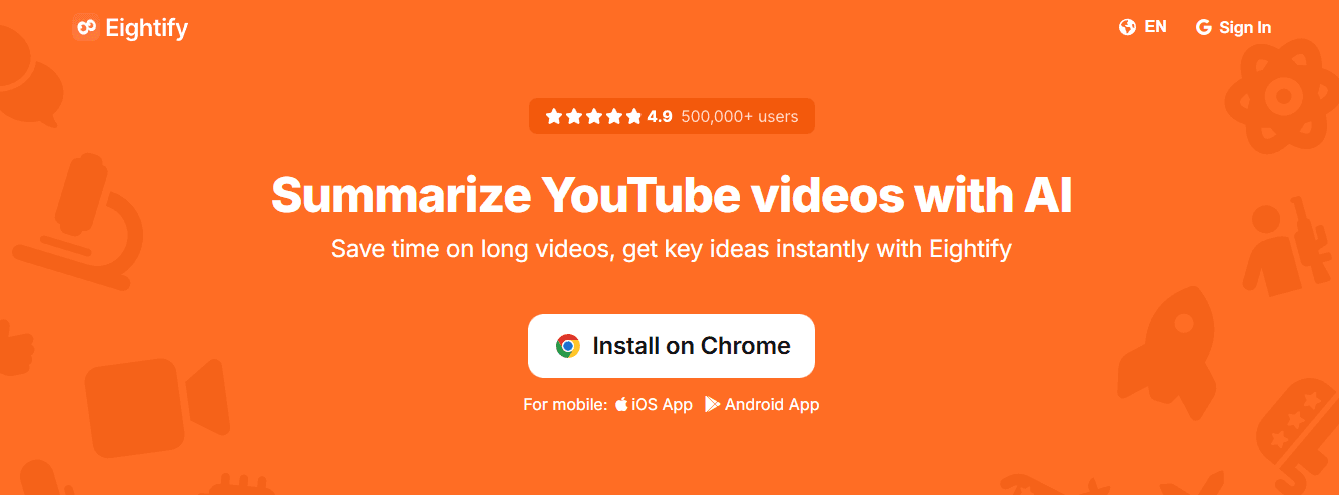
A one-click Chrome extension that gives a concise TL;DR on the YouTube page, using ChatGPT or Claude behind the scenes.
Top features
Instant summary in the sidebar; handles very long videos; shareable exports and mobile apps.
Pros
Fast to use from the toolbar, mobile access, and reliable multi-model options.
Cons
The free tier limits the number of summaries and their length; export options are basic.
Pricing
Free tier; paid around $4.99/month, as reported.
Verdict
Great for quick previews when you want to triage long lectures from the browser.
3. Glarity AI
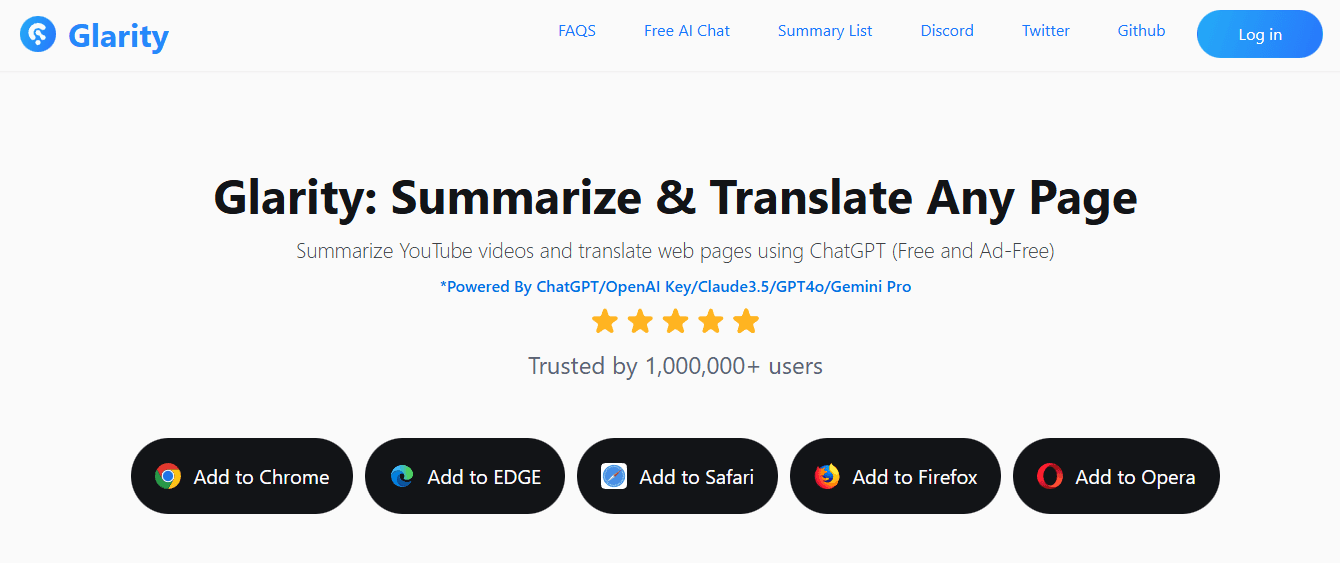
A minimal, embedded on-page summary tool that uses your choice of LLMs and keeps the UI clean and distraction-free.
Top features
Timestamped highlights in an embedded window, translation and subtitle generation, BYO API key support.
Pros
Tiny learning curve, cross-browser support, and no ads in the free plan.
Cons
Exports require copy/paste; quality drops when transcripts are missing or poor.
Pricing
It is free to use.
Verdict
Use Glarity when you want a low-friction summary without leaving YouTube.
4. YouTubeDigest AI
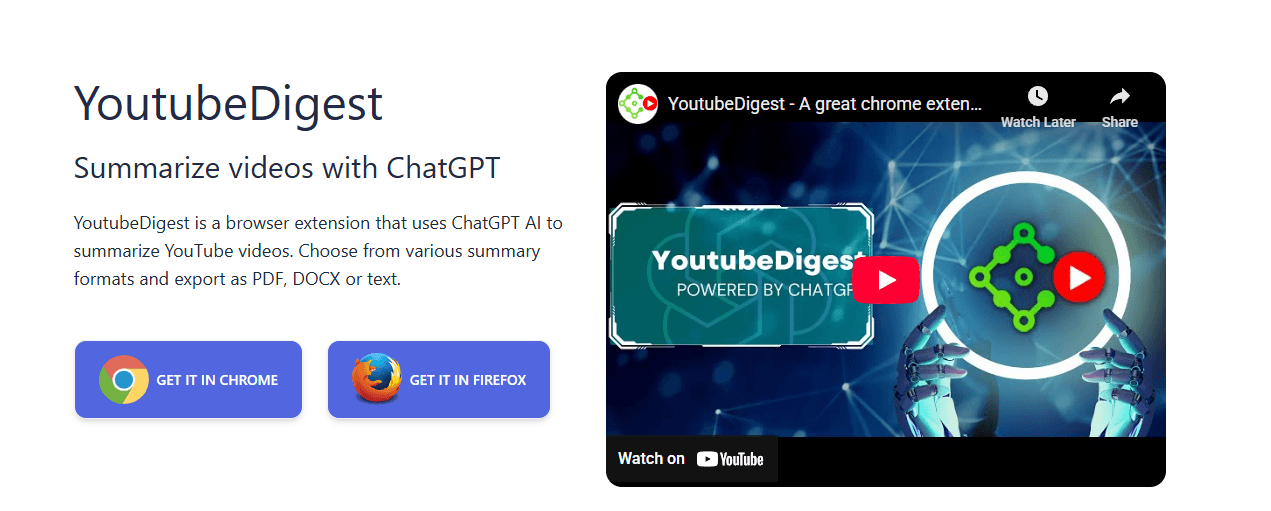
Focused on output flexibility, YouTubeDigest lets you choose summary style and export directly to PDF, DOCX, or TXT from the extension.
Top features
Multiple formats (article, bullets, chaptered bullets), direct file export, translate-and-summarize.
Pros
Excellent export options, good for team sharing and report prep.
Cons
Fewer advanced features than some competitors, no native annotation tools.
Pricing
Free tier with custom pricing for high use.
Verdict
Best when you need ready-to-send summary files for colleagues or reports.
5. Scripsy
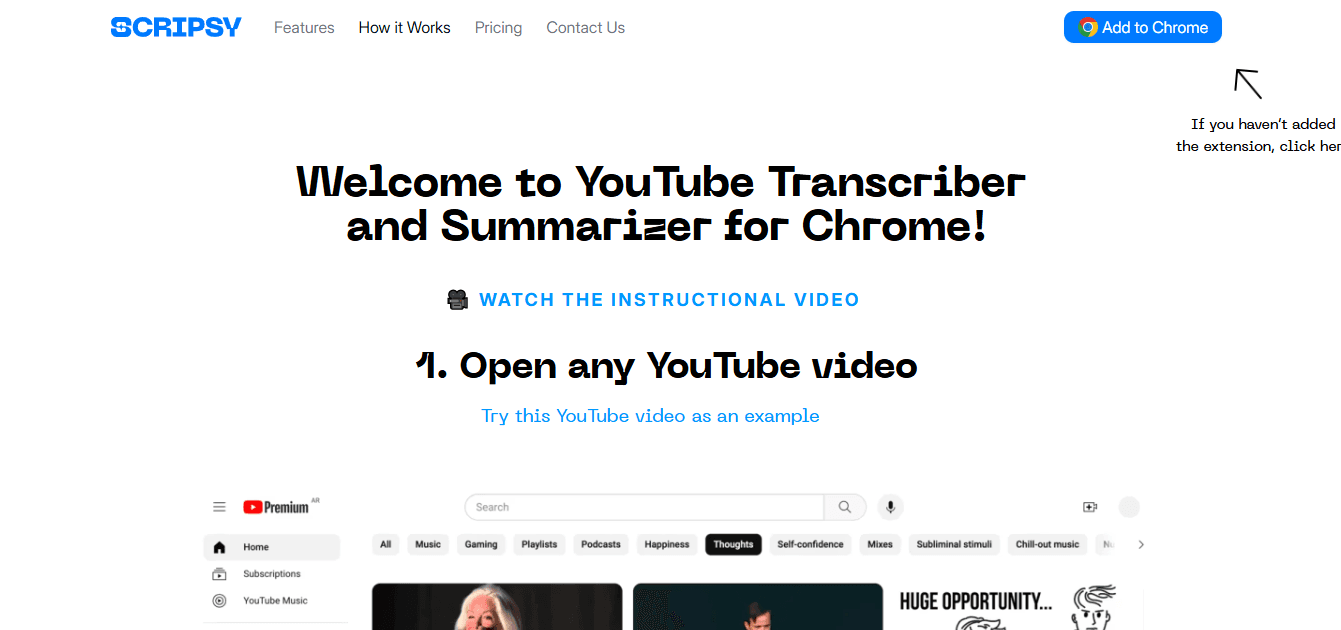
Combines full-time-coded transcripts with a short AI summary, presented on the video page for fast lookup.
Top features
Line-by-line, timestamped transcript; ChatGPT-powered recaps; multi-language support.
Pros
Precise timestamps make rewatching specific moments simple; a transcript and summary in one place.
Cons
The feature set is YouTube-centric, and exports are limited.
Pricing
Free extension listing.
Verdict
Ideal for students who need to jump to exact quotes in lectures.
6. ScreenApp
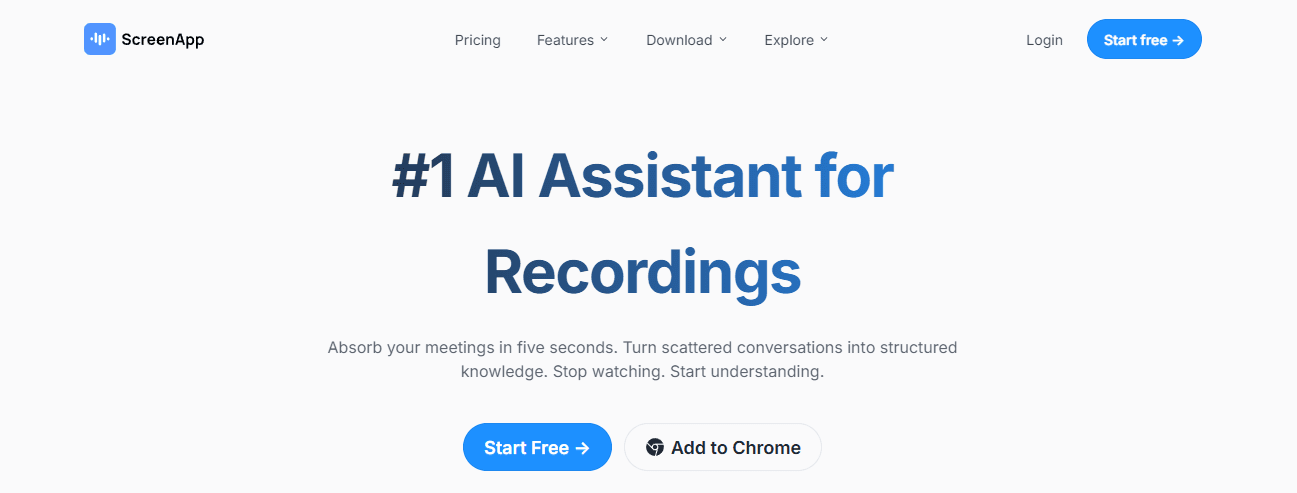
A flexible tool that summarizes from URLs or uploaded files, not just in-browser YouTube pages, and creates searchable notes.
Top features
URL or upload inputs, subtitle generation, searchable text notes, and annotation.
Pros
Works across platforms and file types; helpful for meetings, recorded sessions, and YouTube.
Cons
Export formats, such as Markdown/Notion, are not clearly specified.
Pricing
Free tools and browser extensions are available.
Verdict
Choose ScreenApp when your workflow mixes recordings, meeting replays, and YouTube.
7. Glasp
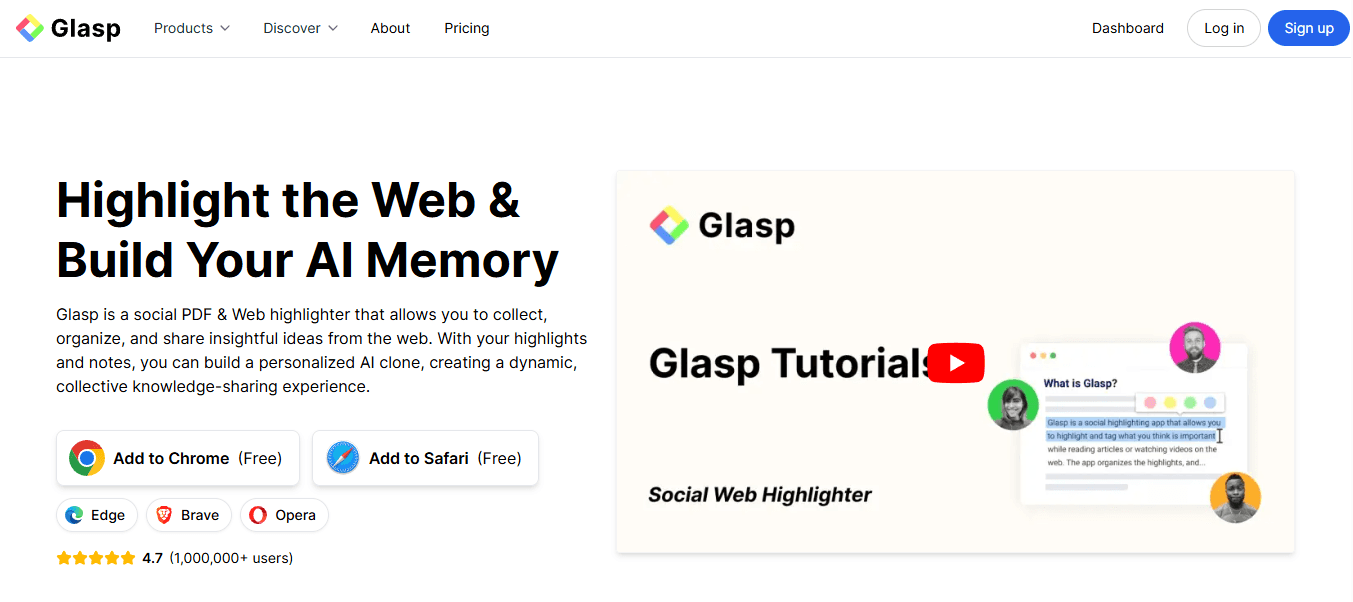
A compact on-page box for transcripts and summaries with adjustable length and model choice, plus web and PDF highlighting.
Top features
Adjustable summary length and timestamps, web/PDF highlighter, audio transcriber for uploads up to 2 hours.
Pros
Model flexibility, quick highlights, and cross-browser support.
Cons
Requires LLM login for some flows; quality hinges on transcript availability.
Pricing
Free plan, Pro $10/month, Unlimited $25/month.
Verdict
Suitable for people who want a lightweight summarizer plus web annotation tools.
8. Noiz
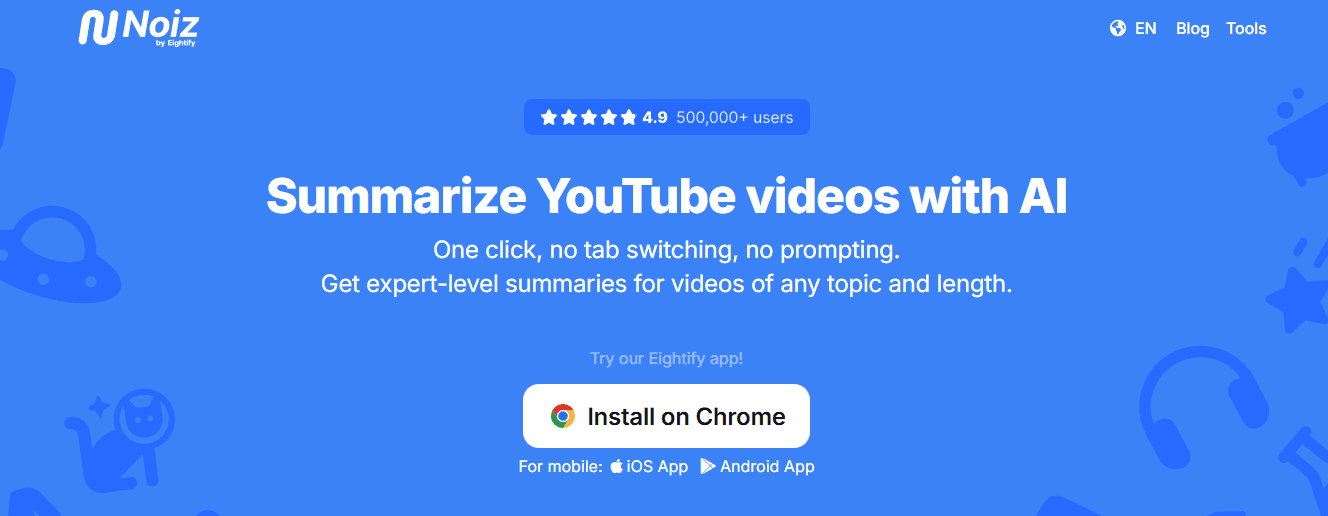
Fast, on-page summaries with a transcript toggle and broad language support across more than 40 languages.
Top features
Instant TL;DR with timestamps, transcript-summary toggle, multi-language translation.
Pros
Excellent language coverage, quick on-page flow from the Chrome button.
Cons
Export formats are limited; heavy note-taking requires a separate app.
Pricing
Free extension.
Verdict
Use Noiz when you regularly work with non-English material and need quick scans.
9. NoteGPT
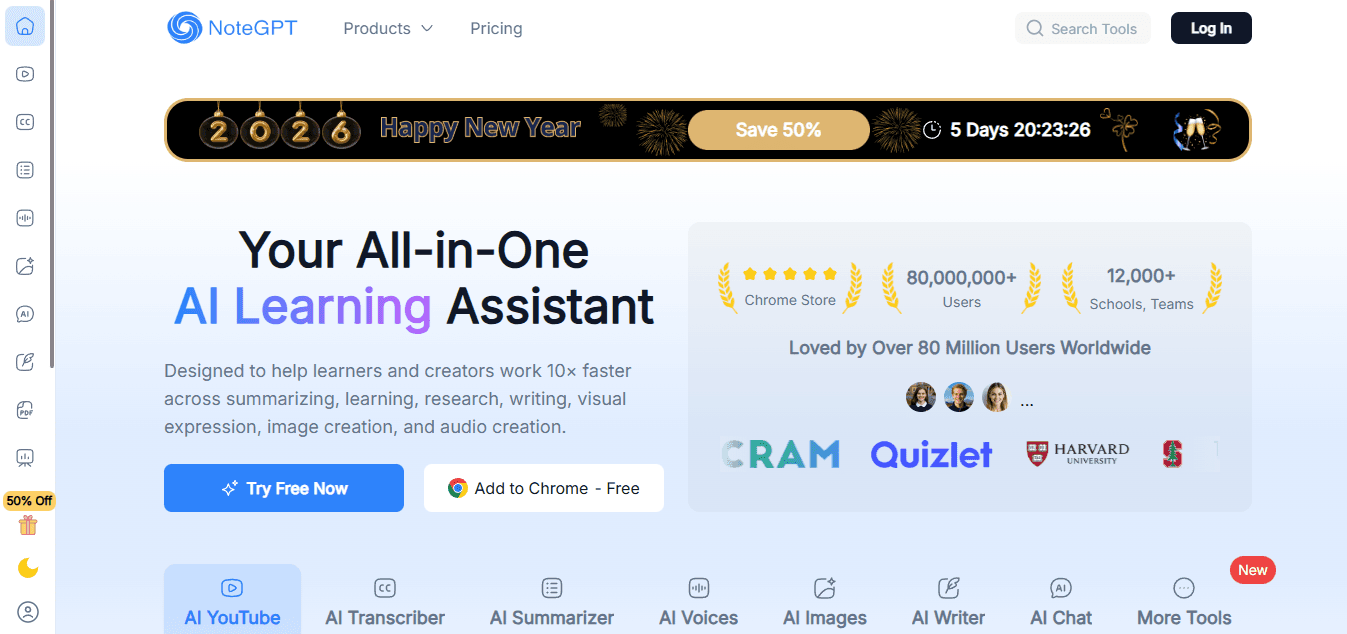
More than a summarizer, NoteGPT produces transcripts and turns them into study outputs such as mind maps, slides, or podcasts.
Top features
Generates transcripts for videos without captions, one-click study outputs (mind maps, slides), and handles batch and long videos.
Pros
Handles no-subtitle cases, multiple study output types, and workspace sync.
Cons
The free tier has monthly quotas; advanced exports and batch features may be behind a paywall.
Pricing
Free tier; Pro: $9.99/mo; Unlimited: $29/mo; Max: $99/mo.
Verdict
Pick NoteGPT when you want study-ready deliverables beyond plain text.
10. Merlin
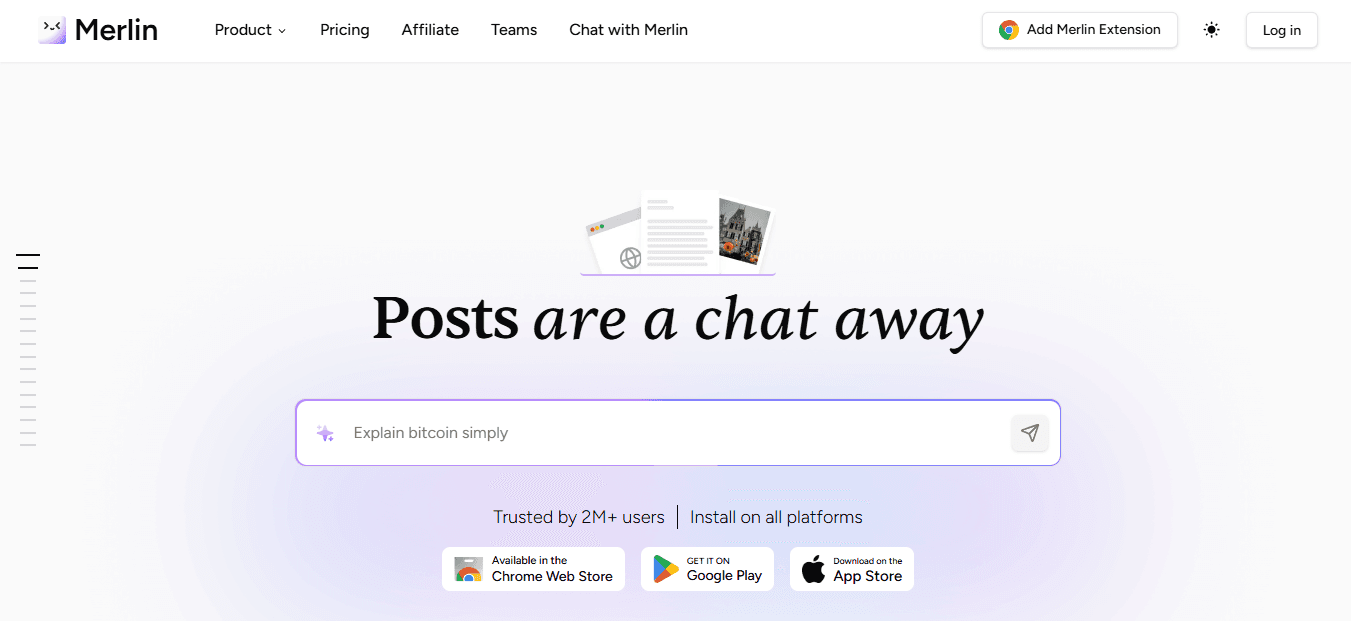
A generalist browser assistant that includes a YouTube summarizer inside a broader set of browsing tools.
Top features
Quick inside an assistant panel, works across websites and PDFs, simple installation, and triggers.
Pros
Single tool for many quick summarization tasks, a straightforward workflow.
Cons
Export options are light, and the feature set for YouTube-specific workflows is limited.
Pricing
Free add-on.
Verdict
Best for casual users who want a single assistant for assorted quick summaries.
Why these differences matter now
Pattern recognition, when teams try a single lightweight extension, they often hit two recurring pain points, export limits and transcript dependence, within weeks. Exports that drop timestamps or speaker labels create downstream verification work, and tools that assume captions exist fail on creator uploads without accurate transcripts. That failure mode shows up consistently when you scale beyond a handful of videos.
Operational proof and expectation
NoteGPT Blog, 2025-01-01, reports that over 70% of users find manually summarizing YouTube videos time-consuming. For practical workflows, that frustration explains why teams adopt extensions quickly but then switch again when the first tool hits export or transcript limits.
Efficiency claim
NoteGPT Blog, 2025-01-01, found that Automated tools can reduce summarizing time by up to 50%, which helps budget for subscription costs when measured in saved hours per week.
Status quo disruption, briefly
Most teams start with bookmarks and ad hoc scripts because they feel low friction and need no new approvals. That works until libraries grow and context scatters across drives and messages, making verification and reuse costly. Teams find that platforms like Otio centralize capture, automated chaptering, and export, compressing review cycles from days to hours while keeping timestamped, source-grounded notes for verification.
A quick, practical analogy
Think of these extensions as different surgical tools: some are scalpels for precise timestamps, some are scalpels plus a stitch kit for exports and notes, and a few are full operating rooms for ongoing research. Pick the tool that matches the procedure you run most.
Curiosity loop
That sounds useful, but the part that actually changes how teams work comes next, and it looks different from what you expect.
Related Reading
Best YouTube Summarizer
Supercharge Your YouTube Research With Otio — Try It Free Today
When your backlog becomes a string of unwatched lectures and scattered tabs, you end up hunting for relevance instead of doing the work that matters. Try Otio as the best YouTube summarizer extension and AI research assistant I recommend. Give it a few links, and watch it turn that noise into a tidy, queryable evidence set so you can get back to thinking and writing.



