
Video Summarization
How To Summarize A Video In 6 Easy Steps
Summarize a video in 6 easy steps with Otio's AI. Our guide shows you how to capture key moments fast and boost your workflow efficiency.

After a long webinar or lecture, extracting essential details from videos can be time-consuming. Video summarization is an efficient solution that isolates key moments, timestamps, and highlights without rewatching the entire presentation. This method transforms lengthy transcripts, captions, and recordings into concise notes that facilitate quick analysis and review.
A streamlined summary improves comprehension and supports content repurposing by providing a clear outline for follow-up work. Concise notes backed by precise highlights make it easier to revisit and share critical information. Otio serves as an AI research and writing partner that simplifies the process and accelerates effective research.
Summary
Content supply far outpaces attention: over 500 hours of video are uploaded to YouTube every minute. As a result, summaries and indexed highlights are essential to make recordings discoverable and usable.
AI-assisted summarization materially reduces manual effort: the average time to summarize a video is cut by about 50% with AI tools.
Audience behavior favors video over text: over 70% of people prefer watching videos to reading, and the brain processes video roughly 60,000 times faster than text. As a result, summaries must quickly surface the single idea.
Accuracy matters for high-stakes review because if more than 5-10 percent of a transcript requires correction, downstream summaries become unreliable, making timestamp precision and speaker labels nonnegotiable.
Efficiency gains are measurable; over 80% of users reported improved efficiency in video summarization tasks, which correlates with shorter meetings and faster decision cycles when summaries are trusted and accessible.
Adoption depends on integrations, support, and realistic pilots, and evidence shows these tools can reduce viewing time, with Liminary reporting reductions of up to 70%.
This is where Otio, an AI research and writing partner, fits in, centralizing recordings, providing editable, timestamped transcripts, and producing searchable summaries that shorten review cycles and feed writing workflows.
Table of Content
Why Do You Need a Video Summarizer
Video summarizers let you turn long recordings into focused, reusable assets that save time and help you reach more people across teams and platforms. They do more than just shorten video footage; they create searchable, shareable pieces you can reuse for meetings, legal reviews, learning, and company knowledge.
As you consider options for this, our AI research and writing partner can help streamline your content creation process.
How can video summarizers help with meeting documentation?
Meeting documentation and virtual conversation summaries are essential for effective communication. Summarizers change hour-long team calls into short highlight reels and time-coded transcripts. This allows participants to stop worrying about talking and taking notes simultaneously. When we changed the internal review workflows, we observed a clear pattern: trimmed videos and indexed transcripts enabled stakeholders to catch up in minutes rather than hours.
This change improved participation because people no longer feared missing important information. Some valuable features to request include speaker attribution, keyword tagging, and direct links from a meeting summary back to the exact moment in the recording.
What are the benefits for legal teams?
Legal deposition extraction and case review for legal teams, the focus is less on brevity and more on accuracy. Summarizers extract key testimony, identify inconsistencies, and generate exportable transcripts in multiple formats, enabling faster review of evidence. This is important as deadlines tighten and file sizes grow, because accurate timestamps and highlighted keywords allow attorneys to shift from watching hours of footage to verifying the few most critical moments.
How do teams currently handle video content?
Most teams handle clipping and manual indexing because this approach is familiar and doesn’t require new tools. As video volume increases, this habit makes work less organized: notes get scattered, playback times increase, and decision-making takes longer.
Platforms like Otio offer automated clipping, searchable transcripts, and role-based access. Teams that use these tools shorten review cycles from days to hours, while keeping a complete record.
How can summarizers assist in personal development?
Personal development benefits a lot from microlearning. Learners get more when a lecture or demo is converted into clear summaries and practice questions, rather than receiving raw, unorganized clips. Summarizers can create bullet-point takeaways, short quizzes, and timed micro-lessons that fit mobile attention spans.
This flexibility is essential, as the average person watches 40 minutes on YouTube per session, according to a Reddit discussion. These tools provide spaced-repetition and quick-review paths that improve memory without requiring long, nonstop viewing sessions.
What role do summarizers play in knowledge management?
Knowledge management and searchable content libraries. Use summarizers to create metadata-rich, short entries from long content. This makes the knowledge base navigable and shareable. It is invaluable when teams compile information from different formats, such as interviews, podcasts, and documentaries. Summarizers can standardize structures, translate main ideas into other languages, and save outputs into cloud drives or CMS with tags.
This method also helps reduce the risk of too much content. Instead of repeatedly making the same edits by hand, editorial teams can create a single canonical summary that serves as the source for many social clips.
What is the context of video content today?
There is a lot of content available, but attention is hard to secure, so a sound distribution strategy must account for both. This is very important for media brands entering social platforms, where short clips help people discover new content. Companies also need organized archives instead of videos that are hard to find.
The pressure to adapt to these needs is increasing, especially given that more than 500 hours of video are uploaded to YouTube every minute, as noted in this Reddit thread. However, finding the right AI research and writing partner can significantly improve content management.
What is a simple analogy for video summarization?
A quick analogy to make the trade-off clear is a long-form video without summaries and a library without an index. It's beautiful but hard to use; summaries act like the card catalog that helps the library function, much like how our AI research and writing partner enhances your content creation process.
What deeper problems do teams face?
That simple change sounds tactical, yet it uncovers a deeper problem that most teams still miss. Understanding this issue is crucial for what comes next.
Related Reading
How To Summarize A Video In 6 Easy Steps

Summarizing a video is a careful process. Start by breaking the footage into parts, identifying the key details, and turning them into a short, easy-to-read story that preserves the tone and evidence. By doing this job thoughtfully, you can keep the meaning while reducing the length and making it easier for the audience.
Because over 70% of people prefer watching videos to reading text, and videos are processed by the brain 60,000 times faster than text, your summary must quickly capture the scene and the claim, not just reduce word count. Think of a good summary like a trailer that points the viewer to the main idea they should remember. Our AI research and writing partner can help streamline your summarization process.
1. How should you section the footage?
Section the footage into clear parts. Why split the video this way? Think of the recording like a sequence of beats: opener, set-up, development, climax, and close. Mark the timestamps for when topics change, when demonstrations start and stop, and when speaker roles change.
You can use these boundaries to save clips and to decide which moments need verbatim quotes versus paraphrases. When sections are labeled accurately, you create an index that readers can scan faster than they can rewatch.
2. What claims and actions must survive the cut?
Isolate the nonnegotiable claims and actions. What must remain? For each section, find the one claim, data point, or action that would be worrisome if it disappeared.
Skip extra talk and background stories unless they help show the main point. Focus on keeping the core argument, the evidence supporting it, and any clear next steps or deadlines. This trio: claim, evidence, action, makes up the backbone of your summary.
3. How should you describe motion and thought?
Use concrete, active wording to describe motion and thought. Replace bland verbs with precise ones, for example, say "demonstrates rapid onboarding with three screens" instead of "talks about onboarding." Identify the actor, the action, and the outcome when possible.
This approach gives readers a clear, valuable sense of what happened without a long story. Keep sentences tight, with one idea per sentence, as this allows readers to skim while still retaining meaning.
4. How do you make the summary feel like a whole?
Link the parts into a short story. To make the summary complete, arrange the key points in a logical order and determine what caused the problem, what was shown, and what should happen next.
It's essential to keep the original tone, whether it is urgent, explanatory, or conversational, so that the audience can recognize the voice. A summary of two to five paragraphs works well: start with the key takeaway, then add supporting points, and end with the action or decision to be taken.
5. What visual and audio cues matter most?
Attend to visuals and sound with care. What visual and audio cues are the most important? Focus on the data shown on screen, slide titles, demonstrations, and how speakers emphasize points. Also, watch for moments when playback quality can affect the recording.
This issue is common with consumer devices and business laptops: firmware-level DPC latency, often related to ACPI.sys handling, causes stuttering that can make words disappear and timestamps unreliable. When preparing summaries for technical demos, a quick verification check is essential. Cross-check the transcript with the recorded footage and mark any parts where the audio or video stutters. This lets editors rewatch and confirm the quotes.
6. Which tools can speed up summarization?
Use AI and transcription tools to speed up your work. Which tools can help with the complex parts? Start with a reliable transcription tool to convert speech into searchable text. Then use summarization algorithms to create the initial version.
Transcription tools: Use services that label speakers, add timestamps, and give you editable transcripts. This lets you fix mistakes quickly. Choose transcription services that handle noisy backgrounds and multiple speakers well, as poor audio can waste time during editing.
AI summarization software: Put the cleaned transcript into an AI summarizer to make organized drafts. Edit these drafts for tone, exactness, and emphasis. Think of AI output as a strong first draft, not the final version; it saves time but still requires human judgment to capture details and avoid misrepresentation.
What analogy should you keep in mind?
A vital analogy is that a summary is not a compression algorithm; it serves as an instrument panel. You want gauges that let someone drive immediately, not the entire engine laid out on the table.
What will determine the summary's trustworthiness?
The actions you take next will determine whether the summary is merely helpful or truly trusted by your team.
15 Best Tools to Summarize a Video
The best video summarization tools depend on your specific needs, such as fast transcripts, searchable research workspaces, browser extensions, or learning aids. Each tool listed below is chosen for a different workflow and trade-off.
Read each entry for a short description, the practical benefits, and the real downsides, helping you find a tool that fits your daily routine.
1. Otio
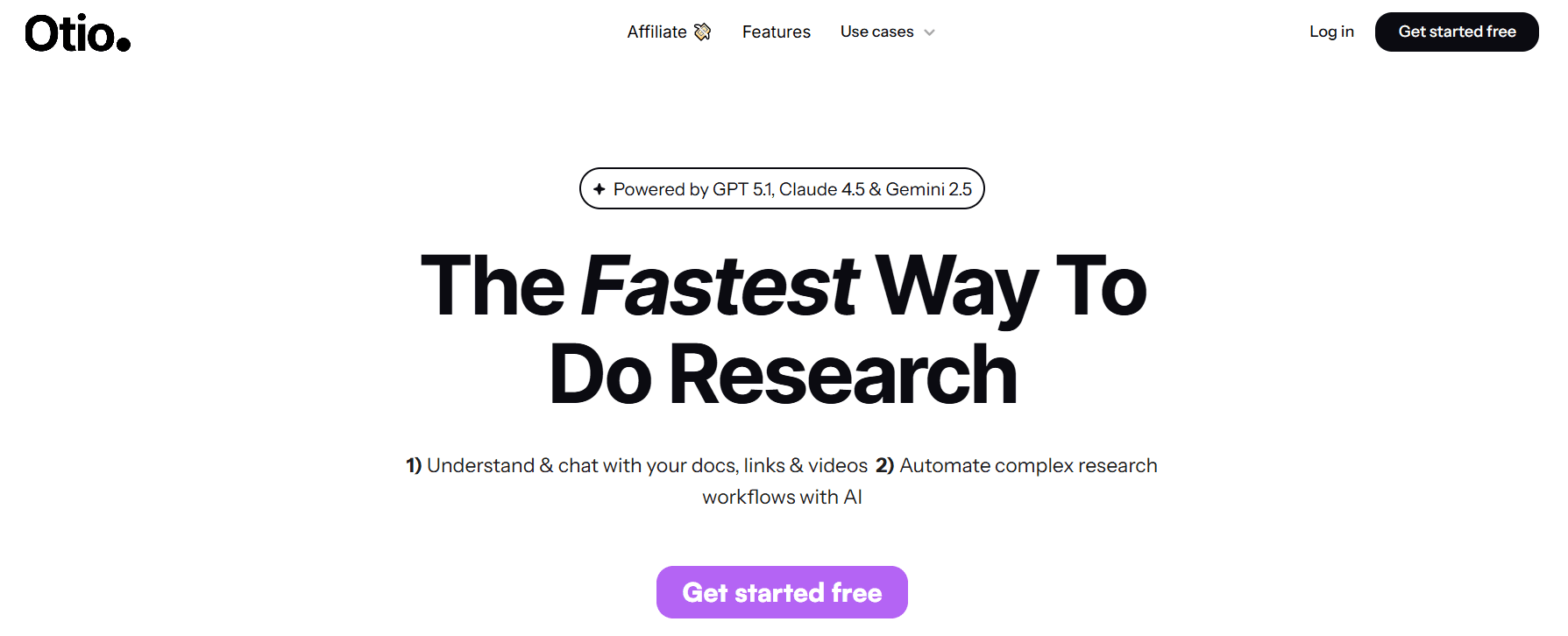
Otio is an AI-centered workspace that collects videos, generates structured summaries and takeaways, and lets you query recordings in natural language so you skip rewatching. It combines saving YouTube links, uploading MP4s, and creating exportable notes and drafts from video content.
2. Notta
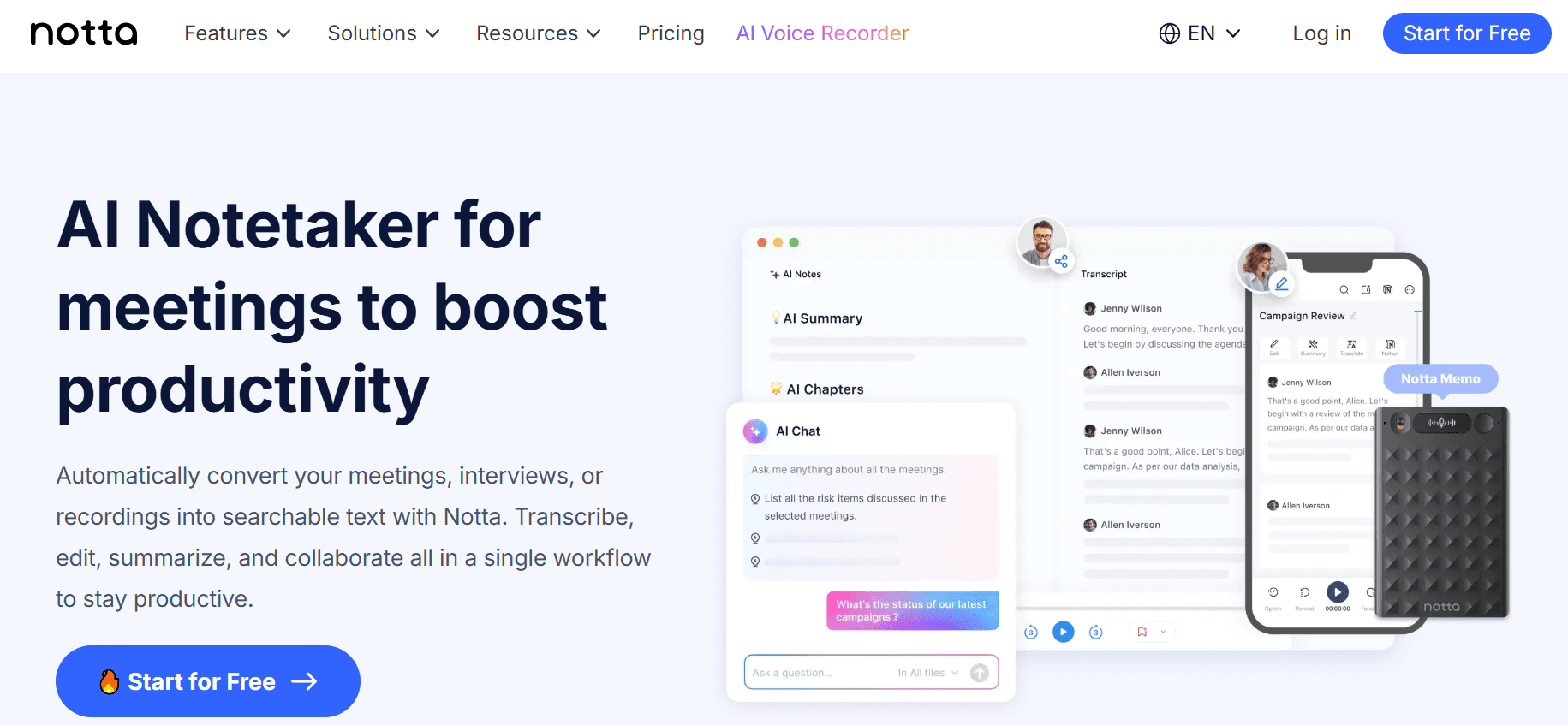
Notta focuses on high-accuracy transcription first, then builds concise summaries from meeting and lecture recordings, making it a good fit for teams that start with reliable text before summarizing.
Pros
Strong speaker-aware transcripts for multi-person calls.
Clean, readable summary outputs that reduce rewatch time.
Cons
Requires sign-in and some features live behind subscription walls.
Less well-suited to creative summary formats such as mind maps or flashcards.
3. X Grok AI
Grok AI is a conversational assistant embedded in a social platform, optimized for real-time, witty responses and lightweight summarization inside that environment.
Pros
Seamless integration for users already on the social platform.
Fast, engaging answers and on-platform image generation.
Cons
Functionality is confined to the social app, limiting cross-platform use.
Fewer safety guardrails on generated images and less depth for heavy research needs.
4. Monica
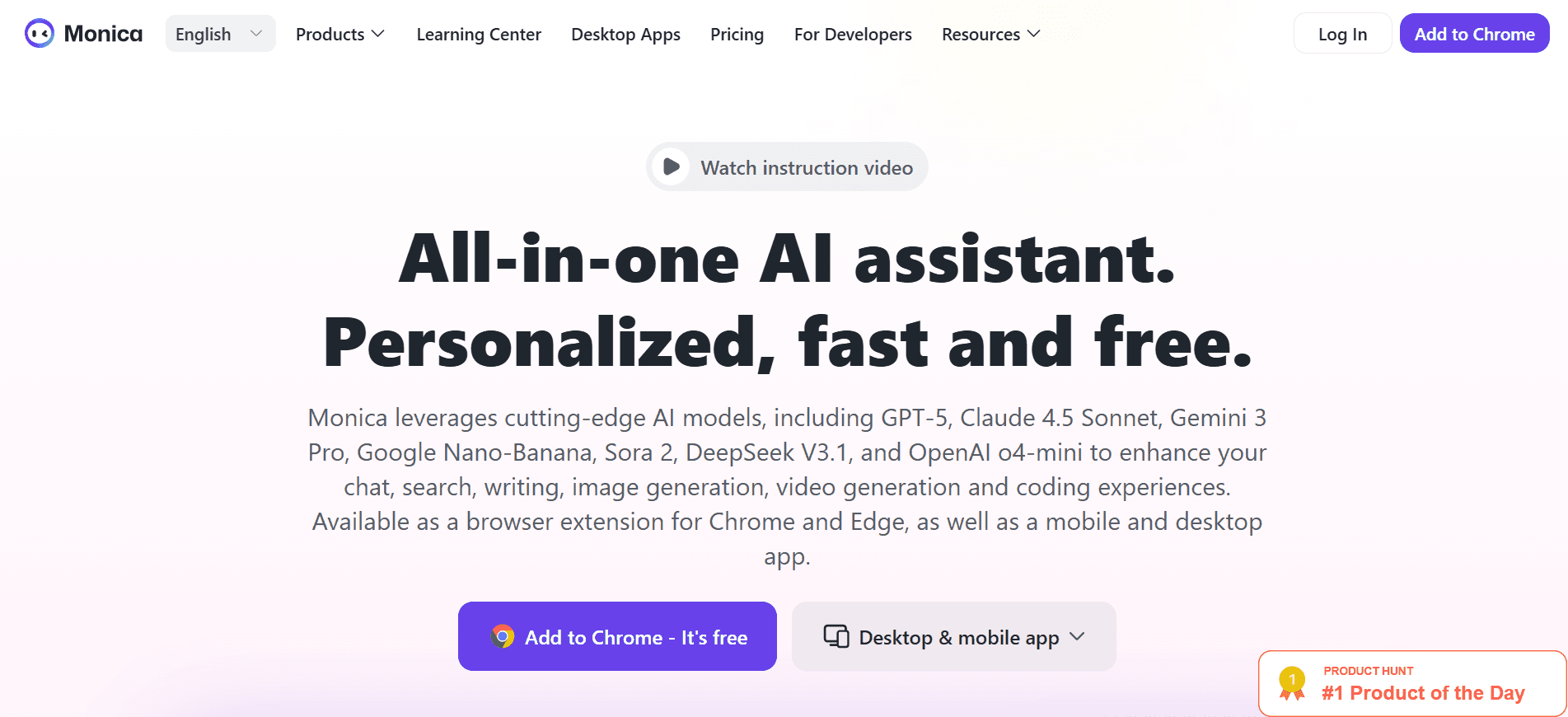
Monica plugs into Chrome and the browser, providing quick, one-click summaries of YouTube videos while letting you refine the output in an adjacent chat window for a more tailored tone.
Pros
Straightforward setup as a browser extension.
Uses modern language models to generate relevant on‑page outputs.
Cons
Chrome-only support limits cross-browser teams.
Free access is time-limited; then you must upgrade.
5. Otter.ai
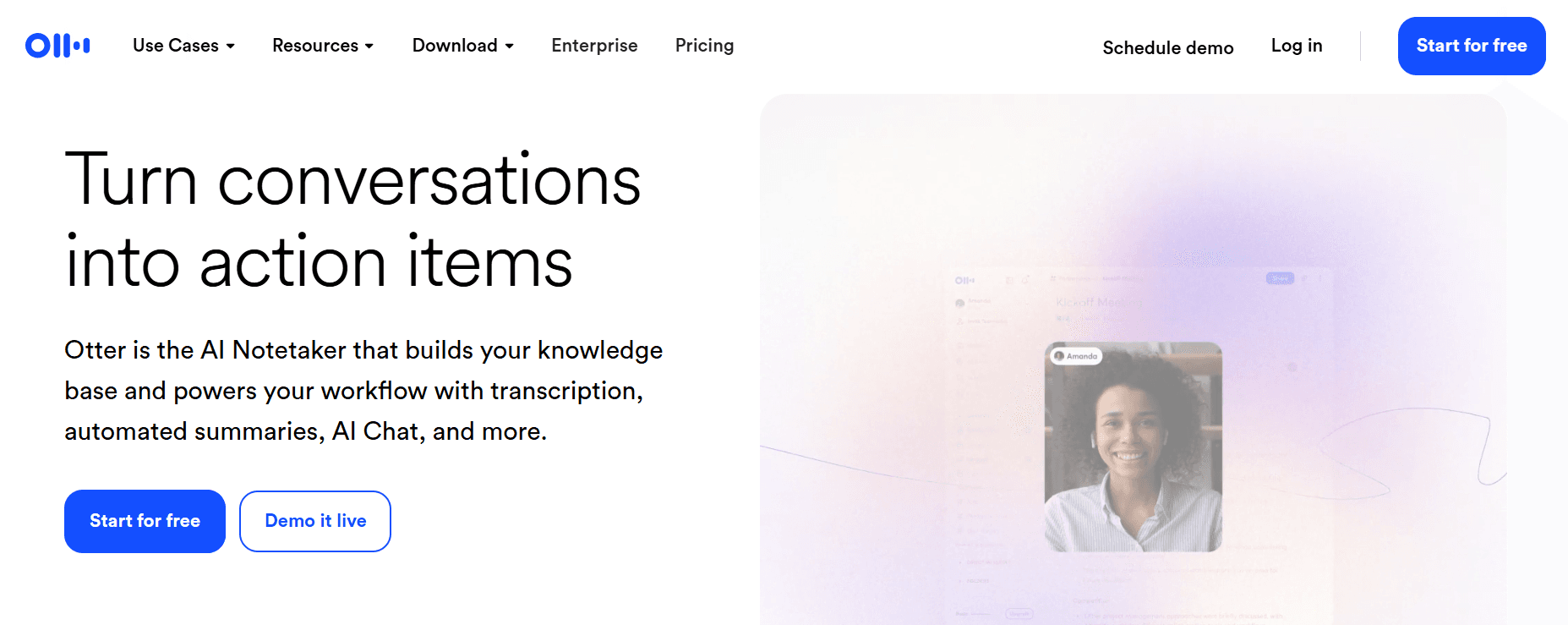
Otter.ai captures live meetings and records them for playback, producing speaker-labeled transcripts, extracted action items, and summary paragraphs that are easy to share.
Pros
Real-time transcription, speaker identification, and action item detection.
Integrations with calendar and meeting platforms for automated capture.
Cons
Free tier restricts monthly minutes.
Side-by-side recording for pre-recorded videos can feel clumsy compared with native file import.
6. Knowt
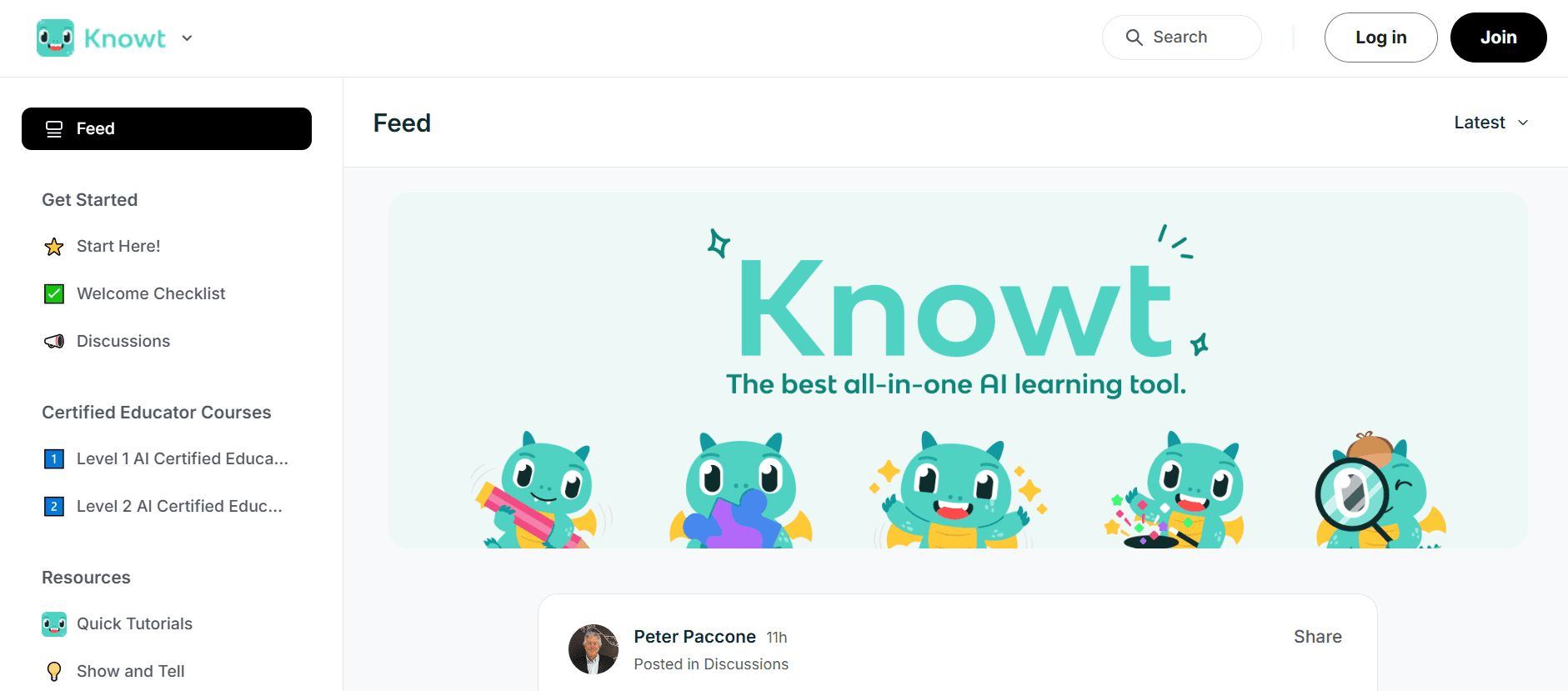
Knowt targets educational content, converting lectures into transcripts, summaries, and automated flashcards so students get study-ready outputs without manual note-making.
Pros
Automatic flashcard creation speeds study and spaced repetition.
Clean, student-focused interface.
Cons
Limited business customization and fewer collaboration capabilities.
Fewer integrations beyond academic workflows.
7. Summarize.tech
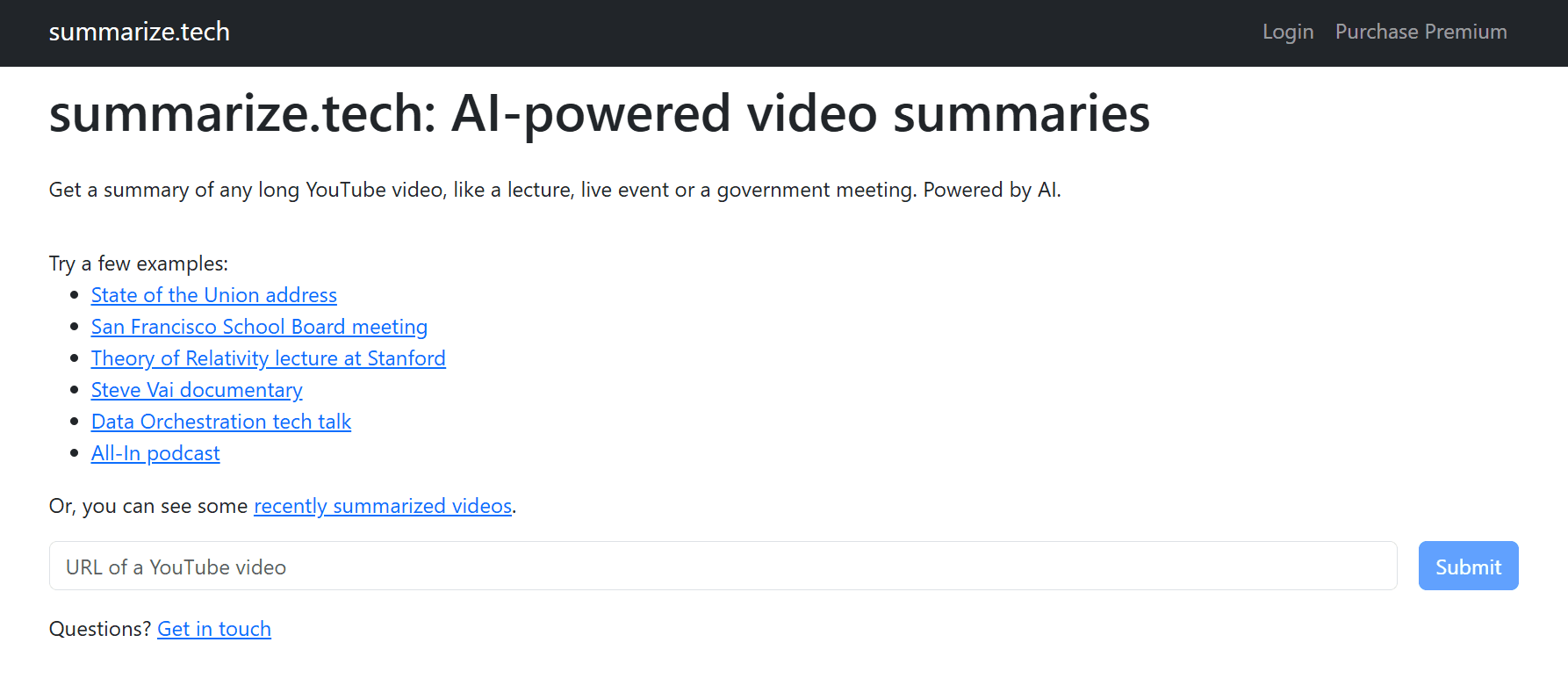
Summarize.tech is a paste-and-go service for YouTube links that quickly returns condensed summaries at selectable lengths, from short to multi-point breakdowns.
Pros
Instant results with no signup for the free tier.
Customizable summary length to match the time available.
Cons
English-centric, with limited support for visuals or overlay-driven content.
Accuracy suffers when transcripts are poor or audio is noisy.
8. ScreenApp
ScreenApp transcribes and produces timestamped highlights across social platforms and file uploads, with tagging and a one-click export path to Slack or PDF.
Pros
Multi-platform support and timestamped navigation for precise jumps.
No login needed for quick free summaries.
Cons
Browser-only experience, no desktop client.
Performance drops with heavy accents or background noise.
This familiar workflow is what everyday teams use to watch or manually timestamp videos because it requires no new tools and feels reliable. As projects scale and recordings pile up, that approach fragments work, pulls hours into manual index chores, and delays decision-making. Platforms such as Otio provide searchable repositories, automated clipping, and Q&A across saved videos, reducing review cycles from days to hours while keeping an audit trail.
9. Jasper AI
Jasper blends marketing copy capabilities with summarization workflows, enabling you to generate video scripts and then use text summarizers to produce compact summaries aligned with your brand voice.
Pros
Multi-language support and brand-voice tuning for consistent outputs.
Helpful for teams that need marketing-ready summaries or scripts.
Cons
Occasional repetition requires human editing.
It can be costly for small teams focused strictly on summarization.
10. NoteGPT
NoteGPT creates summaries, visual mind maps, and flashcards from videos, articles, and documents, assembling those artifacts into an organized workspace for study or reference.
Pros
Converts content into multiple learning formats, including flashcards and mind maps.
Searchable workspace with tags and export options.
Cons
The free plan restricts access and is often tied to institutional email addresses.
No live meeting transcription or advanced team co-editing.
11. Wordtune
Wordtune Read is a browser helper that highlights key points and timestamps inside summaries and stores them in a personal library for later retrieval.
Pros
Easy Chrome extension, quick highlight extraction.
Library of past summaries for repeat reference.
Cons
Free tier limits daily summaries to a few items.
Better suited to text-first workflows than deep multimedia analysis.
12. Eightify
Eightify is a YouTube-focused extension and iOS app that returns instant, timestamped summaries and supports many languages for on-the-go insights.
Pros
Tight YouTube integration and flexible summary formats.
Links summary points back to precise timestamps.
Cons
Works only with YouTube and requires an extension.
May miss nuance in highly technical or visually dense videos.
13. Mindgrasp
Mindgrasp acts like an AI study assistant, summarizing media into notes, generating quizzes, and enabling Q&A against the content for active learning.
Pros
Auto-generated quizzes and multi-language support.
Suitable for learners who want assessment built into summaries.
Cons
Learning curve for some users.
Several features are locked behind paid plans.
14. MyMap AI Video Summarizer
MyMap converts videos into text summaries and interactive mind maps that link nodes to timestamps, so ideas are both readable and visually explorable.
Pros
Visual maps quickly reveal context and relationships.
Real-time collaboration and editable AI insights.
Cons
Free tier limits exports and daily summaries.
Advanced model modes require paid upgrades.
15. UpWord
UpWord focuses on research and web page summarization with a Chrome extension that pulls YouTube videos and dense papers into AI notes and a team-ready library.
Pros
Slack integration for instant sharing of summaries with teams.
A library to store and organize notes across projects.
Cons
Chrome-only video summarization in practice.
Heavy users will hit limits without an Unlimited plan.
How do I choose the right tool?
How do I pick one? Think about what you might lose if a tool fails for your needs, not just what it promises.
If precise, speaker-labeled transcripts are crucial, focus on transcription-first platforms. On the other hand, if you want interactive study materials, choose tools that create flashcards and maps. This choice is essential because tools often trade quality for speed, and what works well at a small scale usually fails as both the number of users and the amount of content grow.
After testing these tools with research teams and study groups, a clear pattern shows up: people want fast, reliable summaries that fit into their current workflows. When a tool makes it easier to gain insights, it changes how people act: meetings become shorter, and study sessions focus more on memorization than rewatching. People use a platform more when it saves time and integrates with calendars, chat apps, and document storage.
Over 80% of users reported improved efficiency in video summarization tasks. For many teams, the benefits are evident immediately; the average time to summarize a video was reduced by 50% with AI tools. Think of these tools as shorthand systems: some offer complete dictation, while others give exact notes. Pick the one that best matches your needs, whether you edit, teach, or keep records.
What challenges do these tools face?
That simple change sounds like progress until the one selection decision comes up that actually breaks workflows.
How to Choose the Best Video Summarization Tool

To choose the right tool, ensure it aligns with the specific decision you need to make. Focus on usability and editing speed for quick results. For legal or compliance issues, demand transcription accuracy and audit trails.
When recording live meetings, request low-latency, real-time summarization. It's essential to balance these priorities with support guarantees, language options, and your ability to adapt the summary format to fit your workflow.
What should you look for in a video summarization tool?
A clean, easy-to-use interface that you can test in just 10 minutes. Start by timing a real task instead of just looking at screenshots. Give a vendor a 10-minute test file, then check how long it takes to upload, fix speaker labels, and create a 2-minute summary. If this process requires more than two editing passes or feels awkward, the user interface may cost you hours.
Look for features such as inline editing, drag-and-trim timelines, and templates you can save. Quick micro-interactions can lead to significant productivity gains.
How to evaluate transcription accuracy?
Measurable transcription and summarization accuracy is essential—request objective accuracy metrics rather than marketing language. Request recent details, such as word error rate, timestamp precision in milliseconds, and sample transcripts of noisy recordings or overlapping speakers.
If more than 5-10 percent of the transcript requires correction on regular audio, the summary will likely require significant rework. Prefer tools that provide confidence scores so you can focus human review where it matters most.
Also, choose models that allow a human-in-the-loop checkpoint before final exports.
What support features should you expect?
Real customer support should include SLAs and clear escalation paths. Many companies start by using knowledge bases and ticket queues because they seem cost-effective. This approach works until a legal deadline approaches or a high-value client is involved, resulting in response times stretching from hours to days.
Teams often feel frustrated with vendors that promise quick responses but lack formal SLAs, leading to chaotic last-minute problem-solving. It is vital to prioritize vendors that clearly share their support hours, guaranteed response times, and escalation steps. During the evaluation phase, test these factors by opening a support case and timing how long it takes to resolve.
Can the tool read emotions and intent?
Can it reliably read emotion and intent? This ability is essential when the tone changes the meaning of a clip, such as in interviews, customer calls, or public testimonies. Systems should be evaluated for how accurately they recognize basic emotions and more nuanced labels such as frustration, sarcasm, or urgency.
Request confusion matrices or examples showing false positives, and ensure transparency about the models used and their training data. Emotion detection often degrades across different accents and cultural backgrounds.
There are trade-offs: while higher sensitivity captures more detail, it can also lead to more false alarms. Change the thresholds based on how much noise you can handle versus how many cues you might miss.
How customizable is the output?
Customization is not just a checkbox; it is a spectrum. Consider the following aspects: saved summary templates, selectable summary lengths, and role-specific briefs, like those for executives, engineers, and counsel. A prompt library can also help maintain a consistent voice throughout outputs.
It's essential to check that the tool can automatically apply style rules, such as always italicizing action items or exporting timestamps in ISO format. The best platforms allow you to chain transformations, enabling you to auto-generate a one-line lead, a three-bullet, and an action list all in one click.
What should you know about multilingual support?
Proper multilingual support, not token translation. Offering multiple languages is more than just enabling machine translation. You need to check for locale detection, special punctuation rules for different languages, and speaker identification in mixed-language calls.
Make sure there are native models for the languages you care about most. Test the tool on a sample that includes a code switch, local expressions, and an accented speaker to see whether the summary preserves the nuance. For organizations with employees in different time zones and cultures, small mistakes can lead to significant credibility issues.
How to assess live summarization capabilities?
Live summarization and low-latency streaming ability. If you need summaries during meetings, it’s essential to look at end-to-end latency and how the tool handles partial transcripts. Check how long it takes from when someone speaks to when a useful summary appears. Also, see if the system marks provisional text as tentative.
Look for features that create a running agenda, highlight decisions in real time, and add time-coded action items without requiring edits later. If streaming becomes unreliable, switching to a quick post-meeting summary should be seamless, and using an AI research and writing partner can significantly improve your summarization efficiency.
What pilot tests can you conduct?
Practical reliability tests and acceptance criteria can be established through a three-day pilot using typical files. This should involve one noisy recorded call, one polished presentation, and one mixed-language interview. Keep track of the time spent fixing the transcript, how long it takes to finish the summary, and the number of serious errors. This method provides clear acceptance criteria for a fair comparison of vendors.
A short, repeatable test like this effectively distinguishes between flashy demos and tools that actually maintain quality in real-world situations.
What tradeoffs should you consider?
Trade-offs are an essential part of decision-making in both creative and business teams. Every tool typically sacrifices either depth, speed, or breadth. For example, choosing a product that focuses on speed often means you won't achieve high precision. On the other hand, if you want to focus on forensic precision, expect it to take longer and cost more.
To help you make a sound decision, create a decision matrix before making a purchase. List your must-have outcomes, acceptable error rates, and maximum delays. Ultimately, choose the tool that reduces your most expensive failure mode, rather than the one with the most features. Consider how an AI research and writing partner could enhance your decision-making process.
How do teams currently use summarization tools?
Most teams currently use a patchwork of manual notes, random transcripts, and browser extensions. This common approach doesn't require any new contracts. Still, it becomes more complex as recordings increase, more people get involved, and the gap between a usable summary and a publishable one widens. This leads to daily rework.
Platforms like Otio help address this problem by centralizing recordings, providing editable transcripts with timestamps, and offering export templates that reduce repetitive edits. This enables teams to move from putting out fires to delivering reliable, repeatable results.
What integrations should you require?
The integration checklist you should require before buying: calendar capture, single sign-on, cloud storage exports, and webhook support for notifications. Confirm whether the platform can push summaries to your document store with metadata.
Also, check if it supports role-based access. If your workflow depends on downstream automation, validate the API stability and rate limits with a short integration test.
How can you encourage tool adoption?
How teams actually adopt tools and the human factor. After running adoption pilots with learning and research teams, a clear pattern emerged: managers only stop reopening meetings when the summaries are trustworthy and easy to find.
This means producing concise, accurate outputs, providing effective search options, and ensuring predictable export formats. To encourage adoption, make a short checklist for reviewers, measure time savings in the first 30 days, and continue refining templates until they feel familiar.
What evidence supports the effectiveness of these tools?
Evidence shows that efficiency is real. A study by Liminary (2025) found that tools can reduce video-watching time by up to 70%. This significant reduction enables stakeholders to make faster decisions.
How to choose the right summarizer?
Choosing a summarizer is like picking a lens for photography. Wide-angle tools give you a fast look at the whole scene, while macro tools zoom in to capture small details in the text. Determine whether you need a general overview or specific quotes, then choose the lens that keeps those parts clear.
What information do you need to provide?
Clients still need to provide the following information, including their name, a short paragraph outlining their positioning or a relevant URL, and confirmation of the full blog title. This ensures that the strategic narrative can be tuned precisely to their voice and priorities.
What hurdles might you encounter?
This solution seems straightforward at first, but adoption presents a challenge. This challenge determines whether teams will continue using the tool.
Related Reading
Best YouTube Summarizer
Supercharge Your Video Summarization Ability With Otio. Try Otio for Free Today
Stitching notes from long videos and rewatching key moments may feel safe, but it can cost hours and scatter the essential facts. Platforms like Otio, an AI research and writing partner, centralize saved videos, surface precise summaries, and allow users to query recordings. This enables a seamless transition from insight to draft, eliminating the need to hunt for clips.



