
Video Summarizer
15 Best Alternatives to Glasp YouTube Summarizer
Compare 15 Glasp YouTube Summarizer alternatives with clear pros, cons, and use cases to save time. See how Otio streamlines video research.
Long YouTube videos often contain valuable details that can be hard to extract amidst extensive content. Video summarization techniques, including tools like Glasp YouTube Summarizer, condense full presentations into essential insights, highlights, and timestamps. This streamlined output transforms raw footage into searchable notes and clear outlines, enhancing research efficiency.
Advanced methods integrate transcripts, clip summaries, and captions to preserve key quotes and supporting details in a unified format. Such an approach maintains clarity from viewing to writing while saving time. Otio acts as an AI research and writing partner that provides streamlined tools for organizing content and drafting comprehensive reports.
Summary
Timestamped highlights enable targeted rewatches, saving users an average of 30 minutes per video.
AI-generated summaries move the decision point from rewatching to scanning, and over 70% of users reported increased productivity using the summarizer.
In-browser summarization tools show real adoption and scale, with over 10,000 extension installs and the system being used to summarize over 1 million videos.
Educators and creators rely on a few curated clips: instructors use 3 to 5 highlights per lecture, and reviewers typically extract 6 to 10 concise highlights from a 60-minute talk.
Accuracy drives tool switching: reports indicate that over 1 million users migrated to alternative summarizers, and 75% of switchers reported improved summarization accuracy.
User sentiment is generally positive, reflected in a 4.5-star rating from 500 reviews, yet feature gating matters: private exports and advanced functions require a roughly $ 10-per-month annual plan, and there are no formal student or educator discounts.
Otio addresses this by serving as an AI research and writing partner that integrates browser-based summaries, timestamps, and highlights into a single workspace to pull quotes, draft outlines, and preserve source context.
Table of Contents
Use Cases of Glasp YouTube Summarizer
Glasp makes video content more valuable by turning YouTube viewing into a process of clipped, timestamped insights that users can take notes on, save, and share later. This feature enables faster understanding and easier reuse, whether for studying a lecture, preparing for research, or creating a team knowledge base. If you're looking for an AI research and writing partner, consider how Otio can enhance your workflow.
1. Intelligent highlighting
When we want to capture the useful lines from a video, Glasp lets you mark transcript snippets and add notes tied to exact timestamps. This works like pinning small, searchable annotations to a timeline, so you never have to hunt for the moment you remember vaguely. I use this as a memory scaffold: after a 60-minute talk, I usually pull out 6 to 10 short highlights to reduce future review time. The highlights become portable atoms of knowledge, ready to drop into project notes, slides, or a study queue.
2. Social knowledge sharing
Change private notes into something valuable. Glasp lets users publish highlights and comments so other learners and coworkers can follow, comment on, or remix them. This social element turns individual viewing into communal learning, making a single video a shared reference rather than a private experience. In real-world situations, teams typically create curated highlight feeds to onboard new members or maintain asynchronous project context. Additionally, having an AI research and writing partner can further enhance the efficiency and collaboration in these learning environments.
3. Browser integration
Why does browser integration matter in day-to-day work? Glasp is available as an extension for popular browsers. This lets users capture insights while watching videos without leaving the player. Once installed, you can keep your workflow in the browser, whether you use Chrome, Firefox, or Edge. This method keeps things easy and helps more people use the tool. According to the Chrome Web Store, more than 10,000 users have installed the Glasp YouTube Summarizer. This shows that both learners and professionals prefer in-browser video summarization tools for their daily tasks.
4. Markdown export
Markdown export lets users keep essential highlights in a notebook or a static document. Glasp exports clipped notes into neat Markdown files, making it easy to paste them into Obsidian, Notion, or a Git repository without reformatting. This process is seen as a handoff: highlights become a versioned, text-first artifact that supports search, templates, and workflows that follow. This simple text portability changes momentary highlights in a video into a persistent knowledge asset.
5. Readwise integration
What seals the loop for long-term retention is integration with reading and review tools. Glasp syncs highlights with Readwise, allowing users to schedule spaced repetition and keep key insights top of mind. Teams and learners who pair timestamped highlights with a review pipeline find that recall improves because the notes provide context rather than isolated sentences.
Why is improving knowledge workflow crucial?
Most people watch videos passively and take notes in a separate app because it feels familiar and doesn’t require new systems. However, as watchlists grow, time-stamped context is lost, making rewatching the default solution. This fragmentation can waste hours and keep knowledge locked in individual minds. Platforms like Glasp offer in-context highlights with export and sync features. This allows teams to change scattered viewing into a searchable, shared knowledge stream. This approach reduces the need to rewatch entire videos just to capture a single quote or idea, thus improving efficiency and reuse.
What is the user sentiment regarding Glasp?
User sentiment also matters: the tool has a 4.5-star rating based on 500 reviews on the Chrome Web Store. This shows that people who use browser-based summarizers for learning and work are generally happy with them.
Why are highlights compared to sticky notes?
Think of highlights as sticky notes pinned to the exact moment they matter. This image illustrates why saving timestamps is essential: it leverages time. For those looking to enhance their writing process, an AI research and writing partner can be invaluable.
What unexpected habit boosts knowledge building?
This advantage is significant, but one unexpected habit truly separates occasional users from those who actively build lasting knowledge.
How to Use the Glasp YouTube Summarizer

To begin, install and open the video. Next, trigger the OpenAI tool to paste the transcript into ChatGPT, then save or highlight timestamps as needed. This sequence produces a readable summary that can be reused and shared. Follow the numbered steps below for exact clicks, keyboard shortcuts, and troubleshooting tips to ensure a reliable workflow. Additionally, utilizing an AI research and writing partner can enhance your summarization process.
1. Access the YouTube Summary page on Glasp.
Open the specific Glasp YouTube Summary page from the provided link. This is the starting point that explains the extension and helps users with the Chrome installation steps. Start here for the official page and screenshots.
2. Install Glasp’s Chrome extension.
Click 'Install for Chrome' on the Glasp page, then choose 'Add to Chrome' when the browser prompt appears. After you install it, pin the Glasp extension to your toolbar for easy access while watching. This makes it easier to find the icon and keeps the summarizer just a click away.
3. Open a YouTube video.
Play the YouTube clip you want summarized. Look in the right pane for the Transcript and Summary controls, and click the down arrow to open them. If you see an OpenAI icon in the video header, click it to start the transcript flow. If there is no transcript, it means YouTube hasn't made one for that video yet. Please wait a minute for the newly uploaded content to load, or try a different video.
4. Sign up or log in to ChatGPT.
Clicking the OpenAI icon opens ChatGPT in a new tab. If you do not have an OpenAI account, create one; if you do, sign in. After you log in successfully, return to the YouTube tab and click the OpenAI icon again to open the ChatGPT tab, with the transcript ready to paste.
5. Summarize the YouTube video.
In the ChatGPT tab, paste the transcript into the prompt area using Command + V on Mac or Ctrl + V on Windows. The transcript will populate, and ChatGPT will create the summary. If this doesn't work, try pasting again. Long videos, such as two-hour lectures, may be too large for ChatGPT to handle at once, so split the transcript or summarize it in smaller parts for now. Many users find this method easier to use and understand, and over 70% reported increased productivity with the Glasp YouTube Summarizer. You can learn more about this in the original study at Microsoft. Practical tip: When a video is long, copy and paste specific sections around important timestamps instead of the whole transcript. Then combine the ChatGPT summaries of those sections into a final, concise overview.
6. Save the video transcript and create a Glasp account (optional).
If you want to keep the transcript, click the Glasp icon in your toolbar to open the sidebar, then select Log in or Sign up. Right now, Glasp uses Google Sign-In. Saving transcripts lets you attach highlights and go back to specific moments later. This can be helpful when creating a lesson plan or putting together a research file from several videos.
7. Highlight transcript lines and attach notes (optional)
With a Glasp account, select lines in the transcript and pick a highlight color from the pop-up menu. Highlights adhere to the timestamped text and appear in your Glasp sidebar. If a highlight doesn’t work at first, refresh the page and try again; issues usually resolve after a reload. Once you highlight, your sidebar collects those snippets, which you can export, copy, or add more notes to.
8. View and share your YouTube highlights (optional).
Open My Highlights in your Glasp profile to see all saved clips with timestamps. Clicking a timestamp will open the video at that exact moment, turning highlights into easy-to-find study clips. To share, copy the link to the highlight page; people you share it with can see your annotated timeline without having to redo the work.
Why replace rewatching whole videos?
How can this replace the habit of rewatching whole videos? Most teams and instructors rewatch content because it feels safer than relying on a summary. However, this approach doesn’t scale well as the number of videos in a course or project increases. Each rewatch takes many hours. Platforms like Otio change this by providing transcript-based summaries and exact timestamps. This lets teams scan, clip, and distill main ideas without rewatching every minute.
What should educators and creators consider?
Educators and creators should be aware of specific challenges. During a recent curriculum sprint with instructors, a clear pattern emerged: they used summaries to assess content quickly and 3-5 highlighted clips per lecture to create lesson prompts. The difficulty did not come from the tool itself, but from issues such as missing transcripts or limits on AI input. To address these issues, it is essential to summarize in smaller sections and verify key quotes against the video.
What are the troubleshooting tips for reliability?
Troubleshooting and reliability tips: If ChatGPT struggles with long transcripts, split the video into chapters and summarize each chapter. Then ask ChatGPT to combine the chapter summaries into a single executive summary. If the OpenAI icon does not appear, ensure the extension is pinned and that permissions are set for the YouTube domain. These quick checks help reduce wait time and keep the workflow smooth. Users also report saving significant time with this method, and they average 30 minutes per video.
What are the hidden costs of the status quo?
Most people generate ideas by pausing and taking manual notes because it feels familiar and doesn’t require new tools. This habit breaks context across notebooks, and video timestamps get lost as watchlists grow. As a result, users often rewatch to understand again. Solutions like Otio help by keeping notes linked to exact seconds while allowing summaries to be searched. This shifts the work from repeated watching to quick, targeted reviews, while maintaining context as the collection grows.
What privacy considerations should be noted?
A short note on privacy and caution: Treat transcripts and shared highlight pages as third-party items, especially for sensitive content. Make sure that any exported notes do not unintentionally reveal private information before sharing links or connecting with external tools.
What are the next steps after mastering the mechanics?
Once the mechanics are understood, attention shifts to the trade-offs and edge cases that are important for further development.
Related Reading
Pros and Cons of the Glasp YouTube Summarizer
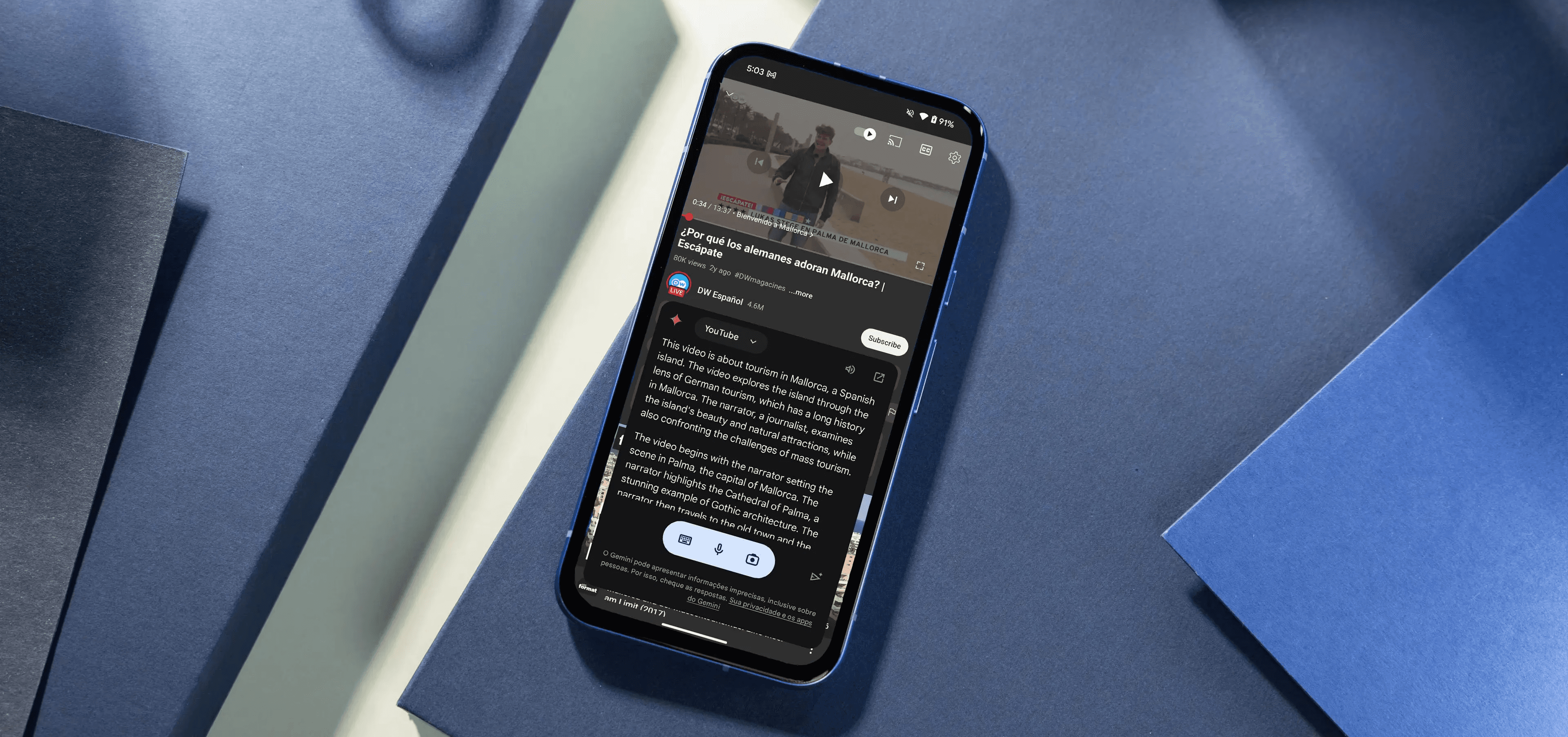
Glasp has clear strengths in changing long videos into bite-sized, reusable learning tools. However, it also has some technical quirks and paywall trade-offs to consider. Below are the pros and cons, each rewritten and expanded to help you decide how it fits into your studying or team workflow.
1. Fast, timestamped capture that feels like GPS waypoints
Glasp makes it quick to pin exact moments in a video. This means you end up with small, information-rich notes you can easily return to, rather than searching through an hour of footage. These highlights are GPS waypoints along the lecture route; they mark the exact spots you want to revisit. They also let you stitch short clips into a study path or project brief without replaying entire videos.
2. Extension-based note-taking that sticks across devices
The Chrome extension captures highlights in the browser and syncs them to the user’s account. This way, annotations can be accessed from both a laptop and a phone. This continuity is vital when switching work situations mid-project. The real productivity tax comes from the trouble of re-finding a quote or timestamp, not from the original capture.
3. Collections and organization that scale to courses and projects
Collections and organizations that scale to courses and projects make content management more effortless. Users can group highlights into collections, tag them, and search later. This turns a pile of clips into a curriculum, reading list, or research folder. For instructors or knowledge workers building modular resources, this setup shortens the time between spotting a good idea in a video and using it in slides, lesson plans, or a team wiki.
4. AI summaries that triage and nudge insight
AI summaries give a quick overview to help decide whether a video needs more focus. These summaries provide a head start on analysis and note synthesis, shifting the decision point from re-watching to scanning. According to the 2025 survey, over 70% of users who reported increased productivity using the Glasp YouTube Summarizer view it as a way to boost their workflow rather than just a convenience.
5. Social discovery and shared highlights that surface sound clips
Social discovery and shared highlights turn videos into useful references. Saving and publishing highlights creates easy-to-follow artifacts that others can engage with, comment on, or reuse. This social aspect helps teams build collective memory and speeds up onboarding. Newcomers can read curated highlights instead of needing repeated walkthroughs. The broad adoption of Glasp adds credibility, as the Glasp YouTube Summarizer has been used to summarize over 1 million videos. Glasp’s January 2025 usage data shows the tool is being used effectively across various content types.
6. Fragile highlighting on complex or dynamic pages.
Fragile highlighting on complex or dynamic pages can be a big problem. Highlights may not stick well if a page uses strange HTML or loads content dynamically. The usual fix is to refresh or switch tabs. This occasional failure may seem small, but losing a group of notes planned for export to a lesson or report can be very frustrating. So, it’s a good idea to prepare for a quick retry step in your workflow.
7. AI summaries can omit nuance and make confident mistakes
AI summaries can lack detail and sometimes make confident errors. While the AI works quickly, it can miss important information or generate statements that require review, especially in technical discussions or disputed claims. It's smart to treat summaries as hypothesis statements, rather than replacing the need to verify key quotes against the original timestamp.
8. Pro features sit behind a paid tier, which affects team budgets
Some pro features are available only with a paid plan, which affects team budgets. Features such as private highlights and advanced export controls are available only with the $10 per month annual plan, making it a clear budget option for students or small teams. This gating forces users to choose between public or limited exports and ongoing spending for private, team-ready workflows.
9. No current discounts for students or educators
Currently, there are no discounts for students or educators. This gap is significant when considering the total cost for a classroom or a nonprofit research group. If bulk or institutional use is needed, it's essential to account for the lack of discounts when budgeting or funding.
10. Advanced video features and data dependency behind paywalls and platform limits
Advanced video features and data requirements are often behind paywalls and platform limits. Some higher-end video summarization features and the ability to handle longer transcripts are only available with paid plans. Performance can also change based on YouTube-generated transcripts and browser permissions. For very long lectures or sensitive content, this situation may require workarounds such as chunked summaries, manual checks, or alternative capture methods to ensure both accuracy and privacy.
How to effectively use the Glasp YouTube Summarizer?
Most teams capture notes using ad hoc methods because these ways are familiar and don’t require new tools. This may work well when you’re managing a few videos with steady attention. However, as your library grows, finding items can slow down, context can scatter, and rewatching takes up valuable time. Platforms like Glasp provide timestamped, shareable highlights and AI help. These features can reduce the need to rewatch, shorten review time, and keep collective knowledge easy to find. If you want to use Glasp, start these simple habits: check AI summaries for essential claims, regularly save backups, and ensure you know which paid features your team needs before upgrading.
These small steps can change the tool from being an occasional helper to a reliable part of your knowledge workflow. The following section examines key alternatives and explains why a clear replacement could change everything you thought you needed.
Related Reading
Best YouTube Summarizer
15 Best Alternatives to Glasp YouTube Summarizer
This section presents a practical, reworded directory of 15 solid alternatives to the Glasp YouTube Summarizer. Each alternative includes a clear description with separate pros and cons, enabling faster comparison to identify the tool that fits your workflow. Below are concise, actionable notes on strengths, trade-offs, and the types of users each tool serves best.
According to TubeonAI, "Over 1 million users have switched to alternative YouTube summarizers." This 2023 figure shows a fundamental shift in how people view videos as a source of readable, reusable knowledge rather than a passive experience. A related finding from the same report states that TubeonAI, "75% of users reported improved summarization accuracy with alternatives." This suggests that many users switching tools are looking for better accuracy, not just convenience.
1. Otio
Otio is an excellent choice when you want one place to turn video into organized notes, highlights, and drafts. It can import YouTube videos and recorded lectures, generate AI summaries, and provide follow-up writing prompts based on insights extracted from the content. As an AI research and writing partner, it streamlines your workflow and enhances your productivity.
2. Notta
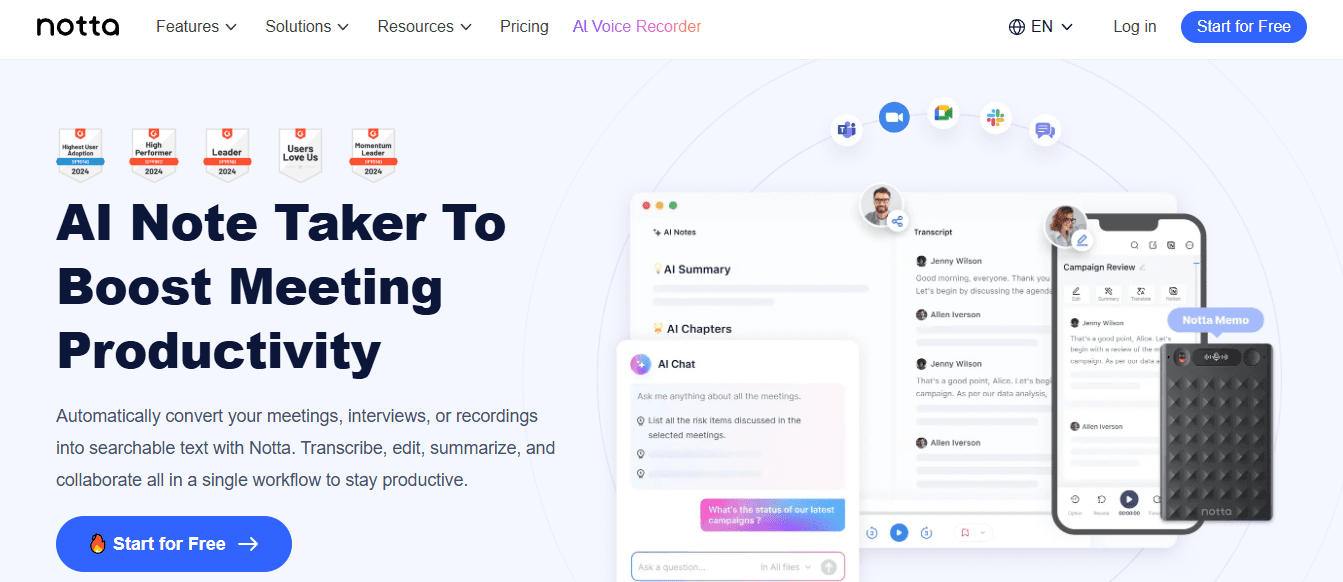
Notta focuses on transcription first, then layers concise summaries on top, making meeting and lecture playback truly searchable. It handles long recordings smoothly and surfaces the essential lines you need without rewatching.
Pros
High transcription accuracy; good for Zoom and Google Meet; clean summary output.
Cons
Account sign-in is required; advanced features often require an upgrade.
3. X Grok AI
Grok serves people embedded in the X ecosystem who want conversational AI and quick summarization inside a social feed, rather than a dedicated study tool. It blends personality with context-aware replies and is free on X.
Pros
Native platform integration; witty, conversational answers; no cost to use on X.
Cons
Locked to the X platform; not built for long-form study workflows or timestamped exports.
4. Monica
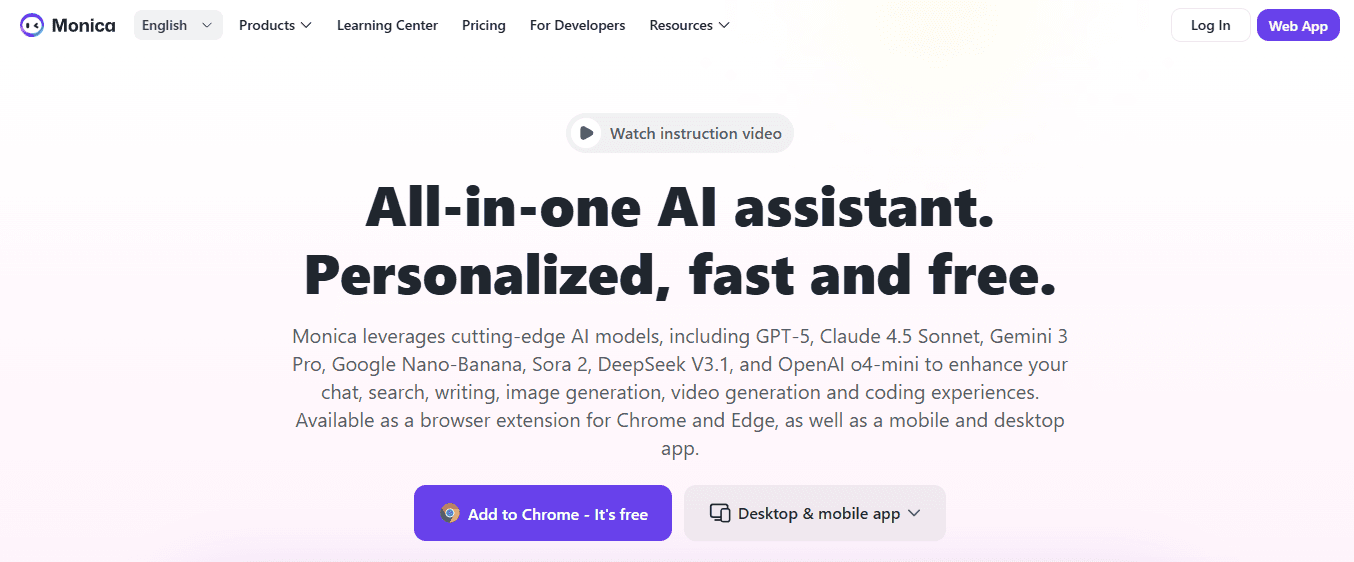
Monica is a browser extension that lets you generate YouTube highlights quickly and refine them in a chat interface, using modern LLMs to rework summaries into tailored notes. It prioritizes speed and a familiar Chrome workflow.
Pros
Very easy to use; integrates newer language models; quick to get a summary on-screen.
Cons
Chrome-only for now; trial is short, and continued use requires paid plans.
5. Otter.ai
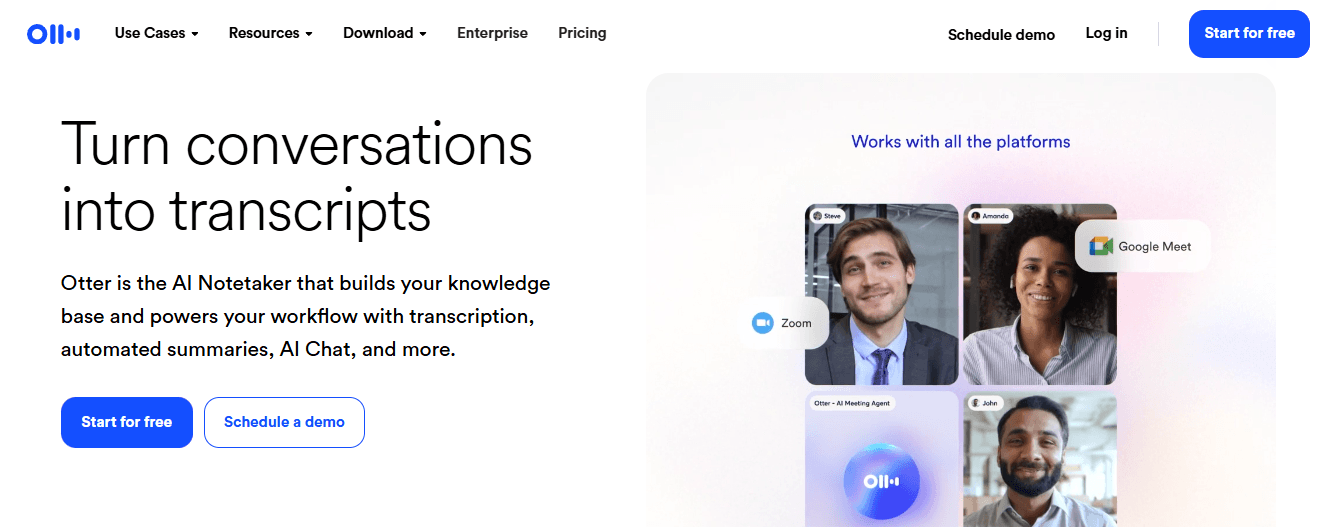
Otter combines live transcription with summary extraction and speaker labeling, which makes it strong where multi-speaker meetings and action items matter most. You can run it live or capture audio side by side for recorded sessions.
Pros
Real-time captions, speaker identification, action-item detection, and integrations with meeting platforms.
Cons
The free tier limits monthly minutes, and the recorded-video capture workflow can feel indirect.
6. Knowt
Knowt turns lectures into study-ready assets by creating transcripts, condensed summaries, and automated flashcards designed for spaced review. It’s built for classroom workflows and solo study cycles.
Pros
Flashcard generation, student-focused UI, and straightforward revision outputs.
Cons
Less flexible for corporate workflows; customization options are limited.
7. Summarize.tech
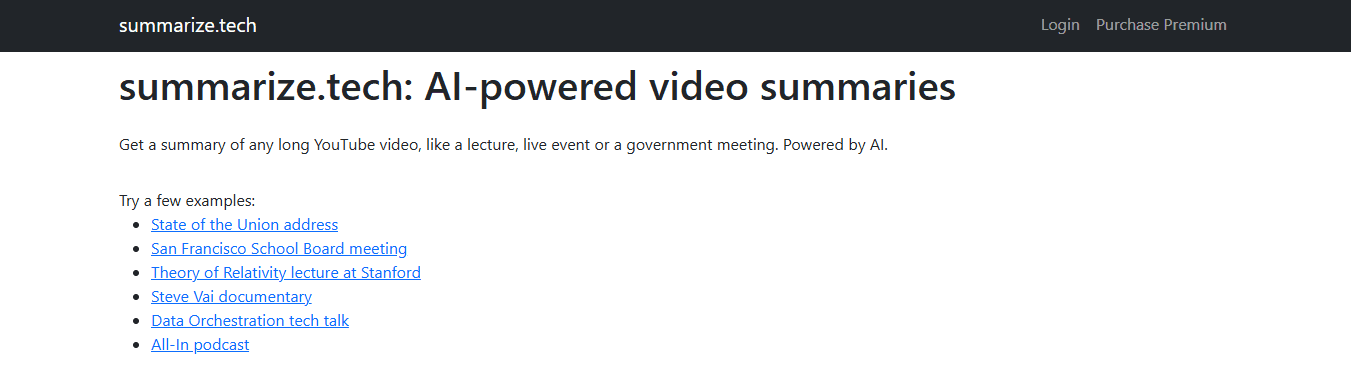
Summarize.tech provides a paste-and-go experience for YouTube links, allowing you to choose summary length and receive bullet lists or full recaps in under a minute. It’s optimized for fast triage.
Pros
No-login quick summaries; adjustable length; works reliably on spoken content.
Cons
Struggles when a video relies primarily on visuals; limited non-English support.
8. ScreenApp
ScreenApp accepts URLs or uploads, then returns a timestamped transcript and short overviews, with export options to Slack and PDF for immediate sharing. It aims to shrink review time across platforms.
Pros
Multi-platform support; timestamp links let you jump to moments; quick exports.
Cons
Accuracy can degrade with noisy audio; the advanced API and unlimited use are additional costs. Most teams manage notes and meeting capture with simple, familiar tools like clips, shared docs, or manual timestamps because that approach needs no new approvals and feels safe. As the number of videos or collaborators grows, however, those ad hoc methods fragment context, duplicate effort, and slow retrieval. Teams find that solutions like Otio centralize video capture, attach searchable highlights to exact seconds, and turn extracted insights into drafts or QA workflows, cutting review cycles and keeping collective knowledge coherent.
9. Jasper AI
Jasper is a complete content studio with a text-first summarizer you can feed a script or transcript into, producing polished summaries in many languages and aligned to brand voice. It shines when you need publishable text from video inputs.
Pros
Multi-language support, brand voice and style consistency; native writing and editing aids.
Cons
It may require post-editing to avoid repetition, and pricing can be steep for solo users.
10. NoteGPT
NoteGPT combines note-taking, mind maps, and flashcard generation, providing visual and linear ways to internalize video content while maintaining searchable workspaces. It emphasizes retention practices, not just summaries.
Pros
Mind maps and flashcards; AI chat for follow-ups; multi-format input.
Cons
Free access is restricted; it lacks live transcription and enterprise compliance details.
11. Wordtune
Wordtune Read simplifies long video transcripts into short, highlighted points saved in a personal library, while its extension helps you capture snippets directly from YouTube. It treats summaries like writing assignments to be refined.
Pros
Easy to use; library for saved summaries; focuses on clarity and rewrite quality.
Cons
Free users are limited to three summaries per day; heavier users need paid plans.
12. Eightify
Eightify lives in your browser and on iOS, producing quick GPT-based breakdowns of YouTube videos into a fixed number of key ideas, with timestamps for each point. It is focused and minimal by design.
Pros
Fast, click-to-summary; multi-language support; lightweight iOS option.
Cons
YouTube-only; might omit nuance in technical talks; depends on extension availability.
13. Mindgrasp
Mindgrasp is a study assistant that converts uploaded lectures and links into notes, quizzes, and short summaries, then lets you test recall with generated quizzes. It is built for learners who want active-recall tools integrated with content.
Pros
Auto-quiz generation supports many languages and fast media uploads.
Cons
Some features require paid plans, and there is a learning curve to unlock full value.
14. MyMap AI Video Summarizer
MyMap produces both written summaries and interactive mind maps, helping you visualize concept relationships and jump to specific timestamps for each node. It’s tailored for teams that prefer spatial thinking over linear notes.
Pros
Editable mind maps linked to timestamps; collaboration features; no-login quick trials.
Cons
Export and advanced AI modes are gated; they work best in the browser.
15. UpWord

UpWord turns any webpage or YouTube video into short, shareable AI notes and stores them in a searchable library with Slack integration for easy team sharing. It is designed for researchers and distributed teams who need quick handoffs.
Pros
Chrome extension convenience; Slack sharing; cross-content summarization, including PDFs.
Cons
YouTube summarization is Chrome-dependent; high-volume users may need the Unlimited plan.
A simple image helps here: think of your video library as a warehouse. Some tools include a flashlight to locate boxes, while others provide a labeled pallet and an index card. If your team still relies on flashlights, switching to a pallet system like Otio can reduce retrieval time and eliminate duplicate searches across people and projects. The frustrating part is that choosing the wrong tool can lead to the same friction under a different user interface. This is the common mistake that most teams make next.
Skip the Noise. Summarize YouTube Videos Smarter With Otio
The Glasp YouTube Summarizer is a quick and reliable way to skim lectures and capture the moments that matter. When it's time to turn those clips into verifiable answers, research notes, and draftable writing without hopping between tools, Otio serves as an AI research and writing partner that centralizes video summarization, cross-source Q&A, and writing workflows. This helps users create work that stays connected to its sources.



