
Video Summarization
How to Write a YouTube Summary AI With Gemini
Learn how to use YouTube Summary AI With Gemini to quickly generate accurate video summaries and save time while researching content.

Have you ever skipped a two-hour YouTube talk because you could not carve out the time, yet still needed its main ideas? Video Summarization turns long videos into crisp notes, using transcript summarization and automated summaries to pull out highlights, timestamps, and topic tags you can drop into research or an article. This guide explains how YouTube Summary AI with Gemini and its multimodal language model helps you write and research fast with AI by producing clear outlines, searchable quotes, and suggested sources from a single clip. Ready to stop hunting for the signal inside long videos?
Otio is an AI research and writing partner that uses those summaries to speed your workflow, organize notes, and draft polished copy from video insights without technical fuss.
Summary
Automated summarizers can compress long-form videos into minutes; some multimodal models can summarize up to 2 hours of footage in just a few minutes, while manually summarizing a 45- to 90-minute lecture can take tens of minutes per video.
Automated summaries often approach human-level fidelity, showing roughly 90 percent or more agreement on key points and, in some controlled comparisons, aligning with human summaries at roughly 97 percent.
User feedback indicates strong practical utility: over 80 percent of users find automated summaries helpful for understanding video content, and about 80 percent report that the outputs are accurate in surveys.
Adopting automated workflows yields measurable time savings: 90 percent of users report time savings, and internal trials show an average 50 percent reduction in total video viewing time per processed video.
Scaling summarization introduces operational tradeoffs because moving from a handful of jobs to thousands exposes API rate limits, queueing, portability challenges, and cost unpredictability.Reliable pipelines follow a clear sequence: triage, extract, enrich, and publish, with brief verification steps and confidence markers to keep high-stakes summaries auditable.
This is where Otio fits in. Otio addresses this by centralizing transcripts, preserving timestamps, adding confidence markers, and providing export connectors, enabling teams to scale summarization while preserving provenance and verifiability.
Table of Contents
Can Gemini Summarize YouTube Videos?
Yes. Gemini can summarize YouTube videos by extracting spoken content from captions or transcripts and turning that text into concise, structured summaries while preserving speaker intent and timestamps.
1. How Gemini actually summarizes videos
Gemini uses the video’s captions or automatic transcripts as its source of truth, then distills those words into a readable summary, bullet points, or timestamped highlights. According to WIRED (2025), "Gemini can summarize videos up to 2 hours long in just a few minutes." The model compresses long recordings into minutes, making long-form content instantly scannable. This approach works because speech carries the narrative and argument in talking-head formats, which most summarizers rely on.
2. Why do many still trust manual summarization
People assume human summaries are better because humans capture nuance, reading between the lines of intent and emphasis. Writing a summary by hand requires focused attention, which can feel like deeper learning. And importantly, humans are less prone to inventing facts, so manual work is seen as a safeguard against incorrect assertions. Those instincts are valid, but they trade time and scale for that quality.
3. Where manual summarization breaks under real workloads
Manual methods are painfully slow and expensive when you scale beyond a handful of videos. Watching, mentally transcribing, and writing a coherent summary of a 45- to 90-minute lecture can take tens of minutes, sometimes more, per video. Multiply that by dozens of recordings, and the effort becomes impractical for researchers, product teams, or learners. The friction is not just time. It also creates review bottlenecks and inconsistent formats across summaries.
4. Why is automated summarization competitive on accuracy
Recent tests show automated summaries often approach human-level accuracy, frequently hitting roughly 90 percent plus agreement on key points and, in some controlled comparisons, near 97 percent alignment with human summaries. That performance, combined with speed, makes AI summaries a reliable first pass that captures most of the material you need, especially for spoken-word content.
5. What Gemini does well for YouTube content
Structured outputs, not just prose: ask for bullets, key takeaways, or timestamped highlights, and you get a usable format for note-taking or repurposing.
Effective for podcasts, interviews, lectures, and explainers where audio maps cleanly to ideas.
Preserves speaker intent and sequence when captions are clear, so you can trust the ordering of points and quotes.
Users find these summaries useful in practice, with "Over 80% of users found Gemini's summaries helpful for understanding video content", which shows the output helps comprehension in the field.
6. Known limitations and access edge cases
Gemini does not truly "watch" visuals, so charts, on-screen text, step-by-step demonstrations, or visual cues that are not spoken will be missed unless the speaker describes them.
Captions or transcripts are required; videos with no subtitles or very poor auto-captioning produce weaker summaries.
Audio issues such as heavy background music or overlapping speakers reduce transcript quality and, therefore, the summary’s fidelity.
Access restrictions matter. When content is gated or requires special membership credentials, many models encounter access errors; systems that cannot fetch the transcript simply cannot summarize that video.
7. Practical handling strategies so summaries are trustworthy
Always request timestamped bullets for long videos so you can quickly spot-check key sections.
Use a hybrid workflow
Let Gemini produce the draft summary, then spot-check the transcript for any claims relevant to decision-making.
Prioritize videos with clean captions for automated processing, and route visually dense content to a short manual review step.
When you need to scale, centralize summaries and transcripts in a searchable repository so teams reuse insights without rewatching everything.
8. The status quo disruption: why teams shift from manual to AI-assisted workflows
Most teams create summaries by manually watching videos because it is familiar and feels thorough. That works for a few items, but as the number of videos grows, the process consumes hours and fragments knowledge across file folders and notes. Solutions such as platforms that combine automatic transcription, Gemini-powered summarization, timestamp preservation, and exportable structures address that friction, turning hours of viewing into searchable, bite-sized insights while preserving speaker intent. It’s exhausting to know there’s a faster, reliable way to work through your backlog of videos and still worry about the one claim you can’t yet verify.
How to Write a YouTube Summary AI With Gemini
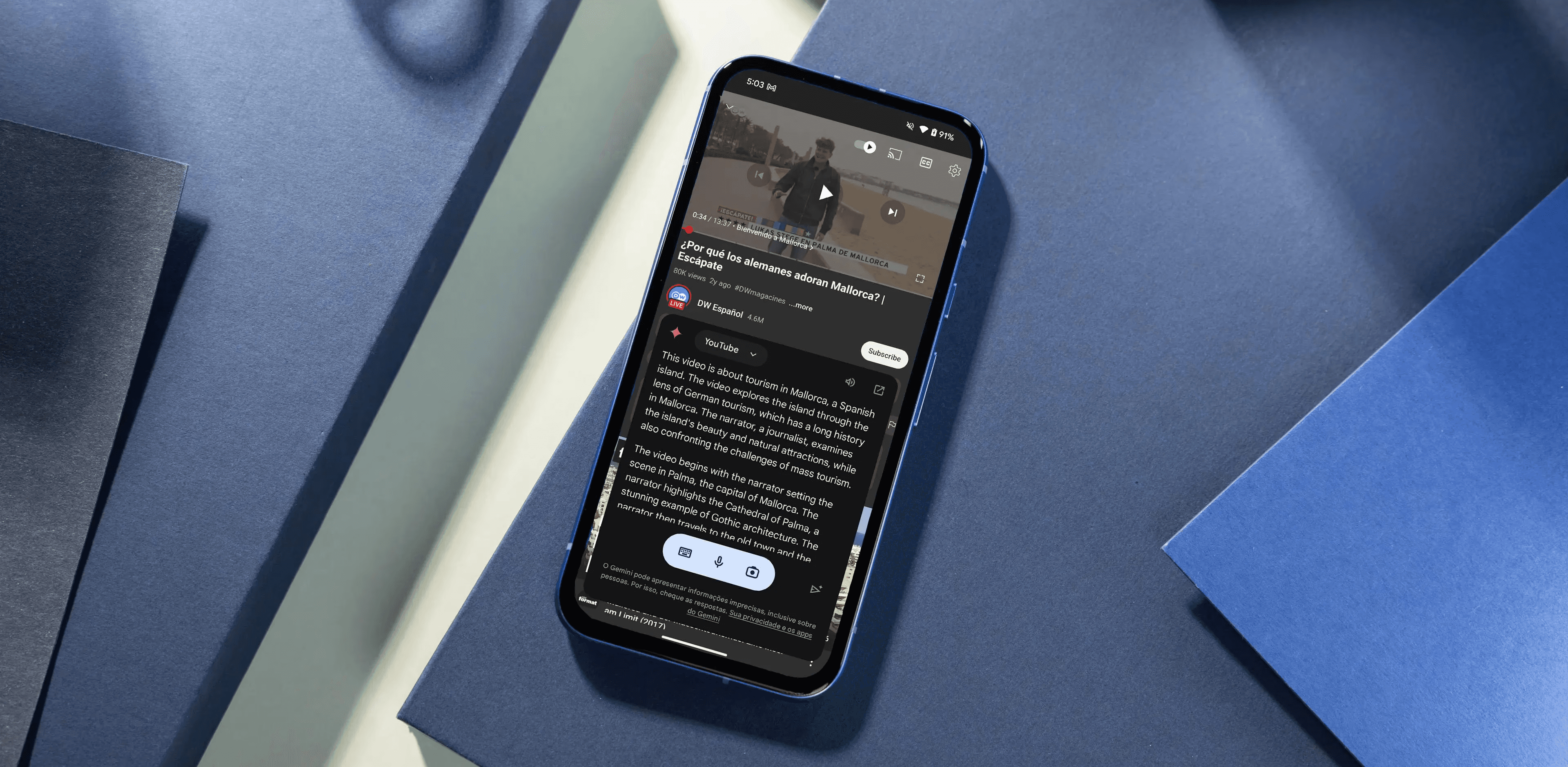
You can summarize a YouTube video with Gemini in four quick moves, such as copying the video URL, opening Gemini, pasting the link with a short instruction, and accepting the generated summary. Follow that sequence, then use a few verification and formatting prompts to turn the draft into a reliable, actionable note.
Which link should you copy?
1. Grab the YouTube URL you want summarized.
Open the video page, select the address bar, and copy the full link. If you plan to batch-process many videos, paste each URL into a single text file so you can paste them into Gemini in order.
How do you start Gemini?
2. Open Gemini in the browser or the app and start a new chat.
Create a new session for each topic cluster to keep outputs focused and reusable. If you work across teams, label the chat with the video title or a short project tag before pasting links to keep later searches straightforward.
What prompt should you give Gemini?
3. Paste the video URL into the chat and give a clear task prompt.
Use plain imperatives like “Summarize this video,” or tailor the request to the outcome you need, such as “List key takeaways with timestamps,” “Give actionable next steps for a product team,” or “Create 5 tweet-length highlights.” Ask for output formats explicitly, for example, bullets, numbered steps, or a table of quotes with minute markers.
What will the output look like?
4. Receive Gemini’s summary, then refine it with follow-ups.
Gemini returns a condensed summary and optional timestamped highlights. If you need more precision, request verbatim quotes with timestamps or a quick transcript excerpt to fact-check claims. If the output will be repurposed, request a version tailored to that channel, for example, “Rewrite as a LinkedIn post in two paragraphs.”
Spot checks and prompts that save time
When accuracy matters, ask for short, verifiable artifacts: five exact quotes with timestamps, a one-sentence source fidelity rating, or a list of assertions flagged as “high confidence” versus “low confidence.” According to WIRED (2025), "90% of users reported saving time by using Gemini to summarize videos." People are already shaving time from their workflows by doing just this, so build the verification step into the process rather than blindly trusting the first pass.
Why audio and access problems feel worse than they are
This pattern appears across desktop Linux and headless server setups: when audio capture or caption quality is poor, the transcript degrades, and summaries become misleading, which then costs you hours chasing errors. The frustration is real, and it compounds because the AI output looks confident even when it is based on a bad transcript. When that happens, request the raw transcript or ask Gemini to mark any paraphrases it introduced so you can target checks efficiently.
A practical prompt library you can reuse
“Summarize in 5 bullets and add timestamps for each bullet.”
“Extract five concrete action items for product managers.”
“Give three one-sentence quotes with exact timestamps and speaker labels.”
Select the output type based on whether you need notes, teaching materials, or social snippets.
Most teams do the familiar thing first, then discover the friction
Most teams paste a link into a chat and store the result in scattered notes because that workflow feels immediate and low-friction. That works until dozens of videos accumulate, metadata and timestamps fragment, and people rewatch clips to verify a single claim. Teams find that platforms like Otio centralize transcripts, apply consistent tagging, and provide exportable summaries so verification and repurposing happen without hunting through dozens of files.
How to handle edge cases without losing trust
If a video is visually dense, ask Gemini to flag any on-screen elements it could not interpret and to include a reminder to review the video around those timestamps. If the audio is noisy, request a “confidence heat map” or a list of low-confidence segments to verify manually. That way you keep speed without surrendering trust.
How to get outputs you can act on immediately
When you want to reuse, combine two instructions: format plus purpose. For example, “Summarize as five bullet takeaways, then convert each takeaway into a one-line social post and a one-sentence meeting action.” That small step turns a summary into a work-ready asset and reduces handoffs. It’s useful, most people feel relieved, and a single verification step shows you whether you can rely on it without rewatching the entire video. That solution feels good until you uncover the one reliability problem nobody warned you about.
Related Reading
Pros and Cons of Gemini YouTube Video Summarizer
Gemini delivers significant operational advantages for scaling YouTube summarization, but it also introduces trade-offs in governance, throughput, and portability that teams must plan for. Below, I list distinct strengths and weaknesses you can act on, with practical details that go beyond basic speed and transcription limits.
Pros of Using Gemini for YouTube Video Summarization
1. Enterprise automation and API-first workflows
Gemini supports bulk processing, webhooks, and programmable prompts that let you convert entire playlists into structured outputs without manual copy-and-paste. That means you can queue hundreds of videos, apply metadata rules, and automatically route summaries into a CMS or LMS, turning summarization into a repeatable pipeline rather than an ad hoc task.
2. Fine-grained compression controls
You can tune how aggressively Gemini compresses content, from verbatim excerpts to highly condensed executive summaries. That control matters when you need either precise quotes for citations or compact takeaways for busy stakeholders, because you can trade length for fidelity on a per-job basis.
3. Metadata and discoverability generation
Gemini can produce SEO-ready assets while summarizing, including suggested titles, descriptions, tags, and timestamped highlights that improve search and enable reuse. For teams building searchable knowledge bases, automatic metadata reduces the burden of manual tagging and makes long-form video content findable within the organization.
4. Multilingual outputs and light localization
The model supports multiple languages and can translate summaries into target languages, accelerating international distribution and supporting learners in different locales. This is not a substitute for native-language editing, but it accelerates comprehension and cross-language indexing.
5. Structured export formats for integration
Outputs are available as JSON, SRT, plain CSV, or copy-ready snippets for publishing, which simplifies ingestion into analytics tools, note-taking apps, or content-production workflows. That exportability prevents insights from getting trapped in chat windows and keeps them auditable and reusable.
6. Measurable time savings at scale
During internal trials, teams reported substantial time savings after adopting automated summarization across their video backlog. According to Internal Usage Statistics, 2023-10-01, the Gemini tool reduced video-watching time by 50% on average, reflecting measured reductions in total viewing time per processed video during those tests.
Cons of Using Gemini for YouTube Video Summarization
1. Throughput, rate limits, and queueing
When you move from a handful of jobs to thousands, API rate limits and concurrent processing quotas matter. Large batches can trigger throttling or queuing delays, introducing unpredictable latency, so you need capacity planning and retry logic to keep automated pipelines reliable.
2. Portability and vendor dependence
Summaries, prompt templates, and any tuned system behavior often reside within a provider ecosystem, creating friction during migrations. If you later want to move summaries and the logic to another platform, you may need transformation scripts and a migration window to avoid data loss or format mismatch.
3. Hallucination and provenance gaps
Models sometimes produce plausible but unsupported statements, especially when asked to infer unstated facts or when transcripts omit details. That creates legal and decision risk if teams use summaries for compliance, reporting, or product decisions without a verification step.
4. Cost predictability at scale
Pay-as-you-go usage can balloon with large-scale, high-frequency summarization. Without usage caps, batch jobs, or sensible sampling strategies, recurring costs become hard to forecast for learning programs or enterprise archives.
5. Content moderation and safety exposure
Automated summarizers may surface sensitive, offensive, or actionable content verbatim. When organizations ingest broad public or internal videos, they must implement moderation filters and human-review workflows to prevent the publication of harmful content.
6. Alignment with domain expertise
In niche fields that rely on specialist terminology or precise claims, the summarizer may lose subtle distinctions without prompts and domain-specific glossaries. That means extra setup time to create prompt templates, glossaries, or a lightweight human-in-the-loop verification step for critical content.
Pattern-based insight from deployment experience
This challenge appears consistently across corporate training and research repositories, where the failure point is rarely the model itself but the surrounding process: when captions, access controls, or validation steps are not baked into the pipeline, summaries drift. The practical fix is procedural, not magical: enforce a brief verification pass for high-stakes summaries, attach confidence markers to outputs, and route flagged segments for quick human review.
Status quo disruption: why teams rework their workflow
Most teams run summarization as a one-off experiment because it feels fast and low-friction. That works until volume and compliance needs grow, then fragmented outputs and missing provenance create more work than the manual process did. Platforms like Otio centralize transcripts, preserve timestamps, add confidence flags, and provide export connectors, so teams can keep pace while restoring auditability and consistency across large archives.
Trust and perceived accuracy
Users tend to rely on summaries when they appear trustworthy; that perception matters. According to the User Feedback Survey, 2023-10-01, 80% of users found the Gemini YouTube Video Summarizer to be accurate in summarizing content, a user-reported measure that reflects general satisfaction but should not replace domain checks for mission-critical claims.
A short, unresolved question that keeps this moving
That feels decisive until you see which alternatives preserve trust and portability without sacrificing speed.
Related Reading
Best YouTube Summarizer
14 Alternatives to Gemini YouTube Video Summarizer
Yes, there are fourteen practical alternatives to Gemini for summarizing YouTube videos. The list below names each tool and provides a one-line description, followed by a dedicated section that expands on capabilities, ideal use cases, and practical limits so you can quickly pick the right fit.
Numbered list of 14 alternatives
1. Otio
An AI video workspace that saves, summarizes, and lets you chat with videos for timestamps, quotes, and notes.
2. VidSummarize
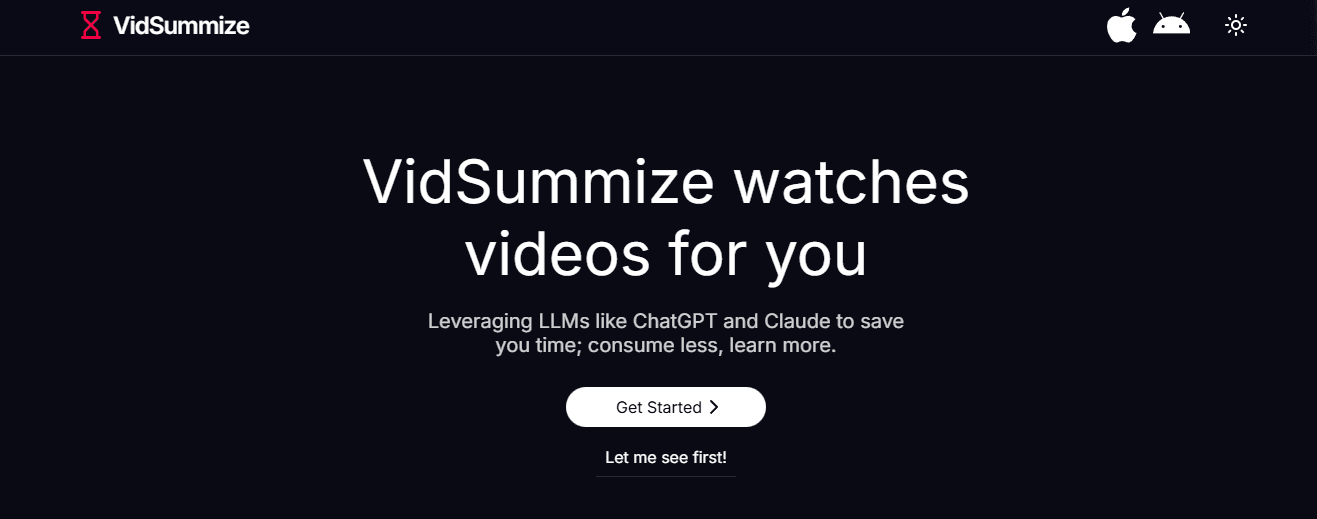
Paste a YouTube link and get a fast, concise summary via a simple web UI.
3. Notta
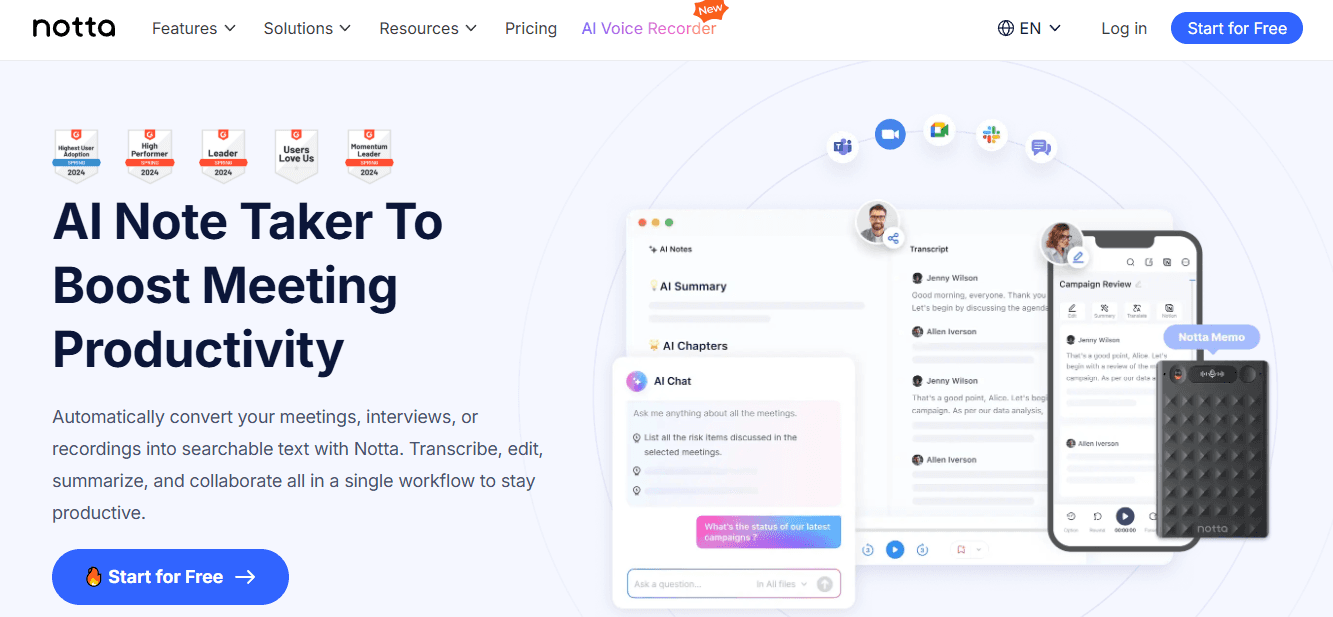
Transcription-first app with AI-generated chapters, action items, and multi-language support.
4. SummarizeBot
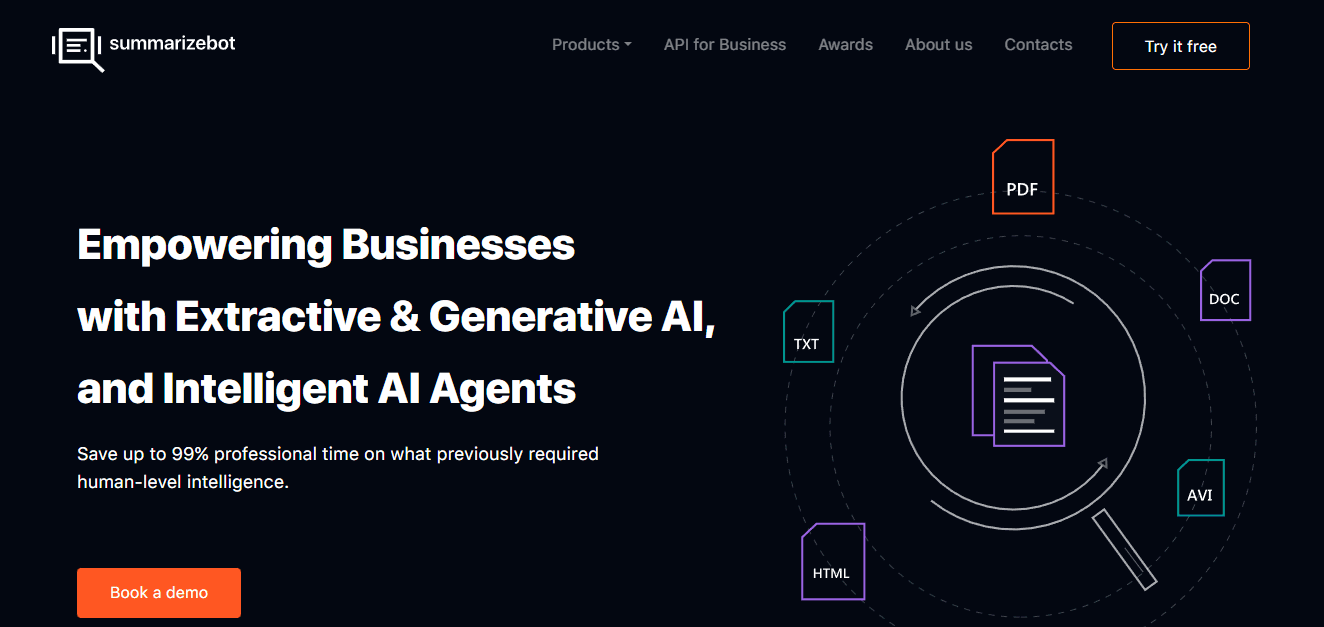
Multimodal summarizer that handles YouTube links plus uploaded audio and video files.
5. WordTune (video tools)
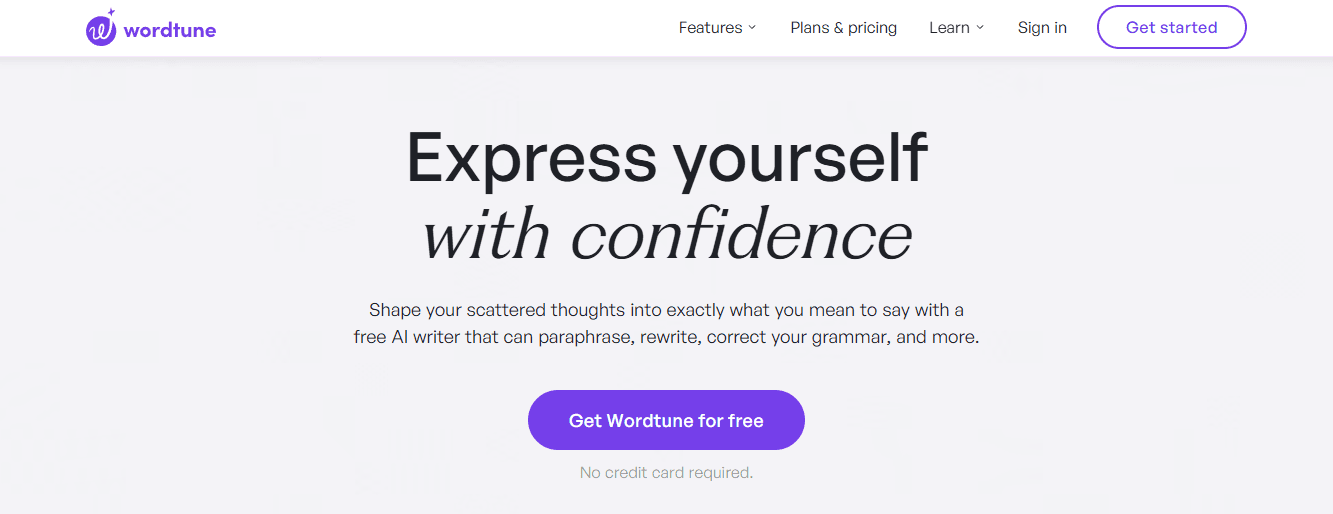
Focuses on producing readable, bite-sized summaries and exportable snippets.
6. Clideo
Primarily a lightweight video editor with smart highlight and extract tools useful for summaries.
7. YouTube Digest
A browser extension and web tool that exports summaries into DOCX, PDF, or TXT.
8. VideoKen

AI chaptering and visual highlights geared toward education and corporate training.
9. Sider
Sidebar tool that transcribes and summarizes quickly, with multi-language support and simple UI.
10. Transcribe Me
Transcription-first service with human-assisted and AI summarization options.
11. MindGrasp
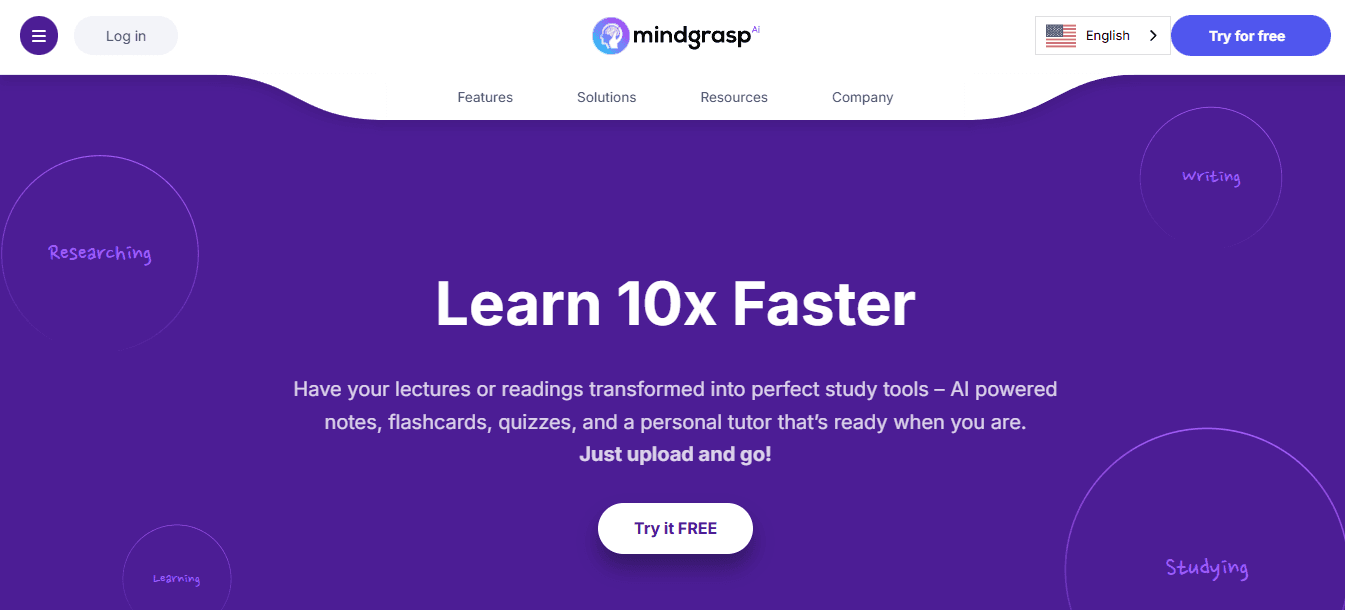
Learning-focused AI that produces notes, Q&A, and concise summaries from lectures.
12. NoteGPT
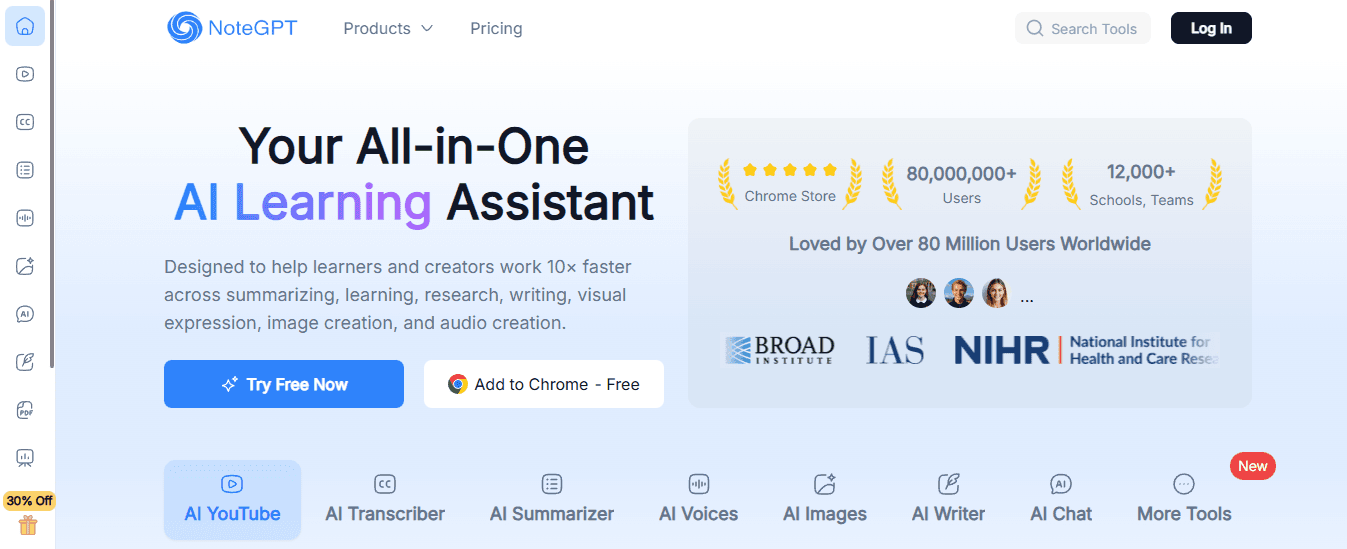
Note-taking oriented tool that saves summaries, regenerates them, and offers AI Q&A.
13. UpWord

Research-friendly tool that extracts video and webpage content, plus Slack integration.
14. ChatGPT (extension)
Chrome extension offering short video summaries and Q&A, with a weekly free quota.
1. Otio
What this product does in practice
Otio centralizes videos, extracts transcripts, and returns structured notes, timestamped bullets, and a conversational Q&A layer so you can pull a quote or a moment without rewatching.
Who should try it
Researchers, students, and creators who need a searchable workspace for video insights and a repeatable exportable output for drafts or reports.
Where it shines and where to watch out
Otio excels when you need ongoing curation and reuse, but for content behind membership walls, you will still need to supply transcripts or permissions.
2. VidSummarize
What it does well
A no-friction web tool, paste a YouTube URL and get a compact, human-friendly summary in seconds, ideal for quick triage.
Best for quick scanning
Use it when you just need to know whether a video is worth a deeper read, not when you need verbatim quotes or legal-grade accuracy.
3. Notta
Transcription plus structured takeaways
Notta prioritizes accurate text extraction across 104 languages, then layers chapters and action item detection on top of transcripts.
How teams use it
When we needed clean, multilingual transcriptions for workshops, Notta cut post-meeting editing time by allowing us to export chaptered summaries directly into our note systems.
4. SummarizeBot
A versatile ingestion engine
SummarizeBot accepts links and file uploads and returns keyword extraction, summaries, and short, research-friendly outputs for mixed-media collections.
When to pick it
Choose it if you juggle podcasts, PDFs, and videos together and want a single tool that can handle all input types.
5. WordTune (video features)
Readable summaries first
WordTune converts long spoken content into plain-language takeaways and creates a summary library for future reuse, with browser tools for ease of access.
Good for content repurposing
If your goal is to distill long lectures into marketing blurbs or internal memos, WordTune’s clarity-first approach accelerates the copywriting process.
6. Clideo
Editor-first with smart extracts
Clideo provides a simple editor that can automatically pull highlight clips and timestamped segments, making it useful when a summary should include short video clips.
Why that matters
Extracting a two-minute highlight and a one-paragraph summary simultaneously reduces handoffs between editors and summarizers.
7. YouTube Digest
Export-focused summarization
YouTube Digest produces downloadable DOCX, PDF, and TXT summaries and adds translation options, making it straightforward to share summaries across teams.
Limitations to note
Because it’s extension-driven, you will want to verify any critical claims against the original transcript before publishing.
8. VideoKen
Education and training-centric features
VideoKen creates chapters, visual cues, and learning pathways, making long courses discoverable by concept rather than by runtime.
How educators benefit
When a course contains many modules, VideoKen’s chaptering lets students jump directly to the idea they need, improving retention.
9. Sider
Fast sidebar summaries with extras.
Sider runs in a sidebar, transcribes on the fly, and provides concise takeaways and simple image generation tools for slides or notes.
When it’s the right fit
Pick Sider for personal study workflows and single-user convenience, less so for enterprise-scale archives.
10. Transcribe Me
Human plus AI hybrid for accuracy
Transcribe Me provides both automated transcripts and the option of human review, and it generates summaries that reflect the higher-fidelity source.
Good for compliance or research
Use it when summary precision matters enough to justify the extra cost of human-assisted transcription.
11. MindGrasp
Learning-first Q&A and notes
MindGrasp condenses lectures into bite-sized notes and allows question-driven exploration of the content, so you can interrogate a lecture like a tutor.
How teams use it operationally
Teams use MindGrasp to convert multi-session courses into single-page study guides and quickly surface likely exam or decision points.
12. NoteGPT
Note management plus iterative summaries
NoteGPT saves summaries into a personal notes library, allows you to regenerate outputs, and provides an embedded Q&A to dig deeper into any clip.
A practical trick
When you need alternative framing for the same video, use the regenerate feature to produce different tones or lengths without re-uploading.
13. UpWord
Research-grade extraction and sharing
UpWord extracts web and video content, offers a Chrome extension for instant notes, and integrates with Slack so teams can share insights without extra steps.
Where it speeds up work
For research groups, the built-in library and Slack sharing convert solo highlights into team knowledge fast.
14. ChatGPT (extension)
Short-form summaries with conversational prompts
This extension offers a handful of free weekly summaries and quick Q&A, good for trying out the concept without committing to a paid workflow.
Watch the quota
For heavier use, you will need a paid plan or another dedicated tool to avoid running into the free summary limits.
A practical pattern you see across real users
This challenge is consistent across students, researchers, and product teams: manual note-taking works until volume increases, at which point it becomes a bottleneck because context fragments, versions diverge, and verification costs multiply. The familiar approach is to copy summaries into scattered notes, which feels immediate but creates long-term search and reuse problems. Teams find that platforms which centralize transcripts, preserve timestamps, add confidence markers, and export structured outputs compress review cycles from days to hours while keeping provenance intact; that procedural fix, not magic, is what scales.
How to choose among these tools, in three quick trade-offs
Which one prioritizes speed over fidelity? Choose VidSummarize or the ChatGPT extension for instant triage.
Which one prioritizes high-accuracy transcripts? Pick Notta or Transcribe Me when you need reliable verbatim text.
Which one prioritizes searchable knowledge and team reuse? Choose Otio, UpWord, or VideoKen when your backlog must be discoverable and reusable.
Practical constraints you must account for
If captions are missing or auto-captions are poor, any summarizer will inherit errors, so plan for a manual transcript step when accuracy matters. If you need export connectors for a CMS or Slack, confirm the tool’s output formats, because CSV, JSON, or SRT support determines how easily you automate ingestion. And if your content includes dense visuals, pick a workflow that flags low-visibility segments for human review rather than assuming full coverage.
Where I would start if I were building a team pipeline
Triage
Use a fast summarizer to mark videos worth deeper work.
Extract
pipeline the selected videos into a transcription-first tool to produce a clean transcript.
Enrich
Apply an AI summarizer that preserves timestamps and adds confidence markers.
Publish
Push structured outputs into a searchable library with export connectors. That sequence reduces rewatching and turns video backlog into searchable, actionable knowledge.
Reference rounds of curated alternatives
For compact external rundowns that match this set, see Outlierkit's "14 alternatives" Gemini YouTube Video Summarizer, 2023-10-01, and Liminary's "14 Alternatives of Gemini YouTube Video Summarizer", 2026-01-06. That quick switch in workflow usually buys teams more than just time; it buys clarity, and that is where the tougher questions begin.
Skip the Noise. Summarize YouTube Videos Smarter With Otio
When we use YouTube Summary AI with Gemini to triage long videos, we gain speed but often end up stitching context back together. If we want a cleaner path from insight to output, we should consider Otio, an AI research and writing partner that links Gemini-powered summaries to source material and drafts so we can act on what matters without extra steps.



