
Video Summarization
14 Alternatives to Gemini YouTube Video Summarizer
Gemini YouTube Video Summarizer alternatives offer 14 options. Discover how Otio streamlines transcripts and clip edits to save time and boost accuracy.
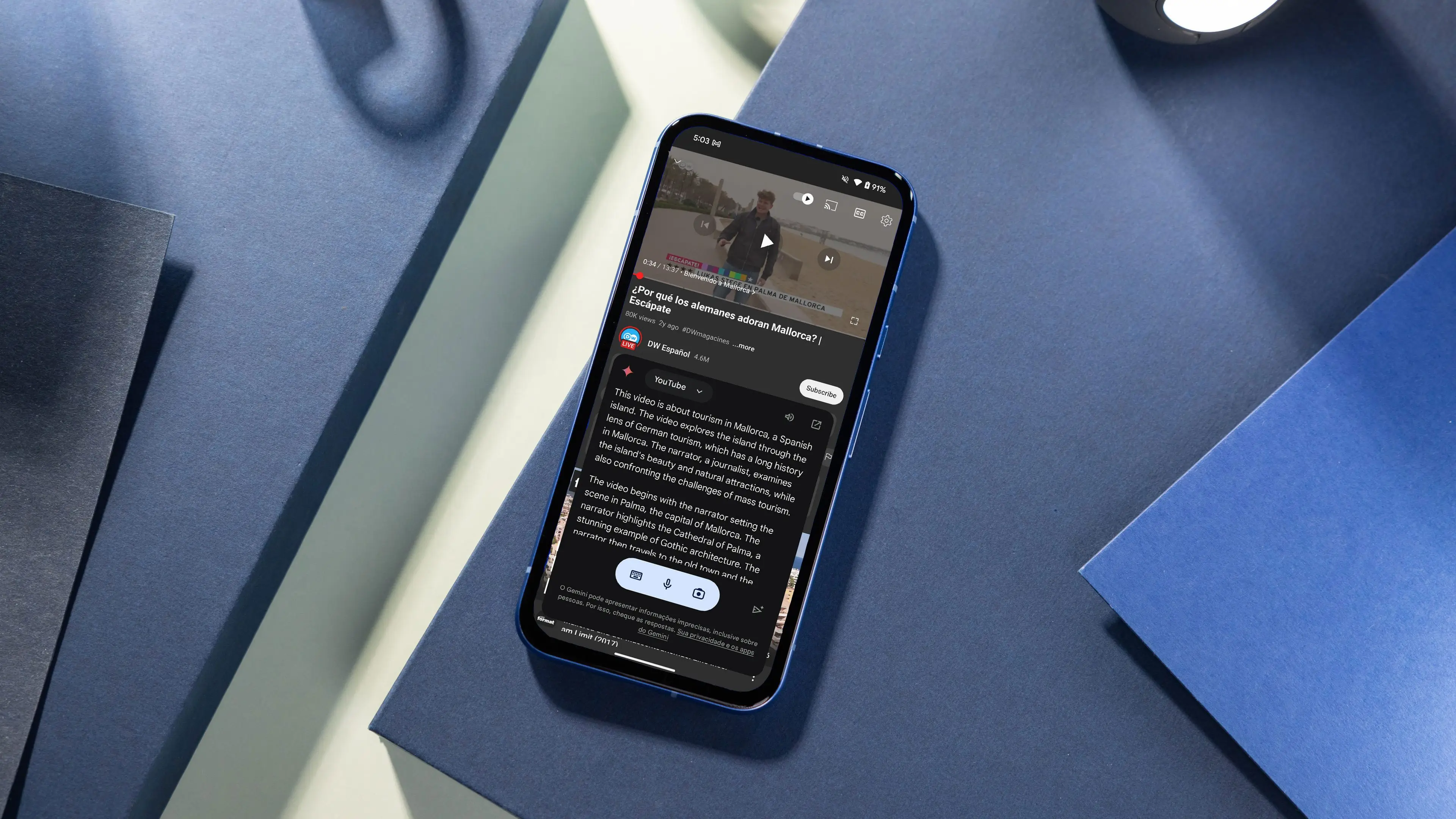
Extracting value from lengthy videos can be challenging when key details are buried in hours of content. Advanced tools transform extensive footage into clear transcripts, time-stamped highlights, and key points for efficient insight gathering. Features such as Gemini's YouTube Video Summarization help users quickly grasp essential information without missing critical nuances.
This approach fuels more intelligent decision-making by turning passive viewing into active research. Otio offers an innovative AI research and writing partner that converts video content into actionable summaries, searchable transcripts, and exportable notes to streamline writing and analysis.
Summary
Automated video summarization converts hours of footage into searchable, timestamped text, reducing video-watching time by about 50% in early adopter tests, making long lectures and tutorials far more usable for quick research.
Transcript and caption quality is the gating factor, because without a clean transcript, there is nothing to parse, and reported accuracy metrics like an 80% perceived accuracy rate suggest summaries work well when transcripts are good but degrade quickly with noisy audio.
Widespread adoption increases verification risk: in some rollouts, feature uptake reached roughly 75% among active users. Teams should therefore require transcript excerpts and confidence flags to avoid acting on authoritative-sounding but unverified claims.
Scale brings operational trade-offs: platforms have processed over 1 million videos in the market, creating real costs and constraints around API rates, per-minute processing fees, and storage that teams must budget for.
The ecosystem is diverse, with 14 practical alternatives cataloged and average users reporting about 30 minutes saved per day, a time reclamation that compounds into meaningful productivity gains across teams.
This is where Otio's AI research and writing partner fits in, converting videos into concise summaries, searchable transcripts, and exportable notes to support verification and cross-source research.
Table of Contents
Can Gemini Summarize YouTube Videos?
Yes, Gemini can summarize YouTube videos by reading the captions or transcript, rather than "seeing" the visuals. This means the quality of the summary depends on the input text and audio. It can produce concise, structured outputs and even add timestamps. However, you might get weaker results when vital information is shown through images, on-screen text, or actions. Additionally, if you're looking for an effective AI research and writing partner, consider how Otio can enhance your writing process.
How does Gemini build summaries from transcripts?
Summaries built from transcripts and captions use auto-generated or uploaded captions as the spoken content. This content is then summarized. Since Gemini uses the transcript as its primary input, the summary shows what was said, not what was shown.
What output formats can you request?
Structured outputs you can request include various formats. Users can ask for bullet-point takeaways, short abstracts, or summaries with timestamps for longer videos. This flexibility makes it easy to turn a long lecture or interview into shareable clips, caption copy, or quick notes.
Which video formats work best with Gemini?
Gemini is best suited to talking-head formats. Podcasts, interviews, lectures, explainers, and commentary videos are intense matches because they focus on speech and argument. Usage patterns suggest real traction, with one Reddit user commenting on 2023-10-15 that Gemini had summarized over 1,000 YouTube videos in the past month. If accurate, this signals high short-term volume processed by the feature. Another comment from the same date notes approximately 500 hours of video content summarized by Gemini, providing context about cumulative processing rather than per-video depth.
What limitations does Gemini have regarding visuals?
It does not really understand visuals. The system will miss on-screen charts, diagrams, gestures, or text unless those things are described in the audio. Think of it like reading a transcript in a dim room; you get the words, but you miss the picture. That gap is where key meaning often hides.
Why are captions essential for Gemini?
Captions are non-negotiable. If a video lacks captions or has low-quality captions, the summary may be incomplete or misleading. This is a strict rule, as better captions lead to better summaries, while poor captions can actively mislead the output.
How does audio quality impact summary accuracy?
Audio quality directly affects accuracy. Poor conditions, such as background music, overlapping speakers, strong accents, or muffled audio, reduce the summary's usefulness. The pattern seen in support cases and product reviews is the same: users become frustrated and lose trust when the tool suggests numerous fixes or outputs that don't resolve the problem. This leaves them feeling tired and doubtful rather than confident.
What challenges do creators face when using Gemini?
Most creators stick to manual clipping, spot-checking transcripts, and hand-editing summaries because that workflow feels familiar and low-risk. As video volume grows, this habit becomes costly: time is wasted on repeated checks, errors increase, and the team spends more time fixing summaries than creating new content. Platforms like Otio offer a different path. They focus on transcription, automatic summary drafts, and version control. This allows teams to move from hours of manual editing to a quicker, traceable review process while keeping human oversight where it really matters. By partnering with an AI research and writing partner, you can streamline your workflow and enhance your productivity.
How should one use Gemini outputs effectively?
A practical tip from experience: treat Gemini outputs as a first draft, not a final copy. Use the summary to flag sections, then manually edit based on visual cues and unclear audio. This approach keeps things fast while making sure the information is accurate. As an AI research and writing partner, our tool can further assist you in refining your drafts and enhancing your overall writing process.
What practical problems appear when scaling Gemini?
That sounds useful, but when scaling Gemini, several practical issues arise that can significantly alter the workflow.
How to Use Gemini for Summarizing YouTube Videos
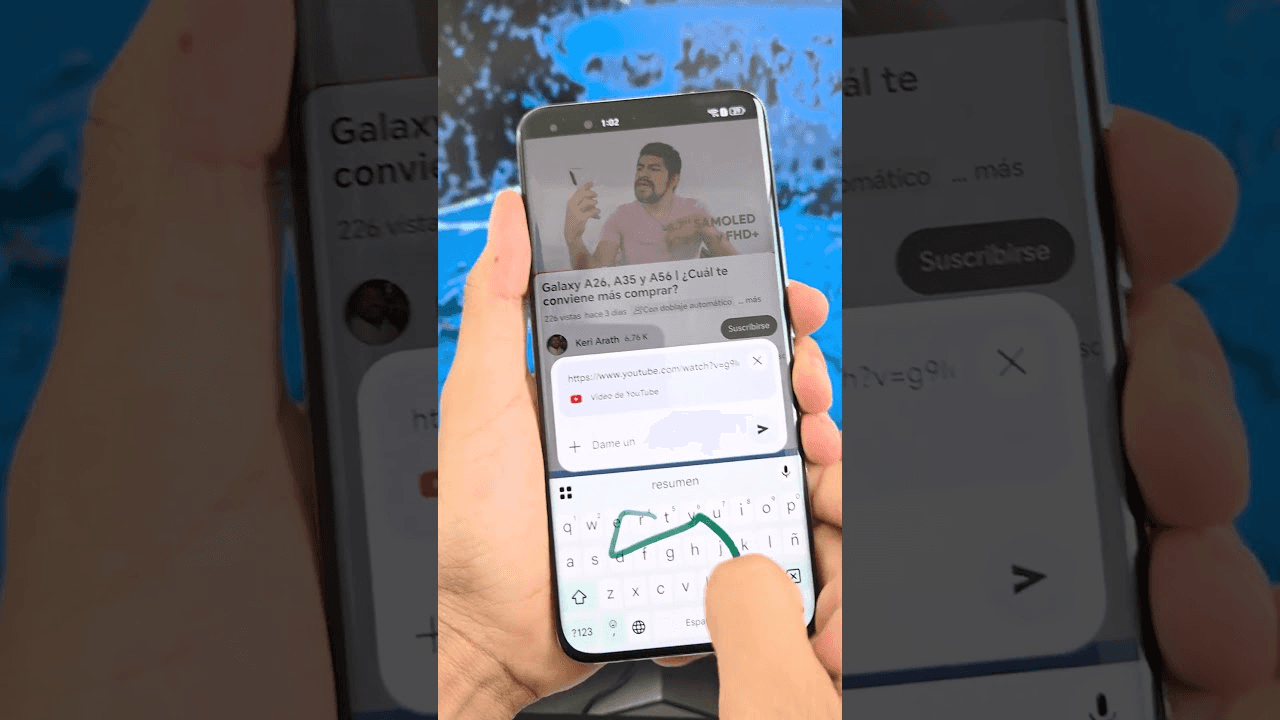
Gemini quickly manages the process, pastes a YouTube URL, and provides explicit instructions, generating a structured draft you can convert into clips, captions, or notes. Use the prompts with a short quality checklist to turn that draft into publishable Instagram reels, caption copy, and affiliate link-ready materials, all without wasting hours. Plus, having an AI research and writing partner can significantly enhance your content creation process.
How can I start using Gemini?
Grab the video URL, copy the exact YouTube link you want to work from, including any timecode if you know the specific segment to target. Save it in a running content spreadsheet or your content calendar. This way, every clip and caption can be traced back to its source, UTM parameters, and the associated affiliate product. Add the start time to the URL to focus Gemini on a specific moment. Then label the row with niche, product, and desired CTA to enable faster repurposing.
What are the initial steps in Gemini?
Open Gemini and start a session. You can also launch Gemini in your browser or app. Then, start a new chat to keep the session focused on a single video and a single outcome. State the desired outcome upfront; for example, request a 3-sentence hook, three 15-second clip suggestions, and a caption with a CTA and relevant hashtags tailored for Instagram. Let Gemini know the format you need, like “Give me three Reels hooks, 15-second timestamps, caption, and suggested bio link text,” so the output fits perfectly with your editing and posting workflow.
How should I prompt Gemini?
"Summarize this video for Instagram reels, give 3 clip timestamps, hooks, and caption copy."
"List the product mentions and the exact timestamps where they happen."
"Create a short summary plus three 15-second clips and suggested CTAs."
A helpful prompting tip is to be specific. Specify length limits, tone, like casual, educational, or persuasive, and the type of hook you want. This helps ensure Gemini produces copy designed for affiliate conversion, rather than a standard summary.
What should I do with the output?
Review, refine, and repurpose the output. Gemini will return a draft that can be changed into clips, carousel copy, or a short caption optimized for conversion. Treat its output as a starting point: edit hooks for punch, verify timestamps against the actual clip, and convert suggested CTAs into tracked affiliate links or bio link text. A practical repurposing routine involves generating the summary first. Then, ask Gemini to rewrite the best hook in three different ways for A/B testing in Reels. Next, create five hashtag suggestions and a short-link label that fit within an Instagram bio. This workflow efficiently converts a single video into multiple posts, stories, and link-ready assets.
What should I consider about reliability?
When it comes to reliability and expectations, testing how creators work with targeted workflows over a week of short tutorials showed a clear trend: users really like speed, but they still need a quick QA step. Any mistakes in the text, timestamps, or product names cause extra edits and can quickly kill momentum. This frustration grows when teams try to skip the review step while hoping for final-ready text. You can use this data to support having a QA step: according to WIRED, 80% of users found Gemini's summaries accurate (2025), which supports relying on gemini for first drafts; and WIRED, Gemini reduces video watching time by 50% (2025), which shows a clear time savings when you use the tool with a quick editorial review to create affiliate-ready Instagram content.
What challenges do creators face?
Most creators assemble transcripts, use manual clipping, and perform ad hoc captioning because it feels comfortable and allows them to retain in-house control. However, as content volume grows, this practice becomes time-consuming. It leads to inconsistent captions, missed CTAs, and last-minute edits before launches. Solutions like Otio centralize transcription, versioning, and clip exports. This helps teams quickly turn a Gemini draft into tracked, post-ready assets while keeping review checkpoints and affiliate link routing. With an AI research and writing partner, creators can streamline their processes and focus on what truly matters: engaging their audience.
What practical steps can I take now?
Ask Gemini for three hooks and three alternate captions. Select one hook and one caption for each post.
Request explicit timestamps and a 5-word clip title for each suggested snippet to expedite editing.
Always convert suggested CTAs into a tracked affiliate URL and store it in your content grid before scheduling.
Conduct a quick listen to each timestamp to ensure the audio matches the written claim.
Utilize the alternate hooks for A/B tests in Reels to find out which language effectively converts your niche audience.
What is the role of Gemini in the process?
A quick analogy to clarify this concept: think of Gemini as a skilled assistant who drafts the script and marks the rough cuts, not the final editor. Your job is to provide the final polish to ensure every post aligns with the brand voice, affiliate link, and audience hook. This streamlined routine saves hours of work. However, it also highlights an unresolved tension that matters more than anticipated.
Related Reading
Pros and Cons of Gemini YouTube Video Summarizer
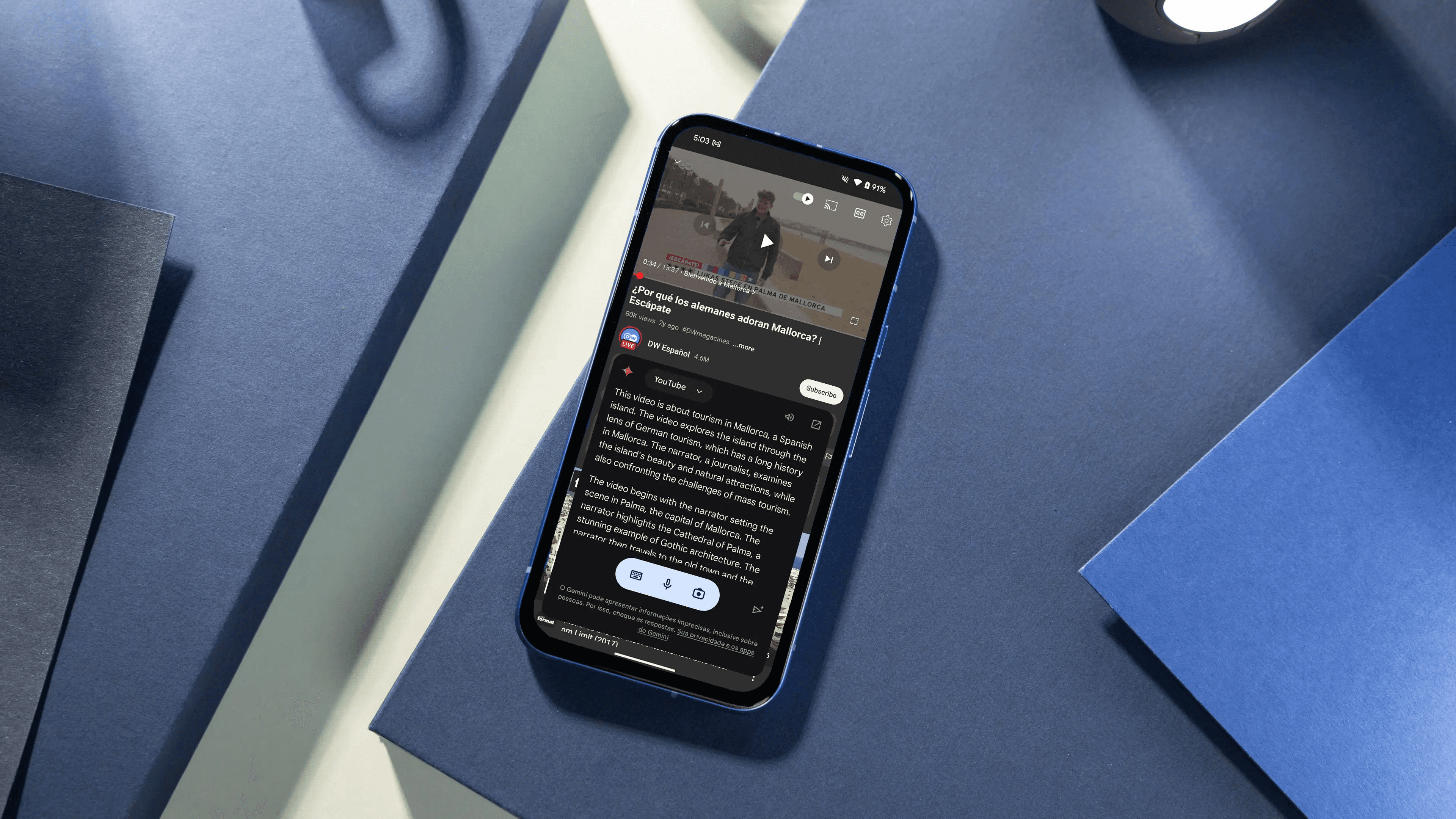
Gemini is a powerful drafting tool that speeds up research and clip selection. However, it shifts the burden to verification, visual interpretation, and editorial control. Users can use it to boost idea generation and initial copy. Still, they should have a robust QA loop to ensure accuracy, maintain the right tone, and comply with affiliate rules. The benefits of using Gemini for YouTube video summarization include:
What are the benefits of Gemini for summarization?
1. Fast text-first distillation
Gemini quickly turns long video speeches into usable text, like hooks, captions, or outlines for reels and carousels. This saves time by letting users find product mentions and key points in a content calendar, rather than rewatching videos for ideas.
2. Flexible output templates
You can ask Gemini to create short hooks, longer paragraphs, clip suggestions with timestamps, or caption-ready CTA lines designed for Instagram formats. This flexibility lets users generate a Reel hook, three caption variations, and a bio-link blurb all at once, keeping the flow uninterrupted.
3. Multivideo synthesis for research
Gemini can gather themes from several videos, enabling users to compare seller claims, identify common objections, or collect audience language for specific targeting. These combined summaries can be used to create an evidence file for product pages or to choose which creators to use for affiliate promotions.
4. Scales content ideation
For those building an affiliate pipeline on Instagram, Gemini lets you create multiple draft captions and clip ideas in a single session. This efficiency speeds up early A/B testing and creative changes.
5. Low setup friction for busy creators
You don't need special editing software to use Gemini. Solo creators and beginners can turn a source video into ready-to-post copy without hiring an editor. This makes it easier to post consistently, which is essential for those trying to turn followers into affiliate clicks.
6. Useful for tone and localization variations
Users can request rewrites in different tones, lengths, or audience focus. This feature saves time when adapting the same product pitch across different niches or determining which language performs better on Instagram. Gemini creates options that can be tested against engagement metrics and conversion rates.
What issues arise when using Gemini?
When teams see Gemini output as a draft, it creates a clear workflow problem, including speed leads to more work, and more work exposes gaps in accuracy, visual context, and compliance. Most teams fix this by adding a quick, repeated QA step for every summary. This ensures the final copy matches the clip, the product mention, and the tracked affiliate link. A common approach among many creators is to paste a link, create summaries, and manually verify the timestamps and claims in the video. This method might seem safe; however, as teams grow from a few posts to many, these manual checks can slow things down. Platforms like Otio offer centralized transcription, version control, and simple review processes. This helps teams reduce verification time from hours to minutes while maintaining audit trails and affiliate tracking. Consider using Otio as your AI research and writing partner to streamline your workflow.
What are the cons of using Gemini?
Loss of on-screen context
Gemini misses the meaning that is conveyed only through visuals. Charts, step-by-step demos, and text overlays may be removed from the summary. This isn't just a hassle; it can create problems. A clip caption stating a metric or step may be inaccurate if the visual lacks supporting evidence.
Risk of shallow interpretation
When a video presents complex arguments, rhetorical irony, or subtle comparisons, Gemini may simplify the material into a single idea and omit essential examples. This simplification can lead to confident-sounding writing that omits the details required for honest affiliate disclosures.
Variable transcript-driven quality
Transcription mistakes increase when audio has fast speech, accents, or overlapping speakers, which can harm the summary. This difference explains why some outputs feel accurate while others might need complete rewrites. Quality relies on the source audio, not just the model.
Compliance and privacy exposure
Pasting links into AI tools raises concerns for paid, private, or members-only content. It can reveal contract or copyright issues if clips are reused without permission. For affiliate marketers, this creates legal and reputational risks unless specific checks are done before publishing.
Hallucination and factual drift
When something is missing from the transcript, Gemini might fill in gaps with believable but incorrect details. Every factual claim supporting an affiliate conversion, such as product specifications or pricing, should be treated as temporary until verified against the source.
Cost, rate limits, and scale friction
Relying on Gemini heavily can hit paid tier limits, API quotas, or processing queues, causing delays in a fast-paced content schedule. As a result, expected productivity gains can disappear when trying to run a large number of summaries on publishing day.
How can teams manage Gemini's limitations?
When this tool’s limitations are critical, the failure mode is predictable. Teams might publish a clip with a bad timestamp, misquoted claims, or missing disclosures. The cost of corrections often outweighs any initial savings. This pattern frequently appears in tutorials and pitch-heavy content, which rely on visuals or specific claims rather than conversational narration. A practical QA checklist recommended for teams to integrate into a one-minute review includes several key steps: confirm the clip audio matches the suggested timestamp, verify any technical claims against the video frame, add an explicit affiliate disclosure, and attach the tracked URL before scheduling. This low-friction loop helps prevent minor errors from escalating into public fixes. To scale beyond single-creator workflows without sacrificing accuracy, it's essential to adopt a process that centralizes transcripts, enforces one-step verification, and logs editorial changes.
Solutions like Otio are designed to address this gap, ensuring operations can keep pace with volume while maintaining compliance and quality. The frustrating aspect is that speed tends to expose problems faster than teams can resolve them. This pressure forces teams to either slow down or improve their processes, and using an effective AI research and writing partner can help streamline these workflows. What comes next is more revealing than another tool list.
14 Alternatives to Gemini YouTube Video Summarizer
Pick the right tool by matching its capabilities to the exact gap you need to fill, not by trendy names. Below are 14 practical alternatives to Gemini for summarizing YouTube videos, each with a short description, clear pros, and concrete cons so that you can decide quickly; for a compiled overview, see 14 Alternatives of Gemini YouTube Video Summarizer (Liminary, 2025). Many users report saving time with these alternatives; the average user saves 30 minutes per day. (OutlierKit Blog, 2023).
1. Otio
A workspace built to change long videos into organized notes, searchable clips, and AI-generated takeaways. It also has a chat interface that lets you ask questions about the video.
2. VidSummarize
A simple web tool that quickly summarizes YouTube links into short abstracts.
Pros: It's fast and straightforward, supports multiple languages, and has a free tier for basic needs.
Cons: limited downstream workflow tools, and the summaries are short by design, so complex arguments can seem flattened.
3. Notta
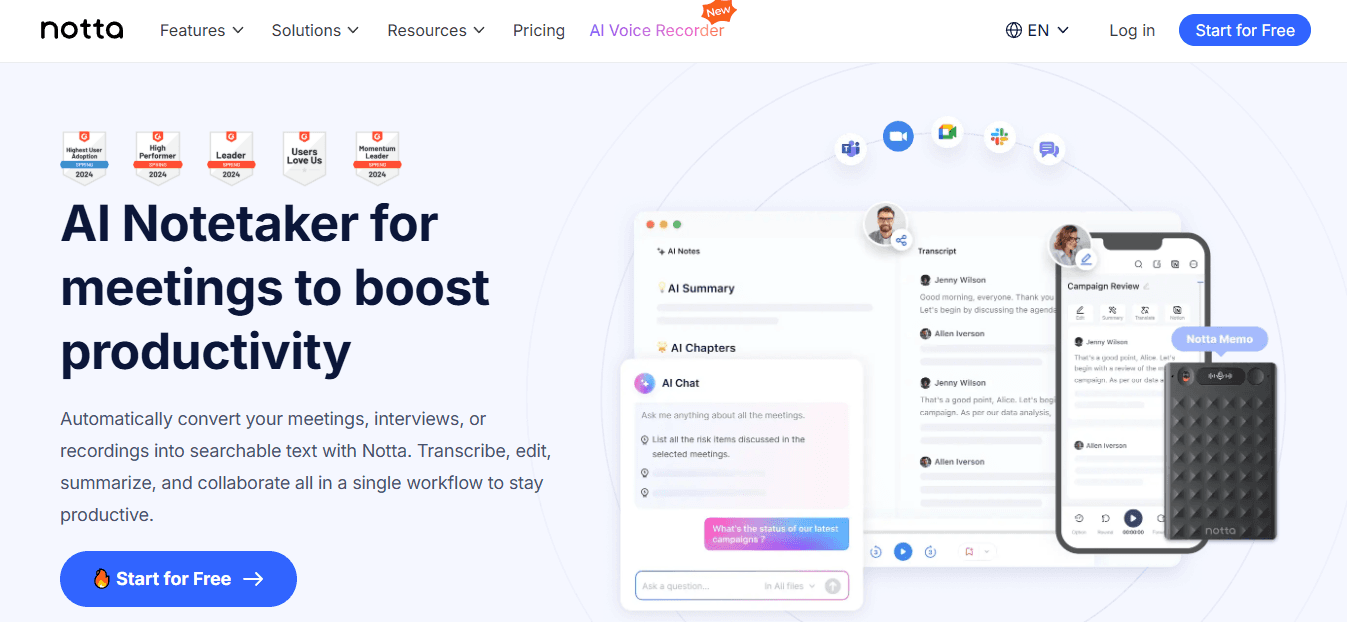
A transcription-first app that converts YouTube URLs into transcripts and AI summaries, including chapters and action items.
Pros: It supports a wide range of languages, includes a Chrome extension for quick captures, and provides shareable links for collaboration.
Cons: It delivers the best value when users often use transcripts; if you need strong visual-context extraction, it may not capture everything shown only on-screen.
4. SummarizeBot
A multi-format extractor that processes video, audio, and text, returning highlights along with keyword extraction.
Pros: It supports multiple file types and provides proper keyword and theme information, which is excellent for research that uses mixed sources.
Cons: The interface may appear generic, and output quality can vary based on the source's formatting and transcript accuracy.
5. WordTune
A tool that focuses on text quality, creating clear, rewritten summaries and timestamped takeaways for long lectures.
Pros: It excels at simplifying complex phrases with helpful rewrite options for social media, and it includes a browser extension for capturing content.
Cons: Its focus on rewriting rather than analyzing multimedia content may miss purely visual content.
6. Clideo
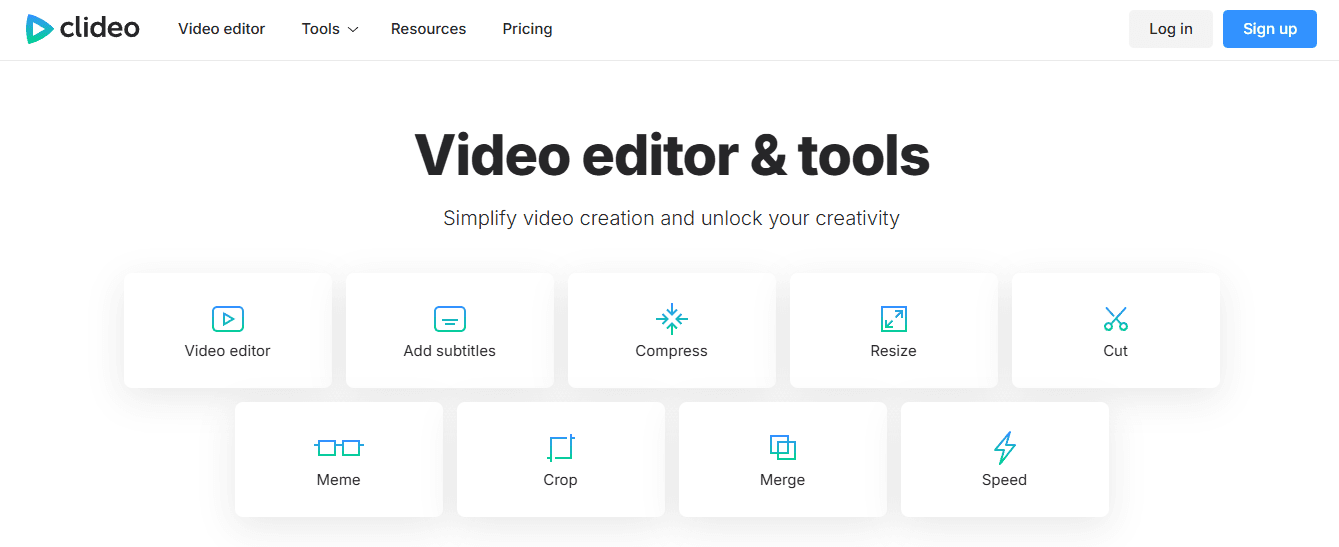
Known primarily as a lightweight editor, Clideo also offers tools to extract highlights and quickly summarize uploaded videos.
Pros: It has a simple user interface, works well on both mobile and desktop, and generates highlights quickly.
Cons: Since it is primarily an editing tool, its automated note features are less advanced than those of dedicated summarizers.
7. YouTube Digest
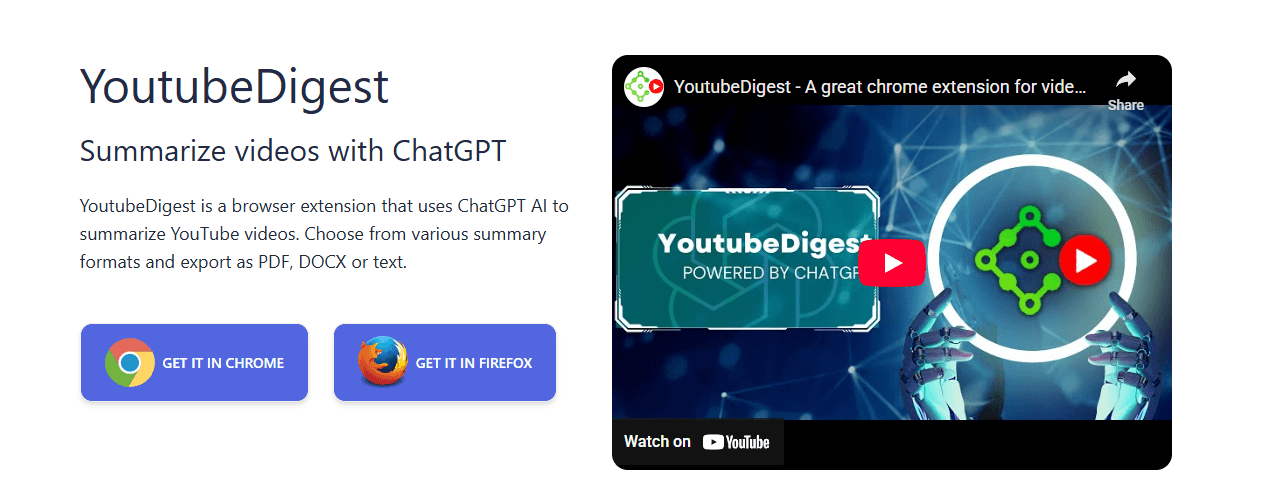
A free browser tool that generates summaries and lets you export them as DOCX, PDF, or TXT and translate them into other languages.
Pros: Multiple export formats, free browser extension, translation support.
Cons: Lacks deeper interactive features like Q&A or clip management.
What do we learn from the status quo?
Most creators keep clips in separate folders and manually transcribe them because it feels easier. This method works if you create just a few posts, but as you make more, the scattered process leads to extra work, missed timestamps, and lost context. Teams discover that platforms like Otio bring transcripts together, link summaries to the source video, and add a searchable chat. This way, the time required for reviews can shift from days to hours while still allowing a step for human oversight. As an AI research and writing partner, Otio also streamlines content creation, enabling teams to focus on what really matters.
8. VideoKen
An education-focused tool that automatically creates chapters, visual highlights, and summarized segment notes for lectures and webinars.
Pros: Strong chaptering and visual indexing make it helpful for training libraries.
Cons: The formats are designed for structured learning, so advertising or fast-cut creator videos may require manual cleanup.
9. Sider
A sidebar tool that offers one-click video summaries and supports transcription, multilingual output, and extra creative features like AI image generation.
Pros: Fast sidebar access, concise summaries, and multilingual support enhance usability.
Cons: Additional creative tools may bloat the extension for users who only want crisp notes.
10. Transcribe Me

A transcription service with human-assisted and AI options, plus summary features that turn transcripts into condensed synopses.
Pros: High accuracy when opting for human review is beneficial for compliance or quote-level fidelity.
Cons: The human-assisted tiers cost more, making it less suited for high-volume, low-budget workflows.
11. MindGrasp
An AI learning assistant that generates notes, Q&A, and short summaries from video lectures, meetings, and audio.
Pros: Rapid Q&A on uploaded content supports multiple media types, making it ideal for study and revision.
Cons: The best value comes from structured learning content; free-form or ad-driven videos may yield less usable output.
12. NoteGPT

A note-capture tool that pulls transcripts from YouTube links and offers regenerated summaries until achieving the desired phrasing.
Pros: A saved notes library is convenient, along with an easy regeneration option and quick clipboard copy for social posting.
Cons: Regeneration can be iterative rather than precise, requiring multiple attempts for specific requests.
13. UpWord

A research-first summarizer that extracts notes from webpages and videos, featuring a Chrome extension and Slack integration for sharing.
Pros: Fast extraction from pages and videos, Slack sharing, and a built-in library for organization enhance efficiency.
Cons: Some advanced features are behind the extension and sign-up, which may create friction for one-off users.
14. ChatGPT
Community-built extensions that route YouTube transcripts into ChatGPT prompts to produce summaries and clip suggestions.
Pros: Flexible prompt control allows for varied tone and length, making it particularly useful for short videos.
Cons: Most are unofficial, often rate-limited or capped at a small number of free summaries per week; they also rely on the third-party extension’s handling of transcripts.
What guidance can we offer for choosing tools?
When choosing tools, it's essential to consider patterns and trade-offs.
If speed and volume are your main goals, choose transcription-first services that can process multiple links simultaneously and export results to CSV or Slack. On the other hand, if accuracy or compliance is critical, choose human-assisted transcription or platforms that retain the original timestamps and allow human edits. Privacy concerns are also significant; in this case, choose tools with local processing or clear retention policies, as storing transcripts can be risky. This pattern often occurs when scale favors automation; some specific risks require a quick manual check. Additionally, having an AI research and writing partner can help navigate these choices effectively.
What about user behavior and management?
A final note: a quick QA step usually avoids most mistakes. On the other hand, beginner creators often pick the easiest tool that gives fast, shareable text. It is essential to match the tool with the workflow that can be used effectively. For example, if you need a single workspace that combines videos, transcripts, and chat-based questions, platforms like Otio provide the necessary link between speed and reliable results without requiring a whole editorial team. Our AI research and writing partner helps streamline this process effectively.
What is the overlooked bottleneck?
That simple change may seem solved on paper, but there is one overlooked bottleneck that sets a tidy summary apart from a publishable post.
Related Reading
Best YouTube Summarizer
Skip the Noise. Summarize YouTube Videos Smarter With Otio
If Gemini only gives you quick summaries, Otio takes that next step and turns insight into action. For affiliate marketing on instagram for beginners, it stitches research into ready-to-post Reels hooks, captions, and tracked affiliate links so you can publish with confidence and learn what actually converts.



