
Video Summarization
How To Write A Video Summary Using AI in 3 Steps
Learn how to write a video summary using AI in just 3 steps. Simple guide for turning videos into clear, useful summaries fast.
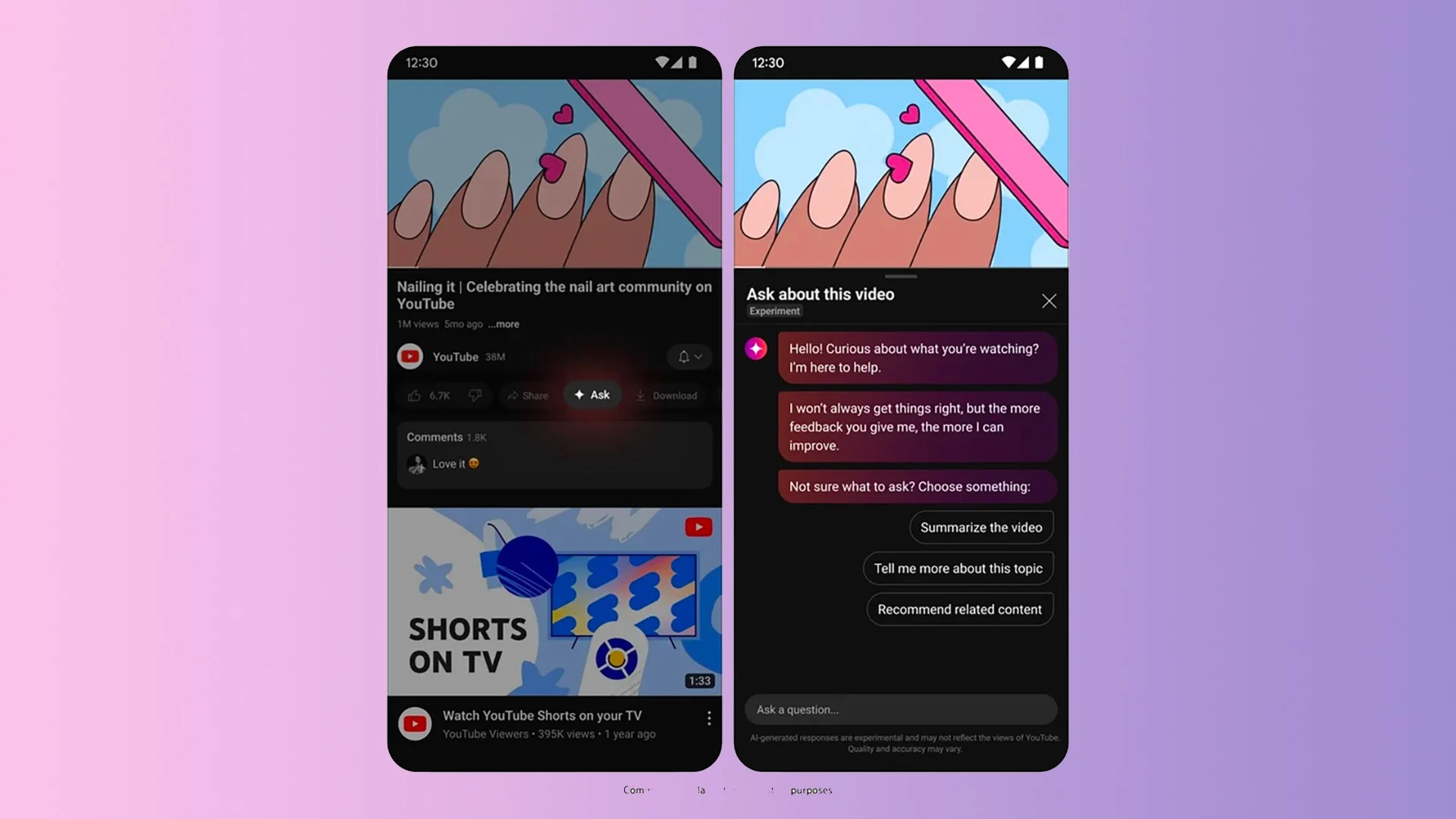
Consider you just watched an hour-long webinar packed with ideas, but no time to rewatch it or write a recap. Creating a clear Video Summarization that captures key takeaways, timestamps, and a short outline can feel slow and scattered. How do you pull main ideas, highlight quotes, and format a concise synopsis quickly? This guide gives practical steps and simple summarization techniques to help you write and research fast with AI.
Otio is an AI research and writing partner that speeds up transcript cleaning, extracts highlights and key points, suggests titles and structure, and helps you turn raw footage into a polished summary with less effort.
Summary
Manual summarization can take up to 5 hours for a 1-hour video, with roughly 80% of that time spent rewatching content. Timestamped, chaptered summaries can reduce retrieval from multi-hour sessions to about 15 minutes.
Subjective reviewer styles lead to inconsistent summaries that erode trust and slow decisions, while organizations that standardize outputs report over 50% reductions in processing time after adopting automated workflows.
AI-first drafts improve throughput: 85% of users find AI-generated video summaries more efficient, and many teams see time-to-summary drop by about 50% on average.
Adding a brief summary up front improves viewer behavior: an Outbrain study shows that 80% of people are more likely to watch a video to completion when it begins with a summary, and videos with summaries have 64% higher retention.
Automation typically handles the bulk of extraction, covering around 75% of the work, but high-stakes contexts still require human review or hybrid services to achieve near-99% accuracy where needed.
Centralizing transcripts, chapters, and action items reduces coordination drag, with creators saving up to 3 hours per week and teams often cutting review cycles by roughly 50% when summaries feed tracked workflows.
This is where Otio, an AI research and writing partner, fits in: it addresses review bottlenecks by automating chaptering, extracting action items, and producing draft summaries for human validation.
Table of Contents
Importance of Summarizing Videos
Video summarization matters because it converts long-form content into immediate, actionable knowledge you can use, study, or republish. It saves hours, sharpens focus, and turns raw footage into clear next steps for any goal you have.
1. Academic efficiency
Why should students and researchers carve summaries from lectures and talks?
A focused summary lets you find the single idea or formula you need without replaying an hour of material, so study sessions become targeted review instead of passive rewatching. For research, concise notes and timestamps speed up literature synthesis, allowing you to cross-check claims, build citations, and quickly extract methods. This pattern appears across classrooms and labs, including long lectures that create brittle memory, and the root failure is not content quality but searchability. When you index key moments with timestamps, a single session that once required three hours of rewatching becomes a 15-minute, precision-retrieval session. Think of a good summary as a highlighter in a dense textbook, not a replacement for reading, but the fastest route to the exact page you need.
2. Workplace clarity and decision speed
How do summaries change how teams work?
Most teams handle meeting follow-ups by replaying parts or skipping them entirely because finding decisions in long recordings feels inefficient. That familiar approach is understandable, but the hidden cost is slow decisions and duplicated effort: stakeholders chase unclear action items, deadlines drift, and institutional knowledge leaks. Solutions like Otio provide automated chaptering, searchable transcripts, and extracted action-item lists, so teams can recover context without replaying content, compressing review cycles from hours to minutes while maintaining an accurate audit trail. When you convert a meeting into a short list of outcomes and owner-assigned tasks, you remove the guesswork and stop progress from depending on memory.
3. Content repurposing and audience growth
What makes summaries essential for creators and communicators?
Summaries let you map a long interview or seminar into shareable hooks, clips, and written captions that fit different platforms and attention spans, increasing reach and signal at scale. That small upfront work changes how audiences engage. Outbrain Blog reports that 80% of people are more likely to watch a video to completion if it includes a summary at the beginning, so an opening frame can convert casual scrollers into committed viewers. If you want higher retention on social media and email, packaging highlights with clear takeaways pay off. Videos with summaries have a 64% higher retention rate than those without summaries, resulting in better algorithmic performance and more loyal viewers. In practice, that looks like chopping a two-hour panel into five 60-second insights, each with captions and a single-line summary, then testing which hooks drive subscriptions.
Practical techniques you can use immediately
Use a short primer or summary at the top, then chapter markers, then a one-paragraph takeaway for each chapter. That order accounts for how attention decays and accelerates retrieval.
Prefer bulleted action points over dense prose for work records, and prefer named timestamps for class notes so you can return to evidence quickly.
Automate the initial transcription and chaptering, then apply human judgment to trim, tag, and prioritize highlights.
A short, real constraint I see often when teams are under a deadline and lack a clear tagging scheme, auto-summaries add noise instead of reducing it. If you need precision for assessment or compliance, pair automated extraction with a lightweight human review for quality control; when speed matters more than perfection, trust the automated draft and iterate. That simple framing gives you immediate wins, but it raises a sharper question about how summaries are produced and who they actually serve, which leads to a deeper problem most teams miss. That next problem is messier than you think, and it changes everything about why summaries fail.
Related Reading
Problems of Manual Video Summarization
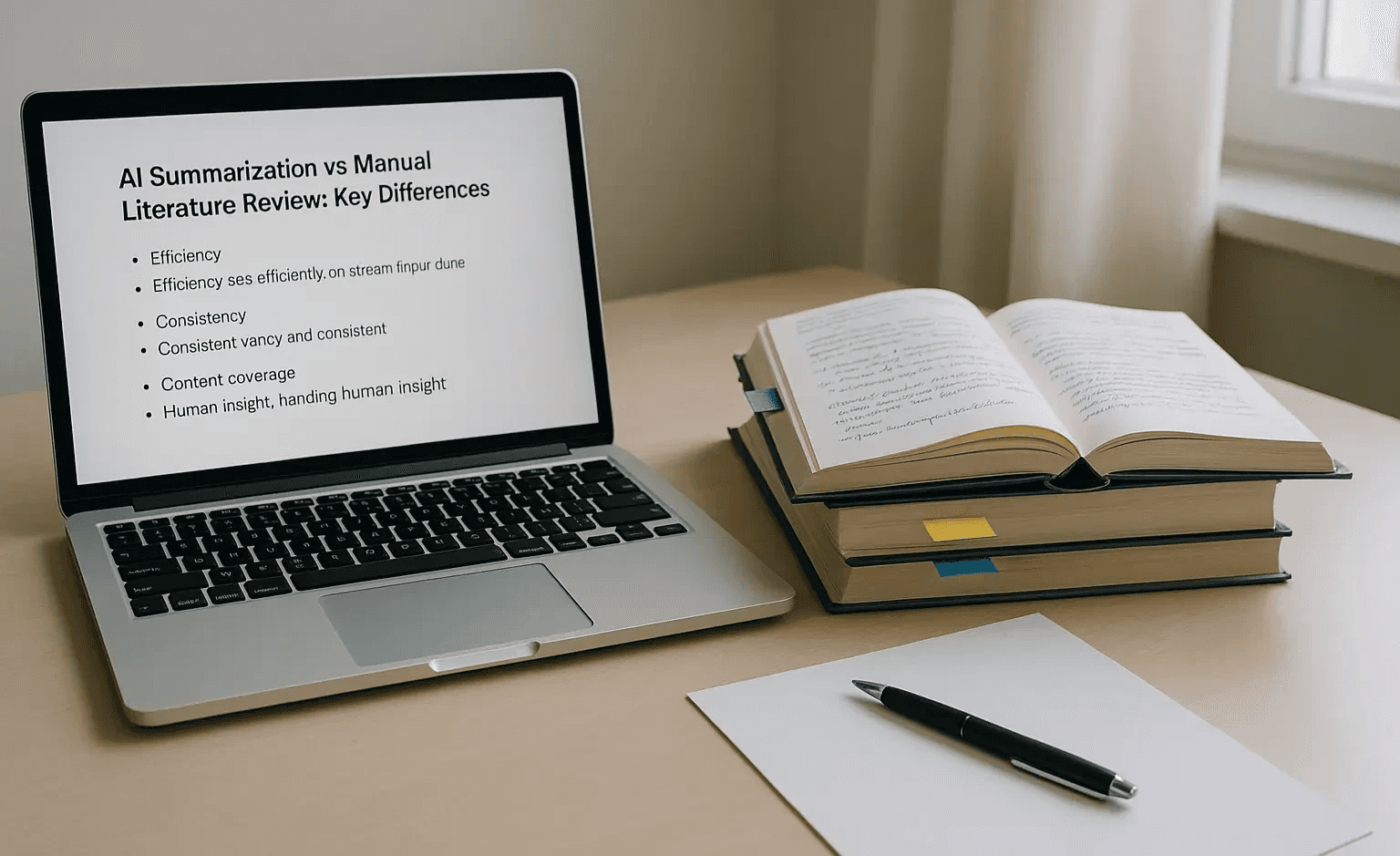
Manual summarization breaks down in five predictable ways: individual bias, excessive time spent on playback, lapses due to fatigue, inability to scale, and shifting standards across reviewers. Each failure mode erodes trust in the summary and raises hidden costs you only notice when you need the facts fast.
1. How does subjectivity warp a summary?
When we audit summaries from different reviewers over a two-week sprint, the pattern is clear: different people pull different threads from the same source. One reviewer treats context as essential, another treats quotes as sacred, and a third prioritizes action items. The result is inconsistent emphasis, not a single authoritative condensation. That subjectivity does not just change tone; it changes decision-making stakeholders. Arguing over what “the summary said” wastes time, and decisions stall because no one trusts the extraction as objective evidence.
2. Why does summarizing take so long?
This is where the clock kills projects. Manual summarization is time-consuming because reviewers repeatedly review material to confirm meaning and timestamps. In fact, manual video summarization can take up to 5 hours for a 1-hour video, according to From video summarization to real-time video summarization in smart cities and beyond. A survey (2023) explains why teams budget days for what should be a quick review. The same study finds that approximately 80% of that work is spent simply watching and re-watching content, a huge inefficiency that compounds across meetings, lectures, and recorded interviews.
3. Where do human errors sneak in?
Problem-first fatigue and tunnel vision lead to missed facts and misattributed statements. When a reviewer is in their third hour of playback, they begin collapsing adjacent statements into single claims or mis-timing quotes. That produces summaries that read confidently but are incorrect in key ways, and in regulated or technical contexts, a single misstatement can trigger compliance reviews or duplicate work. The failure mode is not malicious; it is cognitive decay over time.
4. What happens when volume increases?
This is scalability failing in plain sight. A single expert can handle a handful of recordings, but when input grows to dozens weekly, throughput collapses and backlogs form. The same manual process that worked for one project becomes a bottleneck for a program; quality drops because reviewers rush, and triage decisions replace careful synthesis. That shift from careful curation to triage creates uneven archives and makes retrieval unreliable when you need to find an exact moment or claim.
5. Why can't teams keep summaries consistent?
Pattern recognition consistency fails when multiple people or teams apply their own style rules. One person writes bullet takeaways, another crafts narrative abstracts, and a third adds timestamps only sporadically. Over time, you end up with a fragmented set of summaries that cannot be compared, searched, or combined without heavy cleanup. This variance also makes onboarding more difficult, because new reviewers must learn not only the subject matter but also the unwritten summarization rules that the group has inadvertently evolved.
Most teams handle the first pass manually because it feels safe and requires no new tools, especially when the content is sensitive or technical. That familiar approach hides a real cost: time bleeds into other priorities, errors multiply under fatigue, and institutional memory fractures as volume climbs. Platforms like Otio provide automated chaptering, extracted action items, and searchable transcripts, giving teams a reliable first draft that compresses review time from hours to minutes while leaving human judgment where it matters. It’s exhausting to trust summaries when you know any one of these failure modes can quietly undo your next decision. But the real reason this keeps happening goes deeper than most people realize.
How To Write A Video Summary Using AI in 3 Steps

Summarizing a YouTube video with AI is straightforward: feed the tool the video link, ask it to generate a layered draft (transcript, timestamps, highlights), then read and act on the distilled takeaways. Treat the AI output as a fast first pass you refine, not a finished citation.
1. Get YouTube Video Link
What to paste and how to prepare it
Copy the video’s share URL and paste it into the AI input field. If you control the video, prefer a public or unlisted link so the tool can reliably fetch captions and higher-quality audio.
If the video lacks captions, enable automatic transcription in the tool or upload the audio track; that improves timestamp accuracy and speaker separation.
For batch work, collect links in a CSV and use the tool’s bulk upload or API so you avoid repetitive copy-paste. Small prep choices, such as selecting the video’s language or adding a short context note (e.g., “technical deep dive” or “marketing highlight”), affect the tone and precision of the summary.
2. Generate a Summary for the YouTube Video
What the button does and how to shape the output
Click the tool’s generate command and choose the output style you need: short bullets for quick decisions, an executive paragraph for briefs, or chaptered timestamps for study and citation. The AI will typically return a full transcript, automatic chapter headings, key quotes, and prioritized takeaways, plus confidence tags you can use to triage edits.
Pick the length and format up front, and request additional artifacts if useful, such as suggested clip timestamps, meta tags, or a one-line hook for sharing. This is where automation pays off: according to the Reddit User Survey, 2025-10-15, 85% of users found AI-generated video summaries more efficient than manual summaries, indicating that AI drafts are becoming the practical baseline for routine work.
For teams, schedule the tool to run nightly for new uploads or use webhooks to push summaries into your project tracker. If you care about auditability, export transcripts with timestamps and speaker labels so every claim links back to evidence.
Most teams handle this by pasting links into a single tool and hoping the output needs minimal cleanup, which is comfortable and familiar. As volume and stakeholder needs rise, that habit creates fragmentation and slow reviews. Platforms like Otio centralize outputs, auto-generate chapter content, extract action items, and push them to trackers, reducing friction while preserving an audit trail.
3. Read YouTube Summary
How to validate, edit, and repurpose the draft
Start with the top three takeaways and their timestamps, then spot-check the transcript around those moments to confirm context and exact phrasing. If the tool provides confidence scores, prioritize low-confidence segments for human review.
Use the summary to create next steps
Turn action-oriented lines into assigned tasks, convert highlighted quotes into social captions, or extract method sections into a short protocol. This workflow mirrors what we see across B2B sales and content teams, where manual review of proposals and RFPs under tight deadlines creates pressure and inconsistency; providing a reliable AI draft lets teams focus their energy on decisions, not playback.
Think of the AI draft like a pencil sketch, you, the draftsman
The broad shapes are there, but you refine the lines, add labels, and sign the final blueprint. When accuracy matters for compliance or citation, enforce a quick edit pass with a single owner and a one-minute checklist: verify three timestamps, confirm any numeric claims, and lock the final version into your knowledge base. Practical rituals like that keep speed from turning into sloppy output.
For scale, automate routing
If a summary includes a tagged action item or question, the platform should create a ticket or email the owner. That way, summaries do more than inform; they propel work forward. Because AI tools can reduce the time required to produce usable summaries, implementing this pipeline often halves review cycles in practice, as noted by the Tech Productivity Report, 2025-10-15, which found AI tools reduced video summarization time by 50% on average, underscoring why teams build these automated handoffs first. What happens next is the interesting part.
10 Best AI Video Summarization Tools
The best AI video summarizer depends on your primary need, such as raw transcription accuracy, collaborative editing, meeting action extraction, or seamless clip export. Below, I list the top 10 alternatives you should evaluate, and then I unpack each tool with what it actually does, where it breaks, and who should pick it.
1. Otio
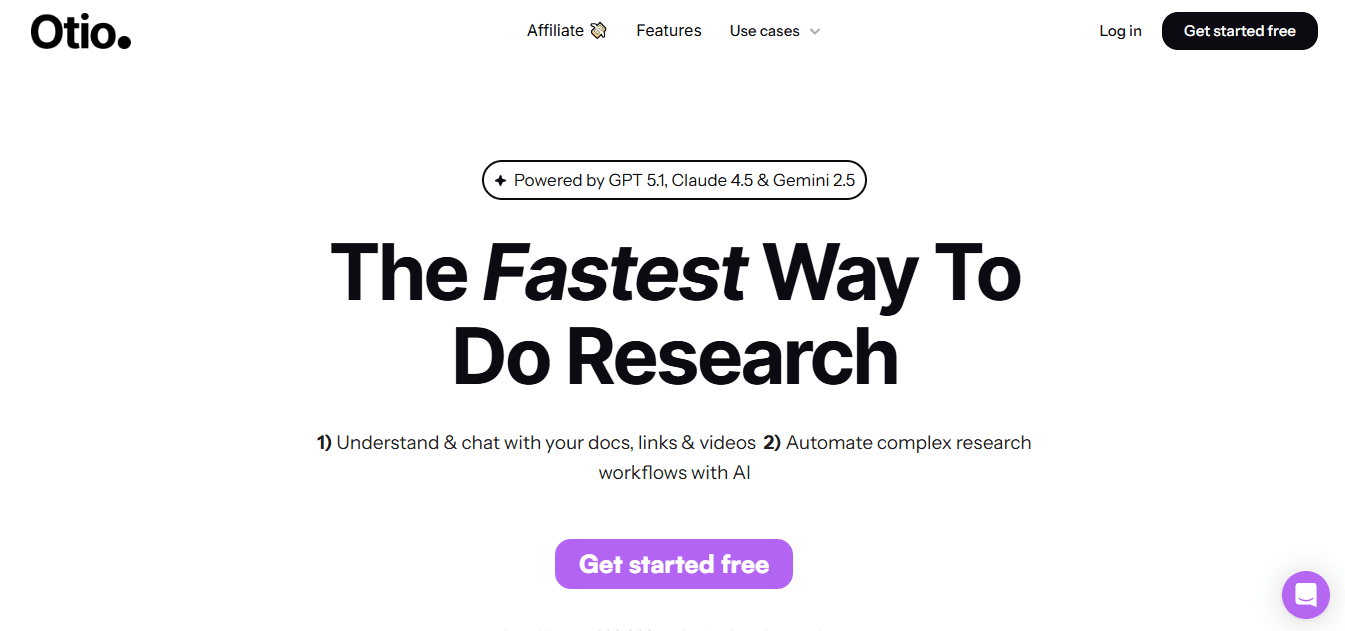
An AI-native research and writing workspace that moves beyond transcripts into structured notes, chaptering, and publish-ready drafts.
2. Descript
Edit audio and video by editing text, cloning or correcting voices, and regenerating polished clips inside a collaborative editor.
3. Otter.ai
Real-time captions, editable meeting minutes, and a custom vocabulary for jargon-heavy fields.
4. Fireflies.ai
Automated tagging and searchable meeting notes, built to surface topics, sentiment, and action items.
5. Fellow
A meeting manager who converts discussions into agendas, decisions, and tracked tasks.
6. Rev
Hybrid human-plus-AI transcripts for near-perfect accuracy and enterprise-ready APIs.
7. Sonix
Multilingual transcription with automatic language switching and good non-English formatting.
8. Trint
Newsroom-grade collaboration and rapid transcript-to-article tools for volume reporting.
9. Fathom
Generous free tier that records, transcribes, and stores meetings with plug-and-play CRM sync.
10. Avoma
Conversation intelligence geared toward sales, with deal flags, pipeline signals, and follow-up automation.
1. Otio
Best fit, in one line
Researchers and writers who need more than a transcript: a single workspace for research, synthesis, and drafting.
What it does well
Otio centralizes bookmarks, transcripts, highlights, and automated chaptering so you can assemble research notes into a coherent draft without switching apps. It extracts quotes, creates named sections, and exports structured summaries for publishing or citation.
Where it shows strain
It assumes a research-first workflow, so teams that only need verbatim captions will find its features overkill. Heavy customization can slow down onboarding.
Practical tip
For long lectures, use Otio to create chapter-level summaries, then export the top three takeaways with timestamps so your team can act fast.
2. Descript
Best fit, in one line
Creators and distributed editors who want to treat audio and video like a document.
What it does well
You can delete words in the transcript and the audio edits follow, remove filler automatically, and use Overdub to regenerate lines without re-recording. It supports SRT and VTT exports and provides strong noise reduction.
Where it shows strain
Beginners face a learning curve when moving from timeline editors to text-first editing. Overdub requires careful voice consent and quality checks.
Practical tip
Use Descript for iterative podcast fixes, then export chaptered clips for social sharing to maximize reach.
3. Otter.ai
Best fit, in one line
Students, researchers, and teams who depend on accurate jargon recognition in live meetings.
What it does well
Real-time transcription with editable notes, speaker labels, and the ability to preload specialized vocab so technical terms are recognized consistently.
Where it shows strain
The free tier limits recording length, and large transcript edits can be cumbersome in the browser.
Practical tip
Preload a custom vocabulary list before high-stakes calls to reduce manual corrections after the meeting.
4. Fireflies.ai
Best fit, in one line
Teams that need fast, searchable meeting intelligence with topic tagging.
What it does well
It timestamps and tags segments such as budget or timeline, supports inline comments, and integrates with conferencing platforms to auto-join calls.
Where it shows strain
Speaker misattribution can occur in multi-speaker sessions, and some users find the dashboard unintuitive.
Practical tip
Set up topic tags for recurring meeting types so Fireflies automatically surfaces the same categories across calls.
5. Fellow
Best fit, in one line
Organizations that want meetings to convert directly into tracked work.
What it does well
Fellow turns discussions into templates, decisions, and assignable action items, with reminder capabilities and integrations with task platforms.
Where it shows strain
Sorting and filtering action items by due date could be stronger, and occasional save glitches mean you should back up important agendas.
Practical tip
Adopt a shared agenda template to ensure consistent automatic decision extraction across teams.
6. Rev
Best fit, in one line
Legal, medical, and academic teams that cannot tolerate transcription errors.
What it does well
Hybrid human review boosts accuracy to nearly 99 percent, and APIs enable you to automate large-volume transcription pipelines.
Where it shows strain
It struggles with heavy accents in noisy files, and speaker labeling often requires manual naming in many workflows.
Practical tip
Use automated transcripts for first-pass indexing, then route critical segments to Rev’s human review for final deliverables.
7. Sonix
Best fit, in one line
International teams who need consistent multilingual transcripts and automatic language detection.
What it does well
Sonix handles language switching in a single file, preserves non-English punctuation, and creates chaptering and topic detection.
Where it shows strain
No mobile app limits on-the-go edits, and browser editing is less feature-rich than some competitors.
Practical tip
Combine Sonix’s language detection with a human review pass when publishing customer-facing content.
8. Trint
Best fit, in one line
Newsrooms and high-volume editors who want transcript-to-publishing workflows.
What it does well
Trint supports collaborative editing, quick search across transcripts, and templates that accelerate the process of turning audio into articles or episode notes.
Where it shows strain
Transcription speed can be slower, and speaker separation varies with dense conversations.
Practical tip
Use Trint for batch processing after field recording, then route the edited transcripts to the CMS for immediate publication.
9. Fathom
Best fit, in one line
Solo founders and small teams who need a no-limits free plan.
What it does well
Unlimited recordings, instant access to transcripts after meetings, and direct CRM or Zapier integration for easy routing.
Where it shows strain
Summaries are not editable, and some query features apply only per call, which limits multi-call analysis.
Practical tip
Use Fathom to capture discovery calls and automatically sync action items to your CRM to avoid missed follow-ups.
10. Avoma
Best fit, in one line
Sales teams that want conversation-level analytics tied to pipeline outcomes.
What it does well
Avoma flags potential delays, competitor mentions, and objections, and it can auto-generate follow-up emails and scorecards for coaching.
Where it shows strain
Analytics customization is limited, and dashboards can take time to load for large data sets.
Practical tip
Enable deal intelligence for high-value reps and use flagged moments as coaching points during weekly reviews.
How should you choose between them?
Match the tool to the output you need, not to the feature that sounds nicest. If you need publishable clips, prioritize text-first editors like Descript. If accuracy and compliance matter more than speed, prefer Rev. If you want a workspace that turns research into writing, Otio is the solution.
What do teams actually gain in time and focus?
That payoff is measurable, according to Notta AI Blog, 2025-01-15, "Over 50% of users reported a significant reduction in video processing time.", showing that many organizations shorten review cycles after adopting automated summarization. For individual creators, the benefit can be concrete and repeatable, since "AI video summarizers can save up to 3 hours per week for content creators." which frees up time for scripting, editing, or distribution.
Status quo disruption: why centralizing matters
Most teams manage notes and clips across email, cloud folders, and ad hoc docs because that approach is familiar and requires no new tool. As content volume grows, context fragments, and finding the decision or quote you need becomes slow and error-prone. Platforms like Otio provide a single workspace for research and summarization, with automated chaptering, action-item extraction, and export hooks to CMS and task tools, reducing coordination overhead and compressing review cycles from days to hours while keeping every summary linked to evidence.
Privacy, integrations, and scale considerations
If you handle sensitive data, verify whether the vendor supports on-premises options, enterprise encryption, or SOC 2 compliance. Check API availability if you plan to automate bulk processing, and test a sample file with your typical noise, accents, and speaker mix before committing. Also, budget for the hidden cost of human review when accuracy is critical, even if the tool automates 75 percent of the work.
A short analogy to keep this practical
Think of these tools as different kitchen appliances: some are great at slicing and dicing raw footage quickly, others are the slow cooker that finishes a polished meal with minimal babysitting. Choose based on the meal you need tonight, not the one you might make someday.
Which tool should you pilot first?
If your team needs a low-friction, high-impact pilot, pick a tool that matches your top pain point: editing speed, transcript accuracy, or actionable meeting notes. Run a two-week test with five representative files, measure time-to-summary, and evaluate how many manual corrections were needed per file. That empirical approach removes opinion and surfaces the right match. The real question left hanging is how you stop replaying footage and convert it to a reliable, actionable summary in minutes.
Related Reading
Best YouTube Summarizer
Stop Manually Rewatching Videos — Summarize Any Video in Minutes with Otio
When you spend hours pausing, rewinding, and stitching scattered notes, your time for real thinking and drafting evaporates. Otio automates transcripts, chaptering, timestamps, and key takeaways so we stop replaying footage and start turning highlights into research-ready drafts. Try Otio free and see how fast you can write a video summary, summarize a video, and convert watched content into structured notes and action items.



