
Video Summarization
How to Use NVIDIA Video Search and Summarization in 5 Steps
Learn how to use NVIDIA Video Search and Summarization in 5 simple steps for faster content discovery, review, and summarization.
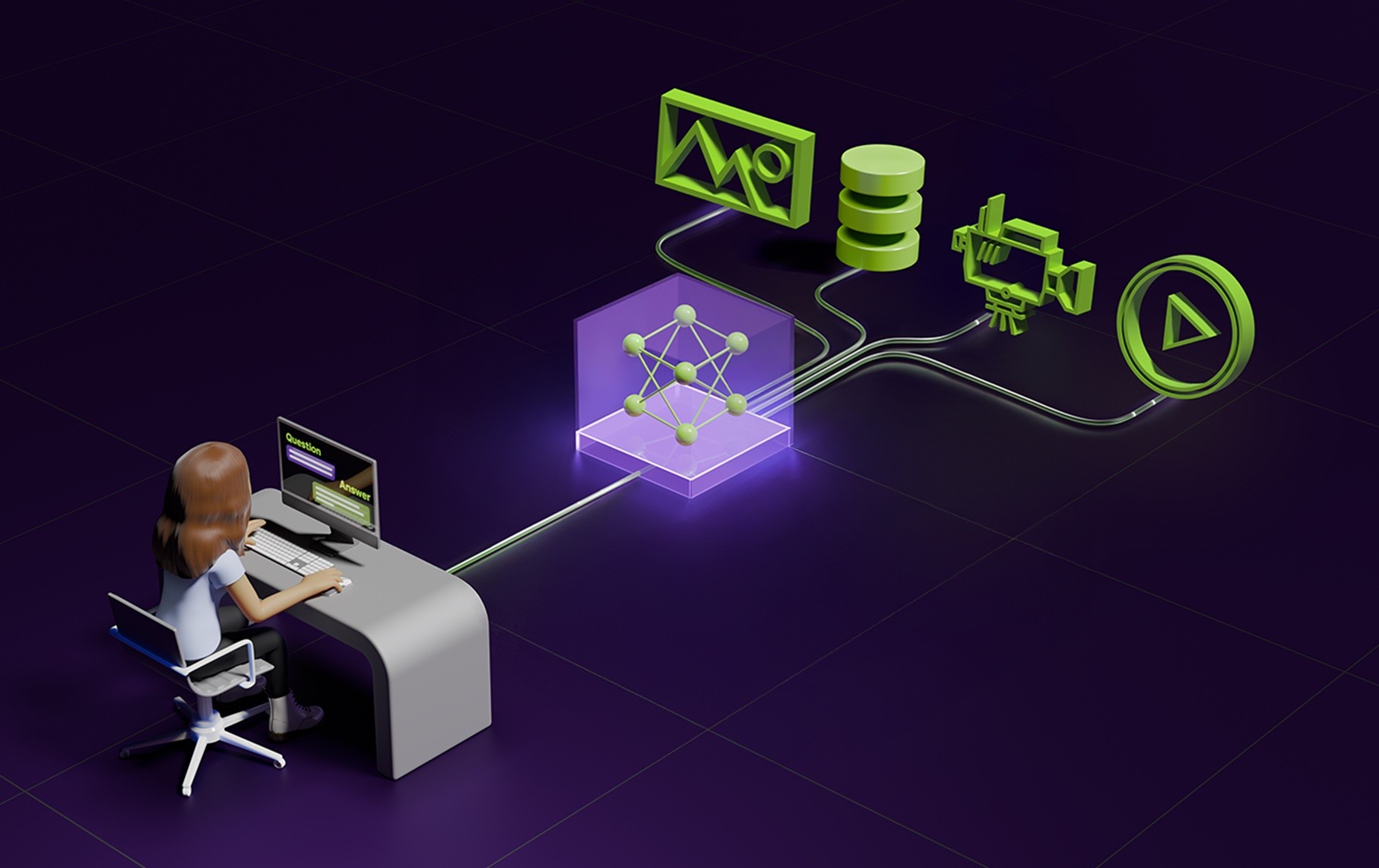
Long recordings and endless clips can slow you down when you need a quick answer. Video Summarization turns hours of footage into short, searchable highlights, using AI video analytics, computer vision, video indexing, metadata extraction, speech-to-text, and semantic search to identify the moments that matter. Could you pull quotes, spot key scenes, and build a research outline in minutes? You will learn how NVIDIA video search and summarization tools, backed by GPU acceleration and smart embeddings, help you write and research fast with AI.
Otio is your AI research and writing partner, turning those search results into clear summaries, citations, and draft text so you move from footage to finished work faster.
Summary
Subjectivity in manual summarization produces inconsistent records: over 70% of manual summaries contain inconsistencies, leading to conflicting briefs, duplicate reviews, and unreliable metadata for downstream processes.
Manual summarization is time-intensive, taking up to 5 hours per document in evaluations, which breeds SME burnout and creates backlogs as video archives grow.
AI summarizers dramatically reduce time-to-insight, cutting summarization effort by up to 70% and turning hours of review into minutes for many use cases.
Adopting AI summarization correlates with measurable workflow gains, with businesses reporting a 50% increase in productivity after integrating these tools into review processes.
Production deployments scale capacity far beyond human pipelines, with tuned systems capable of processing up to 100 videos per hour, and pilots reporting over 80% reductions in manual review time.
Significant operational limits remain, including a reported 30% performance drop when specific overlays are used, modality and hallucination risks that require sequential processing, and the need for confidence scoring and human triage.
This is where Otio fits in, the AI research and writing partner that helps teams turn multimodal summaries into searchable, draftable notes while preserving clip-level provenance for research and compliance workflows.
Table of Contents
Problems With Manual Summarization
Benefits of Using AI Summarizer Tools
How to Use NVIDIA Video Search and Summarization in 5 Steps
Limitations of NVIDIA
12 Best Alternatives to NVIDIA for Video Summarization
Supercharge Your YouTube Research With Otio — Try It Free Today
Problems With Manual Summarization
Manual, human-driven summarization fails most when volumes rise and decisions must be made quickly; it introduces bias, consumes hours of expert time, and yields outputs you cannot reliably reuse or compare. Below, I break down the five core failure modes you need to watch for, with practical detail on why each one breaks workflows and how it shows up in real operations.
1. How does subjectivity change what ends up in a summary?
The duplicate footage can be distilled in many directions depending on who’s doing the work, and that personal filter is the root of unpredictable results. Reviewers prioritize different cues, so one editor will pull emotional beats while another highlights technical details, producing summaries that answer other questions. This matters because downstream processes rely on consistent signals: search indexes, compliance checks, and automated alerting all require predictable metadata. In practice, this looks like conflicting briefs, duplicated review cycles, and stakeholders arguing about what "important" actually means.
2. Why does manual summarization cost so much time and attention?
When teams manually comb through files, the work is slow and repetitive, with specialists spending entire days on what should be a rapid decision-making process. A recent evaluation found that Manual summarization can take up to 5 hours per document. This finding appears in A Comparative Study of Quality Evaluation Methods for Text Summarization (2024). It underscores how resource-intensive manual workflows are, especially for video archives, where each hour of footage multiplies the labor required. The result is predictable burnout: SMEs stop doing deep reviews, triage slips, and projects stall because the human cost is simply too high.
3. How often do human mistakes change the record?
Humans miss things, mishear phrases, and misplace context, and those errors propagate. Errors range from minor timestamp discrepancies to entire events being omitted or mischaracterized, and in regulated environments, a single missed detail can trigger noncompliance or a bad decision. This failure mode is not random; it occurs more frequently when summaries are produced under time pressure or by generalists asked to synthesize specialist content. The emotional effect is draining: teams feel responsible for critical gaps and anxious about handing off summaries they do not fully trust.
Most teams handle video indexing and summarization with manual tagging and ad hoc workflows because it feels familiar and requires no new infrastructure. That approach works in pilots, but as footage and stakeholder counts grow, review threads fragment, errors multiply, and searchability collapses into chaos. Platforms like NVIDIA's GPU-accelerated video search and summarization solutions provide scalable, production-ready multimodal inference that compresses review cycles while preserving privacy via on‑device and on‑prem options, letting operations replace frantic manual triage with consistent, searchable outputs.
4. Why does manual work not scale?
Manual summarization might survive for a few dozen files, but it breaks once you hit hundreds or thousands because human time is linear while video volume is exponential. Batch jobs become bottlenecks, backlogs form, and quality control requires a separate team, which adds cost and latency. The technical consequence is simple: human pipelines cannot sustain high-throughput indexing, so searchable knowledge bases remain thin or outdated. That failure forces organizations to accept blind spots or pour headcount into repetitive work that provides little strategic leverage.
5. What makes consistency so elusive across summaries?
Variations in language, style, and included details make it difficult to compare or merge summaries, undermining search relevance and analytics. A study found that over 70% of manual summaries contained inconsistencies. This is from A Comparative Study of Quality Evaluation Methods for Text Summarization (2024) and explains why teams cannot rely on manual outputs as canonical records. Think of manual summaries as hand‑written notes from different witnesses, each telling a slightly different story; stitching them together introduces ambiguity and extra verification work.
A short analogy to ground this, because it matters: manual summarization is like building a map by asking travelers to sketch what they remember, then expecting the sketches to align. They rarely do, and the mismatch is expensive. That simple observation leads to a more complex question about how to fix it, and that’s where things get interesting.
Related Reading
Benefits of Using AI Summarizer Tools
AI summarizers turn long videos and meeting archives into compact, actionable notes you can use immediately, so teams make faster, better decisions without hiring more reviewers. They pare away noise, surface the right clips and timestamps, and create searchable records that stay useful as volume grows.
1. Reclaim time when schedules are tight
AI cuts the busywork that steals focus, so people spend minutes instead of hours getting up to speed before meetings or after absences. AI summarization tools can reduce the time spent summarizing documents by up to 70%. I have seen the pattern across sales, product, and support teams: when summaries arrive within minutes, the team moves from triage to action instead of squinting through raw footage between calendar blocks.
2. Cut through information overload
Summaries remove small talk, duplicate updates, and low-value chatter so you only see the facts and decisions. Think of it as trimming a noisy recording down to the annotated highlights you actually need, freeing mental bandwidth for judgment and problem-solving rather than sifting.
3. Raise the quality and speed of decisions
When summarizing surface signals with consistent structure and metadata, leaders make choices faster and with fewer follow-ups. That structure forces clarity: who decided what, when, and why, and where the evidence clips live. In practice, this shortens review loops and reduces the second-guessing that slows execution.
4. Keep teams aligned without endless threads
Clear, searchable summaries act as a single source of truth so everyone references the same brief instead of scattered notes. Teams report substantive efficiency gains from that alignment, and Businesses using AI summarization tools have reported a 50% increase in productivity (Business Insights Journal, 2025). The outcome is less chasing context and more forward motion.
5. Make knowledge stick
Short, well-structured summaries are easier to remember and reuse than raw transcripts. Treat them like labeled toolboxes: each summary bundles the clip, key quote, and action item so that future searches return precise answers rather than long, ambiguous results. That boosts onboarding, audits, and institutional memory without adding meetings.
6. Let summaries live inside your workflow
When AI agents summarize every channel, meeting, and recorded event, those insights flow into your search index and downstream automations. This is where scale becomes sustainable: summaries turn video into queryable knowledge that integrates with analytics, compliance, and alerts so teams can build on top of reliable signals instead of rebuilding context each time.
Most teams still rely on ad hoc threads and manual review because those approaches feel familiar and require no new tools. As projects scale and footage multiplies, that familiarity becomes friction: context splinters, responses slow, and decisions get delayed. Platforms like NVIDIA’s GPU-accelerated video search and summarization deliver production-grade multimodal inference, real-time indexing, and flexible deployment across cloud, on-prem, and edge environments, giving teams consistent, searchable summaries that compress review cycles and preserve privacy while integrating with existing pipelines.
A simple image helps: imagine a library where every book has no title or index, and librarians must read pages to find a paragraph. AI summarization is the card catalog, not the reader, and that changes how quickly you find the exact passage you need. What happens next will expose the practical steps teams use to turn these benefits into repeatable workflows.
How to Use NVIDIA Video Search and Summarization in 5 Steps
NVIDIA Video Search and Summarization runs as a service you deploy (Helm for Kubernetes or Docker Compose for local/dev). Then open the sample UI at the service address and run a summarization job using a 30-second chunking policy and the three prompt fields described below. Follow the numbered steps to deploy, start the UI, pick a sample video, set chunking and prompts, add alerts if desired, and click Summarize to produce a Markdown-formatted traffic report and clip metadata.
1. Deploying VSS with Helm (production-ready)
What this does
Install VSS in a Kubernetes cluster so components scale, use GPUs, and integrate with your cluster's networking.
Quick checklist, reworded
Add the VSS Helm repo, create a values file that targets GPU node selectors and sets serviceType to NodePort or configures an ingress, then helm install using that values.yaml. Confirm pods are running with kubectl get pods and that GPU resources were bound by checking kubectl describe pod on the worker.
Why choose Helm
Use this for multi-node reliability, rolling updates, and production telemetry. Expect to configure resource requests, limits, and persistent storage for model caches.
Practical tip
Set UI_NODE_PORT in the service values so you can reach the web interface at the node IP and port listed below.
2. Deploying VSS with Docker Compose (fast local dev)
What this does
Run the VSS stack on a single host using Docker Compose for iterative testing or demos.
Quick checklist, reworded
Ensure the NVIDIA Container Toolkit is installed for GPU passthrough, place the provided docker-compose.yml in a working folder, customize any environment ports, and run docker-compose up -d. Use docker-compose ps and docker logs to verify container status and model downloads.
Why choose Docker Compose?
It gets you running quickly without Kubernetes overhead, making it ideal for proof-of-concept work or edge appliance testing.
Practical tip
Expose the UI container port as UI_NODE_PORT in Compose so you can open the UI at the address below.
3. How to reach the sample UI
Locate the address
If you deployed with Helm, run kubectl get svc to find the NodePort or ingress host; if you used Docker Compose, run docker-compose ps or check the mapped port.
Browser step
Open http://<NODE_IP>:<UI_NODE_PORT> to load the sample UI. The UI serves as an example list, model status, and the summarization controls you will use next.
4. Prepare the sample video and models
Find examples
The installation includes an examples directory; select an example video file from that list or upload a new file via the UI.
Model readiness
Confirm that the speech and vision models are in a ready state in the UI before summarizing, as model downloads can take time depending on bandwidth and GPU configuration.
5. Summarization workflow (the precise UI steps)
Select the file
Choose the video file from the examples list, or use the upload function to add custom footage.
Set chunking
Choose a chunk size of 30 seconds so the system splits the timeline into 30-second segments for captioning and clip extraction.
Configure prompts
Fill the three prompt fields as follows, paraphrased for clarity.
System prompt, rephrased: Act as an automated traffic monitor that records every traffic event; begin and end each sentence with a timestamp.
Caption aggregation prompt, rephrased: You will receive captions from sequential clips; combine them into start_time:end_time: caption entries when the captions belong to the same continuous scene.
Summary aggregation prompt, rephrased: Use the available captions and clip context to
produce a concise, chronological traffic report organized into clear sections; format the report in Markdown so readers can quickly scan events and evidence.
Optional alerts
If you want notifications for specific events, enable the Add Alerts to Video File Summarization options in the UI before running the job.
Execute
Click Summarize to start the pipeline; the UI will show progress as chunks are processed, captions are generated, and the final Markdown report appears.
6. What you get and where it lands
Outputs
The system yields a Markdown summary, a structured list of start/end timestamps, and extracted clips or references to clip offsets for quick playback. You can download the Markdown or push the metadata to an index for search.
Metadata shape
Each clip includes start_time, end_time, caption text, confidence scores, and, when enabled, object-detection tags so that you can wire results directly into downstream analytics or evidence stores.
7. Operational throughput and expected impact
Throughput note
Single-node or tuned-cluster deployments can scale to handle larger batch sizes. For example, a deployment can [process up to 100 videos per hour] according to NVIDIA Blog, 2023-10-01, which helps you plan capacity and SLAs.
Outcome framing
In measured pilots, this approach significantly reduces reviewer labor, with reported improvements such as [Over 80% reduction in manual video review documented by NVIDIA Blog, 2023-10-01, meaning fewer human hours per thousand hours of footage.
8. Verification and quality controls
Check captions and clip alignment.
Sample the first few 30-second chunks, confirm timestamps, bracket the expected events, and review ASR confidence to determine whether re-segmentation is needed.
Tune thresholds
Adjust detection confidence, caption filters, or chunk overlap if events frequently cross boundaries. If the report shows a lack of continuity, try 1a, 0 percent overlap on chunks, or increase the ASR language models.
Audit log
Keep the raw transcripts and clip references with the summary so auditors can replay the exact content the system summarized.
9. Troubleshooting common failures
GPU not visible
Confirm the NVIDIA drivers and container toolkit are installed and that pods or containers request GPU resources.
Port or DNS issues
Verify NodePort values or ingress hostnames; the UI will fail to load if the configured port is blocked.
Slow model pulls
If models take a long time to download, pre-pull images to your registry and increase local cache persistence for repeated runs.
10. Security, privacy, and integration notes
Deployment choices
Host on-prem or at the edge when privacy and latency matter; the same Helm chart supports both on-prem and edge deployments, with local model caches.
Integration
Export summaries as JSON or push them into your search index and event engine; the structured outputs are ready to power alerts and compliance workflows without reworking downstream pipelines.
11. Practical tips and prompt engineering
Chunk size rationale
Thirty seconds strikes a balance between context and precision: it keeps event windows manageable while preserving enough speech for coherent captions.
Prompt clarity
Keep directives concise and procedural; instruct the aggregator on how to format timestamps and when to merge captions so outputs remain consistent.
Analogy
Think of chunking like cutting a long audio tape into labeled tracks, each with its own liner notes, so you never lose context when you need to play a segment back.
Status quo disruption (middle-placement)
Most teams still run mini-pipelines on individual machines because it feels simple and requires no ops overhead. As footage volume and stakeholder demands grow, that habit forces repeated exports, manual stitching, and slow handoffs, which delays decisions and increase rework. Teams find that platforms like Otio centralize indexing, automated summarization, and clip-level metadata, compressing review cycles and preserving an auditable chain of evidence as volume scales.
12. Next steps after summarizing
Automate ingestion
Schedule jobs against new recordings, push summaries to your enterprise search, and wire alerts to incident channels.
Iterate on prompts
Review one or two summaries per week, refine prompt wording and aggregation rules, and lock in the version that yields consistent, readable Markdown reports.
Scale safely
Use Helm for larger clusters, add autoscaling for inference nodes, and keep model caches warm to avoid startup delays.
Curiosity loop sentence
That workflow works cleanly until you ask which limits remain invisible in real deployments, and the answer is more surprising than you expect.
Limitations of NVIDIA
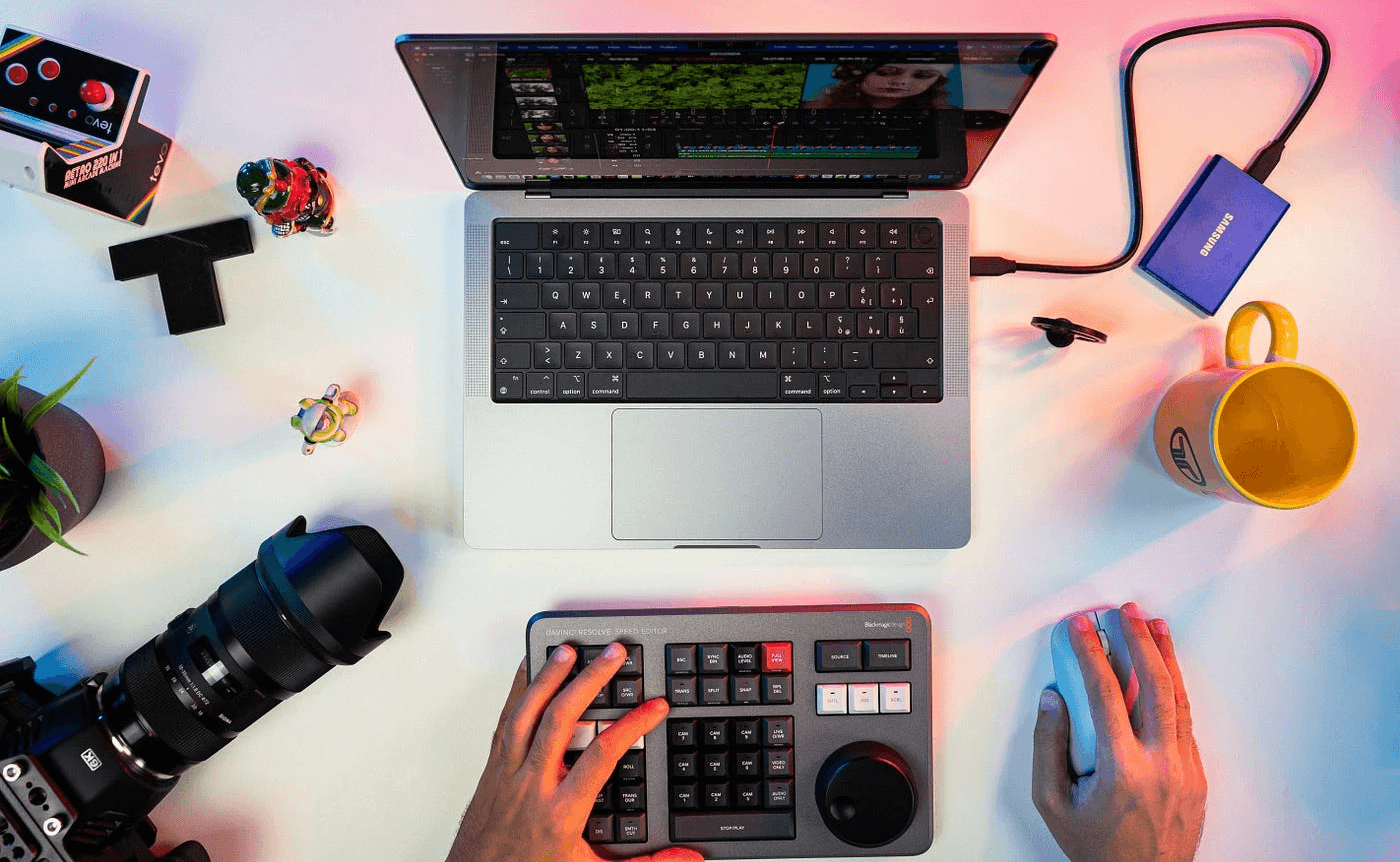
NVIDIA’s video search and summarization stack is powerful, but it is not a one-size-fits-all black box. You should expect gaps in event alignment, model reliability that depends on training scope, pipeline tradeoffs between audio and vision, and operational limits that show up only at scale.
1. Inaccurate timestamps and event detection
These systems often misplace or omit the precise moment that matters. When event boundaries are placed incorrectly, downstream workflows break: search returns the wrong clip, alerts fire late, and reviewers waste time hunting for evidence. The root cause is aggregation logic that fuses chunk-level captions, scene changes, and detector outputs without a unified temporal model, which raises both false negatives and false positives. In practice, this looks like an off-by-seconds timestamp on a critical event, or a benign motion flagged as a highlight because the thresholding logic was tuned too permissively.
2. Model accuracy and hallucination risk
Summary quality rides on the VLMs and LLMs you chain together. Those models sometimes invent details or infer intent they cannot verify, producing confident but incorrect statements. The risk grows when prompts ask models to synthesize sparse visual cues or low-confidence ASR transcripts. The practical fix is not wishful prompting; it is disciplined verification: attach confidence scores, require source clip links beside every assertion, and route low-confidence summaries for lightweight human triage.
3. Domain mismatch, not a single model for all jobs
A model tuned on industrial camera feeds will make awkward or wrong calls on broadcast sports or classroom footage. This is not subtle; it is predictable: training bias shapes which features a model treats as signals. Think of it like a tool forged for sand that fails in soil, false positives increase, and key events disappear. Choose or fine-tune models for each content genre, and keep a validation set that mirrors real inputs before you trust automated outputs.
4. Long-duration video is computationally brutal
Full-attention processing of long recordings consumes GPU memory and latency budgets, so most pipelines split inputs into segments. That helps throughput, but fractures continuity, and transitions between segments are where events vanish. The tradeoff is simple: shorter chunks reduce compute but amplify boundary errors; longer windows preserve context but require more powerful hardware and more expensive inference. Design overlap strategies, rolling-state aggregators, or sparse attention mechanisms to preserve context without paying linear compute for every minute of footage.
5. Audio and visual pipelines cannot run simultaneously for a single request
Current implementations require you to pick either audio-first or vision-first processing for a single summarization call, which forces engineering workarounds if you need both modalities fused. When you cannot run them in parallel, latency increases, and cross-modal cues are lost. If your use case relies on lip-speech alignment, speaker diarization tied to detected faces, or sound-event corroboration, you must orchestrate multi-pass jobs and accept the extra complexity and delay.
Most teams process modalities sequentially because orchestration feels simpler. That choice works at a small scale, but as streams multiply, sequences become backlogs, correlations break, and incident response slows. Solutions like Otio present a different path, centralizing multimodal orchestration and preserving per-clip provenance while reducing handoffs, so teams replace brittle sequential scripts with coordinated pipelines that keep audio and vision aligned.
6. Hardware, driver, and codec compatibility fragility
Performance depends on exact driver versions, container runtimes, and GPU firmware. Some encoded formats or capture paths trigger software fallbacks or CPU-based decoding, which reduces throughput. Also, capture overlays can reduce available GPU headroom. According to NVIDIA's overlay statistics, which show a 30% performance decrease when using certain features (Reddit User, 2023-10-01), that loss can reduce the runtime available for real-time inference during capture. Plan for controlled driver stacks, preflight codec checks, and performance baselines on representative hardware.
7. Overlay and capture limits reduce fidelity for small-object tasks
Some capture paths limit resolution or frame rate, constraining what downstream detectors will see; for example, the overlay is limited to the maximum resolution supported by NVIDIA (1080p) (Reddit User, 2023-10-01). This can blunt the detection of small or distant objects. When your analytics depend on pixel-level detail, these platform limits force choices: accept reduced sensitivity, invest in higher-quality ingest hardware, or perform on-device pre-capture filtering that preserves essential pixels.
8. System integration complexity, many moving parts to coordinate
A production pipeline stitches together object detectors, trackers, ASR engines, VLMs, and LLMs, each with its own input formats, batch sizes, and latency characteristics. This creates brittle handoffs: a detector outputs bounding boxes in one coordinate system, a tracker expects a different one, and the aggregator requires a unified JSON schema. The engineering cost is not glamorous; it is constant mapping and contract testing. Version your model artifacts, enforce strict I/O contracts, and automate end-to-end sanity checks so a model swap does not silently degrade summaries.
9. API limits, throttles, and transient connection failures
Third-party endpoints and internal services both fail in ways that matter: rate limits, HTTP 429s, or refused connections interrupt runs and leave partial results. For critical pipelines, you must design retry semantics, circuit breakers, and offline fallbacks that do not corrupt downstream indices. In short, expect intermittent failures and plan for eventual consistency, not instant completion.
10. Resource management and parallelism caps at scale
Models are heavy to download and warm; GPUs need reserved slots and network mounts. Many deployments impose default limits on simultaneous live streams and parallel inference workers, so naive scaling simply hits the ceiling. Plan capacity with realistic throughput tests, warm model caches proactively, and script autoscaling rules based on measured inference latency and available GPU memory. A concrete image helps: imagine assembling a pit crew from five shops, each using different tools and languages, then expecting flawless 30-second pit stops. That is the operational reality when you mix models and runtimes without standardized interfaces and capacity planning. Use standardized model serving, artifacts pinned by hash, and per-job telemetry to find which component is the slowest link.
Analyst note on tradeoffs and quick wins
If you must prioritize, start by locking temporal integrity: enforce clip-level provenance and confidence thresholds so summaries always link back to exact frames. Next, treat domain adaptation as an engineering deliverable: add small fine-tuning sets for each content category and monitor drift. These steps buy you consistent, auditable improvements without an expensive refactor. We have covered the technical limits that trip teams up when they chase speed without measured controls, and the next question is which alternative tools handle these tradeoffs differently. The frustrating part is that the fixes you expect often create new blind spots, and those tradeoffs are precisely what we must confront next.
Related Reading
Best YouTube Summarizer
12 Best Alternatives to NVIDIA for Video Summarization
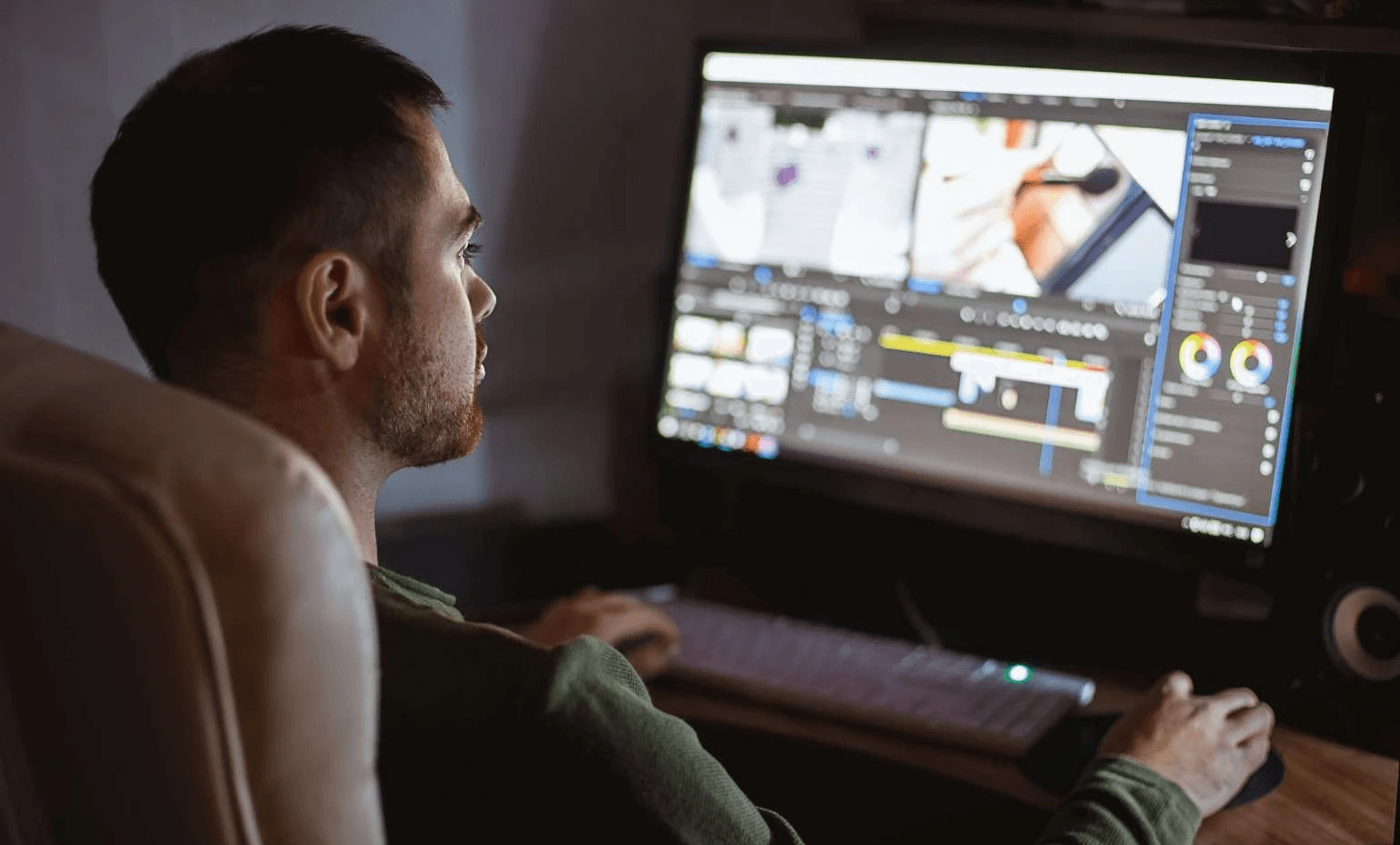
Otio is the strongest alternative to NVIDIA when your priority is turning long-form video into research-ready insight rather than simply fast transcripts. It combines multimodal ingestion, searchable note libraries, and writing-focused workflows so researchers and knowledge teams get usable analysis, not just raw captions.
Numbered overview of the 12 best alternatives
1. Otio
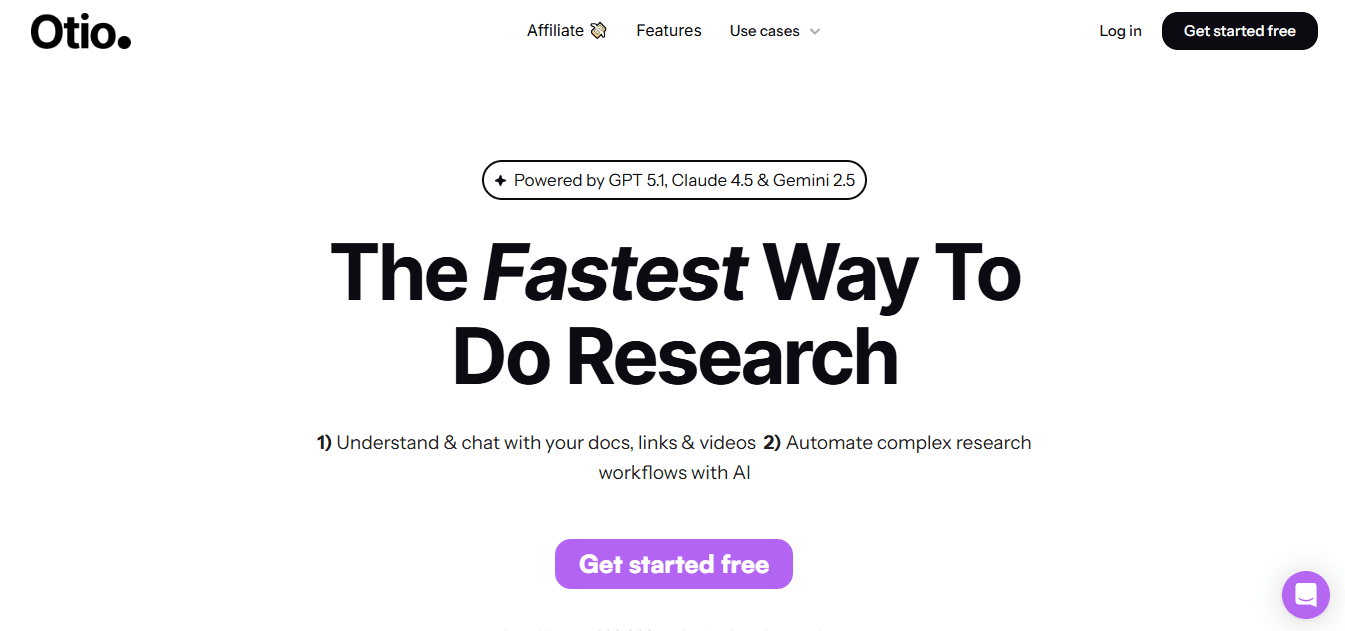
An AI-native research workspace that ingests video, documents, and web content, then synthesizes searchable summaries and long-form notes.
2. Monica
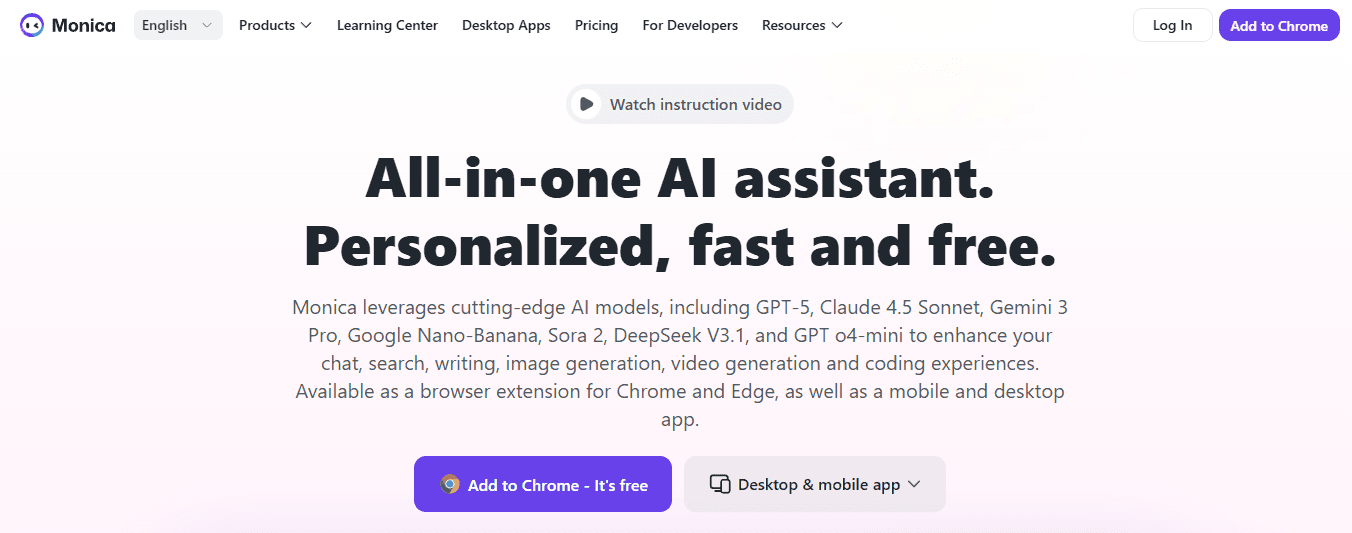
A lightweight Chrome extension and cross-platform assistant that summons fast video highlights and lets you refine output in chat.
3. Descript
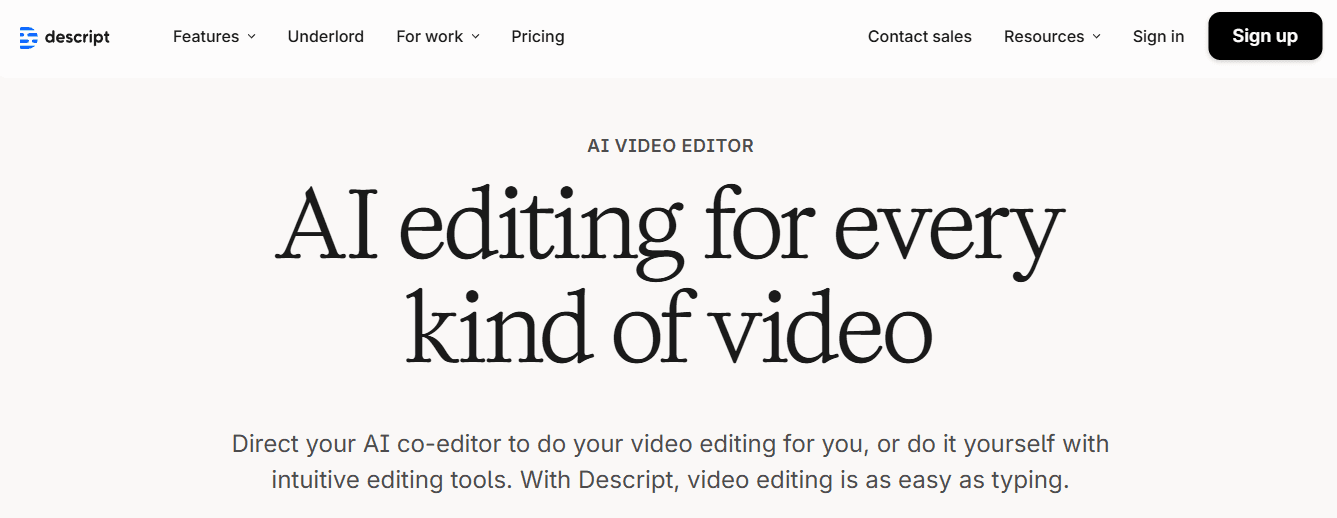
A text-first audio and video editor that lets you edit media by editing transcripts, with voice cloning and audio repair.
4. Jasper
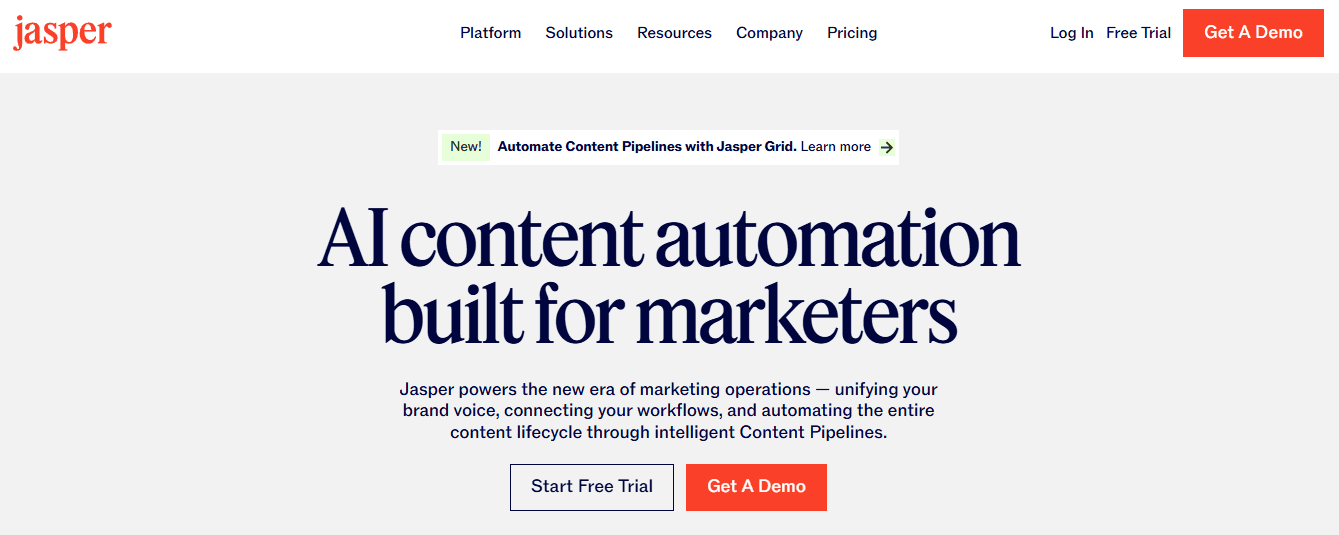
A marketing‑grade writing assistant that also generates video script outlines and condensed summaries in multiple languages.
5. Otter.ai
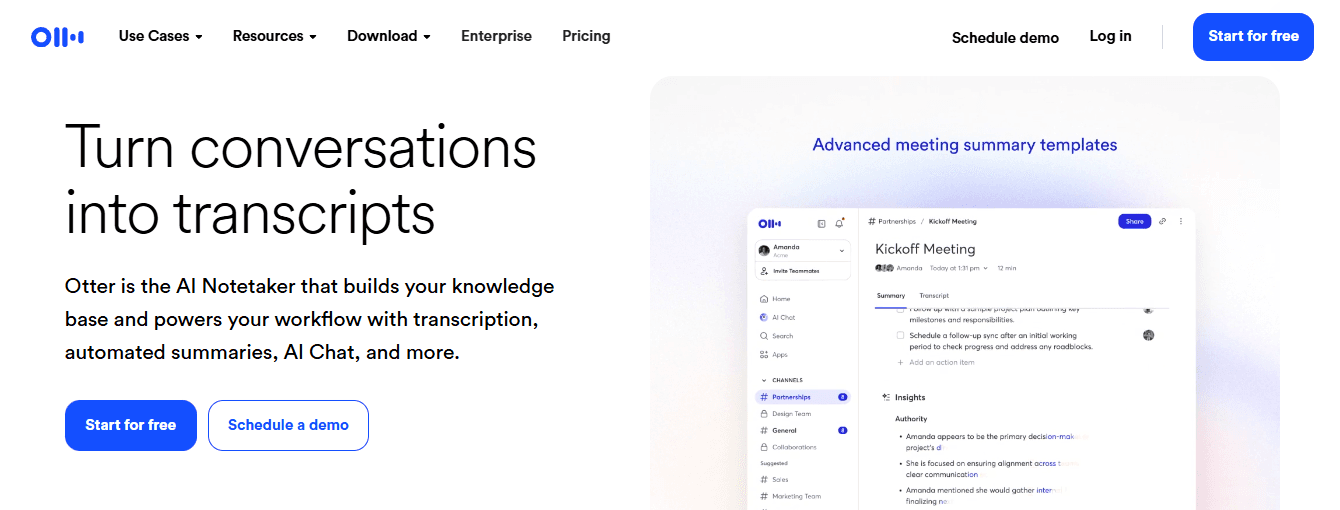
Real‑time transcription and meeting summarization with custom vocabulary and calendar sync for structured note capture.
6. Summarize.tech
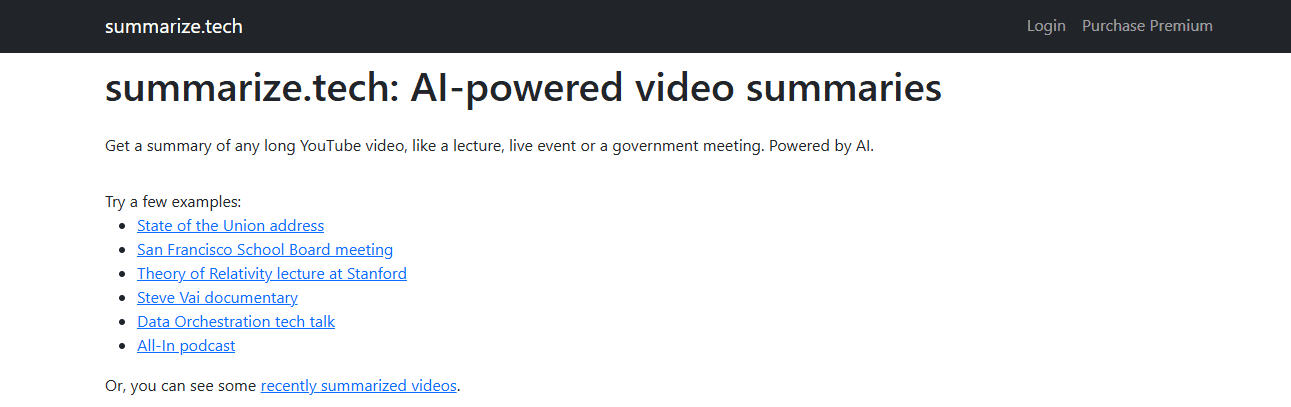
A focused YouTube summarizer that splits long videos into chapters and short summaries for quick review.
7. Fireflies.ai
Meeting capture that tags discussion topics and builds searchable, annotated transcripts for follow-up.
8. Wordtune
A writing assistant with a Chrome extension that pulls key points and timestamps from videos into readable summaries.
9. Fellow
Meeting management plus automated transcription, where notes are linked to action items and task tracking.
10. Mindgrasp
A study-oriented assistant that converts lectures into notes, quizzes, and targeted summaries for students.
11. Rev
Hybrid human plus AI transcription for near-perfect accuracy, with APIs and edit tools for legal and regulated work.
12. Upword

A research note tool and Chrome summarizer that extracts highlights from YouTube and PDFs, with team sharing options.
Why Otio stands out for research workflows
What matters most for researchers is not only accuracy, but the ability to synthesize across sources and then use those syntheses as draftable material. Otio is designed around that flow: it pulls video, documents, and web pages into a single index, highlights key passages, and helps you turn those highlights into outlines and drafts. That makes it practical for deep work where you need reproducible evidence, citations, and a place to build arguments.
Does speed actually improve with these alternatives?
Performance gains are real enough to shape procurement choices; TopAdvisor (2026) reports that 75% of users reported improved processing speed with NVIDIA alternatives, which is why throughput often drives pilots and migrations.
What typical tradeoffs should you plan for?
Choose tools with clear export formats and APIs, because integration matters as much as accuracy. Expect to trade off some enterprise model control for faster turnaround and easier UI-driven workflows. If your team needs consistent metadata, pick platforms that let you attach confidence scores and clip-level provenance to summaries so you can automate downstream indexing rather than rebuild it manually.
Status quo disruption: how teams move from scattered tools to a single research loop
Most teams stitch together extensions, cloud transcribers, and note apps because it is familiar and straightforward to set up. Over time, that habit fragments evidence, duplicates work, and stalls analysis as context slips between tools. Teams find that platforms such as Otio centralize ingestion, automated summarization, and draft generation, compressing review and giving analysts a single place to refine and export evidence while keeping an auditable trail.
Where do you see the biggest throughput wins in practice
In side‑by‑side tests and pilot projects, alternative summarizers often achieve faster job completion, and Otio Blog (2026) reports that alternative tools offer up to 50% faster processing times than NVIDIA, which explains why teams chasing low-latency research cycles pick lightweight services for daily work. Detailed tool profiles (reworded, actionable)
1. Otio
What it does, simply
Otio creates a persistent research workspace that pulls video, articles, and PDFs into a single index and then generates structured summaries, highlights, and draftable notes.
Key capabilities
Multimodal ingestion, searchable clip metadata, integrated highlighting and note drafting, export to standard formats.
Who it fits
knowledge teams, researchers, and students who need to synthesize evidence and produce written outputs, not just one-off summaries.
Limitations
Not ideal if you only want raw transcripts; it assumes you need the downstream writing and indexing layer.
Pricing snapshot
Varies by research-seat and storage needs, typically mid-market.
2. Monica
What it does
A frictionless Chrome assistant that pulls YouTube captions and turns them into quick highlights you can refine in an inline chat window.
Key capabilities
One-click summaries from a video page, model-backed translation, and side-by-side search enhancements.
Who it fits
People who want instant highlights while browsing and prefer minimal setup.
Limitations
Browser support is limited to Chrome, and free trials are time-limited.
Pricing snapshot
Tiered plans range from a low-cost starter to an unlimited option.
3. Descript
What it does
An editor where the transcript is the interface, so editing text edits audio and video.
Key capabilities
Overdub voice cloning, filler removal, noise reduction, speaker labels, and exportable captions.
Who it fits
Creators and production teams that need precise, text-driven media edits alongside summaries.
Limitations
A steeper learning curve, and some workflows require training to reach efficiency.
Pricing snapshot
Plans range from hobbyist to business level.
4. Jasper
What it does
A content generation suite that turns outlines and video scripts into polished summaries and brand-aligned drafts.
Key capabilities
Multilingual support, brand voice control, templates for video scripts, and text summarization.
Who it fits
Marketing teams and content strategists who need summaries in a consistent tone.
Limitations
Outputs sometimes need editing for repetition and nuance.
Pricing snapshot
Creator and professional tiers.
5. Otter.ai
What it does
Fast, real-time transcription and meeting summarization with vocabulary tuning for niche terms.
Key capabilities
Live captions, speaker identification, 30-second recap generation, and calendar integrations.
Who it fits
Teams that capture lots of meetings and need searchable notes tied to schedules.
Limitations
The free tier limits recording length, and some editing workflows can be cumbersome.
Pricing snapshot
Free and paid team tiers.
6. Summarize.tech
What it does
A focused YouTube summarizer that segments long videos into chapters and short synopses.
Key capabilities
Auto-chaptering, examples gallery, and straight URL-based summarization.
Who it fits
Users who want fast, link-based summaries without uploads.
Limitations
Cannot process local files directly.
Pricing snapshot
An affordable premium plan for a higher monthly quota.
7. Fireflies.ai
What it does
Captures conversations and automatically tags topics, making transcripts actionable with comments and reactions.
Key capabilities
Topic tagging, sentiment cues, multi-app integrations, and shareable notes.
Who it fits
Product and support teams that want meeting notes tied to action items.
Limitations
Occasional speaker misattribution and UI clutter for heavy users.
Pricing snapshot
Free tier with step-up paid seats.
8. Wordtune
What it does
A writing assistant that also creates distilled video summaries and highlights timestamps for easy reference.
Key capabilities
content simplification, highlight extraction, and a Chrome extension for in-page summarization.
Who it fits
Researchers and professionals who need polished prose plus compact summaries.
Limitations
Daily quota on free plan; heavier use will require a subscription.
Pricing snapshot: free basic access and an advanced paid plan.
9. Fellow
What it does
a meeting system that turns conversations into agendas, decisions, and tracked action items, with built-in transcription.
Key capabilities
Templates, task assignment from notes, and CRM and calendar integrations.
Who it fits
Teams that want meeting notes to become project work rather than passive archives directly.
Limitations
limited sorting on some task views and occasional saving glitches.
Pricing snapshot
Free tier and affordable team pricing.
10. Mindgrasp
What it does
An AI tutor that converts lectures and recordings into concise study notes and auto-generated quizzes.
Key capabilities
Quick uploads of diverse media, multilingual support, and self-test creation.
Who it fits
Students and educators focused on retention, recall, and exam prep.
Limitations
Some features are gated behind paid tiers and an initial onboarding curve.
Pricing snapshot
Low-cost entry plans.
11. Rev
What it does
hybrid transcription that combines automated ASR with human proofreading to hit near-perfect accuracy.
Key capabilities
speech detection in many languages, editor tools, and developer APIs for scale.
Who it fits
Regulated domains where transcription quality must be audited, such as legal and medical.
Limitations
Accents and speaker labeling can still require manual fixes in edge cases.
Pricing snapshot
Free tier with paid subscription options for heavier users.
12. Upword
What it does
A research note app and Chrome extension that extracts highlights from YouTube and PDFs and centralizes them in a team library.
Key capabilities
Slack sharing, persistent library, and quick summarization from webpages.
Who it fits
Research teams that prioritize sharing summaries within chat tools and preserving notes.
Limitations
YouTube summarization is tied to the Chrome extension, and very heavy usage requires higher-tier plans.
Pricing snapshot
Free basic tier and modest paid tiers.
Practical guidance on choosing among these twelve
Which one should you pick for daily research? Select the tool that best fits your end-to-end workflow, not the one with the flashiest model demo. If your day ends with written briefs, pick a platform that exports structured outlines and keeps an internal library. If you need the highest possible transcript fidelity for compliance, choose a hybrid human review service. For teams that value speed over maximal control, lightweight Chrome-based summarizers work very well.
How to validate a candidate quickly
Run a three-day pilot against a reproducible corpus: one representative long lecture, one meeting recording, and one documentary clip. Measure time to first usable summary, accuracy of key facts, and ease of exporting to your knowledge base. Include one human-in-the-loop check for low-confidence segments to assess both quality and where manual review remains necessary.
One vivid comparison to settle on a decision
Think of tool choice like choosing a kitchen for a food startup. A heavyweight, appliance-rich commercial kitchen handles everything but costs more to operate, while a focused, well-equipped prep kitchen lets a baker churn out consistent loaves fast. Choose the kitchen that matches the product you sell: long-form research drafts need the former, daily briefs the latter. That solution looks decisive until you consider what happens when enterprise research needs to scale across hundreds of hours and strict privacy rules, and that following constraint changes the calculus in ways you will want to see.
Supercharge Your YouTube Research With Otio — Try It Free Today
Most teams take NVIDIA GPU-accelerated video summaries and then manually stitch them into notes and drafts, which costs time, fragments clip-level provenance, and keeps insights trapped in siloed files. Otio centralizes NVIDIA video search and summarization outputs with YouTube, PDFs, and articles in an AI-native workspace, and auto-generates structured notes, searchable metadata, and timestamps you can chat with and draft from, so you move from watching to writing faster. Try Otio free today.



