
Video Summarization
15 Best AI Video Summarization Tools for Fast Summaries
Video Summarization: Discover 15 top AI tools like Otio that deliver fast, accurate summaries and clear pros and cons for streamlined content review.

Long recordings, lectures, and interviews can quickly accumulate, making it challenging to find the key moments. Video summarization leverages artificial intelligence to transform hours of footage into searchable transcripts, highlight clips, and concise notes, ensuring essential ideas are captured for easier review.
Advanced features such as speech-to-text, scene detection, and clip generation empower users to convert raw video into actionable insights and research-ready content. Otio's AI research and writing partner streamlines this process by extracting vital elements and organizing them efficiently, saving time and enhancing productivity.
Summary
Video summarization significantly shortens content creation workflows, with a 2025 report finding a 40% reduction in creation time for 70% of users.
Repurposing via summarization boosts attention, as 85% of businesses using video summarization reported a significant increase in viewer engagement.
Condensed outputs reduce consumption time, with summaries that can reduce watch time by up to 50% while retaining key information.
Adoption yields measurable productivity gains: over 80% of users report increased productivity after adopting AI video summarization tools, and over 70% prefer summaries under 5 minutes.
Accuracy and provenance are critical; expect extractive errors when audio quality dips below 40 kbps, and teams should spot-check roughly 10% of summaries weekly to catch hallucinations.
Operational constraints are significant: free tiers limit summaries to about 10 per month, and unpredictable per-minute pricing means teams should simulate a 100-hour monthly forecast to vet cost exposure.
This is where Otio's AI research and writing partner fits in: it addresses the need for source-grounded notes by pulling transcripts and highlights from videos and drafting concise outlines.
Table of Contents
Use Cases of Video Summarization

Video summarizers unlock a wealth of content and help you create finished assets, such as short social clips and searchable support materials. Here are some practical use cases you can start using right away, along with information on their workflows, outputs, and audience impact. If you're considering an AI research and writing partner, consider exploring AI research and writing partners to elevate your summarization efforts.
How can short videos be used for social media?
Short videos are a powerful tool for social media. Short clips and highlights can quickly grab the audience's attention. By using a summarizer, one can pull out timestamped highlight clips to go straight to the most exciting moments. These clips can then be exported as Reels, Shorts, TikToks, or LinkedIn videos. This process is not random; it uses a specific extraction method. By choosing 8–30-second segments, exporting them in groups, and running A/B tests on both the thumbnail and the first two seconds, creators can attract more viewers. The pattern observed among creators running 2–3-month organic pushes is similar: clips build engagement over time as discovery increases. For more information, check out this analysis on maximizing organic traffic.
How to create captions and descriptions for socials?
Create captions and descriptions for social media. Bullet-to-caption workflow: When the summarizer splits a video into timestamped bullet points, each bullet becomes a caption, a short starting point for a thread, or a post description. Treat the bullets like micro-copy, shorten them to one sentence for TikTok captions, stretch them to two for Instagram, and add a CTA for LinkedIn. This method reduces cognitive load when publishing across different platforms and ensures consistent messaging.
What are YouTube chapters, and why are they useful?
YouTube chapters let you create auto-generated timestamps that make sections clear and easy to follow. They can be created in just a few minutes, so you don't have to enter timestamps manually. Chapters help with navigation and keep viewers engaged. They allow viewers to jump right to the exact part they want. This feature makes long videos feel shorter and increases the likelihood that viewers will watch more than one part.
How to use social media threads effectively?
Chunked threads can effectively share long ideas on platforms like Twitter and Instagram. For instance, you can change a spoken explanation into threaded posts by turning summary bullets into sequential tweets or Instagram slides. If your style is conversational, think about recording an explainer. After you summarize your main points, post them as a threaded argument to build excitement and encourage people to return to the original clip.
How to extract high-value quotes?
High-value social pull-quotes can be found in long podcasts and webinars, where insightful statements often go unnoticed. Using a summarizer, you can identify these valuable lines and add their timestamps. From there, you can create quote cards or short videos. A single firm quote can serve as a weekly social post, keeping the conversation going while demonstrating that you are both opinionated and helpful. If you're looking for support in this process, consider an AI research and writing partner to enhance your productivity.
What are the benefits of quick show notes?
Fast show notes can boost promotion and SEO. Instead of rewatching an episode to write notes, creators can create a short list of discussion points. This list can be easily pasted into episode pages, newsletter copies, or the episode’s social caption. By providing show notes, you help people find content and give readers a simple guide to decide whether to click play.
How can summaries help in blog post creation?
Summaries provide an instant outline with headings and short paragraphs taken from the transcript. By using the summarized structure as a blog skeleton, you can add a few transitions and examples. This produces a polished post that integrates text and embedded video clips for stronger storytelling. For example, you can check the blog posts' outline to create a smooth article pipeline.
How to extract keywords for SEO?
Keyword extraction for SEO involves quickly identifying the right search terms. This process consists in extracting the main ideas and common phrases from the summary to create meta titles, descriptions, and keyword lists. You can then combine these elements with a short prompt to guide a writing assistant in creating SEO-ready metadata that matches what people are searching for in relation to your video content.
What steps are involved in creating video tutorials?
Create video tutorials. Turn demos into simple steps. Record product demos or client calls, then extract the critical steps and key screenshots or clips. The summarizer provides you with the order of actions and timestamps, so you can make clear tutorials without having to replay an hour-long call. As an AI research and writing partner, our solutions can help you streamline this process even further.
How can video FAQs reduce support load?
Creating video FAQs provides a scalable solution for common customer questions. By compiling frequently asked questions, businesses can extract concise answer snippets from calls or demos to create short FAQ videos. These videos are easier to watch than text, reducing repetitive support workload and making the knowledge base feel more human.
How to structure e-learning courses?
Creating e-learning courses involves several steps. Start by building course modules. You can form these modules by summarizing key points into logical units. Each module should include a short clip, a written summary, and a quiz prompt. This approach keeps courses bite-sized and makes it easier to update them as you identify which clips students replay most.
What are audiograms, and how are they used?
Audiograms are social media posts that focus on audio and include captions. Users can upload their audio, skip to key sections via a summary, and create an audiogram with captions. These work well on platforms where images capture attention, but a full video might seem too much.
How to create carousel graphics from video content?
Create a carousel graphic. Slide-ready content can come from bullet points. Turn summarized bullet points into a multi-slide carousel for LinkedIn or Instagram. Each bullet becomes a slide with a headline and a supporting line. This gives readers a quick, easy-to-scan story that they can save or share.
How can video summaries enhance customer support?
Customer support guides and knowledge bases can be significantly improved by adding video-based knowledge articles. Providing summaries and timestamped clips helps create support articles that include a short video for each task and step-by-step text. These resources can either be hosted behind a gated help center or made public, allowing customers to help themselves more effectively.
How to Utilize Customer Testimonials Effectively?
Customer testimonials are a powerful marketing tool. Harvesting honest feedback means recording sales calls, user interviews, or onboarding sessions. After you record, look through the summary for words of praise or specific outcome statements. Then, navigate to the corresponding timestamp and export the clip. Over time, maintain a tagged repository of short testimonial clips for practical use on landing pages and proposals.
What should be included in email newsletters?
Email newsletters can benefit from engaging content, like short video highlights. Instead of long descriptions, adding a brief, summarized reel along with a short one-paragraph note can be effective. This method allows readers to watch the clip and see a clear hook, which increases click-through rates and time spent on the page, as the content is concise and actionable.
What is the efficiency and impact of video summarization?
Efficiency and impact are critical when using summarization tools. The practical reasons include both speed and results: a 2025 report from Zebracat AI states that "Video summarization tools have reduced content creation time by 40% for 70% of users." This significant reduction in time explains why teams are accelerating their publishing schedules. Also, a 2025 Zebracat AI report states that "85% of businesses using video summarization reported a significant increase in viewer engagement." This increase is a clear sign that reusing video content leads to more attention.
What is a standard failure mode in video summarization?
A common failure occurs when many teams rely on manual clipping and gut feeling to reuse content. This method might work at first, but as they create more content, these clips pile up like unsorted index cards, making it hard to keep going. Using tools that automate timestamping and generate searchable summaries can help eliminate this problem. This change transforms a messy collection into a curated library, ready for quick publication.
How to visualize video summarization benefits?
A quick practical image, think of a long recording as a filing cabinet. The summarizer acts like a librarian, pinning exact page numbers to the best paragraphs. This way, you can avoid going through every drawer and instead focus on publishing what really matters. Consider how an AI research and writing partner can further streamline this process.
What is a key next step after summarization?
That initial gain feels like relief. However, the next step shows a design choice that nearly everyone overlooks. This decision changes how to turn one video into weeks of meaningful content; having an AI research and writing partner can significantly streamline this process.
Where can I find more resources on this topic?
Source: https://reduct.video/blog/summarizer-for-marketing
How to Summarize a Video in 3 Ways

Summarizing a video can be approached through three practical layers: converting speech into searchable text, using AI to distill that text into structured takeaways, and editing the footage down into a shorter visual narrative. Each layer meets a different need. Therefore, it is essential to combine them carefully rather than assuming that one will solve everything. If you're looking for an effective AI research and writing partner, consider how our AI research and writing partner can streamline your summarization process.
What are the transcription tools?
Transcription is the foundation, not an optional extra. Use services that provide timestamps, speaker labels, and confidence scores to allow precise text slicing where the audio is strongest. Prioritize tools that offer on-the-fly punctuation and noise reduction, especially for panel discussions or field recordings. Select verbatim mode only when exact quotes are necessary. For teams that require scale, choose a solution with an API to automatically ingest transcripts into your knowledge base, reducing copy-and-paste overhead. Practical trade-offs exist: real-time transcription saves minutes during live events but often sacrifices punctuation accuracy. On the other hand, batch uploads with higher-quality models increase latency but yield cleaner text for downstream summarization. When consolidating a week of seminar recordings into a single searchable archive, the pattern became clear: fragmented tools were costing review cycles and context.
A reliable transcript significantly reduced the time spent hunting for quotes. Tools to consider include Otio for integrated workflows, Noota for auto-summaries, Otter.ai for meeting capture, and Descript for tight editing and transcript synchronization. Additionally, exploring an AI research and writing partner can provide significant insights and efficiencies.
How does AI summarization software work?
AI summarization software uses AI to generate layered summaries from transcripts rather than a single summary. Users can request different outputs from the exact transcript, such as a one-line headline, a bullet list of claims, and a 250-word summary with linked timestamps. It's crucial to choose up front whether to use extractive output, which preserves exact lines, or abstractive output, which rewrites ideas for clarity. Abstractive summaries should be checked against timestamps to catch mistakes.
Designing prompts is critical; the model should receive the transcript and a short guideline, asking the summary to include timestamped lines when stating facts. This method is becoming more popular, as shown in a Tech Trends Analysis (2025-03-05), which shows a significant increase in use since 2023. This indicates that teams are increasingly using automated summaries at scale.
Maintaining verification workflows is also very important; for instance, it’s recommended to check 10 percent of summaries against the raw audio each week, as accuracy can vary with audio quality and topic complexity. For teams looking to reduce viewing time, it’s helpful to note that the Vatis Tech Blog (2025-07-30) finds that summaries can significantly reduce how much time people spend consuming content. This underscores the value of creating layered outputs for different audiences.
What disruption does the status quo cause?
Status quo disruption occurs when most teams stitch together multiple point solutions to capture, summarize, and store video notes. This way feels familiar and needs little commitment. As libraries grow, search functions start to fail; context gets spread out across different apps. Review loops can stretch from hours to days, making the process brittle. Platforms like Otio, your AI research and writing partner, gather sources in one place, extract source-based notes, and show draft-ready outputs. This shortening of review cycles supports provenance and traceability.
How can video editing tools improve summaries?
When creating a shorter visual piece, data editing is essential. Use speech-to-text markers to create sequence maps, then build a story around those points rather than relying on your instincts. Use proxies when handling high-resolution video to keep workflows moving quickly, and use scene-detection tools to identify natural editing points. It's crucial to balance audio normalization and consistent loudness to make the shorter version feel smooth. Adding short on-screen captions that match the summary bullets lets viewers scan, even without sound. One mistake to avoid is over-editing. Removing too much context can turn a clear point into confusion. Keep a brief record of the original timestamps for each edit. For teams without skilled editors, automated editing tools can help with rough cuts, but be prepared to spend time manually adjusting the pacing and emotional tone.
What image helps visualize summarization?
A quick image to keep in mind is this: a raw recording is like a thick book with no table of contents. The transcript is divided into pages, while AI summarization highlights the most relevant paragraphs. Finally, editing puts those paragraphs together into a readable chapter. This process is easy to understand, but the tradeoffs include both technical and human factors, such as transcription errors and editorial decisions.
What is Otio, and how does it help?
Otio brings together bookmarks, tweets, books, PDFs, and YouTube videos into one AI-native workspace. This platform extracts notes from sources and enables users to chat via specific links or entire knowledge bases. It also helps create first drafts more quickly. Try Otio for free and see how an AI research and writing partner can make your study and writing time shorter.
What tradeoffs should you consider?
This choice hides surprising tradeoffs and changes everything about which tools can really save you time.
Related Reading
15 Best AI Video Summarization Tools for Fast Summaries

Here are 15 of the best AI video summarizers we recommend. Each tool has a clear description, its strengths, and the main tradeoffs, helping you match features to real workflows. You can expect differences in transcript handling, language support, integration options, and output formats. Choose the tool that best fits your source types and publishing rhythm. This field offers real-time savings and measurable productivity gains, with evidence that AI video summarization tools can reduce video content review time by up to 50%. This is important because there are two main problems: a large volume of long-form content in work and study, and many solutions still depend on transcripts to function well, which creates issues when transcripts are missing or poor.
1. What is Otio?
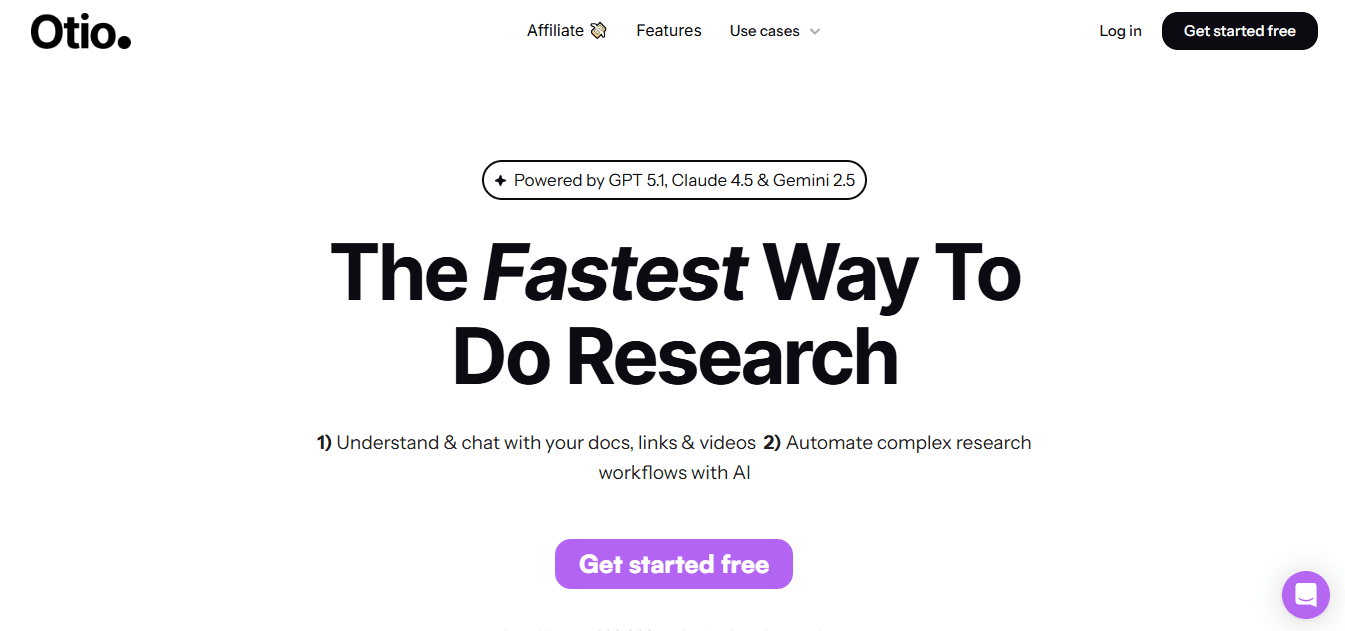
Otio centralizes bookmarks, web pages, PDFs, books, and videos into one AI-first workspace for researchers and knowledge workers. It turns scattered sources into notes and makes it easy to create drafts.
2. What does Notta do?
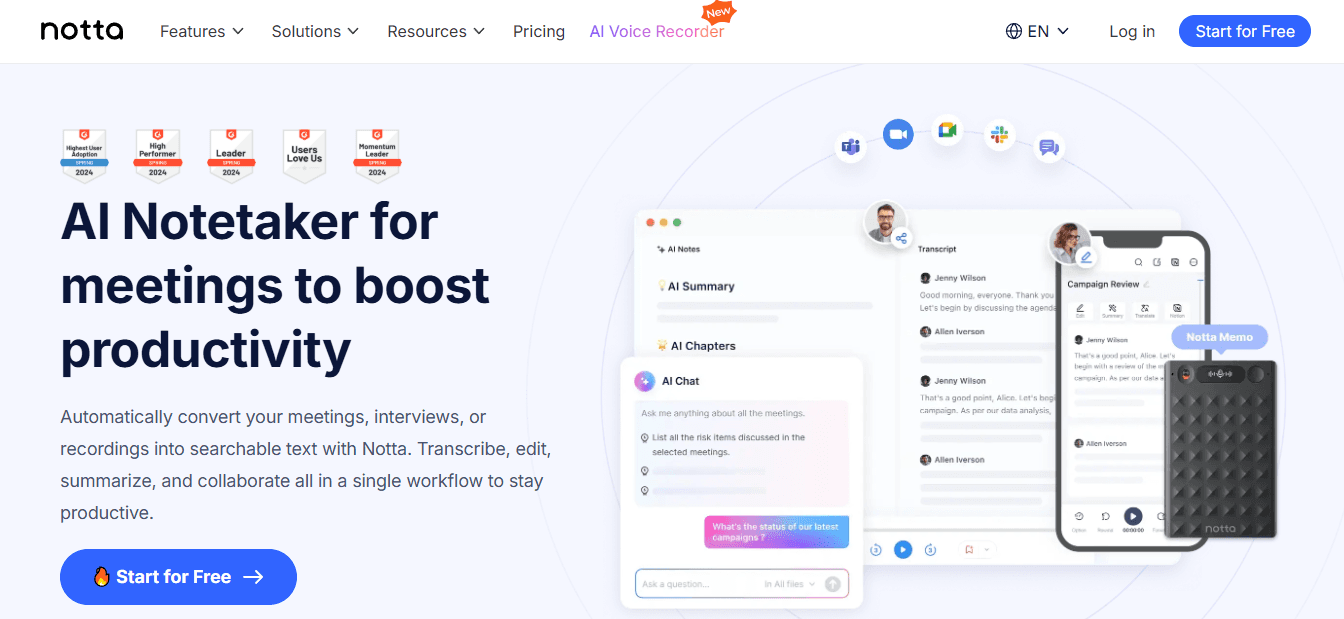
Very accurate transcriptions that capture every word.
You need an account, and there are paywalls for larger minute limits.
3. How does Recall work?
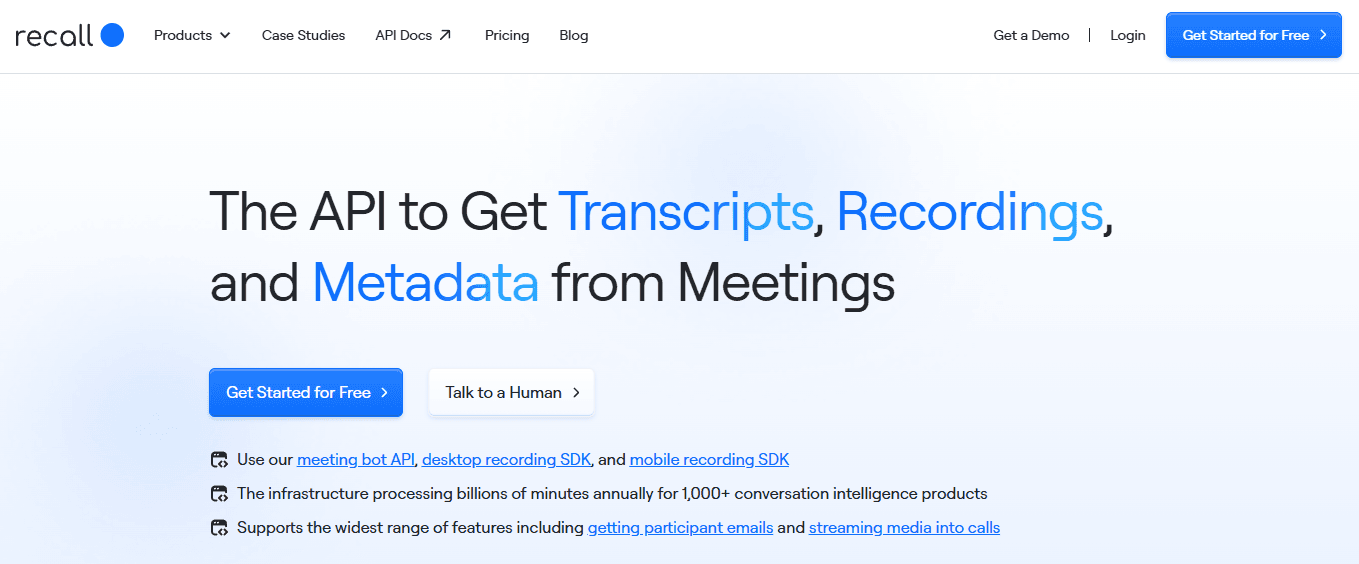
Recall helps you build a personal knowledge base by taking in YouTube videos, PDFs, and web pages. It then automatically summarizes and links related items, so your notes become easier to find over time.
The automatically linked knowledge graph shows connections you might have missed.
Spaced repetition and flashcards improve long-term memory.
The free tier limits summaries to about 10 each month.
It only works in a browser; there is no desktop app.
4. What features does Monica offer?
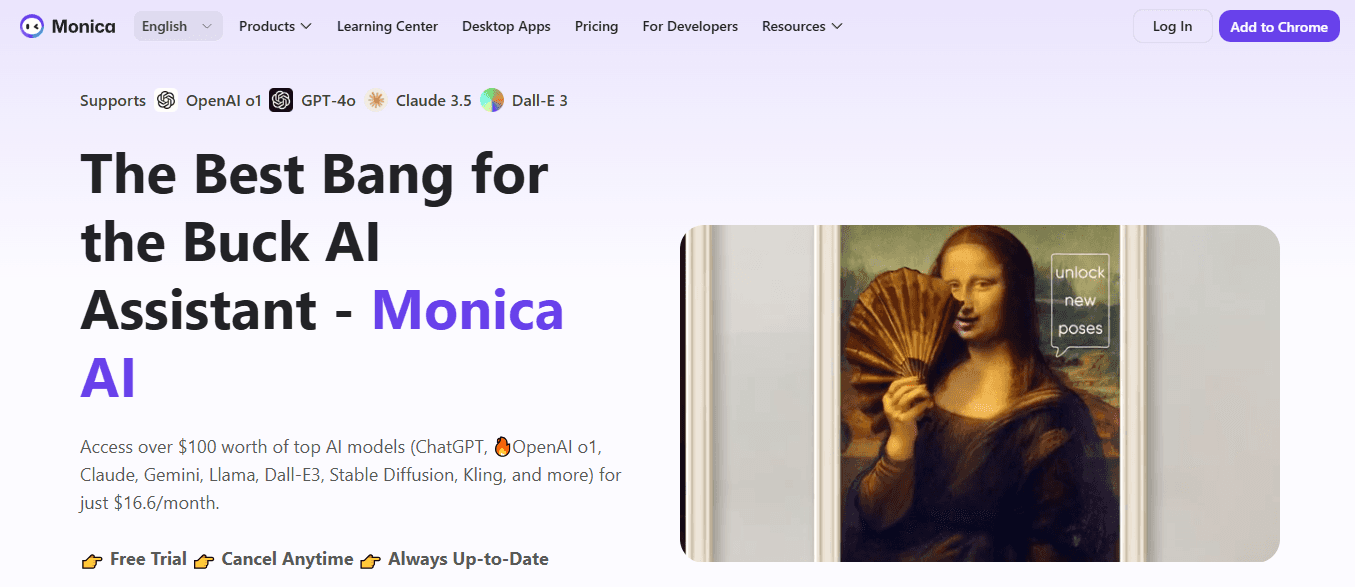
Monica works as a browser extension and app that quickly summarizes and translates content using modern models. It offers an in-page chat to help you refine summaries into personalized outputs.
Pros: Fast, user-friendly Chrome extension and apps. Let's you iterate on summaries in a chat UI for tailored results.
Cons: Chrome-only for now. The free trial is short; after that, features are locked behind a subscription.
5. What is Summarize.tech?
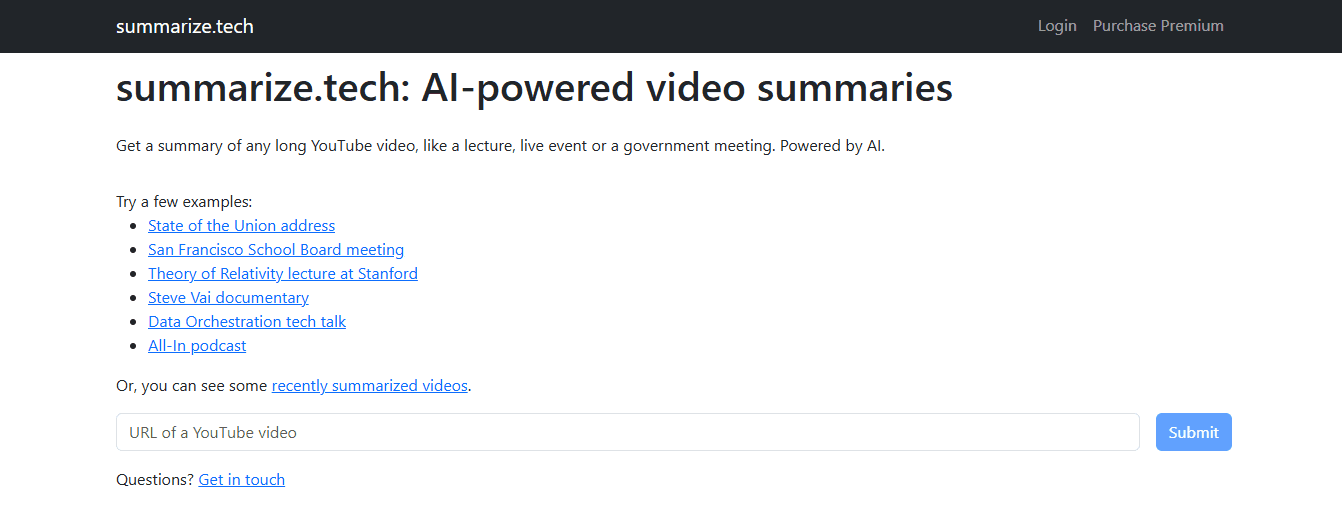
Summarize.tech is a clipboard-style tool that lets users paste a YouTube URL. It analyzes the audio track to generate short or longer summaries as needed, making it ideal for lectures and podcasts. Key points include no login required for easy use and ensuring a fast response. - Users can pick a summary length from a brief to a detailed multi-point breakdown. However, it does have some downsides. It struggles with videos that rely solely on visuals, and its support for non-English content is limited.
6. What can Otter.ai do?
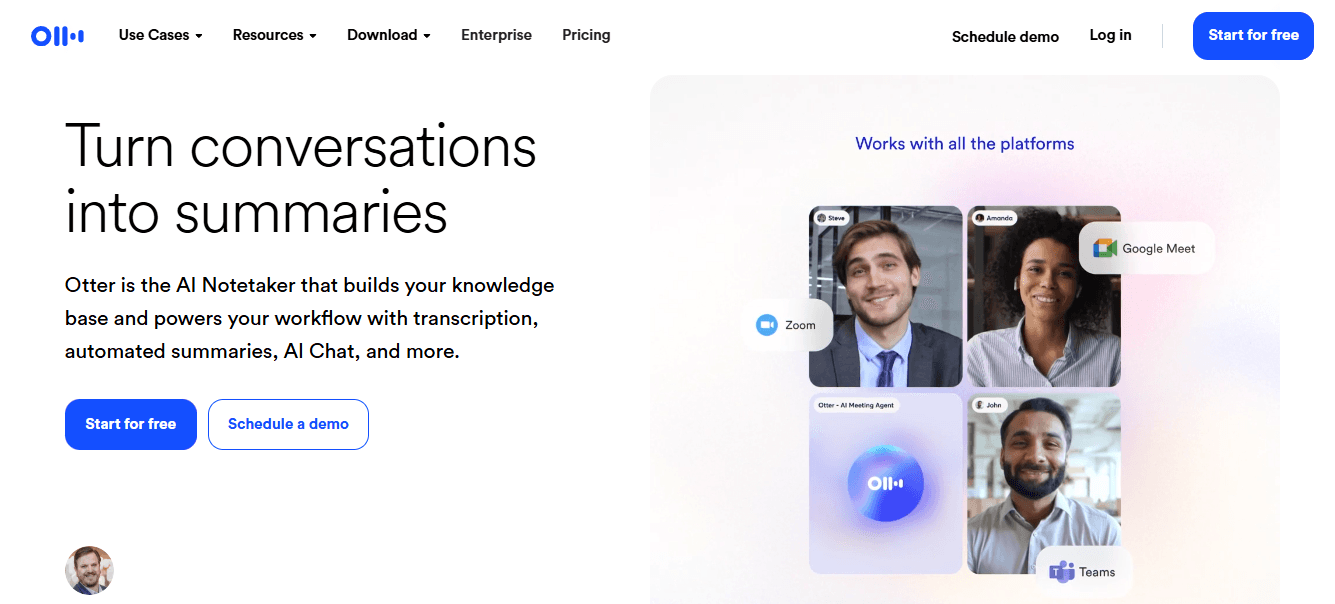
Real-time transcripts, identifying speakers, and connections with Zoom and calendar systems.
The free plan limits monthly minutes, and recording videos side by side can feel awkward.
Additionally, premium features are available only with paid plans. If you're exploring options, consider using an AI research and writing partner to enhance your documents.
7. How does Knowt assist users?
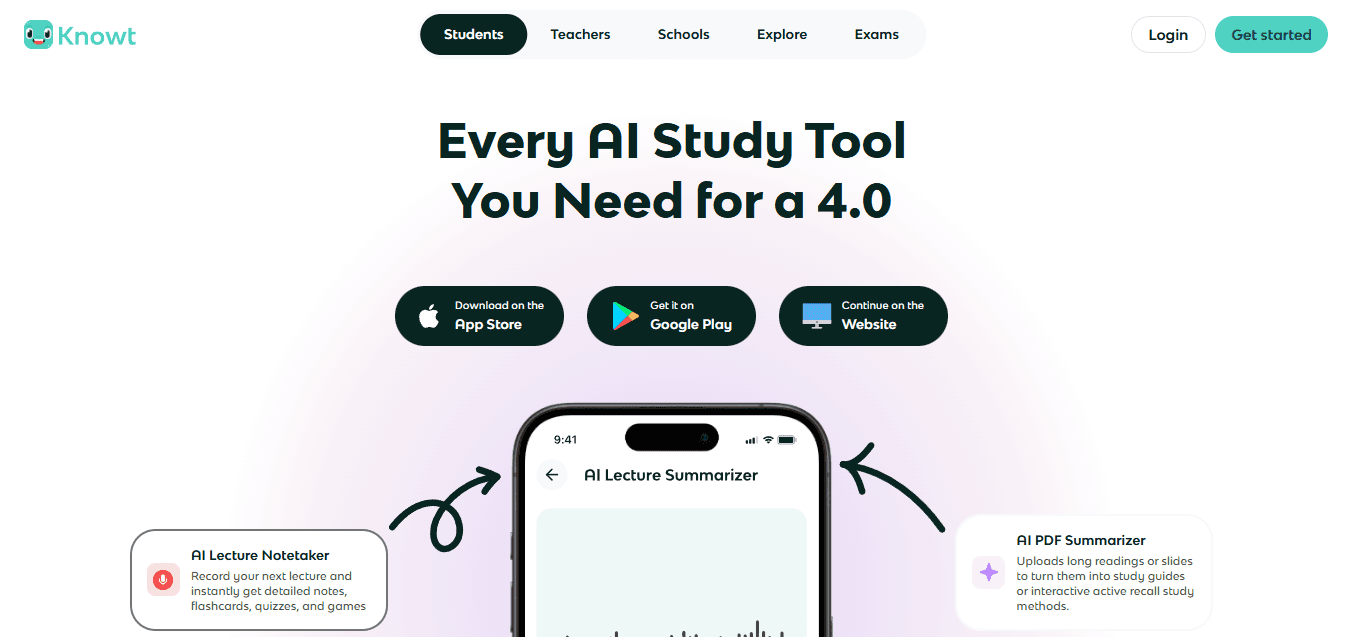
Knowt automates lecture transcription, short summaries, and flashcard creation, delivering study materials in formats students can easily use. Key benefits include automatic flashcard generation from video content and a clean interface made for learning workflows. However, there are some limitations: customization options are limited for business or enterprise use, and the features primarily focus on students rather than content creators.
What disruptions are caused by the status quo?
Most teams store videos in ad hoc folders or bookmarks because this approach is familiar and requires no immediate change. While this approach may work at first, it leads to scattered context across drives. As a result, teams lose track of where things come from, wasting hours figuring out which clip supports which claim. Platforms like Otio offer a different path: they centralize ingestion, source-based notes, and draft outputs, helping teams track origins and reduce review loops. If you're looking for an AI research and writing partner, explore how our solutions can accelerate writing from collected sources.
8. What is the purpose of ScreenApp?
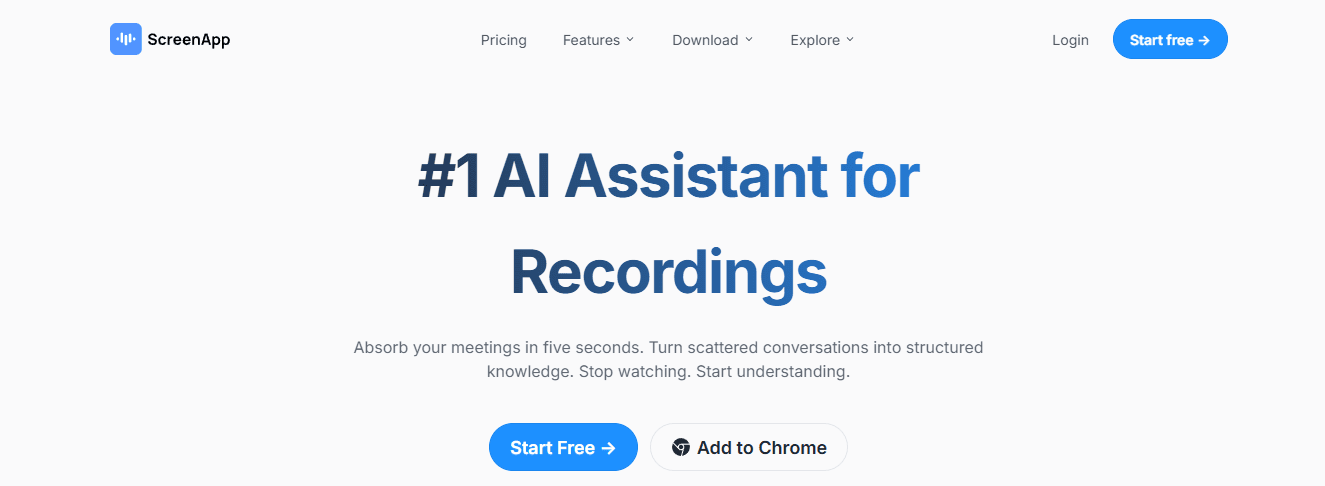
ScreenApp adds timestamps to pasted URLs or uploaded MP4 Files in transcripts and supports multiple summary styles. It also has tags in the app and one-click exports for teamwork. Having an AI research and writing partner can enhance your productivity and help refine your transcripts.
Pros
Works on multiple platforms, including social media uploads.
Timestamped highlights let you quickly jump to the exact clip.
Cons
Accuracy can drop with strong accents or loud background noise.
Some advanced features, like API access, require paid plans.
9. What features does Jasper AI provide?
Support for about 30 languages, along with brand voice customization.
The possible need for human edits to prevent repetition.
Pricing that can be high for small teams.
10. How does NoteGPT work?
Mind maps and visual note formats help learners.
The free plan has limitations and does not include real-time meeting capture.
Enterprise compliance and collaboration features are limited.
11. What advantages does Wordtune Read have?
Wordtune Read improves the learning experience by highlighting key points and timestamps in summaries, making complex lectures easier to follow. Users can also save these notes in a personal library.
Pros include easy Chrome integration, a readable summary library, and effective removal of unnecessary words and clearer sentences. Drawbacks include that free users can create only a few summaries per day, and the tool is not designed for video editing or exporting clips.
12. What does Eightify offer?
The tool delivers a fast experience that integrates with YouTube, including timestamp links for easy navigation.
It only works with YouTube content and does not support local files.
You need to use a browser extension, which may not be suitable for all users, especially in locked-down settings.
13. How does Mindgrasp function?
Mindgrasp packages summarization with quick quizzes, multi-language support, and a focus on turning content into study materials and assessments. Key features include auto-quiz generation and adaptive learning, which help users engage effectively with diverse input types, such as videos and articles. However, first-time users may find it more challenging to learn, and some features are available only in paid tiers.
14. What can MyMap AI Video Summarizer do?
Visual maps of ideas show context and relationships.
The free plan limits daily summaries and exports.
Higher plans are needed for advanced AI features and branding.
15. What does UpWord focus on?

UpWord focuses on quick webpage and YouTube summarization by using a Chrome extension. It also includes a native library for organizing notes and supports Slack sharing for easy team-wide circulation.
Key pros include:
A Chrome extension that summarizes pages and videos in minutes.
Slack integration that simplifies sharing.
However, there are some cons to think about:
It's mainly limited to Chrome and YouTube for in-browser summarization.
Unlimited or very high-volume transcription needs require higher-cost plans.
How to match a tool to a workflow?
Matching a tool to the workflow is essential to efficiency. When you need speed and minimal setup, choose a browser extension or paste-and-go tool that generates bullet points and timestamps in just a few seconds. If you need accuracy, speaker labels, and the ability to capture action items, it’s better to use a meeting-first platform that records live and integrates with calendar tools. For situations that require research provenance, cross-source gathering, and draft creation, choose a workspace like Otio that preserves sources and links extracted from the original clips, making it a reliable AI research and writing partner.
What user sentiment and real constraints did we find?
User sentiment shows a steady trend in both academic and corporate settings: teams feel overwhelmed by long videos. They prefer tools that integrate with their current workflows rather than requiring them to create transcripts first.
Many videos lack accurate transcripts, making automated summarization difficult. This frustration underscores why workflows that include reliable transcription, timestamped evidence, and a searchable library are superior to one-time summarizers.
What is the key takeaway?
That solution level sounds decisive; however, the next choice about which tool to select is more important than one might think.
Related Reading
Best YouTube Summarizer
How to Choose a Video Summarizing Tool

Choose a tool that protects the signal and fits your workflow, instead of picking the one with the best demo. Focus on fidelity, integrations, language coverage, latency, customization, predictable pricing, and a layout that your team will really use.
What should you consider for accuracy and transcript fidelity?
Accuracy and transcript fidelity. The most essential requirement is accuracy in both speech-to-text and summarized content, as subsequent tasks depend on it. You can expect extractive errors when speakers talk over each other, audio quality goes below 40 kbps, or when there is industry jargon. Look for confidence scores, speaker labels, and an easy way to flag and fix mistakes. Verify accuracy by spot-checking a representative sample, and require the vendor to provide error rates for noisy recordings or situations with multiple speakers.
When accuracy declines, teams spend significant time reconciling quotes and sourcing. This loss of trust ultimately stops adoption, not small edits. A good summarizer should work like a precise filter; it must remove noise without losing the essential details you need. In this regard, having an AI research and writing partner can significantly enhance the accuracy and precision of your transcription process.
How vital are integration capabilities?
Most teams handle summaries by pasting text into their docs and chat apps because it is familiar and straightforward. This method works until the number of summaries grows, leading to context fragmentation across Notion pages, Slack threads, and shared drives. It is essential to favor tools with native connectors, webhooks, or a solid API that seamlessly pushes summaries, timestamps, and metadata directly into your knowledge base and collaboration tools. A good integration saves manual copy-and-paste, preserves provenance, and maintains versioning when someone updates a clip. If planning to automate workflows or tag summaries into CRM or LMS systems, confirm that the vendor supports your tech stack and check how they map speaker metadata and timestamps. Our AI research and writing partner helps streamline these processes, making it easier to integrate and manage your information.
How does language support affect video summarization?
Language support and regional accuracy are more than just translated captions. It includes transcription models that consistently understand accents, code-switching, and specialized vocabulary. If you work with multilingual audiences, it's essential to choose a tool that automatically detects languages and includes localized language models. This ensures that summaries sound natural rather than like machine translations. One big problem to watch out for is model collapse. An English-only model falls apart when presented with mixed-language audio. Request demo clips in the languages and accents you use most, and make sure to try examples that represent your real content rather than cleaned-up versions.
What do you need to know about speed, latency, and real-time capability?
When meetings are urgent or live webinars need quick notes, latency is just as important as accuracy. Real-time transcription can save time during a live Q&A, but there is usually a tradeoff; real-time results often need simpler models and more post-editing. If you want to shorten viewing time for your audience, consider using video summaries, which can reduce watch time by up to 50% while retaining key information. This is why some teams accept a slight loss in accuracy for quick outputs. A mixed approach works best: use live transcripts for immediate needs, and batch processing for final, publishable summaries.
Why is customization necessary for output controls?
Customization in output controls is essential for many reasons. Users might need different summary styles for various situations. Sometimes a one-line headline is necessary; at other times, a five-bullet executive brief or a study-friendly outline works better. It’s helpful to choose tools that let users set tone, length, and format templates, or that take simple prompts to create consistent outputs. Useful options include timestamped bullets, extractive quotes with sources, and export presets for CMS, social media, or knowledge bases. This method saves time by standardizing output, which lessens the need for extensive editing of each summary.
What is essential about cost structure and scaling predictability?
Cost structure and scaling predictability are crucial for effective budgeting. Pricing should match actual usage, measured by minutes and exports, rather than appearing cheap at sign-up. It's essential to look beyond free tiers and consider factors such as per-minute rates, bulk discounts, team seats, and API call costs. If your plan is likely to require hundreds of hours per month, it's smart to request a usage projection and negotiate a cap to avoid unexpected charges mid-quarter. For teams that grow or experience seasonal spikes, a pay-as-you-go model with volume pricing is usually more cost-effective than a fixed-seat subscription, since it eliminates charges for unused capacity.
How to reduce usability and adoption friction?
Usability and adoption friction including tools, can fail even if technically sound, if not used. It is essential to focus on onboarding, providing a clear user experience for fixing transcripts and adding lightweight sharing features. Contributors should be able to tag, comment, and export without extensive training. A search function that returns the original timestamped clip and enables one-click export is essential in this process. The standard emotional response to such situations is frustration: teams install a tool, but few people learn to use it, causing the initial promise to fade. By choosing the easiest path, organizations can assess how well the tool is adopted within the first 30 days by counting the number of unique users and shareable exports.
What practical steps can you take this week?
Most teams create ad hoc scripts and manual exports because this approach doesn't require new approvals and scales well. However, as summaries accumulate, context can break down, and finding what you need slows, making a library feel like a burden. Platforms like Otio bring everything together, keep source links safe, and highlight notes based on those sources. This helps teams spend less time reconciling information and tracking content origins when reusing it.
Practical steps to verify this week include: running a blind accuracy test on three representative videos; measuring how long it takes to enter a summary into your primary workspace; and simulating a 100-hour monthly usage forecast to assess price exposure and export limits. These factors often catch teams off guard after launching. Also, consider user preferences for short outputs; over 70% of users prefer video summaries under 5 minutes. This preference influences how default lengths and templates are decided. The next choice you make might be more important than you think; the surprising part is what fails first.
Supercharge Your Research Ability With Otio. Try Otio for Free Today
Using bookmarks, read-it-later links, and note-taking apps might seem adequate, but this patchwork can turn research into busywork and slow the process of moving from sources to drafts. For a cleaner path, try Otio as an AI research and writing partner. The platform combines AI video summarization, transcript-aware, timestamped notes, and source-grounded Q&A in a single AI-native workspace. This way, you can stop chasing fragments and start producing drafts faster.



