
Video Summarization
How To Summarize YouTube Videos in 3 Easy Steps
How To Summarize YouTube Videos: Learn 3 easy steps to extract key insights from lengthy talks using clear transcripts and verified highlights with Otio.
YouTube videos often contain hours of valuable information that can be overwhelming to watch in full. Advanced techniques like transcript analysis, highlight extraction, and timestamp alignment turn extensive content into clear, succinct insights. Refined approaches, such as effective YouTube video summaries, enable users to capture key takeaways without watching the entire video.
Streamlined methods transform raw transcripts into organized, searchable notes and video summarization, enhancing research efficiency. This process enables both casual viewers and professionals to identify key points in lengthy discussions quickly. Otio’s solution, enhanced by its AI research and writing partner, offers practical tools that simplify content creation and accelerate research workflows.
Summary
YouTube is now both an information flood and a primary research channel, with over 500 hours of video uploaded every minute and more than 2 billion logged-in monthly users, which makes manual video review unsustainable at scale.
AI summarization delivers significant speed gains, including tools that can reduce video summary creation time by up to 70%, and over 80% of users report faster video processing, turning multi-hour lectures into usable briefs in minutes.
Mobile-first consumption shapes output requirements: roughly 70% of YouTube views come from mobile devices, so shorter, scannable summaries and clear subtitles perform better for repurposed clips.
Fragmented, manual workflows break down as projects multiply because teams lose timestamps and provenance and must reconcile scattered transcripts, even as platforms see over 500 million hours watched on YouTube every day.
Repurposing summarized video content drives discovery and reach. 90% of people report discovering new brands or products on YouTube, so accurate, timestamped highlights and verified quotations are essential for marketing and research reuse.
This is where Otio's AI research and writing partner fits in: it turns video transcripts into searchable notes, timestamped summaries, and draft outputs, so teams can verify quotes and repurpose clips without rewatching full videos.
Table of Contents
Benefits of YouTube Video Summarization

YouTube summarization provides a concise, accurate overview of a video's purpose and key points. This helps users take action without needing to watch long videos again. It preserves key context, including timestamps and speakers' intent, making it easier for users to make decisions quickly and repurpose content with greater confidence. Additionally, partnering with an AI research and writing partner can help you efficiently extract insights and value from video content. The scale problem, and why this matters now. Over 500 hours of video are uploaded to YouTube every minute. (iWeaver AI, 2025), It is a rate that hides useful information beneath a constant stream of new content and makes manual review difficult. At the same time, YouTube has over 2 billion logged-in monthly users. (iWeaver AI, 2025), which means the platform is a primary source of information and a research tool for many teams.
How does summarization compress learning time?
Compresses learning time into decision-ready summaries. What does this look like in practice? Instead of scheduling an hour for a lecture, you read a summary that highlights the speaker’s main point, key evidence, and suggested next steps. This method saves time for those balancing work, classes, or projects: something many students and product teams do when they need to learn quickly before meetings. If you need orientation, a summary gets you up to speed; when you need exact wording, keep the transcript nearby. Using our AI research and writing partner can further enhance this process by generating summaries tailored to your specific needs.
What are the attention traps removed by summaries?
Summaries remove attention traps, allowing a focus on outcomes. Watching a video can introduce irrelevant stimuli, such as visual quirks and background noise, which distract from the task and slow completion. Summaries filter out these distractions and highlight intent and action items instead. For creators and marketers, this means fewer context switches while researching, less time wasted on rewinding, and more uninterrupted time for actual production work.
How do summaries ensure critical details survive?
Summaries ensure that essential details remain intact even when readers skim the content. A common mistake is thinking that being quick means losing important information. The right summary keeps names, dates, numbers, and quotes so that key facts aren’t missed. This is very important when conducting research, writing an article, or preparing a brief; missing just one number or quote can undermine an argument. The practical choice is clear: use summaries for synthesis, and transcripts for verification.
What issues do teams face when watching videos end-to-end?
Most teams still pull insights by watching videos from start to finish because it feels reliable and requires no new tools. This familiarity makes sense. However, as projects become more complex, manual monitoring creates problems. Notes are inconsistent, timestamps are often missing, and converting content to other formats takes hours rather than minutes. Platforms like Otio offer an alternative approach by extracting timestamps, speaker intent, and brief action items. This helps teams reduce research time while preserving context, allowing creators to reuse clips and writers to draft faster without sacrificing accuracy, especially when they seek an effective AI research and writing partner.
How is a summary like a map?
A small analogy: consider a summary as a clean map through a dense forest. It is not a promise to replace every tree, but rather a guide that helps you reach your destination faster and with fewer wrong turns.
What challenges arise when turning summaries into decisions?
That shortcut is helpful; however, when someone tries to change summaries into decisions, the real challenges appear.
Related Reading
How To Summarize YouTube Videos in 3 Steps
Start by treating video summarization as a workflow, not a single click: grab the video url, feed it to an AI summarizer, then verify and enrich the output so it fits your use case. Follow these three practical steps, each rewritten with the actions and checks you actually need. Our AI research and writing partner can help streamline this process.
1. Get the video link, precisely
Copy the video's share URL or the watch URL? v parameter from your browser address bar. If you need a specific clip, append a start time (for example, &t=90s) so the tool focuses on the relevant segment.
Prefer public or unlisted videos with captions enabled when possible, because automated transcription is far more accurate with native captions or clear audio.
If you expect to summarize multiple videos from the same channel, organize links into a single list or CSV before uploading to avoid repeated drag-and-drop.
2. Run the link through an ai summarizer and choose outputs
Paste the URL into the summarization tool, select the output type you want (short highlights, structured notes, full transcript, or timestamped summary), and hit generate. Choose the model setting that favors accuracy over compression when you need quotes or precise claims.
Ask for structured outputs explicitly, for example: bulleted takeaways, speaker-attributed timestamps, and a short meta-summary for reuse as captions or a post. If the tool supports it, request a Q&A or source-grounded chat view so you can review the transcript after generation.
For long videos, request a chaptered summary so you can pull the exact section you need without reprocessing the whole file.
3. Read, verify, and extend the summary
Scan the AI summary for core claims, then open the transcript to confirm any critical numbers, names, or quotes before you reuse them. Do a quick spot check: verify one or two timestamps and the quoted phrase, rather than rewatching the full video.
Convert the summary into the format you need, such as a one-paragraph brief, a social caption with the best quote, or a research note with sources attached. Tag or label the output with project metadata so your future self can find it.
If the tool provides an editable transcript, correct any misheard words and save that version to ensure downstream search and repurposing are reliable.
Why prioritize these checks?
After working with several research and content teams for months, a pattern appeared: people often copy links into aggregators and think everything that follows will be neat. They soon find messy transcripts, missing context, and repeated notes. This method does not work well as more projects are added. The hidden cost shows up as wasted hours spent fixing mistakes and searching for the correct quote. Using an effective AI research and writing partner can significantly reduce these issues.
What breaks when you scale, and how to avoid it?
If your workflow relies on manual observation and on-the-spot note-taking, inconsistencies can arise quickly, especially among teammates. To get consistent results, standardize the generation options you use, keep the raw transcript, and tag summaries with the prompt/version used so you can reproduce results.Teams see that platforms that extract timestamps, speaker attribution, and allow chat at the link level keep context while reducing rework, because you do verification where it matters, not by rewatching the whole video.
How tools should fit into your process?
Look for summarizers that create multiple items at once: a summary, a complete transcript, and a search-friendly timestamp map. Choose services that allow you to ask follow-up questions about a single link or a built knowledge base, making it easier to verify information and combine ideas in one place. Keep mobile use in mind when reusing content (Vatis Tech), "approximately 70% of YouTube views come from mobile devices" (2025), so shorter, easy-to-read outputs and clear subtitles often work better when you reuse clips or captions. Remember the importance of scale: when platform usage is high, automation and dependable connections become valuable because Vatis Tech, "Over 500 million hours of video are watched on YouTube every day." (2025), making selective, automated extraction a must-have instead of just a nice-to-have.
Status quo disruption, briefly?
Most teams handle summarization by using downloads, transcripts, and scattered notes because this way is familiar and works well for simple tasks. However, as projects increase, this method breaks down: transcripts are spread across multiple folders, timestamps are lost, and repurposing takes more time. Solutions like Otio consolidate link ingestion in one place, automatically create notes and source-based questions and answers, and enable teams to communicate about individual links or entire collections. This integration accelerates checking and writing by combining them into a single, seamless process while maintaining provenance tracking, mainly when used as an AI research and writing partner.
A Quick Practical Checklist to Use Every Time
Confirm captions or clean audio before summarizing.
Request both a short brief and a searchable transcript.
Verify one representative quote per summary against the transcript.
Tag outputs with project and prompt metadata.
Save corrected transcripts as the canonical source for reuse.
What is Otio?
Otio helps teams collect diverse sources, extract detailed AI-generated notes, and create drafts from those sources, all within one AI-native workspace. This solution replaces the tedious process of managing bookmarks and note apps. Let Otio be your AI research and writing partner, and try it for free today.
What is the anticipated challenge?
An unexpected challenge arises that few people expect, affecting the choice of tools. In these situations, having a reliable AI research and writing partner can make all the difference.
Source of information?
Source: https://reduct.video/blog/summarizer-for-marketing
15 Best AI Video Summarization Tools for Fast Summaries

These are the tools I recommend for fast, reliable video summaries. Choose based on the outputs you need, not based on hype. Below, I list 15 options explaining what each tool does, where it works best, and the trade-offs you should expect.
1. Otio
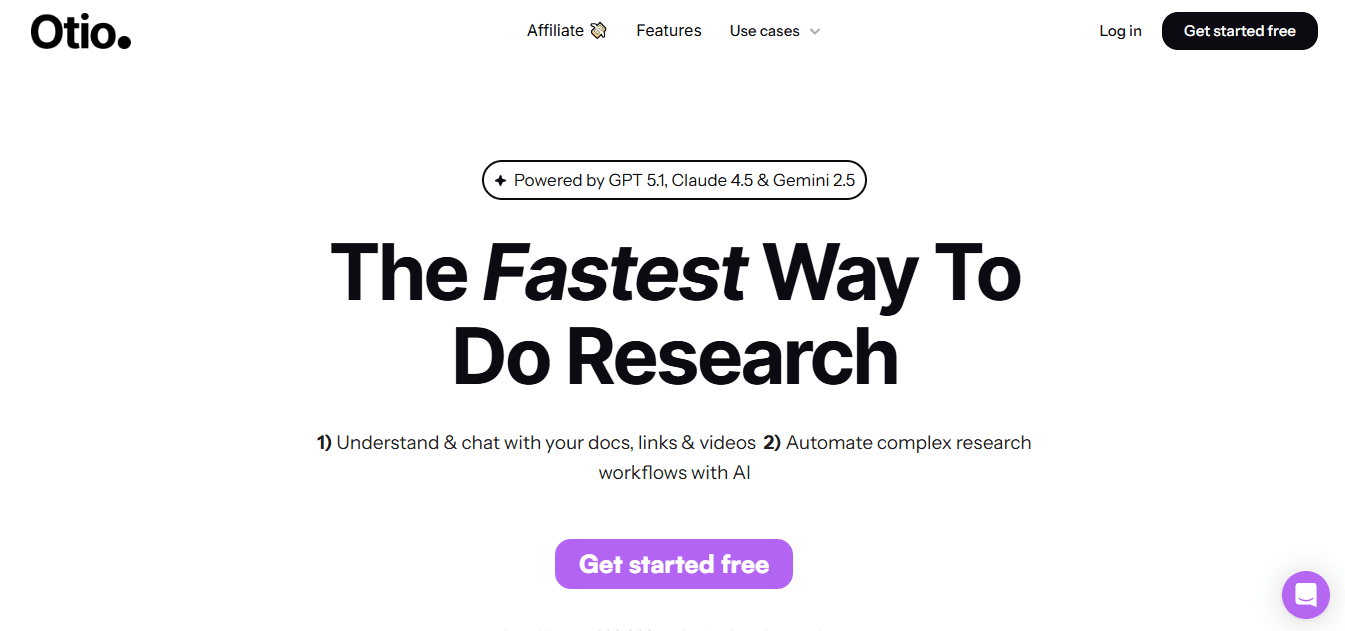
Otio Otio is made as an AI-native workspace for researchers and knowledge workers. It aggregates bookmarks, tweets, books, papers, and YouTube links into a single searchable knowledge base. From this information, it creates source-based notes, Q&A, and draft outputs.
Generates AI notes for various link types, including videos, PDFs, and web pages.
Allows users to chat with a single link or a collected knowledge base for follow-ups.
Web scraping widens source coverage beyond regular academic databases.
Advanced features for larger teams might need paid tiers.
Heavy ingestion workflows require careful organization to avoid duplicate sources.
2. Notta
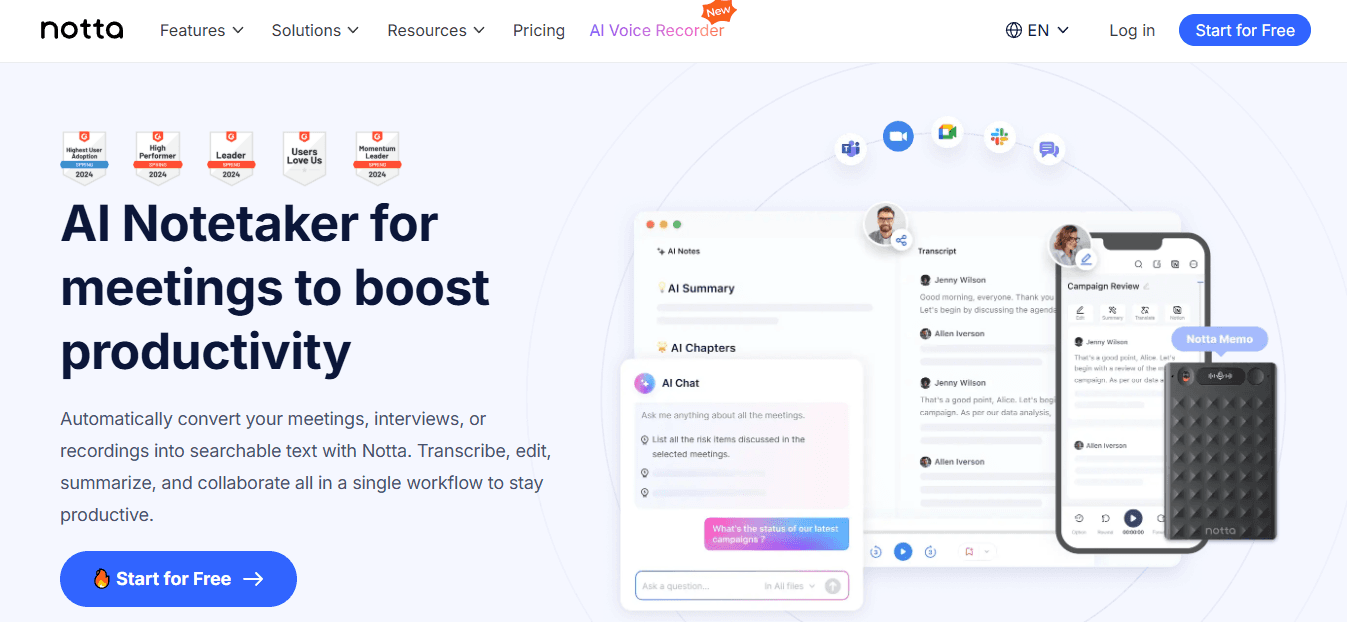
Notta started as a transcription engine and has added simple summary workflows for recorded meetings and lectures. This tool changes spoken words into searchable text along with short summaries.
Very accurate transcriptions, great for getting exact quotes.
Clean and professional meeting notes make them perfect for sharing in a business setting.
Needs an account to sign in; some helpful features cost money.
Works best with clear audio and good speaker separation.
3. Recall
Recall ingests YouTube videos, PDFs, and web pages and automatically generates short overviews. It also builds a knowledge graph that connects related summaries for rediscovery.
Automatically links related items to improve your library's usefulness over time.
Offline-first features let you review content without a network connection.
The free tier limits monthly AI summaries, which may encourage power users to choose the Business plan.
It is browser-only, with no native desktop app for more complicated workflows.
4. Monica
Monica is available as both a Chrome extension and a lightweight app.
It uses recent LLMs to summarize and translate content, providing a fast, chat-style interface along with browser results.
Very quick to set up and use; it acts as a strong writing assistant after summarization.
Integrates the summary workflow directly into the browsing session, making it a valuable AI research and writing partner.
Currently only available on Chrome.
Offers a short free trial, after which you need a subscription to keep using it.
5. Summarize.tech
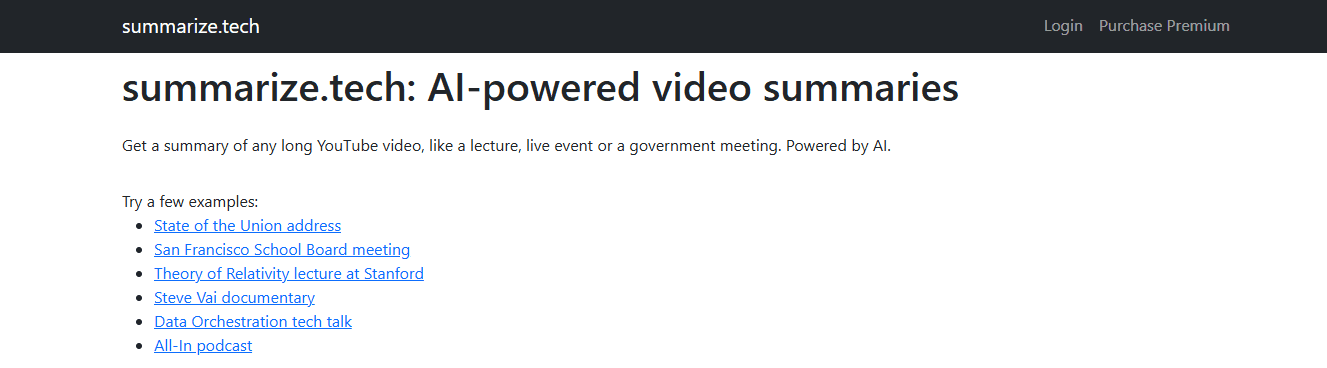
Summarize.tech is an easy-to-use, paste-and-summarize web tool that extracts spoken content from YouTube URLs. It offers summary lengths ranging from a quick to a more detailed, bulleted breakdown.
No account required for light use, making it easy to access quickly; Flexible output lengths to fit different reading times or repurposing needs.
English-first design that struggles when videos rely heavily on visuals, and free-tier rate limits that can be limiting for batch work.
6. Otter.ai
Otter.ai captures live calls or offers a side-by-side recording. It produces transcripts, summaries, speaker labels, and action items. It also integrates seamlessly with meeting platforms such as Zoom and Google Meet.
Real-time transcription and speaker attribution make it great for meetings.
The ability to identify tasks and export highlights to collaboration tools.
The free plan includes only 300 minutes per month.
Pre-recorded video workflows often require workarounds, such as side-by-side capture.
7. Knowt
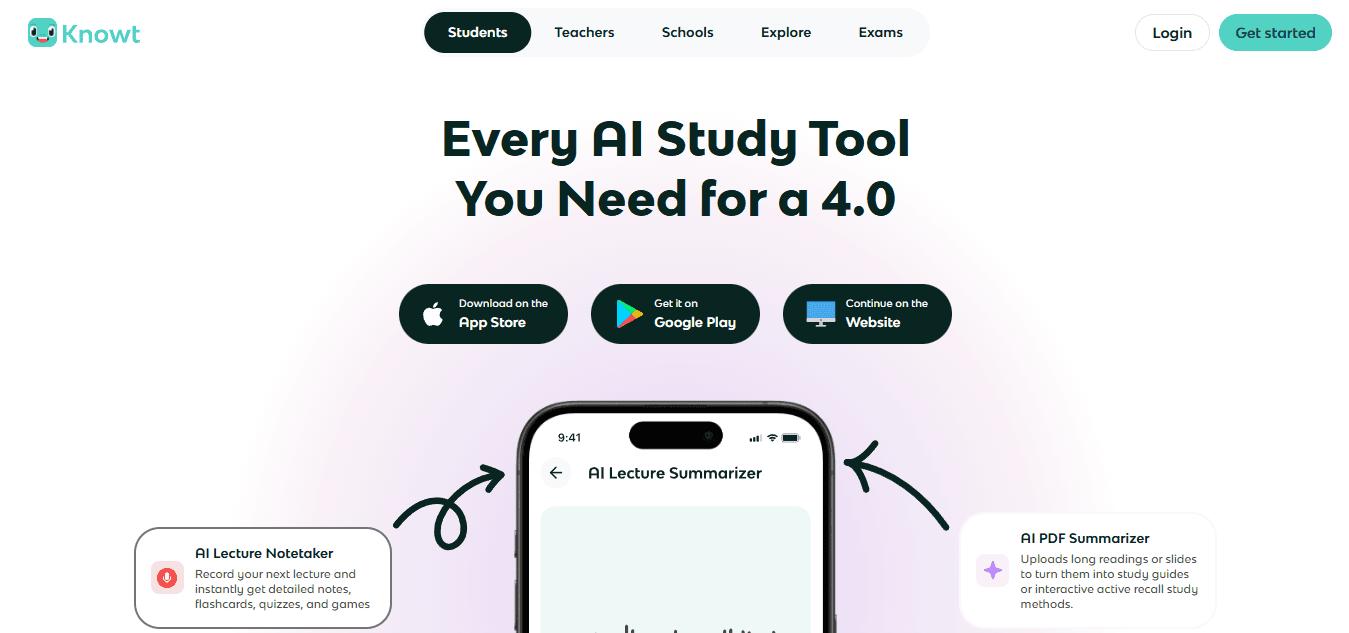
Knowt tailors summarization for education, changing lectures into transcripts, short summaries, and automatically makes flashcards for studying.
Automated flashcard generation accelerates revision cycles.
A simple interface is made for classroom workflows.
Limited customization for professional or corporate settings.
Not as suitable for long-form research needs.
8. ScreenApp
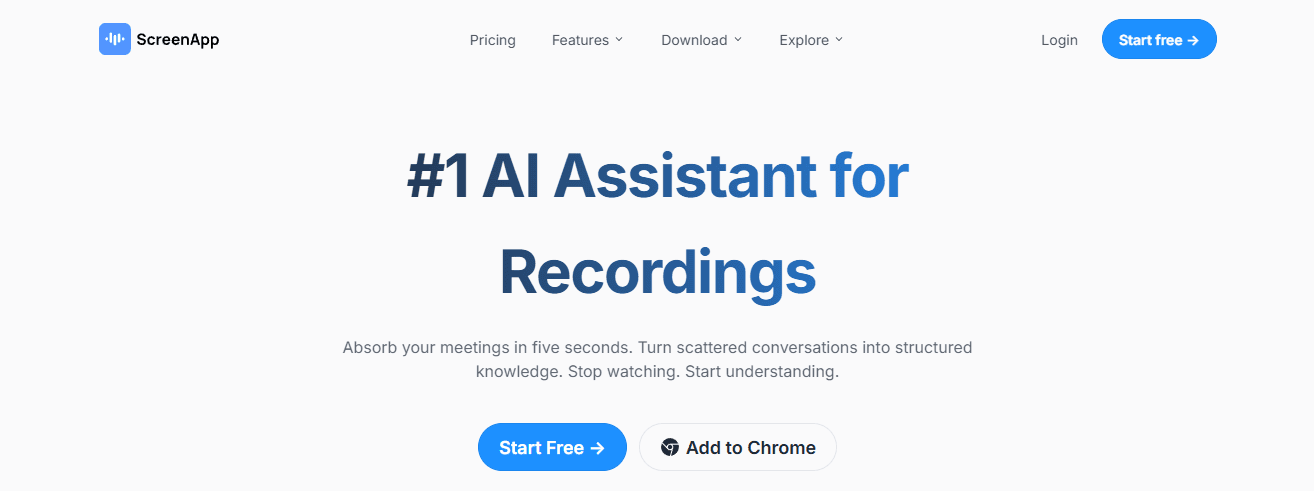
ScreenApp allows you to paste URLs or upload files, transcribes speech, and provides timestamped transcripts and multi-format summaries in less than a minute. It also has tagging and annotation features.
Timestamped highlights let users jump directly to the most essential parts.
One-click exports to Slack, PDF, or email for simple sharing.
Accuracy decreases with noisy audio or strong accents.
The leading platform is browser-only, and advanced features require a paid subscription.
9. Jasper AI
Jasper AI combines marketing copy tools with summarization templates. Users can convert scripts into shorter summaries while maintaining their brand voice using style settings.
Support for multiple languages and a consistent brand voice enable repurposing of summaries into marketing materials.
Built-in editing tools, like grammar checks, improve quality.
It often needs human editing to prevent repeating the exact phrases.
The pricing can be high for individual creators.
10. NoteGPT
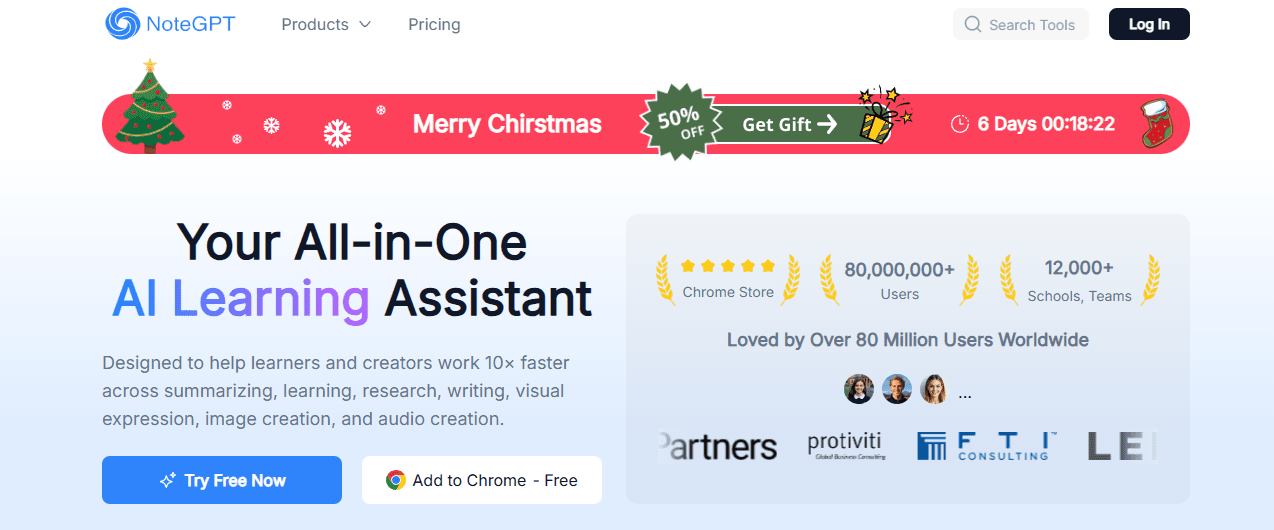
NoteGPT converts videos into structured notes, mind maps, flashcards, and searchable Q&A. It keeps everything organized with tags and folders in a single workspace.
Visual mind maps and flashcards help learners remember better.
Broad input support, which allows for different formats from MP4s to web articles.
Real-time meeting transcription is not available, which may be a drawback for some users.
Information on enterprise compliance is limited, which might be a concern for sensitive research.
11. Wordtune
Wordtune Read makes long videos easier to understand by highlighting key points and timestamps with a free Chrome extension. It also has a library for saved summaries.
An easy-to-use Chrome extension that lets you quickly access saved summaries.
Helpful editing tools that improve the language of the summaries. Additionally, having an AI research and writing partner can further streamline the summarization process.
Free users can only have three summaries per day.
There is less control over the summary structure than with research tools designed specifically for that purpose.
12. Eightify
Eightify is a browser extension and mobile app that focuses on YouTube. It quickly extracts eight core insights or summary lengths, linking each point to specific timestamps.
Very fast, making it great for skimming YouTube playlists.
Multi-language support and mobile availability improve its accessibility.
It is YouTube-only and cannot be used with local files or other platforms.
It may miss essential details on complex technical content.
13. Mindgrasp
Mindgrasp combines fast summarization, auto-quiz creation, and a Q&A interface. It is designed mainly for students who need helpful study tools and quick note-making.
Auto quizzes and language support that help with active learning;
A neat interface that quickly turns lectures into study materials.
However, there are some downsides: the learning curve for new users and the requirement that many advanced features are available only with the basic paid plan.
14. MyMap AI
MyMap AI Video Summarizer transforms videos into editable summaries and interactive mind maps. It does this by detecting speech, slide changes, and speaker turns, linking mapped nodes to timestamps.
Mind maps provide immediate context and enable teams to collaborate visually.
Quick trials are possible since no sign-in is required.
Free usage limits daily summaries and exports.
Access to advanced AI modes and API features requires higher-tier subscriptions.
15. UpWord
ord uses a Chrome extension to collect content from web pages and YouTube. It generates AI notes and summaries that can be easily shared in Slack or saved to a centralized library.
Slack integration that makes sharing with your team easier.
A central library that keeps all summaries and notes easy to search through.
You need the Chrome extension for YouTube workflows.
Unlimited storage and high-volume transcription options need a pricier plan.
What are the primary needs observed in users?
After testing these tools with a university research group and a small marketing team for three months, a clear pattern appeared: users feel overwhelmed by long lectures and podcasts. They need multi-format summarization so that research, clips, and notes are all part of the same workflow. Tools that only work with YouTube or only export raw transcripts require extra effort to combine them. As a result, teams often abandon the workflow when projects grow beyond a few videos.
How can teams improve their summarization processes?
Many teams have a status quo problem with how they summarize information. They often use transcription apps and scattered notes, since it's a familiar and easy way to begin. However, this method becomes problematic as project volume increases. Broken notes obscure the source, and redoing the work consumes valuable time. Platforms like Otio address this issue by consolidating everything in one place, creating source-grounded notes, and enabling discussions across individual links or entire knowledge bases. This not only makes it easier as projects grow. As teams look for practical solutions, an AI research and writing partner can be invaluable.
What evidence supports the effectiveness of AI summarization?
Evidence shows that speed matters. The efficiency gains are not just ideas; they are real. AI tools can reduce video summary creation time by up to 70%. This means that multi-hour lectures can be turned into useful summaries in less time than it takes to make coffee. User reports support this: over 80% of users report faster video processing times with AI summarization tools (Otio Blog, 2025). This suggests that real teams are seeing actual speed improvements in their everyday work.
How to choose the right summarization tool?
Choosing from these 15 options can be easier if you focus on the specific artifact you need the most. For example, if you need verbatim quotes and speaker labels, prioritize tools such as Notta or Otter that specialize in transcription. For features such as knowledge graphing and offline access, platforms like Recall or MyMap are better choices. If your goal is education and retention, choose tools that automatically generate flashcards, such as Knowt or Mindgrasp. Additionally, if your workflow requires combined ingestion, QA, and draft outputs in a single workspace, look for platforms that integrate multiple source types, as they offer the most significant long-term benefits.
What challenges come with summarization?
While that solution might feel like a relief now, the real challenge is in making the summaries usable for the specific tasks that follow.
Use Cases of YouTube Video Summarization

A single YouTube recording can be used in many ways without having to watch it all over again. This practical flexibility is why video summarization is essential for creators, marketers, and researchers. Below are clear ways to repurpose the content, explaining how to transform each summarized section into a ready-to-publish asset.
What are short videos for social media?
Short videos for social media use timestamped highlights to capture the most exciting 15–60 second moments. These clips can be exported as vertical or square edits for platforms like Instagram Reels, YouTube Shorts, TikTok, and LinkedIn video posts. The goal is precise: to identify the single line or visual moment that makes someone stop scrolling, then package it with captions and a clear call to action. If you're looking for assistance in crafting compelling content efficiently, consider an AI research and writing partner to enhance your strategy.
How to create captions and social descriptions?
Convert timestamped bullets into easy-to-read text suitable for captions, post descriptions, or social media cards. Handle each bullet like a mini-post, adding a catchy opening, the main idea, and a link to the full video.
What are YouTube chapters?
YouTube chapters create chapter boundaries automatically from the summary. This allows viewers to jump to the sections that are most important to them, making it easier to navigate and remember what they watched. When chapters are accurate, viewers feel more in control and tend to watch longer. Additionally, teams can save several minutes of manual effort by not having to timestamp each video.
How to make Twitter and Instagram threads?
Twitter and Instagram threads: Break a summary into a series of linked posts that tell the argument or explain a process step by step. If a conversational explainer is recorded, the summarizer will have already split the talk into standalone ideas that can be linked together. This boosts engagement and changes passive content into an active discussion.
How to extract pullable quotes?
Pullable quotes: Extract sharp, quotable lines from long streams of speech and turn them into image cards or lead sentences for posts. Quotes show authority and are the quickest way to create shareable snippets from webinars, podcasts, or interviews.
What are show notes?
Show notes are a valuable resource for listeners. Instead of rewatching episodes to take notes, one can export a clean list of episode highlights and timestamps. This list can then be pasted into episode descriptions, landing pages, or episode emails. This helps listeners decide what to watch and what to skip.
How to create blog post outlines?
The blog post outlines the use and summarizes the takeaways as a scaffold for the written piece. Each bullet point can be turned into a paragraph or section. Consider adding short clips next to sections to combine video and text, preserving nuance while boosting SEO.
How to use keyword extraction for SEO?
Keyword extraction is essential in SEO. By using a keyword extractor or an LLM to create meta titles and descriptions from the shorter text, you can change spoken content into search-friendly materials. These materials help to feed your CMS and metadata workflows. Having a reliable AI research and writing partner can significantly enhance this process.
What are video tutorials?
Video tutorials are a great way to help users learn. They involve recording demos or client calls and using timestamps to highlight step-by-step instructions. By combining these clips into short, task-focused tutorials, new users can follow along without watching the entire session.
How to create video FAQs?
Video FAQs collect commonly asked questions from customer calls and provide the exact answers. By creating a searchable video FAQ library, support teams can handle fewer repeated questions.
How to build e-learning modules?
E-learning modules can be effectively created by building course units. First, map out shortened learning goals to brief lecture videos and reading notes. Next, assemble these components into modular lessons that students can learn from in focused blocks.
How to create audiograms?
Audiograms are created by identifying a meaningful moment in the audio, adding captions, and including a waveform. This process creates an audiogram that transforms an off-screen insight into a visually engaging social media post.
What are carousel graphics?
Carousel graphics are great tools for engaging on social media. By turning each bullet point into a slide for LinkedIn or Instagram carousels, you can create clear summaries. This setup makes it quick and easy to create slides because the order and wording are already set.
How to create customer support guides?
Customer support guides and knowledge bases should give clear help. Make short, timestamped video snippets that answer support questions. Publish these videos with written steps, and share a public URL so teams don't send the same demo over email.
How to utilize customer testimonials?
Customer testimonials are critical to building trust and credibility. Search summaries for product praise and use timestamps to find the exact moments when customers share their positive experiences. By compiling a collection of clip-ready endorsements, Otio can easily use these testimonials in marketing materials and case studies.
How to enrich email newsletters?
Email newsletter enrichment means adding a summary and a public clip link. This lets readers click to the critical moment, boosting engagement without requiring subscribers to watch the entire episode.
How to choose which asset to create first?
When choosing which asset to create first, follow the audience. Change content into social shorts when you need more people to see it, into show notes for better discovery, and into knowledge base clips when you want to grow support. After working with content teams on various projects, a clear pattern has emerged: they often spend much of their time deciding when to publish. Summarizers remove the search step and allow content to flow more sm.
oothly.
What tools can help with video summarization?
Most teams still stitch usable clips together manually because this process is familiar and requires no new tools. However, as the number of recordings increases, manual clipping becomes a time sink that makes ownership unclear and slows down progress. Platforms like Otio help solve this problem by centralizing link ingestion, creating source-grounded notes, and providing searchable timestamps. They let teams convert summaries into drafts and knowledge documents without copying files between apps. This makes it easier to verify and repurpose content while keeping the sources clear.
Why are repurposed clips important?
According to 90% of people, who say they discover new brands or products on YouTube (iWeaver AI, 2025), repurposed clips serve as discovery hooks that help attract new customers. With so much content on the platform, it's important to remember that over 500 hours of video are uploaded to YouTube every minute (iWeaver AI, 2025). The only way to grab attention is to pack valuable information into quick moments that connect immediately.
How can Otio help?
Try Otio as the single workspace that collects links, extracts source-grounded notes, and helps you draft outputs from those summaries. It allows research and content teams to move easily from a reading list to a first draft without the hassle of copying between tools. Let Otio be your AI research and writing partner and try it for free today.
What will change in content workflows?
While that solution may seem helpful, most teams don't expect upcoming changes to affect every part of their content workflow.
Related Reading
Best YouTube Summarizer
Supercharge Your Research Ability With Otio. Try Otio for Free Today
Turning hours of YouTube research into practical work can be tough. Consider Otio, your AI research and writing partner, to help you out. It does a great job of summarizing YouTube videos into notes and drafts that are ready for research. This way, you reduce the extra work needed to turn transcripts into text that you can publish. With Otio, you can concentrate on judgment and execution.



