
Video Summarization
15 Best AI Tools To Summarize YouTube Videos
Best AI tools to summarize YouTube videos: Discover 15 tools offering accurate transcripts, clickable timestamps, and clear insights. Otio simplifies research
Video summarization transforms long YouTube videos into concise key insights, saving time and focusing attention on what matters. Users can quickly access the most relevant details without sifting through hours of content. Many find that the best AI tools for summarizing YouTube videos efficiently capture quotes, statistics, and key ideas.
Advanced platforms extract transcripts, highlight key moments, and generate summaries that streamline research and note-taking. This technology converts dense video content into actionable outlines, enabling more effective analysis and writing. With tools that simplify video-to-text conversion and enhance productivity, otio serves as an AI research and writing partner that accelerates the creative process.
Summary
Condensed summaries cut rewatching, with 85% of users saying video summaries help them understand content quickly, turning hours of passive viewing into minutes of actionable scanning.
Automated summarization shortens feedback loops by reducing viewing time by up to 70%, lowering duplicate reviews, and speeding decision cycles across teams.
Treating long recordings as a pipeline for clips and copy drives distribution, and 60% of content creators report increased engagement after using video summarization tools to produce snackable assets.
The scale problem is urgent, since over 500 hours of video are uploaded to YouTube every minute, making manual timestamping and rewatching impractical for growing archives.
Viewer preference favors video: 80% prefer watching over reading. Summaries serve as searchable, citable bridges that preserve spoken nuance while aligning with attention patterns.
Choose tools that measure factual fidelity and workflow fit, for example, demand clickable timestamps that land within two seconds and run a 20-minute validation test for transcript errors, speaker labels, and export completeness.
This is where Otio's AI research and writing partner fits in, extracting transcripts, surfacing timestamped highlights with speaker labels, and producing source-grounded draft notes that integrate into team workflows.
Table of Contents
Benefits of YouTube Video Summarization

Summarizing YouTube videos offers three clear and practical benefits: significant time savings, fewer distractions that help you be more productive, and higher-fidelity recall of the specific points that matter. Each benefit is different depending on the method used, whether it’s automated summaries, searchable timestamps, or human-verified highlights. Together, these methods change how users watch and act on video content. Having an AI research and writing partner can further enhance your summarization process.
How can summarizing videos help save time?
Save time with condensed, prioritized takeaways. When a single course lecture competes with an hour of meetings, it's essential to get to the main ideas quickly. You need insights, not every pause and aside written out. Summaries turn long videos into prioritized takeaways, short bullet points, and specific timestamps that help you make decisions faster without needing to rewatch. Research shows that many people prefer this iWeaver AI. 2025-01-09 report finds that 85% of users find video summaries helpful for quickly understanding content. In practice, effective AI summarization helps you move from just watching to actively scanning, saving you hours each week on work, not just review.
What are the productivity benefits of video summarization?
Improving productivity involves removing sensory noise and shortening feedback loops. The traditional method for teams handling video notes consists of watching, clipping, and manually tagging highlights. While this method works well for a small number of videos, it breaks down at scale. This friction can lead to missed deadlines and repeated work when multiple people do the same reviews. Automated summaries make this process quicker, show who talked and when, and create searchable transcripts and highlights that can be added directly to project trackers and knowledge bases. Platforms like Otio maintain essential details, including who said what and when, allowing teams to assign follow-ups directly to the right person without replaying the clip. Evidence shows that tools that decrease consumption time can meaningfully change behavior. As noted by iWeaver AI on January 9, 2025, video summarization can cut viewing time by up to 70%. This reduces gaps in understanding and accelerates decisions in content-heavy workflows.
How does summarization help capture critical details?
Summarization captures detail and context, so nothing important gets missed. It is easy to overlook a name, a number, or a small detail when listening at normal speed. Summaries serve as annotated bookmarks, highlighting quotes, numbers, keywords, and phrases with exact timestamps and speaker labels. This keeps contextual fidelity, turning unclear memories into clear facts that can be cited in reports or reused in training materials. A summary acts like a focused lens, keeping important details while removing unnecessary parts. This clarity makes following tasks such as content repurposing, compliance checks, and knowledge transfer accurate and easy to repeat.
What are the challenges of managing video knowledge?
Status quo empathy, cost, and the bridge. Most teams manage video knowledge with quick notes, shared drives, and repeated replays because these methods are familiar and require no new platform. As content volume grows, this habit fragments context into separate files, response times increase, and essential knowledge becomes unsearchable. Platforms like otio change the math by creating accurate, context-aware summaries with timestamps, speaker attribution, and integration hooks. This helps teams shift from doing the same work to acting on clear evidence.
How can we visualize the importance of high-quality summaries?
A short analogy can clarify this concept. A high-quality summary is not just a Cliff Notes version that removes important details; instead, it serves as a compass, guiding you to the ridges and passes you need to navigate next, while keeping the map readable.
Why do some teams resist changing how they capture video knowledge?
The outcomes of this shift will show which roles benefit most from improved processes. However, some teams still resist change in how they capture video knowledge. Utilizing an effective AI research and writing partner can help streamline this process for teams.
Related Reading
Use Cases of YouTube Video Summarization

Changing one YouTube video into a collection of searchable assets, short clips, and written content can really help with marketing, customer support, and learning. Here are 16 specific ways teams can use video summarization, each designed for immediate implementation. Additionally, incorporating an AI research and writing partner like otio can further streamline these processes.
What are short social clips for distribution?
Short social clips for distribution use timestamps and highlight extraction to get the most interesting moments from a long recording. These snippets can be shared as Reels, Shorts, LinkedIn videos, or TikToks. For example, when we helped a founder turn a one-hour AMA into twelve short clips over two weeks, the posting cadence made it much easier to test which moments resonated without rewatching the whole session.
How do captions and post-copy generation work?
Captions and post copy create summaries that include bullet points and timestamps. These points become caption banks. Each point can serve as a caption, a brief description, or a thread starter. This method saves time on writing while preserving the speaker’s original wording and intent.
What are automatic YouTube chapters?
Automatic YouTube chapters create chapter markers from summary segments. This allows viewers to go straight to the ideas they want. This feature is invaluable for teams with extensive content, as it makes it easier for repeat viewers and helps new audiences find information in long videos.
How to create Twitter and Instagram threads?
Twitter and Instagram threads from spoken ideas. Change a video’s main points into organized text chunks for multi-post threads. When creators record conversations, summarization can create a natural, shareable thread format that feels like a live talk divided into easy-to-follow steps. An effective AI research and writing partner can streamline this process, making it easier to craft engaging and informative posts.
What are quotable lines and soundbites?
Pulling quotable lines and soundbites means finding short, valuable phrases that are great for social media or quotes. This process highlights moments of flair that are often lost in long-form content, giving editors precise timestamps to cut audio or video easily.
How to generate episode show notes?
Episode show notes can be created for promotion using the summarized highlights. This method lets you publish episode pages, add resource links, and improve episode SEO without rewatching the content. As a result, promotion becomes predictable and repeatable.
How to draft blog outlines from transcripts?
Draft blog outlines from transcripts by turning summarized takeaways into a structured article outline. Assign each takeaway to a specific section. This approach keeps the blog true to the original speaker, accelerates draft creation, and preserves source attribution.
What is keyword extraction for SEO workflows?
Use the simplified text to identify key keywords and suggest meta titles and descriptions. Then, put these into your CMS or SEO tools. This process makes it easier to create metadata and helps ensure content is easy to find. For more insights, explore keyword extraction for SEO workflows.
How to create concise product tutorials?
Create concise product tutorials by recording demos or client calls. Use summary highlights to make short, task-oriented tutorials. Editors can assemble exact clips with captions, enabling guided walkthroughs without manual searching.
What are video-based FAQs?
To build video-based FAQs, collect short clips that answer common support questions. Organize these clips by query. This approach provides customers with quick, human responses and reduces the need for repeated support for the same issues.
How to assemble e-learning modules?
Assembling e-learning modules involves taking lesson-sized points and organizing them into course sections. Each module should match the original timestamped clip and have extra notes. This method preserves the pedagogical flow while significantly reducing the time required to produce the course.
How to produce audiograms with captions?
To create captioned audiograms, upload audio and generate an audiogram that highlights a single summarized idea. Add captions and a thumbnail to improve engagement. Audiograms like this perform well in feeds, making spoken insights easier for those who quickly skim content.
What are carousel graphics from bullets?
Designing carousel graphics from bullet points means turning the summary’s bullet points into a multi-slide format for platforms like LinkedIn or Instagram. Each slide should present a single clear idea, allowing the message to flow in sequence without requiring access to the original video.
How to build customer support guides?
Creating customer support guides and knowledge base pages is very important. Summaries and editable transcripts help make short how-to pages or internal SOPs. These can include public URLs for sharing. This method provides a reusable resource that significantly reduces repetitive explanations across teams. An AI research and writing partner can further enhance this process, allowing you to create more efficient guides.
How to extract and catalog customer testimonials?
Extracting and cataloging customer testimonials means looking for positive statements about your product in the summaries. Use timestamps to capture clips and store them in a testimonial library. Over time, this process builds a searchable repository of absolute customer praise.
How to enrich email newsletters?
Enrich email newsletters with clickable highlights. Including a summary or a public clip link allows readers to click directly to the relevant moment. This increases the likelihood of engagement without requiring viewers to watch the full video.
Why do creators adopt these use cases so quickly?
This pattern is clear among creators and teams. When they stop seeing video as a single item and start thinking of it as a source of many pieces to enjoy, it becomes easier to share and measure. This shift in perspective is one reason iWeaver AI reports that 60% of content creators see increased engagement after using video summarization tools. It also aligns with how learners and reviewers prefer to consume material, which helps explain why, as noted by iWeaver AI, 85% of users find video summaries helpful for quickly understanding content.
What is the status quo and the hidden cost?
Most teams put together social clips, notes, and help articles by rewatching videos and copying timestamps. This method is familiar and requires no new approvals, but it becomes more complex as the workload increases. Soon, the same few people end up doing the boring editing and making context decisions, which slows down the work and creates knowledge gaps. A solution like an AI research and writing partner collects summaries, generates timestamped highlights with speaker labels, and sends them to your CMS or editorial queue. This process eliminates manual tasks that consume most of the time.
What is a quick analogy to make this concrete?
Think of a long video as a forest; a good summarizer acts like a trail map with clear waypoints, rather than a hand-drawn scribble. While you still walk the paths, you avoid getting lost.
What are two practical swaps you can make today?
For those with recurring long recordings, automate chapter creation and quote extraction as a first step. Then set up a weekly remix session in which clips are assigned to specific channels. This simple change shifts the work from hunting for clips to curating content, creating a clear content backlog rather than just a pile of unwatched footage.
What can Otio do for you?
Let Otio solve your collection, extraction, and drafting bottlenecks. Spend less time chasing context and more time getting results. Let Otio be your AI research and writing partner. Try Otio for free today.
What is the impact of tool choice?
This simple shift may sound straightforward, but the choice of tool significantly affects which tasks are eliminated and which problems remain. Choosing an effective AI research and writing partner can streamline your process and enhance your productivity.
15 Best AI Tools To Summarize YouTube Videos

There is no single best tool for every YouTube workflow. Choose the one that fits your working style, what you need to keep, and where you want to deliver summaries. Below are 15 top options, each explained with who benefits most, what it focuses on, and the practical trade-offs. Keep the scale in mind: over 500 hours of video are uploaded to YouTube every minute, according to Statista. Attention patterns show that people prefer video over text; in fact, 80% of people prefer watching a video over reading text, according to Otio's blog on AI productivity tools.
What are some top AI tools for YouTube summarization?
1. What is Otio?
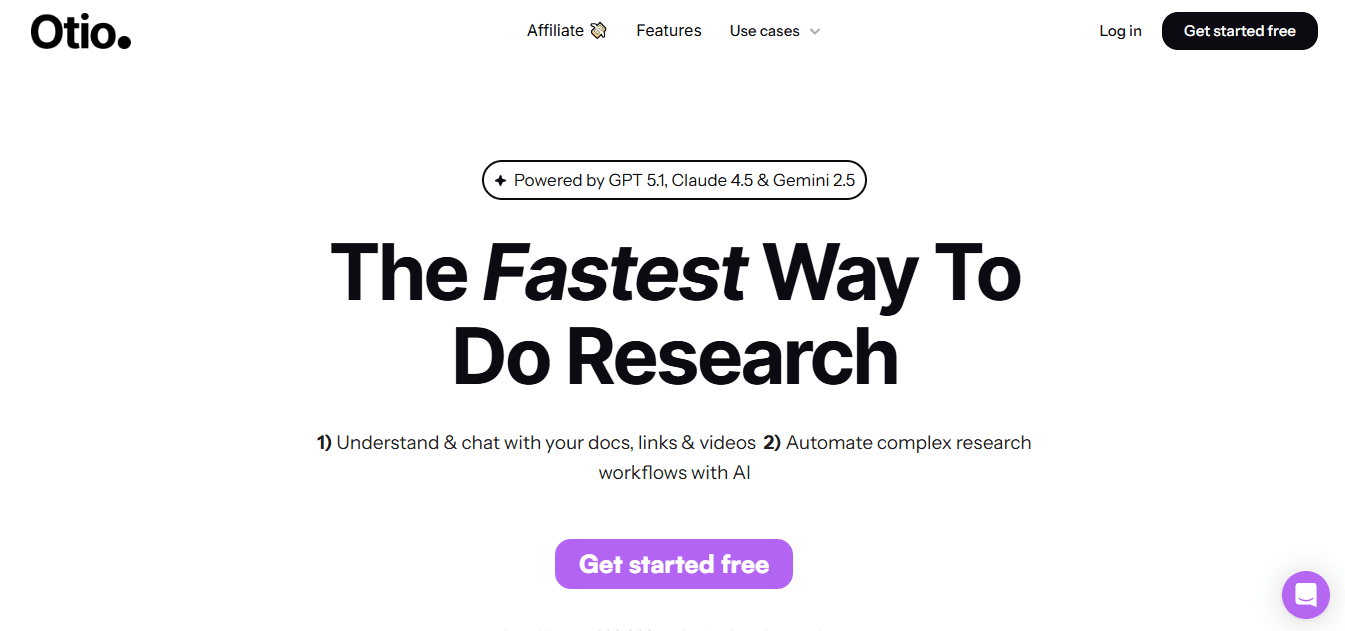
Otio is an AI-native research workspace designed to gather diverse sources, extract useful information, and help create documents without combining multiple apps. It brings together bookmarks, tweets, books, PDFs, and YouTube videos into one knowledge base. From this complete collection, it generates AI-generated notes, source-grounded Q&A, and draft-ready text. As your AI research and writing partner, Otio ensures that you have everything you need at your fingertips.
2. What features does Notta offer?
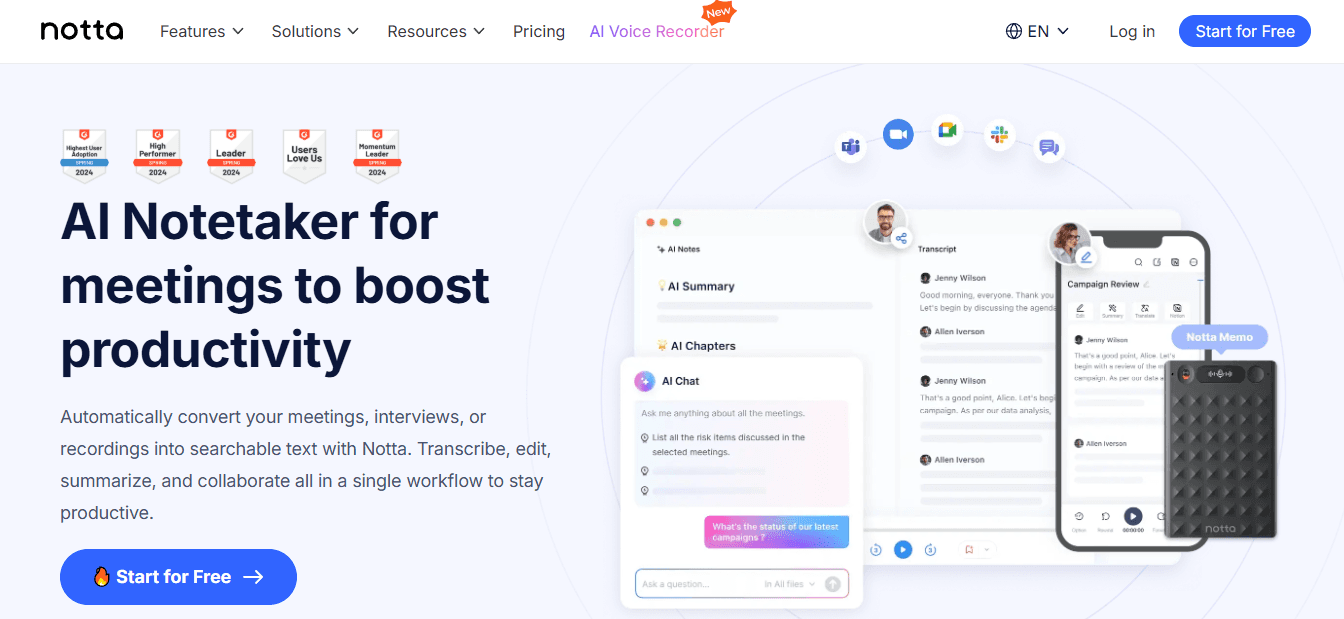
Notta focuses on accurate speech-to-text transcription and adds clean, short summaries, making it a trusted tool for long meetings and lectures. It works well with Zoom and Meet recordings, changing them into easy-to-read notes with quick highlights.
Pros: It delivers high transcription accuracy and readable summaries, saving time by eliminating the need to rewatch recordings. It's also helpful in maintaining corporate records, mainly when used as an AI research and writing partner.
Cons: Users must sign in to an account, and some advanced features are available only on paid plans.
3. What is X Grok AI?
Grok is an assistant within the X platform. It is designed for conversational context and real-time responses in the social feed, rather than as a standalone summarizer. It can summarize short clips or give quick answers related to posts.
Pros: It is native to X, offers witty engagement, and provides free access, along with quick snippets and image-generation options.
Cons: It is limited to X; it is not made for long-form, timestamped video archives or sharing across different platforms.
4. What does Monica do?
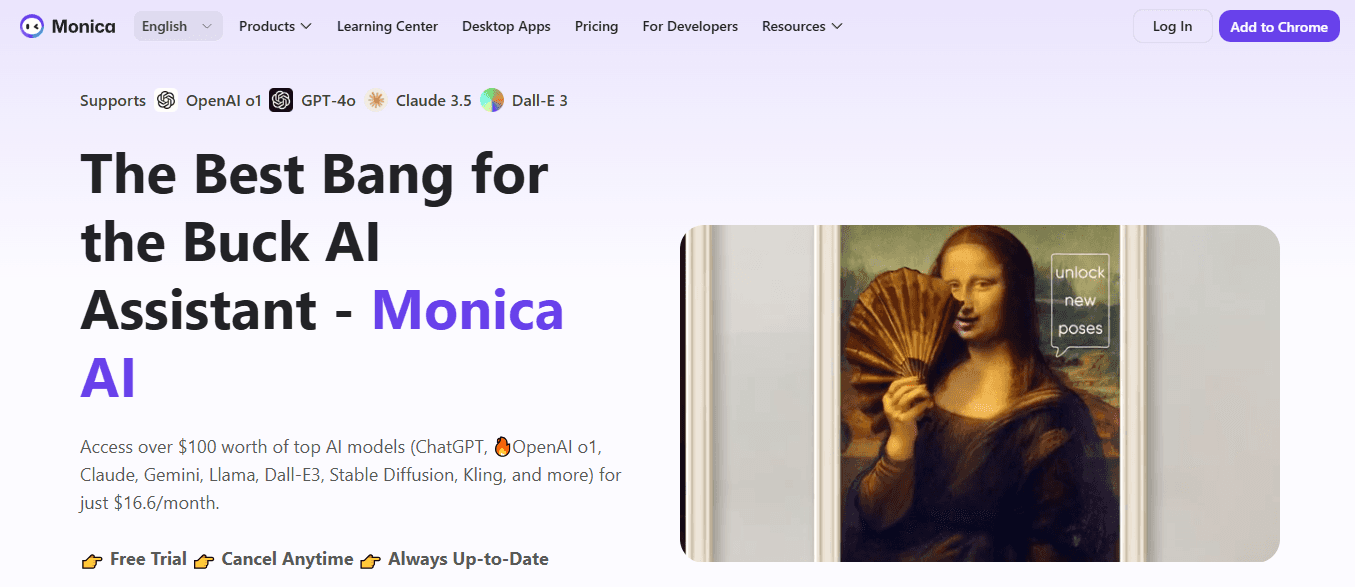
Monica is a Chrome extension and a desktop/mobile app that creates quick video highlights right on YouTube. It also helps users improve the output with a writing assistant.
Pros: Users enjoy speedy one-click summaries in the browser, strong language models for relevance, and easy follow-up editing in chat.
Cons: The tool only works in Chrome, the trial period ends quickly, and broader integrations are currently limited.
5. How does Otter.ai function?
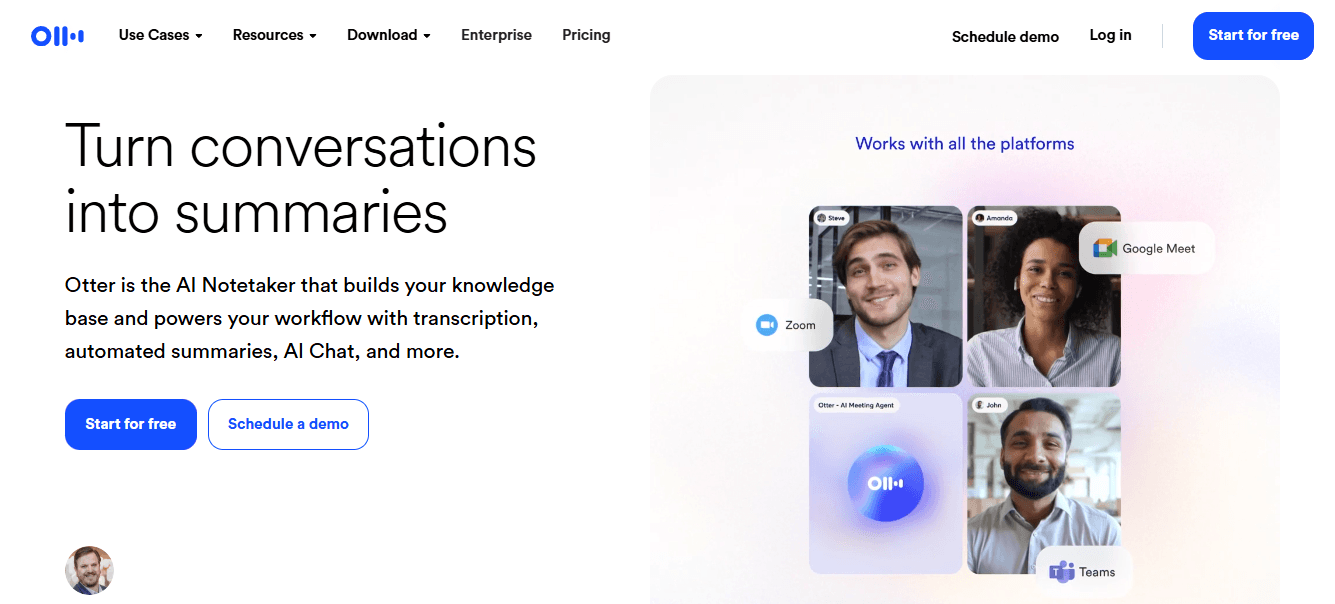
Otter.ai focuses on live capture and meeting workflows. It automatically joins calls and creates transcripts that label speakers, outline key points, and capture action items, which can be easily exported. For recorded video, it allows side-by-side capturing, providing searchable text and summaries.
Pros: It offers live transcription, speaker attribution, multi-language recognition, and seamless integration with calendars and conferencing tools.
Cons: The free plan limits the number of minutes you can use each month; side-by-side recording of pre-recorded video can be awkward; and advanced import and customization features are available only on paid tiers.
6. What makes Knowt special?
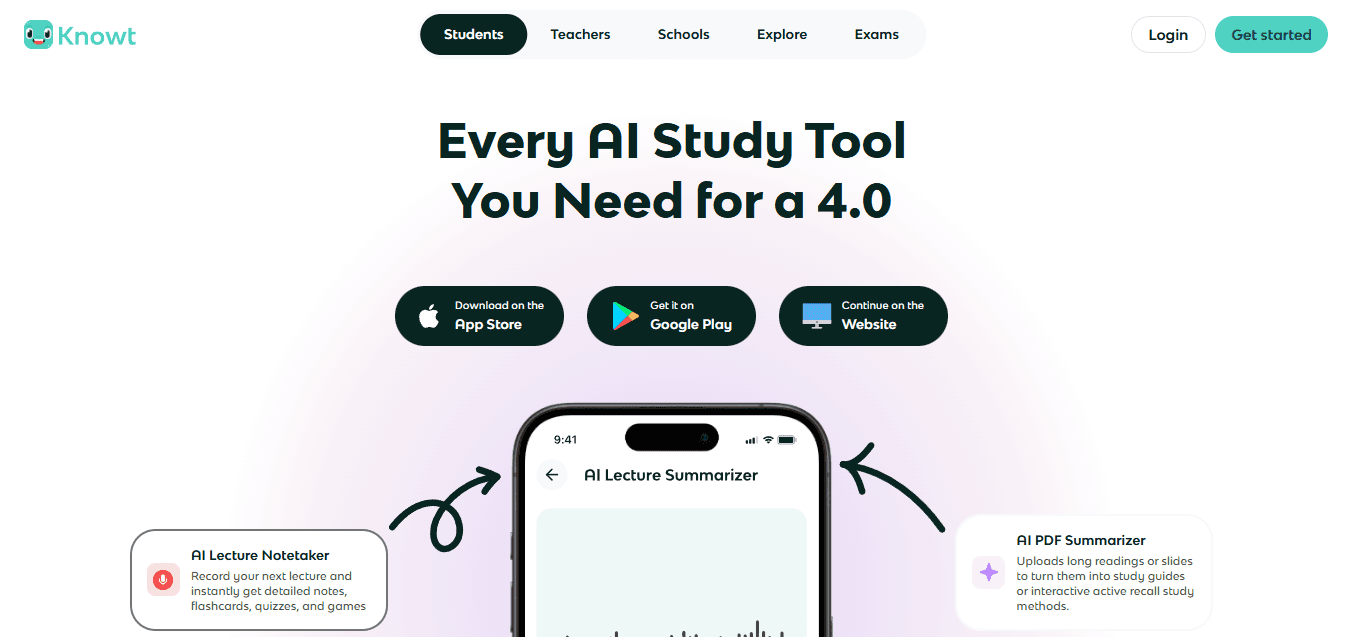
Flashcard automation that saves time for students
A simple user interface designed for classroom use. On the downside, it lacks business-related customization and enterprise integrations.
7. How does Summarize.tech work?
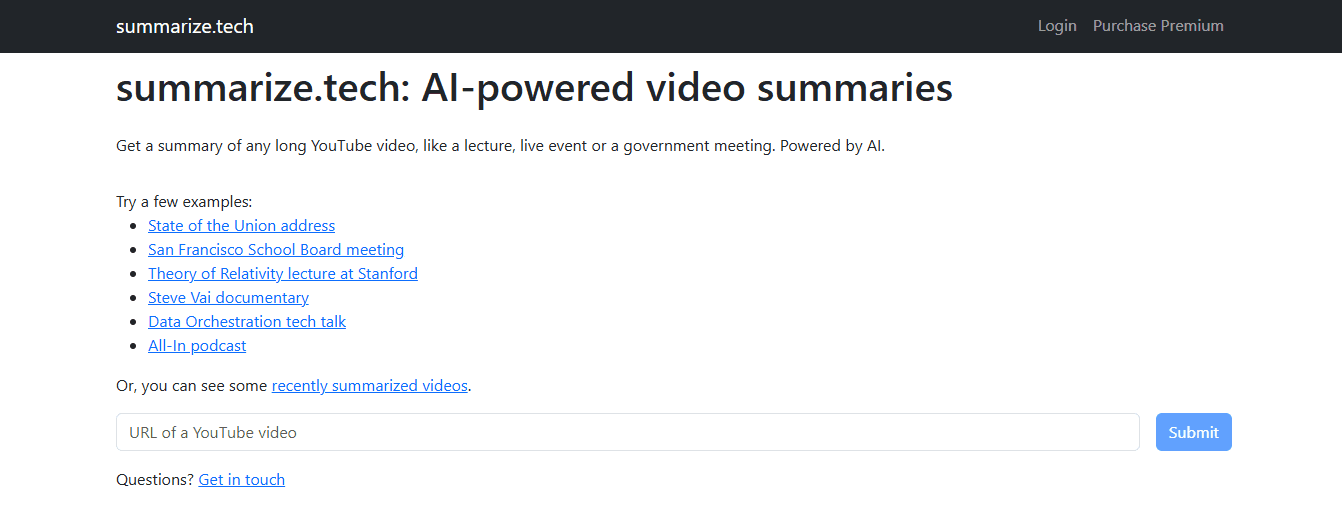
Summarize.tech offers a no-friction paste-and-go experience. Users can simply paste a YouTube URL to get a short overview in seconds. The platform provides options for very short or detailed bullet lists. Pros include no login needed for basic use, flexible summary lengths, and a speedy turnaround. However, there are drawbacks. The service is primarily available in English, and its accuracy declines when videos rely heavily on visuals or on-screen text.
8. What features does ScreenApp provide?
Multi-platform support enhances usability.
Timestamped navigation allows easy reference.
What challenges do teams face?
When teams grow from lone researchers to distributed knowledge workers, they often start by saving links in bookmarks, copying transcripts into documents, and taking notes by hand; this method does not need new approvals. While this approach works at first, as the number of stakeholders increases and deadlines tighten, context can become scattered across multiple files. Follow-ups might be overlooked, and review times can stretch from days into weeks. Teams find that solutions like Otio centralize information, keep notes grounded in the source, and provide searchable takeaways and timestamps. This reduction in review time helps maintain a record of who said what and when.
9. What does Jasper AI do?
Jasper AI combines content marketing features with text summarization. It helps users create video script outlines and then shorten that script with a text summarizer that fits the brand's voice. The platform supports multiple languages and a wide range of content types.
Pros: Jasper is perfect for marketers wanting summaries that match their brand's tone. It has built-in writing tools, such as grammar checks, and can produce output in multiple languages.
Cons: The platform often requires editing to reduce repetition, can become expensive for small teams, and does not support precise timestamps.
For those looking to enhance their content creation further, consider an AI research and writing partner.
10. How does NoteGPT help users?
NoteGPT makes structured notes, mind maps, and flashcards using video transcripts and full text. It includes an AI chat that helps users explore any section of the notes and organizes content in a searchable workspace.
Visual mind maps and flashcards to support learning.
Flexible imports, internal tagging, and export options.
Free access is limited.
No live meeting capture or speaker labeling.
Enterprise compliance details are thin.
11. What is unique about Wordtune?
Wordtune offers a Chrome extension with a range of tools. It can summarize web videos, highlight key points, and store summaries in a personal library. Additionally, it includes rewriting tools to improve clarity. Key points include:
Ease of use, making it accessible for all users
Storage of generated summaries for later reference
Highlighting key timestamps in videos.
However, there are some drawbacks. The free tier is limited to a small daily quota and focuses primarily on text rewriting rather than on in-depth video analytics.
12. What does Eightify offer?
Eightify is a lightweight browser extension and iOS app that extracts eight core ideas or alternative formats, like bullet lists, along with timestamp links back to the YouTube player.
Pros: It is swift, making it effective for quick screening of long videos, and it offers solid multilingual support.
Cons: However, it is YouTube-only, may miss nuance in technical talks, and the desktop experience relies on the browser extension.
13. What does Mindgrasp provide?
Auto-generated quizzes and study tools
Support for multiple media types
Some features are gated behind paid tiers
There is an initial learning curve for new users
It is less suited for enterprise sharing workflows.
14. How does MyMap AI Video Summarizer function?
MyMap AI Video Summarizer converts videos into editable summaries and interactive mind maps, linking nodes to exact timestamps. It also allows real-time teamwork on those maps. The pros include visual mapping of ideas, easy team commenting, and no sign-in needed for quick trials. However, the cons are limited exports in the free tier, advanced AI models behind paywalls, and access only via browsers.
15. What does UpWord do?

Fast Chrome extension that boosts productivity
Slack integration for easy sharing
Video summarization is Chrome-only
If you use it a lot, you need an Unlimited plan.
What challenges do teams face with video transcription?
During a six-week audit of knowledge teams while onboarding, a consistent pattern emerged. Teams felt overwhelmed by long lectures and meeting recordings. They wanted not just shorter text, but also searchable context and the chance to ask specific follow-up questions. Tools that only provide a flat transcript do not meet this need. Also, tools that limit outputs based on platform restrictions require repeated manual work. It is important to choose tools that allow users to query content, export to the systems their team uses, and maintain speaker attribution. When picking transcription tools, a practical checklist can be handy. Accuracy priority means choosing transcription-first vendors with intense speaker labeling. Workflow priority refers to selecting extensions or APIs that push summaries to Slack, CMS, or your LMS. Privacy priority means choosing platforms that have transparent encryption and retention policies. While current workflows may be acceptable initially, as volume grows, the hidden costs of fragmentation become clearer. Platforms that combine fast summaries with contextual accuracy and integrations effectively solve this problem.
What considerations come into play when selecting a tool?
This helpful change brings relief, but the tougher choices focus on balancing accuracy, speed, and integrations without creating new bottlenecks. The following section will examine how to select the best tool and highlight what most teams overlook in the process.
How to Choose the Best AI Tool To Summarize YouTube Videos

You choose a YouTube summarization AI by putting transcript fidelity and contextual accuracy at the top of your decision criteria. Then, match output flexibility, timestamp reliability, and language coverage to how your team works. Prioritize tools that can demonstrate accuracy on real clips, integrate results into your workflows, and document retention and export policies, so speed does not compromise trust. If you're looking for an effective tool, consider how an AI research and writing partner can enhance your summarization process.
What should I check when extracting transcripts?
High-Quality Transcript Extraction
Test the transcript first, then judge the summary. Ask the vendor to demonstrate how they handle official YouTube captions versus auto-generated speech-to-text. Run a short audio sample that has an accent, overlapping speakers, and background noise. Measure the errors that matter to you: missed numbers, dropped speaker labels, and misheard proper nouns. Prefer systems that offer official-caption pulls, noise-robust models, speaker diarization, and a fast human-correction path or rollback to the original captions. If a tool only summarizes without a clear transcript-quality step, it will often embed errors in the output.
How do you assess contextual summaries?
Meaningful, Contextual Summaries
(Not Just Extracted Lines) How well does the tool demonstrate understanding rather than simply picking out sentences? Test the tool in three ways: first, request a one-paragraph summary; next, have it organize the video by theme; finally, ask a 'why' question about an example it mentions. A sound system will reframe claims, relate examples to conclusions, and credit speakers for their statements rather than just repeating their words. Use models that provide both summarized and structured outputs, and check for errors by asking follow-up questions that require the summary to reference specific parts of the transcript.
Can the tool deliver customizable output?
Does the tool fit your role and tasks? Different users need different formats, so check for limits on length, available templates, and export options. Try these live: request a 40-word executive paragraph, a timestamped bullet list, and an export as Markdown or Word. Ensure the tool can add or remove timestamps, create Q&A, and send results via the API, or integrate directly with platforms such as Slack, Notion, or your CMS. It's also important to check the retention and privacy options for exports. Fast automation without precise data controls can lead to long-term risks.
How to ensure timestamps link to key ideas?
Timestamps Linked to Key Ideas.
Can you jump from summary to source in one click? Demand clickable timestamps that connect each takeaway to a specific video location. Insist on exportable mappings, not just visual chapter markers. Test this by asking for a CSV that matches each takeaway with a start and end time; then check that the link takes you to the right spot within two seconds of the claimed time. This is important because a common issue across research, support, and content teams is that missing or inaccurate timestamps lead to rewatching rather than trusting the summary. This unreliability can ruin the time savings you wanted to achieve.
Does the tool offer multilingual support?
Multilingual support and translation fidelity are critical to ensure the tool preserves the original meaning across languages. You should test both the original-language summary and the translated summaries. Use technical terms and specific names in your sample clips. Look for systems that do not change proper nouns unless you ask for a translation. Also, check whether a glossary or term mapping is available to ensure key terms are defined correctly. If your work targets multiple markets, choose models with a proven track record of preserving nuance in idioms and technical vocabulary, rather than relying on straightforward machine translation.
What is the validation checklist for tool assessment?
Drop in a 2–3 minute clip that shows noise, an accented speaker, and a technical term.
Request the following outputs: a raw transcript, a cleaned transcript, a short abstract, a long thematic summary, and a CSV of takeaways with timestamps.
Score the outputs based on three criteria: factual fidelity, timestamp accuracy, and export completeness.
How do scale and audience affect tool choice?
Remember that scale and audience are essential here. According to YouTube Statistics (2023-10-01), over 1 million videos are uploaded to YouTube every day. Maintaining consistent quality at this scale is necessary. Also, when the YouTube Official Blog (2023-08-20) reports that YouTube has over 2 billion monthly active users, you can expect a wide range of content types and languages. This means you need a tool that can manage. Ensure the variety is maintained without sacrificing accuracy.
What could change the usefulness of a tool?
That solution seems final until a small detail emerges, turning a helpful summary into a harmful one.
Related Reading
Best YouTube Summarizer
Supercharge Your Research Ability With Otio. Try Otio for Free Today
We’ve all had promising video clips turn into jumbled notes, making quick insights take hours of searching and rewriting. When looking for the best AI tools to summarize YouTube videos, try Otio for free. It brings video summarization into one AI-native workspace. This workspace features searchable timestamps, speaker attribution, and AI-generated notes sourced from the transcript. This helps users trust the summaries and get a first draft faster.



