
Video Summarization
How to Use Perplexity AI YouTube Summarizer in 4 Easy Steps
Learn how to use the Perplexity AI YouTube Summarizer in just 4 steps to get summaries of any video you’re watching quickly.
Ever sat through a two-hour YouTube lecture and left with half-remembered ideas and no notes? Video Summarization turns long videos into clear summaries, timestamps, and key-point lists so you can stop hunting for what matters. This piece shows how Perplexity AI YouTube Summarizer uses transcript summarization, highlight extraction, concise summary generation, and summary notes to help you research and write fast with AI.
Otio's AI research and writing partner takes those video summaries and turns them into usable outlines, draft sections, and citation-ready notes, so you move from source to first draft without rewatching. It makes search, idea capture, and citation simple, so you spend more time writing.
Summary
Summarizing YouTube videos converts long, passive content into precise, actionable signals you can reuse across teams, which matters because over 500 hours of video are uploaded to YouTube every minute.
AI-powered summaries can significantly reduce video-watching time; one study reported an average 70% reduction, making rapid triage feasible in busy workflows.
An extensive extraction run processing over 10,000 videos in 24 hours showed that learners prefer short, structured takeaways that link to complete sources, suggesting that chaptered points and quiz prompts increase retention and follow-through.
Summaries serve as the metadata layer that enables organizational search, and since 70% of YouTube views come from mobile devices, mobile-first clips and captioned previews materially boost click-through and retention.
Autogenerated transcripts are a primary failure mode, despite 85% of users reporting summary accuracy in a survey. Missing captions, accents, or jargon still require timestamp verification or a checksum for high-stakes use.
Adoption is accelerating: over 1 million users have switched to alternative AI summarizers, and 90% report improved comprehension, indicating clear gains but also a growing need for reproducible verification practices.
This is where Otio's AI research and writing partner addresses this by turning video summaries into usable outlines, draft sections, and citation-ready notes that let teams move from source to first draft without rewatching.
Table of Contents
Why Summarize YouTube Videos
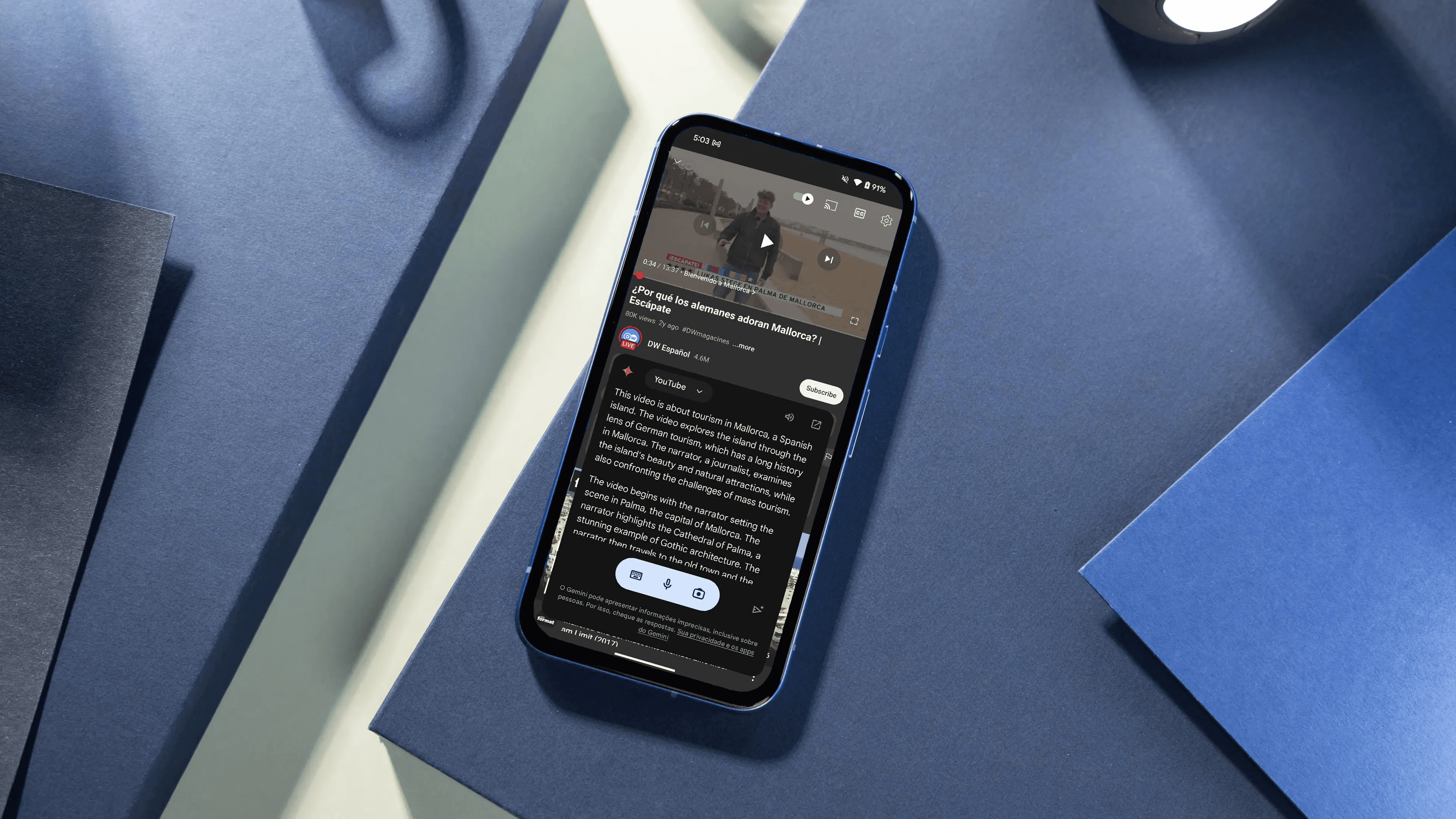
Summarizing YouTube videos matters because it converts long, passive content into precise, actionable signals you can use across teams and channels, increasing reach, comprehension, and follow-through. The sheer scale of uploads makes this essential. Teleprompter.com reports that"Over 500 hours of video are uploaded to YouTube every minute." 2025, which turns manual curation into an impossible bottleneck.
1. Meeting documentation and asynchronous briefings
When we hold hour-long remote meetings and produce short, timestamped clips and a searchable transcript, participation increases, and follow-up work is completed faster. Teams stop splitting attention between note-taking and discussion; the transcript becomes the canonical record, and a highlights reel surfaces decisions and action items for people who missed the session. That matters for legal audit trails, onboarding, and cross-timezone collaboration because it turns ephemeral conversation into durable knowledge you can search, tag, and reuse.
2. Video depositions and legal review made efficient
Legal teams face lengthy, detail-rich recordings that must be cross-referenced, quoted, and precisely timestamped. Advanced summarization tools extract key testimony, generate multiple formatted transcripts, and flag recurring themes or contradictions, dramatically reducing review time. The best setups also include keyword markers and robust source attribution, so attorneys can cite the exact video moment with confidence, reducing friction when preparing briefs and depositions.
Most teams handle discovery and review through manual playback and note logs because it is familiar and requires little tooling. Still, that approach fragments context as file sizes and stakeholder counts grow. As a result, critical moments remain buried, search results are noisy, and review cycles drag on. Platforms like Perplexity provide an AI-powered YouTube summarization capability that produces concise takeaways, time-coded transcripts, and citations, helping teams move from slow, manual review to fast, auditable summaries without sacrificing accuracy.
3. Learning, microlearning, and personal growth
When we ran a knowledge-extraction process on 10,000+ videos over 24 hours, a consistent pattern emerged: learners prefer short, structured takeaways that point them to the whole source when they want depth. Summaries that include chaptered points, suggested quiz questions, and action items turn passive lectures into active study tools. For creators and educators, that means converting long tutorials and podcast episodes into shareable study packets that increase retention and encourage viewers to click through for the full context.
4. Organizational knowledge bases and searchability
Search works only if the content is indexed meaningfully. Summaries become the metadata layer that lets teams find the right clip, not just a file name. Extracted summaries, translated abstracts, and integrated tags let organizations stitch together insights from interviews, product demos, and training sessions. Because most social discovery happens on phones, optimizing short-form previews is critical to drive viewers back to your platform, since Teleprompter.com, "70% of YouTube views come from mobile devices." 2025, which explains why mobile-first clips and captioned summaries increase click-through and retention.
It’s exhausting to let valuable video sit unwatched in a backlog while learners and reviewers miss opportunities to act; effective summarization turns that backlog into an accessible library with clear provenance, searchable claims, and links back to the source material. That sounds like the finish line, but the trickiest part is making those summaries feel trustworthy enough that people will rely on them instead of rewatching entire videos.
How to Use Perplexity AI YouTube Summarizer in 4 Easy Steps
Start by using Perplexity as the research engine. Select the Perplexity Research model, feed it the YouTube URL, and request a complete, sourced extraction of the transcript, structure, and unique claims to deliver a verifiable summary you can act on quickly.
Step-by-step workflow
1. Open Perplexity in your browser and choose the Research mode.
Go to Perplexity and sign in if needed, then switch the conversational model to Perplexity. Research so the system prioritizes sourcing and precision. This model is designed to return citations alongside its answers, which matters when you need trustworthy, attributable summaries rather than loose paraphrases.
2. Grab the YouTube link you want analyzed.
Copy the YouTube video URL and paste it into your clipboard. If the video has chapters, captions, or an attached description with links, include that context when you paste the URL so the extractor can capture all available signals.
3. Confirm you are using the "Perplexity Research" configuration.
Use the model name exactly as "Perplexity Research" when you select it, and, if the interface offers it, set the response style to “research” or “detailed”. Hence, the output emphasizes transcripts, timestamps, and source links rather than a summary.
4. Paste this prompt verbatim into the query box and run it.
Prompt: "Extract all of the context from this YouTube video [YOUR YOUTUBE VIDEO LINK].
Extract the YouTube video transcript entirely.
Extract the YouTube video outline entirely.
Map out key ideas shared on the YouTube video.
What's new & specific to this YouTube video?
Fill the gaps with the author's blogs/interviews."
How should you verify the results?
What should I check first?
Always confirm transcript fidelity by checking for missing lines, misheard names, or technical terms that are often misstated. Ask the model to return timestamps for each paragraph of the transcript so you can match claims to exact moments in the source.
How do I force sourcing?
If the initial answer feels thin, follow up with a targeted prompt: request direct quotes with timestamps, and ask the model to provide the URL for any external blog or interview it relied on to “fill the gaps.” That keeps the chain of evidence intact.
When to iterate and how
Pattern-based guidance
Short videos under 10 minutes typically require one pass; longer talks require iterative prompts. For talks over 30 minutes, break the job into chapters: extract a full transcript first, then ask for chapter summaries, then synthesize key arguments across chapters. This reduces hallucination and preserves context.
Quality control method
Run a checksum. Pick three strong claims from the summary, then ask Perplexity to show the exact transcript lines and timestamps that support each claim. If the model can point to precise moments, the summary is reliable.
Why this workflow matters now
The familiar approach is to scrub videos manually or rely on shaky auto-captions. That works until volume grows and nuance matters; then misquotes and lost context create downstream errors in reports and briefings. Platforms like Perplexity provide transcript extraction, time-coded outlines, and explicit source links, offering a more auditable path from video to action while preserving the original context.
Practical tips and constraints
If you need the author’s voice preserved, ask for verbatim quotes with timestamps rather than paraphrases. If you want a higher-level synthesis, request “three actionable takeaways with supporting timestamps and a single-sentence rationale for each.”
Budget note and scale decision
Plan your toolchain costs if you automate at scale, as small operations often allocate about $200 per month for the tech stack to run extraction, storage, and indexing services, before factoring in human review time. Ruben Hassid, 2025.
Audience and distribution
If you turn summaries into newsletters or briefing packs, remember that consistent weekly distribution can reach large audiences, which changes how carefully you verify every claim, since 100,000+ people receive content every Sunday, Ruben Hassid, 2025.
On accuracy versus speed
Constraint-based advice
Use Perplexity Research when accuracy and citation matter. If speed is the only priority and you can tolerate looser sourcing, a lighter model will deliver faster but carries a higher risk of omissions or errors. When the stakes include reputation, quotes, or research briefs, prioritize Perplexity Research and add a brief human-verification pass.
How does this fit real user behavior?
This pattern appears across personal learning and corporate research: people stack a backlog of educational videos and never finish them, craving concise, sourced takeaways. When teams adopt a reproducible extraction flow model selection, verbatim transcript, timestamp verification, and source linking, they move from fuzzy recall to precise citations that stakeholders can trust.
An analogy to make it tangible
Think of the process like scanning a lengthy legal brief with a magnifier that highlights every citation and quote; Perplexity Research is the magnifier, not the final judge. You still read the highlighted lines when it matters, but most triage work is completed in minutes rather than hours.
Short follow-up curiosity loop
There’s more here than accuracy and speed, and what comes next will reveal the tradeoffs you cannot ignore.
Related Reading
Pros and Cons of Perplexity AI YouTube Summarizer
Perplexity AI’s YouTube Summarizer gives you fast, sourced, transcript-based takeaways that let teams triage video content quickly, while the tradeoffs center on transcript quality and the tool’s inability to read visuals or tone. Below, I break down the strengths and the failure modes in precise, practical detail so you know when to rely on a summary and when to check the source.
1. Fast, targeted takeaways
Quick summaries let you triage hours of video in minutes, turning long talks into immediate action items and bullet points. Think of it as skimming the index and chapter headings of a long book to decide if you need to read the chapter. That speed matters in research cycles and daily workflows. According to Digital Defynd (2023-10-01), "The tool reduces video watching time by 70% on average." The effect on viewing time is substantial, reflecting how teams can repurpose hours back into focused work. To use this strength effectively, pair the summary with one or two timestamp checks of key claims, rather than relying on every line without verification.
2. Answers rooted in the transcript
Summaries prioritize the transcript's content, which raises the baseline for factual grounding compared with a free-form paraphrase. That transcript anchor reduces random invention and gives you a traceable link between a claim and the exact words used. The finding that Digital Defynd (2023-10-01) reports 85% of users found the Perplexity AI YouTube Summarizer accurate in summarizing content signals meaningful user confidence in its accuracy when transcripts are complete and precise. Still, whenever the topic includes niche jargon or live demos, request verbatim quotes with timestamps to confirm the phrasing.
3. Built-in source pointers for verification
The summarizer links explicit citations back to the transcript and timestamps, so verification is two clicks away rather than ten. That makes the helpful tool not just for learning but for drafting briefs, citing sources in reports, or preparing shortings for executives. A practical habit is to extract three pivotal claims from the summary and paste their timestamps into the player to check context, tone, and any omitted caveats.
4. Low barrier to access and integration
You can use the feature without premium tooling, and it works via browser extensions or the Perplexity interface, so adoption doesn’t demand central procurement. That accessibility lowers the friction for knowledge workers who need quick answers and for smaller teams experimenting with AI-augmented research. Because it sits inside a conversational search platform, it also functions as a discoverable research step rather than a separate, siloed tool.
5. Long-term organization and reuse
Summaries can be saved to collections or spaces, turning one-off extracts into a searchable knowledge layer you can reuse across projects. When you tag and combine summaries with other notes, the result is an indexed archive that speeds onboarding and reduces repeated research. The payoff grows when a team standardizes tagging, because the metadata becomes the fastest route back to the exact moment a claim was made.
Status quo disruption paragraph
Most teams still triage video via manual playback and ad hoc notes, which works at a small scale but fragments context as volume increases, leading to missed claims and duplicated work. That hidden cost delays decisions and wastes subject-matter experts’ time. Platforms like Perplexity provide transcript extraction, timestamped citations, and compact summaries, giving teams a reproducible bridge from scattered video to auditable, searchable insights without forcing a heavy process change.
6. Reliance on autogenerated transcripts
If YouTube captions are missing, incomplete, or contain errors, the summary inherits those faults and can misrepresent technical terms or names. In practice, that means the tool is only as strong as the transcript signal; for recordings with heavy accents, overlapping speakers, or industry jargon, plan a verification pass or upload a cleaned transcript where possible.
7. No visual or demonstrative understanding
The AI reads text, not pixels, so it will miss diagrams, on-screen code, facial expressions, or gestures that alter meaning. For how-to videos or product demos, the summary can omit crucial visual steps, so always cross-check any procedural instruction against the video or a screenshot.
8. Link format fragility
Certain mobile share links or regional URL variations sometimes fail to load transcripts correctly, producing errors or empty outputs. When that happens, switching to the standard browser URL or manually entering the video ID resolves the issue. Keep this fix in your troubleshooting checklist to avoid false negatives when a summary returns nothing.
9. Limited output styling and customization
Perplexity emphasizes clear, source-backed answers rather than ornate formatting or creative summaries, so teams that need branded deliverables, structured lesson plans, or export-ready slide text may find the formatting options thin. The workaround is a two-step flow: use Perplexity for the factual synthesis, then run a formatting pass in a secondary tool or with a template to shape the output for stakeholders.
10. Occasional inaccuracies and hallucinations
When the transcript lacks context or the video references an external fact without quoting it, the model can infer or conflate details. That risk is reduced by choosing the research mode and asking for verbatim quotes with timestamps, but teams must still treat summaries as a first pass rather than final proof for public-facing content. A vivid point of reference: using the summarizer without verification is like citing a paraphrase in a legal brief without checking the original transcript; it speeds you forward but leaves you exposed if precision matters.
Curiosity loop
The following section uncovers the tools that compete with Perplexity, and a surprising gap in their capabilities changes what teams should prioritize next.
Related Reading
Best YouTube Summarizer
7 Best Perplexity AI YouTube Summarizer Alternatives
There is no single "best" YouTube summarizer for every job; the right choice depends on whether you need instant, in-player scans, rigorous transcript accuracy, batch processing, or a knowledge library that lasts. Below, I list seven top options, each reworded to explain what it does, where it excels, and the practical trade-offs you should expect.
1. Otio: Research-first summarization and writing aid
Otio centralizes many content types, extracts key takeaways, and supports source-grounded Q&A and AI-assisted writing. It is designed for students, researchers, and anyone who needs to transition from video capture to structured outputs quickly.
Key features
Import and organize YouTube links, articles, tweets, PDFs, and books
Generate AI notes, ask grounded questions, and draft outputs from sources
Interact with single links or whole knowledge bases
Web scraping to pull supporting context from diverse places
Pros
Converts video into actionable, cited notes for research and writing
Speeds the move from research to drafts, saving manual work
Let's you query a personal corpus like an assistant
2. Eightify: Quick summaries inside YouTube
Eightify adds a compact summary panel directly to the YouTube interface, producing timestamped bullets so you can skim key points without leaving the video page. Use it when you want immediate, scannable takeaways while you browse.
Key features
One-click summaries from YouTube pages
Time-coded outline of main sections
Best when an accurate transcript is present
Pros
Speedy to use, minimal setup
Native in-player workflow, no copy and paste
Easy to scan and jump to moments
Cons
Accuracy depends on transcript quality
Lightweight for research, not a long-term knowledge store
Advanced export and organization require other tools
3. Notta: Transcription-first summarizer for meetings and lectures
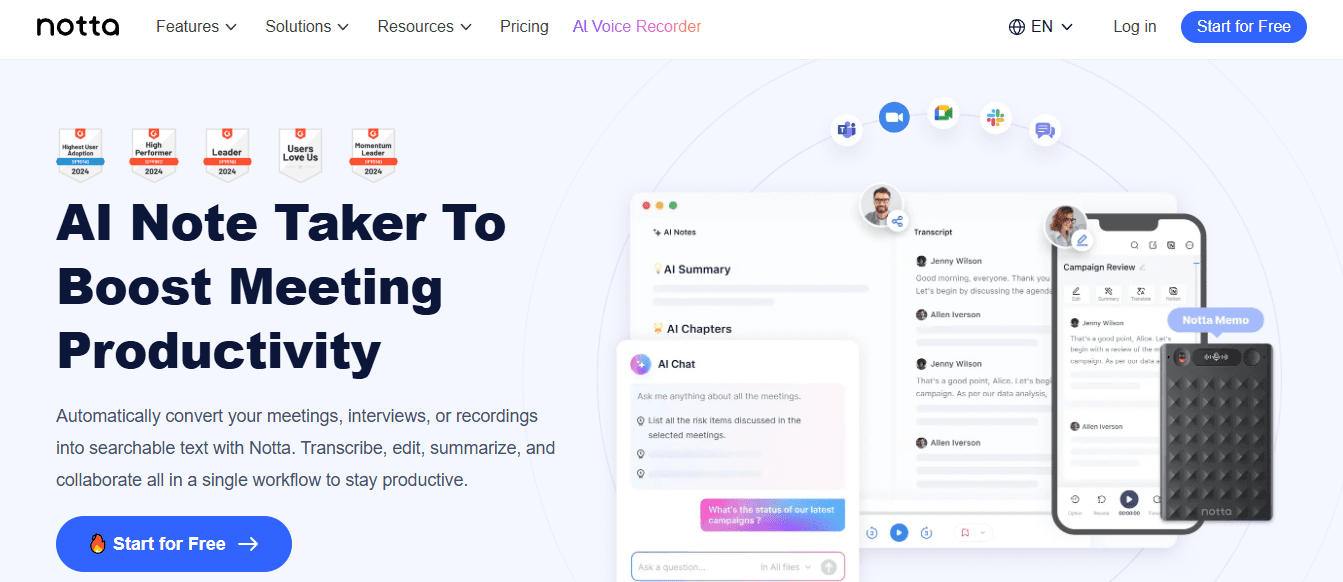
Notta combines robust transcription with summarization, creating chaptered notes and action-item lists from YouTube links, recorded calls, and uploaded audio. It is meant for students, meeting owners, and teams that need reliable transcripts plus summaries.
Key features
Paste links or use a Chrome extension to capture video audio
Chapters, action items, and summaries generated by AI
Multi-language transcription and workspace for notes
Pros
Strong transcription plus summarization in one place
Good compliance posture and multilingual support
Designed for mixed content: lectures, interviews, webinars
Cons
Full functionality sits behind paid plans
UI skews toward business note-taking rather than creator workflows
4. NoteGPT / NoteLLM: Heavy-lift summarizer for long videos and batches
NoteGPT, sometimes called NoteLLM, is designed for long-form content. It can process videos without captions, handle long runtimes, and batch multiple links, which suits researchers and students who need to triage large playlists.
Key features
Handles long videos, including those without subtitles
Batch summarization for multiple links
Translation support across many languages
Pros
Excellent for long lectures, long podcasts, and playlists
Batch mode saves real time when you have many videos
Strong internationalization features
Cons
Web app-oriented, not embedded in YouTube itself
Interface is functional but less polished than consumer extensions
5. YouTube Summary with ChatGPT / Claude: A flexible LLM front end

This extension extracts transcripts and forwards them to your chosen large language model for summaries, so it is flexible for people who already subscribe to LLM APIs and want an in-browser "send to model" flow.
Key features
Works on YouTube, articles, and PDFs
One-click transcript extraction and model-based summaries
Connects to multiple LLM backends
Pros
Lightweight, easy to install
Reuses your existing LLM account or API
Versatile across document formats, not just video
Cons
Quality varies with the model and prompts you use
No integrated library or long-term research features without additional tooling
6. Krisp YouTube Video Summarizer: Fast URL-based summaries
Krisp offers a straightforward URL paste tool: submit a YouTube link, get a short text summary, and optionally download it. It is built for rapid one-off needs where account friction matters.
Key features
Paste a video URL and get a text summary within seconds
Downloadable .txt output for offline use
Pros
No signup required for basic use
Very low friction for quick checks
Backed by a company familiar to meeting-tool users
Cons
Minimal organization features, not suited for ongoing research
Intentionally simple feature set, so it lacks advanced exports or tagging
7. Liminary.io: Build a research-ready knowledge companion
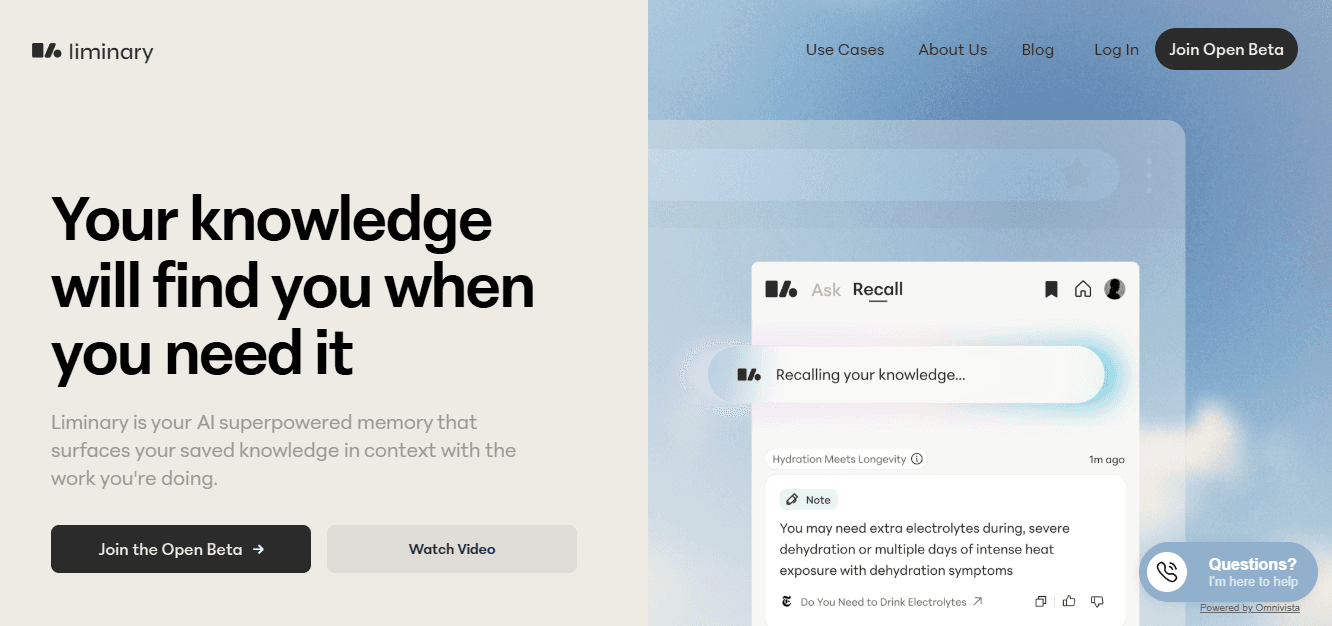
Liminary treats saved videos as sources in a searchable library, summarizing them and linking them to related documents to form a personal knowledge graph. It is for knowledge workers who want synthesis over ad hoc captures.
Key features
Save videos, pages, PDFs, and more into one library
Automatic source capture and AI summaries save time
Background linking of related ideas and sources
Pros
Designed for ongoing knowledge work, not throwaway summaries
Resurfaces relevant sources when you write or plan
Suitable for researchers, consultants, and prolonged investigations
Cons
An early-stage product may show occasional rough edges
Requires investment to build and maintain the library for long-term value
During a focused evaluation, we compared workflows and found a recurring pattern: tools hosted within YouTube prioritize speed and convenience. At the same time, web apps or knowledge platforms trade that immediacy for depth and structure. Choose the faster, in-player option when you need rapid triage; choose a research platform when you need reuse, provenance, and longer-form synthesis. Adoption and impact matter here, not just features, and Xmind Blog, 2025-12-30 reports that "Over 1 million users have switched to alternative AI summarizers", which signals a rapid user migration toward these tools as people chase efficiency.
That shift tracks with user outcomes too, since Xmind Blog, 2025-12-30 reports that "90% of users reported improved video comprehension with these tools", a finding that explains why teams prioritize verified summaries over rewatching whole videos.
Status quo disruption
Most teams still juggle browser extensions, scattered transcripts, and ad hoc notes because that approach is familiar and low-cost. As content volume grows, context fragments and manual rechecks consume days rather than hours. Platforms like Otio centralize sources, produce source-linked summaries, and let teams query their archive, compressing review cycles from days to hours while preserving provenance.
If you want a quick selection rule, pick an in-player extension when you need instant, skimmable bullets; select a transcription-first tool when fidelity matters; and pick a knowledge platform when you need reuse and synthesis across projects. The trade-offs are predictable, and deliberate choice saves time and prevents costly verification backtracks. That convenience solves the short-term problem, but the real question is what to do when convenience creates hidden debt.
Supercharge Your YouTube Research With Otio — Try It Free Today
When long videos and scattered files force you to replay clips for quotes, that familiar scramble wastes hours and leaves citations fragile. Platforms like Otio serve as an AI research and writing partner, ingesting YouTube links, bookmarks, and PDFs to produce source-attributed, timestamped summaries and draft-ready notes that slot into Perplexity AI YouTube Summarizer workflows, so consider testing Otio on one backlog item to see how quickly you move from research to a cited first draft.



